How to use social media to
disseminate your research
Fernando Rosell-Aguilar
@FRosellAguilar
Overview
 Digital presence
 Social media platforms
 Other outlets
 Networking and dissemination
Who am I?
Google me!
Fernando Rosell-Aguilar
What I do
Research interests
Something not work-related
What platforms do I appear on?
Digital presence
Are you an ‘academic hermit’?
Comprehensive online search of a random
sample of 360 UK social science researchers
Researchers were unable to find even basic
information (academic qualifications, career
track, list of publications, research interests) for
over 1/3 of academics
http://bit.ly/2mzWNIX
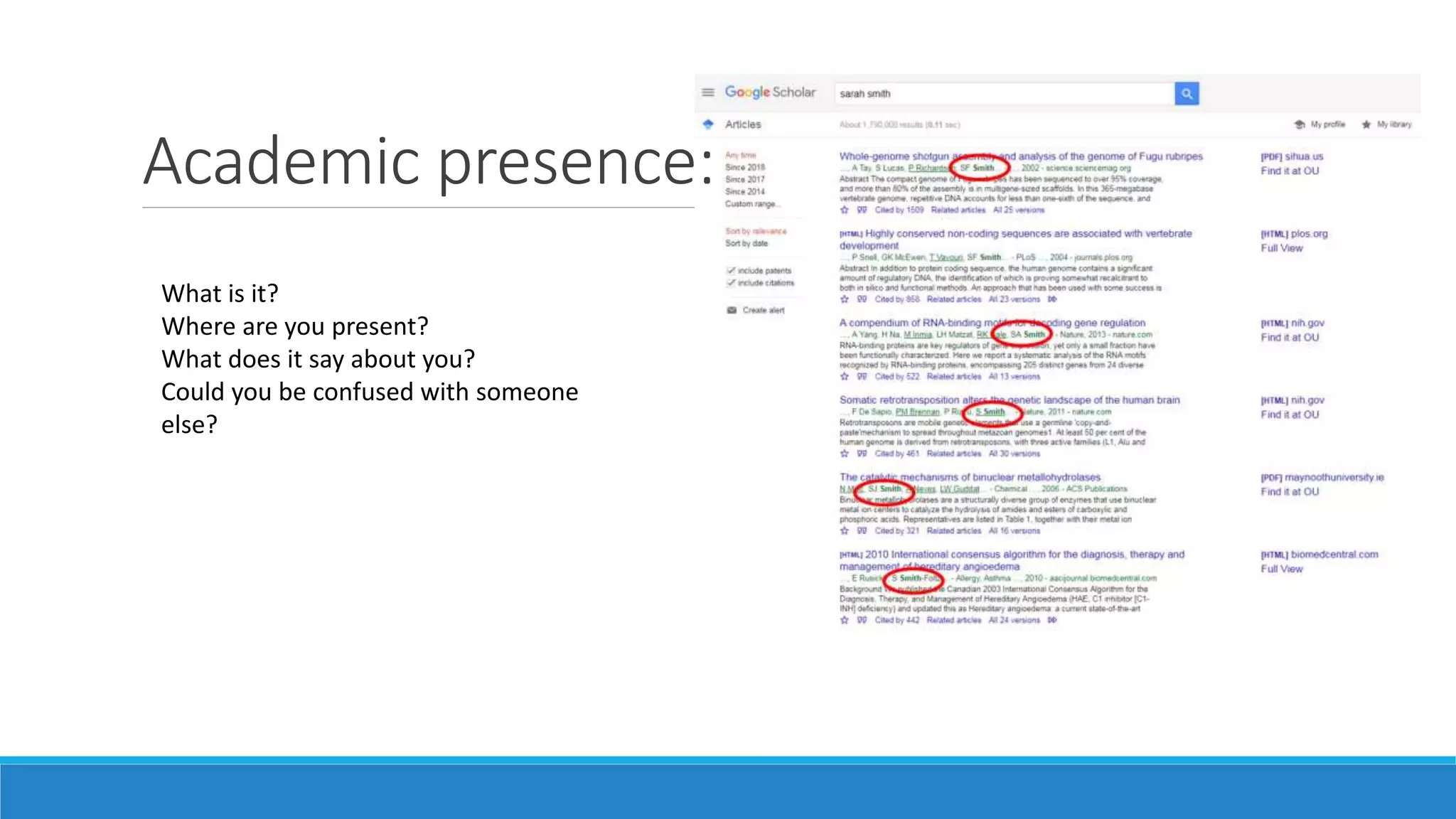
Academic presence:
What is it?
Where are you present?
What does it say about you?
Could you be confused with someone
else?
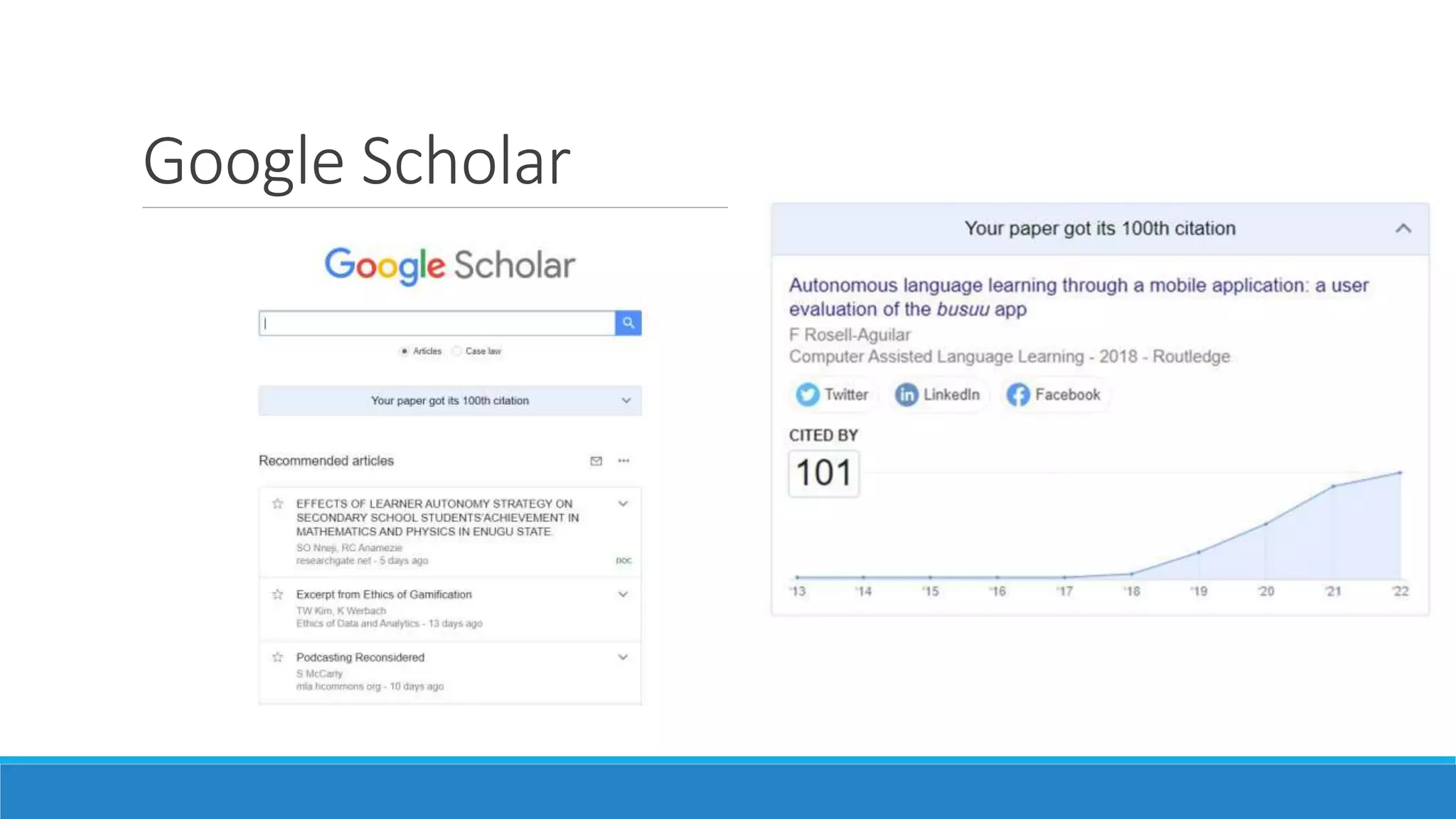
Google Scholar
Google Scholar
Why Use Google Scholar?
1) Publications are automatically added – no extra work (in theory)!
2) Increases your ‘Google-ability’ in normal Google searches
3) Compile your publications and publication data (citation count, h-index, etc.)
4) Receive alerts when you’ve been cited
5) Follow other authors for publication alerts
ResearchGate
Benefits of ResearchGate
1) More of a social networking aspect than Google Scholar
◦ Follow researchers and receive email updates on their activities
◦ Comment on articles
◦ Question and answer forums
◦ Ability to receive feedback or comments on articles
2) Choose which publications to highlight on your profile
3) Add projects you are involved in as well as publications
4) Job recruitment information
5) Add different kinds of materials (posters, informal papers, presentations, datasets, proposals,
working papers, etc.)
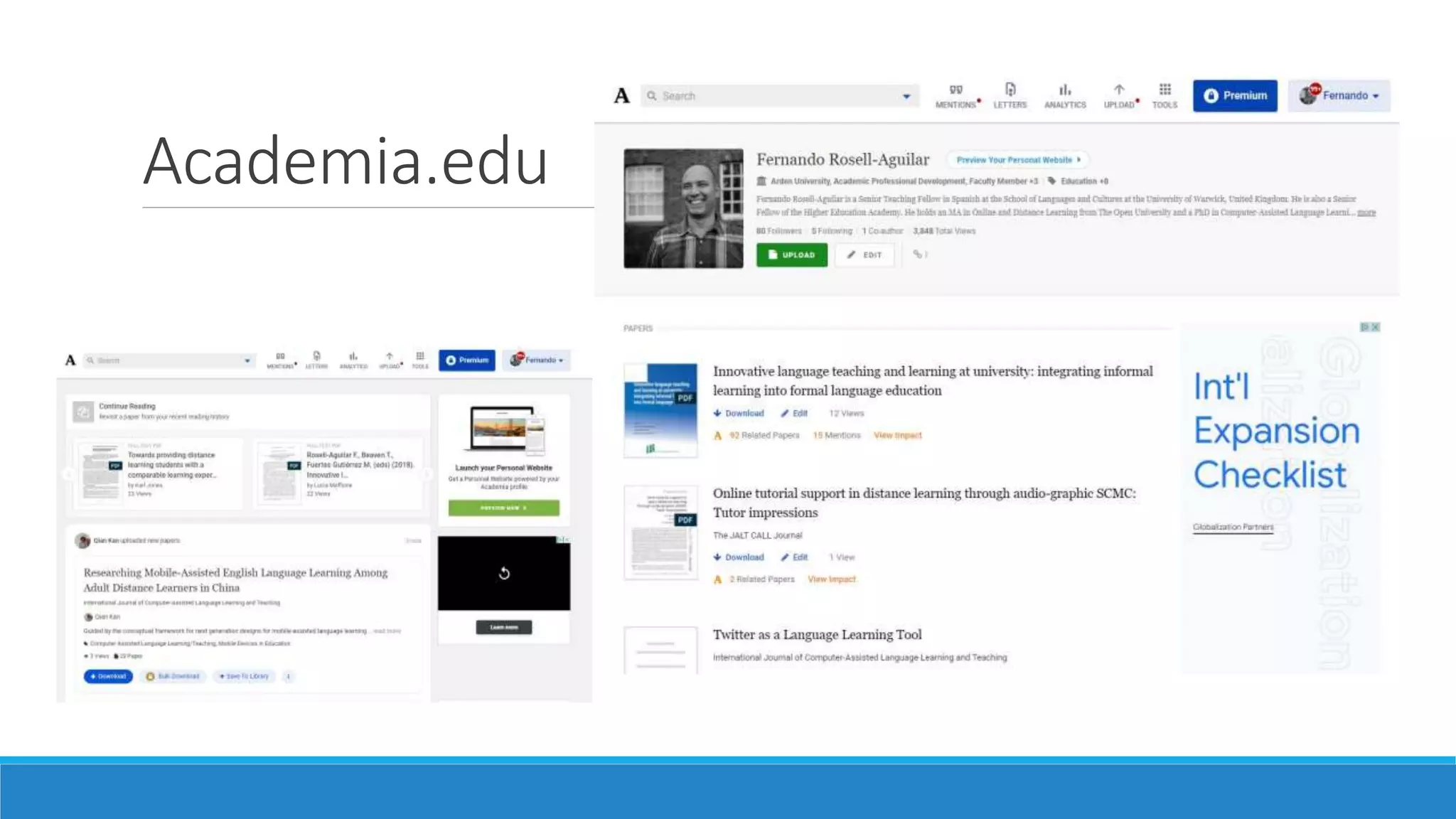
Academia.edu
SlideShare
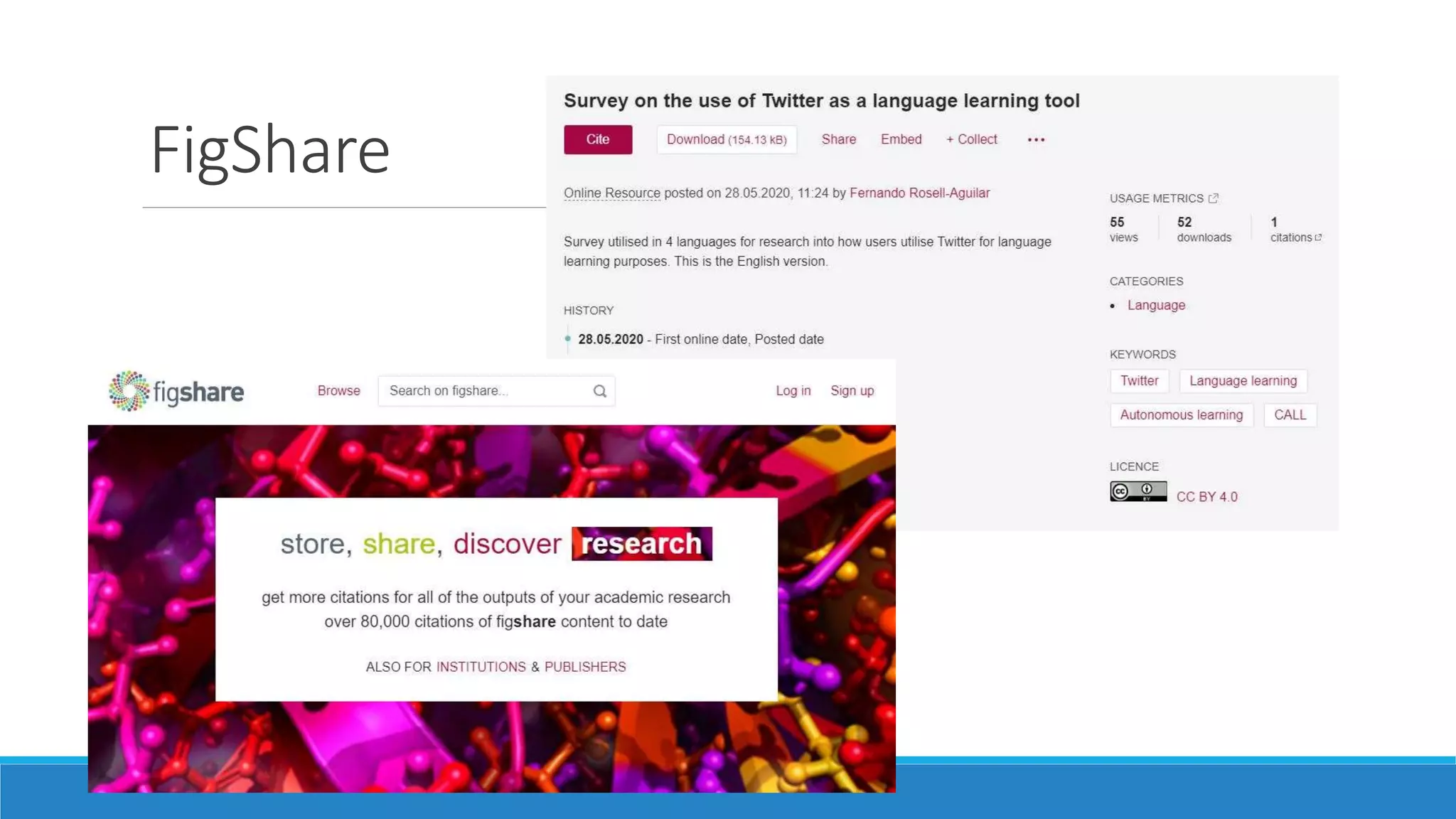
FigShare
ORCID
Open Researcher and Contributor ID
Explore!
Go to one of the platforms
Search for yourself / others
Create ORCID / Google Scholar Profile – takes 5 minutes!
Social media platforms
(Some) Social media platforms
© Respective platforms
Social media platforms
Monthly Active Users
Source: Walsh, L. (2021): The Top 10 Social Media Sites & Platforms 2021
Social media platforms
Which social media platforms do you use?
Why?
What’s the difference?
Twitter
 Microblogging in 280 characters + photos, videos, links, polls…
 Launched in 2006
 1 billion users / 353 million active
 500 million tweets sent every day
Source: Statista / Twitter
Twitter for Academic Purposes
 Twitter is "a medium for vacuous, inane and limited postings"
(Wright, 2010).
 Al-Khalifa (2010): study with 2000 responses from US higher
education professionals concluded that Twitter has no place in
academia or potential use in higher education.
It’s 2022!
Does sizematter?
Educators on Twitter
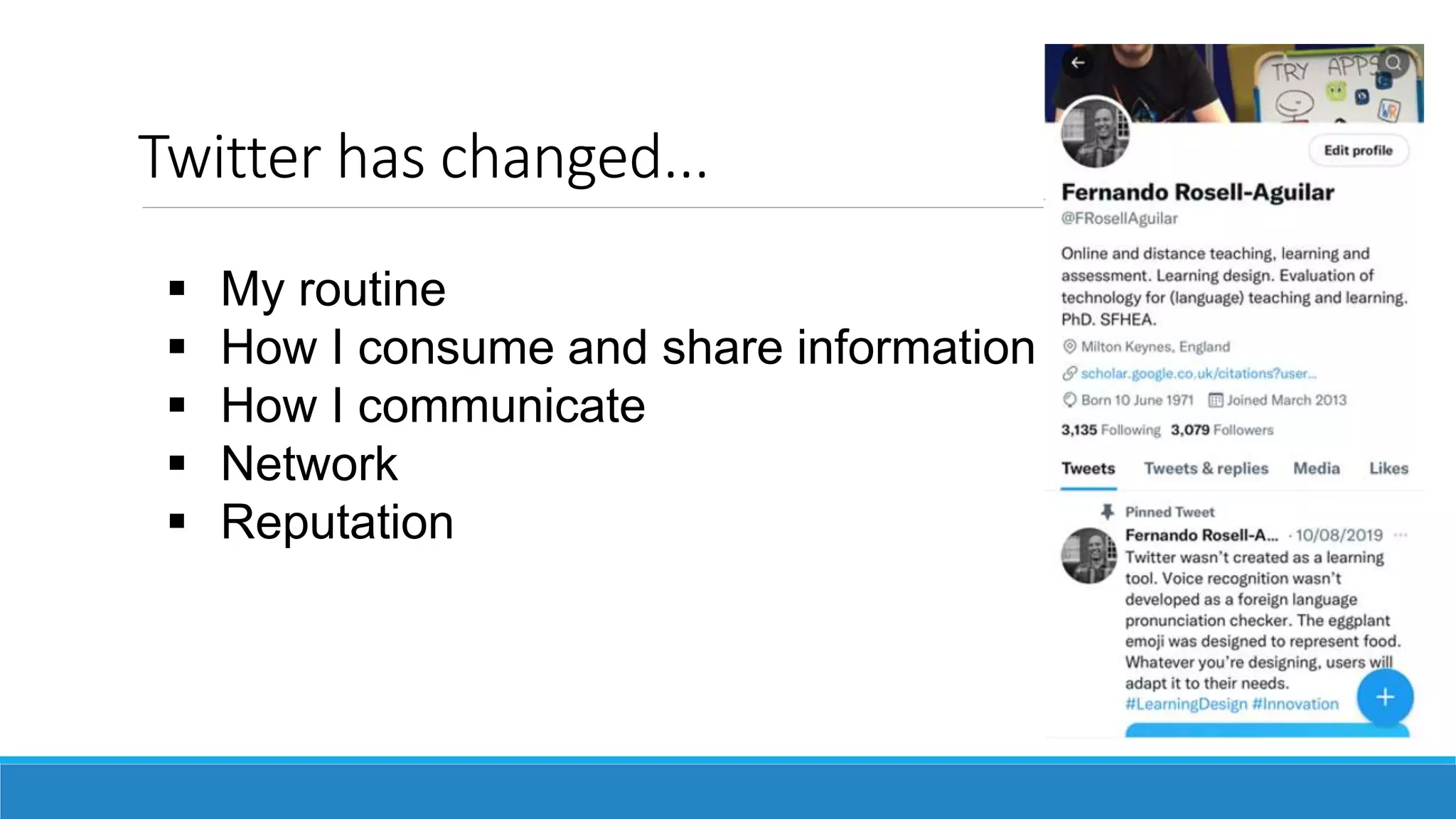
Twitter has changed...
 My routine
 How I consume and share information
 How I communicate
 Network
 Reputation
 Find people in your field
 Follow them
 Engage with them (replies, likes, RTs)
What can I find?
 Find
 Select
 Share / Editorialise
 Create!
People
Content
 Publications (with links to repositories)
 Resources
 Conferences
 Developments in your field
 Comments on policies
 Your personal interests (you ARE human)
Tweet about:
• CPD
• Community of
practice
Hashtags
Image: © Gettingsmart.com
• Notice them
• Start using them!
• #EduTwitter
• #ALTC
• #BlendedLearning
• #EdChat
• #OnlinePivot
• #EdTechChat
Why should I use it?
 Exposure of your work / research
 Keep up to date
 Networking
 Promoting events
Facebook
Who’s on Facebook?
What do you use it for?
Sharing Research on
Facebook
Joining a Research Community on
Facebook
Engaging with the Public through
Facebook
Engaging with the Public through
Facebook
Facebook Live
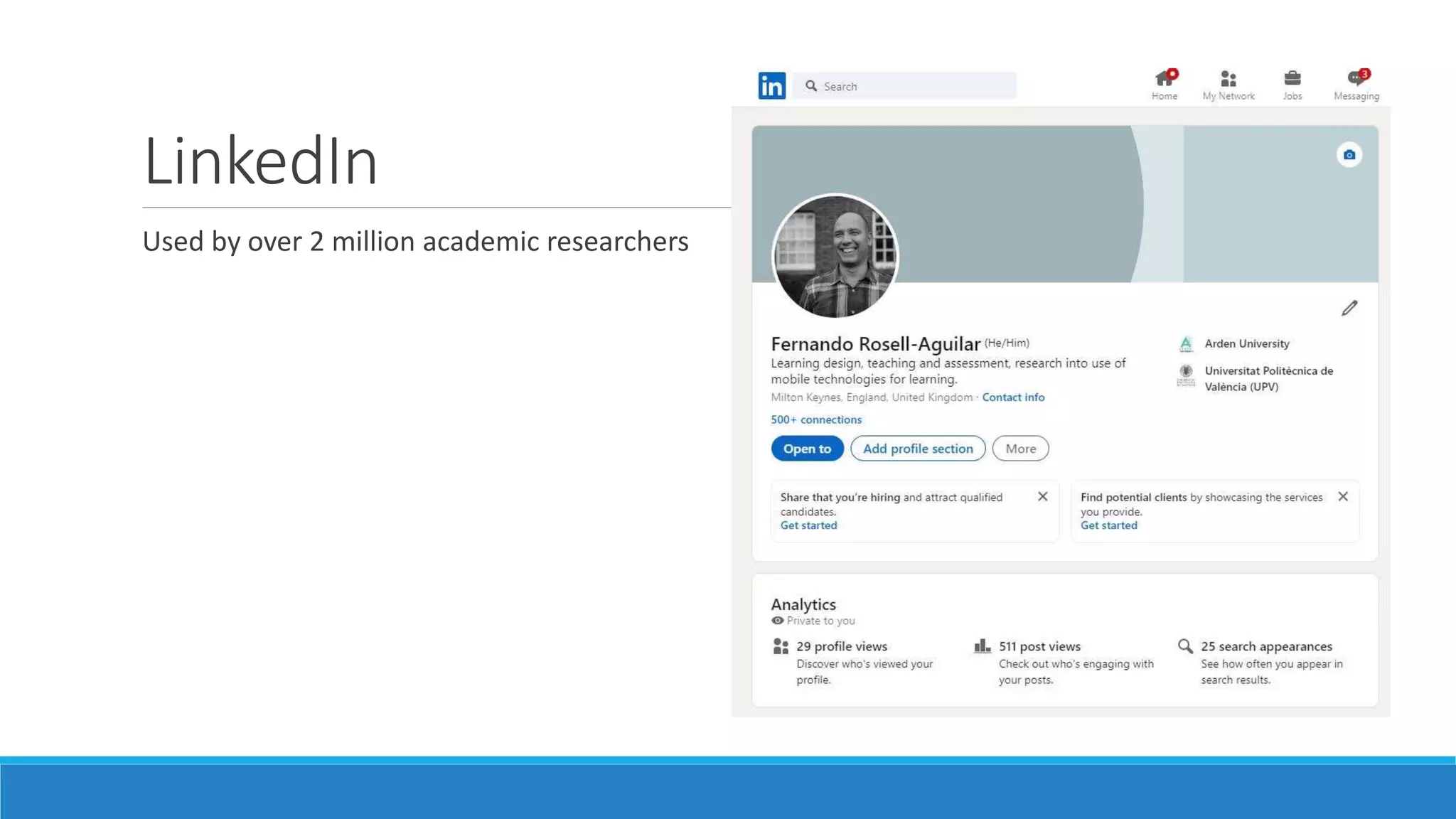
LinkedIn
Used by over 2 million academic researchers
Why LinkedIn?
 Ability to add more information than your university profile
 Recommendations written by colleagues
 Skills and endorsements
 Projects and awards
 Stays online even if you change jobs
 Job searching and recruitment feature
 Social interaction – messages, newsfeed, connect with others
 Post updates
Other outlets
The Conversation
Traditional media Engagement
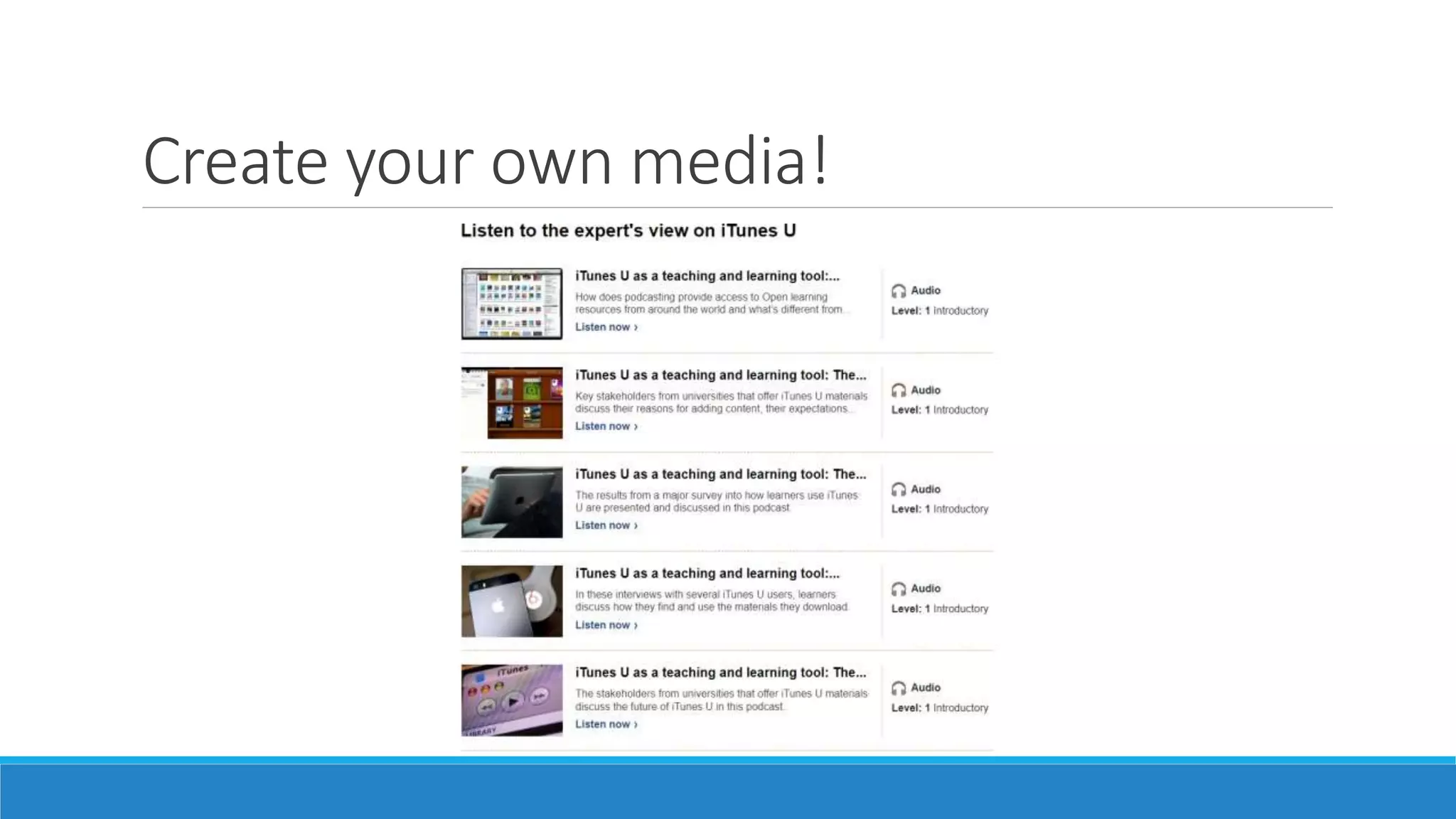
Create your own media!
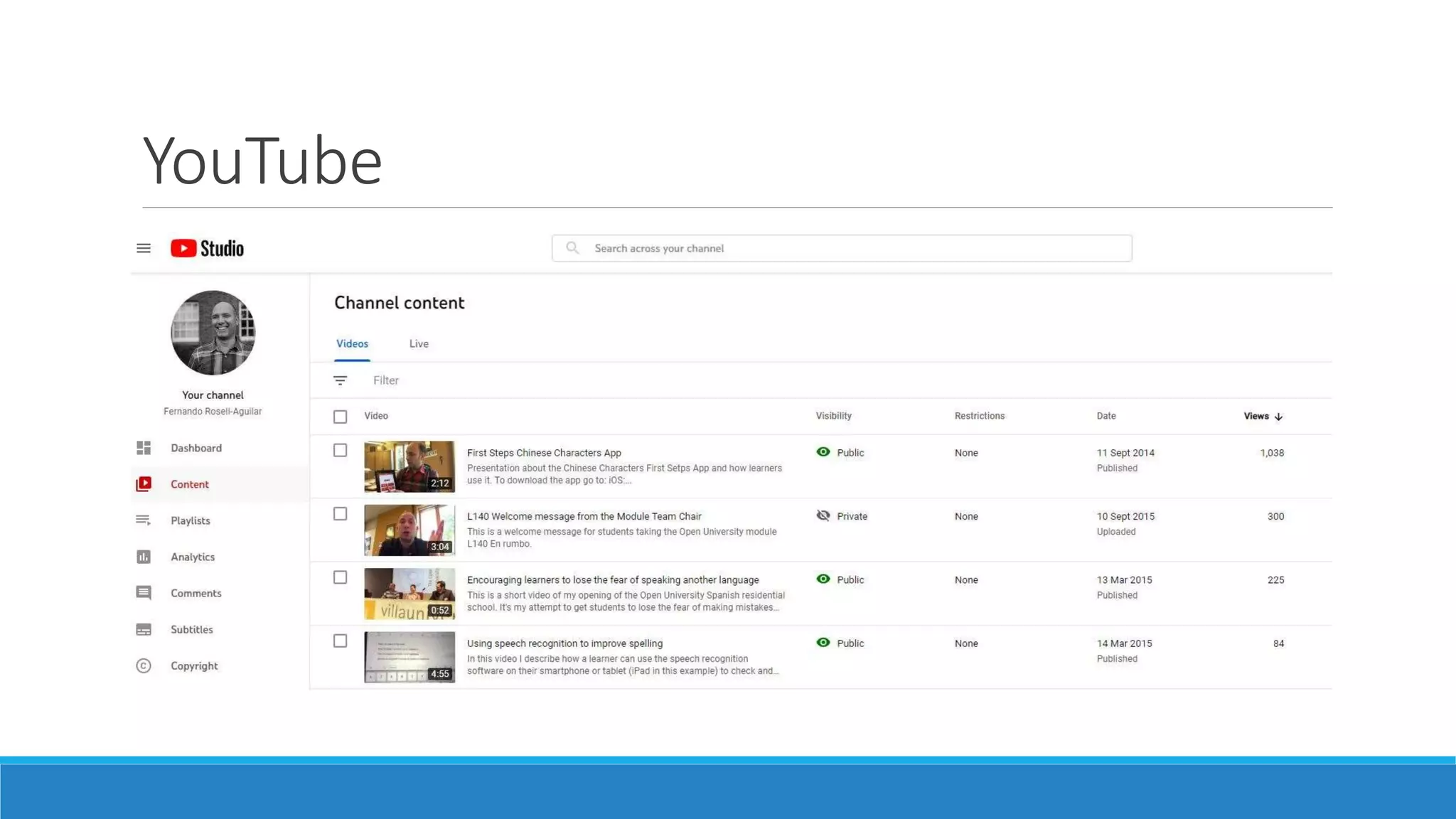
YouTube
Go to The Conversation
Are they writing about topics that you can provide insight on?
How do I get published?
Do / Don’t
Regular activity
Update institution / details
Link with others
Publish confidential information
Break ethics principles
Badmouth your institutions!
Follow-Up Resource
Digital Scholar – Martin Weller
Free course – OpenLearn
Video: Tips for Creating a
Professional Online Presence
https://warwick.mediaspace.kalt
ura.com/media/Who+are+youF/1
_uczbg978/6610831
Any questions?
What’s
your
takeaway?
Thank you!
Post something about today’s course!
#ArdenAPD

How to use social media to disseminate your research

  • 1.
    How to usesocial media to disseminate your research Fernando Rosell-Aguilar @FRosellAguilar
  • 2.
    Overview  Digital presence Social media platforms  Other outlets  Networking and dissemination
  • 3.
    Who am I? Googleme! Fernando Rosell-Aguilar What I do Research interests Something not work-related What platforms do I appear on?
  • 4.
  • 5.
    Are you an‘academic hermit’? Comprehensive online search of a random sample of 360 UK social science researchers Researchers were unable to find even basic information (academic qualifications, career track, list of publications, research interests) for over 1/3 of academics http://bit.ly/2mzWNIX
  • 6.
    Academic presence: What isit? Where are you present? What does it say about you? Could you be confused with someone else?
  • 7.
  • 8.
  • 9.
    Why Use GoogleScholar? 1) Publications are automatically added – no extra work (in theory)! 2) Increases your ‘Google-ability’ in normal Google searches 3) Compile your publications and publication data (citation count, h-index, etc.) 4) Receive alerts when you’ve been cited 5) Follow other authors for publication alerts
  • 10.
  • 11.
    Benefits of ResearchGate 1)More of a social networking aspect than Google Scholar ◦ Follow researchers and receive email updates on their activities ◦ Comment on articles ◦ Question and answer forums ◦ Ability to receive feedback or comments on articles 2) Choose which publications to highlight on your profile 3) Add projects you are involved in as well as publications 4) Job recruitment information 5) Add different kinds of materials (posters, informal papers, presentations, datasets, proposals, working papers, etc.)
  • 12.
  • 13.
  • 14.
  • 15.
  • 16.
    Explore! Go to oneof the platforms Search for yourself / others Create ORCID / Google Scholar Profile – takes 5 minutes!
  • 17.
  • 18.
    (Some) Social mediaplatforms © Respective platforms
  • 19.
    Social media platforms MonthlyActive Users Source: Walsh, L. (2021): The Top 10 Social Media Sites & Platforms 2021
  • 20.
    Social media platforms Whichsocial media platforms do you use? Why? What’s the difference?
  • 21.
    Twitter  Microblogging in280 characters + photos, videos, links, polls…  Launched in 2006  1 billion users / 353 million active  500 million tweets sent every day Source: Statista / Twitter
  • 22.
    Twitter for AcademicPurposes  Twitter is "a medium for vacuous, inane and limited postings" (Wright, 2010).  Al-Khalifa (2010): study with 2000 responses from US higher education professionals concluded that Twitter has no place in academia or potential use in higher education. It’s 2022!
  • 23.
  • 24.
    Twitter has changed... My routine  How I consume and share information  How I communicate  Network  Reputation
  • 25.
     Find peoplein your field  Follow them  Engage with them (replies, likes, RTs) What can I find?  Find  Select  Share / Editorialise  Create! People Content
  • 26.
     Publications (withlinks to repositories)  Resources  Conferences  Developments in your field  Comments on policies  Your personal interests (you ARE human) Tweet about:
  • 27.
    • CPD • Communityof practice Hashtags Image: © Gettingsmart.com • Notice them • Start using them! • #EduTwitter • #ALTC • #BlendedLearning • #EdChat • #OnlinePivot • #EdTechChat
  • 28.
    Why should Iuse it?  Exposure of your work / research  Keep up to date  Networking  Promoting events
  • 29.
  • 30.
  • 31.
    Joining a ResearchCommunity on Facebook
  • 32.
    Engaging with thePublic through Facebook
  • 33.
    Engaging with thePublic through Facebook
  • 34.
  • 35.
    LinkedIn Used by over2 million academic researchers
  • 36.
    Why LinkedIn?  Abilityto add more information than your university profile  Recommendations written by colleagues  Skills and endorsements  Projects and awards  Stays online even if you change jobs  Job searching and recruitment feature  Social interaction – messages, newsfeed, connect with others  Post updates
  • 37.
  • 38.
  • 39.
  • 40.
  • 41.
  • 42.
    Go to TheConversation Are they writing about topics that you can provide insight on? How do I get published?
  • 43.
    Do / Don’t Regularactivity Update institution / details Link with others Publish confidential information Break ethics principles Badmouth your institutions!
  • 44.
    Follow-Up Resource Digital Scholar– Martin Weller Free course – OpenLearn Video: Tips for Creating a Professional Online Presence https://warwick.mediaspace.kalt ura.com/media/Who+are+youF/1 _uczbg978/6610831
  • 45.
  • 46.
    Thank you! Post somethingabout today’s course! #ArdenAPD