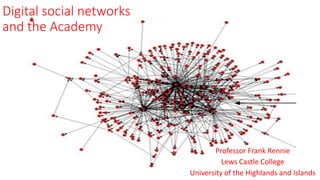
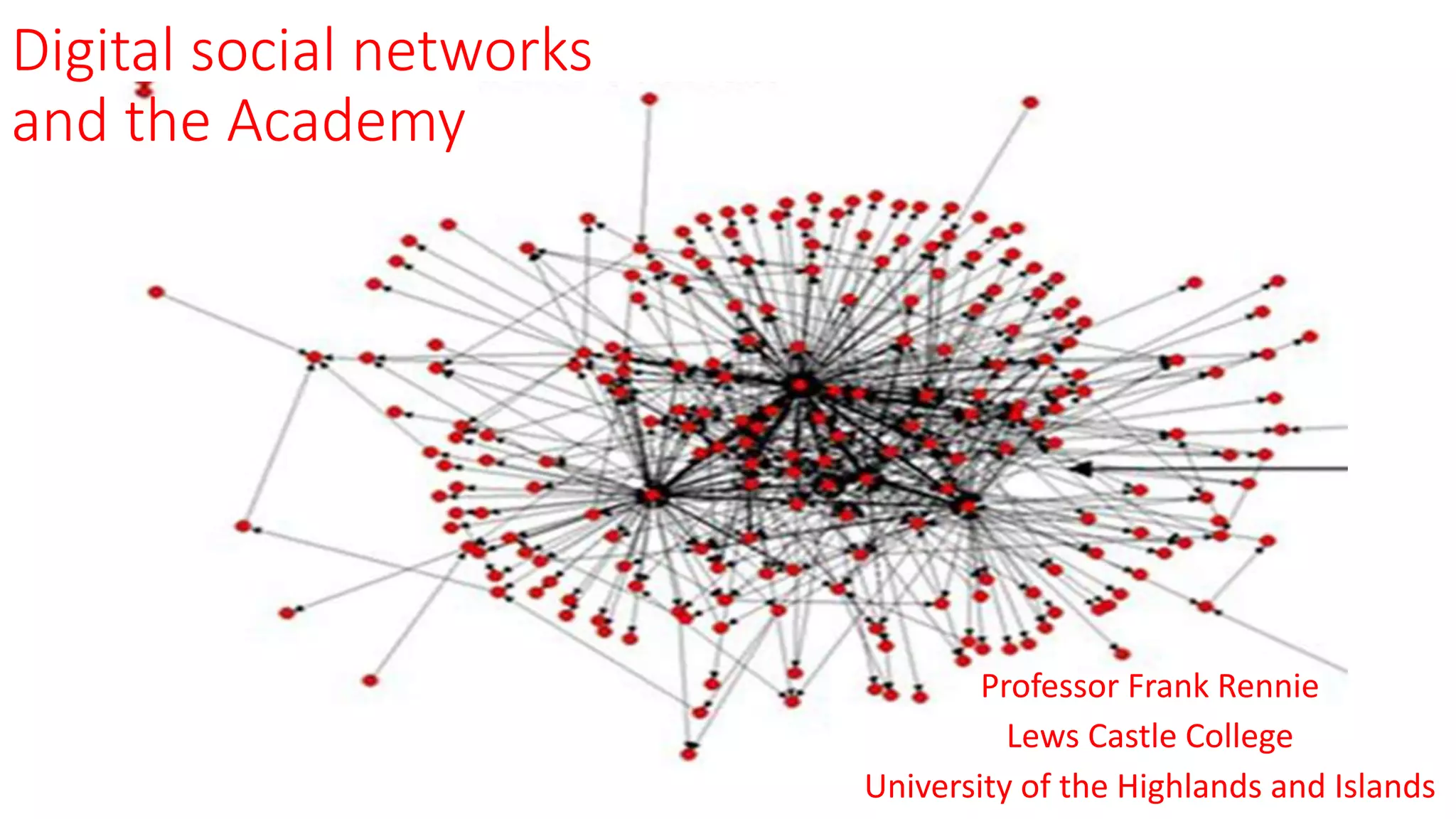
Digital social networks
and the Academy
Professor Frank Rennie
Lews Castle College
University of the Highlands and Islands
The Main Issues
• What is social networking?
• What is it used for?
• How can it be used in education?
• Pros and Cons
• Why is this important?
• How does it impact upon individuals and
communities?
What we tend to think
•Social media is…
• A waste of time
• Only for young people
• Complex and difficult
• Dangerous
• Uncontrolled
• A free way of maximising impact
• Prohibited by our university, school,
or organisation
What we actually know
• Most universities use social media actively
• They are mostly being used to disseminate views, etc.
• Mostly being used to network with other researchers
• Only used by a minority of researchers
• Confusion about best practice uses
• Confusion about which media is best for each task
• Big differences between individual and institutional uses
• They are becoming essential for funders and dissemination
• No real consensus on guidelines for use
Web 2.0
• Interactive rather than Broadcast
• Participative rather than a passive receptor
• Collaborative rather than a single author
– Wikis, Blogs, Video, Audio, Social Networks…..
• Attention rather than Information is premium
• Tests truth and its application
• Context in addition to Contents
• Personalised learning – multi-media etc.
http://www.freefoto.com/preview/01-17-2/Spiders-Web
Communities of Inquiry
• Social Presence
– identification within a community with trusted relationships
• Cognitive Presence
– constructing knowledge, discussing, confirming, reflecting
• Teaching Presence
– a consistent pedagogical approach to facilitation of the above to
enable worthwhile leaning experiences
Facebook: “This is the research I like”
Useful for:
• Creating communities of
practice and groups
• Generating discussion & debate
• Networking
• Mixing media (text, images,
video, etc.)
• Promoting projects & events
Limitations:
• Care needed to separate public
and private posts
• Issues of copyright and re-use
• Can trivialise information
• Ethical considerations
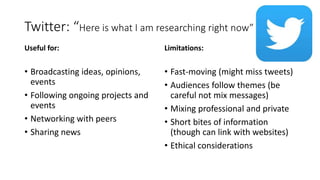
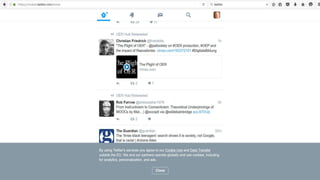
Twitter: “Here is what I am researching right now”
Useful for:
• Broadcasting ideas, opinions,
events
• Following ongoing projects and
events
• Networking with peers
• Sharing news
Limitations:
• Fast-moving (might miss tweets)
• Audiences follow themes (be
careful not mix messages)
• Mixing professional and private
• Short bites of information
(though can link with websites)
• Ethical considerations
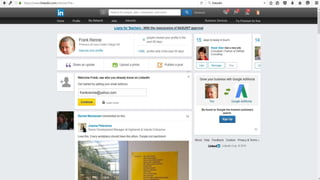
Linkedin: “My research skills include…”
Useful for:
• Professional networking
• Connecting with non-academic
audiences
• Promoting your skills
• Following career opportunities
Limitations:
• Limited interactivity
• Not peer reviewed
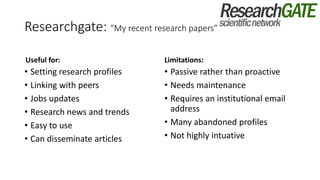
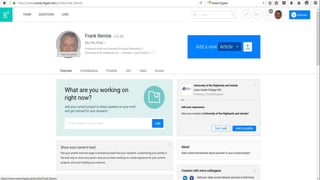
Researchgate: “My recent research papers”
Useful for:
• Setting research profiles
• Linking with peers
• Jobs updates
• Research news and trends
• Easy to use
• Can disseminate articles
Limitations:
• Passive rather than proactive
• Needs maintenance
• Requires an institutional email
address
• Many abandoned profiles
• Not highly intuative
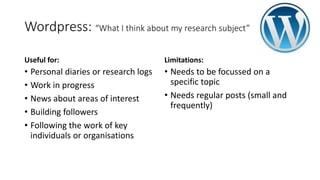
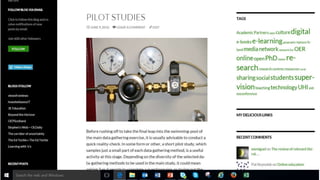
Wordpress: “What I think about my research subject”
Useful for:
• Personal diaries or research logs
• Work in progress
• News about areas of interest
• Building followers
• Following the work of key
individuals or organisations
Limitations:
• Needs to be focussed on a
specific topic
• Needs regular posts (small and
frequently)
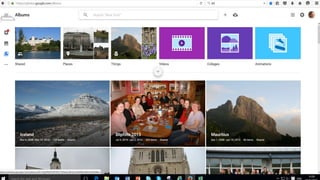
Google Photos: “Look at my research pictures”
Useful for:
• Sharing images
• Searching for images
• Building album
• Promotion
• Time-lines
• Geo-location
Limitations:
• Image based
• Can get lost in the crowd
• Issues of copyright and sharing
• A mix of personal and
professional
YouTube: “Here is a video of my research”
Useful for:
• Sharing video images
• Demonstrating practice
• Connecting with a (very) large
audience
• Promoting a brand
• Encouraging interaction
• Multi-lingual messages
Limitations:
• A crowded market place (needs
to be worth watching)
• Needs time to produce
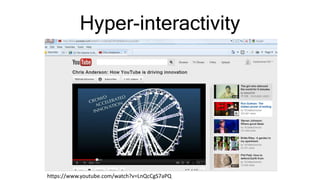
Hyper-interactivity
https://www.youtube.com/watch?v=LnQcCgS7aPQ
Recommendations
• Consider what benefit(s) social media could have for your research
• Consider what medium best suits your requirements
• Link to your website and/or blog
• Keep it simple
• Pay attention to regular maintenance
• Try not to mix personal and professional contacts
• Build specific social media tasks into research dissemination plans
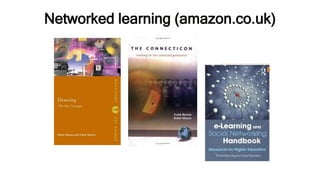
Networked learning (amazon.co.uk)
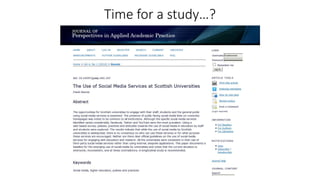
Time for a study…?
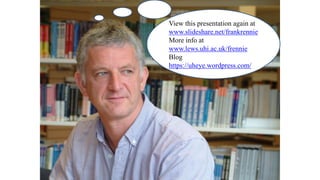
View this presentation again at
www.slideshare.net/frankrennie
More info at
www.lews.uhi.ac.uk/frennie
Blog
https://uheye.wordpress.com/

Digital social networks

  • 1.
    Digital social networks andthe Academy Professor Frank Rennie Lews Castle College University of the Highlands and Islands
  • 2.
    The Main Issues •What is social networking? • What is it used for? • How can it be used in education? • Pros and Cons • Why is this important? • How does it impact upon individuals and communities?
  • 3.
    What we tendto think •Social media is… • A waste of time • Only for young people • Complex and difficult • Dangerous • Uncontrolled • A free way of maximising impact • Prohibited by our university, school, or organisation
  • 4.
    What we actuallyknow • Most universities use social media actively • They are mostly being used to disseminate views, etc. • Mostly being used to network with other researchers • Only used by a minority of researchers • Confusion about best practice uses • Confusion about which media is best for each task • Big differences between individual and institutional uses • They are becoming essential for funders and dissemination • No real consensus on guidelines for use
  • 5.
    Web 2.0 • Interactiverather than Broadcast • Participative rather than a passive receptor • Collaborative rather than a single author – Wikis, Blogs, Video, Audio, Social Networks….. • Attention rather than Information is premium • Tests truth and its application • Context in addition to Contents • Personalised learning – multi-media etc. http://www.freefoto.com/preview/01-17-2/Spiders-Web
  • 6.
    Communities of Inquiry •Social Presence – identification within a community with trusted relationships • Cognitive Presence – constructing knowledge, discussing, confirming, reflecting • Teaching Presence – a consistent pedagogical approach to facilitation of the above to enable worthwhile leaning experiences
  • 7.
    Facebook: “This isthe research I like” Useful for: • Creating communities of practice and groups • Generating discussion & debate • Networking • Mixing media (text, images, video, etc.) • Promoting projects & events Limitations: • Care needed to separate public and private posts • Issues of copyright and re-use • Can trivialise information • Ethical considerations
  • 9.
    Twitter: “Here iswhat I am researching right now” Useful for: • Broadcasting ideas, opinions, events • Following ongoing projects and events • Networking with peers • Sharing news Limitations: • Fast-moving (might miss tweets) • Audiences follow themes (be careful not mix messages) • Mixing professional and private • Short bites of information (though can link with websites) • Ethical considerations
  • 11.
    Linkedin: “My researchskills include…” Useful for: • Professional networking • Connecting with non-academic audiences • Promoting your skills • Following career opportunities Limitations: • Limited interactivity • Not peer reviewed
  • 13.
    Researchgate: “My recentresearch papers” Useful for: • Setting research profiles • Linking with peers • Jobs updates • Research news and trends • Easy to use • Can disseminate articles Limitations: • Passive rather than proactive • Needs maintenance • Requires an institutional email address • Many abandoned profiles • Not highly intuative
  • 15.
    Wordpress: “What Ithink about my research subject” Useful for: • Personal diaries or research logs • Work in progress • News about areas of interest • Building followers • Following the work of key individuals or organisations Limitations: • Needs to be focussed on a specific topic • Needs regular posts (small and frequently)
  • 17.
    Google Photos: “Lookat my research pictures” Useful for: • Sharing images • Searching for images • Building album • Promotion • Time-lines • Geo-location Limitations: • Image based • Can get lost in the crowd • Issues of copyright and sharing • A mix of personal and professional
  • 19.
    YouTube: “Here isa video of my research” Useful for: • Sharing video images • Demonstrating practice • Connecting with a (very) large audience • Promoting a brand • Encouraging interaction • Multi-lingual messages Limitations: • A crowded market place (needs to be worth watching) • Needs time to produce
  • 20.
  • 22.
    Recommendations • Consider whatbenefit(s) social media could have for your research • Consider what medium best suits your requirements • Link to your website and/or blog • Keep it simple • Pay attention to regular maintenance • Try not to mix personal and professional contacts • Build specific social media tasks into research dissemination plans
  • 23.
  • 24.
    Time for astudy…?
  • 25.
    View this presentationagain at www.slideshare.net/frankrennie More info at www.lews.uhi.ac.uk/frennie Blog https://uheye.wordpress.com/