Download to read offline

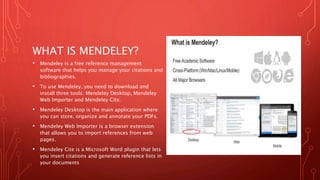
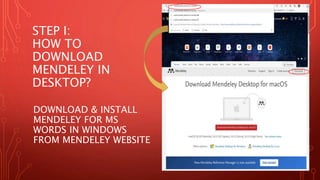
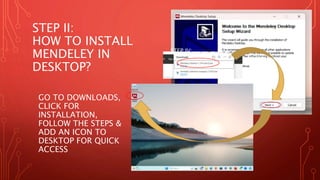

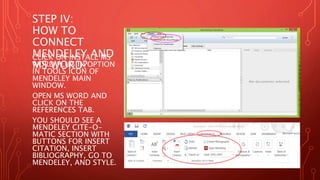
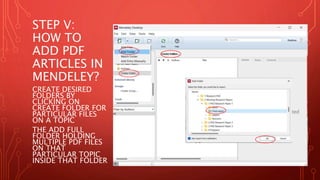
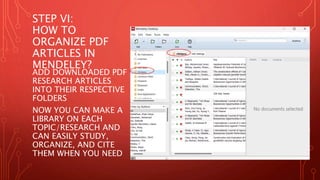
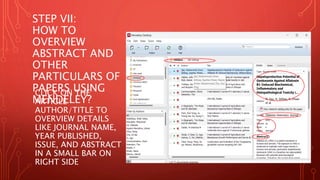
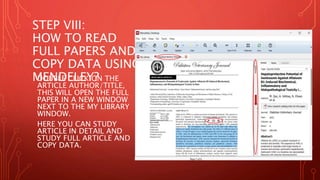
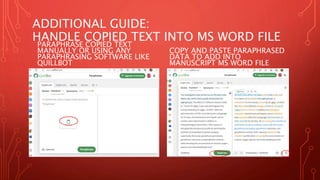
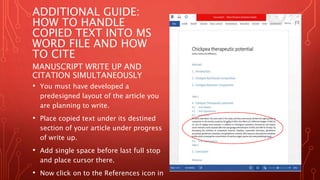
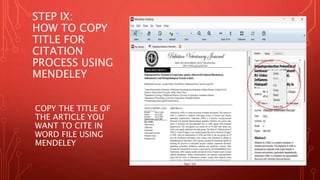
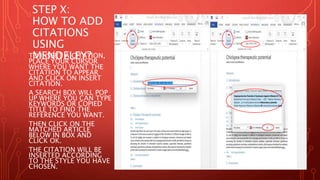
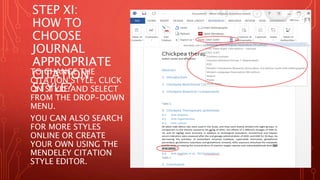
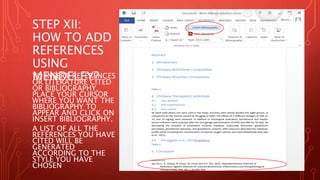

This document provides step-by-step instructions for downloading, installing, and using Mendeley reference management software. It explains how to download Mendeley Desktop, import references from web pages using the web importer plugin, and insert citations and generate bibliographies in Microsoft Word documents using the Mendeley Cite plugin. The steps also cover adding PDF articles to Mendeley, organizing them into folders, viewing article details, and reading full-text articles. It concludes with instructions for copying article information, adding citations to a Word document, selecting the appropriate citation style, and inserting a bibliography.


