
How to run a Learning Event
Miguela Fernandes
Suzana Delic
Teresa Lacerda
Topics
Presentations
What is a Learning Event
Learning Event: topics
Set up a LE
Activity: create a Learning event
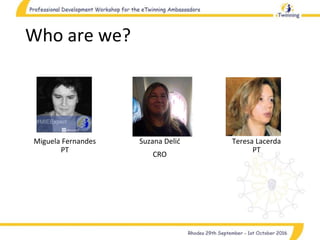
Who are we?
Miguela Fernandes
PT
Suzana Delić
CRO
Teresa Lacerda
PT
What is Learning Event?
• Teacher online training is about any topic
• Proposed to NSS/CSS by any teacher
• Sessions are designed with practical learning aims
• Duration: 9 to 12 days
• Participants can receive a certificate at the end of
the LE
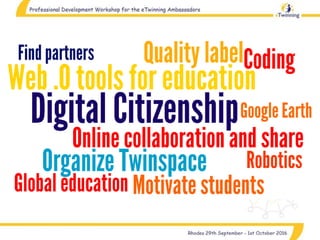
What do I want to
teach?
Online courses are often
MORE time consuming than
face to face interactions?
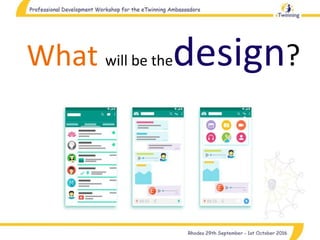
What will be thedesign?
Provide information about
the LE, tasks and
schedule requirements.
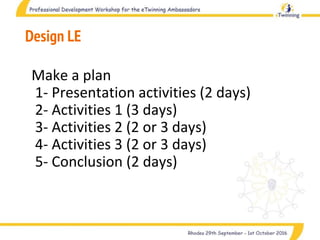
Design LE
Make a plan
1- Presentation activities (2 days)
2- Activities 1 (3 days)
3- Activities 2 (2 or 3 days)
4- Activities 3 (2 or 3 days)
5- Conclusion (2 days)
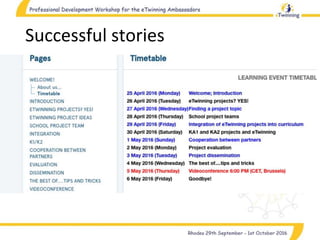
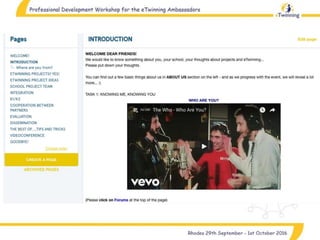
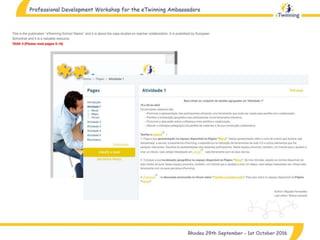
Successful stories
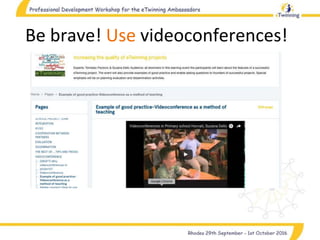
Be brave! Use videoconferences!
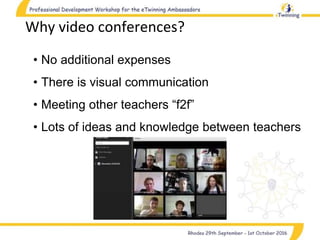
Why video conferences?
• No additional expenses
• There is visual communication
• Meeting other teachers “f2f”
• Lots of ideas and knowledge between teachers
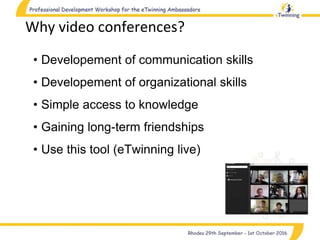
Why video conferences?
• Developement of communication skills
• Developement of organizational skills
• Simple access to knowledge
• Gaining long-term friendships
• Use this tool (eTwinning live)
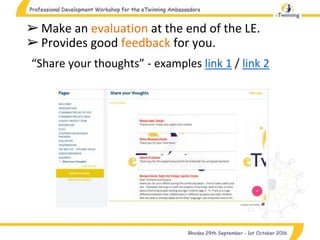
➢Make an evaluation at the end of the LE.
➢Provides good feedback for you.
“Share your thoughts” - examples link 1 / link 2
Group activity
Group 1
Group 2
Group 3
Group 4
Group 5
Group 6
How to run a Learning Event : eTwinning

How to run a Learning Event : eTwinning

  • 1.
    How to runa Learning Event Miguela Fernandes Suzana Delic Teresa Lacerda
  • 2.
    Topics Presentations What is aLearning Event Learning Event: topics Set up a LE Activity: create a Learning event
  • 3.
    Who are we? MiguelaFernandes PT Suzana Delić CRO Teresa Lacerda PT
  • 4.
    What is LearningEvent? • Teacher online training is about any topic • Proposed to NSS/CSS by any teacher • Sessions are designed with practical learning aims • Duration: 9 to 12 days • Participants can receive a certificate at the end of the LE
  • 5.
    What do Iwant to teach?
  • 8.
    Online courses areoften MORE time consuming than face to face interactions?
  • 9.
    What will bethedesign?
  • 10.
    Provide information about theLE, tasks and schedule requirements.
  • 12.
    Design LE Make aplan 1- Presentation activities (2 days) 2- Activities 1 (3 days) 3- Activities 2 (2 or 3 days) 4- Activities 3 (2 or 3 days) 5- Conclusion (2 days)
  • 13.
  • 16.
    Be brave! Usevideoconferences!
  • 17.
    Why video conferences? •No additional expenses • There is visual communication • Meeting other teachers “f2f” • Lots of ideas and knowledge between teachers
  • 18.
    Why video conferences? •Developement of communication skills • Developement of organizational skills • Simple access to knowledge • Gaining long-term friendships • Use this tool (eTwinning live)
  • 19.
    ➢Make an evaluationat the end of the LE. ➢Provides good feedback for you. “Share your thoughts” - examples link 1 / link 2
  • 20.
    Group activity Group 1 Group2 Group 3 Group 4 Group 5 Group 6