How forced online
classes can finally
enable educators
to improve learning
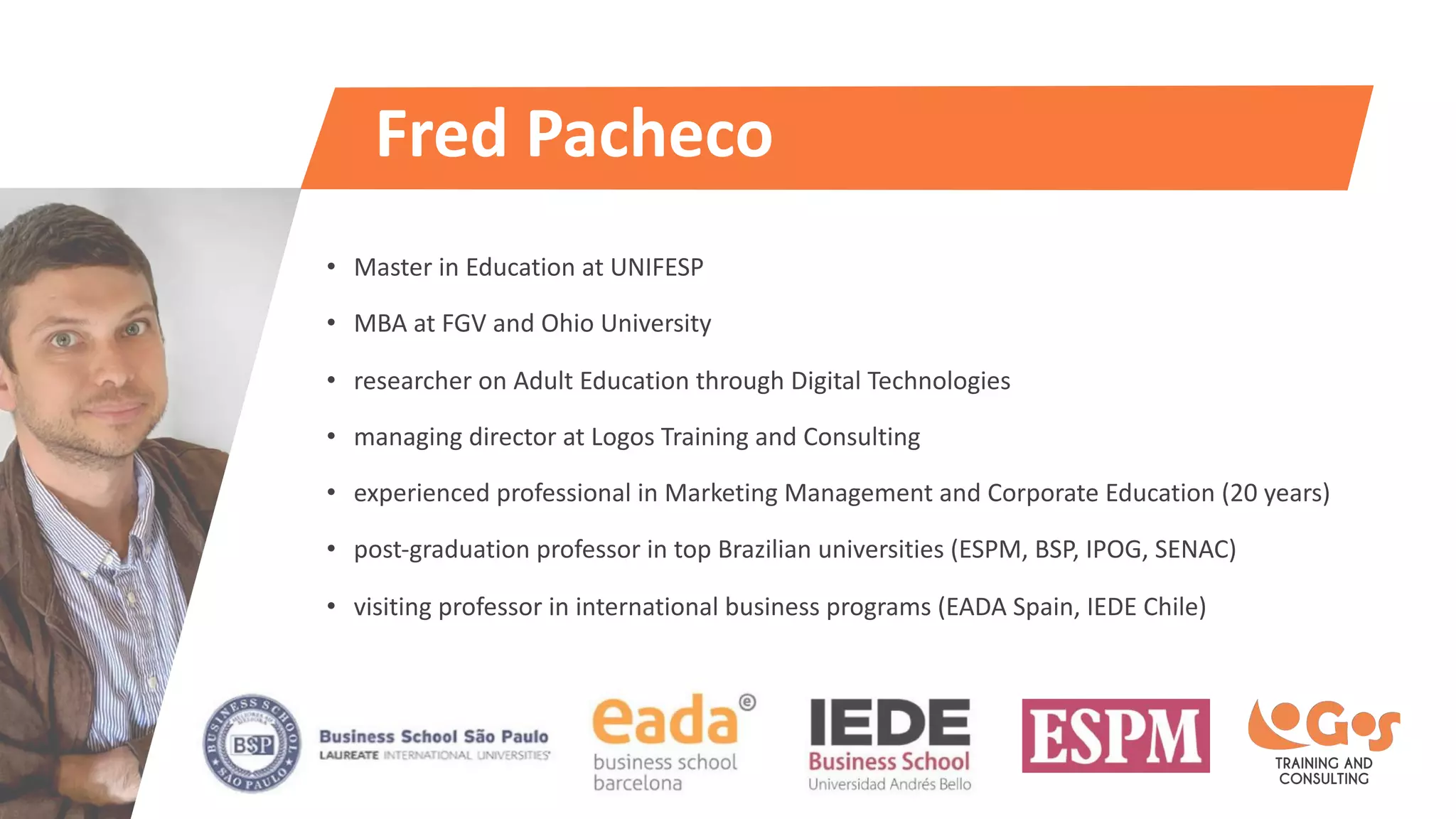
Fred Pacheco
www.fredpacheco.com
Fred Pacheco
• Master in Education at UNIFESP
• MBA at FGV and Ohio University
• researcher on Adult Education through Digital Technologies
• managing director at Logos Training and Consulting
• experienced professional in Marketing Management and Corporate Education (20 years)
• post-graduation professor in top Brazilian universities (ESPM, BSP, IPOG, SENAC)
• visiting professor in international business programs (EADA Spain, IEDE Chile)
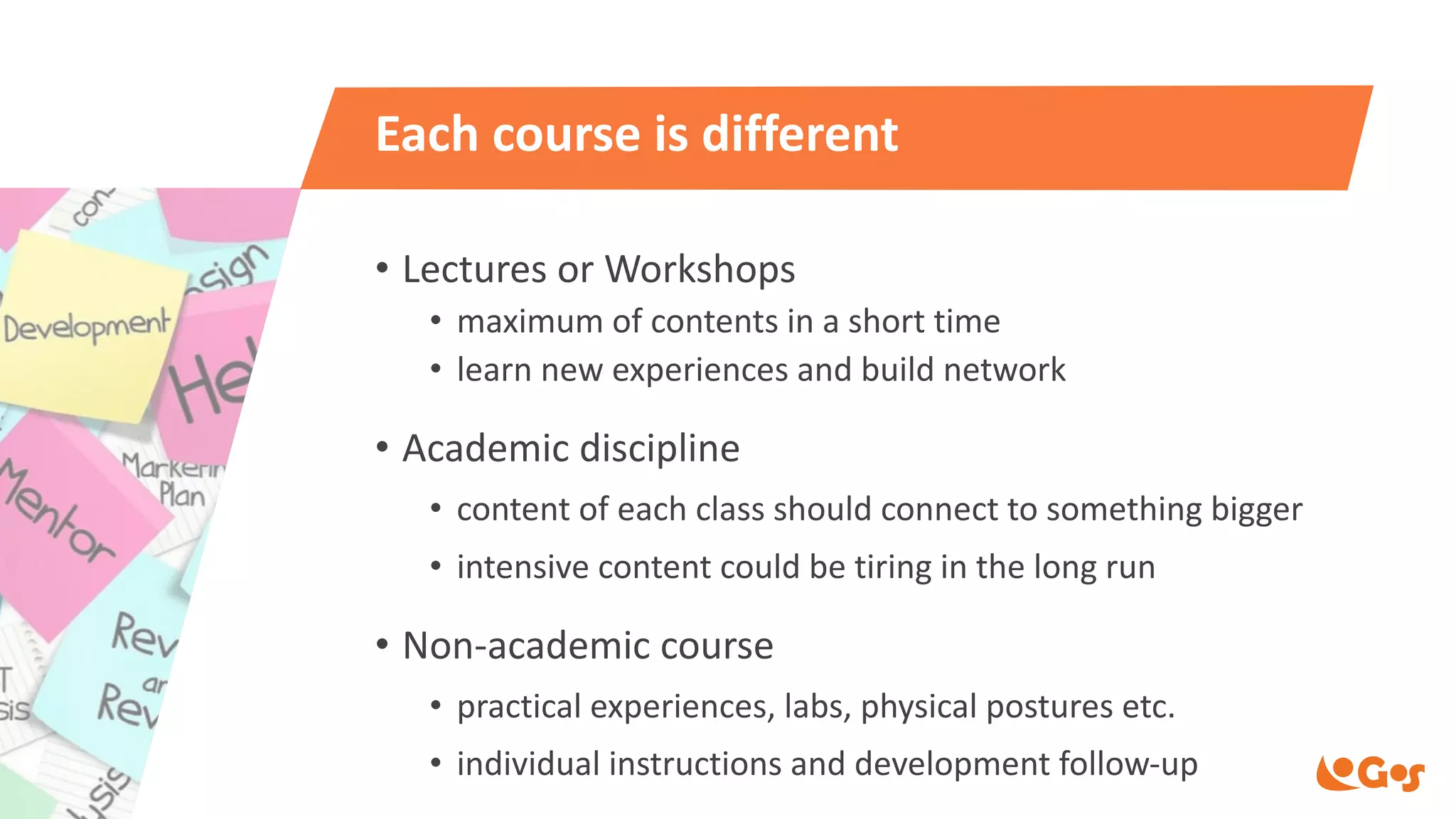
Each course is different
• Lectures or Workshops
• maximum of contents in a short time
• learn new experiences and build network
• Academic discipline
• content of each class should connect to something bigger
• intensive content could be tiring in the long run
• Non-academic course
• practical experiences, labs, physical postures etc.
• individual instructions and development follow-up
Education has
hardly changed
until now
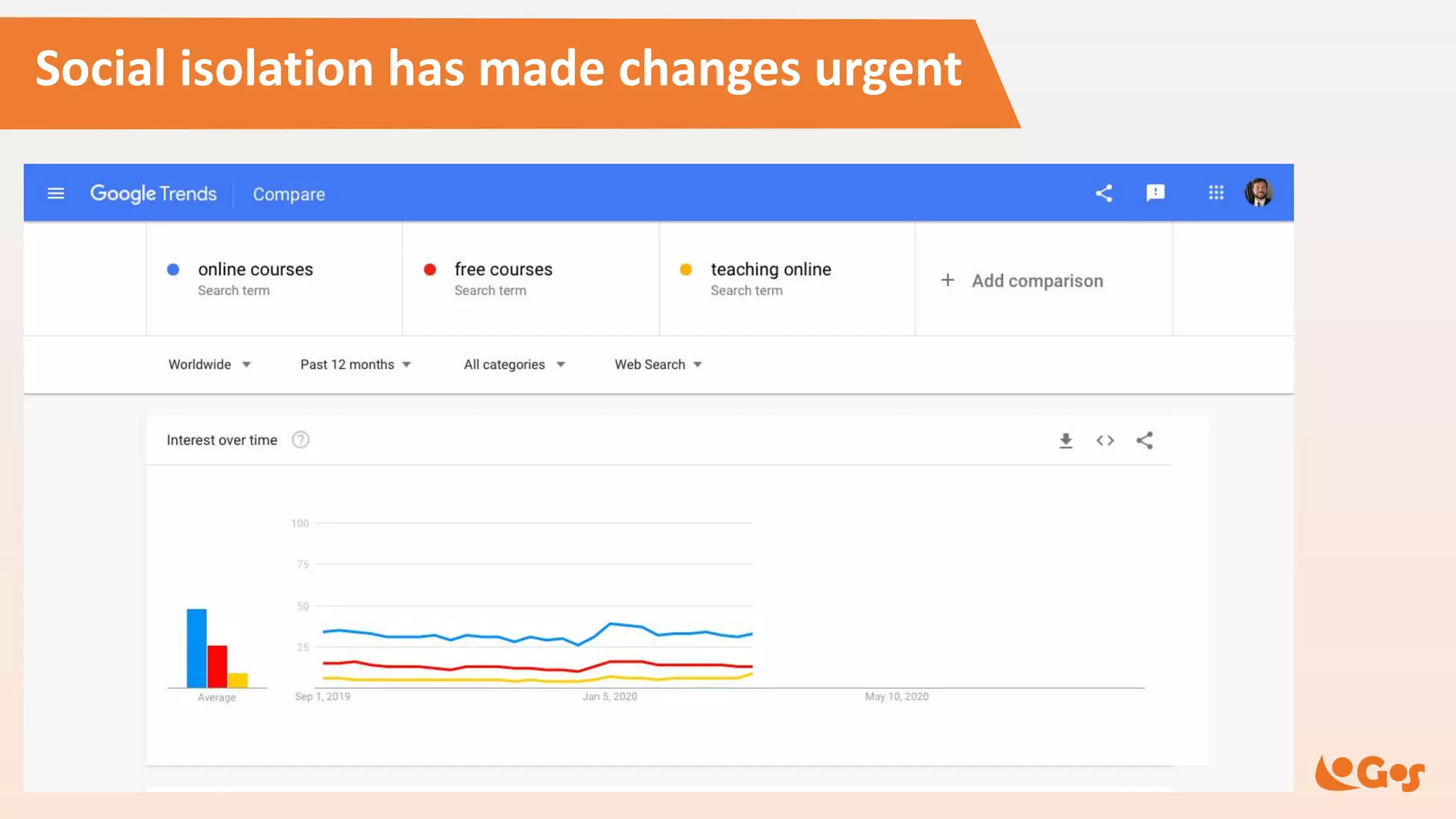
Social isolation has made changes urgent
1,4x
1,7x
1,4x
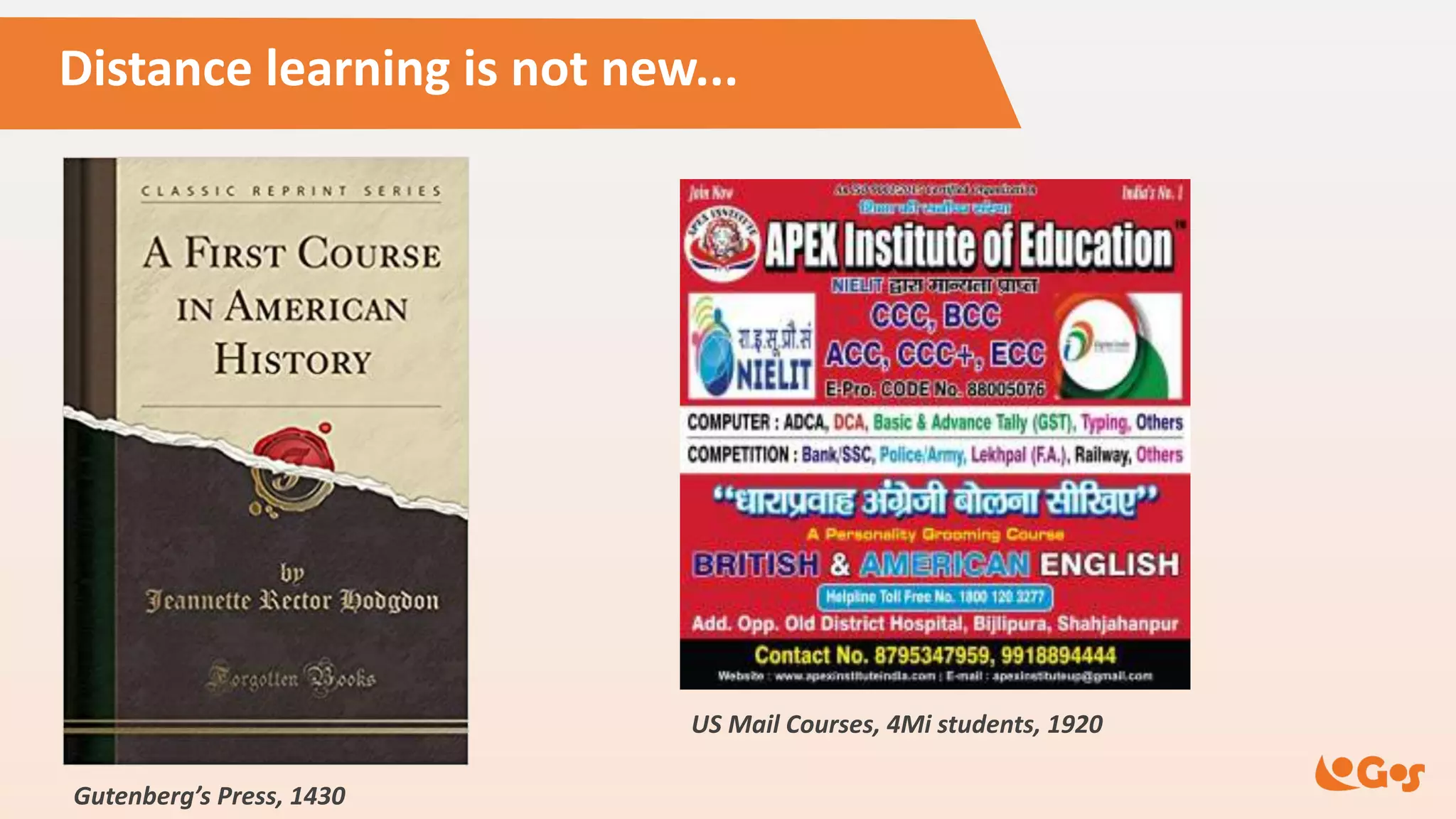
Distance learning is not new...
First Epistle of Paul
to the Corinthians,
A.D. 54
Gutenberg’s Press, 1430
US Mail Courses, 4Mi students, 1920
Distance learning is not new...
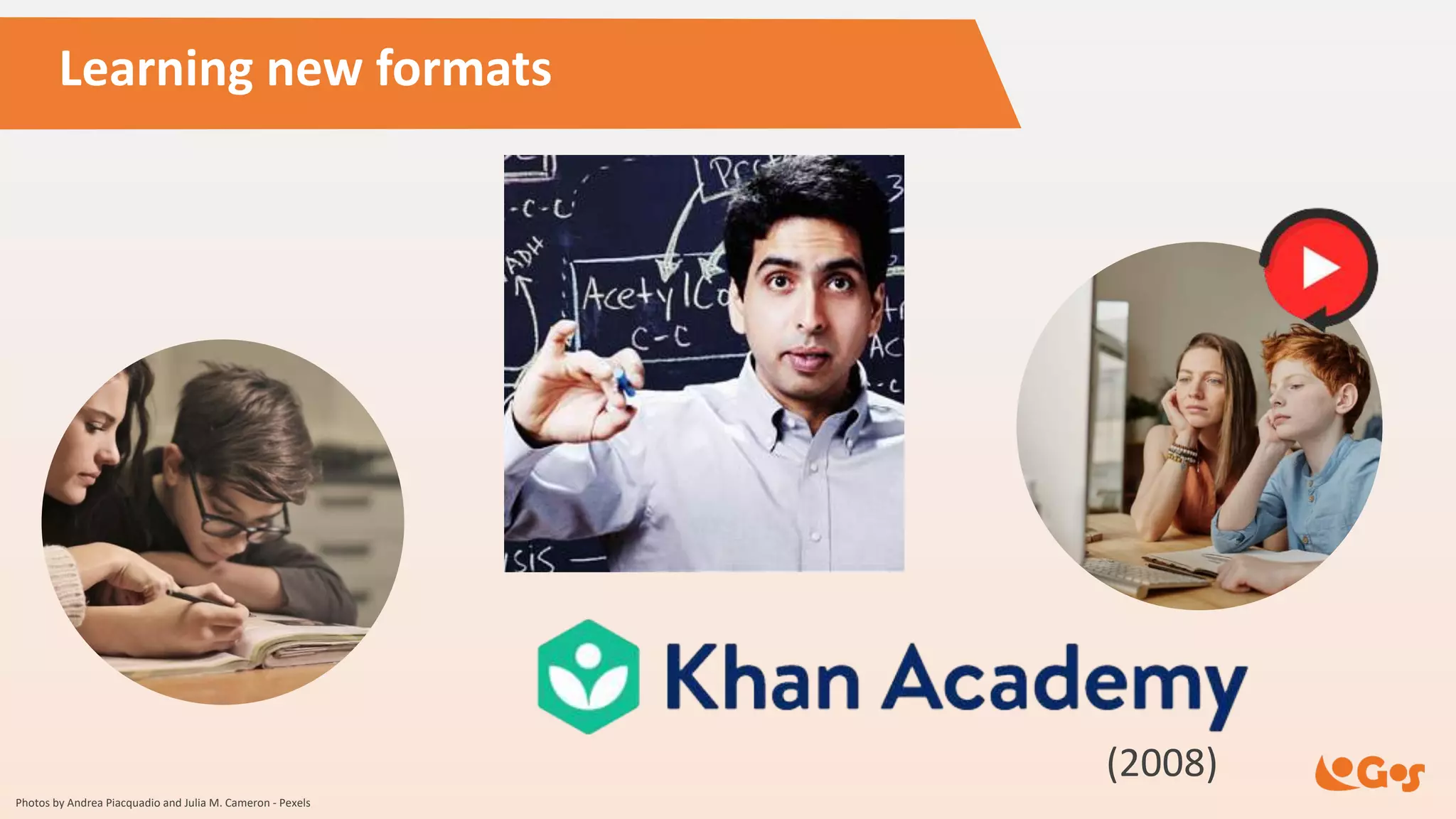
Learning new formats
(2008)
Photos by Andrea Piacquadio and Julia M. Cameron - Pexels
Learning new formats – MOOCs (2012)
How
learning
technologies
can change
education
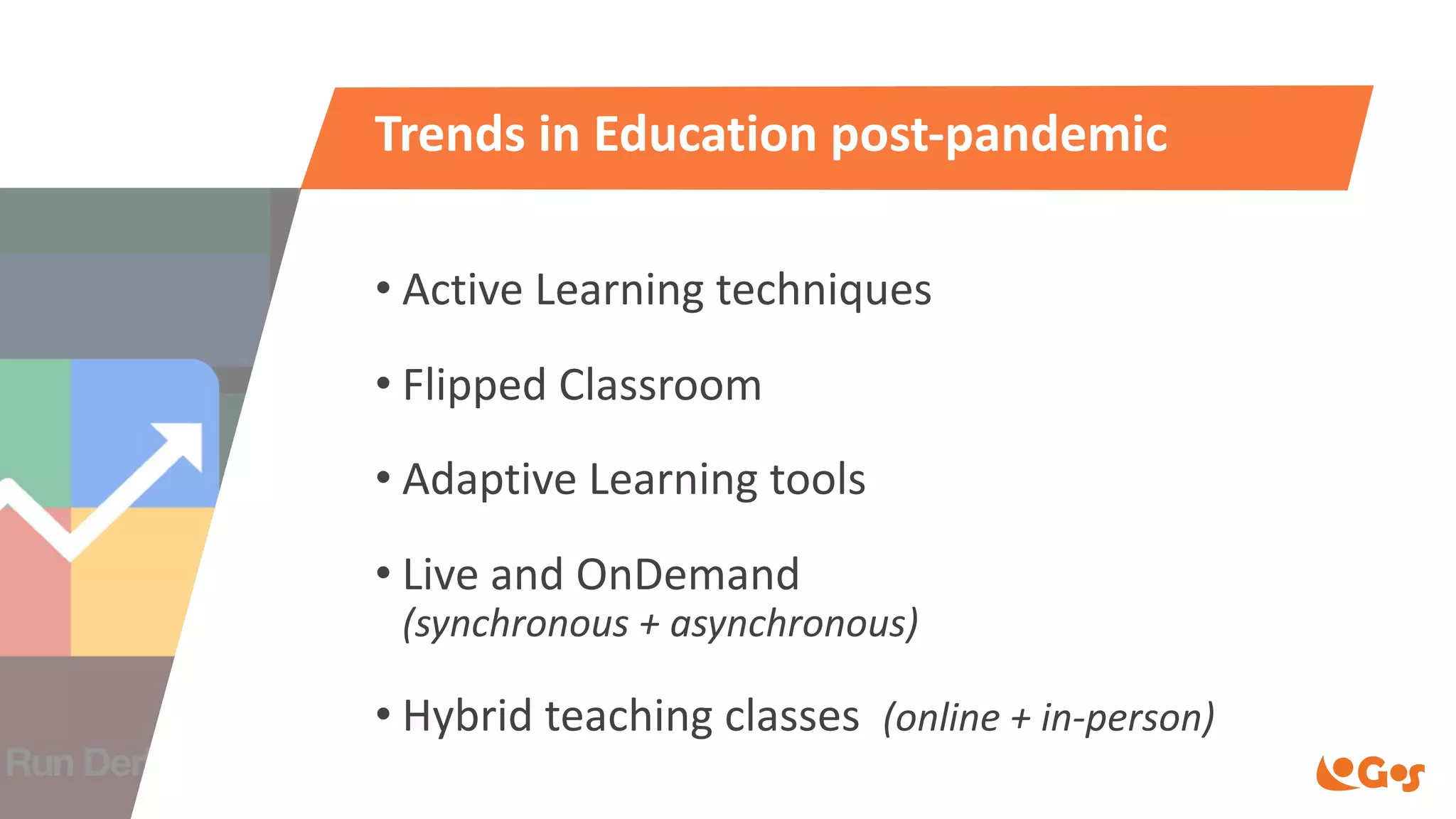
Trends in Education post-pandemic
• Active Learning techniques
• Flipped Classroom
• Adaptive Learning tools
• Live and OnDemand
(synchronous + asynchronous)
• Hybrid teaching classes (online + in-person)
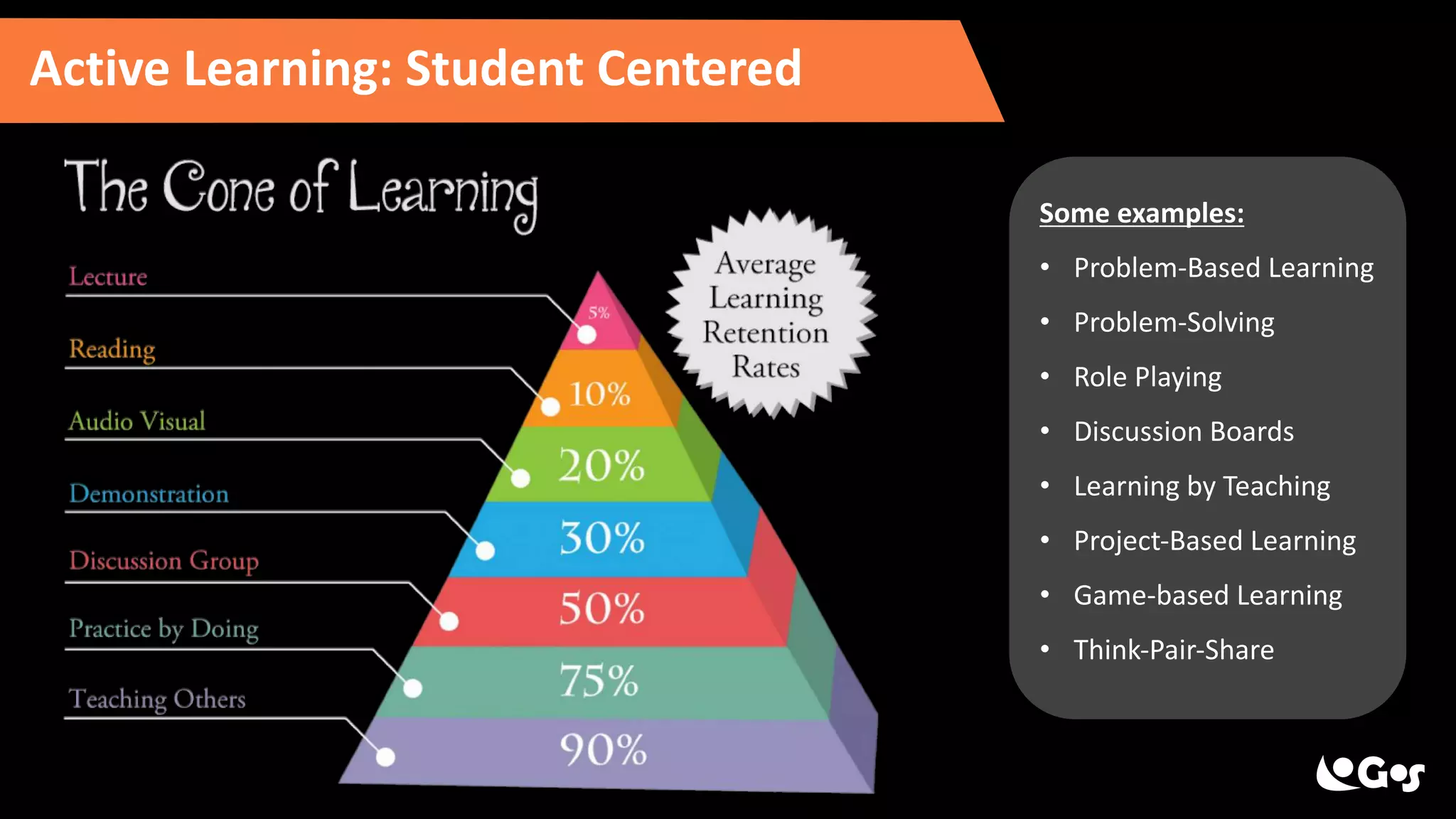
Active Learning: Student Centered
Some examples:
• Problem-Based Learning
• Problem-Solving
• Role Playing
• Discussion Boards
• Learning by Teaching
• Project-Based Learning
• Game-based Learning
• Think-Pair-Share
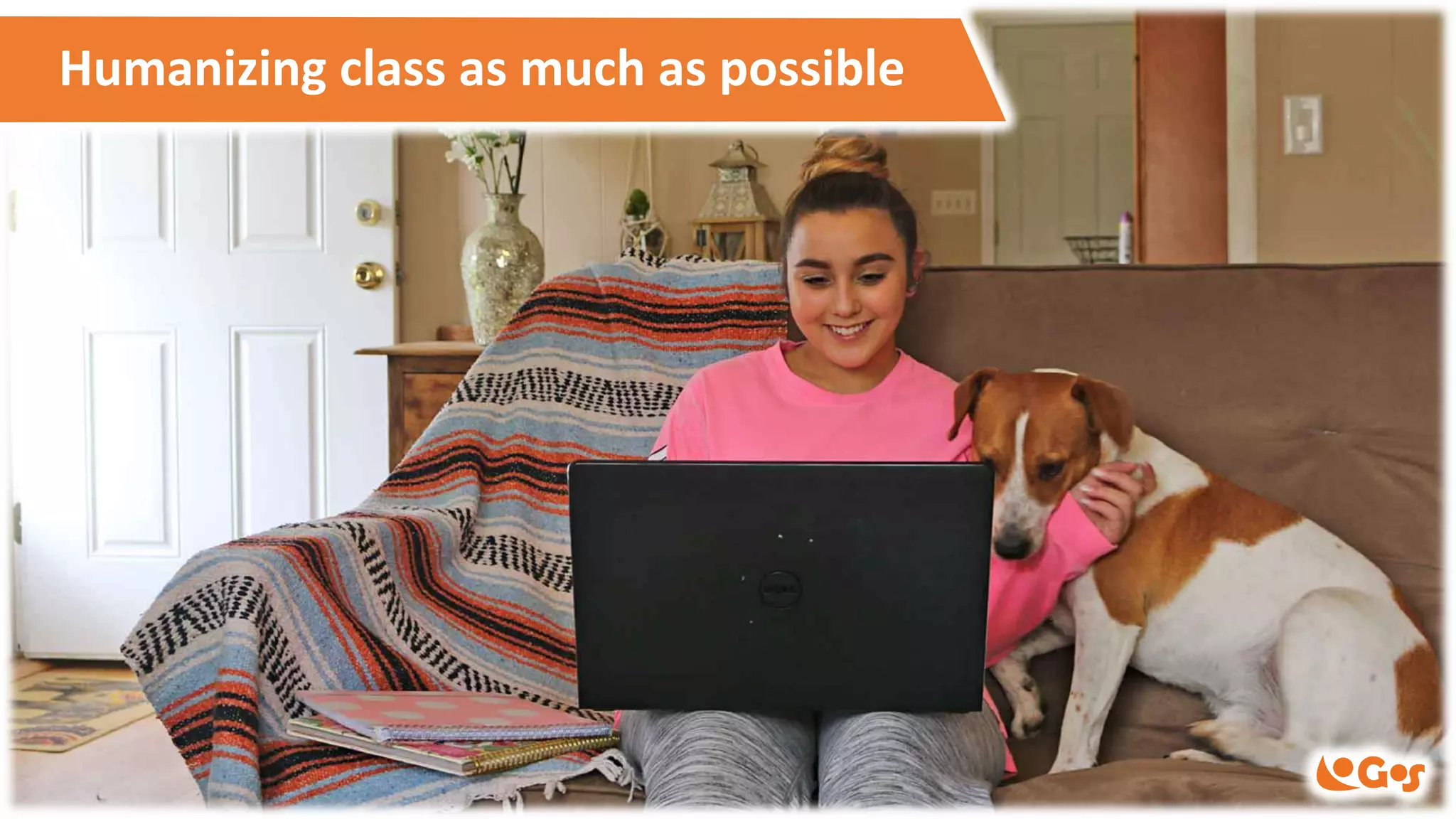
Humanizing class as much as possible
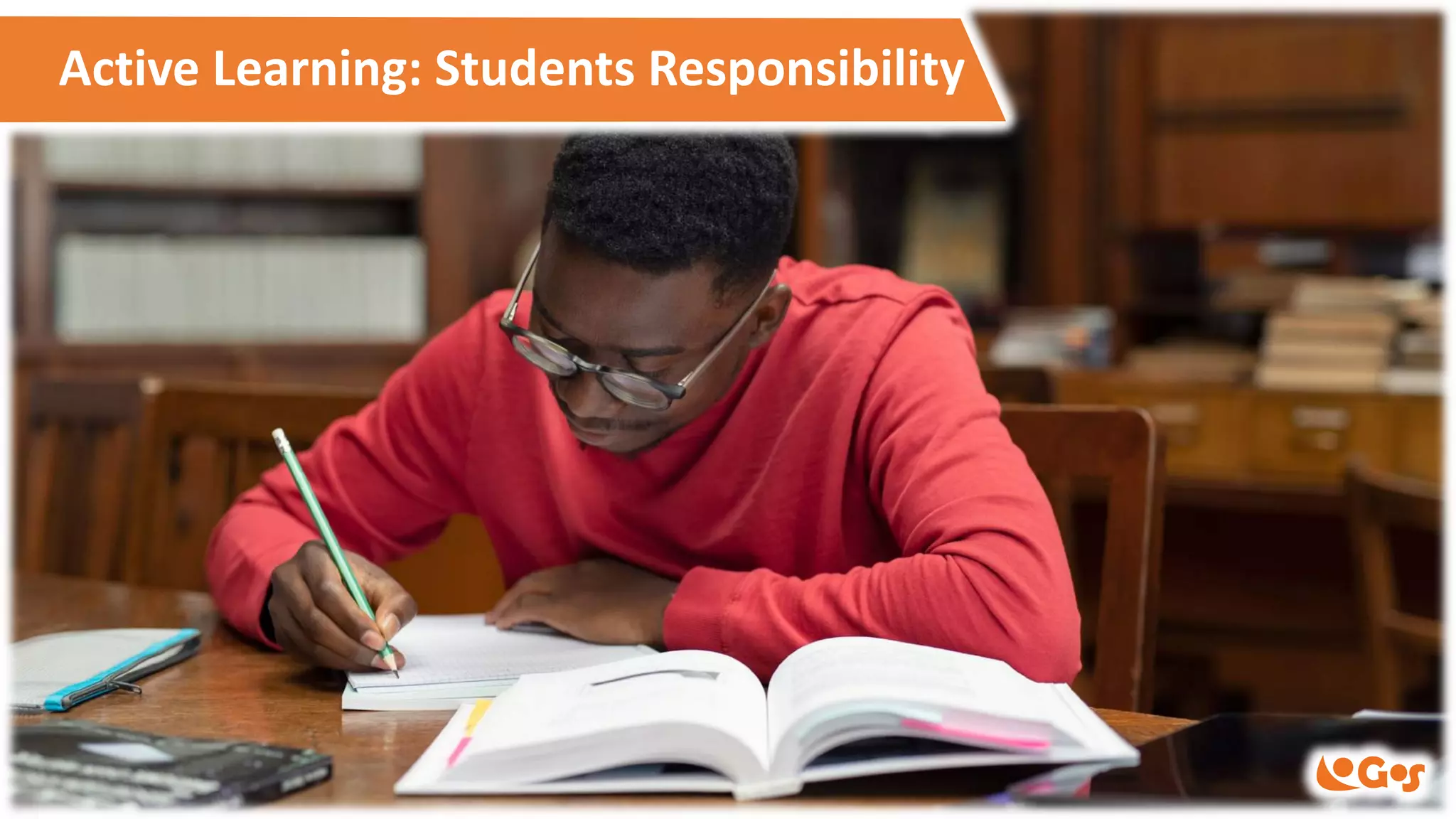
Active Learning: Students Responsibility
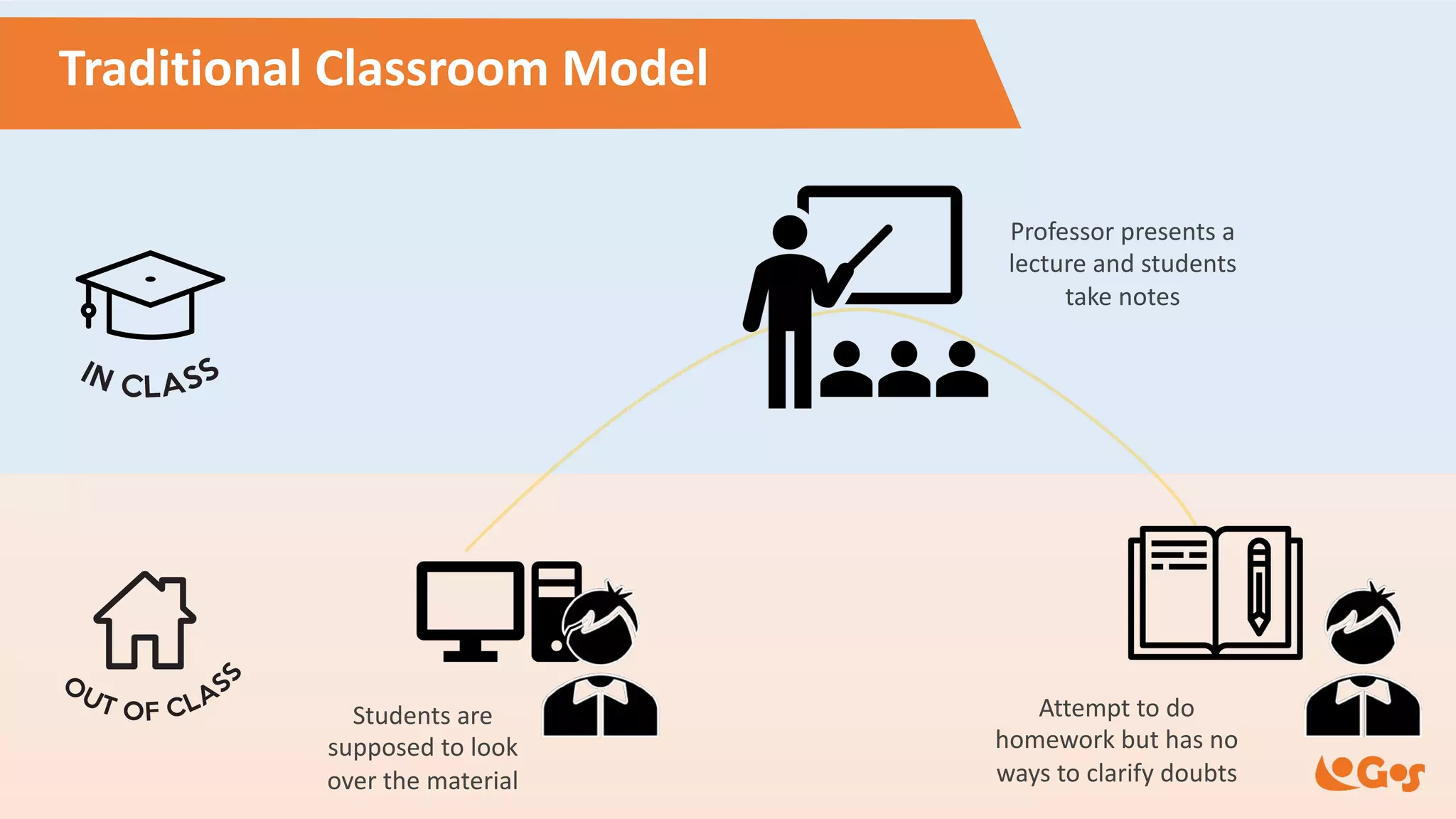
Students are
supposed to look
over the material
Professor presents a
lecture and students
take notes
Attempt to do
homework but has no
ways to clarify doubts
Traditional Classroom Model
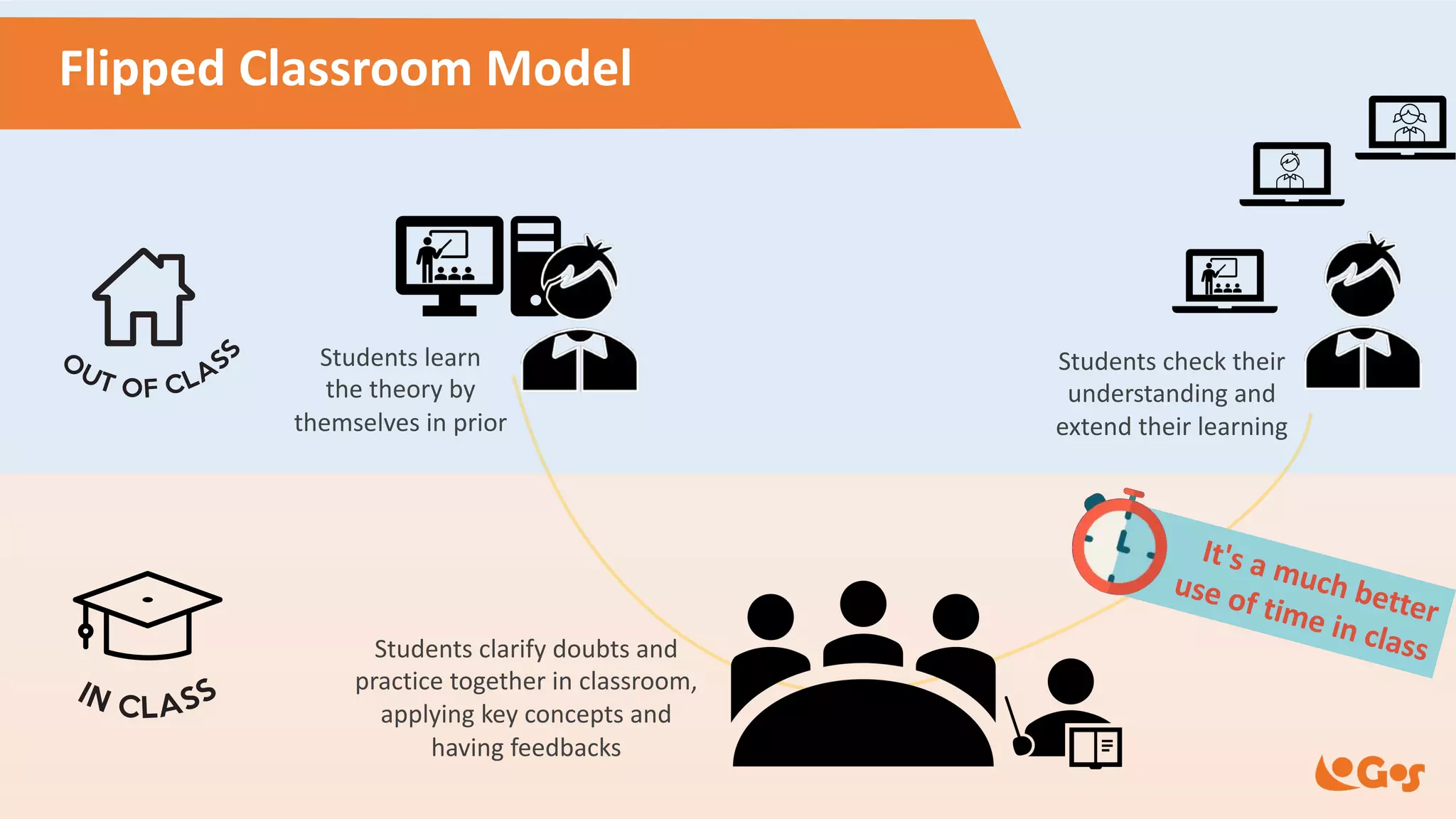
Students learn
the theory by
themselves in prior
Students clarify doubts and
practice together in classroom,
applying key concepts and
having feedbacks
Flipped Classroom Model
Students check their
understanding and
extend their learning
It's a much better
use of time in class
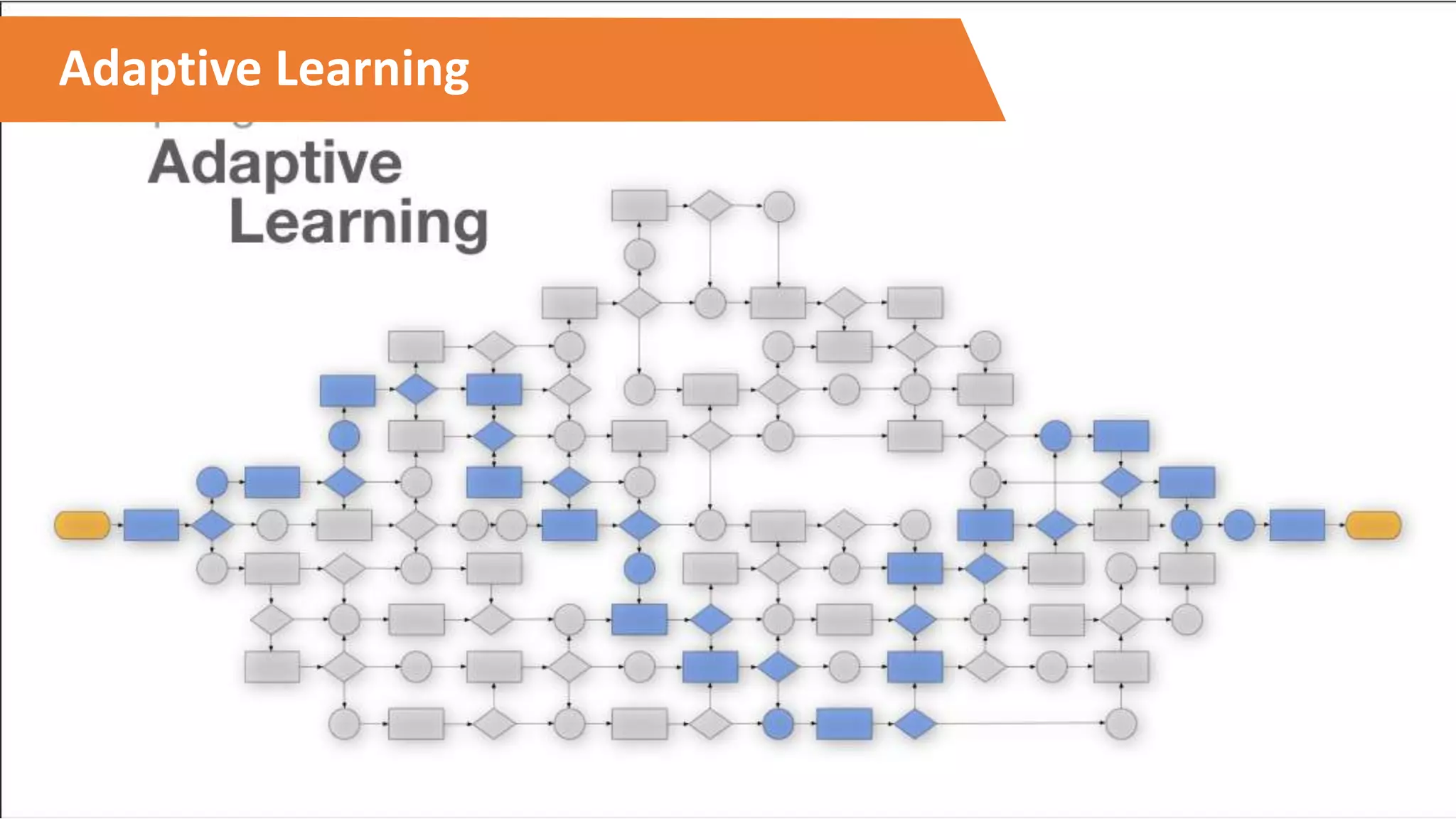
Adaptive Learning
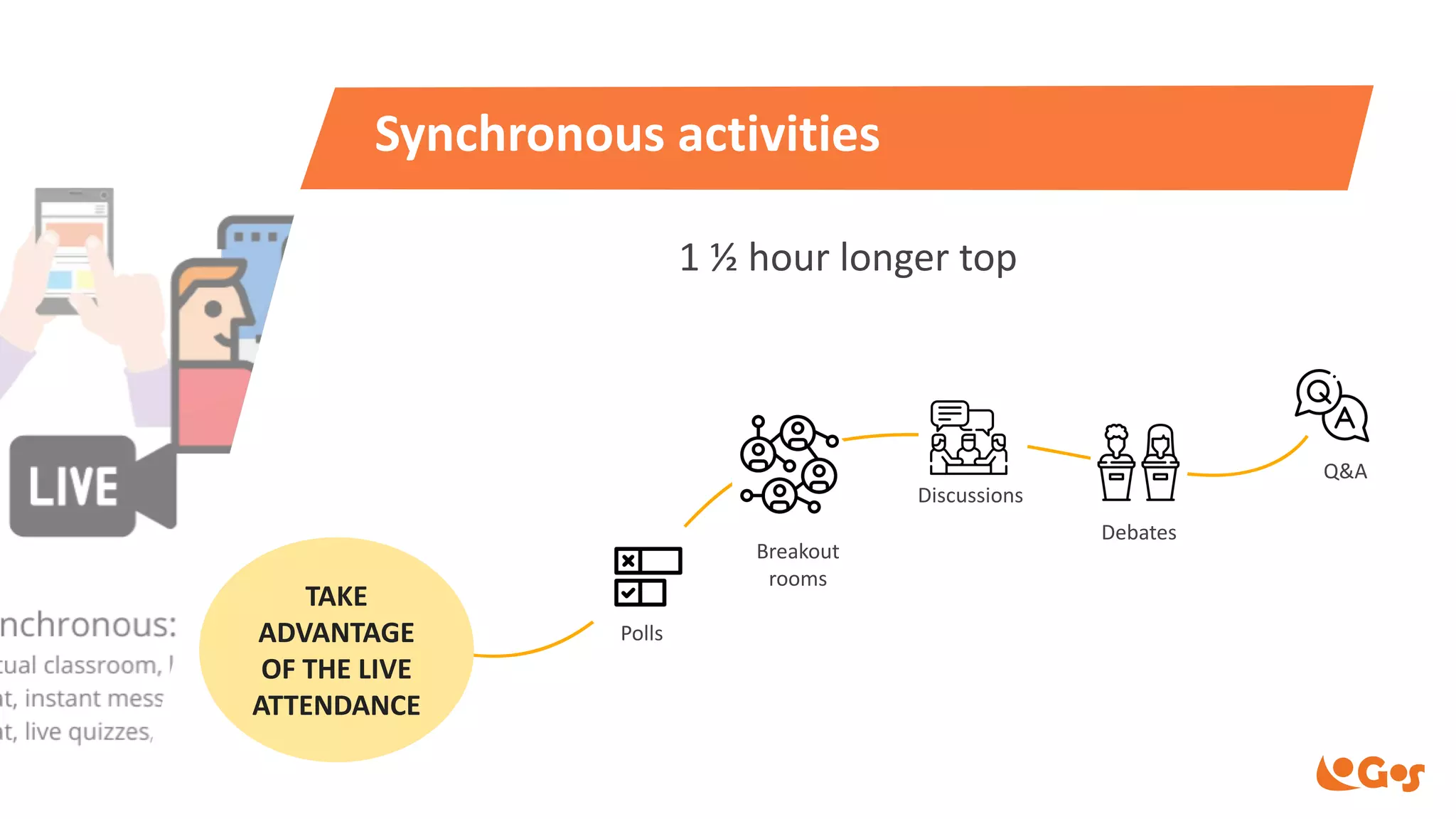
Synchronous activities
1 ½ hour longer top
Polls
Discussions
Debates
Breakout
rooms
TAKE
ADVANTAGE
OF THE LIVE
ATTENDANCE
Q&A
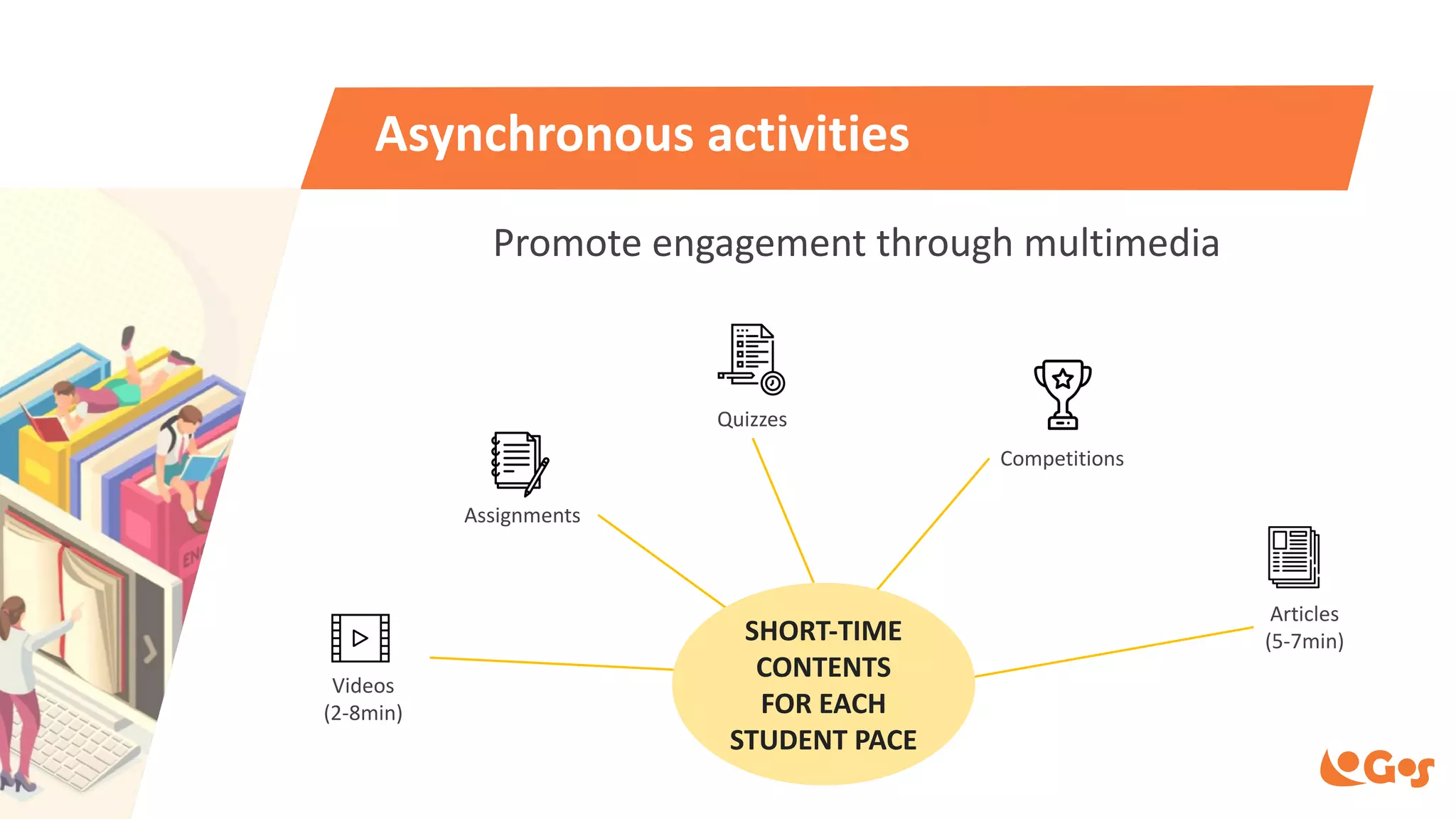
Asynchronous activities
Videos
(2-8min)
Quizzes
Articles
(5-7min)
Assignments
Competitions
Promote engagement through multimedia
SHORT-TIME
CONTENTS
FOR EACH
STUDENT PACE
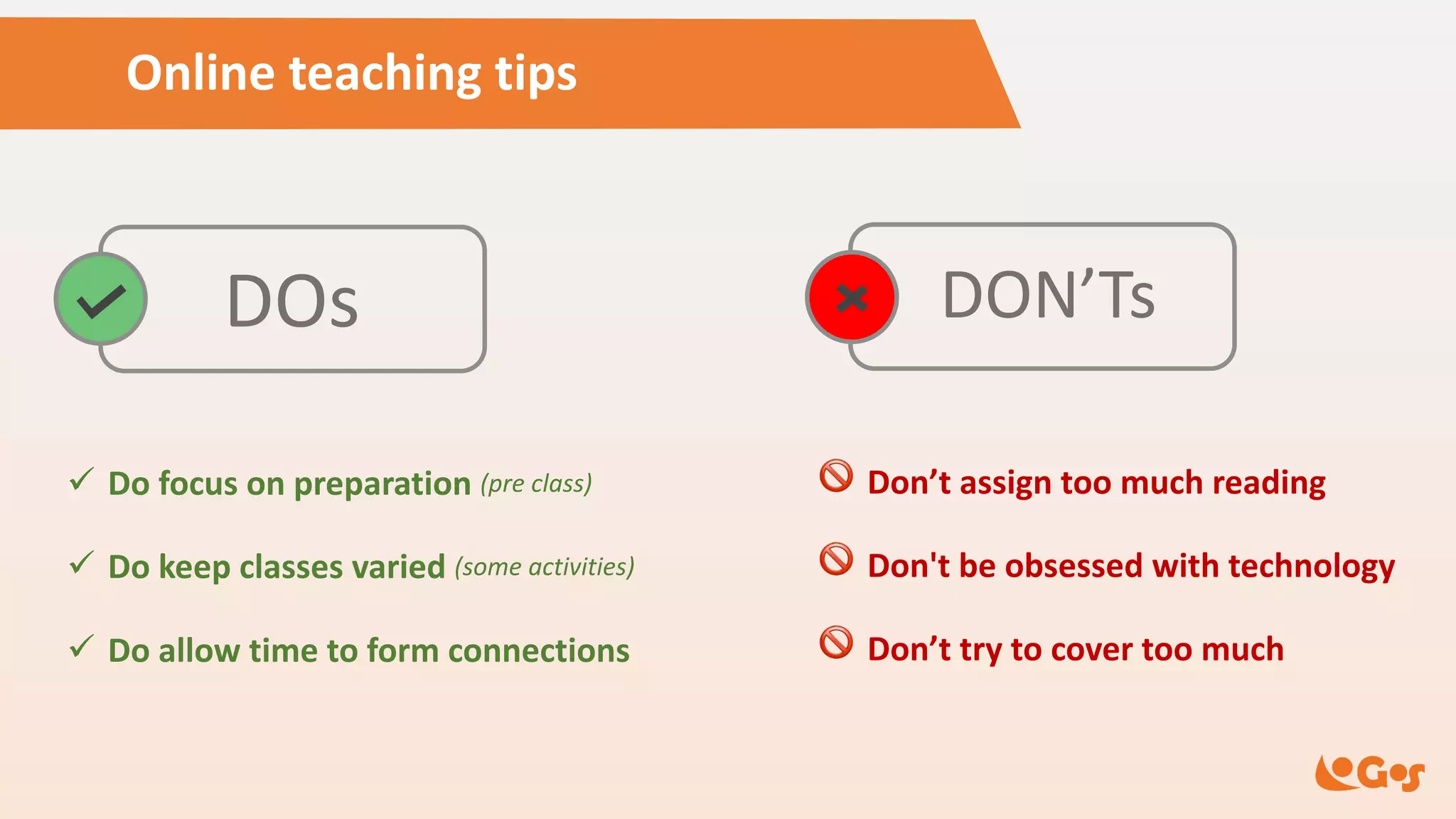
Online teaching tips
DOs DON’Ts
ü Do focus on preparation (pre class)
ü Do keep classes varied (some activities)
ü Do allow time to form connections
! Don’t assign too much reading
! Don't be obsessed with technology
! Don’t try to cover too much
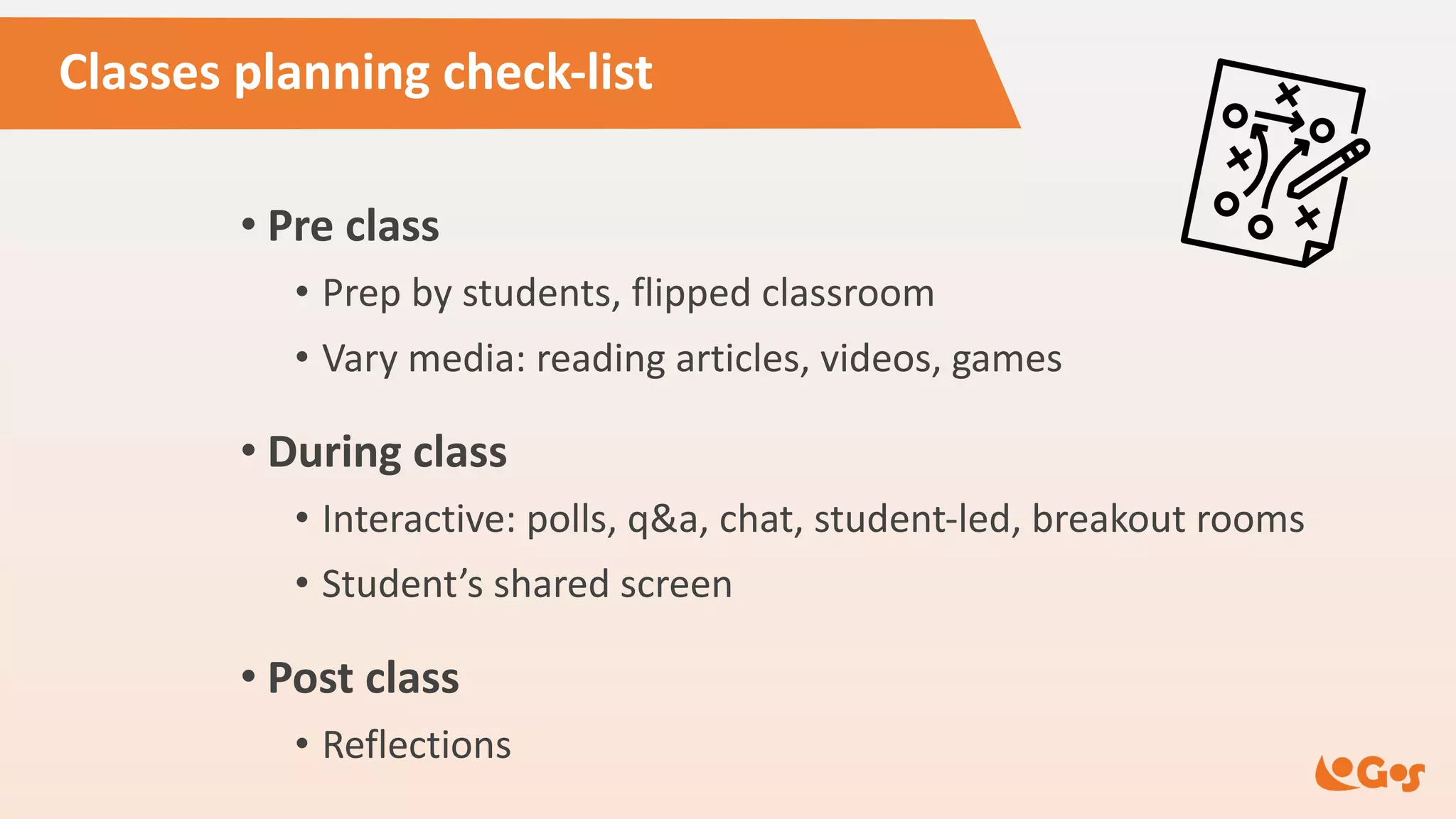
Classes planning check-list
• Pre class
• Prep by students, flipped classroom
• Vary media: reading articles, videos, games
• During class
• Interactive: polls, q&a, chat, student-led, breakout rooms
• Student’s shared screen
• Post class
• Reflections
Mix it up!
Combine
some learning
experiences
Guiding questions
• Who are my course participants? (digital natives, generation Z…)
• What behavioral profile do they have? (more agitated, more mature ...)
• How familiar are they with technologies? (heavy users, low tech…)
• Are you used to online contact?
(they work on the computer, they already have online meetings...)
• What kind of digital tools are they used to using?
(whatsapp, zoom, tiktok...)
Guide of useful interactive tools
• Videos for asynchronous learning
• Dojo approach with student sharing screen
• Laboratories allow students to practice (together or alone)
• Assignments and final projects
• Case study driving discussions
• Quizzes and competitions
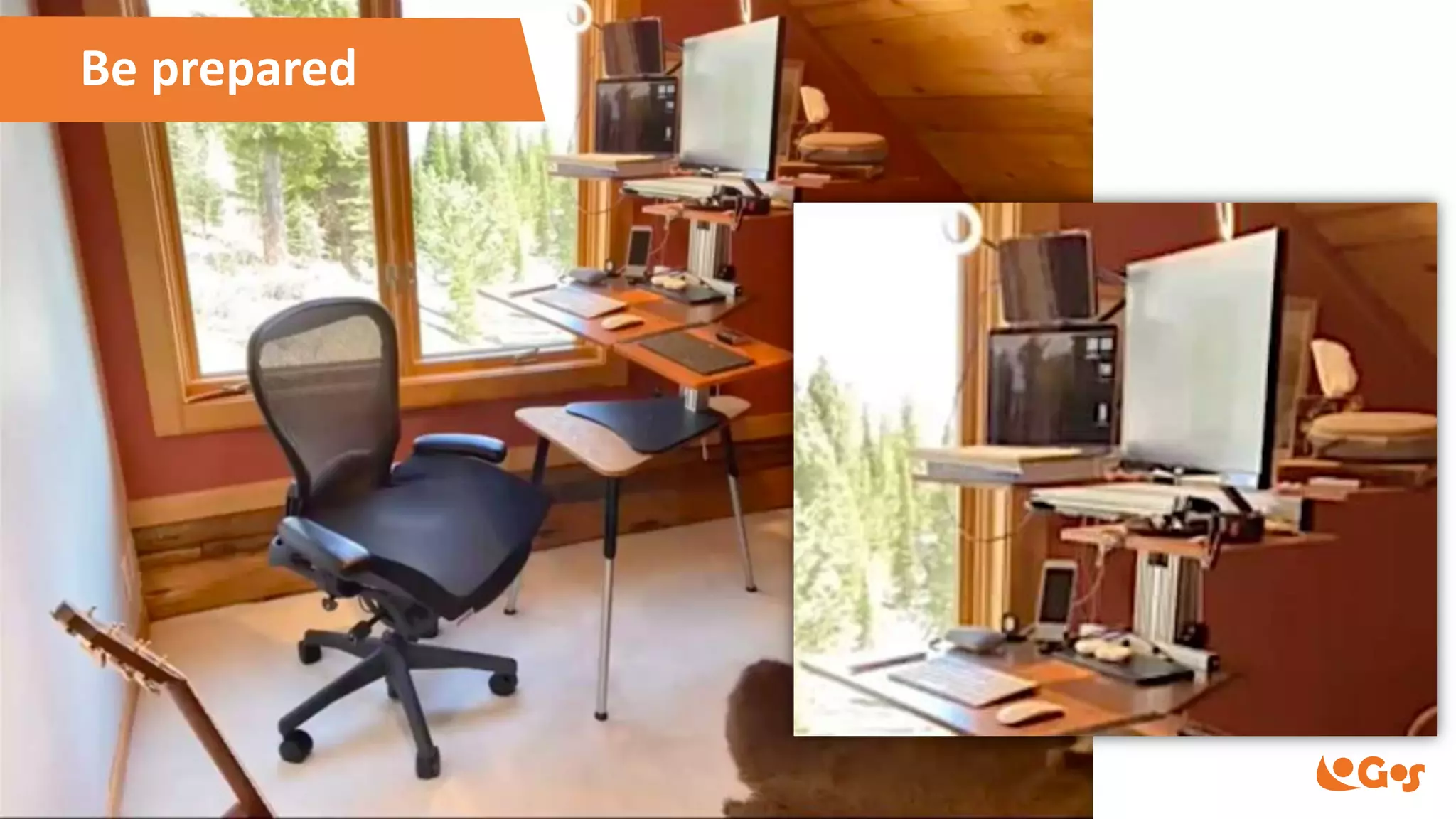
Be prepared
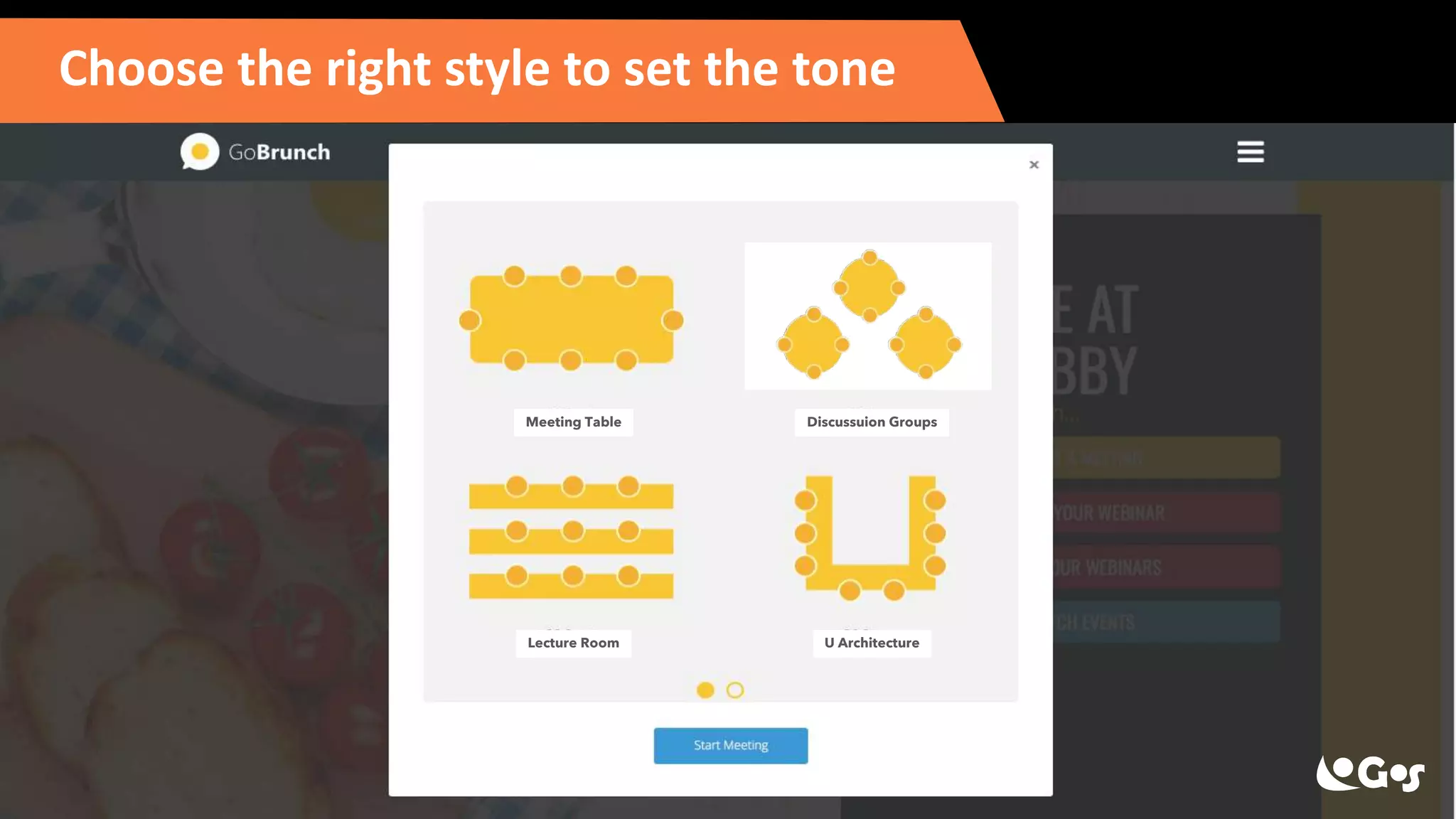
Choose the right style to set the tone
Meeting Table Discussuion Groups
Lecture Room U Architecture
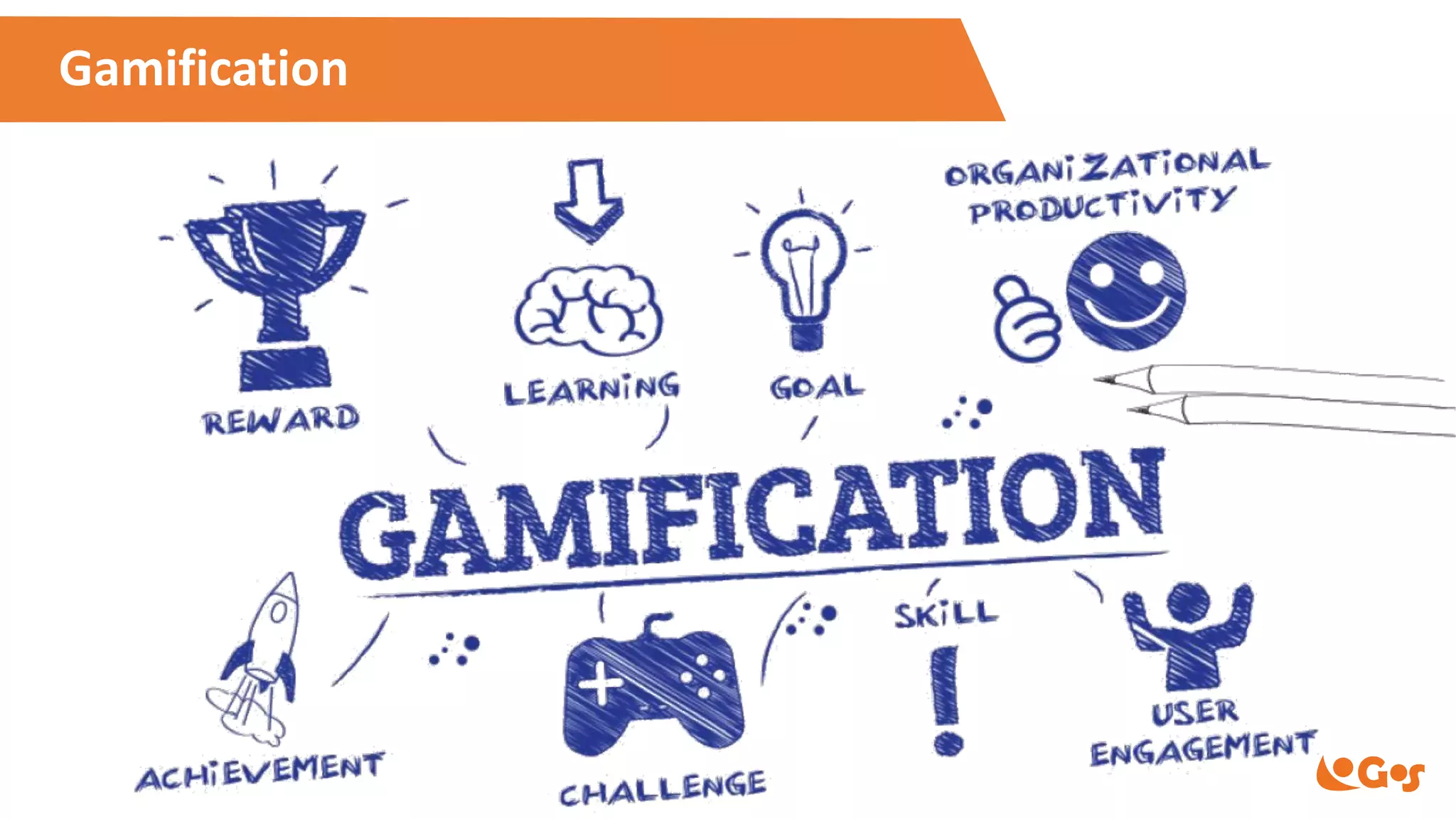
Gamification
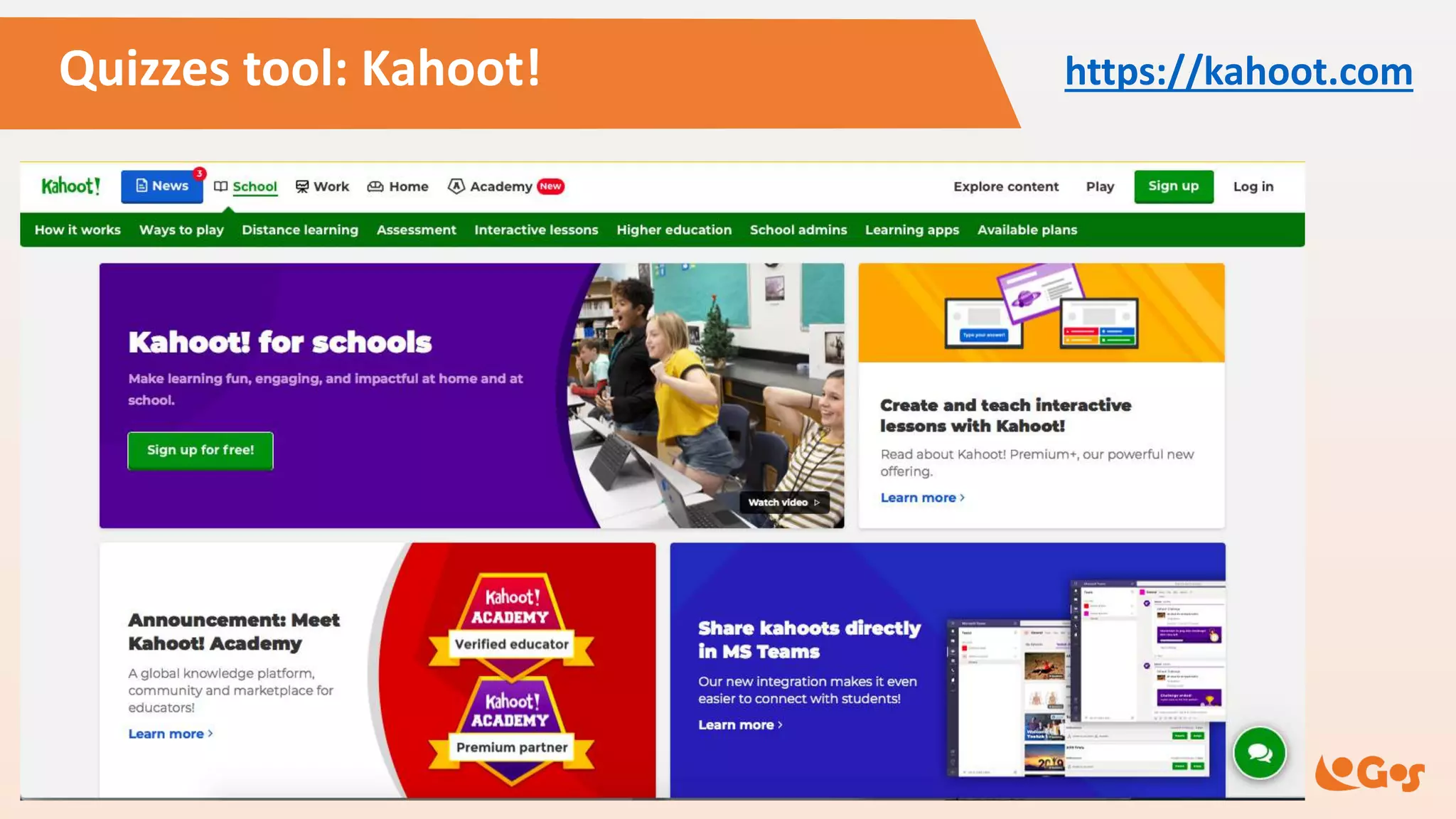
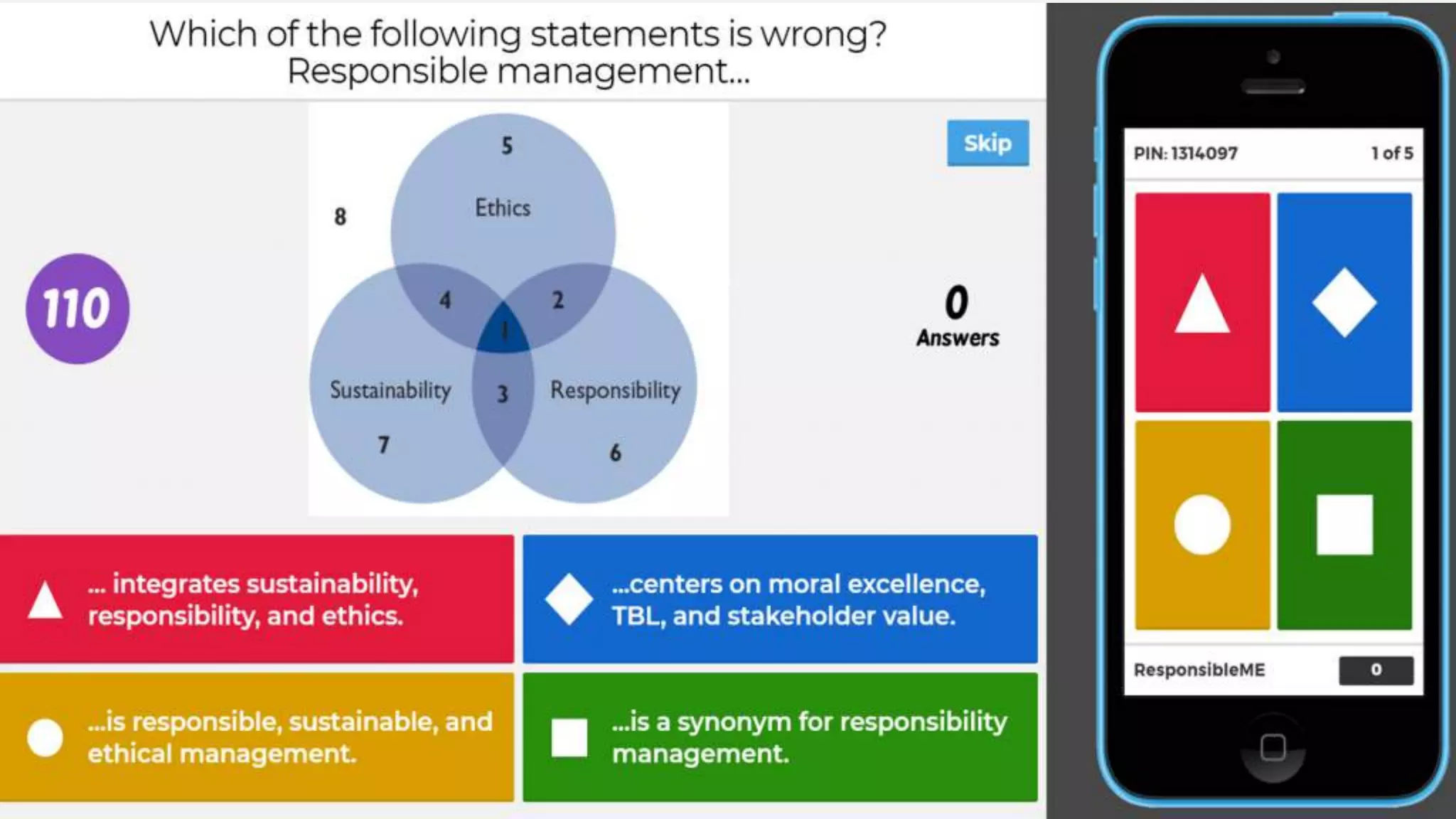
Quizzes tool: Kahoot! https://kahoot.com
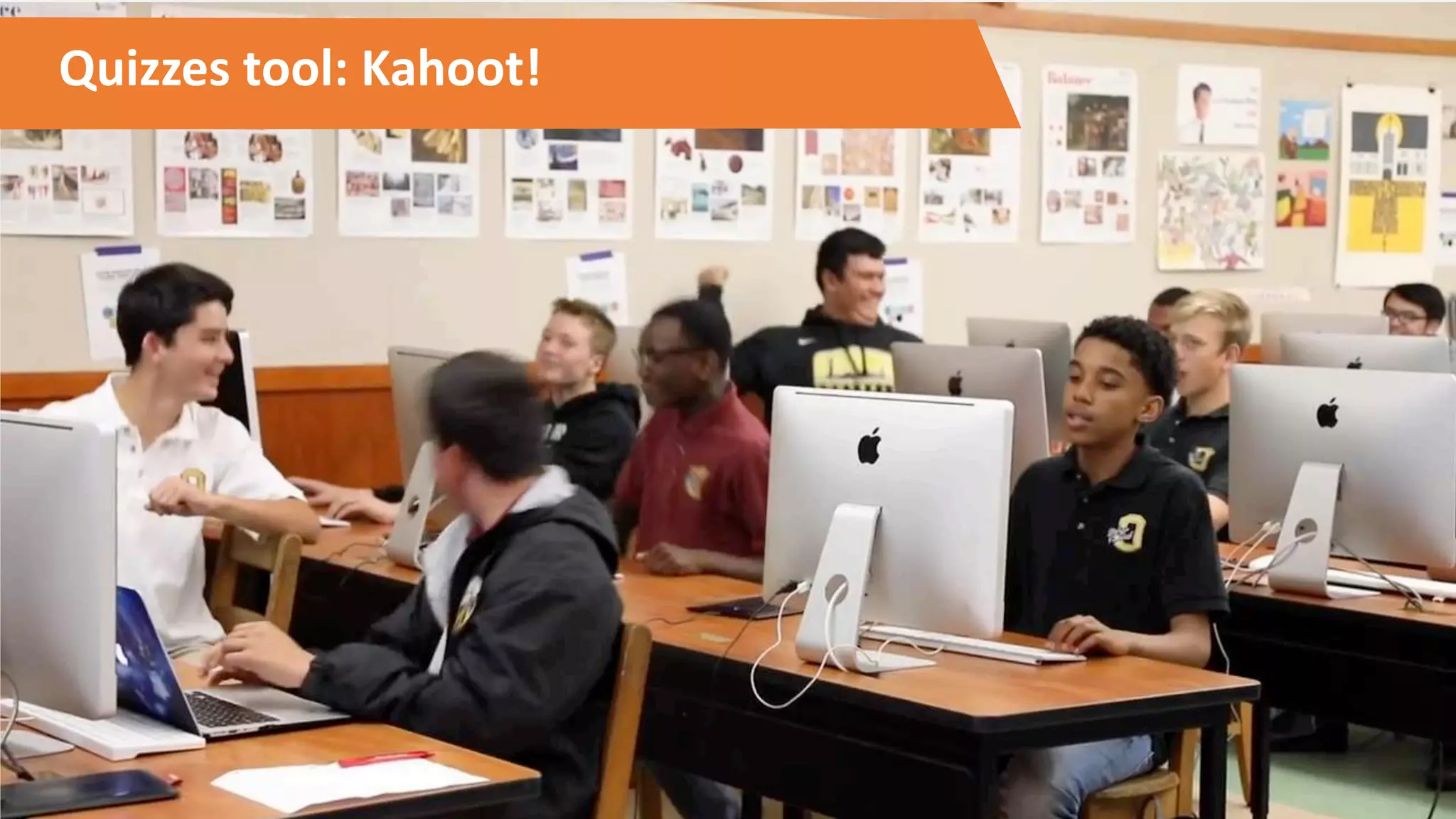
Quizzes tool: Kahoot!
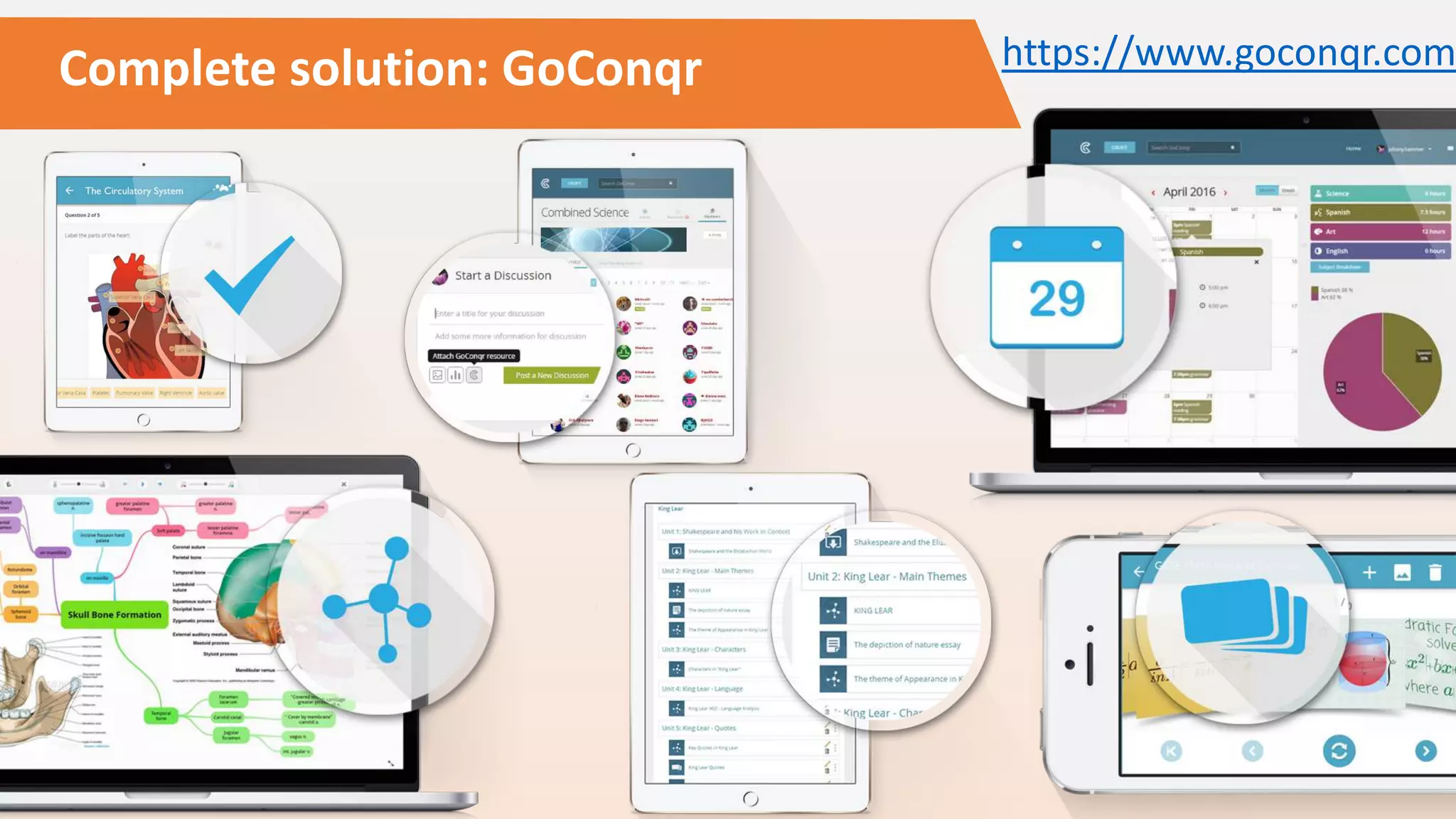
Complete solution: GoConqr https://www.goconqr.com
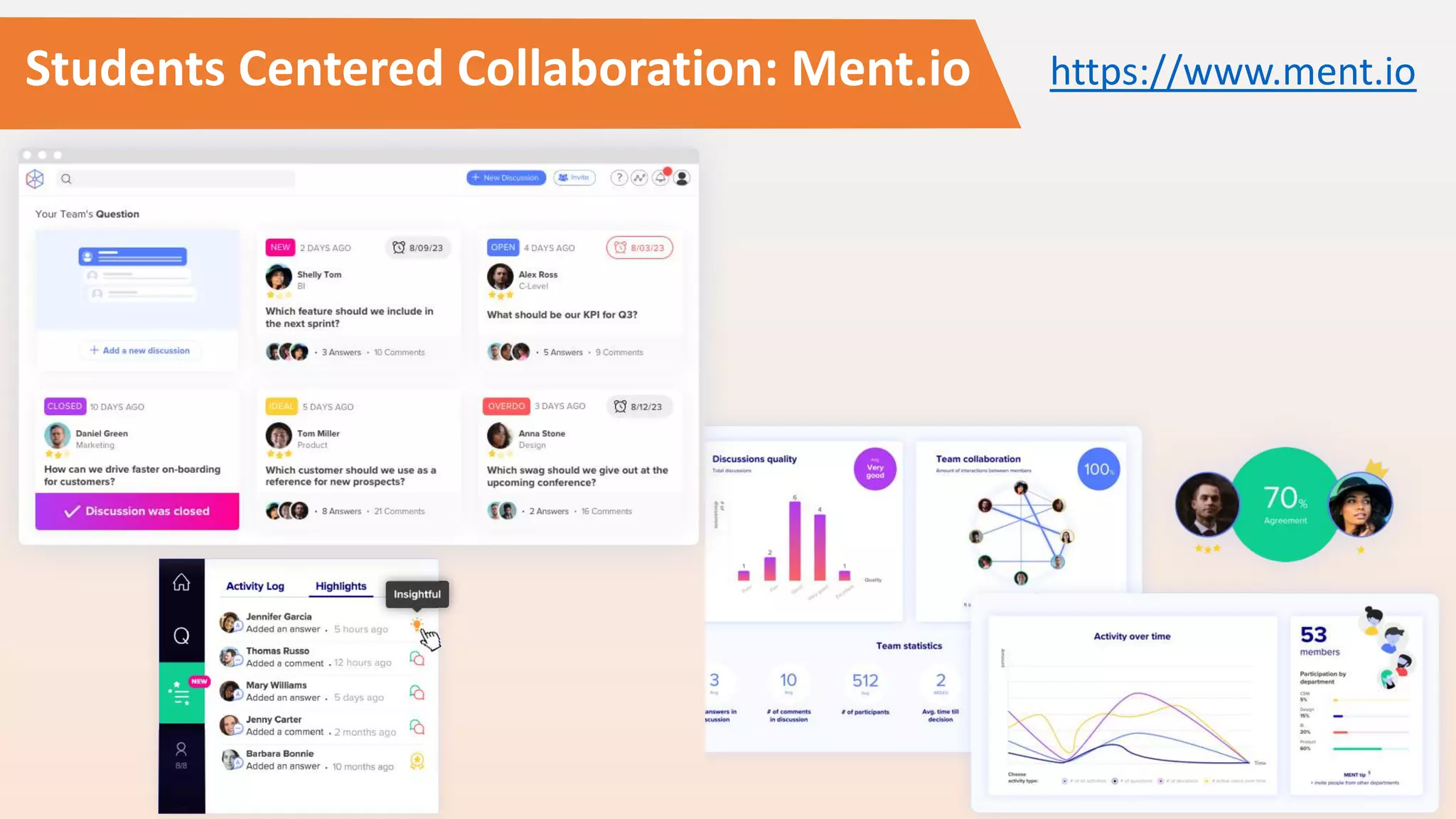
Students Centered Collaboration: Ment.io https://www.ment.io
More powerful tools
• Sources of information / prep study
• https://ed.ted.com
• https://www.youtube.com/user/crashcourse
• https://www.khanacademy.org
• Animated cartoon custom presentations
• https://www.powtoon.com
• Interactive whiteboard
• https://www.educreations.com/
• Create asynchronous interactive classes
• https://nearpod.com
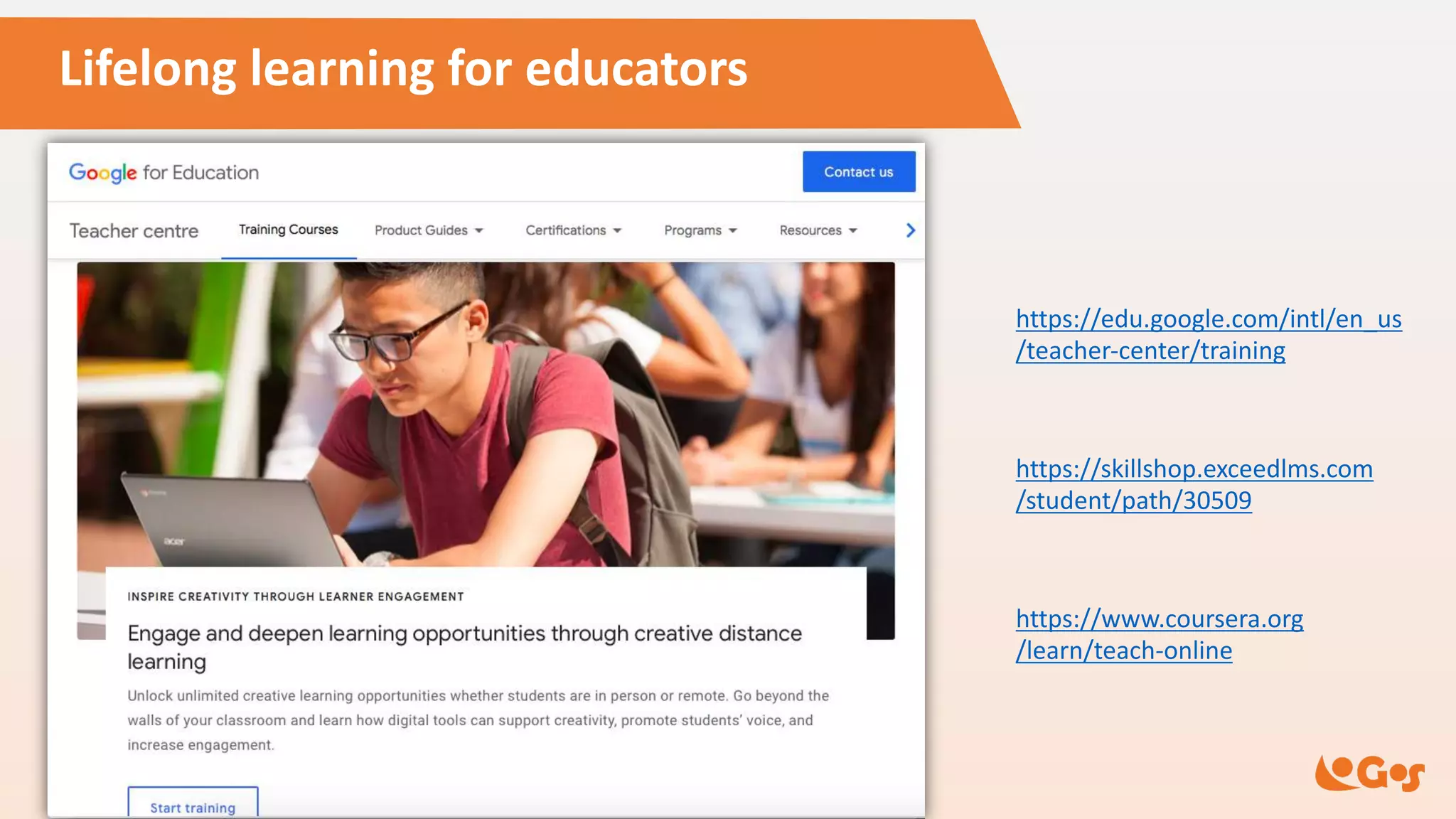
Lifelong learning for educators
https://edu.google.com/intl/en_us
/teacher-center/training
https://skillshop.exceedlms.com
/student/path/30509
https://www.coursera.org
/learn/teach-online
Final tips
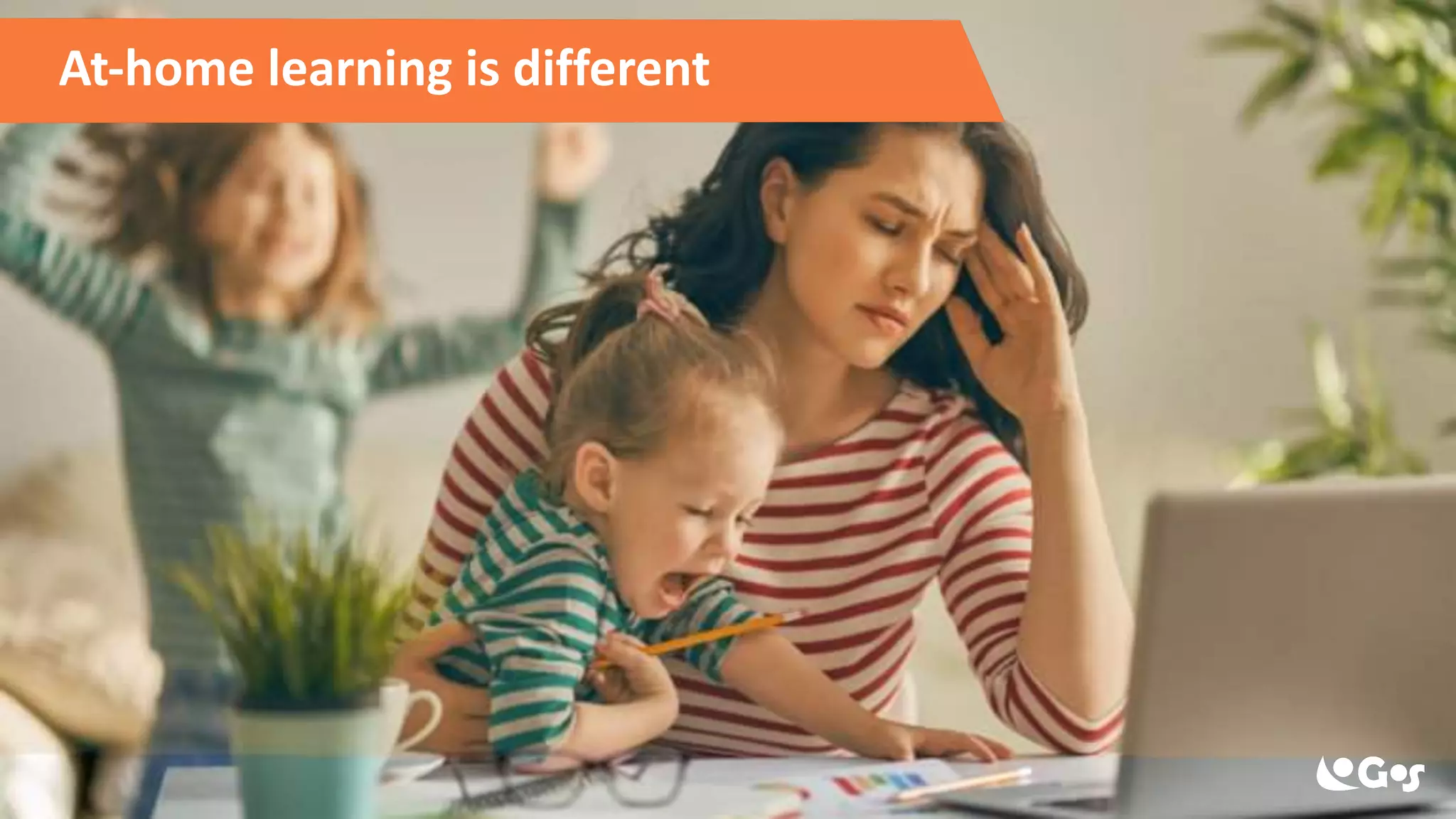
At-home learning is different
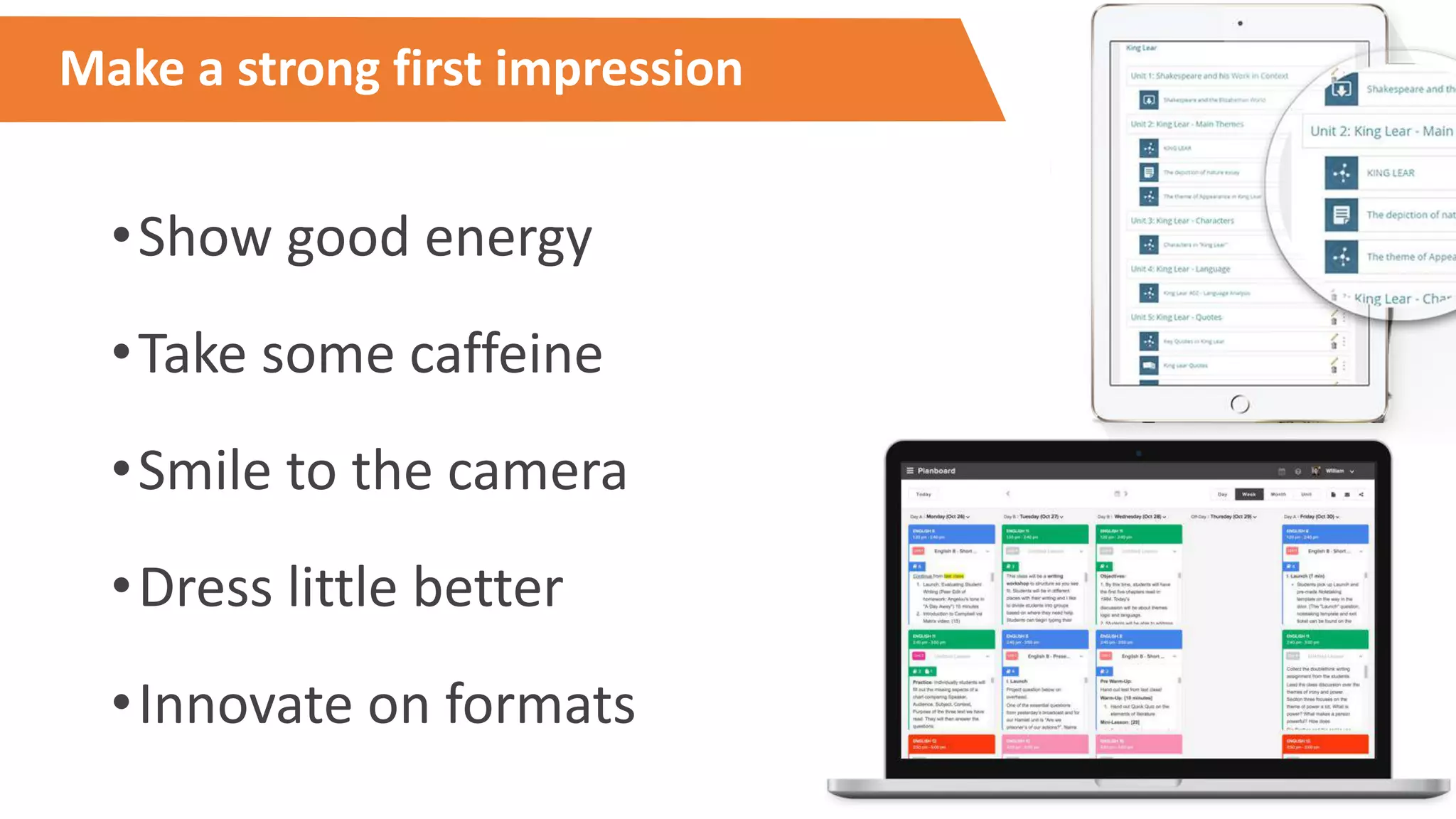
Make a strong first impression
•Show good energy
•Take some caffeine
•Smile to the camera
•Dress little better
•Innovate on formats
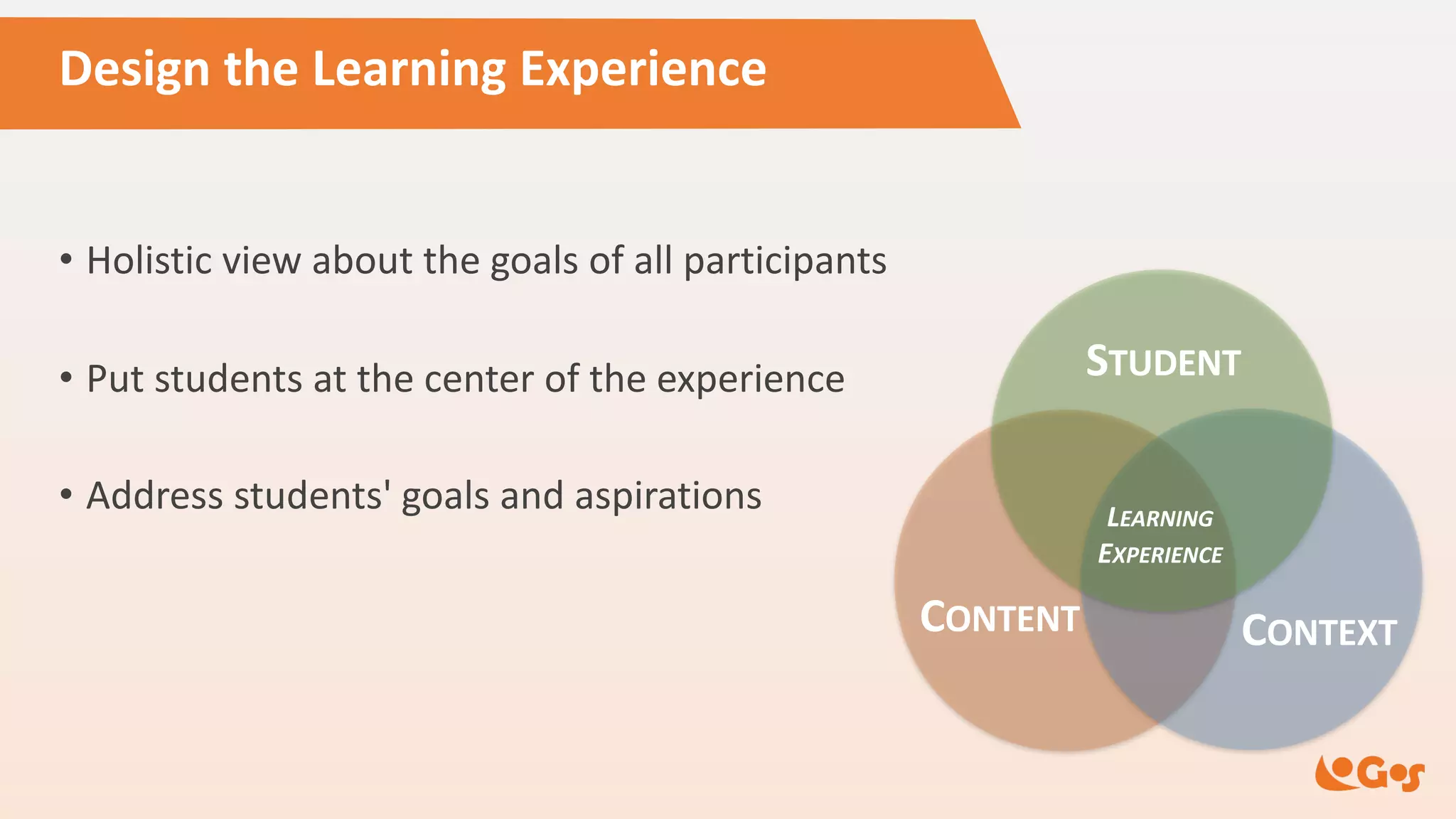
Design the Learning Experience
• Holistic view about the goals of all participants
• Put students at the center of the experience
• Address students' goals and aspirations
CONTENT CONTEXT
STUDENT
LEARNING
EXPERIENCE
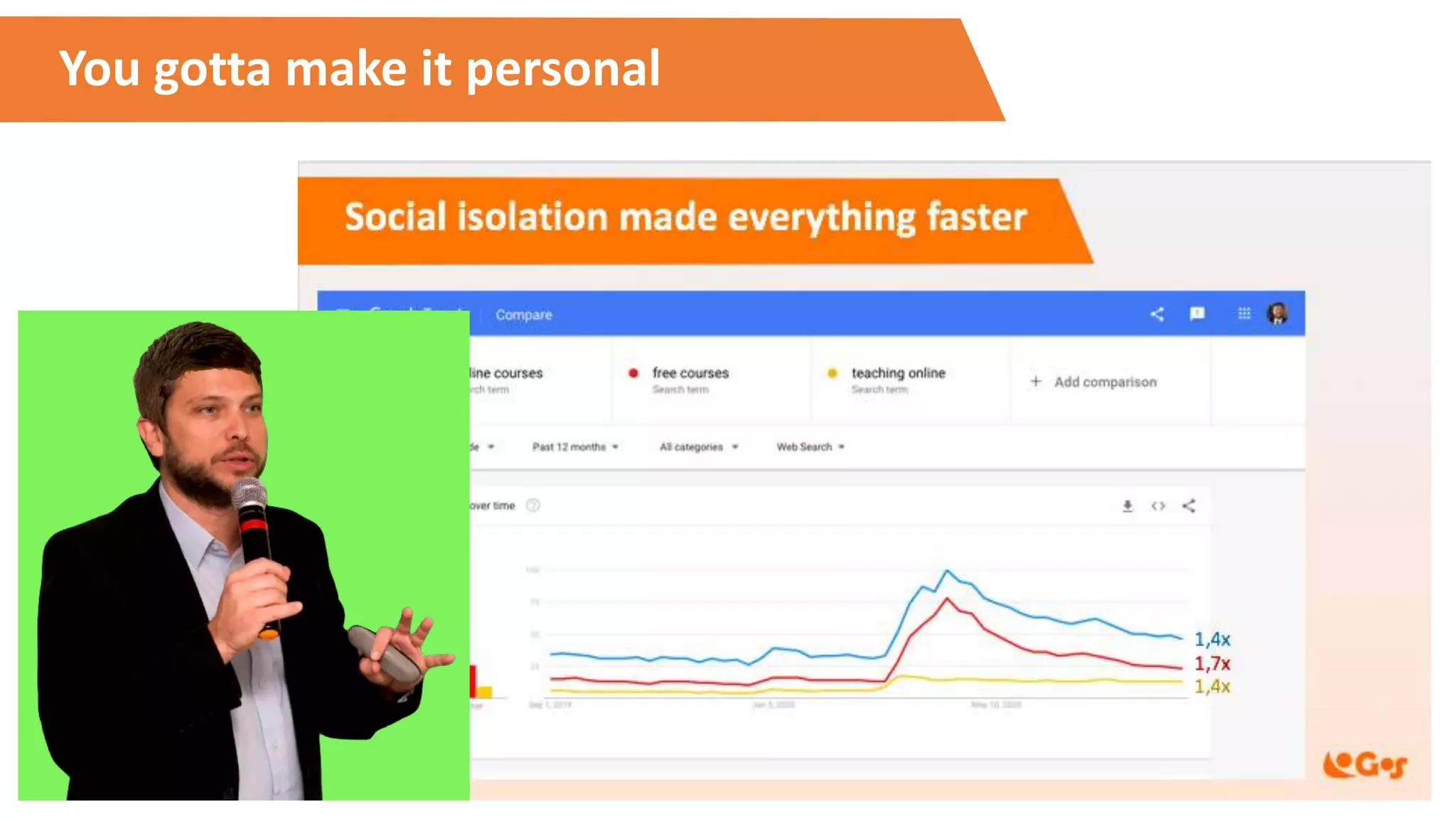
You gotta make it personal
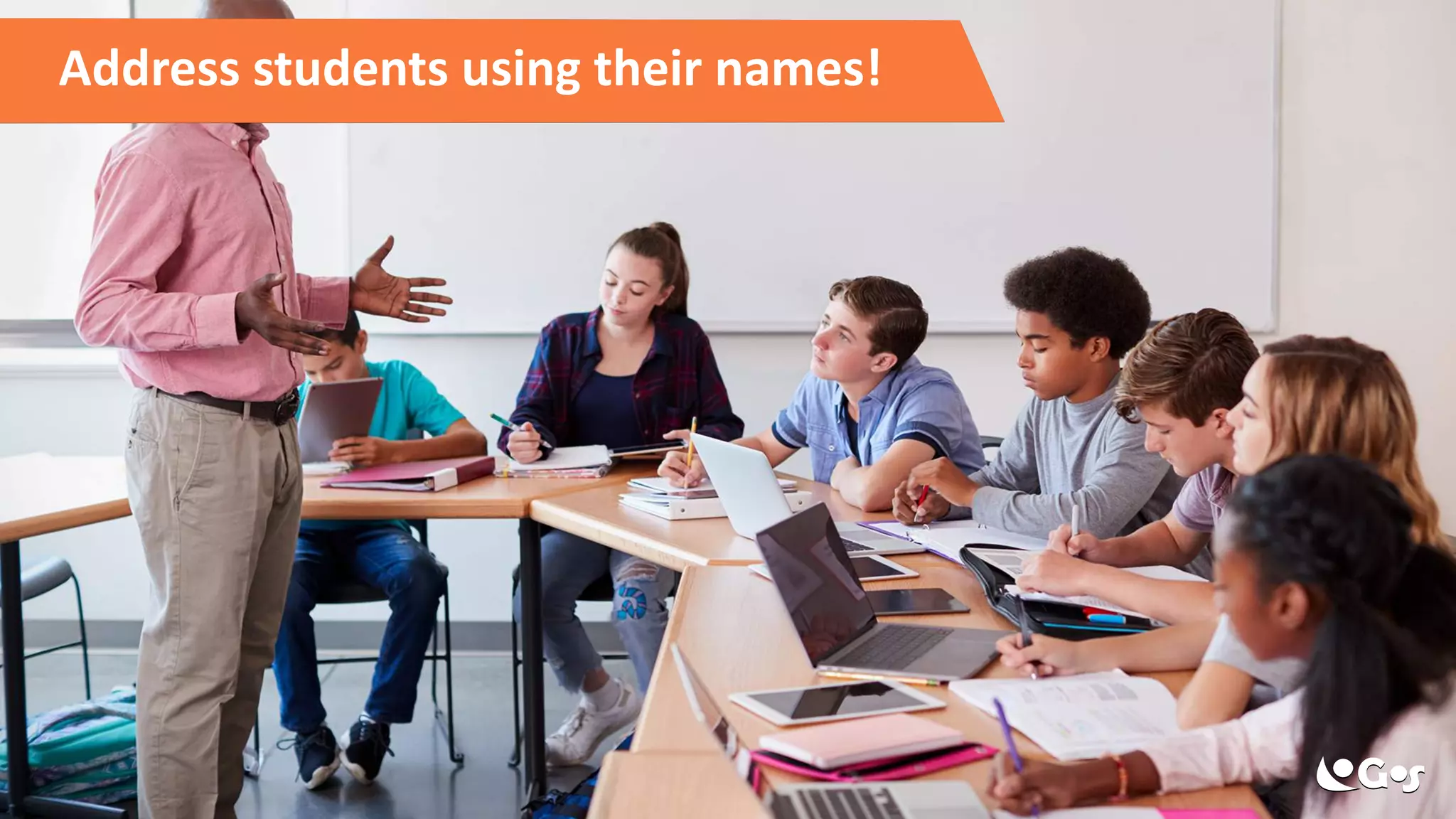
Address students using their names!
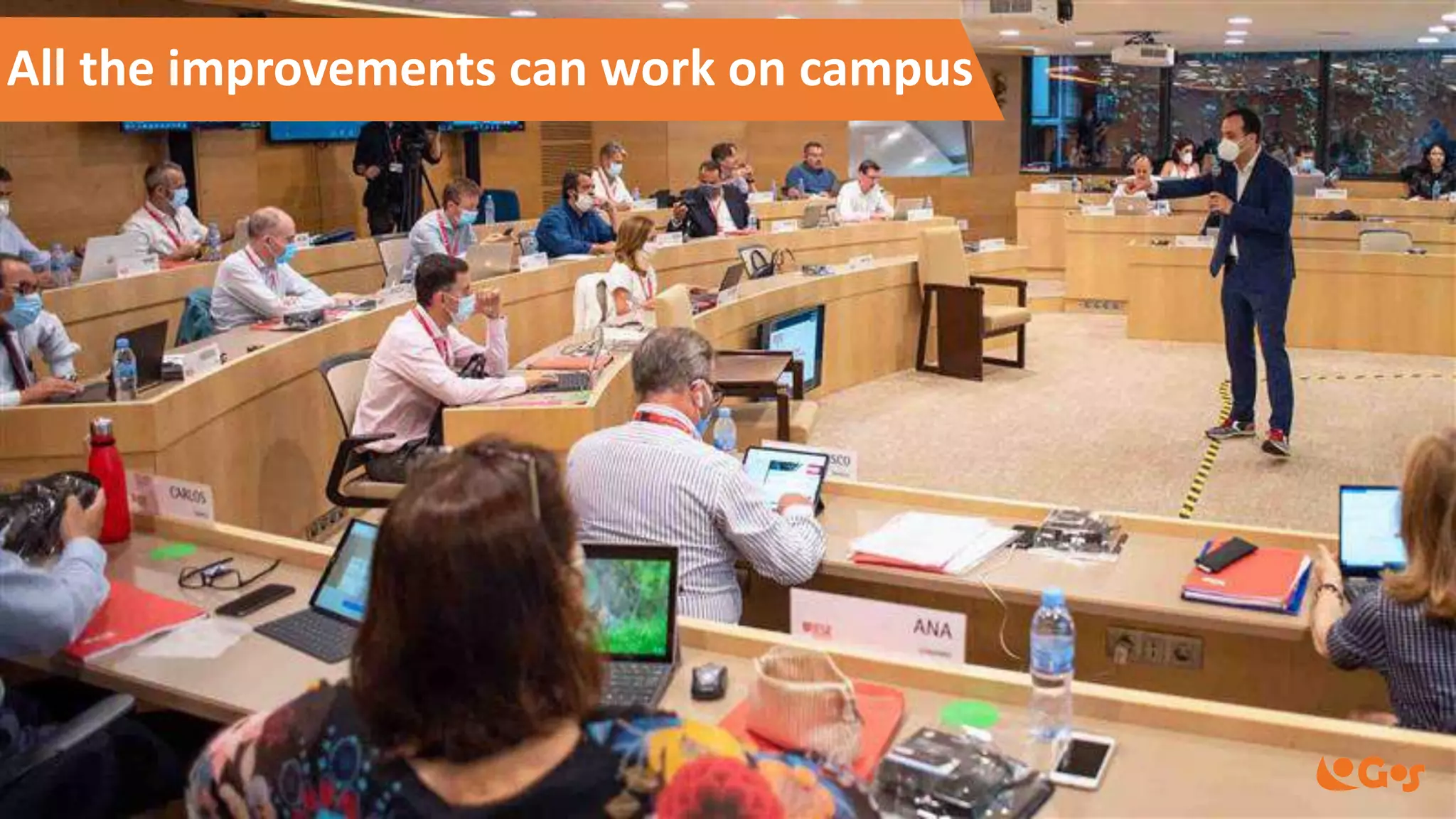
All the improvements can work on campus
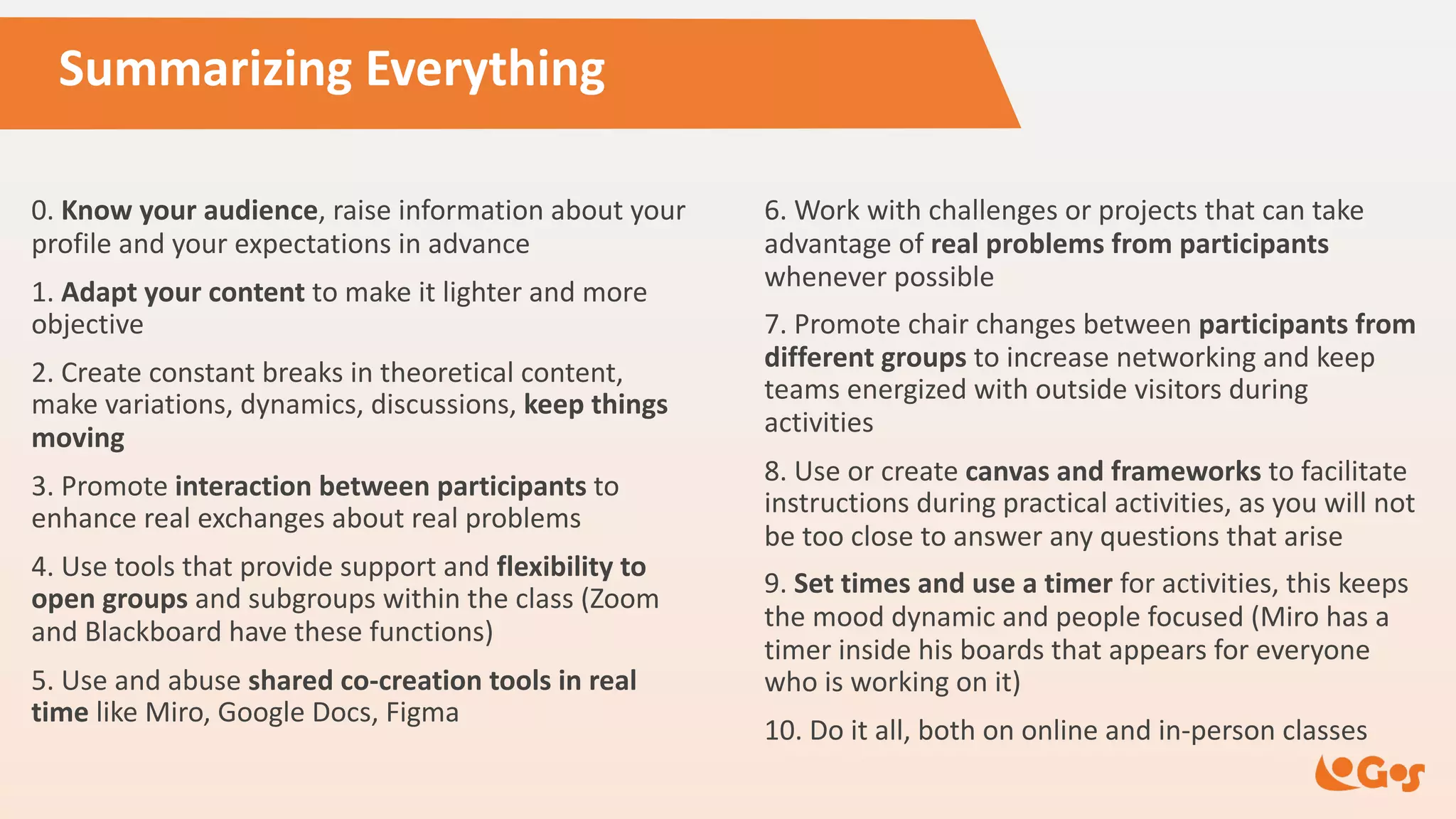
Summarizing Everything
0. Know your audience, raise information about your
profile and your expectations in advance
1. Adapt your content to make it lighter and more
objective
2. Create constant breaks in theoretical content,
make variations, dynamics, discussions, keep things
moving
3. Promote interaction between participants to
enhance real exchanges about real problems
4. Use tools that provide support and flexibility to
open groups and subgroups within the class (Zoom
and Blackboard have these functions)
5. Use and abuse shared co-creation tools in real
time like Miro, Google Docs, Figma
6. Work with challenges or projects that can take
advantage of real problems from participants
whenever possible
7. Promote chair changes between participants from
different groups to increase networking and keep
teams energized with outside visitors during
activities
8. Use or create canvas and frameworks to facilitate
instructions during practical activities, as you will not
be too close to answer any questions that arise
9. Set times and use a timer for activities, this keeps
the mood dynamic and people focused (Miro has a
timer inside his boards that appears for everyone
who is working on it)
10. Do it all, both on online and in-person classes
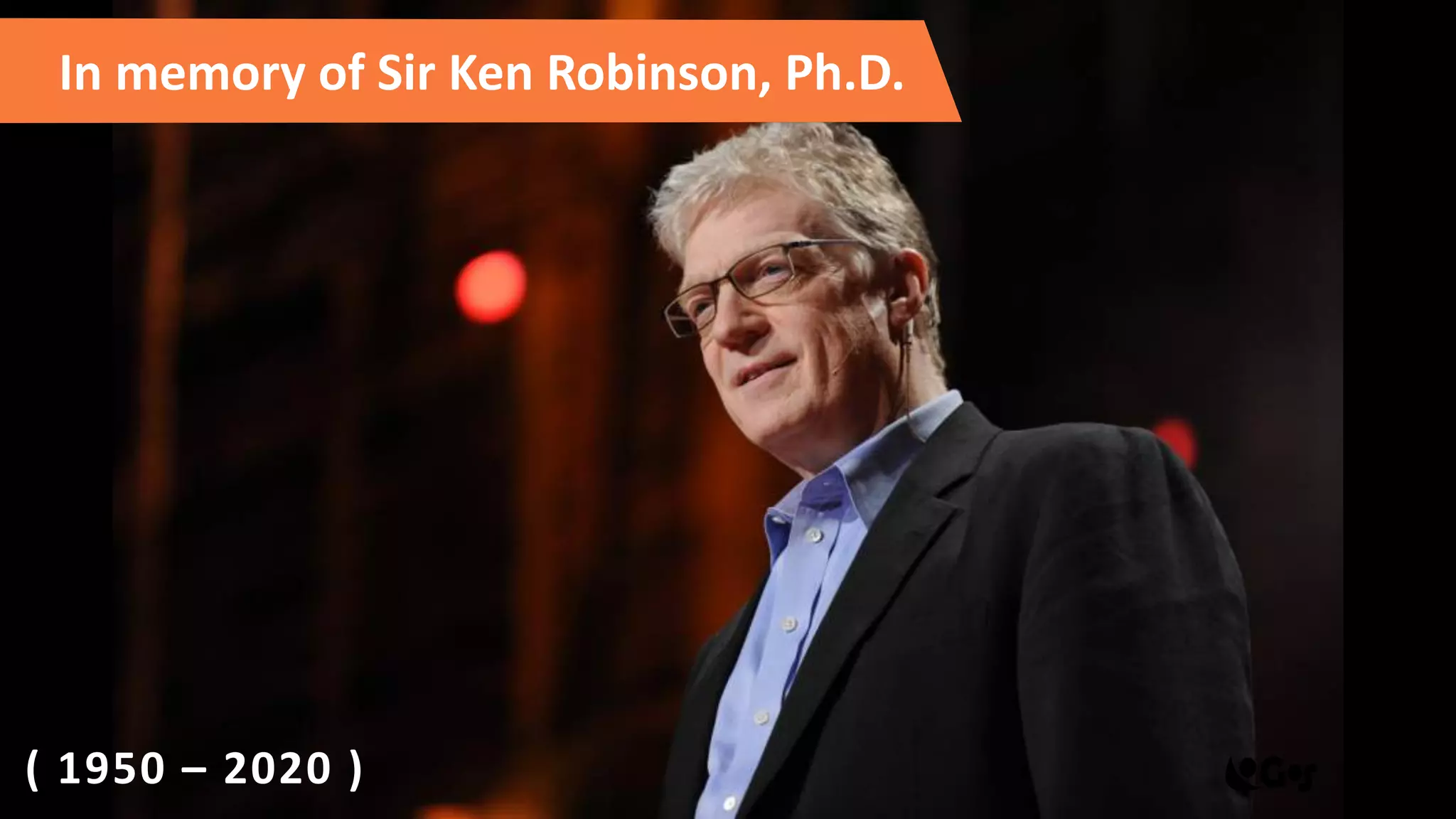
In memory of Sir Ken Robinson, Ph.D.
( 1950 – 2020 )
Fred Pacheco
Fred Pacheco
prof@fredpacheco.com
+55 (22) 98838.1950
/fredpacheco
www.fredpacheco.com
/in/fred-pacheco/
/prof_fredpacheco
Nadja Akemi
contact@fredpacheco.com
+55 (22) 98842.8024
Follow us:
Let’s share education

How forced online classes can finally enable educators to improve learning

  • 1.
    How forced online classescan finally enable educators to improve learning Fred Pacheco www.fredpacheco.com
  • 2.
    Fred Pacheco • Masterin Education at UNIFESP • MBA at FGV and Ohio University • researcher on Adult Education through Digital Technologies • managing director at Logos Training and Consulting • experienced professional in Marketing Management and Corporate Education (20 years) • post-graduation professor in top Brazilian universities (ESPM, BSP, IPOG, SENAC) • visiting professor in international business programs (EADA Spain, IEDE Chile)
  • 3.
    Each course isdifferent • Lectures or Workshops • maximum of contents in a short time • learn new experiences and build network • Academic discipline • content of each class should connect to something bigger • intensive content could be tiring in the long run • Non-academic course • practical experiences, labs, physical postures etc. • individual instructions and development follow-up
  • 4.
  • 5.
    Social isolation hasmade changes urgent 1,4x 1,7x 1,4x
  • 6.
    Distance learning isnot new... First Epistle of Paul to the Corinthians, A.D. 54
  • 7.
    Gutenberg’s Press, 1430 USMail Courses, 4Mi students, 1920 Distance learning is not new...
  • 8.
    Learning new formats (2008) Photosby Andrea Piacquadio and Julia M. Cameron - Pexels
  • 9.
    Learning new formats– MOOCs (2012)
  • 10.
  • 11.
    Trends in Educationpost-pandemic • Active Learning techniques • Flipped Classroom • Adaptive Learning tools • Live and OnDemand (synchronous + asynchronous) • Hybrid teaching classes (online + in-person)
  • 12.
    Active Learning: StudentCentered Some examples: • Problem-Based Learning • Problem-Solving • Role Playing • Discussion Boards • Learning by Teaching • Project-Based Learning • Game-based Learning • Think-Pair-Share
  • 13.
    Humanizing class asmuch as possible
  • 14.
  • 15.
    Students are supposed tolook over the material Professor presents a lecture and students take notes Attempt to do homework but has no ways to clarify doubts Traditional Classroom Model
  • 16.
    Students learn the theoryby themselves in prior Students clarify doubts and practice together in classroom, applying key concepts and having feedbacks Flipped Classroom Model Students check their understanding and extend their learning It's a much better use of time in class
  • 17.
  • 18.
    Synchronous activities 1 ½hour longer top Polls Discussions Debates Breakout rooms TAKE ADVANTAGE OF THE LIVE ATTENDANCE Q&A
  • 19.
  • 20.
    Online teaching tips DOsDON’Ts ü Do focus on preparation (pre class) ü Do keep classes varied (some activities) ü Do allow time to form connections ! Don’t assign too much reading ! Don't be obsessed with technology ! Don’t try to cover too much
  • 21.
    Classes planning check-list •Pre class • Prep by students, flipped classroom • Vary media: reading articles, videos, games • During class • Interactive: polls, q&a, chat, student-led, breakout rooms • Student’s shared screen • Post class • Reflections
  • 22.
    Mix it up! Combine somelearning experiences
  • 23.
    Guiding questions • Whoare my course participants? (digital natives, generation Z…) • What behavioral profile do they have? (more agitated, more mature ...) • How familiar are they with technologies? (heavy users, low tech…) • Are you used to online contact? (they work on the computer, they already have online meetings...) • What kind of digital tools are they used to using? (whatsapp, zoom, tiktok...)
  • 24.
    Guide of usefulinteractive tools • Videos for asynchronous learning • Dojo approach with student sharing screen • Laboratories allow students to practice (together or alone) • Assignments and final projects • Case study driving discussions • Quizzes and competitions
  • 25.
  • 26.
    Choose the rightstyle to set the tone Meeting Table Discussuion Groups Lecture Room U Architecture
  • 27.
  • 28.
    Quizzes tool: Kahoot!https://kahoot.com
  • 29.
  • 30.
  • 31.
    Complete solution: GoConqrhttps://www.goconqr.com
  • 32.
    Students Centered Collaboration:Ment.io https://www.ment.io
  • 33.
    More powerful tools •Sources of information / prep study • https://ed.ted.com • https://www.youtube.com/user/crashcourse • https://www.khanacademy.org • Animated cartoon custom presentations • https://www.powtoon.com • Interactive whiteboard • https://www.educreations.com/ • Create asynchronous interactive classes • https://nearpod.com
  • 34.
    Lifelong learning foreducators https://edu.google.com/intl/en_us /teacher-center/training https://skillshop.exceedlms.com /student/path/30509 https://www.coursera.org /learn/teach-online
  • 35.
  • 36.
  • 37.
    Make a strongfirst impression •Show good energy •Take some caffeine •Smile to the camera •Dress little better •Innovate on formats
  • 38.
    Design the LearningExperience • Holistic view about the goals of all participants • Put students at the center of the experience • Address students' goals and aspirations CONTENT CONTEXT STUDENT LEARNING EXPERIENCE
  • 39.
    You gotta makeit personal
  • 40.
  • 41.
    All the improvementscan work on campus
  • 42.
    Summarizing Everything 0. Knowyour audience, raise information about your profile and your expectations in advance 1. Adapt your content to make it lighter and more objective 2. Create constant breaks in theoretical content, make variations, dynamics, discussions, keep things moving 3. Promote interaction between participants to enhance real exchanges about real problems 4. Use tools that provide support and flexibility to open groups and subgroups within the class (Zoom and Blackboard have these functions) 5. Use and abuse shared co-creation tools in real time like Miro, Google Docs, Figma 6. Work with challenges or projects that can take advantage of real problems from participants whenever possible 7. Promote chair changes between participants from different groups to increase networking and keep teams energized with outside visitors during activities 8. Use or create canvas and frameworks to facilitate instructions during practical activities, as you will not be too close to answer any questions that arise 9. Set times and use a timer for activities, this keeps the mood dynamic and people focused (Miro has a timer inside his boards that appears for everyone who is working on it) 10. Do it all, both on online and in-person classes
  • 43.
    In memory ofSir Ken Robinson, Ph.D. ( 1950 – 2020 )
  • 44.
    Fred Pacheco Fred Pacheco prof@fredpacheco.com +55(22) 98838.1950 /fredpacheco www.fredpacheco.com /in/fred-pacheco/ /prof_fredpacheco Nadja Akemi contact@fredpacheco.com +55 (22) 98842.8024 Follow us: Let’s share education