What is a Learnist Board?
Learnist (http://learni.st) is free
media and resource sharing
site that is an extremely useful
tool for teachers and students
to curate a number of relevant
sites relating to a topic.
Learnist is also available as an
iPad app and an Android app
Let’s look at Learnist Boards
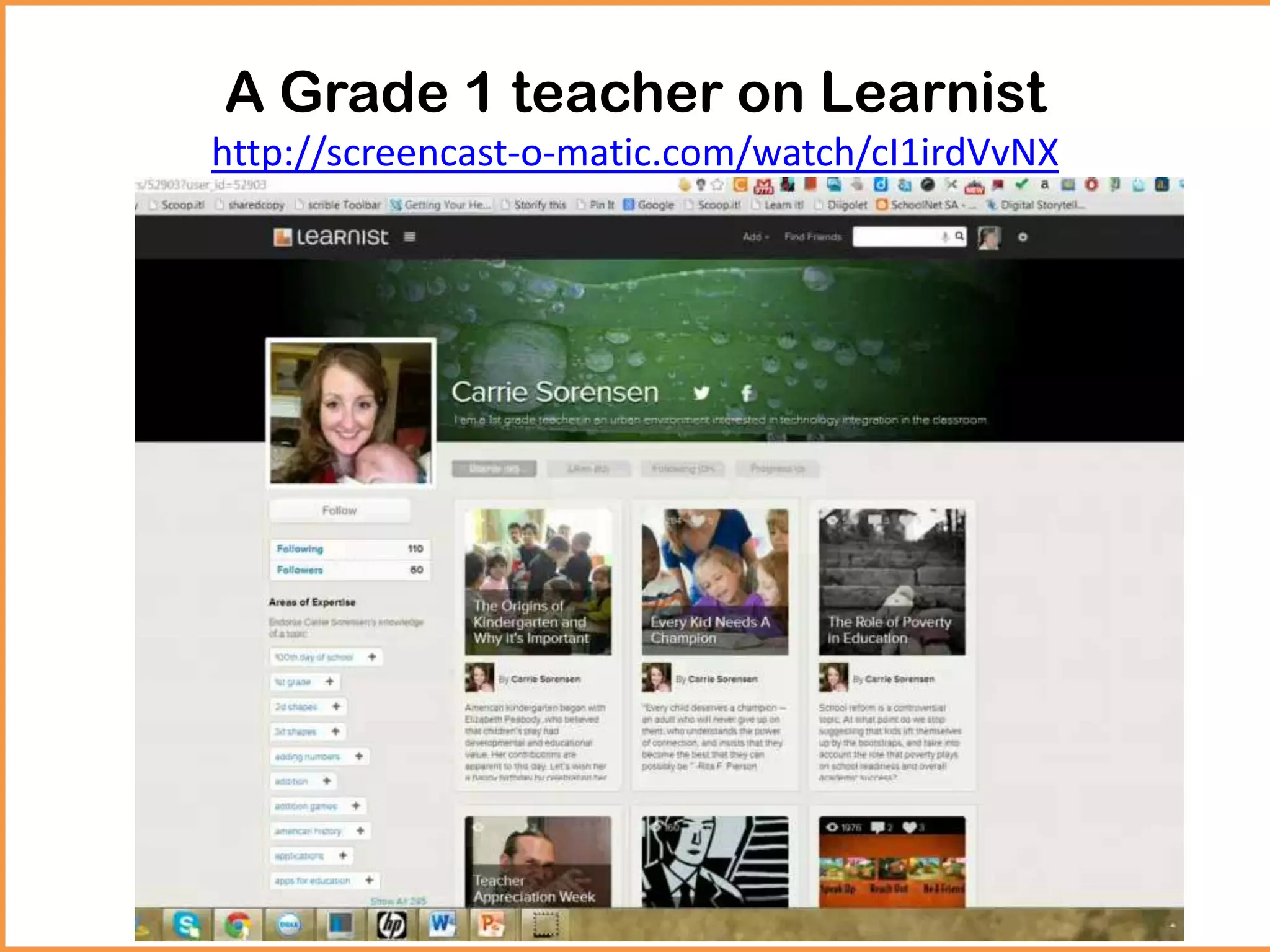
A Grade 1 teacher on Learnist
http://screencast-o-matic.com/watch/cI1irdVvNX
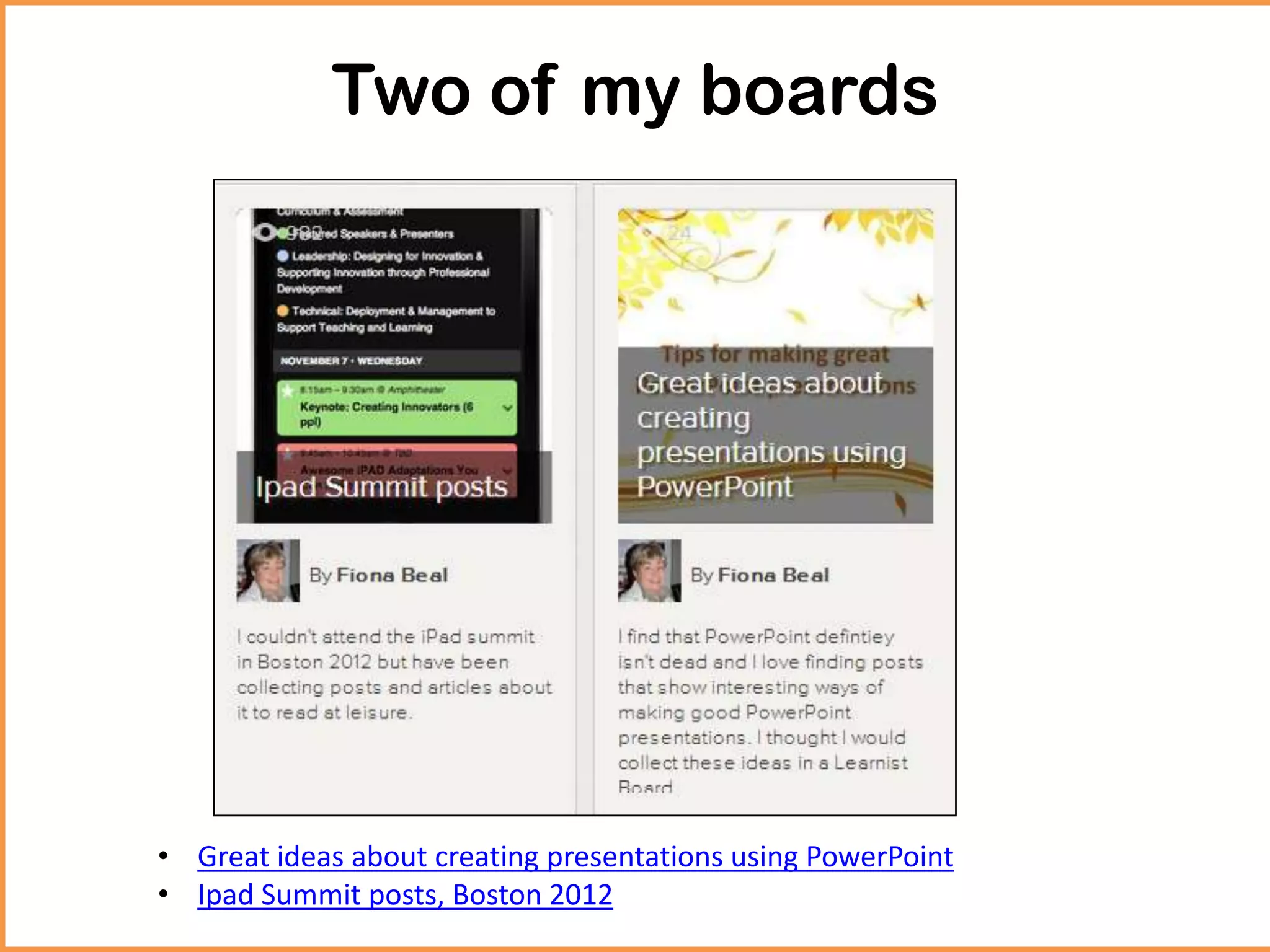
Two of my boards
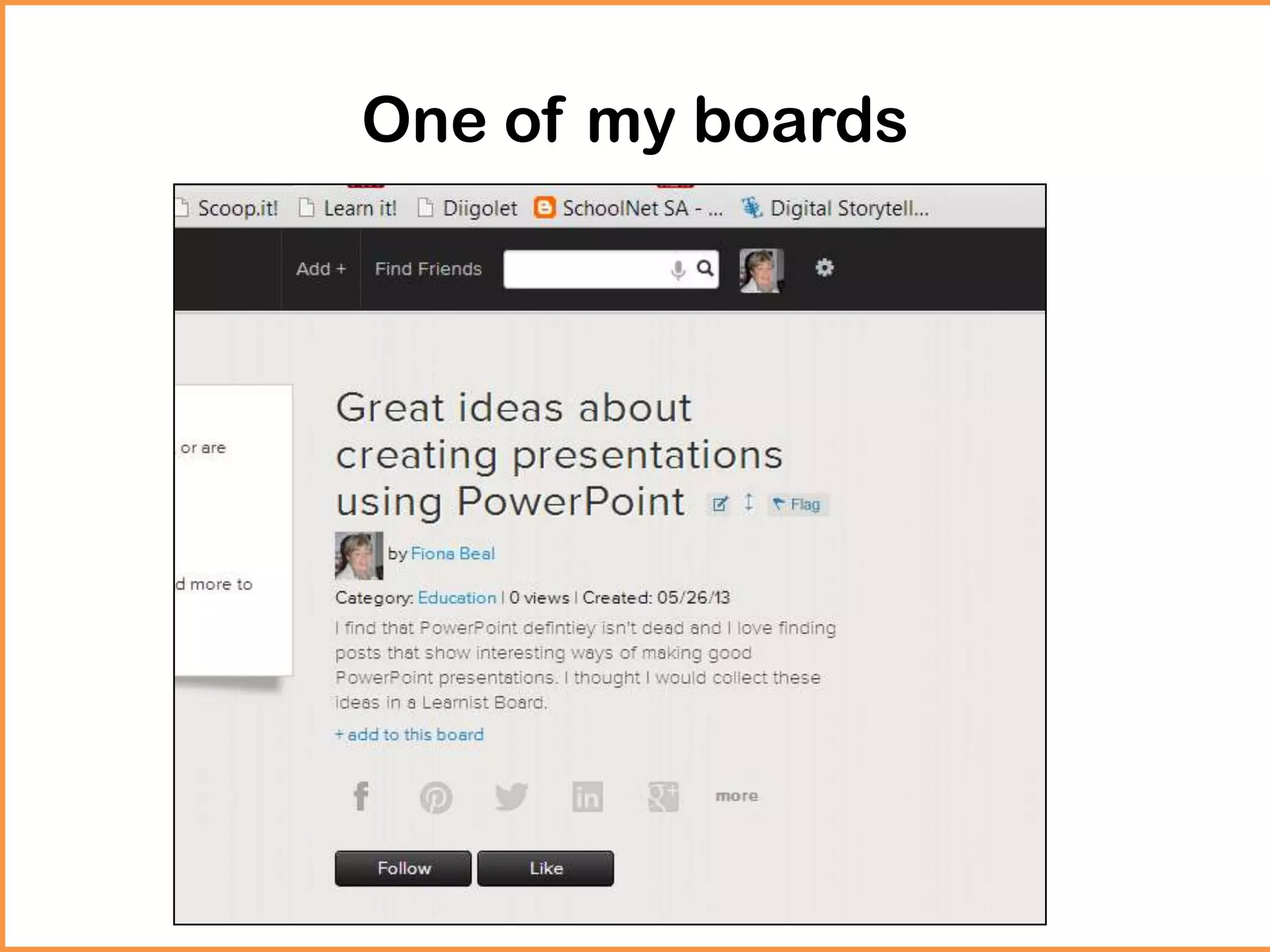
• Great ideas about creating presentations using PowerPoint
• Ipad Summit posts, Boston 2012
Let’s create a Learnist Board
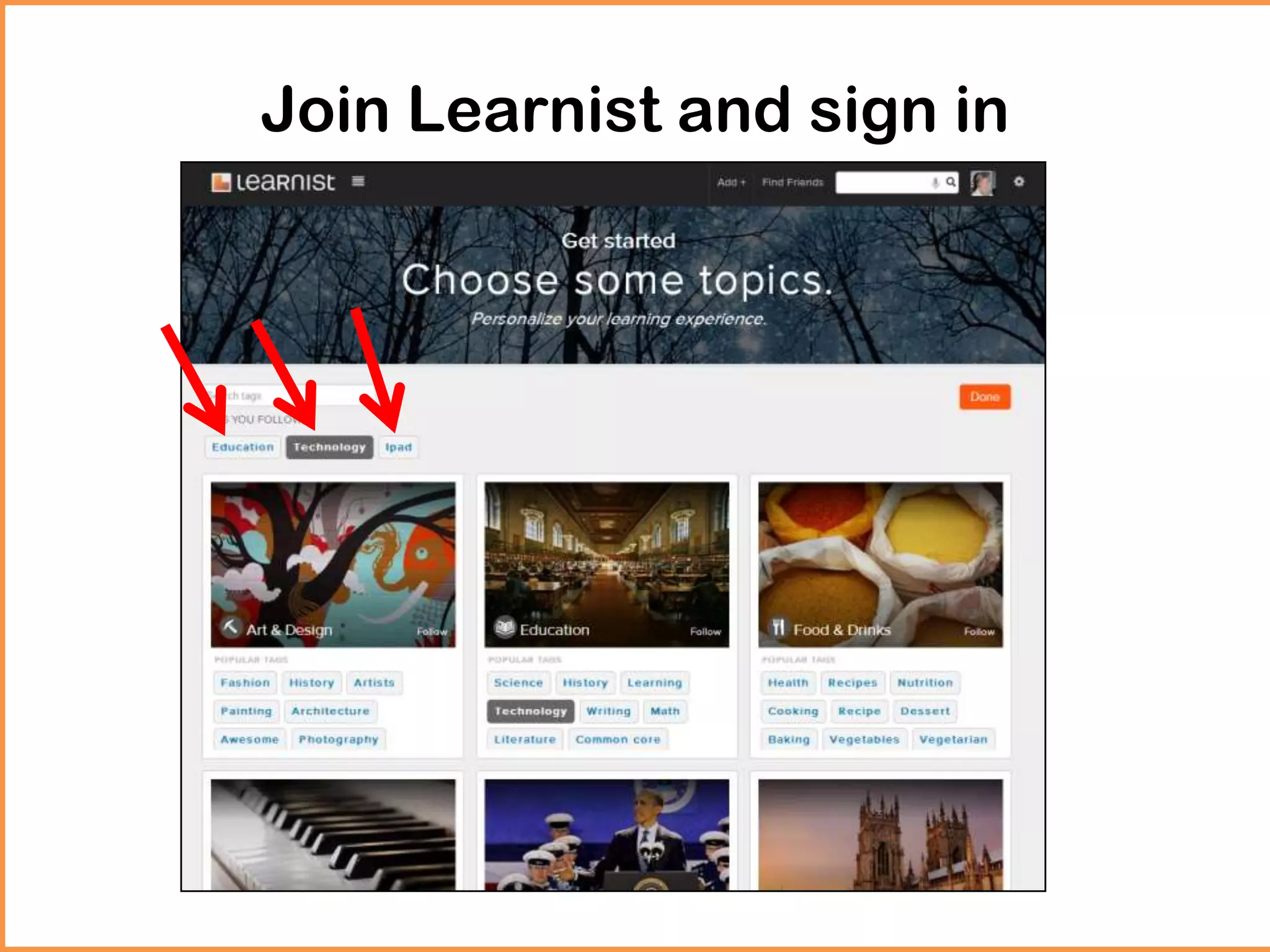
Join Learnist and sign in
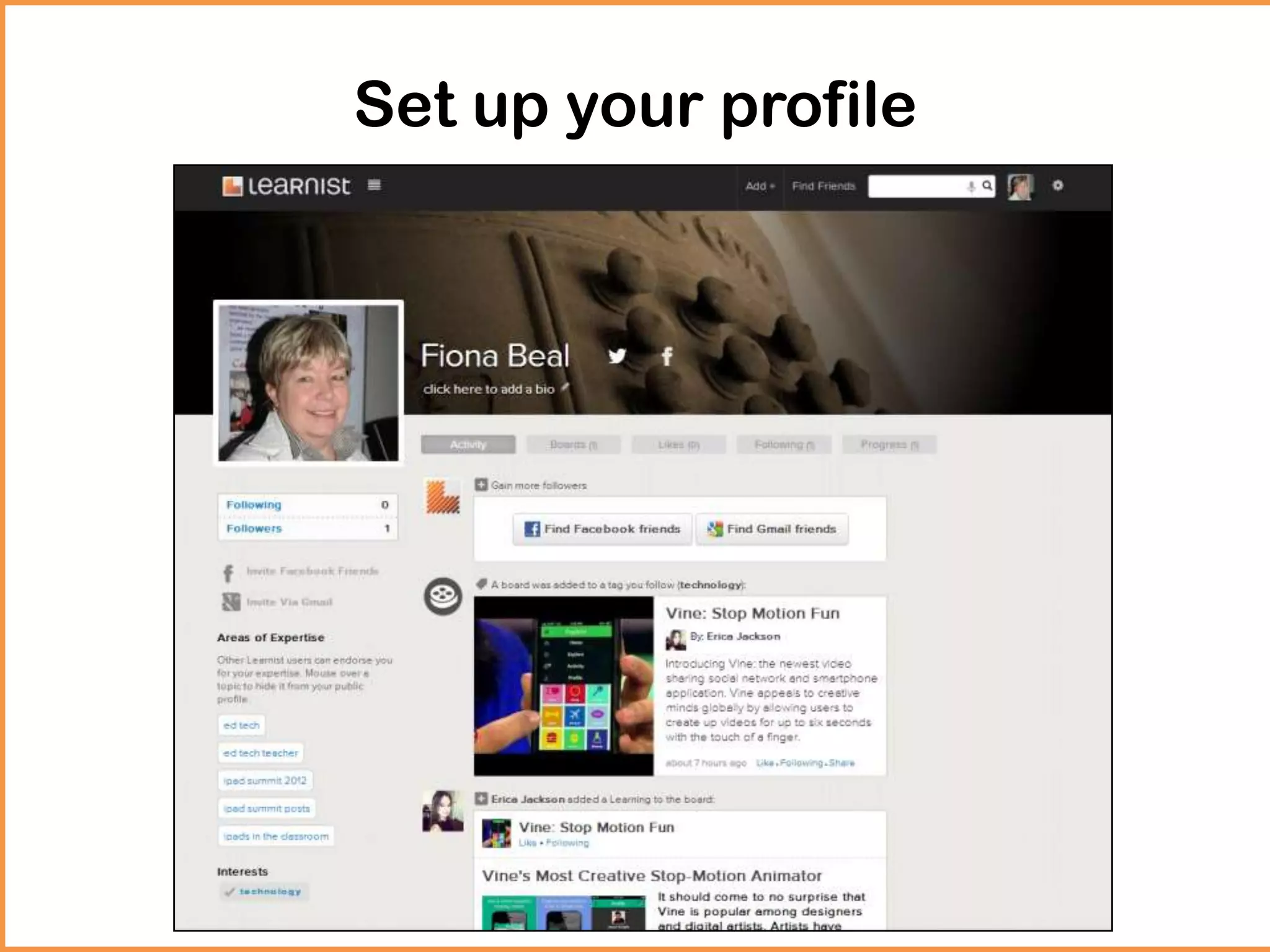
Set up your profile
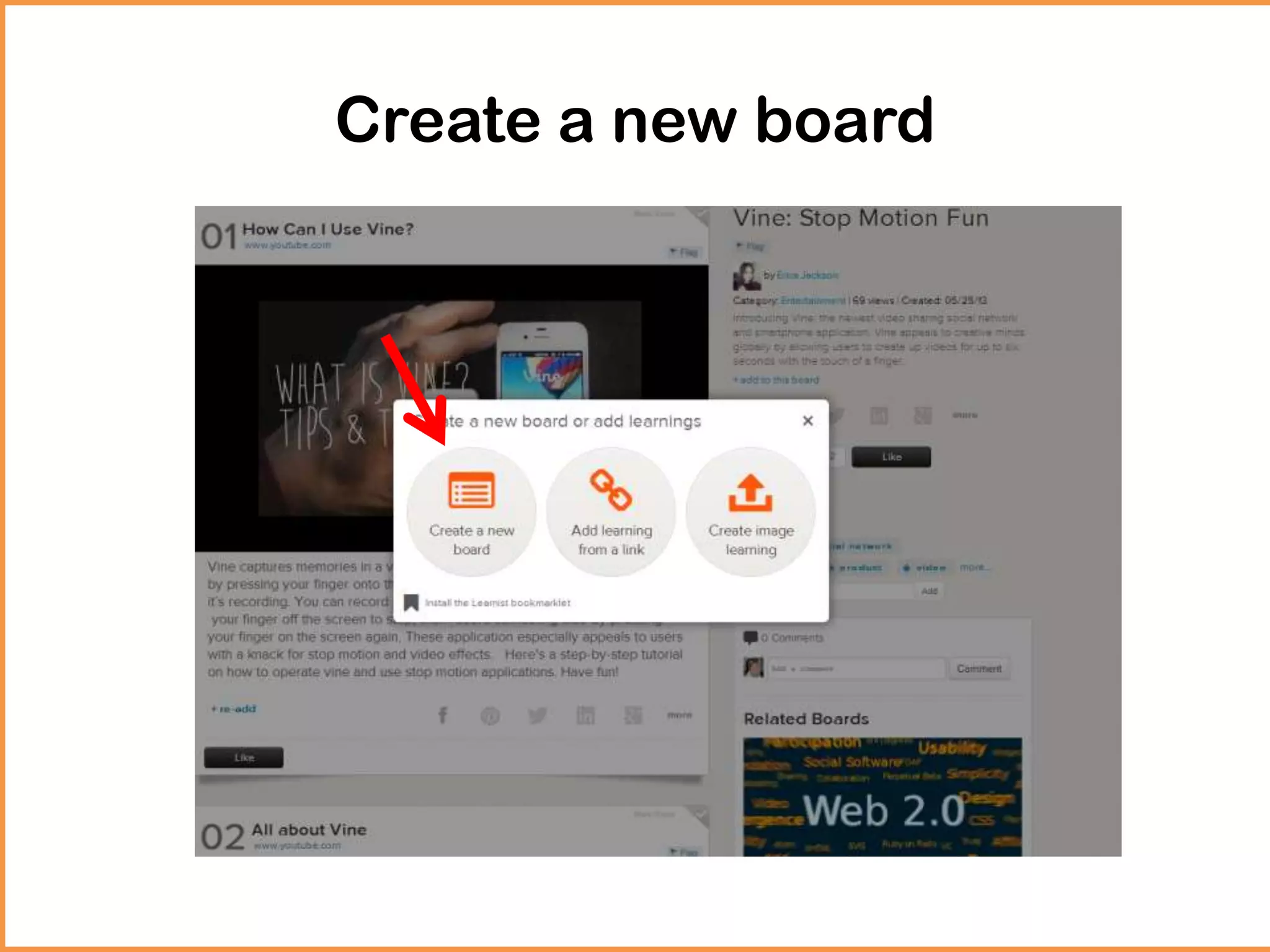
Create a new board
How I did it! (An example)
One of my boards
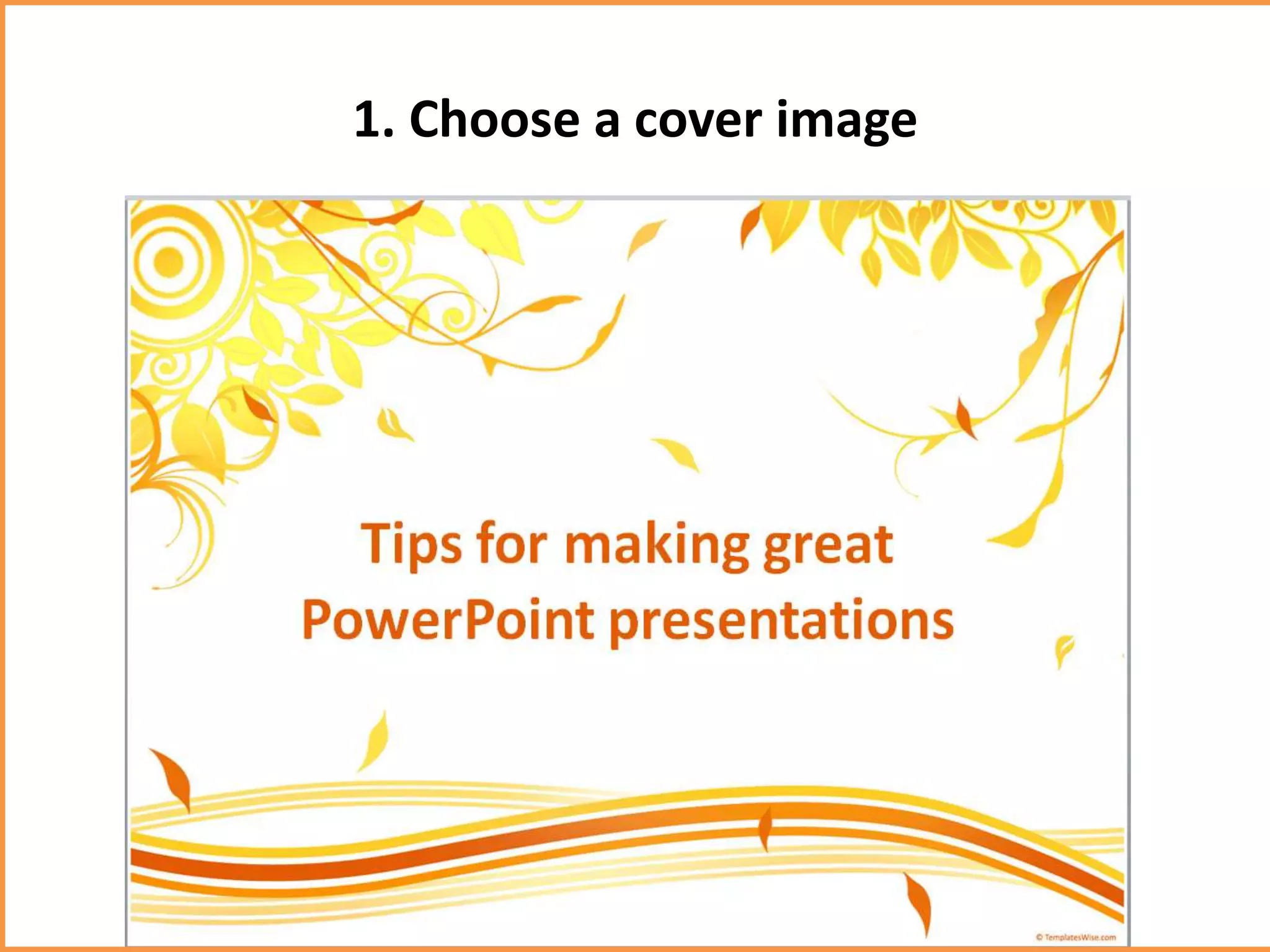
1. Choose a cover image
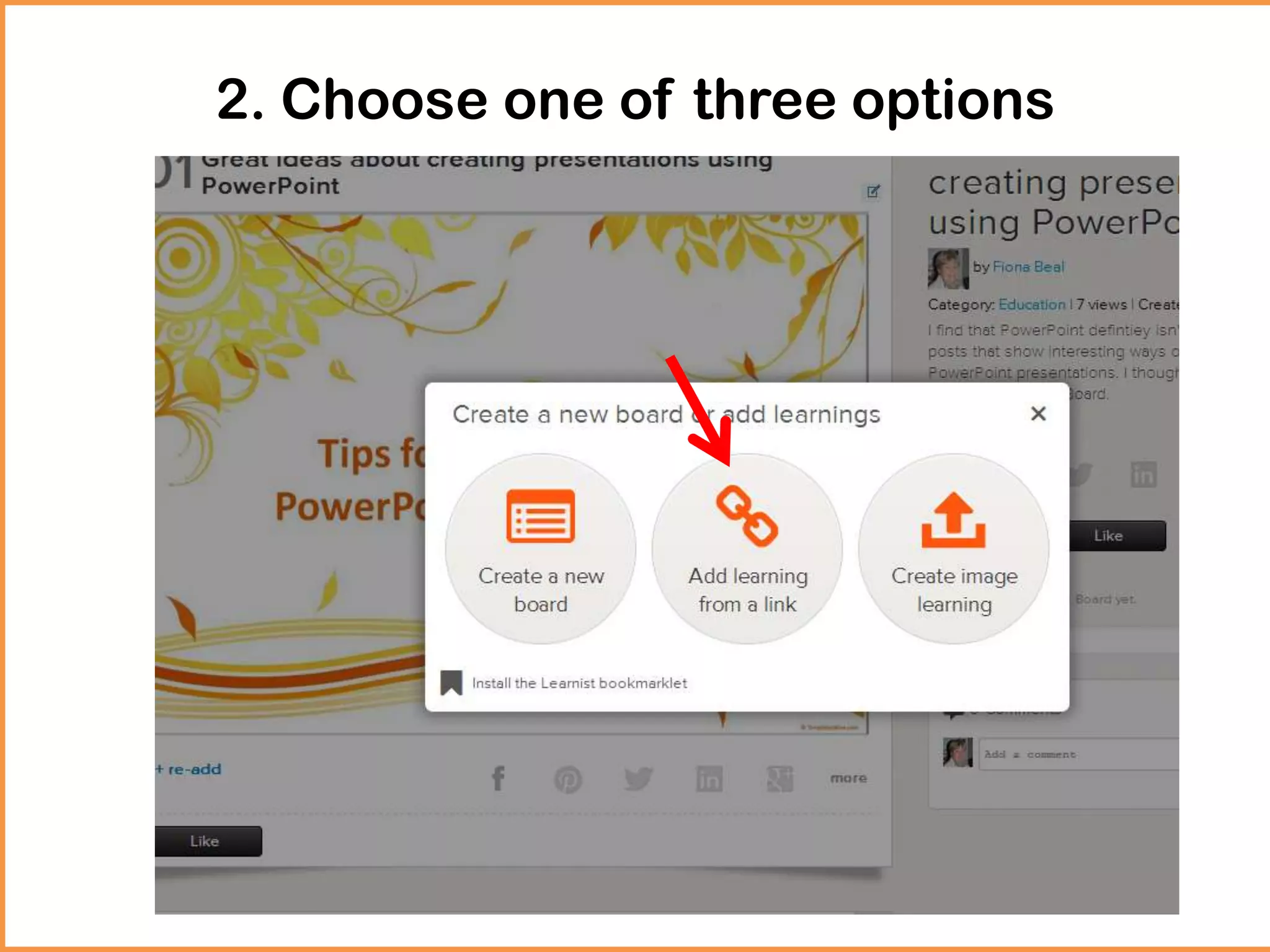
2. Choose one of three options
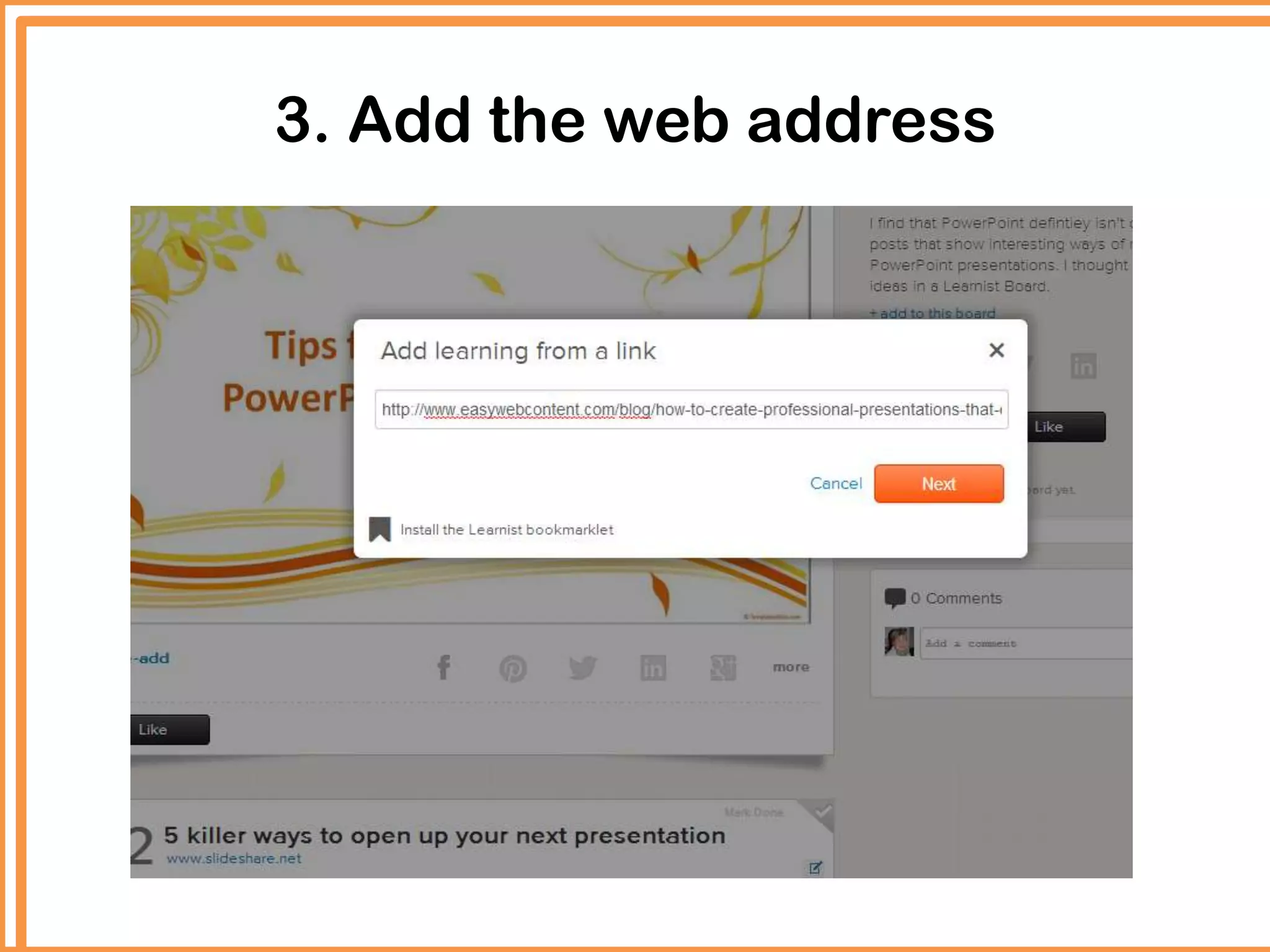
3. Add the web address
Benefits
• Keeps all resources together in a particular
order
• It is accessible from wherever I am
• I can share my page with others
• One can follow others with similar interest.
• Students could also use it for a project to show
the sites they used.
Visit me on Learnist…
So it continues. Just keep adding links or pictures or videos
in the order that you want them to appear. Take a look at
http://learni.st/users/36830 to see how I have started and
then explore all the amazing boards from various educators
on Learnist.

Have you considered creating a Learnist Board?

  • 2.
    What is aLearnist Board? Learnist (http://learni.st) is free media and resource sharing site that is an extremely useful tool for teachers and students to curate a number of relevant sites relating to a topic. Learnist is also available as an iPad app and an Android app
  • 3.
    Let’s look atLearnist Boards
  • 4.
    A Grade 1teacher on Learnist http://screencast-o-matic.com/watch/cI1irdVvNX
  • 5.
    Two of myboards • Great ideas about creating presentations using PowerPoint • Ipad Summit posts, Boston 2012
  • 6.
    Let’s create aLearnist Board
  • 7.
  • 8.
    Set up yourprofile
  • 9.
  • 10.
    How I didit! (An example)
  • 11.
    One of myboards
  • 12.
    1. Choose acover image
  • 13.
    2. Choose oneof three options
  • 14.
    3. Add theweb address
  • 15.
    Benefits • Keeps allresources together in a particular order • It is accessible from wherever I am • I can share my page with others • One can follow others with similar interest. • Students could also use it for a project to show the sites they used.
  • 16.
    Visit me onLearnist… So it continues. Just keep adding links or pictures or videos in the order that you want them to appear. Take a look at http://learni.st/users/36830 to see how I have started and then explore all the amazing boards from various educators on Learnist.