hadoop

Tech share
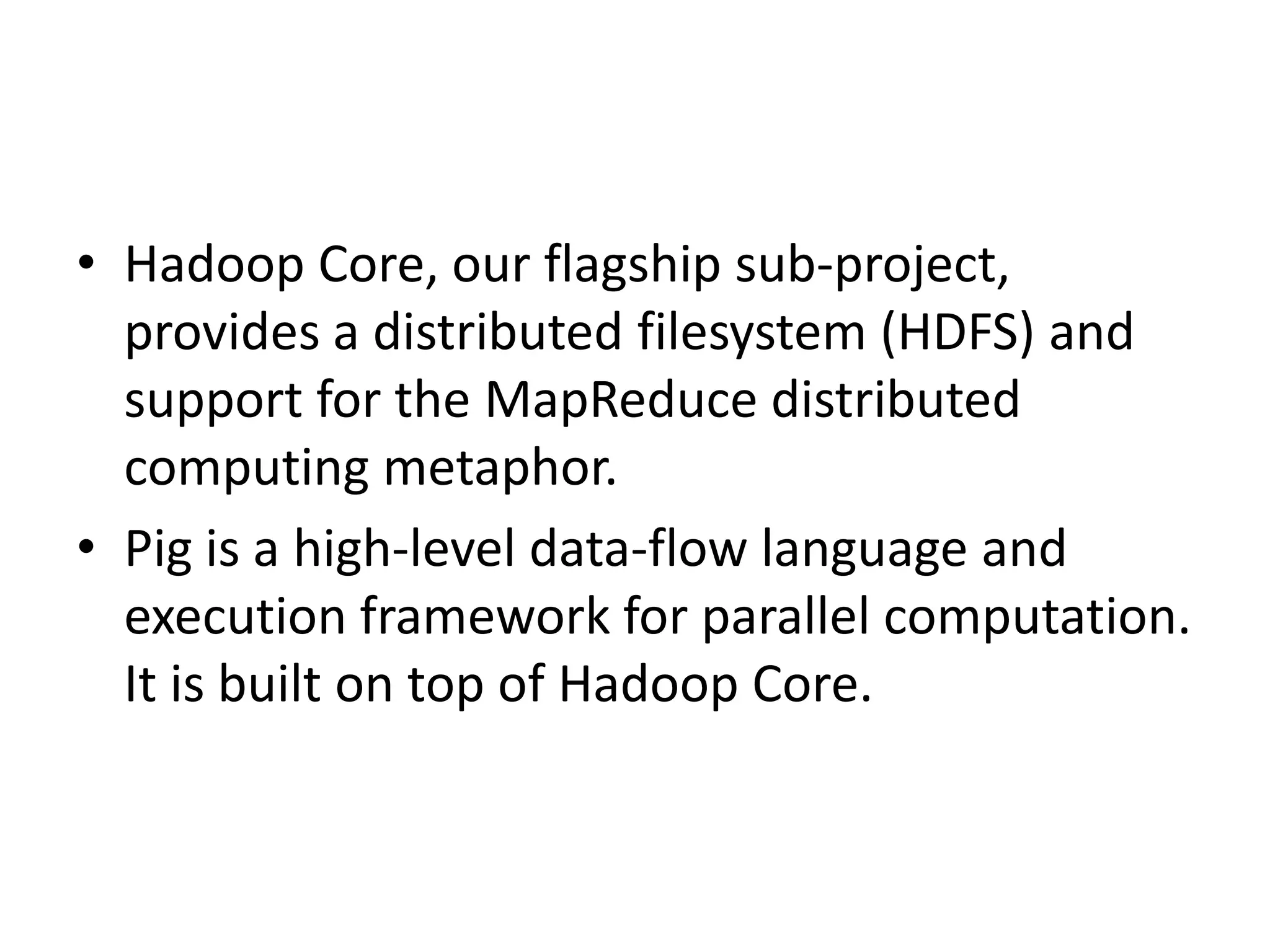
• Hadoop Core, our flagship sub-project,
  provides a distributed filesystem (HDFS) and
  support for the MapReduce distributed
  computing metaphor.
• Pig is a high-level data-flow language and
  execution framework for parallel computation.
  It is built on top of Hadoop Core.
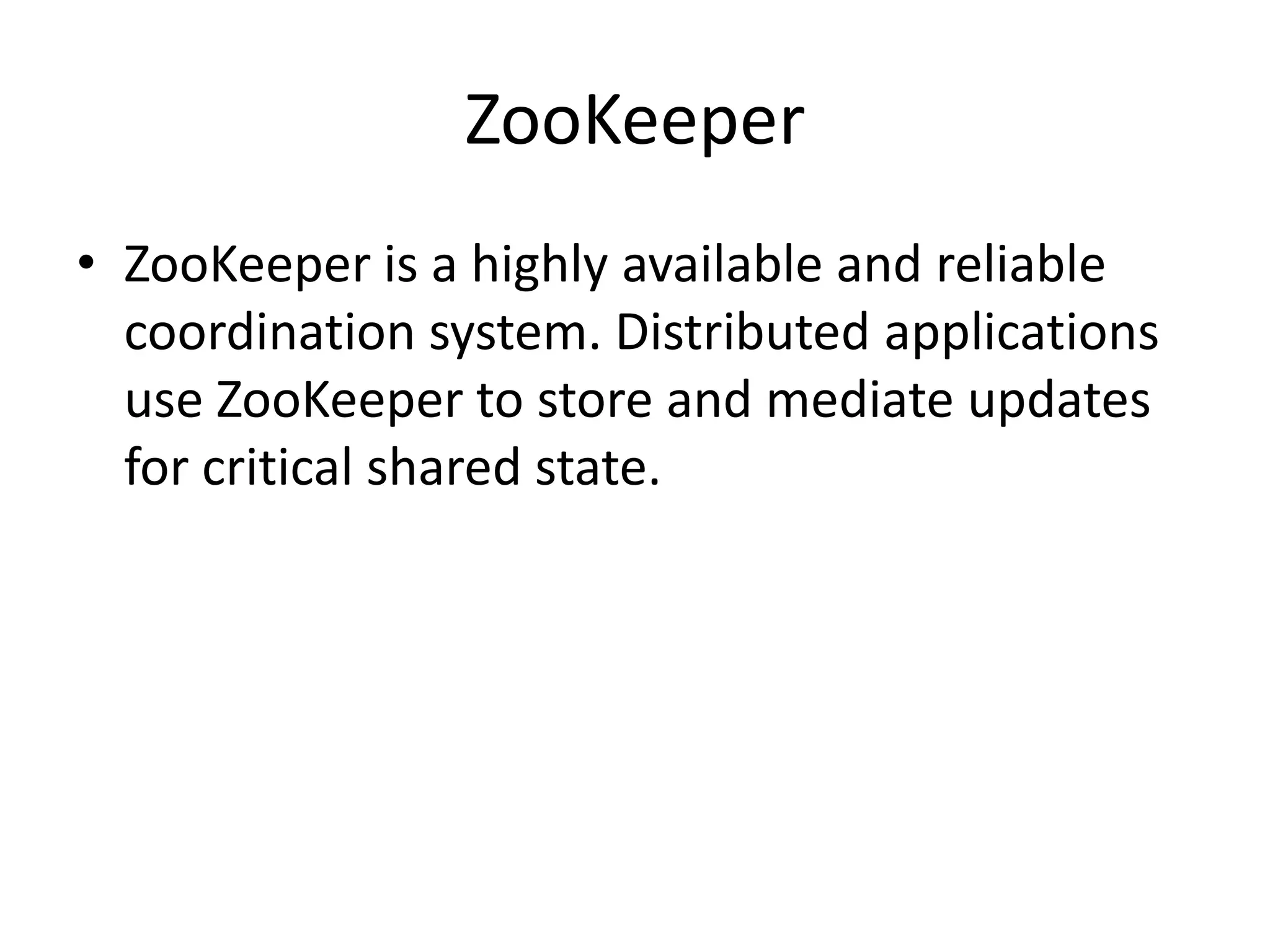
ZooKeeper
• ZooKeeper is a highly available and reliable
  coordination system. Distributed applications
  use ZooKeeper to store and mediate updates
  for critical shared state.
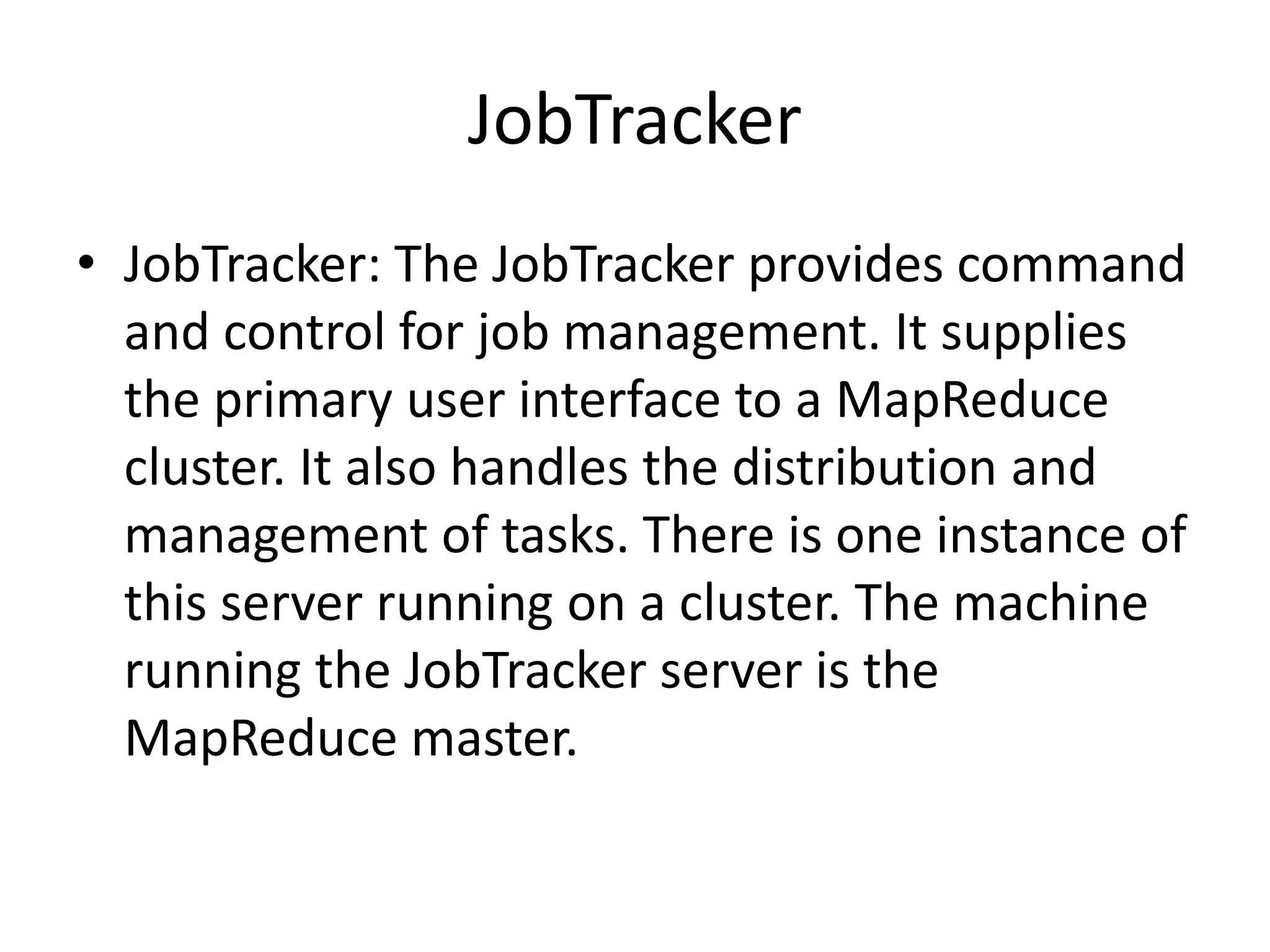
JobTracker
• JobTracker: The JobTracker provides command
  and control for job management. It supplies
  the primary user interface to a MapReduce
  cluster. It also handles the distribution and
  management of tasks. There is one instance of
  this server running on a cluster. The machine
  running the JobTracker server is the
  MapReduce master.
TaskTracker
• TaskTracker: The TaskTracker provides
  execution services for the submitted jobs.
  Each TaskTracker manages the execution of
  tasks on an individual compute node in the
  MapReduce cluster. The JobTracker manages
  all of the TaskTracker processes. There is one
  instance of this server per compute node.
NameNode
• NameNode: The NameNode provides metadata
  storage for the shared file system. The
  NameNode supplies the primary user interface to
  the HDFS. It also manages all of the metadata for
  the HDFS. There is one instance of this server
  running on a cluster. The metadata includes such
  critical information as the file directory structure
  and which DataNodes have copies of the data
  blocks that contain each file’s data. The machine
  running the NameNode server process is the
  HDFS master.
Secondary NameNode
• Secondary NameNode: The secondary
  NameNode provides both file system metadata
  backup and metadata compaction. It supplies
  near real-time backup of the metadata for the
  NameNode. There is at least one instance of this
  server running on a cluster, ideally on a separate
  physical machine than the one running the
  NameNode. The secondary NameNode also
  merges the metadata change history, the edit log,
  into the NameNode’s file system image.
Design of HDFS
• Design of HDFS
  – Very large files
  – Streaming data access
  – Commodity hardware
• not a good fit
  – Low-latency data access
  – Lots of small files
  – Multiple writers, arbitrary file modifications
blocks
• normally 512 bytes
• HDFS : 64 MB by default
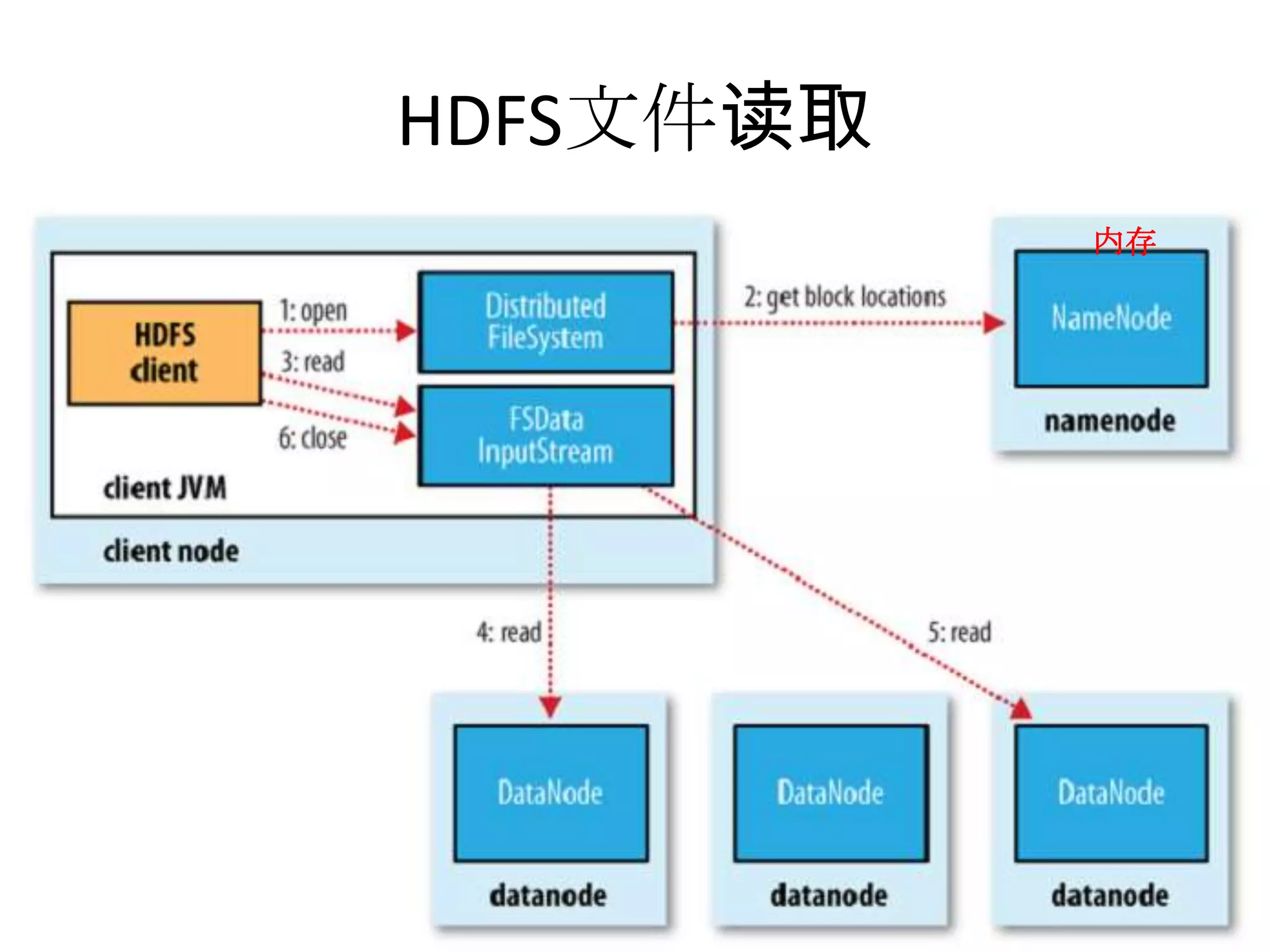
HDFS文件读取
               内存
•
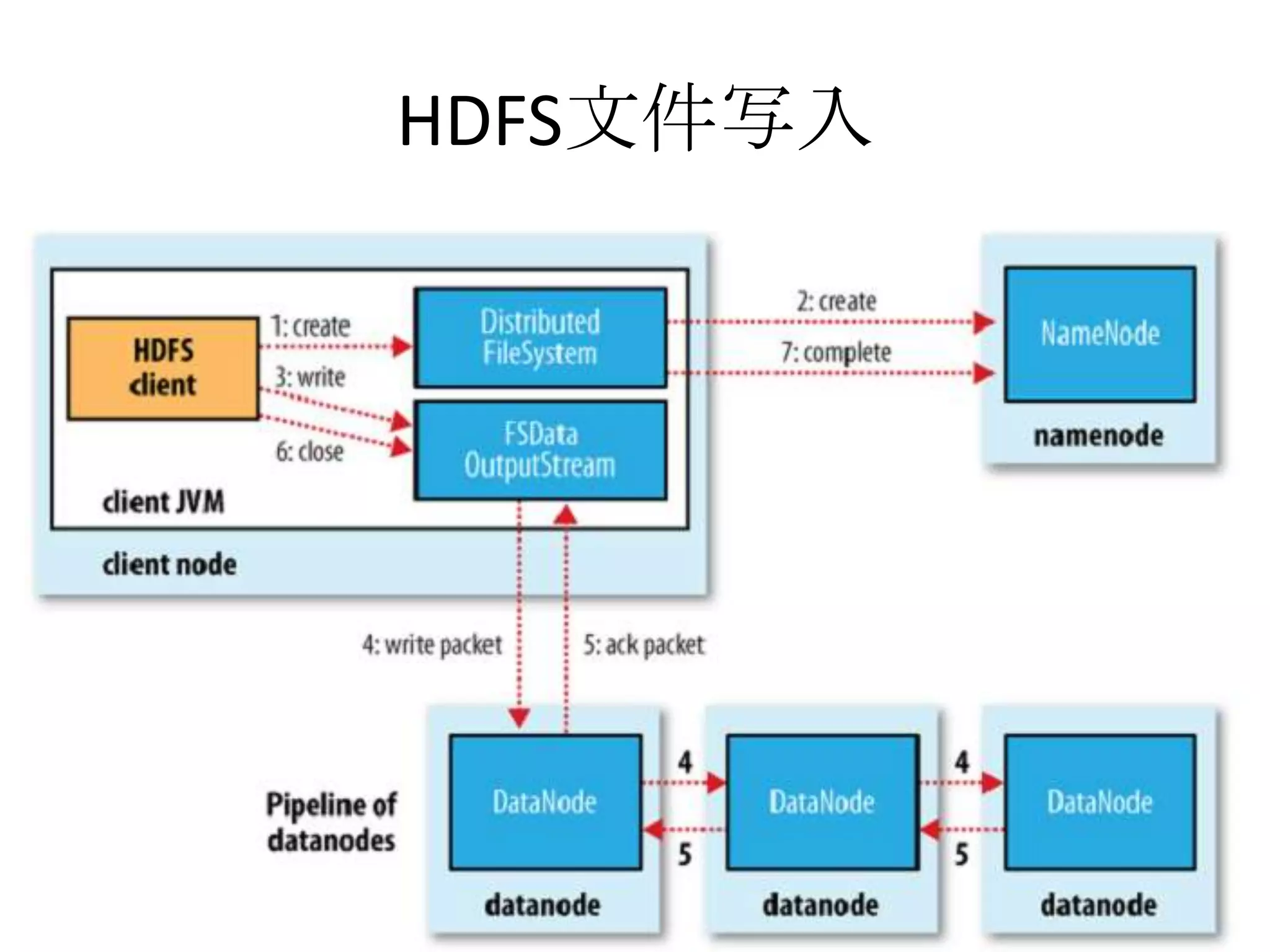
HDFS文件写入
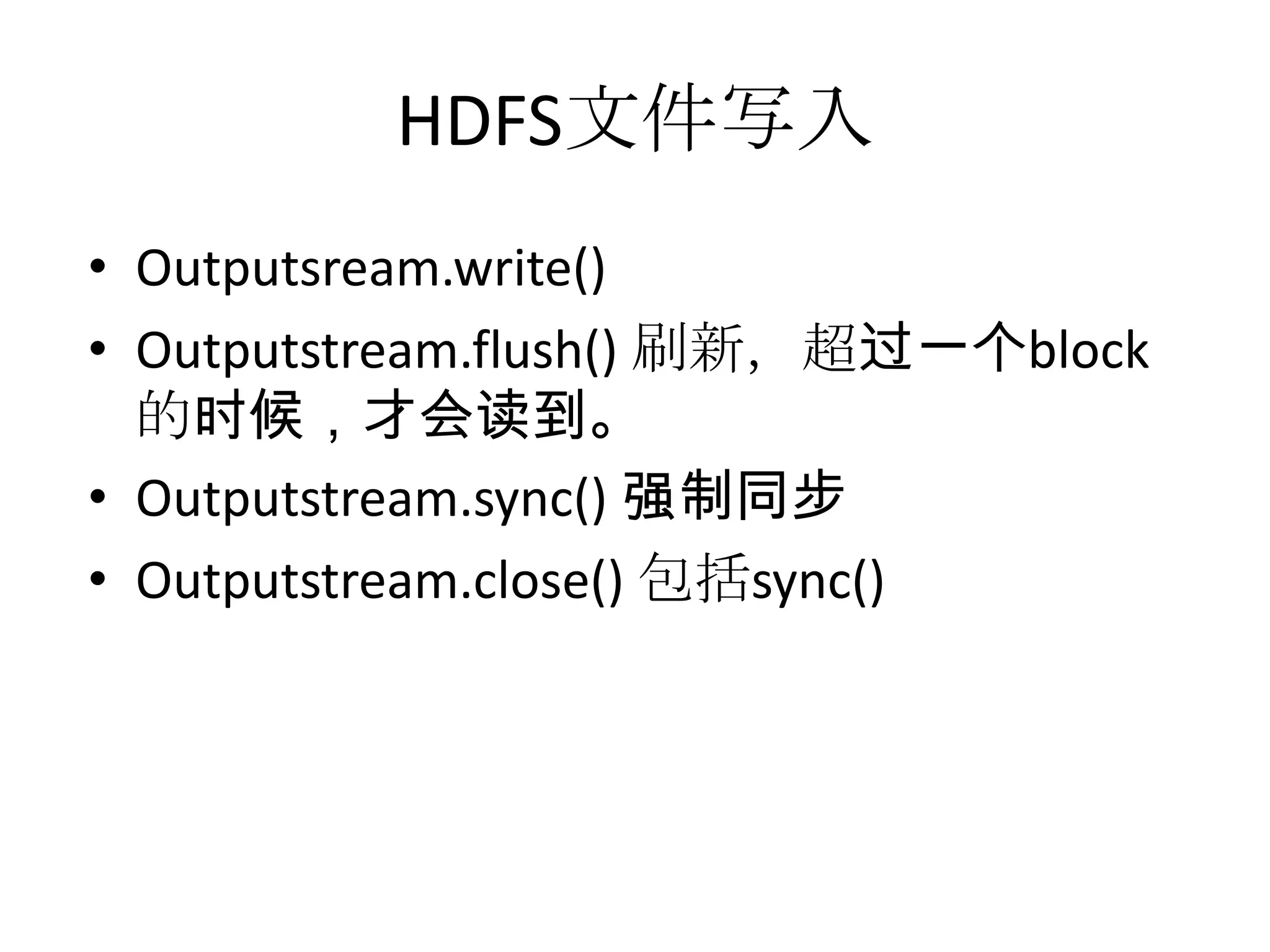
HDFS文件写入
• Outputsream.write()
• Outputstream.flush() 刷新,超过一个block
  的时候,才会读到。
• Outputstream.sync() 强制同步
• Outputstream.close() 包括sync()
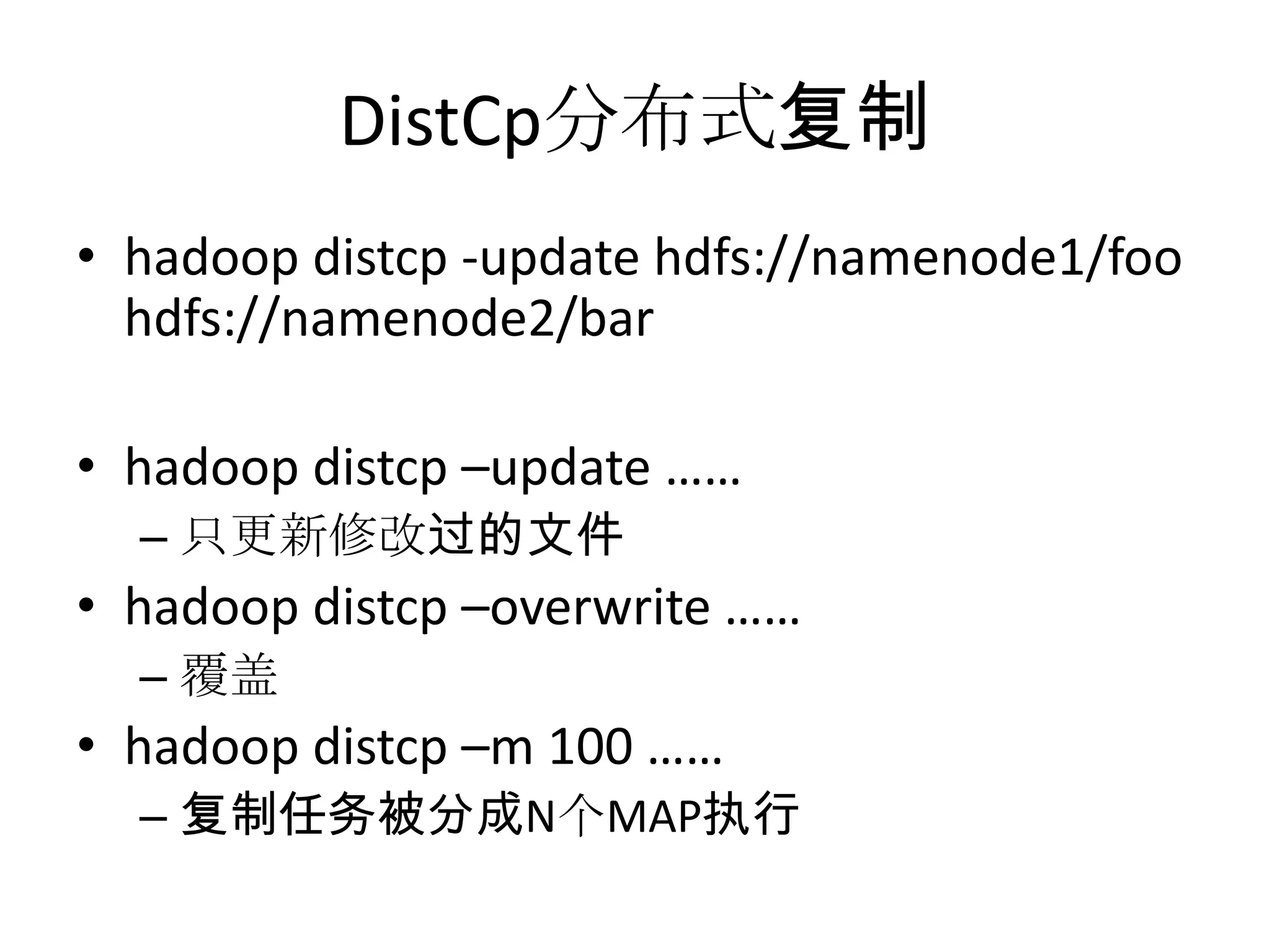
DistCp分布式复制
• hadoop distcp -update hdfs://namenode1/foo
  hdfs://namenode2/bar

• hadoop distcp –update ……
  – 只更新修改过的文件
• hadoop distcp –overwrite ……
  – 覆盖
• hadoop distcp –m 100 ……
  – 复制任务被分成N个MAP执行
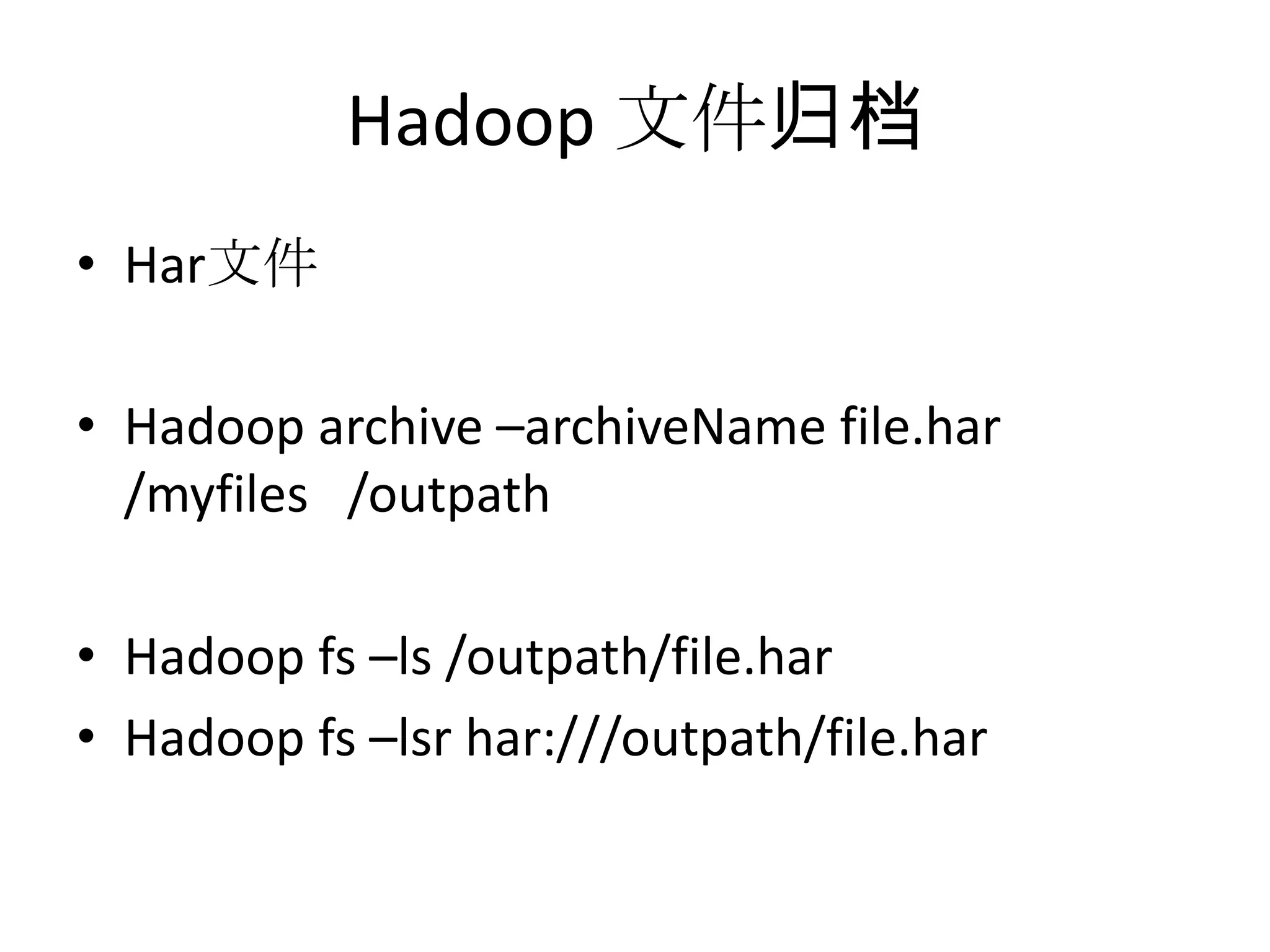
Hadoop 文件归档
• Har文件

• Hadoop archive –archiveName file.har
  /myfiles /outpath

• Hadoop fs –ls /outpath/file.har
• Hadoop fs –lsr har:///outpath/file.har
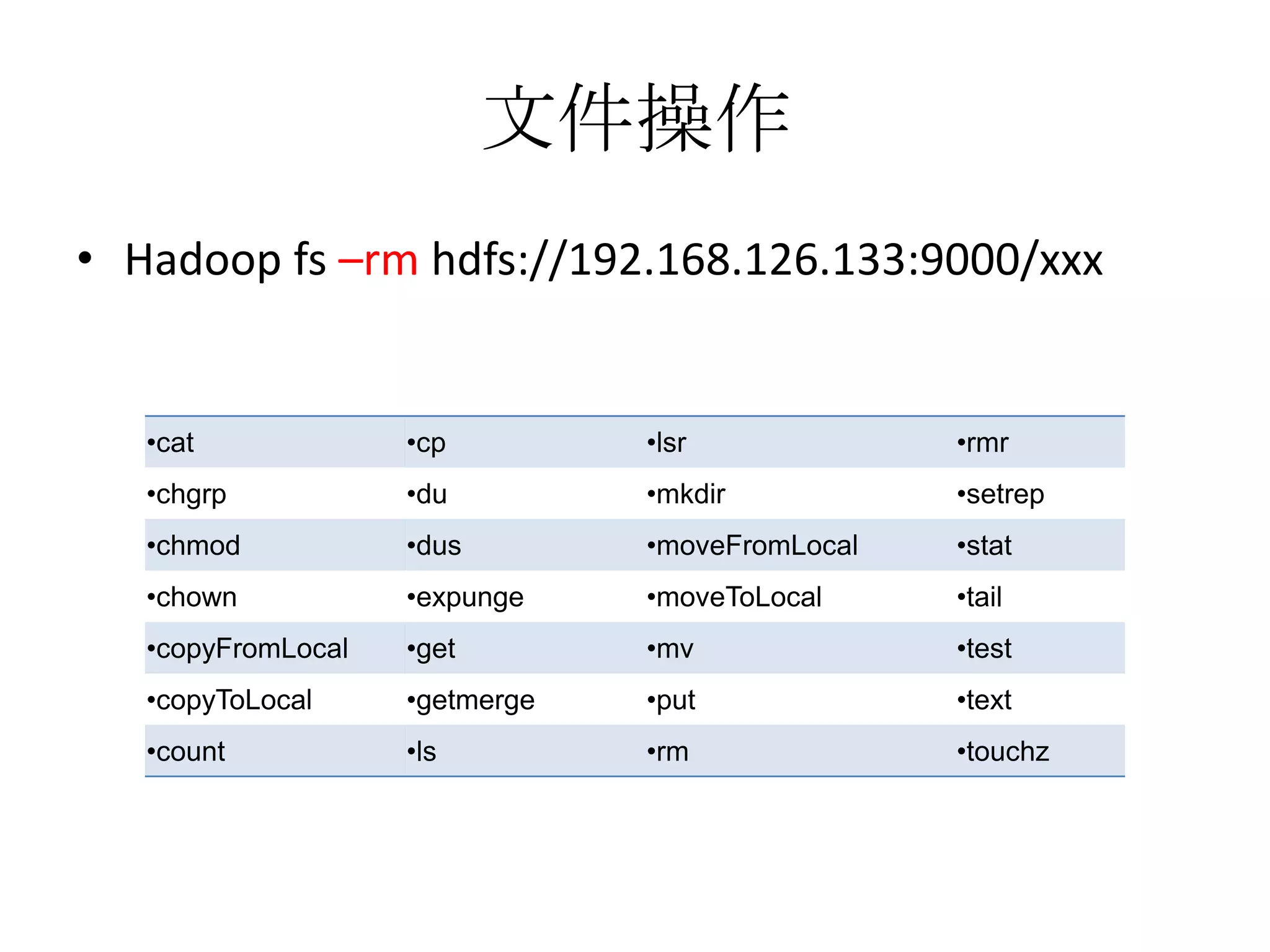
文件操作
• Hadoop fs –rm hdfs://192.168.126.133:9000/xxx


   •cat             •cp         •lsr             •rmr
   •chgrp           •du         •mkdir           •setrep
   •chmod           •dus        •moveFromLocal   •stat
   •chown           •expunge    •moveToLocal     •tail
   •copyFromLocal   •get        •mv              •test
   •copyToLocal     •getmerge   •put             •text
   •count           •ls         •rm              •touchz
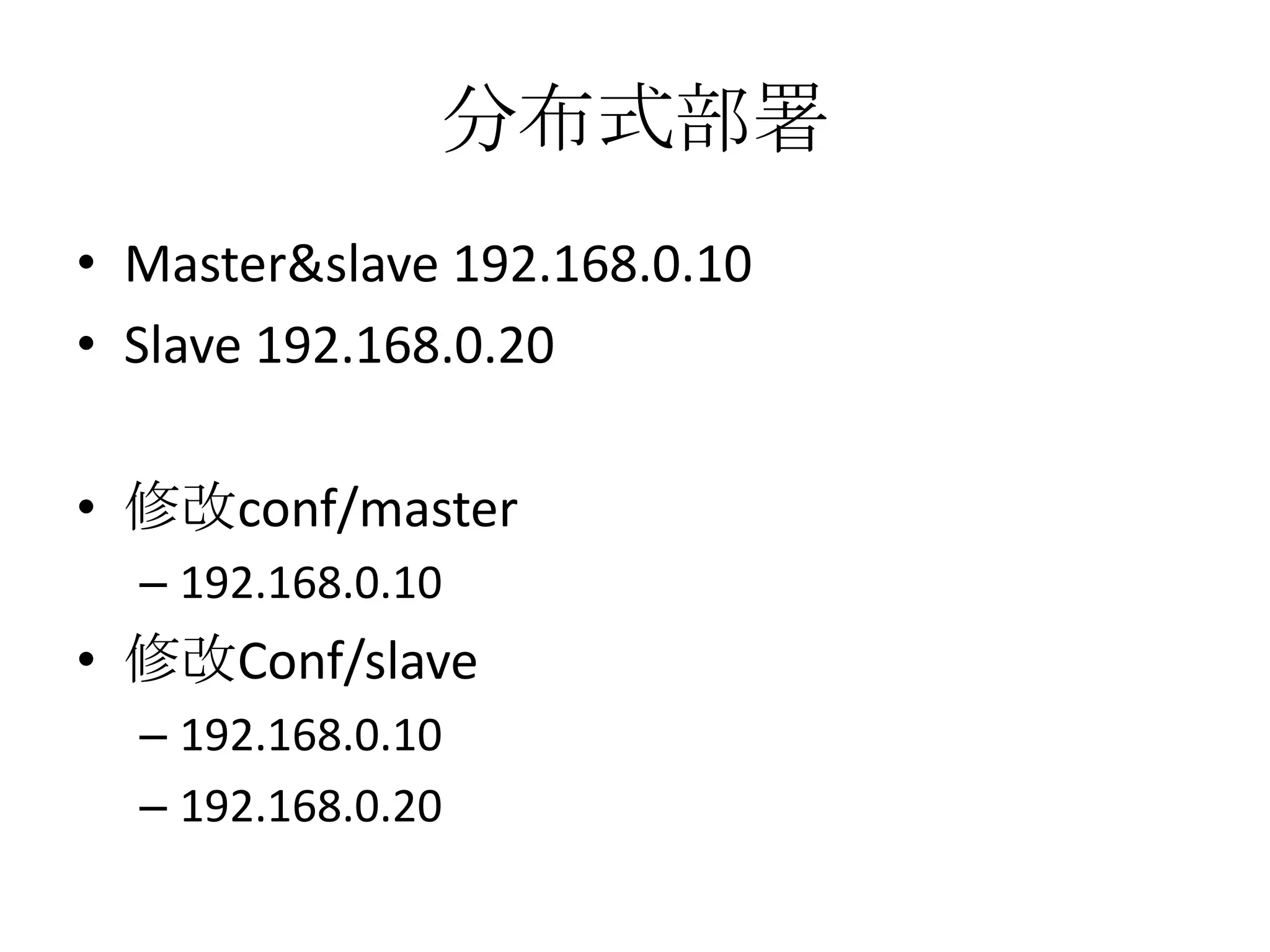
分布式部署
• Master&slave 192.168.0.10
• Slave 192.168.0.20

• 修改conf/master
  – 192.168.0.10
• 修改Conf/slave
  – 192.168.0.10
  – 192.168.0.20
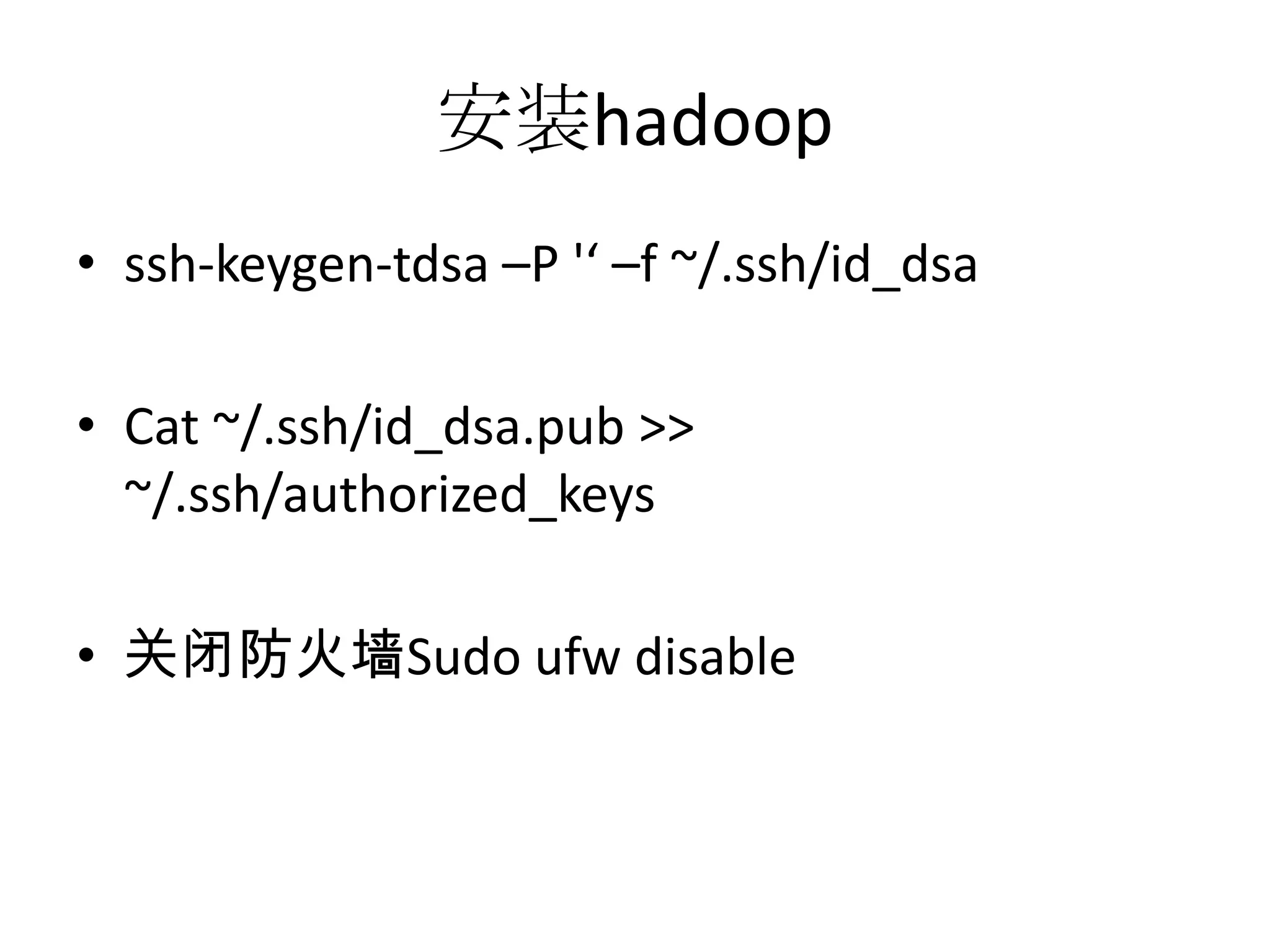
安装hadoop
• ssh-keygen-tdsa –P '‘ –f ~/.ssh/id_dsa

• Cat ~/.ssh/id_dsa.pub >>
  ~/.ssh/authorized_keys

• 关闭防火墙Sudo ufw disable
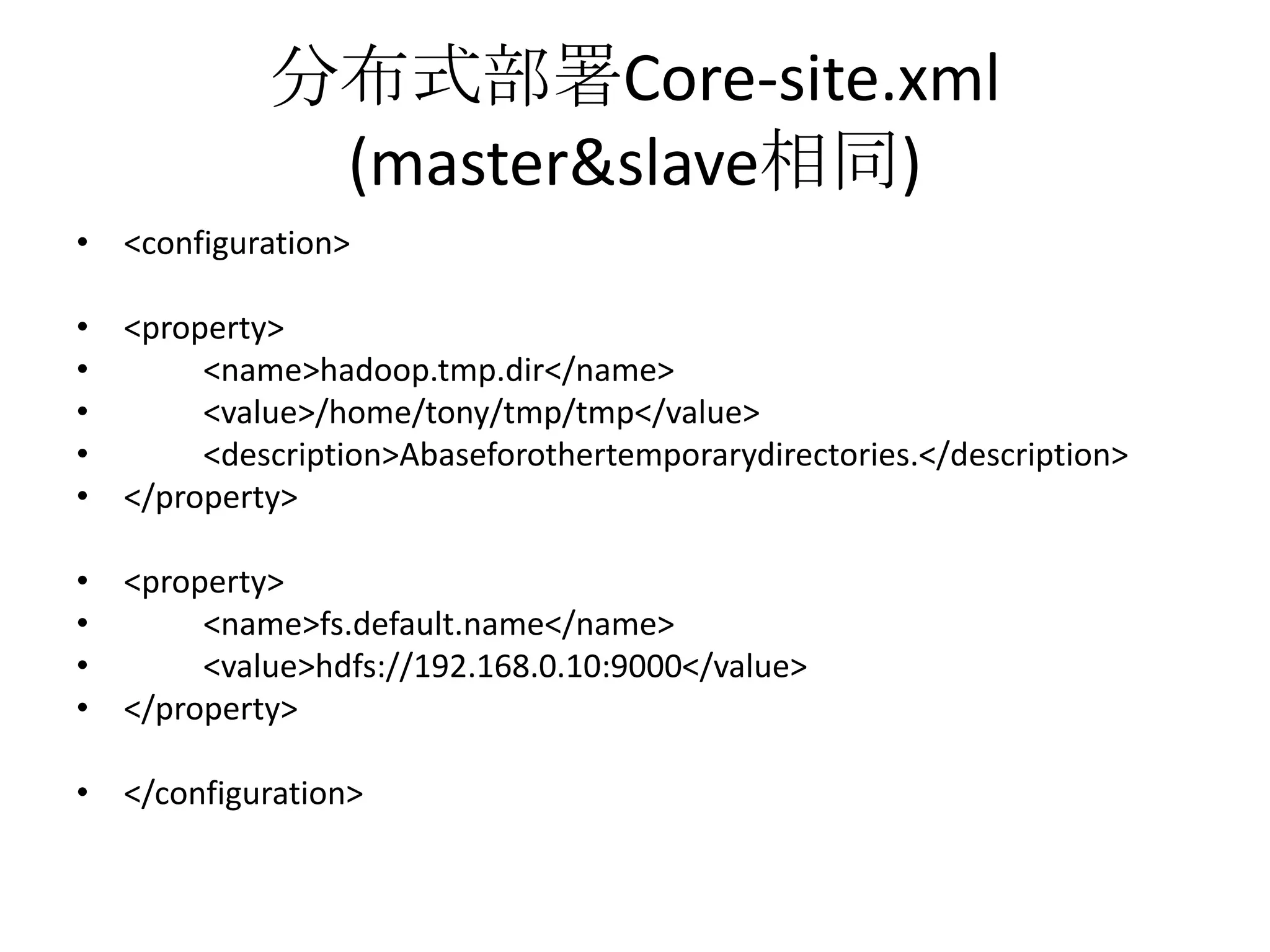
分布式部署Core-site.xml
             (master&slave相同)
• <configuration>

• <property>
•      <name>hadoop.tmp.dir</name>
•      <value>/home/tony/tmp/tmp</value>
•      <description>Abaseforothertemporarydirectories.</description>
• </property>

• <property>
•      <name>fs.default.name</name>
•      <value>hdfs://192.168.0.10:9000</value>
• </property>

• </configuration>
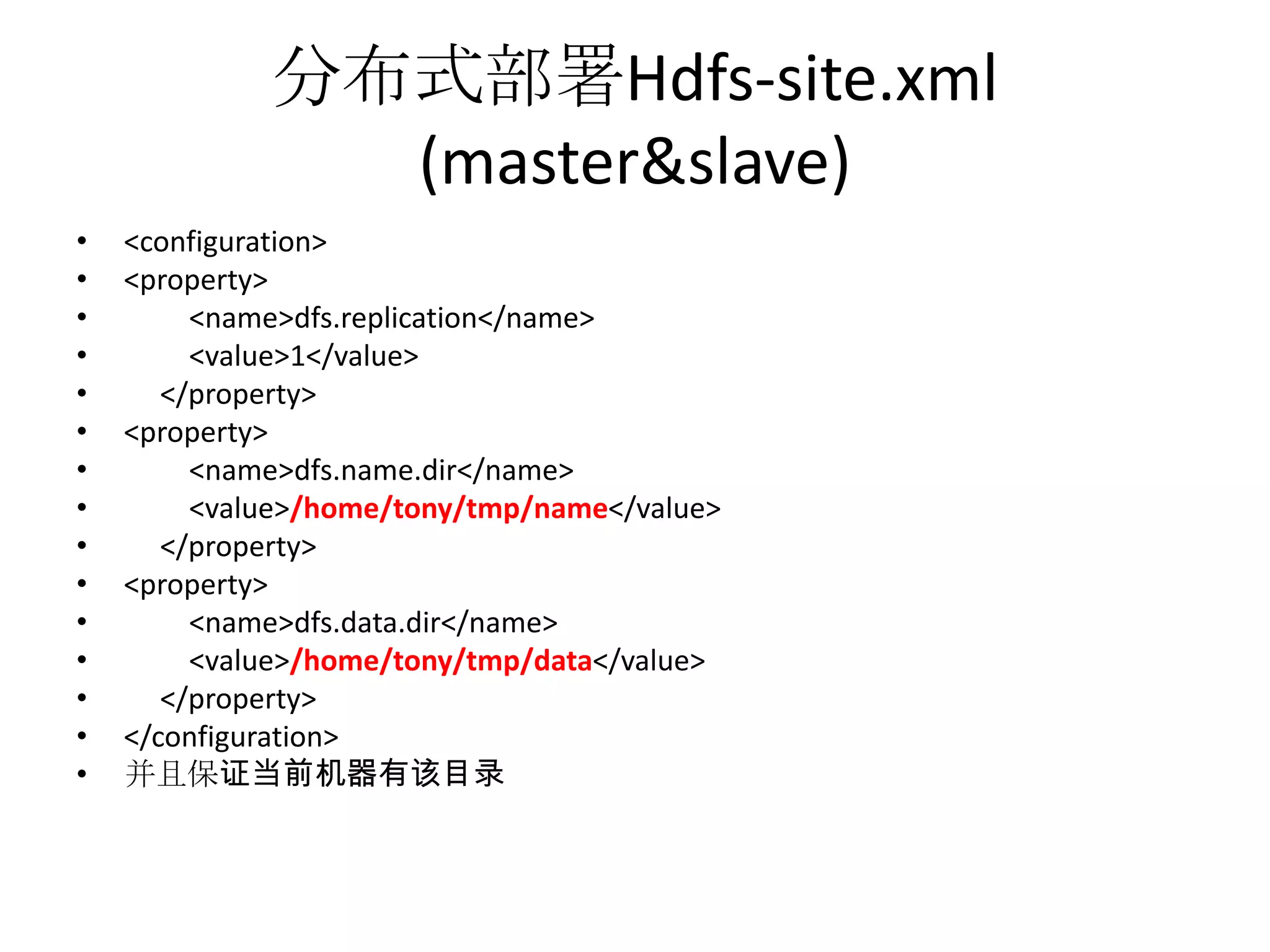
分布式部署Hdfs-site.xml
               (master&slave)
•   <configuration>
•   <property>
•        <name>dfs.replication</name>
•        <value>1</value>
•      </property>
•   <property>
•        <name>dfs.name.dir</name>
•        <value>/home/tony/tmp/name</value>
•      </property>
•   <property>
•        <name>dfs.data.dir</name>
•        <value>/home/tony/tmp/data</value>
•      </property>
•   </configuration>
•   并且保证当前机器有该目录
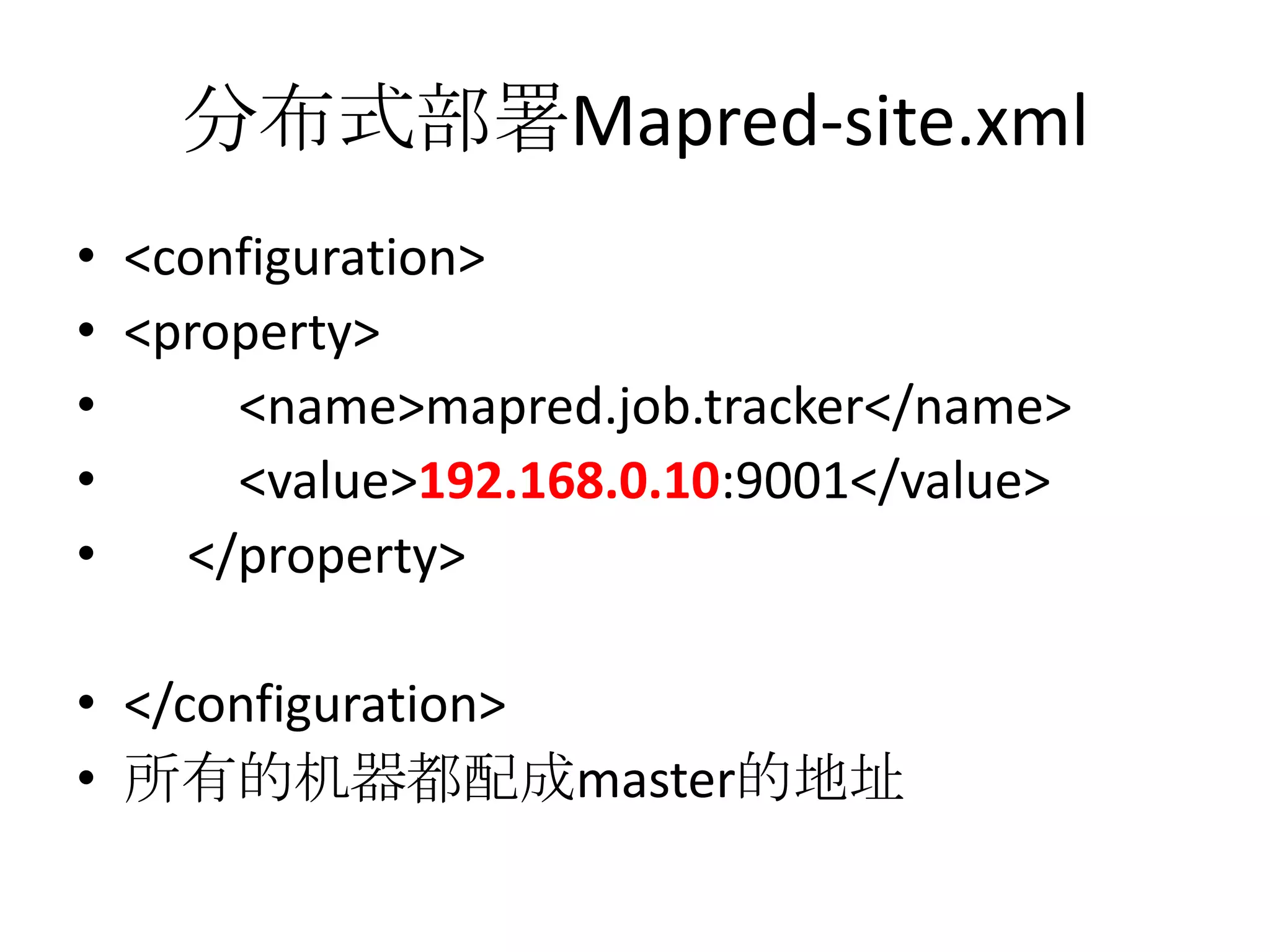
分布式部署Mapred-site.xml
• <configuration>
• <property>
•     <name>mapred.job.tracker</name>
•     <value>192.168.0.10:9001</value>
•   </property>

• </configuration>
• 所有的机器都配成master的地址
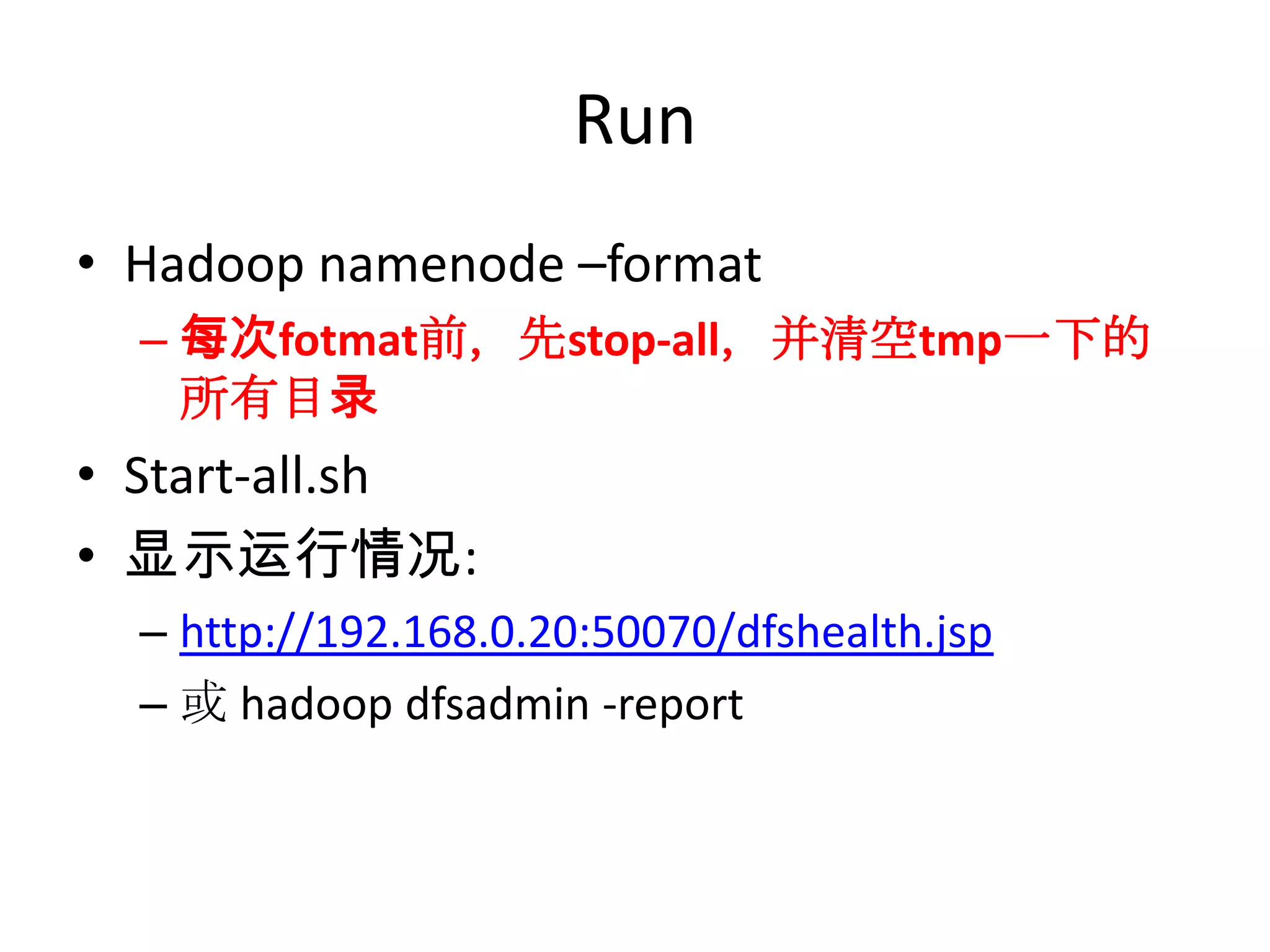
Run
• Hadoop namenode –format
  – 每次fotmat前,先stop-all,并清空tmp一下的
    所有目录
• Start-all.sh
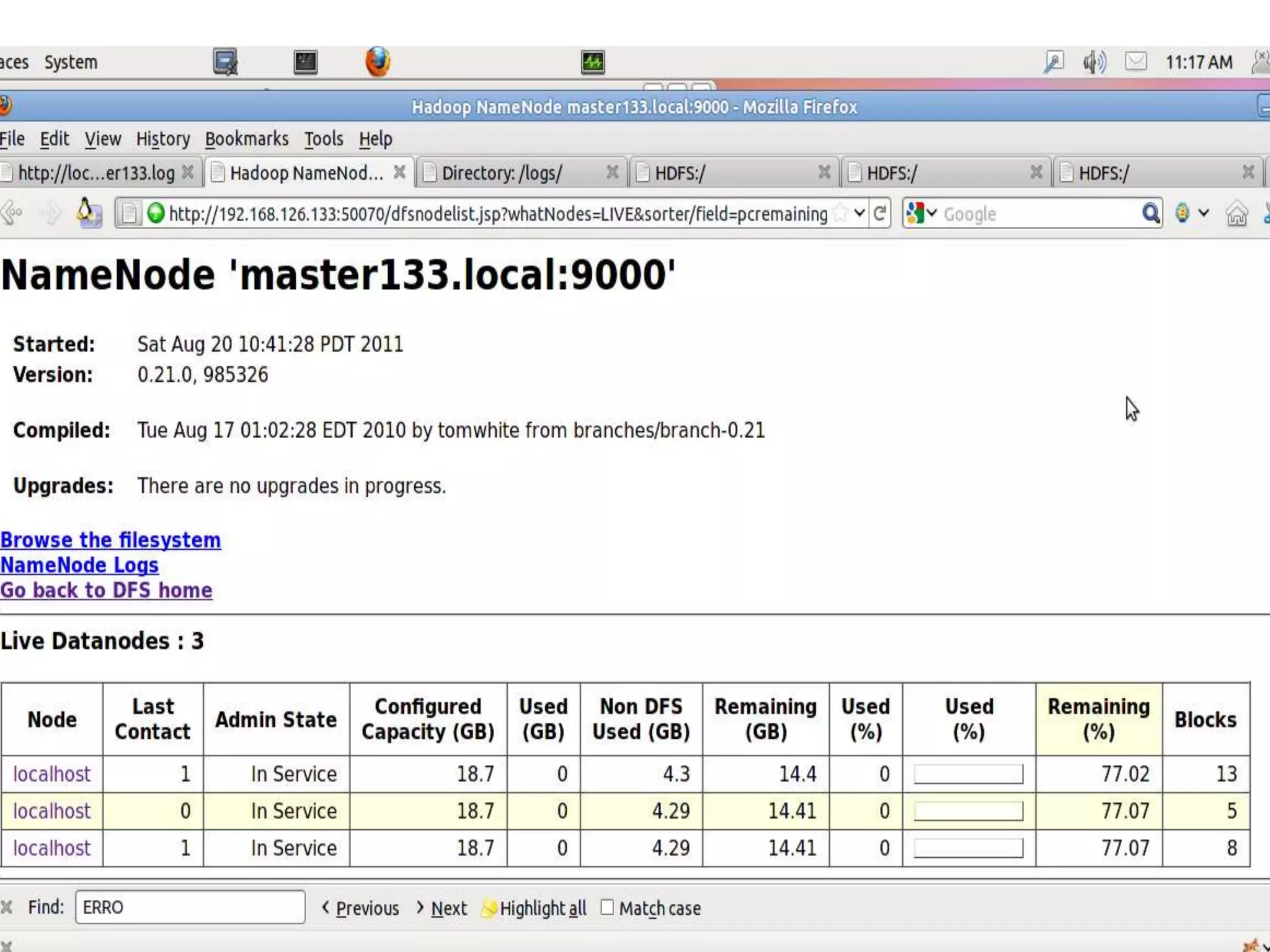
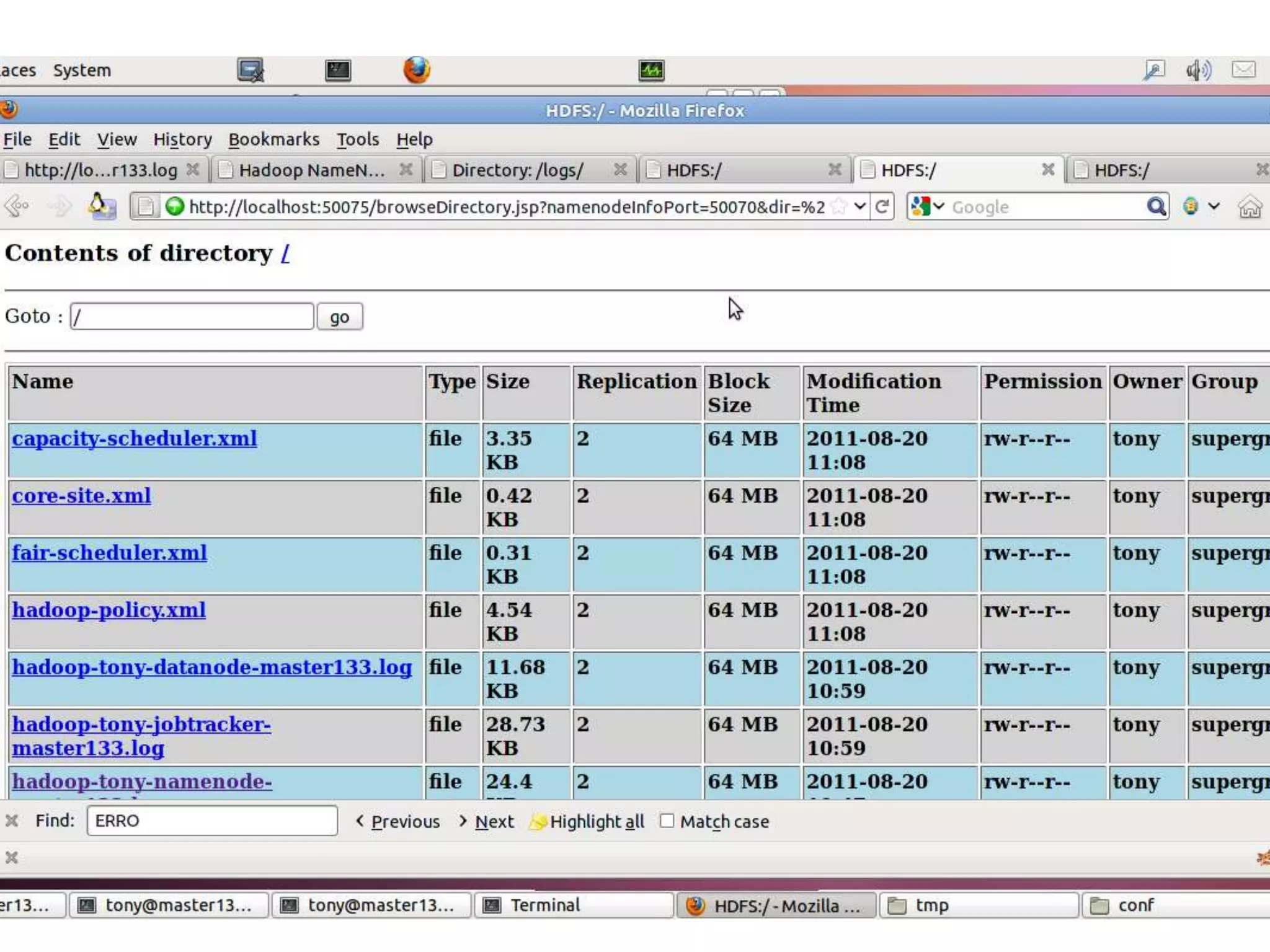
• 显示运行情况:
  – http://192.168.0.20:50070/dfshealth.jsp
  – 或 hadoop dfsadmin -report
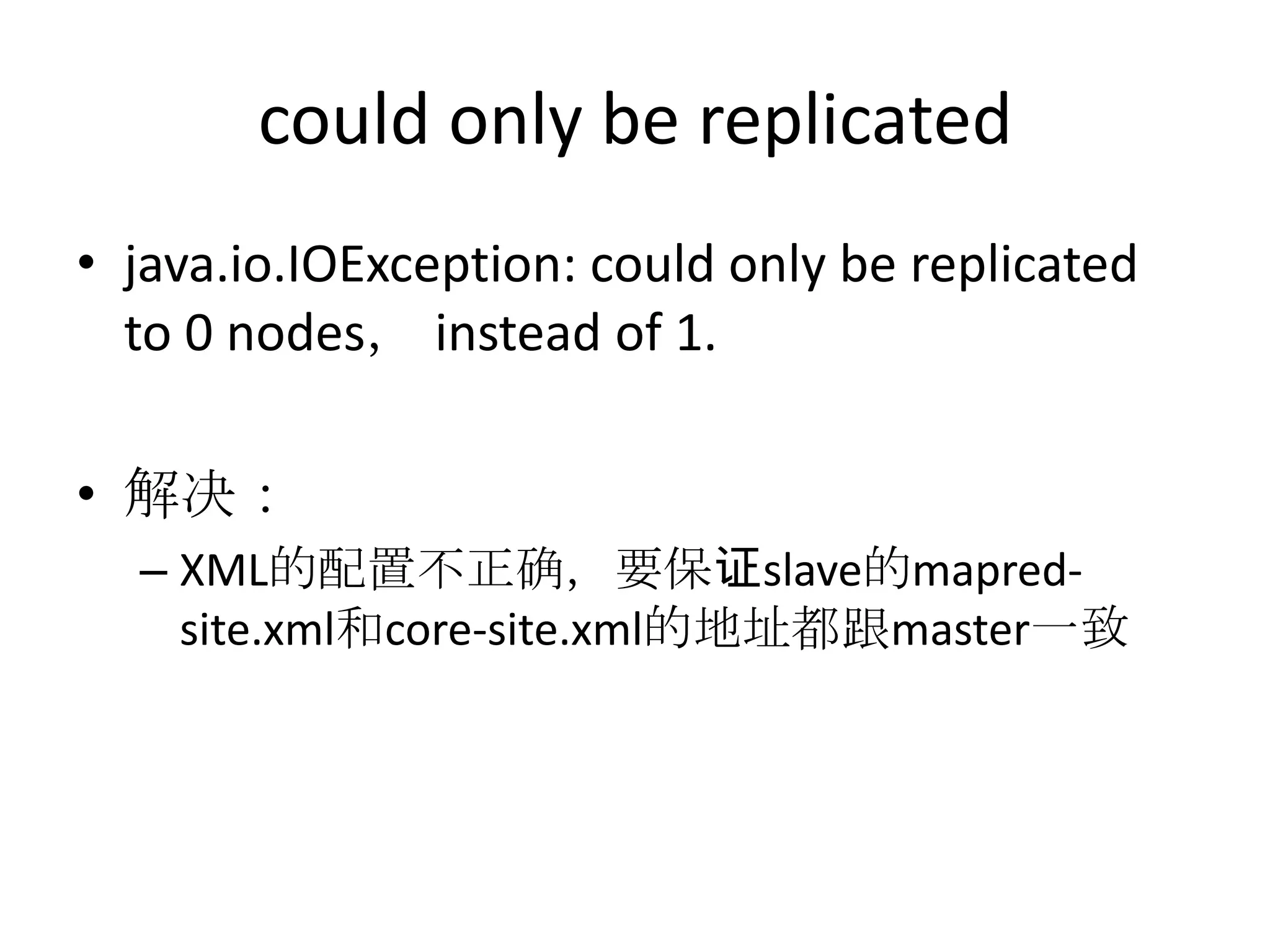
could only be replicated
• java.io.IOException: could only be replicated
  to 0 nodes, instead of 1.

• 解决:
  – XML的配置不正确,要保证slave的mapred-
    site.xml和core-site.xml的地址都跟master一致
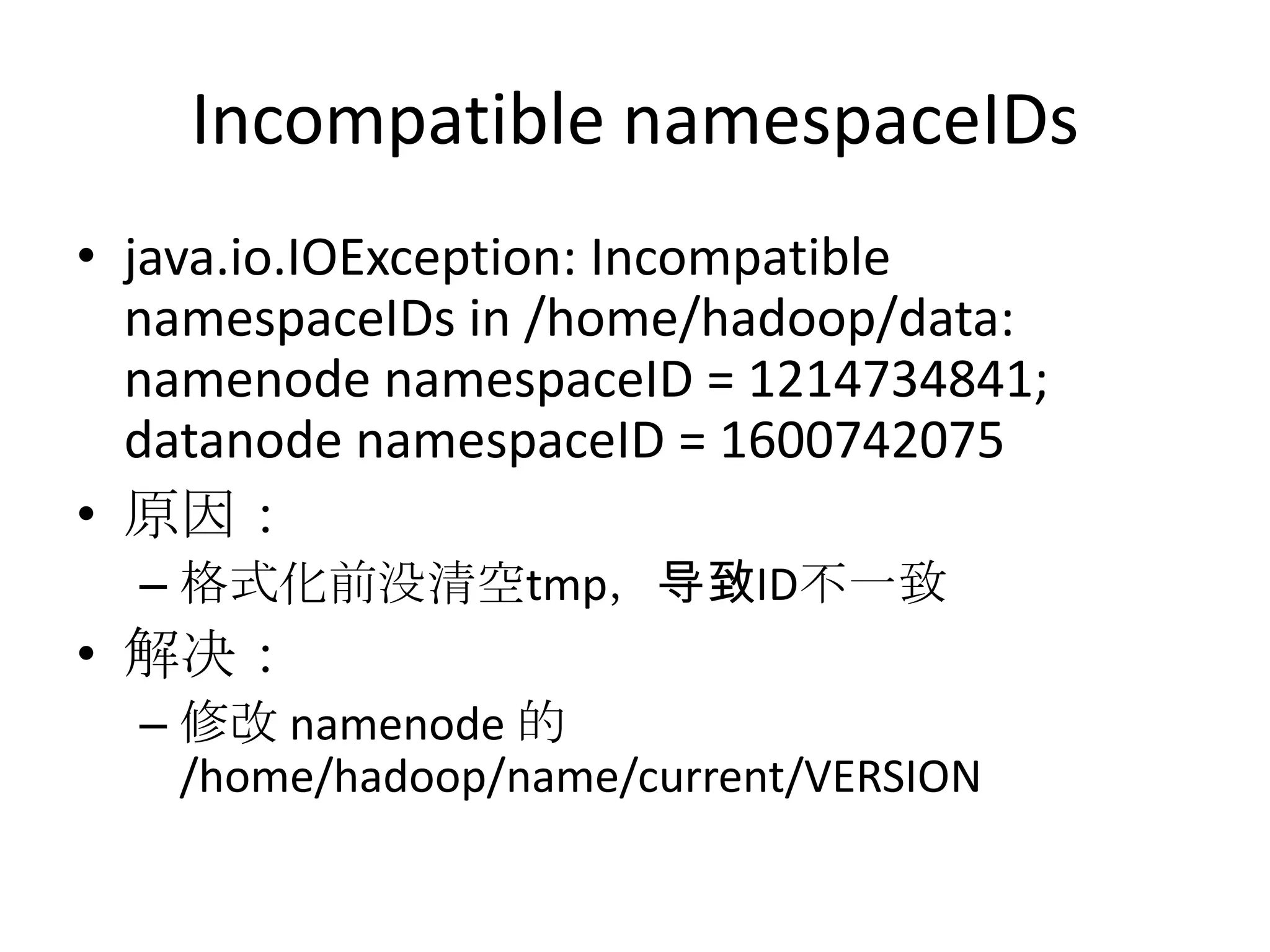
Incompatible namespaceIDs
• java.io.IOException: Incompatible
  namespaceIDs in /home/hadoop/data:
  namenode namespaceID = 1214734841;
  datanode namespaceID = 1600742075
• 原因:
  – 格式化前没清空tmp,导致ID不一致
• 解决:
  – 修改 namenode 的
    /home/hadoop/name/current/VERSION
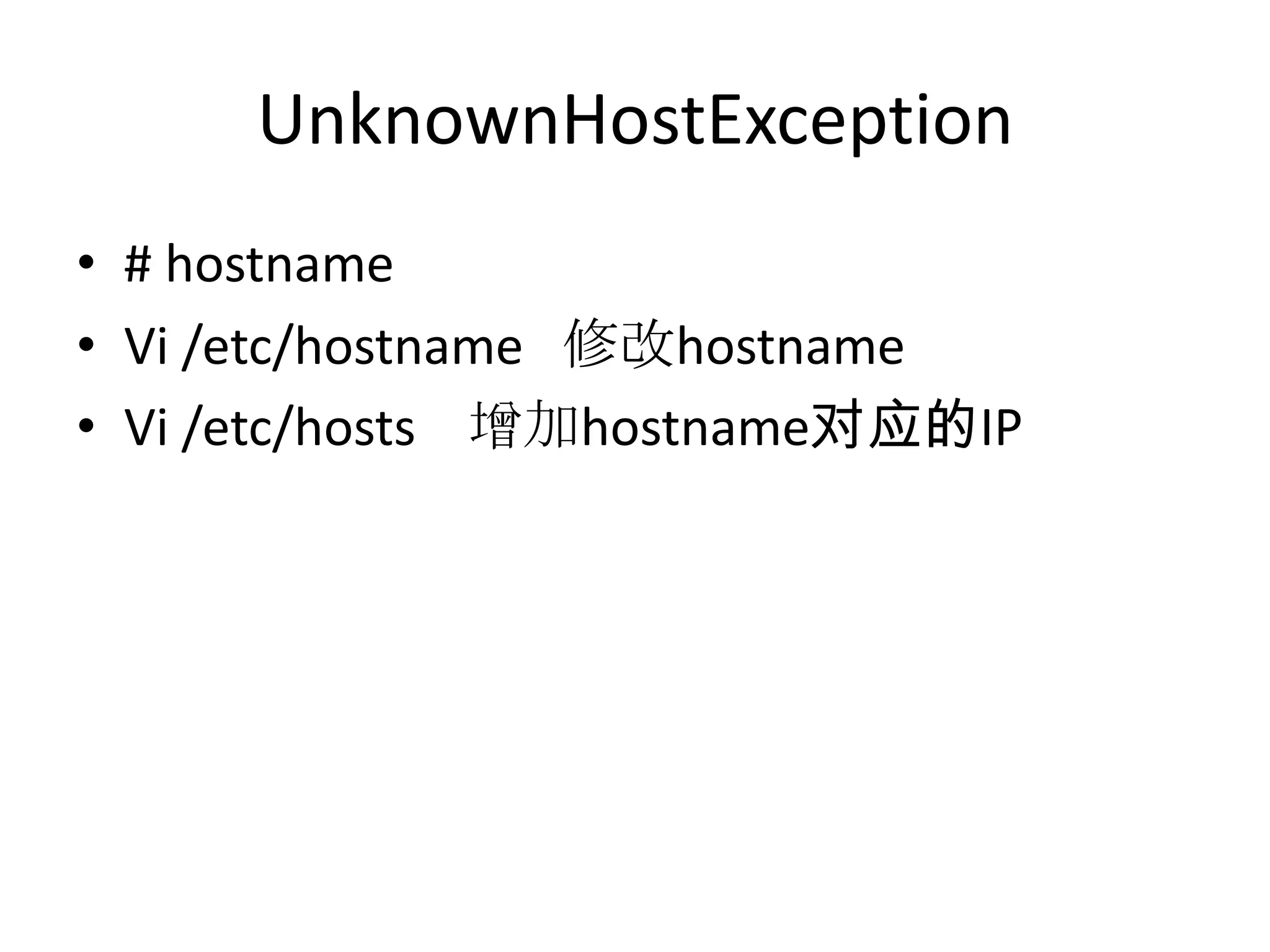
UnknownHostException
• # hostname
• Vi /etc/hostname 修改hostname
• Vi /etc/hosts 增加hostname对应的IP
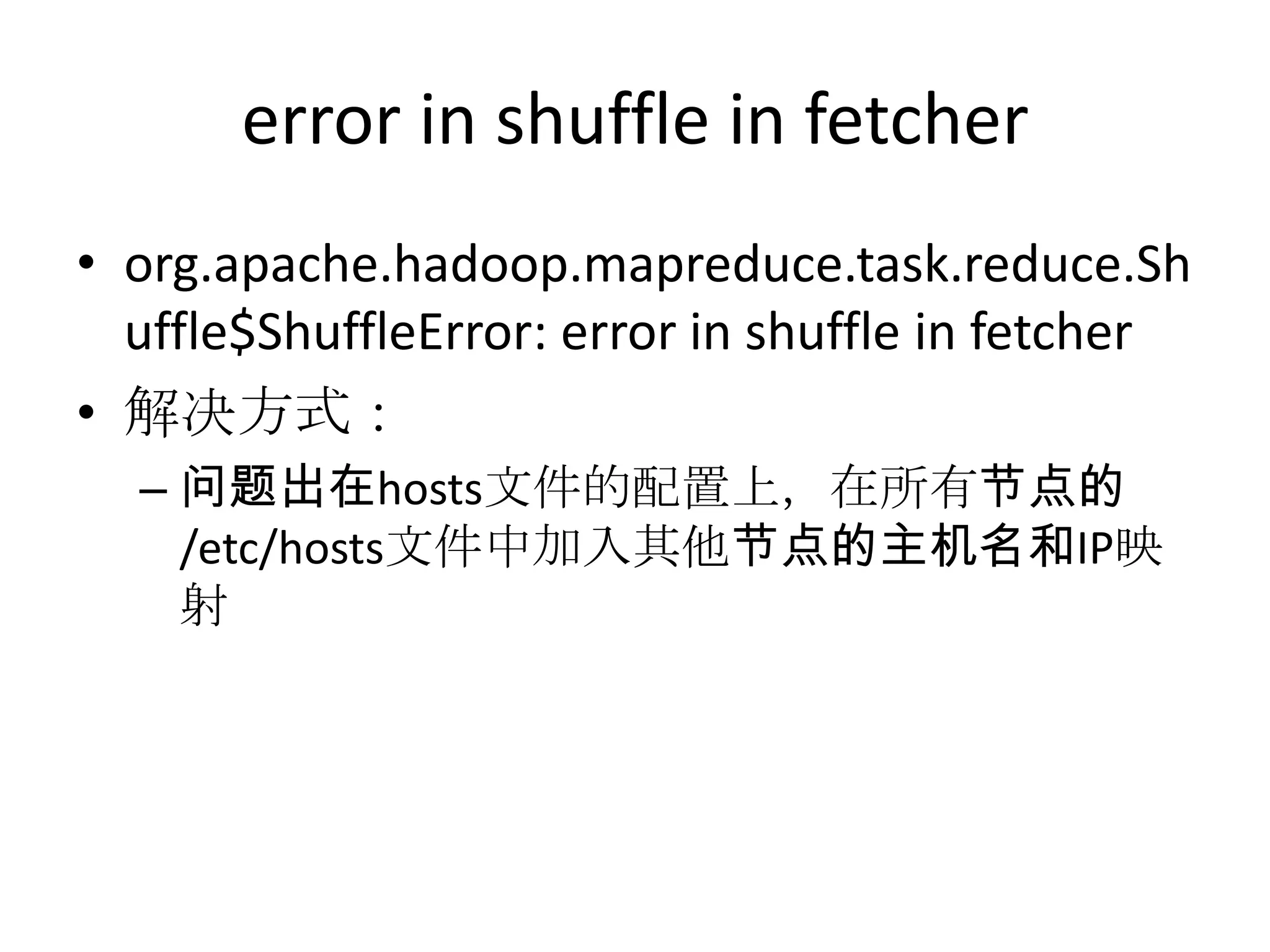
error in shuffle in fetcher
• org.apache.hadoop.mapreduce.task.reduce.Sh
  uffle$ShuffleError: error in shuffle in fetcher
• 解决方式:
  – 问题出在hosts文件的配置上,在所有节点的
    /etc/hosts文件中加入其他节点的主机名和IP映
    射
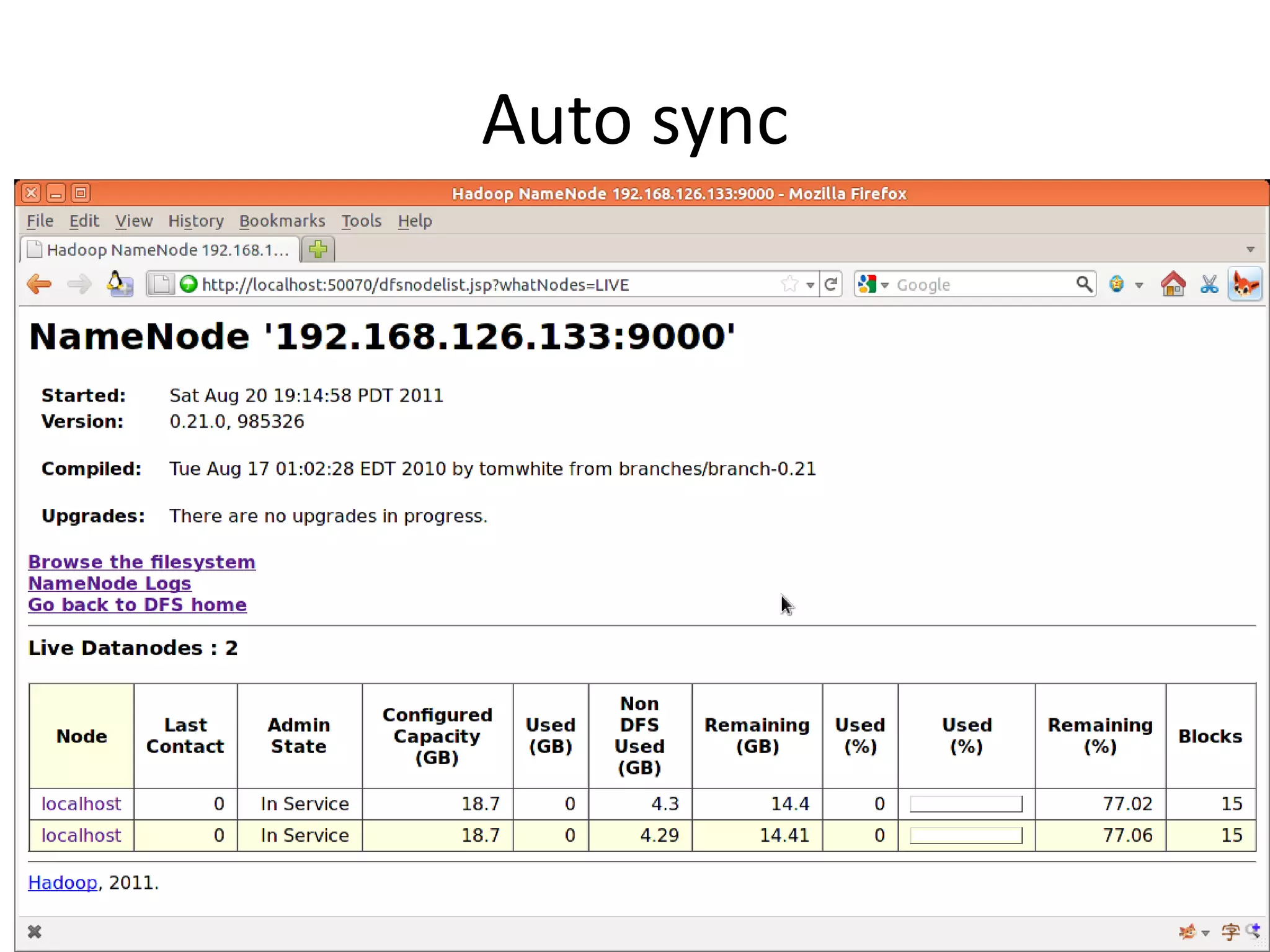
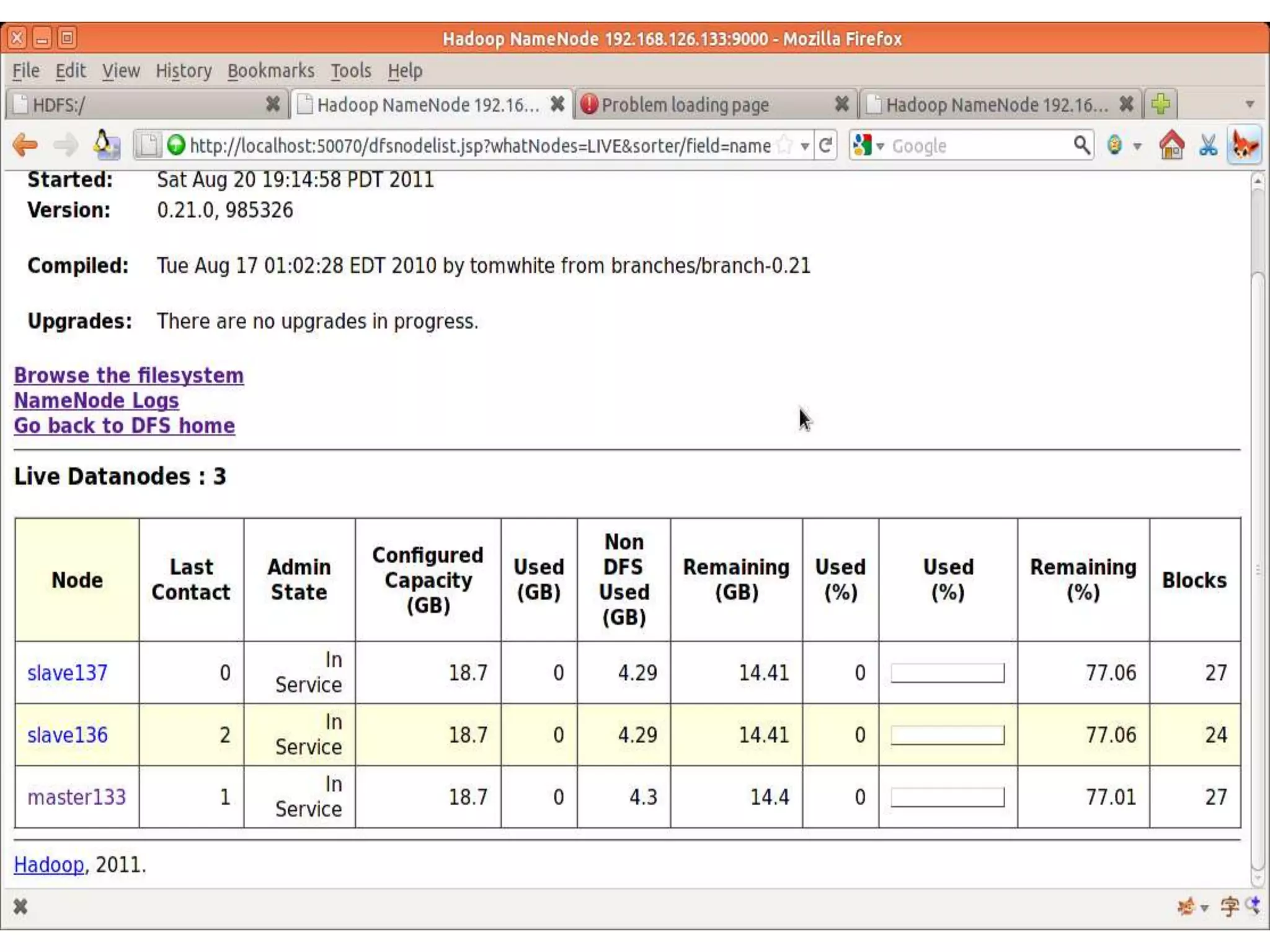
Auto sync
动态增加datanode
• 主机的conf/slaves中,增加namenode的地址
•
• 启动新增的namenode
 – bin/hadoop-daemon.sh start datanode
   bin/hadoop-daemon.sh start tasktracker
•
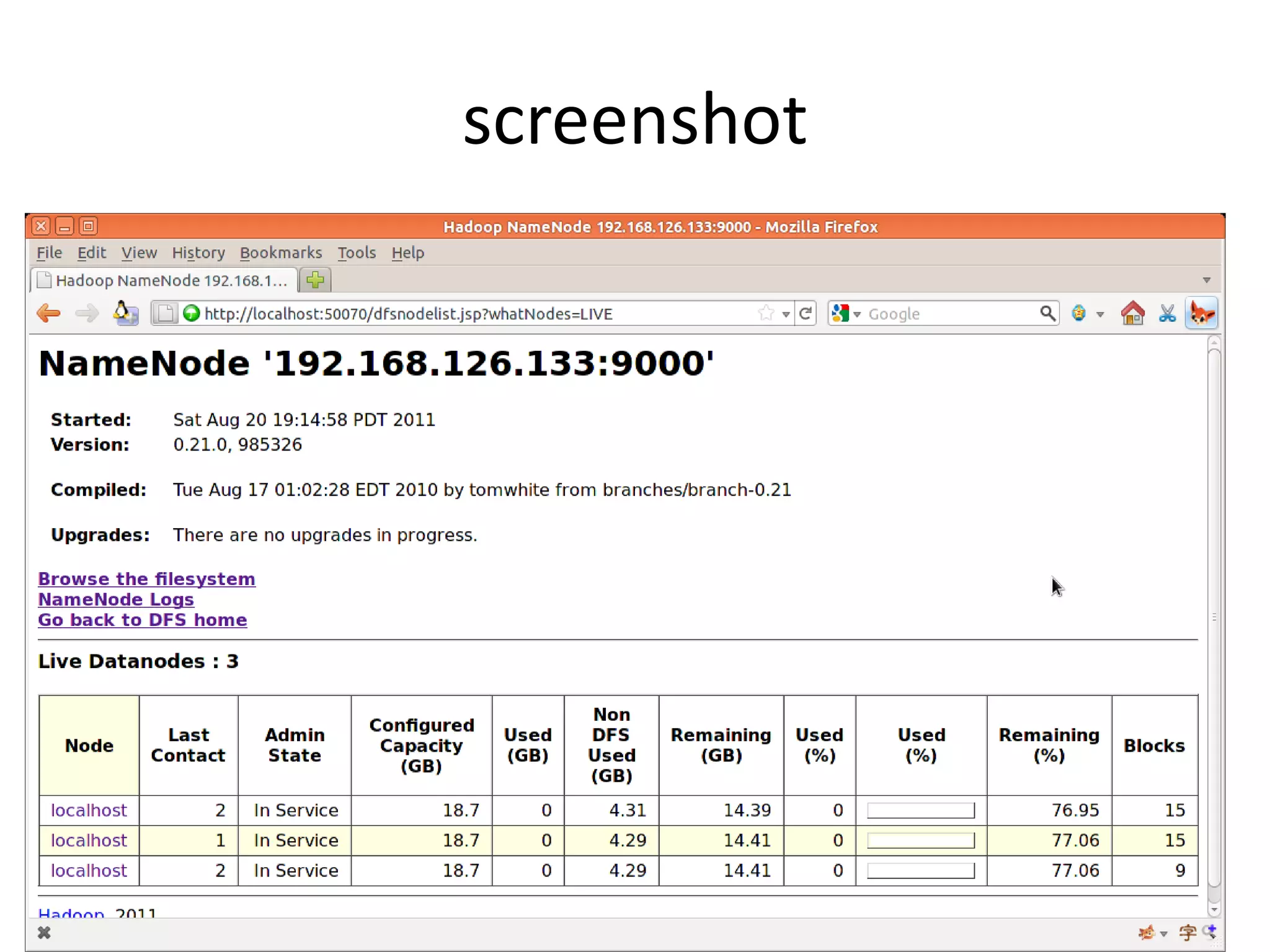
• 启动后,Hadoop自动识别。
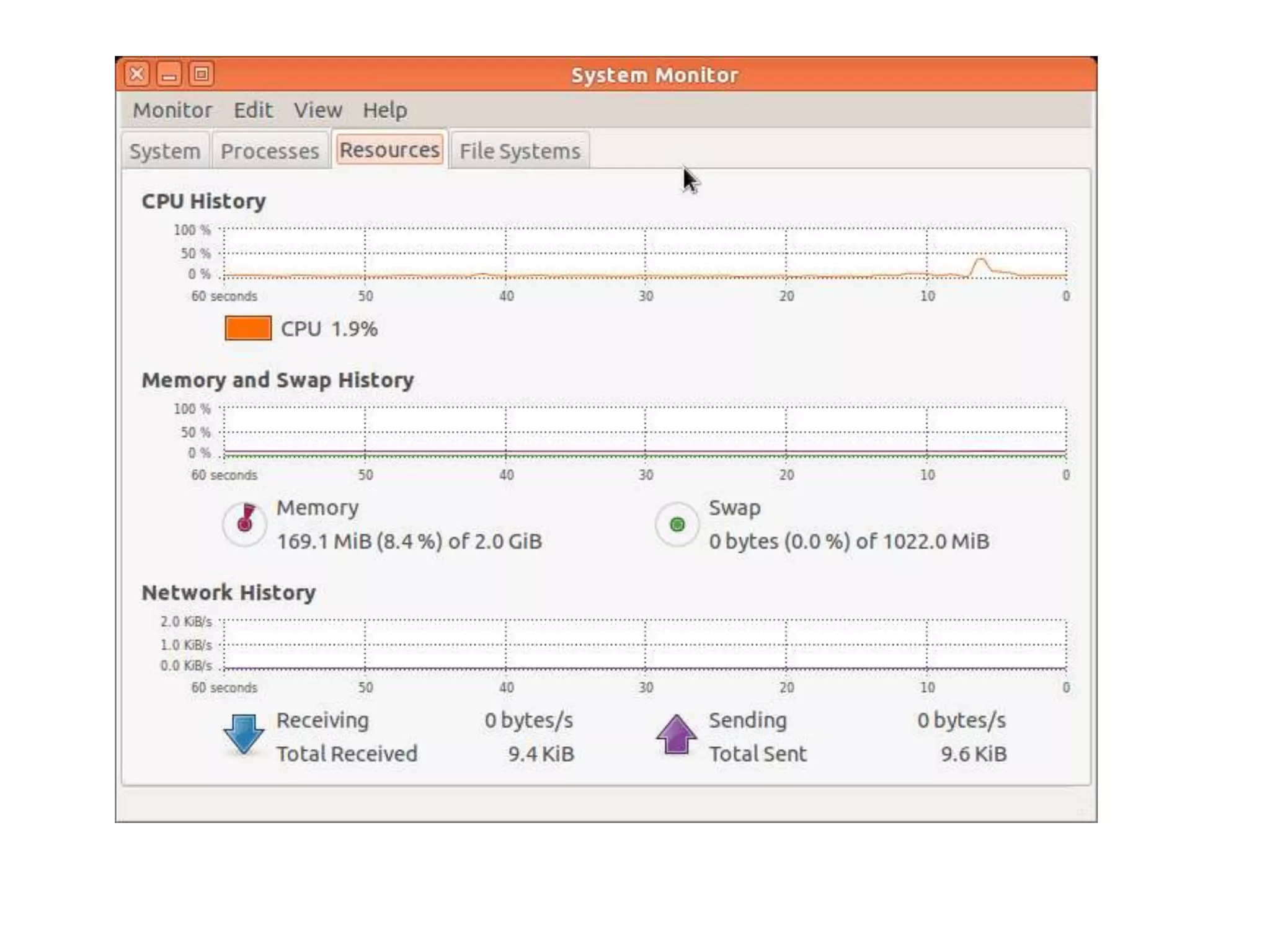
screenshot
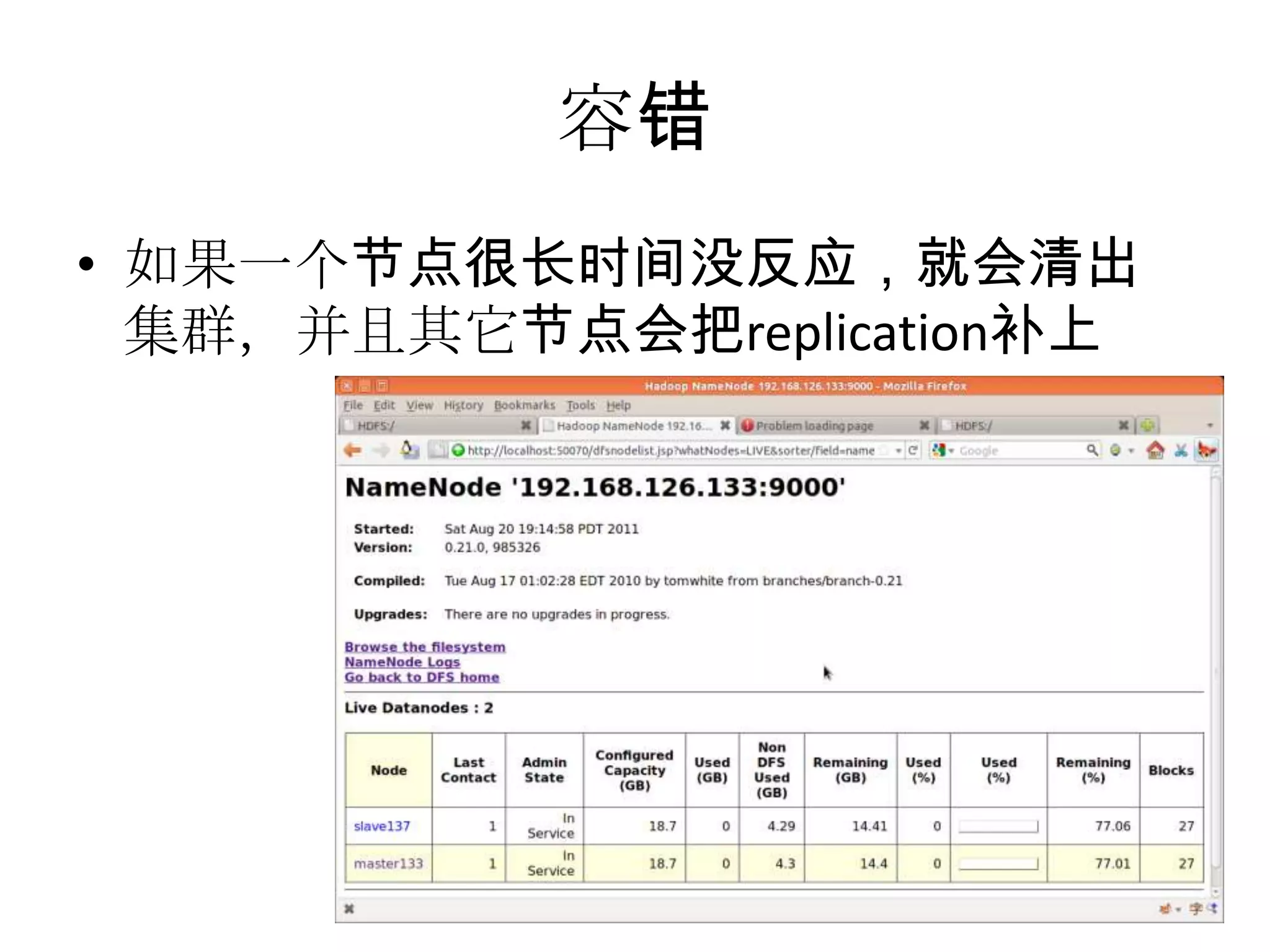
容错
• 如果一个节点很长时间没反应,就会清出
  集群,并且其它节点会把replication补上
执行 MapReduce
• hadoop jar a.jar com.Map1
  hdfs://192.168.126.133:9000/hadoopconf/
  hdfs://192.168.126.133:9000/output2/
Read From Hadoop URL
•   //execute: hadoop ReadFromHDFS
•   public class ReadFromHDFS {
•      static {
•       URL.setURLStreamHandlerFactory(new FsUrlStreamHandlerFactory());
•     }
•      public static void main(String[] args){
•        try {
•   URL uri = new URL("hdfs://192.168.126.133:9000/t1/a1.txt");
•   IOUtils.copyBytes(uri.openStream(), System.out, 4096, false);
•   }catch (FileNotFoundException e) {
•   e.printStackTrace();
•        } catch (IOException e) {
•   e.printStackTrace();
•        }
•      }
•   }
Read By FileSystem API
•   //execute : hadoop ReadByFileSystemAPI
•   public class ReadByFileSystemAPI {
•      public static void main(String[] args) throws Exception {
•        String uri = ("hdfs://192.168.126.133:9000/t1/a2.txt");;
•        Configuration conf = new Configuration();
•        FileSystem fs = FileSystem.get(URI.create(uri), conf);
•        FSDataInputStream in = null;
•        try {
•   in = fs.open(new Path(uri));
•   IOUtils.copyBytes(in, System.out, 4096, false);
•        } finally {
•   IOUtils.closeStream(in);
•        }
•      }
•   }
FileSystemAPI
•   Path path = new Path(URI.create("hdfs://192.168.126.133:9000/t1/tt/"));
•   if(fs.exists(path)){
•      fs.delete(path,true);
•      System.out.println("deleted-----------");
•   }else{
•      fs.mkdirs(path);
•      System.out.println("creted=====");
•   }

•   /**
•    * List files
•    */
•   FileStatus[] fileStatuses = fs.listStatus(new Path(URI.create("hdfs://192.168.126.133:9000/")));
•   for(FileStatus fileStatus : fileStatuses){
•      System.out.println("" + fileStatus.getPath().toUri().toString() + " dir:" + fileStatus.isDirectory());
•   }

•   PathFilter pathFilter = new PathFilter(){
•      @Override
•      public boolean accept(Path path) {
•        return true;
•      }
•   };
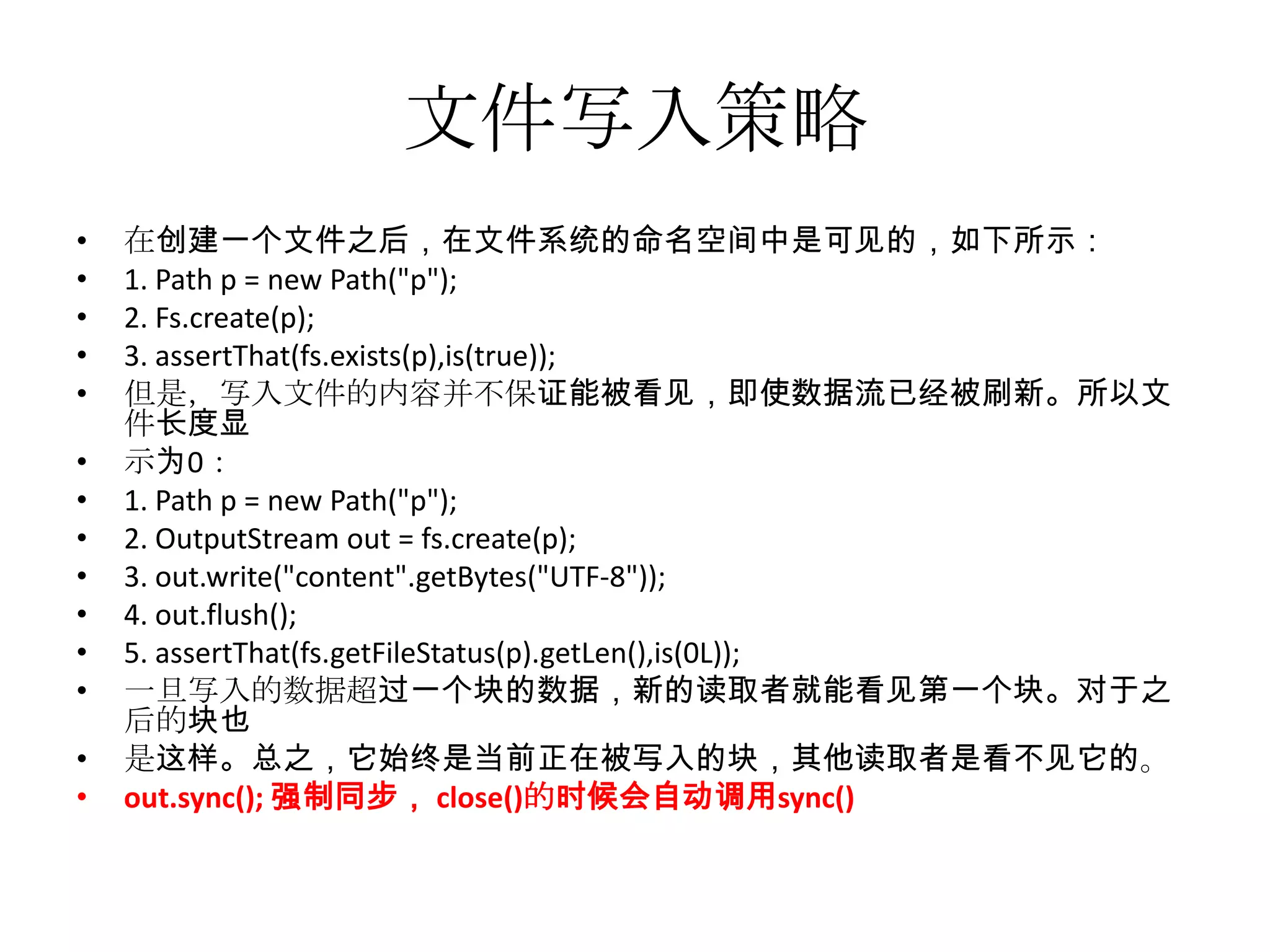
文件写入策略
•   在创建一个文件之后,在文件系统的命名空间中是可见的,如下所示:
•   1. Path p = new Path("p");
•   2. Fs.create(p);
•   3. assertThat(fs.exists(p),is(true));
•   但是,写入文件的内容并不保证能被看见,即使数据流已经被刷新。所以文
    件长度显
•   示为0:
•   1. Path p = new Path("p");
•   2. OutputStream out = fs.create(p);
•   3. out.write("content".getBytes("UTF-8"));
•   4. out.flush();
•   5. assertThat(fs.getFileStatus(p).getLen(),is(0L));
•   一旦写入的数据超过一个块的数据,新的读取者就能看见第一个块。对于之
    后的块也
•   是这样。总之,它始终是当前正在被写入的块,其他读取者是看不见它的。
•   out.sync(); 强制同步, close()的时候会自动调用sync()
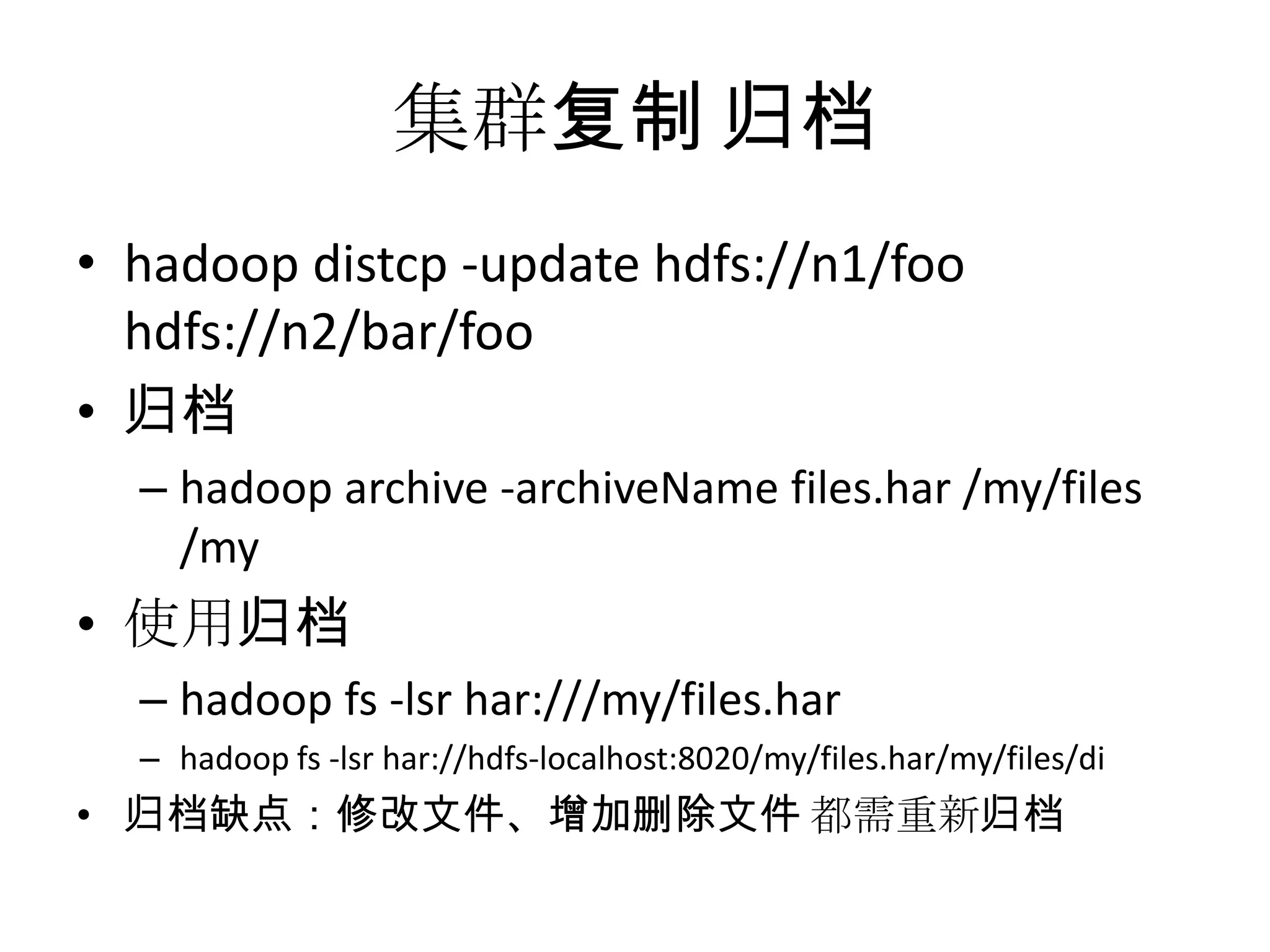
集群复制 归档
• hadoop distcp -update hdfs://n1/foo
  hdfs://n2/bar/foo
• 归档
  – hadoop archive -archiveName files.har /my/files
    /my
• 使用归档
  – hadoop fs -lsr har:///my/files.har
  – hadoop fs -lsr har://hdfs-localhost:8020/my/files.har/my/files/di
• 归档缺点:修改文件、增加删除文件 都需重新归档
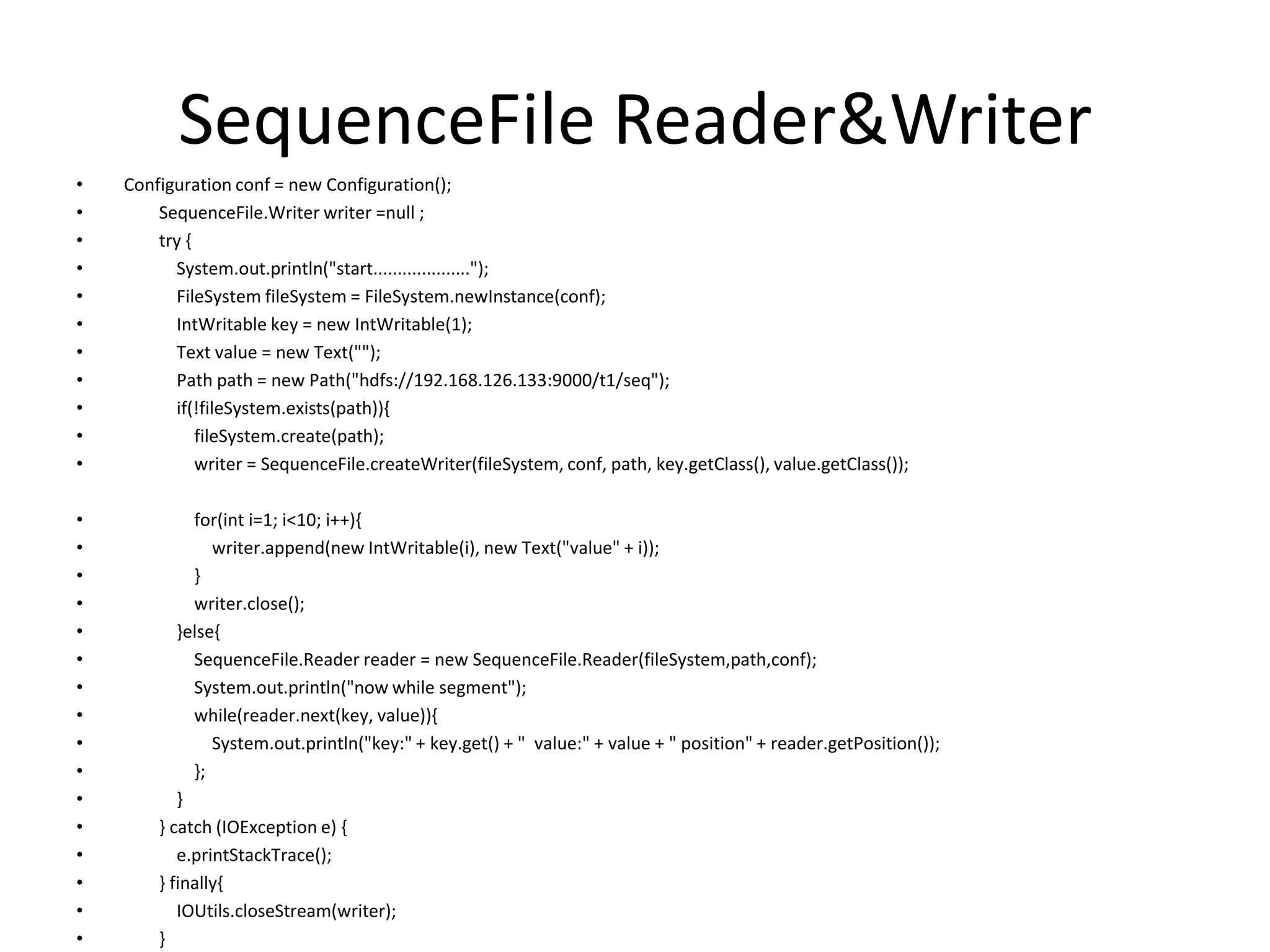
SequenceFile Reader&Writer
•   Configuration conf = new Configuration();
•       SequenceFile.Writer writer =null ;
•       try {
•         System.out.println("start....................");
•         FileSystem fileSystem = FileSystem.newInstance(conf);
•         IntWritable key = new IntWritable(1);
•         Text value = new Text("");
•         Path path = new Path("hdfs://192.168.126.133:9000/t1/seq");
•         if(!fileSystem.exists(path)){
•             fileSystem.create(path);
•             writer = SequenceFile.createWriter(fileSystem, conf, path, key.getClass(), value.getClass());

•            for(int i=1; i<10; i++){
•               writer.append(new IntWritable(i), new Text("value" + i));
•            }
•            writer.close();
•          }else{
•            SequenceFile.Reader reader = new SequenceFile.Reader(fileSystem,path,conf);
•            System.out.println("now while segment");
•            while(reader.next(key, value)){
•               System.out.println("key:" + key.get() + " value:" + value + " position" + reader.getPosition());
•            };
•          }
•       } catch (IOException e) {
•          e.printStackTrace();
•       } finally{
•          IOUtils.closeStream(writer);
•       }
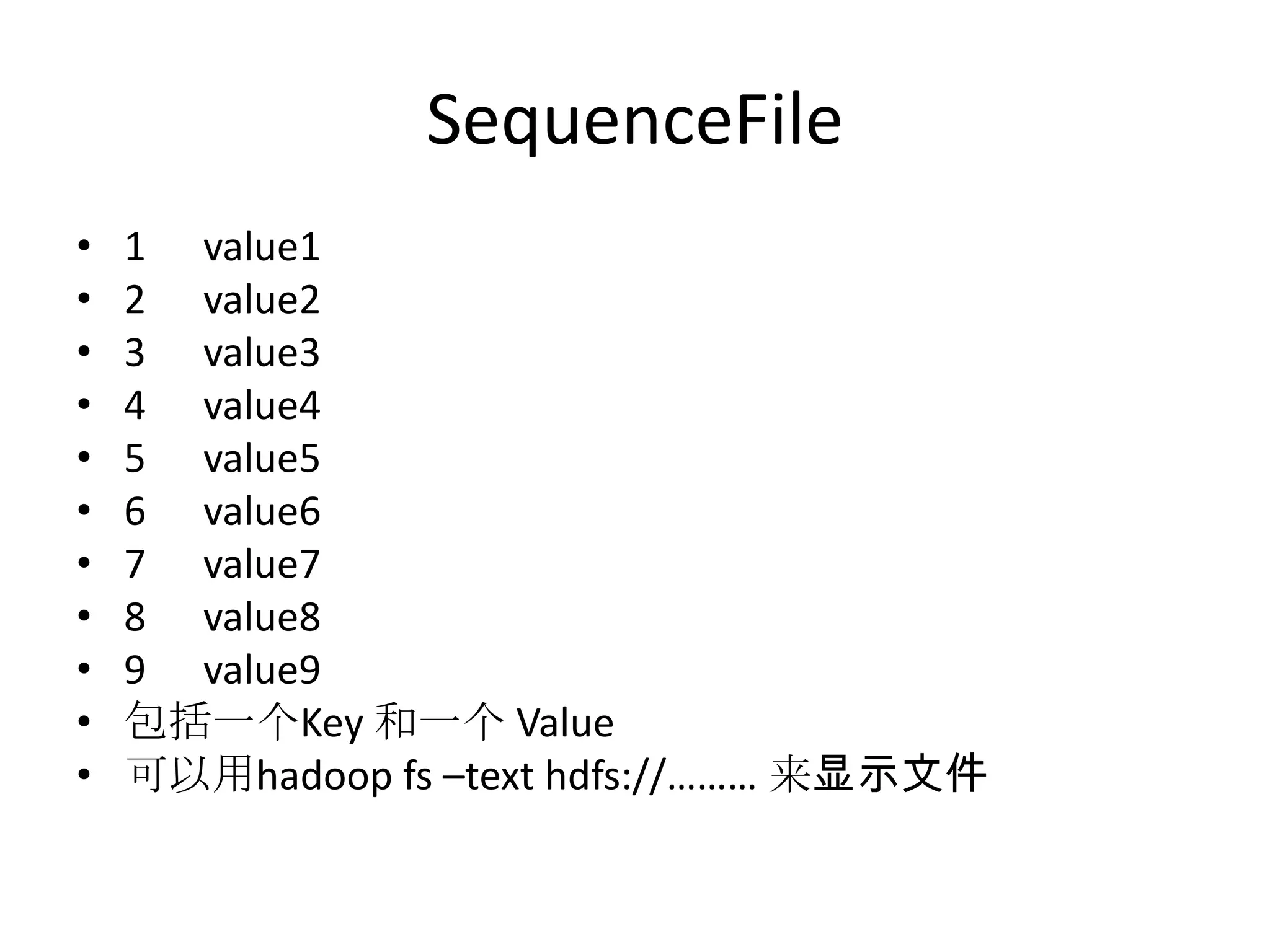
SequenceFile
•   1 value1
•   2 value2
•   3 value3
•   4 value4
•   5 value5
•   6 value6
•   7 value7
•   8 value8
•   9 value9
•   包括一个Key 和一个 Value
•   可以用hadoop fs –text hdfs://……… 来显示文件
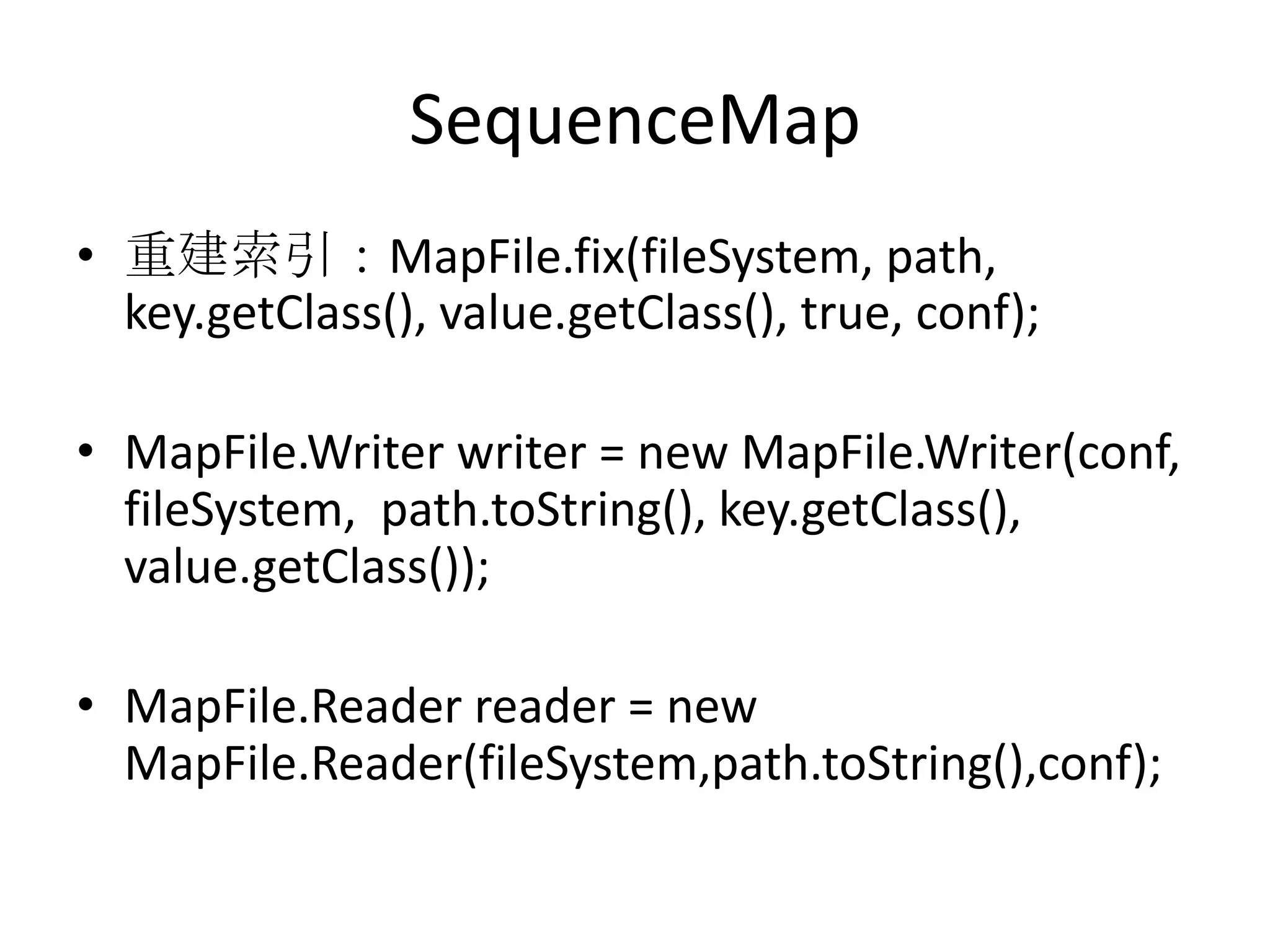
SequenceMap
• 重建索引:MapFile.fix(fileSystem, path,
  key.getClass(), value.getClass(), true, conf);

• MapFile.Writer writer = new MapFile.Writer(conf,
  fileSystem, path.toString(), key.getClass(),
  value.getClass());

• MapFile.Reader reader = new
  MapFile.Reader(fileSystem,path.toString(),conf);

Hadoop 20111117

  • 1.
  • 2.
    • Hadoop Core,our flagship sub-project, provides a distributed filesystem (HDFS) and support for the MapReduce distributed computing metaphor. • Pig is a high-level data-flow language and execution framework for parallel computation. It is built on top of Hadoop Core.
  • 3.
    ZooKeeper • ZooKeeper isa highly available and reliable coordination system. Distributed applications use ZooKeeper to store and mediate updates for critical shared state.
  • 4.
    JobTracker • JobTracker: TheJobTracker provides command and control for job management. It supplies the primary user interface to a MapReduce cluster. It also handles the distribution and management of tasks. There is one instance of this server running on a cluster. The machine running the JobTracker server is the MapReduce master.
  • 5.
    TaskTracker • TaskTracker: TheTaskTracker provides execution services for the submitted jobs. Each TaskTracker manages the execution of tasks on an individual compute node in the MapReduce cluster. The JobTracker manages all of the TaskTracker processes. There is one instance of this server per compute node.
  • 6.
    NameNode • NameNode: TheNameNode provides metadata storage for the shared file system. The NameNode supplies the primary user interface to the HDFS. It also manages all of the metadata for the HDFS. There is one instance of this server running on a cluster. The metadata includes such critical information as the file directory structure and which DataNodes have copies of the data blocks that contain each file’s data. The machine running the NameNode server process is the HDFS master.
  • 7.
    Secondary NameNode • SecondaryNameNode: The secondary NameNode provides both file system metadata backup and metadata compaction. It supplies near real-time backup of the metadata for the NameNode. There is at least one instance of this server running on a cluster, ideally on a separate physical machine than the one running the NameNode. The secondary NameNode also merges the metadata change history, the edit log, into the NameNode’s file system image.
  • 8.
    Design of HDFS •Design of HDFS – Very large files – Streaming data access – Commodity hardware • not a good fit – Low-latency data access – Lots of small files – Multiple writers, arbitrary file modifications
  • 9.
    blocks • normally 512bytes • HDFS : 64 MB by default
  • 10.
  • 11.
  • 12.
    HDFS文件写入 • Outputsream.write() • Outputstream.flush()刷新,超过一个block 的时候,才会读到。 • Outputstream.sync() 强制同步 • Outputstream.close() 包括sync()
  • 13.
    DistCp分布式复制 • hadoop distcp-update hdfs://namenode1/foo hdfs://namenode2/bar • hadoop distcp –update …… – 只更新修改过的文件 • hadoop distcp –overwrite …… – 覆盖 • hadoop distcp –m 100 …… – 复制任务被分成N个MAP执行
  • 14.
    Hadoop 文件归档 • Har文件 •Hadoop archive –archiveName file.har /myfiles /outpath • Hadoop fs –ls /outpath/file.har • Hadoop fs –lsr har:///outpath/file.har
  • 15.
    文件操作 • Hadoop fs–rm hdfs://192.168.126.133:9000/xxx •cat •cp •lsr •rmr •chgrp •du •mkdir •setrep •chmod •dus •moveFromLocal •stat •chown •expunge •moveToLocal •tail •copyFromLocal •get •mv •test •copyToLocal •getmerge •put •text •count •ls •rm •touchz
  • 16.
    分布式部署 • Master&slave 192.168.0.10 •Slave 192.168.0.20 • 修改conf/master – 192.168.0.10 • 修改Conf/slave – 192.168.0.10 – 192.168.0.20
  • 17.
    安装hadoop • ssh-keygen-tdsa –P'‘ –f ~/.ssh/id_dsa • Cat ~/.ssh/id_dsa.pub >> ~/.ssh/authorized_keys • 关闭防火墙Sudo ufw disable
  • 18.
    分布式部署Core-site.xml (master&slave相同) • <configuration> • <property> • <name>hadoop.tmp.dir</name> • <value>/home/tony/tmp/tmp</value> • <description>Abaseforothertemporarydirectories.</description> • </property> • <property> • <name>fs.default.name</name> • <value>hdfs://192.168.0.10:9000</value> • </property> • </configuration>
  • 19.
    分布式部署Hdfs-site.xml (master&slave) • <configuration> • <property> • <name>dfs.replication</name> • <value>1</value> • </property> • <property> • <name>dfs.name.dir</name> • <value>/home/tony/tmp/name</value> • </property> • <property> • <name>dfs.data.dir</name> • <value>/home/tony/tmp/data</value> • </property> • </configuration> • 并且保证当前机器有该目录
  • 20.
    分布式部署Mapred-site.xml • <configuration> • <property> • <name>mapred.job.tracker</name> • <value>192.168.0.10:9001</value> • </property> • </configuration> • 所有的机器都配成master的地址
  • 21.
    Run • Hadoop namenode–format – 每次fotmat前,先stop-all,并清空tmp一下的 所有目录 • Start-all.sh • 显示运行情况: – http://192.168.0.20:50070/dfshealth.jsp – 或 hadoop dfsadmin -report
  • 24.
    could only bereplicated • java.io.IOException: could only be replicated to 0 nodes, instead of 1. • 解决: – XML的配置不正确,要保证slave的mapred- site.xml和core-site.xml的地址都跟master一致
  • 25.
    Incompatible namespaceIDs • java.io.IOException:Incompatible namespaceIDs in /home/hadoop/data: namenode namespaceID = 1214734841; datanode namespaceID = 1600742075 • 原因: – 格式化前没清空tmp,导致ID不一致 • 解决: – 修改 namenode 的 /home/hadoop/name/current/VERSION
  • 26.
    UnknownHostException • # hostname •Vi /etc/hostname 修改hostname • Vi /etc/hosts 增加hostname对应的IP
  • 27.
    error in shufflein fetcher • org.apache.hadoop.mapreduce.task.reduce.Sh uffle$ShuffleError: error in shuffle in fetcher • 解决方式: – 问题出在hosts文件的配置上,在所有节点的 /etc/hosts文件中加入其他节点的主机名和IP映 射
  • 29.
  • 30.
    动态增加datanode • 主机的conf/slaves中,增加namenode的地址 • • 启动新增的namenode – bin/hadoop-daemon.sh start datanode bin/hadoop-daemon.sh start tasktracker • • 启动后,Hadoop自动识别。
  • 31.
  • 32.
    容错 • 如果一个节点很长时间没反应,就会清出 集群,并且其它节点会把replication补上
  • 34.
    执行 MapReduce • hadoopjar a.jar com.Map1 hdfs://192.168.126.133:9000/hadoopconf/ hdfs://192.168.126.133:9000/output2/
  • 35.
    Read From HadoopURL • //execute: hadoop ReadFromHDFS • public class ReadFromHDFS { • static { • URL.setURLStreamHandlerFactory(new FsUrlStreamHandlerFactory()); • } • public static void main(String[] args){ • try { • URL uri = new URL("hdfs://192.168.126.133:9000/t1/a1.txt"); • IOUtils.copyBytes(uri.openStream(), System.out, 4096, false); • }catch (FileNotFoundException e) { • e.printStackTrace(); • } catch (IOException e) { • e.printStackTrace(); • } • } • }
  • 36.
    Read By FileSystemAPI • //execute : hadoop ReadByFileSystemAPI • public class ReadByFileSystemAPI { • public static void main(String[] args) throws Exception { • String uri = ("hdfs://192.168.126.133:9000/t1/a2.txt");; • Configuration conf = new Configuration(); • FileSystem fs = FileSystem.get(URI.create(uri), conf); • FSDataInputStream in = null; • try { • in = fs.open(new Path(uri)); • IOUtils.copyBytes(in, System.out, 4096, false); • } finally { • IOUtils.closeStream(in); • } • } • }
  • 37.
    FileSystemAPI • Path path = new Path(URI.create("hdfs://192.168.126.133:9000/t1/tt/")); • if(fs.exists(path)){ • fs.delete(path,true); • System.out.println("deleted-----------"); • }else{ • fs.mkdirs(path); • System.out.println("creted====="); • } • /** • * List files • */ • FileStatus[] fileStatuses = fs.listStatus(new Path(URI.create("hdfs://192.168.126.133:9000/"))); • for(FileStatus fileStatus : fileStatuses){ • System.out.println("" + fileStatus.getPath().toUri().toString() + " dir:" + fileStatus.isDirectory()); • } • PathFilter pathFilter = new PathFilter(){ • @Override • public boolean accept(Path path) { • return true; • } • };
  • 38.
    文件写入策略 • 在创建一个文件之后,在文件系统的命名空间中是可见的,如下所示: • 1. Path p = new Path("p"); • 2. Fs.create(p); • 3. assertThat(fs.exists(p),is(true)); • 但是,写入文件的内容并不保证能被看见,即使数据流已经被刷新。所以文 件长度显 • 示为0: • 1. Path p = new Path("p"); • 2. OutputStream out = fs.create(p); • 3. out.write("content".getBytes("UTF-8")); • 4. out.flush(); • 5. assertThat(fs.getFileStatus(p).getLen(),is(0L)); • 一旦写入的数据超过一个块的数据,新的读取者就能看见第一个块。对于之 后的块也 • 是这样。总之,它始终是当前正在被写入的块,其他读取者是看不见它的。 • out.sync(); 强制同步, close()的时候会自动调用sync()
  • 39.
    集群复制 归档 • hadoopdistcp -update hdfs://n1/foo hdfs://n2/bar/foo • 归档 – hadoop archive -archiveName files.har /my/files /my • 使用归档 – hadoop fs -lsr har:///my/files.har – hadoop fs -lsr har://hdfs-localhost:8020/my/files.har/my/files/di • 归档缺点:修改文件、增加删除文件 都需重新归档
  • 40.
    SequenceFile Reader&Writer • Configuration conf = new Configuration(); • SequenceFile.Writer writer =null ; • try { • System.out.println("start...................."); • FileSystem fileSystem = FileSystem.newInstance(conf); • IntWritable key = new IntWritable(1); • Text value = new Text(""); • Path path = new Path("hdfs://192.168.126.133:9000/t1/seq"); • if(!fileSystem.exists(path)){ • fileSystem.create(path); • writer = SequenceFile.createWriter(fileSystem, conf, path, key.getClass(), value.getClass()); • for(int i=1; i<10; i++){ • writer.append(new IntWritable(i), new Text("value" + i)); • } • writer.close(); • }else{ • SequenceFile.Reader reader = new SequenceFile.Reader(fileSystem,path,conf); • System.out.println("now while segment"); • while(reader.next(key, value)){ • System.out.println("key:" + key.get() + " value:" + value + " position" + reader.getPosition()); • }; • } • } catch (IOException e) { • e.printStackTrace(); • } finally{ • IOUtils.closeStream(writer); • }
  • 41.
    SequenceFile • 1 value1 • 2 value2 • 3 value3 • 4 value4 • 5 value5 • 6 value6 • 7 value7 • 8 value8 • 9 value9 • 包括一个Key 和一个 Value • 可以用hadoop fs –text hdfs://……… 来显示文件
  • 42.
    SequenceMap • 重建索引:MapFile.fix(fileSystem, path, key.getClass(), value.getClass(), true, conf); • MapFile.Writer writer = new MapFile.Writer(conf, fileSystem, path.toString(), key.getClass(), value.getClass()); • MapFile.Reader reader = new MapFile.Reader(fileSystem,path.toString(),conf);