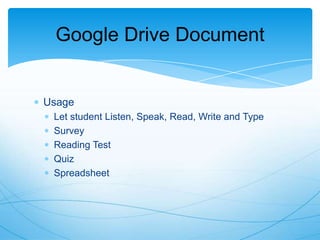
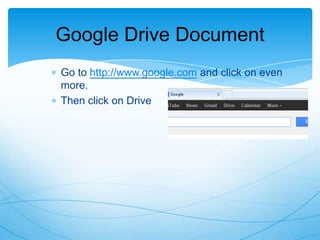
This document provides instructions for using Google Drive forms and additional tools to create interactive online tests and assessments. It covers:
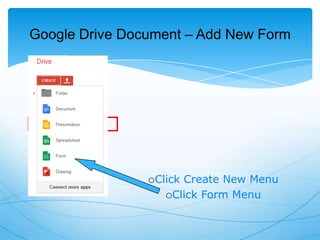
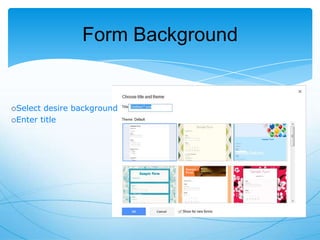
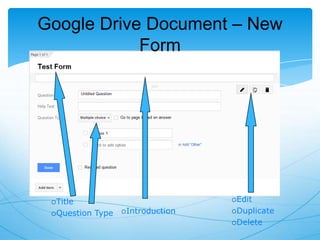
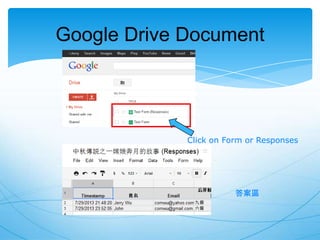
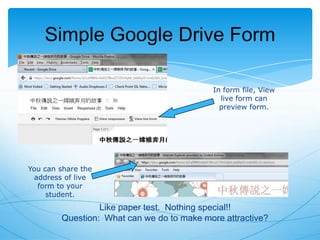
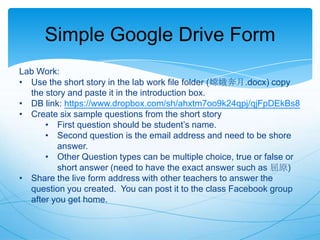
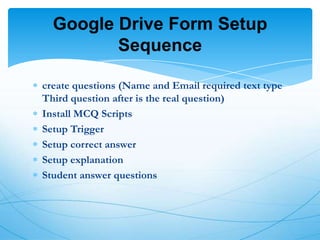
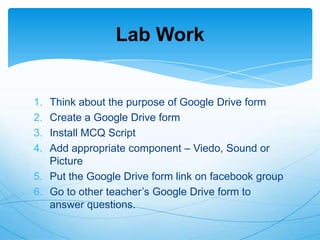
- How to create forms and add questions in Google Drive
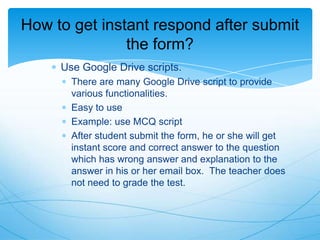
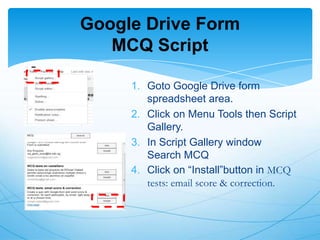
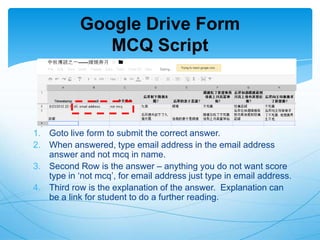
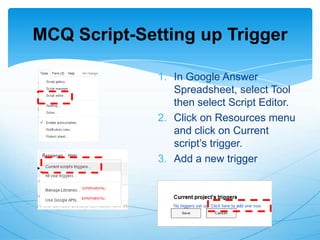
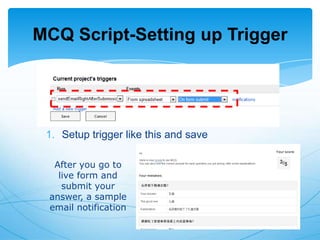
- Using scripts to automatically grade multiple choice questions and send score reports
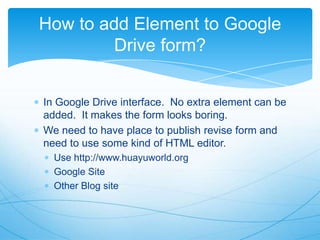
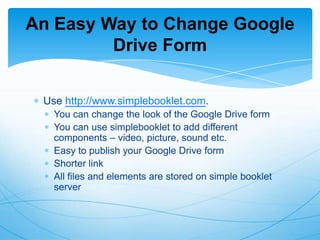
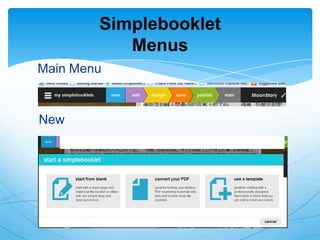
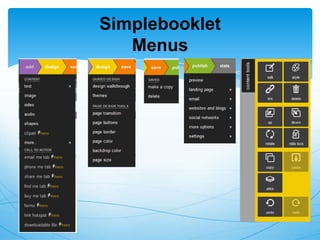
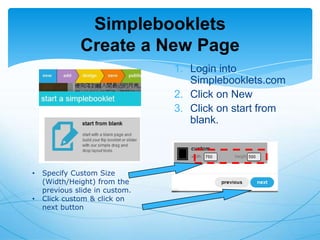
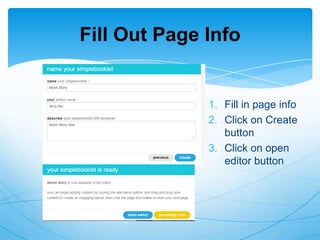
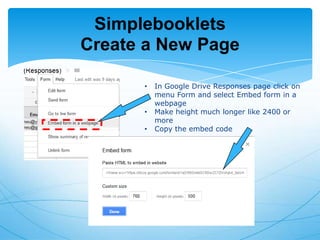
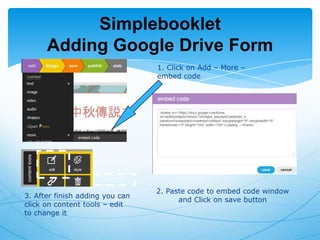
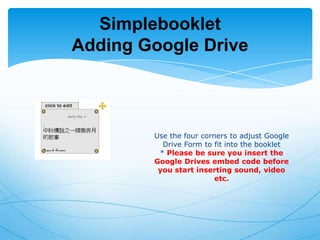
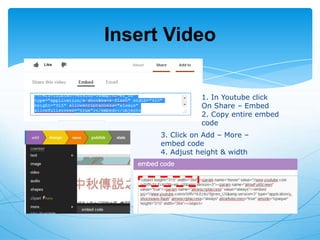
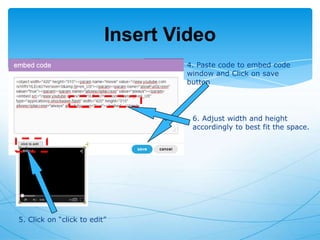
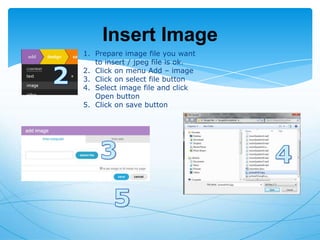
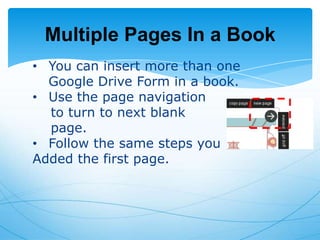
- Embedding forms in websites like SimpleBooklet to add multimedia elements
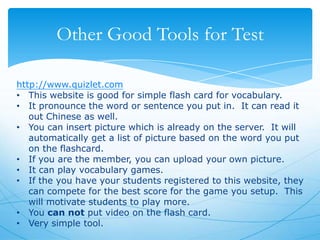
- Additional tools like Quizlet that can be used to create flashcards and vocabulary games
The document demonstrates how Google Drive forms can be enhanced with tools like scripts and embedding in websites to create more engaging and interactive online tests beyond basic multiple choice. Students can then access tests anywhere instead of just paper exams.






![Google docs[1] by Claire Pollok](https://cdn.slidesharecdn.com/ss_thumbnails/googledocs1-111122184124-phpapp01-thumbnail.jpg?width=640&height=640&fit=bounds)


