Downloaded 322 times
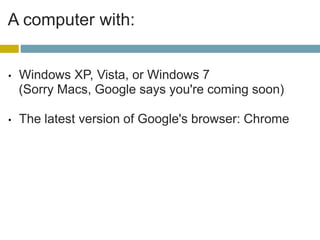
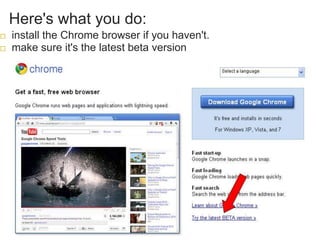
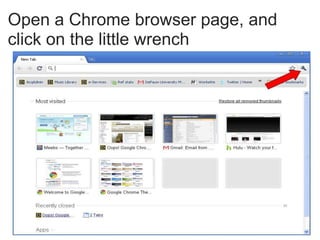
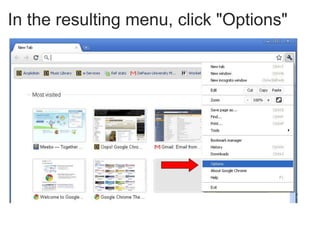
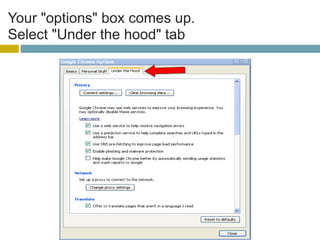
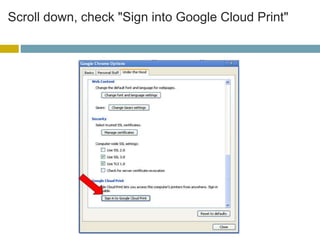
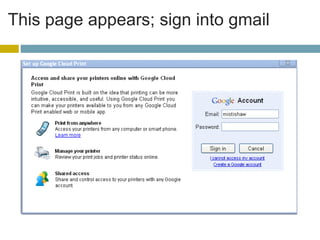
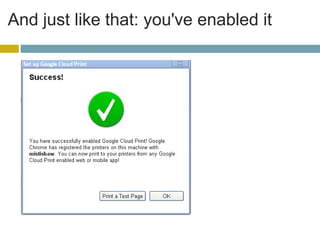
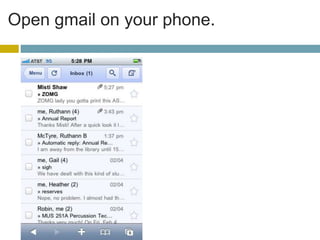
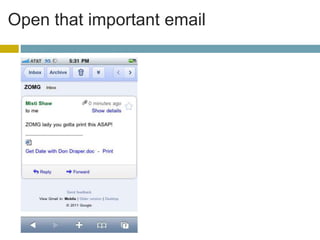
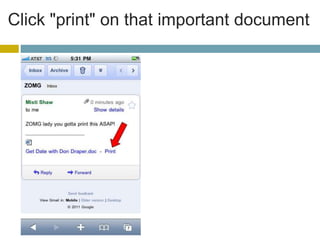
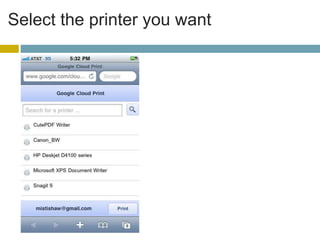
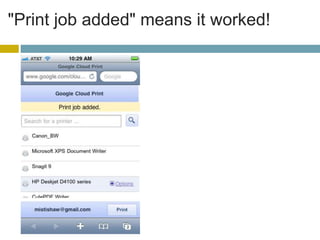

Google Cloud Print allows users to print documents remotely from their smartphones. To use this feature, a computer with Windows XP, Vista, or 7 and the latest version of Chrome browser is needed. The computer must be connected to a printer and turned on for network printing. To set it up, install the latest Chrome browser, enable Google Cloud Print in the browser settings, and sign into a Gmail account. Documents can then be printed from the Gmail mobile app by selecting the desired printer.


