Download to read offline

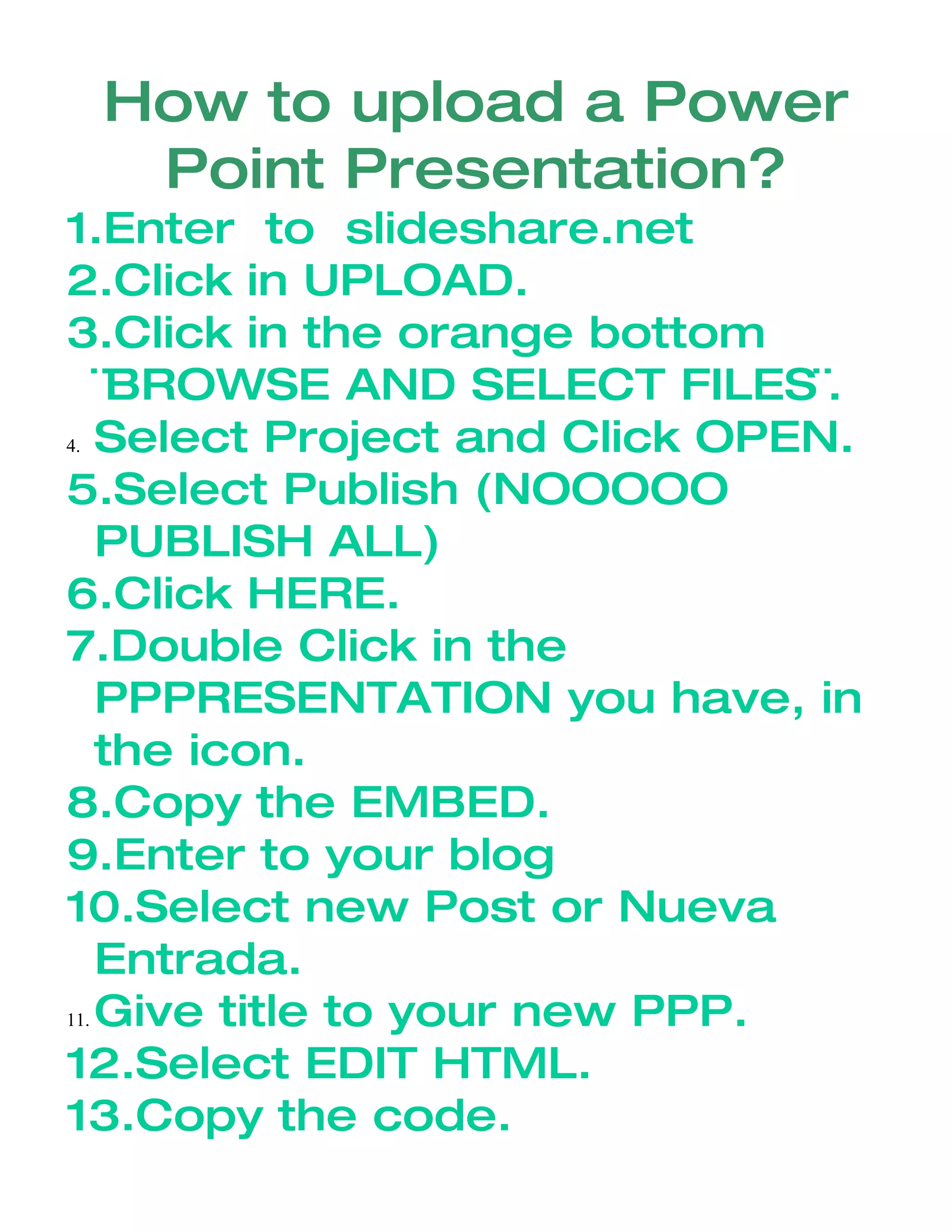

To upload a PowerPoint presentation to SlideShare, you first go to their website and click upload. You then browse your files to select the PowerPoint you want to upload. Once selected, you publish the presentation but do not publish it publicly. You then embed the presentation into a blog post and publish the blog to share it.


![Manual Of Blog[1]](https://cdn.slidesharecdn.com/ss_thumbnails/manualofblog1-090930190422-phpapp02-thumbnail.jpg?width=640&height=640&fit=bounds)


