Using Social Networks in Your Job Search
• The Role of Social Media in Conducting a
Job Search
• Building a Personal Brand
• Building and Using a LinkedIn Profile
 Companies are doing more with
fewer resources
 Demand for some jobs is
decreasing
 Application process is generally
online
 Some jobs require hard to find
skills
 Fewer jobs means more
competition (More applicants for
each job)
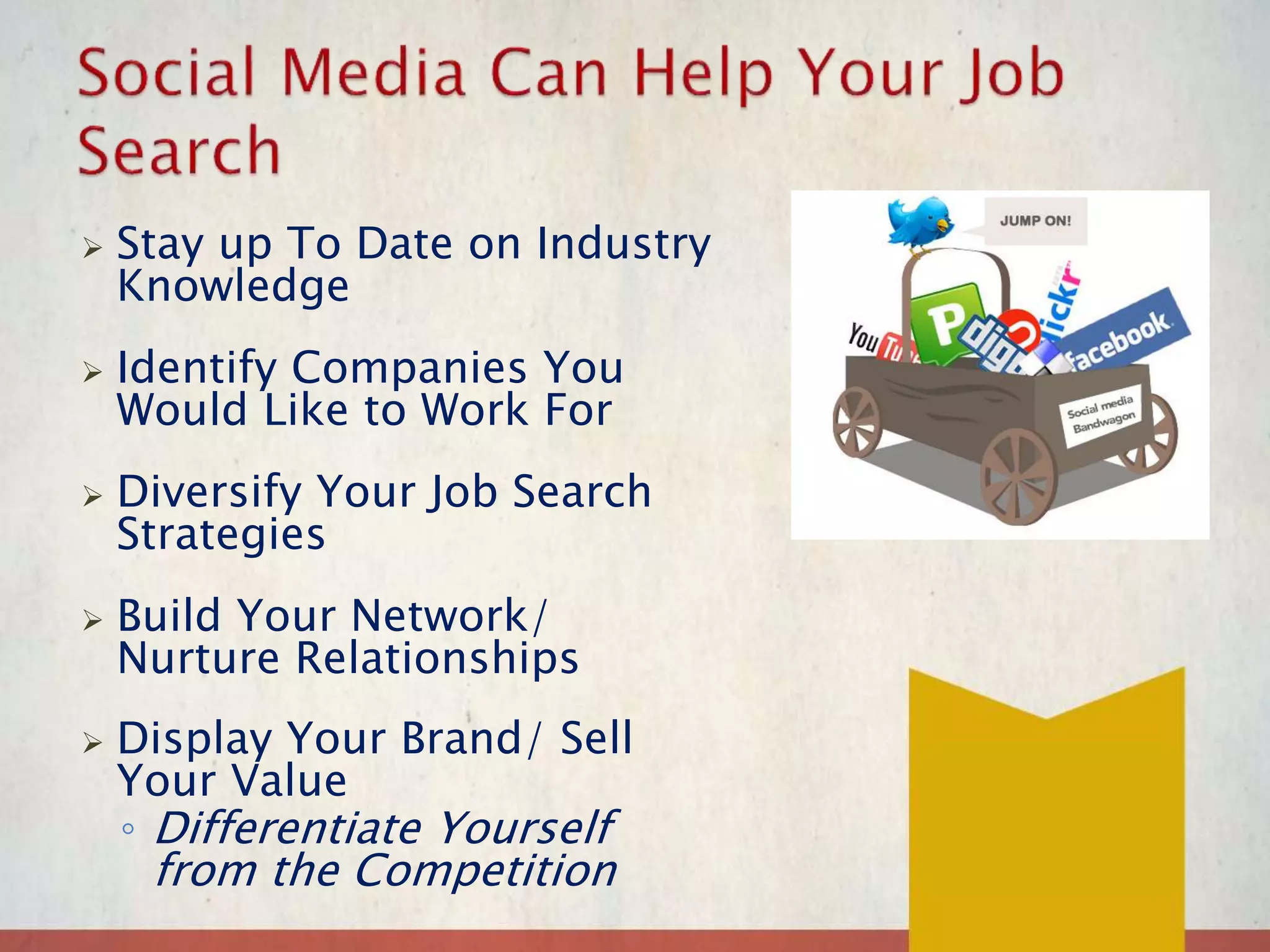
 Stay up To Date on Industry
Knowledge
 Identify Companies You
Would Like to Work For
 Diversify Your Job Search
Strategies
 Build Your Network/
Nurture Relationships
 Display Your Brand/ Sell
Your Value
◦ Differentiate Yourself
from the Competition
Hiring managers who research candidates via social media
reported that that these things have caused them to pass over a
candidate:
 Provocative/inappropriate photos/info – 49%·
 Information about candidate drinking or using drugs – 45%
 Poor communication skills demonstrated– 35%
 Bad mouthing previous employer – 33%
 Discriminatory comments related to race, gender, religion –
28%
 Candidate lied about qualifications – 22%
Source: The nationwide survey, conducted by Harris
Interactive from February 9 to March 2, 20l2,
included more than 2,000 hiring managers and HR
professionals across industries and company sizes
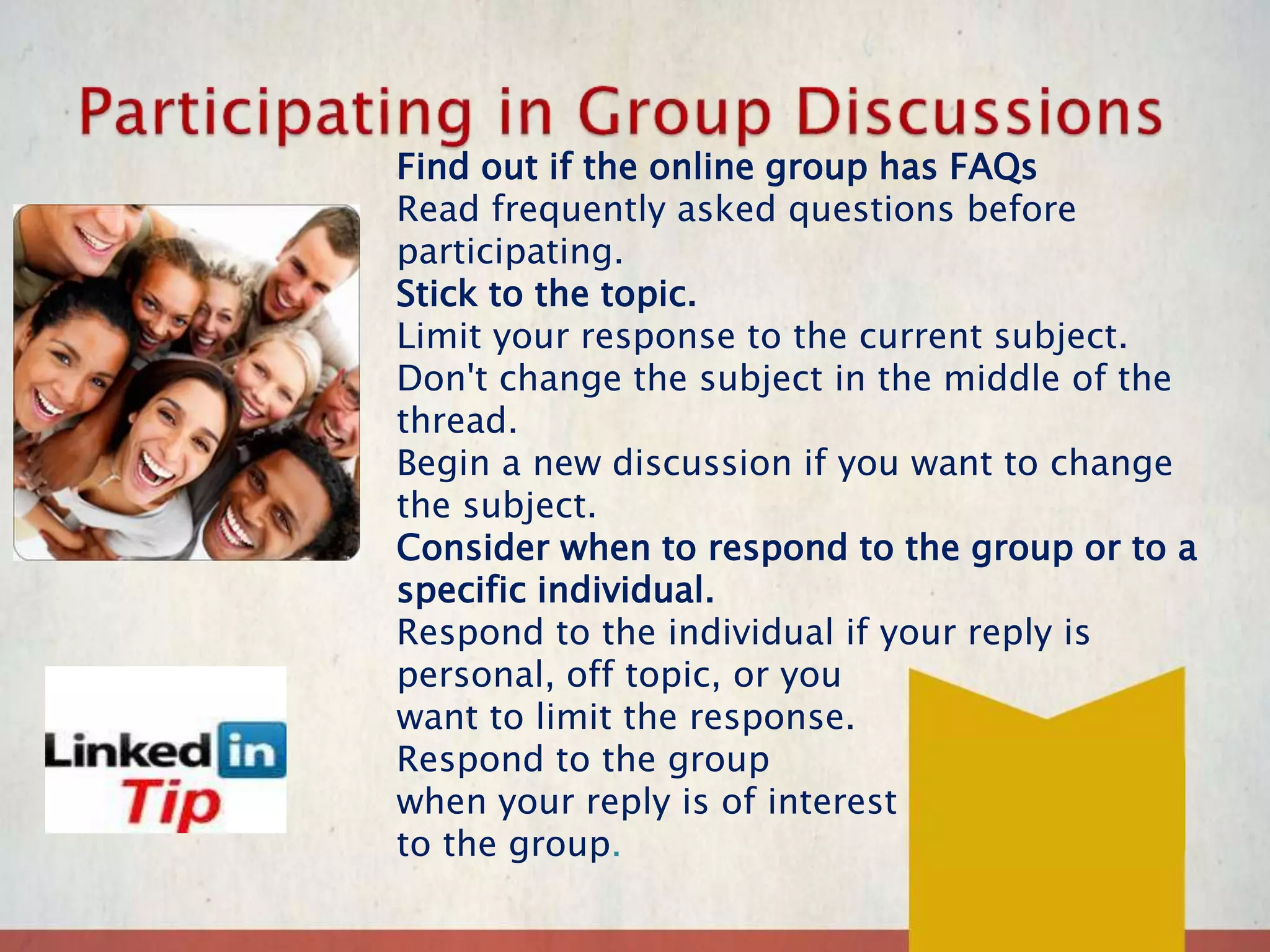
Find out if the online group has FAQs
Read frequently asked questions before
participating.
Stick to the topic.
Limit your response to the current subject.
Don't change the subject in the middle of the
thread.
Begin a new discussion if you want to change
the subject.
Consider when to respond to the group or to a
specific individual.
Respond to the individual if your reply is
personal, off topic, or you
want to limit the response.
Respond to the group
when your reply is of interest
to the group.
LinkedIn Help Center
http://help.linkedin.com/app/home
LinkedIn Webinars
http://help.linkedin.com/app/answers/detail/a_id/
530
Beginner’s Guide to LinkedIn
http://mashable.com/2012/05/23/linkedin-
beginners/
LinkedIn Tutorial
http://www.gcflearnfree.org/jobsearch/module/25
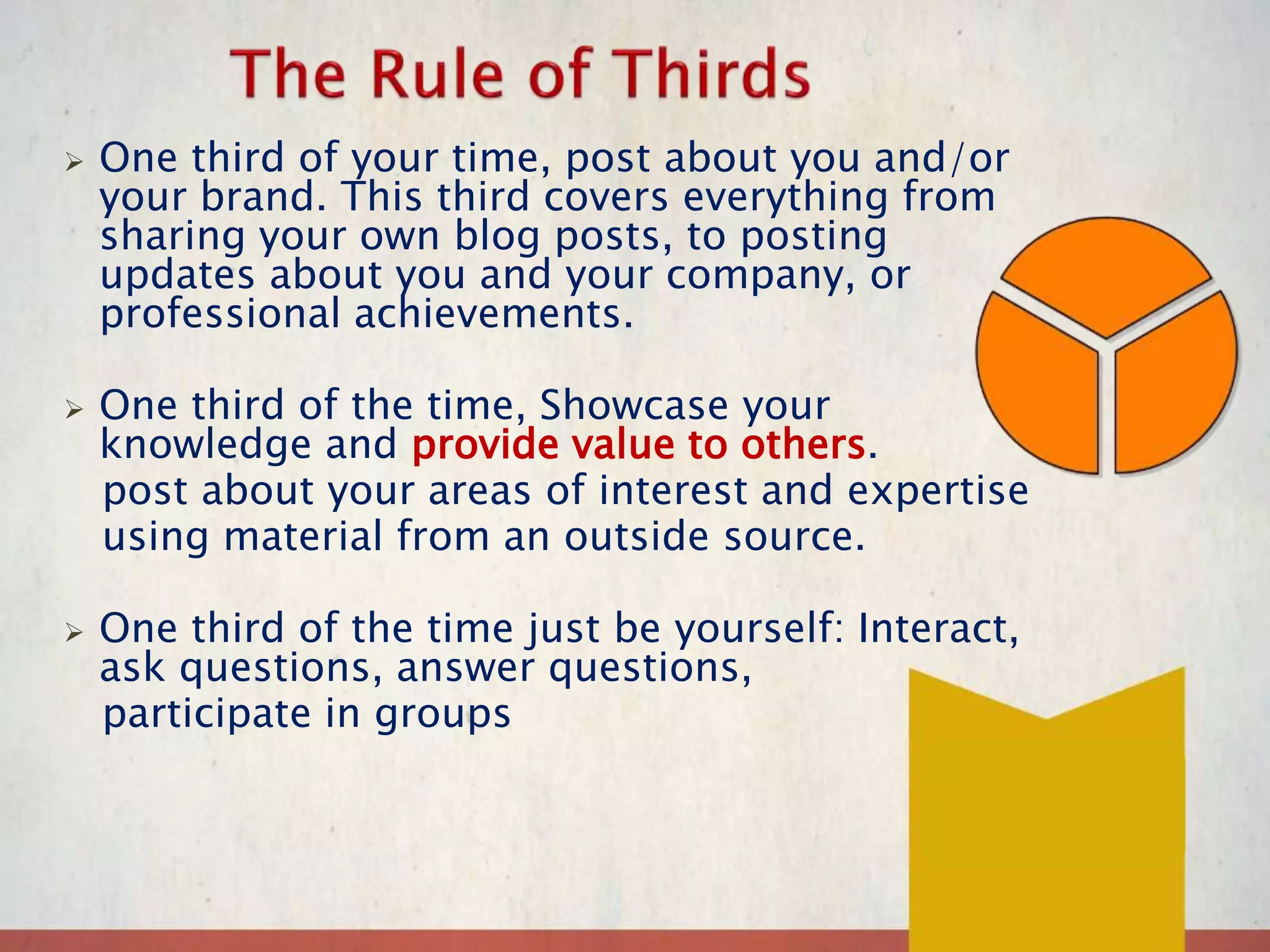
 One third of your time, post about you and/or
your brand. This third covers everything from
sharing your own blog posts, to posting
updates about you and your company, or
professional achievements.
 One third of the time, Showcase your
knowledge and provide value to others.
post about your areas of interest and expertise
using material from an outside source.
 One third of the time just be yourself: Interact,
ask questions, answer questions,
participate in groups

GO SOCIAL Networking Using Social Media Modified

  • 1.
    Using Social Networksin Your Job Search
  • 2.
    • The Roleof Social Media in Conducting a Job Search • Building a Personal Brand • Building and Using a LinkedIn Profile
  • 3.
     Companies aredoing more with fewer resources  Demand for some jobs is decreasing  Application process is generally online  Some jobs require hard to find skills  Fewer jobs means more competition (More applicants for each job)
  • 4.
     Stay upTo Date on Industry Knowledge  Identify Companies You Would Like to Work For  Diversify Your Job Search Strategies  Build Your Network/ Nurture Relationships  Display Your Brand/ Sell Your Value ◦ Differentiate Yourself from the Competition
  • 5.
    Hiring managers whoresearch candidates via social media reported that that these things have caused them to pass over a candidate:  Provocative/inappropriate photos/info – 49%·  Information about candidate drinking or using drugs – 45%  Poor communication skills demonstrated– 35%  Bad mouthing previous employer – 33%  Discriminatory comments related to race, gender, religion – 28%  Candidate lied about qualifications – 22% Source: The nationwide survey, conducted by Harris Interactive from February 9 to March 2, 20l2, included more than 2,000 hiring managers and HR professionals across industries and company sizes
  • 14.
    Find out ifthe online group has FAQs Read frequently asked questions before participating. Stick to the topic. Limit your response to the current subject. Don't change the subject in the middle of the thread. Begin a new discussion if you want to change the subject. Consider when to respond to the group or to a specific individual. Respond to the individual if your reply is personal, off topic, or you want to limit the response. Respond to the group when your reply is of interest to the group.
  • 15.
    LinkedIn Help Center http://help.linkedin.com/app/home LinkedInWebinars http://help.linkedin.com/app/answers/detail/a_id/ 530 Beginner’s Guide to LinkedIn http://mashable.com/2012/05/23/linkedin- beginners/ LinkedIn Tutorial http://www.gcflearnfree.org/jobsearch/module/25
  • 16.
     One thirdof your time, post about you and/or your brand. This third covers everything from sharing your own blog posts, to posting updates about you and your company, or professional achievements.  One third of the time, Showcase your knowledge and provide value to others. post about your areas of interest and expertise using material from an outside source.  One third of the time just be yourself: Interact, ask questions, answer questions, participate in groups

Editor's Notes

  • #2 Use these pages to make your own notes!
  • #3 Use these pages to make your own notes!
  • #4 Here are some of the key ways in which the world of the job search has changed. You have less than a 10% chance of being hired without an inside connection. Need to think beyond the job search engines and job boards to build a network.
  • #6 Social media are now playing a key role for both employers and for job seekers in the job seeking and hiring processes! On the employer side, many or even the majority of employers are using social media in some way to find out more about job candidates.
  • #7  ACTIVITY Team off in 2’s. Share with your partner what you think you have to offer. 5 minutes to identify what you believe are your best selling points 2 minutes each to share with partner, 2 minutes for partner to react, ask question or make suggestions 10 minutes to work on accomplishment worksheet
  • #8 Personal Brands: Branding is how you differentiate yourself from your competition. If you are not able to do this, you will lose out to the candidate who does. This is a matter of shifting away from the blandness of job titles and tasks to identifying the assets and qualities that you possess.
  • #9 Practice this until you are very comfortable with it!
  • #10 Your brand is what makes you stand out in the crowd.
  • #12 Many employers are using LinkedIn to recruit talent Looking for jobs on LinkedIn LinkedIn makes it easier to: Find the right person at a target company, like a hiring manager in a certain department, to discuss immediate and future job openings Get a reference from a past boss or co-worker Find information about a company and position before the interview Search job listings on the job board on LinkedIn The hidden power of LinkedIn is that it helps you find jobs you weren’t looking for or applying to directly. LinkedIn research shows that “People with more than 20 connections are 34 times more likely to be approached with a job opportunity than people with less than 5 connections.”
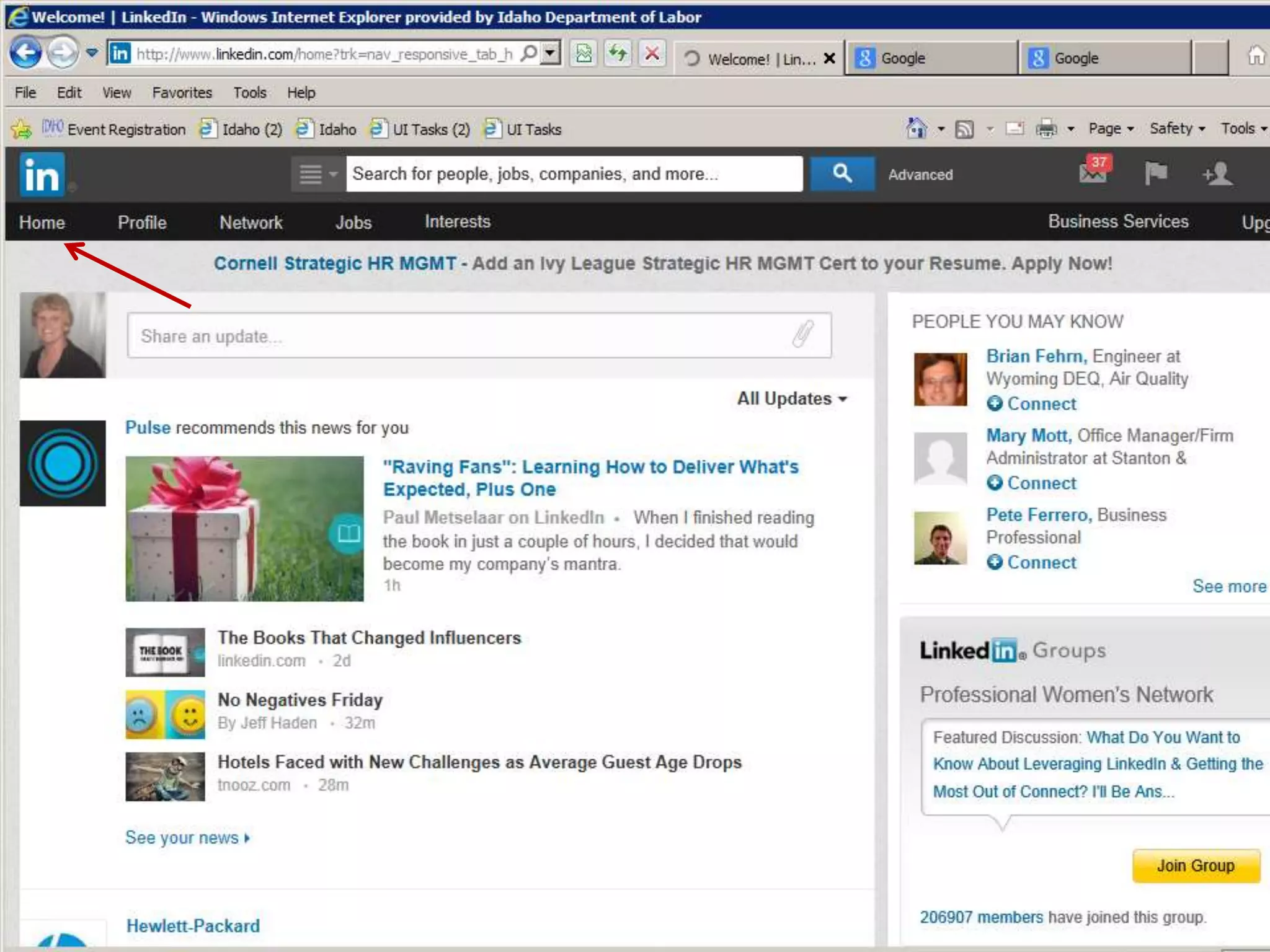
  • #13 When you sign into LinkedIn the first thing you will see is your “Home” page. This is where you can update your profile and see updates and information shared by others
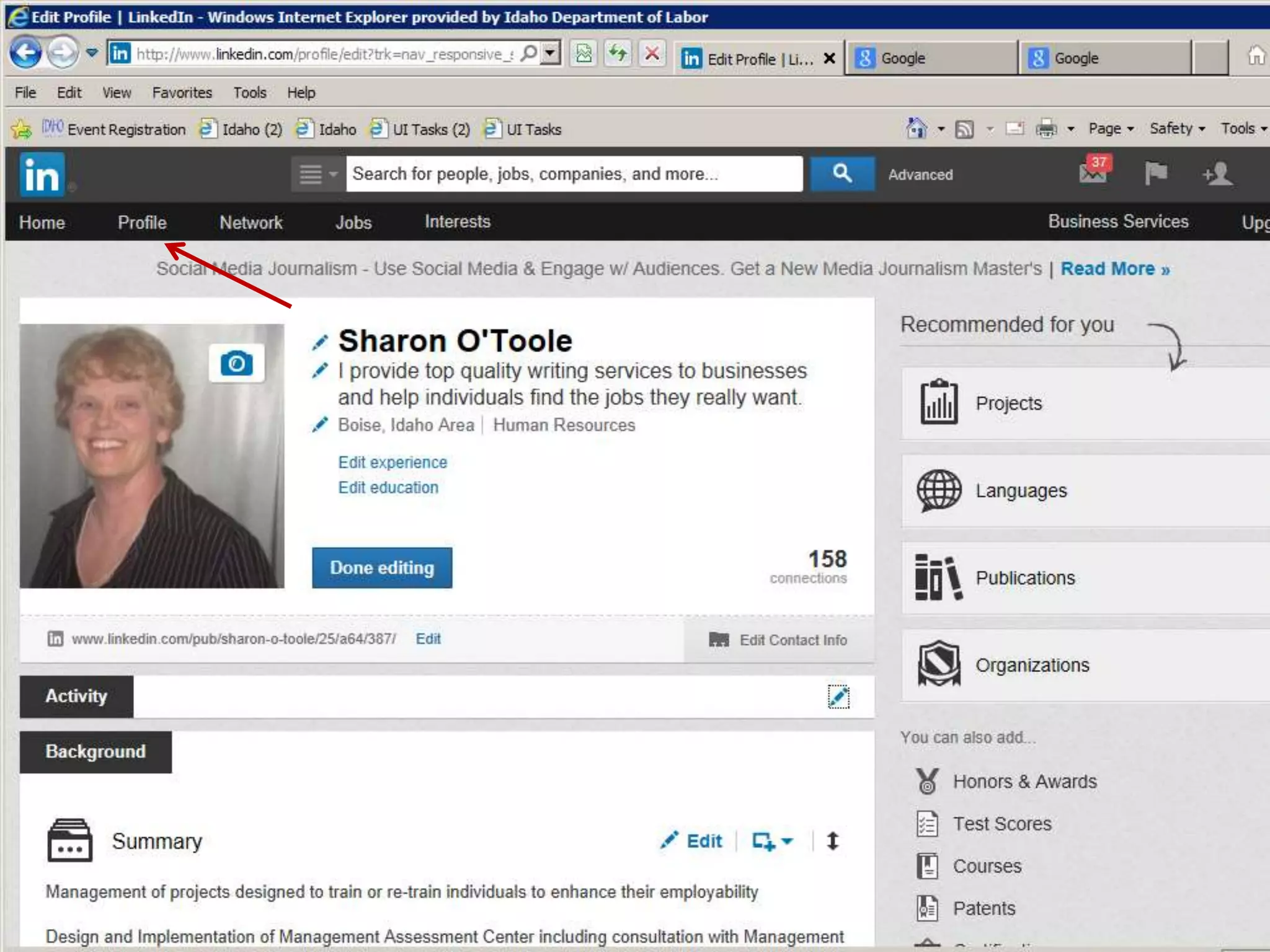
  • #14 This is what a profile page looks like. This is where you create and edit your profile. Hints: Put a nice professional headshot on your site. People like to see who they are talking to! You can edit the field right under your name to create a nice value statement about yourself The summary is important, this is where you describe your professional skills Add your professional email contacts as a start. You will build contacts over time as you identify individuals with whom you have something in common or individuals request that you be a contact. Add your work history Keep your profile updated.
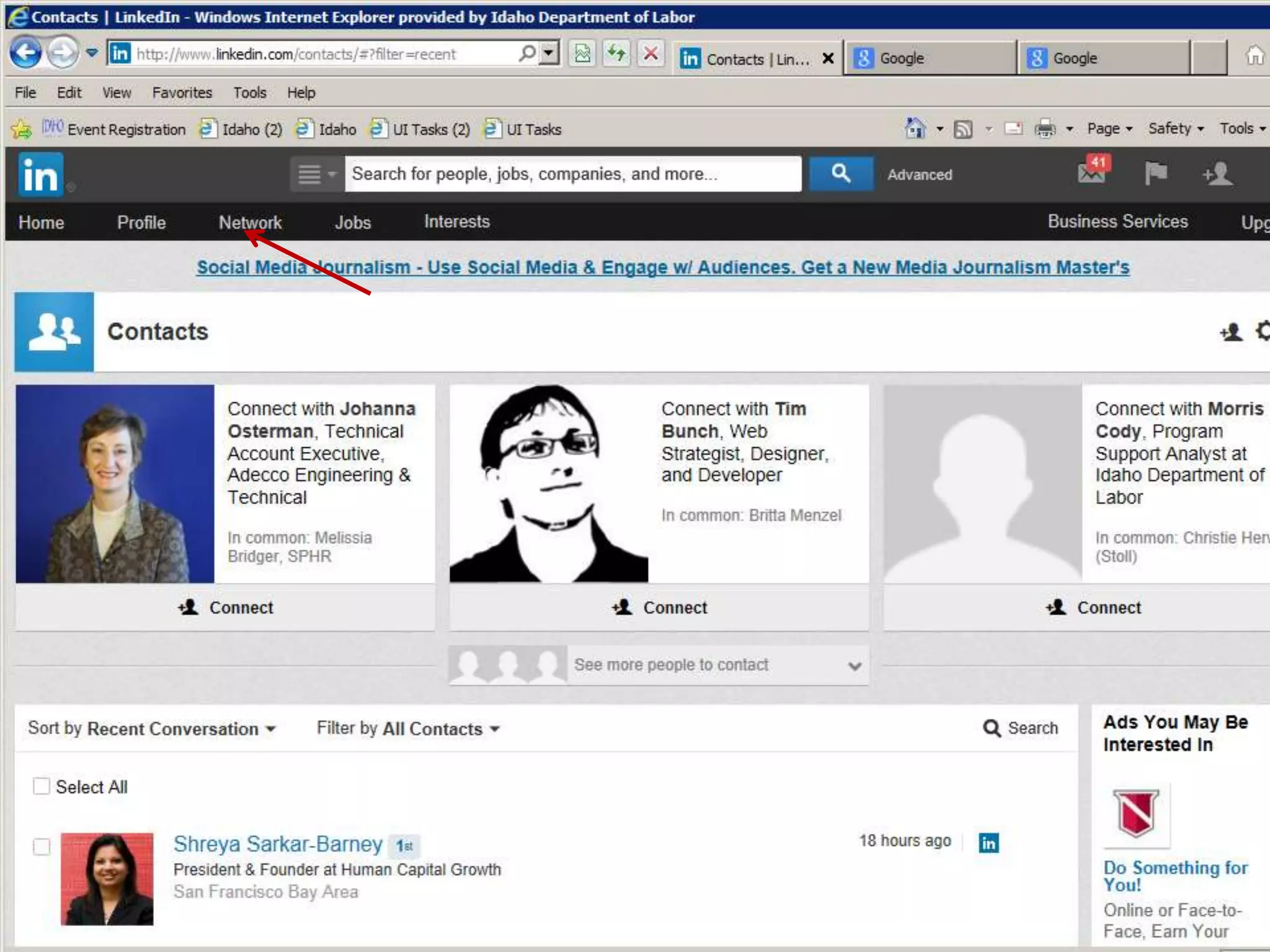
  • #15 This is where you can find your current contacts and scroll thru to see if you might want to make a new contact!
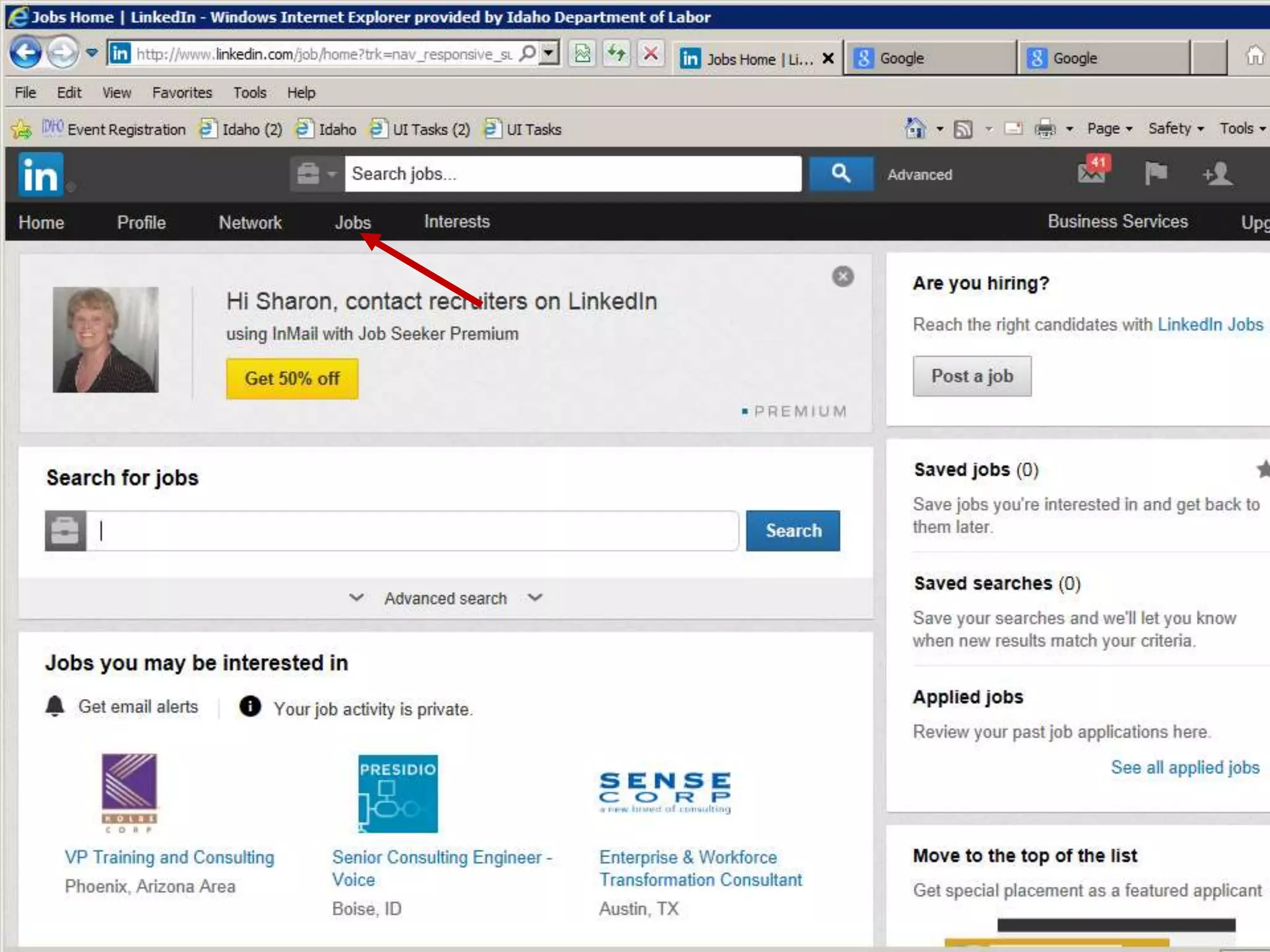
  • #16 On this page you can search for listed job and see jobs that you may be interested in.
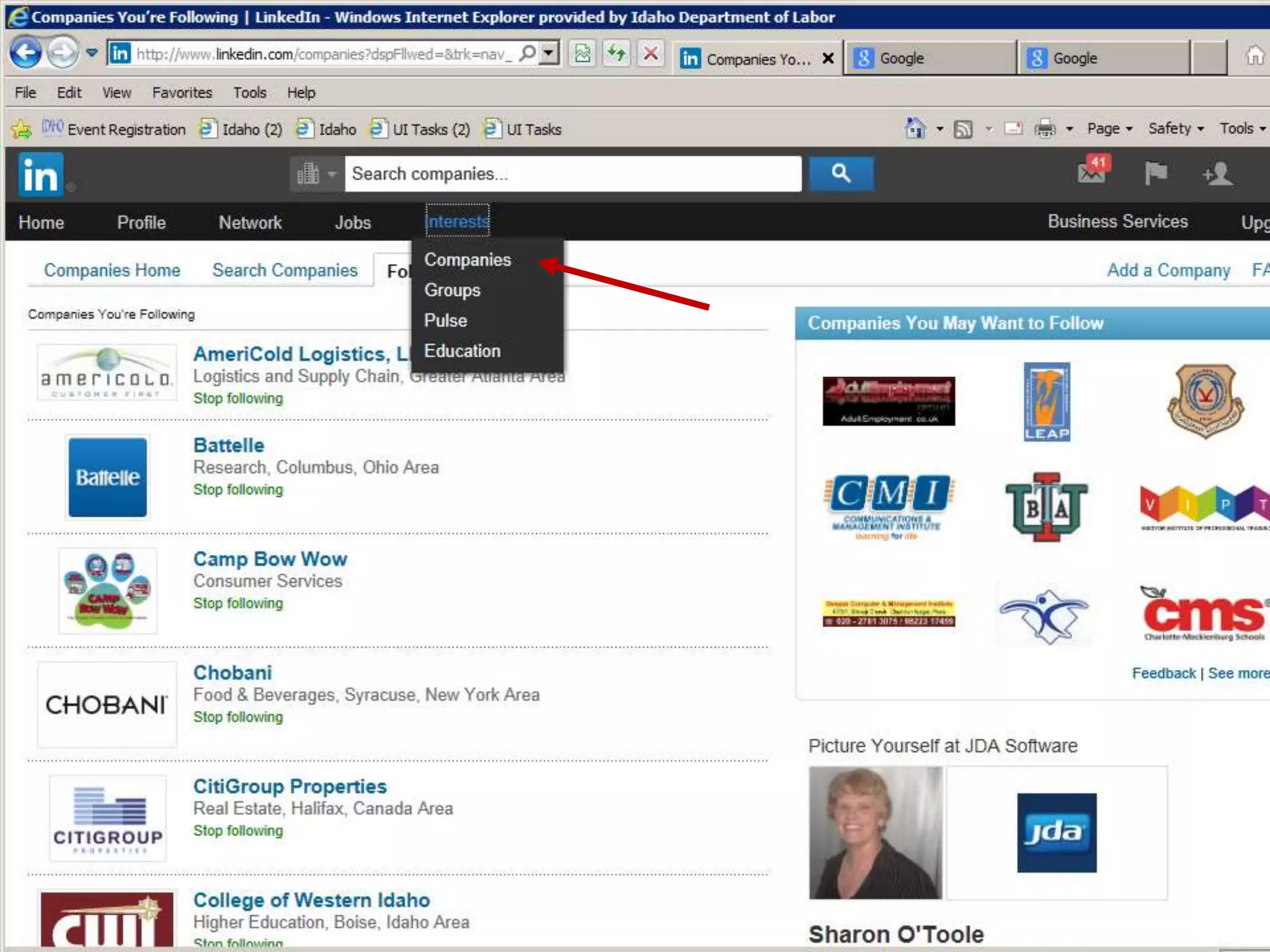
  • #17 This is where you locate companies of interest and identify potential contacts. Follow companies of interest to receive updates.
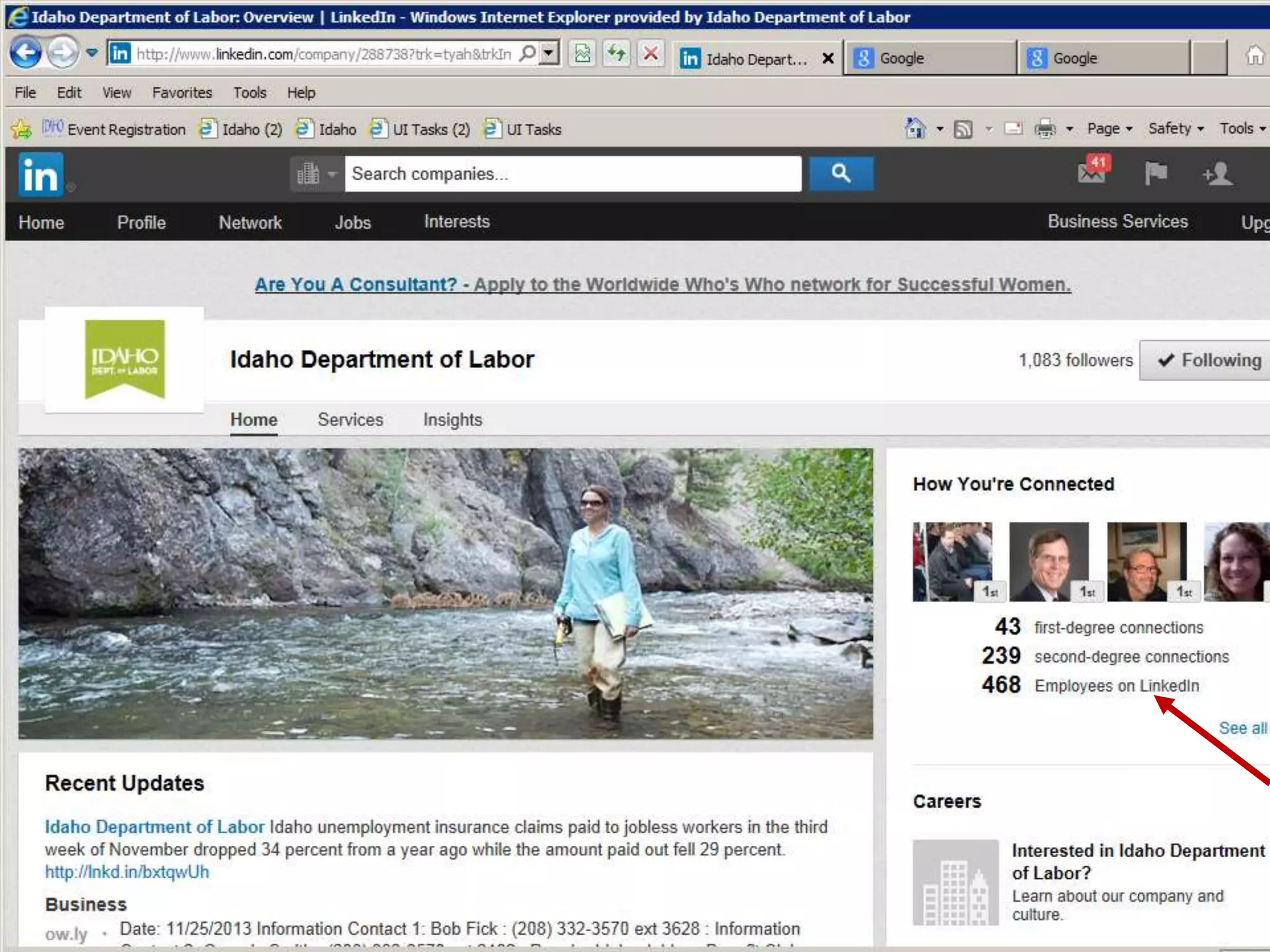
  • #18 Find connections within a company of interest. The site will display contacts you have at the company and allow you to identify other individuals at that company who are on LinkedIn.
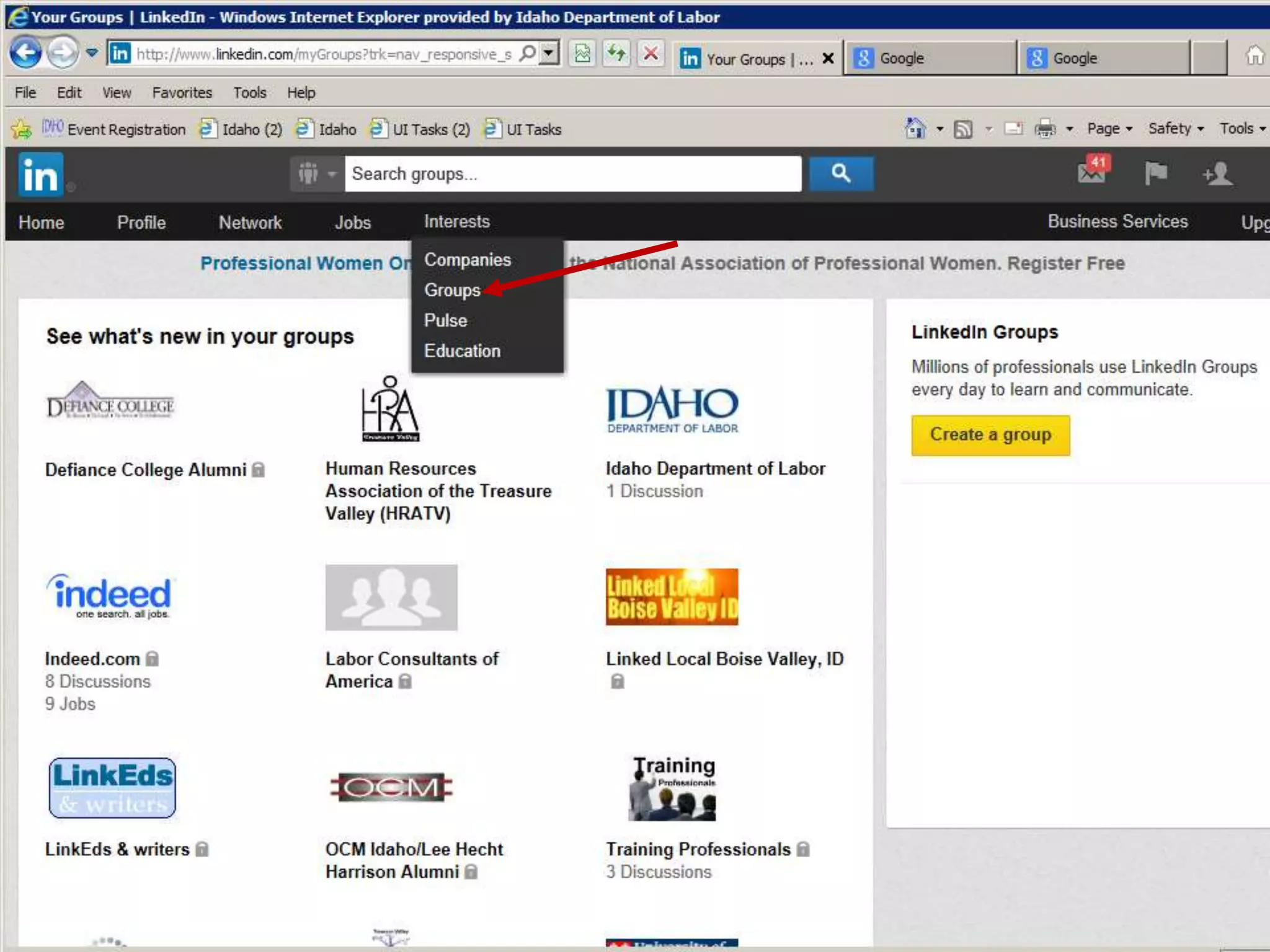
  • #19 Join a group of interest to you, participate in group discussions or create a group!
  • #21 Try these links to get online help.
  • #22 Build a valuable network not just by asking for assistance, but by providing value for others! Share your expertise.
  • #23 Save your own notes.