PostgreSQL Replication


Joshua D. Drake / Command Prompt, Inc.
   Major Contributor PostgreSQL.Org
           President PgUS
Why


PostgreSQL + Replicator represents the easiest
    and most flexible PostgreSQL replication
                solution to date.
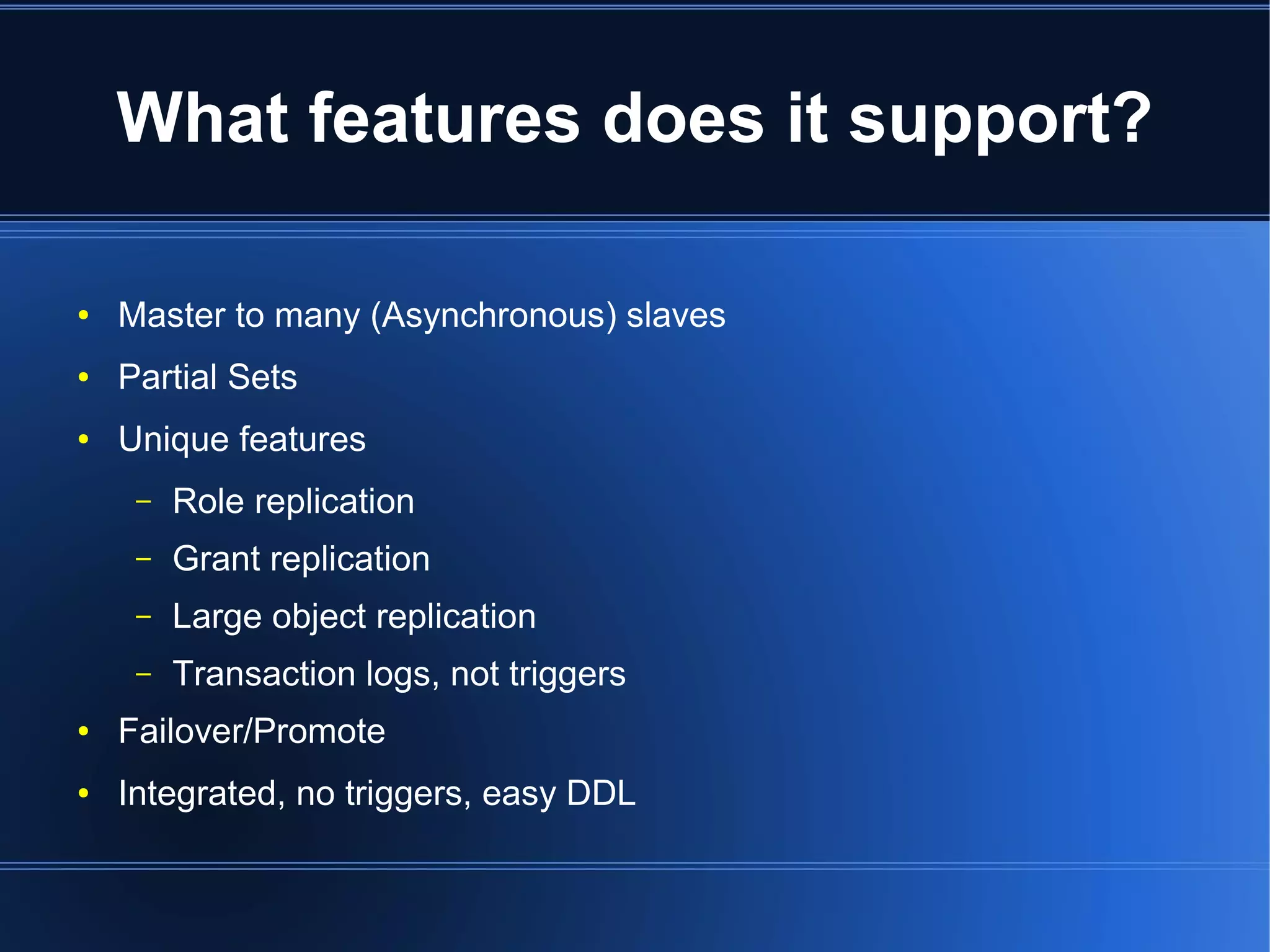
What features does it support?

●   Master to many (Asynchronous) slaves
●   Partial Sets
●   Unique features
     –   Role replication
     –   Grant replication
     –   Large object replication
     –   Transaction logs, not triggers
●   Failover/Promote
●   Integrated, no triggers, easy DDL
Open Source + Supported

●   BSD Licensed
●   Open Community
    ●   https://projects.commandprompt.com/public/replicator
●   Supported
    ●   Commercially from http://www.commandprompt.com
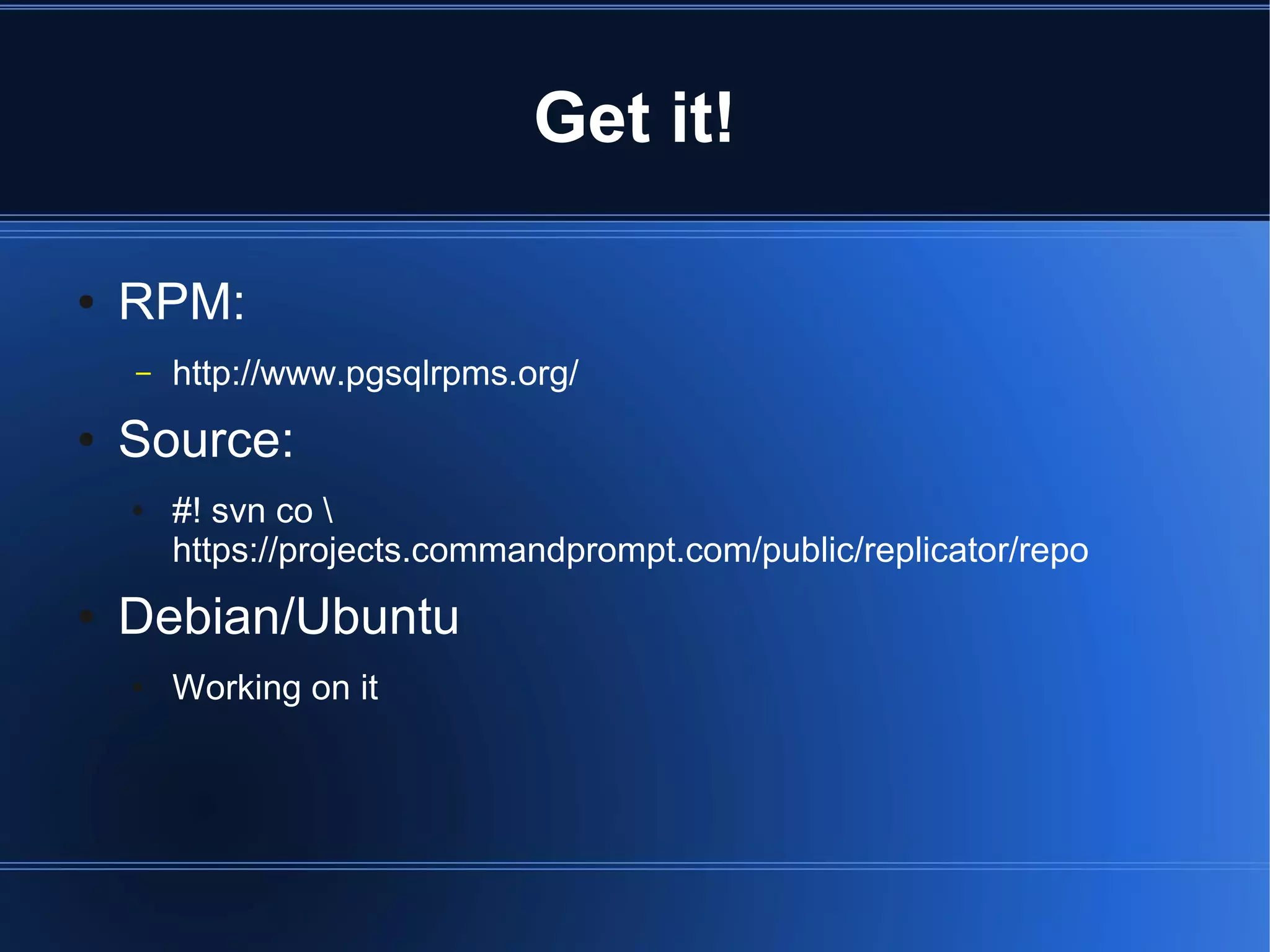
Get it!

●   RPM:
    –   http://www.pgsqlrpms.org/
●   Source:
    ●   #! svn co 
        https://projects.commandprompt.com/public/replicator/repo
●   Debian/Ubuntu
    ●   Working on it
Compile it

●   jd@hardy:~/repos$ cd REPLICATOR-8.3-1.8/
●   jd@hardy:~/repos/REPLICATOR-8.3-1.8$ autoconf
●   jd@hardy:~/repos/REPLICATOR-8.3-1.8$ ./configure 
    --prefix=/tmp/replicator
    –   checking build system type... i686-pc-linux-gnu
    –   checking host system type... i686-pc-linux-gnu
    –   checking which template to use... linux
    –   checking whether to build with 64-bit integer date/time support...
        no
    –   checking whether NLS is wanted... no
    –   checking for default port number... 5432
    –   [...]
Install it

●   jd@hardy:~/repos/REPLICATOR-8.3-1.8$ make -j2
    install
     –   make -C doc install
     –   make[1]: Entering directory `/home/jd/repos/REPLICATOR-8.3-1.8/doc'
     –   make[1]: Nothing to be done for `install'.
     –   make[1]: Leaving directory `/home/jd/repos/REPLICATOR-8.3-1.8/doc'
     –   make -C src install
     –

●   [...]
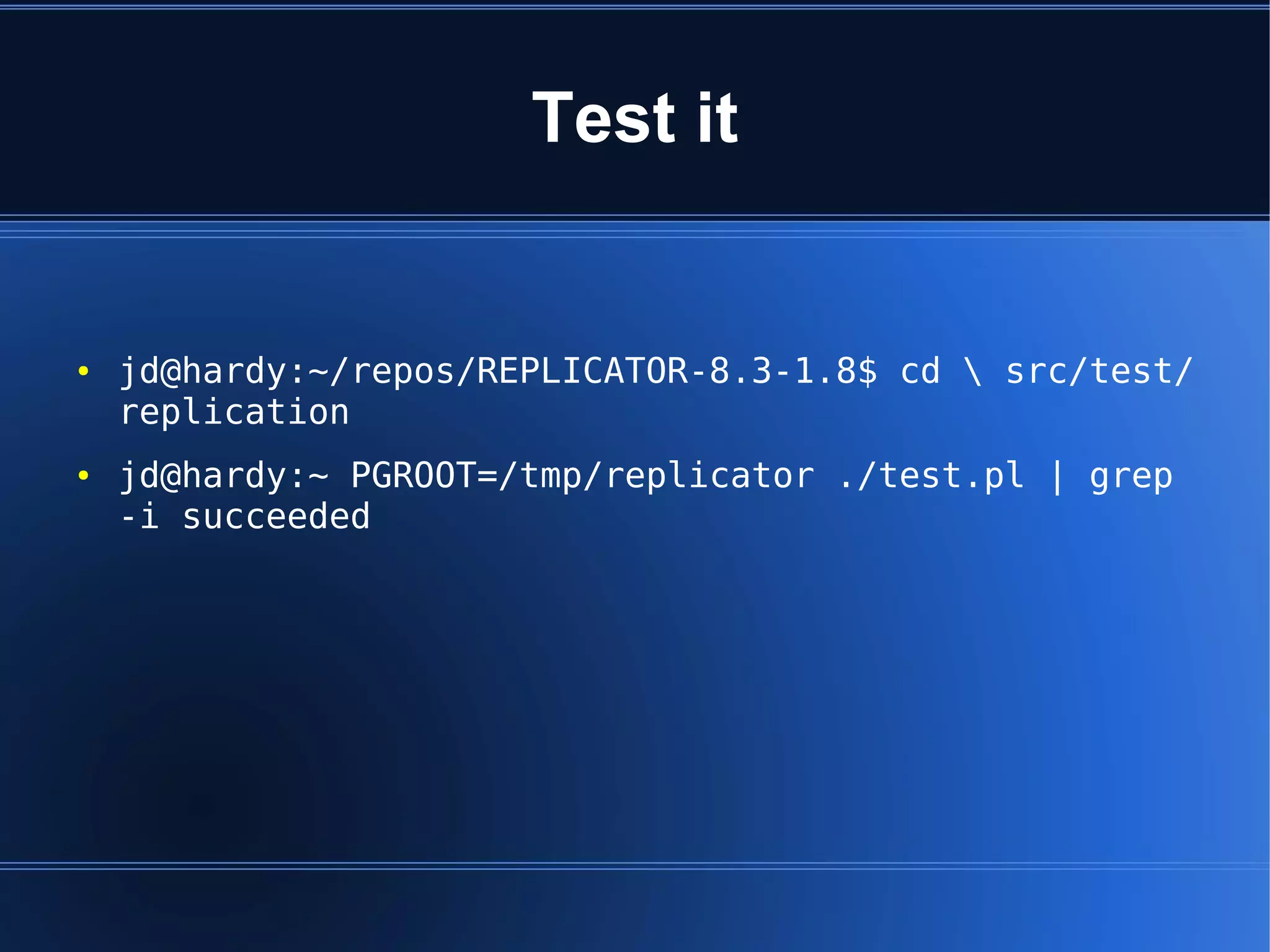
Test it


●   jd@hardy:~/repos/REPLICATOR-8.3-1.8$ cd  src/test/
    replication
●   jd@hardy:~ PGROOT=/tmp/replicator ./test.pl | grep
    -i succeeded
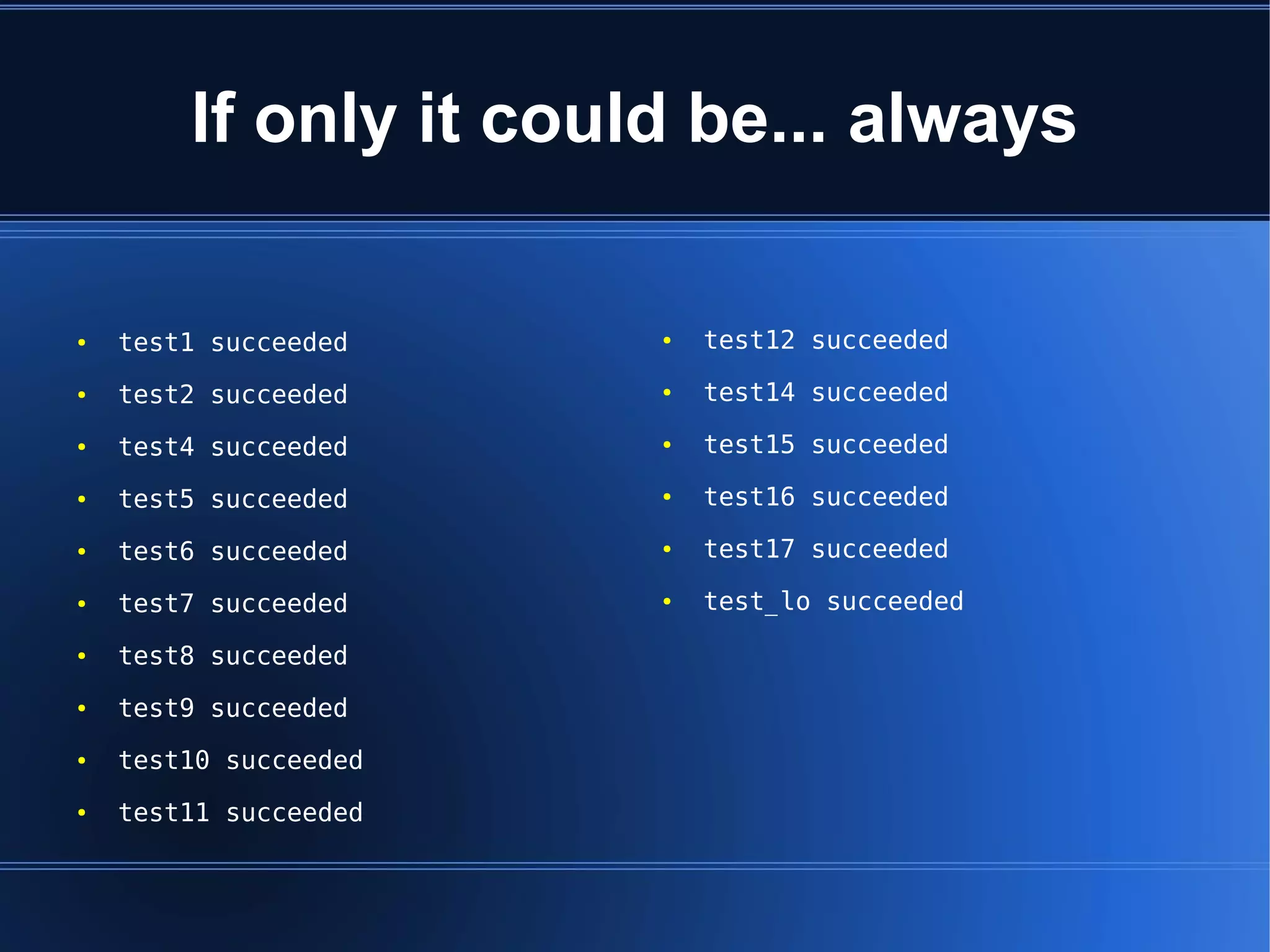
If only it could be... always

●   test1 succeeded    ●   test12 succeeded
●   test2 succeeded    ●   test14 succeeded
●   test4 succeeded    ●   test15 succeeded
●   test5 succeeded    ●   test16 succeeded
●   test6 succeeded    ●   test17 succeeded
●   test7 succeeded    ●   test_lo succeeded
●   test8 succeeded
●   test9 succeeded
●   test10 succeeded
●   test11 succeeded
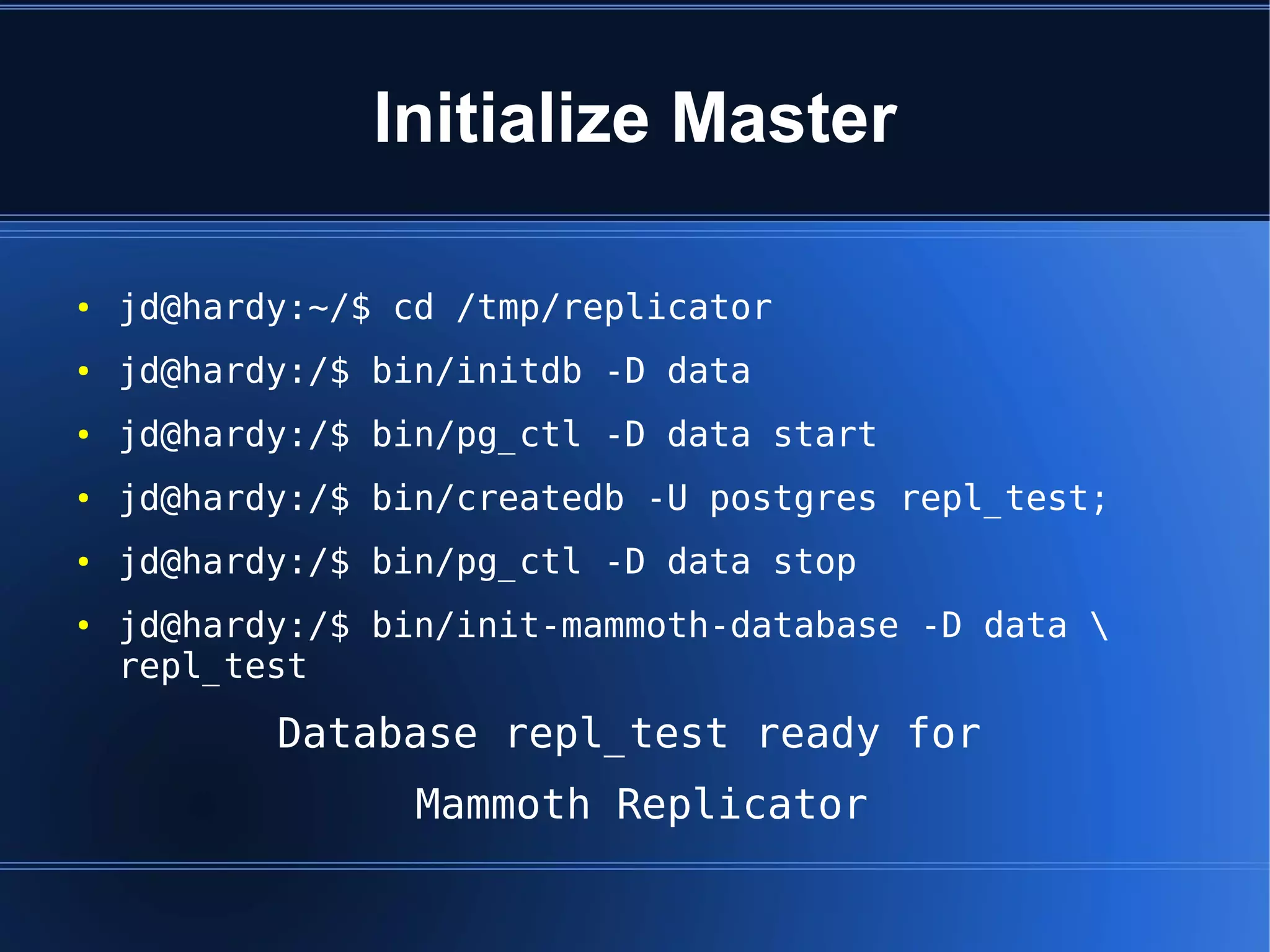
Initialize Master

●   jd@hardy:~/$ cd /tmp/replicator
●   jd@hardy:/$ bin/initdb -D data
●   jd@hardy:/$ bin/pg_ctl -D data start
●   jd@hardy:/$ bin/createdb -U postgres repl_test;
●   jd@hardy:/$ bin/pg_ctl -D data stop
●   jd@hardy:/$ bin/init-mammoth-database -D data 
    repl_test
           Database repl_test ready for
                  Mammoth Replicator
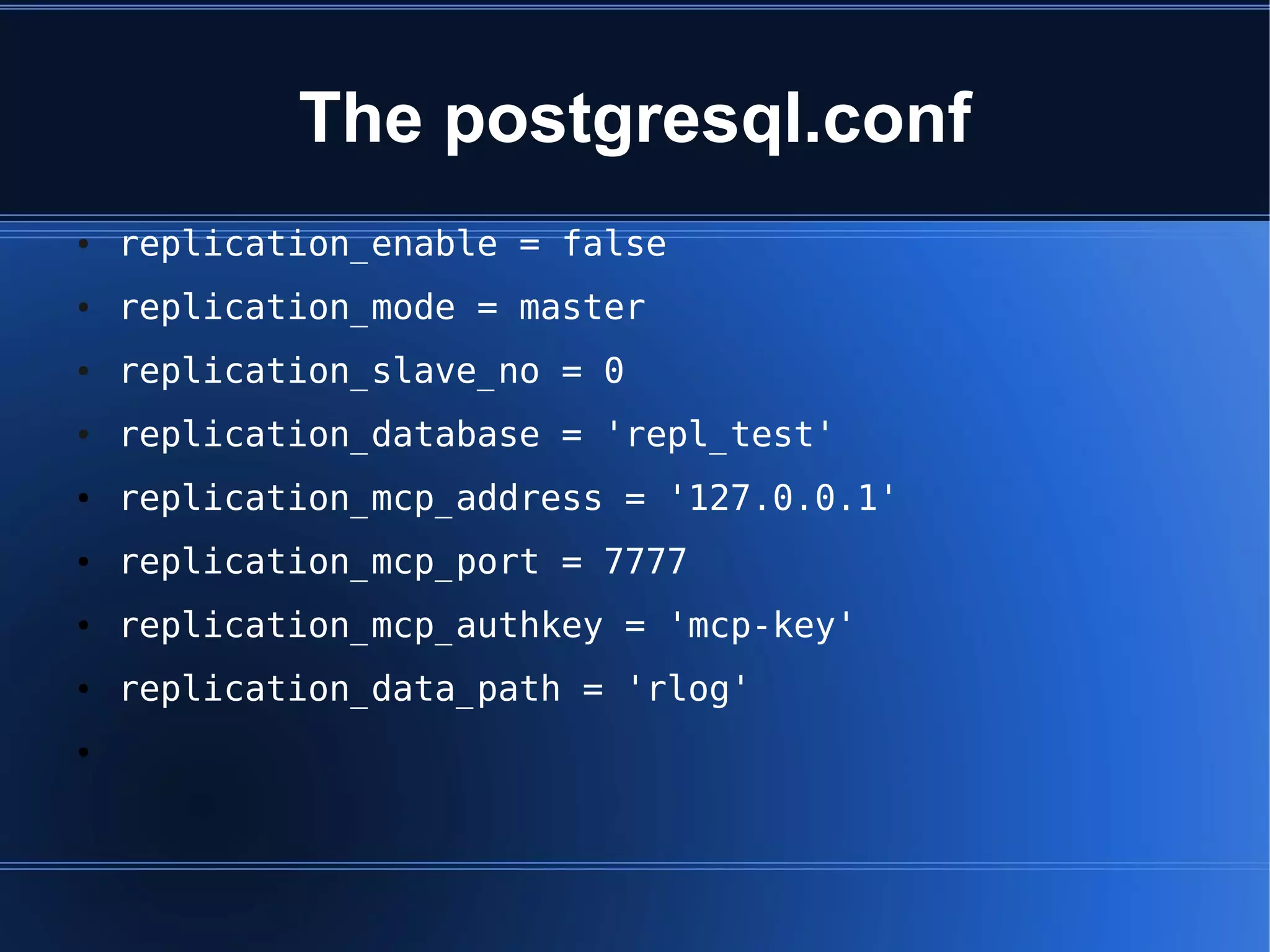
The postgresql.conf
●   replication_enable = false
●   replication_mode = master
●   replication_slave_no = 0
●   replication_database = 'repl_test'
●   replication_mcp_address = '127.0.0.1'
●   replication_mcp_port = 7777
●   replication_mcp_authkey = 'mcp-key'
●   replication_data_path = 'rlog'
●
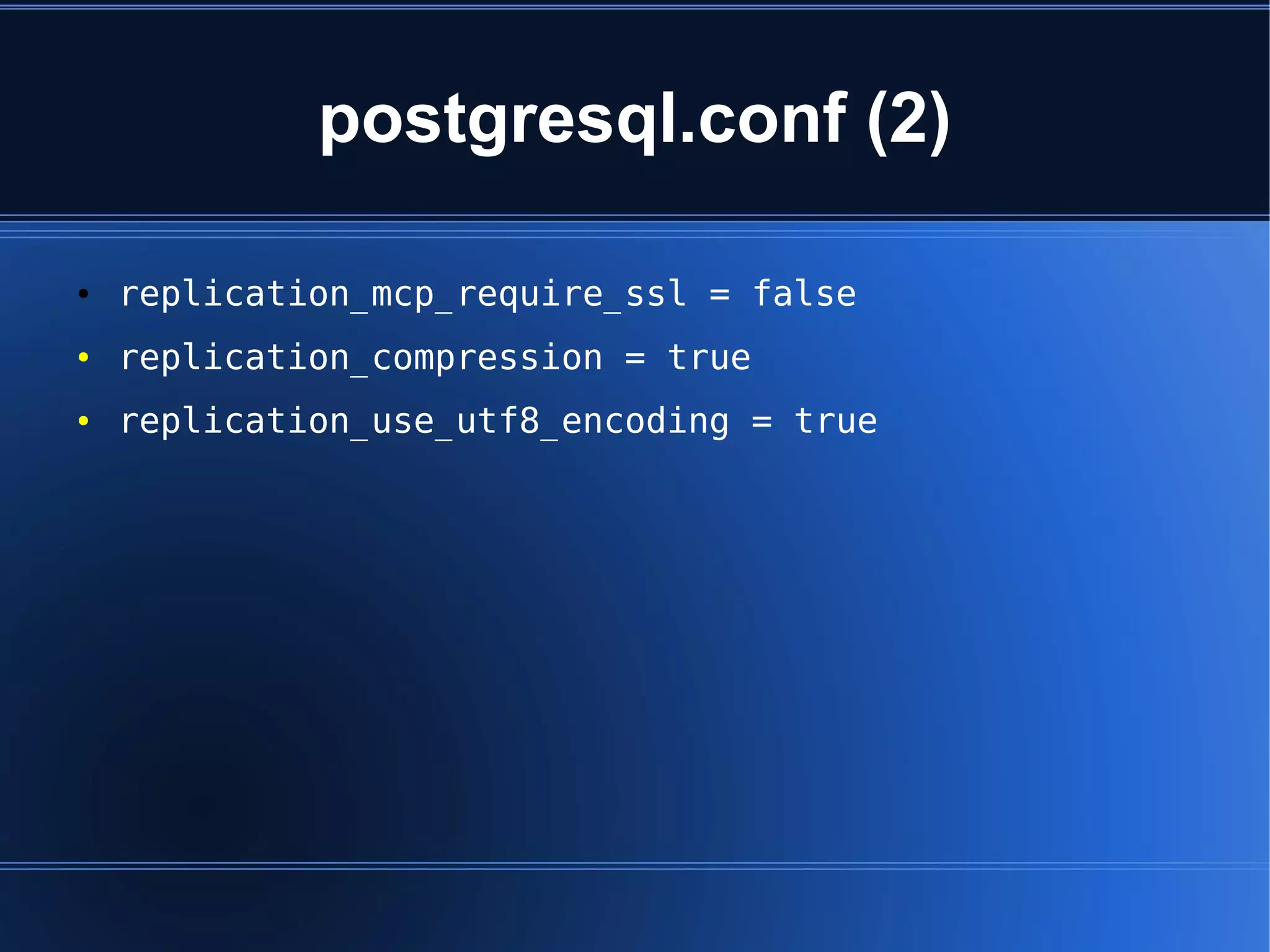
postgresql.conf (2)

●   replication_mcp_require_ssl = false
●   replication_compression = true
●   replication_use_utf8_encoding = true
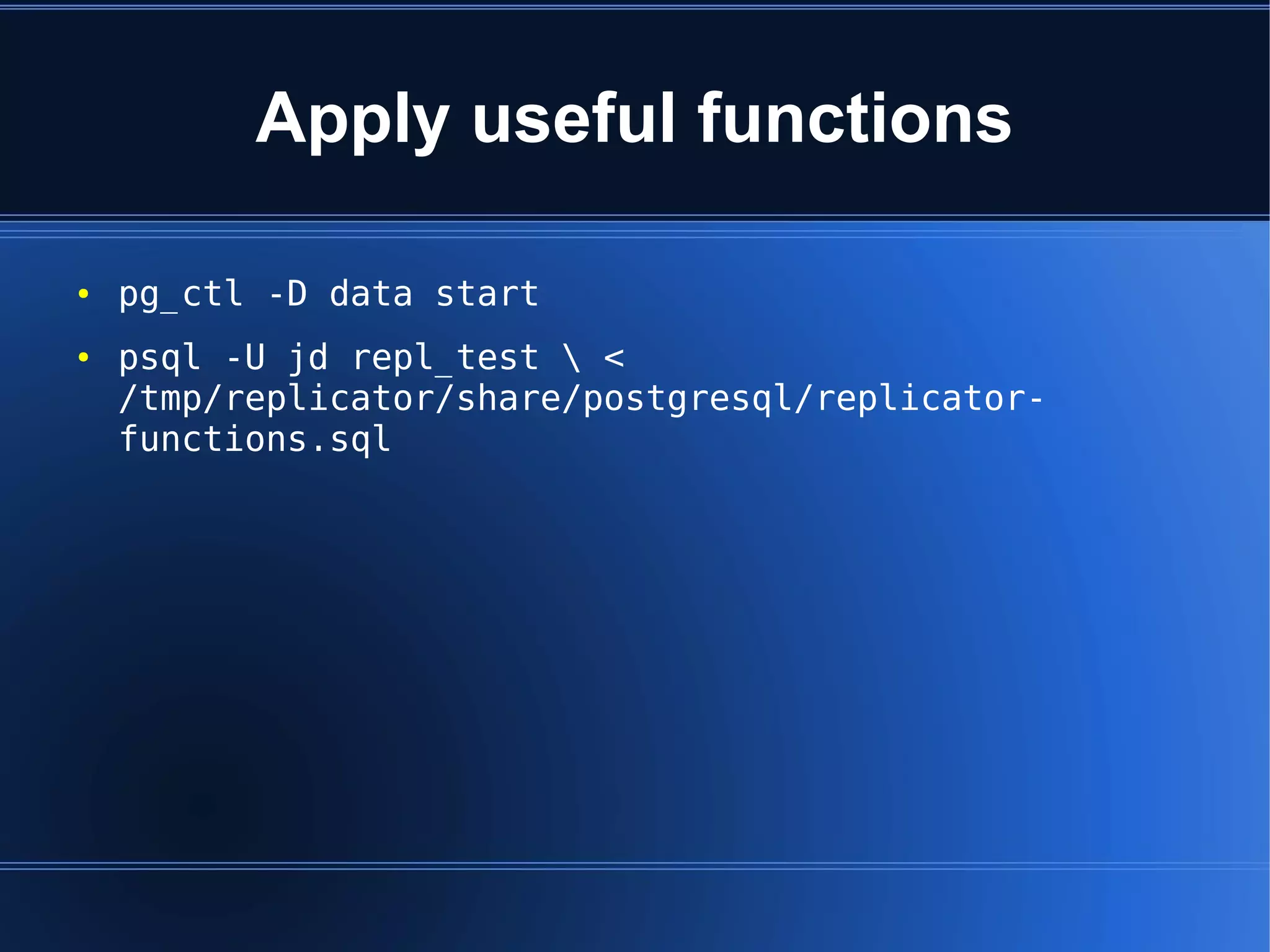
Apply useful functions

●   pg_ctl -D data start
●   psql -U jd repl_test  <
    /tmp/replicator/share/postgresql/replicator-
    functions.sql
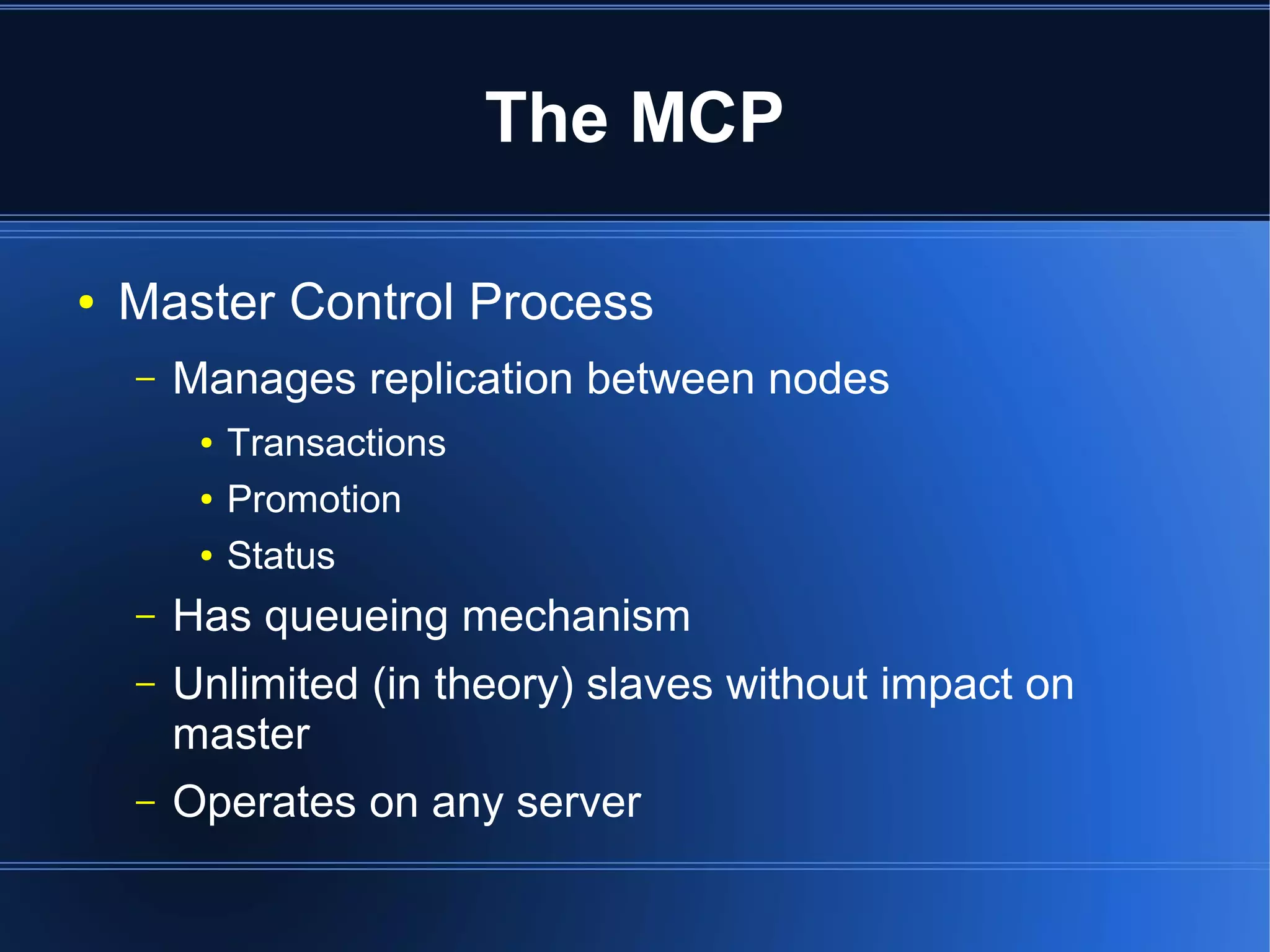
The MCP

●   Master Control Process
    –   Manages replication between nodes
         ●   Transactions
         ●   Promotion
         ●   Status
    –   Has queueing mechanism
    –   Unlimited (in theory) slaves without impact on
        master
    –   Operates on any server
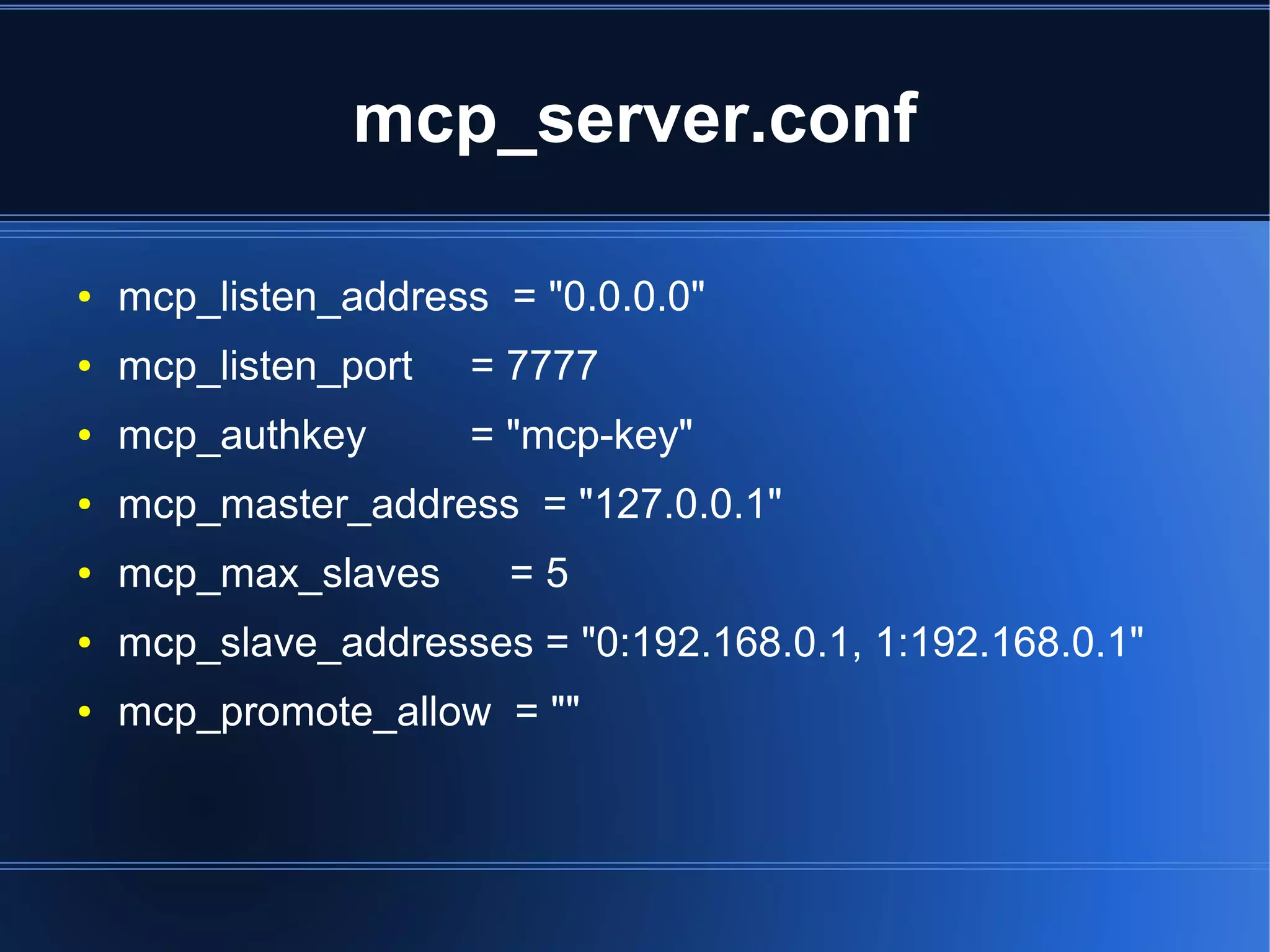
mcp_server.conf

●   mcp_listen_address = "0.0.0.0"
●   mcp_listen_port   = 7777
●   mcp_authkey       = "mcp-key"
●   mcp_master_address = "127.0.0.1"
●   mcp_max_slaves      =5
●   mcp_slave_addresses = "0:192.168.0.1, 1:192.168.0.1"
●   mcp_promote_allow = ""
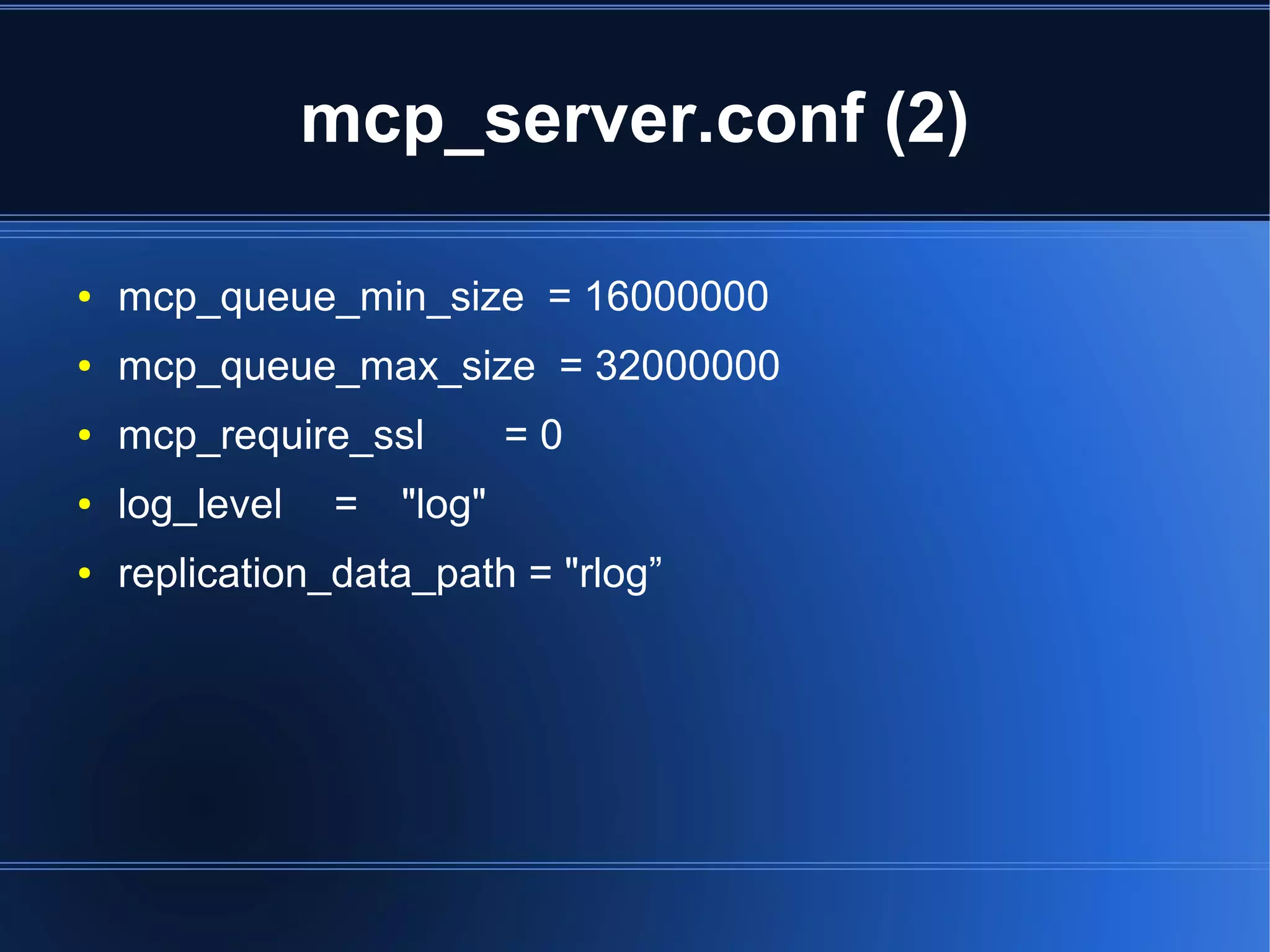
mcp_server.conf (2)

●   mcp_queue_min_size = 16000000
●   mcp_queue_max_size = 32000000
●   mcp_require_ssl         =0
●   log_level   =   "log"
●   replication_data_path = "rlog”
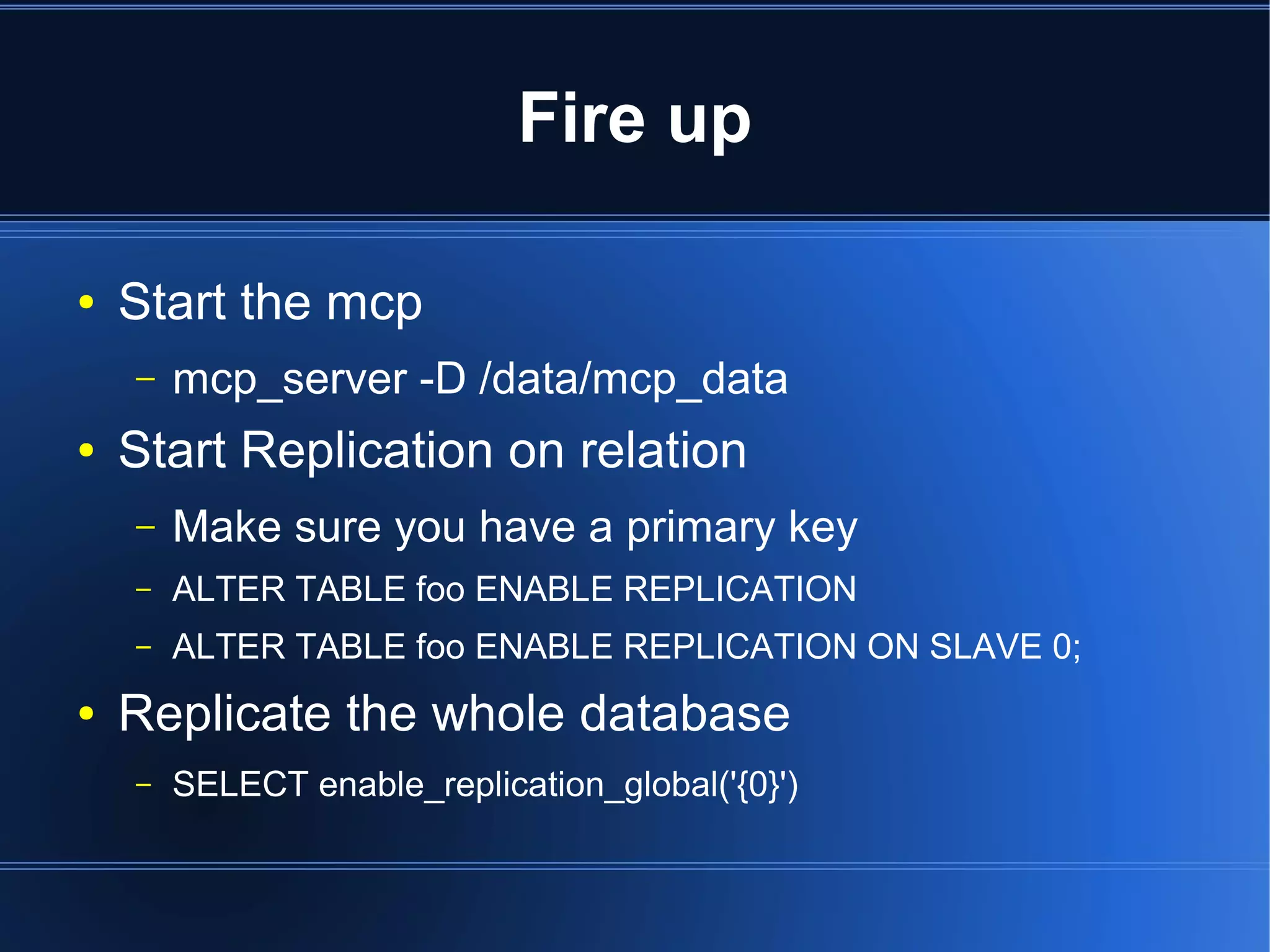
Fire up

●   Start the mcp
    –   mcp_server -D /data/mcp_data
●   Start Replication on relation
    –   Make sure you have a primary key
    –   ALTER TABLE foo ENABLE REPLICATION
    –   ALTER TABLE foo ENABLE REPLICATION ON SLAVE 0;
●   Replicate the whole database
    –   SELECT enable_replication_global('{0}')
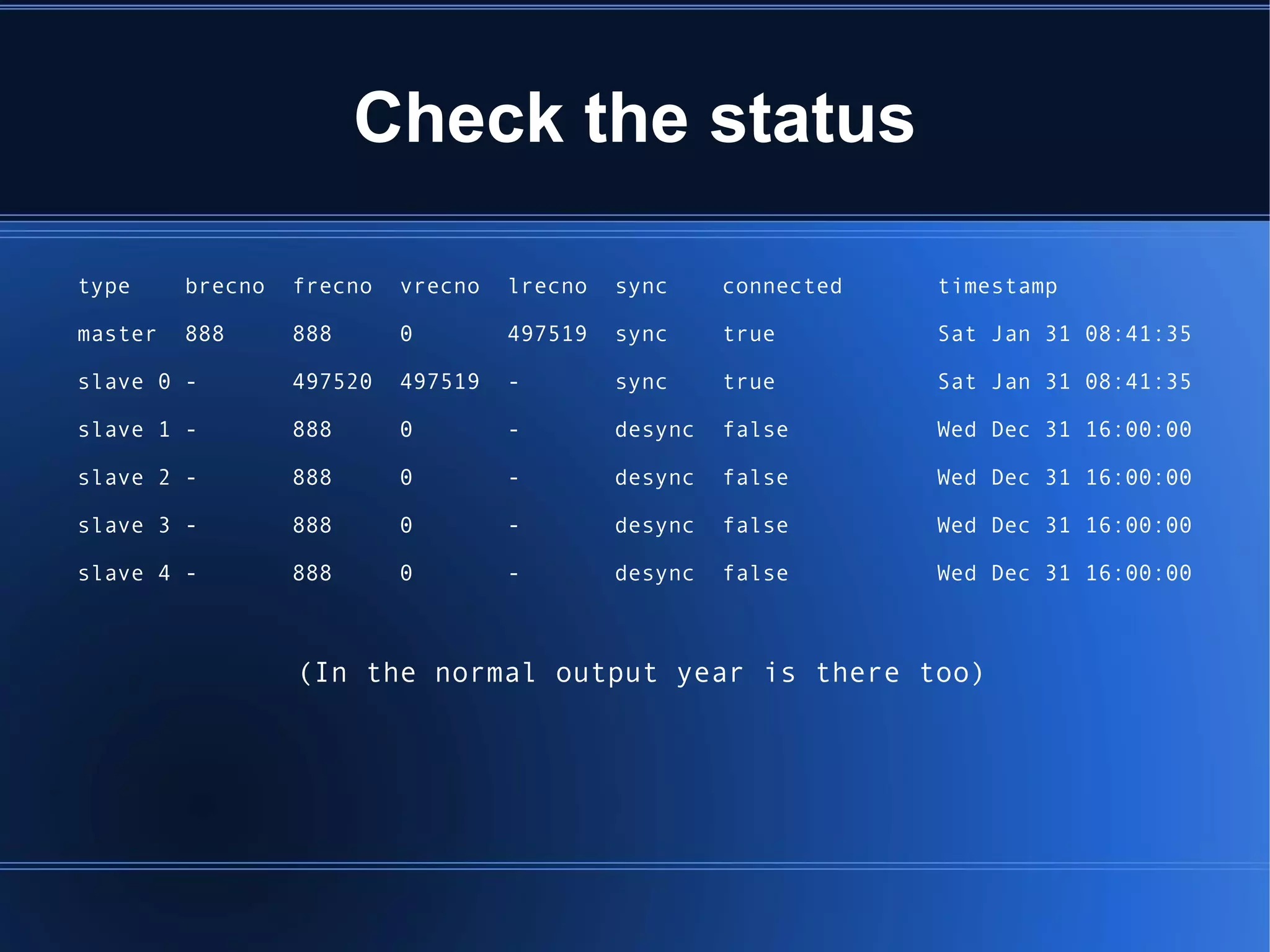
Check the status

type     brecno   frecno   vrecno   lrecno   sync     connected   timestamp

master   888      888      0        497519   sync     true        Sat Jan 31 08:41:35

slave 0 -         497520   497519   -        sync     true        Sat Jan 31 08:41:35

slave 1 -         888      0        -        desync   false       Wed Dec 31 16:00:00

slave 2 -         888      0        -        desync   false       Wed Dec 31 16:00:00

slave 3 -         888      0        -        desync   false       Wed Dec 31 16:00:00

slave 4 -         888      0        -        desync   false       Wed Dec 31 16:00:00


                  (In the normal output year is there too)
Fail over

Two modes:
  –   PROMOTE
  –   PROMOTE FORCE;

Replication using PostgreSQL Replicator

  • 1.
    PostgreSQL Replication Joshua D.Drake / Command Prompt, Inc. Major Contributor PostgreSQL.Org President PgUS
  • 2.
    Why PostgreSQL + Replicatorrepresents the easiest and most flexible PostgreSQL replication solution to date.
  • 3.
    What features doesit support? ● Master to many (Asynchronous) slaves ● Partial Sets ● Unique features – Role replication – Grant replication – Large object replication – Transaction logs, not triggers ● Failover/Promote ● Integrated, no triggers, easy DDL
  • 4.
    Open Source +Supported ● BSD Licensed ● Open Community ● https://projects.commandprompt.com/public/replicator ● Supported ● Commercially from http://www.commandprompt.com
  • 5.
    Get it! ● RPM: – http://www.pgsqlrpms.org/ ● Source: ● #! svn co https://projects.commandprompt.com/public/replicator/repo ● Debian/Ubuntu ● Working on it
  • 6.
    Compile it ● jd@hardy:~/repos$ cd REPLICATOR-8.3-1.8/ ● jd@hardy:~/repos/REPLICATOR-8.3-1.8$ autoconf ● jd@hardy:~/repos/REPLICATOR-8.3-1.8$ ./configure --prefix=/tmp/replicator – checking build system type... i686-pc-linux-gnu – checking host system type... i686-pc-linux-gnu – checking which template to use... linux – checking whether to build with 64-bit integer date/time support... no – checking whether NLS is wanted... no – checking for default port number... 5432 – [...]
  • 7.
    Install it ● jd@hardy:~/repos/REPLICATOR-8.3-1.8$ make -j2 install – make -C doc install – make[1]: Entering directory `/home/jd/repos/REPLICATOR-8.3-1.8/doc' – make[1]: Nothing to be done for `install'. – make[1]: Leaving directory `/home/jd/repos/REPLICATOR-8.3-1.8/doc' – make -C src install – ● [...]
  • 8.
    Test it ● jd@hardy:~/repos/REPLICATOR-8.3-1.8$ cd src/test/ replication ● jd@hardy:~ PGROOT=/tmp/replicator ./test.pl | grep -i succeeded
  • 9.
    If only itcould be... always ● test1 succeeded ● test12 succeeded ● test2 succeeded ● test14 succeeded ● test4 succeeded ● test15 succeeded ● test5 succeeded ● test16 succeeded ● test6 succeeded ● test17 succeeded ● test7 succeeded ● test_lo succeeded ● test8 succeeded ● test9 succeeded ● test10 succeeded ● test11 succeeded
  • 10.
    Initialize Master ● jd@hardy:~/$ cd /tmp/replicator ● jd@hardy:/$ bin/initdb -D data ● jd@hardy:/$ bin/pg_ctl -D data start ● jd@hardy:/$ bin/createdb -U postgres repl_test; ● jd@hardy:/$ bin/pg_ctl -D data stop ● jd@hardy:/$ bin/init-mammoth-database -D data repl_test Database repl_test ready for Mammoth Replicator
  • 11.
    The postgresql.conf ● replication_enable = false ● replication_mode = master ● replication_slave_no = 0 ● replication_database = 'repl_test' ● replication_mcp_address = '127.0.0.1' ● replication_mcp_port = 7777 ● replication_mcp_authkey = 'mcp-key' ● replication_data_path = 'rlog' ●
  • 12.
    postgresql.conf (2) ● replication_mcp_require_ssl = false ● replication_compression = true ● replication_use_utf8_encoding = true
  • 13.
    Apply useful functions ● pg_ctl -D data start ● psql -U jd repl_test < /tmp/replicator/share/postgresql/replicator- functions.sql
  • 14.
    The MCP ● Master Control Process – Manages replication between nodes ● Transactions ● Promotion ● Status – Has queueing mechanism – Unlimited (in theory) slaves without impact on master – Operates on any server
  • 15.
    mcp_server.conf ● mcp_listen_address = "0.0.0.0" ● mcp_listen_port = 7777 ● mcp_authkey = "mcp-key" ● mcp_master_address = "127.0.0.1" ● mcp_max_slaves =5 ● mcp_slave_addresses = "0:192.168.0.1, 1:192.168.0.1" ● mcp_promote_allow = ""
  • 16.
    mcp_server.conf (2) ● mcp_queue_min_size = 16000000 ● mcp_queue_max_size = 32000000 ● mcp_require_ssl =0 ● log_level = "log" ● replication_data_path = "rlog”
  • 17.
    Fire up ● Start the mcp – mcp_server -D /data/mcp_data ● Start Replication on relation – Make sure you have a primary key – ALTER TABLE foo ENABLE REPLICATION – ALTER TABLE foo ENABLE REPLICATION ON SLAVE 0; ● Replicate the whole database – SELECT enable_replication_global('{0}')
  • 18.
    Check the status type brecno frecno vrecno lrecno sync connected timestamp master 888 888 0 497519 sync true Sat Jan 31 08:41:35 slave 0 - 497520 497519 - sync true Sat Jan 31 08:41:35 slave 1 - 888 0 - desync false Wed Dec 31 16:00:00 slave 2 - 888 0 - desync false Wed Dec 31 16:00:00 slave 3 - 888 0 - desync false Wed Dec 31 16:00:00 slave 4 - 888 0 - desync false Wed Dec 31 16:00:00 (In the normal output year is there too)
  • 19.
    Fail over Two modes: – PROMOTE – PROMOTE FORCE;