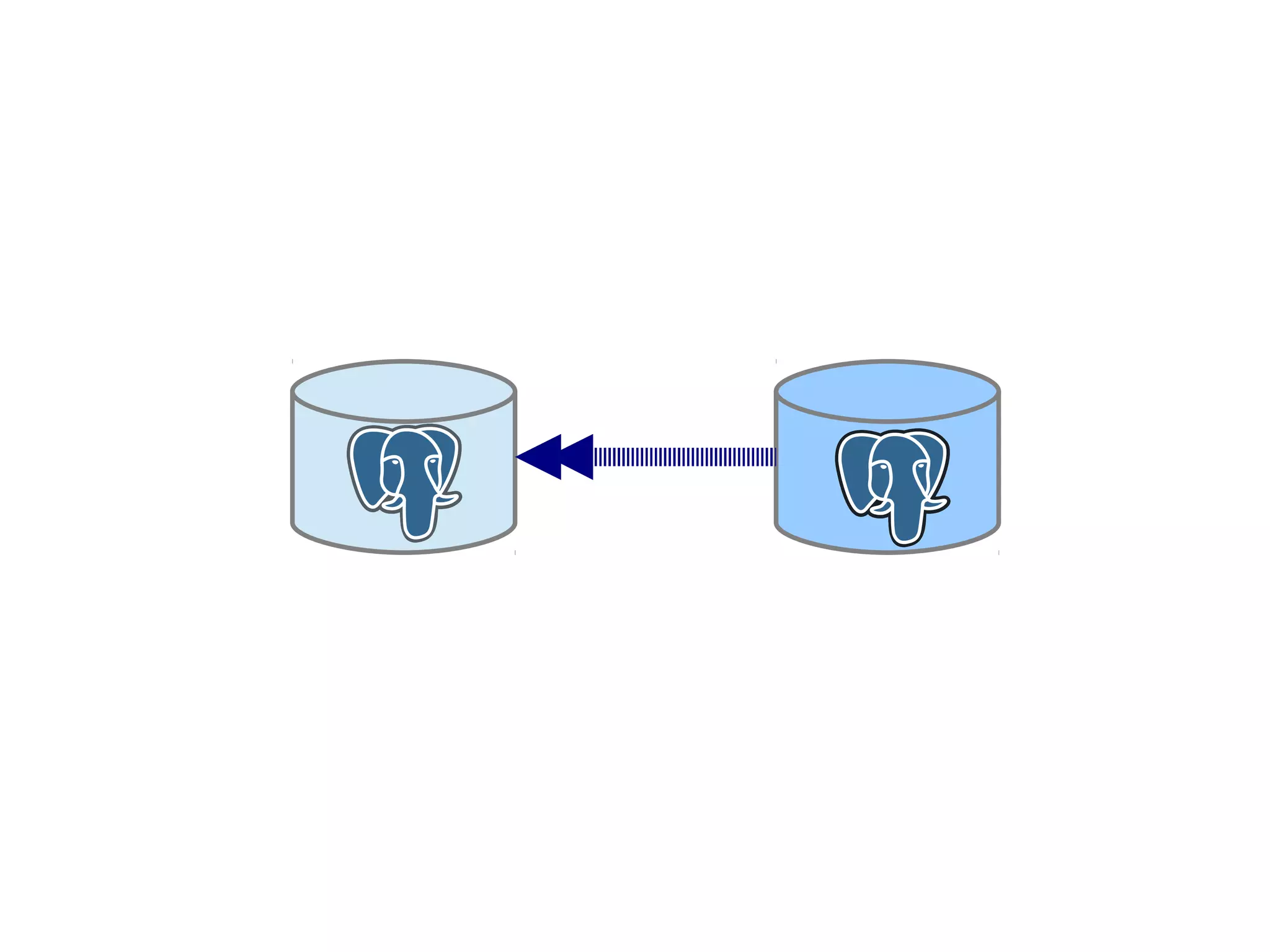
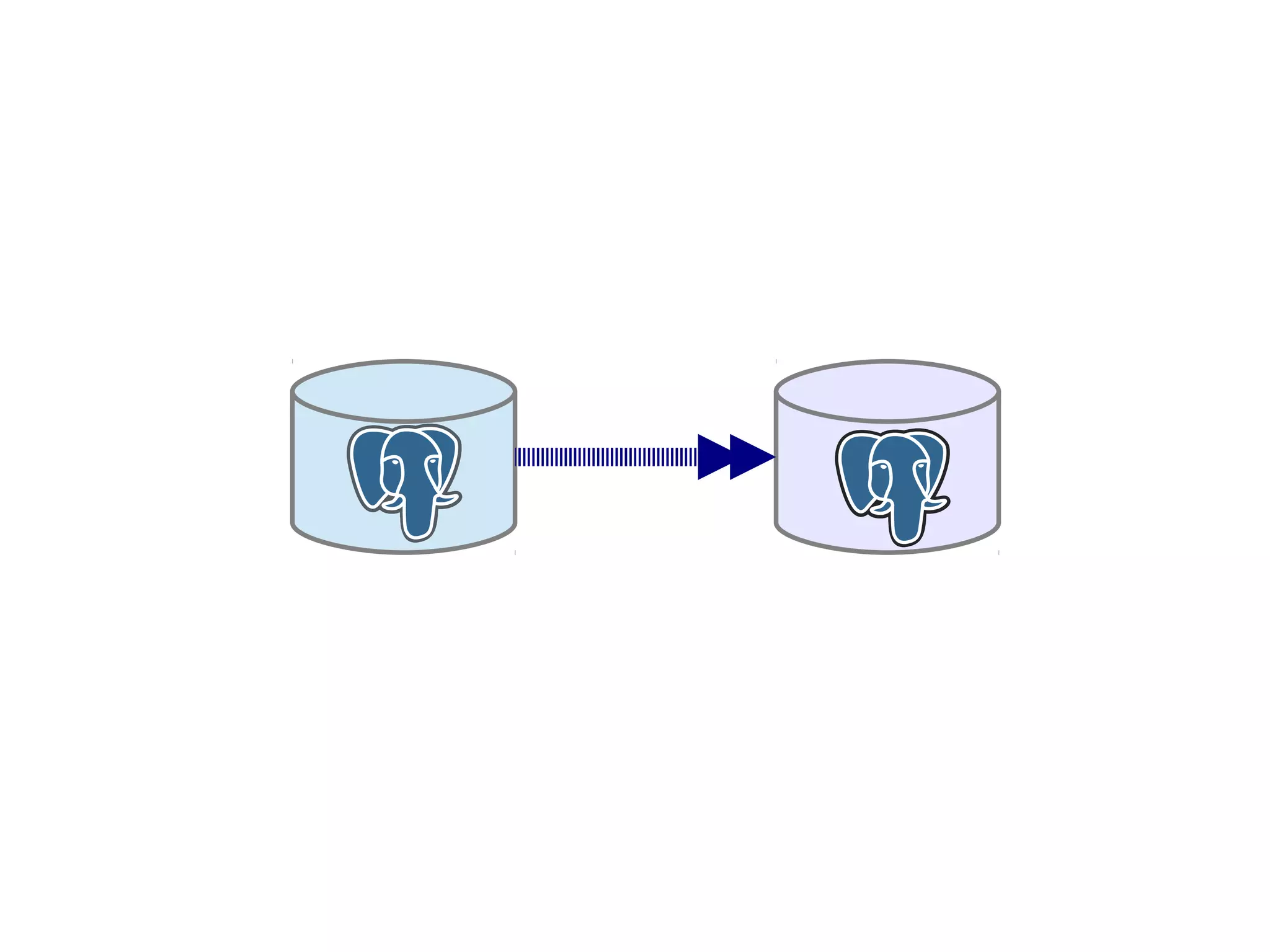
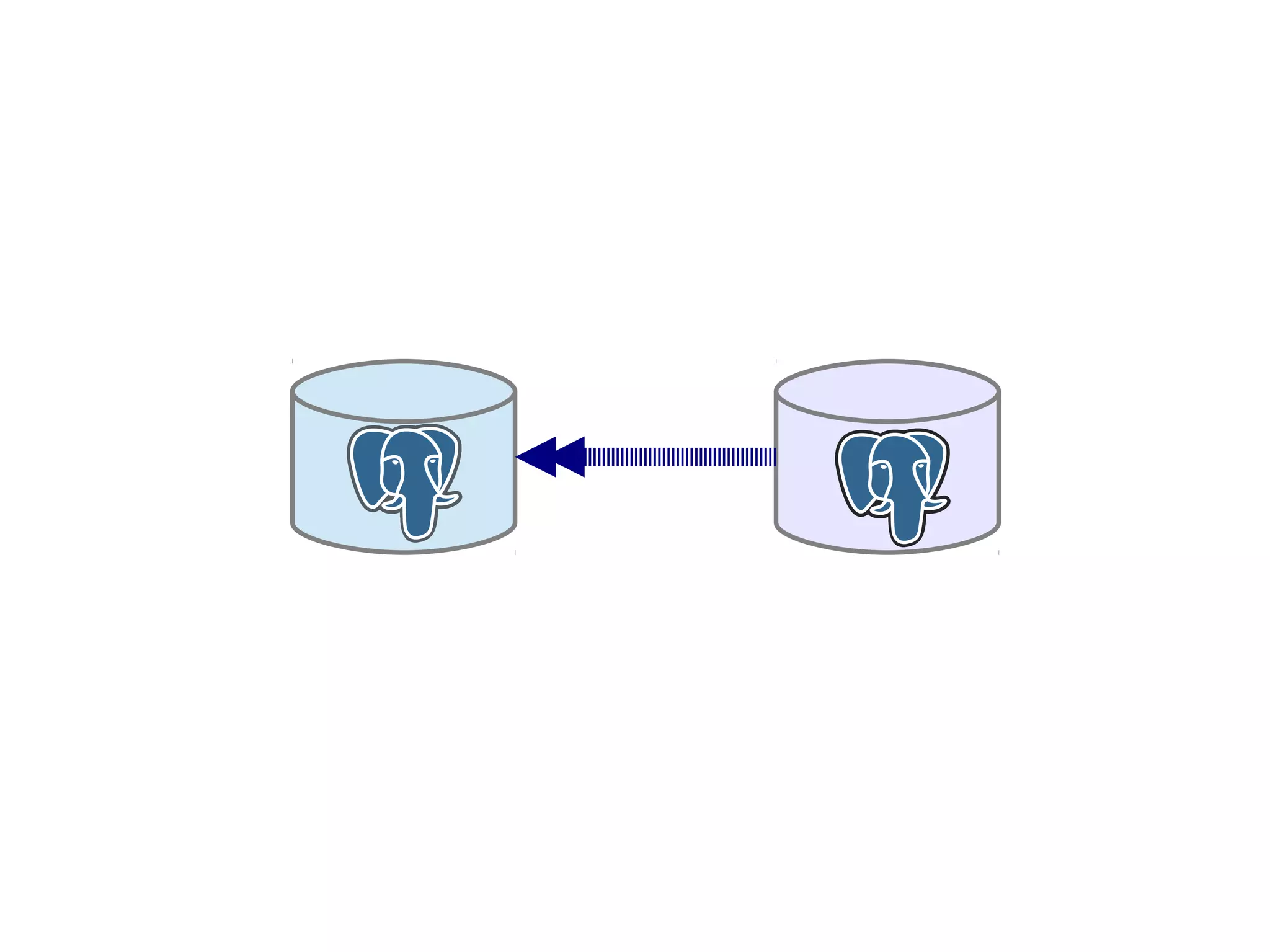
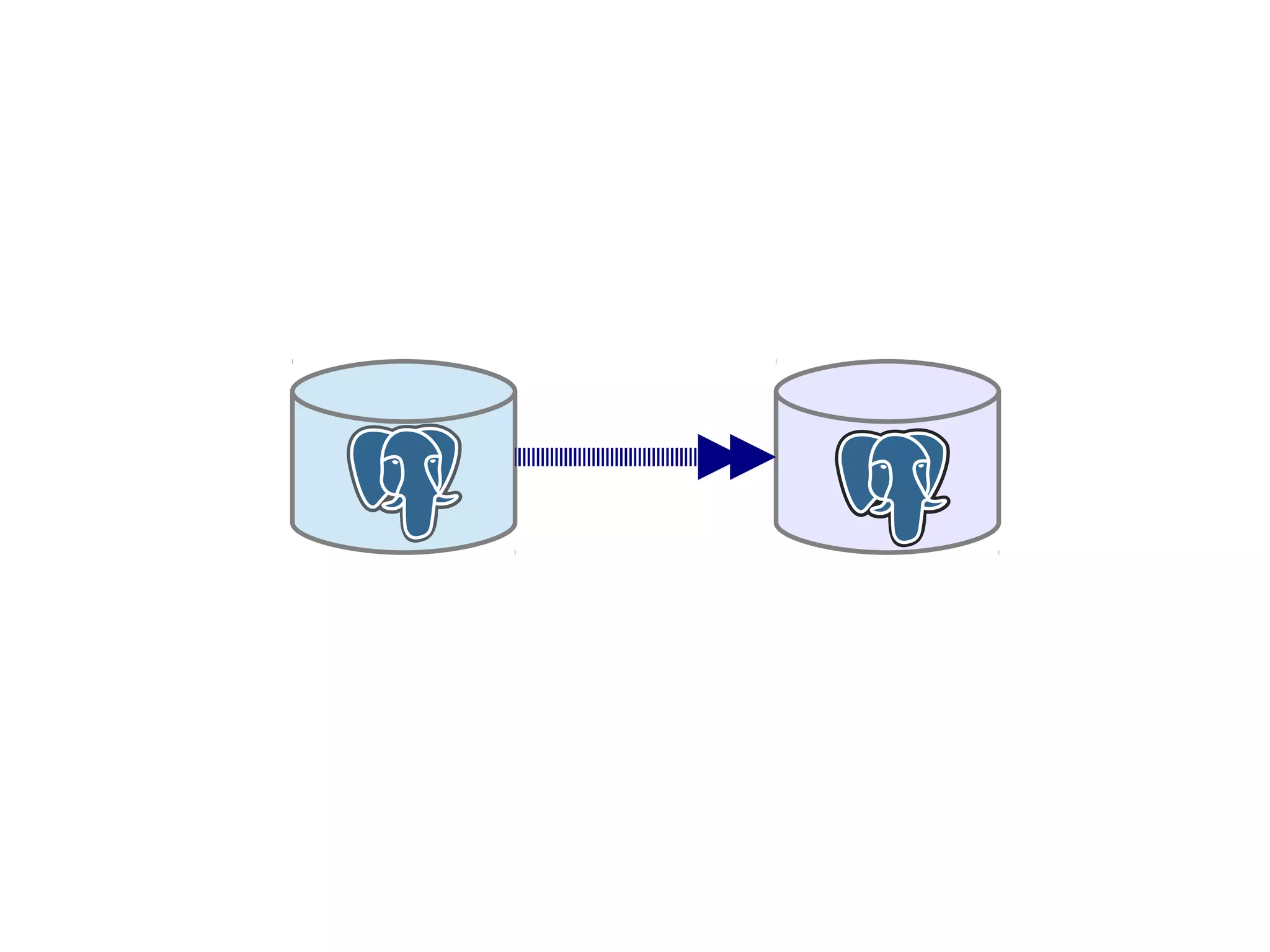
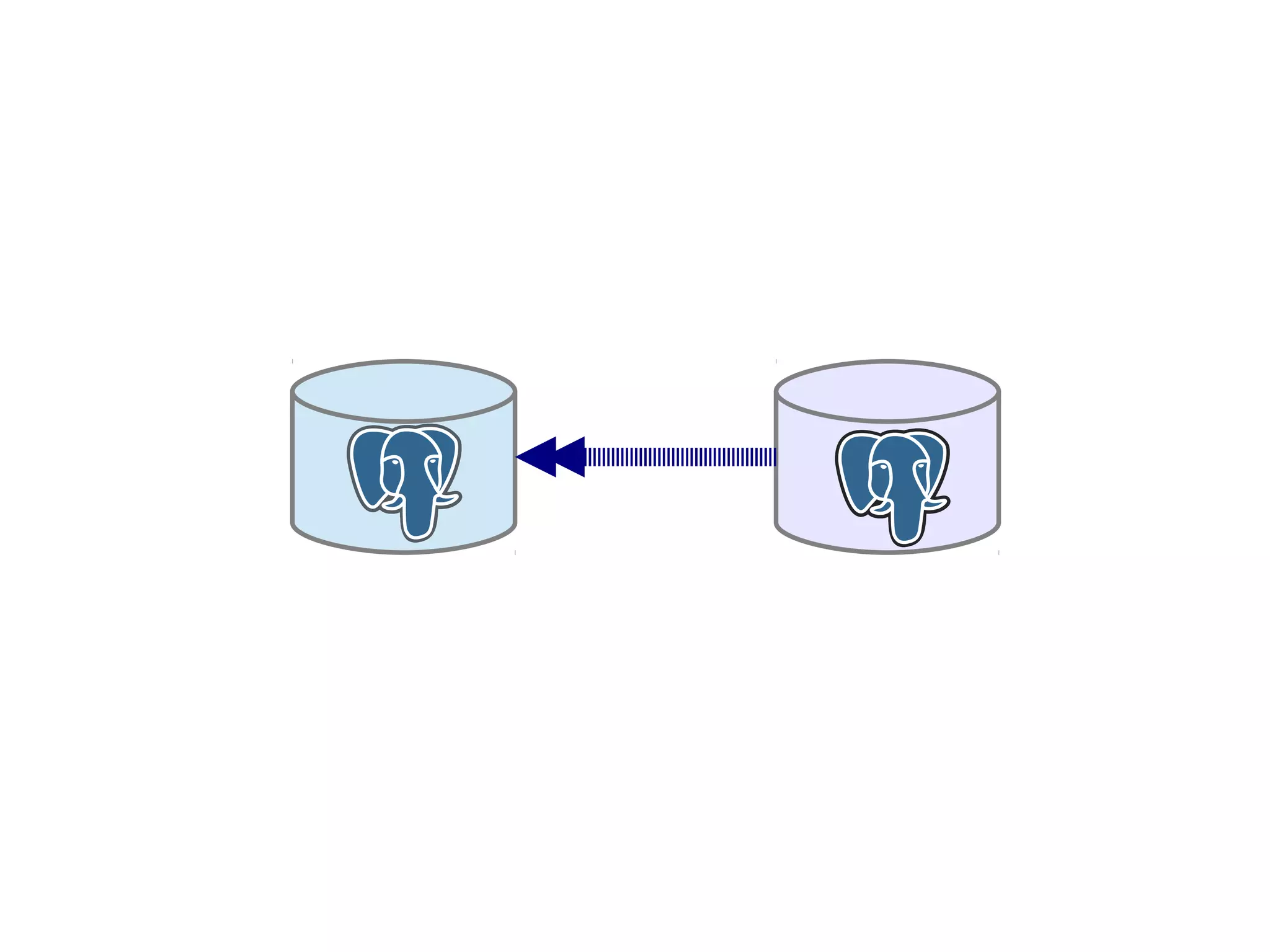
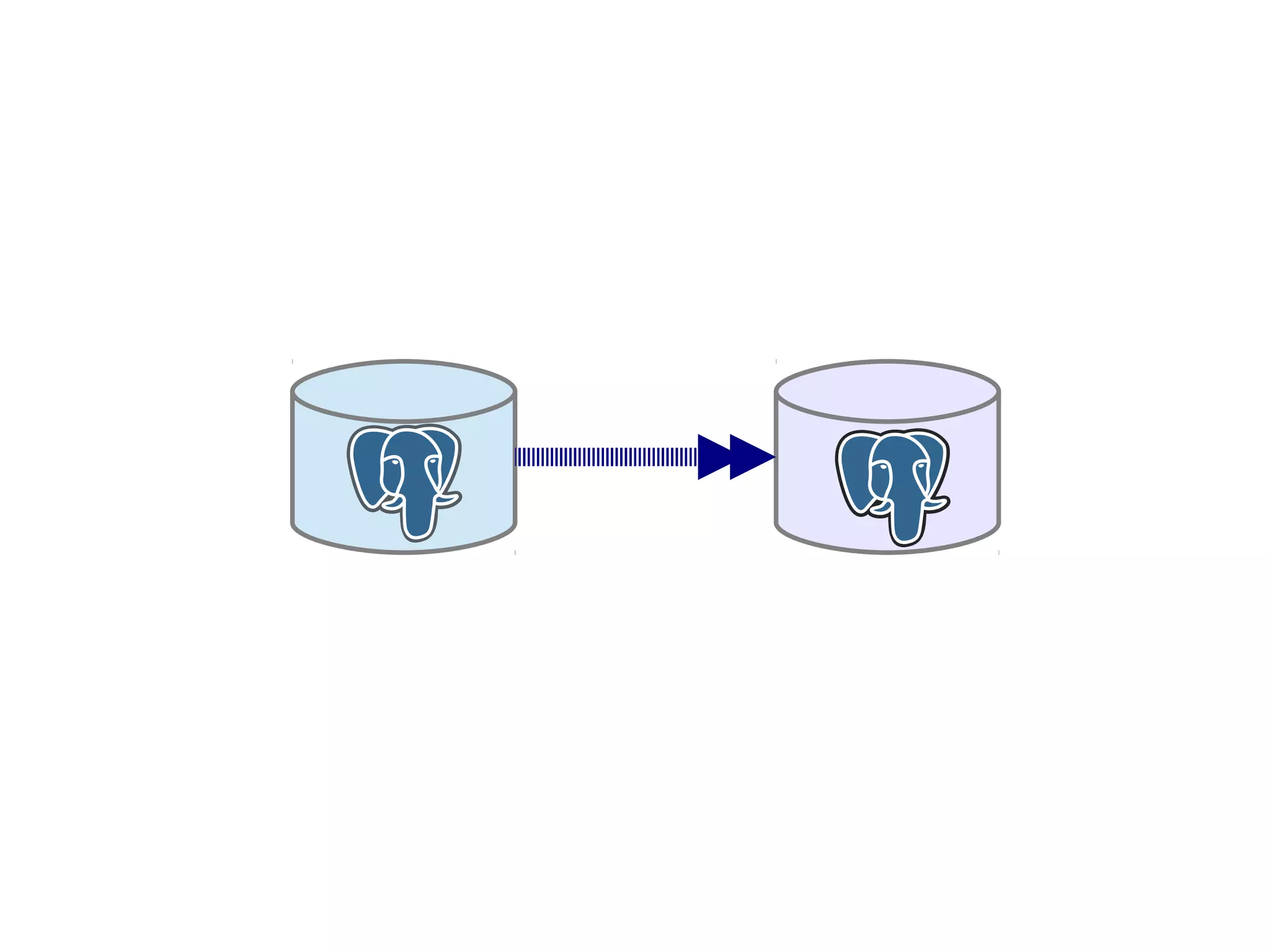
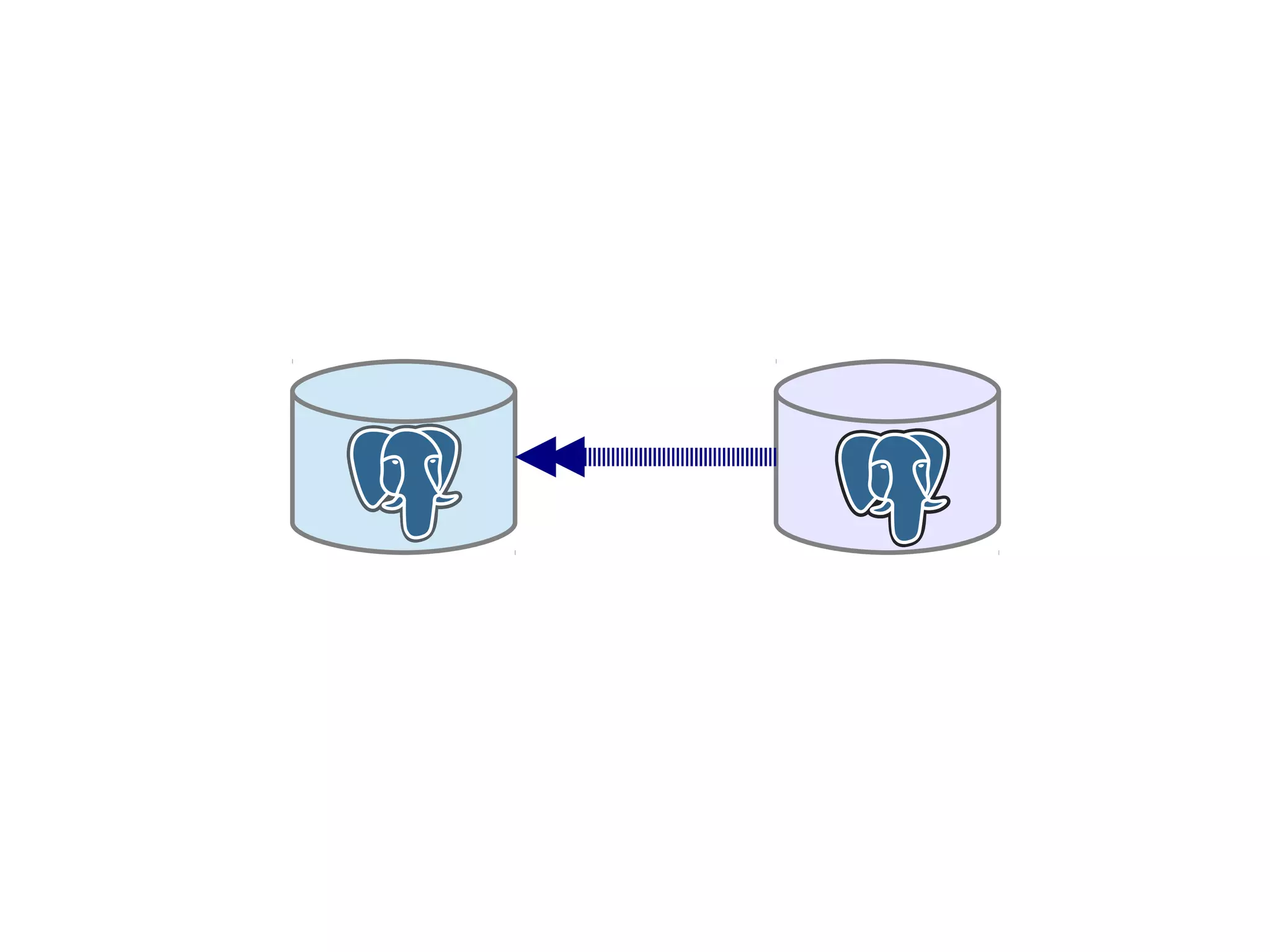
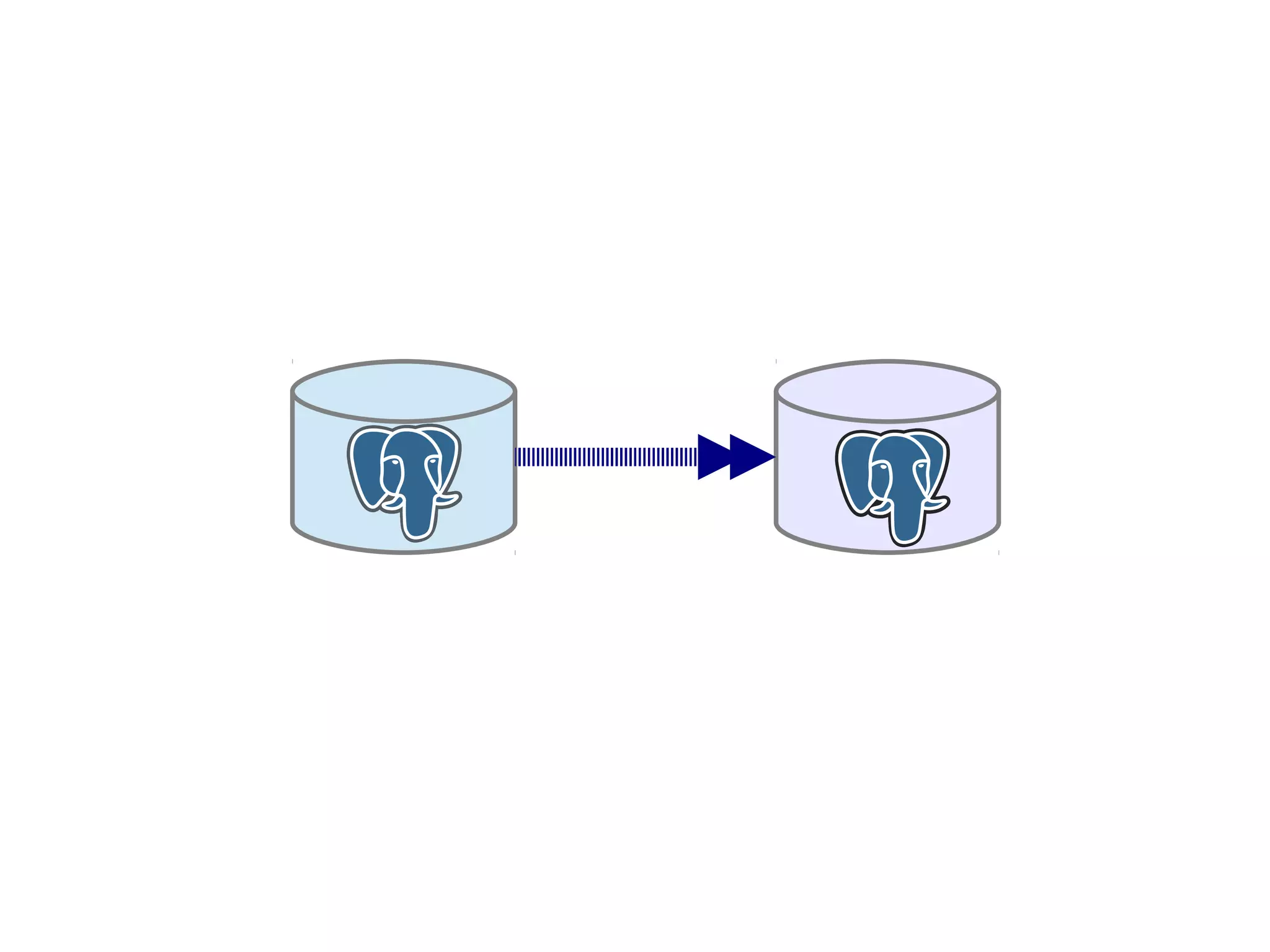
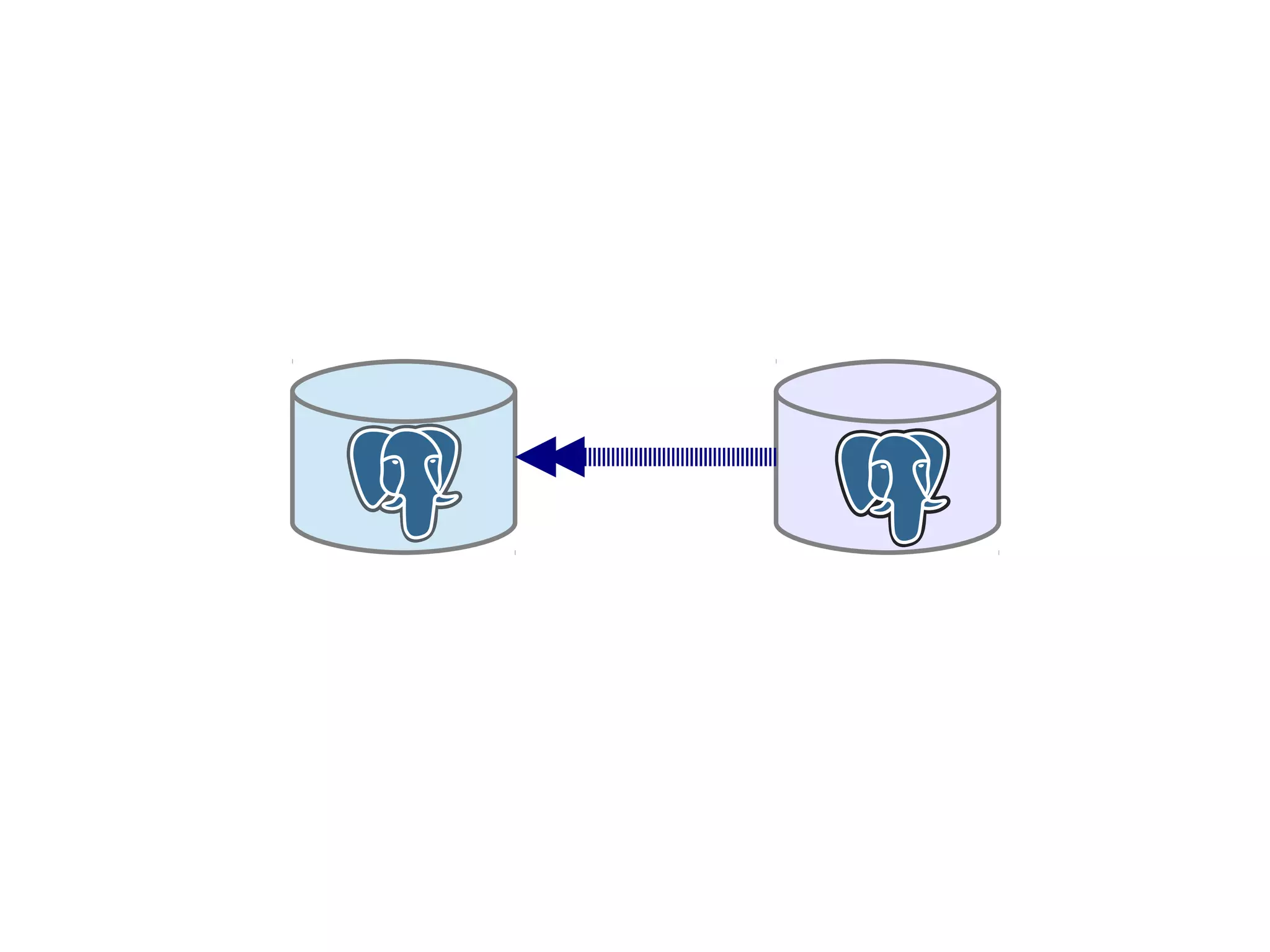
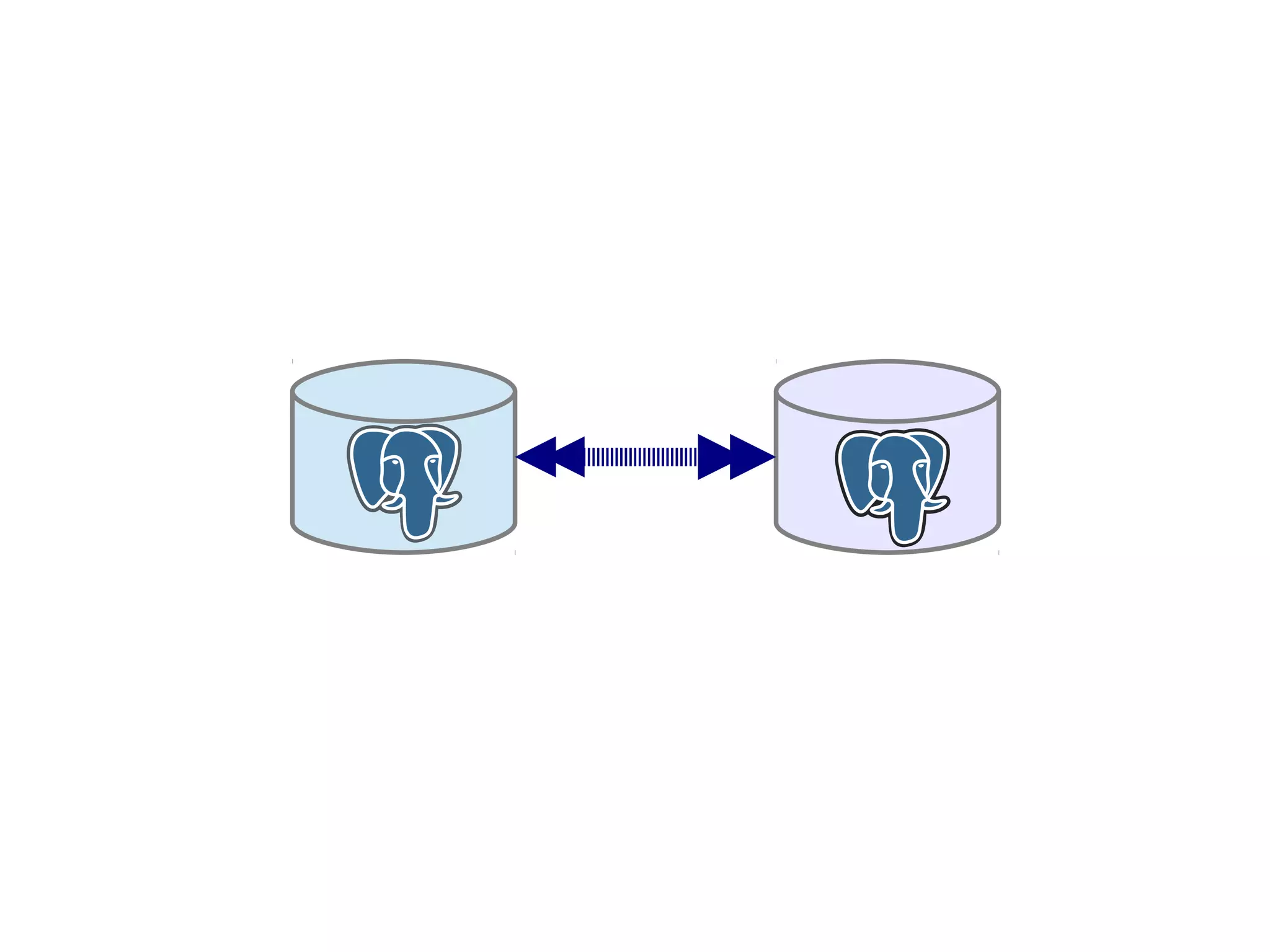
Fail
Fail
over
back
Josh Berkus
PostgreSQL Experts Inc.
NYC PgDay 2014
mozilla logo is a trademark of the Mozilla corporation. Used here under fair use.
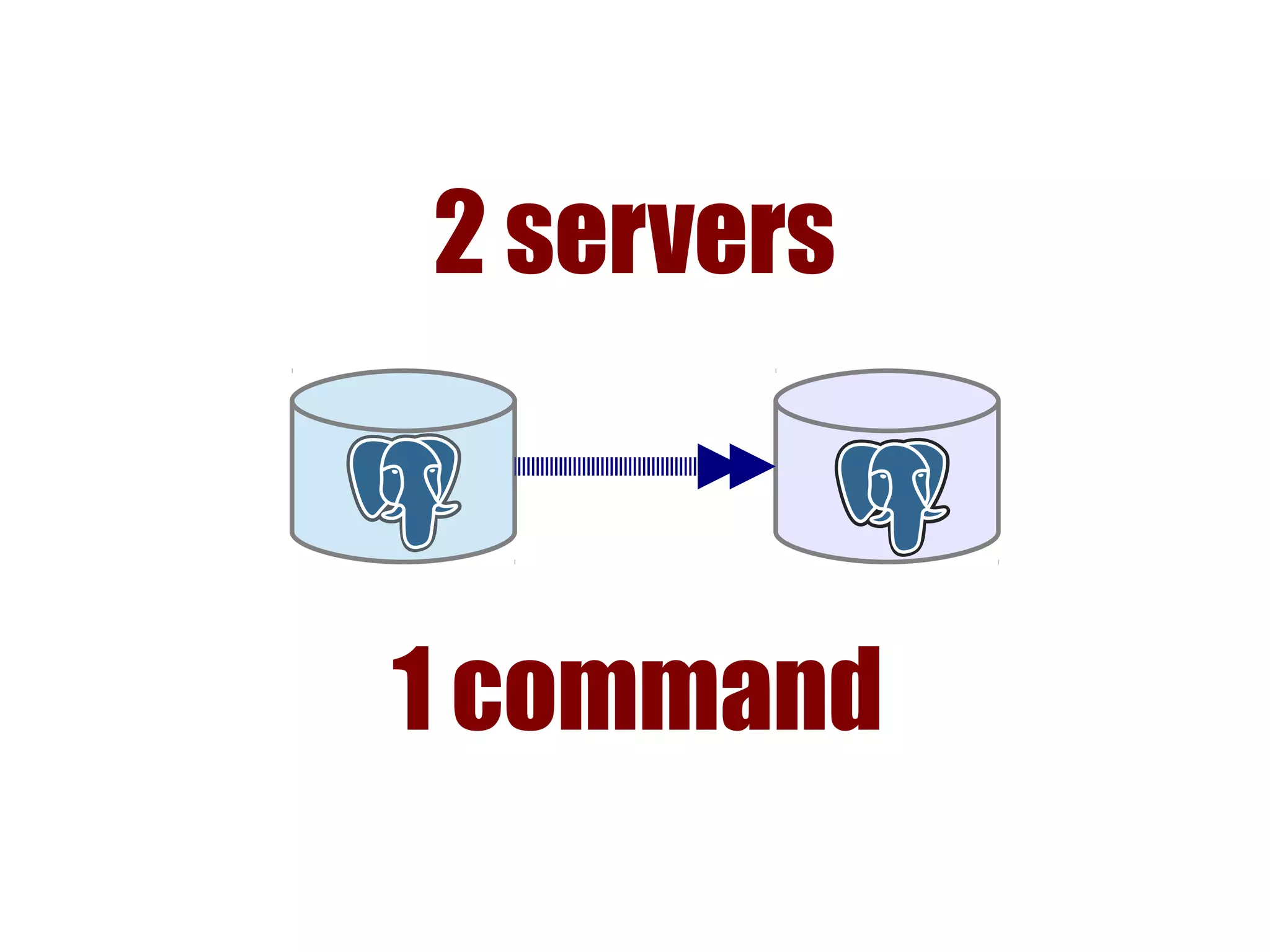
2 servers
1 command
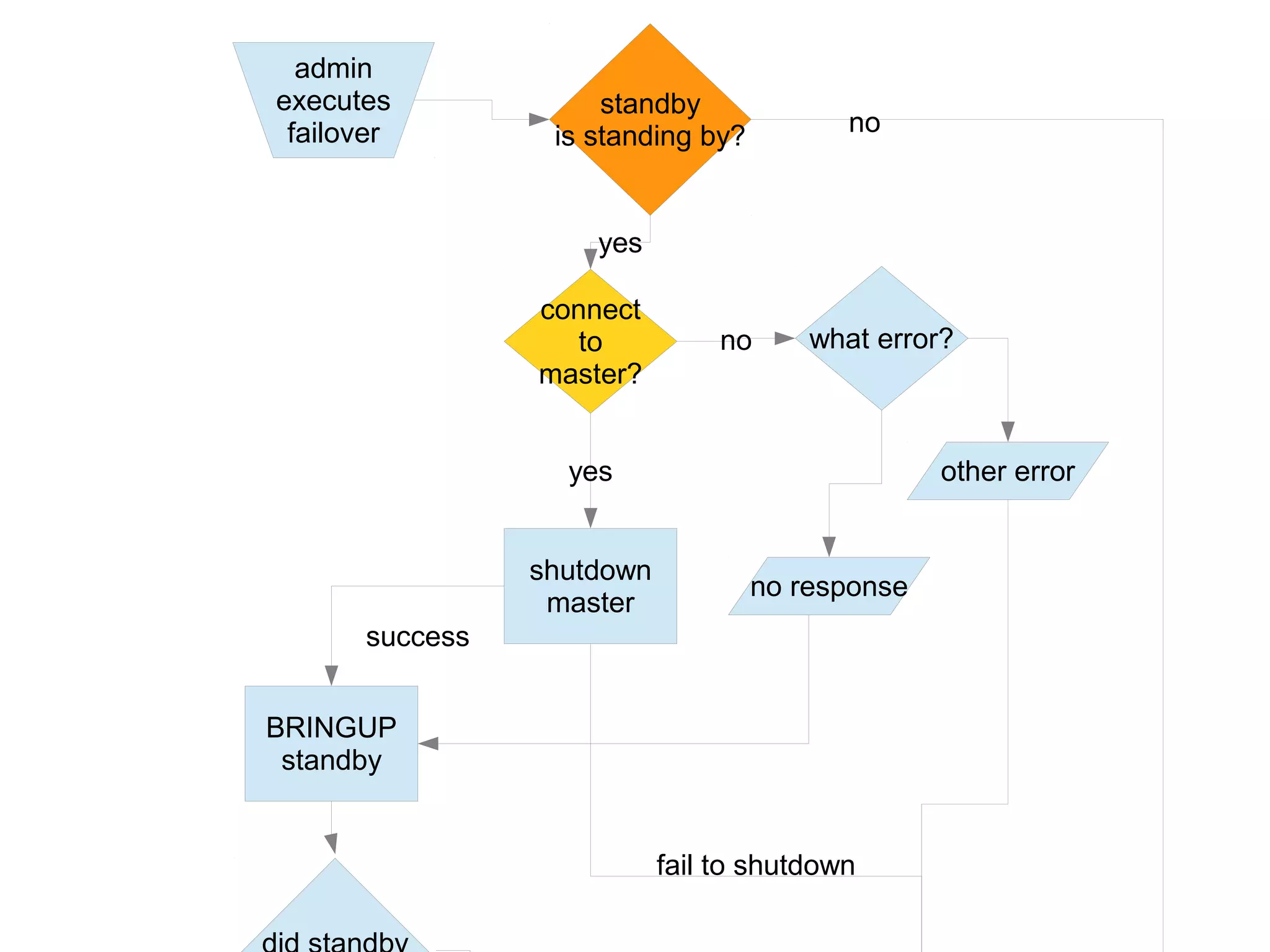
admin
executes
failover
connect
to
master?
no what error?
shutdown
master
no response
other erroryes
fail to shutdown
BRINGUP
standby
success
standby
is standing by?
yes
no
Automated
Failover
image from libarynth.com. used under creative commons share-alike
www.handyrep.org
Fail over
Goals
1. Minimize Downtime
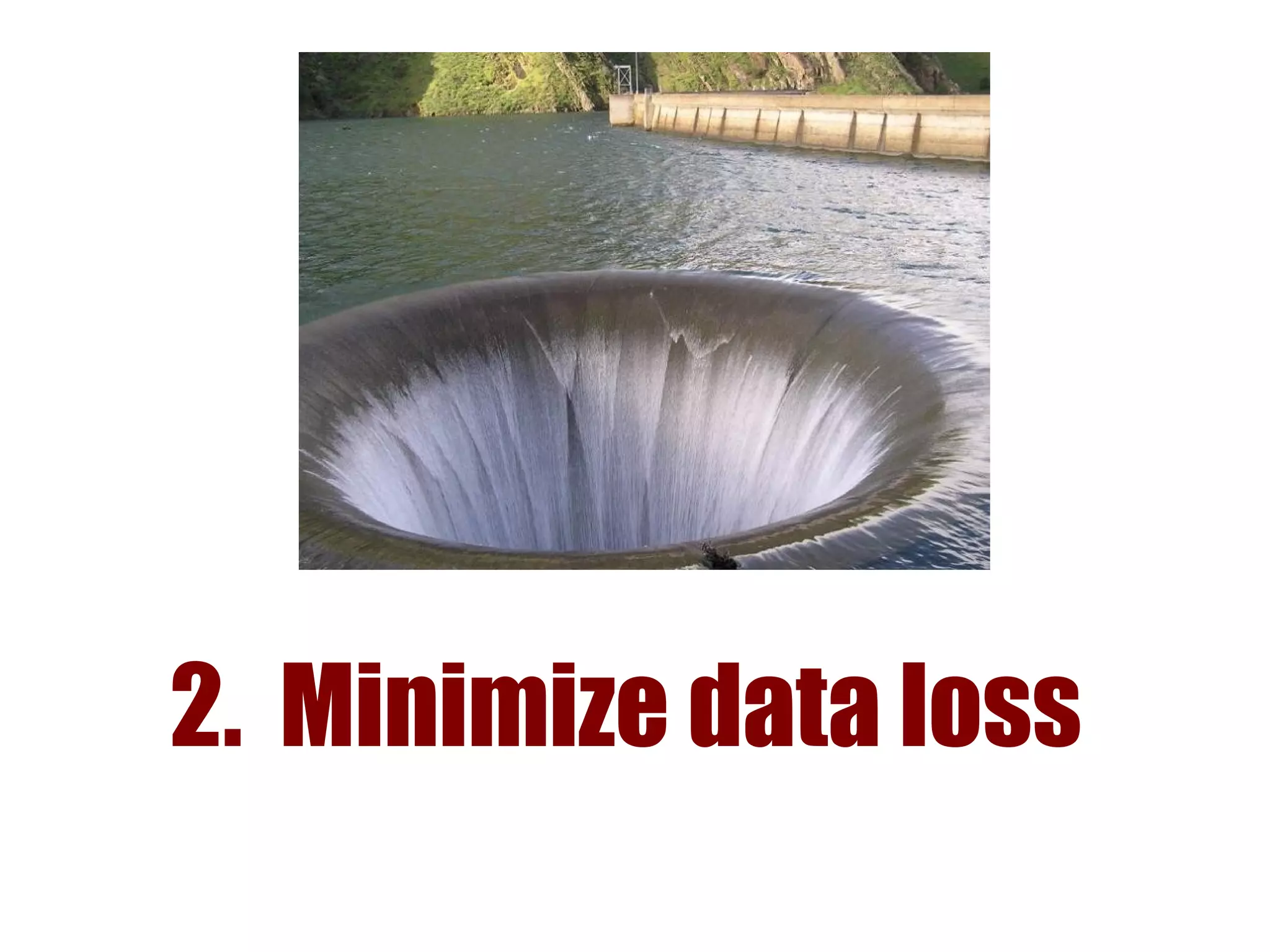
2. Minimize data loss
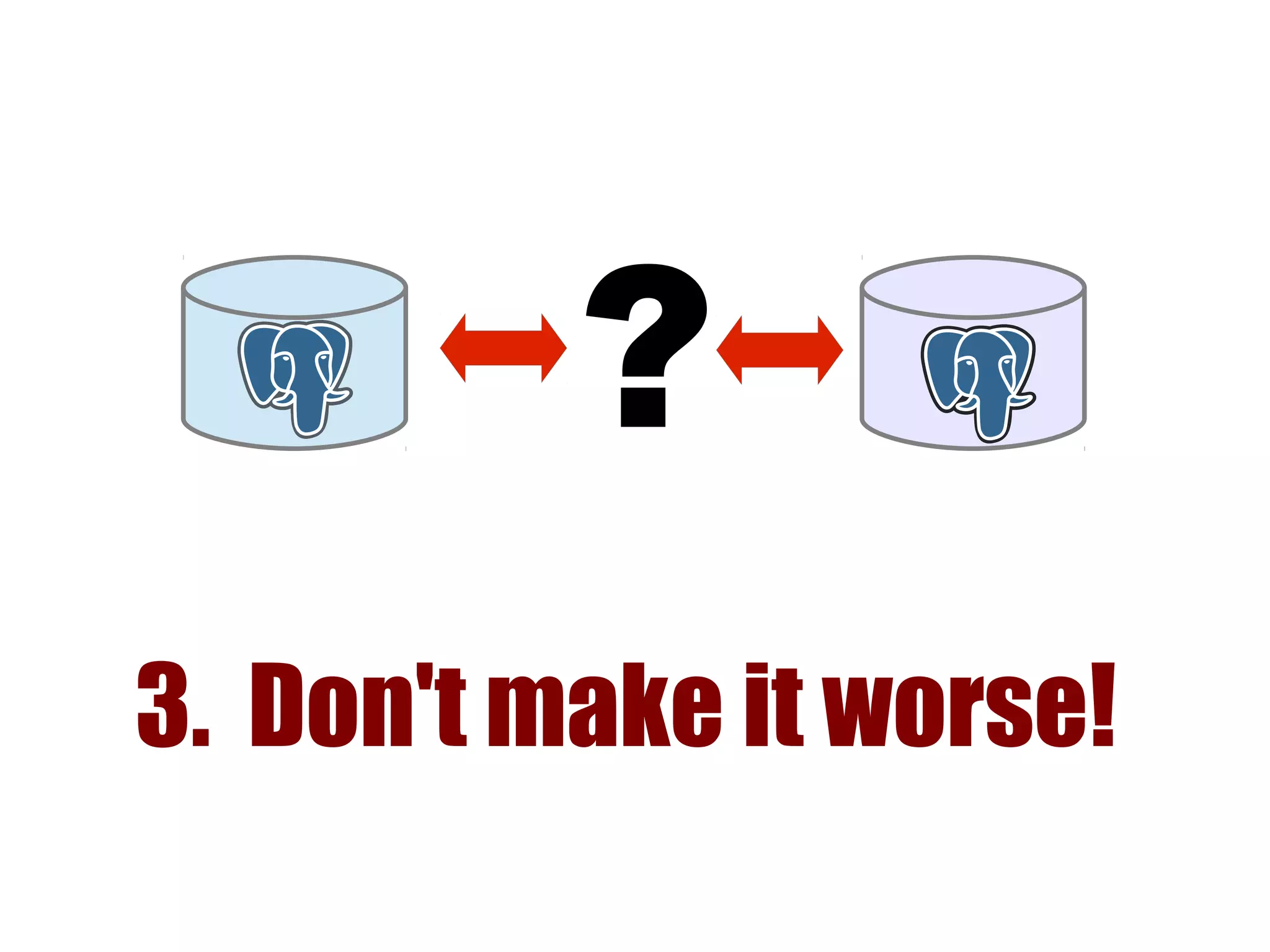
3. Don't make it worse!
?
Planned
vs.
Emergency
Failover once a quarter
● Postgres updates
● Kernel updates
● Disaster Recovery drills
● Just for fun!
Automated or Not?
● < 1hr
● false failover
● testing testing
testing
● complex SW
● >= 1hr
● 2am call
● training
● simple script
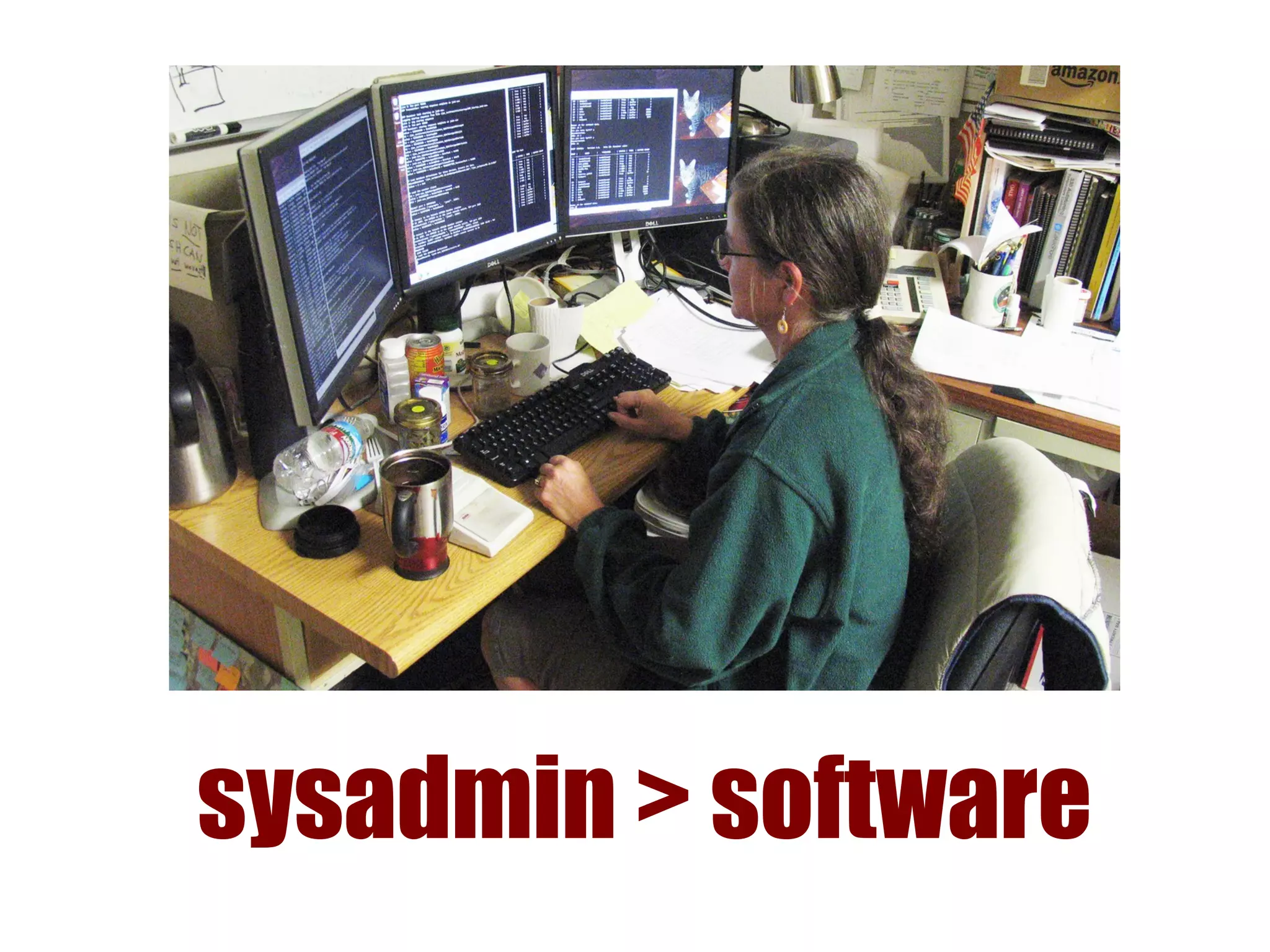
sysadmin > software
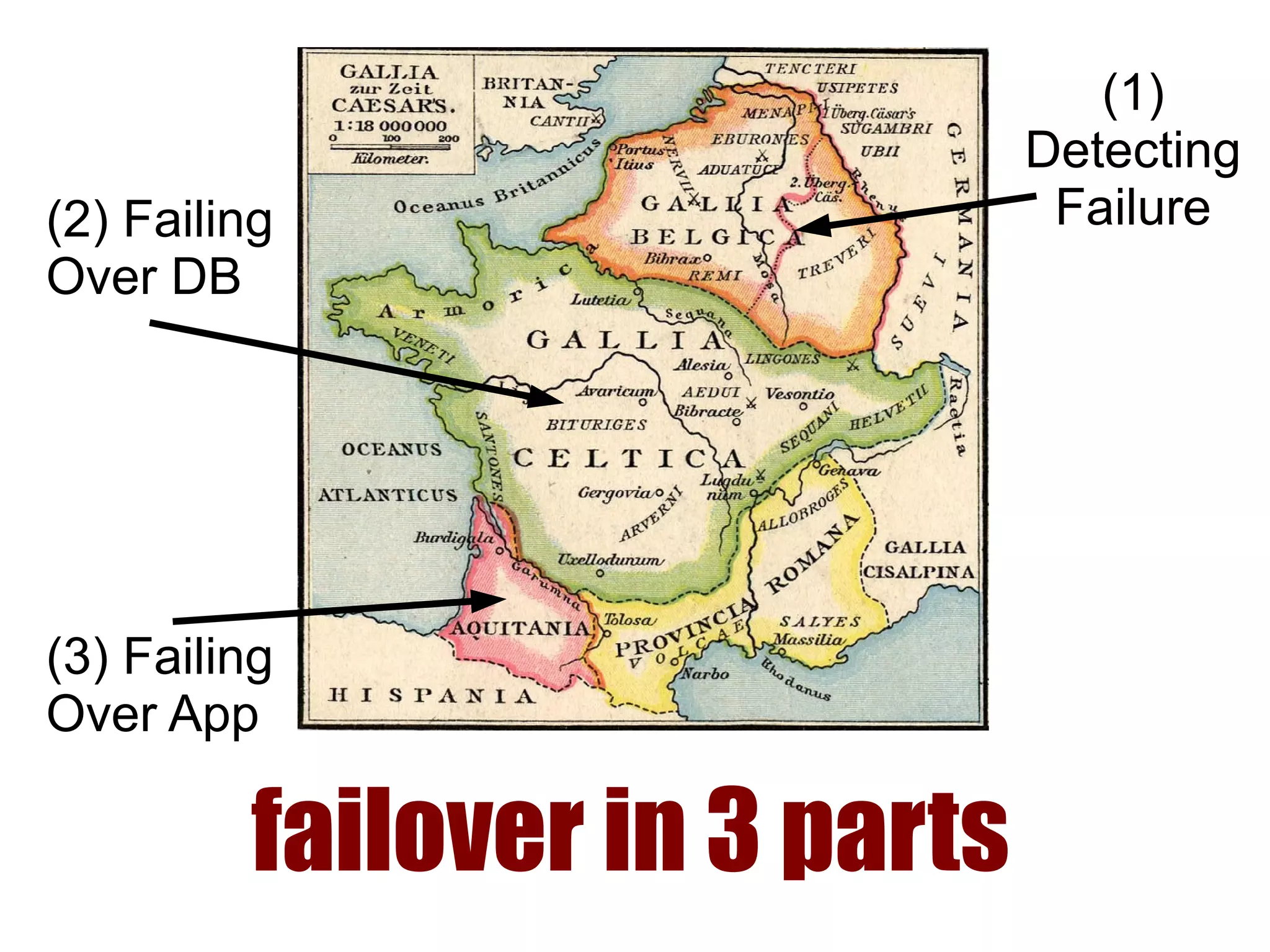
failover in 3 parts
(1)
Detecting
Failure(2) Failing
Over DB
(3) Failing
Over App
1. Detecting Failure
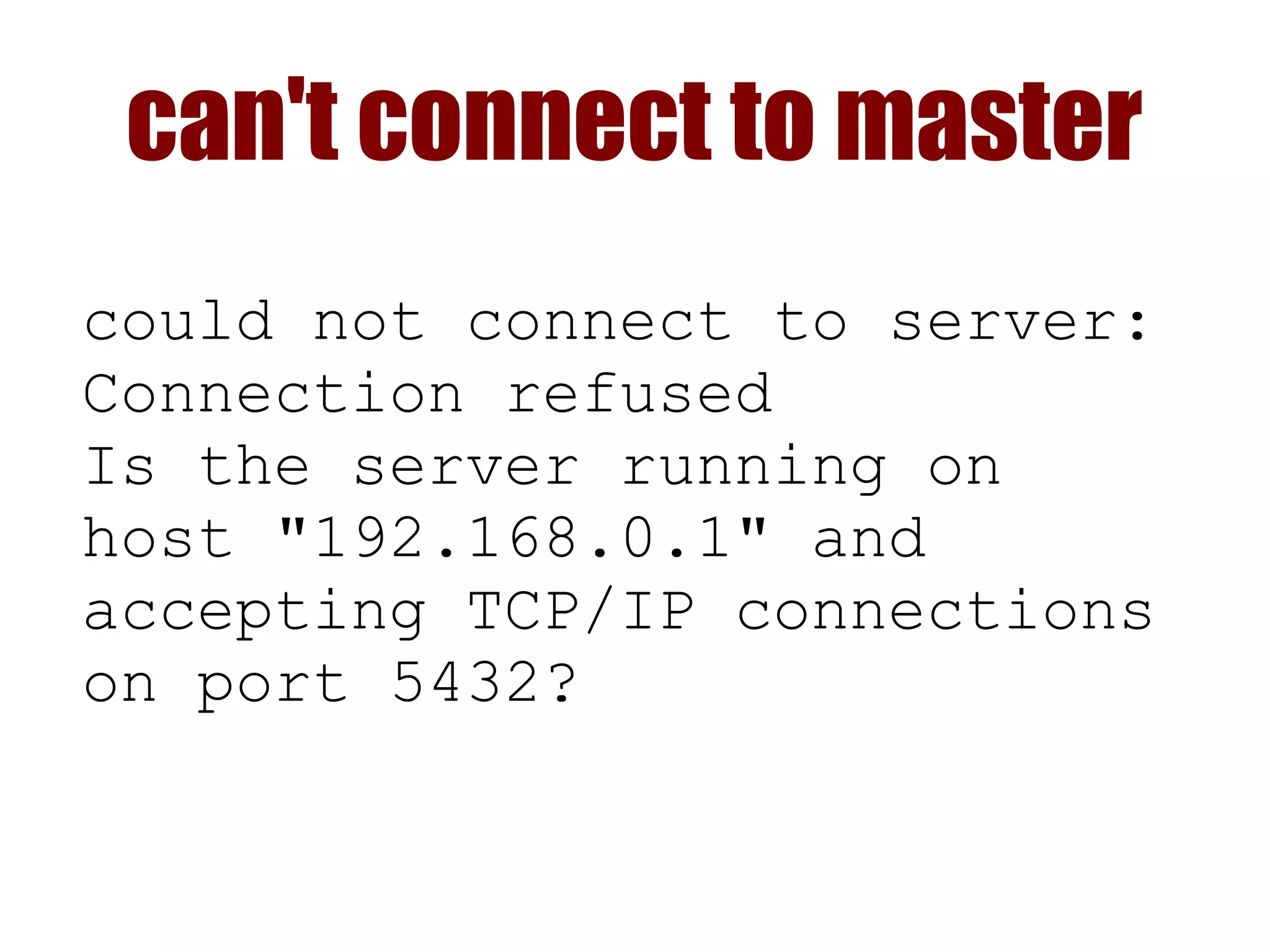
can't connect to master
could not connect to server:
Connection refused
Is the server running on
host "192.168.0.1" and
accepting TCP/IP connections
on port 5432?
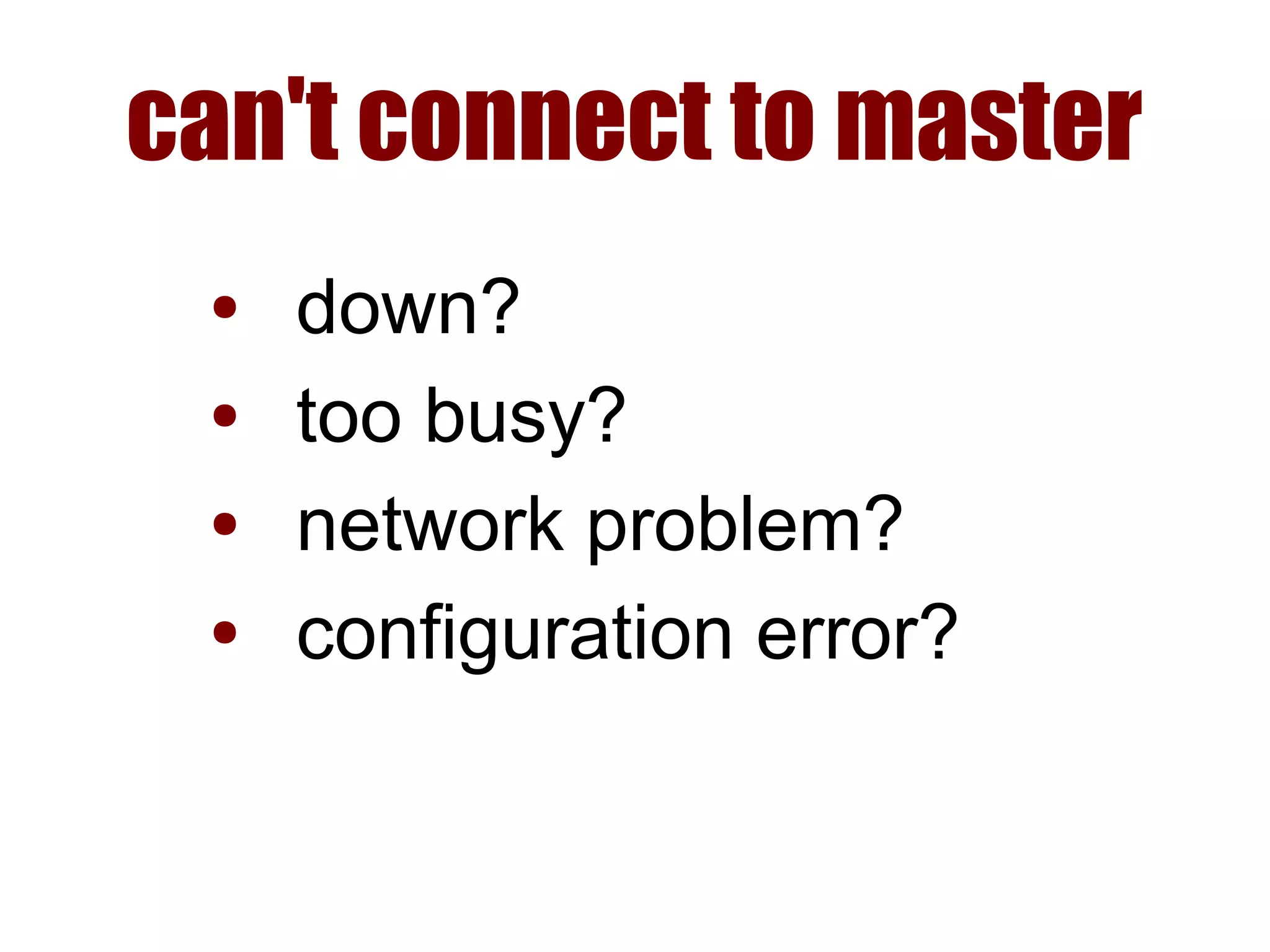
can't connect to master
● down?
● too busy?
● network problem?
● configuration error?
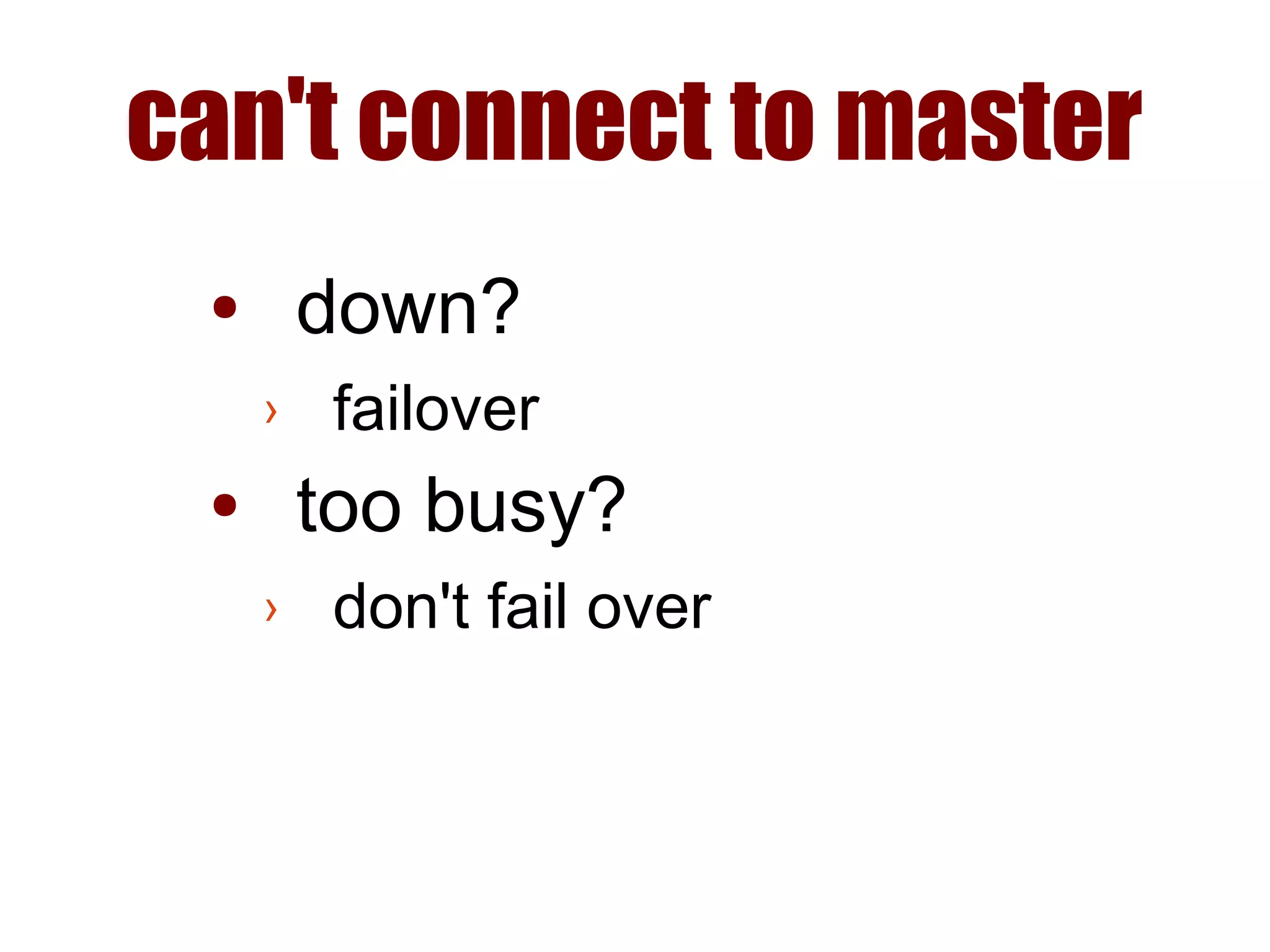
can't connect to master
● down?
› failover
● too busy?
› don't fail over
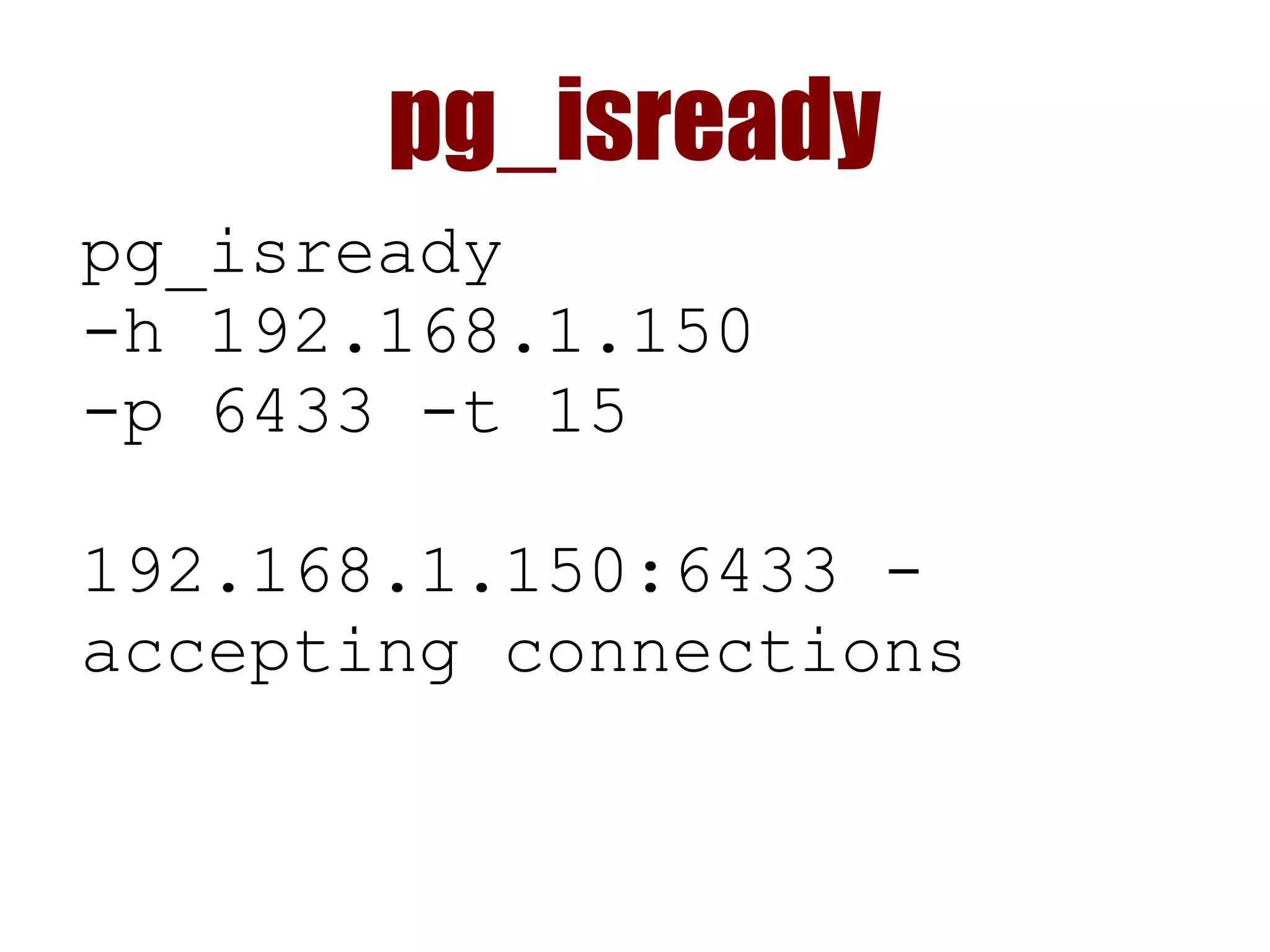
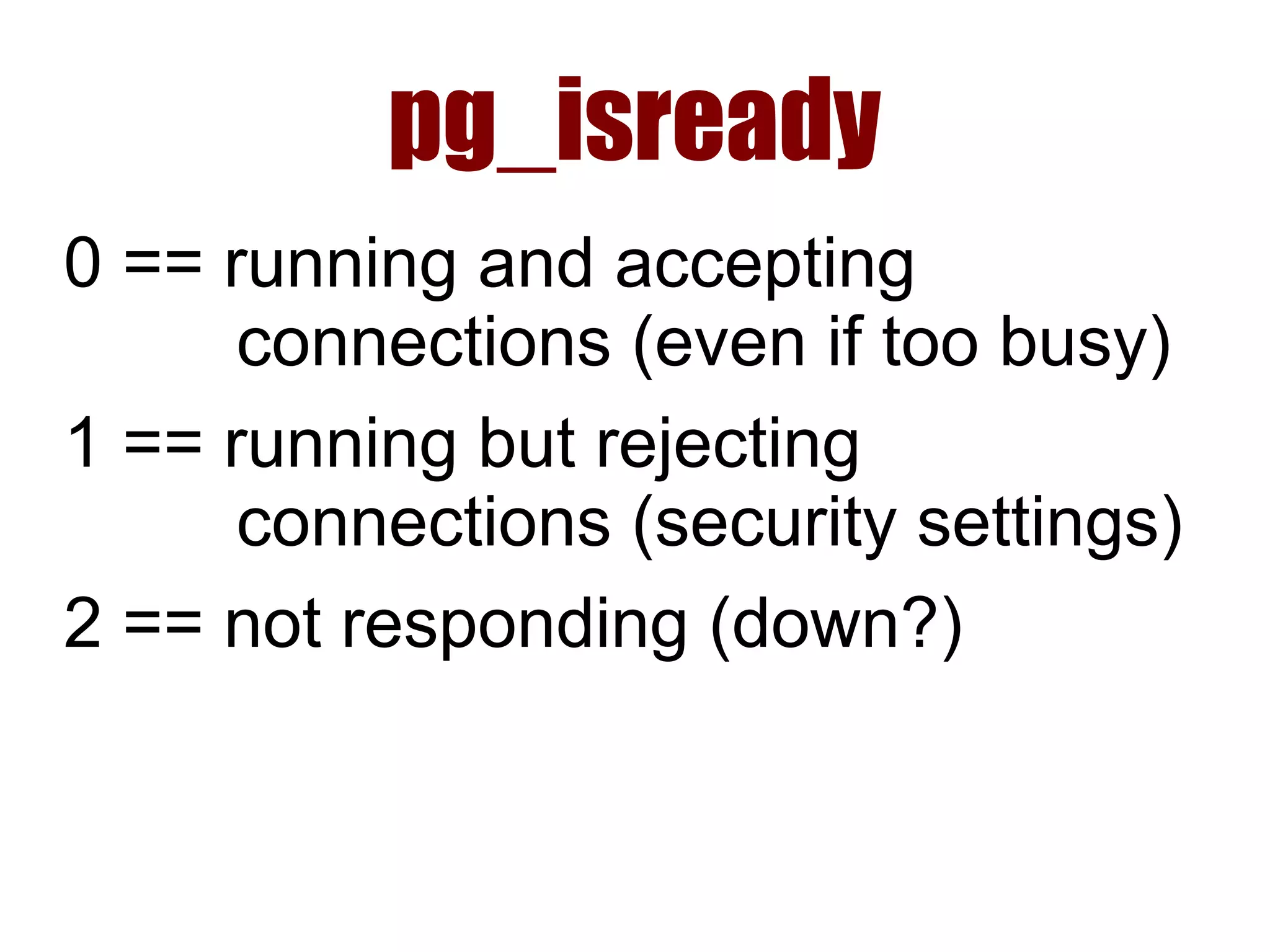
pg_isready
pg_isready
-h 192.168.1.150
-p 6433 -t 15
192.168.1.150:6433 -
accepting connections
pg_isready
0 == running and accepting
connections (even if too busy)
1 == running but rejecting
connections (security settings)
2 == not responding (down?)
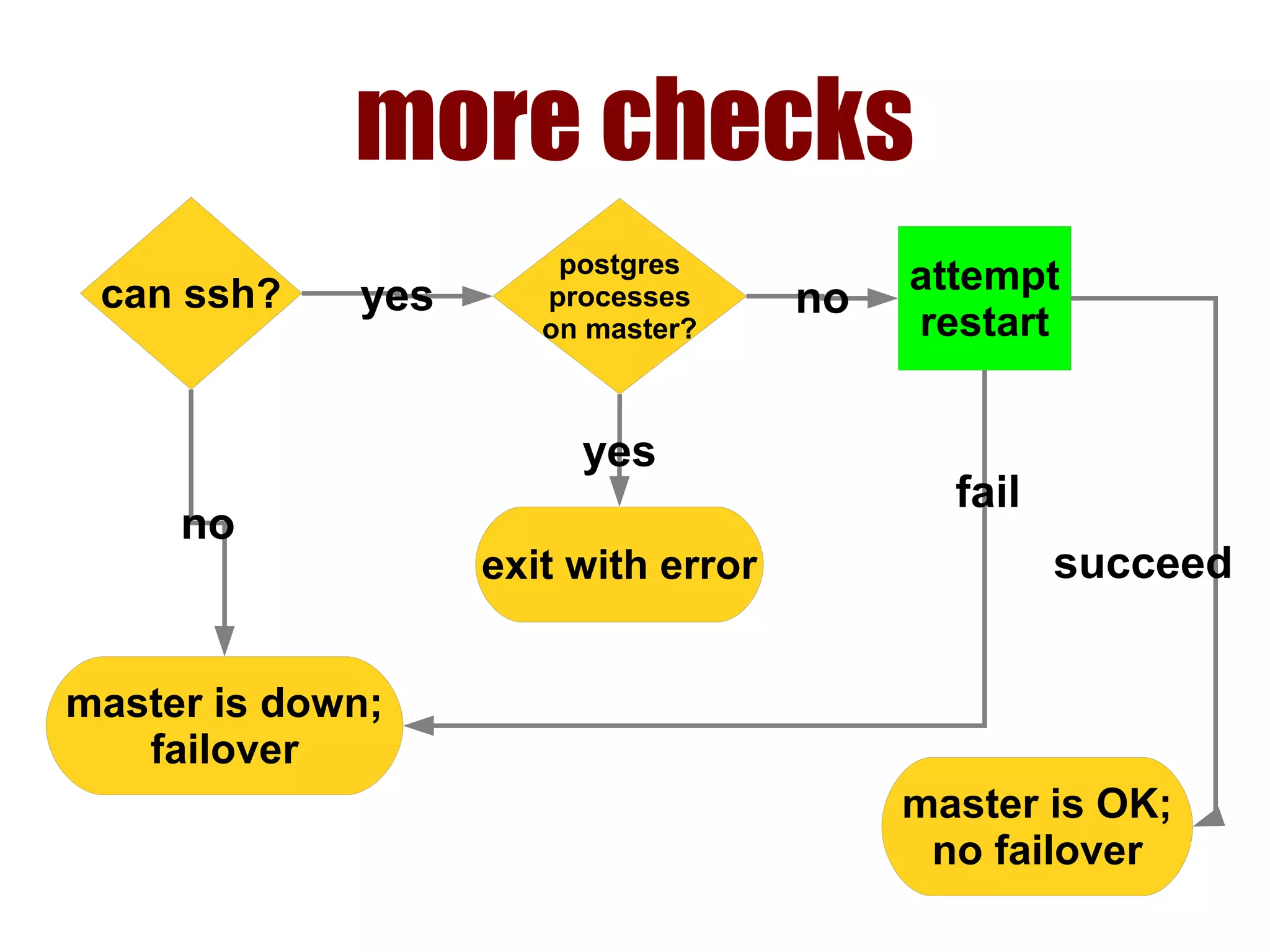
more checks
can ssh?
master is down;
failover
no
postgres
processes
on master?
yes
exit with error
yes
attempt
restart
no
master is OK;
no failover
succeed
fail
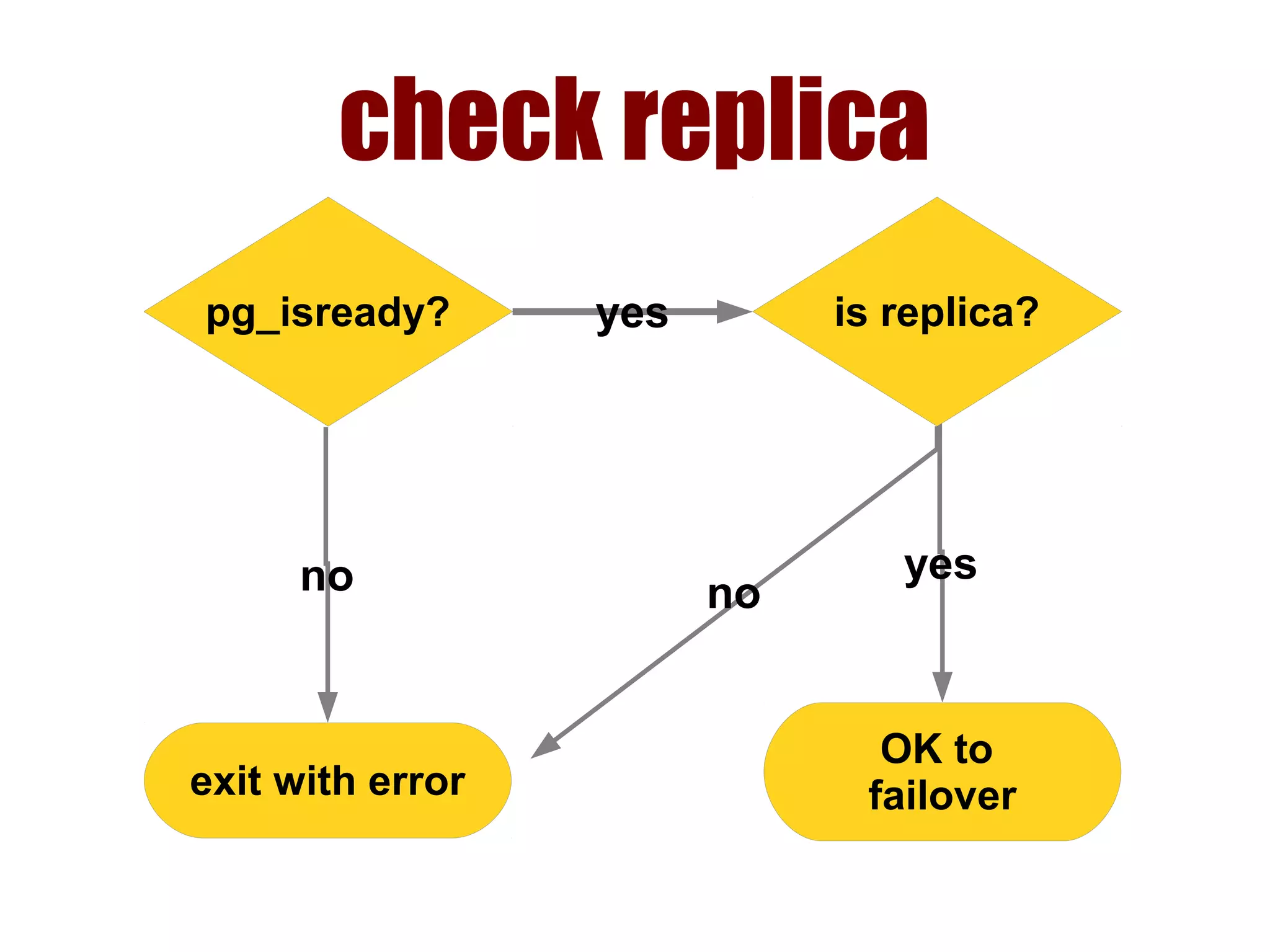
check replica
pg_isready?
OK to
failover
yes
exit with error
no
is replica?yes
no
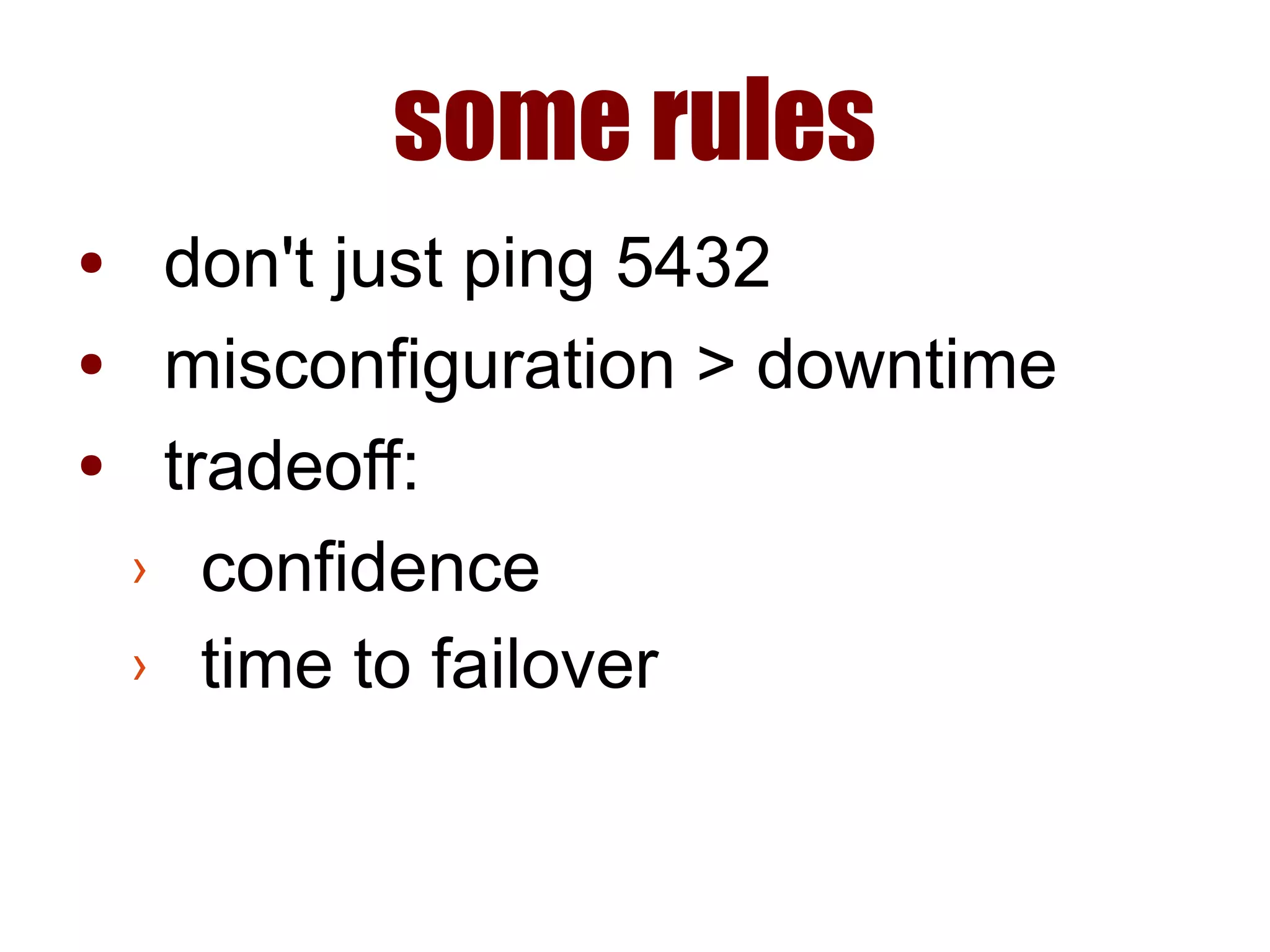
some rules
● don't just ping 5432
● misconfiguration > downtime
● tradeoff:
› confidence
› time to failover
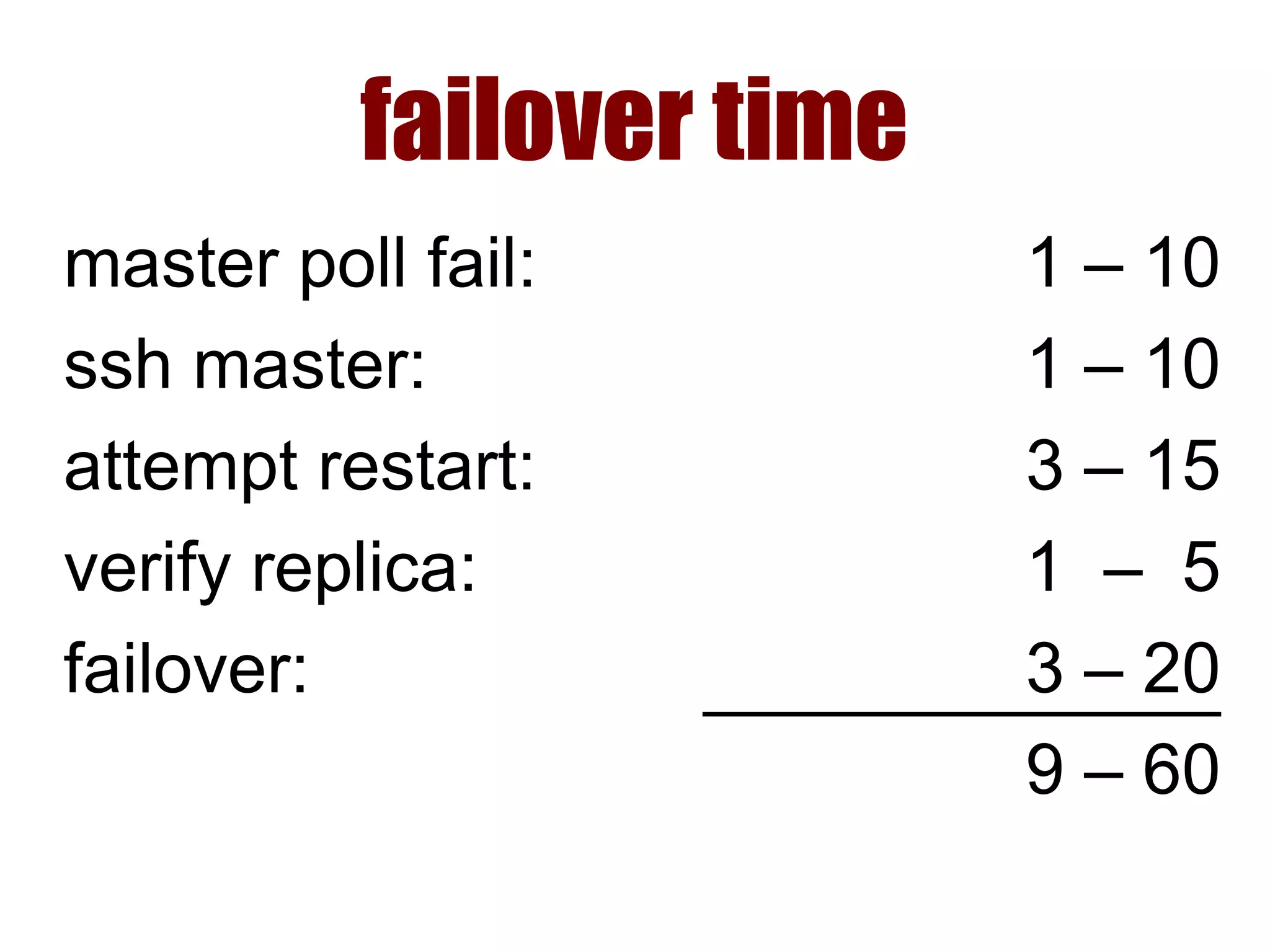
failover time
master poll fail:
ssh master:
attempt restart:
verify replica:
failover:
1 – 10
1 – 10
3 – 15
1 – 5
3 – 20
9 – 60
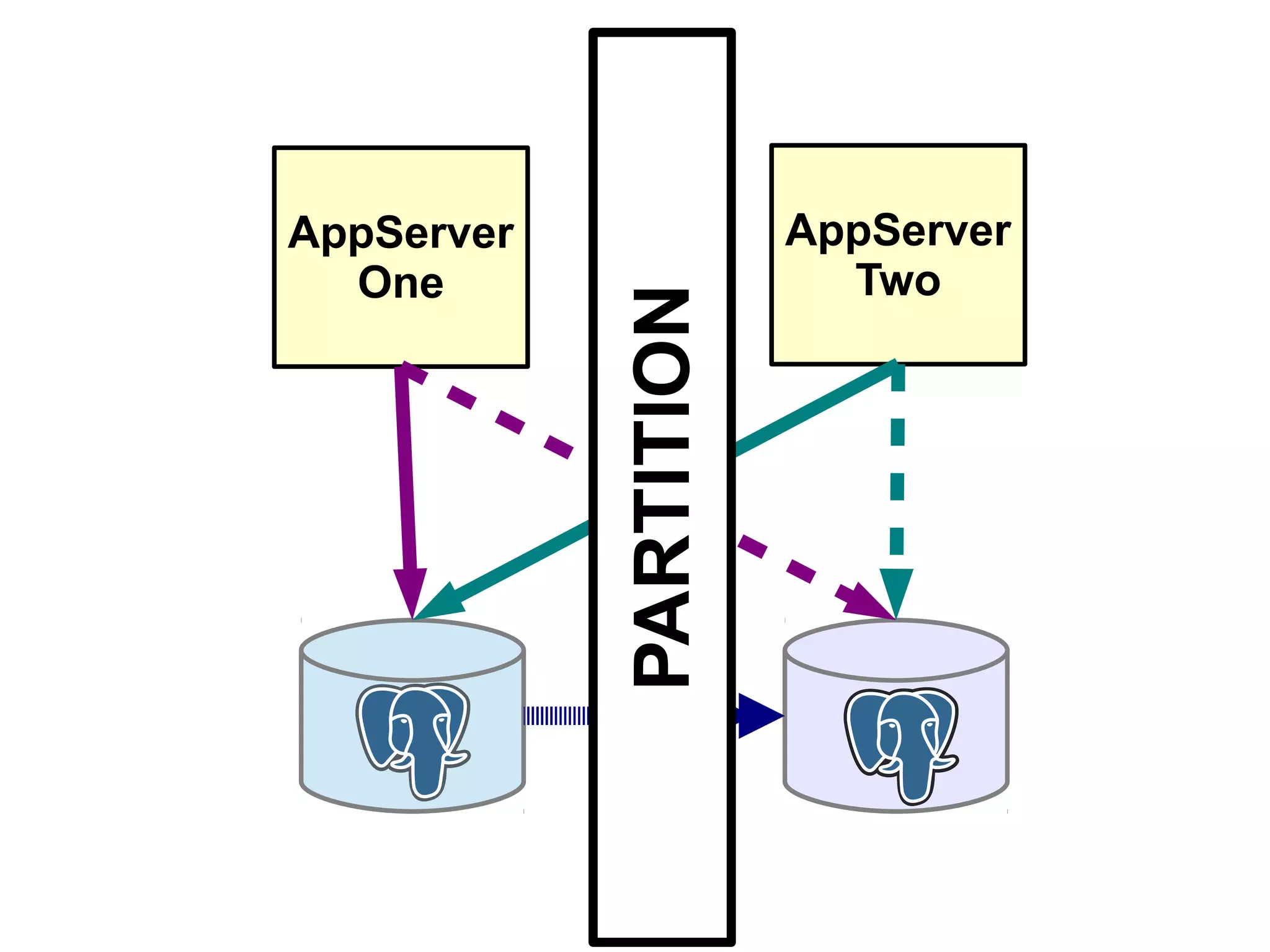
AppServer
One
AppServer
Two
PARTITION
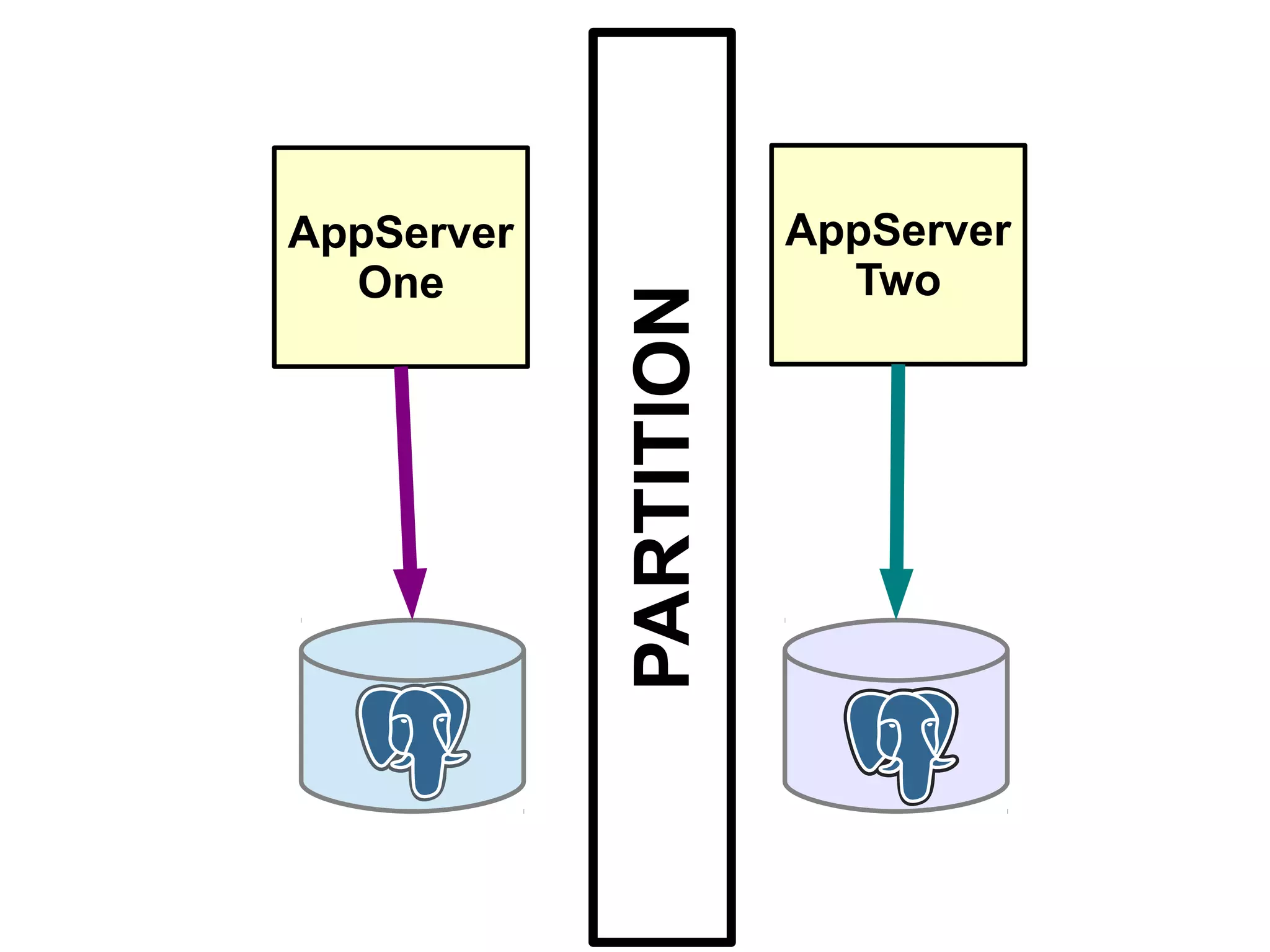
AppServer
One
AppServer
Two
PARTITION
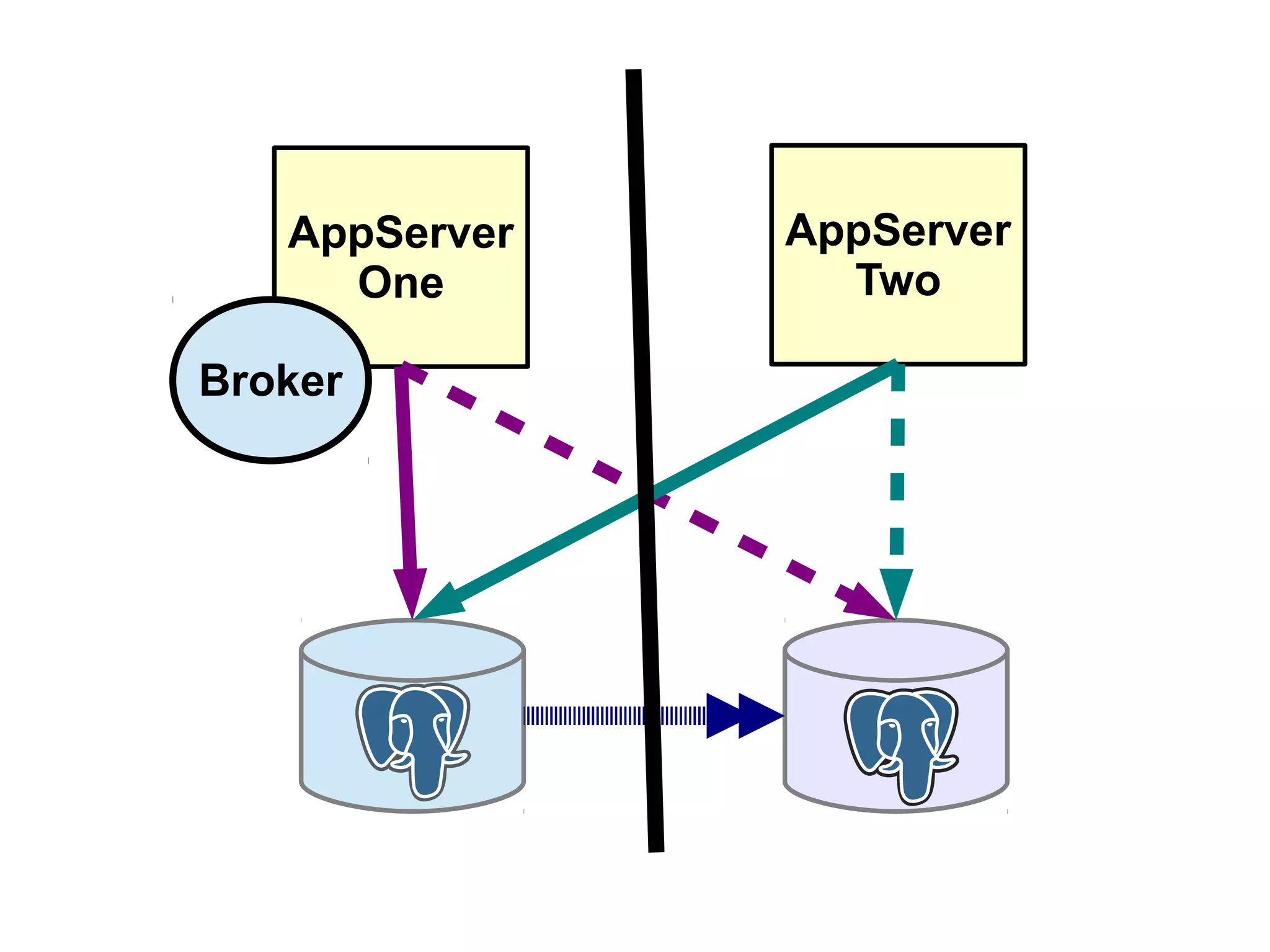
AppServer
One
AppServer
Two
Broker
AppServer
One
AppServer
Two
Proxy
Failing Over the DB
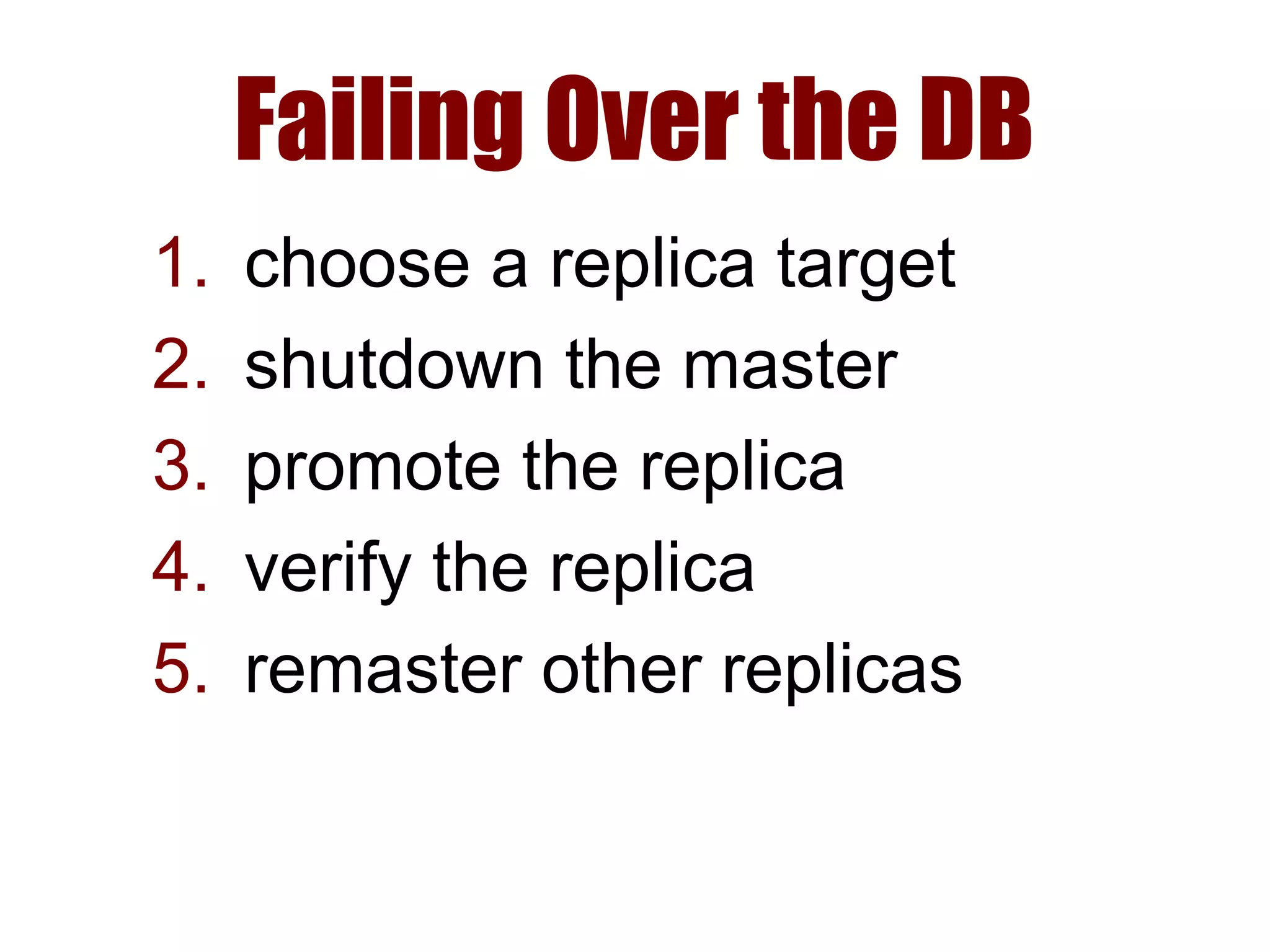
Failing Over the DB
1. choose a replica target
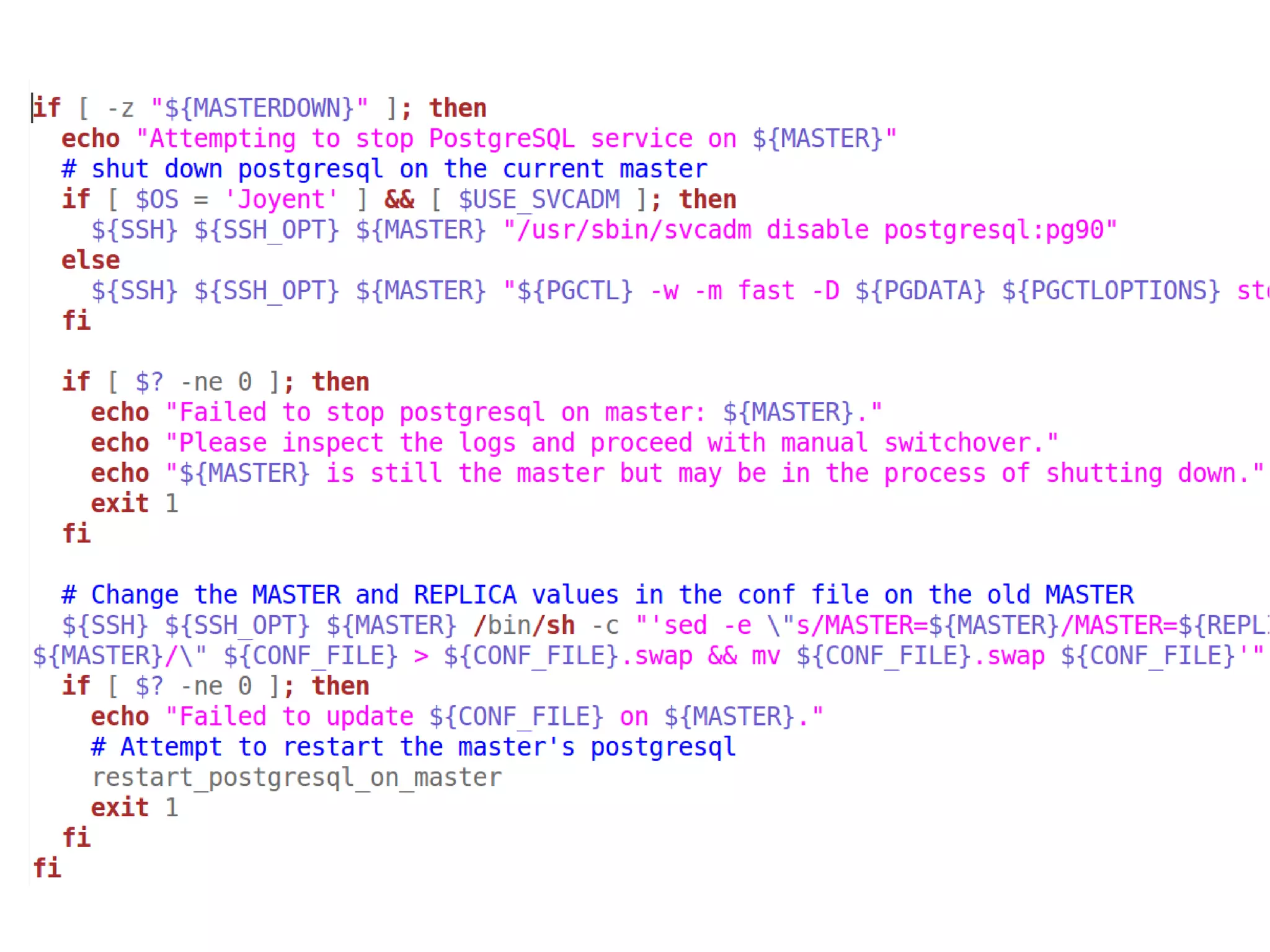
2. shutdown the master
3. promote the replica
4. verify the replica
5. remaster other replicas
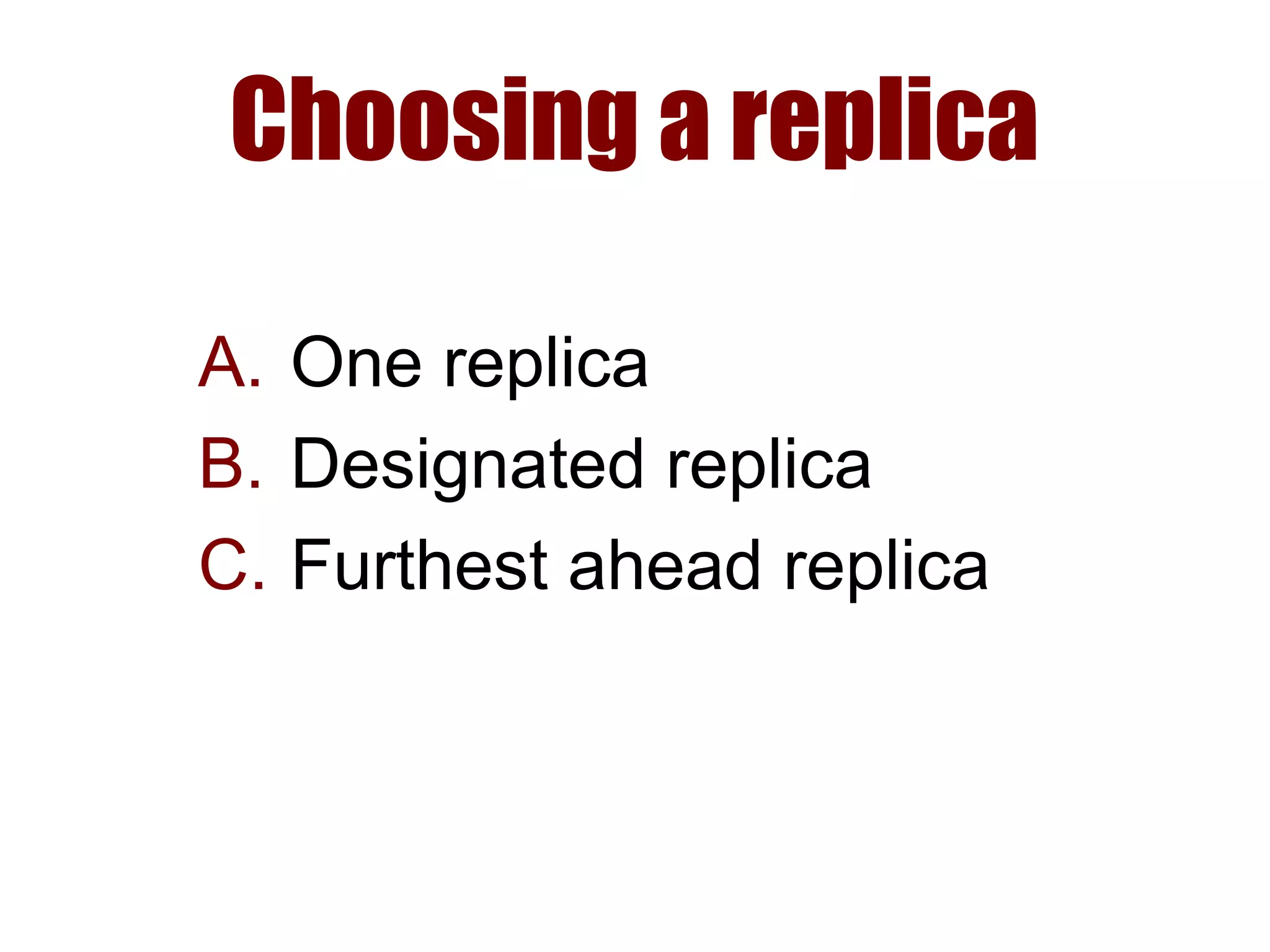
Choosing a replica
A. One replica
B. Designated replica
C. Furthest ahead replica
One Replica
fail over to it
or don't
well, that's easy
Designated Replica
● load-free replica, or
● cascade master, or
● syncronous replica
“Furthest Ahead”
● Pool of replicas
● Least data loss
● Least downtime
● Other replicas can remaster
… but what's “furthest ahead”?
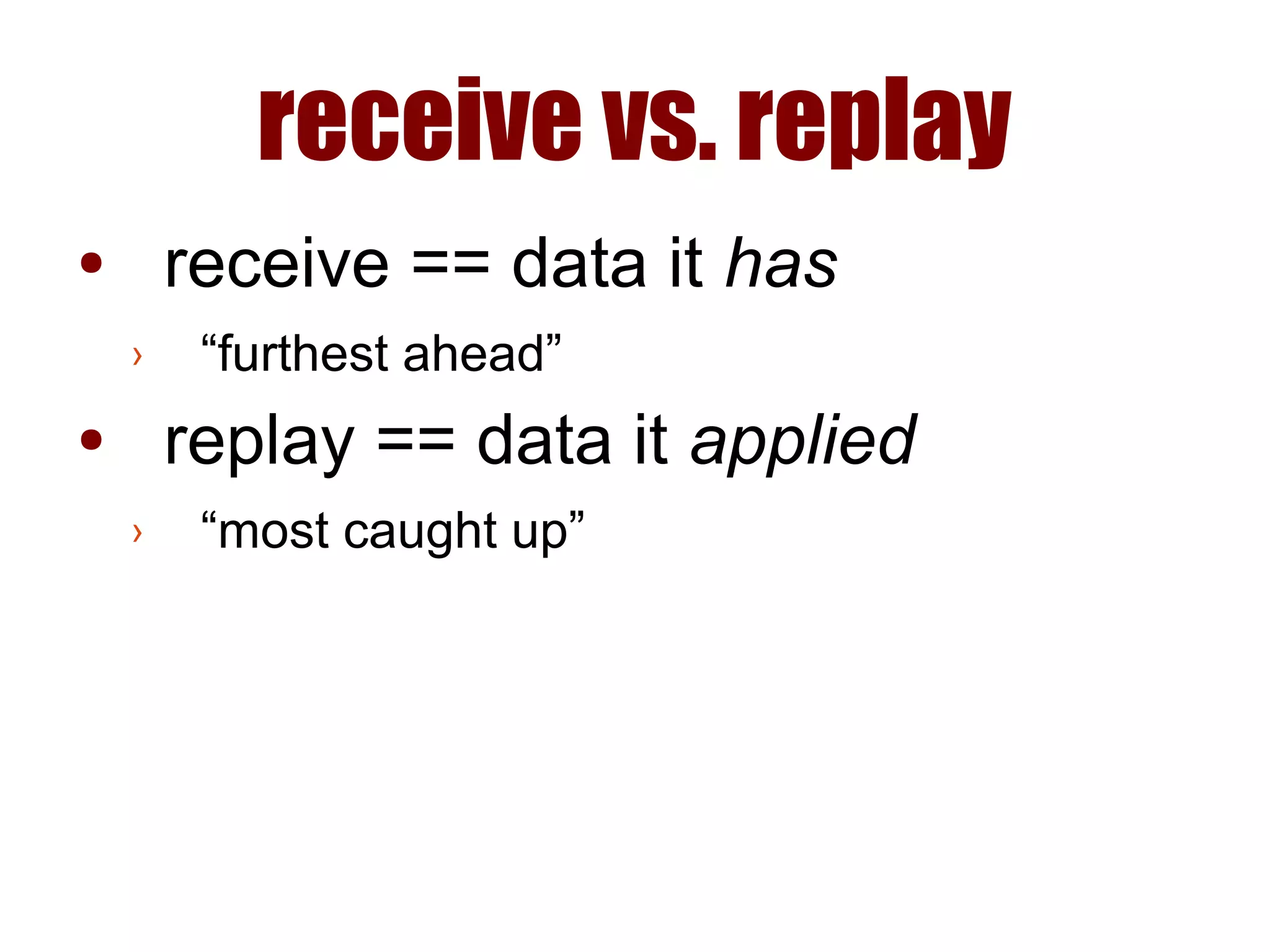
receive vs. replay
● receive == data it has
● replay == data it applied
receive vs. replay
● receive == data it has
› “furthest ahead”
● replay == data it applied
› “most caught up”
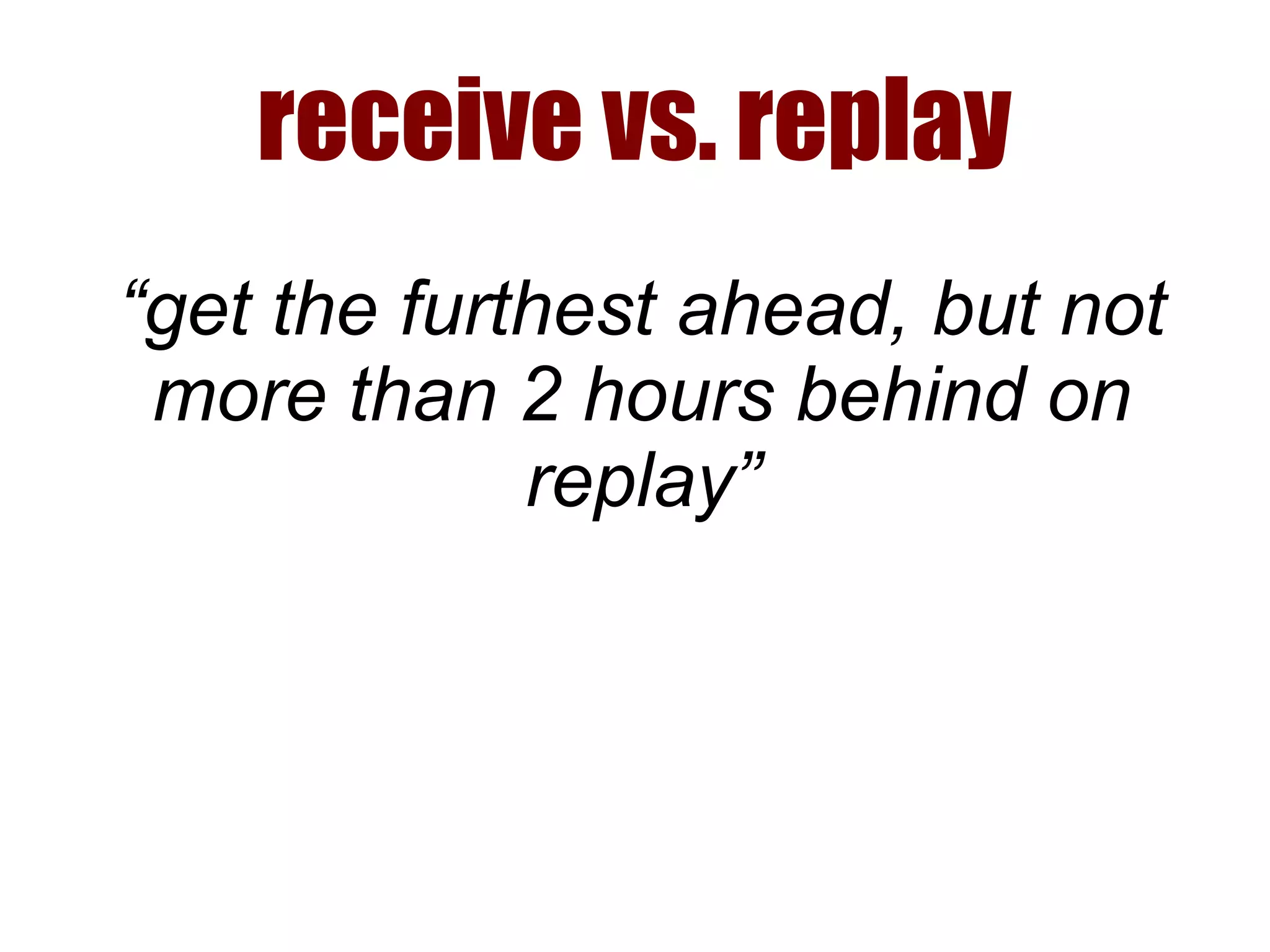
receive vs. replay
“get the furthest ahead, but not
more than 2 hours behind on
replay”
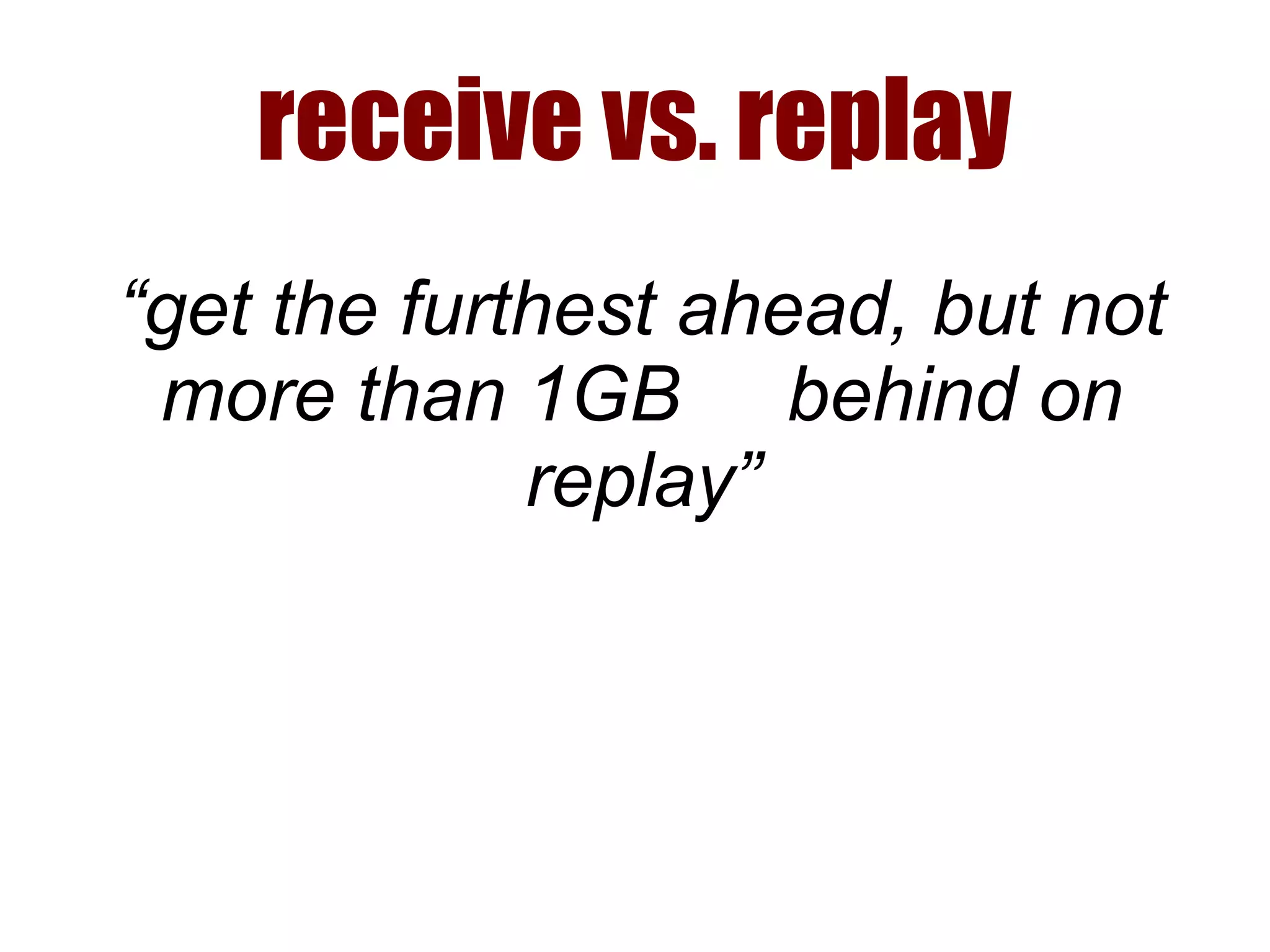
receive vs. replay
“get the furthest ahead, but not
more than 1GB behind on
replay”
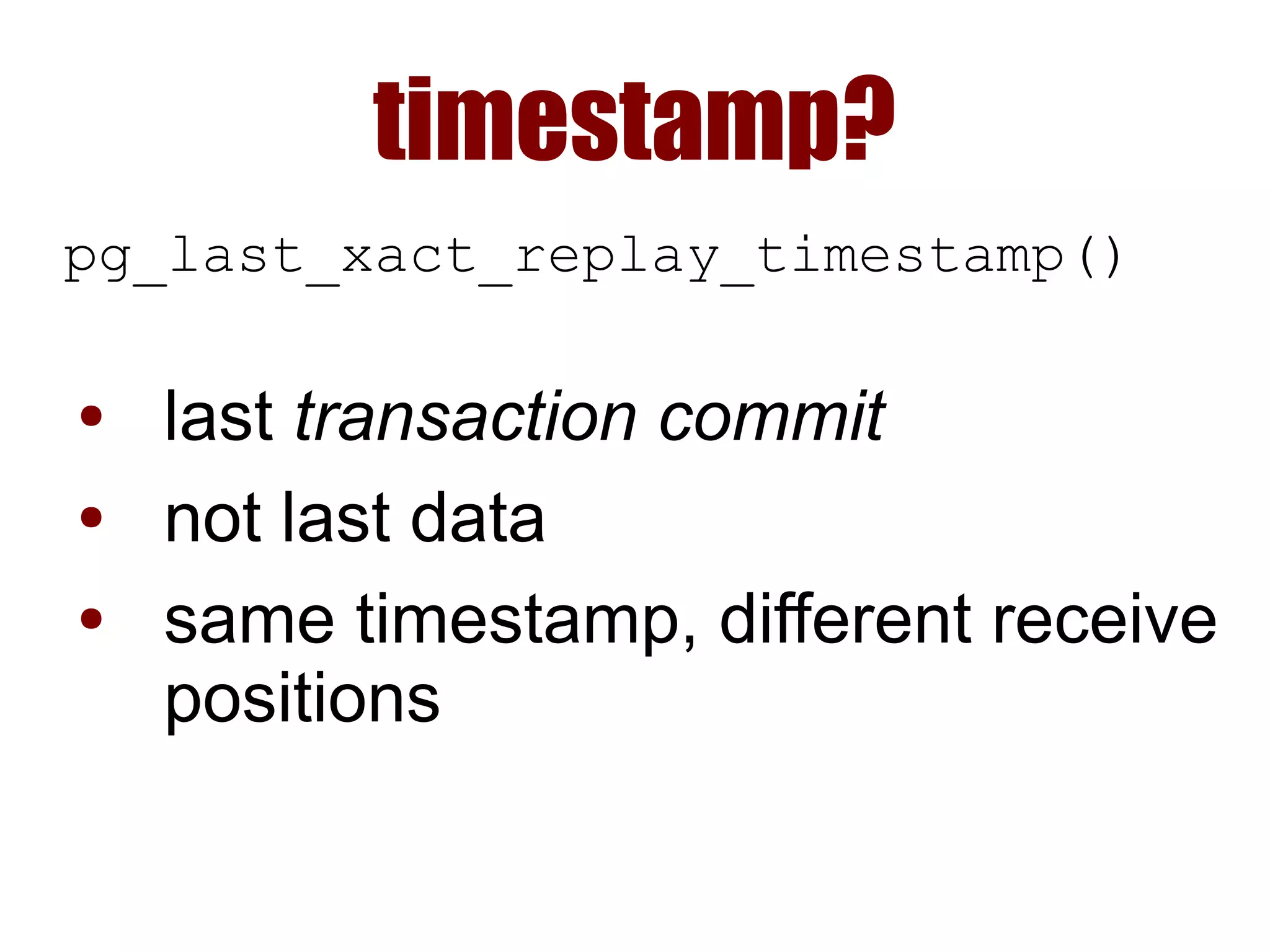
timestamp?
pg_last_xact_replay_timestamp()
● last transaction commit
● not last data
● same timestamp, different receive
positions
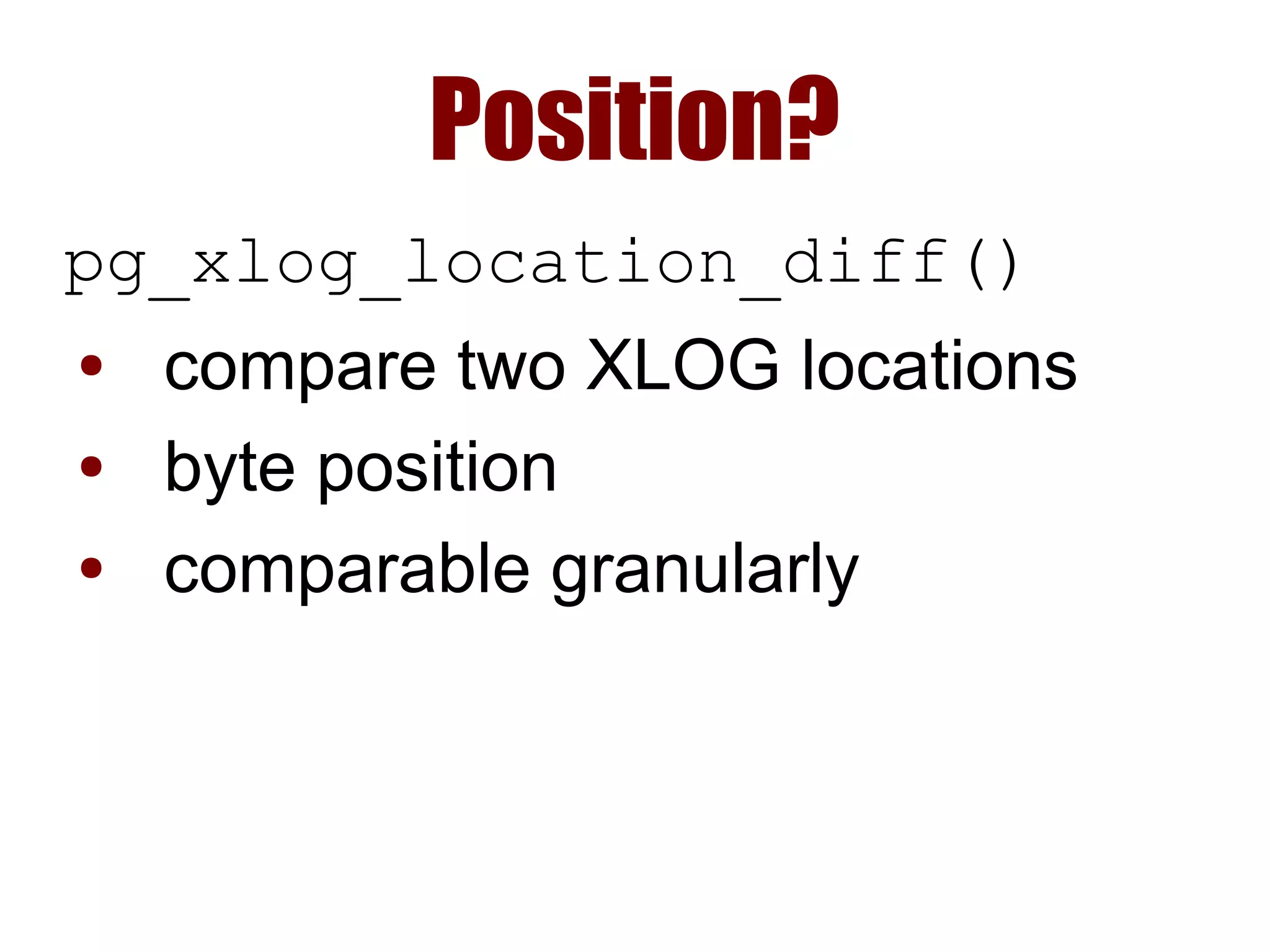
Position?
pg_xlog_location_diff()
● compare two XLOG locations
● byte position
● comparable granularly
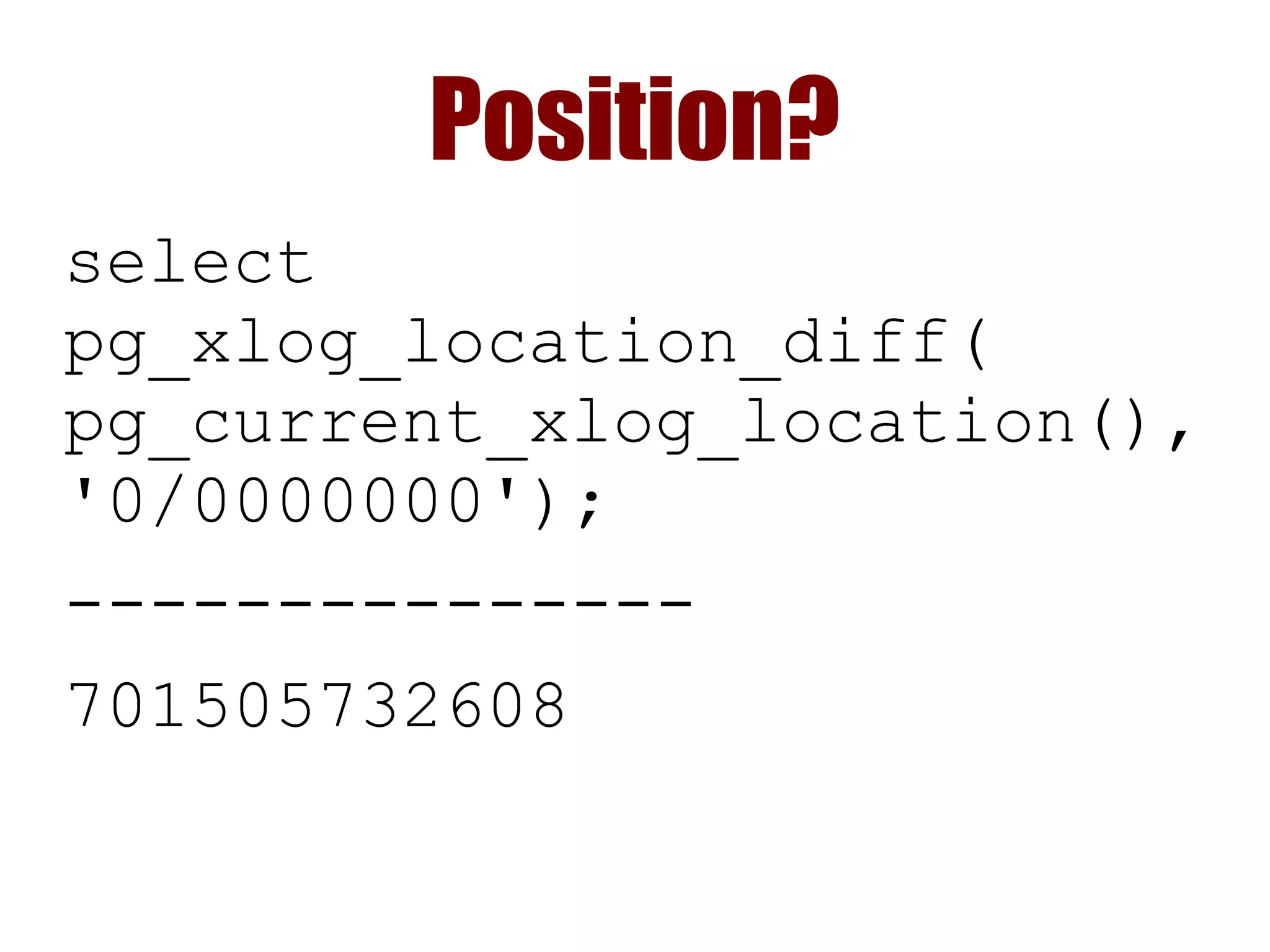
Position?
select
pg_xlog_location_diff(
pg_current_xlog_location(),
'0/0000000');
---------------
701505732608
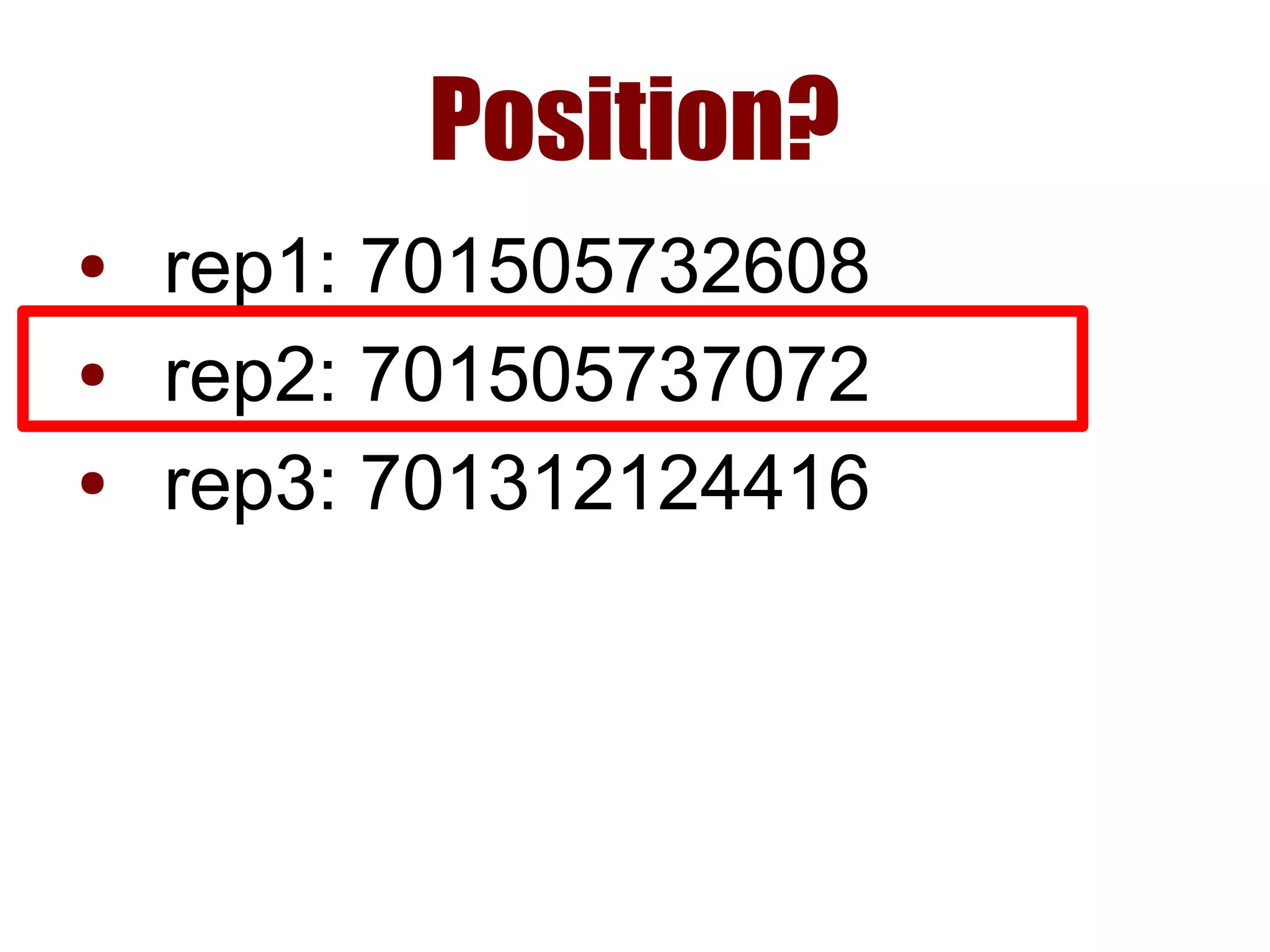
Position?
● rep1: 701505732608
● rep2: 701505737072
● rep3: 701312124416
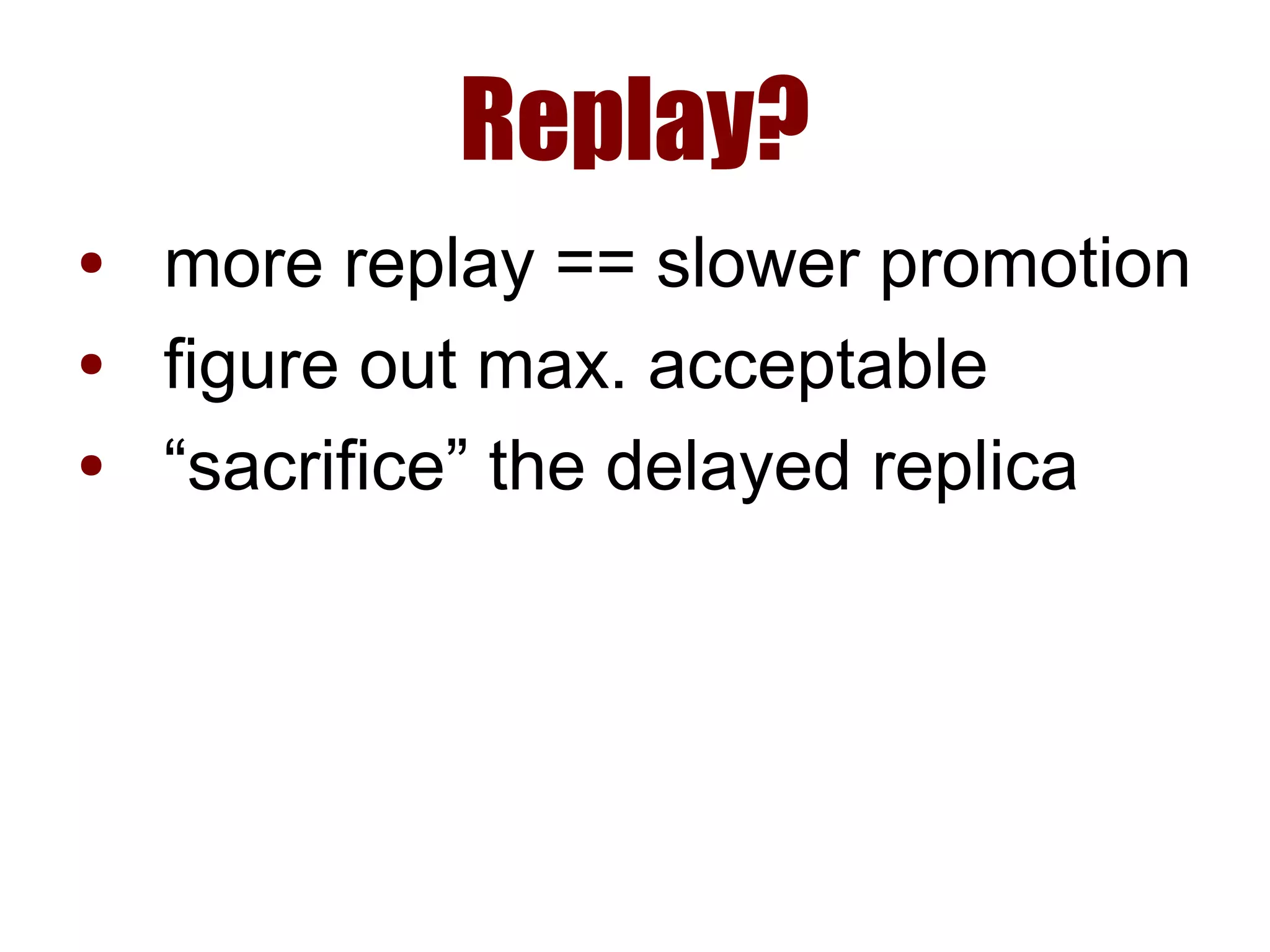
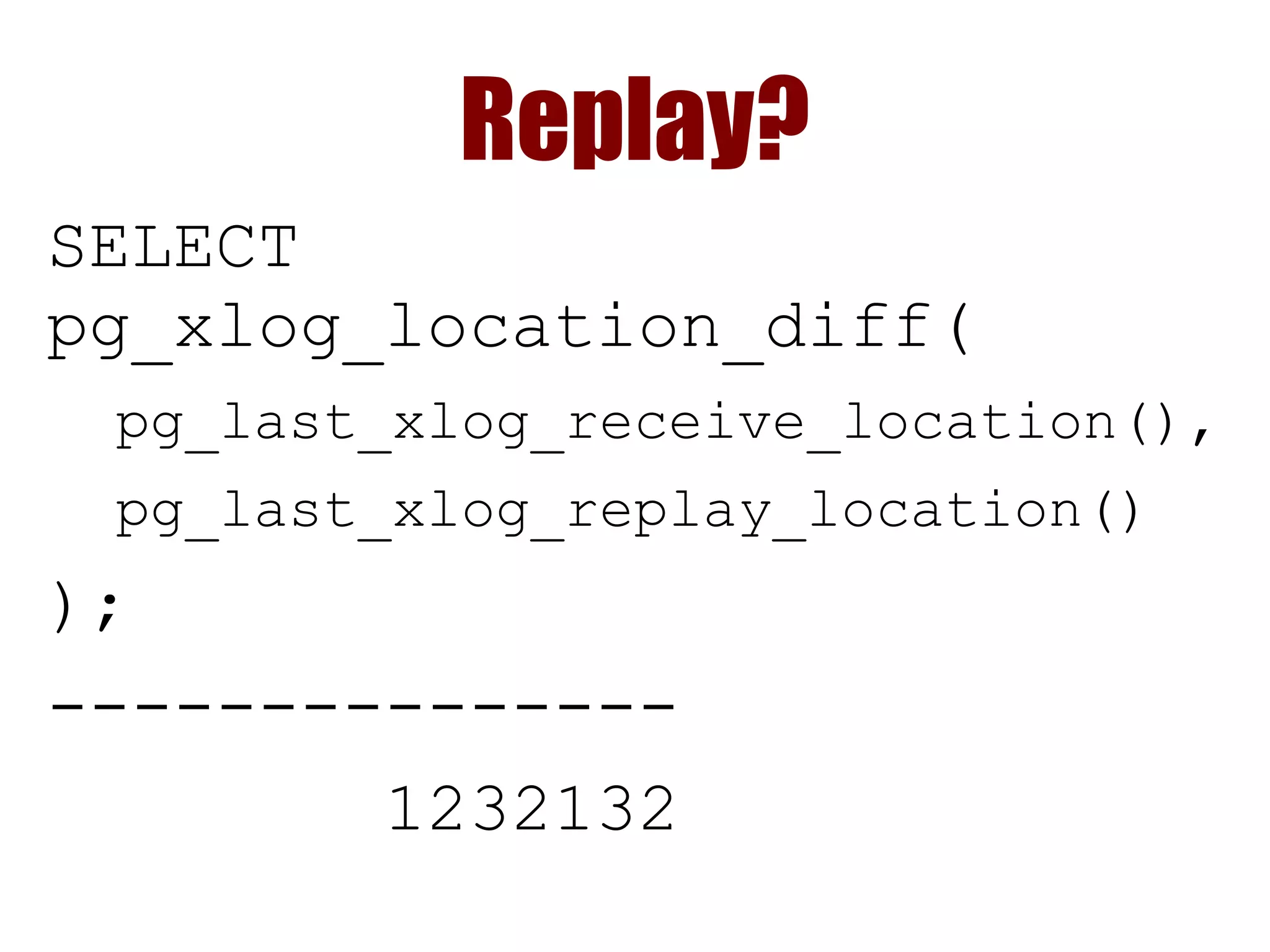
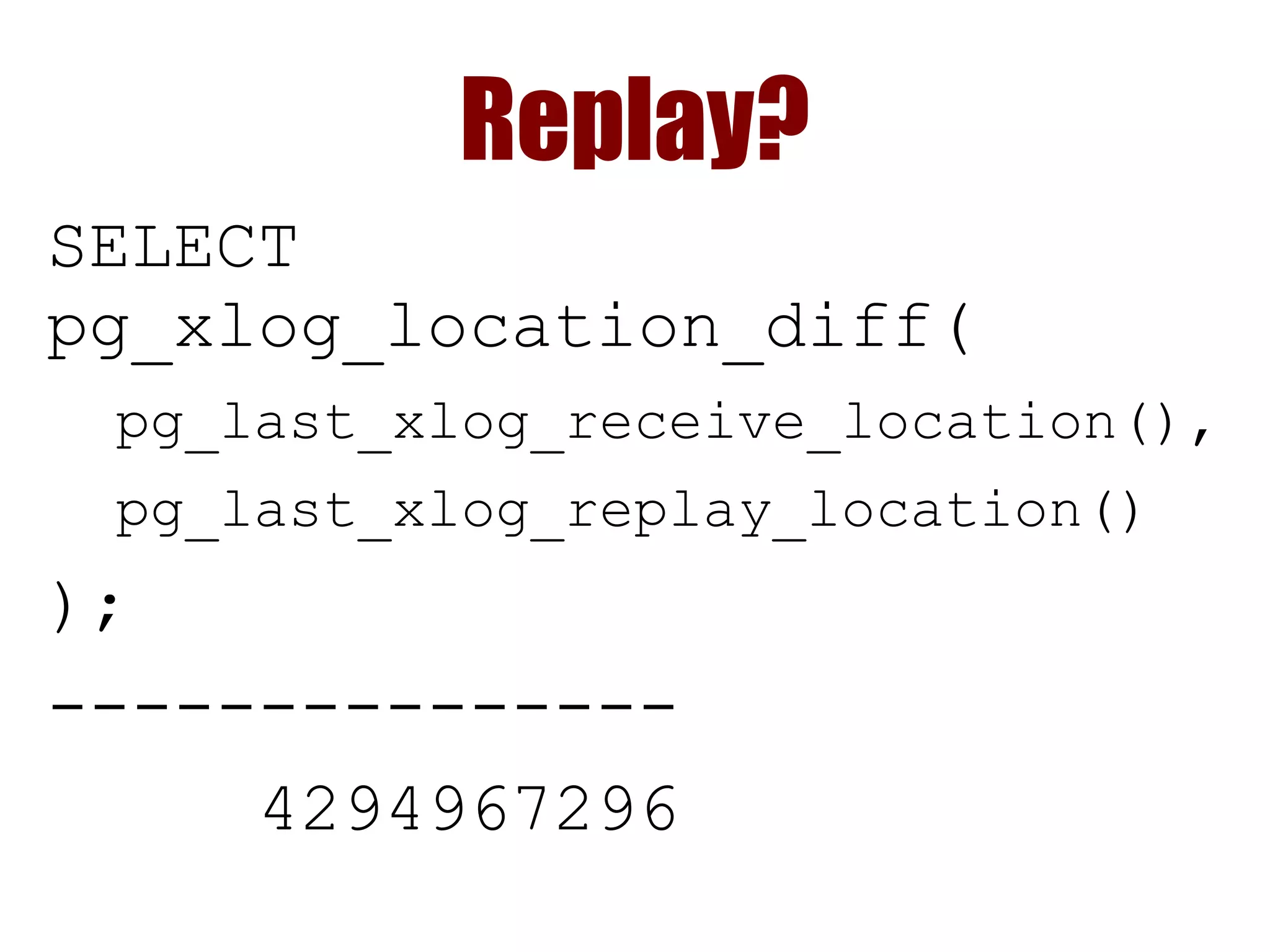
Replay?
● more replay == slower promotion
● figure out max. acceptable
● “sacrifice” the delayed replica
Replay?
SELECT
pg_xlog_location_diff(
pg_last_xlog_receive_location(),
pg_last_xlog_replay_location()
);
---------------
1232132
Replay?
SELECT
pg_xlog_location_diff(
pg_last_xlog_receive_location(),
pg_last_xlog_replay_location()
);
---------------
4294967296
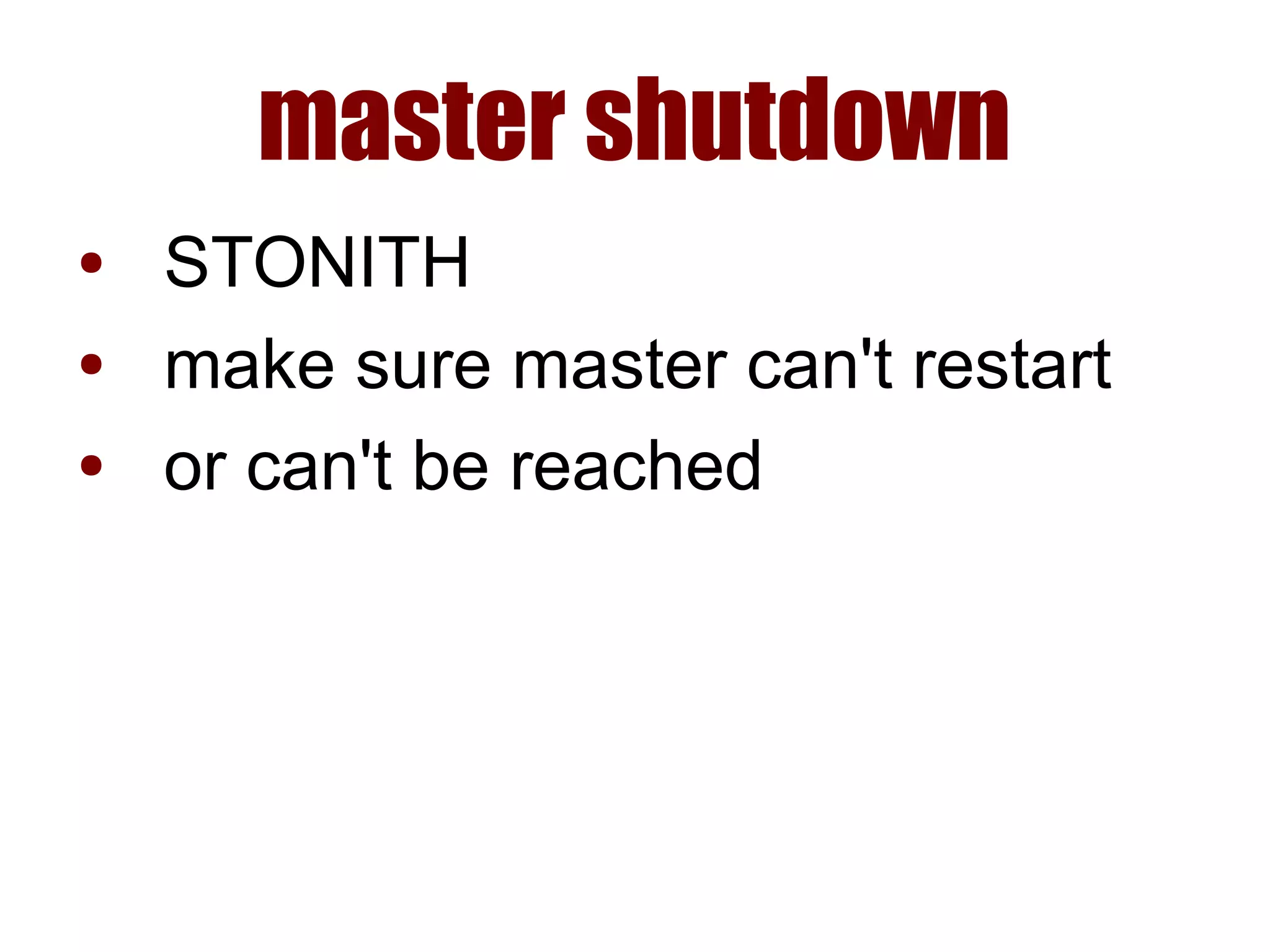
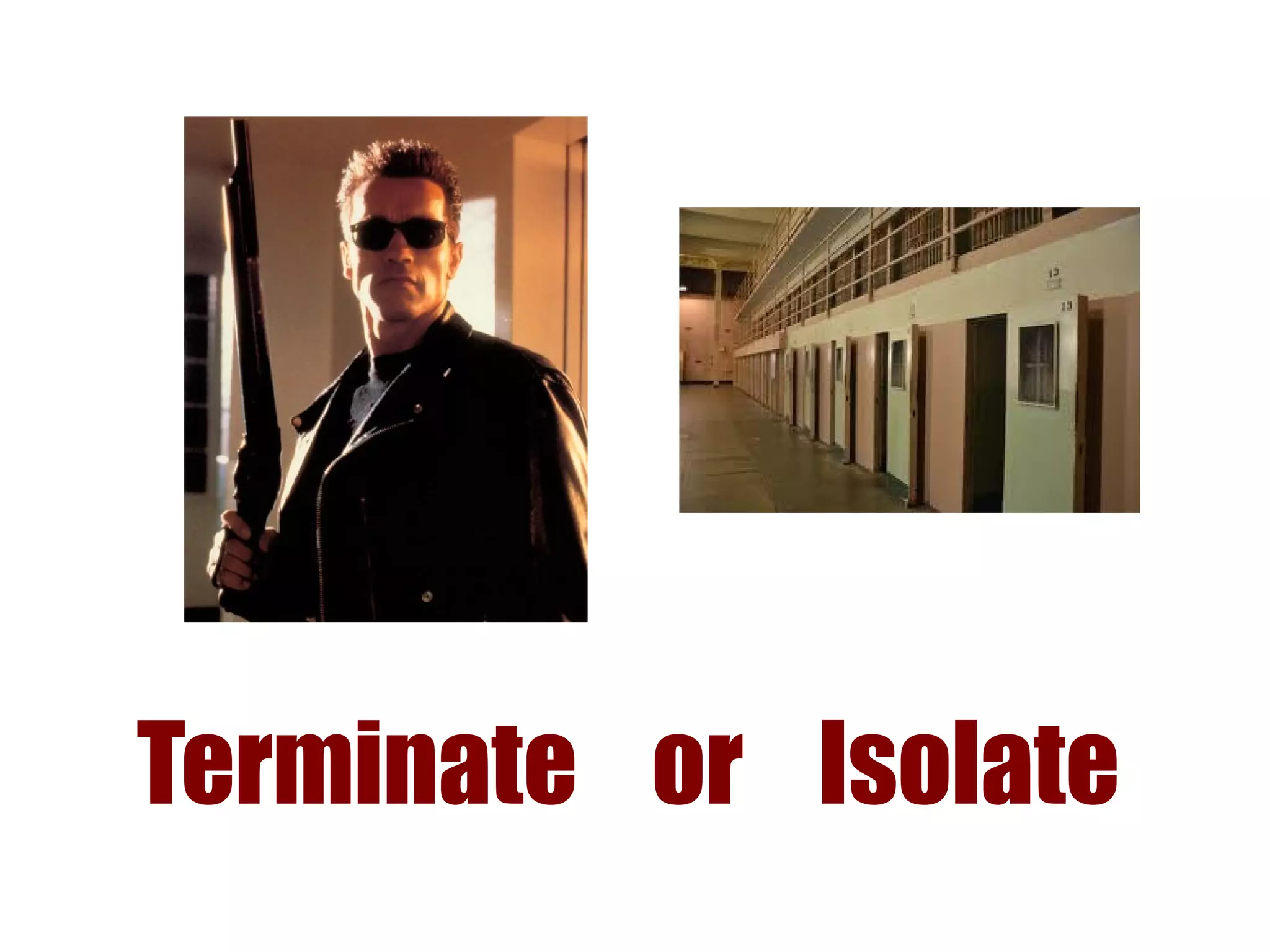
master shutdown
● STONITH
● make sure master can't restart
● or can't be reached
Terminate or Isolate
promotion
pg_ctl promote
● make sure it worked
● may have to wait
› how long?
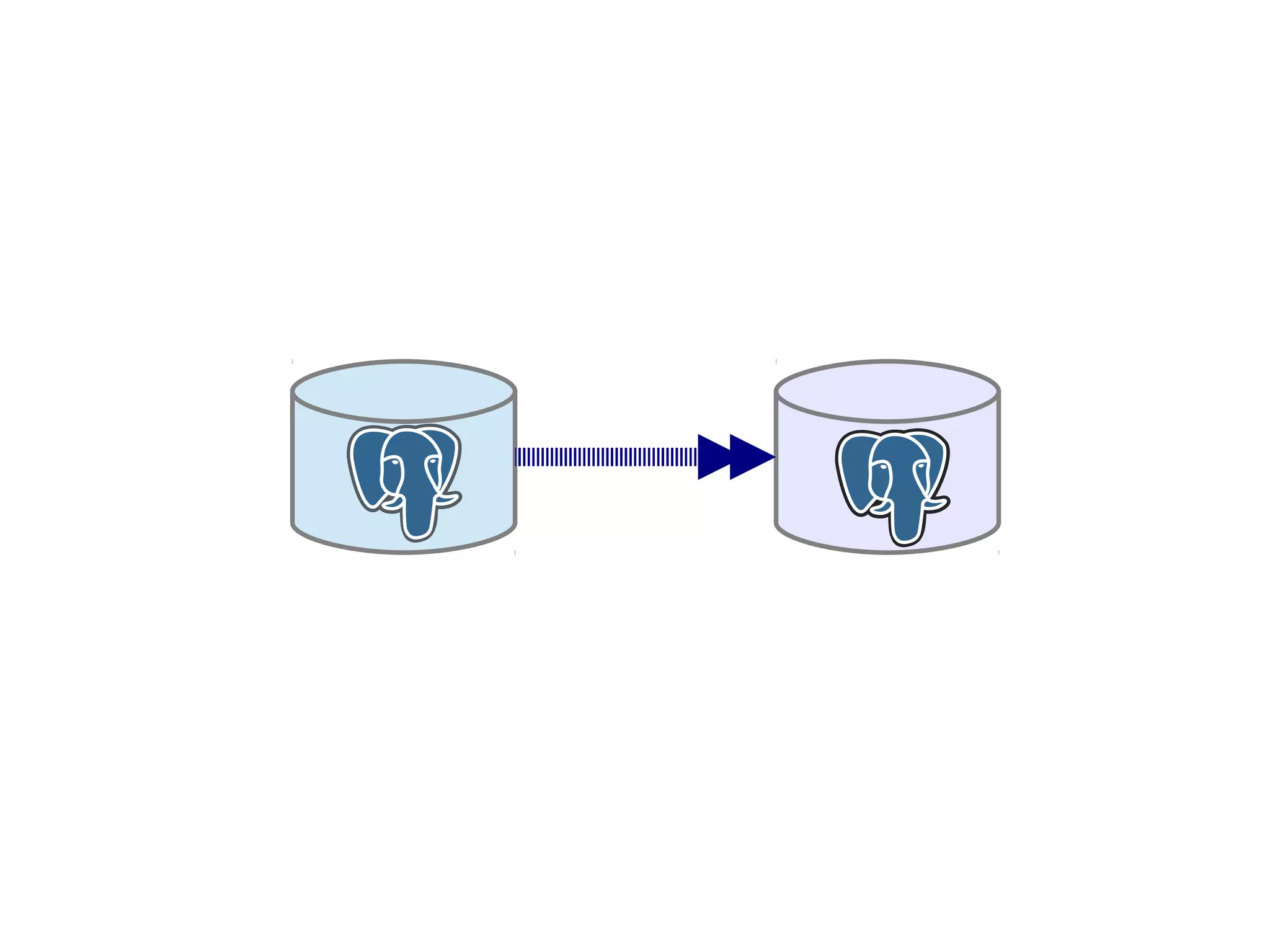
Remastering
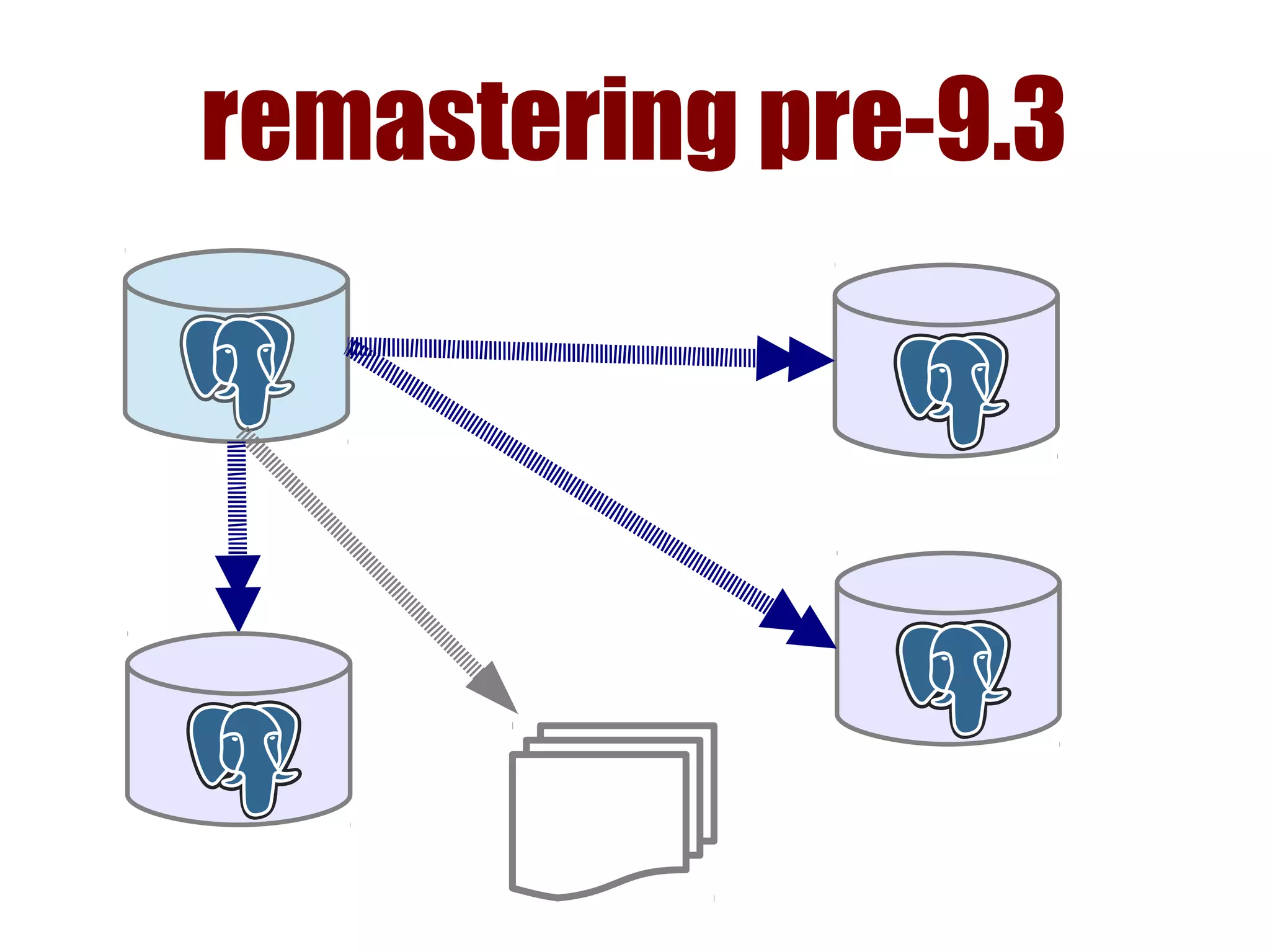
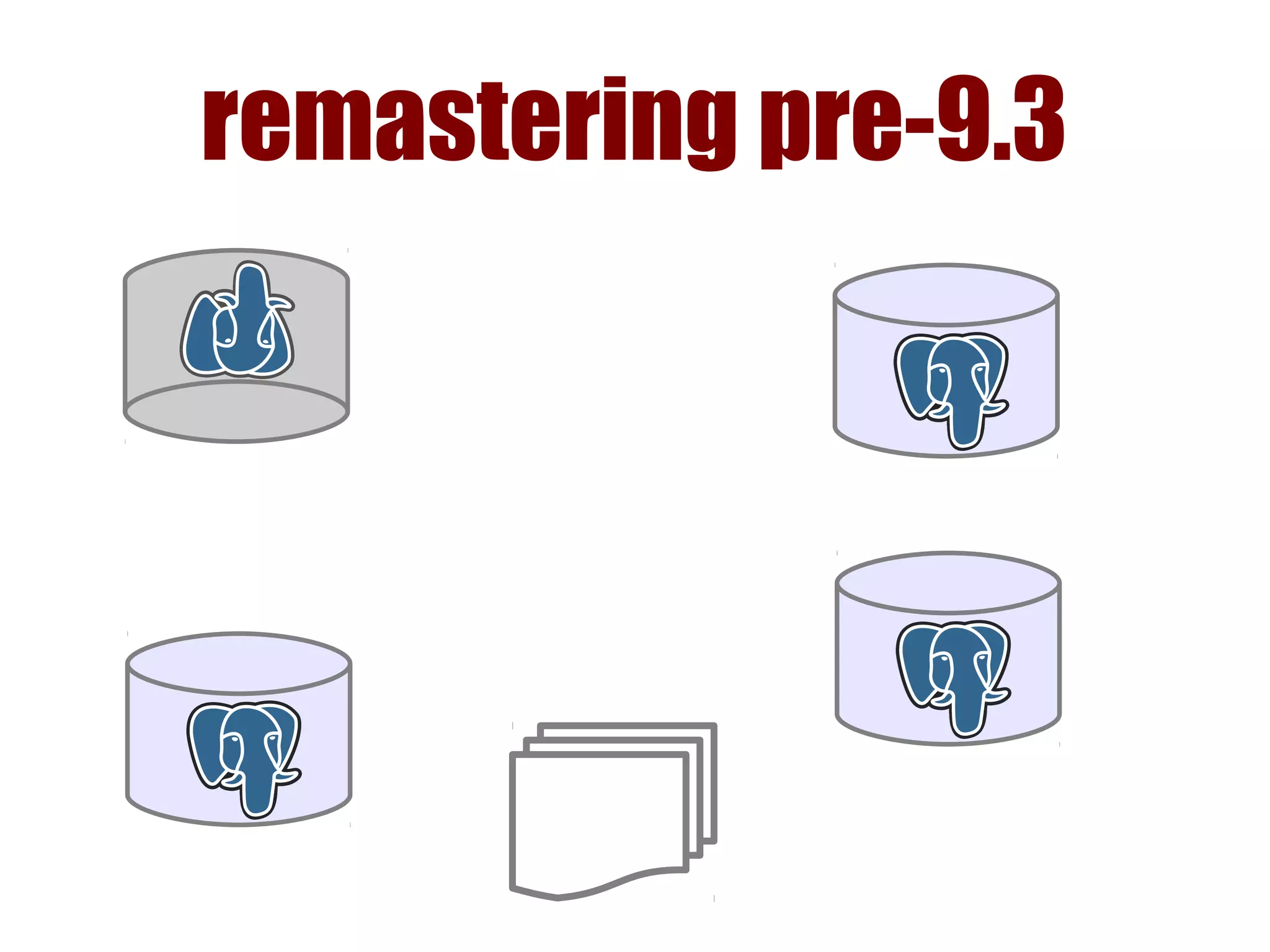
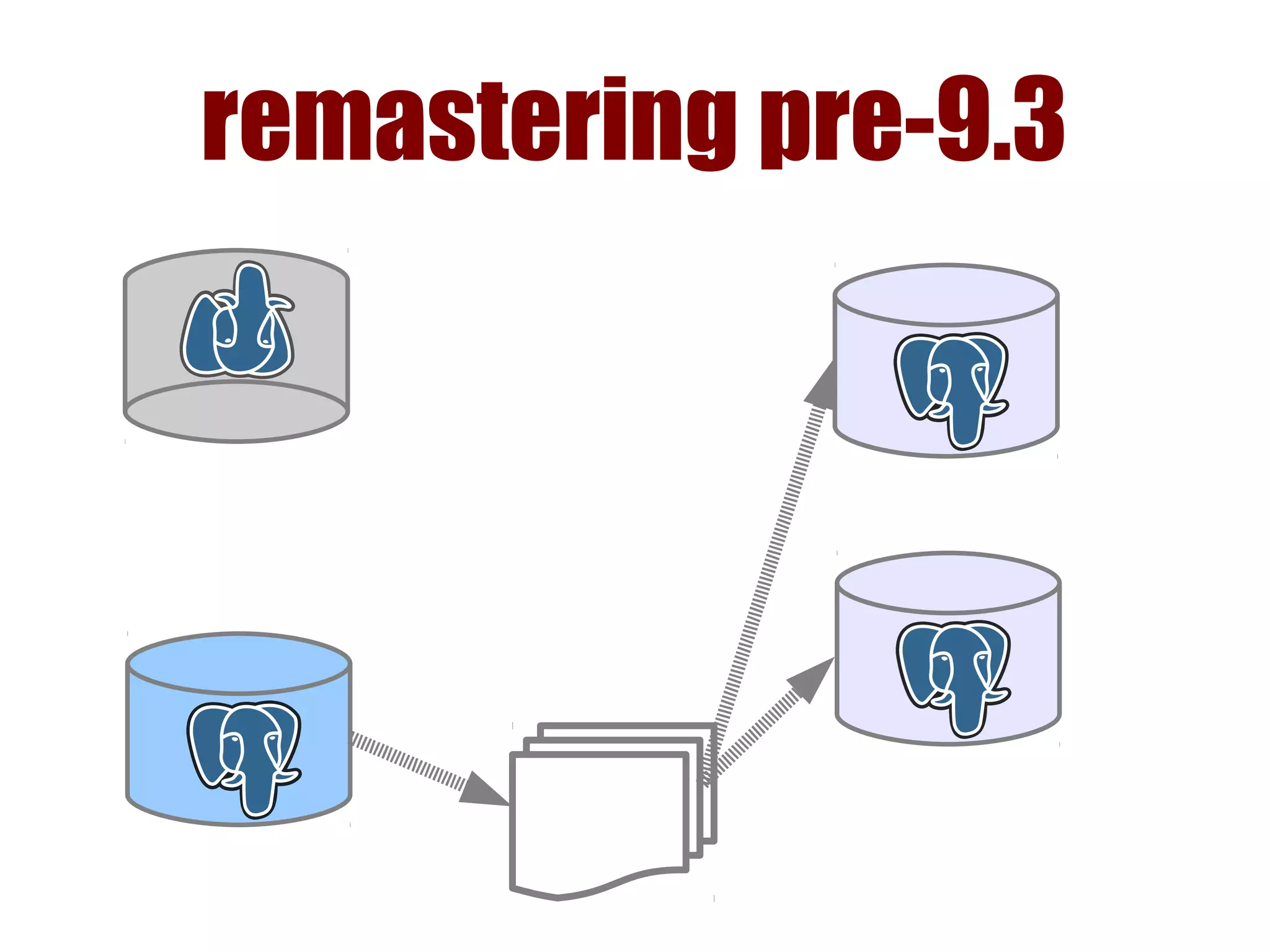
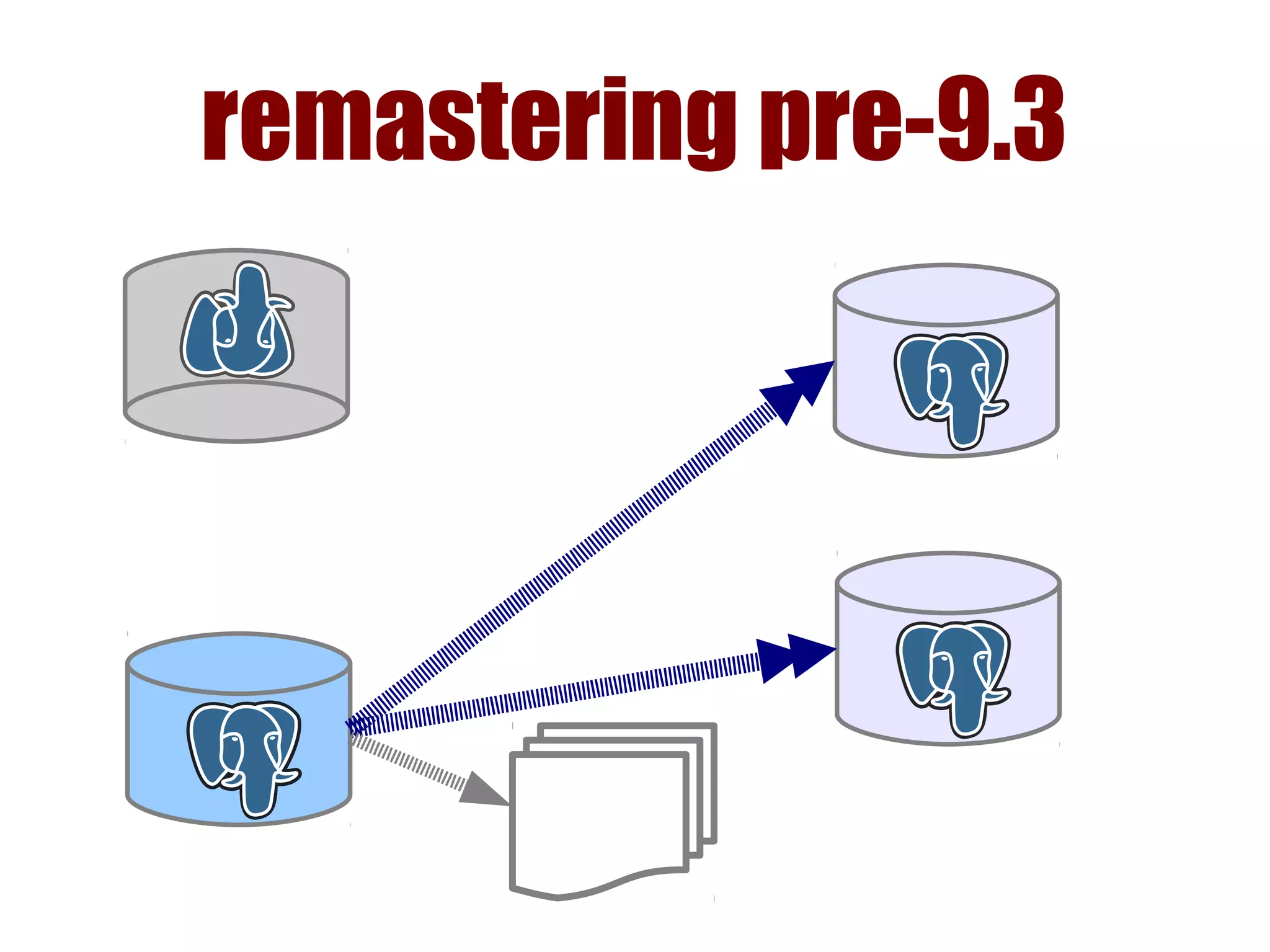
remastering pre-9.3
● all replicas are set to:
recovery_target_timeline = 'latest'
● change primary_conninfo to new
master
● all must pull from common
archive
● restart replicas
remastering pre-9.3
remastering pre-9.3
remastering pre-9.3
remastering pre-9.3
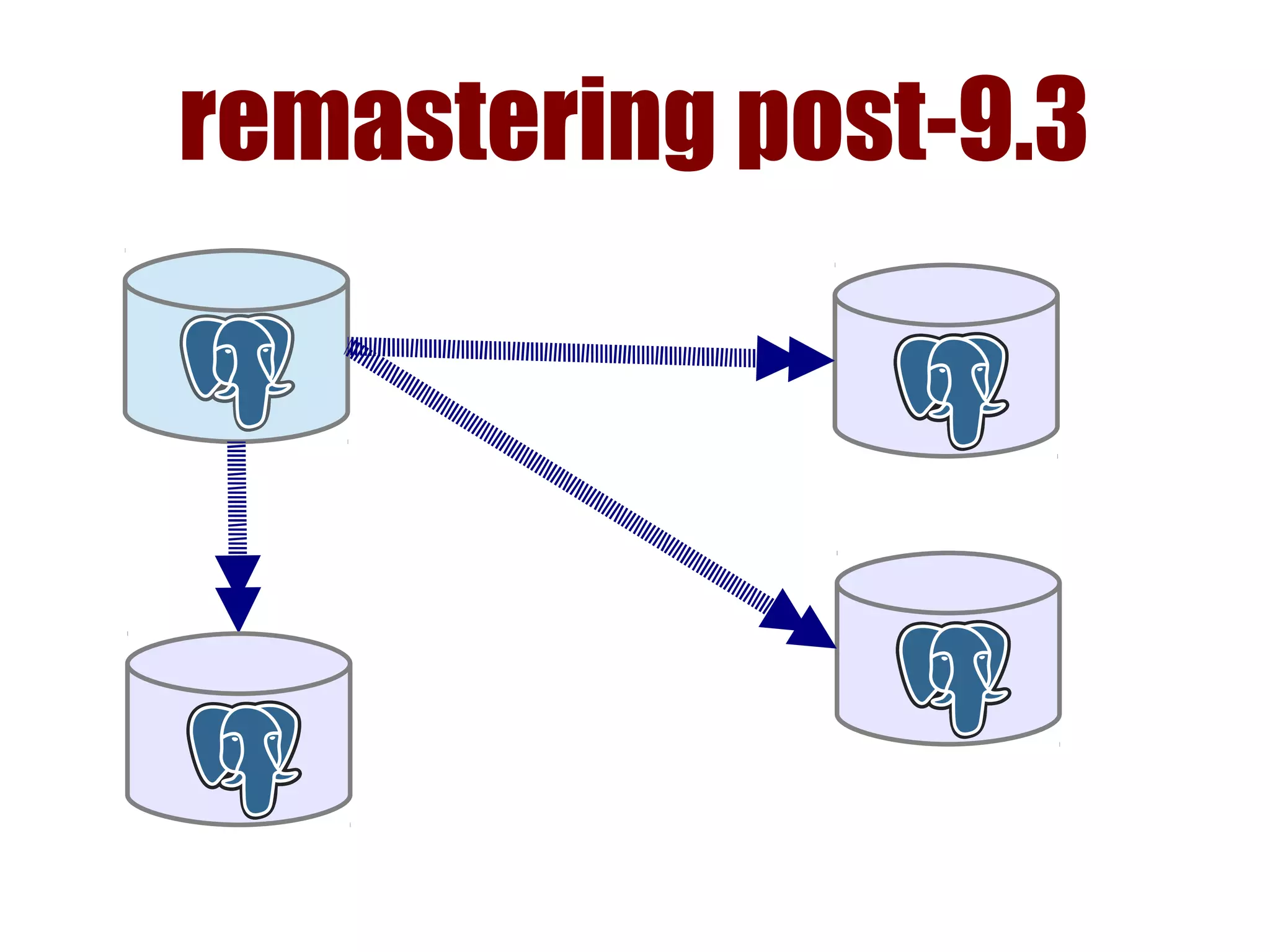
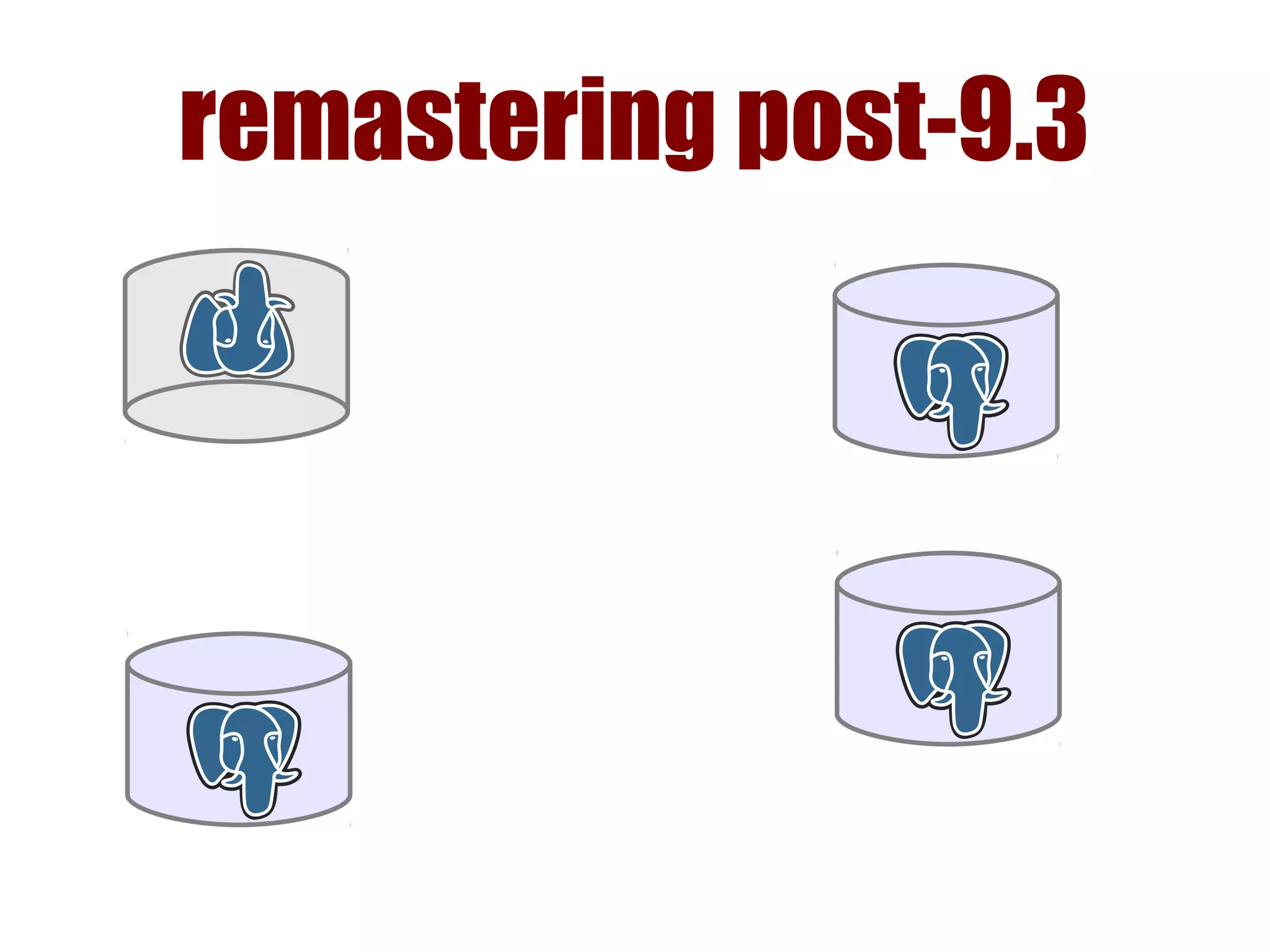
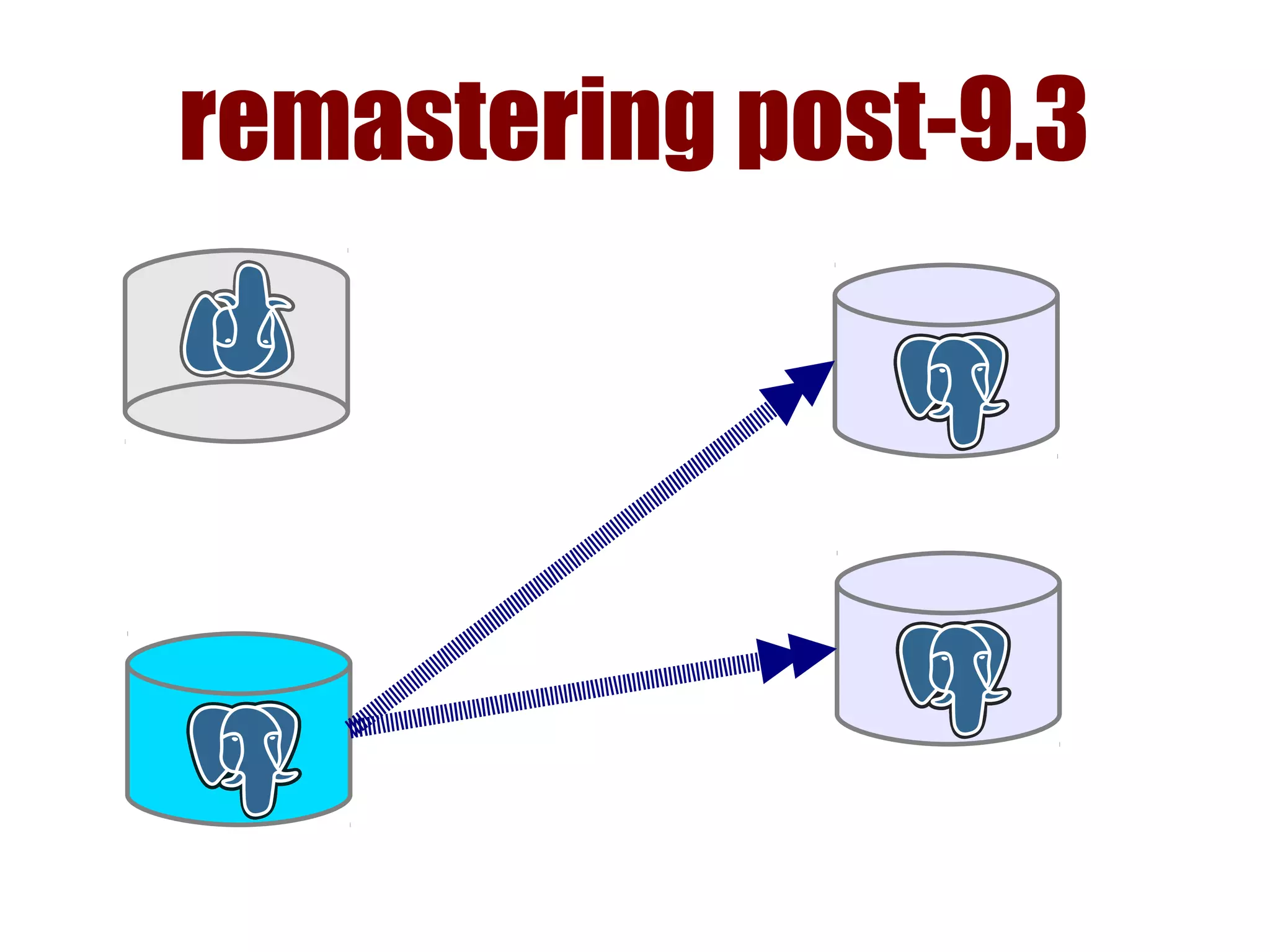
remastering post-9.3
● all replicas are set to:
recovery_target_timeline = 'latest'
● change primary_conninfo to new
master
● restart replicas
restart problem
● must restart to remaster
› not likely to change soon
● break connections
vs.
fall behind
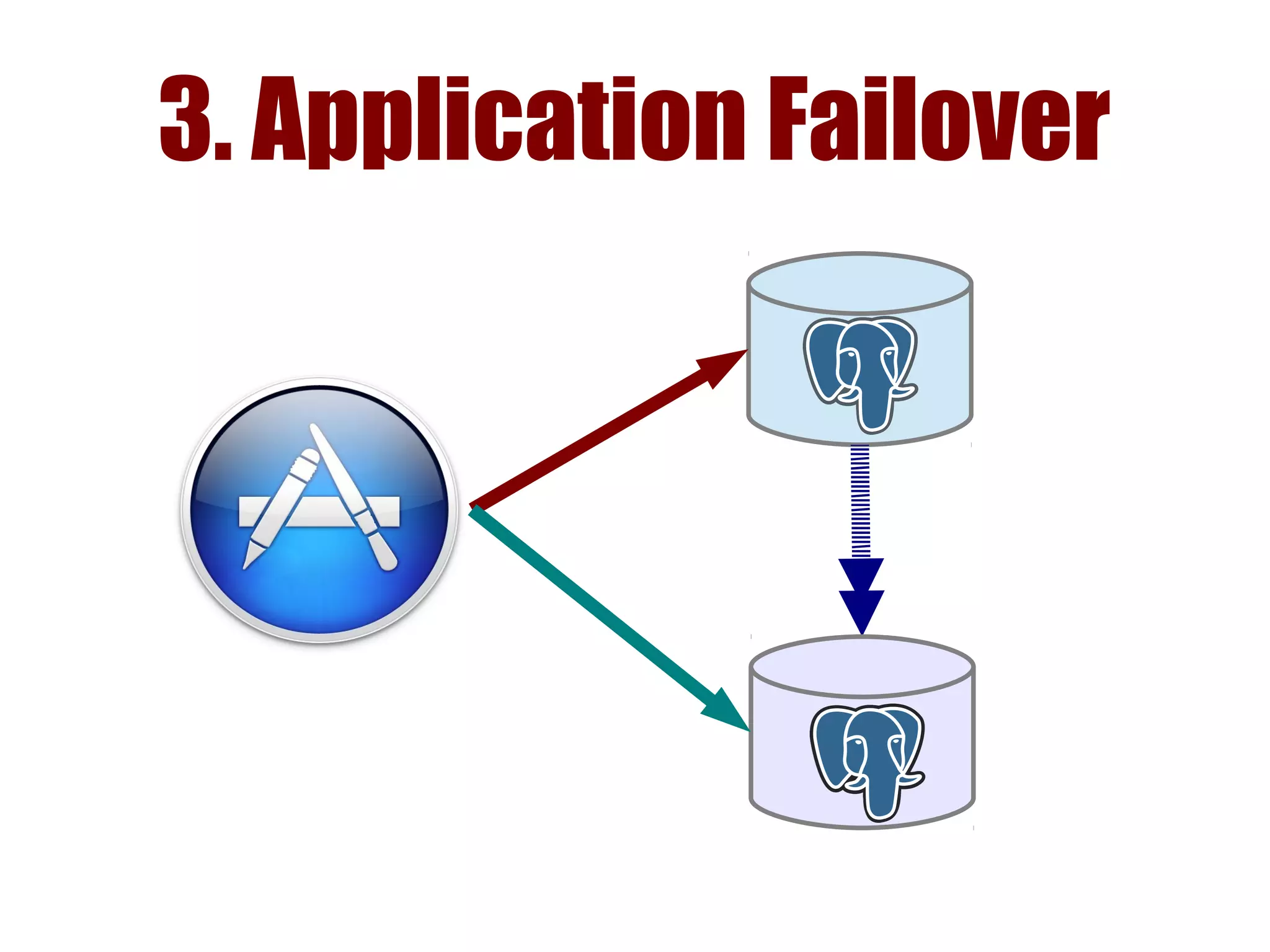
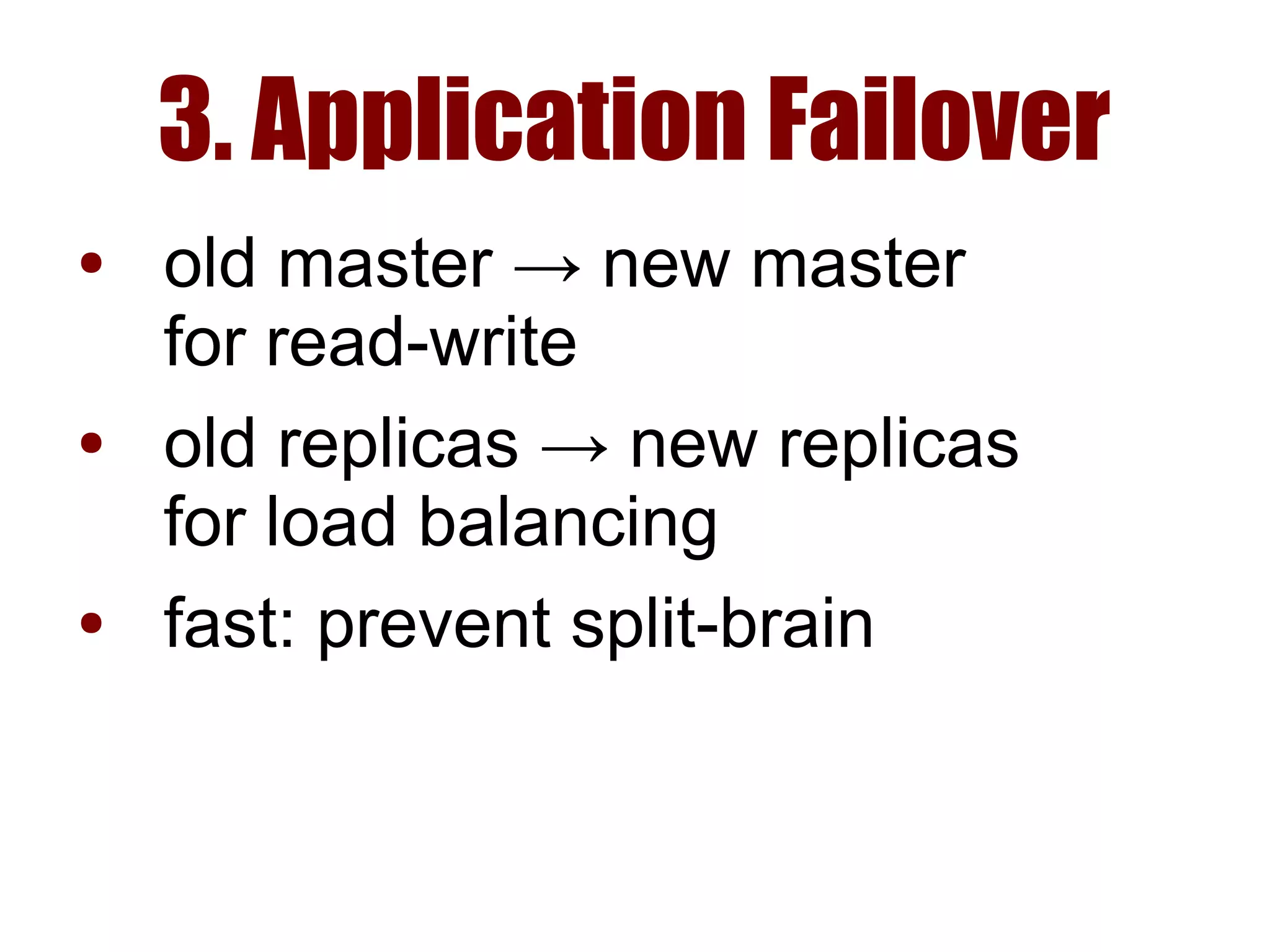
3. Application Failover
● old master → new master
for read-write
● old replicas → new replicas
for load balancing
● fast: prevent split-brain
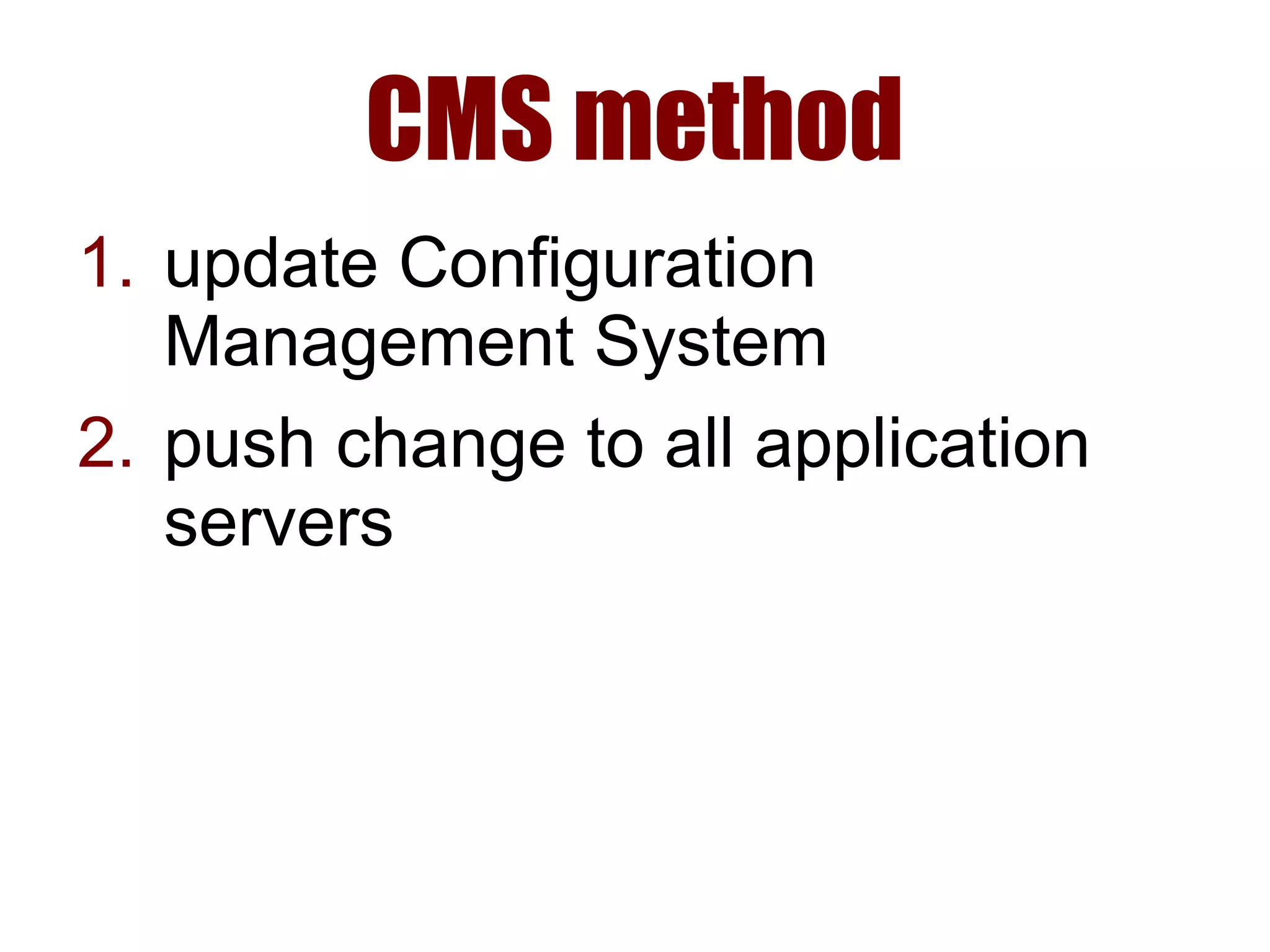
CMS method
1. update Configuration
Management System
2. push change to all application
servers
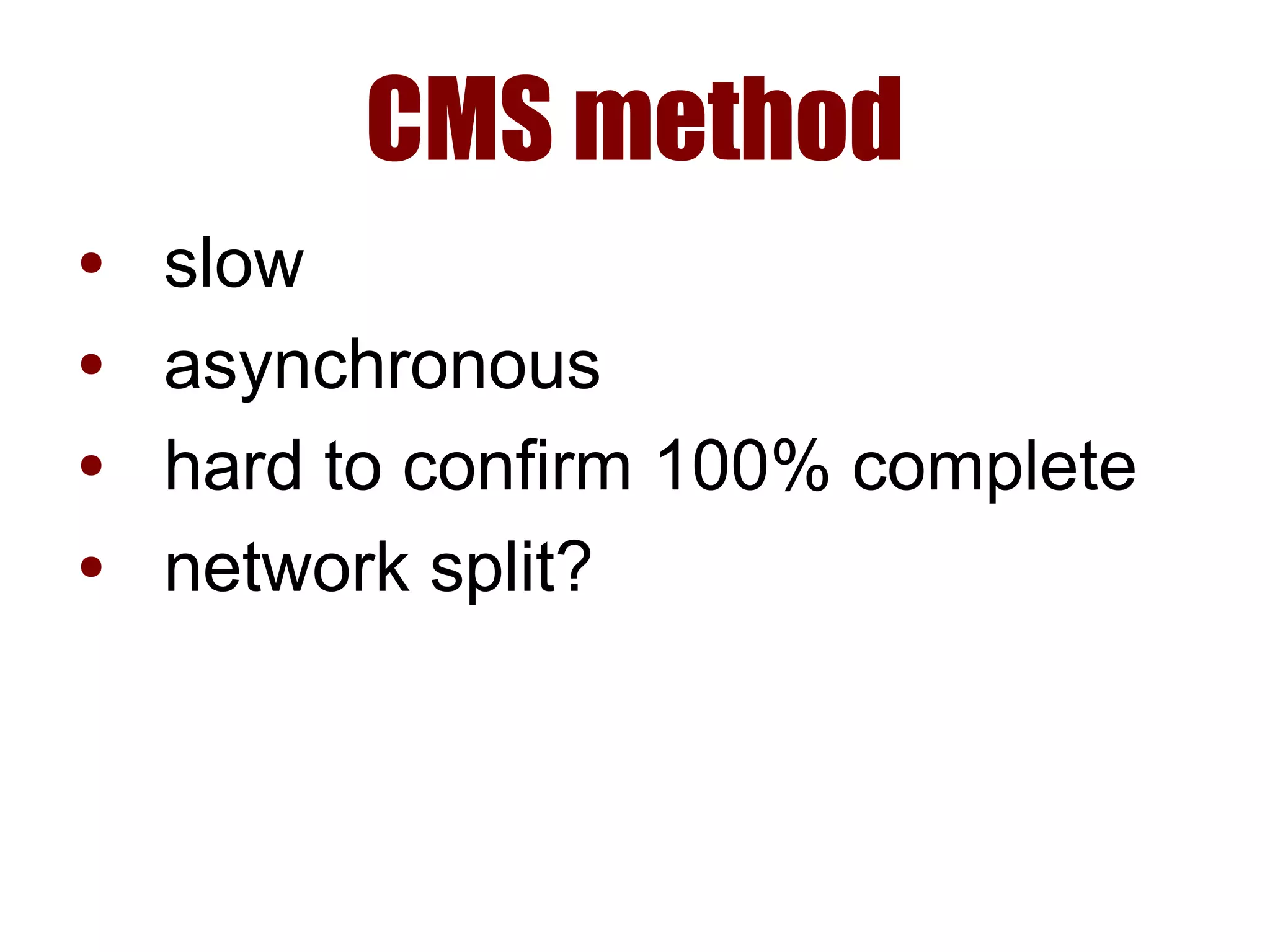
CMS method
● slow
● asynchronous
● hard to confirm 100% complete
● network split?
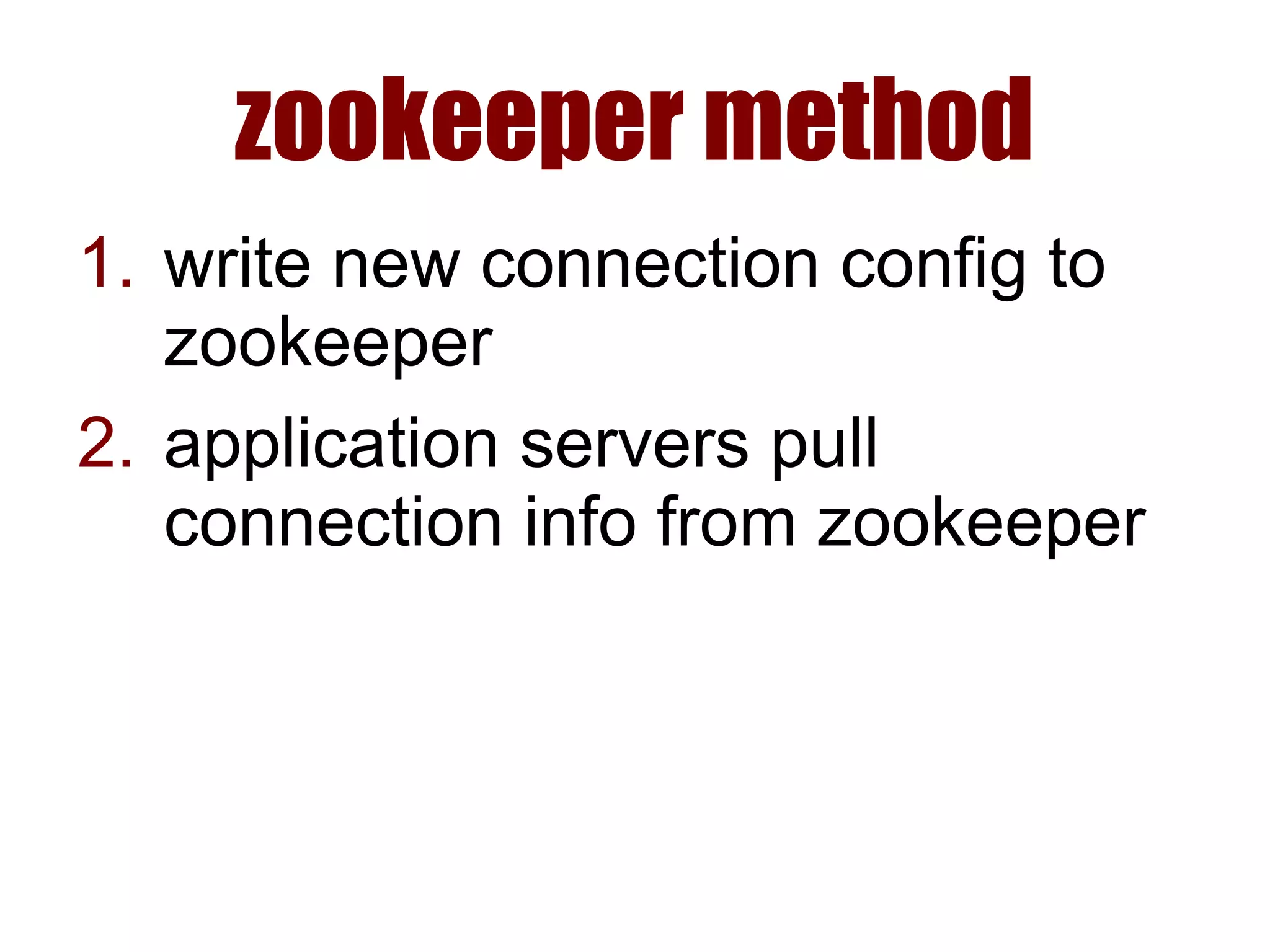
zookeeper method
1. write new connection config to
zookeeper
2. application servers pull
connection info from zookeeper
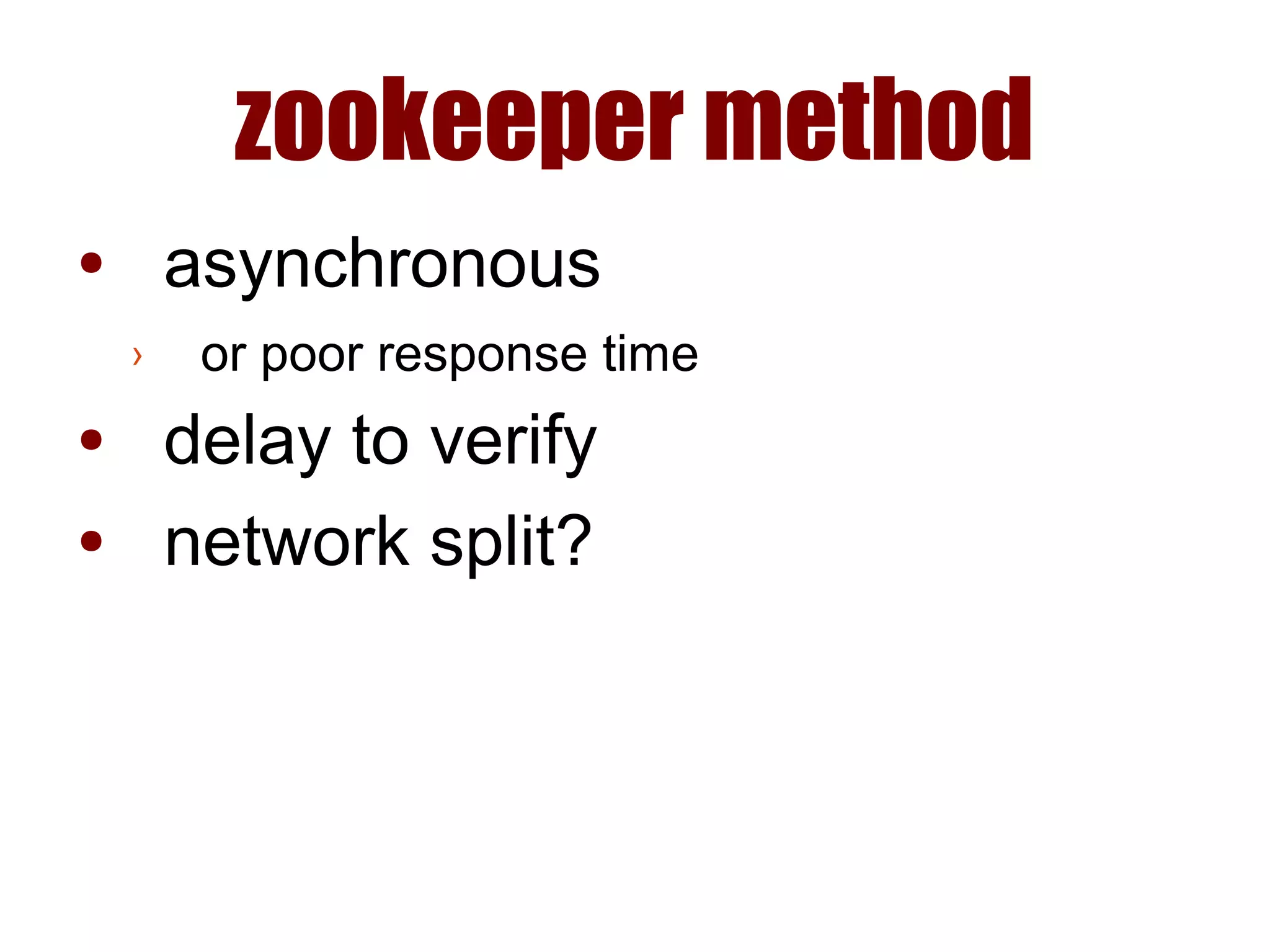
zookeeper method
● asynchronous
› or poor response time
● delay to verify
● network split?
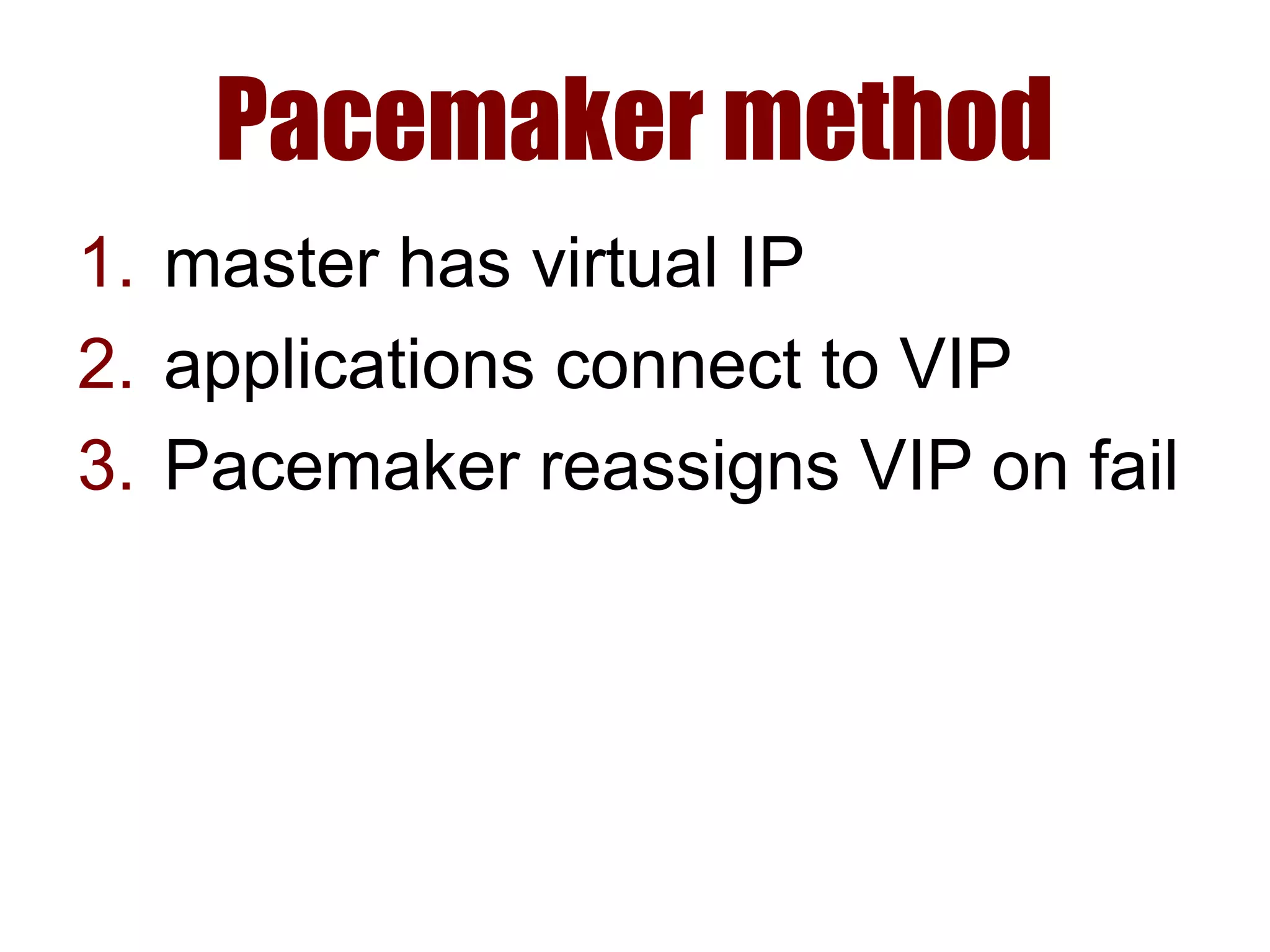
Pacemaker method
1. master has virtual IP
2. applications connect to VIP
3. Pacemaker reassigns VIP on fail
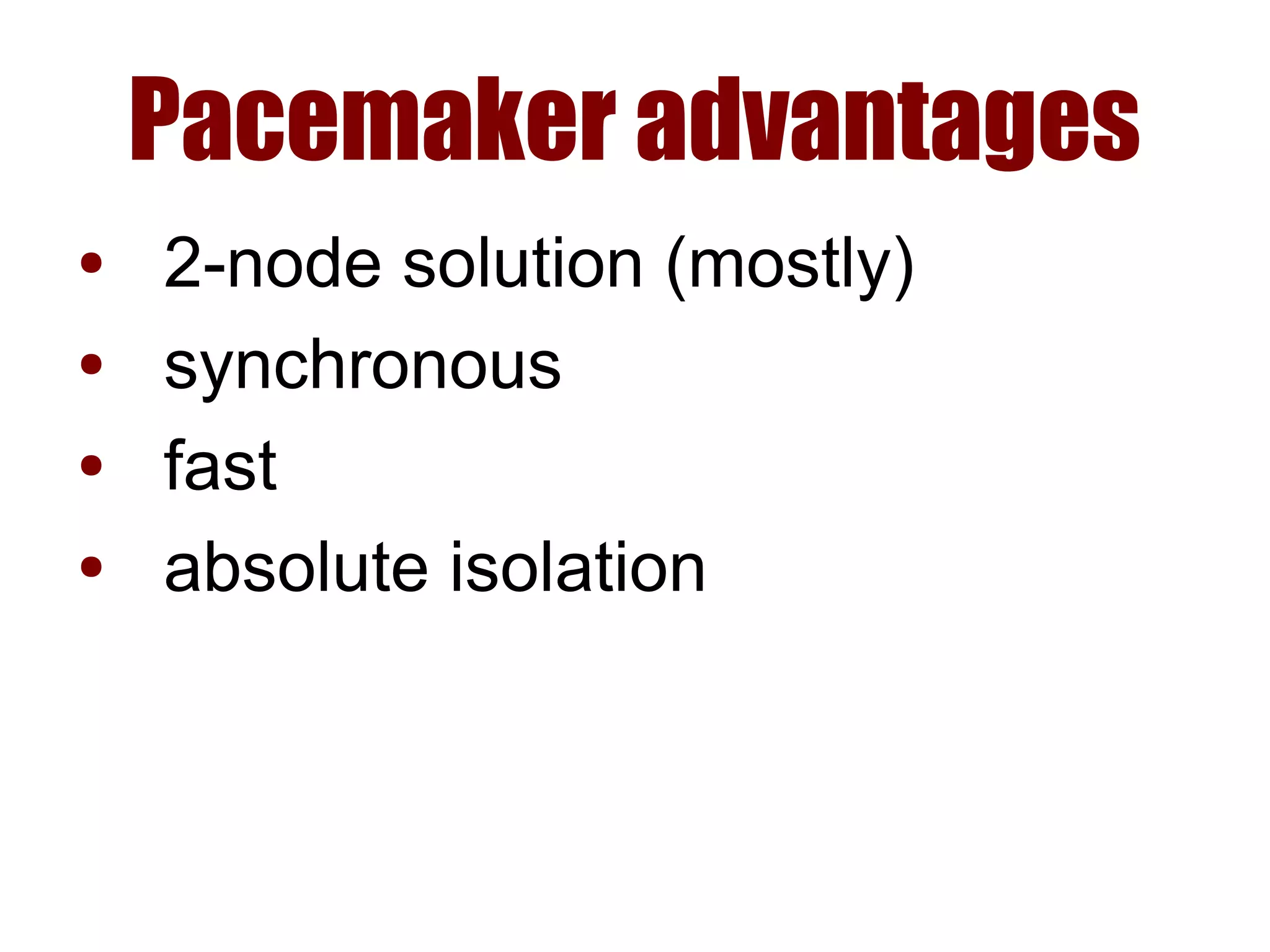
Pacemaker advantages
● 2-node solution (mostly)
● synchronous
● fast
● absolute isolation
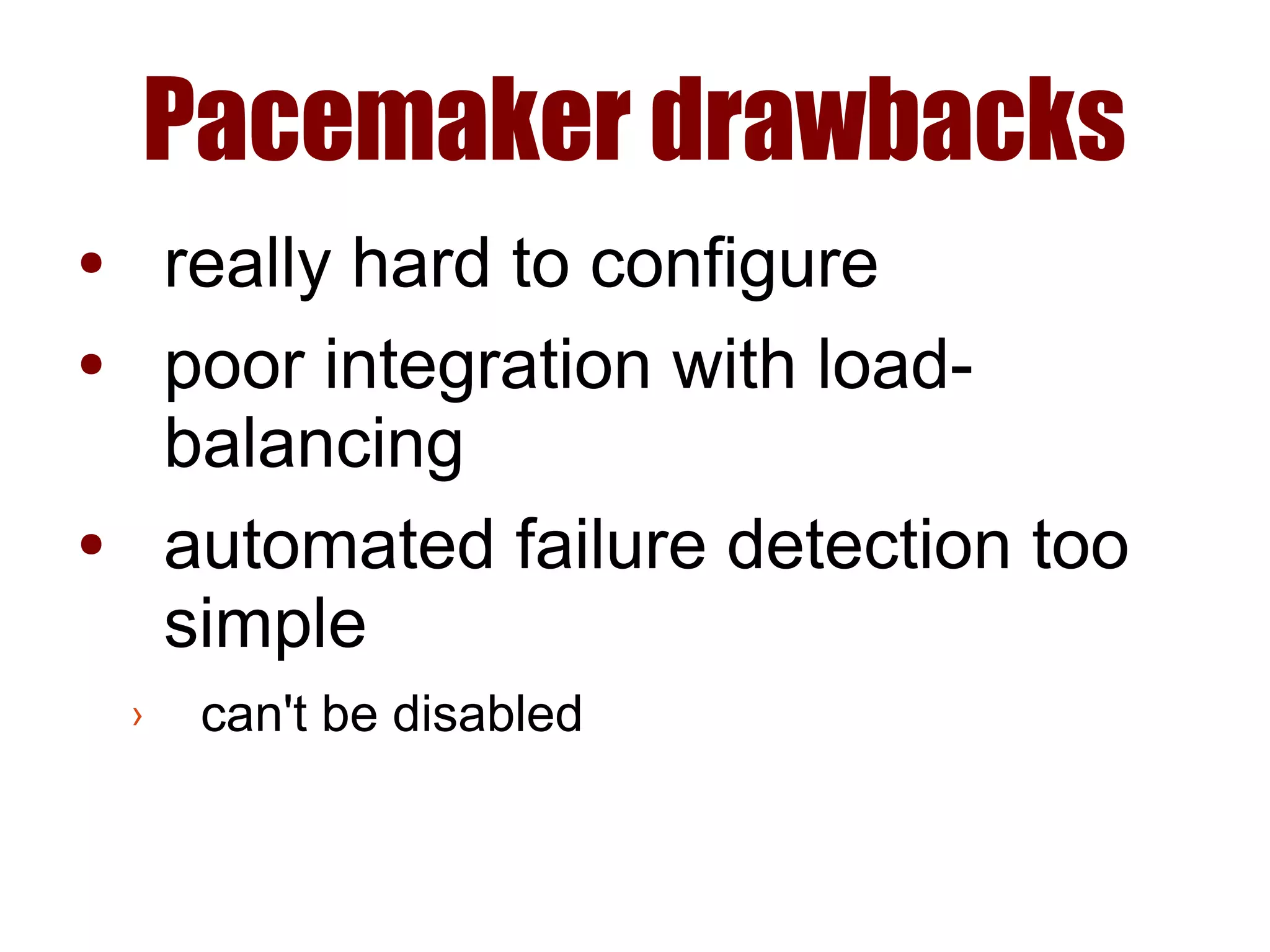
Pacemaker drawbacks
● really hard to configure
● poor integration with load-
balancing
● automated failure detection too
simple
› can't be disabled
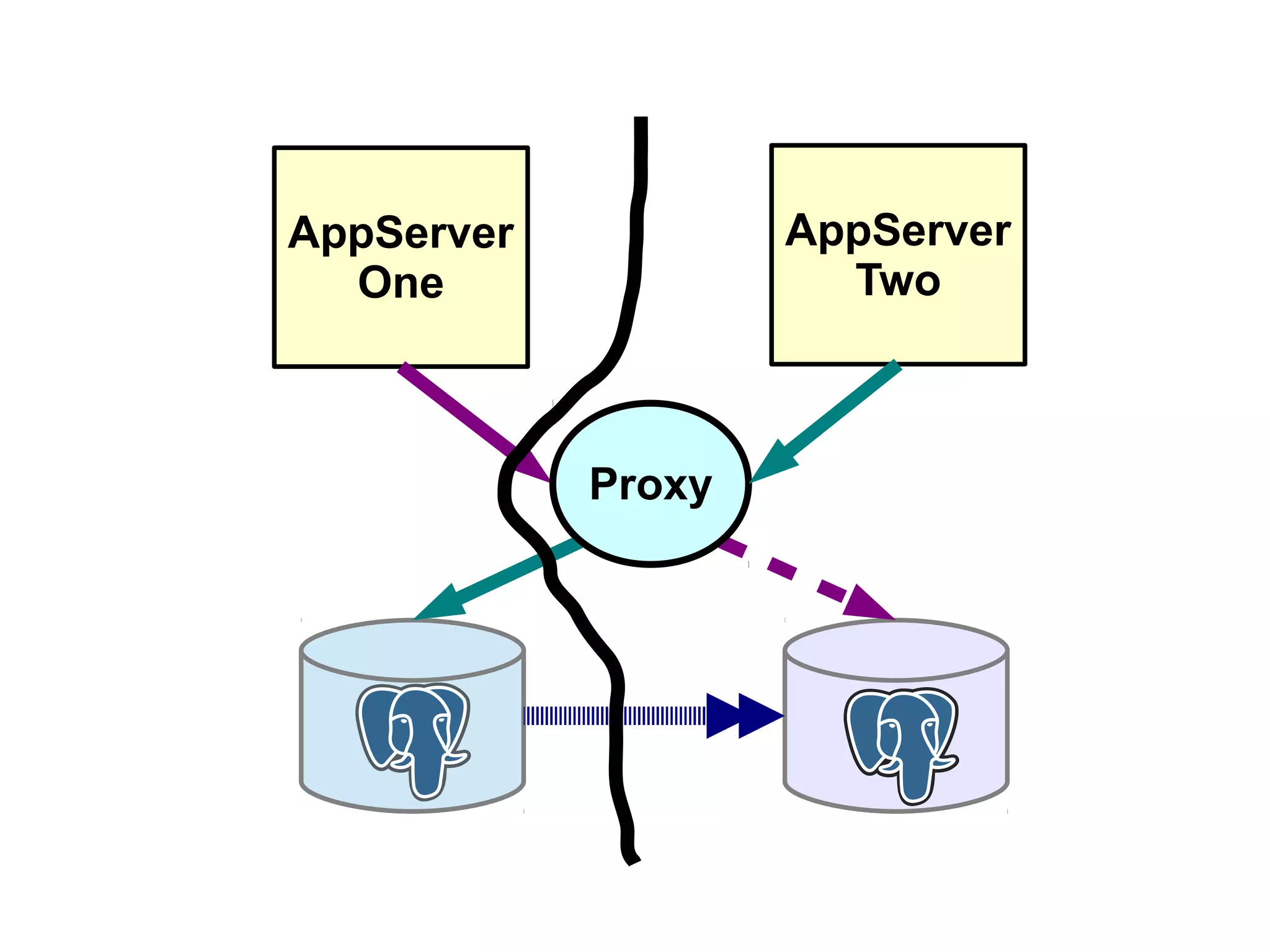
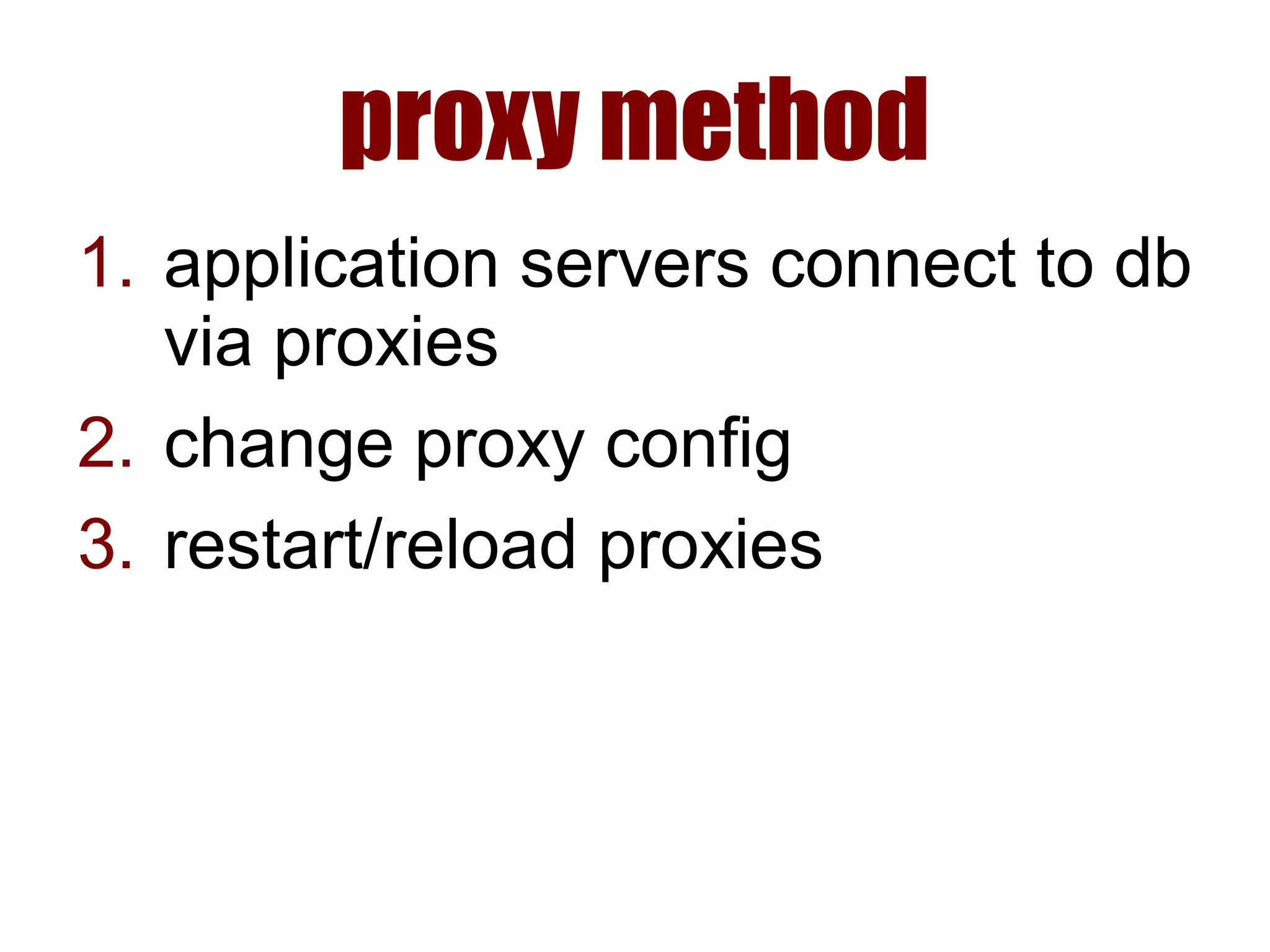
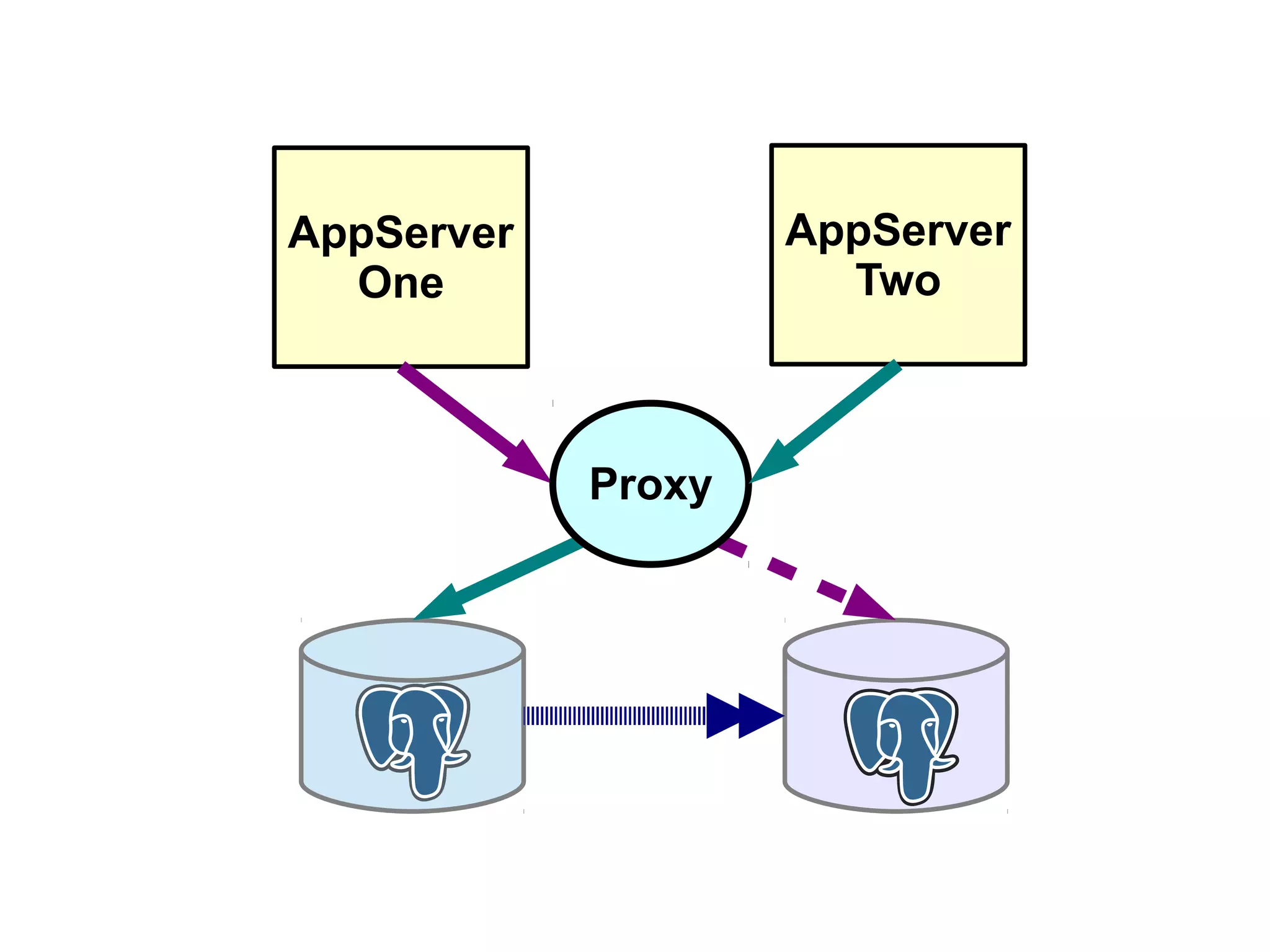
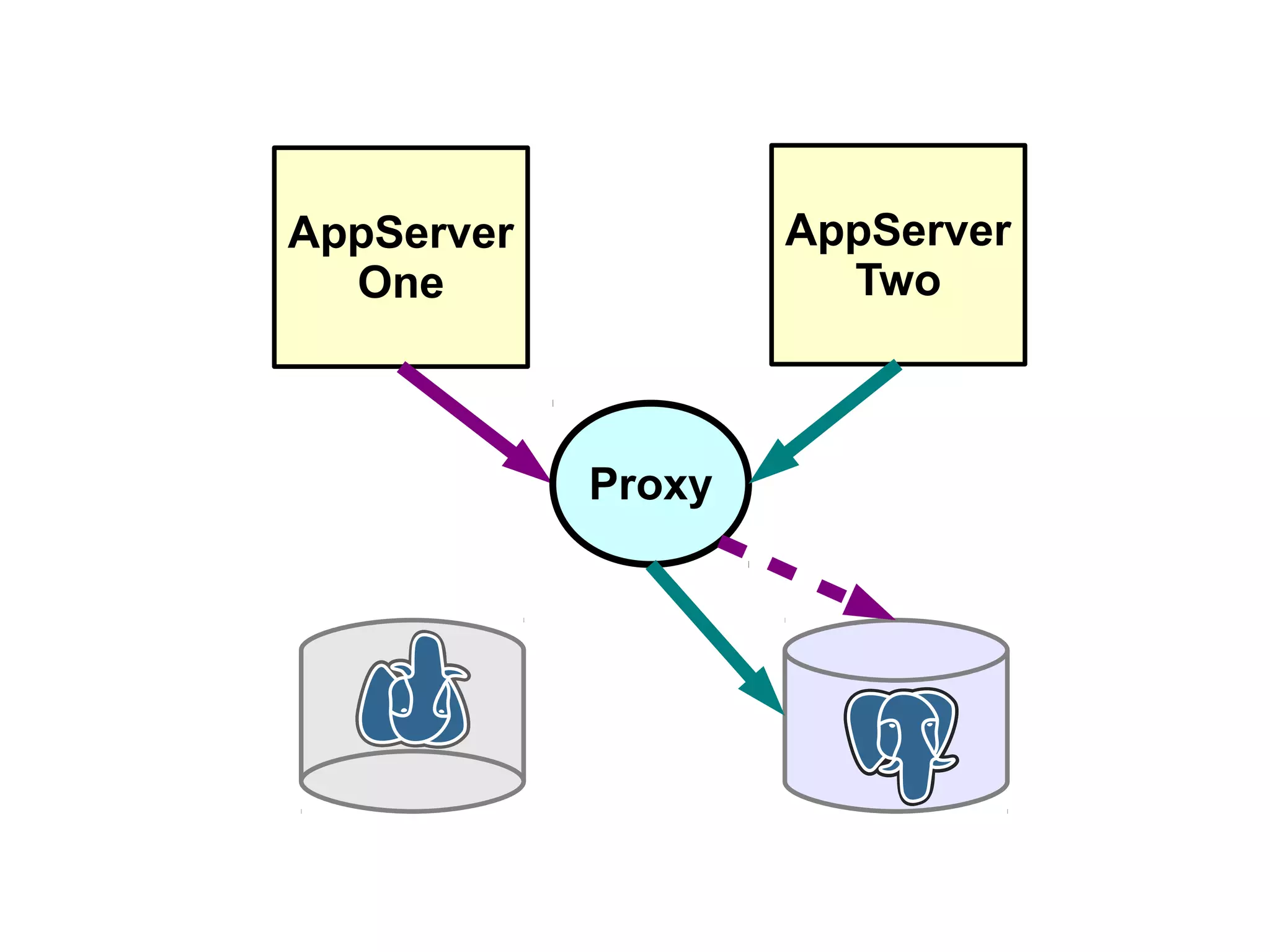
proxy method
1. application servers connect to db
via proxies
2. change proxy config
3. restart/reload proxies
AppServer
One
AppServer
Two
Proxy
AppServer
One
AppServer
Two
Proxy
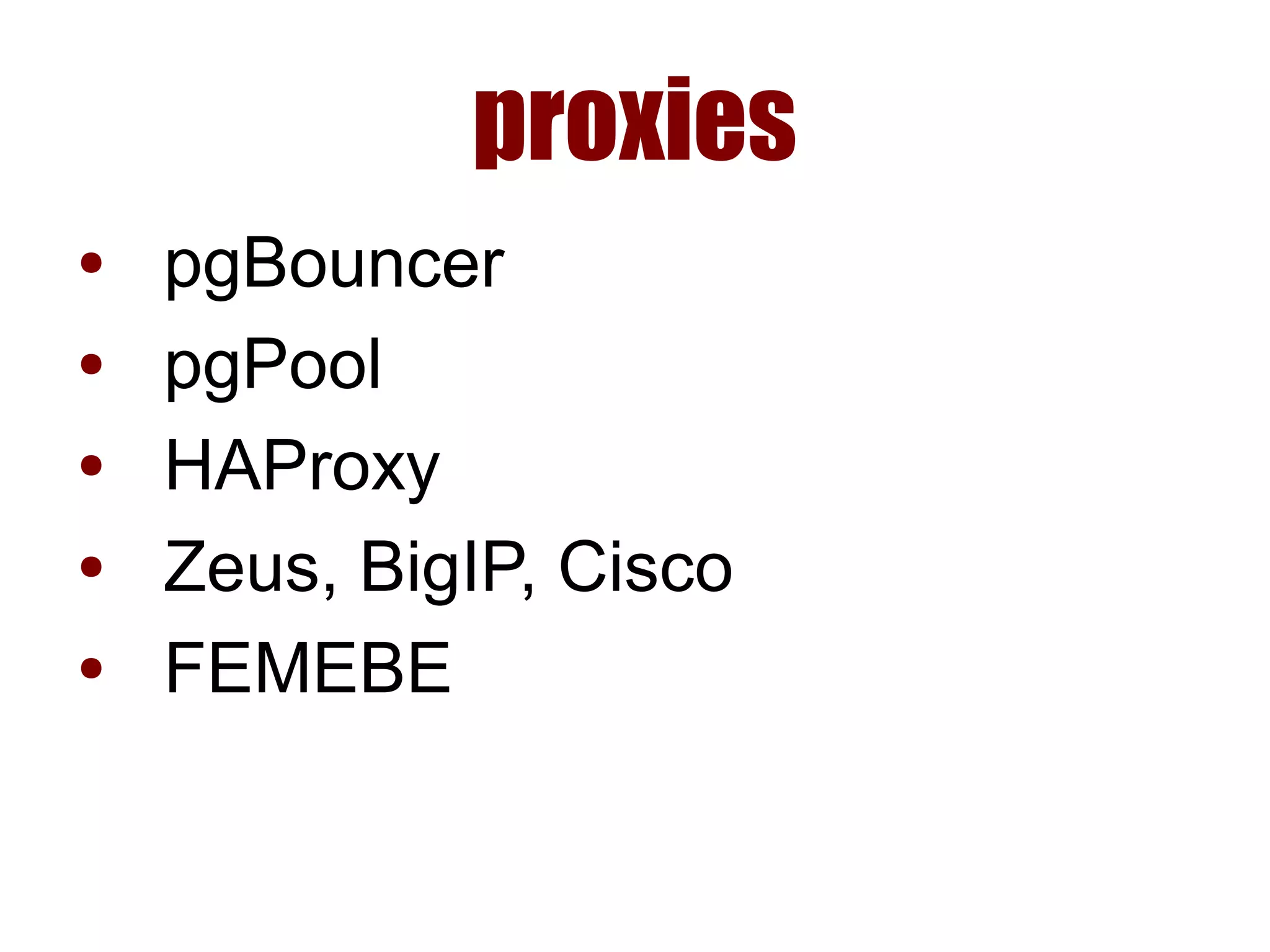
proxies
● pgBouncer
● pgPool
● HAProxy
● Zeus, BigIP, Cisco
● FEMEBE
Failback
what?
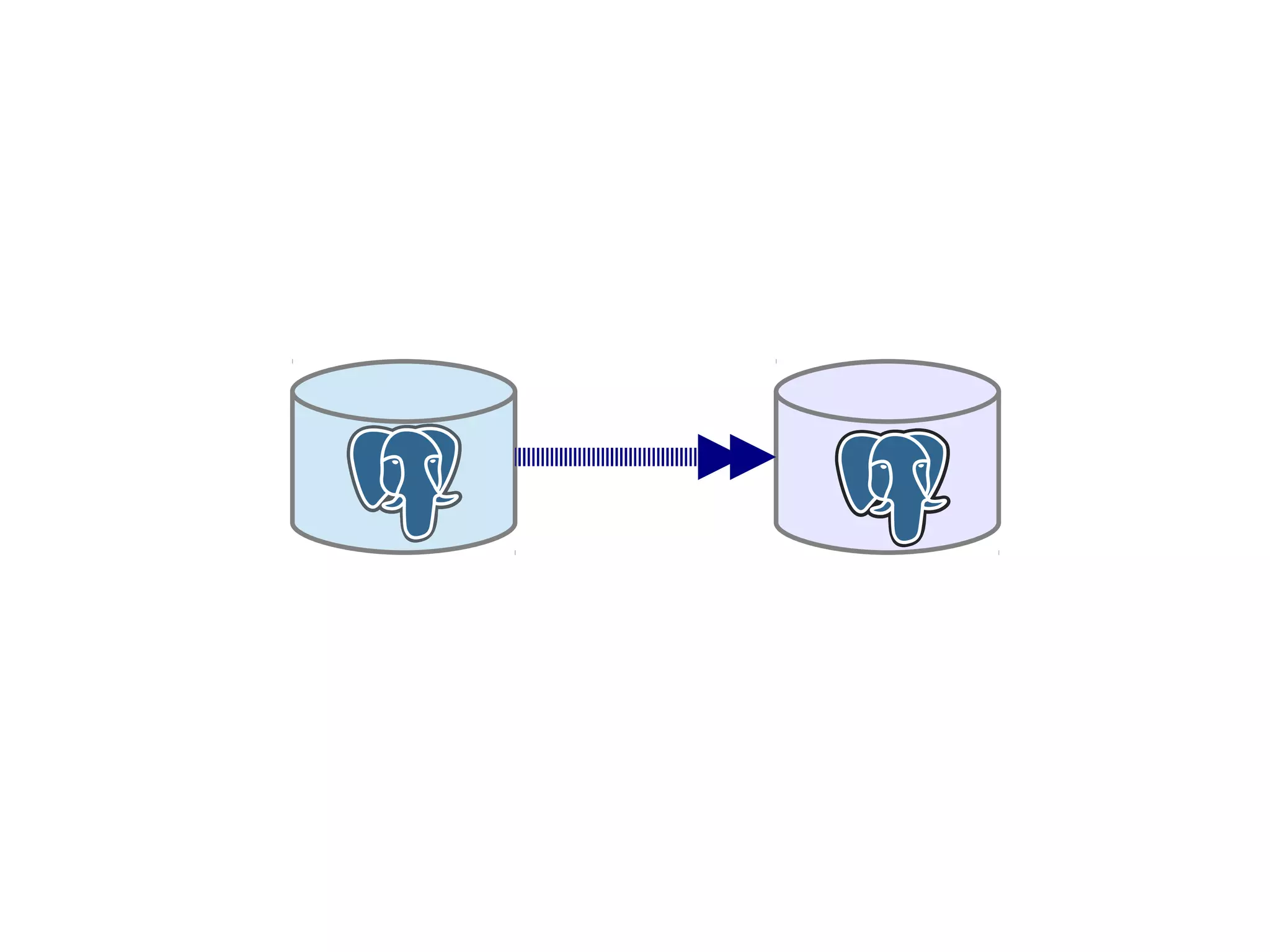
● after failover, make the old
master the master again
why?
● old master is better machine?
● some server locations
hardcoded?
● doing maintenance on both
servers?
why not?
● bad infrastructure design?
● takes a while?
● need to verify old master?
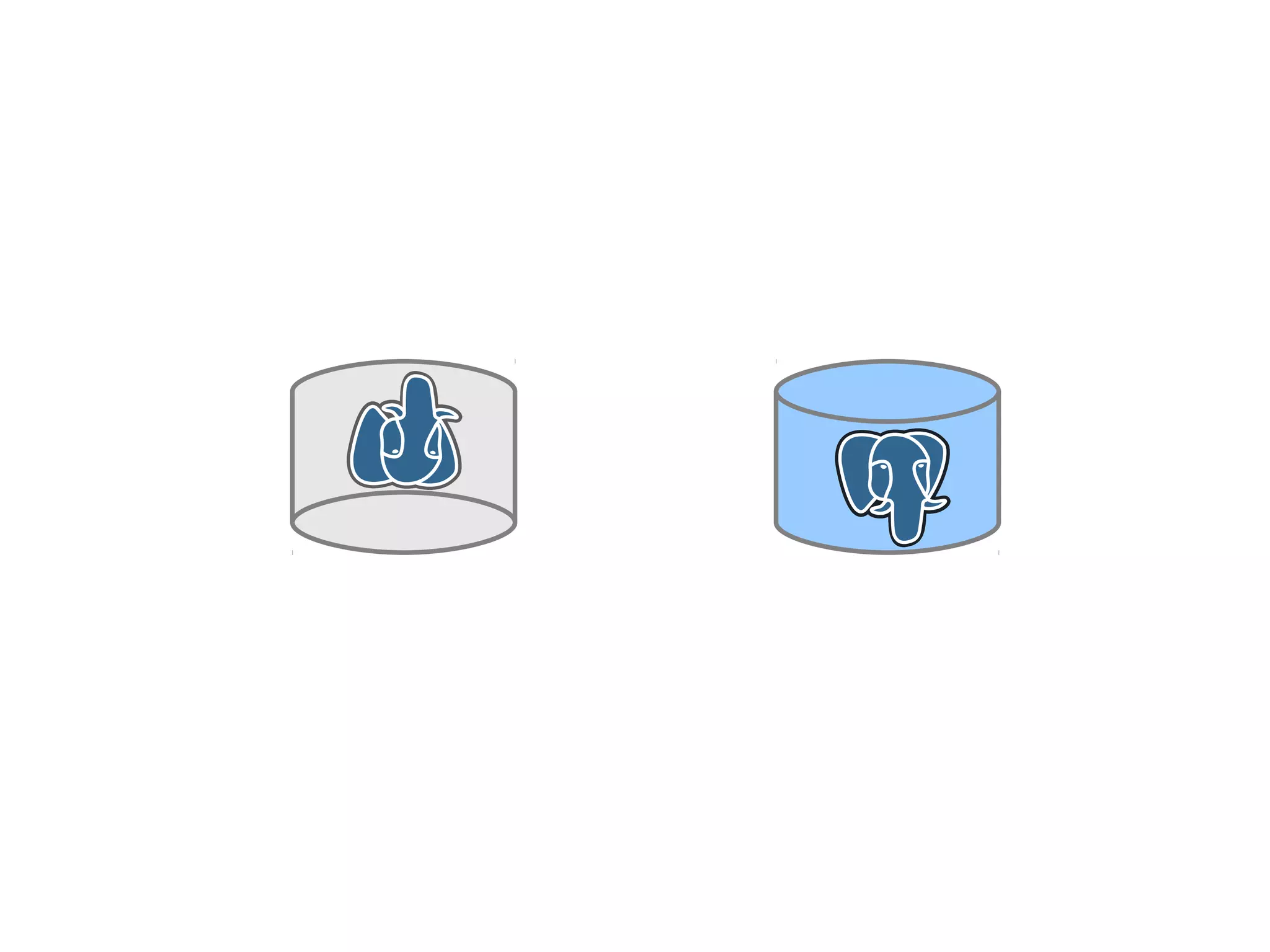
● just spin up a new instance?
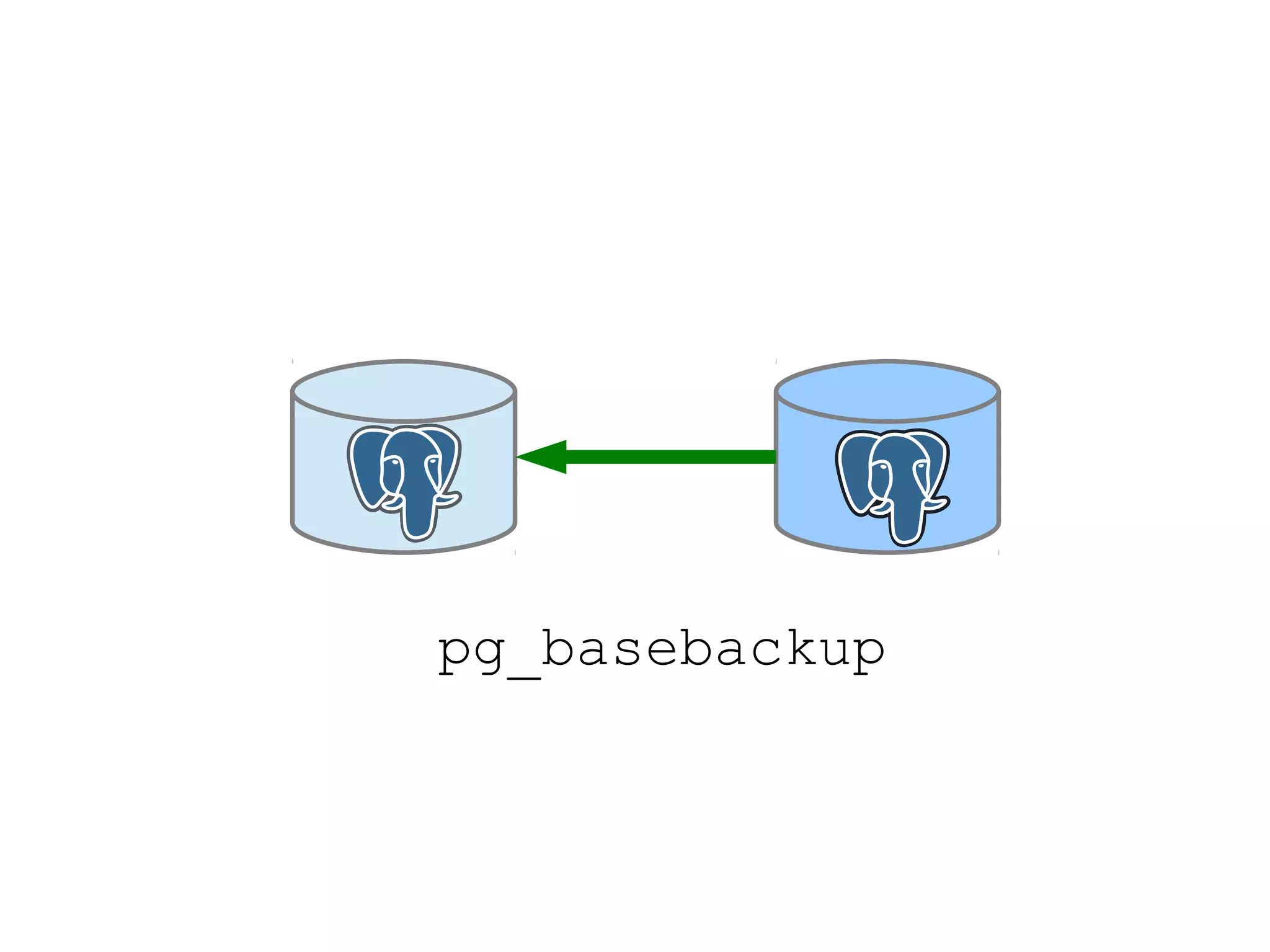
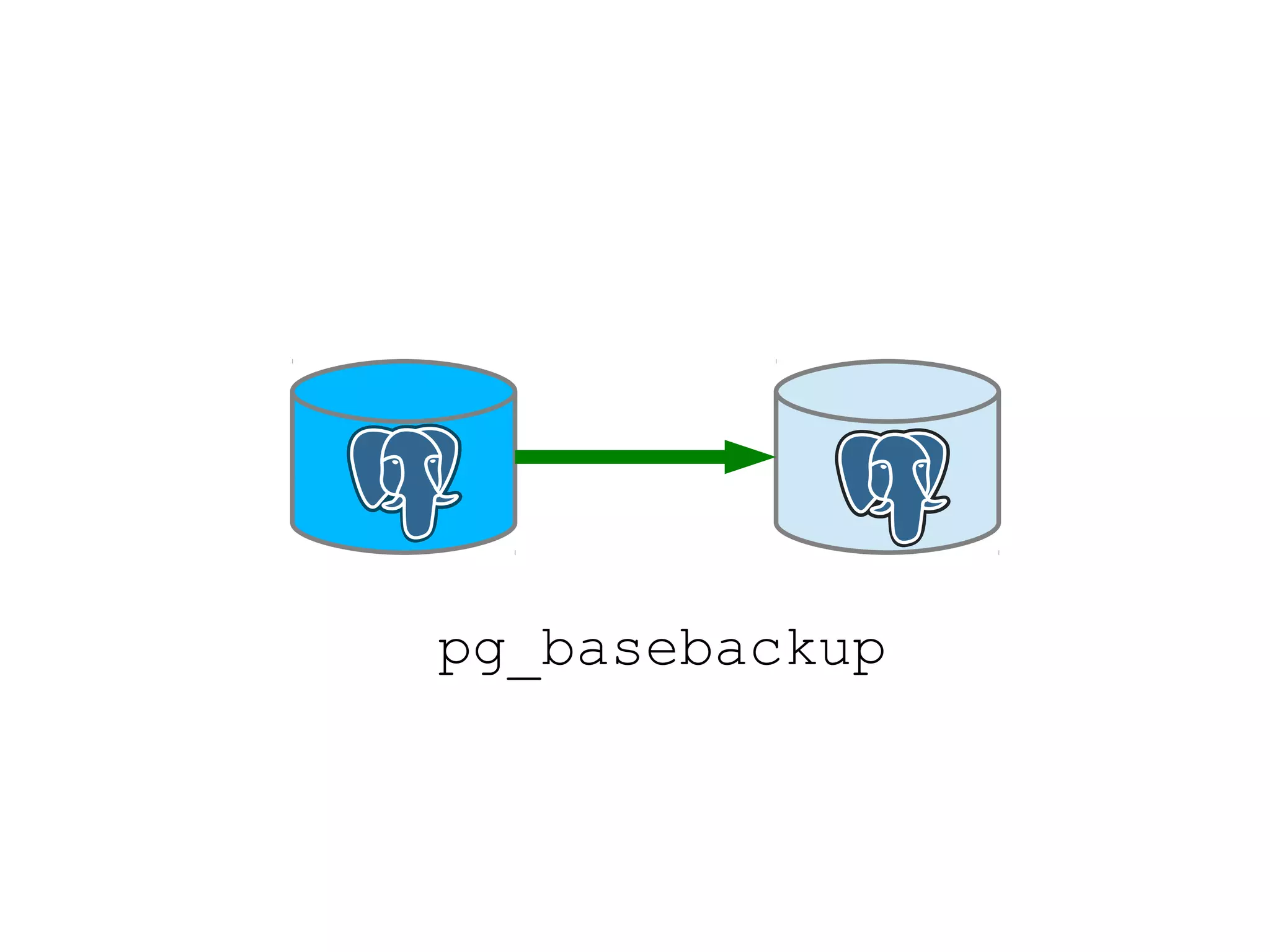
pg_basebackup
pg_basebackup
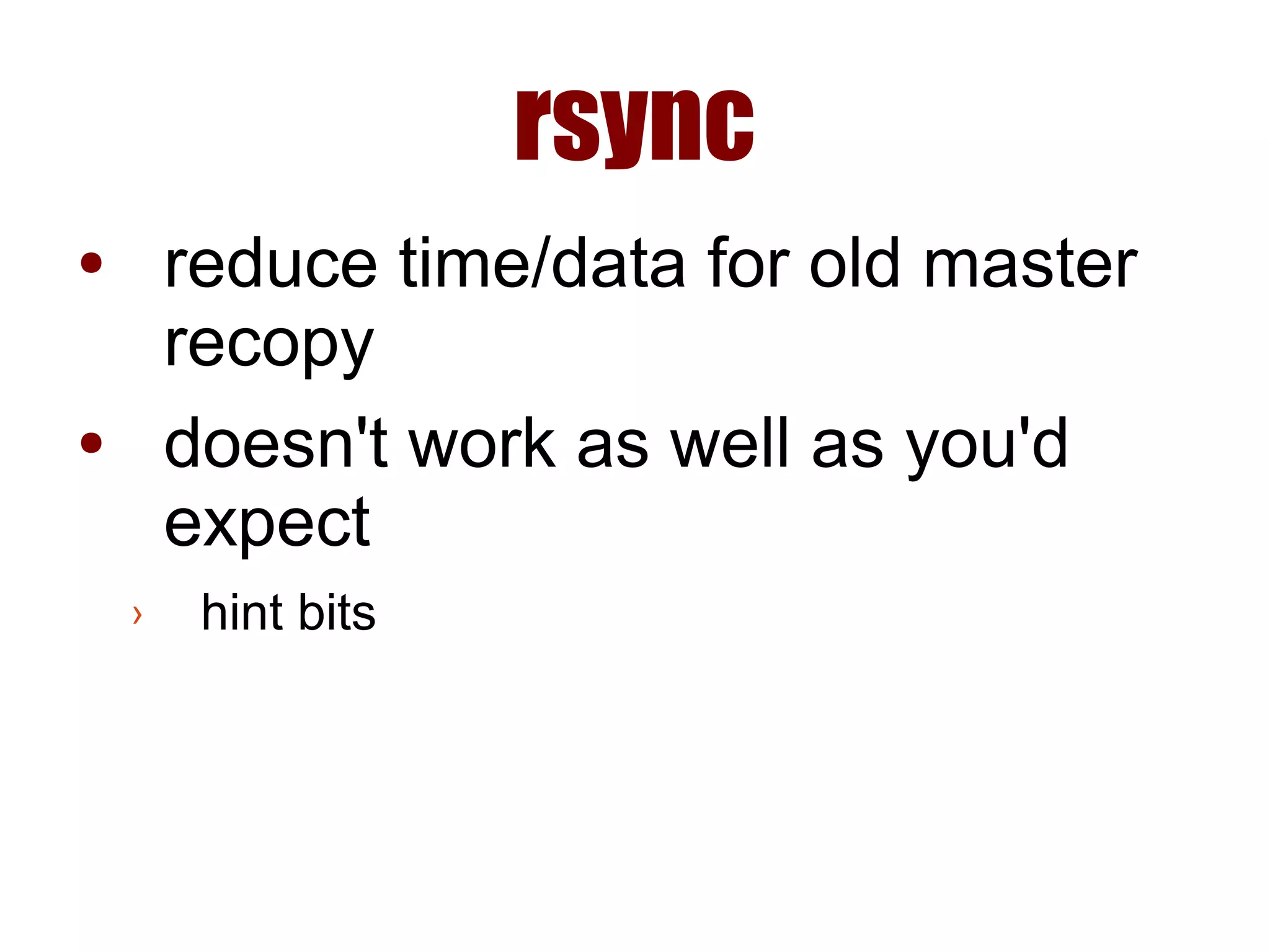
rsync
● reduce time/data for old master
recopy
● doesn't work as well as you'd
expect
› hint bits
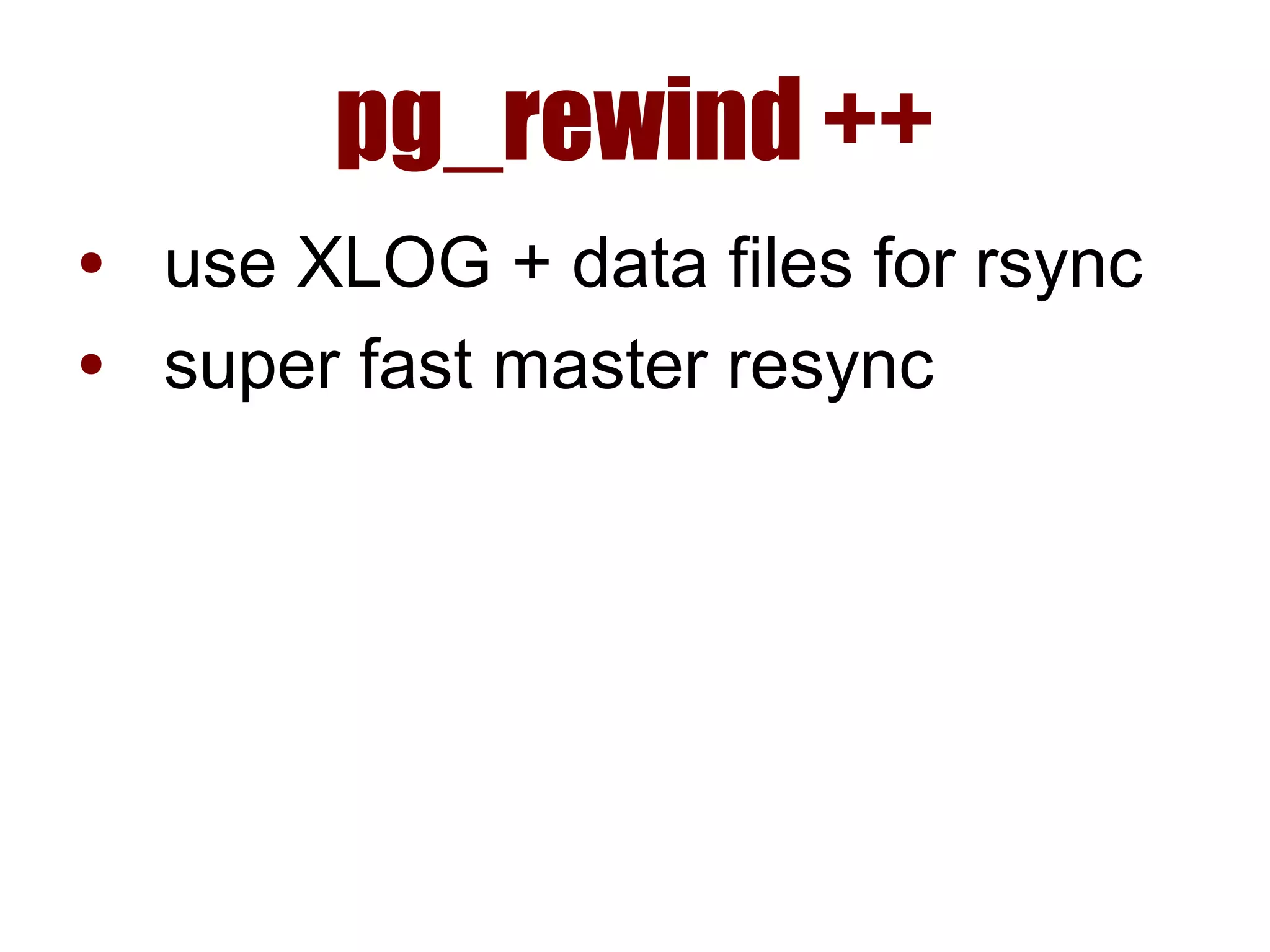
pg_rewind ++
● use XLOG + data files for rsync
● super fast master resync
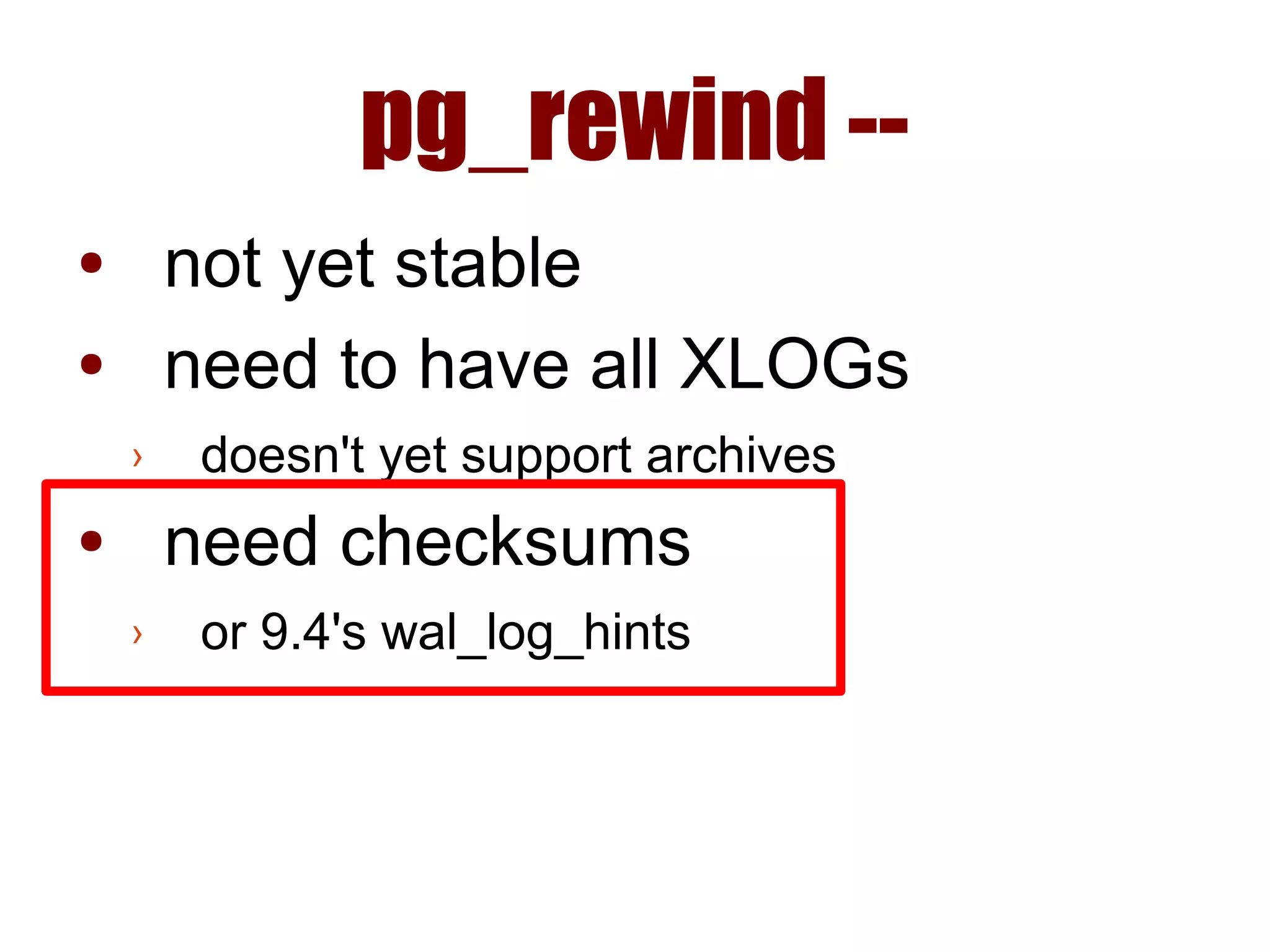
pg_rewind --
● not yet stable
● need to have all XLOGs
› doesn't yet support archives
● need checksums
› or 9.4's wal_log_hints
Automated
Failback
www.handyrep.org
Fork it on Github!
Questions?
● github.com/pgexperts/HandyRep
› fork it!
● Josh Berkus: josh@pgexperts.com
› PGX: www.pgexperts.com
› Blog: www.databasesoup.com
Copyright 2014 PostgreSQL Experts Inc. Released under the Creative Commons
Share-Alike 3.0 License. All images, logos and trademarks are the property of their
respective owners and are used under principles of fair use unless otherwise noted.

Fail over fail_back