The everyday developer’s
guide to version
control with git
so, what’s git?
“   Git is distributed version control system
    focused on speed, effectivity and real-
    world usability on large projects.
                                    - git-scm.com
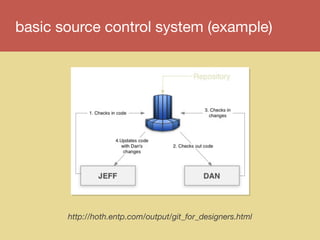
basic source control system (example)


       http://hoth.entp.com/output/git_for_designers.html
but why git?
lots of people use it (it’s common)


          http://en.wikipedia.org/wiki/Git_(software)
let’s git started
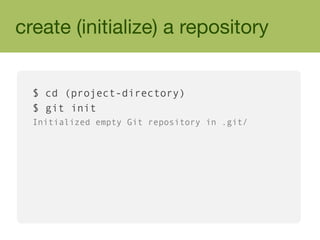
create (initialize) a repository


  $ cd (project-directory)
  $ git init
  Initialized empty Git repository in .git/
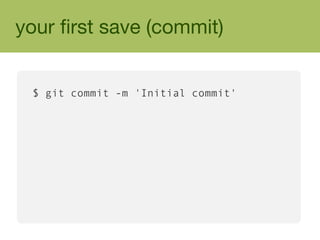
your first save (commit)


 $ git commit -m 'Initial commit'
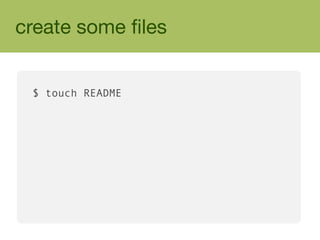
create some files


 $ touch README
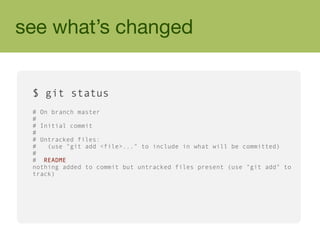
see what’s changed


 $ git status
 # On branch master
 #
 # Initial commit
 #
 # Untracked files:
 #   (use "git add <file>..." to include in what will be committed)
 #
 # README
 nothing added to commit but untracked files present (use "git add" to
 track)
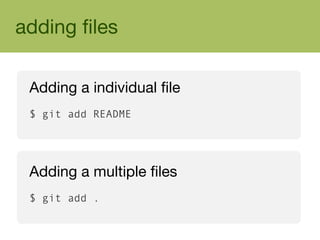
adding files

 Adding a individual file
 $ git add README


 Adding a multiple files
 $ git add .
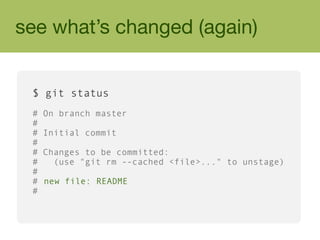
see what’s changed (again)


 $ git status
 #   On branch master
 #
 #   Initial commit
 #
 #   Changes to be committed:
 #     (use "git rm --cached <file>..." to unstage)
 #
 #   new file: README
 #
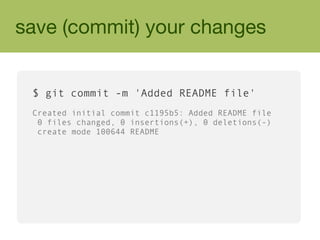
save (commit) your changes


 $ git commit -m 'Added README file'
 Created initial commit c1195b5: Added README file
  0 files changed, 0 insertions(+), 0 deletions(-)
  create mode 100644 README
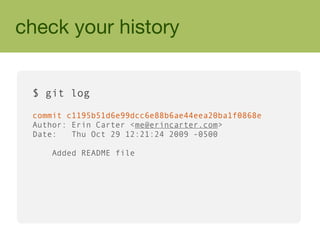
check your history


 $ git log

 commit c1195b51d6e99dcc6e88b6ae44eea20ba1f0868e
 Author: Erin Carter <me@erincarter.com>
 Date:   Thu Oct 29 12:21:24 2009 -0500

    Added README file
developing with git
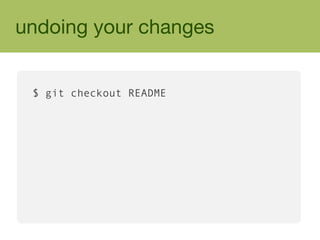
undoing your changes


 $ git checkout README
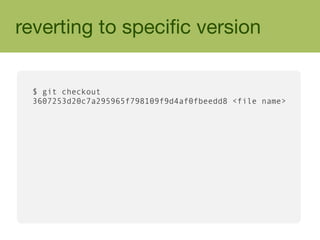
reverting to specific version


 $ git checkout
 3607253d20c7a295965f798109f9d4af0fbeedd8 <file name>
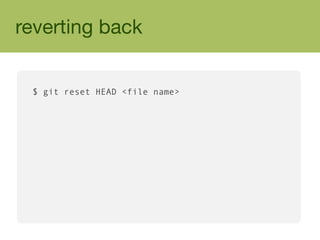
reverting back


 $ git reset HEAD <file name>
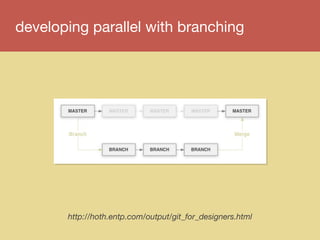
developing parallel with branching


       http://hoth.entp.com/output/git_for_designers.html
create a branch


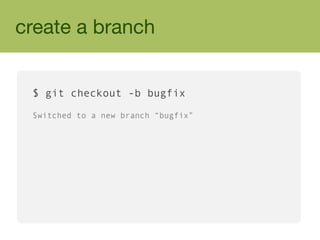
 $ git checkout -b bugfix

 Switched to a new branch “bugfix”
switching branches


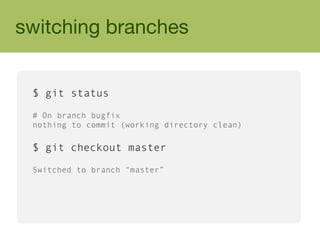
 $ git status

 # On branch bugfix
 nothing to commit (working directory clean)

 $ git checkout master

 Switched to branch “master”
collaborating with git
public repos = free
            private repos = cheap


http://github.com
clone a hosted repository


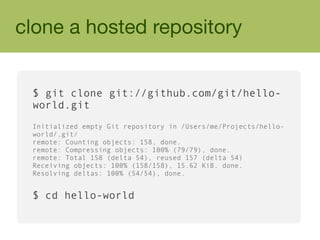
 $ git clone git://github.com/git/hello-
 world.git
 Initialized empty Git repository in /Users/me/Projects/hello-
 world/.git/
 remote: Counting objects: 158, done.
 remote: Compressing objects: 100% (79/79), done.
 remote: Total 158 (delta 54), reused 157 (delta 54)
 Receiving objects: 100% (158/158), 15.62 KiB, done.
 Resolving deltas: 100% (54/54), done.


 $ cd hello-world
pull changes (and pull often)


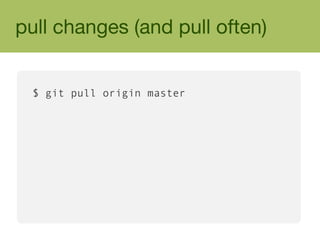
 $ git pull origin master
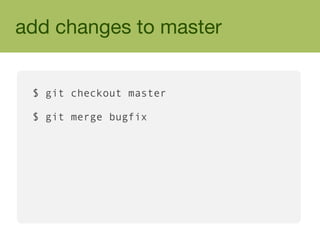
add changes to master


 $ git checkout master

 $ git merge bugfix
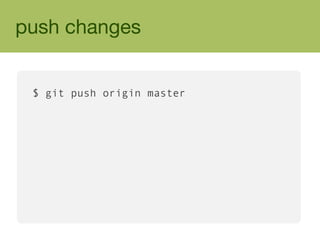
push changes


 $ git push origin master
configure & customize git
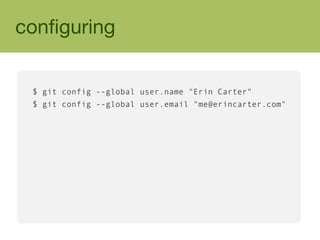
configuring


 $ git config --global user.name "Erin Carter"
 $ git config --global user.email "me@erincarter.com"
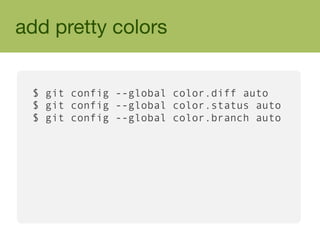
add pretty colors


 $ git config --global color.diff auto
 $ git config --global color.status auto
 $ git config --global color.branch auto
git tools
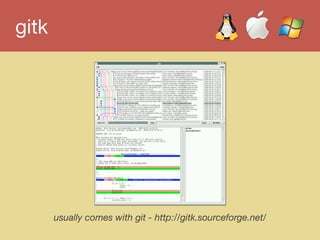
gitk


       usually comes with git - http://gitk.sourceforge.net/
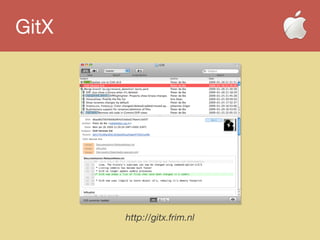
GitX


       http://gitx.frim.nl
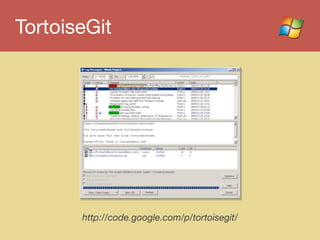
TortoiseGit


       http://code.google.com/p/tortoisegit/
git resources
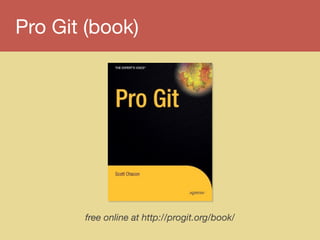
Pro Git (book)


       free online at http://progit.org/book/
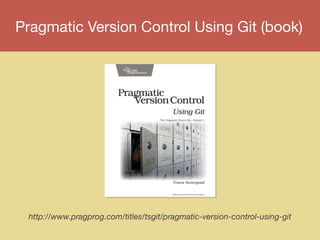
Pragmatic Version Control Using Git (book)


 http://www.pragprog.com/titles/tsgit/pragmatic-version-control-using-git
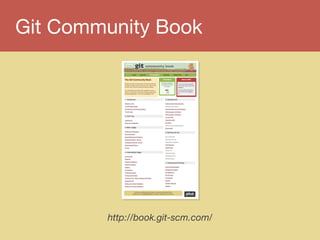
Git Community Book


        http://book.git-scm.com/
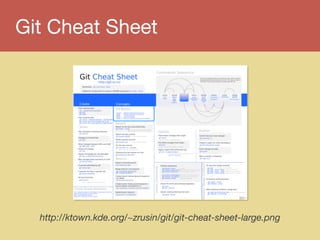
Git Cheat Sheet


  http://ktown.kde.org/~zrusin/git/git-cheat-sheet-large.png
what to remember


  ‣   commit often
  ‣   pull often
  ‣   use checkout and reset with caution
  ‣   create your own repository anywhere


        http://hoth.entp.com/output/git_for_designers.html
fin
@erincarter
me@erincarter.com
linkedin.com/in/erincarter


illustrations by Simon Oxley of idokungfood.com
theme inspired by Scott Chacon’s git-scm.com

The everyday developer's guide to version control with Git