Downloaded 17 times
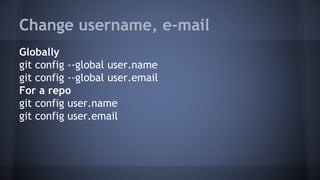
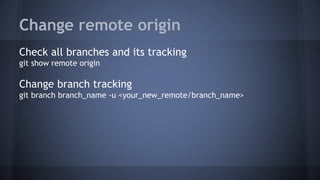
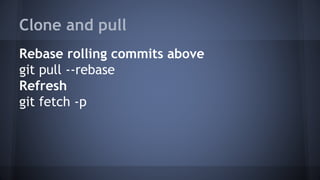
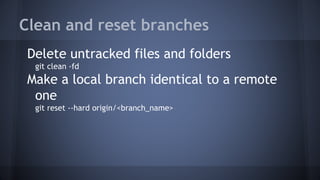
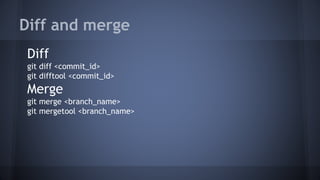
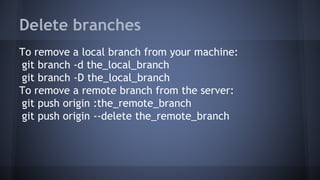
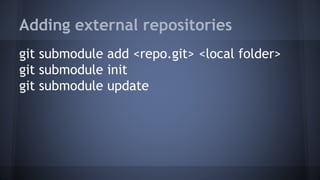
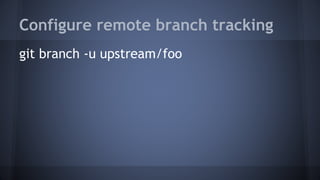
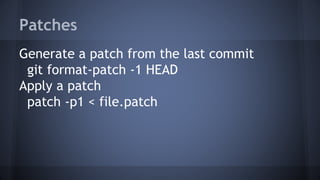
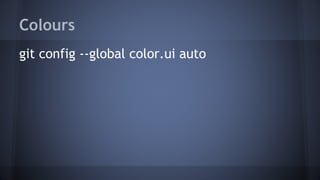

The document outlines various Git commands for configuring user information, managing remote repositories and branches, cleaning and resetting branches, merging and diffing changes, deleting branches, adding submodules, configuring remote tracking, generating and applying patches, and enabling color output. Some key commands are git config for setting user name and email, git pull --rebase for rebasing local changes, git reset and git clean for resetting the working directory state, and git merge and git diff for integrating changes and comparing revisions.


![20260201 [FOSDEM] gomodjail - library sandboxing for Go modules.pdf](https://cdn.slidesharecdn.com/ss_thumbnails/20260201fosdemgomodjail-librarysandboxingforgomodules-260201225659-76609ec4-thumbnail.jpg?width=640&height=640&fit=bounds)


