Git Basics

Md. Emran Ul Hadi
Software Engineer
  WNeeds Ltd
            What we'll cover


• Concept of Version control system
• Concept of Git
• Some basic commands
            Version control


Most used Concurrent version system(CVS) and
Subversion(SVN).

Key concepts:
 • Central source control system
 • users check code into server
 • requires connection to the server to perform commits,
    updates etc.
        
                    Git ???????

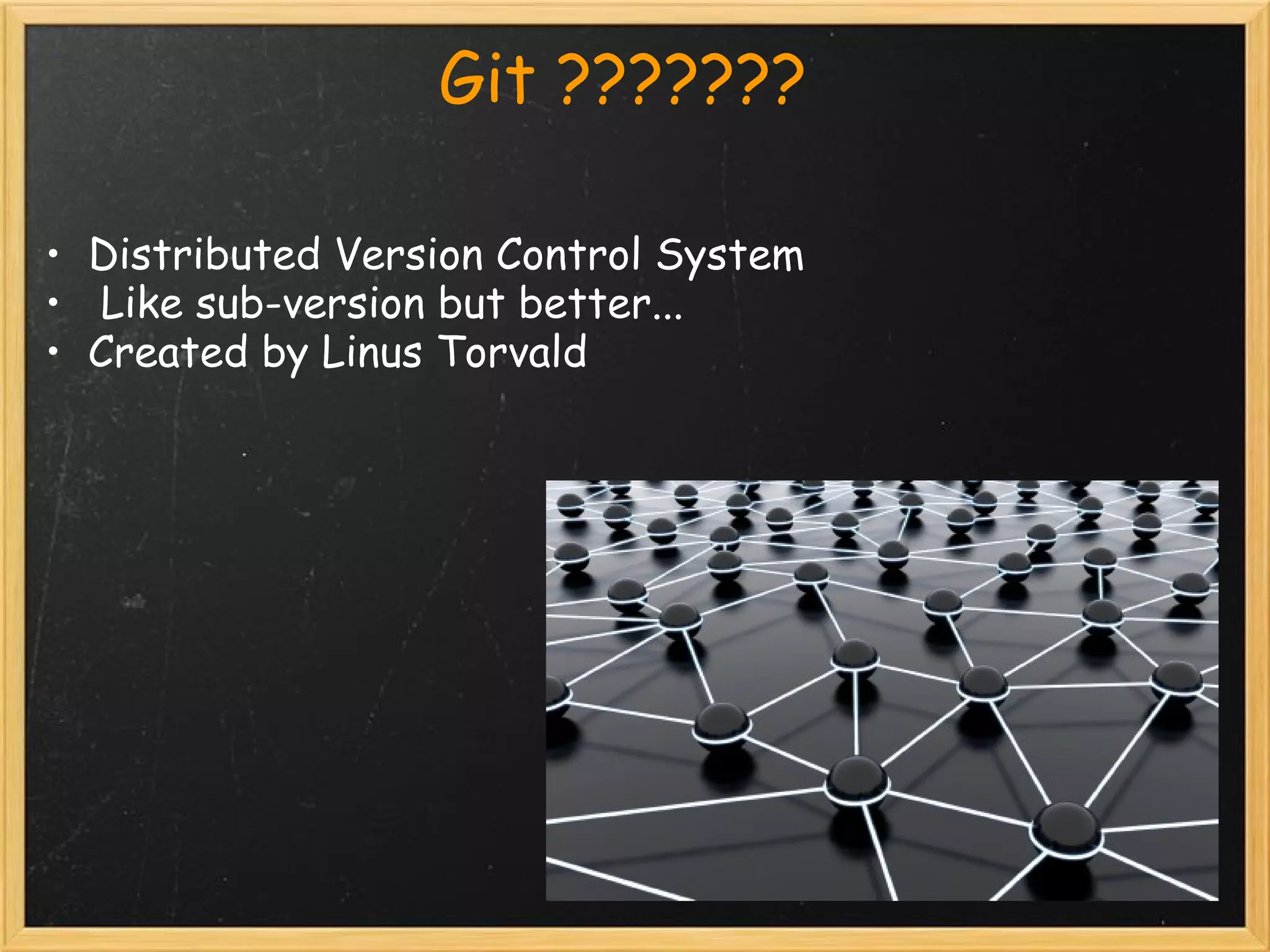
• Distributed Version Control System
•  Like sub-version but better...
• Created by Linus Torvald
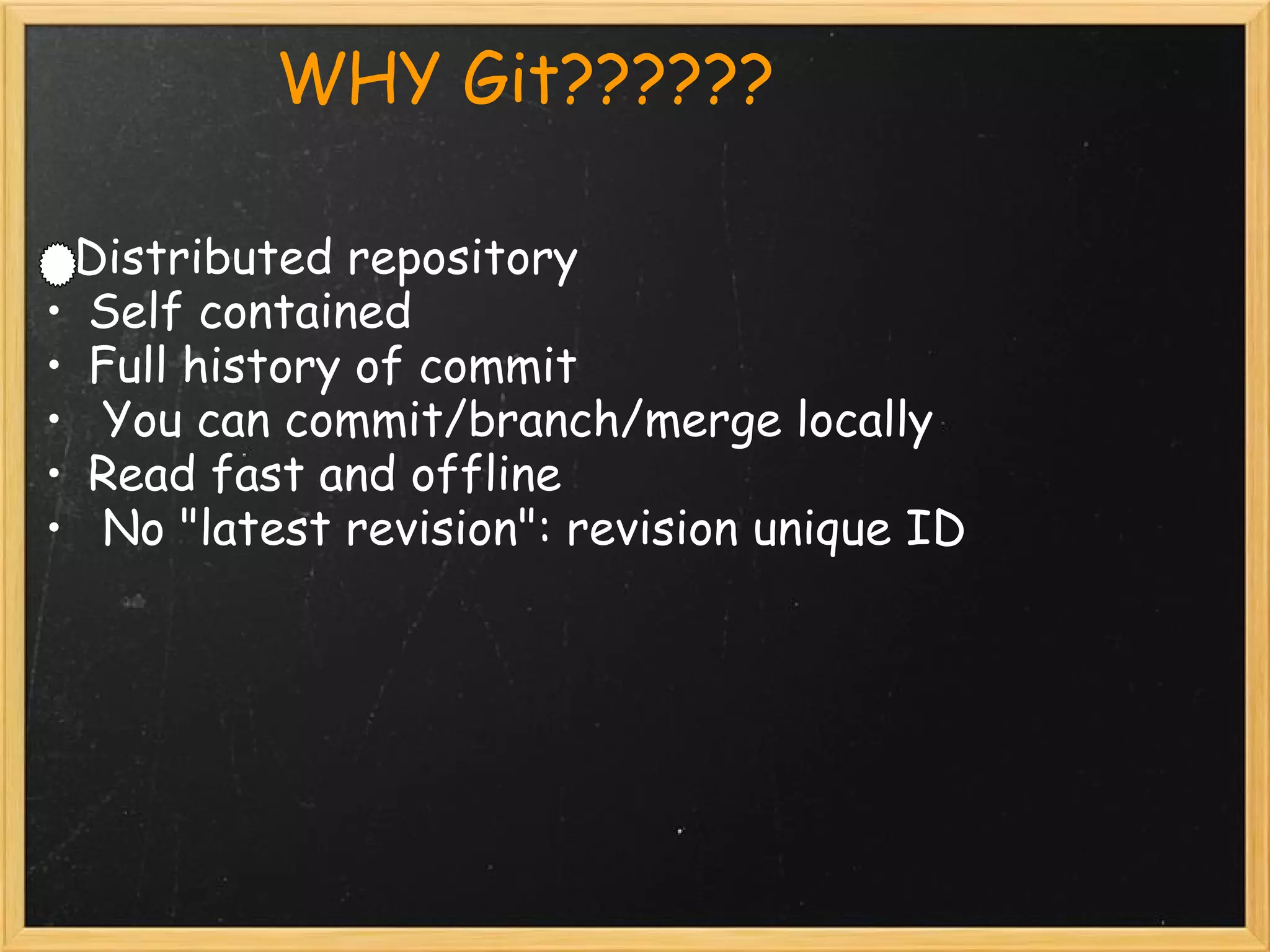
            WHY Git??????

   Distributed repository
 • Self contained
 • Full history of commit
 •  You can commit/branch/merge locally
 • Read fast and offline
 •  No "latest revision": revision unique ID
                    Get Started
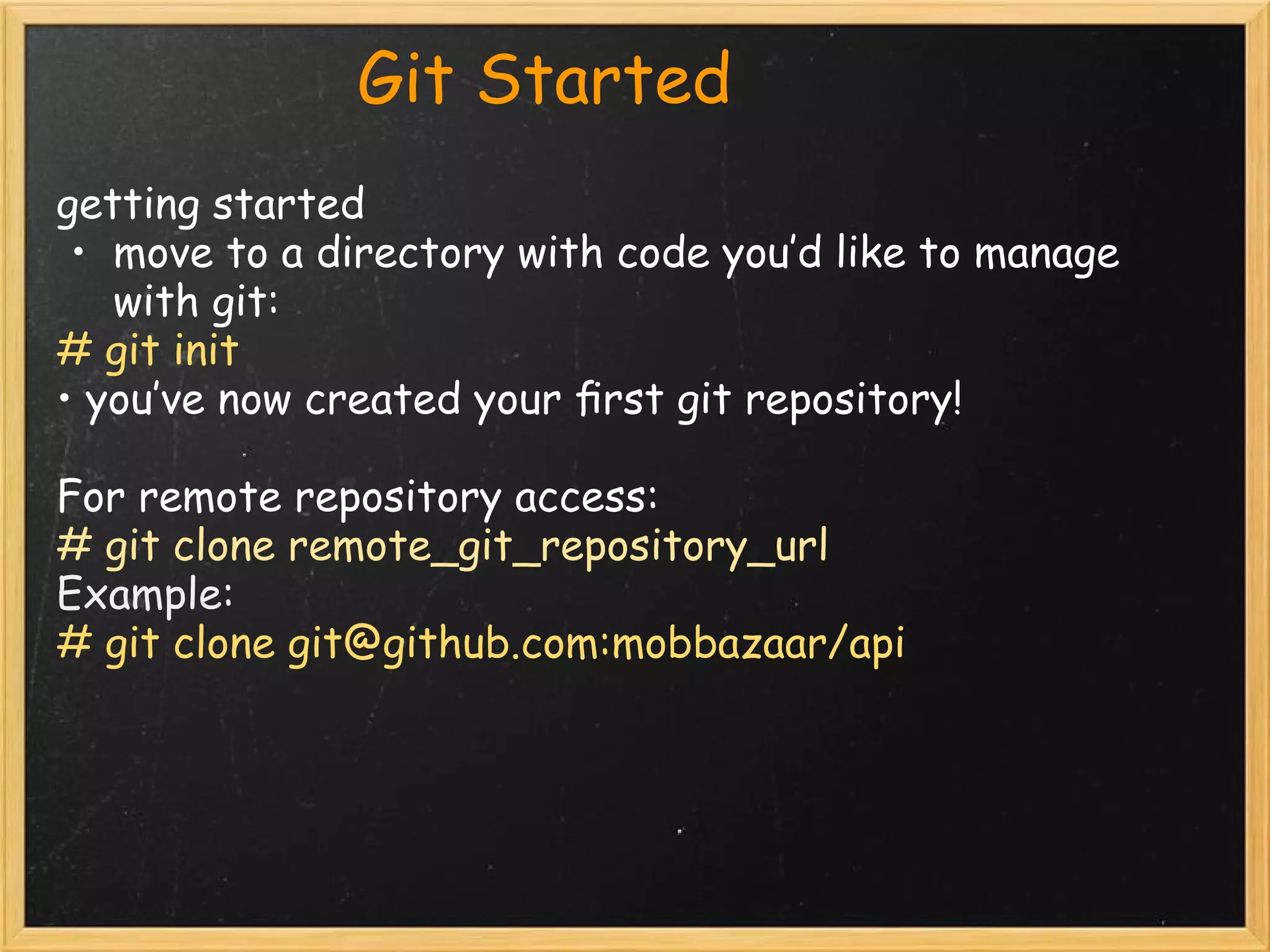
                Git Started           
 getting started
  • move to a directory with code you’d like to manage
    with git:
 # git init
 • you’ve now created your first git repository!

 For remote repository access:
 # git clone remote_git_repository_url
 Example:
 # git clone git@github.com:mobbazaar/api
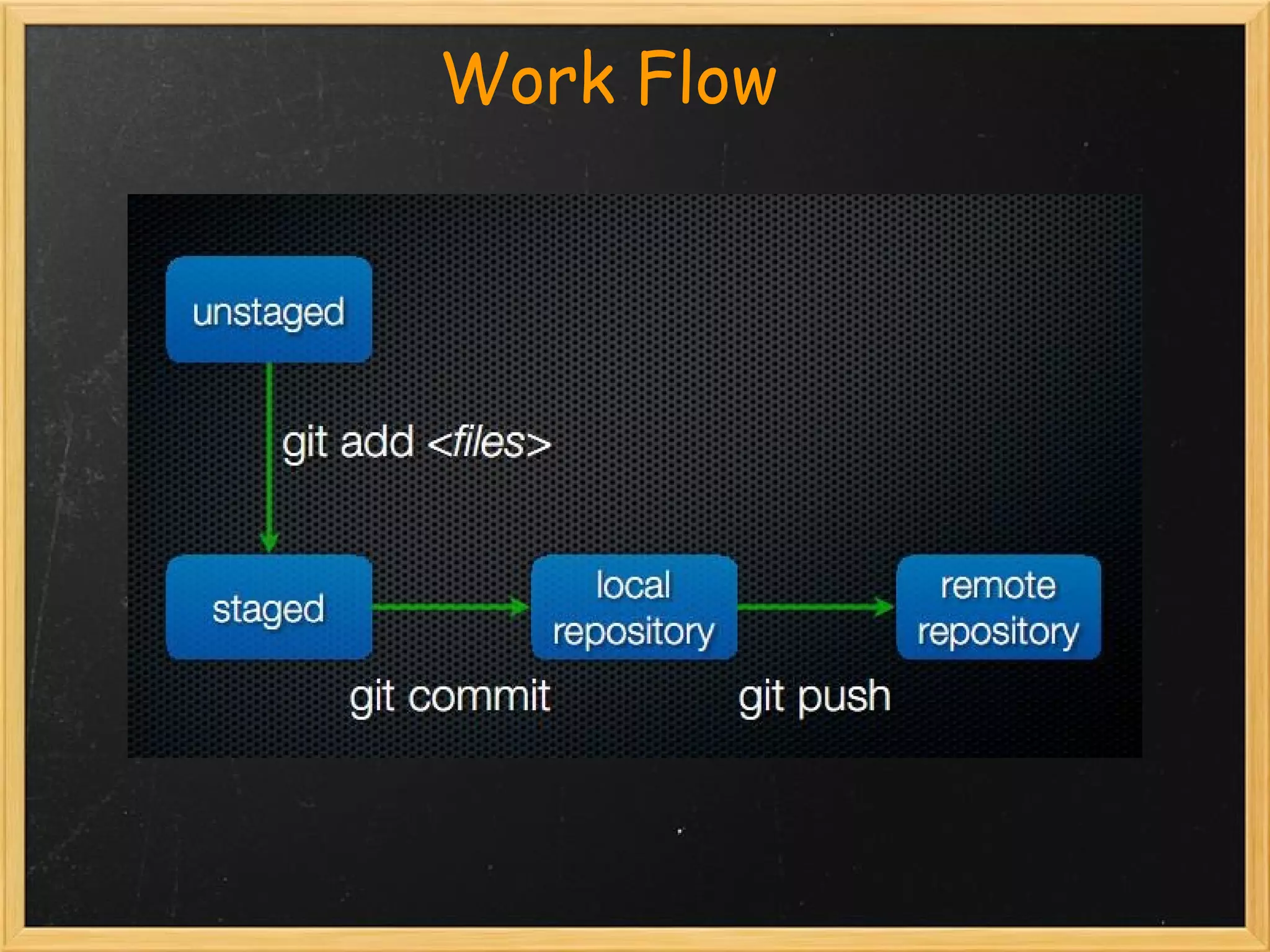
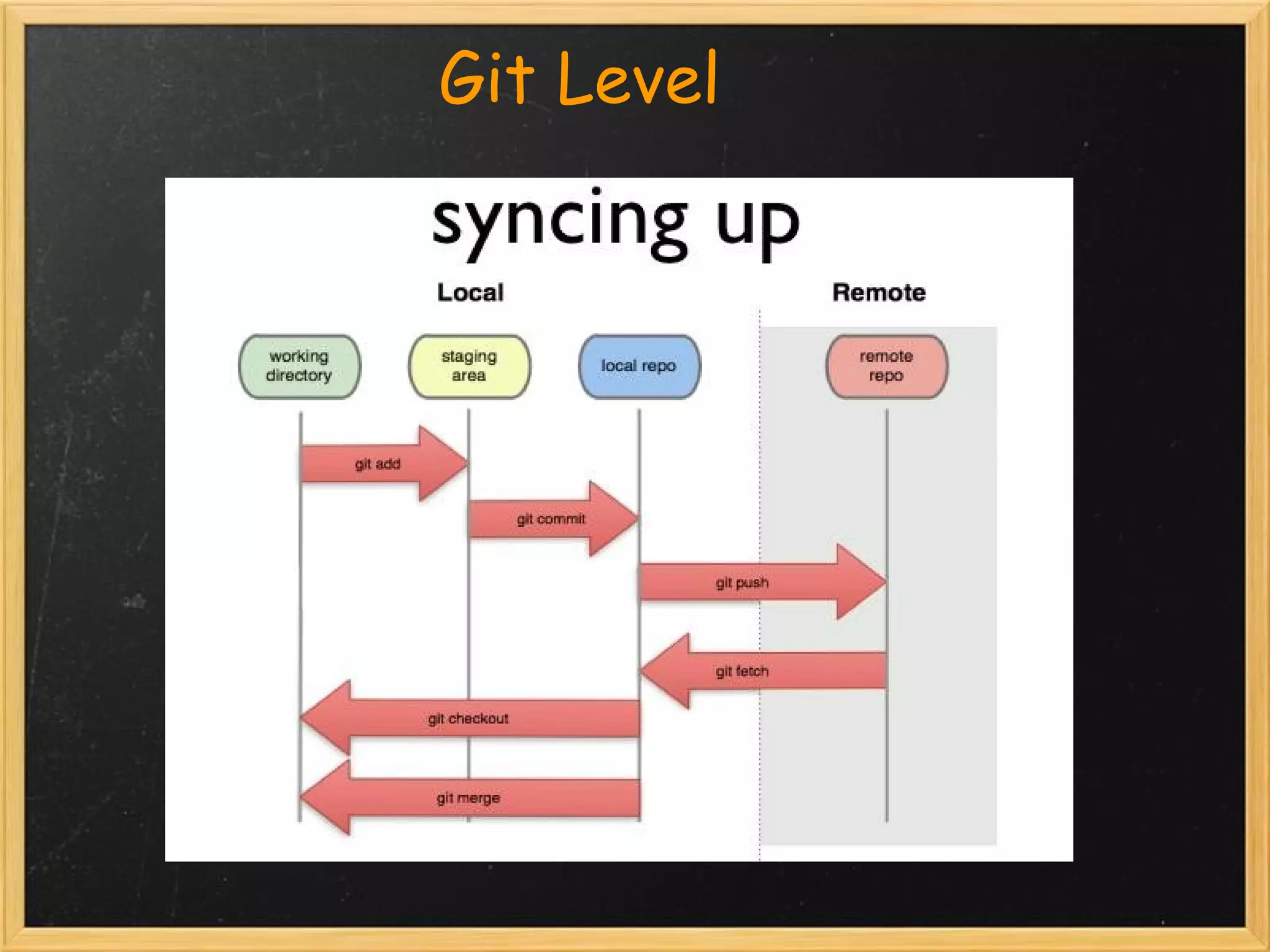
                    Work Flow

  
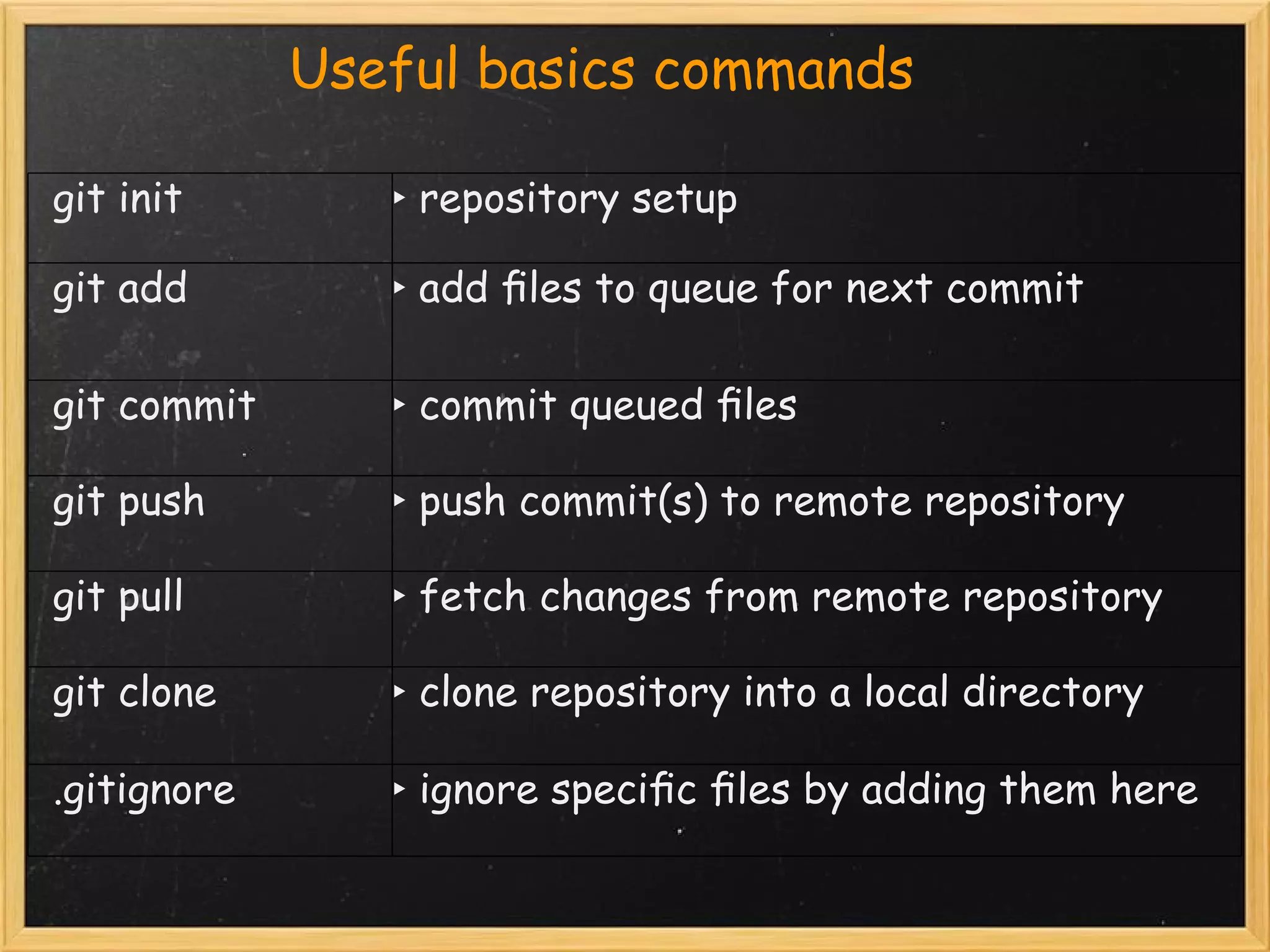
                     Useful   basics commands
  
   git init           ‣ repository setup

  git add             ‣ add files to queue for next commit

  git commit          ‣ commit queued files

  git push            ‣ push commit(s) to remote repository

  git pull            ‣ fetch changes from remote repository

  git clone           ‣ clone repository into a local directory 

  .gitignore          ‣ ignore specific files by adding them here
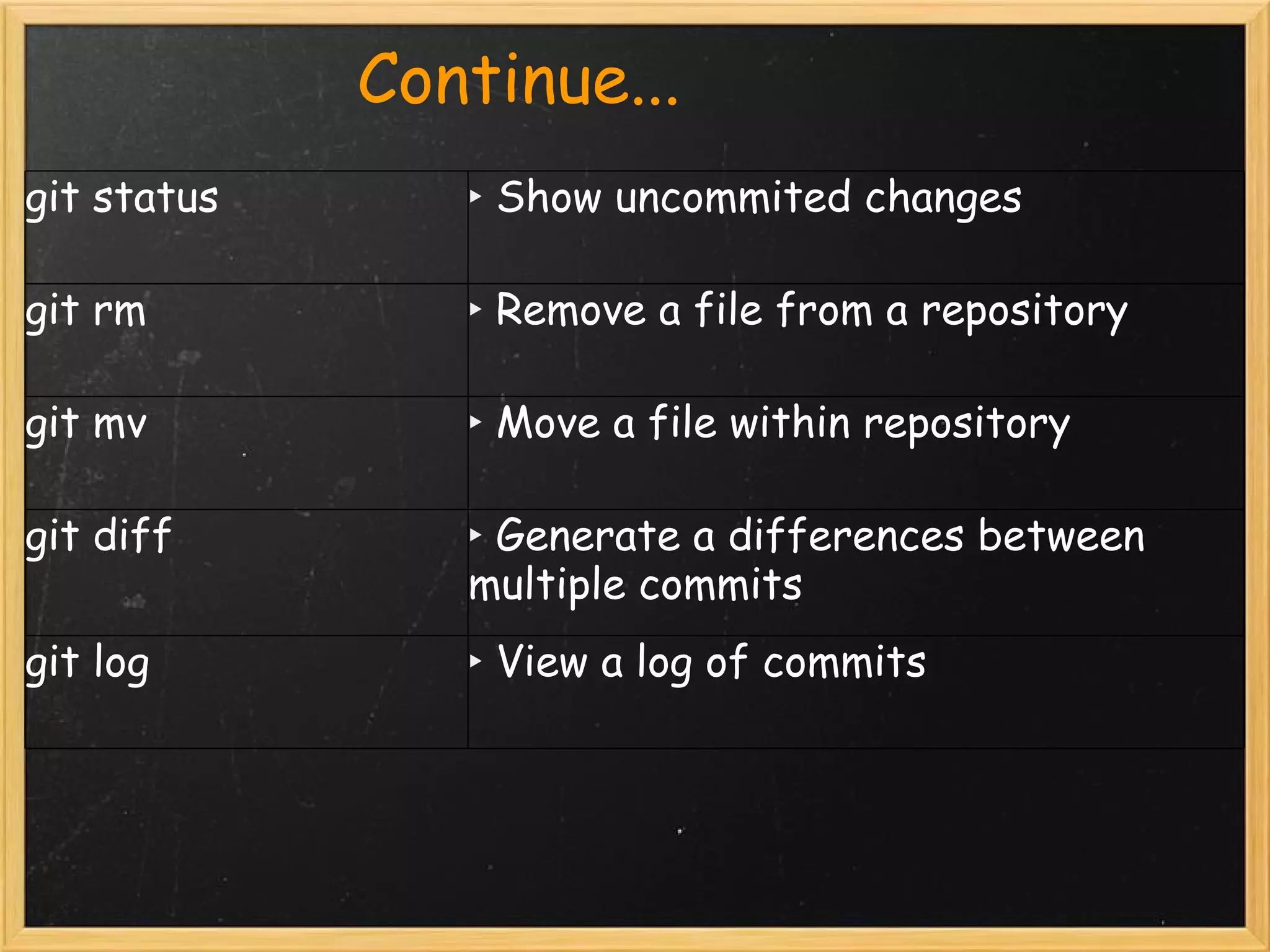
                Continue...
git status        ‣ Show uncommited changes

git rm            ‣ Remove a file from a repository

git mv            ‣ Move a file within repository

git diff          ‣ Generate a differences between    
                  multiple commits
git log           ‣ View a log of commits
                    Git Level

    
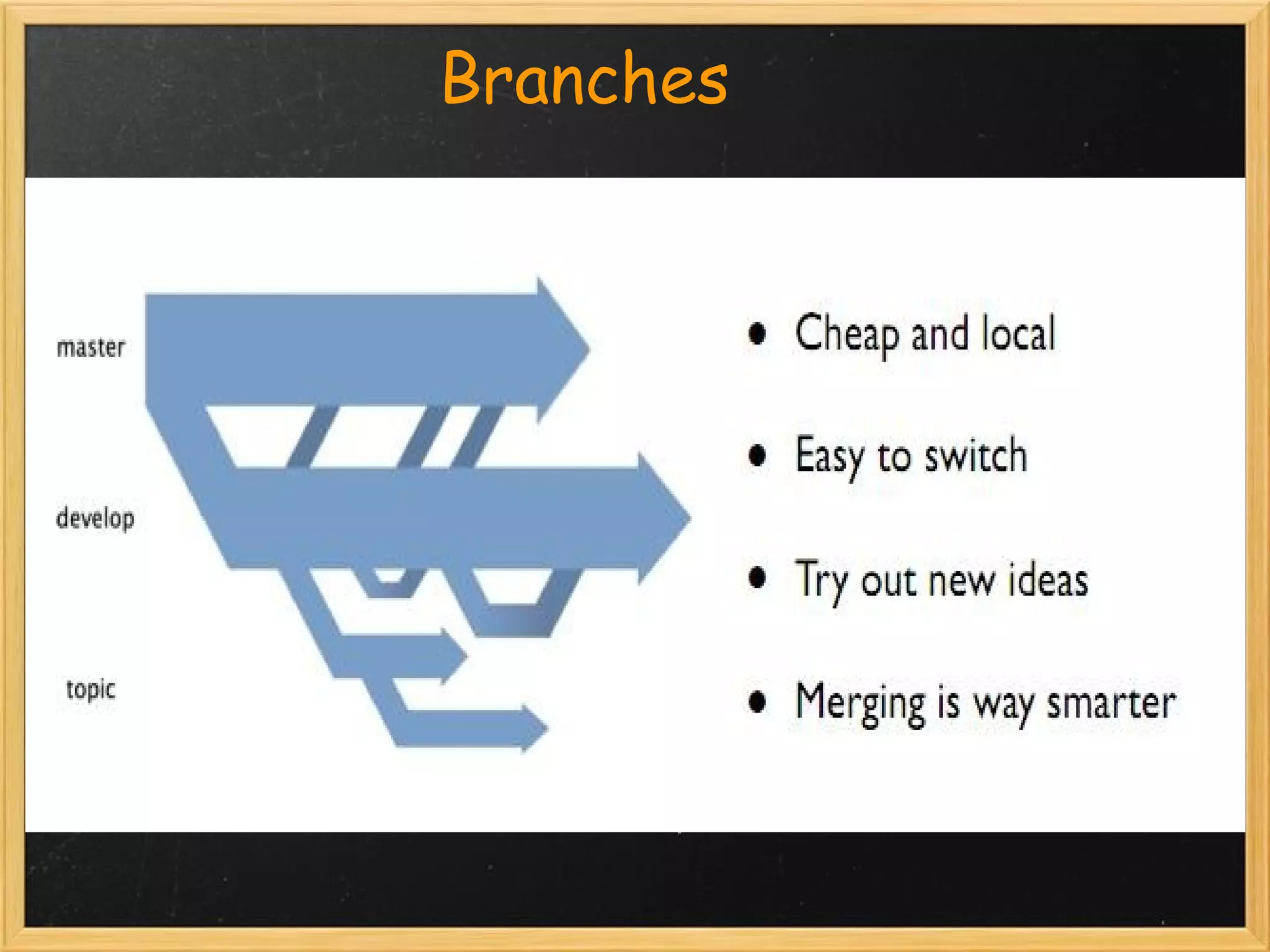
                    Branches
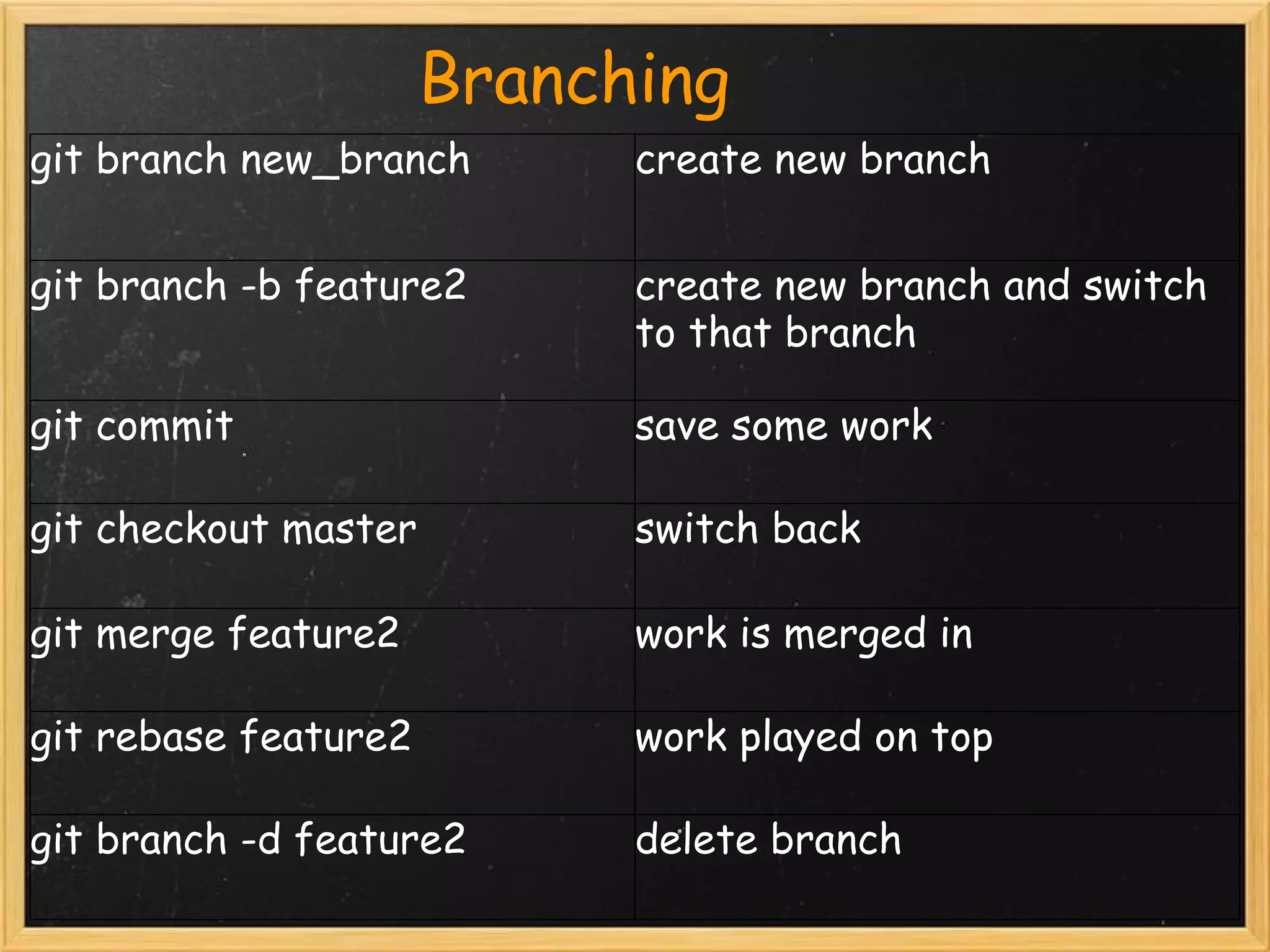
                   Branching
git branch new_branch    create new branch


git branch -b feature2   create new branch and switch
                         to that branch

git commit               save some work

git checkout master      switch back

git merge feature2       work is merged in

git rebase feature2      work played on top

git branch -d feature2   delete branch
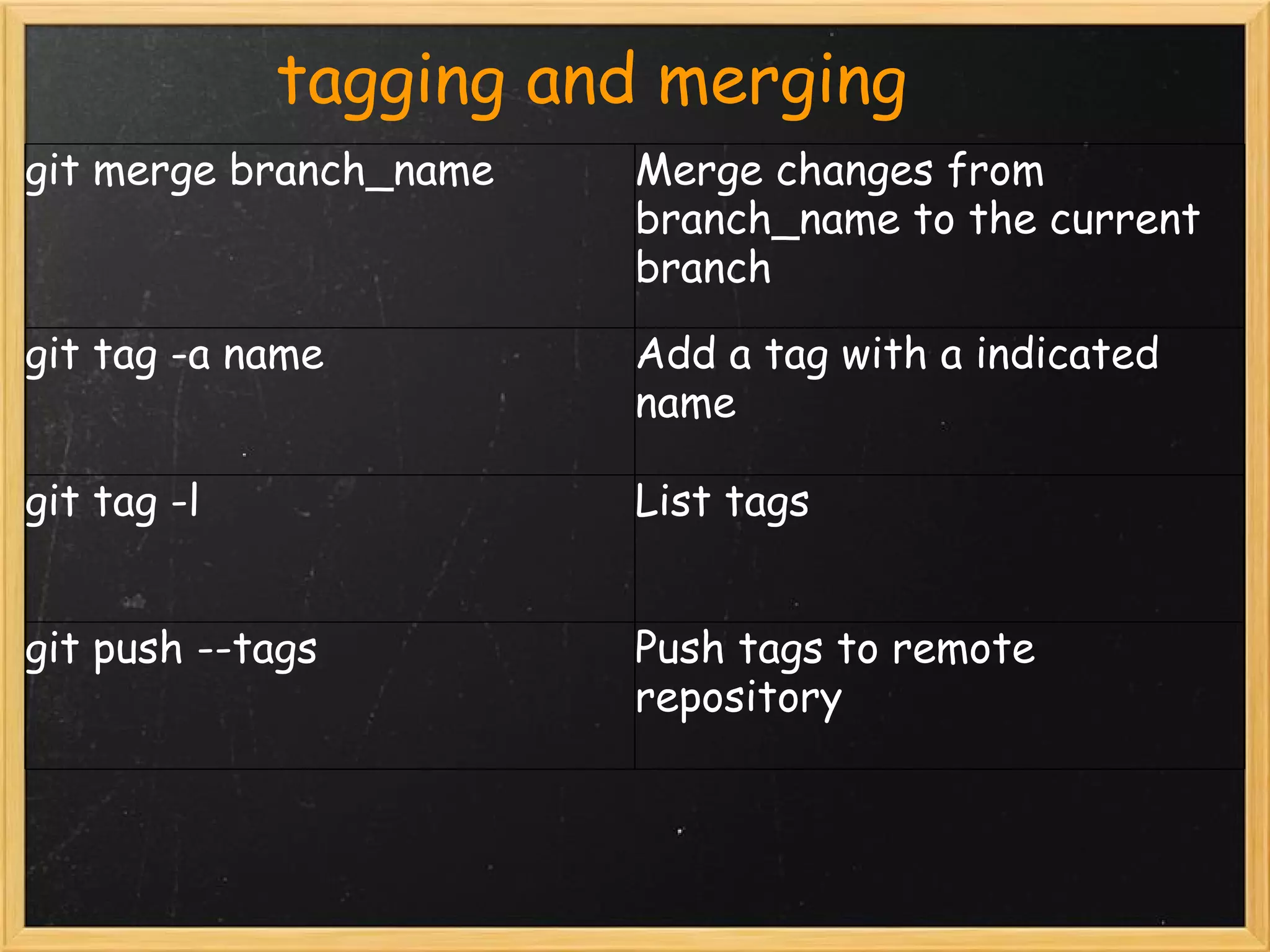
            tagging and merging
git merge branch_name   Merge changes from
                        branch_name to the current
                        branch

git tag -a name         Add a tag with a indicated
                        name

git tag -l              List tags


git push --tags         Push tags to remote
                        repository
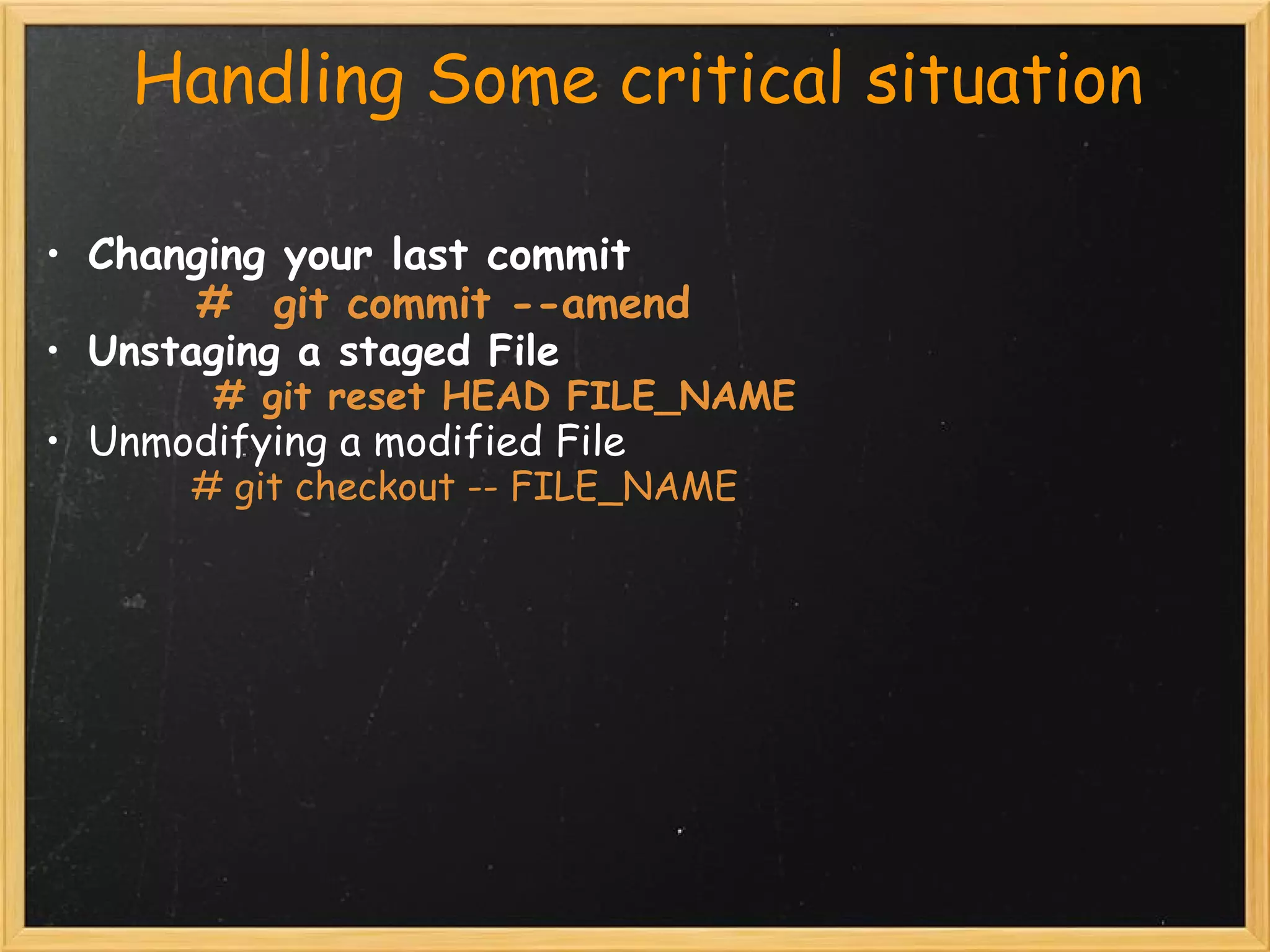
     Handling Some critical situation

 • Changing your last commit
             #  git commit --amend     
 • Unstaging a staged File
                # git reset HEAD FILE_NAME 
• Unmodifying a modified File
              # git checkout -- FILE_NAME
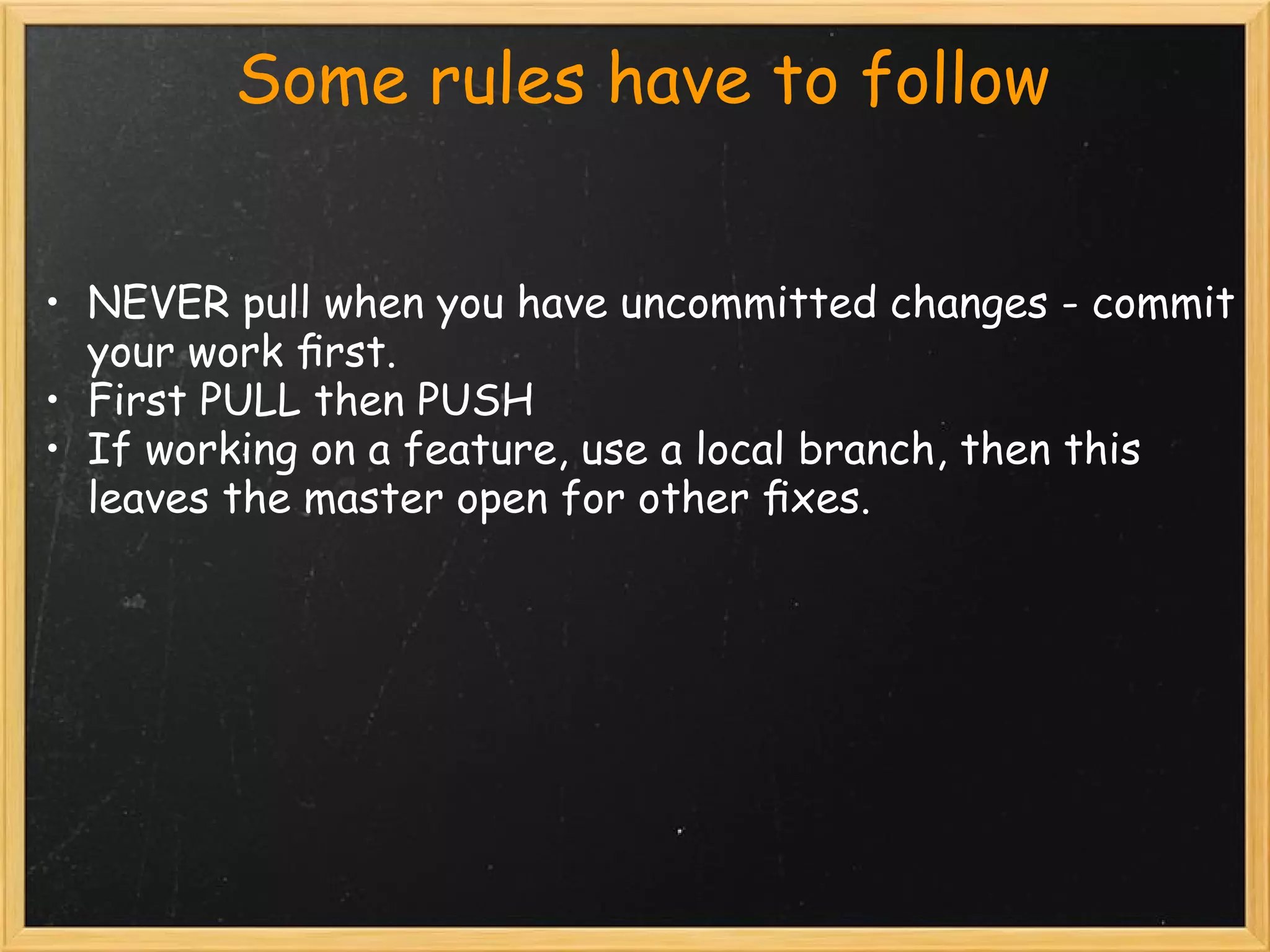
          Some rules have to follow


• NEVER pull when you have uncommitted changes - commit
  your work first.
• First PULL then PUSH
• If working on a feature, use a local branch, then this
  leaves the master open for other fixes.
        
Let's
        Discuss
                 Resources

• http://gitref.org                   [For basics commands]
• http://progit.org/book/
• http://www.slideshare.net/search/slideshow?
  searchfrom=header&q=git  

Git basic

  • 1.
    Git Basics Md. EmranUl Hadi Software Engineer WNeeds Ltd
  • 2.
               What we'll cover • Concept of Version control system • Concept of Git • Some basic commands
  • 3.
               Version control Most used Concurrent version system(CVS) and Subversion(SVN). Key concepts: • Central source control system • users check code into server • requires connection to the server to perform commits, updates etc.         
  • 4.
                       Git ??????? • Distributed Version Control System •  Like sub-version but better... • Created by Linus Torvald
  • 5.
               WHY Git??????    Distributed repository • Self contained • Full history of commit •  You can commit/branch/merge locally • Read fast and offline •  No "latest revision": revision unique ID
  • 6.
                       Get Started
  • 7.
                   Git Started            getting started • move to a directory with code you’d like to manage with git: # git init • you’ve now created your first git repository! For remote repository access: # git clone remote_git_repository_url Example: # git clone git@github.com:mobbazaar/api
  • 8.
                       Work Flow   
  • 9.
                        Useful basics commands      git init ‣ repository setup   git add ‣ add files to queue for next commit   git commit ‣ commit queued files   git push ‣ push commit(s) to remote repository   git pull ‣ fetch changes from remote repository   git clone ‣ clone repository into a local directory    .gitignore ‣ ignore specific files by adding them here
  • 10.
                   Continue... git status ‣ Show uncommited changes git rm  ‣ Remove a file from a repository git mv ‣ Move a file within repository git diff ‣ Generate a differences between     multiple commits git log ‣ View a log of commits
  • 11.
                       Git Level     
  • 12.
                       Branches
  • 13.
                      Branching git branch new_branch  create new branch git branch -b feature2 create new branch and switch to that branch git commit save some work git checkout master  switch back git merge feature2 work is merged in git rebase feature2 work played on top git branch -d feature2 delete branch
  • 14.
               tagging and merging git merge branch_name Merge changes from branch_name to the current branch git tag -a name Add a tag with a indicated name git tag -l List tags git push --tags Push tags to remote repository
  • 15.
         HandlingSome critical situation • Changing your last commit              #  git commit --amend      • Unstaging a staged File                 # git reset HEAD FILE_NAME  • Unmodifying a modified File               # git checkout -- FILE_NAME
  • 16.
             Some rules have to follow • NEVER pull when you have uncommitted changes - commit your work first. • First PULL then PUSH • If working on a feature, use a local branch, then this leaves the master open for other fixes.         
  • 17.
    Let's Discuss
  • 18.
                    Resources • http://gitref.org                   [For basics commands] • http://progit.org/book/ • http://www.slideshare.net/search/slideshow? searchfrom=header&q=git