This document discusses generative AI and provides tips for tweaking prompts to get better results from generative AI systems. It encourages the user to provide more context about the audience, style, and purpose of the generated text. Other tips include specifying the tone, setting the length, giving examples, using creative language, avoiding repetition, clarifying ambiguities, limiting scope, being specific, and editing incrementally. Examples are given like incorporating context, specifying tone, providing constraints, adding details, and setting the scene.
An overview of generative AI, prompting thought and engagement from the audience.
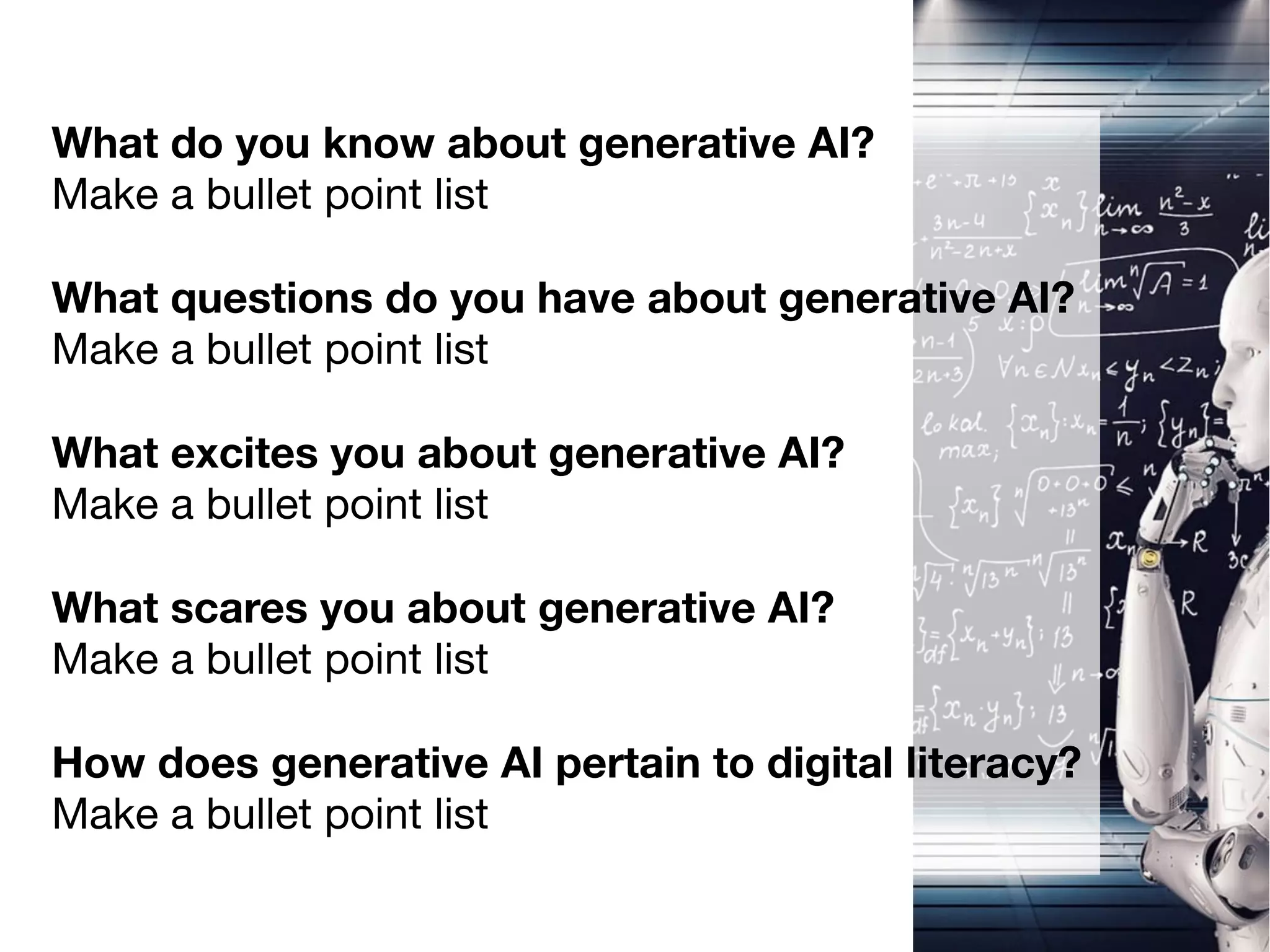
Engagement slide prompting attendees to consider their knowledge, questions, excitement, fears, and relevance to digital literacy regarding generative AI.
Highlighting that the effectiveness of AI outputs depends on the quality of the prompts provided.
Strategies for refining prompts, detailing context, tone, length, and examples to improve AI-generated content.
Further tips on tweaking prompts, including clarifying ambiguities, being specific, and iterative editing to enhance conversation with AI.
Strategies for refining prompts, detailing context, tone, length, and examples to improve AI-generated content.
Encouraging the audience to apply what they've learned and engage actively with generative AI concepts.
What do youknow about generative AI?
Make a bullet point list
What questions do you have about generative AI?
Make a bullet point list
What excites you about generative AI?
Make a bullet point list
What scares you about generative AI?
Make a bullet point list
How does generative AI pertain to digital literacy?
Make a bullet point list
AI is onlyas good as the prompt you provide it.
You shouldn’t automatically go with the
fi
rst search
result you obtain.Neither should you automatically
go with the
fi
rst AI output.
Tweak those prompts!
6.
Provide more context- Give the AI details about who the audience is,
what style you want (conversational, formal, etc.), and the purpose of the
generated text.
Specify the tone - Tell the AI directly if you want the tone to be humorous,
serious, sarcastic, optimistic, etc.
Set the length - Tell the AI approximately how long you want the
generated text to be (number of words, sentences, or paragraphs).
Give examples - Provide 1-2 examples of what you’re looking for to guide
the AI.
Use creative language - Instead of just saying "write a funny story", try
something like "write a humorous fairy tale featuring talking animals and
lots of plot twists."
Avoid repetition - If the AI starts repeating itself, rephrase the prompt to
steer it in a fresh direction.
7.
Split into bulletpoints - For long requests, break it down into clear
bullet points to keep the AI focused.
Clarify ambiguities - If the initial result is unclear or wanders o
ff
course, clarify any ambiguous parts of your original prompt.
Limit scope - Narrow down broad requests by providing constraints
around subject matter, terminology, voice, length, or other parameters.
Be speci
fi
c - Quantify requests as much as possible - for example
"write a 300 word blog post" rather than just "write a blog post."
Edit incrementally - Take the AI's initial attempt and provide feedback
on what to keep/change rather than starting over from scratch.
Personify the AI - Speak to it directly as a helpful assistant to get
better ideas tailored to your needs.
8.
Incorporating Context: "Generatea short story set in a
futuristic city where robots have taken over.”
Specifying Tone: "Write a cheerful poem about the
beauty of nature and the joy of discovery.”
Providing Constraints: "Create a dialogue between two
characters, but they can only speak in questions.”
Adding Details: "Generate a recipe for a mouthwatering
chocolate cake with a surprise ingredient.”
Setting the Scene: "Write a descriptive paragraph about
a peaceful beach at sunset."