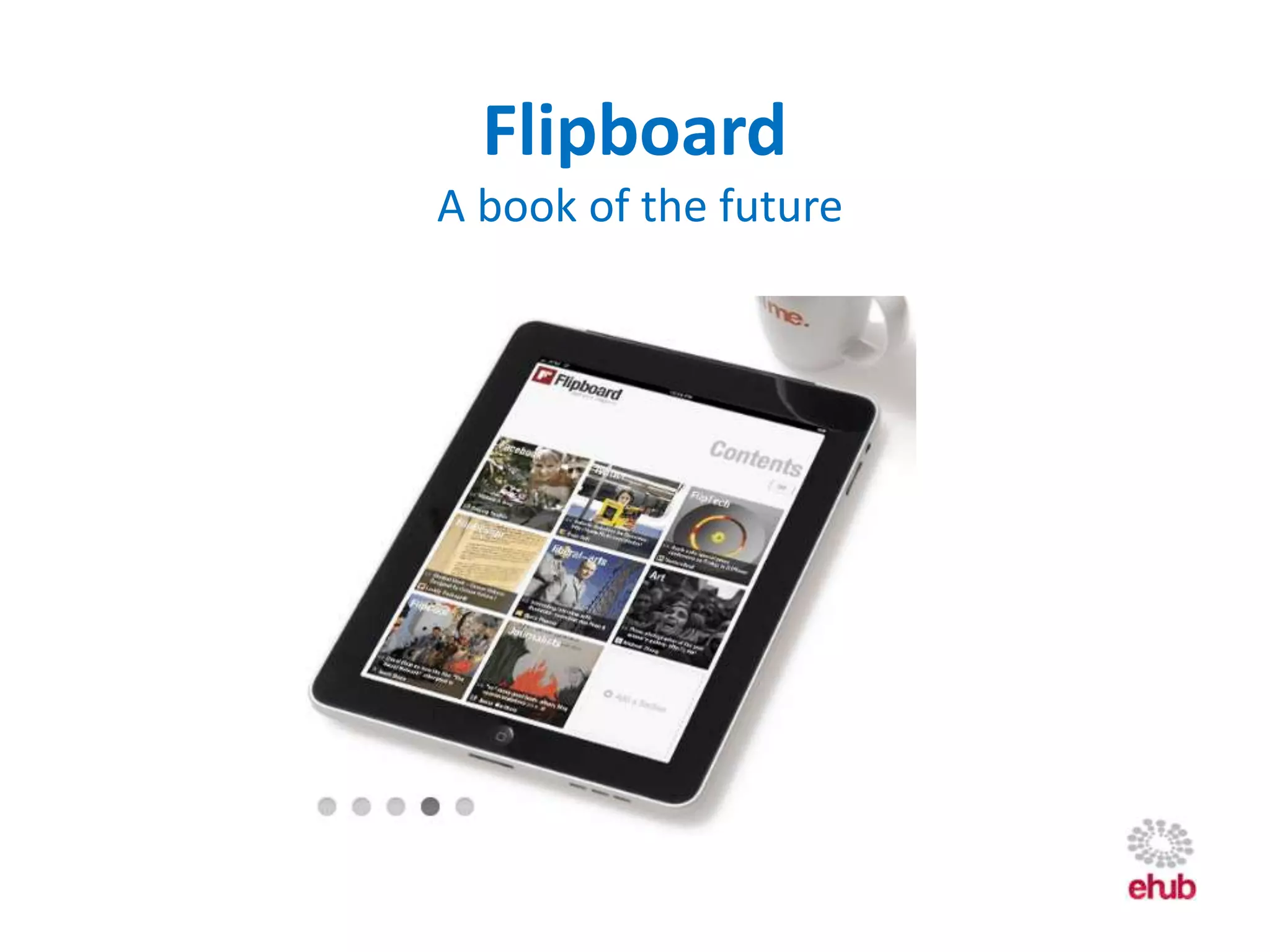
Flipboard
A book of the future
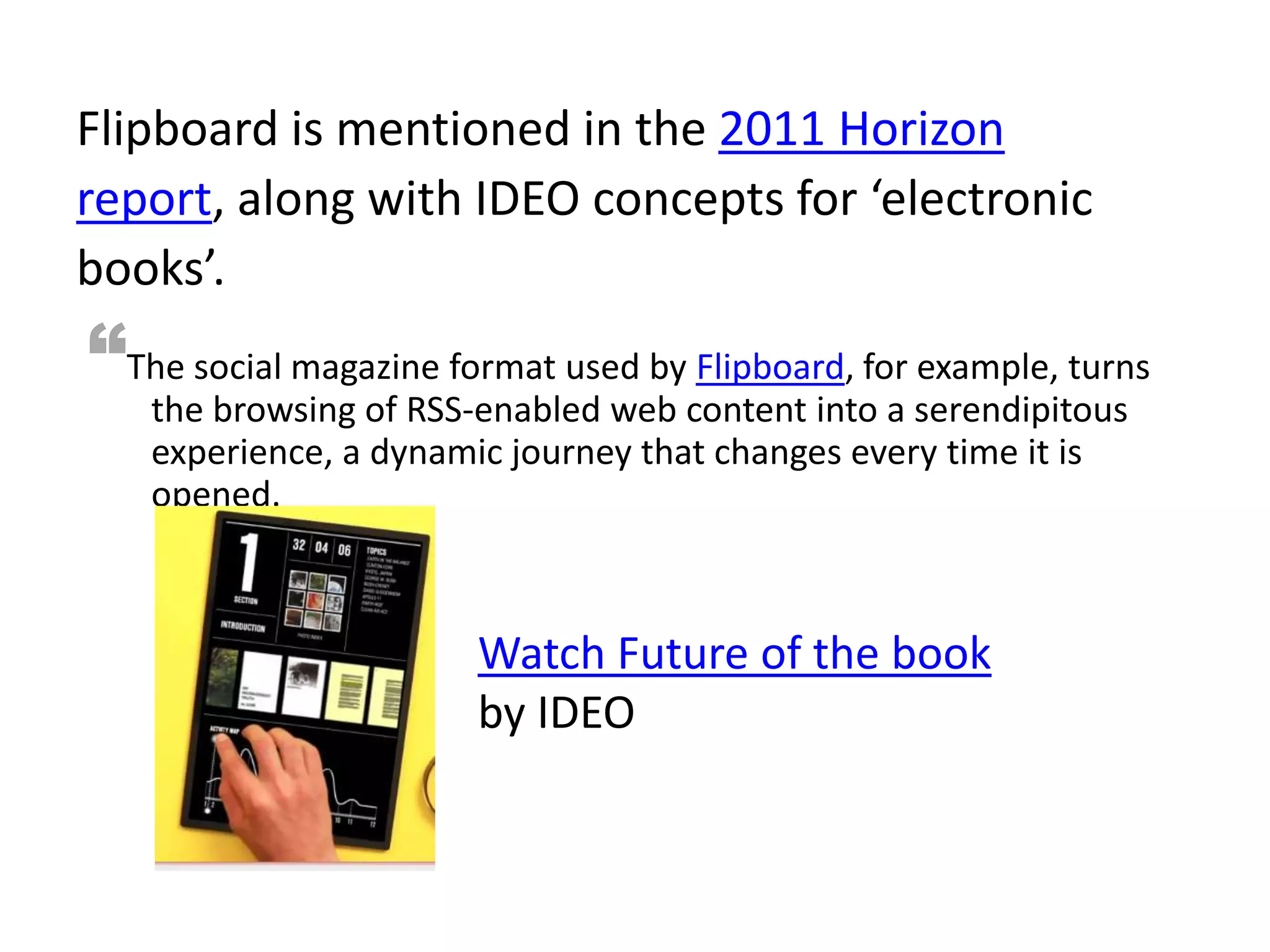
Flipboard is mentioned in the 2011 Horizon
report, along with IDEO concepts for ‘electronic
books’.
“The social magazine format used by Flipboard, for example, turns
   the browsing of RSS-enabled web content into a serendipitous
   experience, a dynamic journey that changes every time it is
   opened.


                       Watch Future of the book
                       by IDEO
How does Flipboard work?
                       A social aggregator
• 21 sections allow for 21 content streams. Flipboard starts with
  some preloaded sections you can delete.
Add a section
• Choose a stream/feed from any Facebook, Twitter, Google reader,
  flickr, Instagram account/user
or
• Add a custom section: search for people, blogs, twitter users,
  twitter lists.
or
• Choose a ‘pre-curated’ Flipboard stream
• Browse a category to find streams under topics of interest.
How does Flipboard work?
                   A social aggregator
Flipboard displays linked content as well, not just the
hyperlink…
• See text, images and play media inline
• Tap on a post/article to see the source post (eg full
   blog article)
• Slide the post up to access a full interactive view of
   the source, eg website.
• Slide along the timeline to see all recent posts
• Post or reply, comment etc via buttons.

                     flip   tap    slide
Why is Flipboard exciting?
• Makes social media more engaging as you can easily
  read, see and play shared content without going to
  the source or opening the link.
• Scan or read posts from different sources together in
  one place, like a magazine editorial.
• Keeps you up to date with your favourite blogs, social
  networks, as the Flipboard sections update
  constantly.
• Customise content streams like an editor. Be active in
  assembling your own knowledge bank vs using
  another’s.
Preview or download Flipboard

             To download the Flipboard
             app:
             • browse to this address on
               your iPad or iPhone:
               http://flipboard.com
             Or
             • Go to the iTunes store and
               search for Flipboard.

Flipboard

  • 1.
  • 2.
    Flipboard is mentionedin the 2011 Horizon report, along with IDEO concepts for ‘electronic books’. “The social magazine format used by Flipboard, for example, turns the browsing of RSS-enabled web content into a serendipitous experience, a dynamic journey that changes every time it is opened. Watch Future of the book by IDEO
  • 3.
    How does Flipboardwork? A social aggregator • 21 sections allow for 21 content streams. Flipboard starts with some preloaded sections you can delete. Add a section • Choose a stream/feed from any Facebook, Twitter, Google reader, flickr, Instagram account/user or • Add a custom section: search for people, blogs, twitter users, twitter lists. or • Choose a ‘pre-curated’ Flipboard stream • Browse a category to find streams under topics of interest.
  • 4.
    How does Flipboardwork? A social aggregator Flipboard displays linked content as well, not just the hyperlink… • See text, images and play media inline • Tap on a post/article to see the source post (eg full blog article) • Slide the post up to access a full interactive view of the source, eg website. • Slide along the timeline to see all recent posts • Post or reply, comment etc via buttons. flip tap slide
  • 5.
    Why is Flipboardexciting? • Makes social media more engaging as you can easily read, see and play shared content without going to the source or opening the link. • Scan or read posts from different sources together in one place, like a magazine editorial. • Keeps you up to date with your favourite blogs, social networks, as the Flipboard sections update constantly. • Customise content streams like an editor. Be active in assembling your own knowledge bank vs using another’s.
  • 6.
    Preview or downloadFlipboard To download the Flipboard app: • browse to this address on your iPad or iPhone: http://flipboard.com Or • Go to the iTunes store and search for Flipboard.

Editor's Notes

  • #2 Flipboard is a new app for the iPad. It allows you to build your own magazine – a collection of your social media sites and blogs (from a choice of perspectives), and to interact with content and users like you would on a PC.