Digital Graphics 
File Formats 
JJ Rae
Raster Graphics 
• Give a definition of Raster Graphics 
Raster Graphics are bitmaps. They use small pixels as data 
which contains information of colour of the section of the 
image. Bitmapped images are fixed, & resizing causes 
distortion. Megapixel's are in million bits which is what 
separates the picture into.
Vector Graphics 
• Give a definition of Vector Graphics 
Vector graphics are made up of vectors (also 
known as path/strokes). They are defined with a 
start & end point. Can become a line, square, 
triangle, or curvy shape.
Raster Graphics
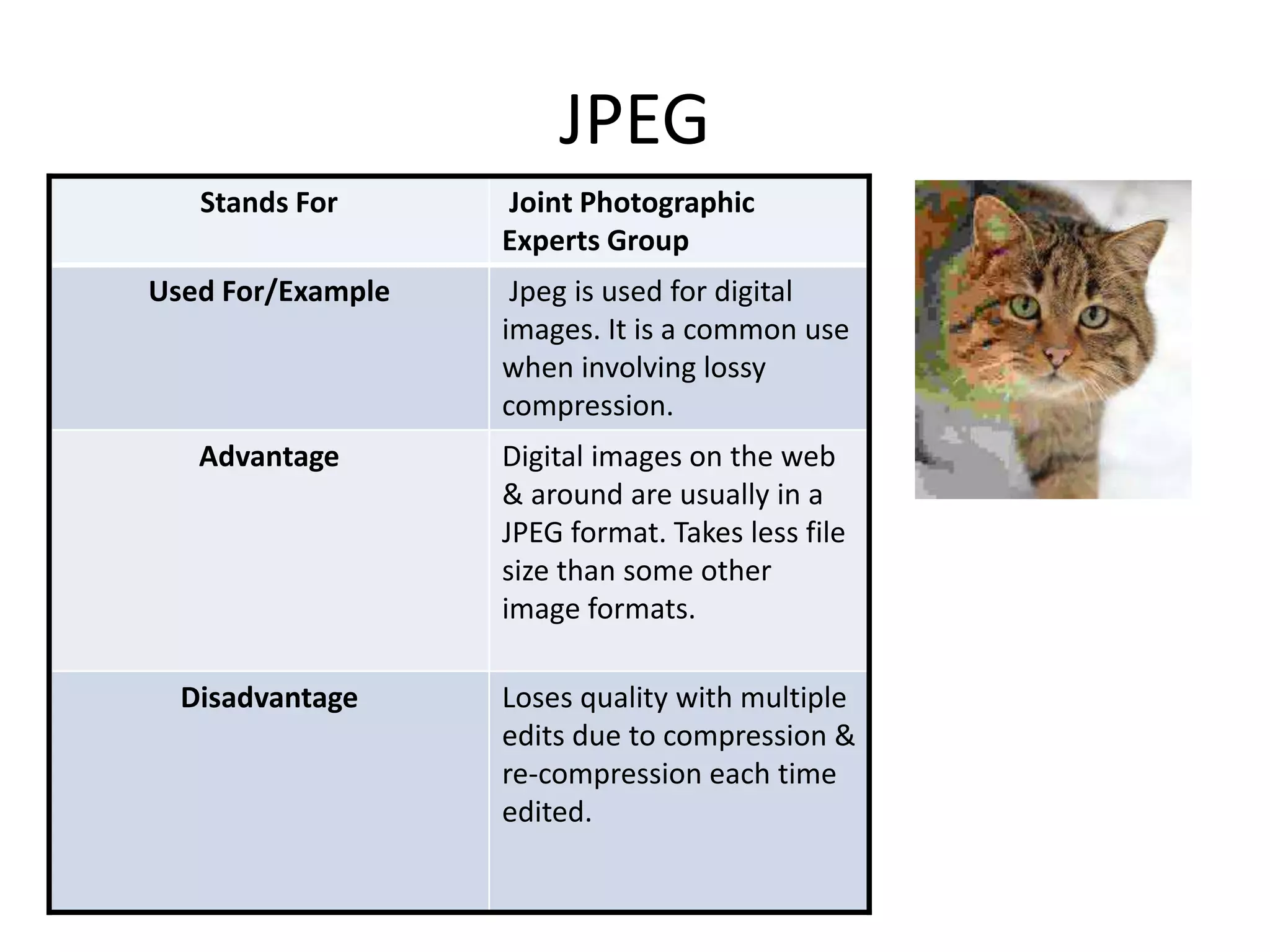
JPEG 
Stands For Joint Photographic 
Experts Group 
Used For/Example Jpeg is used for digital 
images. It is a common use 
when involving lossy 
compression. 
Advantage Digital images on the web 
& around are usually in a 
JPEG format. Takes less file 
size than some other 
image formats. 
Disadvantage Loses quality with multiple 
edits due to compression & 
re-compression each time 
edited.
TIFF 
Stands For Tagged Image File Format 
Used For/Example TIFF’s are used for desktop 
publishing (it is popular amongst 
Graphic designers) 
Advantage Adobe in design documents saved as 
TIFF’s can save multiple page 
documents for a single TIFF file. 
TIFF has the option of bssless 
compression. 
It doesn’t lose quality due to 
compression. 
Disadvantage The main disadvantage is that the 
file size can become huge in 
memory. Most things will not open.
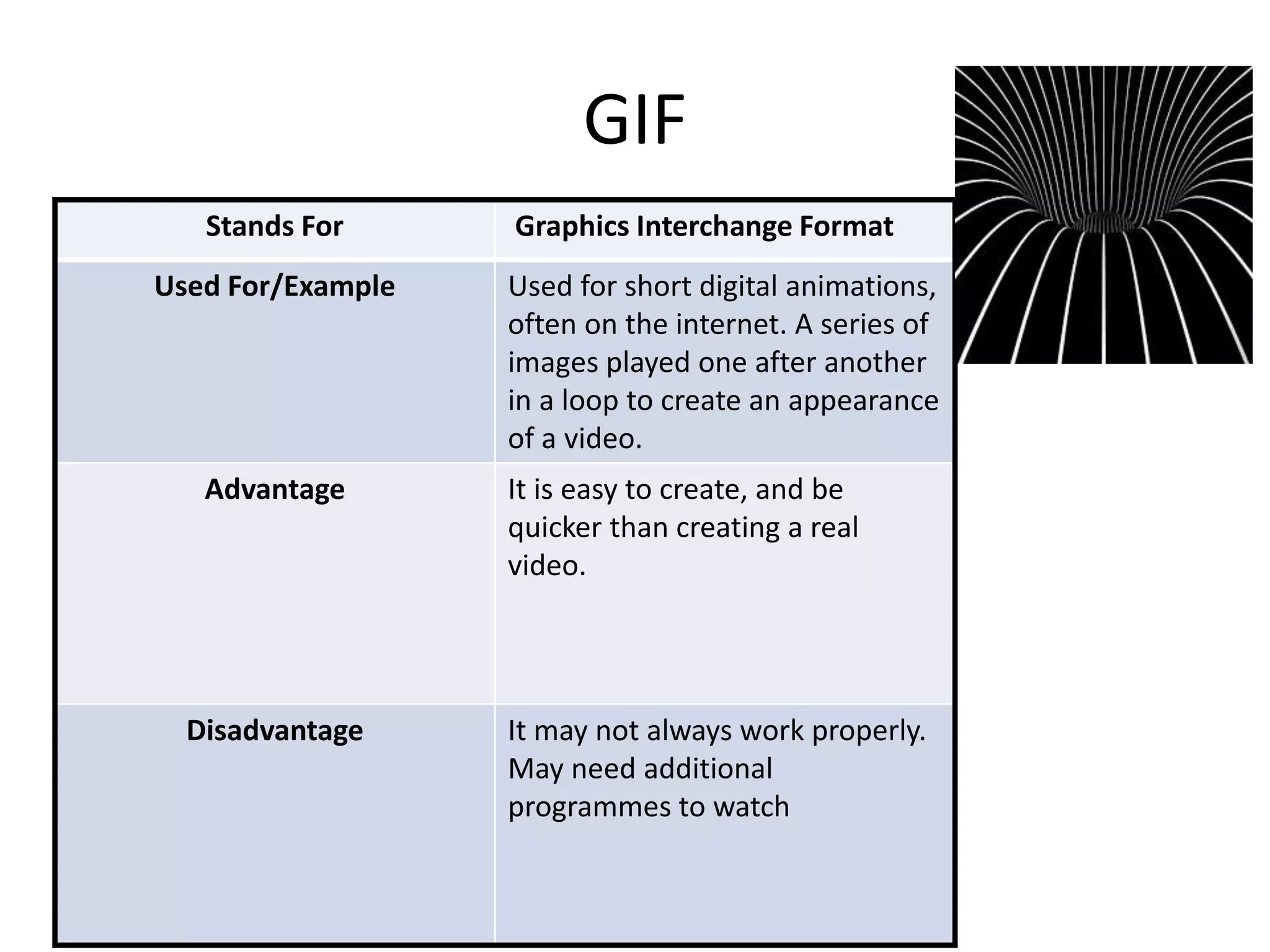
GIF 
Stands For Graphics Interchange Format 
Used For/Example Used for short digital animations, 
often on the internet. A series of 
images played one after another 
in a loop to create an appearance 
of a video. 
Advantage It is easy to create, and be 
quicker than creating a real 
video. 
Disadvantage It may not always work properly. 
May need additional 
programmes to watch
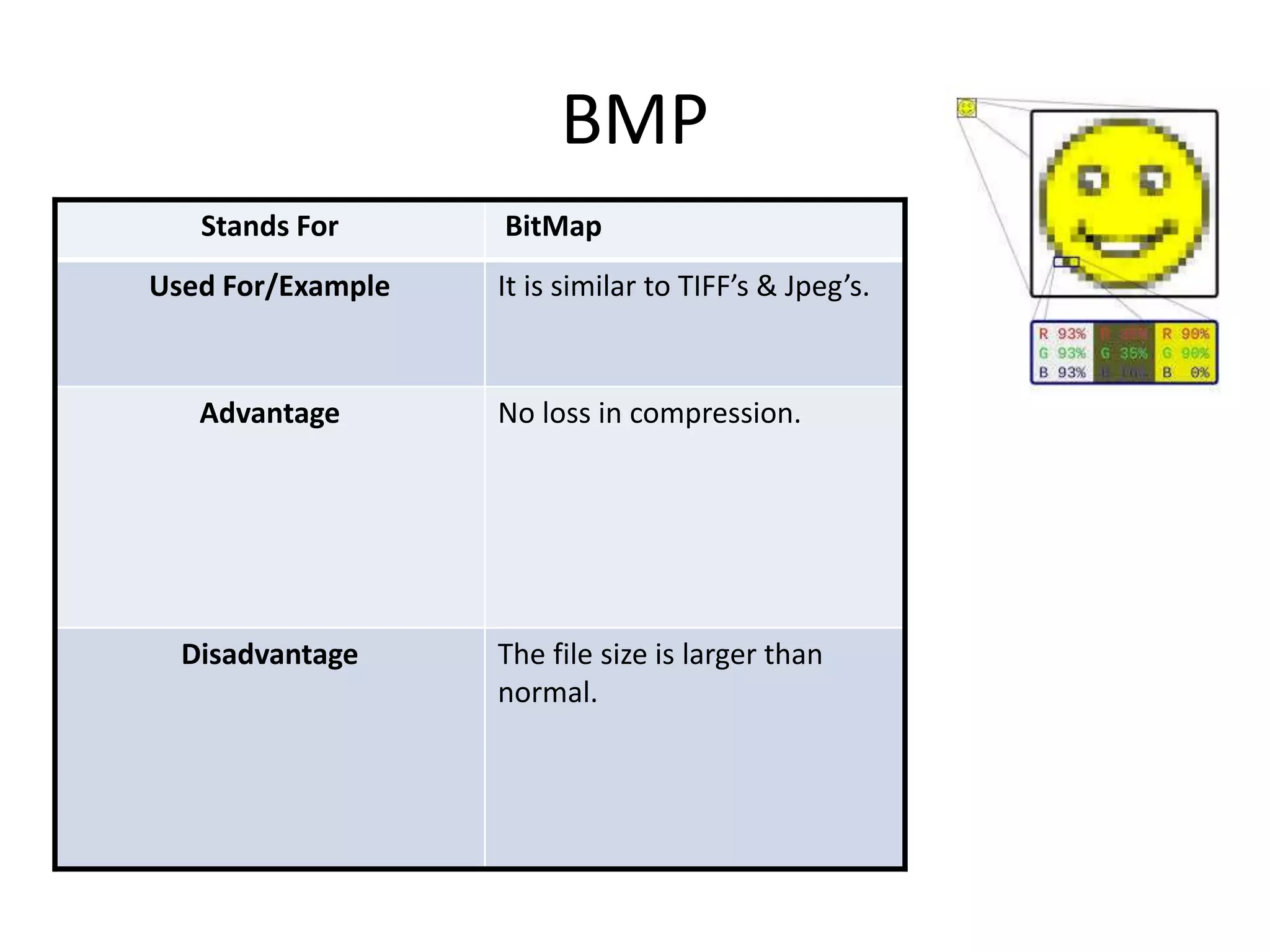
BMP 
Stands For BitMap 
Used For/Example It is similar to TIFF’s & Jpeg’s. 
Advantage No loss in compression. 
Disadvantage The file size is larger than 
normal.
Vector Graphics
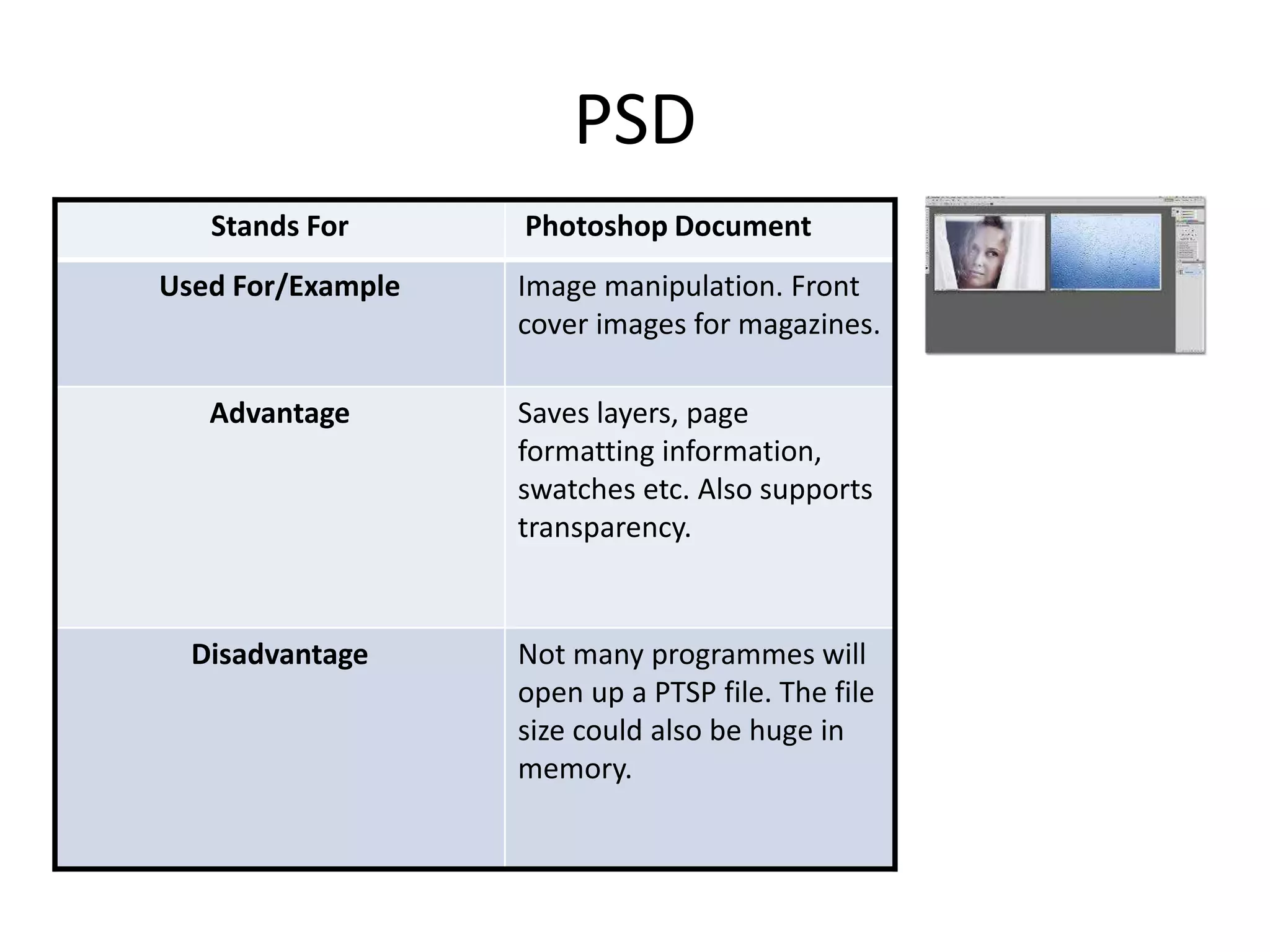
PSD 
Stands For Photoshop Document 
Used For/Example Image manipulation. Front 
cover images for magazines. 
Advantage Saves layers, page 
formatting information, 
swatches etc. Also supports 
transparency. 
Disadvantage Not many programmes will 
open up a PTSP file. The file 
size could also be huge in 
memory.
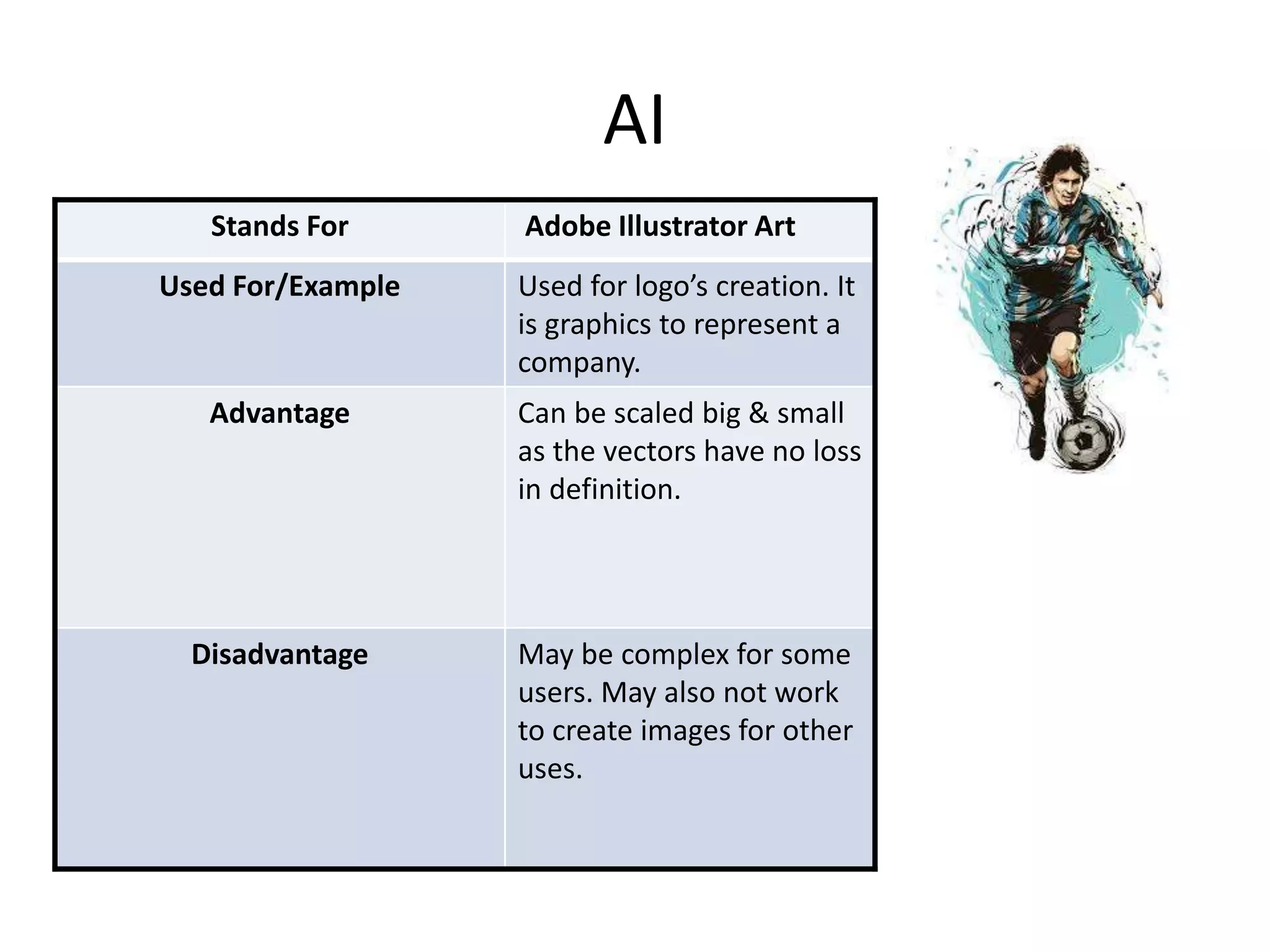
AI 
Stands For Adobe Illustrator Art 
Used For/Example Used for logo’s creation. It 
is graphics to represent a 
company. 
Advantage Can be scaled big & small 
as the vectors have no loss 
in definition. 
Disadvantage May be complex for some 
users. May also not work 
to create images for other 
uses.
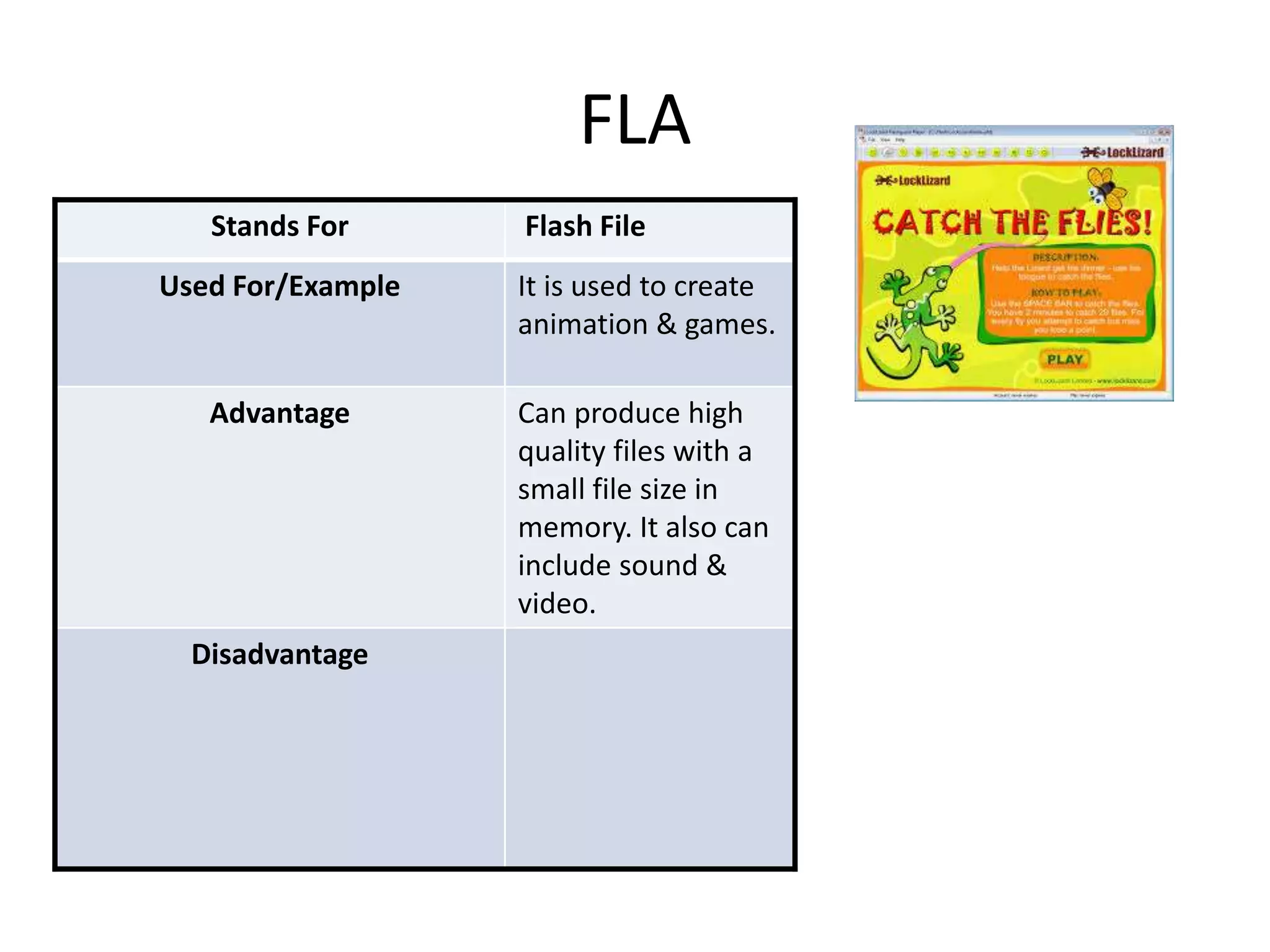
FLA 
Stands For Flash File 
Used For/Example It is used to create 
animation & games. 
Advantage Can produce high 
quality files with a 
small file size in 
memory. It also can 
include sound & 
video. 
Disadvantage
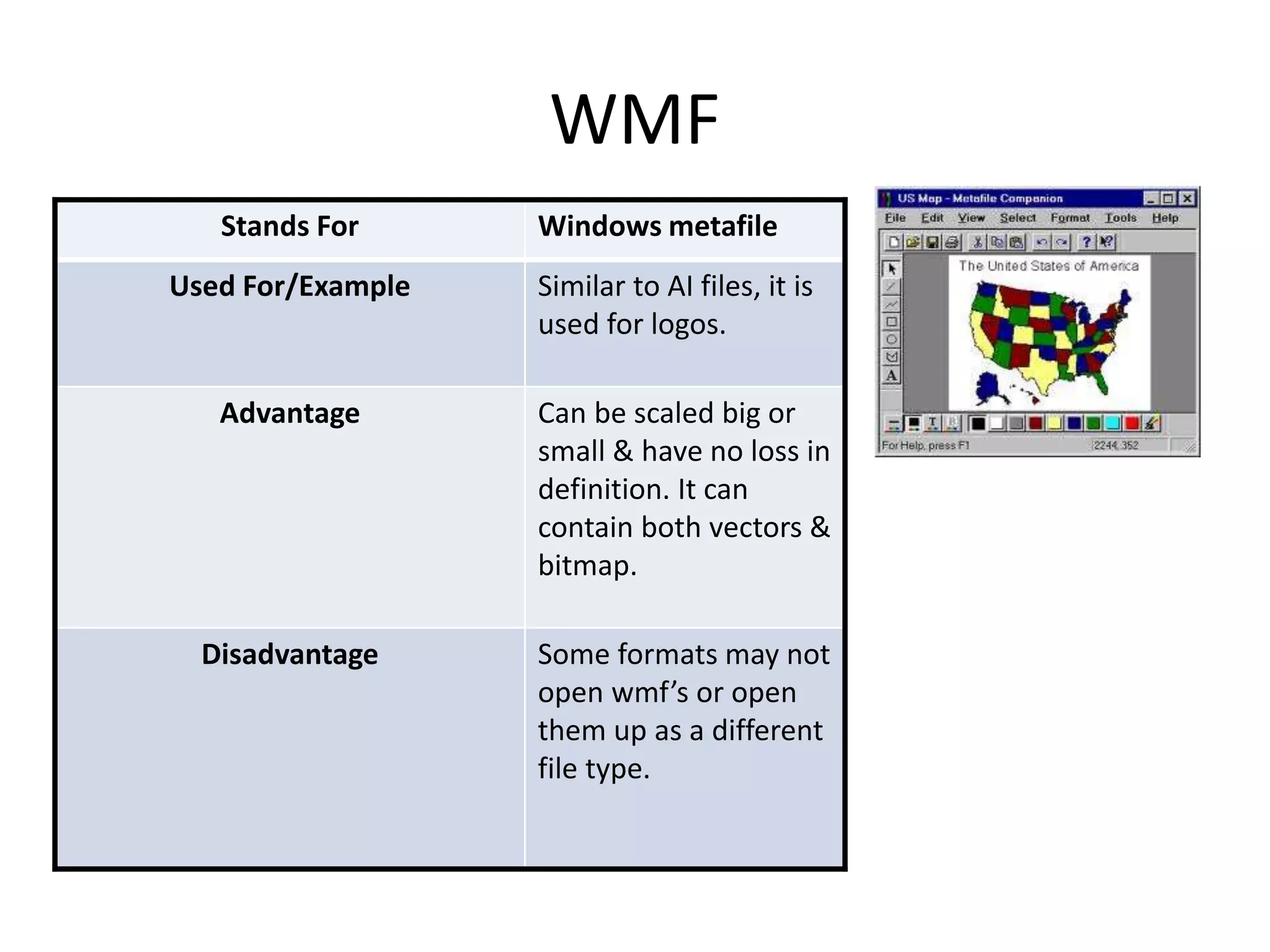
WMF 
Stands For Windows metafile 
Used For/Example Similar to AI files, it is 
used for logos. 
Advantage Can be scaled big or 
small & have no loss in 
definition. It can 
contain both vectors & 
bitmap. 
Disadvantage Some formats may not 
open wmf’s or open 
them up as a different 
file type.
File Format Capture 
and Optimising
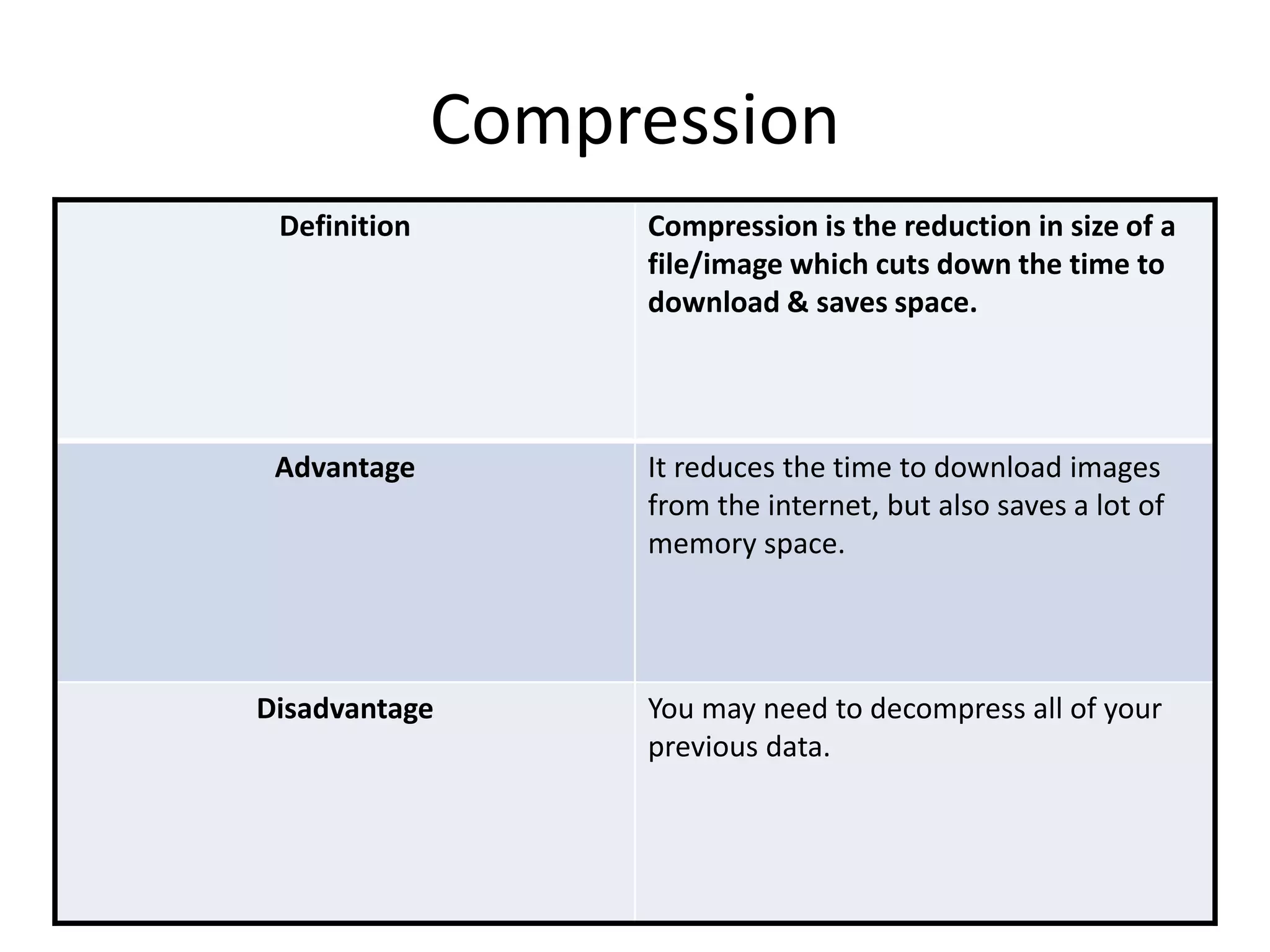
Compression 
Definition Compression is the reduction in size of a 
file/image which cuts down the time to 
download & saves space. 
Advantage It reduces the time to download images 
from the internet, but also saves a lot of 
memory space. 
Disadvantage You may need to decompress all of your 
previous data.
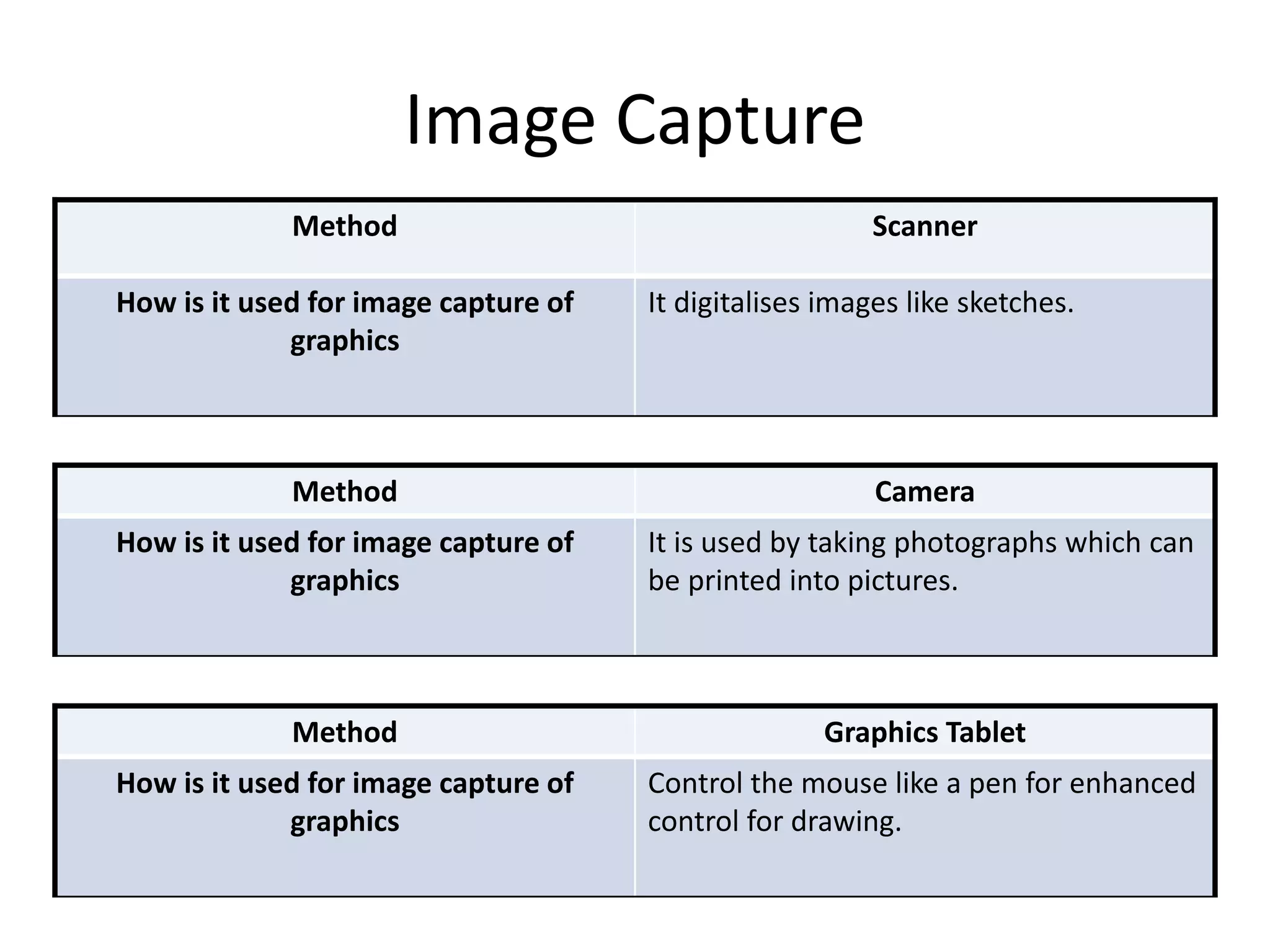
Image Capture 
Method Scanner 
How is it used for image capture of 
graphics 
It digitalises images like sketches. 
Method Camera 
How is it used for image capture of 
graphics 
It is used by taking photographs which can 
be printed into pictures. 
Method Graphics Tablet 
How is it used for image capture of 
graphics 
Control the mouse like a pen for enhanced 
control for drawing.
Optimising 
Why would you optimise? You would optimise to make images 
small, to reduce the bit depth (refers to 
bits used regarding colours of pixels) & to 
reduce the resolution. 
How can you optimise? “the fewer bytes the browser has to download, the less 
competition there is for the client's bandwidth and the faster 
the browser can download and render useful content on the 
screen.” https://developers.google.com/web/fundamentals/performance/optimizing-content- 
efficiency/image-optimization. Optimising will happen if 
you upload images to the web. 
Advantage to optimising Reduces file size, making it easy to 
download them. All images uploaded to 
the web are optimised. 
Disadvantage to optimising Images not optimised have large file sizes. 
Larger the file size, longer to download. 
No more than 500 pixels wide.

File types Pro Forma

  • 1.
    Digital Graphics FileFormats JJ Rae
  • 2.
    Raster Graphics •Give a definition of Raster Graphics Raster Graphics are bitmaps. They use small pixels as data which contains information of colour of the section of the image. Bitmapped images are fixed, & resizing causes distortion. Megapixel's are in million bits which is what separates the picture into.
  • 3.
    Vector Graphics •Give a definition of Vector Graphics Vector graphics are made up of vectors (also known as path/strokes). They are defined with a start & end point. Can become a line, square, triangle, or curvy shape.
  • 4.
  • 5.
    JPEG Stands ForJoint Photographic Experts Group Used For/Example Jpeg is used for digital images. It is a common use when involving lossy compression. Advantage Digital images on the web & around are usually in a JPEG format. Takes less file size than some other image formats. Disadvantage Loses quality with multiple edits due to compression & re-compression each time edited.
  • 6.
    TIFF Stands ForTagged Image File Format Used For/Example TIFF’s are used for desktop publishing (it is popular amongst Graphic designers) Advantage Adobe in design documents saved as TIFF’s can save multiple page documents for a single TIFF file. TIFF has the option of bssless compression. It doesn’t lose quality due to compression. Disadvantage The main disadvantage is that the file size can become huge in memory. Most things will not open.
  • 7.
    GIF Stands ForGraphics Interchange Format Used For/Example Used for short digital animations, often on the internet. A series of images played one after another in a loop to create an appearance of a video. Advantage It is easy to create, and be quicker than creating a real video. Disadvantage It may not always work properly. May need additional programmes to watch
  • 8.
    BMP Stands ForBitMap Used For/Example It is similar to TIFF’s & Jpeg’s. Advantage No loss in compression. Disadvantage The file size is larger than normal.
  • 9.
  • 10.
    PSD Stands ForPhotoshop Document Used For/Example Image manipulation. Front cover images for magazines. Advantage Saves layers, page formatting information, swatches etc. Also supports transparency. Disadvantage Not many programmes will open up a PTSP file. The file size could also be huge in memory.
  • 11.
    AI Stands ForAdobe Illustrator Art Used For/Example Used for logo’s creation. It is graphics to represent a company. Advantage Can be scaled big & small as the vectors have no loss in definition. Disadvantage May be complex for some users. May also not work to create images for other uses.
  • 12.
    FLA Stands ForFlash File Used For/Example It is used to create animation & games. Advantage Can produce high quality files with a small file size in memory. It also can include sound & video. Disadvantage
  • 13.
    WMF Stands ForWindows metafile Used For/Example Similar to AI files, it is used for logos. Advantage Can be scaled big or small & have no loss in definition. It can contain both vectors & bitmap. Disadvantage Some formats may not open wmf’s or open them up as a different file type.
  • 14.
    File Format Capture and Optimising
  • 15.
    Compression Definition Compressionis the reduction in size of a file/image which cuts down the time to download & saves space. Advantage It reduces the time to download images from the internet, but also saves a lot of memory space. Disadvantage You may need to decompress all of your previous data.
  • 16.
    Image Capture MethodScanner How is it used for image capture of graphics It digitalises images like sketches. Method Camera How is it used for image capture of graphics It is used by taking photographs which can be printed into pictures. Method Graphics Tablet How is it used for image capture of graphics Control the mouse like a pen for enhanced control for drawing.
  • 17.
    Optimising Why wouldyou optimise? You would optimise to make images small, to reduce the bit depth (refers to bits used regarding colours of pixels) & to reduce the resolution. How can you optimise? “the fewer bytes the browser has to download, the less competition there is for the client's bandwidth and the faster the browser can download and render useful content on the screen.” https://developers.google.com/web/fundamentals/performance/optimizing-content- efficiency/image-optimization. Optimising will happen if you upload images to the web. Advantage to optimising Reduces file size, making it easy to download them. All images uploaded to the web are optimised. Disadvantage to optimising Images not optimised have large file sizes. Larger the file size, longer to download. No more than 500 pixels wide.