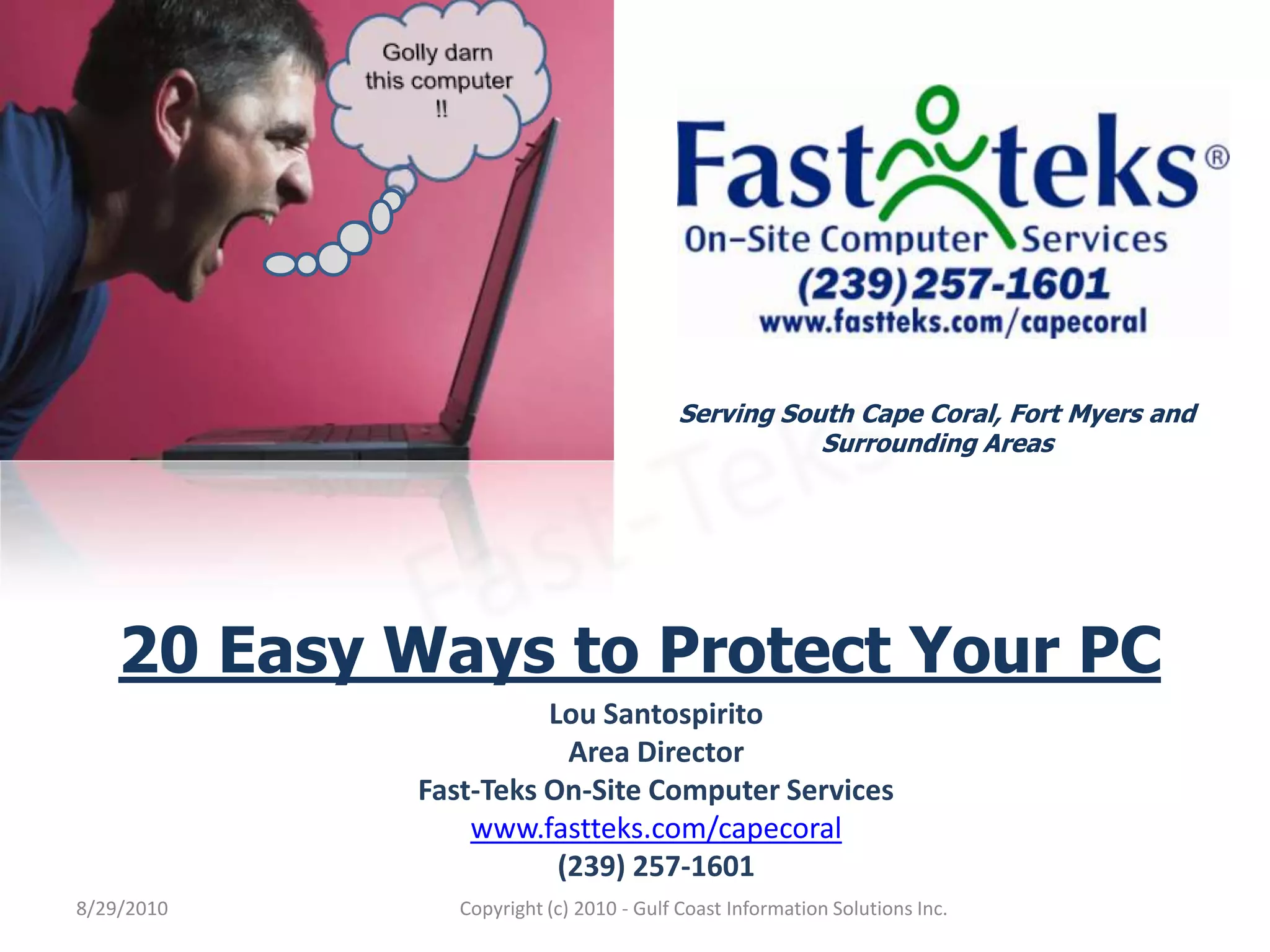
Golly darn this computer !!Serving South Cape Coral, Fort Myers and Surrounding AreasFast-Teks20 Easy Ways to Protect Your PCLou SantospiritoArea DirectorFast-Teks On-Site Computer Serviceswww.fastteks.com/capecoral(239) 257-16018/29/2010Copyright (c) 2010 - Gulf Coast Information Solutions Inc.
Keeping Your Computer SafeWe use our computers every day for many different things.  Unfortunately, there are always many others that either willingly or unknowing cause harm to your computer.  Just like you can’t always stay safe when you drive your car, you can’t always stay safe behind the keyboard.  We can only try to keep our cars and computers healthy and safe by following regular safe practices.  I’ve listed 20 Easy ways to protect your PC from the most common types of security threats.8/29/2010Fast-TeksCopyright (c) 2010 - Gulf Coast Information Solutions Inc.
(1) Install Anti-Virus Software.8/29/2010Fast-TeksCopyright (c) 2010 - Gulf Coast Information Solutions Inc.
(2) Perform Regular Backups.Fast-Teks offers an Affordable, Easy-to-Use, Secure and business compliant Remote Backup Service that provides peace of mind that your important data is safe – Guaranteed.8/29/2010Fast-TeksCopyright (c) 2010 - Gulf Coast Information Solutions Inc.
(3) Don’t Download files from Suspicious Websites.8/29/2010Fast-TeksCopyright (c) 2010 - Gulf Coast Information Solutions Inc.
(4) Keep Your Operating System Up-To-Date.Verifying that your System is Up-To-Date with the latest Security Patches is standard operating procedure for Fast-Teks Technicians when servicing your computer.8/29/2010Fast-TeksCopyright (c) 2010 - Gulf Coast Information Solutions Inc.
(5) Regularly Change your Passwords with Robust Patterns.8/29/2010Fast-TeksCopyright (c) 2010 - Gulf Coast Information Solutions Inc.
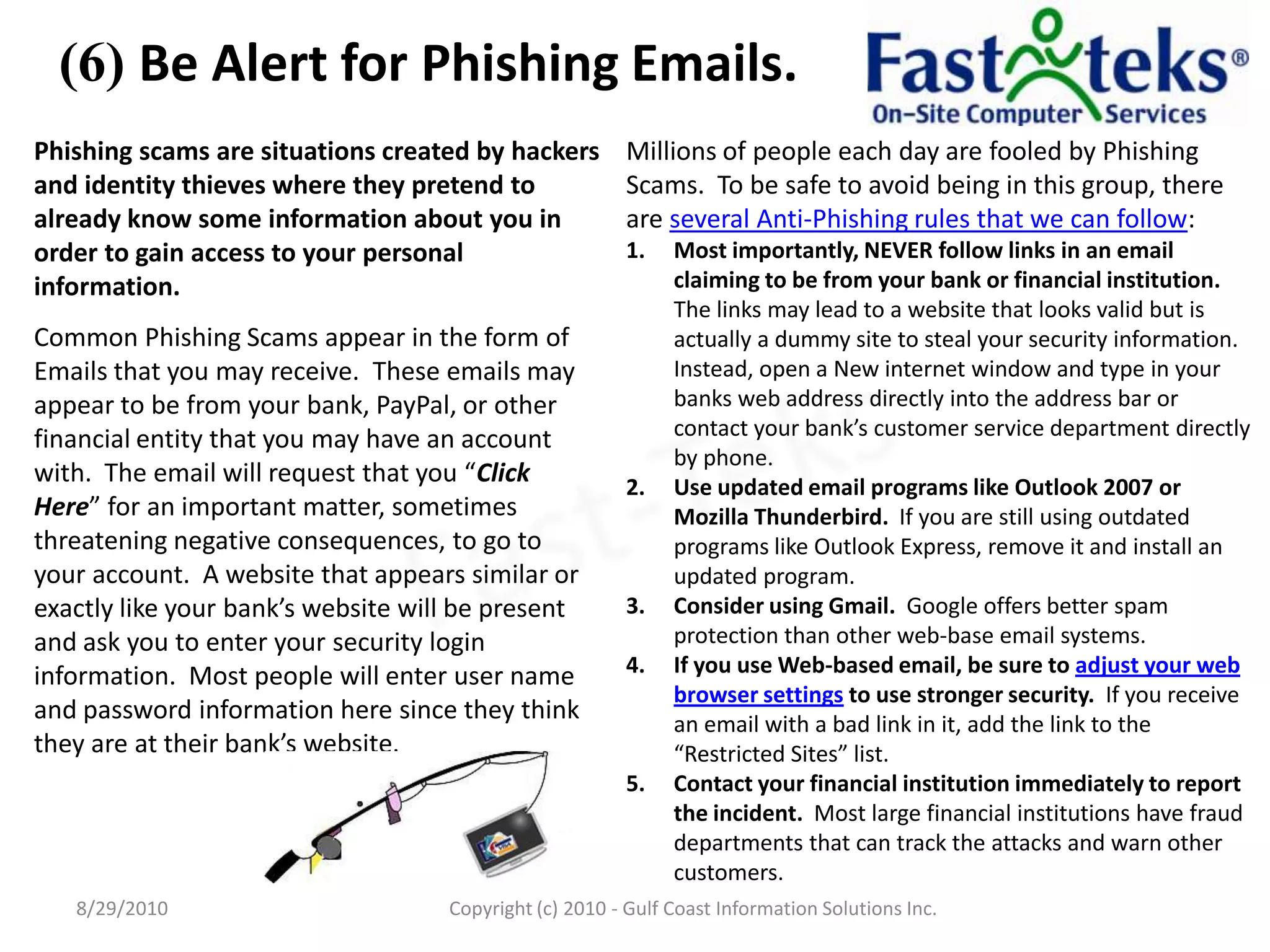
(6) Be Alert for Phishing Emails.8/29/2010Fast-TeksCopyright (c) 2010 - Gulf Coast Information Solutions Inc.
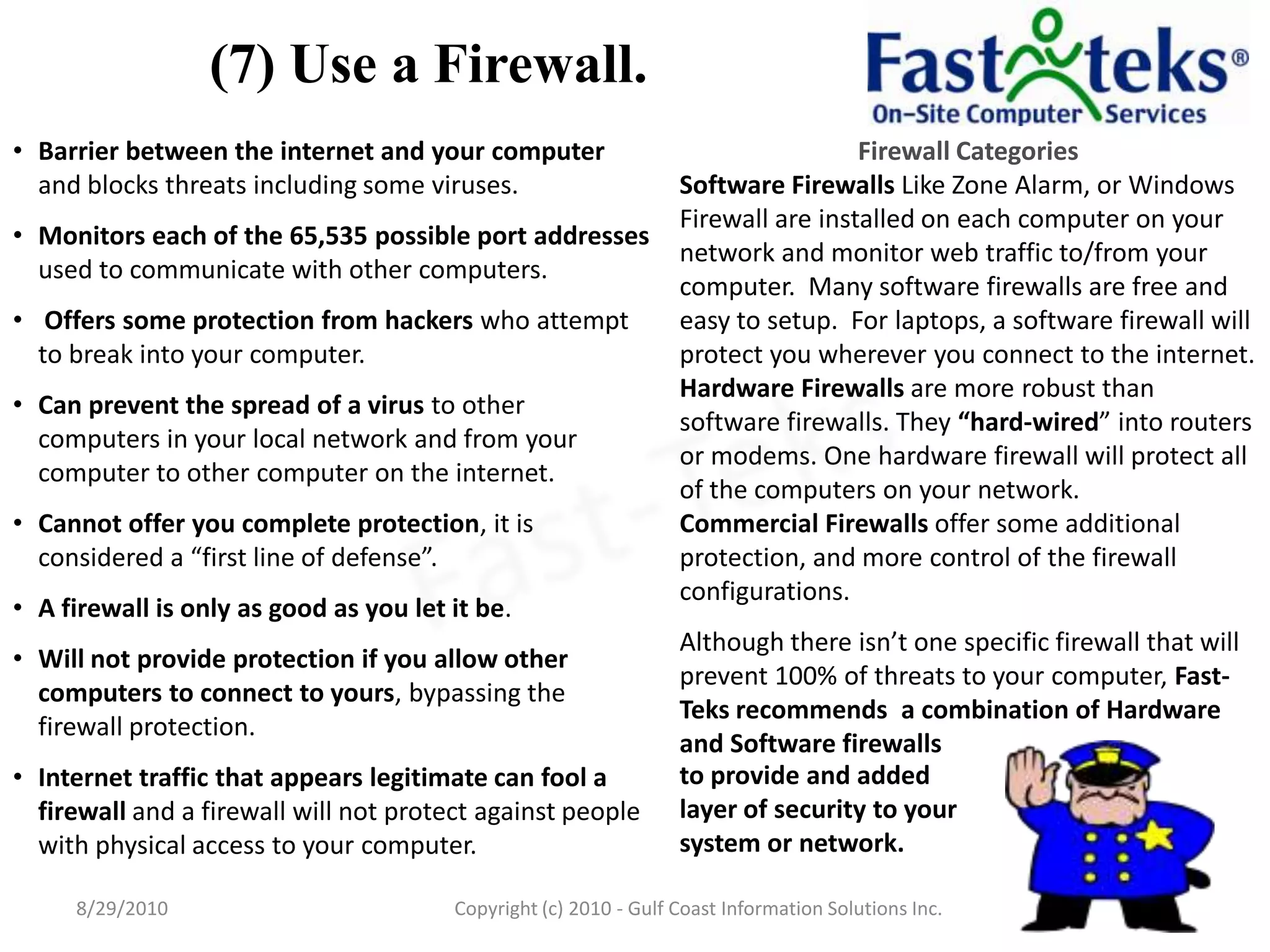
(7) Use a Firewall.to provide and added layer of security to your system or network.8/29/2010Fast-TeksCopyright (c) 2010 - Gulf Coast Information Solutions Inc.
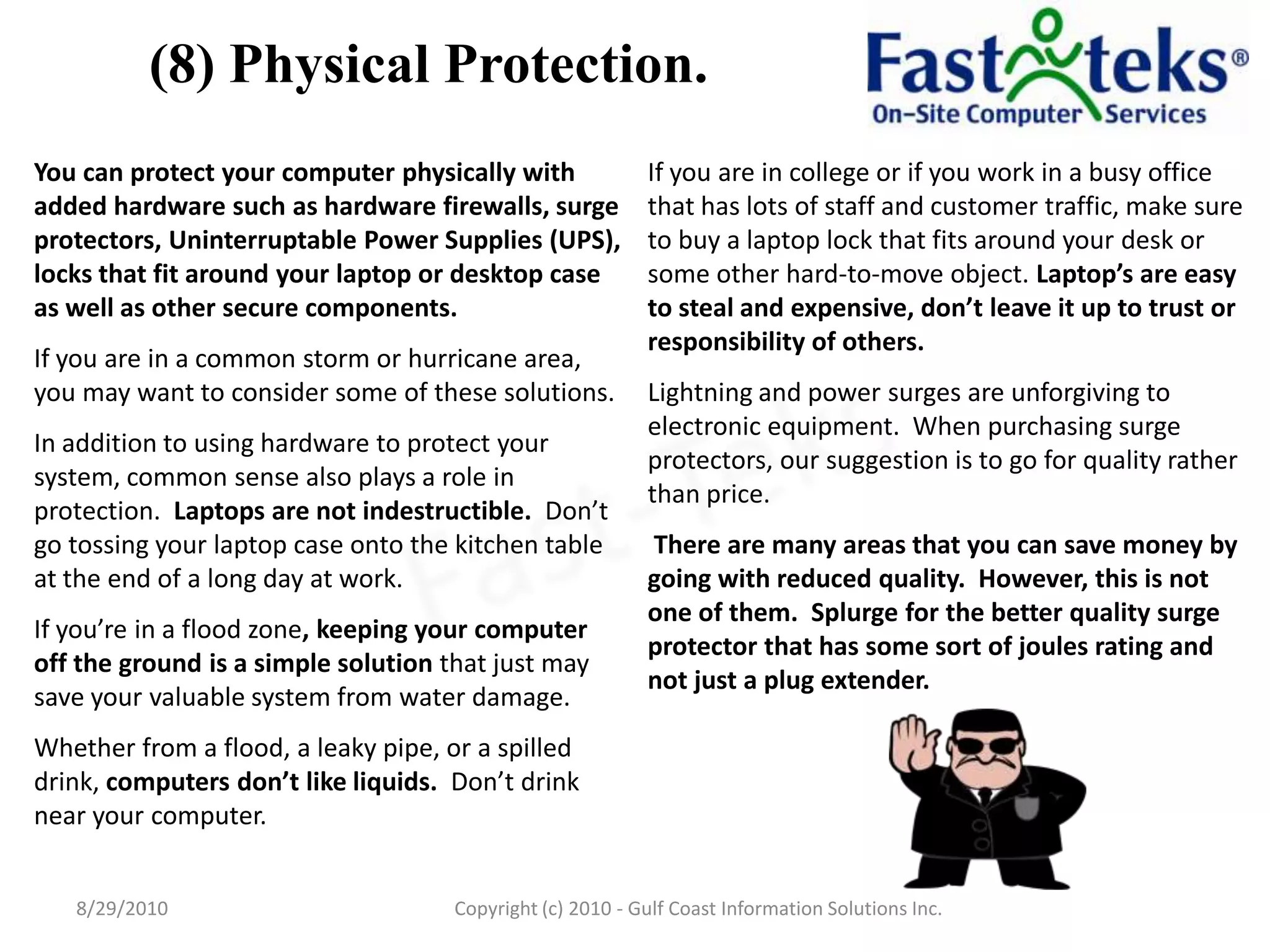
(8) Physical Protection.8/29/2010Fast-TeksCopyright (c) 2010 - Gulf Coast Information Solutions Inc.
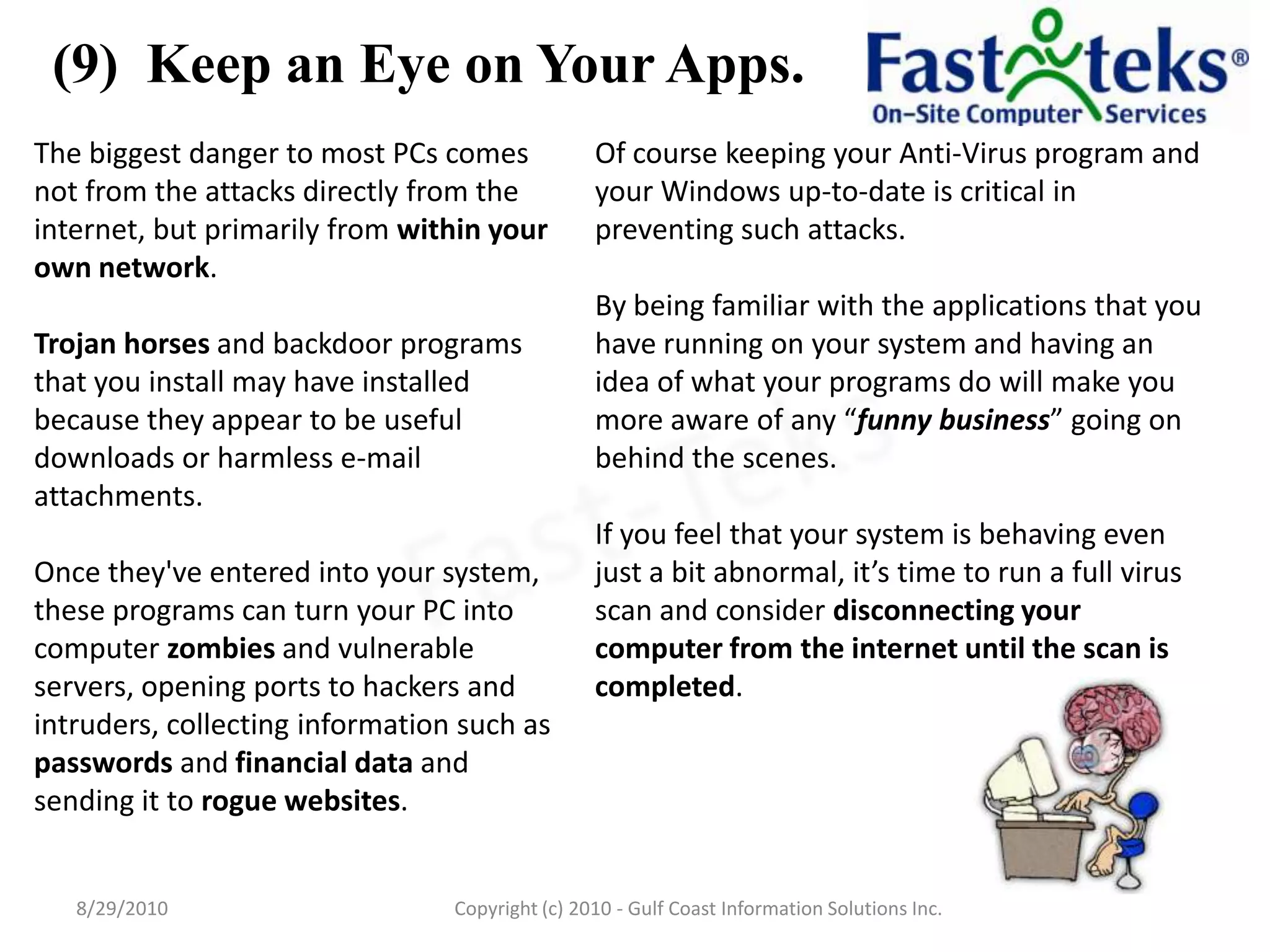
(9)  Keep an Eye on Your Apps.8/29/2010Fast-TeksCopyright (c) 2010 - Gulf Coast Information Solutions Inc.
(10) Regularly Reboot Your PC.  8/29/2010Fast-TeksCopyright (c) 2010 - Gulf Coast Information Solutions Inc.
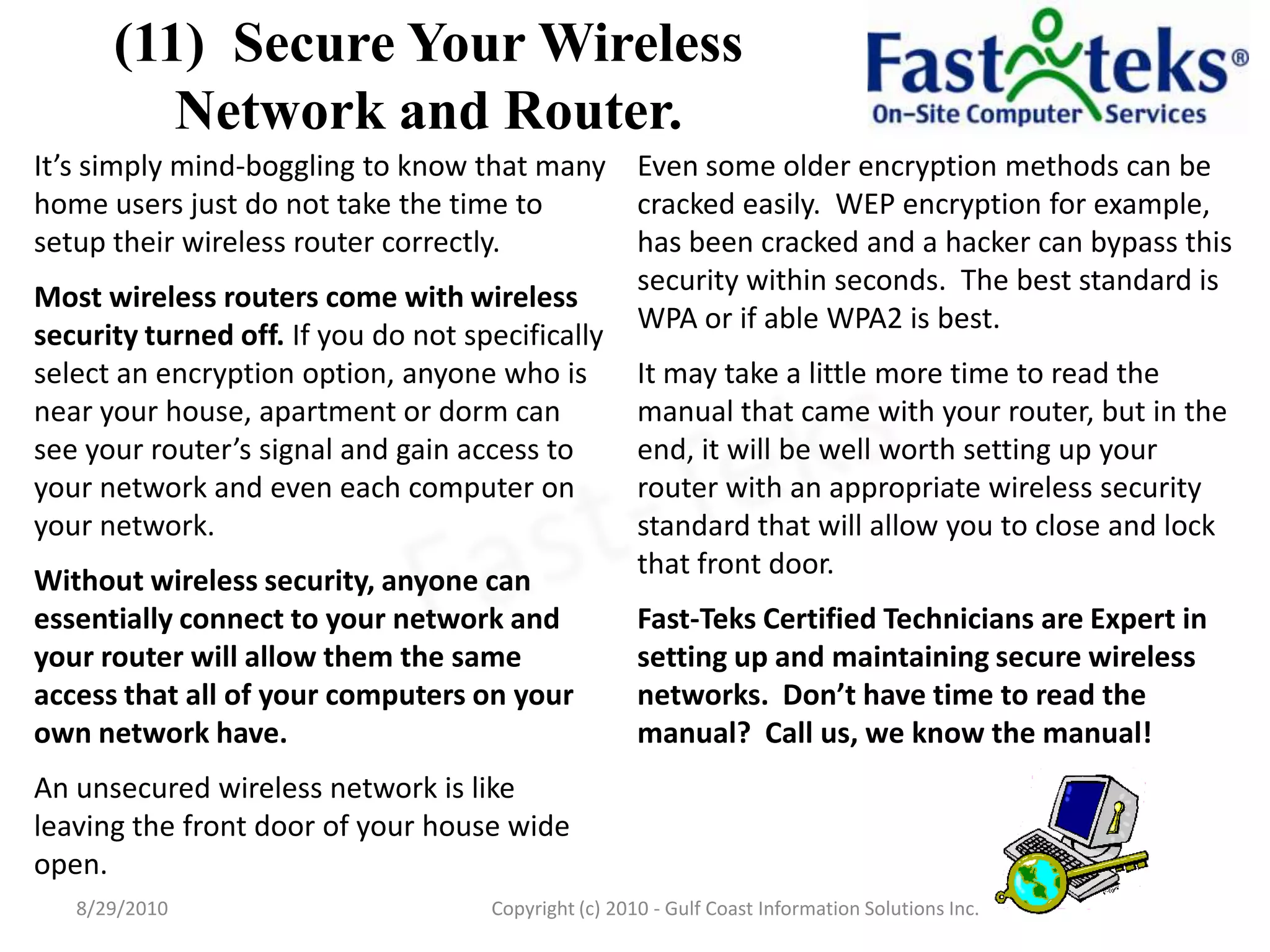
(11)  Secure Your Wireless Network and Router.8/29/2010Fast-TeksCopyright (c) 2010 - Gulf Coast Information Solutions Inc.
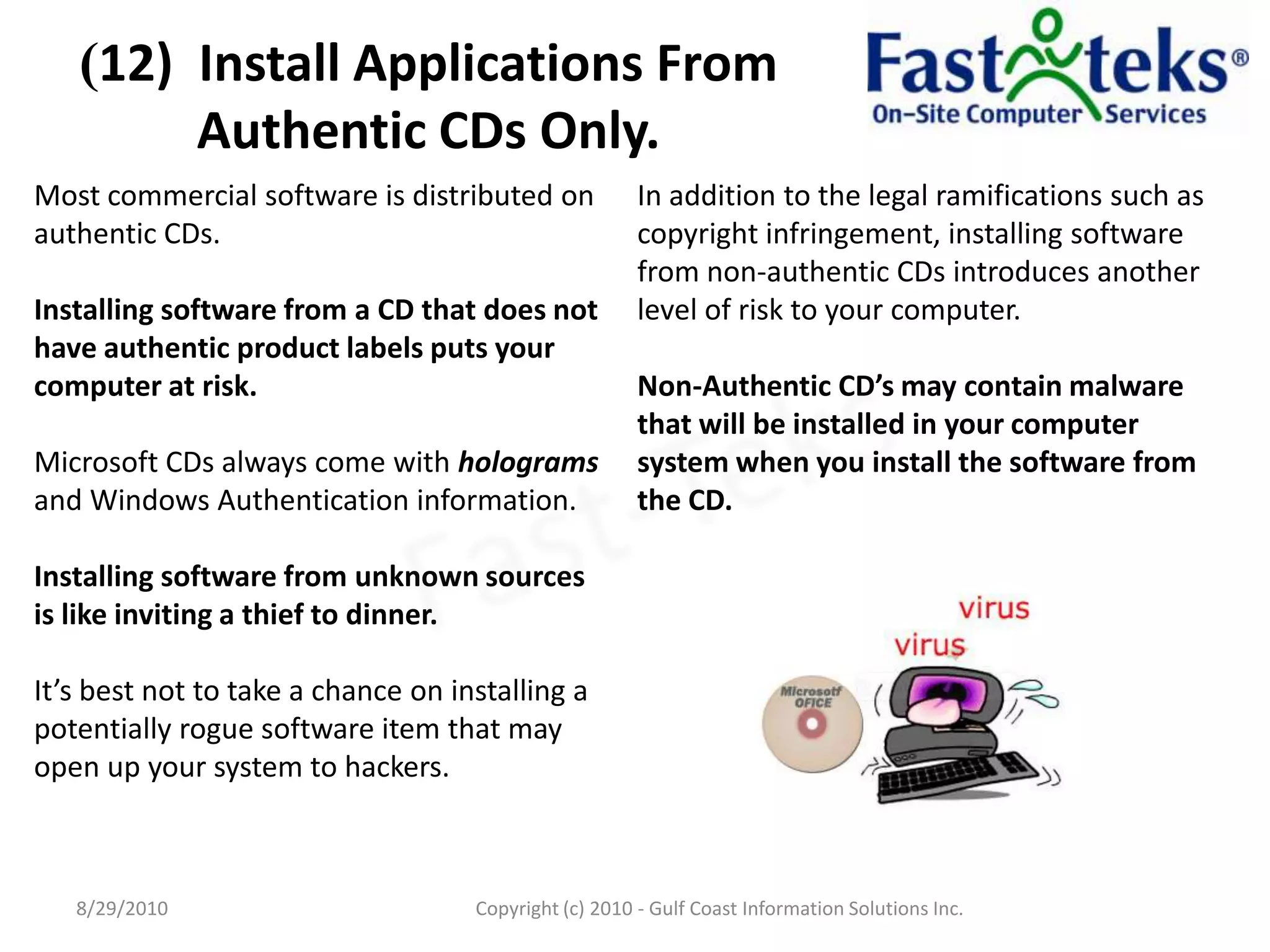
(12)  Install Applications From Authentic CDs Only.8/29/2010Fast-TeksCopyright (c) 2010 - Gulf Coast Information Solutions Inc.
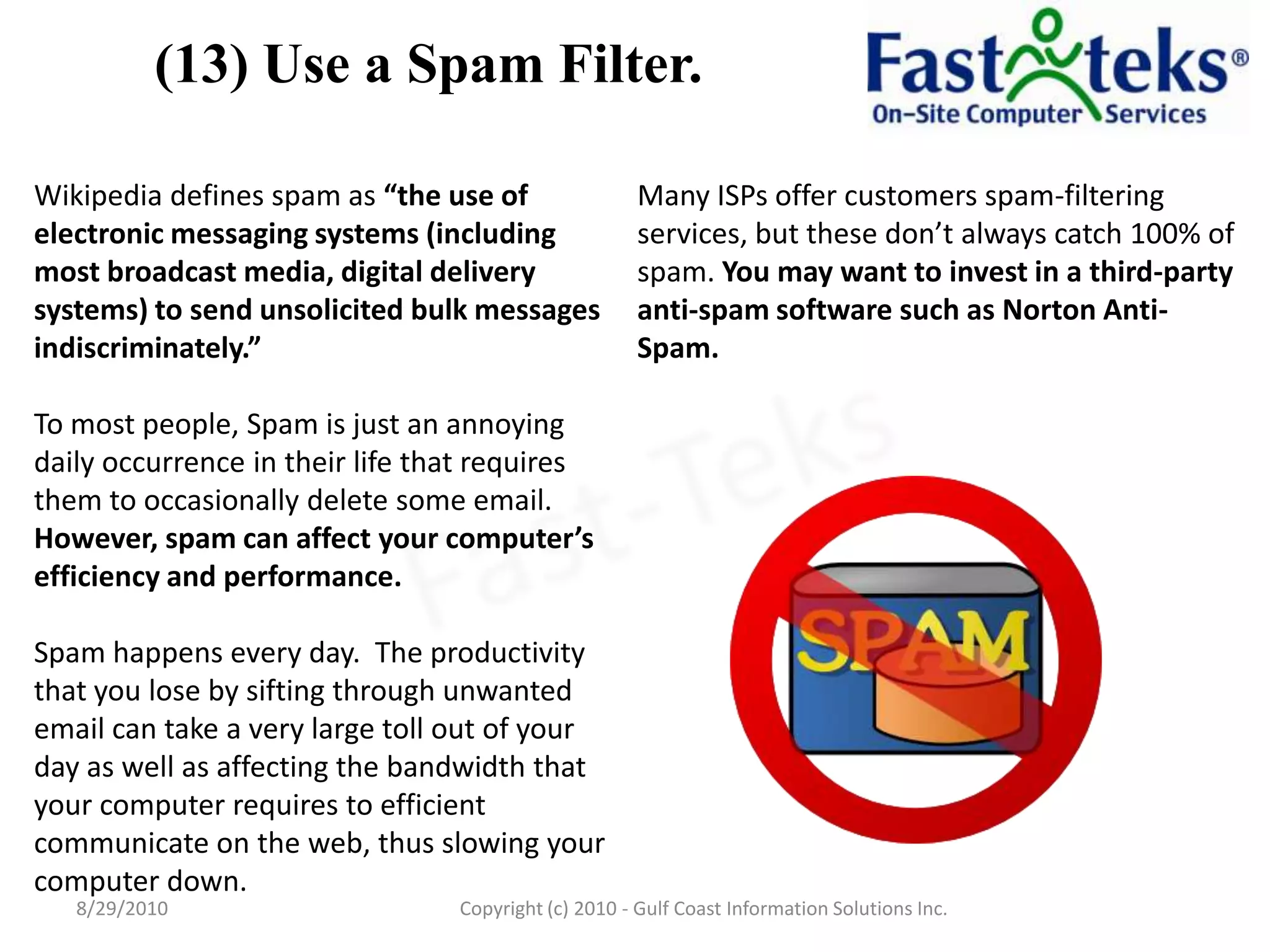
(13) Use a Spam Filter.8/29/2010Fast-TeksCopyright (c) 2010 - Gulf Coast Information Solutions Inc.
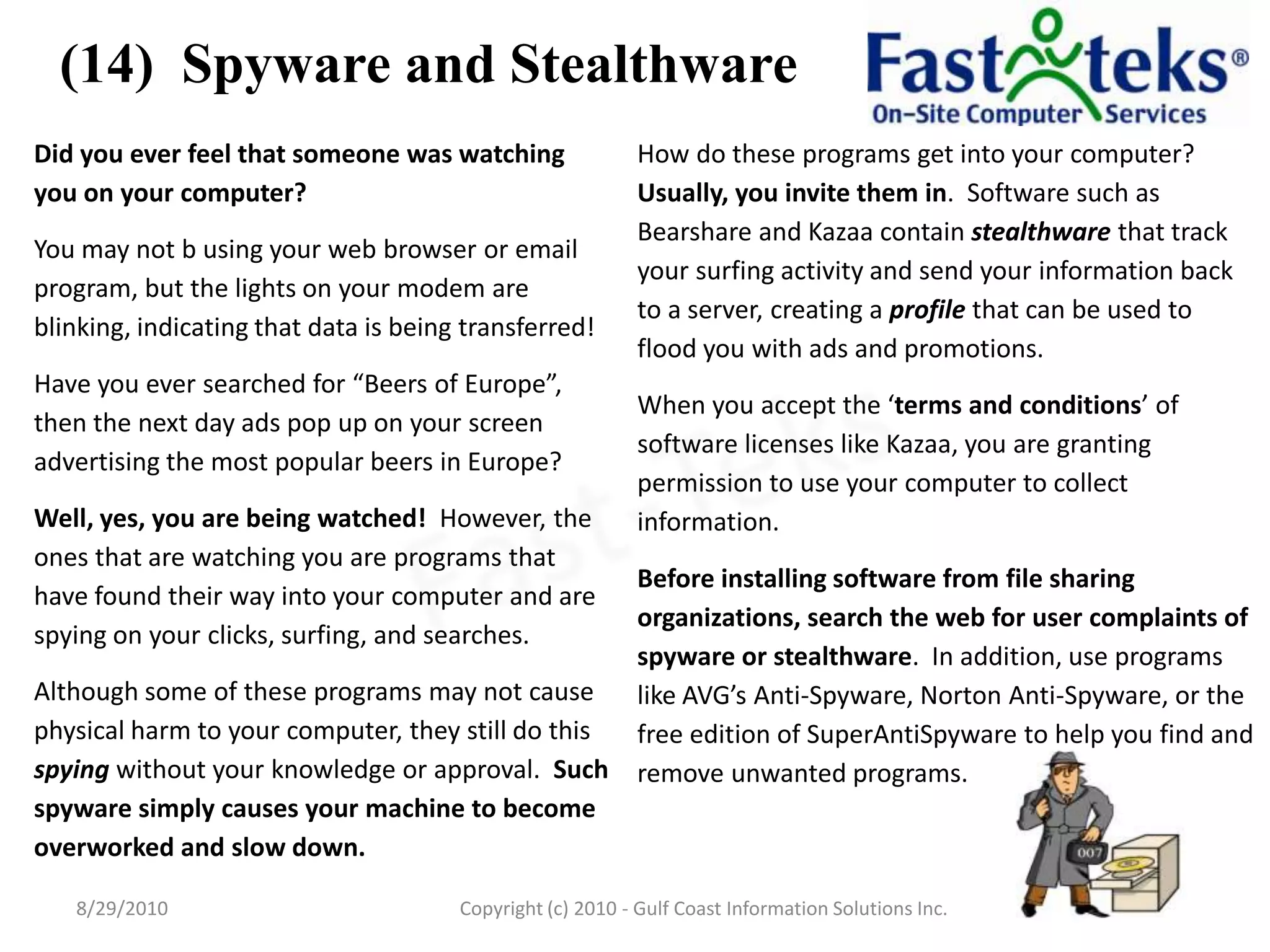
(14)  Spyware and Stealthware8/29/2010Fast-TeksCopyright (c) 2010 - Gulf Coast Information Solutions Inc.
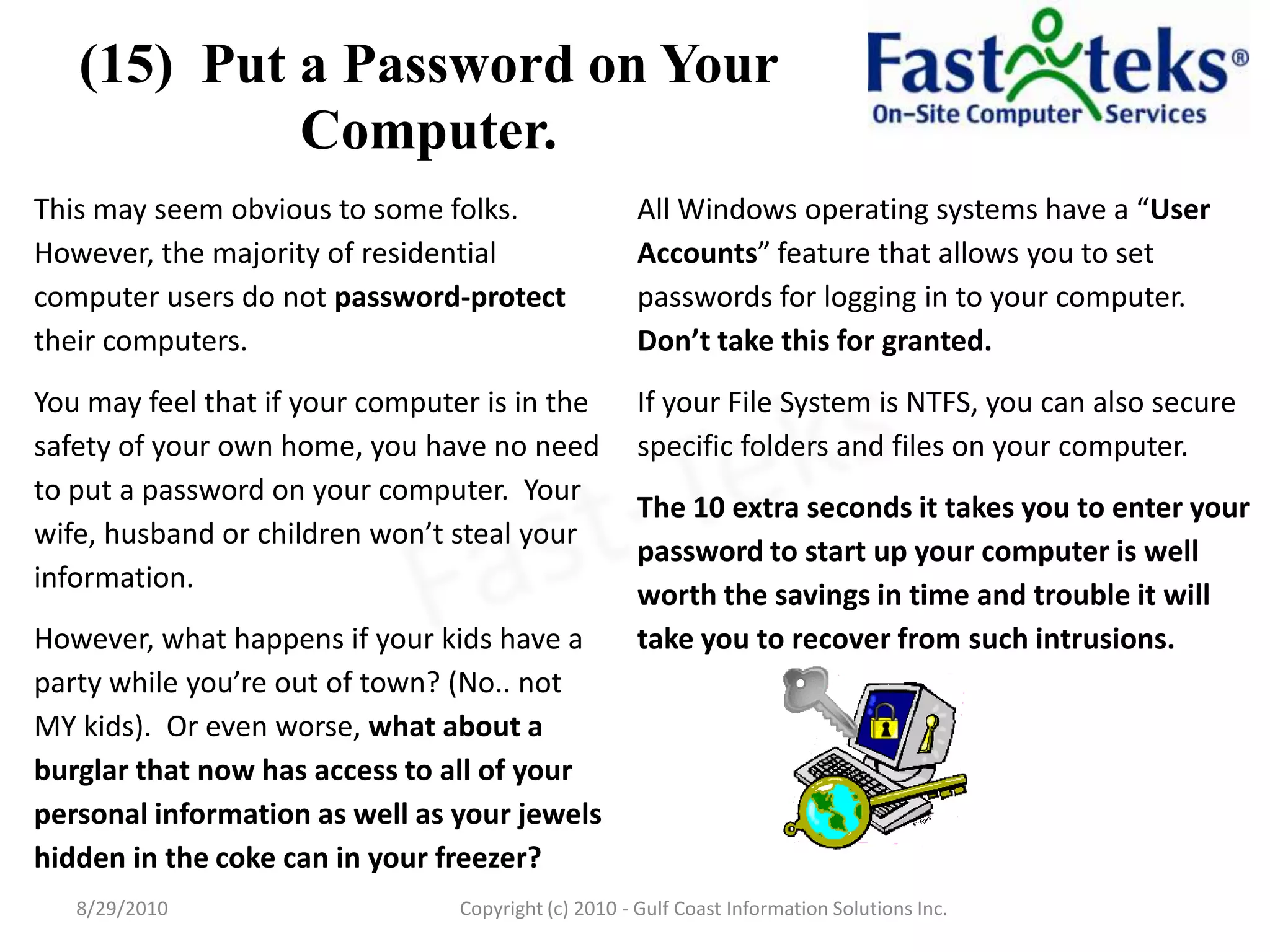
(15)  Put a Password on Your Computer.8/29/2010Fast-TeksCopyright (c) 2010 - Gulf Coast Information Solutions Inc.
(16) Watch for Unknown Pop-ups.8/29/2010Fast-TeksCopyright (c) 2010 - Gulf Coast Information Solutions Inc.
(17) Social Networking Sites. 8/29/2010Fast-TeksCopyright (c) 2010 - Gulf Coast Information Solutions Inc.
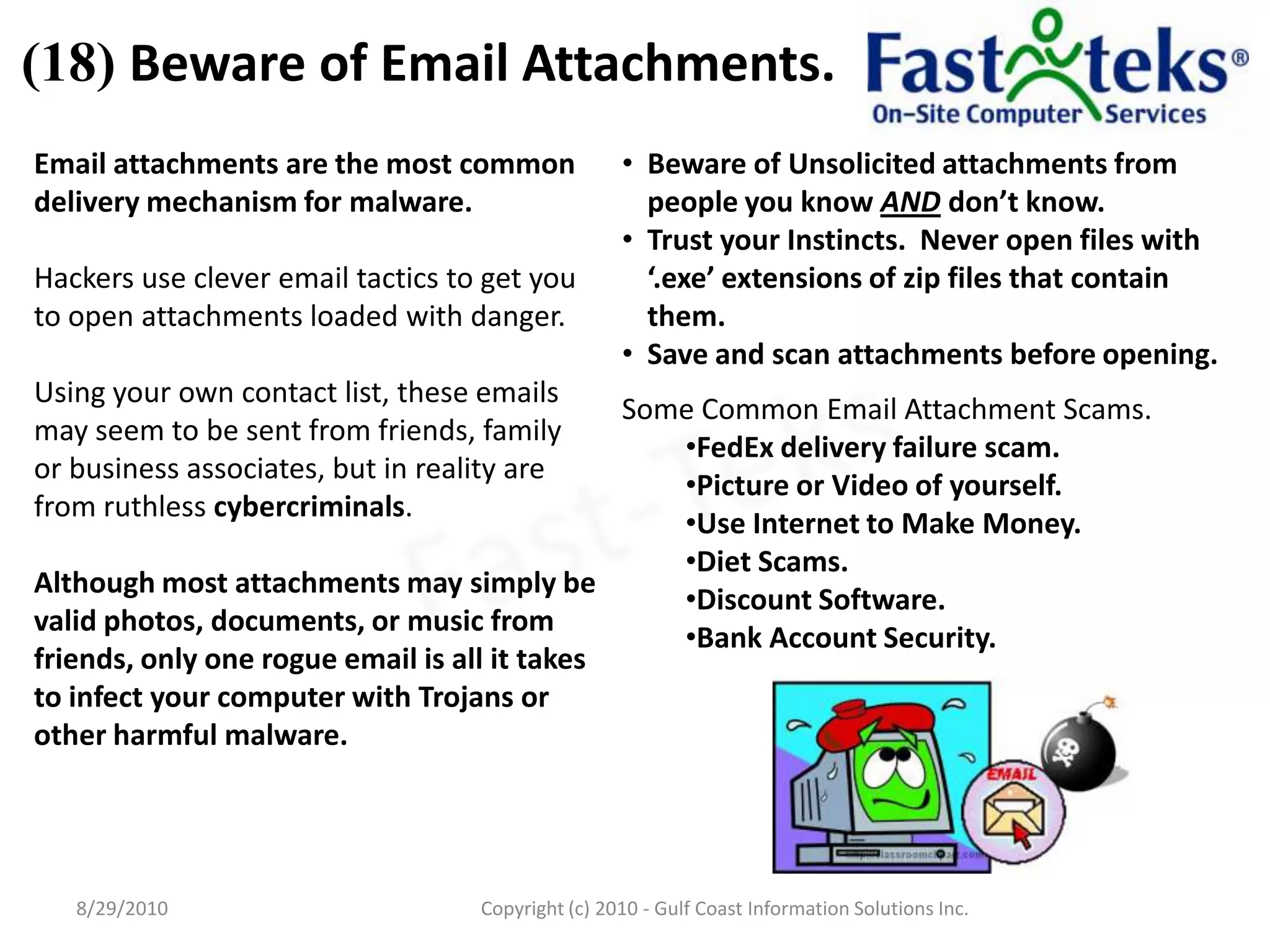
(18) Beware of Email Attachments.8/29/2010Fast-TeksCopyright (c) 2010 - Gulf Coast Information Solutions Inc.
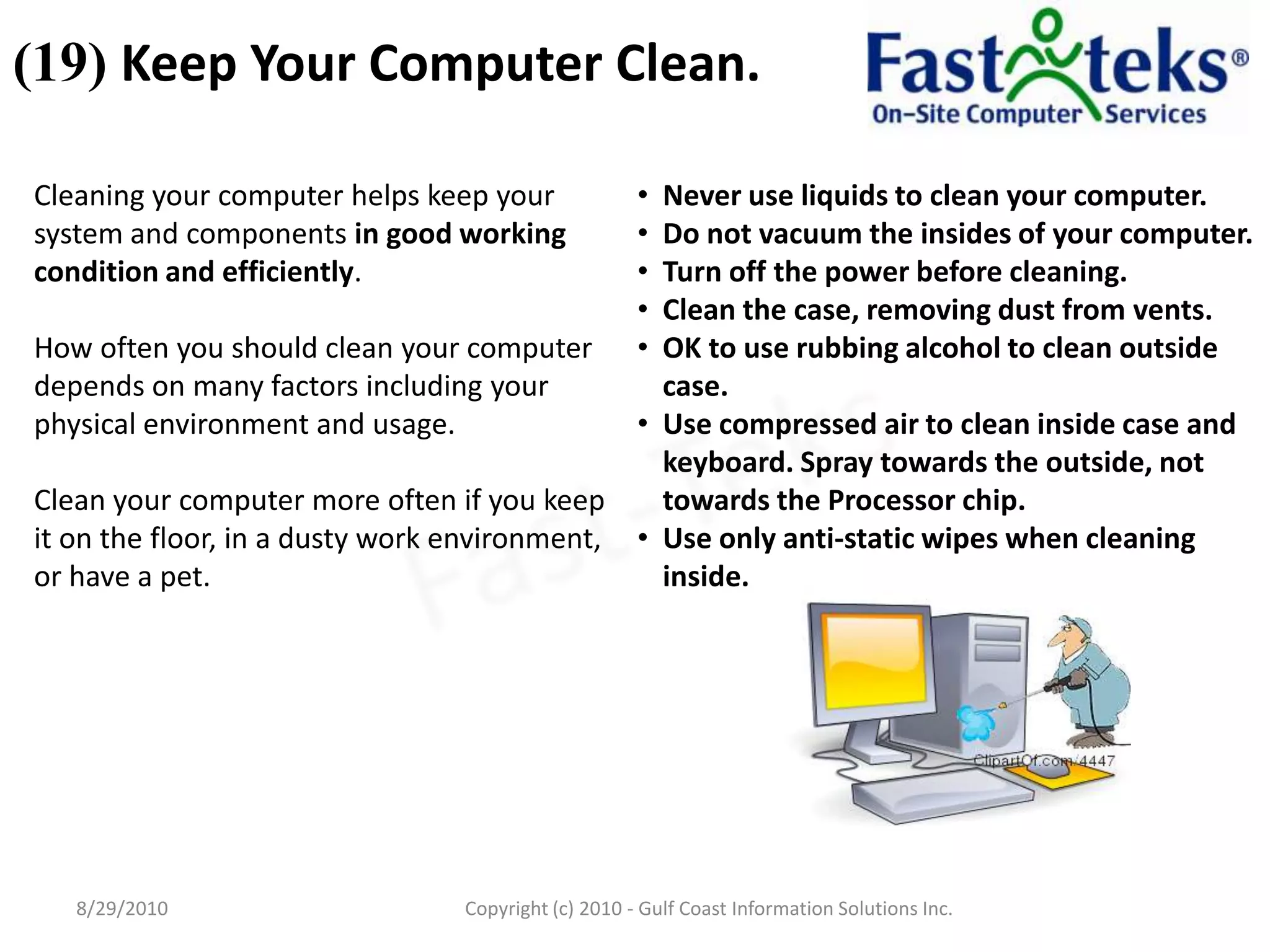
(19) Keep Your Computer Clean.8/29/2010Fast-TeksCopyright (c) 2010 - Gulf Coast Information Solutions Inc.
(20) Leave Repairs and Upgrades to Professionals.8/29/2010Fast-TeksCopyright (c) 2010 - Gulf Coast Information Solutions Inc.
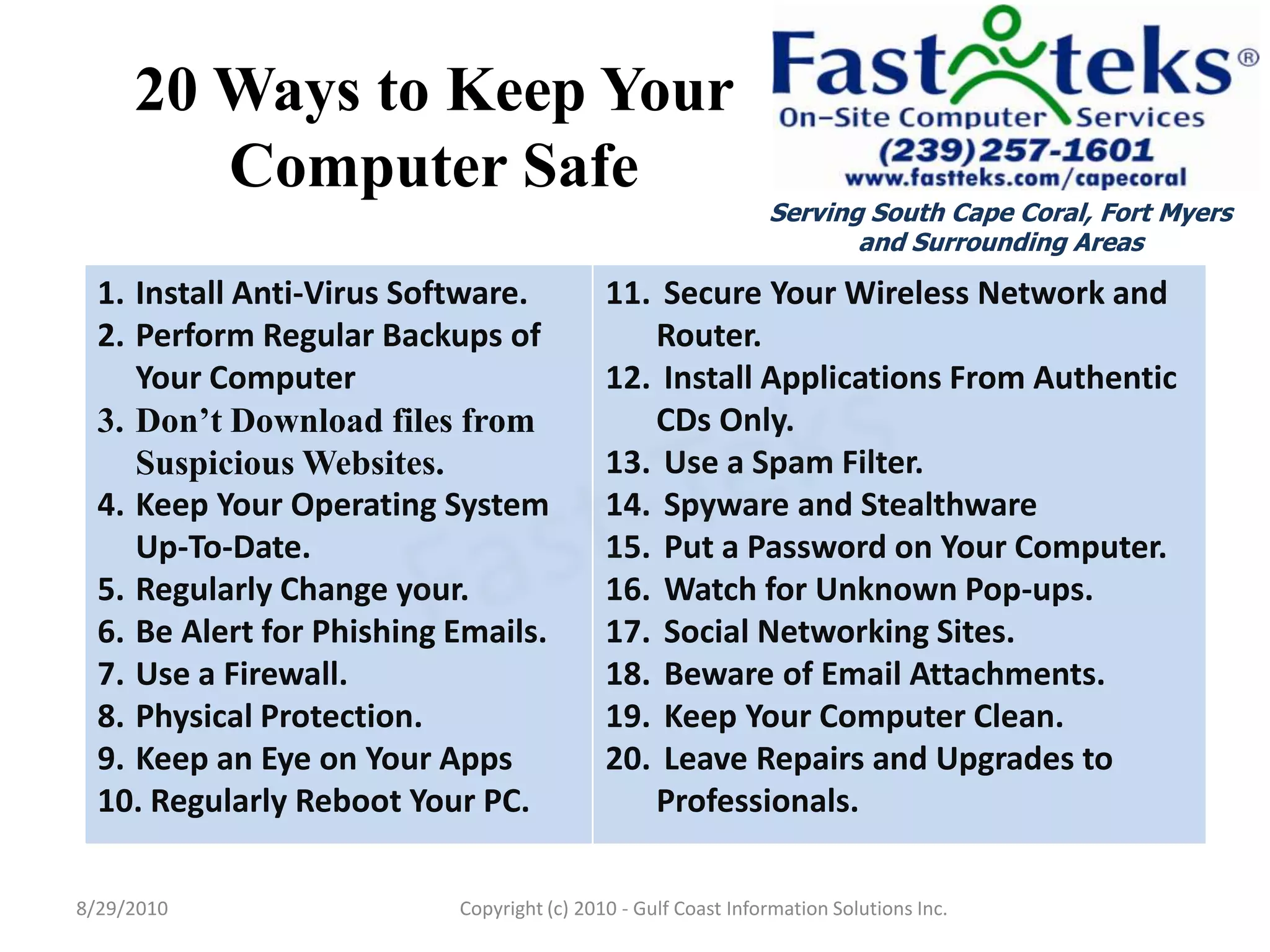
20 Ways to Keep Your Computer Safe8/29/2010Serving South Cape Coral, Fort Myers and Surrounding AreasFast-TeksCopyright (c) 2010 - Gulf Coast Information Solutions Inc.

Fast-Teks 20 ways to protect your computer

  • 1.
    Golly darn thiscomputer !!Serving South Cape Coral, Fort Myers and Surrounding AreasFast-Teks20 Easy Ways to Protect Your PCLou SantospiritoArea DirectorFast-Teks On-Site Computer Serviceswww.fastteks.com/capecoral(239) 257-16018/29/2010Copyright (c) 2010 - Gulf Coast Information Solutions Inc.
  • 2.
    Keeping Your ComputerSafeWe use our computers every day for many different things. Unfortunately, there are always many others that either willingly or unknowing cause harm to your computer. Just like you can’t always stay safe when you drive your car, you can’t always stay safe behind the keyboard. We can only try to keep our cars and computers healthy and safe by following regular safe practices. I’ve listed 20 Easy ways to protect your PC from the most common types of security threats.8/29/2010Fast-TeksCopyright (c) 2010 - Gulf Coast Information Solutions Inc.
  • 3.
    (1) Install Anti-VirusSoftware.8/29/2010Fast-TeksCopyright (c) 2010 - Gulf Coast Information Solutions Inc.
  • 4.
    (2) Perform RegularBackups.Fast-Teks offers an Affordable, Easy-to-Use, Secure and business compliant Remote Backup Service that provides peace of mind that your important data is safe – Guaranteed.8/29/2010Fast-TeksCopyright (c) 2010 - Gulf Coast Information Solutions Inc.
  • 5.
    (3) Don’t Downloadfiles from Suspicious Websites.8/29/2010Fast-TeksCopyright (c) 2010 - Gulf Coast Information Solutions Inc.
  • 6.
    (4) Keep YourOperating System Up-To-Date.Verifying that your System is Up-To-Date with the latest Security Patches is standard operating procedure for Fast-Teks Technicians when servicing your computer.8/29/2010Fast-TeksCopyright (c) 2010 - Gulf Coast Information Solutions Inc.
  • 7.
    (5) Regularly Changeyour Passwords with Robust Patterns.8/29/2010Fast-TeksCopyright (c) 2010 - Gulf Coast Information Solutions Inc.
  • 8.
    (6) Be Alertfor Phishing Emails.8/29/2010Fast-TeksCopyright (c) 2010 - Gulf Coast Information Solutions Inc.
  • 9.
    (7) Use aFirewall.to provide and added layer of security to your system or network.8/29/2010Fast-TeksCopyright (c) 2010 - Gulf Coast Information Solutions Inc.
  • 10.
    (8) Physical Protection.8/29/2010Fast-TeksCopyright(c) 2010 - Gulf Coast Information Solutions Inc.
  • 11.
    (9) Keepan Eye on Your Apps.8/29/2010Fast-TeksCopyright (c) 2010 - Gulf Coast Information Solutions Inc.
  • 12.
    (10) Regularly RebootYour PC. 8/29/2010Fast-TeksCopyright (c) 2010 - Gulf Coast Information Solutions Inc.
  • 13.
    (11) SecureYour Wireless Network and Router.8/29/2010Fast-TeksCopyright (c) 2010 - Gulf Coast Information Solutions Inc.
  • 14.
    (12) InstallApplications From Authentic CDs Only.8/29/2010Fast-TeksCopyright (c) 2010 - Gulf Coast Information Solutions Inc.
  • 15.
    (13) Use aSpam Filter.8/29/2010Fast-TeksCopyright (c) 2010 - Gulf Coast Information Solutions Inc.
  • 16.
    (14) Spywareand Stealthware8/29/2010Fast-TeksCopyright (c) 2010 - Gulf Coast Information Solutions Inc.
  • 17.
    (15) Puta Password on Your Computer.8/29/2010Fast-TeksCopyright (c) 2010 - Gulf Coast Information Solutions Inc.
  • 18.
    (16) Watch forUnknown Pop-ups.8/29/2010Fast-TeksCopyright (c) 2010 - Gulf Coast Information Solutions Inc.
  • 19.
    (17) Social NetworkingSites. 8/29/2010Fast-TeksCopyright (c) 2010 - Gulf Coast Information Solutions Inc.
  • 20.
    (18) Beware ofEmail Attachments.8/29/2010Fast-TeksCopyright (c) 2010 - Gulf Coast Information Solutions Inc.
  • 21.
    (19) Keep YourComputer Clean.8/29/2010Fast-TeksCopyright (c) 2010 - Gulf Coast Information Solutions Inc.
  • 22.
    (20) Leave Repairsand Upgrades to Professionals.8/29/2010Fast-TeksCopyright (c) 2010 - Gulf Coast Information Solutions Inc.
  • 23.
    20 Ways toKeep Your Computer Safe8/29/2010Serving South Cape Coral, Fort Myers and Surrounding AreasFast-TeksCopyright (c) 2010 - Gulf Coast Information Solutions Inc.