





Facebook Page
Administration
Presentation Outline

             • Best Practices
             • Tips for Success
             • Setting up your Facebook Page
             • Facebook Administration
             • Measuring
             • Final thoughts & live demo
@yenhoon


           Best practices
Pick a platform
and give it all of
your attention and
focus
Listen to your audience


• What is our audience interested in?
• What are they talking about?
• Crisis/Issues monitoring
Aim for no more than
two posts in a day
Experiment with different
times of the day to see
what works best
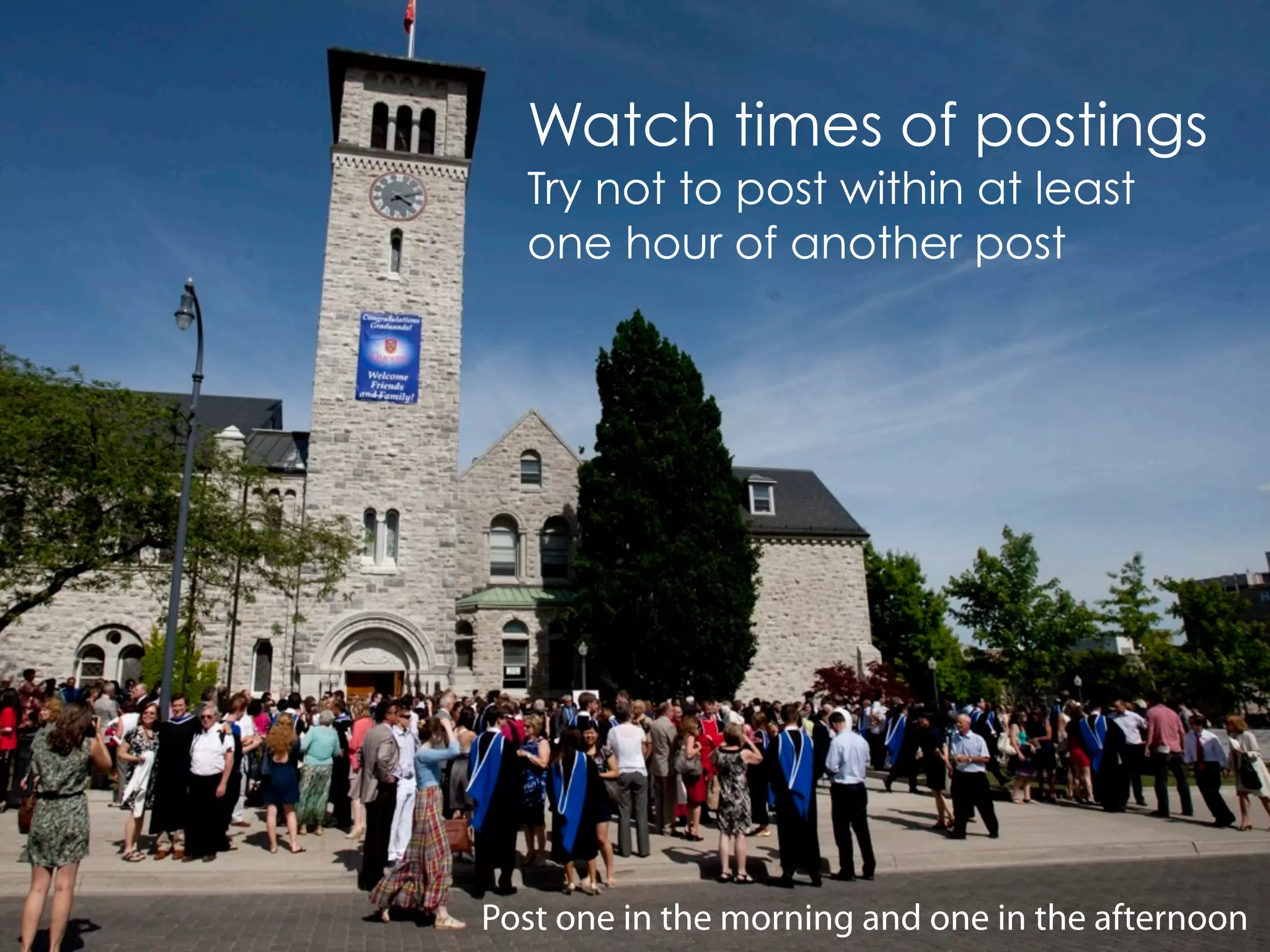
Watch times of postings
  Try not to post within at least
  one hour of another post


Post one in the morning and one in the afternoon
The Internet is
          noisy, and
           you don't
            want to
             contribute
           to the noise


@rogiro
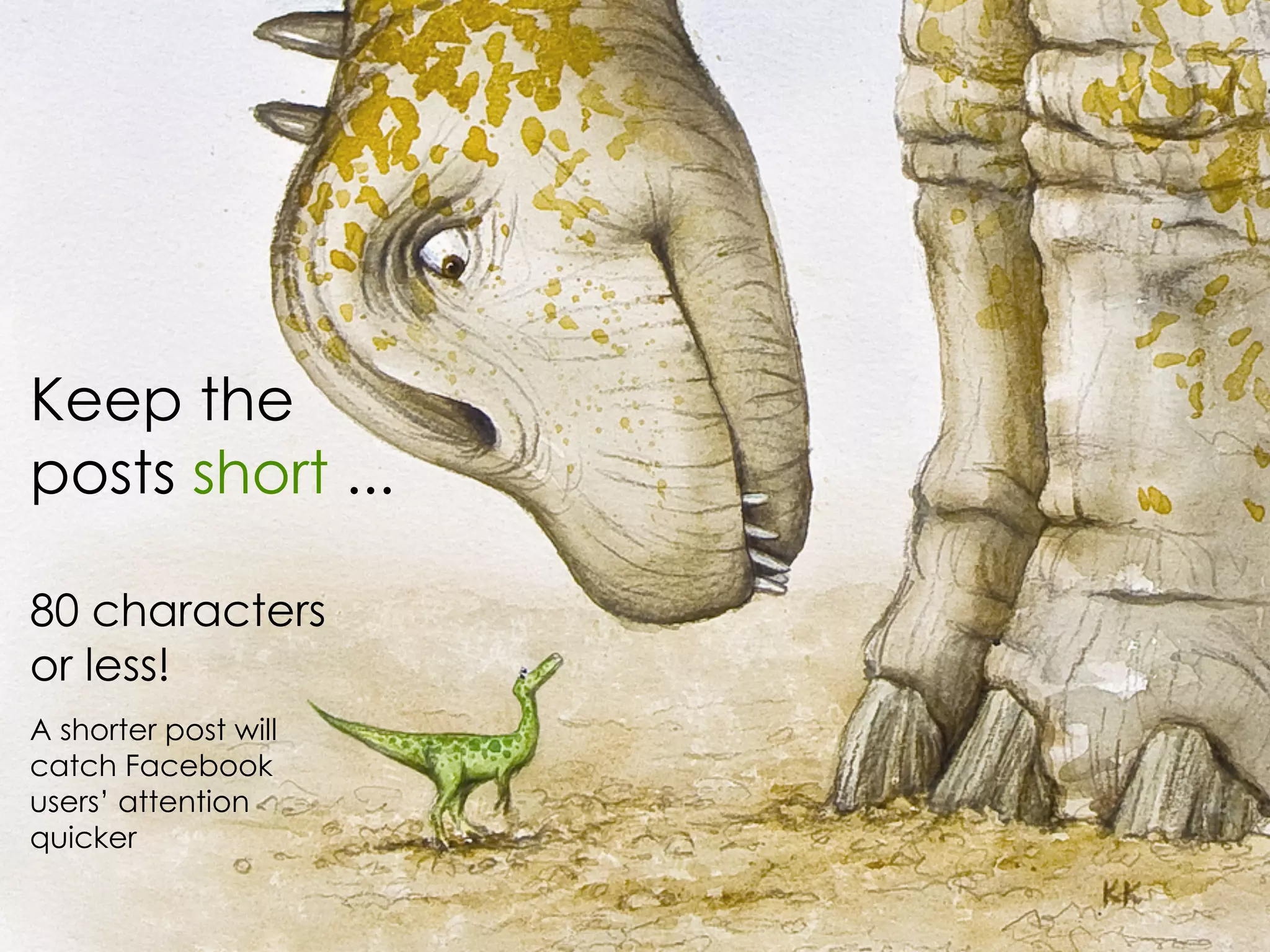
Keep the
posts short ...

80 characters
or less!
A shorter post will
catch Facebook
users’ attention
quicker
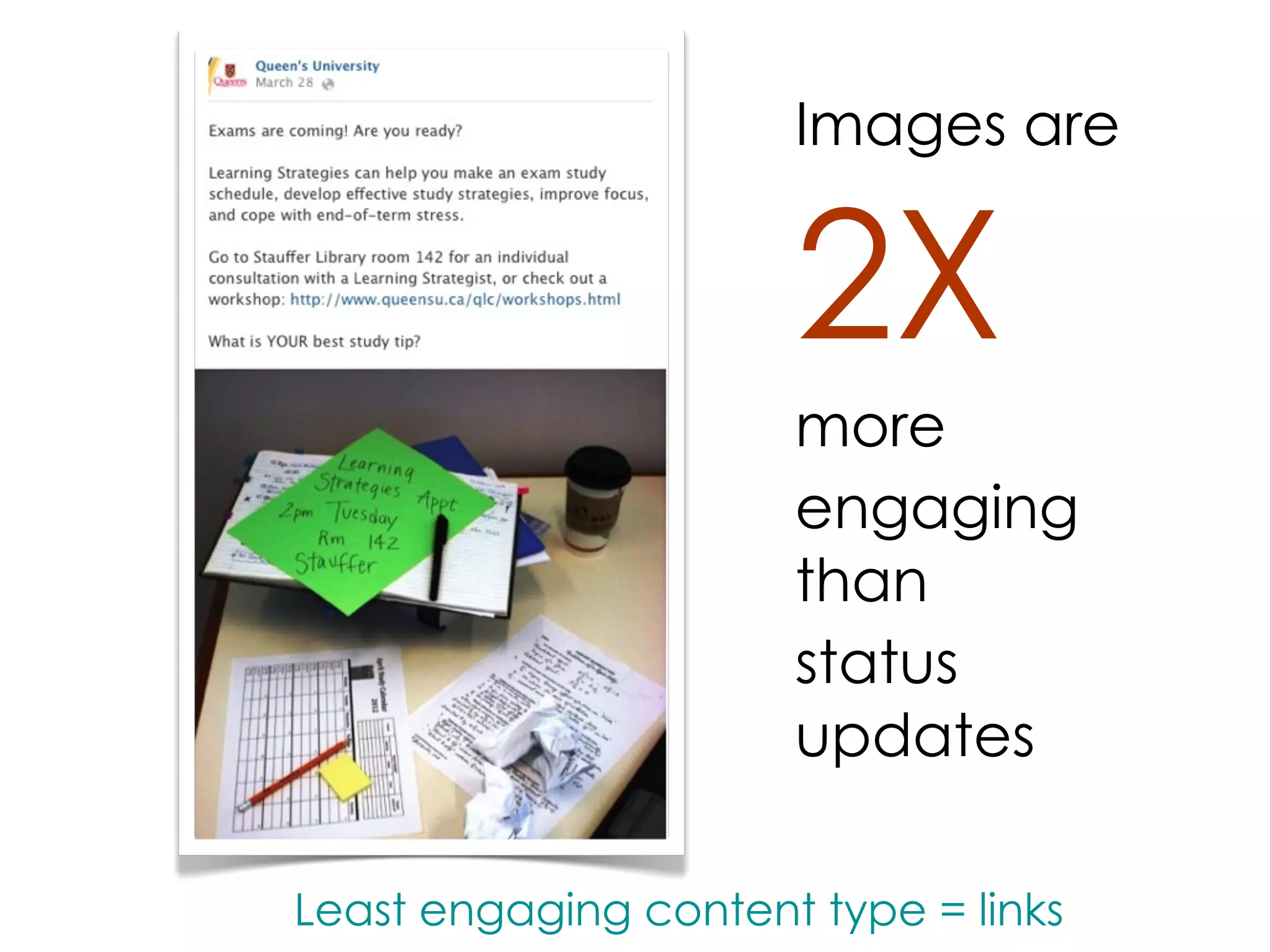
Images are


                      2X
                      more
                      engaging
                      than
                      status
                      updates

Least engaging content type = links
Tips for success
Tips for Success


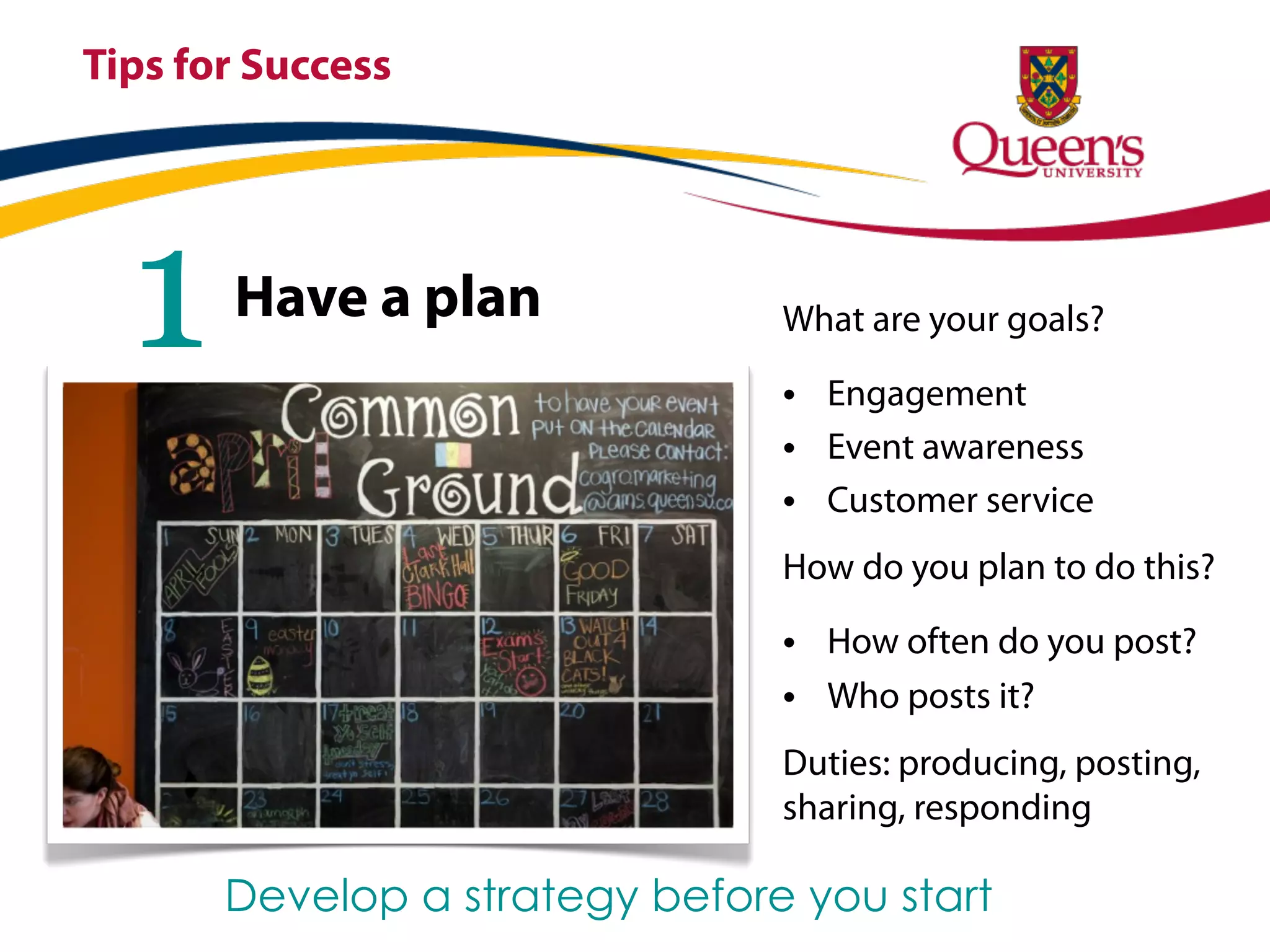
  1    Have a plan              What are your goals?

                                • Engagement
                                • Event awareness
                                • Customer service
                                How do you plan to do this?

                                • How often do you post?
                                • Who posts it?
                                Duties: producing, posting,
                                sharing, responding

       Develop a strategy before you start
Tips for Success


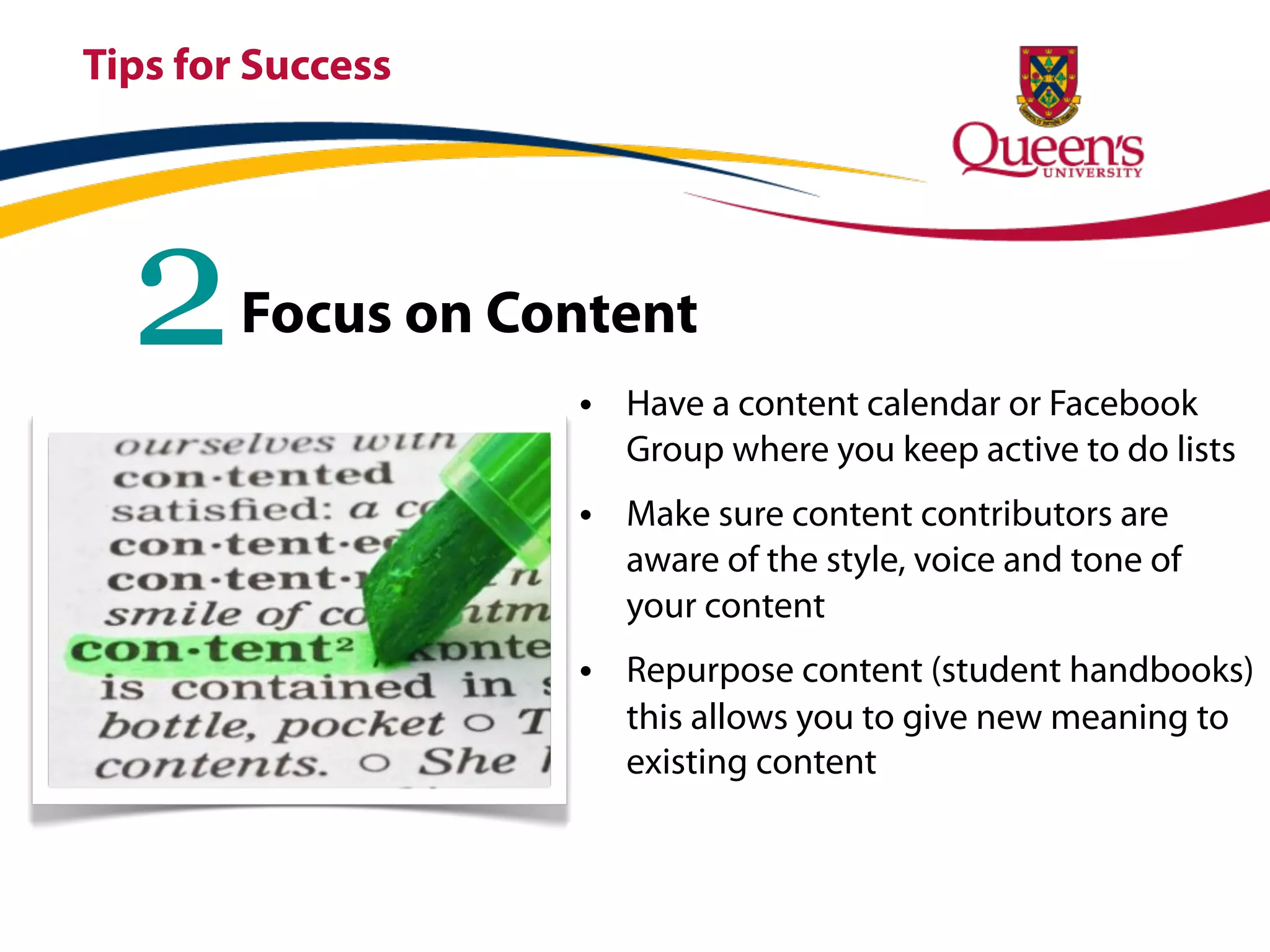
  2     Focus on Content
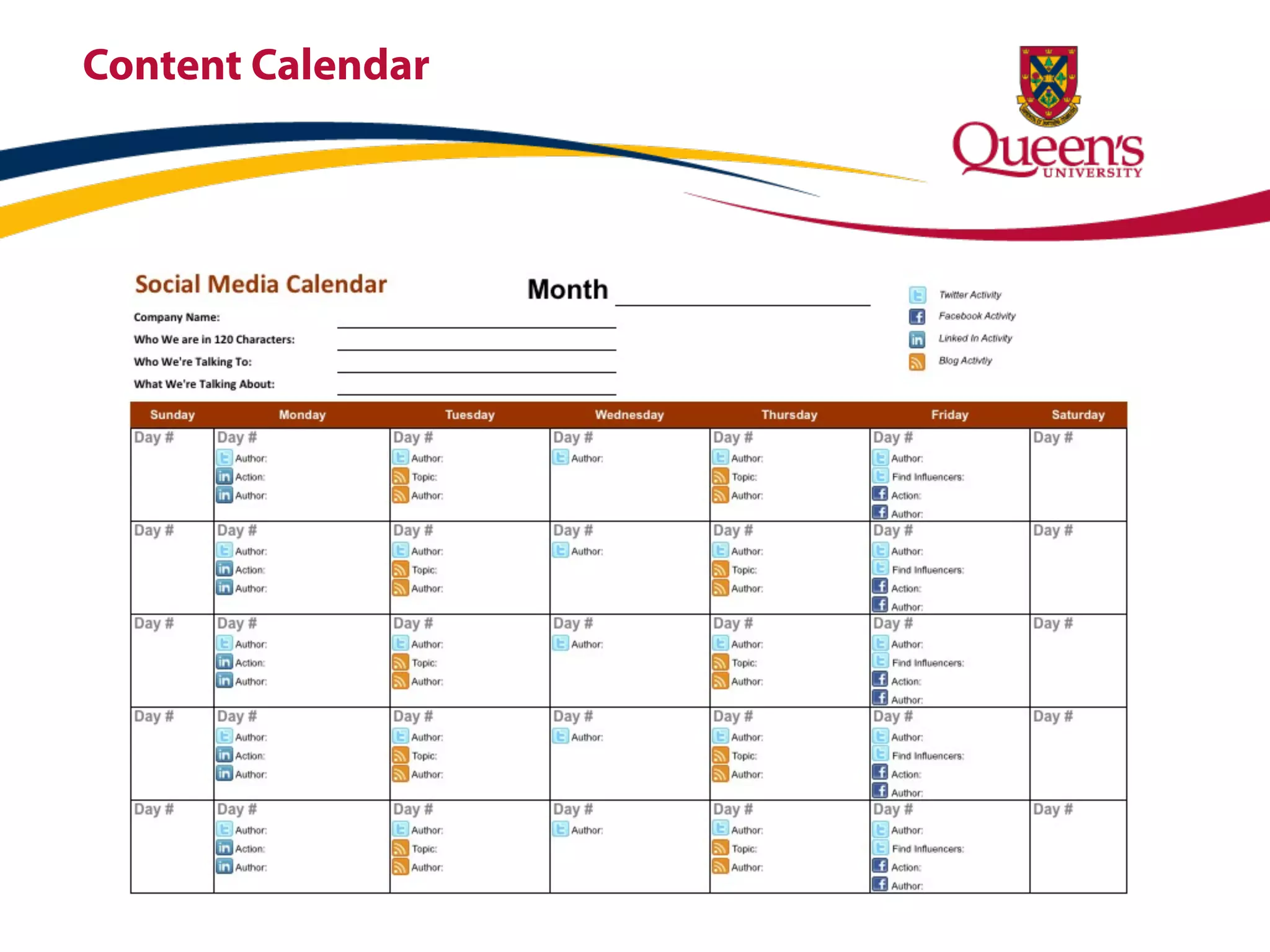
                   • Have a content calendar or Facebook
                     Group where you keep active to do lists
                   • Make sure content contributors are
                     aware of the style, voice and tone of
                     your content
                   • Repurpose content (student handbooks)
                     this allows you to give new meaning to
                     existing content
Content Calendar
Tips for Success


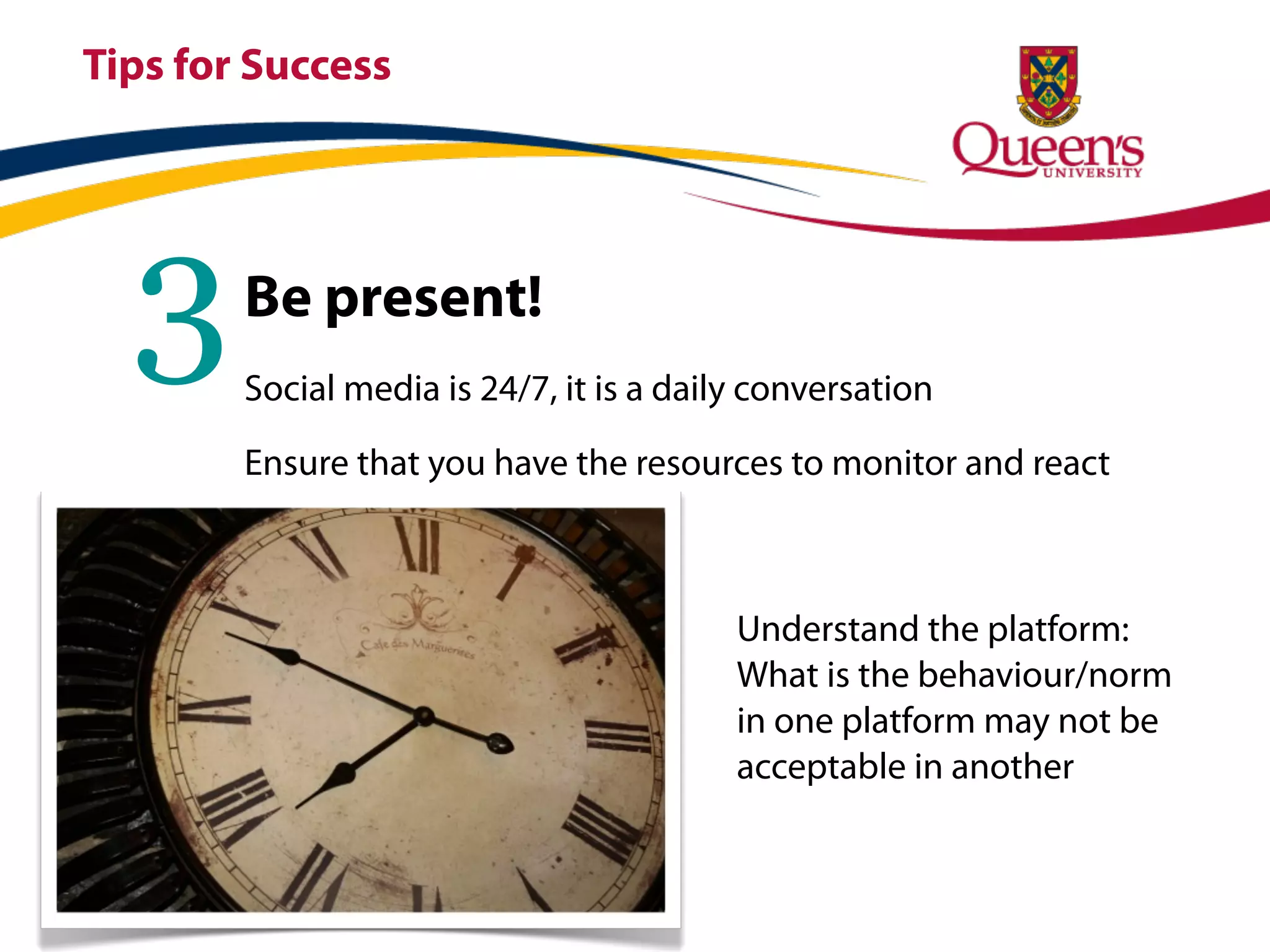
  3     Be present!
        Social media is 24/7, it is a daily conversation

        Ensure that you have the resources to monitor and react


                                          Understand the platform:
                                          What is the behaviour/norm
                                          in one platform may not be
                                          acceptable in another
Tips for Success


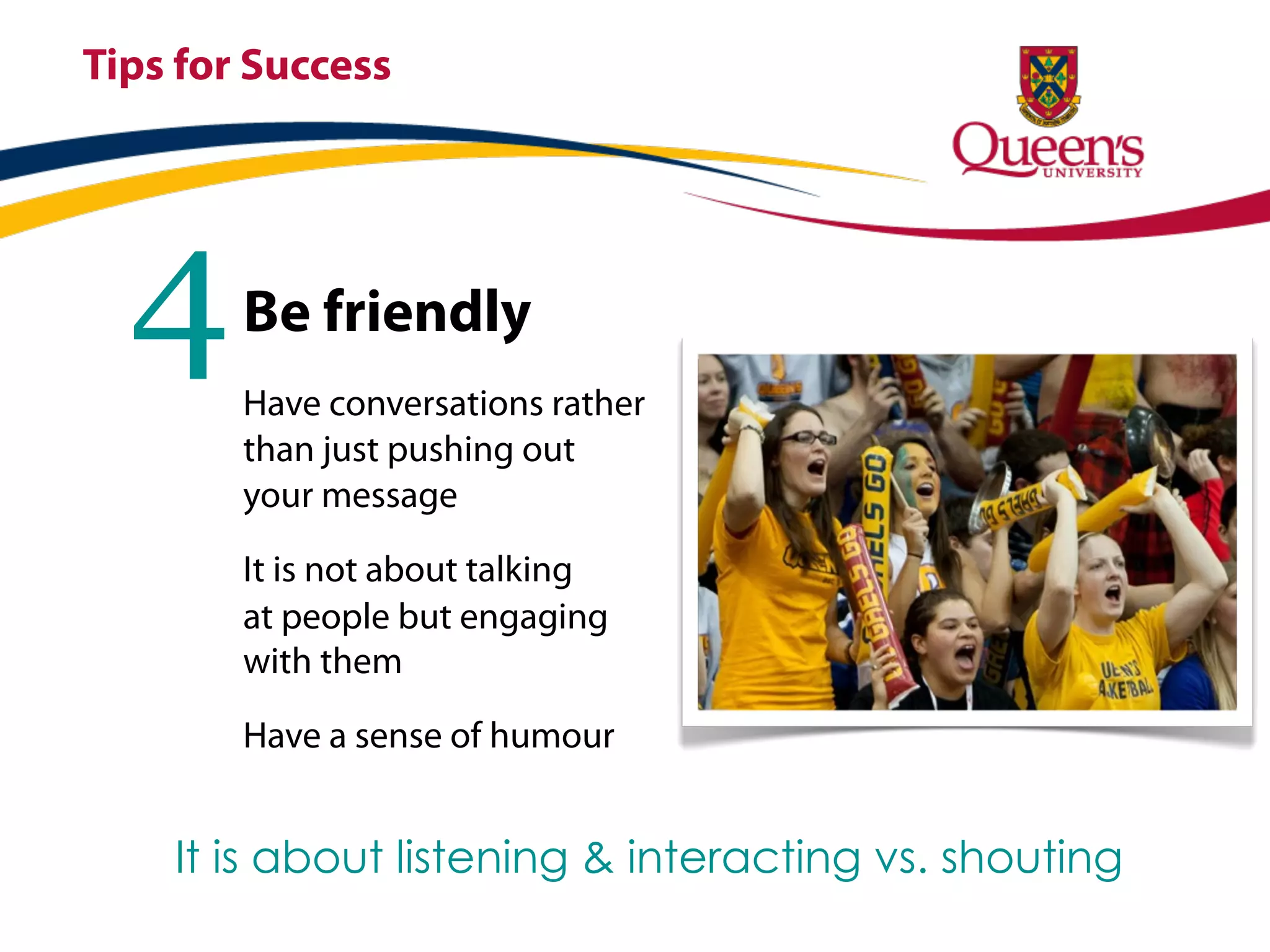
  4     Be friendly
        Have conversations rather
        than just pushing out
        your message

        It is not about talking
        at people but engaging
        with them

        Have a sense of humour


    It is about listening & interacting vs. shouting
Tips for Success


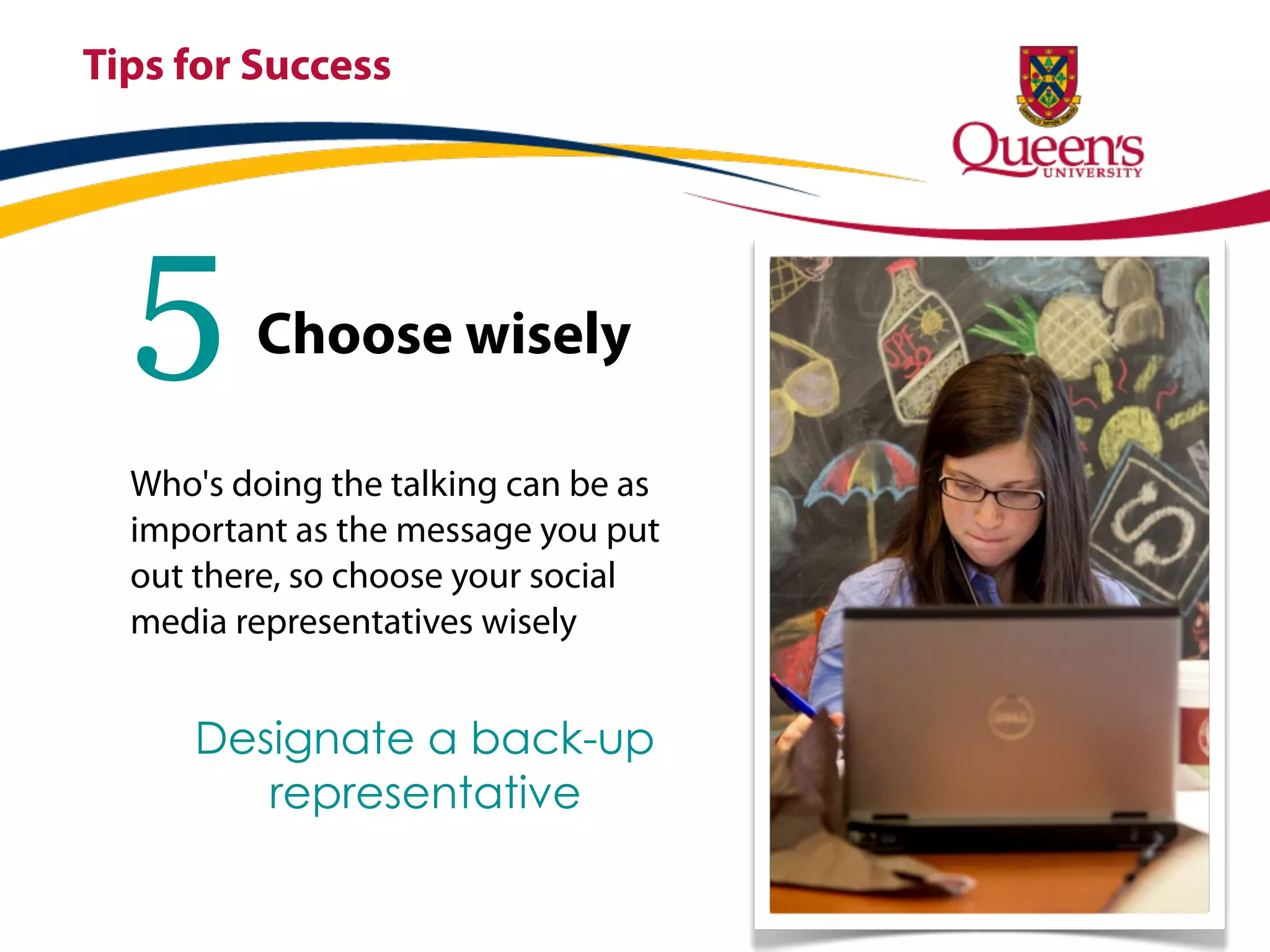
  5      Choose wisely

  Who's doing the talking can be as
  important as the message you put
  out there, so choose your social
  media representatives wisely


      Designate a back-up
         representative
Tips for Success


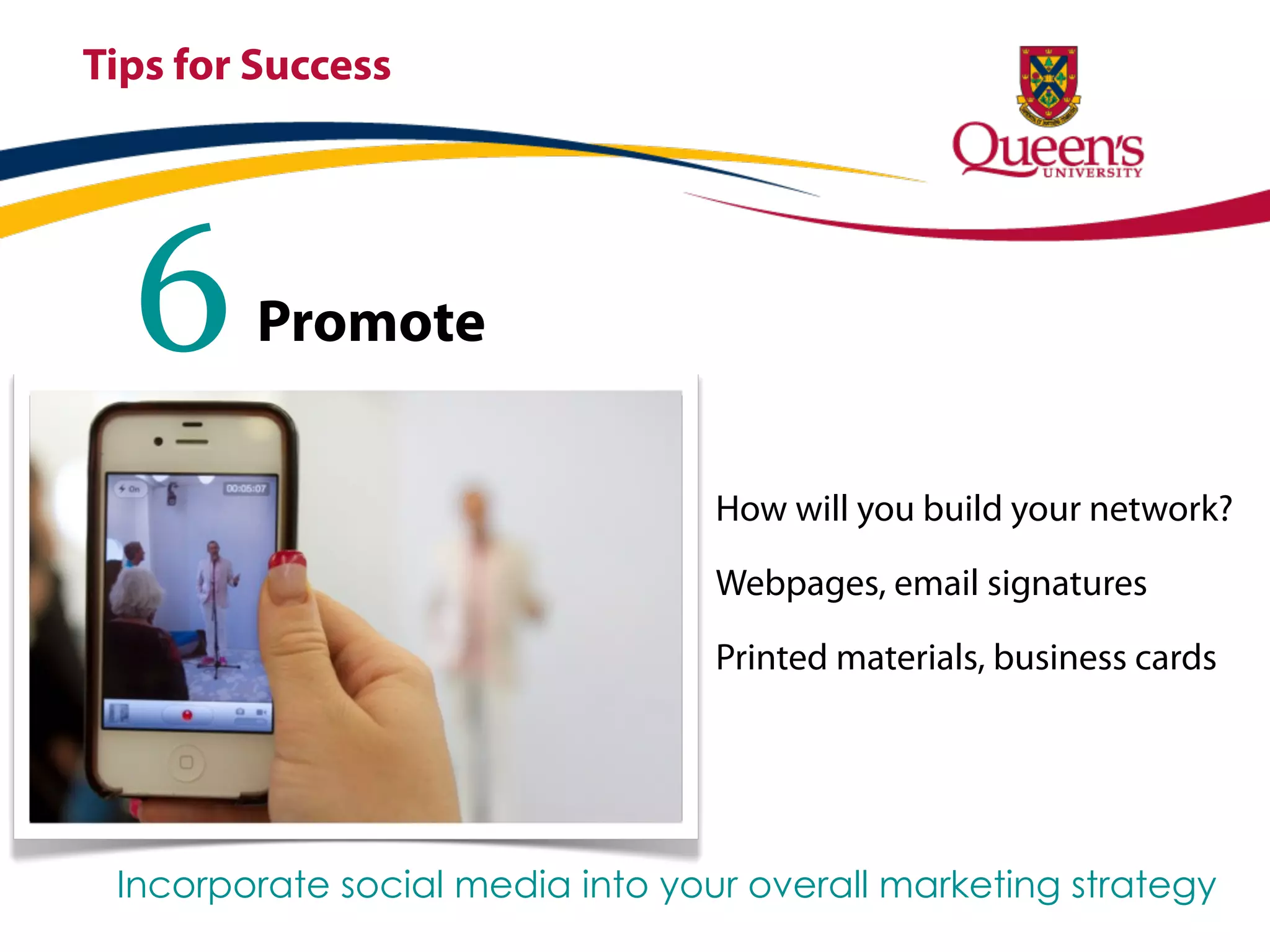
  6      Promote


                                  How will you build your network?

                                  Webpages, email signatures

                                  Printed materials, business cards


 Incorporate social media into your overall marketing strategy
Setting up
your
Facebook
Page
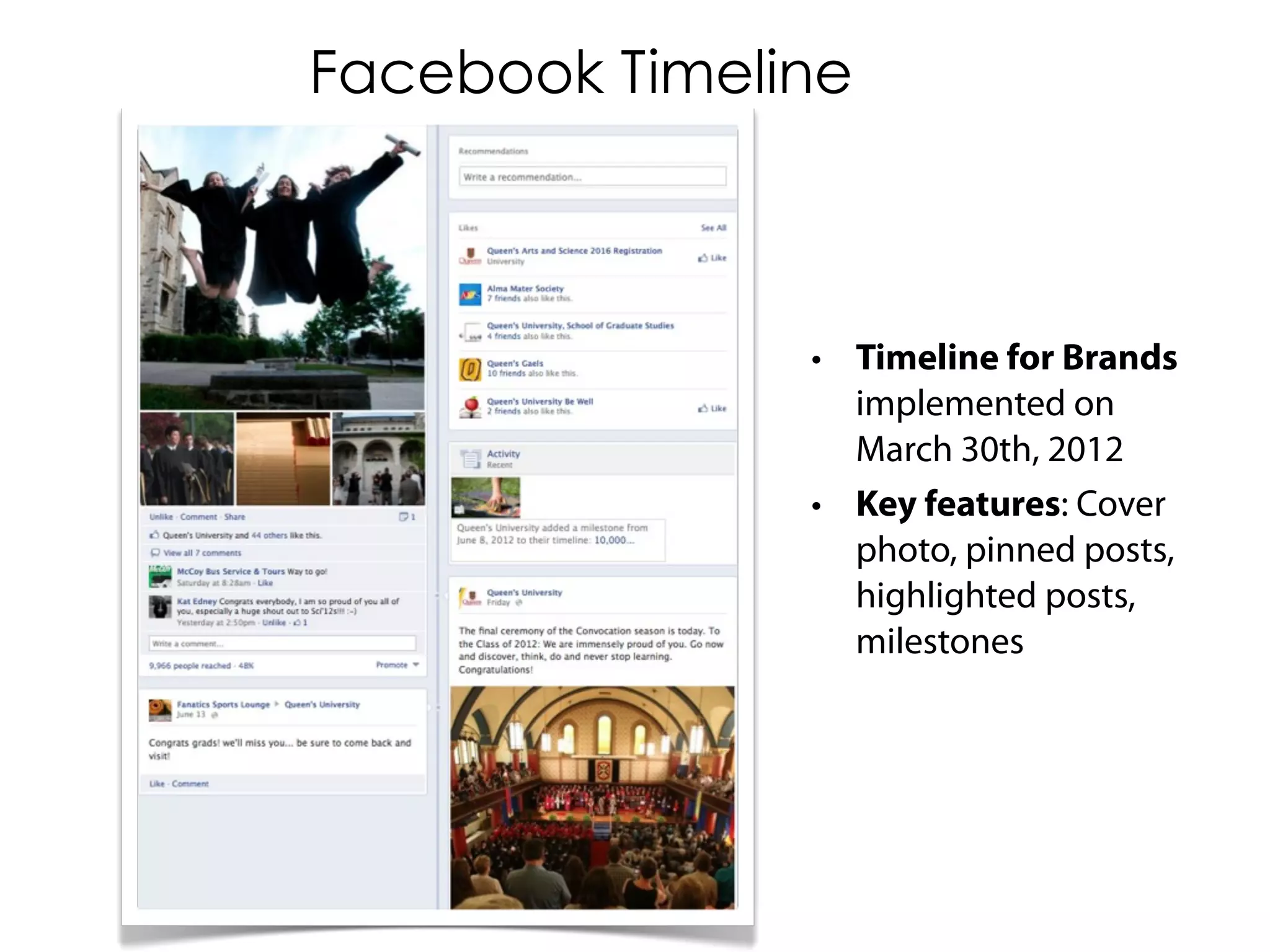
Facebook Timeline


               • Timeline for Brands
                 implemented on
                 March 30th, 2012
               • Key features: Cover
                 photo, pinned posts,
                 highlighted posts,
                 milestones
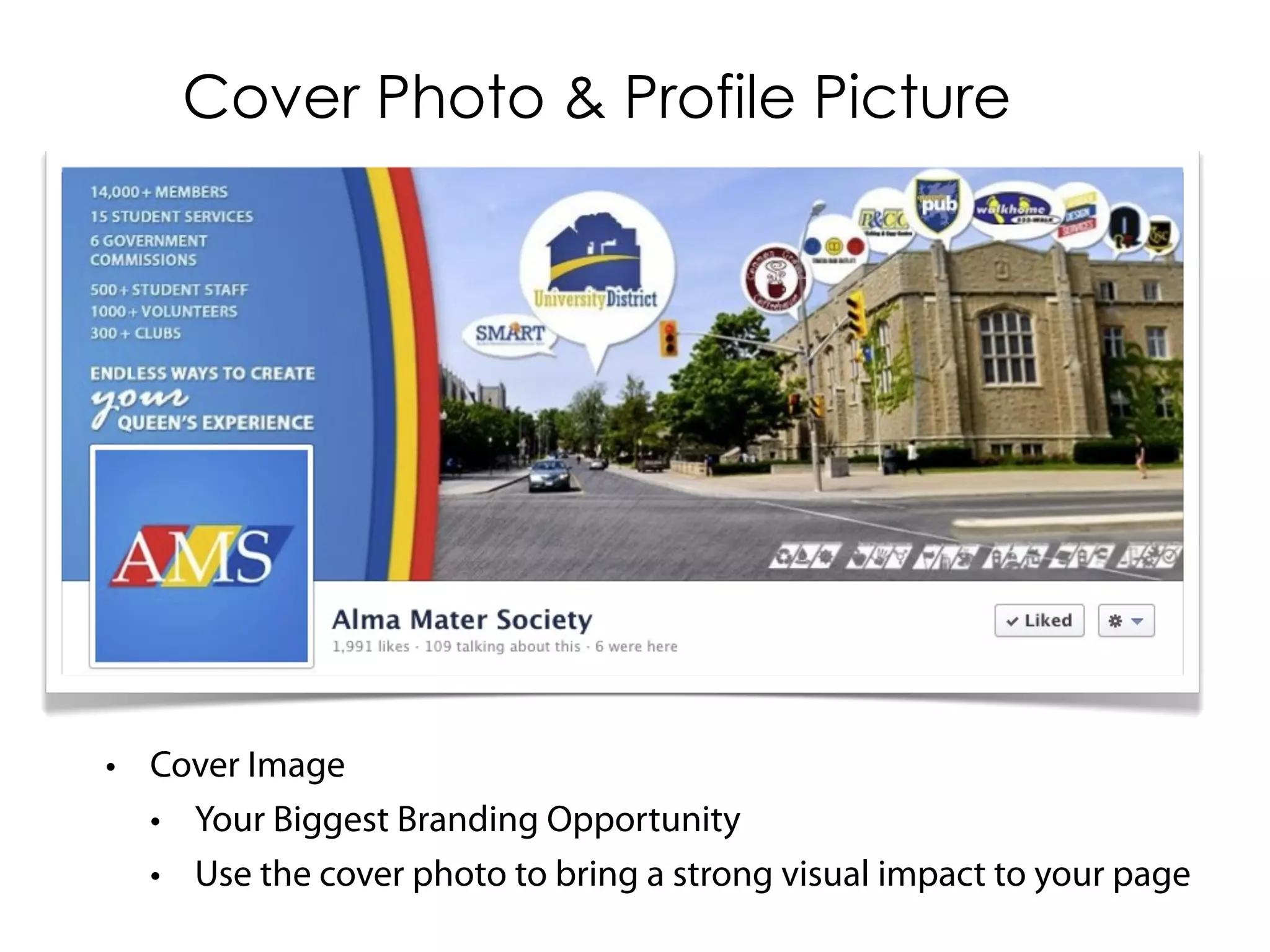
Cover Photo & Profile Picture


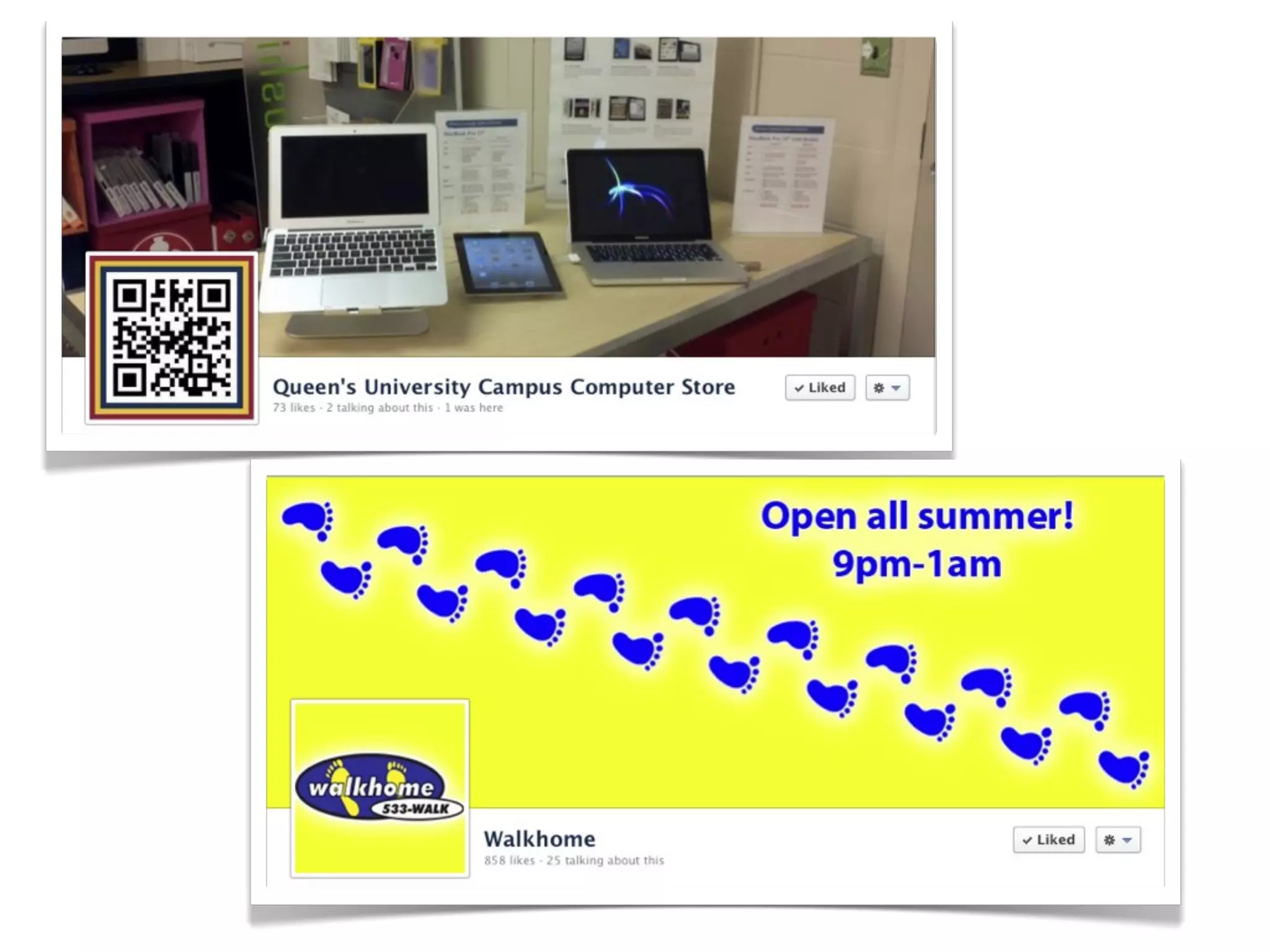
• Cover Image
  • Your Biggest Branding Opportunity
  • Use the cover photo to bring a strong visual impact to your page
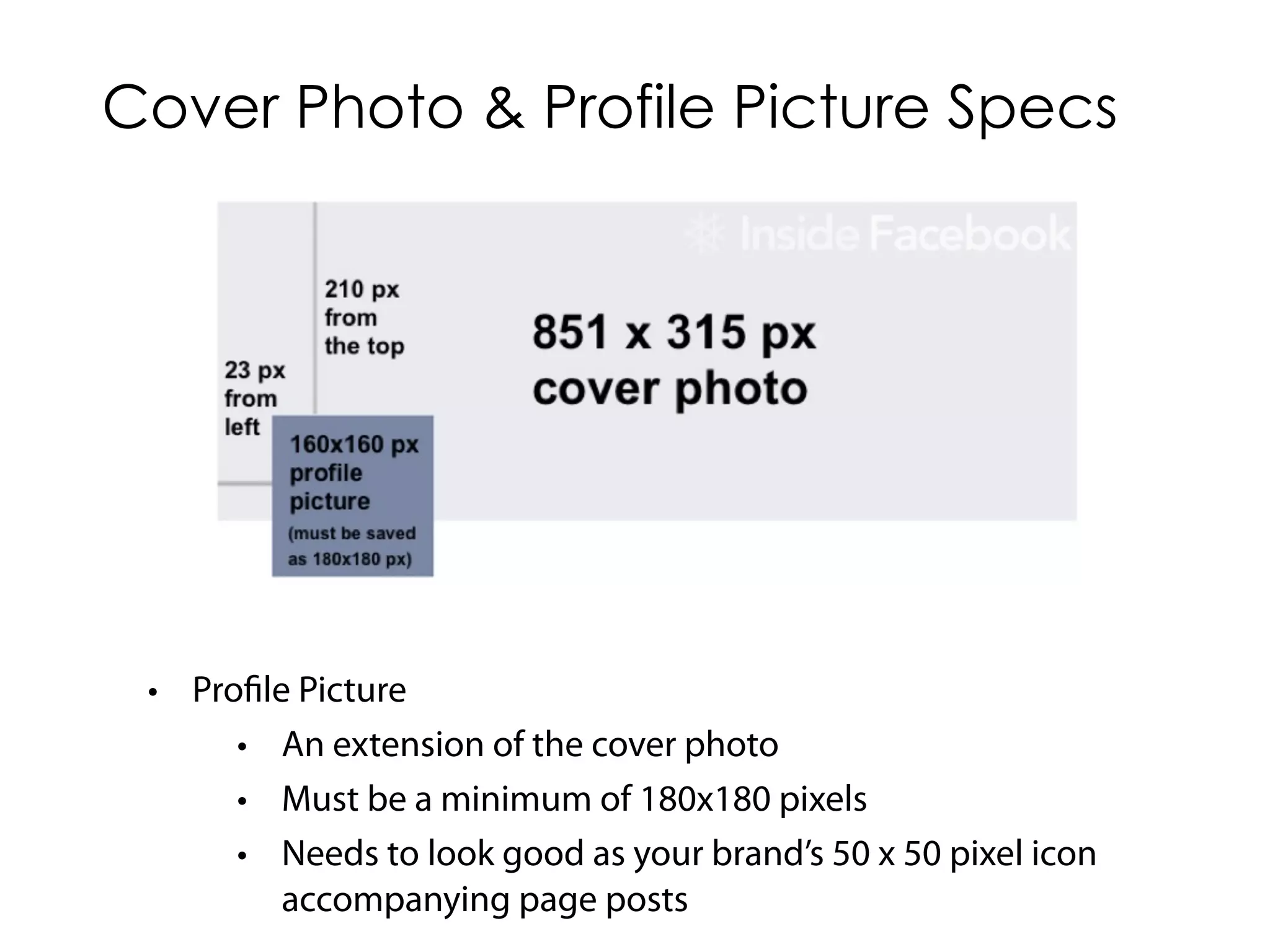
Cover Photo & Profile Picture Specs


 • Profile Picture
      • An extension of the cover photo
      • Must be a minimum of 180x180 pixels
      • Needs to look good as your brand’s 50 x 50 pixel icon
          accompanying page posts
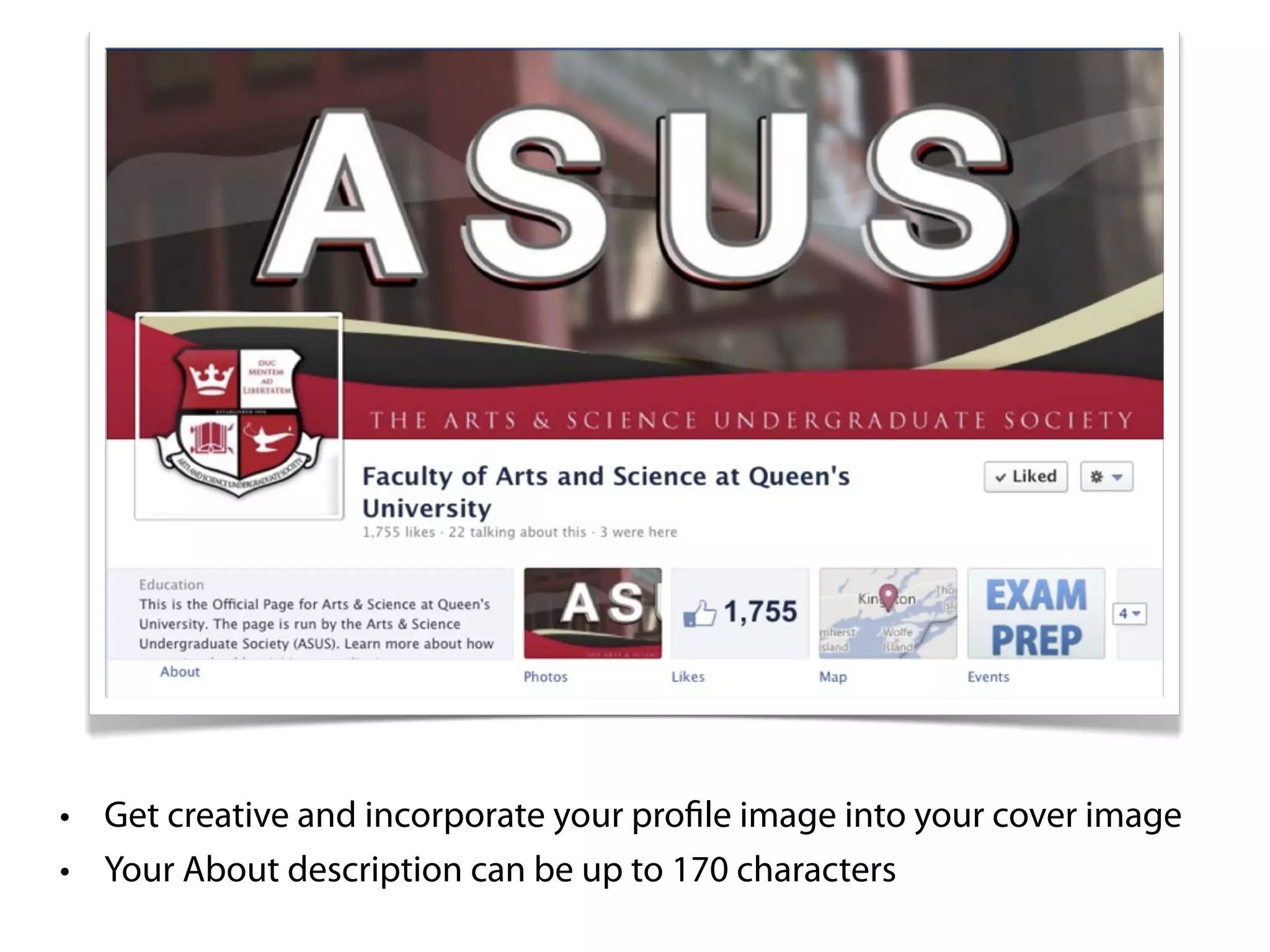
• Get creative and incorporate your profile image into your cover image
• Your About description can be up to 170 characters
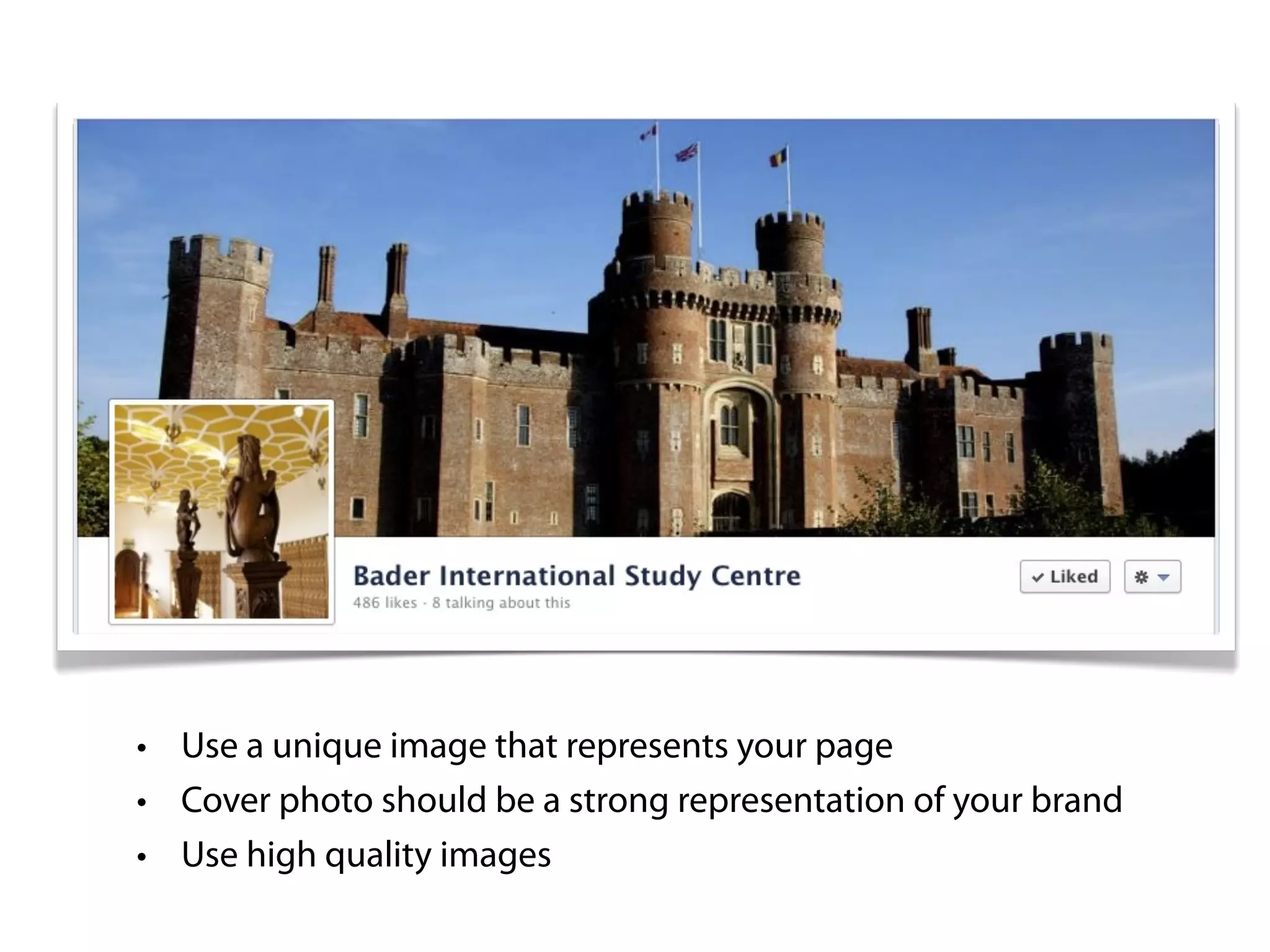
• Use a unique image that represents your page
• Cover photo should be a strong representation of your brand
• Use high quality images
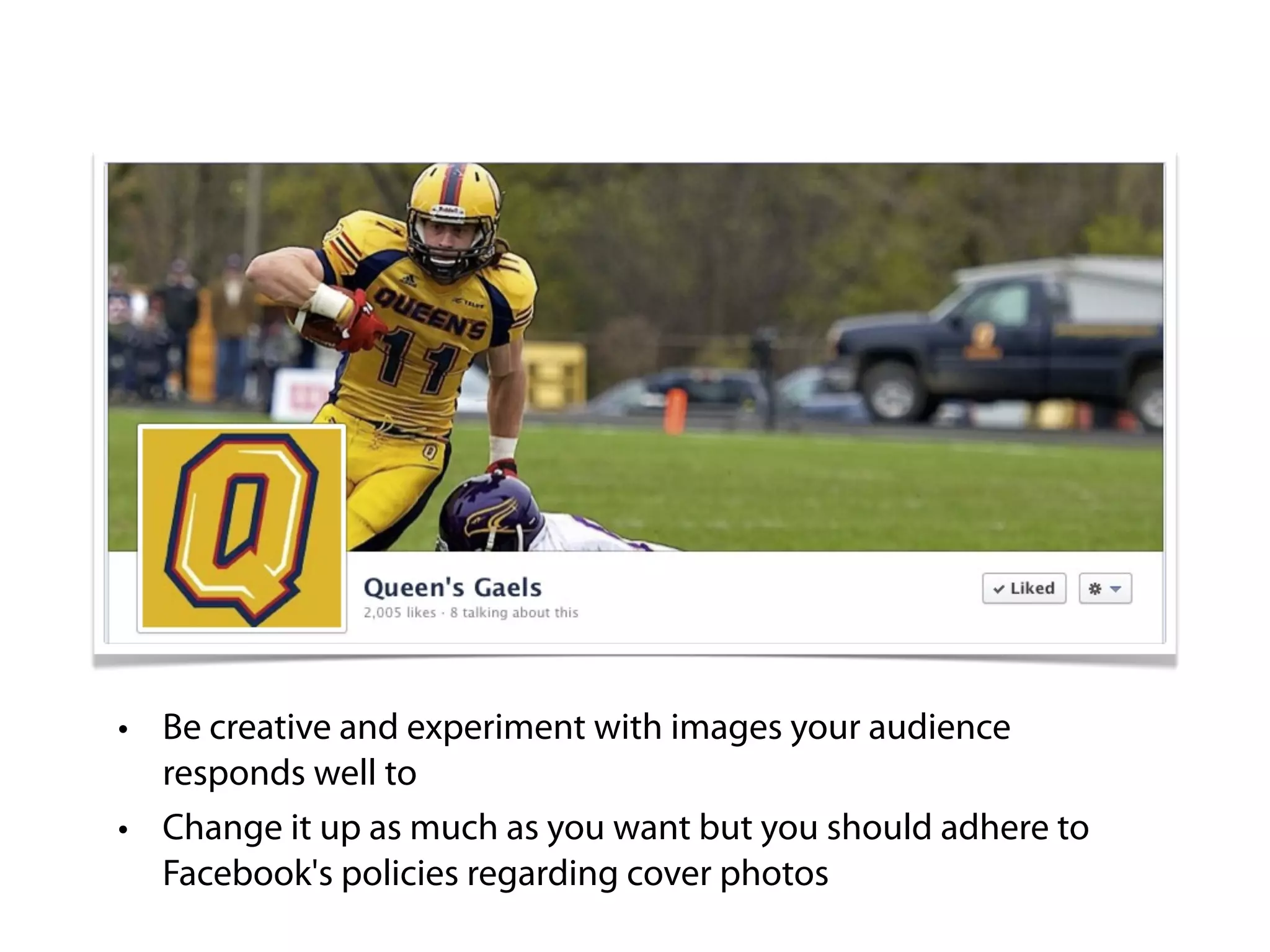
• Be creative and experiment with images your audience
  responds well to
• Change it up as much as you want but you should adhere to
  Facebook's policies regarding cover photos
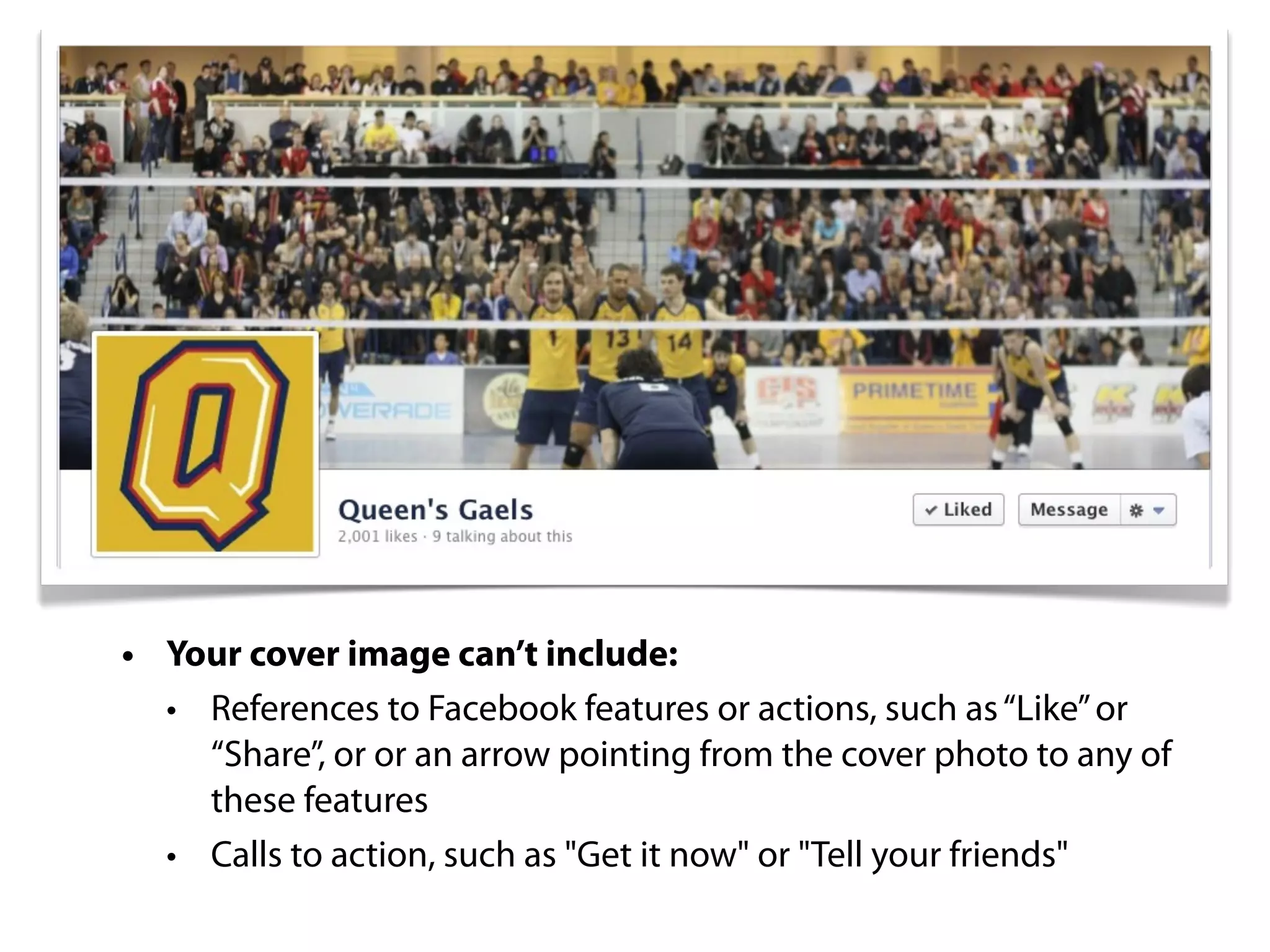
• Your cover image can’t include:
  • References to Facebook features or actions, such as “Like” or
    “Share”, or or an arrow pointing from the cover photo to any of
    these features
  • Calls to action, such as "Get it now" or "Tell your friends"
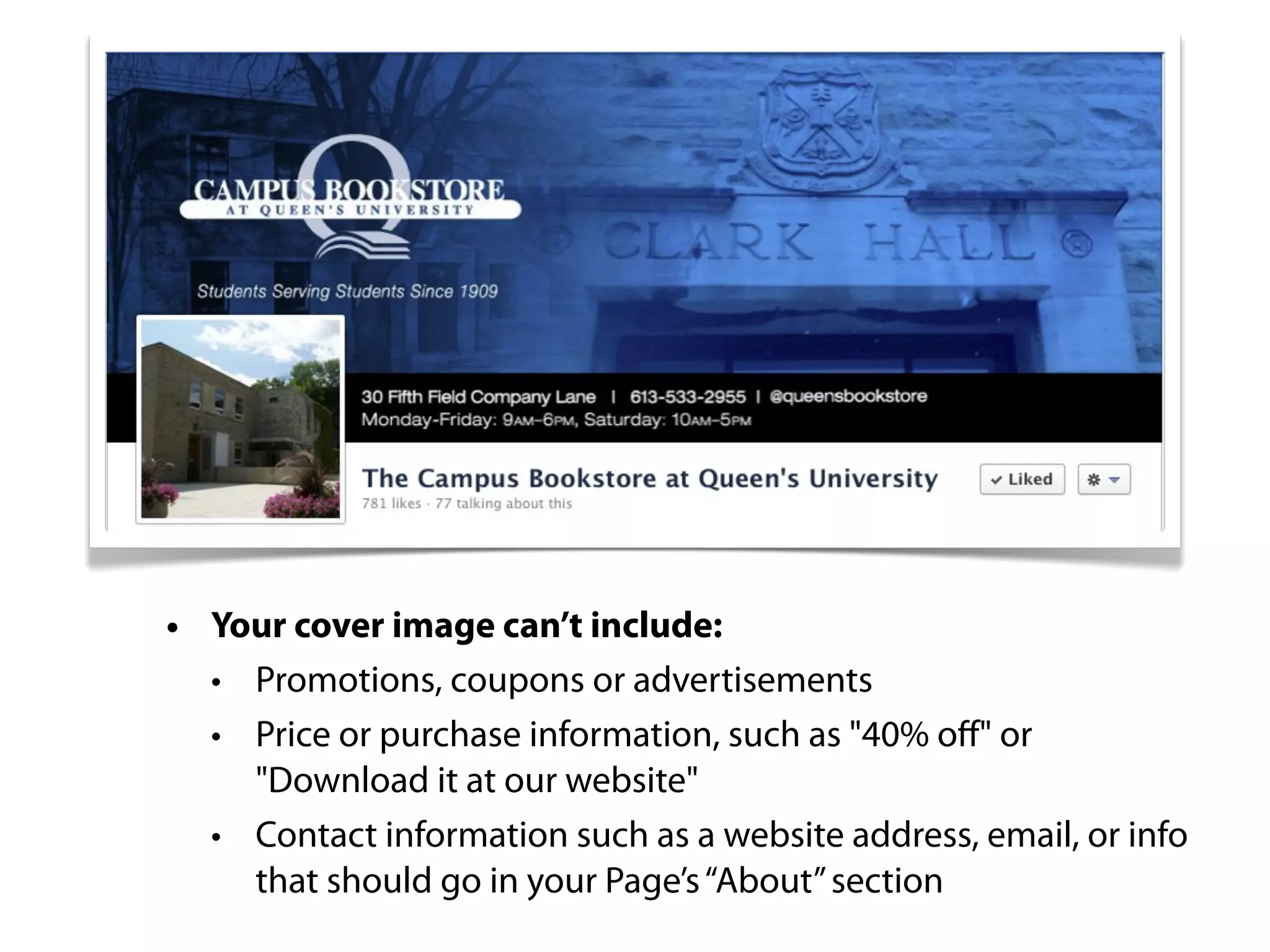
• Your cover image can’t include:
  • Promotions, coupons or advertisements
  • Price or purchase information, such as "40% off" or
    "Download it at our website"
  • Contact information such as a website address, email, or info
    that should go in your Page’s “About” section
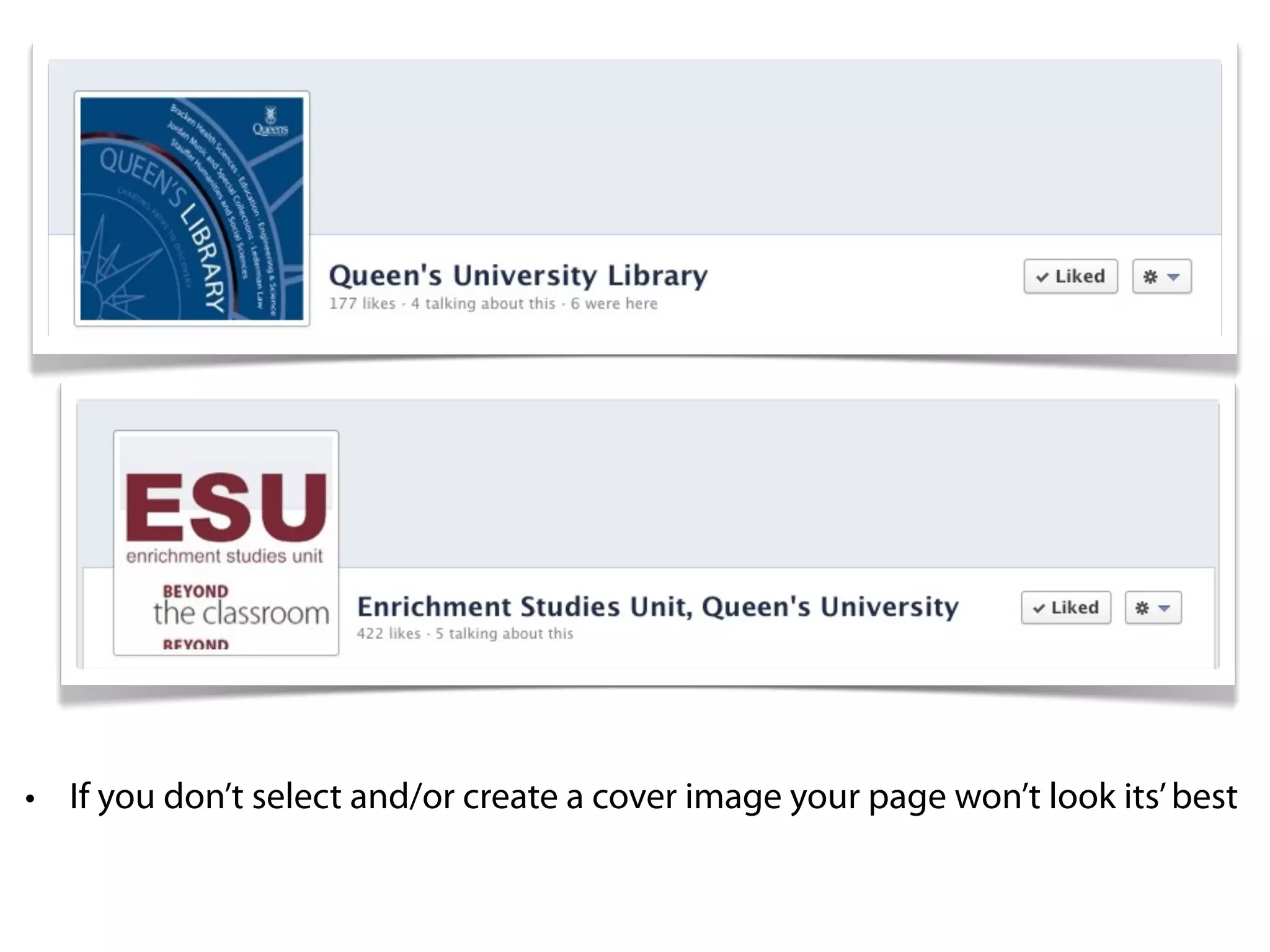
• If you don’t select and/or create a cover image your page won’t look its’ best
Facebook Pin


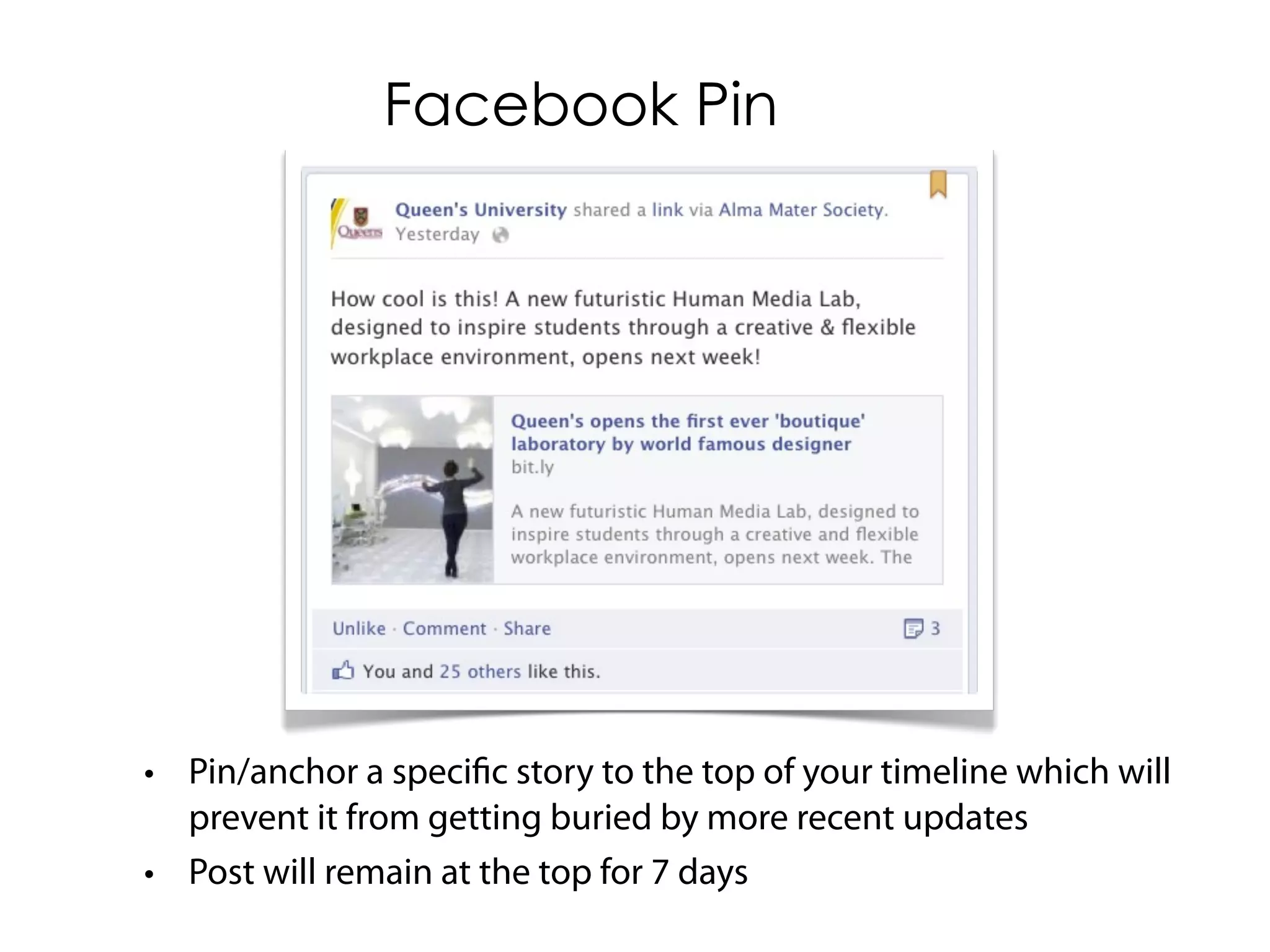
• Pin/anchor a specific story to the top of your timeline which will
  prevent it from getting buried by more recent updates
• Post will remain at the top for 7 days
Facebook Highlight


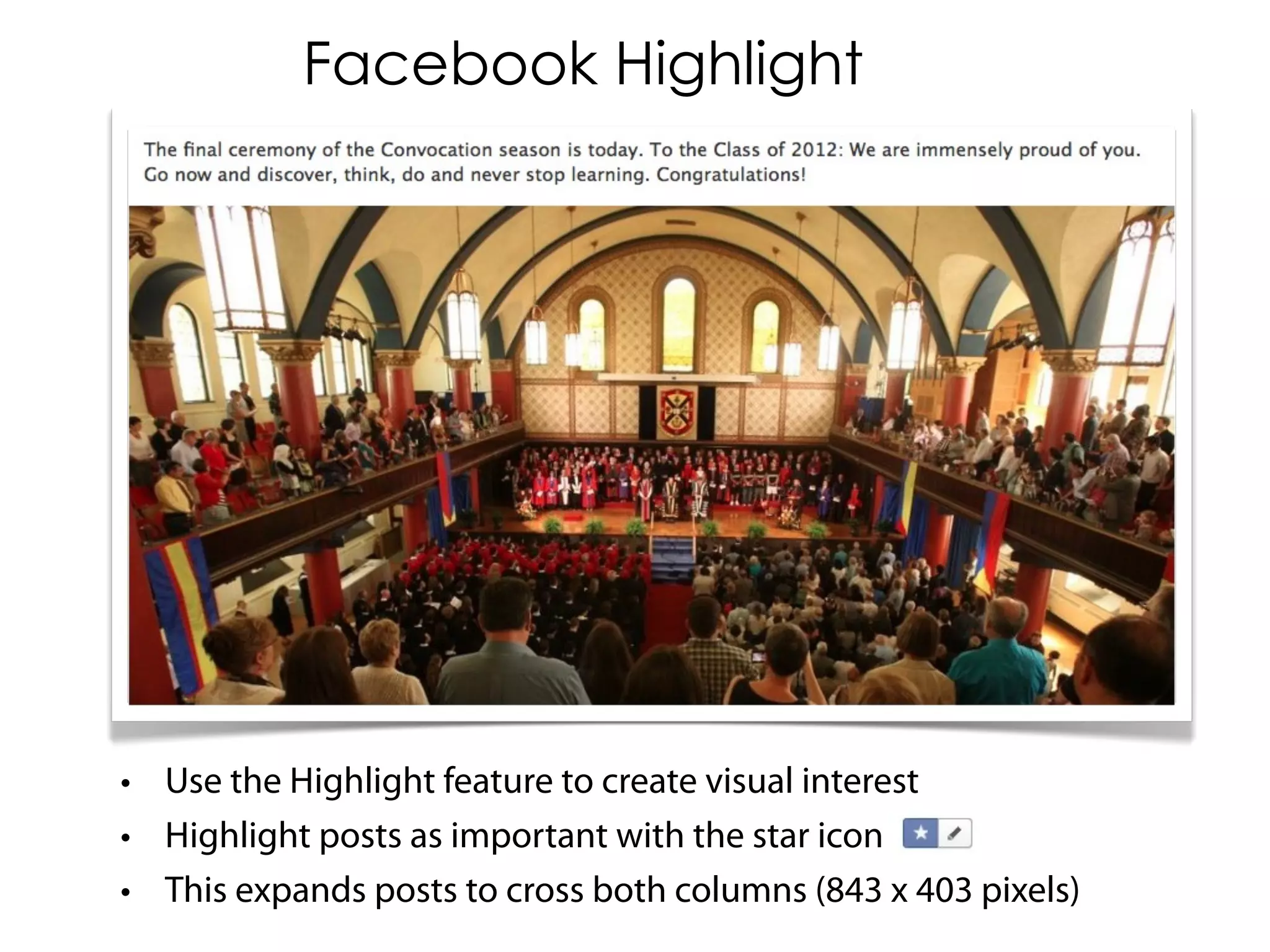
• Use the Highlight feature to create visual interest
• Highlight posts as important with the star icon
• This expands posts to cross both columns (843 x 403 pixels)
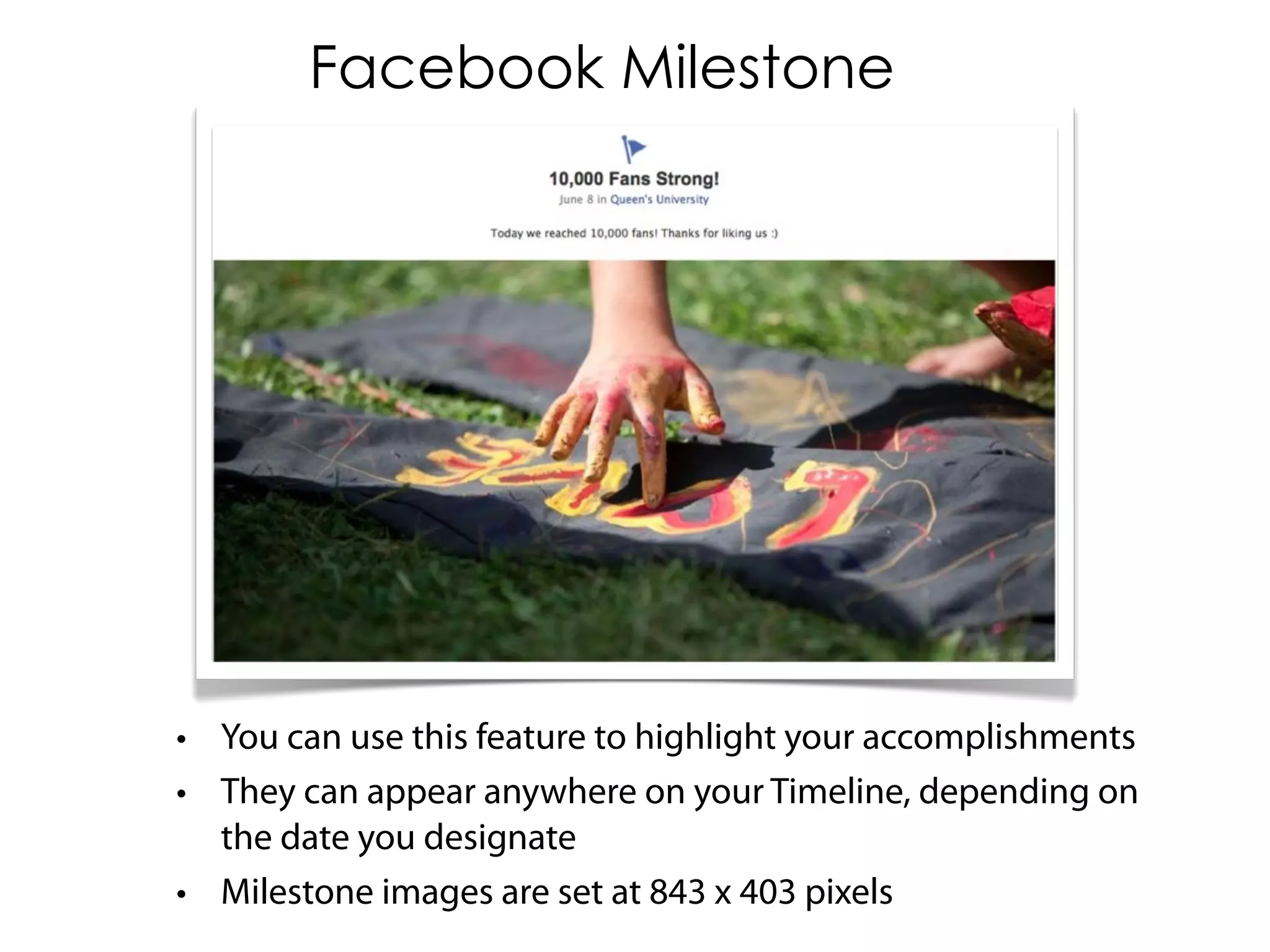
Facebook Milestone


• You can use this feature to highlight your accomplishments
• They can appear anywhere on your Timeline, depending on
  the date you designate
• Milestone images are set at 843 x 403 pixels
Facebook Administration
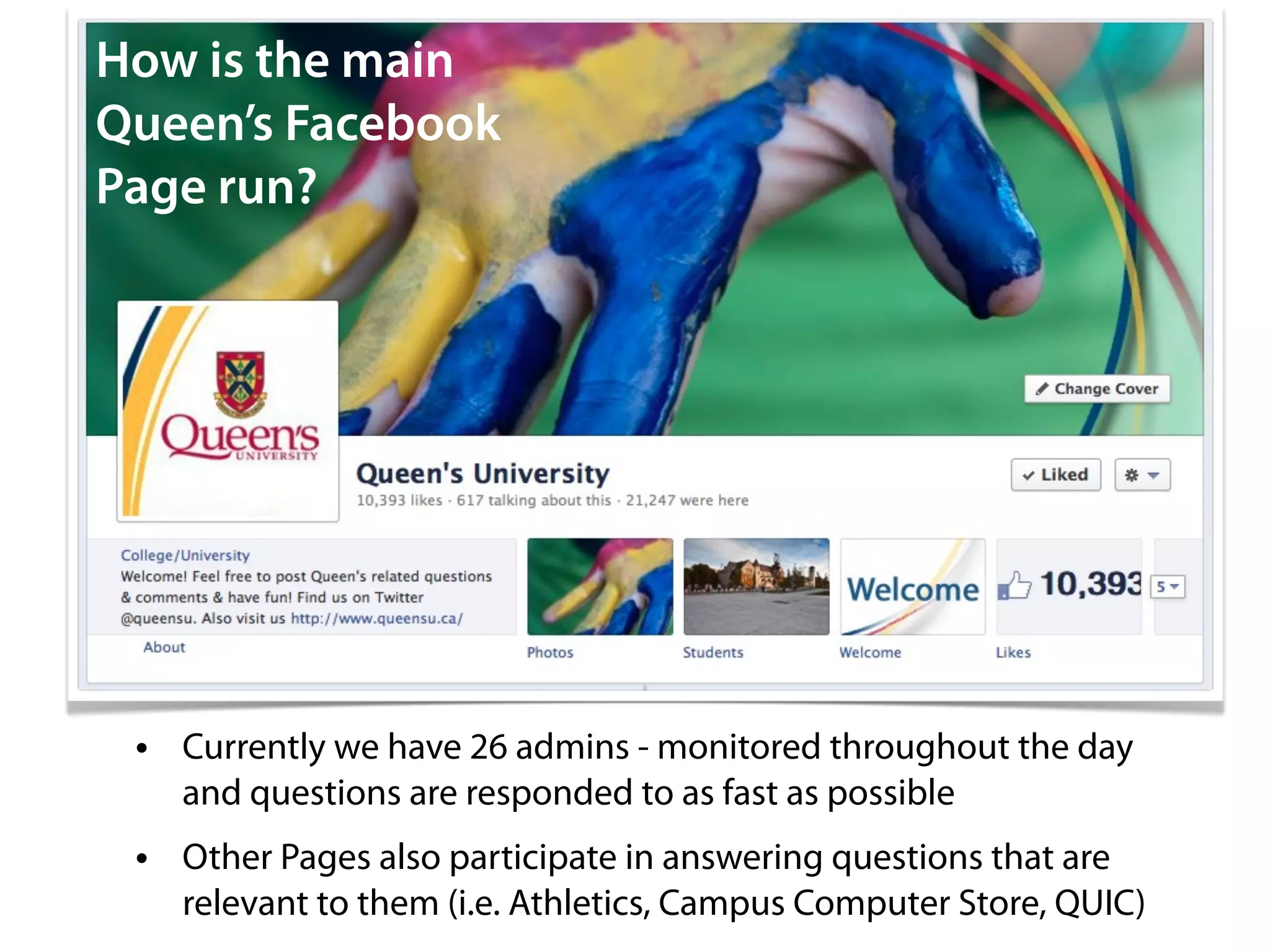
How is the main
Queen’s Facebook
Page run?


 • Currently we have 26 admins - monitored throughout the day
   and questions are responded to as fast as possible
 • Other Pages also participate in answering questions that are
   relevant to them (i.e. Athletics, Campus Computer Store, QUIC)
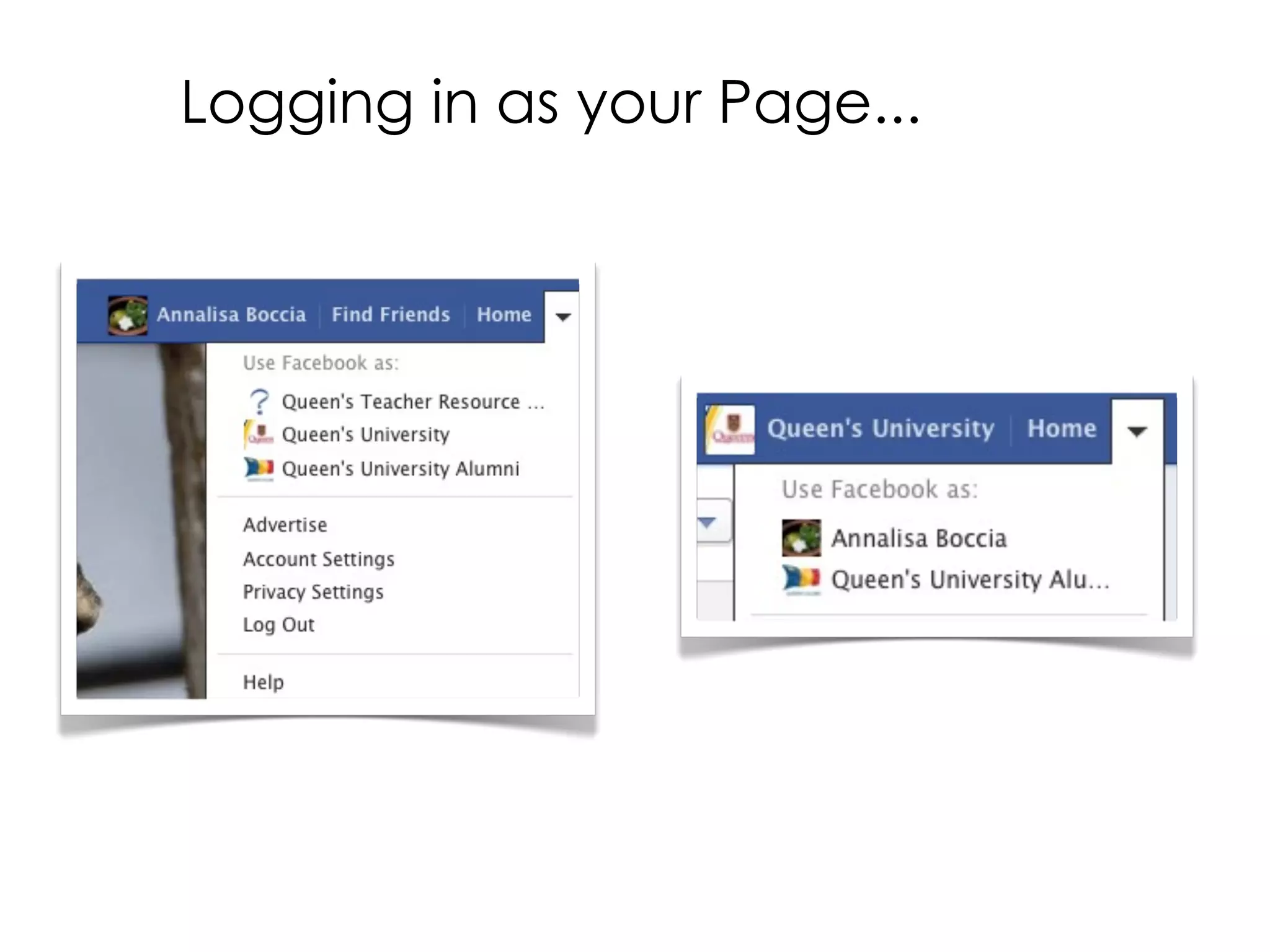
Logging in as your Page...
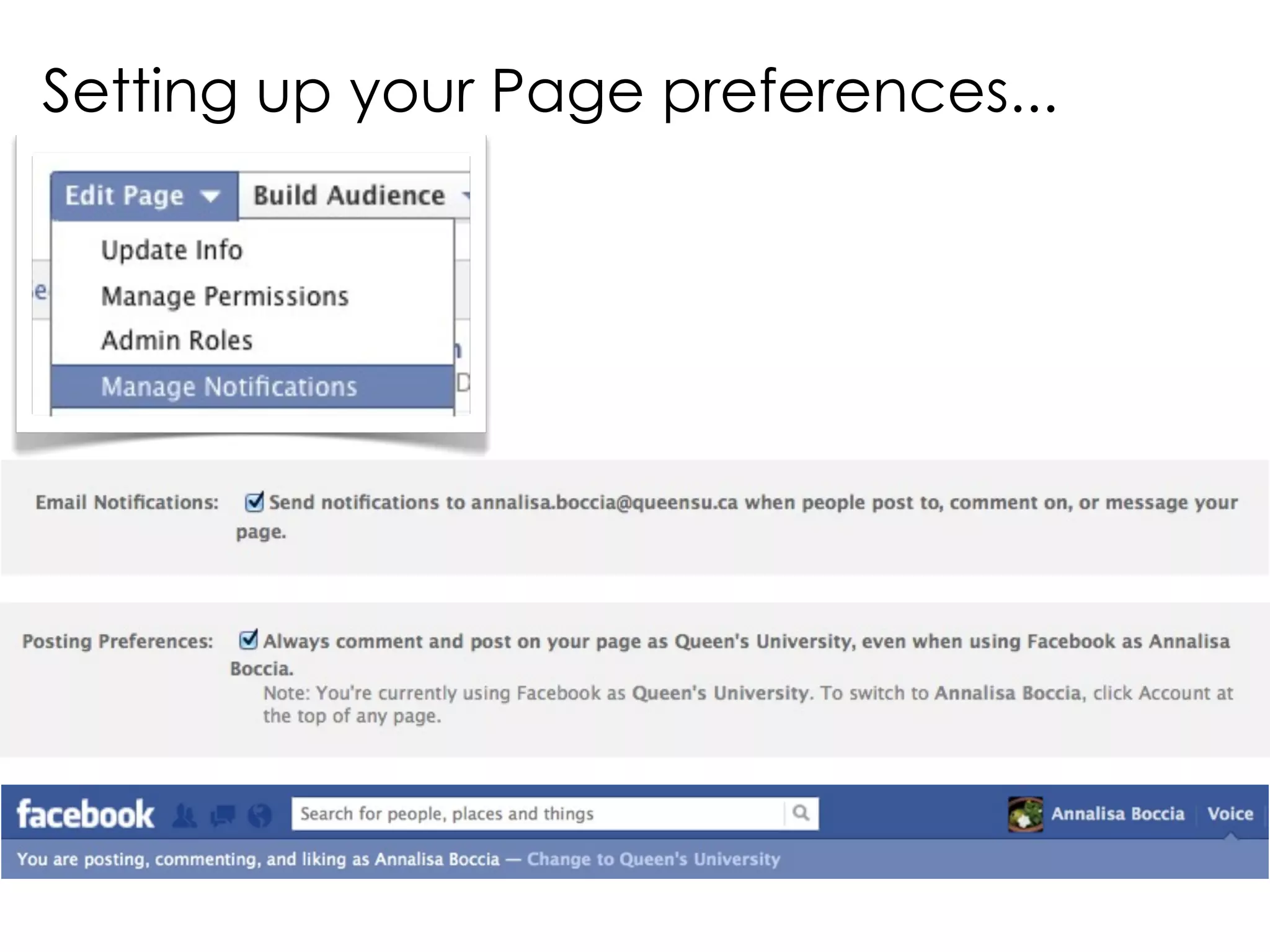
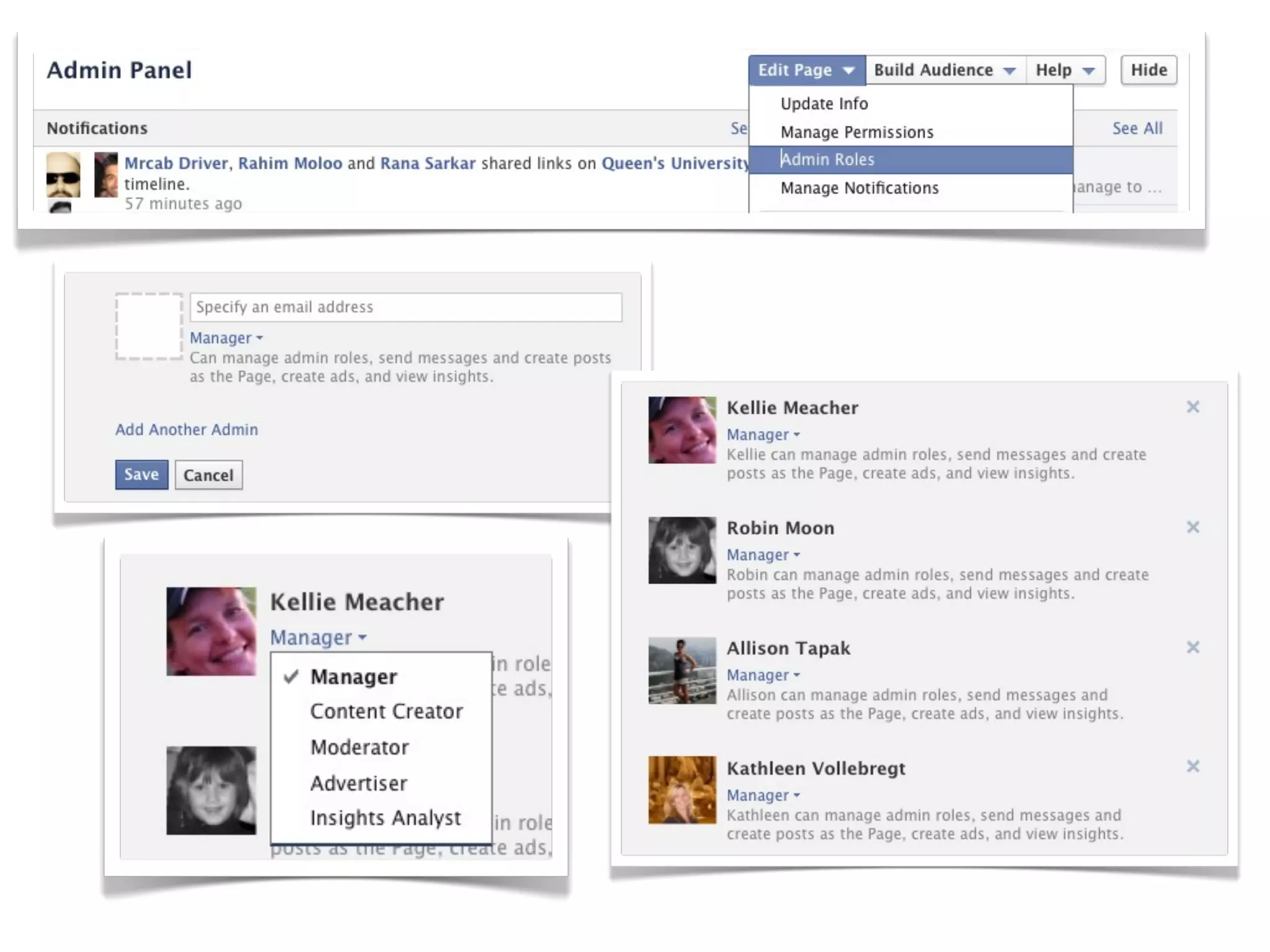
Setting up your Page preferences...
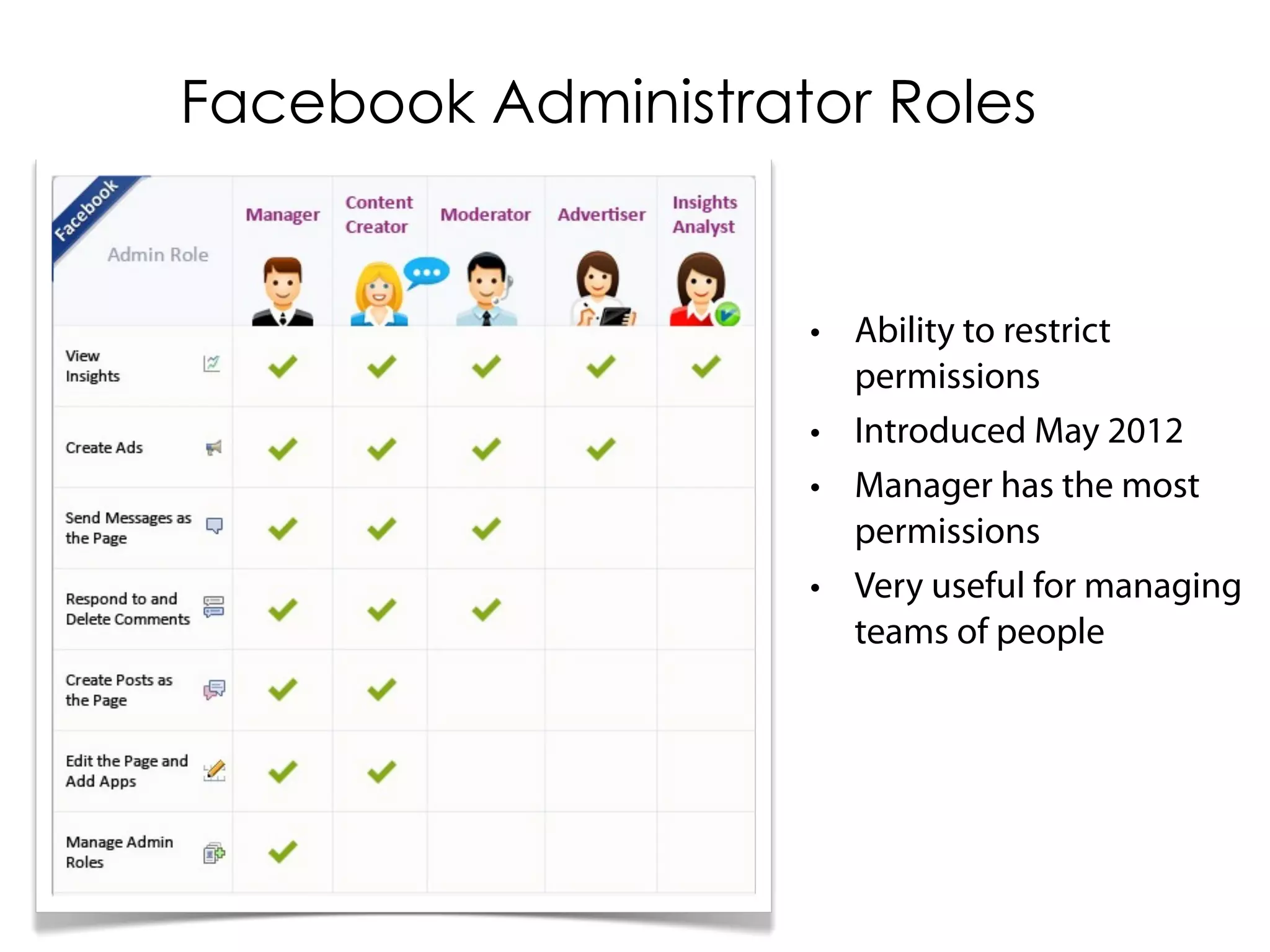
Facebook Administrator Roles


                    • Ability to restrict
                      permissions
                    • Introduced May 2012
                    • Manager has the most
                      permissions
                    • Very useful for managing
                      teams of people
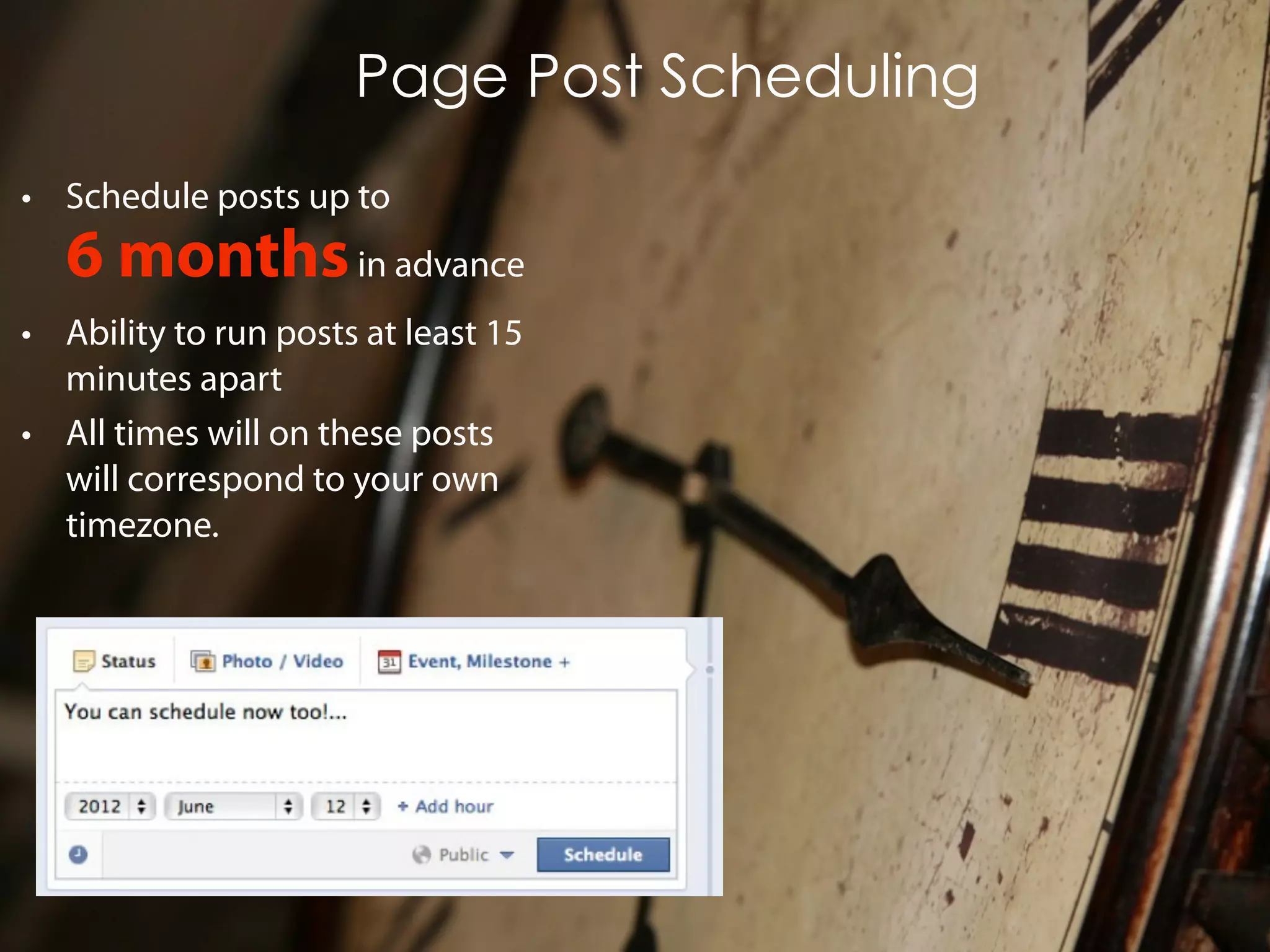
Page Post Scheduling
• Schedule posts up to
   6 months in advance
• Ability to run posts at least 15
  minutes apart
• All times will on these posts
  will correspond to your own
  timezone.
Measuring

  How to use
  Facebook
  Insights to
  Measure
  Your Fan
  Page
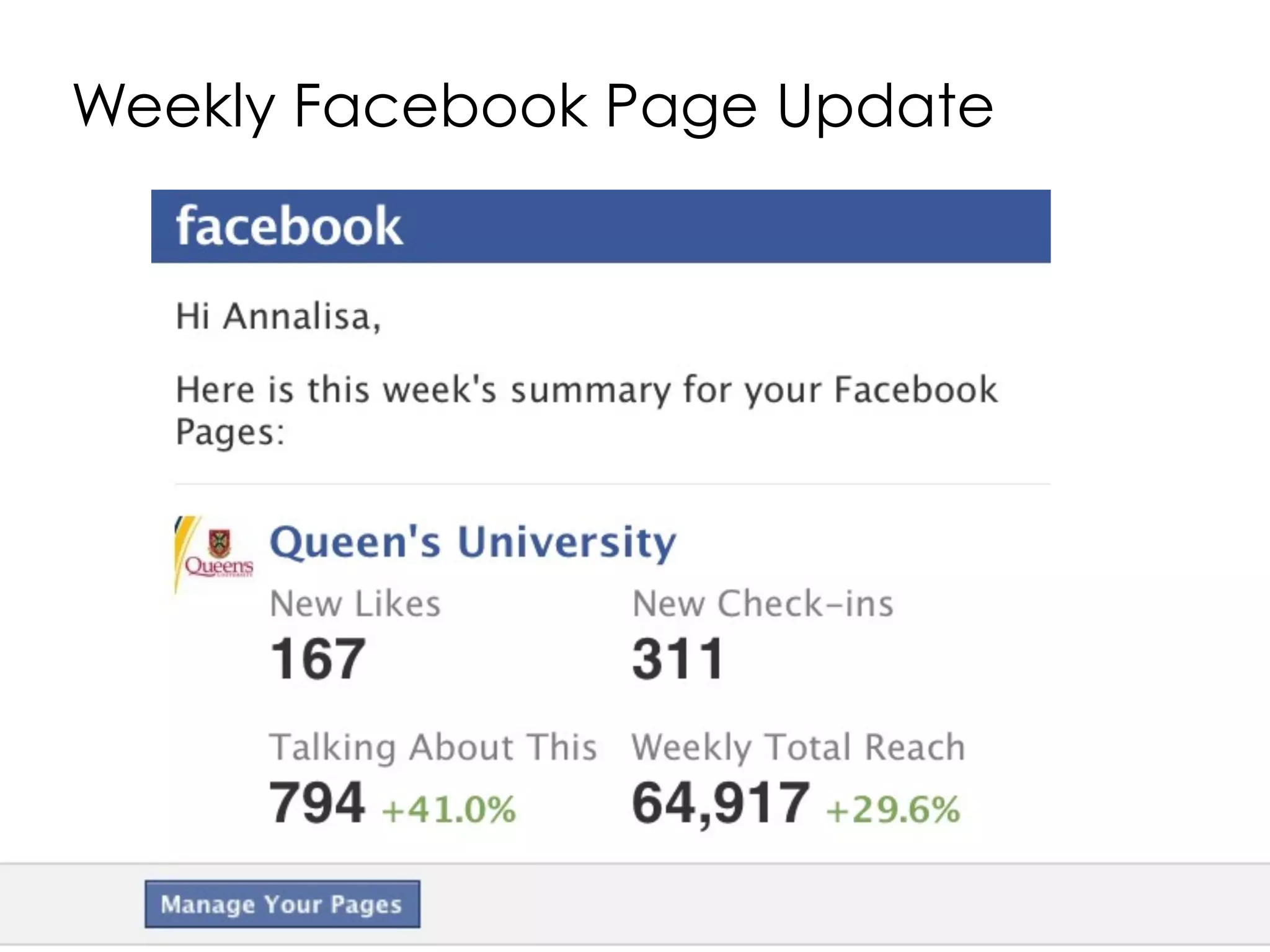
Weekly Facebook Page Update
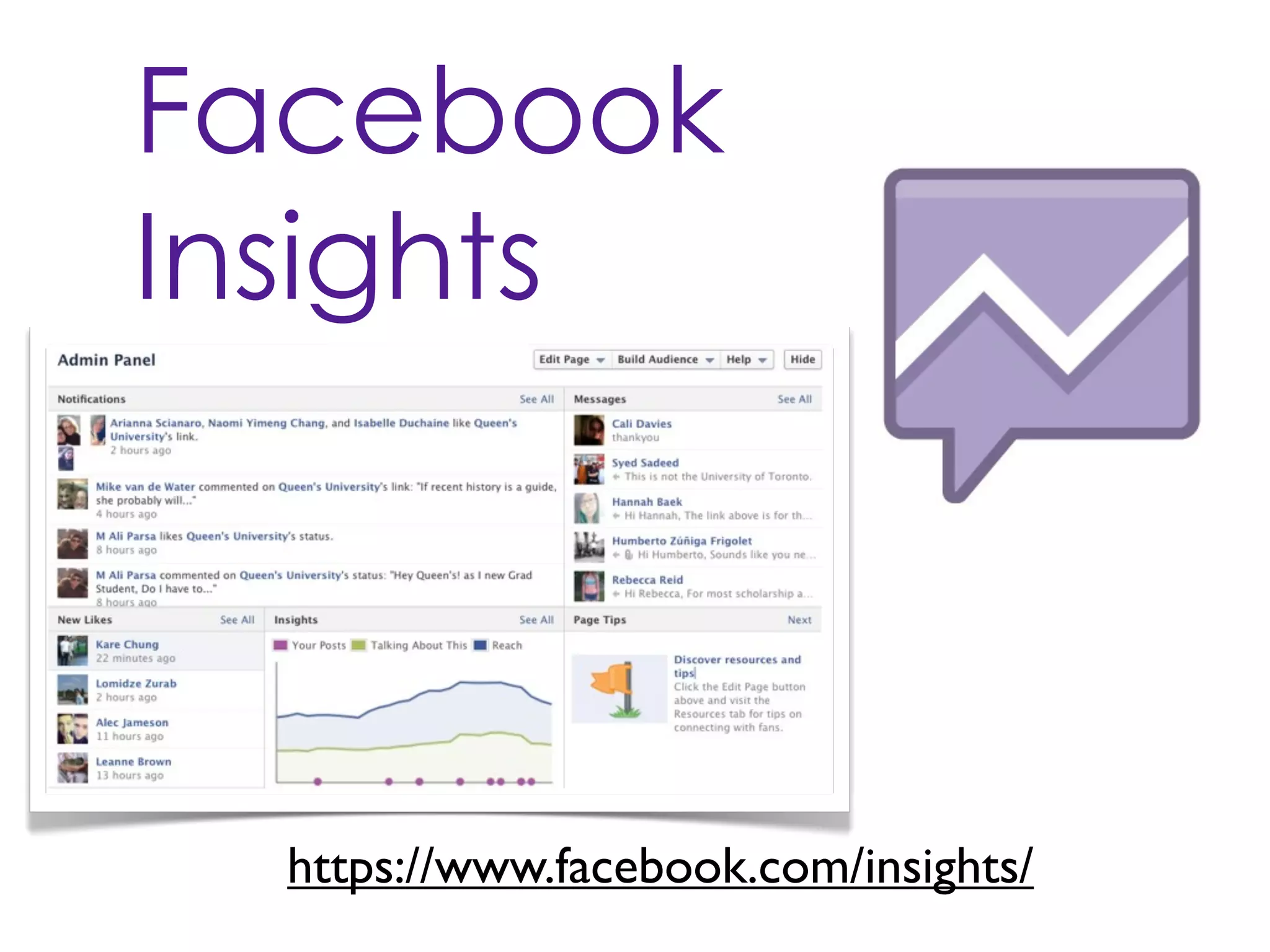
Facebook
Insights


  https://www.facebook.com/insights/
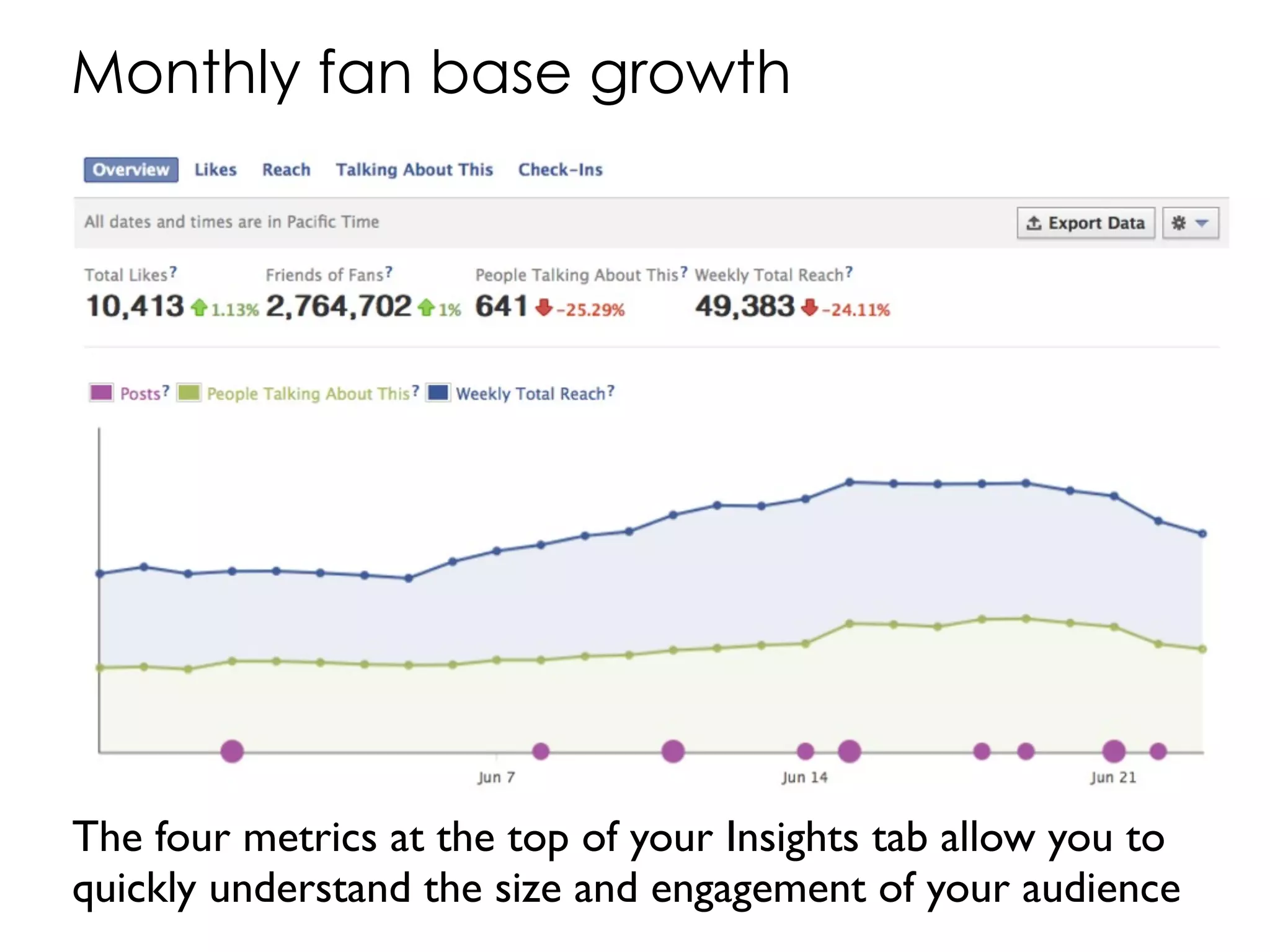
Monthly fan base growth


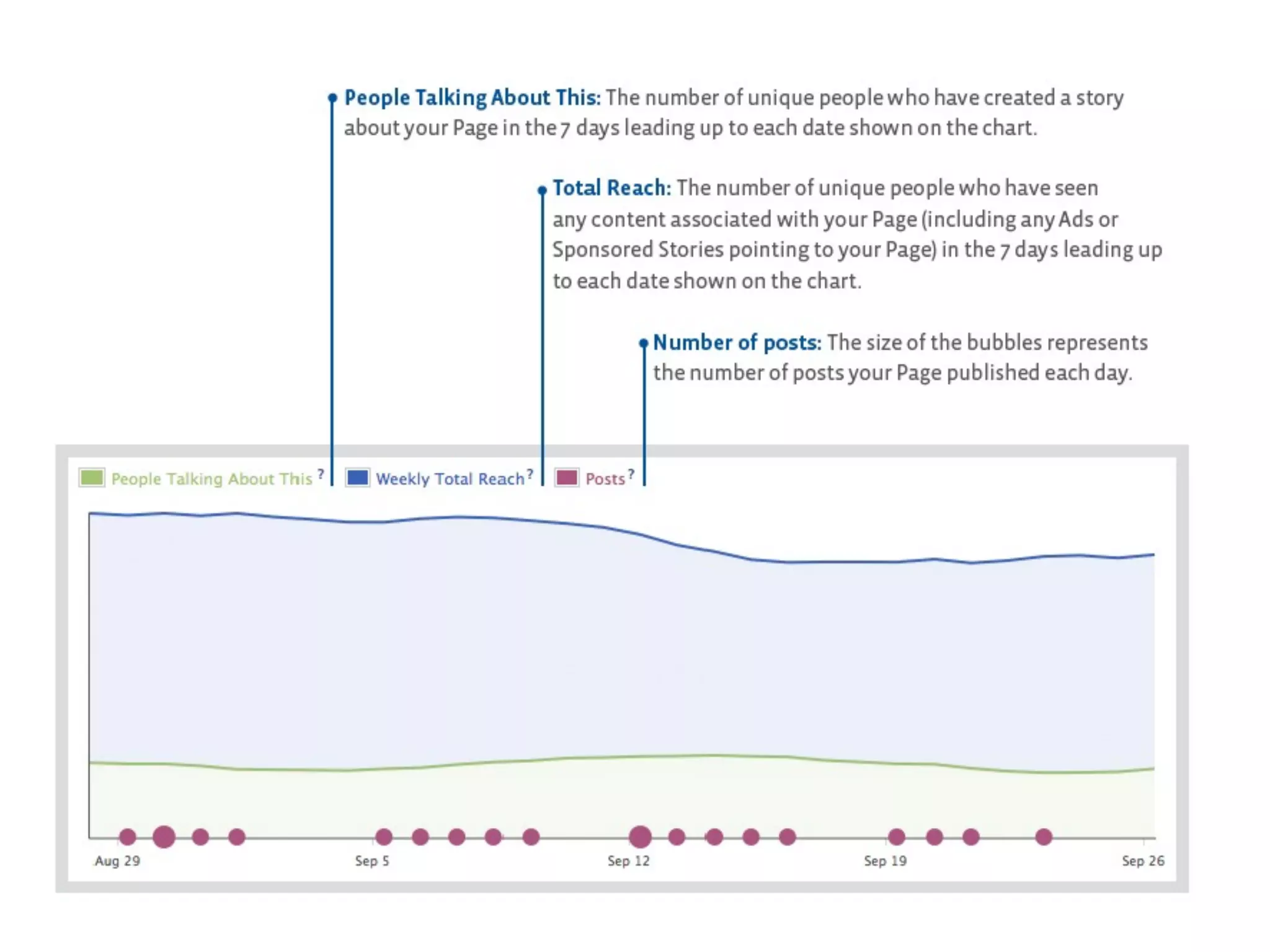
The four metrics at the top of your Insights tab allow you to
quickly understand the size and engagement of your audience
Source: http://bit.ly/MM1UvY
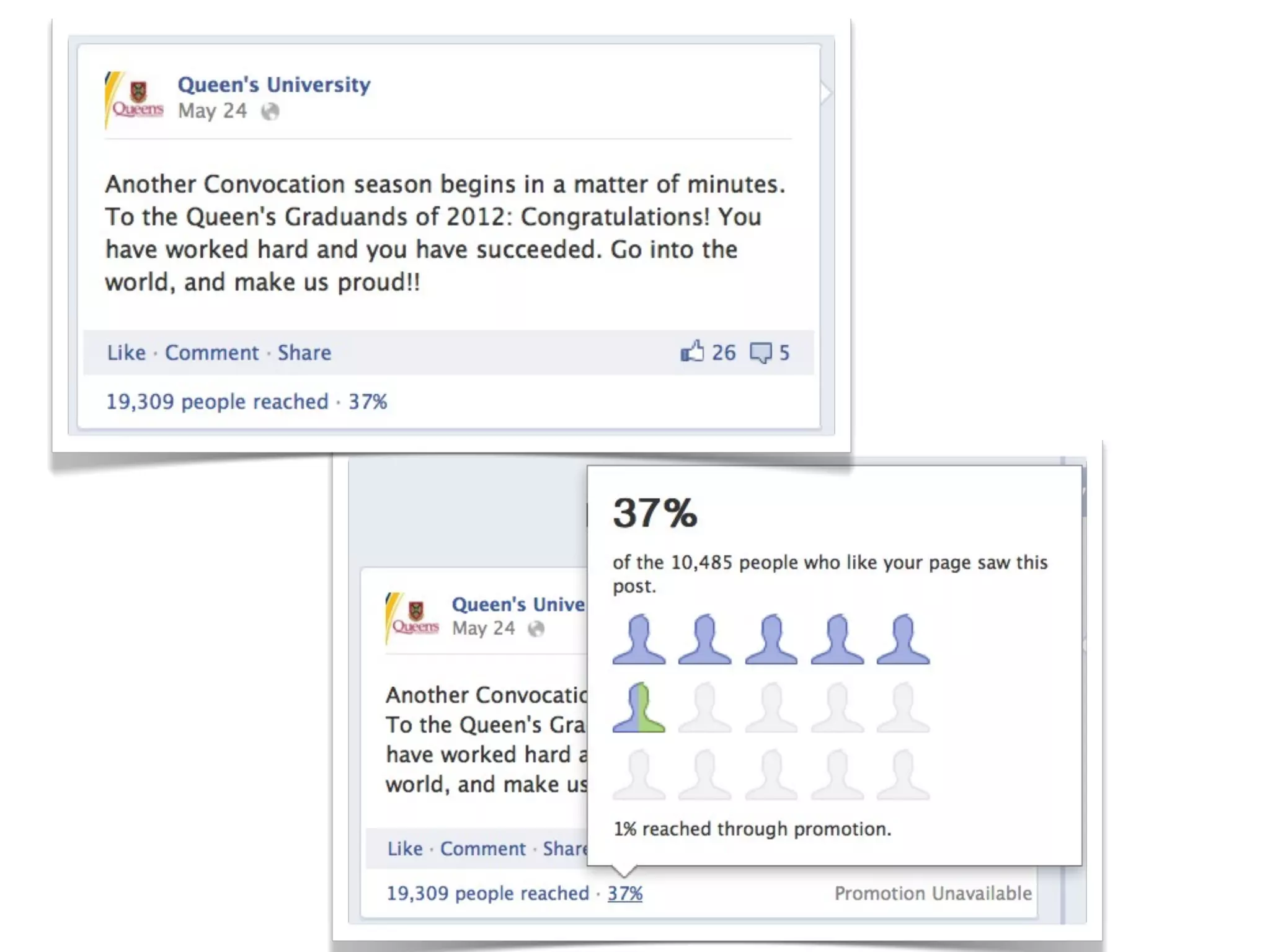
Post engagement and virality
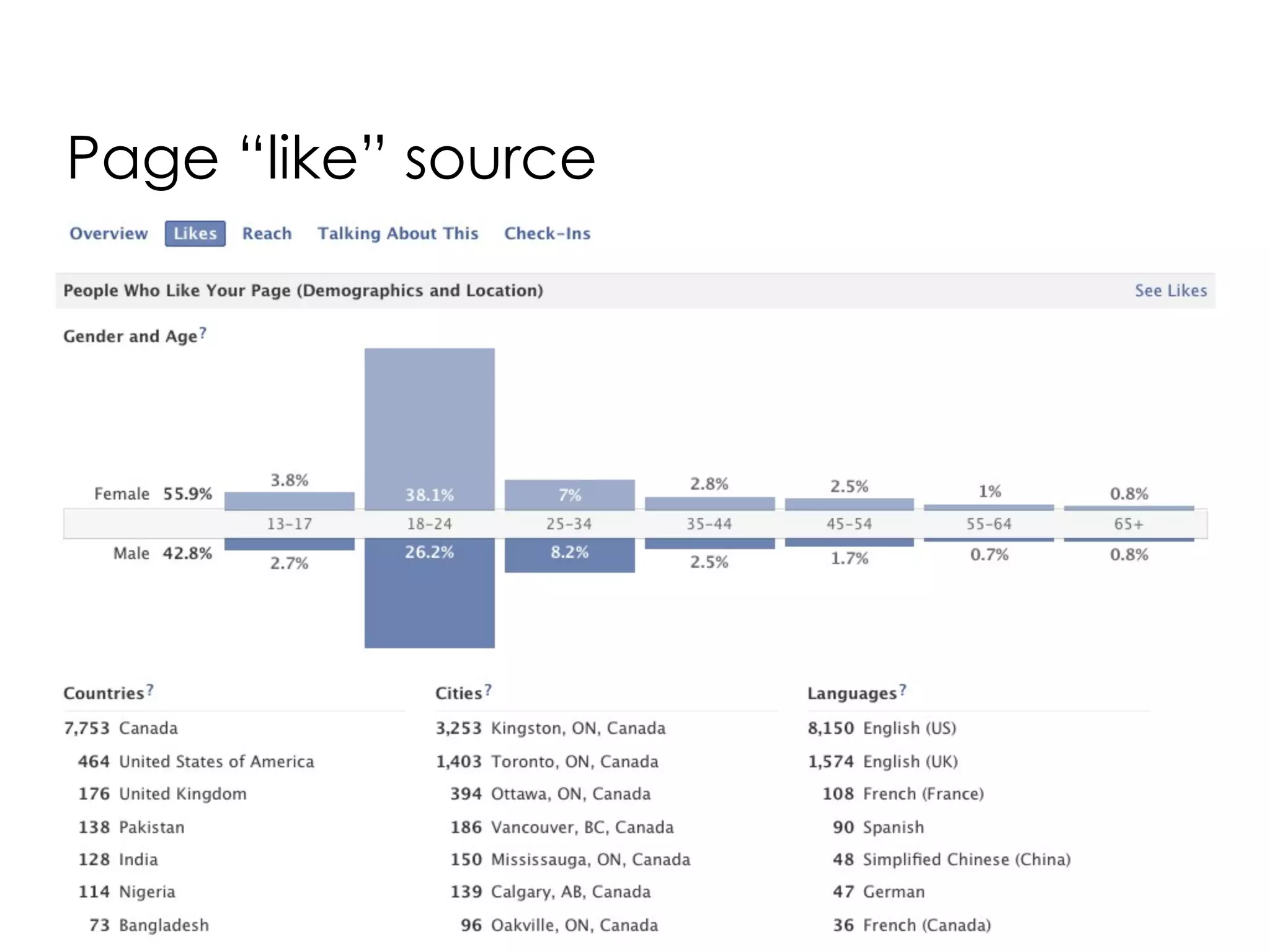
Page “like” source
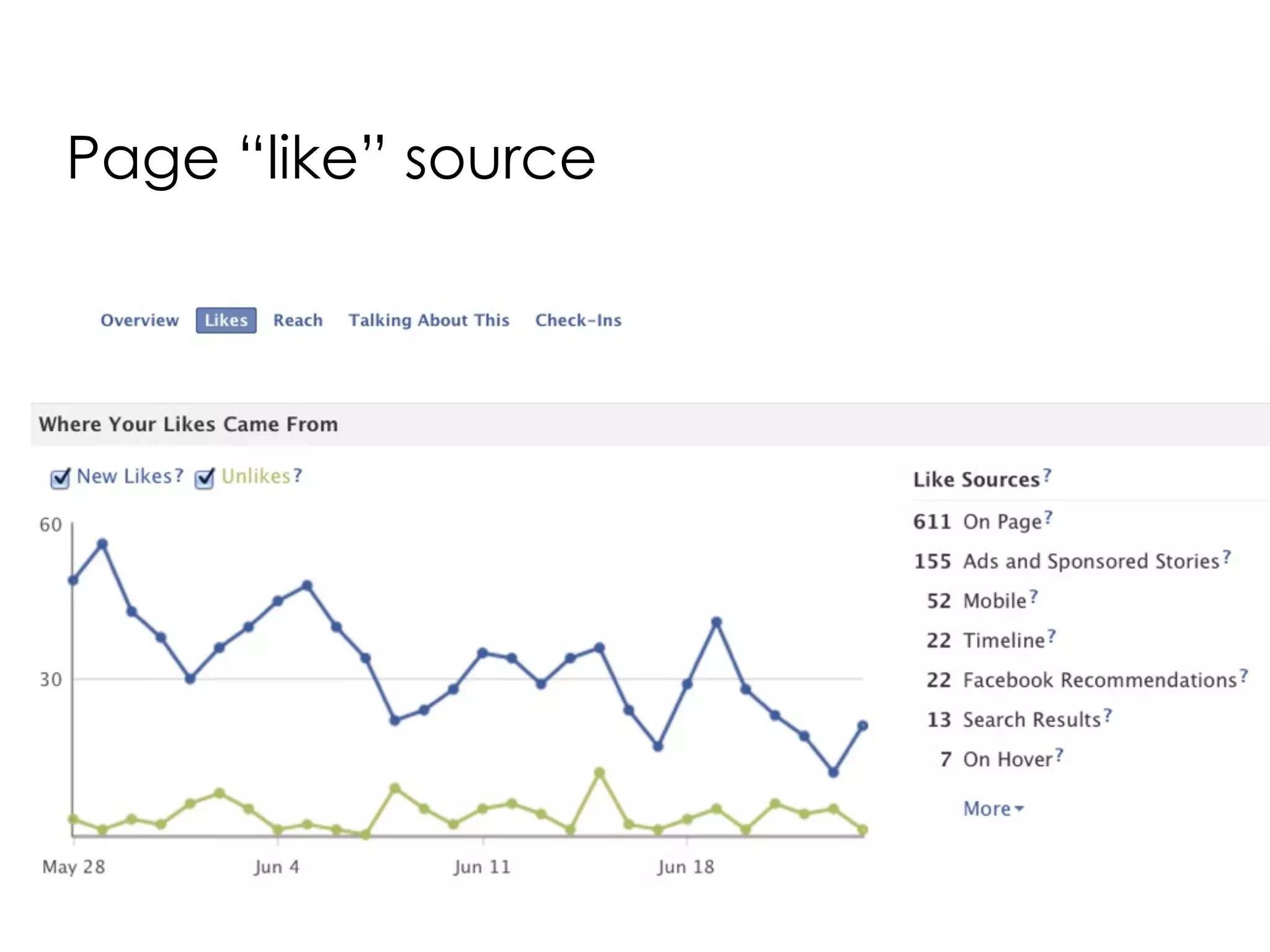
Page “like” source
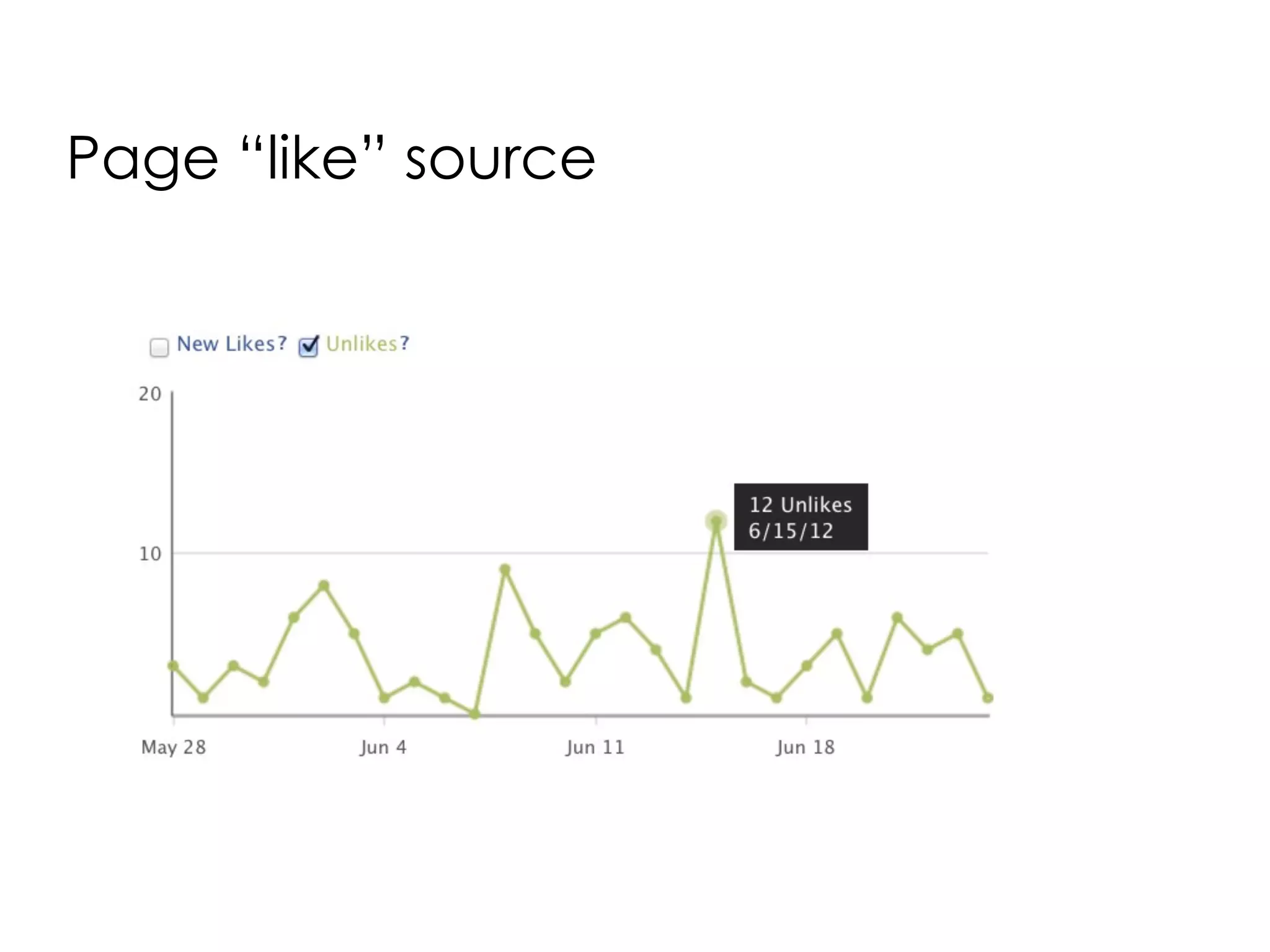
Page “like” source
Final
thoughts
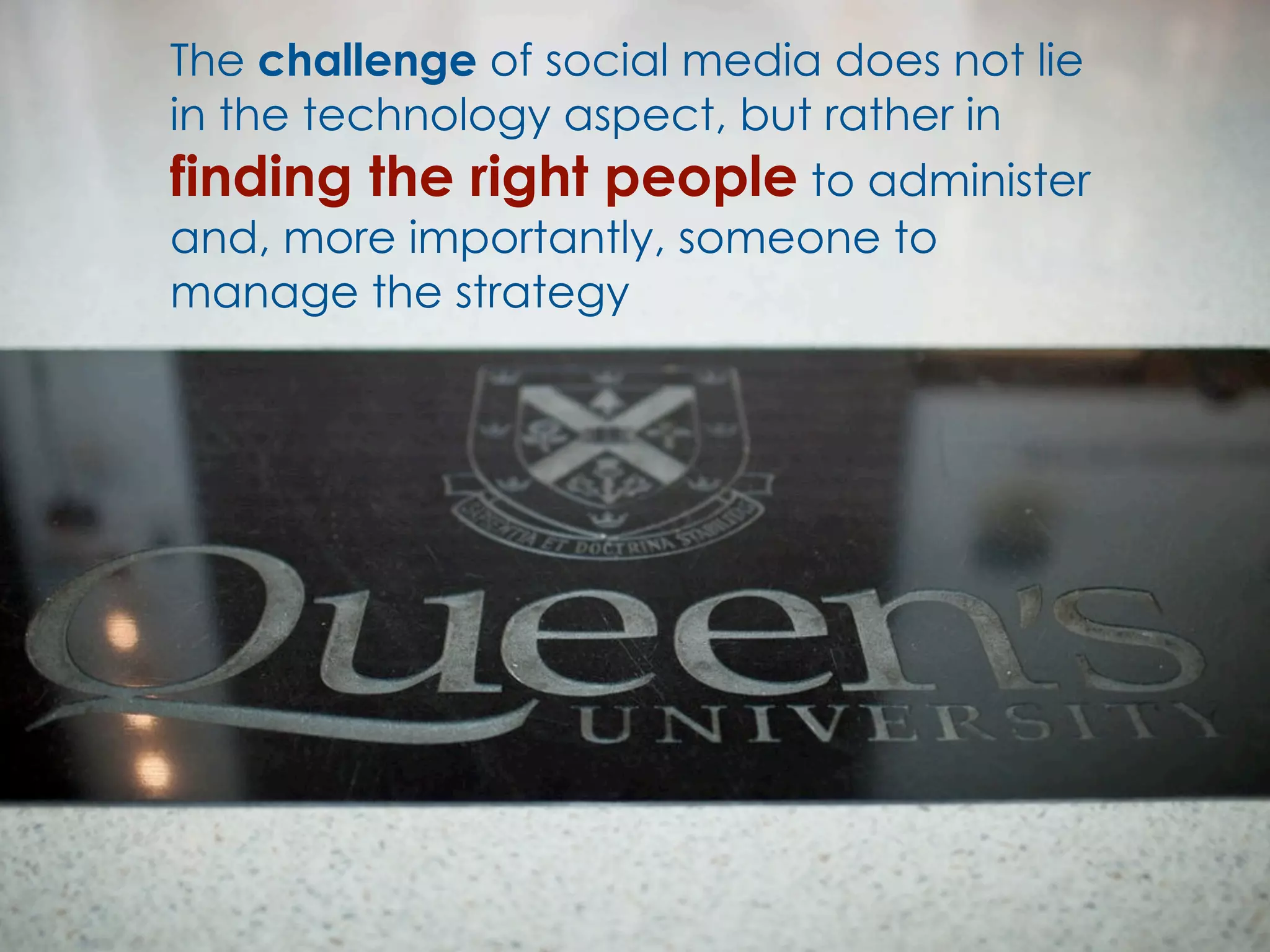
The challenge of social media does not lie
in the technology aspect, but rather in
finding the right people to administer
and, more importantly, someone to
manage the strategy
Live Demo          Questions?
        annalisa.boccia@queensu.ca

Facebook Page Administration

  • 1.
  • 2.
    Presentation Outline • Best Practices • Tips for Success • Setting up your Facebook Page • Facebook Administration • Measuring • Final thoughts & live demo
  • 3.
    @yenhoon Best practices
  • 4.
    Pick a platform andgive it all of your attention and focus
  • 5.
    Listen to youraudience • What is our audience interested in? • What are they talking about? • Crisis/Issues monitoring
  • 6.
    Aim for nomore than two posts in a day Experiment with different times of the day to see what works best
  • 7.
    Watch times ofpostings Try not to post within at least one hour of another post Post one in the morning and one in the afternoon
  • 8.
    The Internet is noisy, and you don't want to contribute to the noise @rogiro
  • 9.
    Keep the posts short... 80 characters or less! A shorter post will catch Facebook users’ attention quicker
  • 10.
    Images are 2X more engaging than status updates Least engaging content type = links
  • 11.
  • 12.
    Tips for Success 1 Have a plan What are your goals? • Engagement • Event awareness • Customer service How do you plan to do this? • How often do you post? • Who posts it? Duties: producing, posting, sharing, responding Develop a strategy before you start
  • 13.
    Tips for Success 2 Focus on Content • Have a content calendar or Facebook Group where you keep active to do lists • Make sure content contributors are aware of the style, voice and tone of your content • Repurpose content (student handbooks) this allows you to give new meaning to existing content
  • 14.
  • 15.
    Tips for Success 3 Be present! Social media is 24/7, it is a daily conversation Ensure that you have the resources to monitor and react Understand the platform: What is the behaviour/norm in one platform may not be acceptable in another
  • 16.
    Tips for Success 4 Be friendly Have conversations rather than just pushing out your message It is not about talking at people but engaging with them Have a sense of humour It is about listening & interacting vs. shouting
  • 17.
    Tips for Success 5 Choose wisely Who's doing the talking can be as important as the message you put out there, so choose your social media representatives wisely Designate a back-up representative
  • 18.
    Tips for Success 6 Promote How will you build your network? Webpages, email signatures Printed materials, business cards Incorporate social media into your overall marketing strategy
  • 19.
  • 20.
    Facebook Timeline • Timeline for Brands implemented on March 30th, 2012 • Key features: Cover photo, pinned posts, highlighted posts, milestones
  • 21.
    Cover Photo &Profile Picture • Cover Image • Your Biggest Branding Opportunity • Use the cover photo to bring a strong visual impact to your page
  • 22.
    Cover Photo &Profile Picture Specs • Profile Picture • An extension of the cover photo • Must be a minimum of 180x180 pixels • Needs to look good as your brand’s 50 x 50 pixel icon accompanying page posts
  • 23.
    • Get creativeand incorporate your profile image into your cover image • Your About description can be up to 170 characters
  • 24.
    • Use aunique image that represents your page • Cover photo should be a strong representation of your brand • Use high quality images
  • 25.
    • Be creativeand experiment with images your audience responds well to • Change it up as much as you want but you should adhere to Facebook's policies regarding cover photos
  • 26.
    • Your coverimage can’t include: • References to Facebook features or actions, such as “Like” or “Share”, or or an arrow pointing from the cover photo to any of these features • Calls to action, such as "Get it now" or "Tell your friends"
  • 27.
    • Your coverimage can’t include: • Promotions, coupons or advertisements • Price or purchase information, such as "40% off" or "Download it at our website" • Contact information such as a website address, email, or info that should go in your Page’s “About” section
  • 29.
    • If youdon’t select and/or create a cover image your page won’t look its’ best
  • 30.
    Facebook Pin • Pin/anchora specific story to the top of your timeline which will prevent it from getting buried by more recent updates • Post will remain at the top for 7 days
  • 31.
    Facebook Highlight • Usethe Highlight feature to create visual interest • Highlight posts as important with the star icon • This expands posts to cross both columns (843 x 403 pixels)
  • 32.
    Facebook Milestone • Youcan use this feature to highlight your accomplishments • They can appear anywhere on your Timeline, depending on the date you designate • Milestone images are set at 843 x 403 pixels
  • 33.
  • 34.
    How is themain Queen’s Facebook Page run? • Currently we have 26 admins - monitored throughout the day and questions are responded to as fast as possible • Other Pages also participate in answering questions that are relevant to them (i.e. Athletics, Campus Computer Store, QUIC)
  • 35.
    Logging in asyour Page...
  • 36.
    Setting up yourPage preferences...
  • 37.
    Facebook Administrator Roles • Ability to restrict permissions • Introduced May 2012 • Manager has the most permissions • Very useful for managing teams of people
  • 39.
    Page Post Scheduling •Schedule posts up to 6 months in advance • Ability to run posts at least 15 minutes apart • All times will on these posts will correspond to your own timezone.
  • 40.
    Measuring Howto use Facebook Insights to Measure Your Fan Page
  • 41.
  • 42.
  • 43.
    Monthly fan basegrowth The four metrics at the top of your Insights tab allow you to quickly understand the size and engagement of your audience
  • 44.
  • 46.
  • 48.
  • 49.
  • 50.
  • 51.
  • 52.
    The challenge ofsocial media does not lie in the technology aspect, but rather in finding the right people to administer and, more importantly, someone to manage the strategy
  • 53.
    Live Demo Questions? annalisa.boccia@queensu.ca