Eye catching 

science
Finding the visual story in your data
Part 1: the tools
FUTURE EARTH 

POP-UP 

WEBINAR 

SERIES
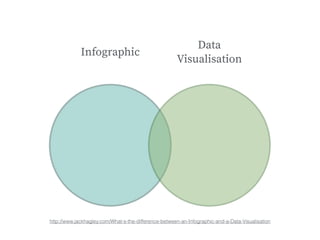
Infographic
Data 

Visualisation
http://www.jackhagley.com/What-s-the-difference-between-an-Infographic-and-a-Data-Visualisation
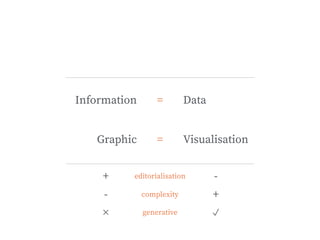
Visualisation
Information
Graphic
Data=
=
editorialisation+ -
complexity- +
generative ✓✕
The award for most important
design tool goes to:
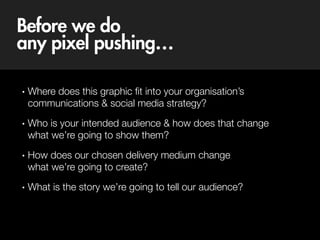
Before we do 

any pixel pushing…
• Where does this graphic fit into your organisation’s 
communications & social media strategy?
• Who is your intended audience & how does that change

what we’re going to show them?
• How does our chosen delivery medium change

what we’re going to create?
• What is the story we’re going to tell our audience?
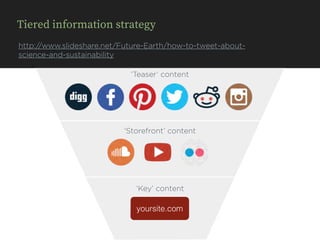
Tiered information strategy
http://www.slideshare.net/Future-Earth/how-to-tweet-about-
science-and-sustainability
yoursite.com
‘Teaser’ content
‘Storefront’ content
‘Key’ content
yoursite.com
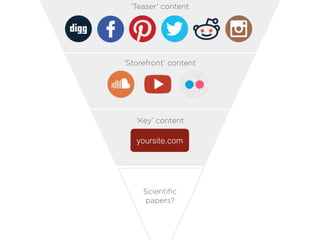
‘Teaser’ content
‘Storefront’ content
‘Key’ content
Scientific
papers?
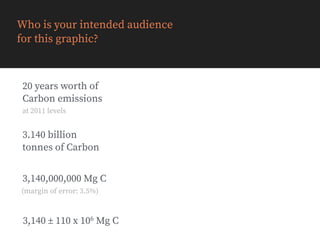
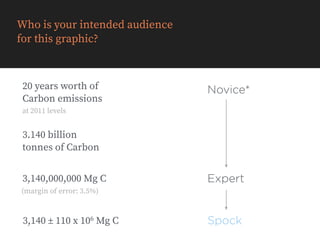
Who is your intended audience

for this graphic?
3,140 ± 110 x 106 Mg C
3,140,000,000 Mg C
(margin of error: 3.5%)
3.140 billion 

tonnes of Carbon
20 years worth of 

Carbon emissions
at 2011 levels
Who is your intended audience

for this graphic?
3,140 ± 110 x 106 Mg C
3,140,000,000 Mg C
(margin of error: 3.5%)
3.140 billion 

tonnes of Carbon
20 years worth of 

Carbon emissions
at 2011 levels
Novice*
Expert
Spock
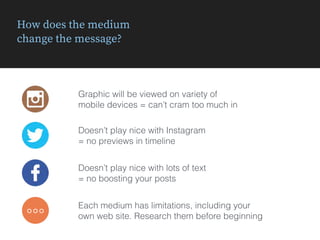
How does the medium 

change the message?
Graphic will be viewed on variety of 

mobile devices = can’t cram too much in
Doesn’t play nice with Instagram 

= no previews in timeline
Doesn’t play nice with lots of text

= no boosting your posts
◦◦◦
Each medium has limitations, including your 

own web site. Research them before beginning
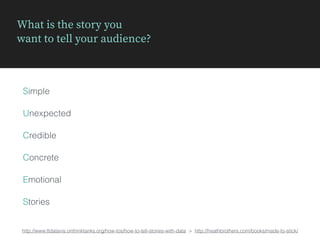
What is the story you 

want to tell your audience?
http://www.ttdatavis.onthinktanks.org/how-tos/how-to-tell-stories-with-data > http://heathbrothers.com/books/made-to-stick/
Simple
Unexpected
Credible
Emotional
Concrete
Stories
What is the story you 

want to tell your audience?
http://www.ttdatavis.onthinktanks.org/how-tos/how-to-tell-stories-with-data > http://heathbrothers.com/books/made-to-stick/
Simple
Unexpected
Credible
Emotional
Concrete
Stories
Structured
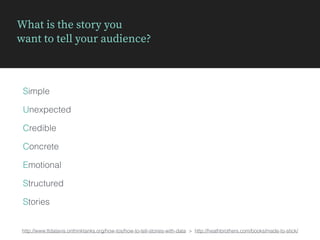
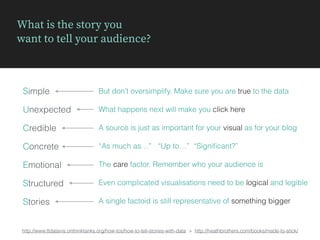
What is the story you 

want to tell your audience?
http://www.ttdatavis.onthinktanks.org/how-tos/how-to-tell-stories-with-data > http://heathbrothers.com/books/made-to-stick/
Simple
Unexpected
Credible
Emotional
Concrete
Stories
Structured
But don’t oversimplify. Make sure you are true to the data
What happens next will make you click here
A source is just as important for your visual as for your blog
“As much as…” “Up to…” “Significant?”
The care factor. Remember who your audience is
Even complicated visualisations need to be logical and legible
A single factoid is still representative of something bigger
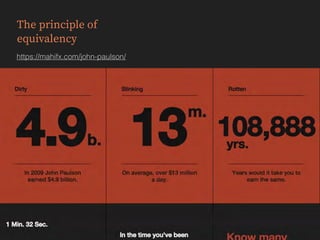
The principle of 

equivalency
https://mahifx.com/john-paulson/
Best Practice:

Some examples
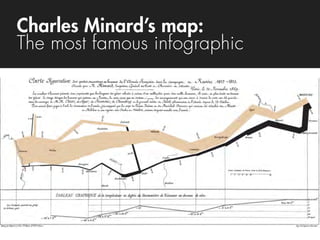
Charles Minard’s map:

The most famous infographic
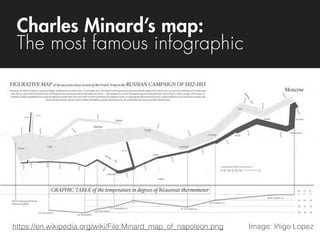
https://en.wikipedia.org/wiki/File:Minard_map_of_napoleon.png Image: Iñigo Lopez
Charles Minard’s map:

The most famous infographic
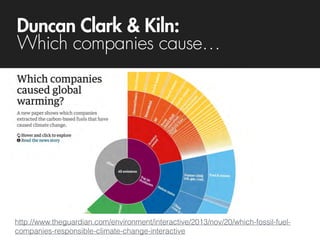
Duncan Clark & Kiln:

Which companies cause…
http://www.theguardian.com/environment/interactive/2013/nov/20/which-fossil-fuel-
companies-responsible-climate-change-interactive
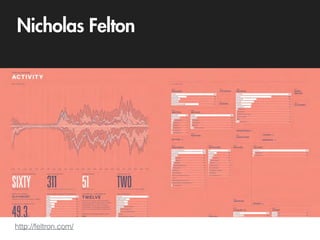
Nicholas Felton
http://feltron.com/
Kurzgesagt:

The human immune system
https://www.youtube.com/watch?v=zQGOcOUBi6s
Exploration tools
Exploration tools
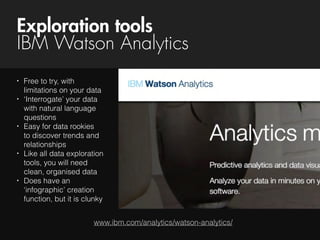
IBM Watson Analytics
www.ibm.com/analytics/watson-analytics/
• Free to try, with
limitations on your data
• ‘Interrogate’ your data
with natural language
questions
• Easy for data rookies

to discover trends and
relationships
• Like all data exploration
tools, you will need
clean, organised data
• Does have an
‘infographic’ creation
function, but it is clunky
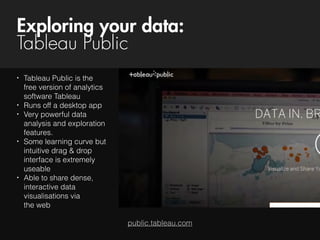
Exploring your data:
Tableau Public
public.tableau.com
• Tableau Public is the
free version of analytics
software Tableau
• Runs off a desktop app
• Very powerful data
analysis and exploration
features.
• Some learning curve but
intuitive drag & drop
interface is extremely
useable
• Able to share dense,
interactive data
visualisations via 

the web
Construction tools
Timeline JS
timeline.knightlab.com/
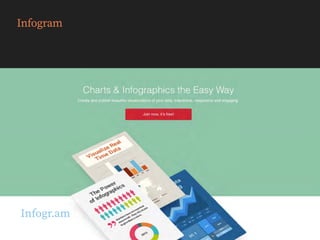
Infogr.am
Infogram
venngage.com
Venngage
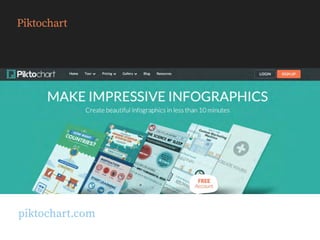
piktochart.com
Piktochart
Visme
visme.co
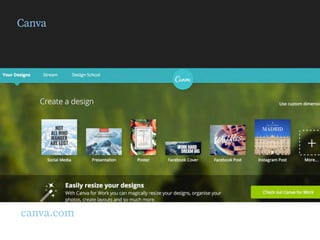
Canva
canva.com
Icons in this presentation were obtained free from iconfinder.com
Credits to: Vlad Marin & Pixan
Need some extra icons?
Just want to make a chart?
plot.ly
plot.ly
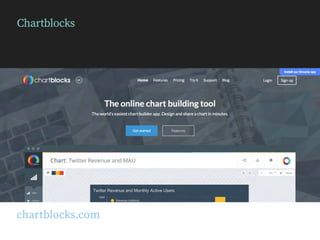
Chartblocks
chartblocks.com
Google sheets
Publish directly from Google Sheets
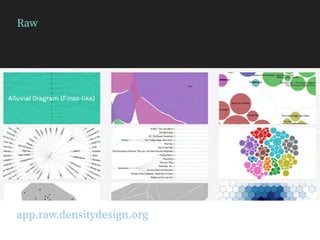
Raw
app.raw.densitydesign.org
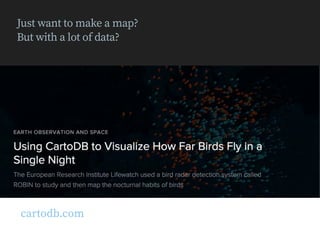
Just want to make a map? 

But with a lot of data?
cartodb.com
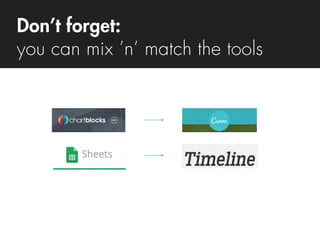
Don’t forget:
you can mix ’n’ match the tools
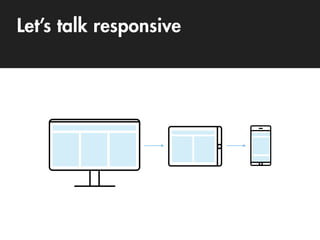
Let’s talk responsive
Next steps
Take a blog post/paper and turn it into 

a snappy infographic or visualisation
Alternatively, you could try adding some maps, 

infographics & charts to an existing blog 

post to bring it to life.
Submissions to: futureearth2025@gmail.com
We’ll give personal feedback on the first 15 received.
Chance to be featured on futureearth.org
Follow-up webinar
Review & critique some of your infographics
Practical design tips & tricks, including some tips
for which chart to use for what data
Sign-up: goo.gl/M5NYo5
Process case study
OCTOBER 28, 3:00 PM - 4:00 PM CET
Did you miss the previous

Future Earth pop webinars?
futureearth.org/blog/pop-webinars

Eye-catching science: free tools to create data visualizations and infographics