Exploiting information: getting the
most from the OU Library

Fiona Durham and Wendy Mears
20 March 2013
Our session will cover..

• Literature review and sources of help
• Keeping up to date
• Bibliographic management tools
A good literature review will..
• clarify your understanding of the field
• explain the rationale for your research
• place your research within a broader context
• evaluate the results of previous research
• define key concepts and ideas
• identify research in related areas that are generalisable
  or transferable to your topic
• identify relevant methodological issues.
• (taken from Uni New England library website:
• http://www.une.edu.au/library/eskillsplus/literature/litreview.php
Lit review - doing it well

 • Comprehensive searching
 • Citation searching
 • Good record keeping
Help and training resources
•   Information skills for researchers on Library website
•   Training sessions, online or F2F
•   Subject specialists within the Library
•   Immediate help via Library helpdesk
Keeping up to date
• Introducing you to ways of keeping up-to-date
  using electronic tools
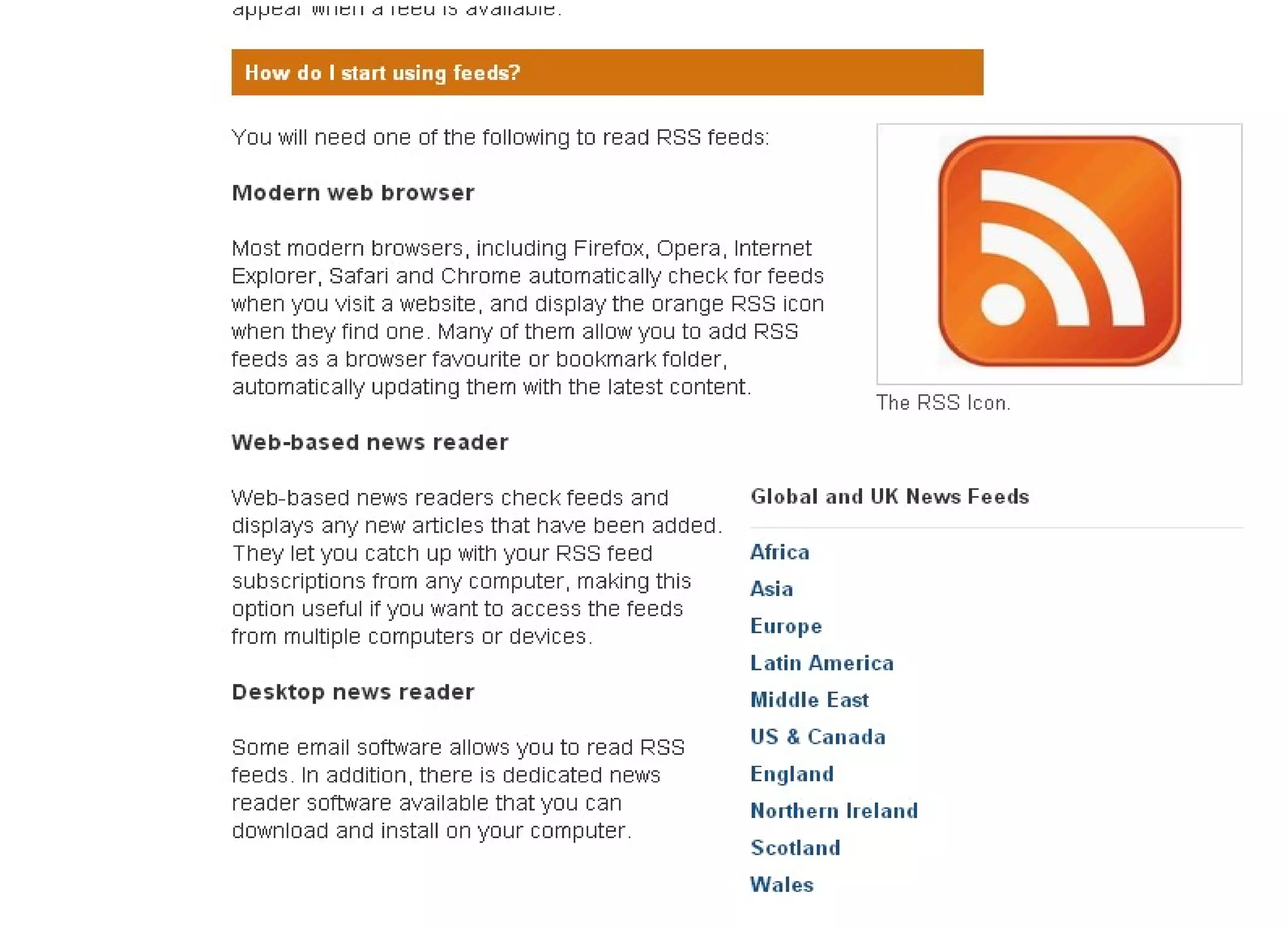
Email alerts, RSS feeds and tracking
engines allow you to:
• Set up, save and re-run your searches against latest
  additions to databases
• Set up profiles to receive automatically the contents
  pages of journal issues
• Receive notification of articles recently published and
  added to a database
• Keep up to date with breaking news
• Discover new resources in your field
Email alerting services
• Two types
  – Journal table of contents(TOC) based
  – Search based: keywords, authors, subject
• Examples
  – Zetoc Alert
  – TicTOCs: http://www.tictocs.ac.uk
  – IEEE Explore
Zetoc
• Zetoc provides access to the
  British Library’s Electronic Table
  of Contents of around 28,000
  current journals and around 16,000
  conference proceedings published
  per year
Other updating tools (1)
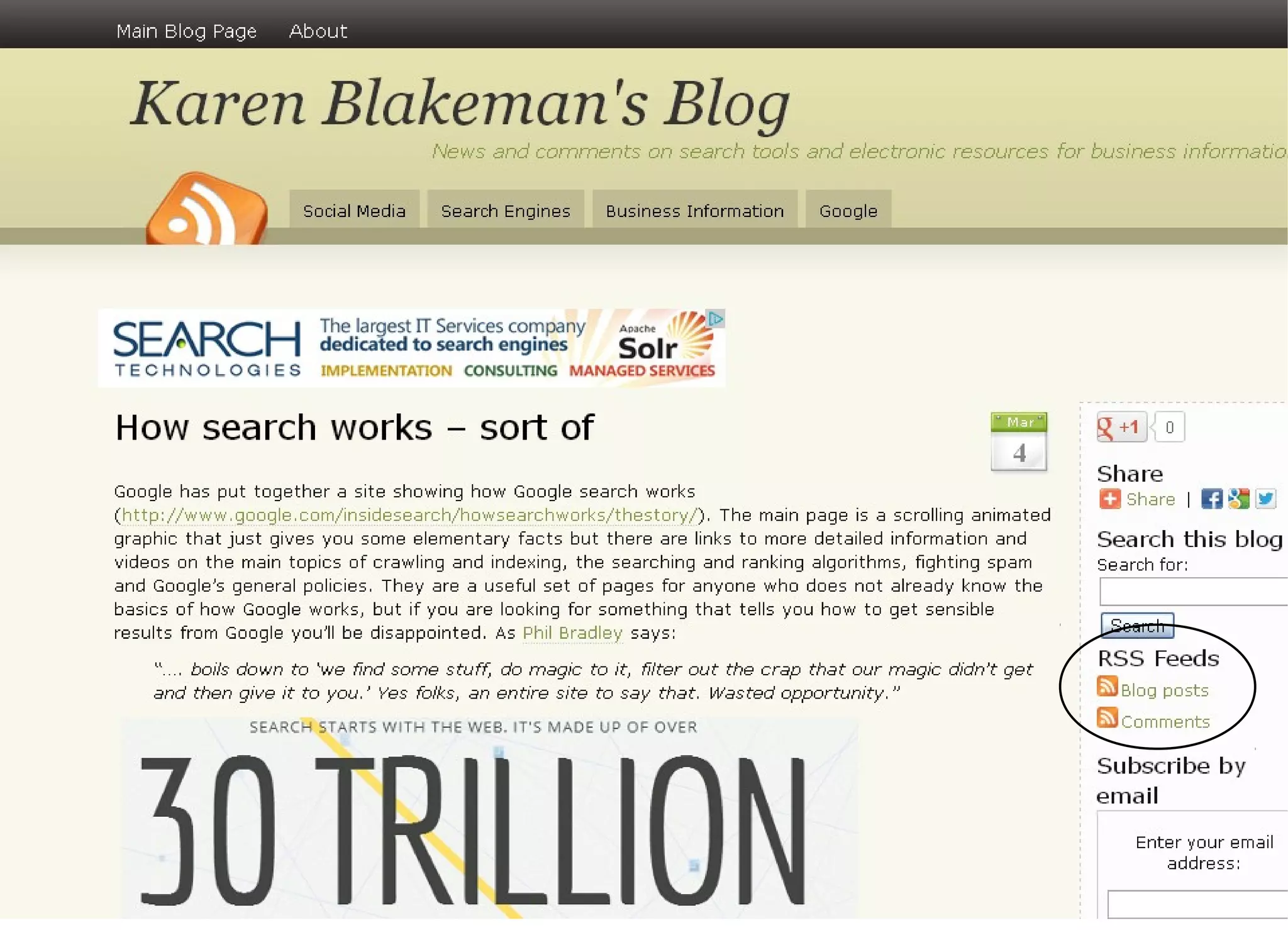
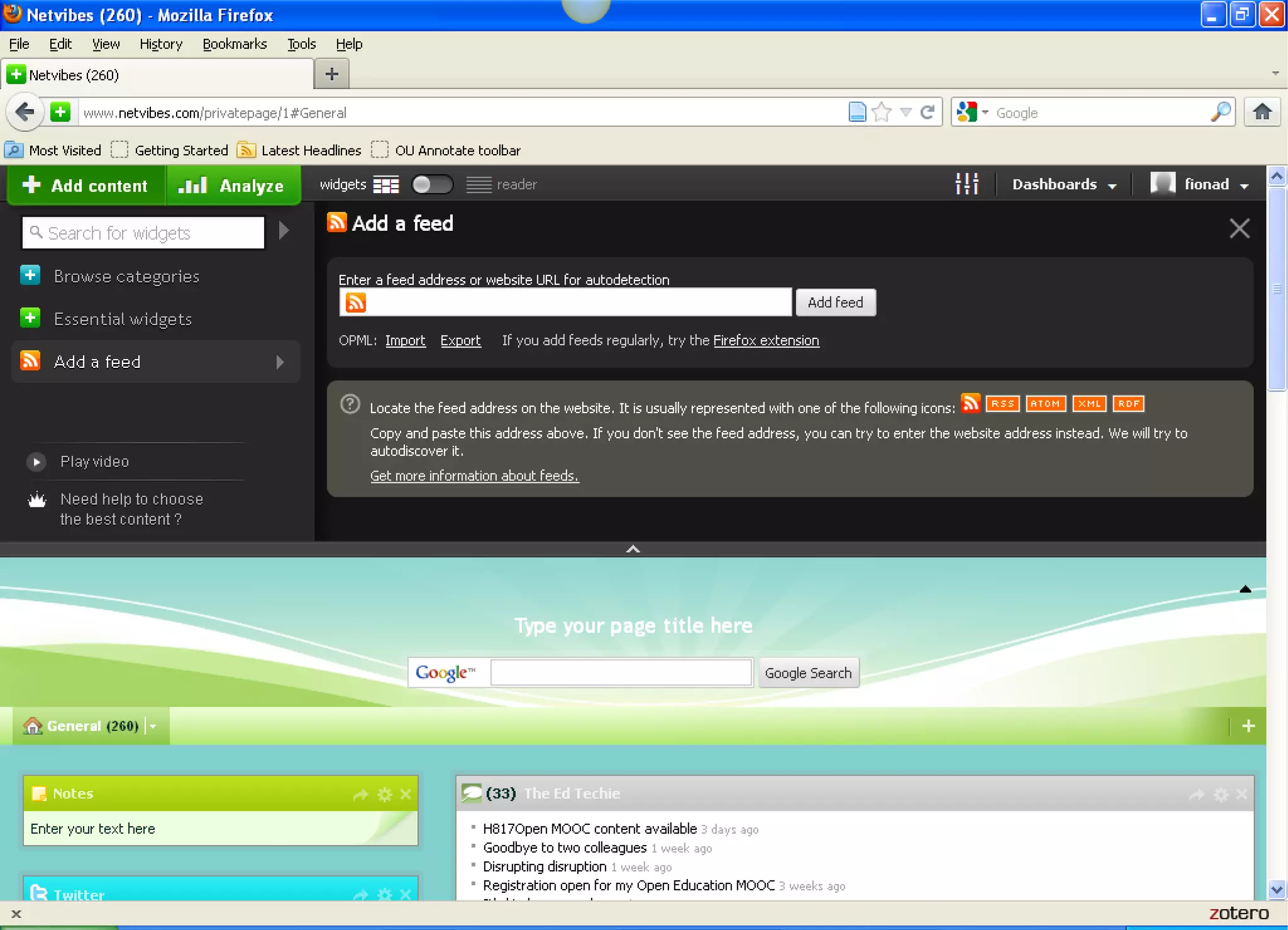
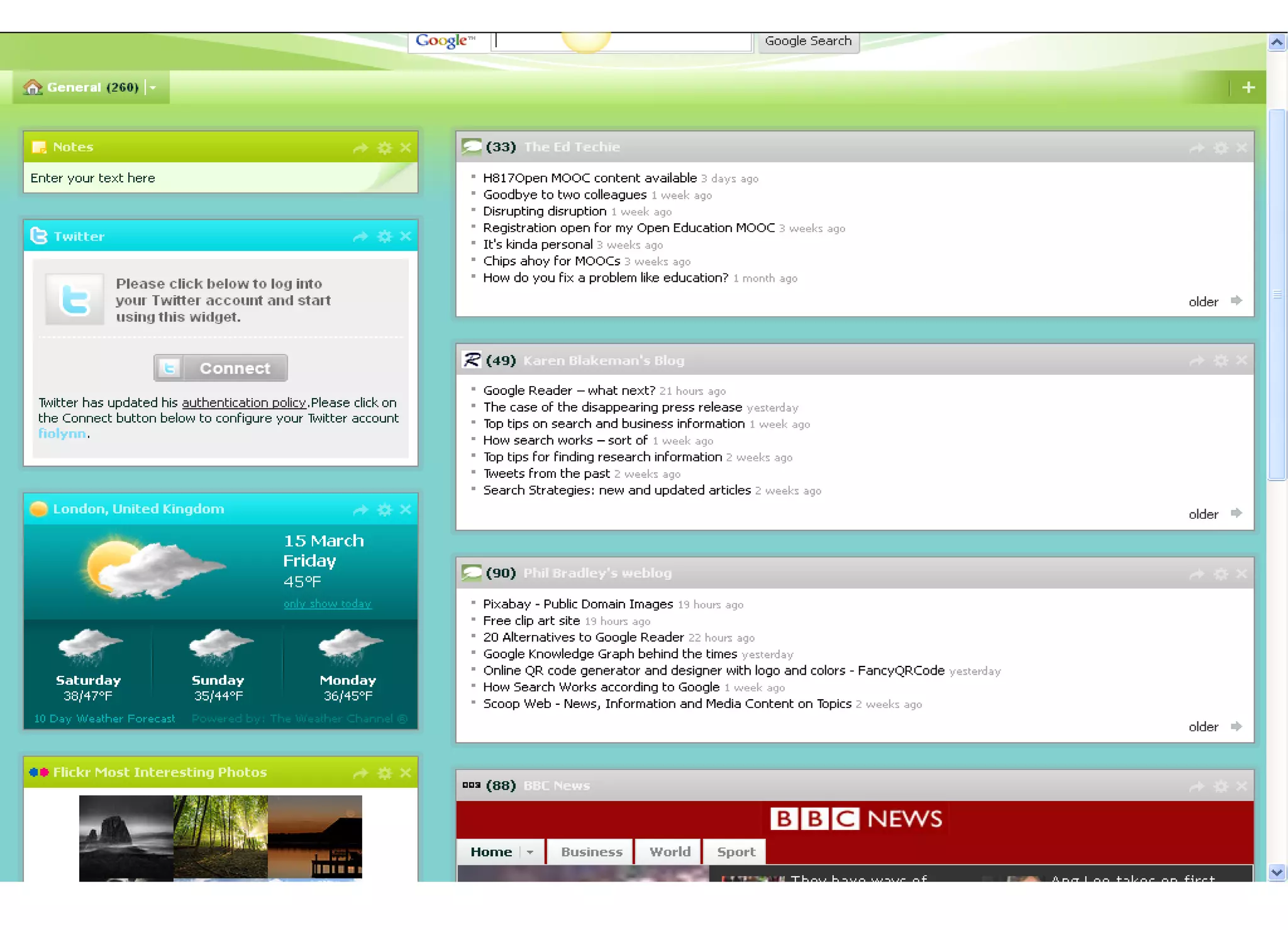
• Setting up RSS feeds
  – Netvibes: http://www.netvibes.com
  – Bloglines: http://www.bloglines.com/

• Social networking tools
  – ResearchGate: http://www.researchgate.net
Other updating tools (2)
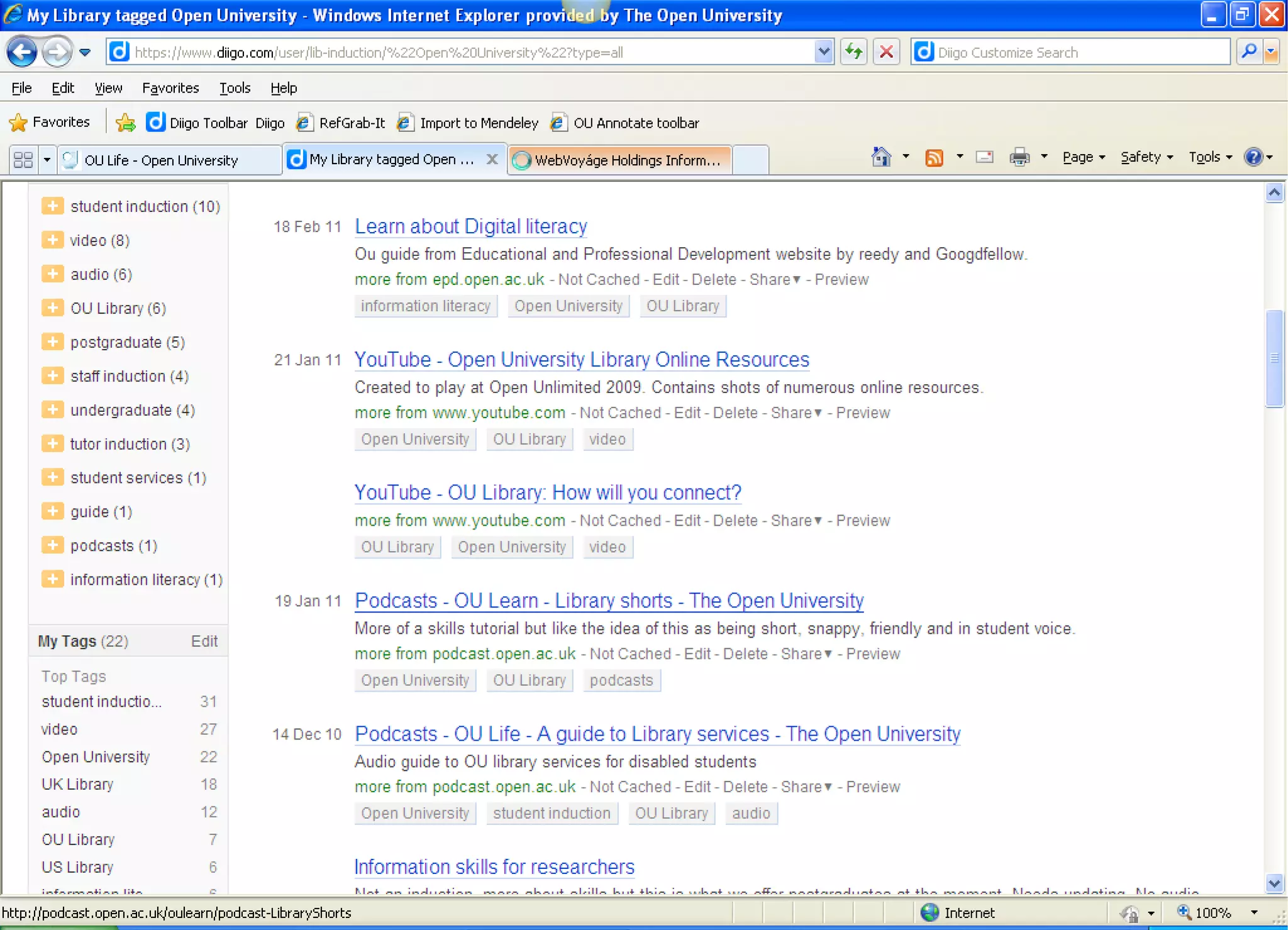
• Social bookmarking
  – Diigo: http://www.diigo.com
• Social citation sharing
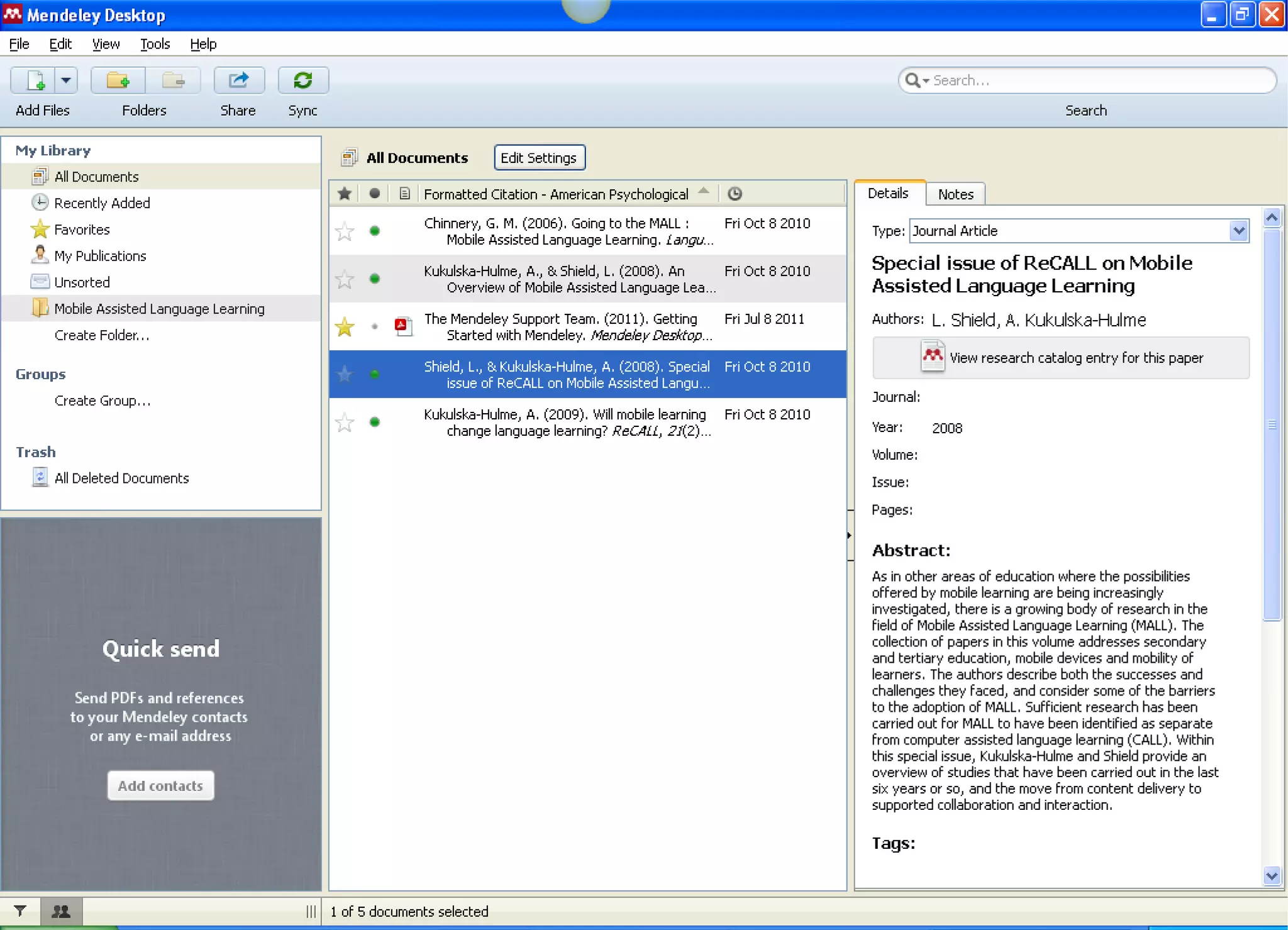
  – Mendeley: http://www.mendeley.com
• Tracking website changes
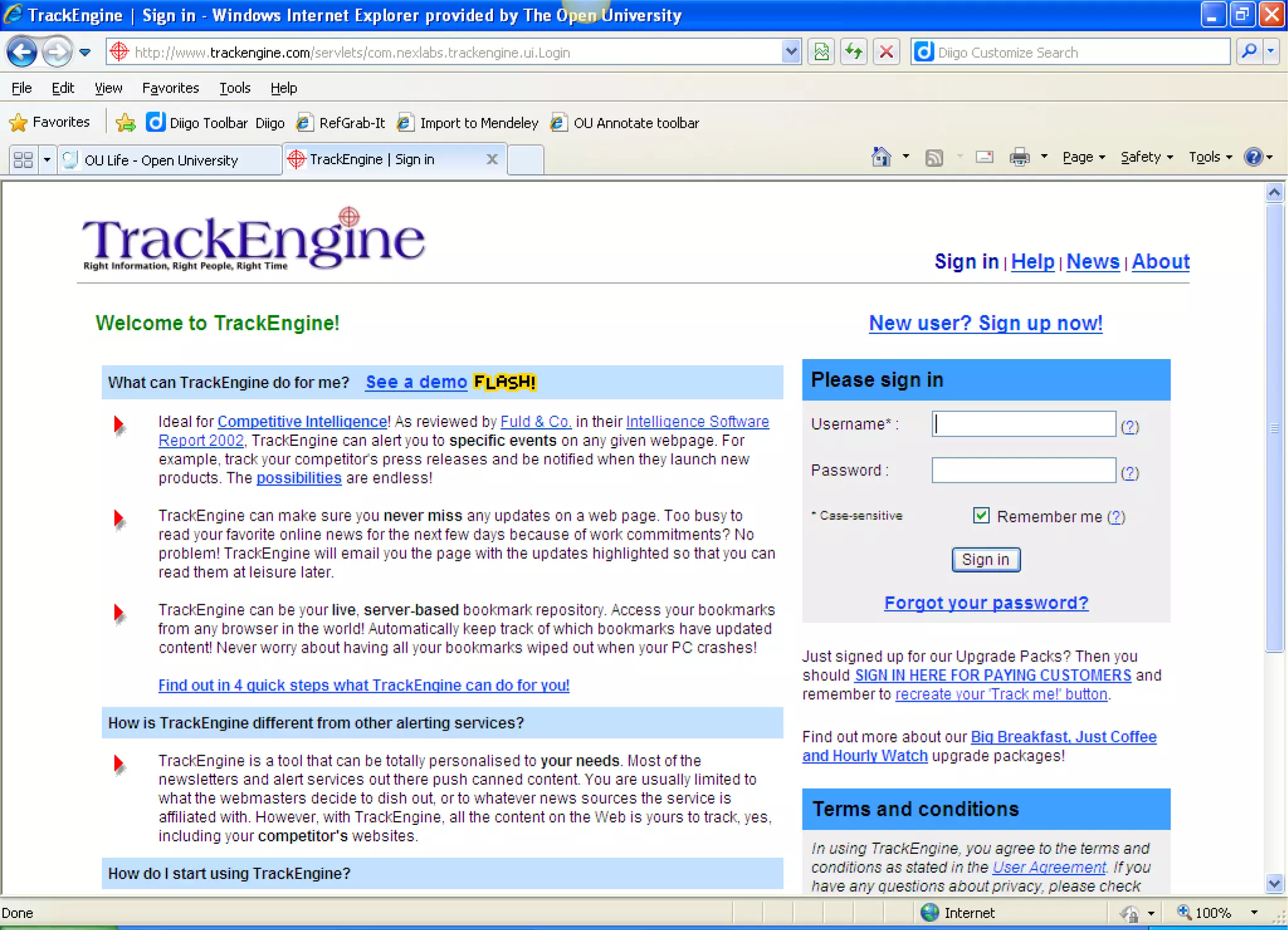
  – TrackEngine:
    http:www.trackengine.com/servlets/com.nexlabs.trac
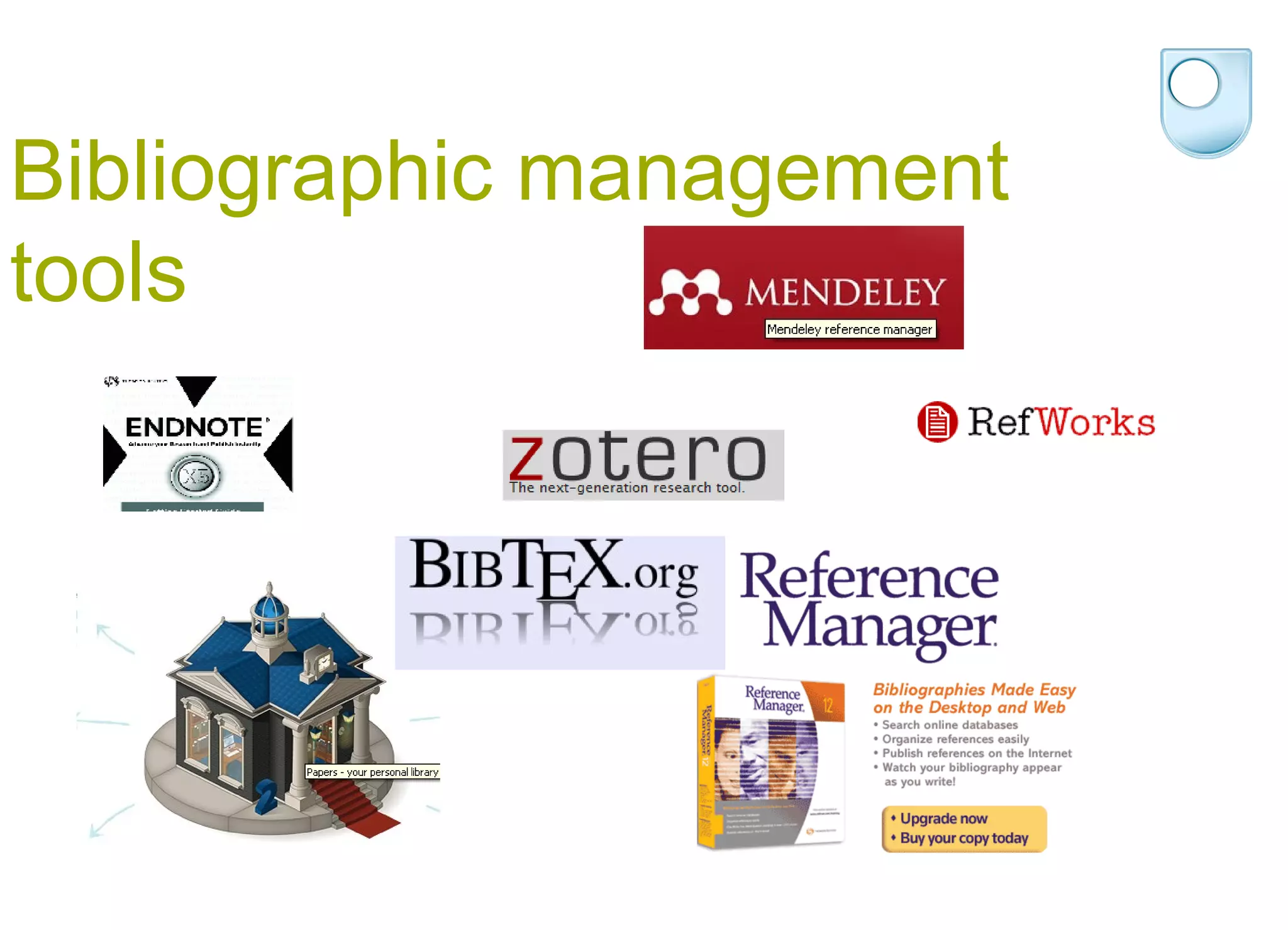
Bibliographic management
tools
Useful links
• Services for Researchers page
  http://www.open.ac.uk/library/services/researchers
• Information skills for researchers
• http://www.open.ac.uk/library/services/information-skills-
  for-researchers
• Bibliographic management page
• http://www.open.ac.uk/library/help-and-
  support/bibliographic-management
• Wikipedia page comparing reference management
  software
• http://en.wikipedia.org/wiki/Comparison_of_reference_m
  anagement_software

Exploiting information 13

  • 1.
    Exploiting information: gettingthe most from the OU Library Fiona Durham and Wendy Mears 20 March 2013
  • 2.
    Our session willcover.. • Literature review and sources of help • Keeping up to date • Bibliographic management tools
  • 3.
    A good literaturereview will.. • clarify your understanding of the field • explain the rationale for your research • place your research within a broader context • evaluate the results of previous research • define key concepts and ideas • identify research in related areas that are generalisable or transferable to your topic • identify relevant methodological issues. • (taken from Uni New England library website: • http://www.une.edu.au/library/eskillsplus/literature/litreview.php
  • 4.
    Lit review -doing it well • Comprehensive searching • Citation searching • Good record keeping
  • 5.
    Help and trainingresources • Information skills for researchers on Library website • Training sessions, online or F2F • Subject specialists within the Library • Immediate help via Library helpdesk
  • 6.
    Keeping up todate • Introducing you to ways of keeping up-to-date using electronic tools
  • 7.
    Email alerts, RSSfeeds and tracking engines allow you to: • Set up, save and re-run your searches against latest additions to databases • Set up profiles to receive automatically the contents pages of journal issues • Receive notification of articles recently published and added to a database • Keep up to date with breaking news • Discover new resources in your field
  • 8.
    Email alerting services •Two types – Journal table of contents(TOC) based – Search based: keywords, authors, subject • Examples – Zetoc Alert – TicTOCs: http://www.tictocs.ac.uk – IEEE Explore
  • 9.
    Zetoc • Zetoc providesaccess to the British Library’s Electronic Table of Contents of around 28,000 current journals and around 16,000 conference proceedings published per year
  • 10.
    Other updating tools(1) • Setting up RSS feeds – Netvibes: http://www.netvibes.com – Bloglines: http://www.bloglines.com/ • Social networking tools – ResearchGate: http://www.researchgate.net
  • 15.
    Other updating tools(2) • Social bookmarking – Diigo: http://www.diigo.com • Social citation sharing – Mendeley: http://www.mendeley.com • Tracking website changes – TrackEngine: http:www.trackengine.com/servlets/com.nexlabs.trac
  • 19.
  • 20.
    Useful links • Servicesfor Researchers page http://www.open.ac.uk/library/services/researchers • Information skills for researchers • http://www.open.ac.uk/library/services/information-skills- for-researchers • Bibliographic management page • http://www.open.ac.uk/library/help-and- support/bibliographic-management • Wikipedia page comparing reference management software • http://en.wikipedia.org/wiki/Comparison_of_reference_m anagement_software

Editor's Notes