Downloaded 52 times




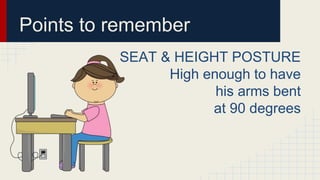



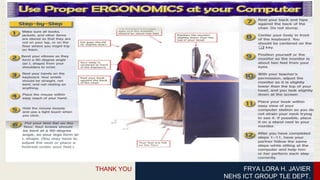

This document discusses ergonomic considerations for computer workstations. It highlights that workstation setup should account for work surface height, chair placement, keyboard and screen positioning, desk layout, document holder placement, posture, lighting, glare reduction, mouse usage, typing posture, keying technique and duration, recommended viewing distance of 2 to 2.5 feet from the screen, encouraging breaks from screen time to be physically active, seat height ensuring arms are at 90 degrees, using a footrest to support dangling feet, selecting a mouse sized for smaller hands, and recommending child-sized keyboards with light key pressure.


