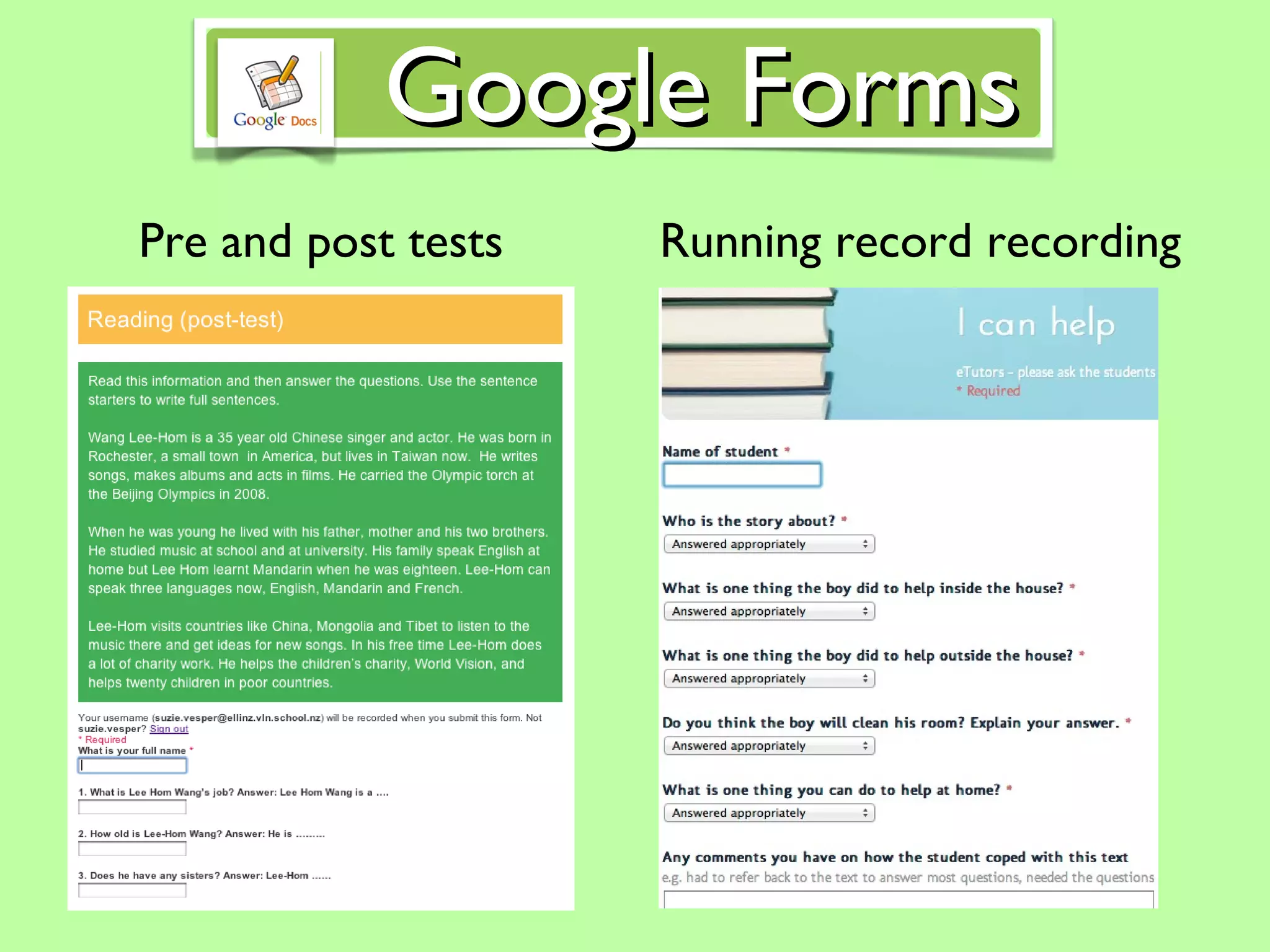
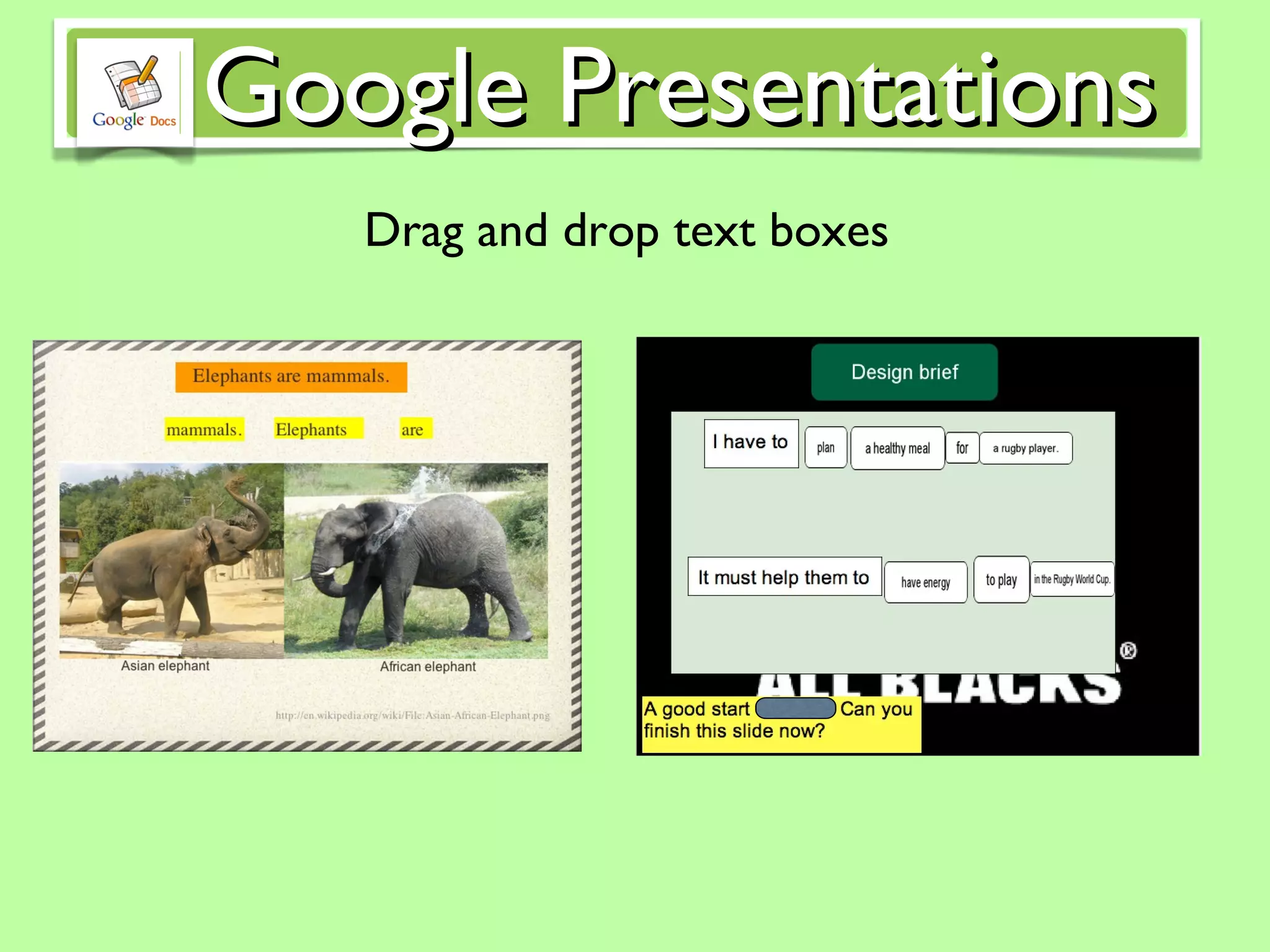
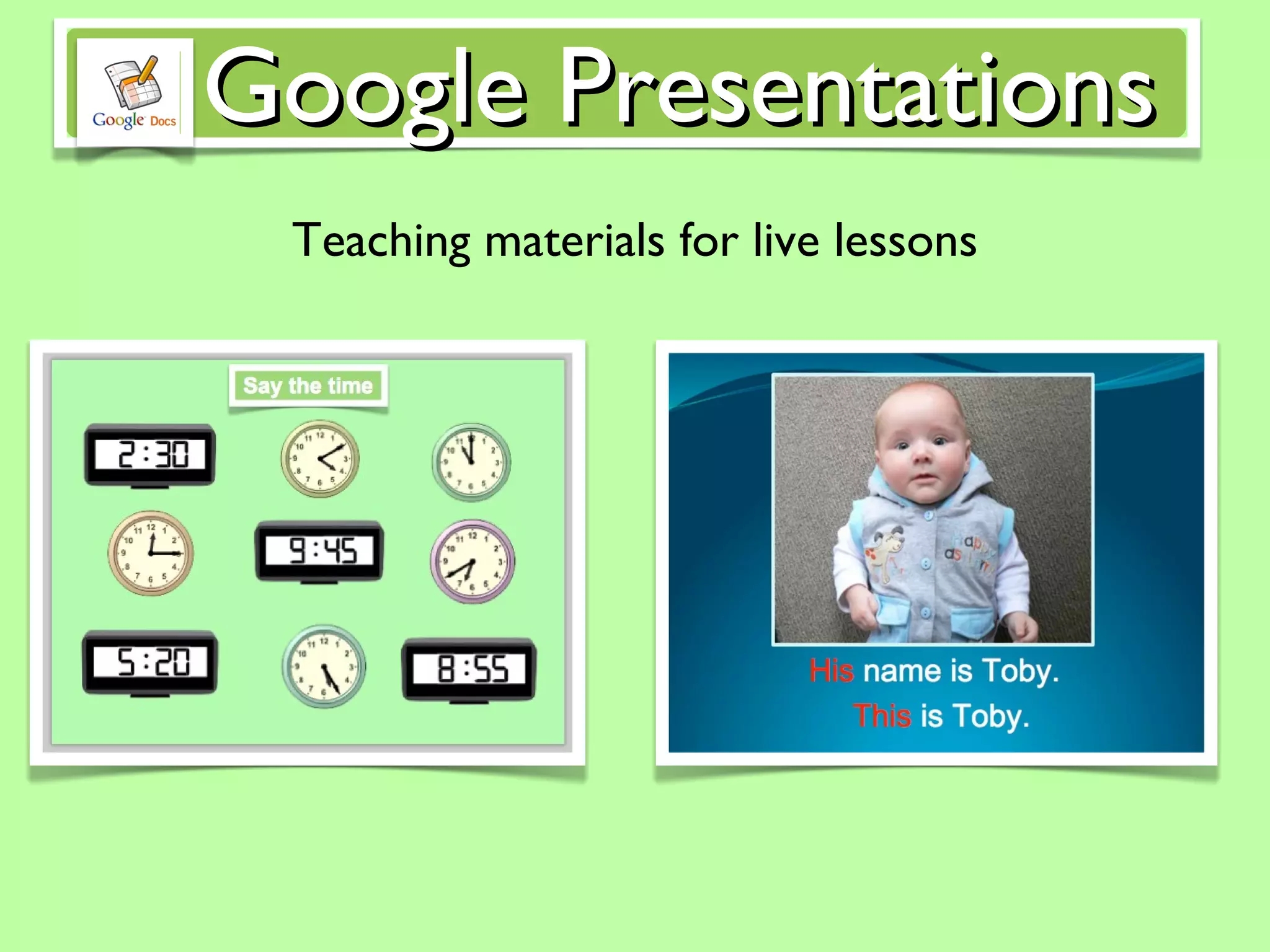
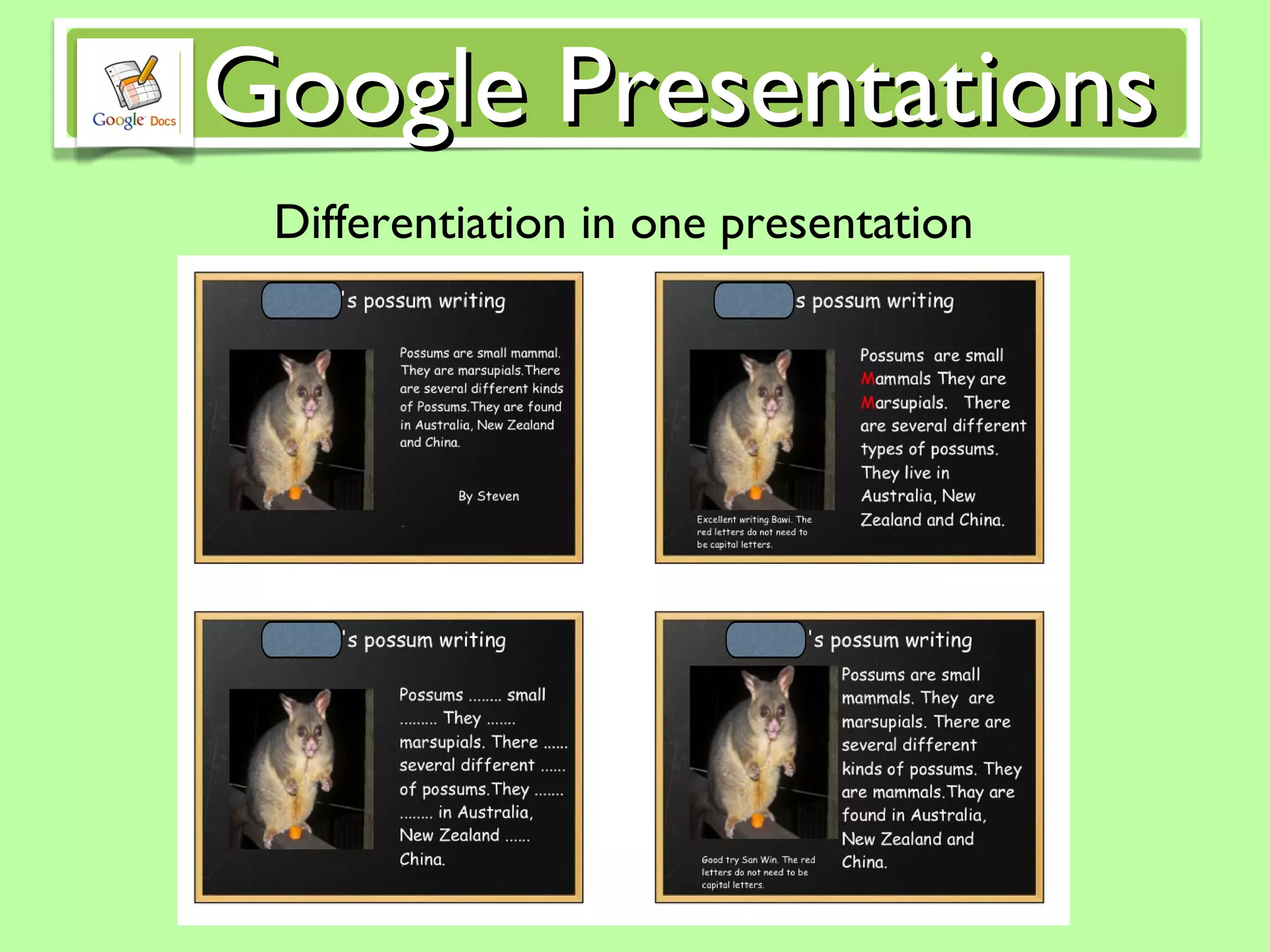
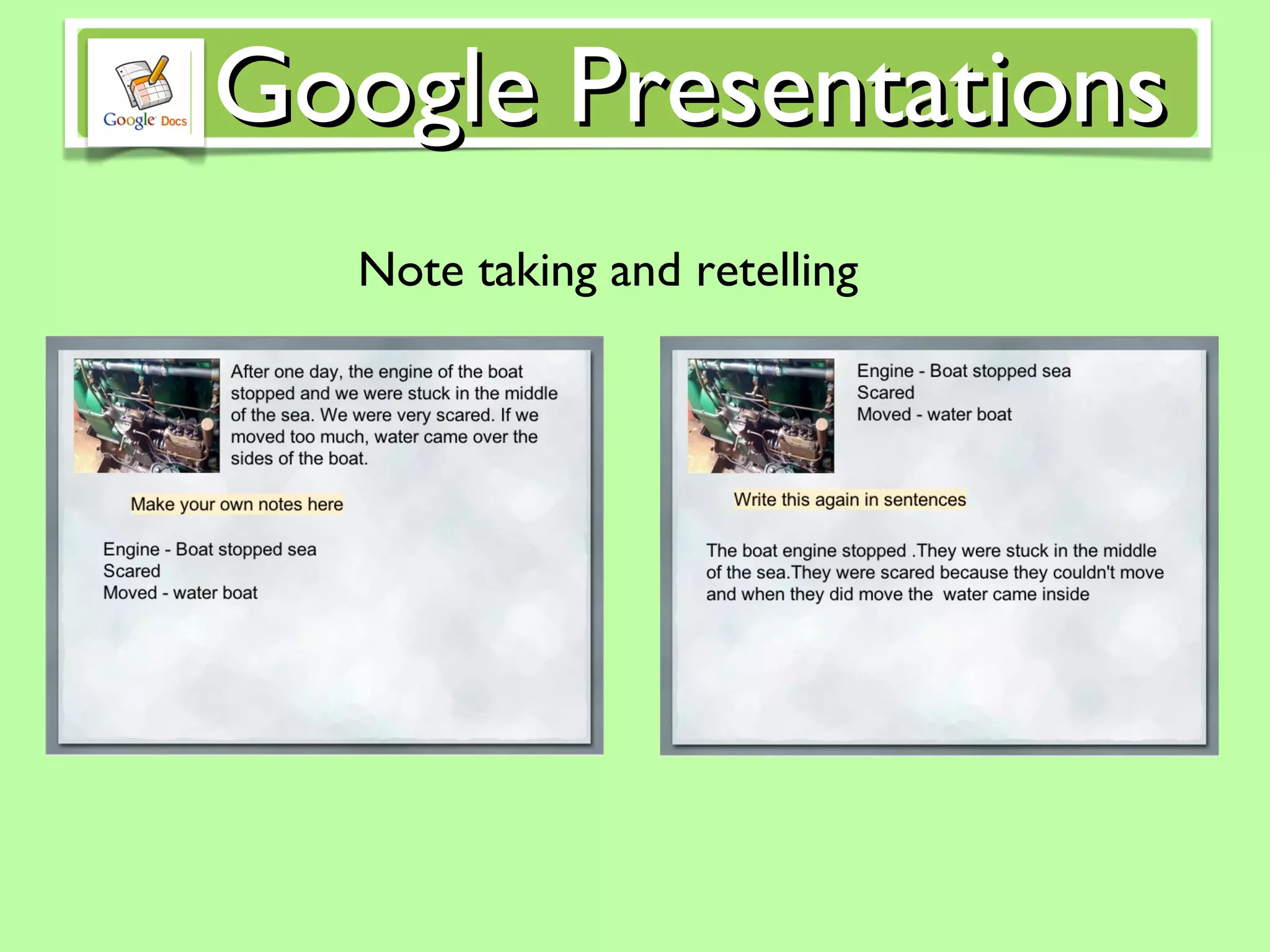
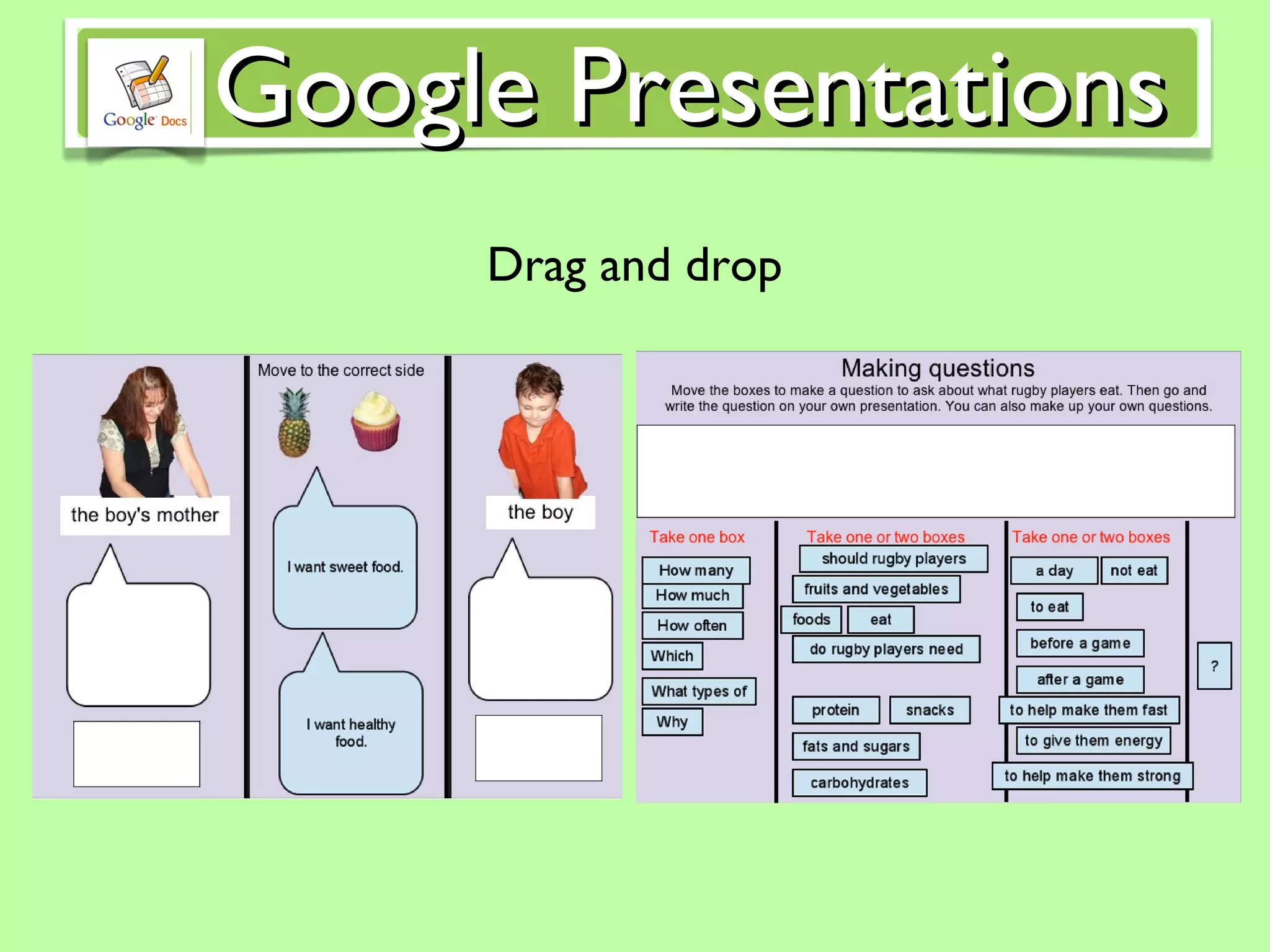
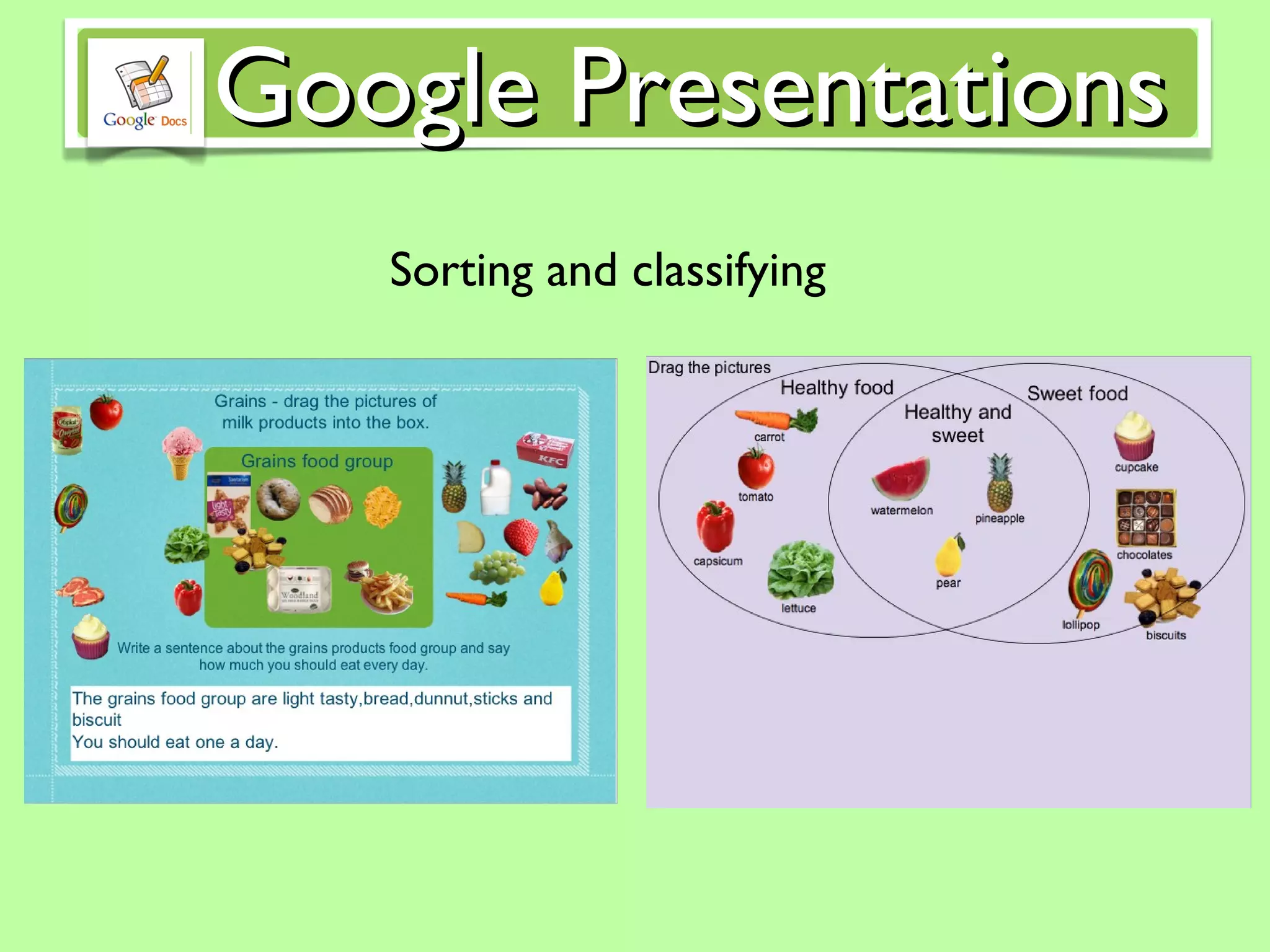
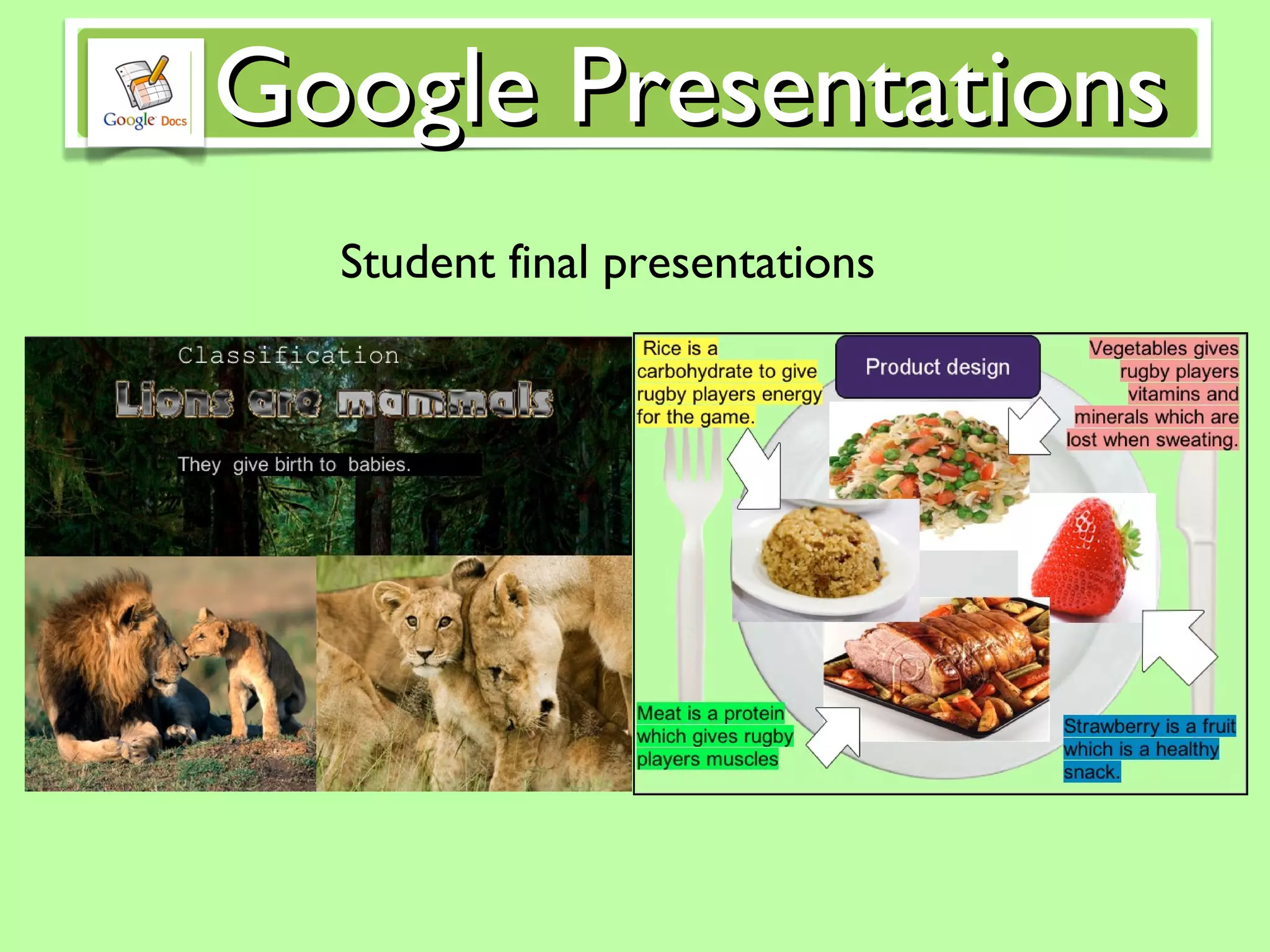
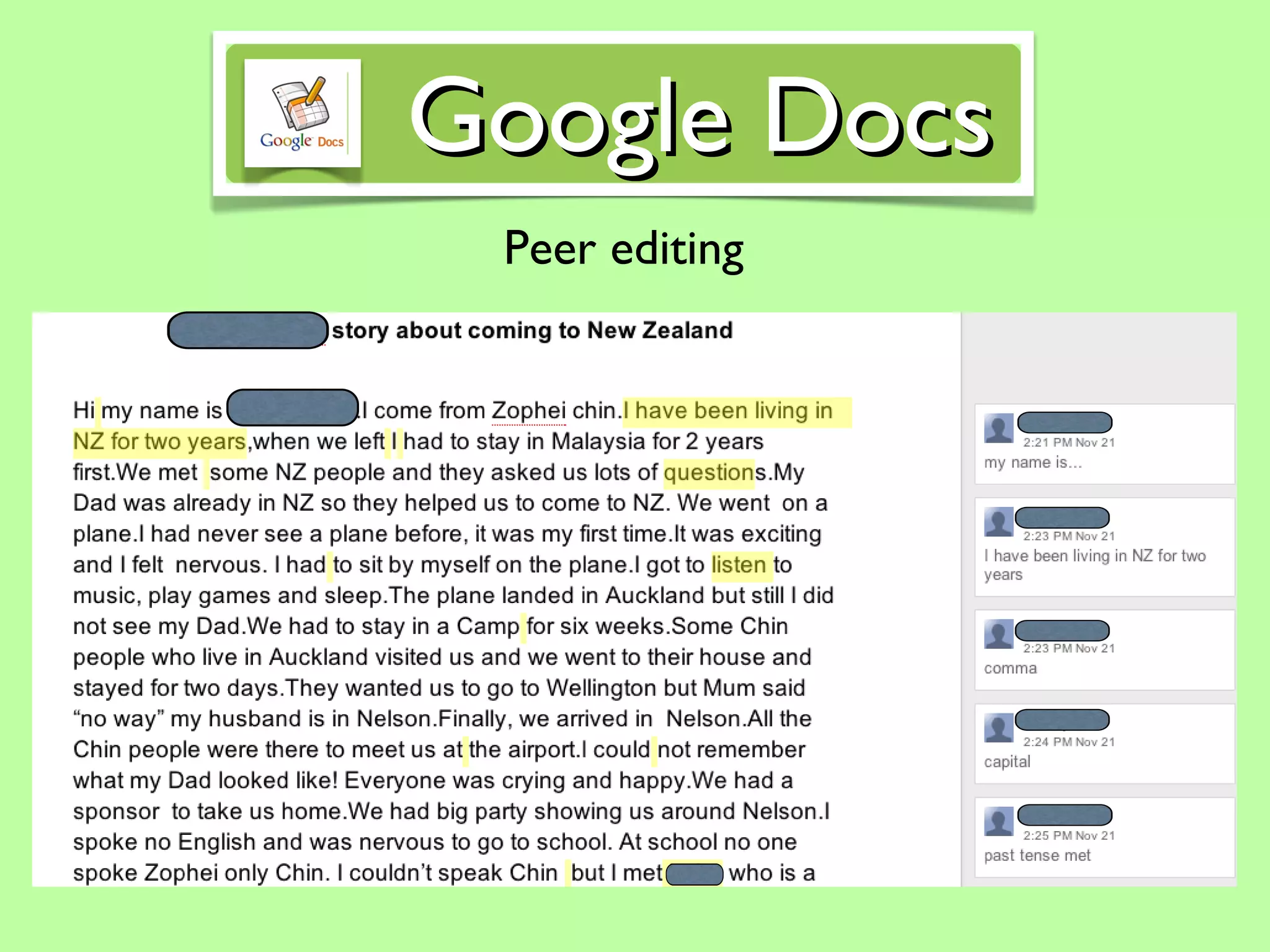
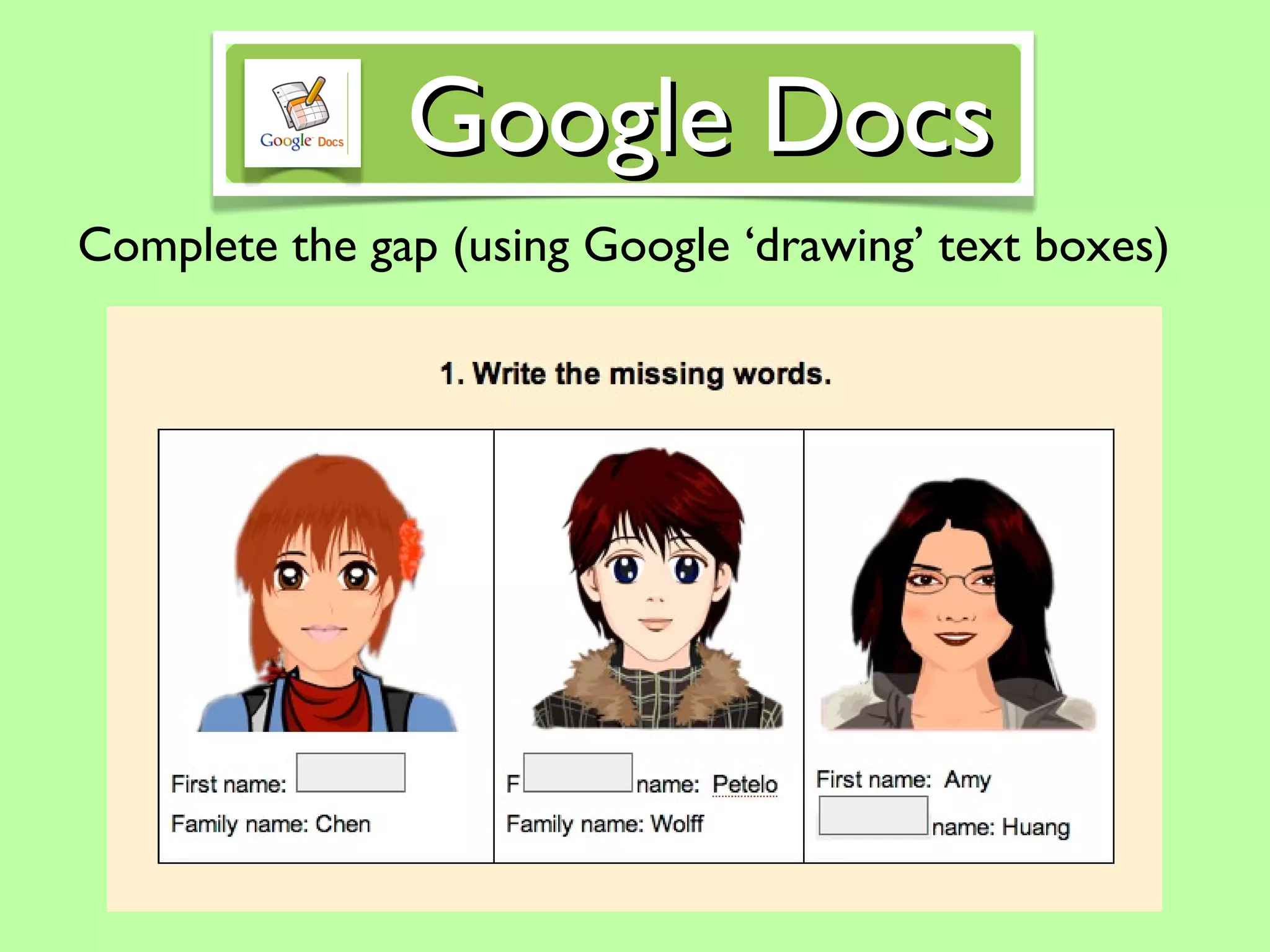
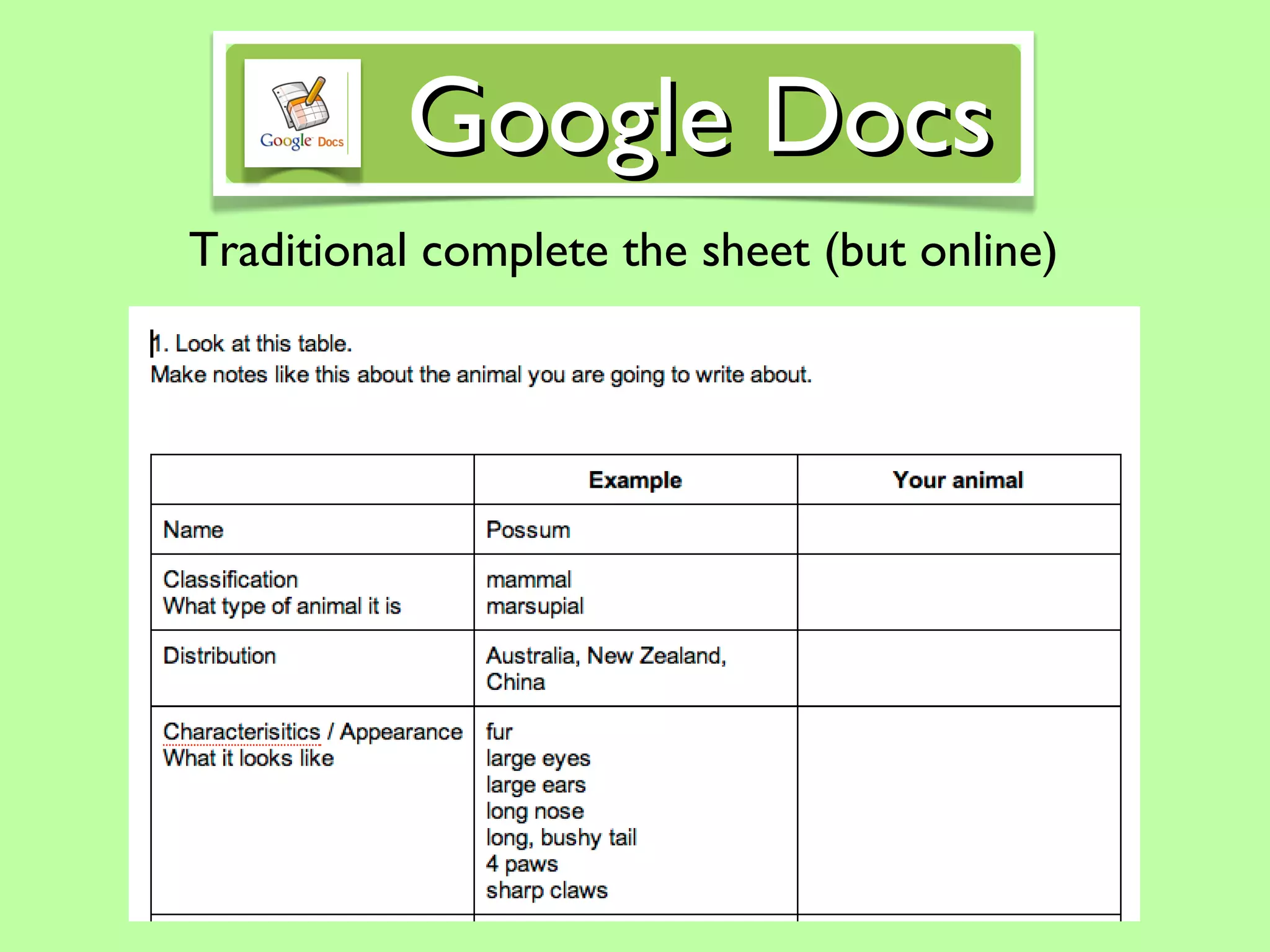
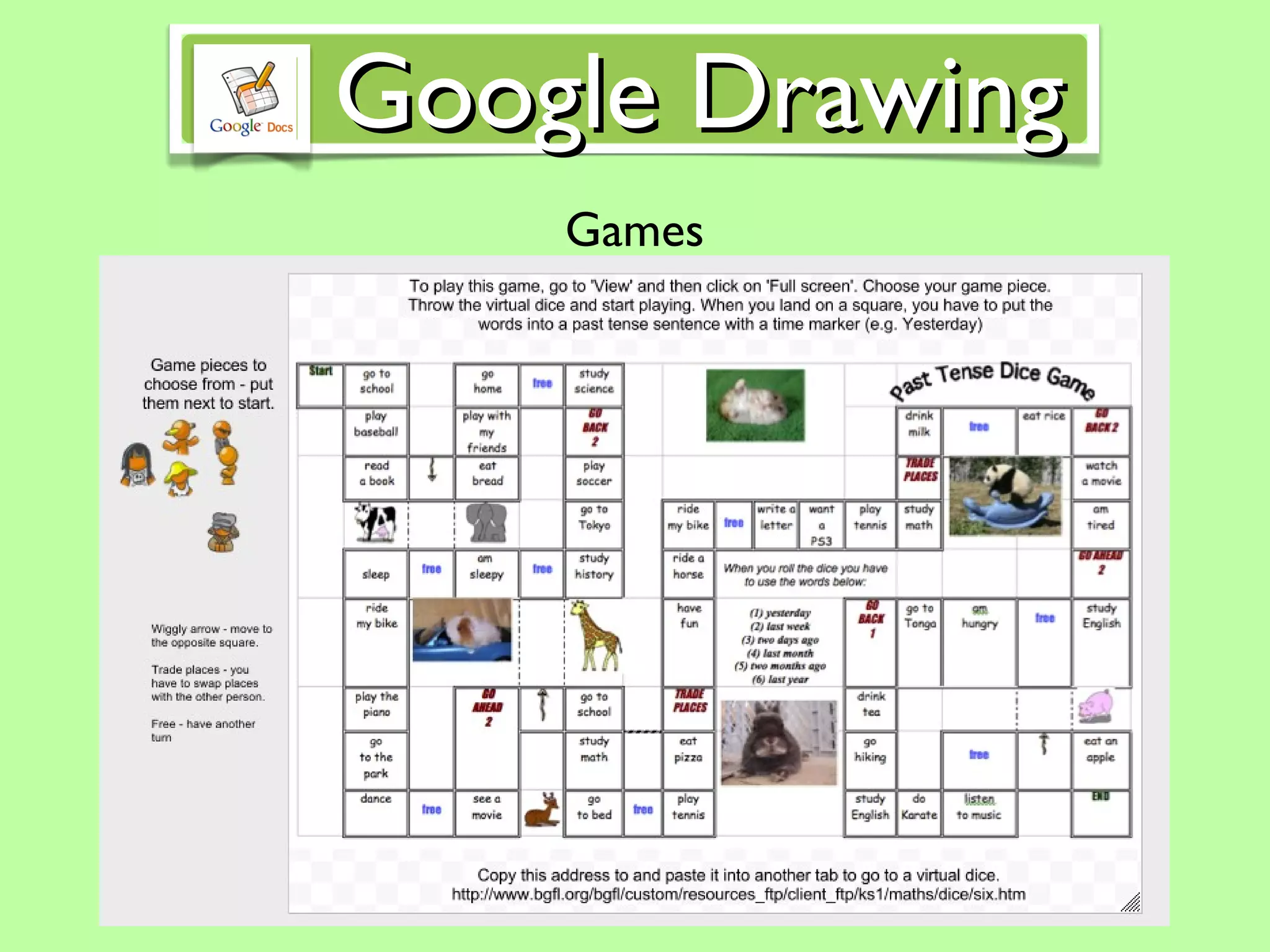
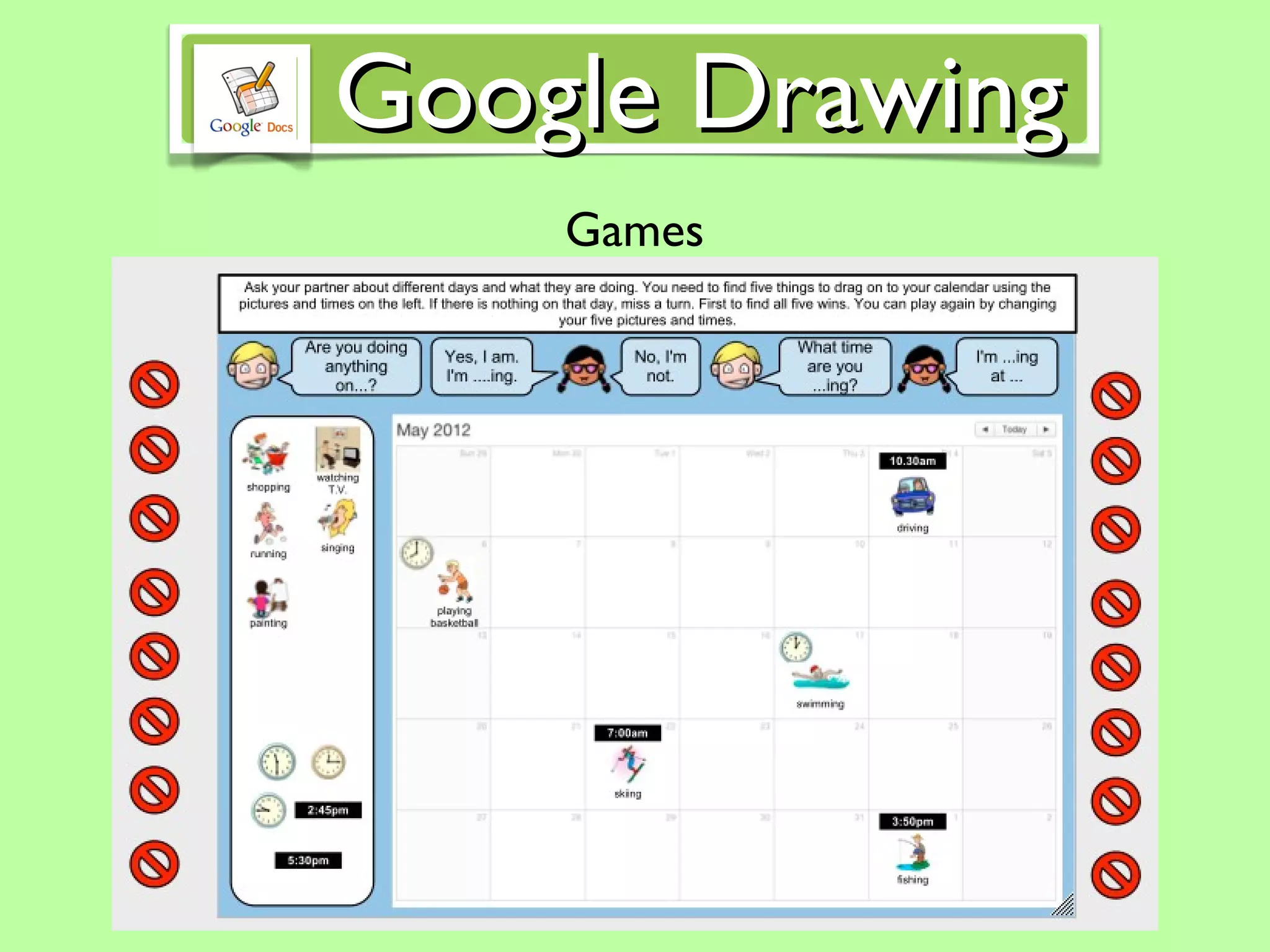
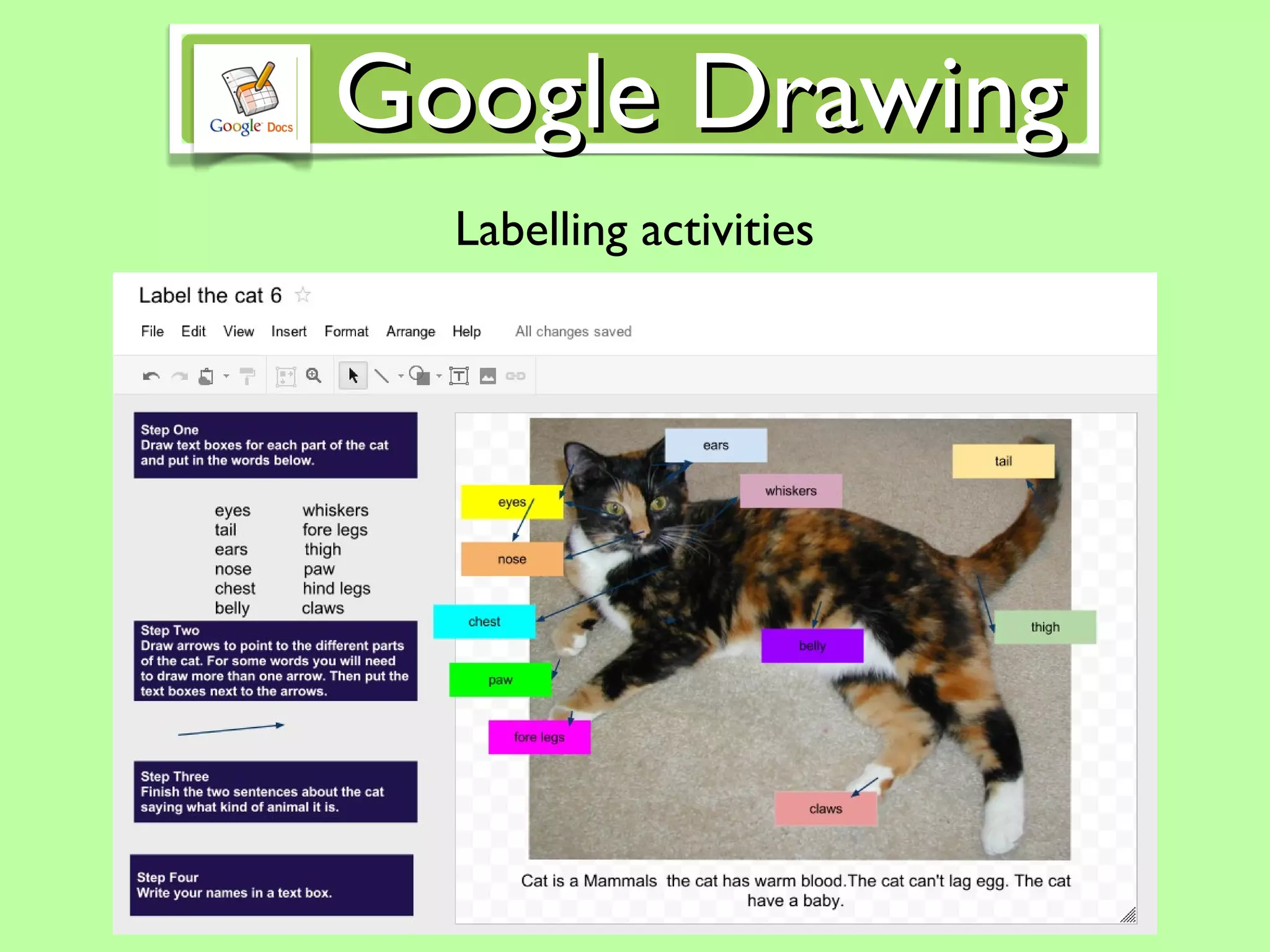
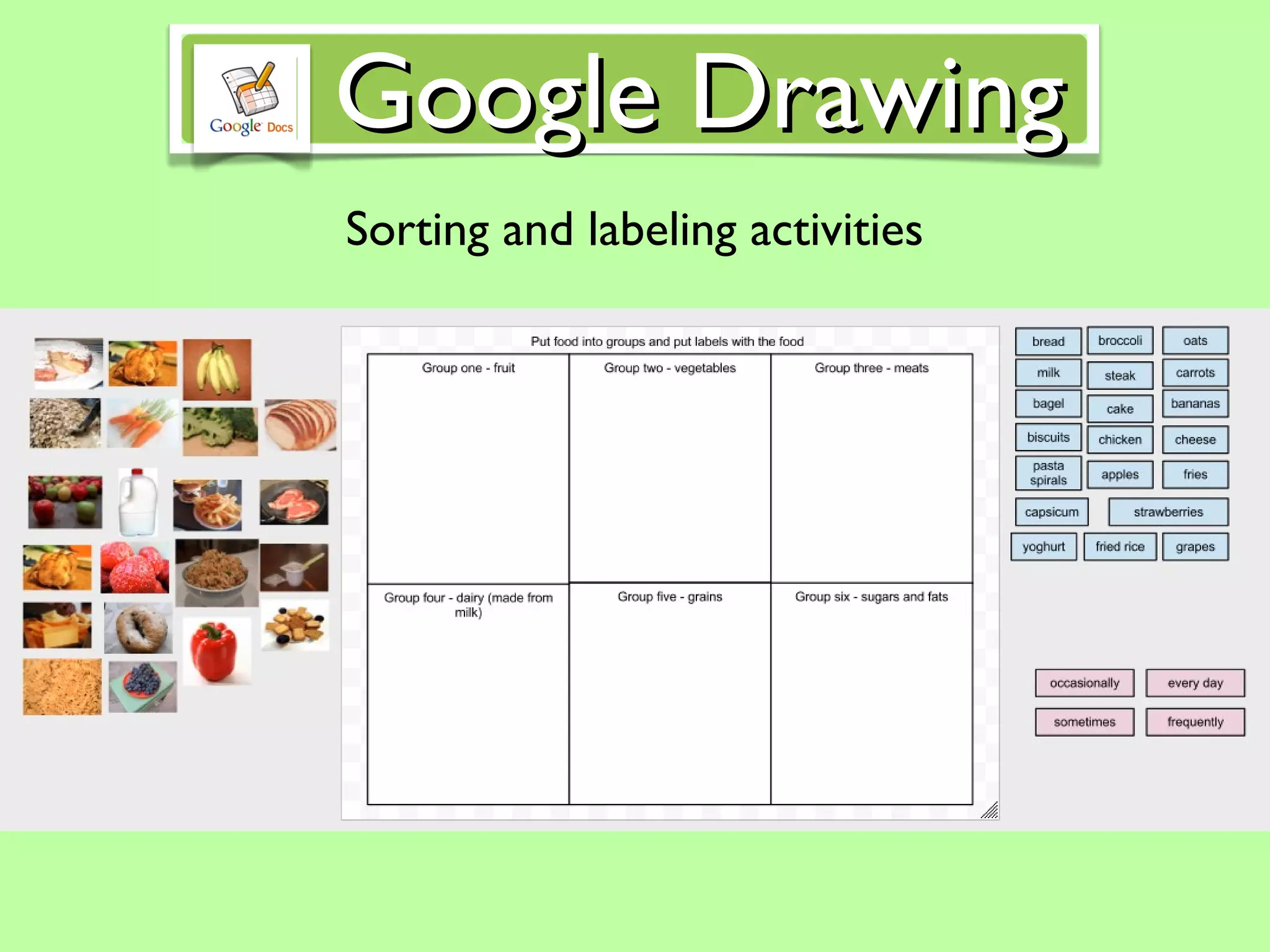
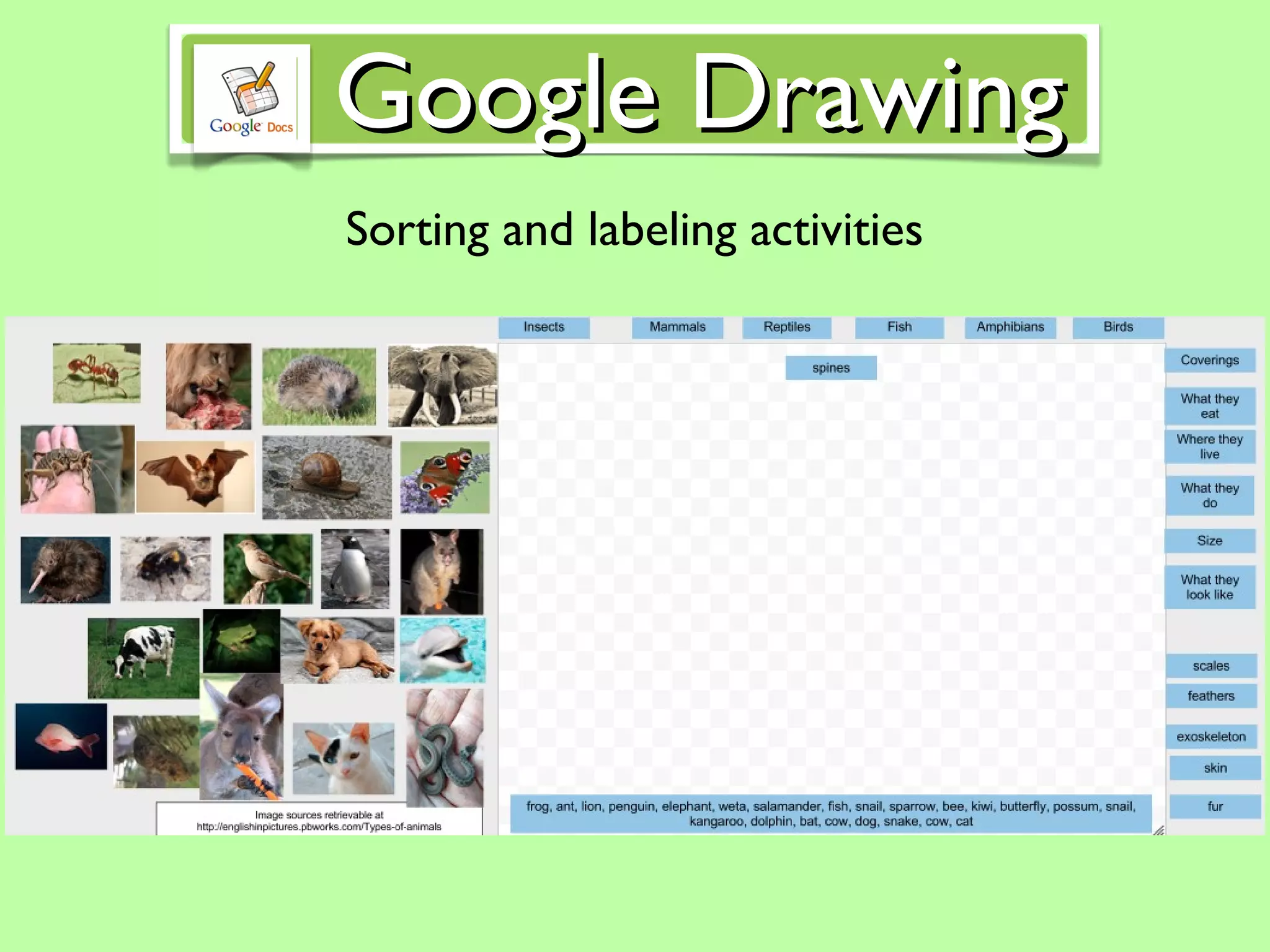
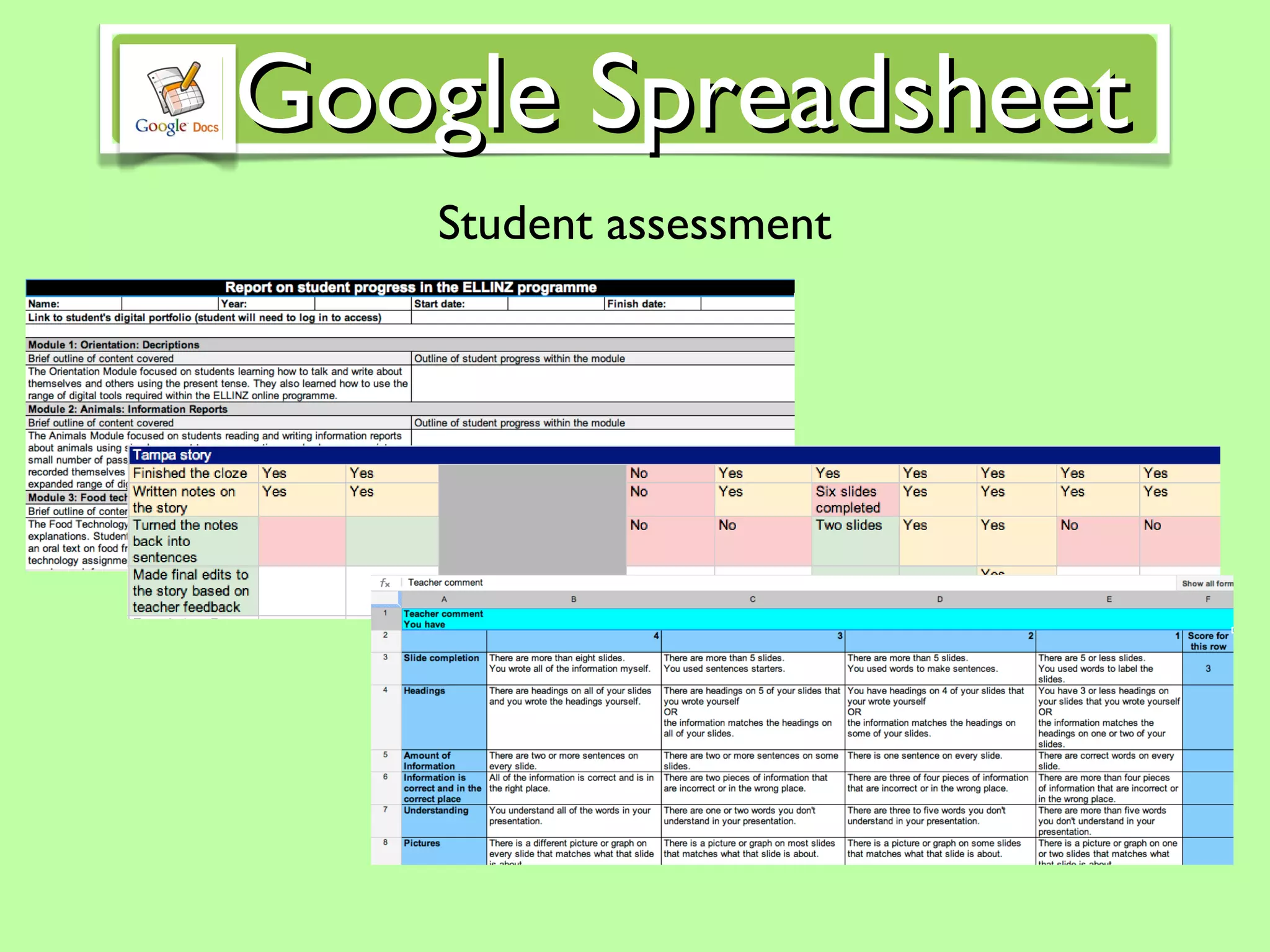
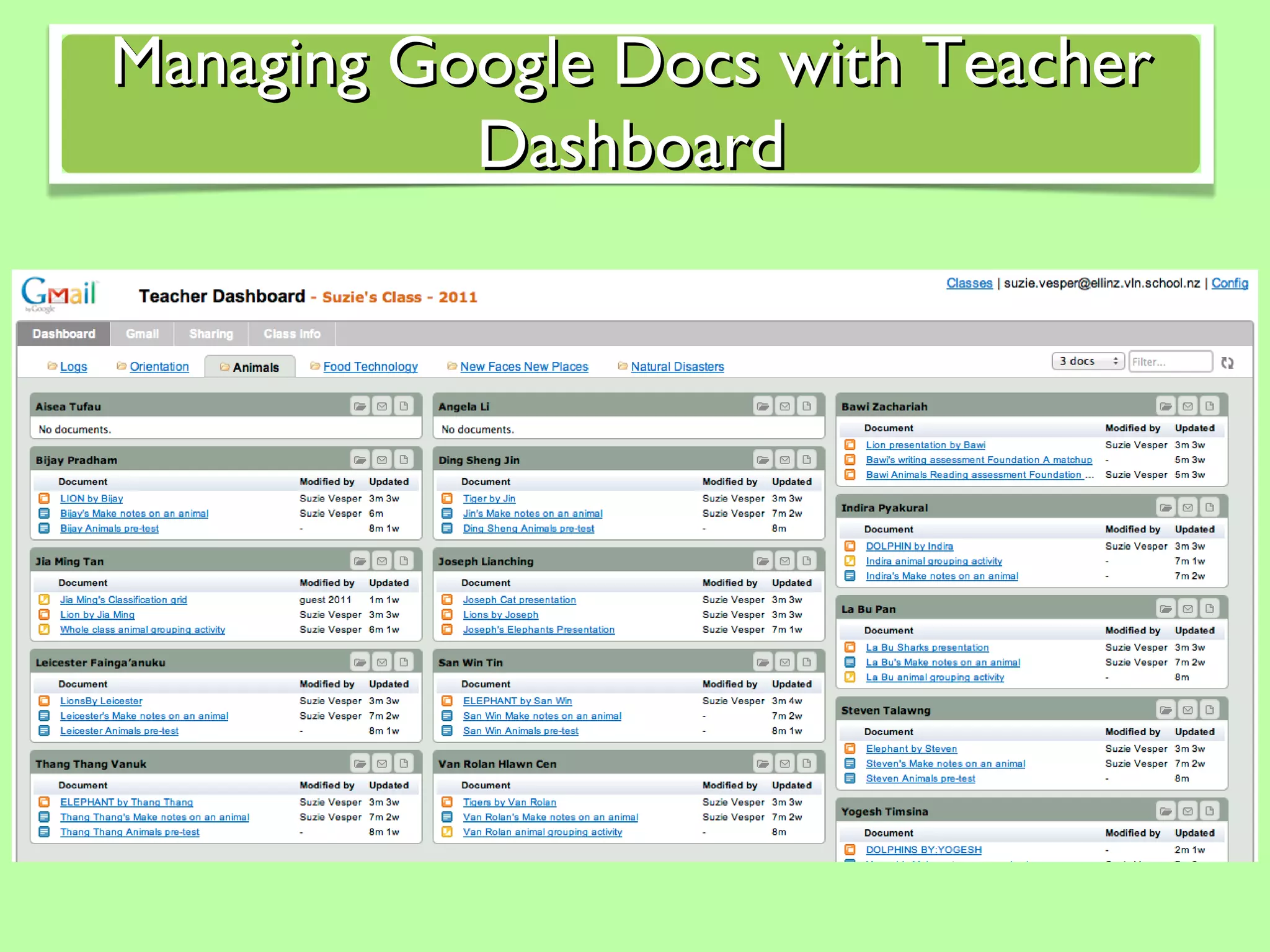
This document discusses using Google Docs and other Google tools to run engaging online teaching sessions. It outlines key Google tools like Google Forms, Google Presentations, Google Drawings, and Google Spreadsheets that can be used for activities like pre-and post-tests, lessons, note taking, games, sorting activities, peer editing, and student assessment. It also provides contact information for the author to discuss building on these online teaching examples.


![There will be a focus group of teachers set up that are either specialist ESOL teachers or mainstream teachers workin with ESOL children. Watch this space! Where to from here? Suzie’s contact details Skype: suzcorey Email: [email_address]](https://image.slidesharecdn.com/engaginglessonsingoogledocs-120129180220-phpapp02/75/Engaging-lessons-in-google-docs-29-2048.jpg)


