Microsoft 365
JoTechies
www.jotechies.com
AmmarHasayen
Nov2017
JoTechies is a Tech community that
provides education, help and social
events for IT professional in Jordan and
helps you network with local IT peers.
@JoTechies
JoTechies www.JoTechies.com
JoTechies
JoTechies
ammarhasayen@Outlook.com
@AmmarHasayen
/ammarhasayen
https://ahasayen.com
AmmarHasayen
Speaker name
What is Microsoft 365
Microsoft 365 is a complete, intelligent solution, including Office 365,
Windows 10, and Enterprise Mobility + Security, that empowers
everyone to be creative and work together, securely.
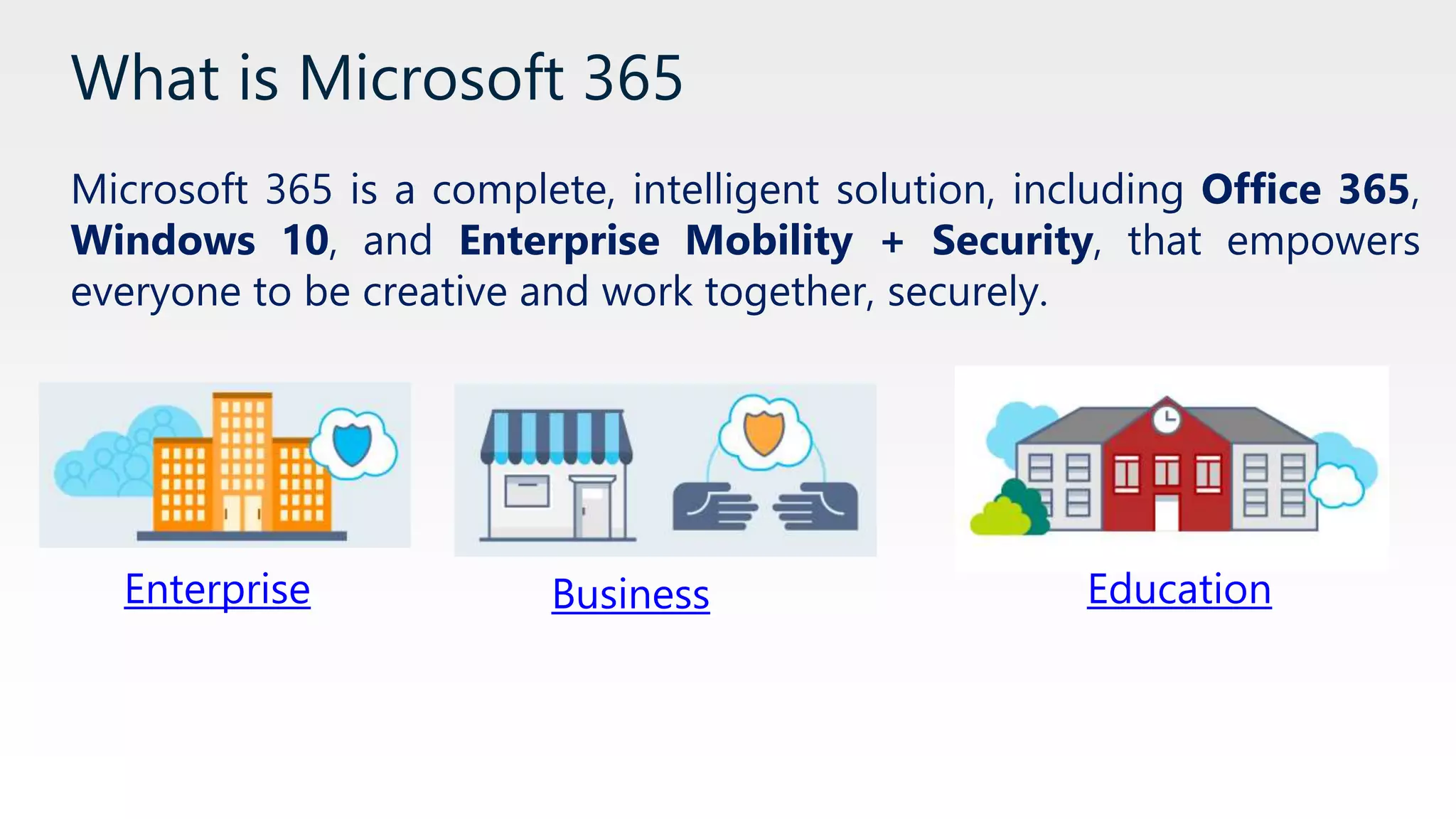
Enterprise Business Education
Work more securely from anywhere, on
almost any device
Using Office 365 business-class
mobile apps such as Outlook, Word,
Excel, PowerPoint, and OneNote
provides the security and control
necessary to work with files while
you’re away from the office
References
• Microsoft 365 docs – Work securely.
Meet and collaborate with ease
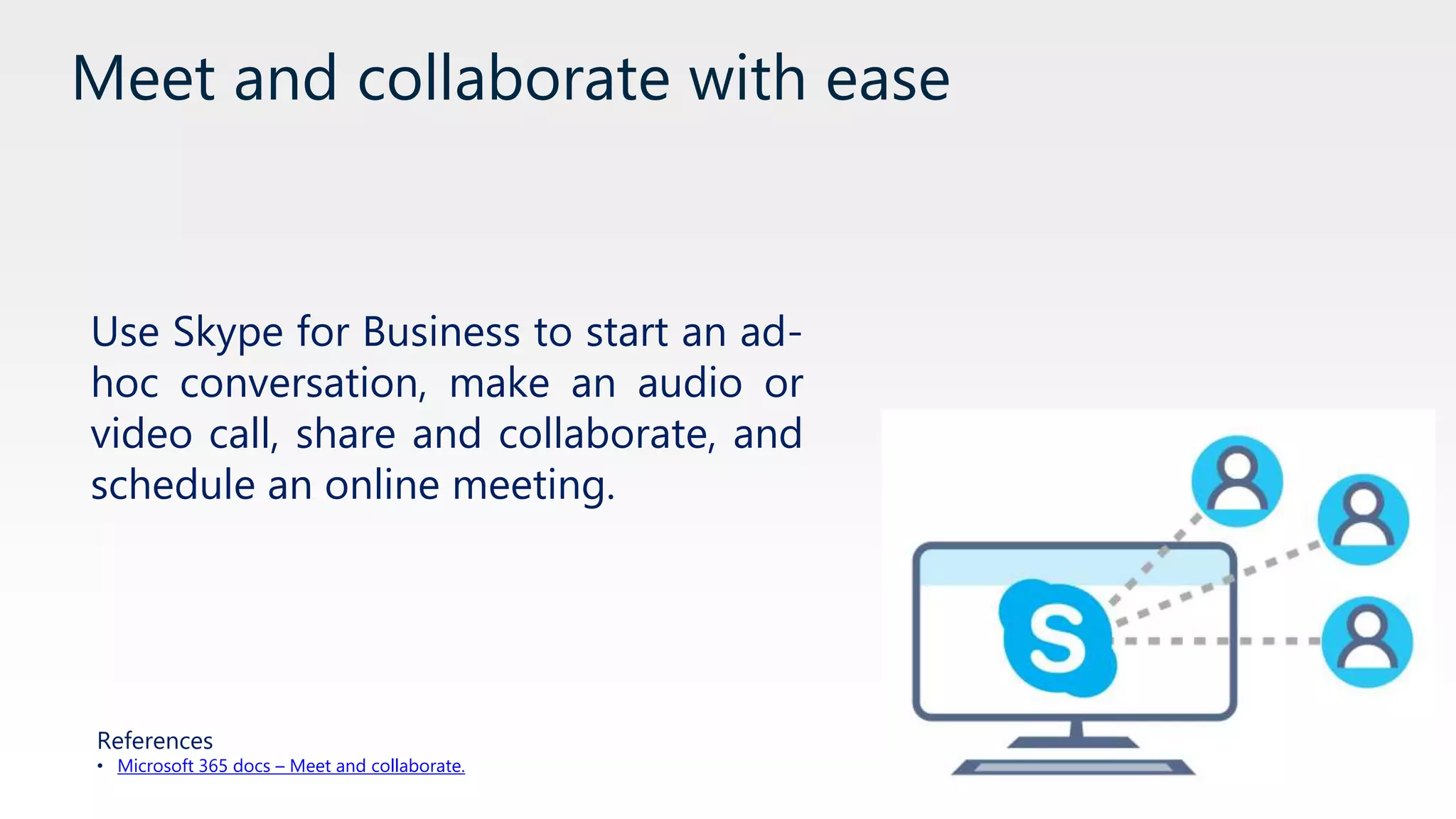
Use Skype for Business to start an ad-
hoc conversation, make an audio or
video call, share and collaborate, and
schedule an online meeting.
References
• Microsoft 365 docs – Meet and collaborate.
Work in email, solo or as a group
Personalize your inbox, manage
versioning for email attachments, and
use groups to collaborate with people
References
• Microsoft 365 docs – Work in email, solo or as a group.
Choose the right collaboration tool for your
group
Office 365 has you covered—Outlook
for email-based collaboration,
Yammer to create communities of
interest, Microsoft Teams for chat, or
Skype for Business for voice and
video meetings on any device.
References
• Microsoft 365 docs – Choose the right tool
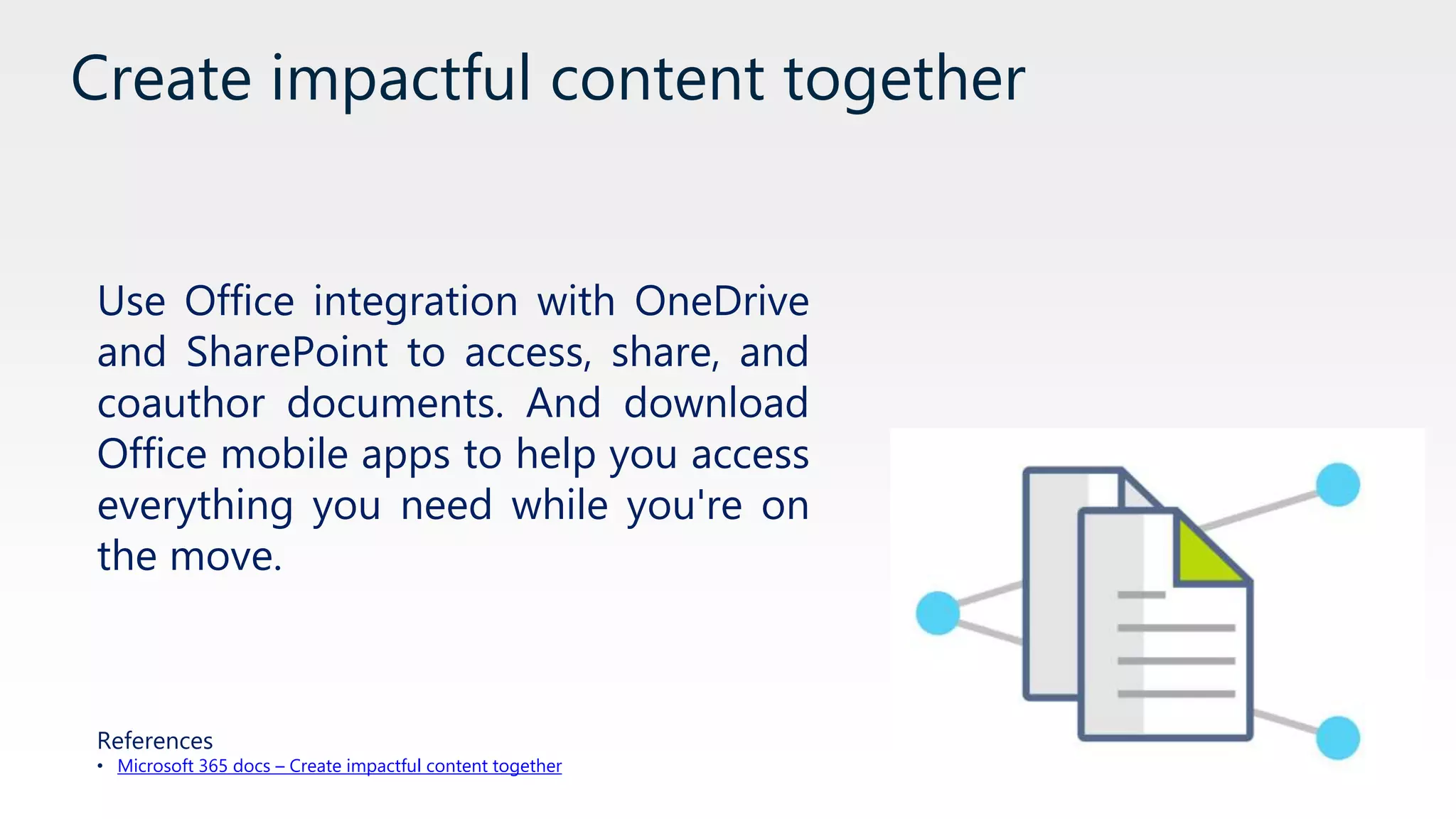
Create impactful content together
Use Office integration with OneDrive
and SharePoint to access, share, and
coauthor documents. And download
Office mobile apps to help you access
everything you need while you're on
the move.
References
• Microsoft 365 docs – Create impactful content together
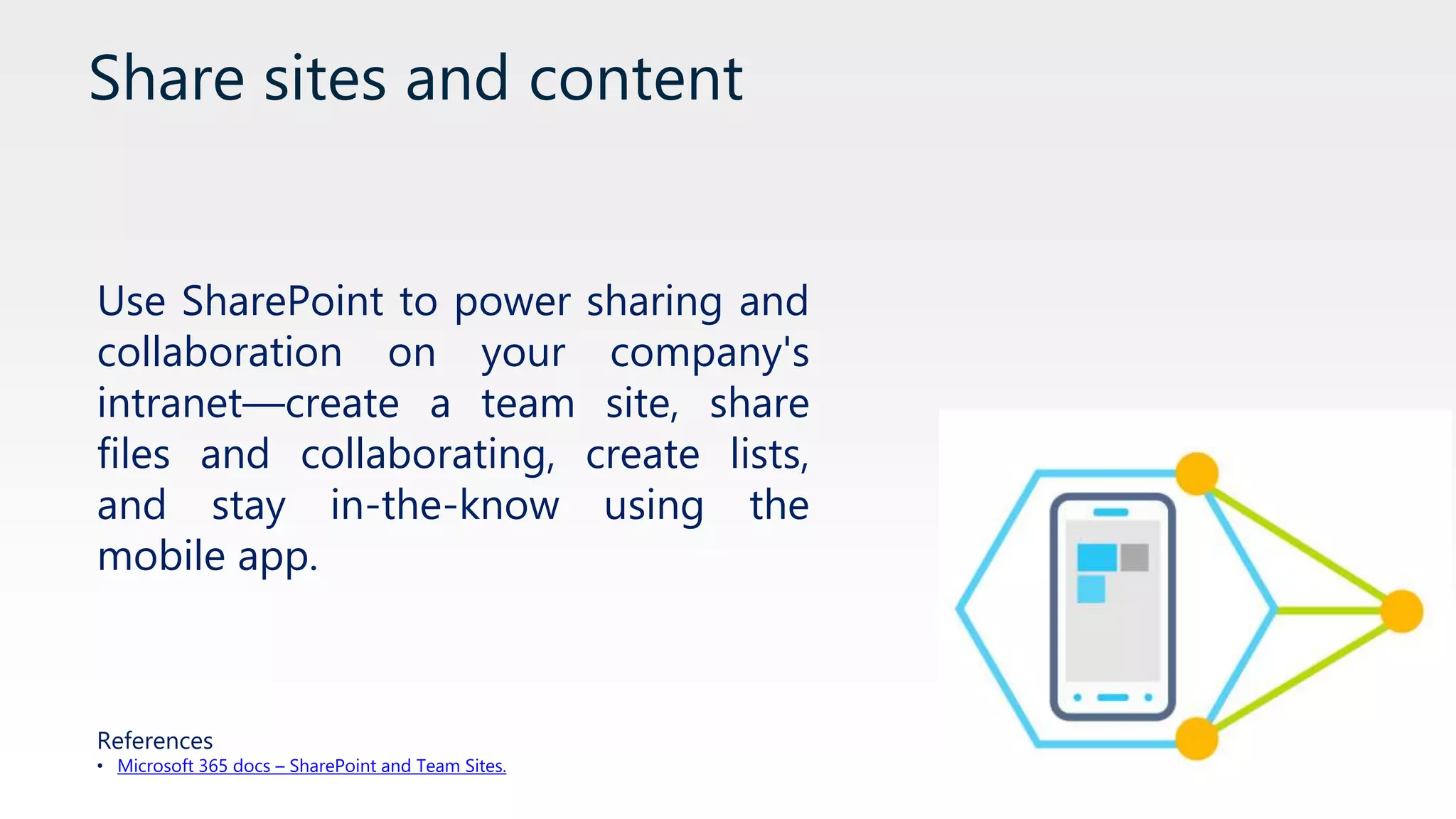
Share sites and content
Use SharePoint to power sharing and
collaboration on your company's
intranet—create a team site, share
files and collaborating, create lists,
and stay in-the-know using the
mobile app.
References
• Microsoft 365 docs – SharePoint and Team Sites.
Communicate with your team in real time
You can use Microsoft Teams to find
and collaborate with colleagues
through chat, access content and
tools in a centralized repository, share
info and get input, and more.
References
• Microsoft 365 docs – Communicate in real time.
Gain insight into your work habits
Manage your time effectively,
improve productivity, and surface
content that other team members are
working on through MyAnalytics.
References
• MyAnalytics Video
Provide a chat-based workspace
Microsoft Teams brings together
information that teams need to work
effectively and perform at their peak.
This mobile-friendly chat-based
workspace combines chat,
documents, people, and tools in one
secure place.
References
• Introducing Microsoft Teams
Help employees filter relevant information
and find answers faster
Help employees filter relevant
information and find answers faster.
See how you can use Yammer Activity
Report to understand your
organization's level of engagement,
use SharePoint to provide info such
as news and training, and more.
References
• Microsoft 365 Docs – filter information.
Identity and device access configuration
Azure Active Directory and Intune
help IT Admins apply policy and
configuration to devices, to ensure
that employees are both secure and
productive at the same time.
References
• Microsoft 365 Security
Threat protection and Security for the
enterprise
Help your organization to stay safe
from threats with Windows 10 and
Microsoft Enterprise Mobility and
Security.
[Windows Defender, Advance Threat
Protection, Identity Protection..]
References
• Microsoft 365 Security
New Windows service model
Deliver Windows 10 in a “continues
release” model, to get the latest
features and security updates.
New Windows 10 patching model
and deployment rings.
References
• Windows as a Service.
Office as a Service
Deliver Office desktop apps using
Office Pro Plus deployment channels,
to ensure proper change
management throughout your
organization and business.
References
• Microsoft 365 Collaboration.
Microsoft Information Protection
• Classify your data based on
sensitivity.
• Protect data at all times.
• Add visibility and control.
• Collaborate more securely with
others.
References
• Azure Information Protection Video.
• Microsoft Information Protection Docs.
Thank You
JoTechies
www.jotechies.com
JoTechies
www.jotechies.com
Q&A

What is microsoft 365

  • 1.
  • 2.
    JoTechies is aTech community that provides education, help and social events for IT professional in Jordan and helps you network with local IT peers. @JoTechies JoTechies www.JoTechies.com JoTechies JoTechies
  • 3.
  • 4.
    What is Microsoft365 Microsoft 365 is a complete, intelligent solution, including Office 365, Windows 10, and Enterprise Mobility + Security, that empowers everyone to be creative and work together, securely. Enterprise Business Education
  • 5.
    Work more securelyfrom anywhere, on almost any device Using Office 365 business-class mobile apps such as Outlook, Word, Excel, PowerPoint, and OneNote provides the security and control necessary to work with files while you’re away from the office References • Microsoft 365 docs – Work securely.
  • 6.
    Meet and collaboratewith ease Use Skype for Business to start an ad- hoc conversation, make an audio or video call, share and collaborate, and schedule an online meeting. References • Microsoft 365 docs – Meet and collaborate.
  • 7.
    Work in email,solo or as a group Personalize your inbox, manage versioning for email attachments, and use groups to collaborate with people References • Microsoft 365 docs – Work in email, solo or as a group.
  • 8.
    Choose the rightcollaboration tool for your group Office 365 has you covered—Outlook for email-based collaboration, Yammer to create communities of interest, Microsoft Teams for chat, or Skype for Business for voice and video meetings on any device. References • Microsoft 365 docs – Choose the right tool
  • 9.
    Create impactful contenttogether Use Office integration with OneDrive and SharePoint to access, share, and coauthor documents. And download Office mobile apps to help you access everything you need while you're on the move. References • Microsoft 365 docs – Create impactful content together
  • 10.
    Share sites andcontent Use SharePoint to power sharing and collaboration on your company's intranet—create a team site, share files and collaborating, create lists, and stay in-the-know using the mobile app. References • Microsoft 365 docs – SharePoint and Team Sites.
  • 11.
    Communicate with yourteam in real time You can use Microsoft Teams to find and collaborate with colleagues through chat, access content and tools in a centralized repository, share info and get input, and more. References • Microsoft 365 docs – Communicate in real time.
  • 12.
    Gain insight intoyour work habits Manage your time effectively, improve productivity, and surface content that other team members are working on through MyAnalytics. References • MyAnalytics Video
  • 13.
    Provide a chat-basedworkspace Microsoft Teams brings together information that teams need to work effectively and perform at their peak. This mobile-friendly chat-based workspace combines chat, documents, people, and tools in one secure place. References • Introducing Microsoft Teams
  • 14.
    Help employees filterrelevant information and find answers faster Help employees filter relevant information and find answers faster. See how you can use Yammer Activity Report to understand your organization's level of engagement, use SharePoint to provide info such as news and training, and more. References • Microsoft 365 Docs – filter information.
  • 15.
    Identity and deviceaccess configuration Azure Active Directory and Intune help IT Admins apply policy and configuration to devices, to ensure that employees are both secure and productive at the same time. References • Microsoft 365 Security
  • 16.
    Threat protection andSecurity for the enterprise Help your organization to stay safe from threats with Windows 10 and Microsoft Enterprise Mobility and Security. [Windows Defender, Advance Threat Protection, Identity Protection..] References • Microsoft 365 Security
  • 17.
    New Windows servicemodel Deliver Windows 10 in a “continues release” model, to get the latest features and security updates. New Windows 10 patching model and deployment rings. References • Windows as a Service.
  • 18.
    Office as aService Deliver Office desktop apps using Office Pro Plus deployment channels, to ensure proper change management throughout your organization and business. References • Microsoft 365 Collaboration.
  • 19.
    Microsoft Information Protection •Classify your data based on sensitivity. • Protect data at all times. • Add visibility and control. • Collaborate more securely with others. References • Azure Information Protection Video. • Microsoft Information Protection Docs.
  • 20.
  • 21.