Empowering Your Organization
     with SharePoint


     Dux Raymond Sy, PMP


               December 7, 2009
               http://www.nten.org
Presentation Objectives
  After completing this presentation, you will be able to
   describe the benefits of leveraging SharePoint for
   empowering your organization

  In addition, you will be able to comprehend SharePoint’s
   capabilities to
    Enhance Document Management
    Promote better collaboration
    Improve reporting
    Automate business processes
    Integrate with existing tools
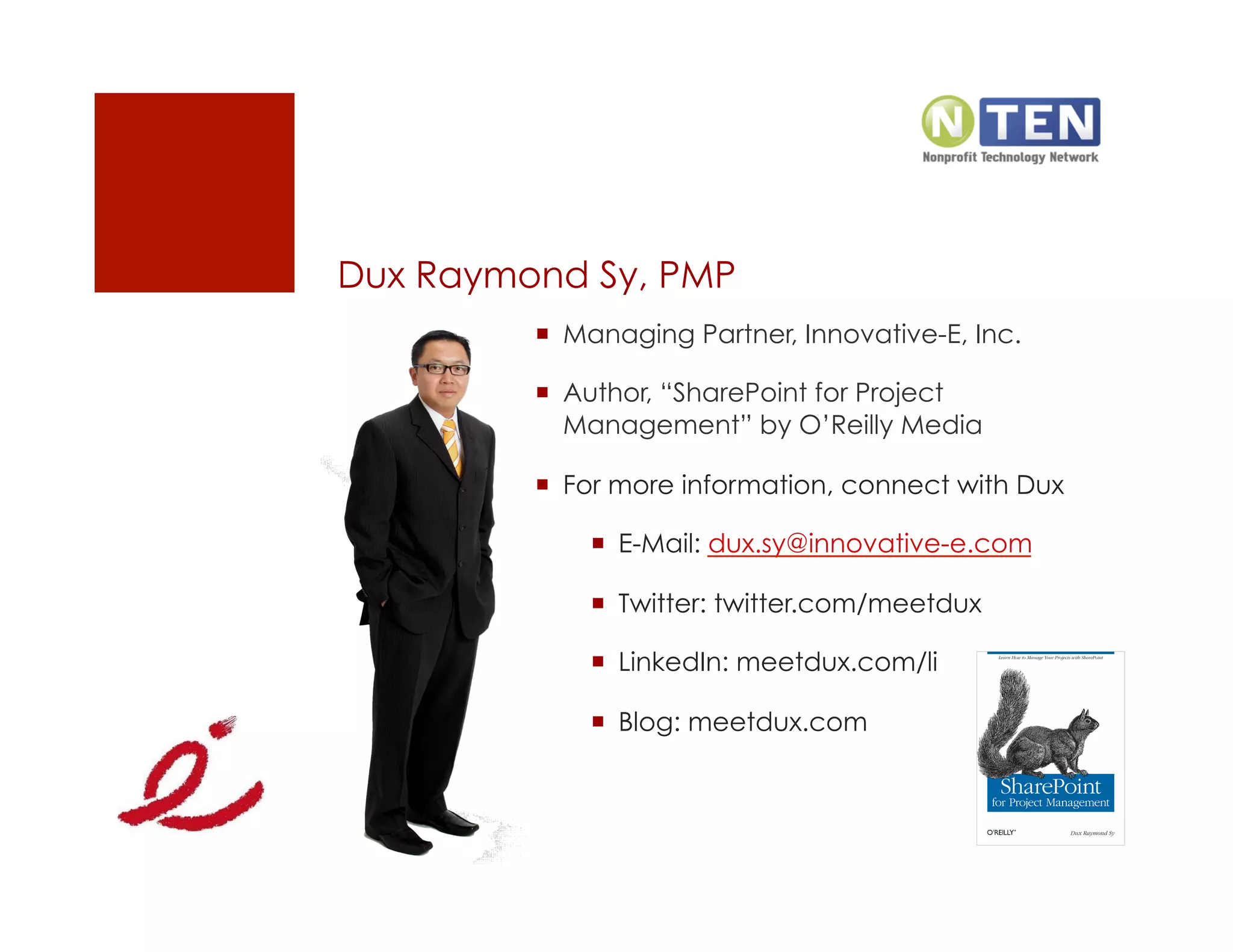
Dux Raymond Sy, PMP
           Managing Partner, Innovative-E, Inc.

           Author, “SharePoint for Project
            Management” by O’Reilly Media

           For more information, connect with Dux

               E-Mail: dux.sy@innovative-e.com

               Twitter: twitter.com/meetdux

               LinkedIn: meetdux.com/li

               Blog: meetdux.com
Agenda
  Why SharePoint?

  7 Ways SharePoint Can Empower Your Organization

  How to Successfully Leverage SharePoint

  Questions and Answers
What a Concept


“Technology provides no benefits of its own; it is the
application of technology to business opportunities that
produces ROI. ”
                                      —Robert McDowell,
                              In Search of Business Value
Share

 +

Point
What’s SharePoint?
  The business collaboration platform for the enterprise and
   the web

  Allows individuals in an organization to easily create and
   manage their own collaborative Web sites
    Simplifies how people find and share information across
     boundaries, and enabling better informed decisions
    Seamlessly integrates with Windows and MS Office

  Does not refer to a specific product or technology
    Using the word “Microsoft SharePoint” is like using the
     word “Microsoft Office”
    Refers to several aspects of Web-based collaborative
     solutions
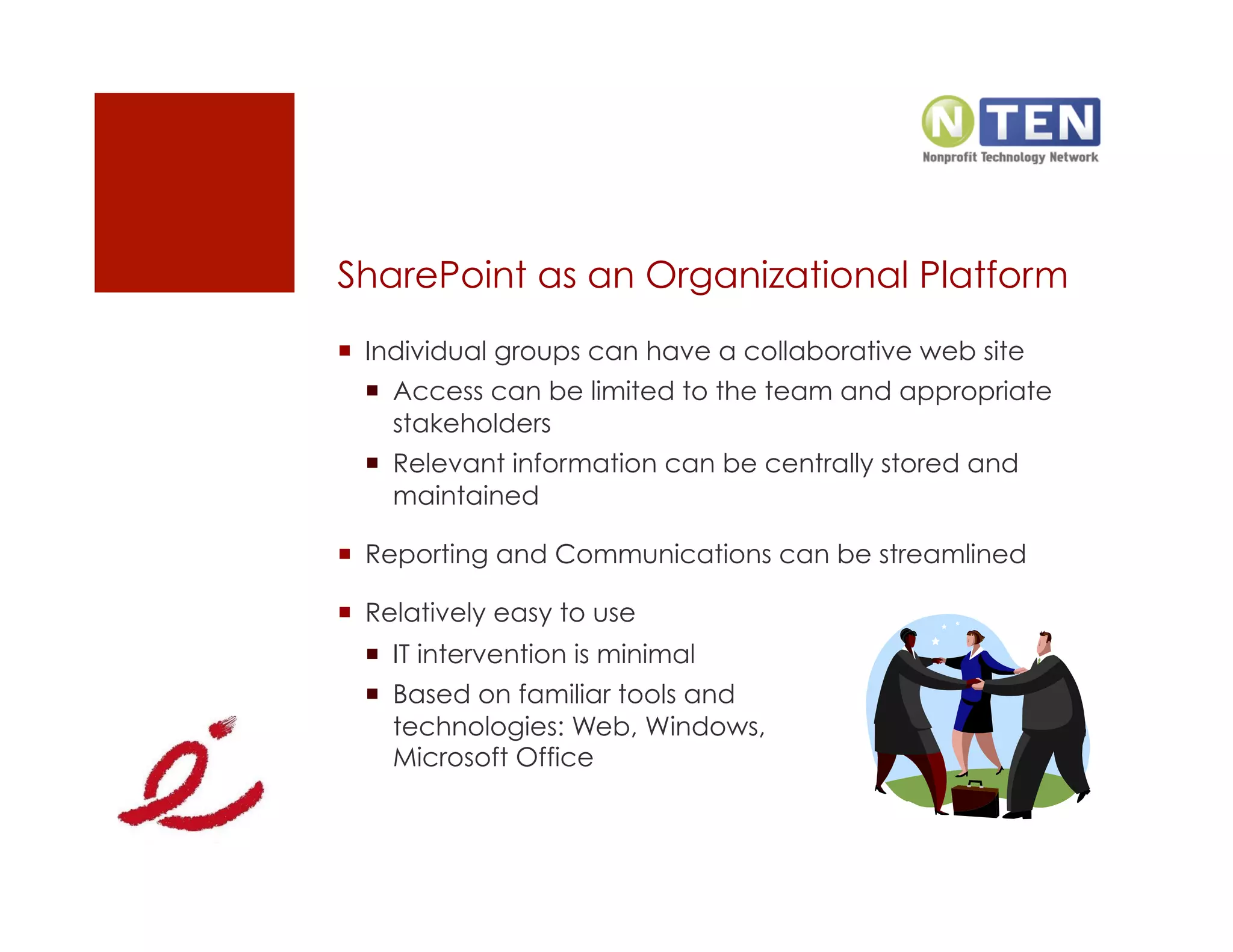
SharePoint as an Organizational Platform
  Individual groups can have a collaborative web site
    Access can be limited to the team and appropriate
     stakeholders
    Relevant information can be centrally stored and
     maintained

  Reporting and Communications can be streamlined

  Relatively easy to use
    IT intervention is minimal
    Based on familiar tools and
     technologies: Web, Windows,
     Microsoft Office
Agenda
  Why SharePoint?

  7 Ways SharePoint Can Empower Your Organization

  How to Successfully Leverage SharePoint

  Questions and Answers
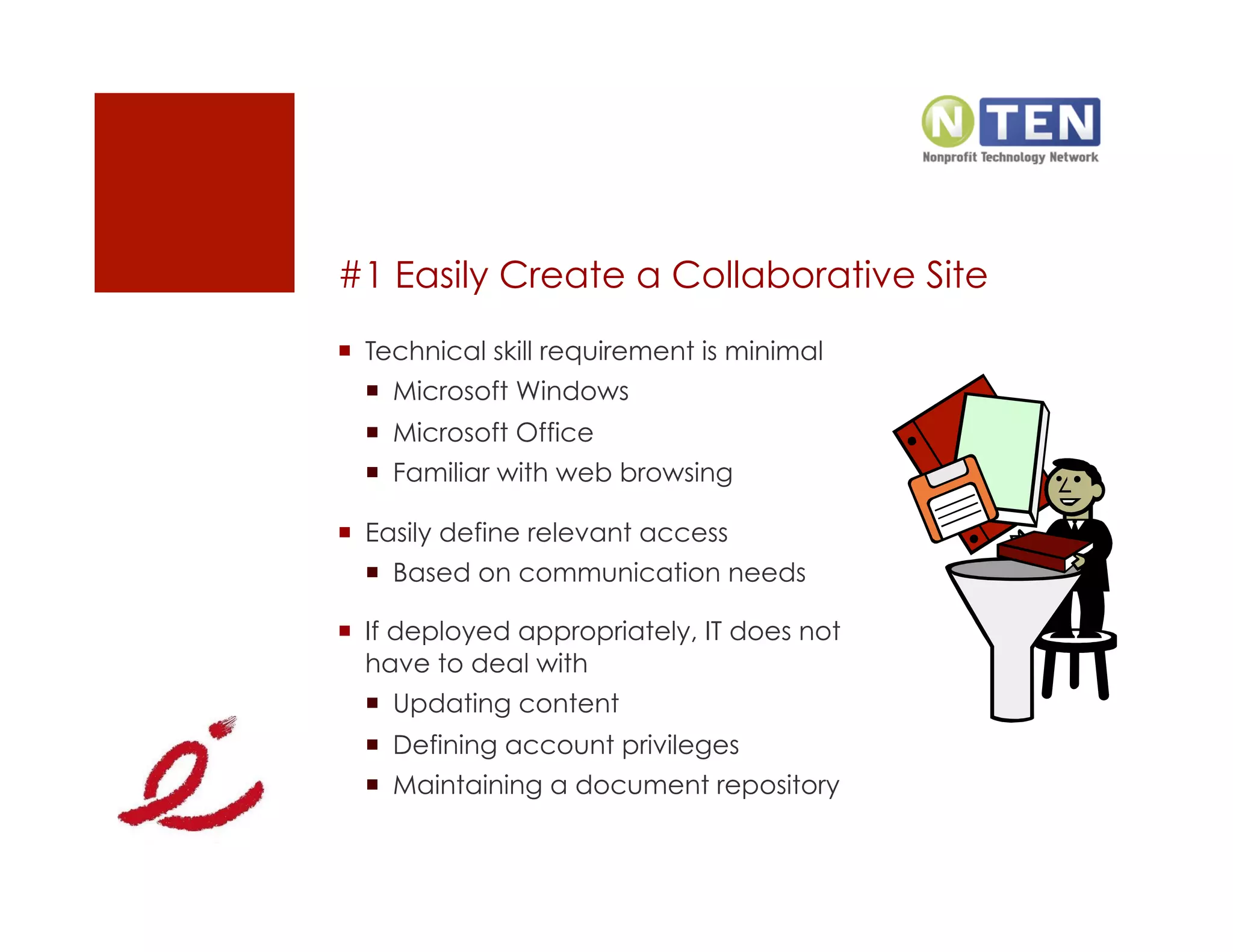
#1 Easily Create a Collaborative Site
  Technical skill requirement is minimal
    Microsoft Windows
    Microsoft Office
    Familiar with web browsing

  Easily define relevant access
    Based on communication needs

  If deployed appropriately, IT does not
   have to deal with
    Updating content
    Defining account privileges
    Maintaining a document repository
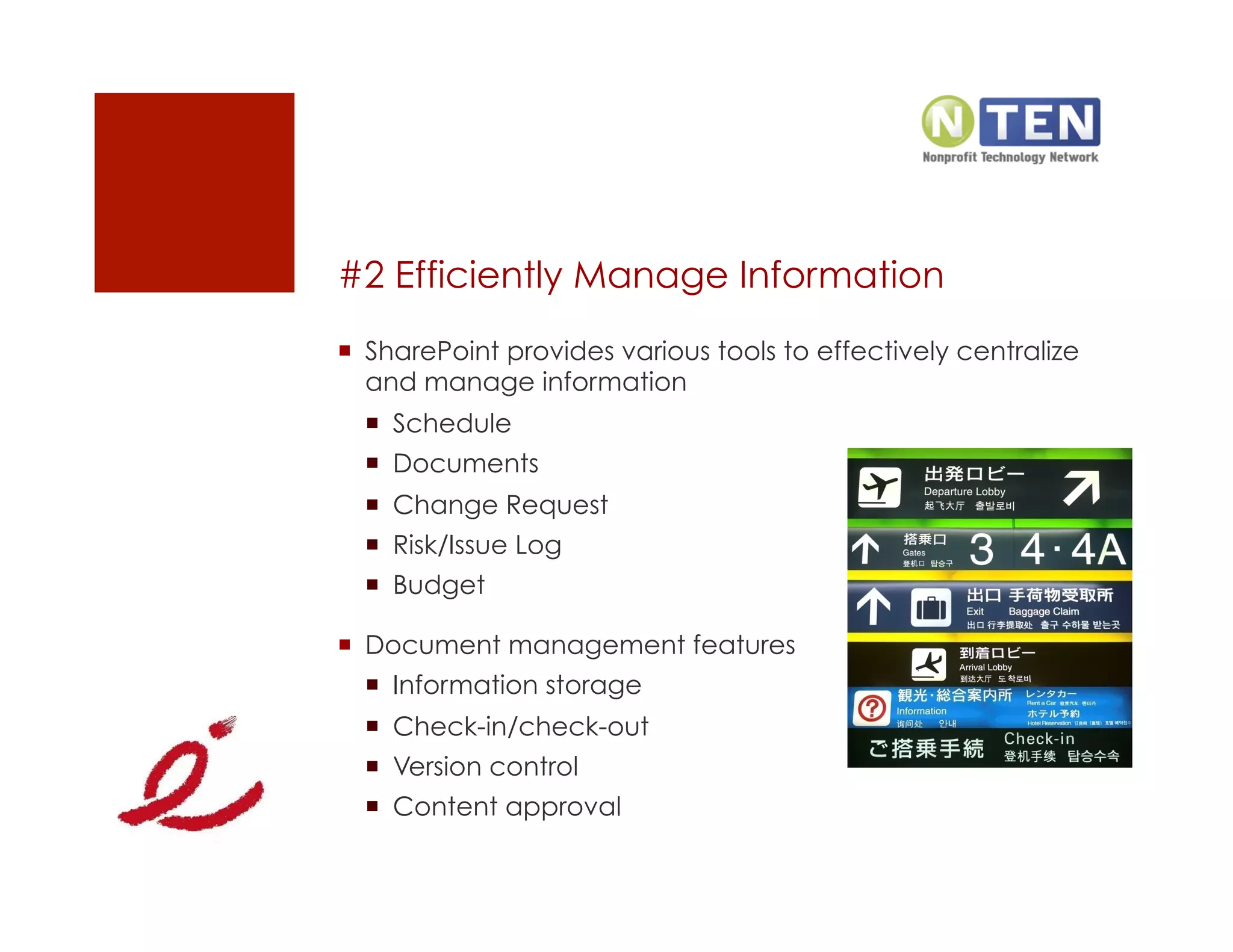
#2 Efficiently Manage Information
  SharePoint provides various tools to effectively centralize
   and manage information
    Schedule
    Documents
    Change Request
    Risk/Issue Log
    Budget

  Document management features
    Information storage
    Check-in/check-out
    Version control
    Content approval
Demonstration


          Creating a SharePoint Site
#3 Facilitate Team Collaboration
  Document Collaboration
    Document Workspaces can be used to jointly develop
     requirements document, reports, templates, etc.

  Tools
    Wikis to document lessons learned
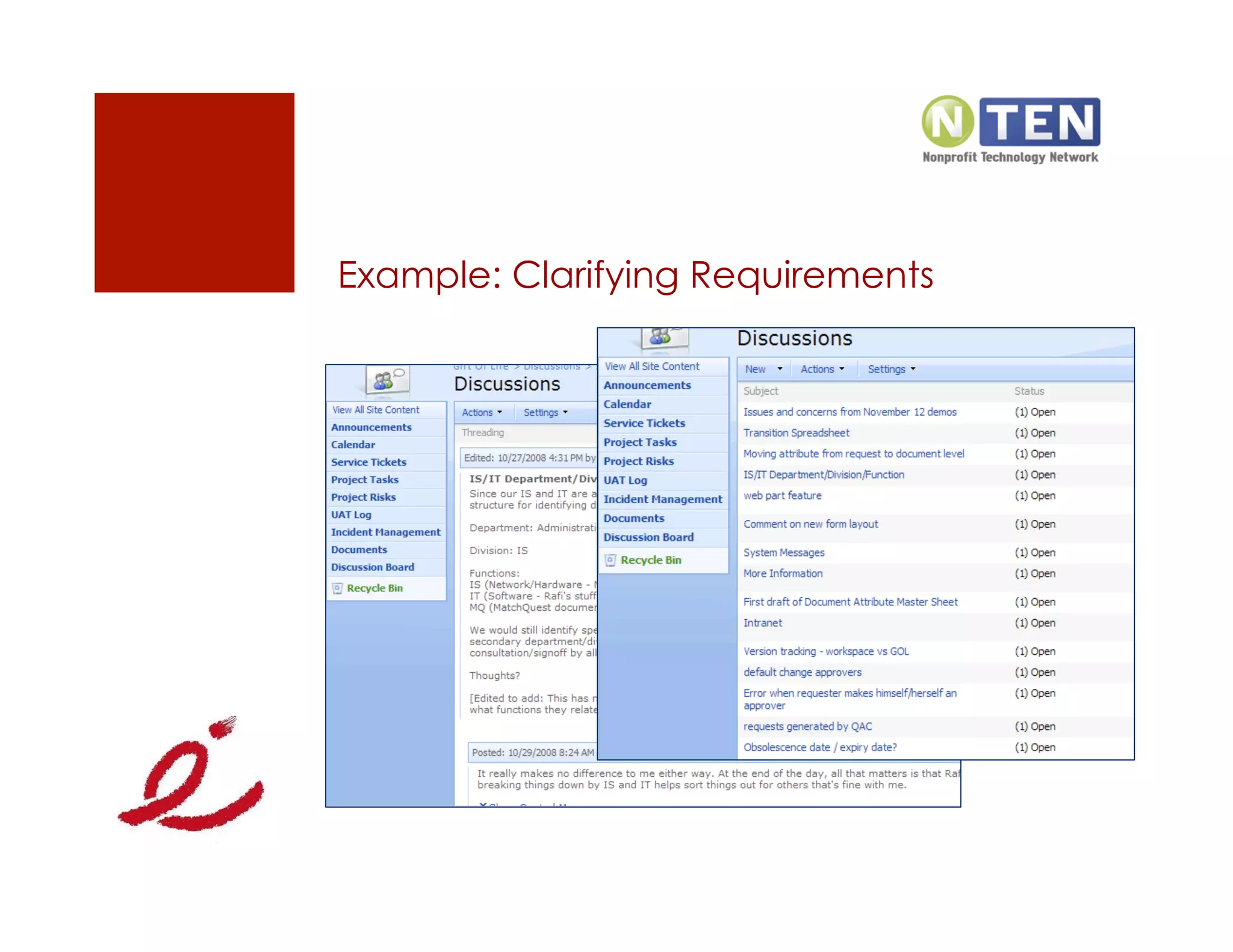
    Discussion boards for offline communication
    Meeting Workspaces to support meetings
Example: Clarifying Requirements
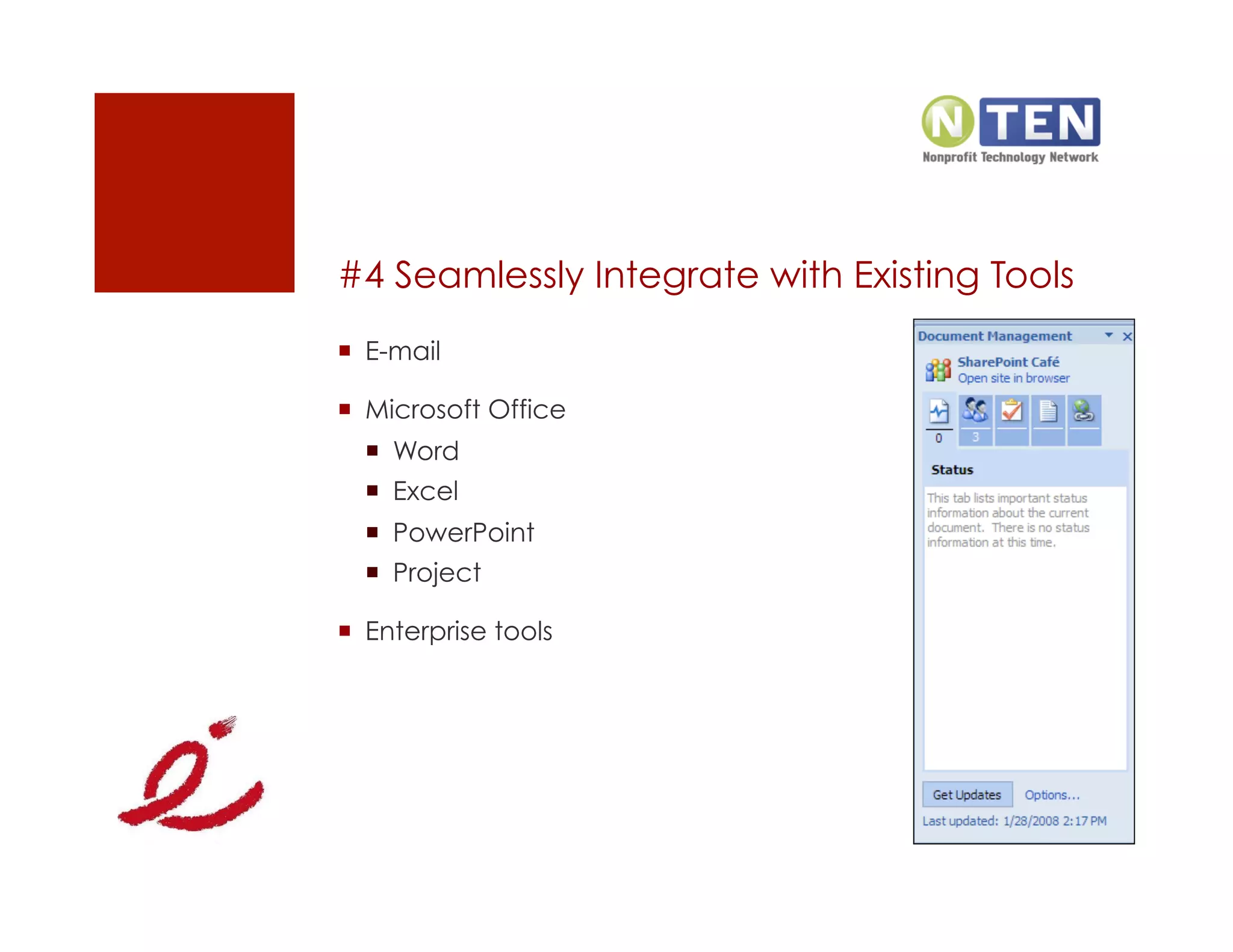
#4 Seamlessly Integrate with Existing Tools
  E-mail

  Microsoft Office
    Word
    Excel
    PowerPoint
    Project

  Enterprise tools
Demonstration


       Synchronizing Excel and SharePoint
#5 Automate Business Processes
  Common project workflows
    Change Control
    Expense Reimbursement
    Vacation Request

  SharePoint workflows
    Three-State
    Custom workflows
#6 Generate Relevant Reports
  SharePoint can be used to generate relevant
    Interactive summary of a project
    Project tasks information
    Automated alerts

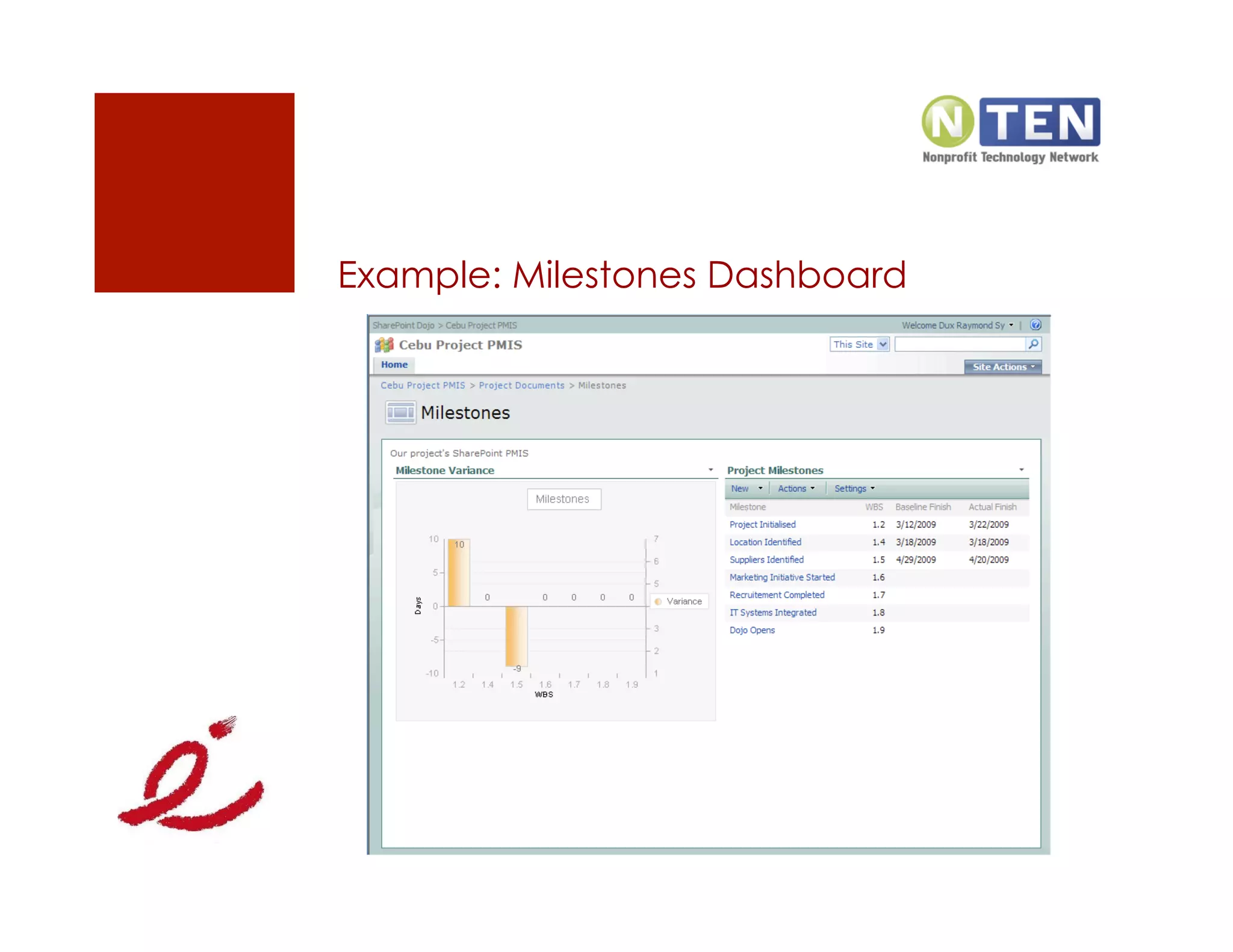
  Dashboards can be created using Web Parts
    Red, Amber, Green (RAG) Status
    Key Performance Indicators (KPI)
    Charts
Example: Milestones Dashboard
#7 Integrate with Existing LOB Systems
  Integrate SharePoint with existing data sources
    SQL – based data
    Web Services
    XML

  Non Microsoft enterprise systems
    CRM
    Reporting Tools
Agenda
  Why SharePoint?

  7 Ways SharePoint Can Empower Your Organization

  How to Successfully Leverage SharePoint

  Questions and Answers
Address the Business Needs
  What are the business pain points?
    Project Management
    HR
    Finance
    Departments

  Proper requirements gathering is critical
    Analyst should understand both the business and
     SharePoint

  SharePoint is just a tool
Analyze SharePoint Priorities
  What business need are you addressing?
    Collaboration
    Document Management
    Automate Processes
    Enhance Reporting

  Complex branding, unless necessary, should not be a
   priority
Establish SharePoint Governance
  SharePoint Taxonomy
    Information Architecture
    User Management

  Usage Policies and Guidelines

  Adoption Plan

  Support and Maintenance

  Future Releases
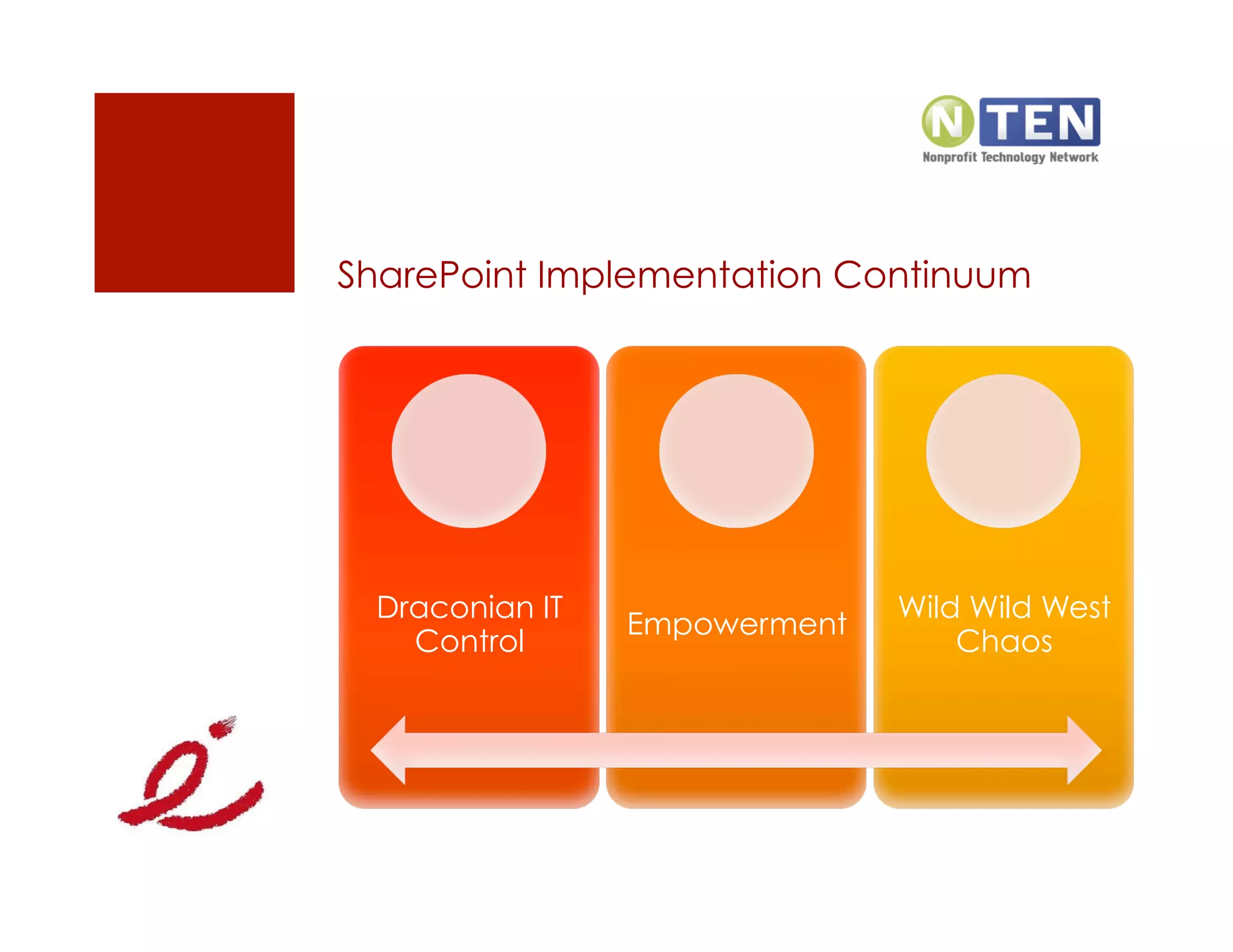
SharePoint Implementation Continuum


 Draconian IT                 Wild Wild West
                Empowerment
   Control                        Chaos
Agenda
  Why SharePoint?

  7 Ways SharePoint Can Empower Your Organization

  How To Successfully Leverage SharePoint

  Questions and Answers
Questions?

                  E-Mail: dux.sy@innovative-e.com

                  LinkedIn: meetdux.com/li

                  Blog: meetdux.com

                  Twitter: meetdux


            How did you like the presentation?
        http://sp.meetdux.com/post_feedback.aspx
Resources
  WhitePaper: Empowering Your Organization with SharePoint
   http://go.meetdux.com/xqkn

  5 Reasons Why Executive SharePoint Ignorance is Not Bliss
   http://go.meetdux.com/393b

  Delivering SharePoint Success Mentoring Workshop
   http://go.meetdux.com/z3m5

  SharePoint 101 Screencasts
   http://go.meetdux.com/gbaj

  Are you doing what it takes to succeed at implementing
   SharePoint?
   http://bit.ly/e9Bj8
Thank
 You!

Empowering Your Organization With Share Point

  • 1.
    Empowering Your Organization with SharePoint Dux Raymond Sy, PMP December 7, 2009 http://www.nten.org
  • 2.
    Presentation Objectives   Aftercompleting this presentation, you will be able to describe the benefits of leveraging SharePoint for empowering your organization   In addition, you will be able to comprehend SharePoint’s capabilities to   Enhance Document Management   Promote better collaboration   Improve reporting   Automate business processes   Integrate with existing tools
  • 3.
    Dux Raymond Sy,PMP   Managing Partner, Innovative-E, Inc.   Author, “SharePoint for Project Management” by O’Reilly Media   For more information, connect with Dux   E-Mail: dux.sy@innovative-e.com   Twitter: twitter.com/meetdux   LinkedIn: meetdux.com/li   Blog: meetdux.com
  • 4.
    Agenda   Why SharePoint?  7 Ways SharePoint Can Empower Your Organization   How to Successfully Leverage SharePoint   Questions and Answers
  • 5.
    What a Concept “Technologyprovides no benefits of its own; it is the application of technology to business opportunities that produces ROI. ” —Robert McDowell, In Search of Business Value
  • 6.
  • 7.
    What’s SharePoint?   Thebusiness collaboration platform for the enterprise and the web   Allows individuals in an organization to easily create and manage their own collaborative Web sites   Simplifies how people find and share information across boundaries, and enabling better informed decisions   Seamlessly integrates with Windows and MS Office   Does not refer to a specific product or technology   Using the word “Microsoft SharePoint” is like using the word “Microsoft Office”   Refers to several aspects of Web-based collaborative solutions
  • 8.
    SharePoint as anOrganizational Platform   Individual groups can have a collaborative web site   Access can be limited to the team and appropriate stakeholders   Relevant information can be centrally stored and maintained   Reporting and Communications can be streamlined   Relatively easy to use   IT intervention is minimal   Based on familiar tools and technologies: Web, Windows, Microsoft Office
  • 9.
    Agenda   Why SharePoint?  7 Ways SharePoint Can Empower Your Organization   How to Successfully Leverage SharePoint   Questions and Answers
  • 10.
    #1 Easily Createa Collaborative Site   Technical skill requirement is minimal   Microsoft Windows   Microsoft Office   Familiar with web browsing   Easily define relevant access   Based on communication needs   If deployed appropriately, IT does not have to deal with   Updating content   Defining account privileges   Maintaining a document repository
  • 11.
    #2 Efficiently ManageInformation   SharePoint provides various tools to effectively centralize and manage information   Schedule   Documents   Change Request   Risk/Issue Log   Budget   Document management features   Information storage   Check-in/check-out   Version control   Content approval
  • 12.
    Demonstration Creating a SharePoint Site
  • 13.
    #3 Facilitate TeamCollaboration   Document Collaboration   Document Workspaces can be used to jointly develop requirements document, reports, templates, etc.   Tools   Wikis to document lessons learned   Discussion boards for offline communication   Meeting Workspaces to support meetings
  • 14.
  • 15.
    #4 Seamlessly Integratewith Existing Tools   E-mail   Microsoft Office   Word   Excel   PowerPoint   Project   Enterprise tools
  • 16.
    Demonstration Synchronizing Excel and SharePoint
  • 17.
    #5 Automate BusinessProcesses   Common project workflows   Change Control   Expense Reimbursement   Vacation Request   SharePoint workflows   Three-State   Custom workflows
  • 18.
    #6 Generate RelevantReports   SharePoint can be used to generate relevant   Interactive summary of a project   Project tasks information   Automated alerts   Dashboards can be created using Web Parts   Red, Amber, Green (RAG) Status   Key Performance Indicators (KPI)   Charts
  • 19.
  • 20.
    #7 Integrate withExisting LOB Systems   Integrate SharePoint with existing data sources   SQL – based data   Web Services   XML   Non Microsoft enterprise systems   CRM   Reporting Tools
  • 21.
    Agenda   Why SharePoint?  7 Ways SharePoint Can Empower Your Organization   How to Successfully Leverage SharePoint   Questions and Answers
  • 22.
    Address the BusinessNeeds   What are the business pain points?   Project Management   HR   Finance   Departments   Proper requirements gathering is critical   Analyst should understand both the business and SharePoint   SharePoint is just a tool
  • 23.
    Analyze SharePoint Priorities  What business need are you addressing?   Collaboration   Document Management   Automate Processes   Enhance Reporting   Complex branding, unless necessary, should not be a priority
  • 24.
    Establish SharePoint Governance  SharePoint Taxonomy   Information Architecture   User Management   Usage Policies and Guidelines   Adoption Plan   Support and Maintenance   Future Releases
  • 25.
    SharePoint Implementation Continuum Draconian IT Wild Wild West Empowerment Control Chaos
  • 26.
    Agenda   Why SharePoint?  7 Ways SharePoint Can Empower Your Organization   How To Successfully Leverage SharePoint   Questions and Answers
  • 27.
    Questions? E-Mail: dux.sy@innovative-e.com LinkedIn: meetdux.com/li Blog: meetdux.com Twitter: meetdux How did you like the presentation? http://sp.meetdux.com/post_feedback.aspx
  • 28.
    Resources   WhitePaper: EmpoweringYour Organization with SharePoint http://go.meetdux.com/xqkn   5 Reasons Why Executive SharePoint Ignorance is Not Bliss http://go.meetdux.com/393b   Delivering SharePoint Success Mentoring Workshop http://go.meetdux.com/z3m5   SharePoint 101 Screencasts http://go.meetdux.com/gbaj   Are you doing what it takes to succeed at implementing SharePoint? http://bit.ly/e9Bj8
  • 29.