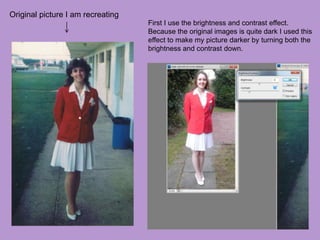
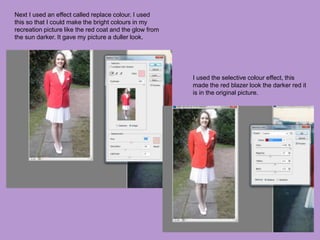
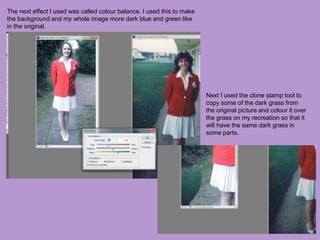
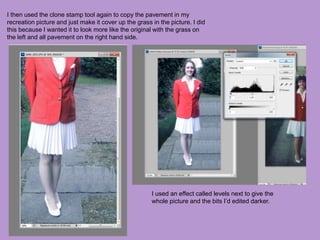
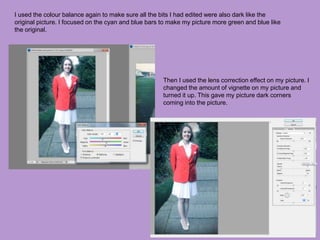
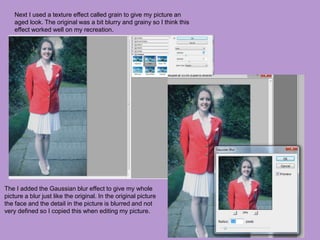
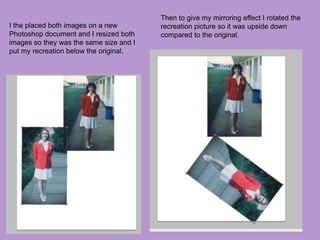
The document describes the process taken to recreate a photo from Butlins using various Photoshop effects. Effects like brightness and contrast, replace color, selective color, and color balance were used to match the tones and hues of the original photo. Cloning was used to copy elements like grass and pavement. Levels, grain, gaussian blur, and lens correction were applied to achieve a similar aged and blurred look. The recreated photo was then placed below the original and rotated upside down to create a mirroring effect for comparison.


![6. [pro forma] project pro-forma](https://cdn.slidesharecdn.com/ss_thumbnails/6-180126100538-thumbnail.jpg?width=640&height=640&fit=bounds)


