Download to read offline
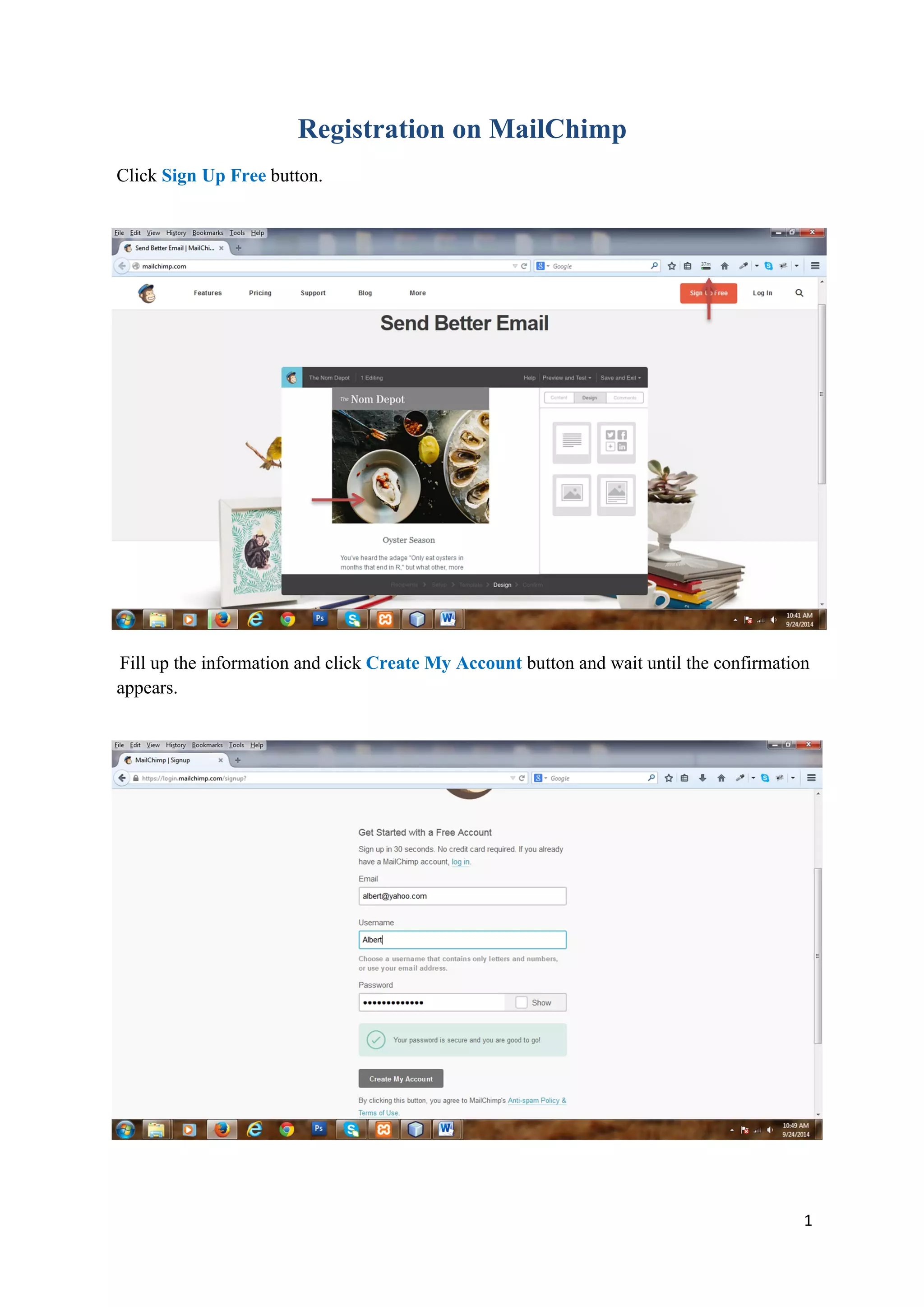


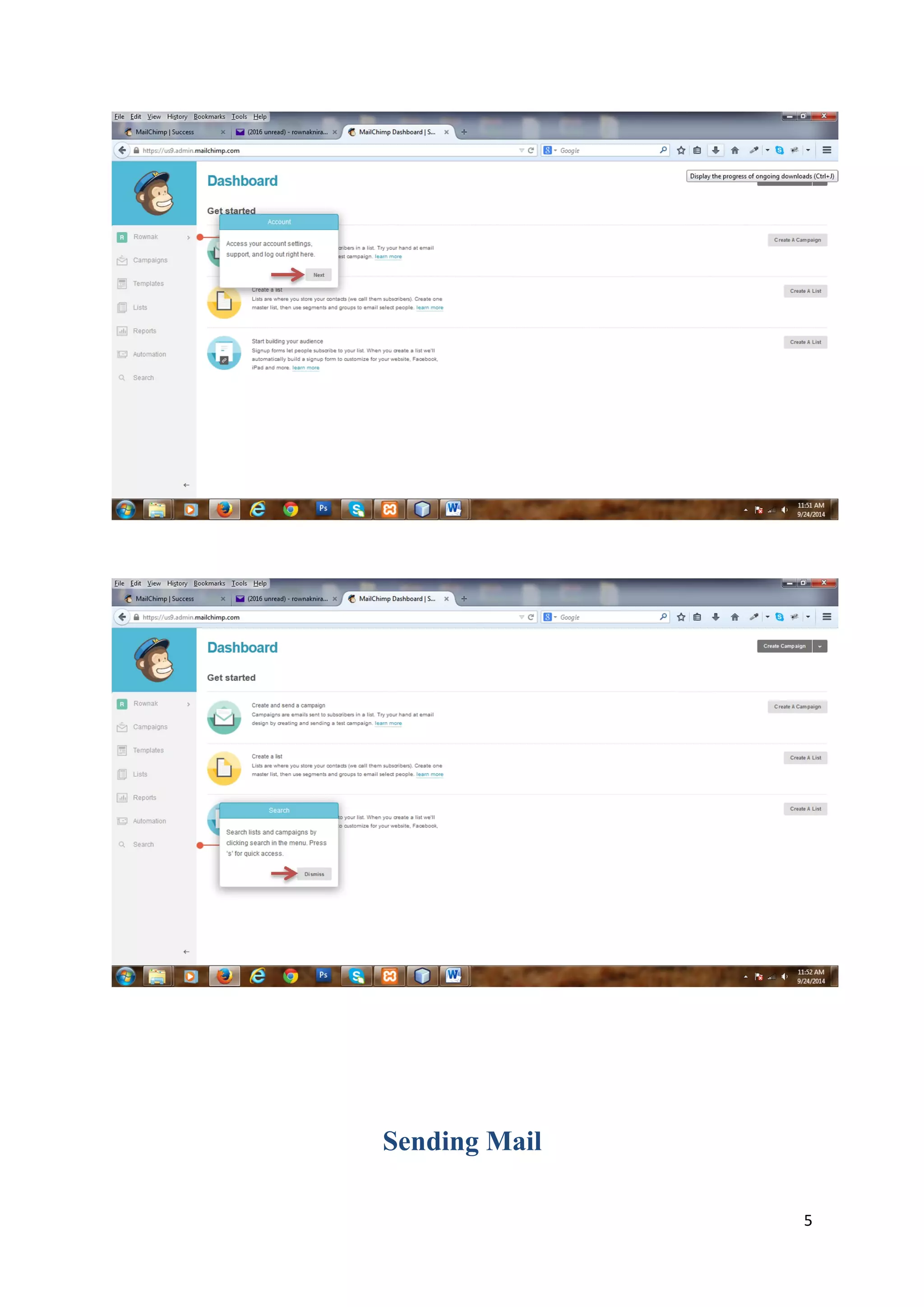


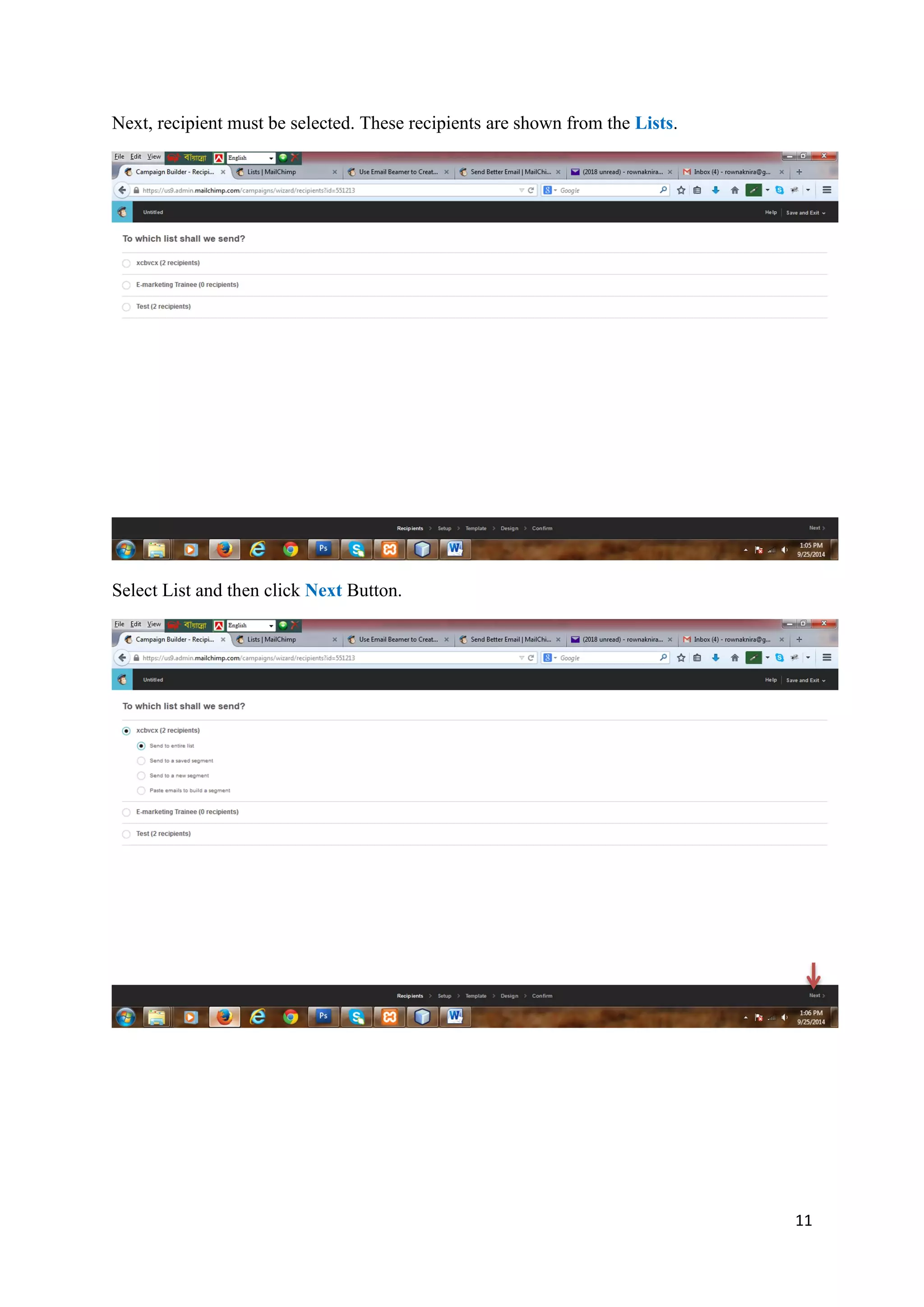

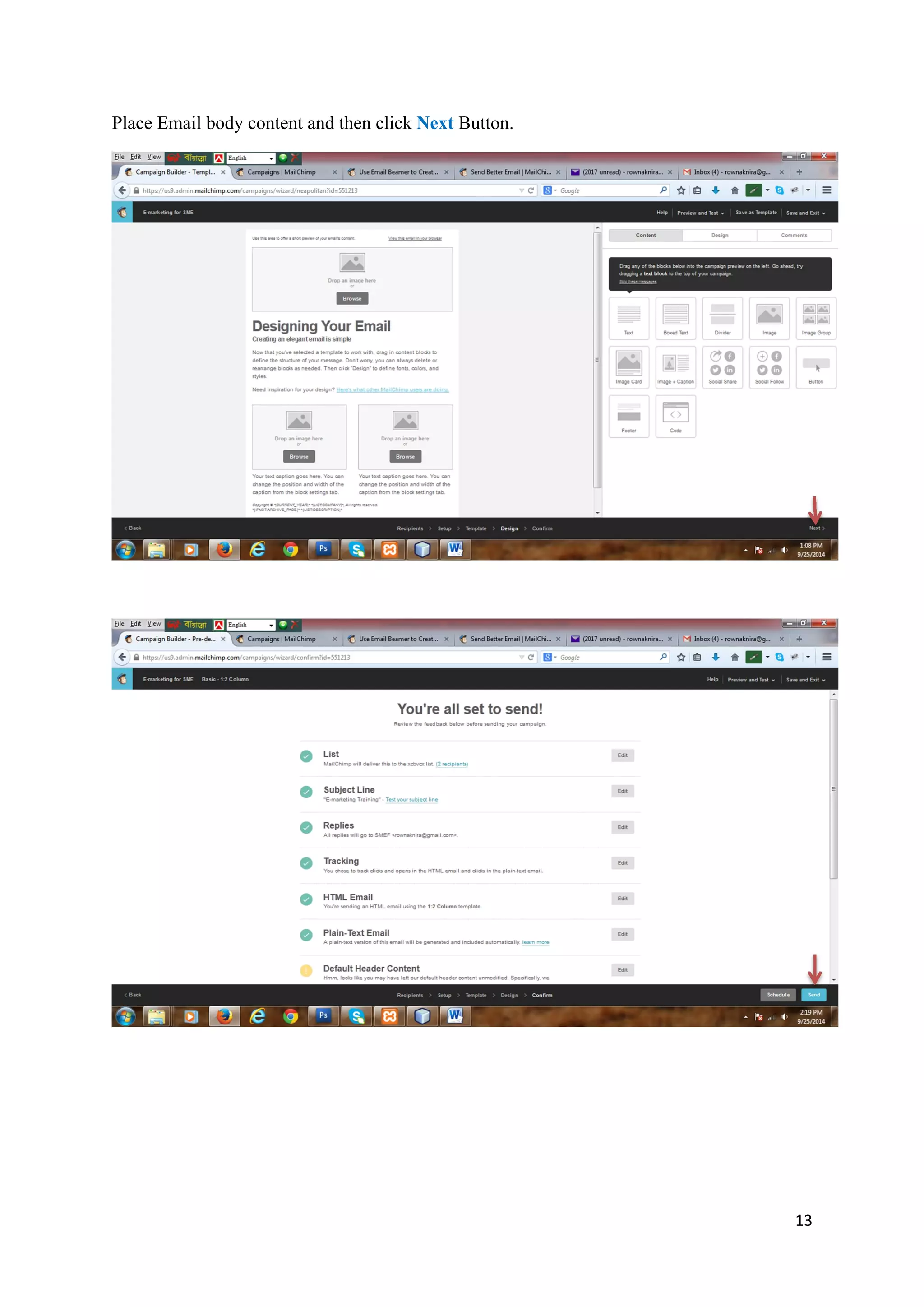


To register for MailChimp, fill out the registration form and click create account, then check your email to activate your account by clicking the activation link. After logging in, you can create recipient lists by filling out the list form and saving it. Then you can send mail campaigns by selecting a list of recipients, filling out campaign details, choosing a template, and adding email content.


![Computer Networks 01[1 using all terms].pptx](https://cdn.slidesharecdn.com/ss_thumbnails/computernetworks011-251214040533-327dd9f8-thumbnail.jpg?width=640&height=640&fit=bounds)


