Git Harder  Better Faster  Stronger
Git General assumptions Who will get the most out of this presentation: *   You are comfortable using command-line utilities. *   You know what version control is. *  p ractical examples. *   Beer (if you're actually in this room)
Git   *  What is it *  Why use git *  G(CL)IT *  G(U)IT *  DIY *  Dog
Git   What?
What *  Linus Torvalds *  Global Information Tracker *  Revision control system *  Distributed development
Git Slang: stupid or unpleasant person "I'm an egotistical bastard, and I name all my projects after myself. First Linux, now git.” Linus Torvalds
Git   Why ?
Why *  Blazingly fast – local * *  Small space (30x) *  Easy workflow *  Drupal.org switched to it *  Easy to learn – cf slide 11 * Although cloning can take a while
Git   G(CL)IT
CLI Let's go command line .. Wait a minute .. you just said easy to learn ?!
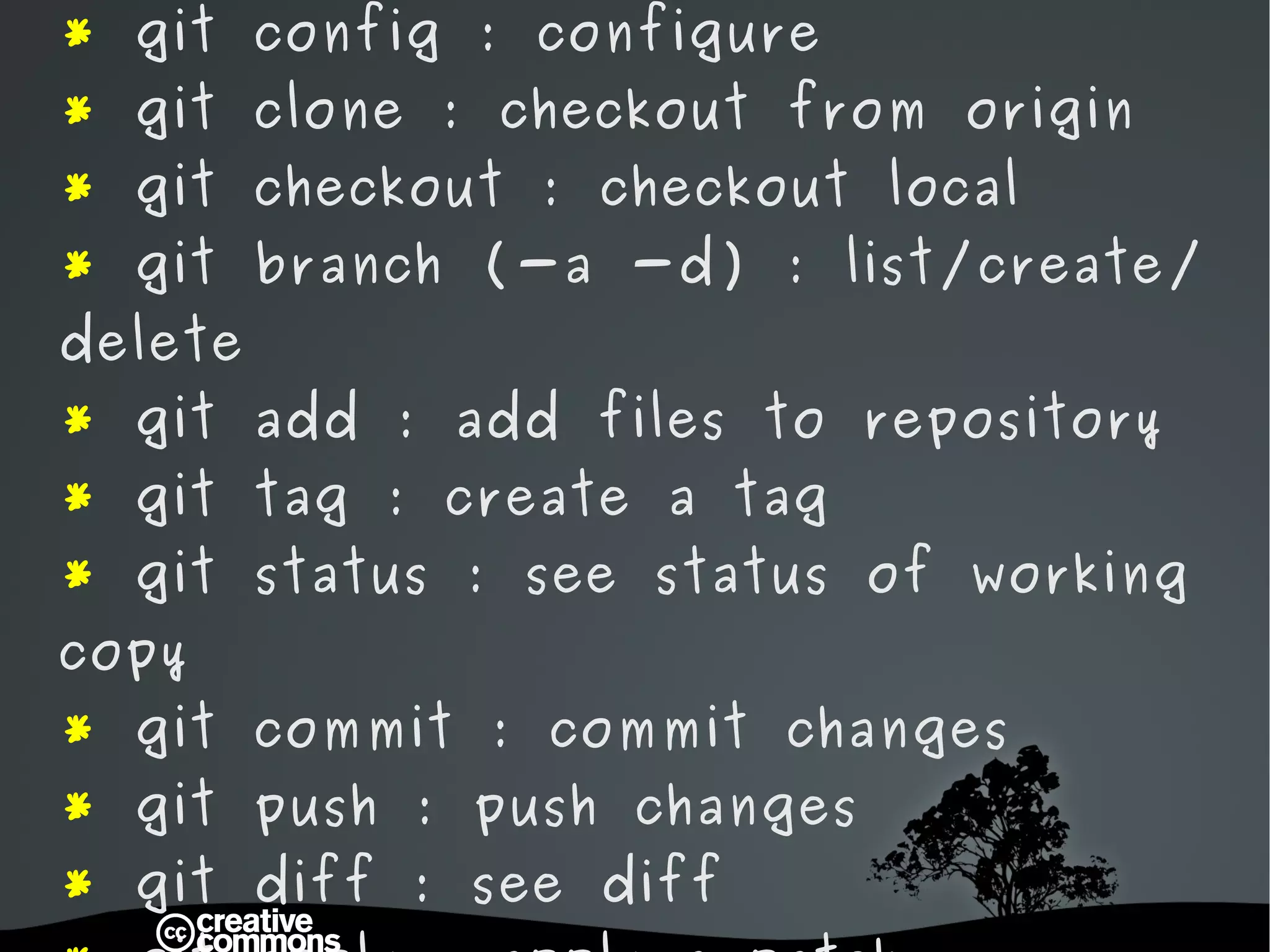
*  git init : start a new git project *  git remote : configure remote origin  *  git config : configure *  git clone : checkout from origin *  git checkout : checkout local *  git branch (-a -d) : list/create/delete *  git add : add files to repository *  git tag : create a tag *  git status : see status of working copy *  git commit : commit changes *  git push : push changes *  git diff : see diff *  git apply : apply a patch *  git reset : reset HEAD *  git stash : fast revert to HEAD
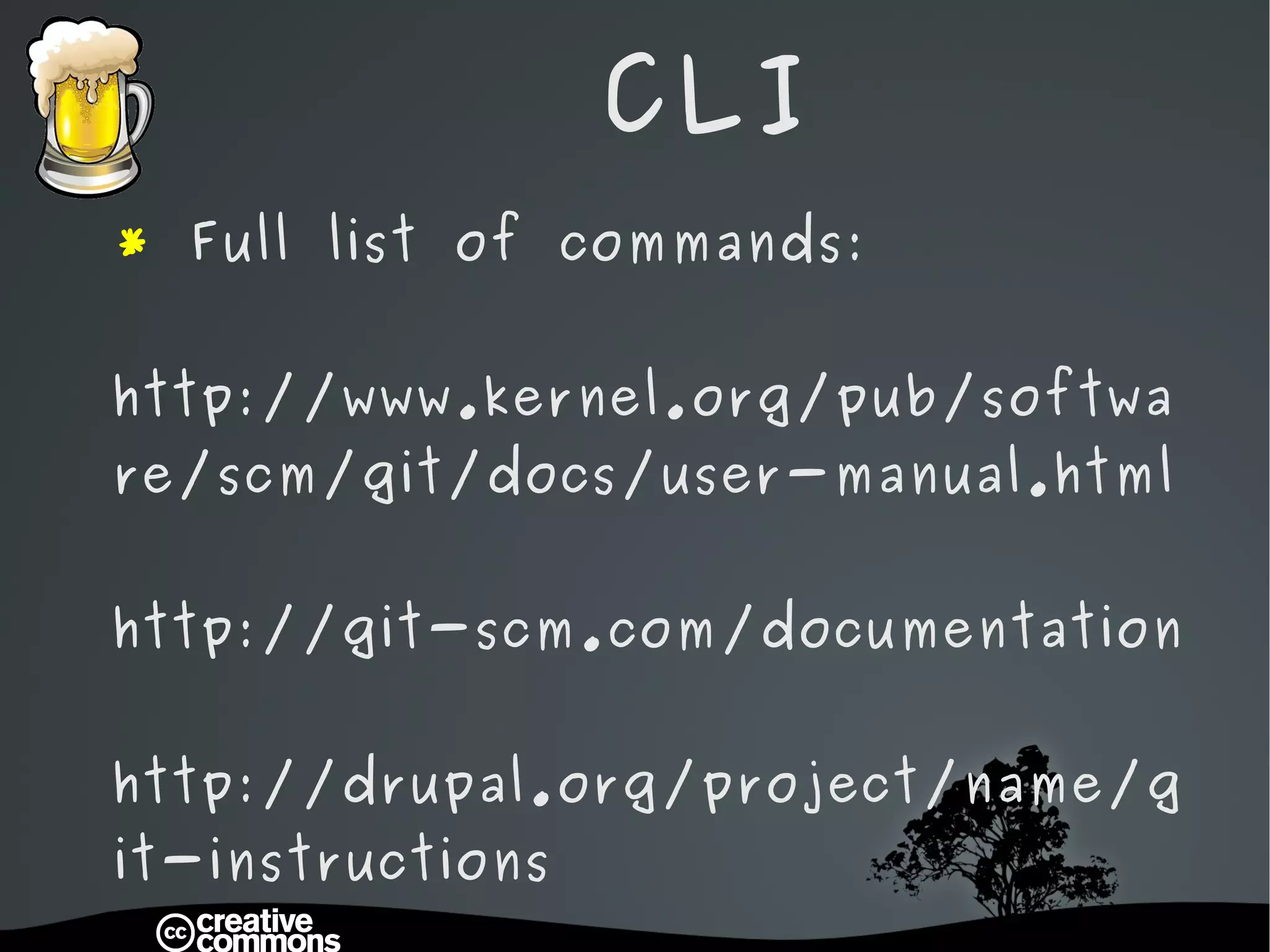
CLI *  Full list of commands: http://www.kernel.org/pub/software/scm/git/docs/user-manual.html http://git-scm.com/documentation http://drupal.org/project/name/git-instructions
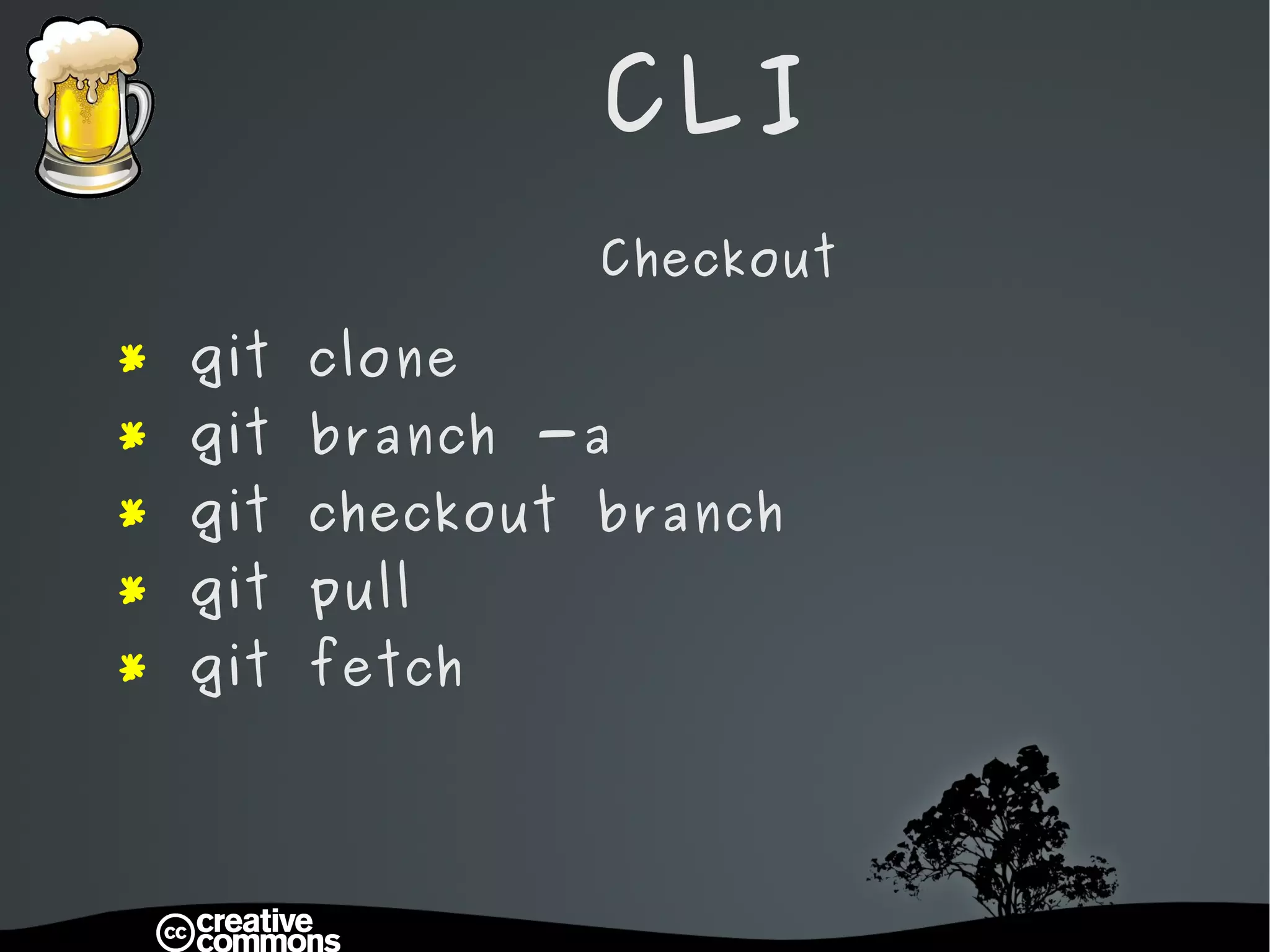
CLI Checkout *  git clone *  git branch -a *  git checkout branch *  git pull *  git fetch
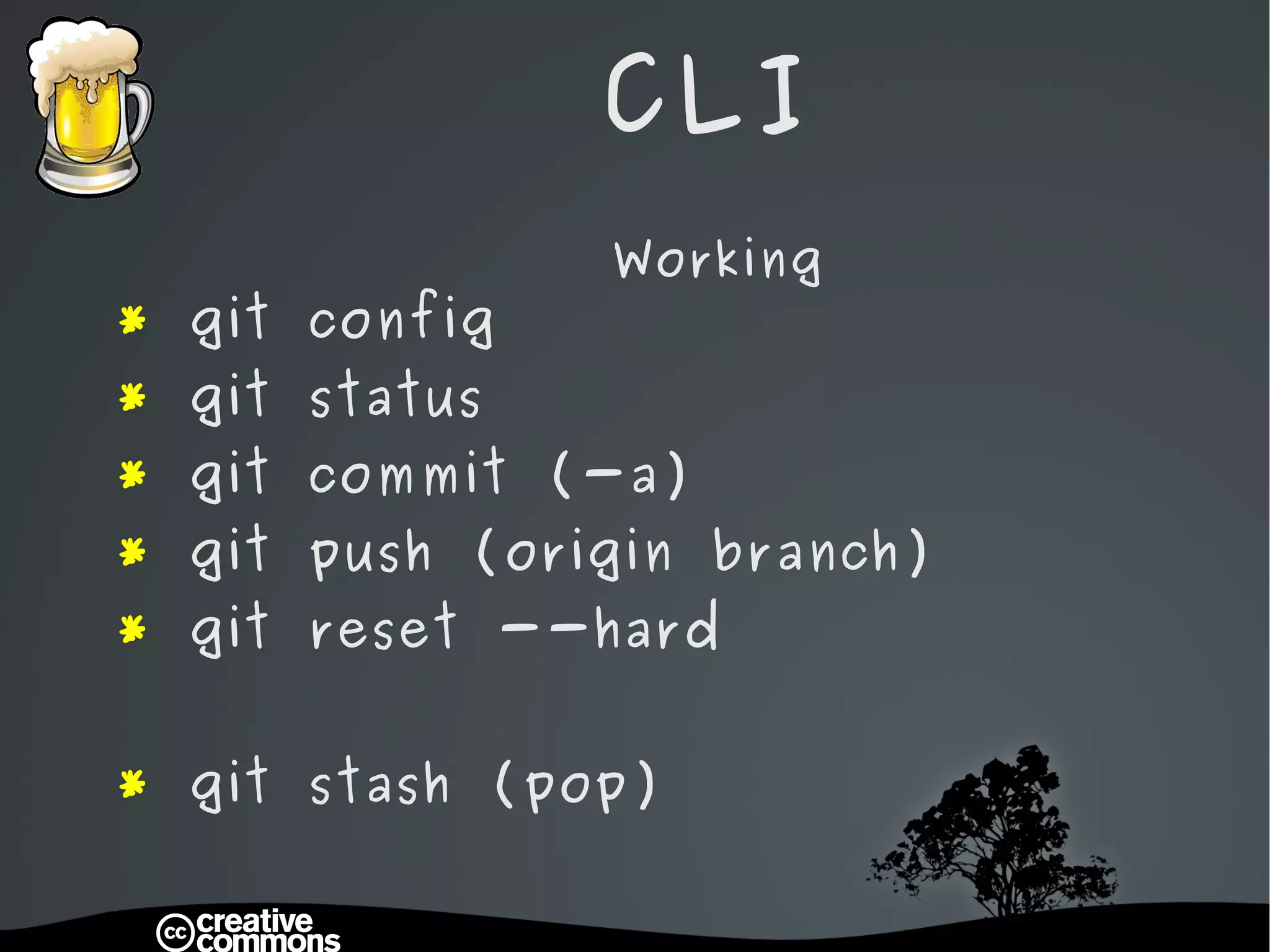
CLI Working *  git config *  git status *  git commit (-a) *  git push (origin branch) *  git reset --hard *  git stash (pop)
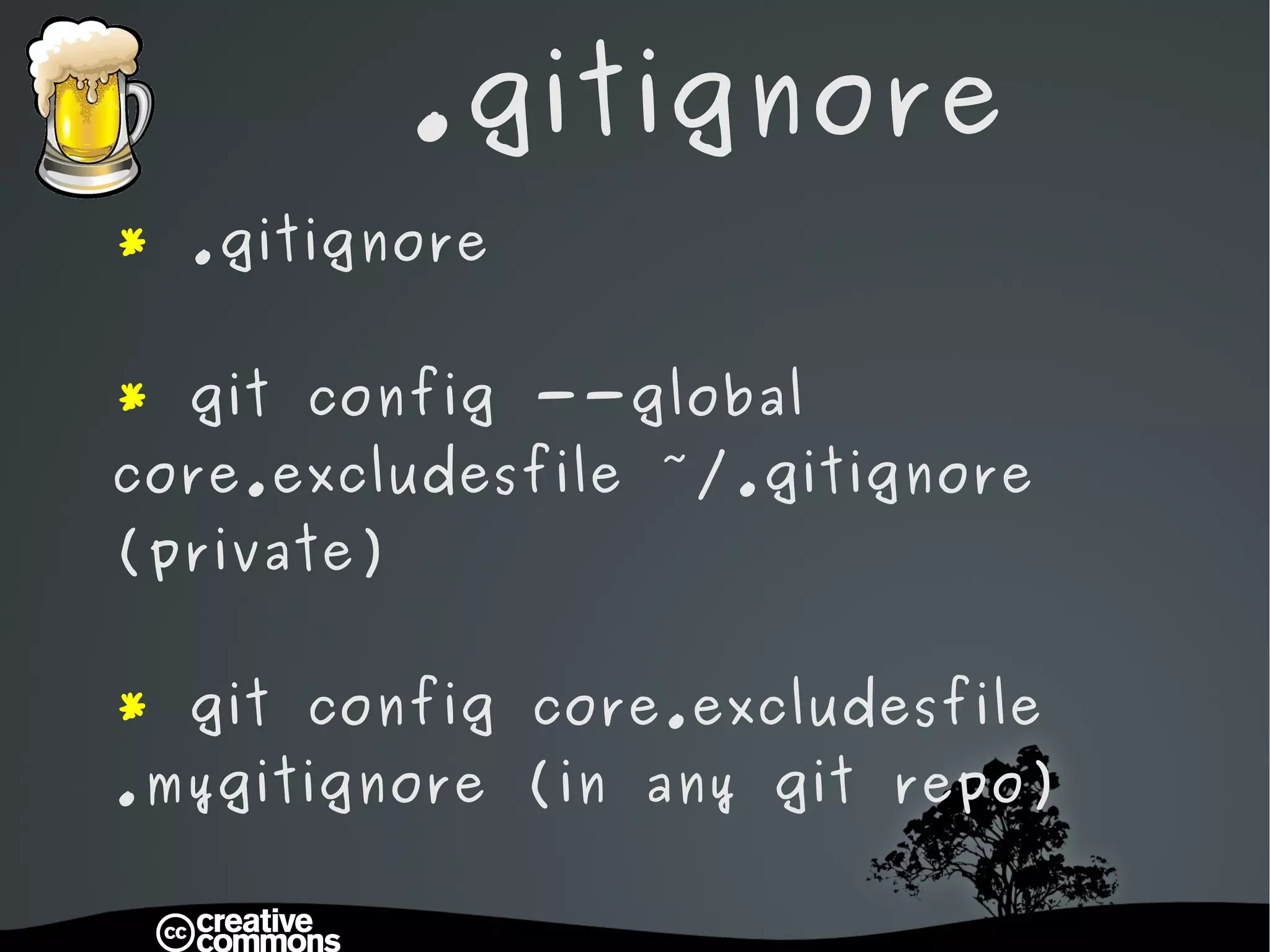
.gitignore *  .gitignore *  git config --global core.excludesfile ~/.gitignore (private) *  git config core.excludesfile .mygitignore (in any git repo)
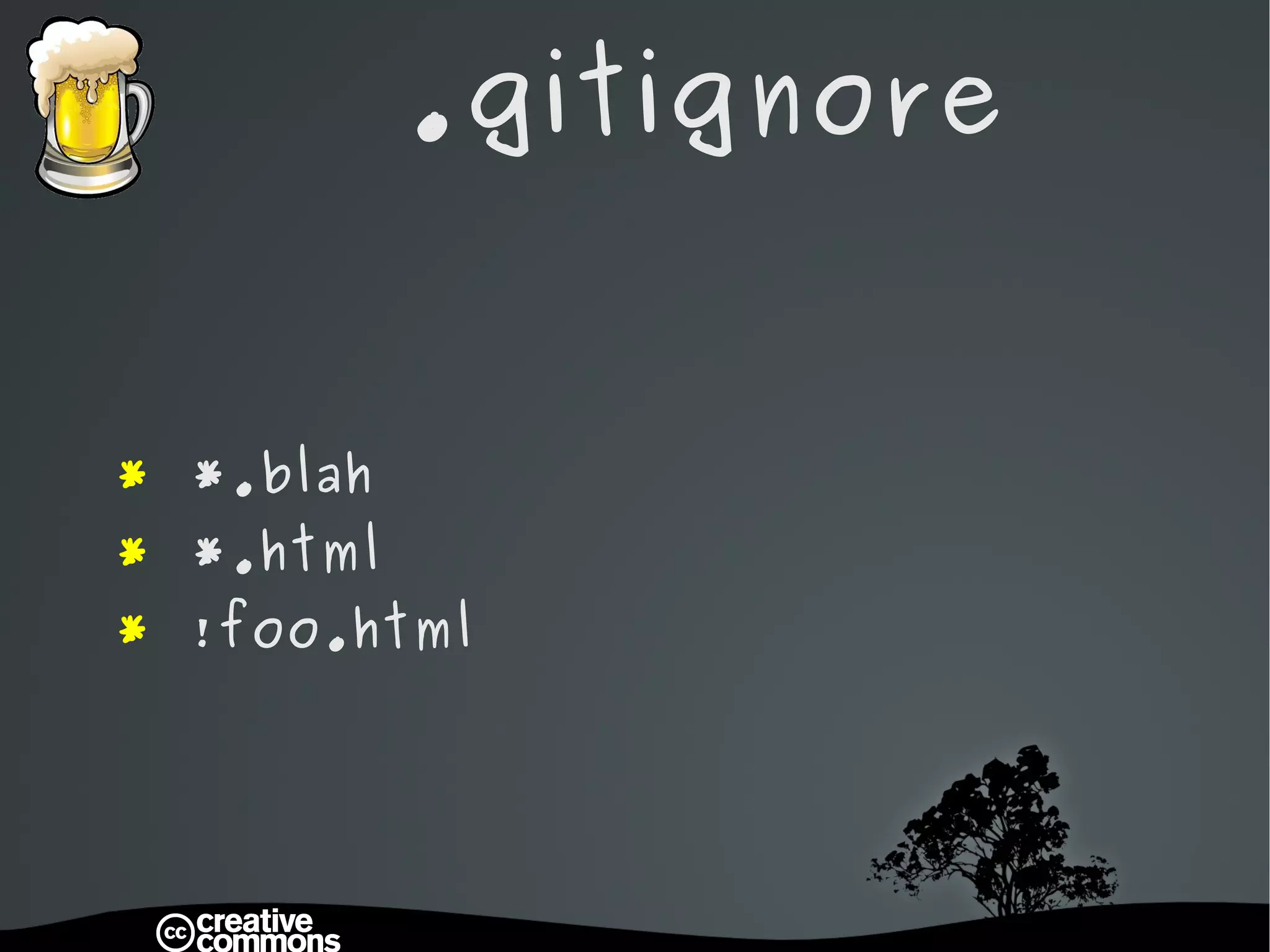
.gitignore *  *.blah *  *.html *  !foo.html
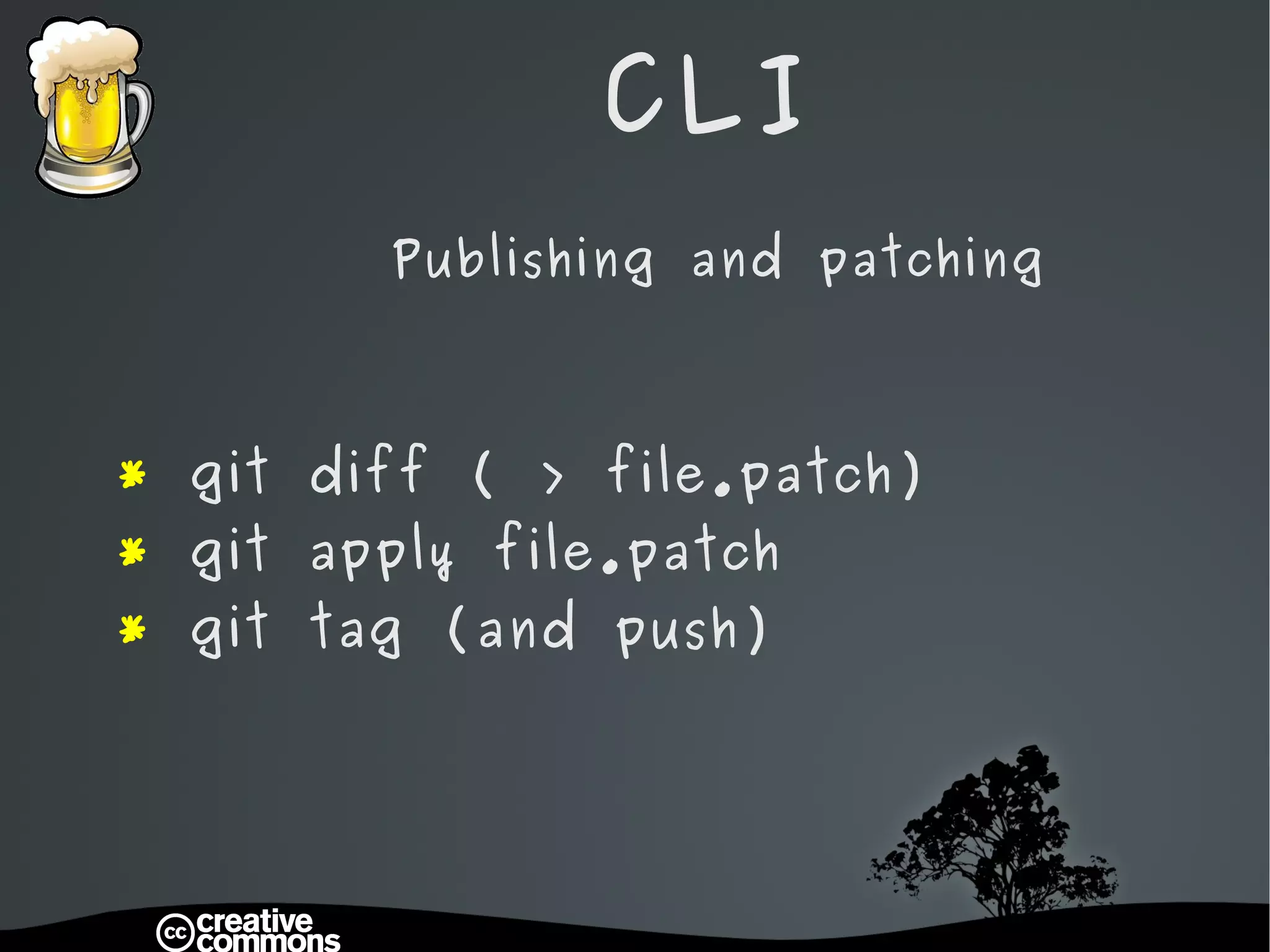
CLI Publishing and patching *  git diff ( > file.patch) *  git apply file.patch *  git tag (and push)
CLI Cheatsheat http://zrusin.blogspot.com/2007/09/git-cheat-sheet.html
Git   G(U)IT
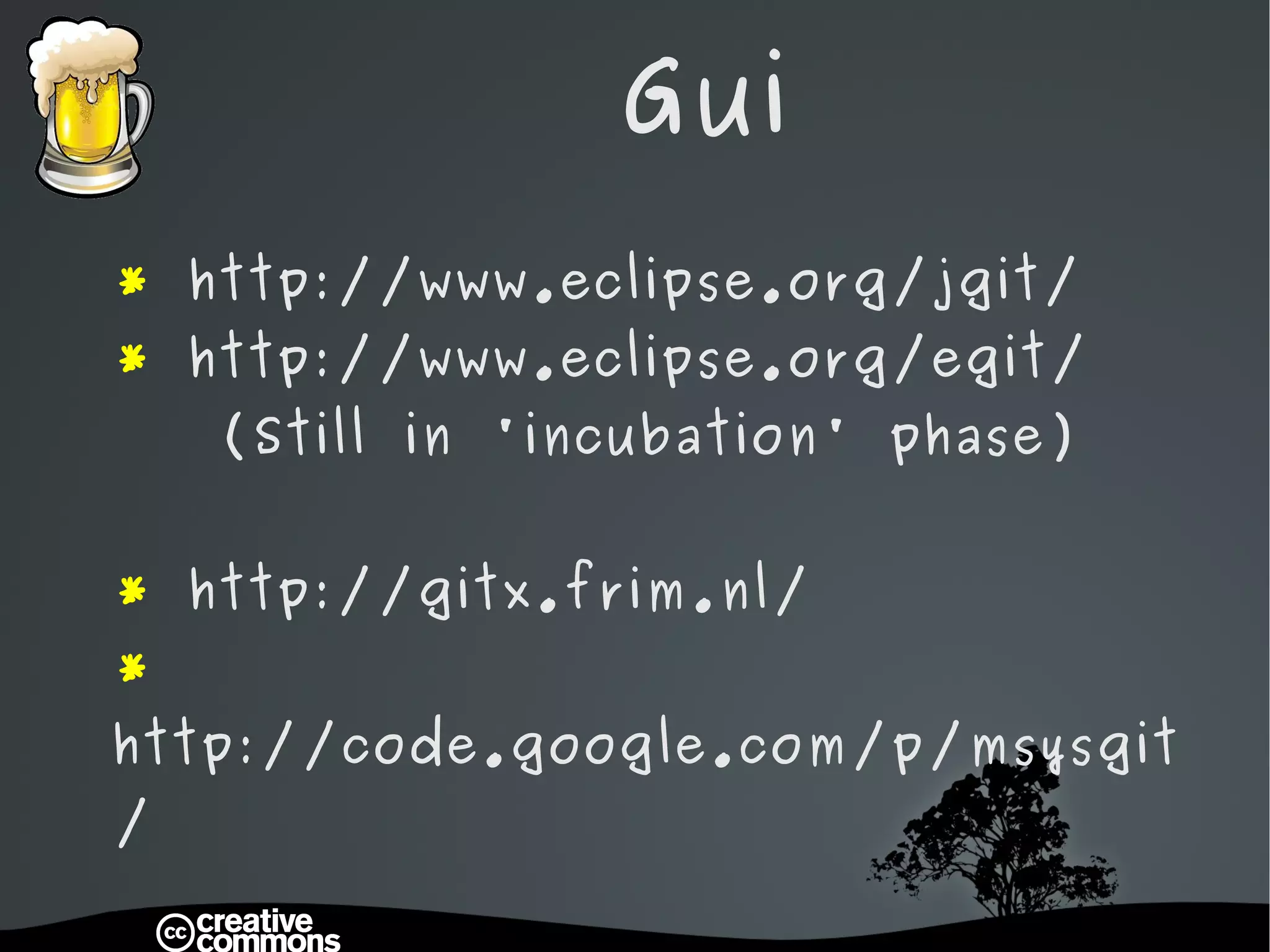
Gui *  http://www.eclipse.org/jgit/ *   http://www.eclipse.org/egit/   (Still in 'incubation' phase) *  http://gitx.frim.nl/ *  http://code.google.com/p/msysgit/
Git   DIY
DIY *  git init *  git –-bare init *  git remote add origin
DIY With a little help of friends *   http://drupal.org  - Sandboxes! *  http://github.com
Dog Woof Woof Submodules *   http://drupal.org /project/dog
Git   Questions

GIT - DUG Antwerp

  • 1.
    Git Harder Better Faster Stronger
  • 2.
    Git General assumptionsWho will get the most out of this presentation: * You are comfortable using command-line utilities. * You know what version control is. * p ractical examples. * Beer (if you're actually in this room)
  • 3.
    Git * What is it * Why use git * G(CL)IT * G(U)IT * DIY * Dog
  • 4.
    Git What?
  • 5.
    What * Linus Torvalds * Global Information Tracker * Revision control system * Distributed development
  • 6.
    Git Slang: stupidor unpleasant person "I'm an egotistical bastard, and I name all my projects after myself. First Linux, now git.” Linus Torvalds
  • 7.
    Git Why ?
  • 8.
    Why * Blazingly fast – local * * Small space (30x) * Easy workflow * Drupal.org switched to it * Easy to learn – cf slide 11 * Although cloning can take a while
  • 9.
    Git G(CL)IT
  • 10.
    CLI Let's gocommand line .. Wait a minute .. you just said easy to learn ?!
  • 11.
    * gitinit : start a new git project * git remote : configure remote origin * git config : configure * git clone : checkout from origin * git checkout : checkout local * git branch (-a -d) : list/create/delete * git add : add files to repository * git tag : create a tag * git status : see status of working copy * git commit : commit changes * git push : push changes * git diff : see diff * git apply : apply a patch * git reset : reset HEAD * git stash : fast revert to HEAD
  • 12.
    CLI * Full list of commands: http://www.kernel.org/pub/software/scm/git/docs/user-manual.html http://git-scm.com/documentation http://drupal.org/project/name/git-instructions
  • 13.
    CLI Checkout * git clone * git branch -a * git checkout branch * git pull * git fetch
  • 14.
    CLI Working * git config * git status * git commit (-a) * git push (origin branch) * git reset --hard * git stash (pop)
  • 15.
    .gitignore * .gitignore * git config --global core.excludesfile ~/.gitignore (private) * git config core.excludesfile .mygitignore (in any git repo)
  • 16.
    .gitignore * *.blah * *.html * !foo.html
  • 17.
    CLI Publishing andpatching * git diff ( > file.patch) * git apply file.patch * git tag (and push)
  • 18.
  • 19.
    Git G(U)IT
  • 20.
    Gui * http://www.eclipse.org/jgit/ * http://www.eclipse.org/egit/ (Still in 'incubation' phase) * http://gitx.frim.nl/ * http://code.google.com/p/msysgit/
  • 21.
    Git DIY
  • 22.
    DIY * git init * git –-bare init * git remote add origin
  • 23.
    DIY With alittle help of friends * http://drupal.org - Sandboxes! * http://github.com
  • 24.
    Dog Woof WoofSubmodules * http://drupal.org /project/dog
  • 25.
    Git Questions