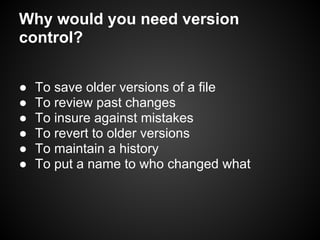
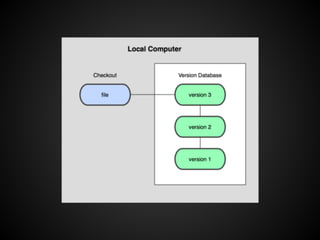
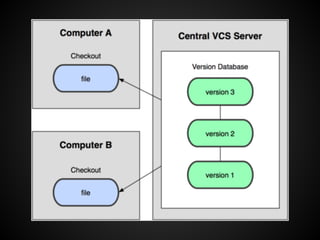
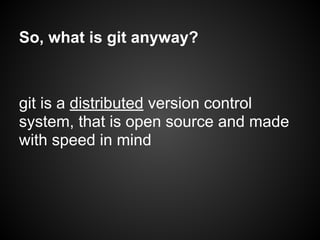
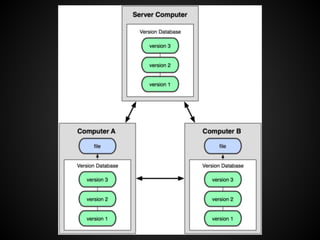
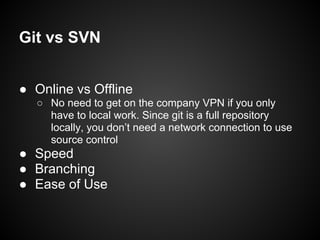
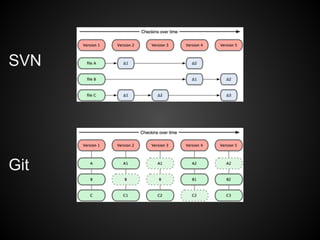
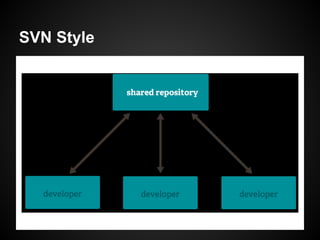
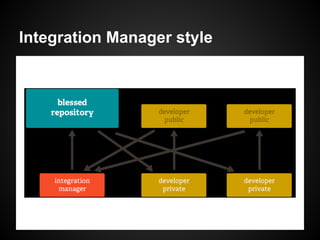
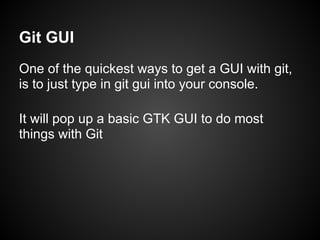
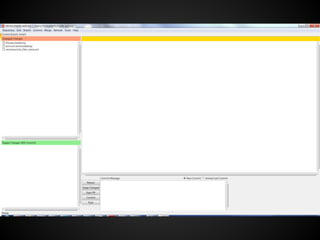
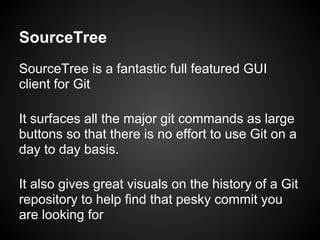
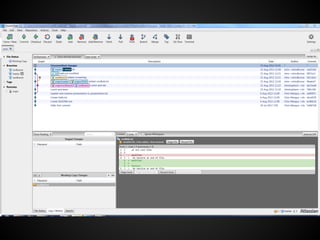
Git is a version control system that allows developers to track changes to files over time. It provides benefits like being able to save older versions of files, review past changes, and revert to older versions. Git is a distributed version control system that is open source and designed for speed. It was created by Linus Torvalds to keep up with development of the Linux kernel. Git has advantages over other version control systems like Subversion (SVN) in being able to work offline and having faster performance and easier branching workflows. Basic Git commands and workflows can be used through the command line or graphical tools like Git GUI and SourceTree.
![git: a tool for wizards
Chris Mangus, MyLife.com
[1]](https://image.slidesharecdn.com/gitpresentation-131011171905-phpapp02/85/Git-a-tool-for-wizards-1-320.jpg)
![git: a tool for wizards
Chris Mangus, MyLife.com
[1]](https://image.slidesharecdn.com/gitpresentation-131011171905-phpapp02/75/Git-a-tool-for-wizards-1-2048.jpg)
![Quick git History
■ Linus Torvalds was using a DVCS named
BitKeeper, but then BitKeeper withdrew the
free version of its product
■ This inspired Linus to create his own DVCS
to keep up with the demands of thousands of
people working on the Linux kernel
[2]](https://image.slidesharecdn.com/gitpresentation-131011171905-phpapp02/85/Git-a-tool-for-wizards-8-320.jpg)
![Git vs Mercurial (Hg)
● Ease of Use
● Flexibility
“Git is MacGyver, and Mercurial is James
Bond”
http://importantshock.wordpress.com/2008/08/07/git-vs-mercurial/
[4][3]](https://image.slidesharecdn.com/gitpresentation-131011171905-phpapp02/85/Git-a-tool-for-wizards-13-320.jpg)
![Rebase is neat?
[5]](https://image.slidesharecdn.com/gitpresentation-131011171905-phpapp02/85/Git-a-tool-for-wizards-17-320.jpg)
![Sources
[1]http://postsurf.com/wp-content/uploads/2009/04/artist-unknown-wizard.jpg
[2]http://commons.wikimedia.org/wiki/File:Tux.svg
[3]http://uploads.neatorama.com/wp-content/uploads/2010/06/macgyver.jpg
[4]http://booksdvdsforboys.com/wp-content/uploads/2013/05/bond-brosnan-
martini.jpg
[5]http://talks.chastell.net/rubyconf-2011/file/me-me-me/git-rebase.png
All the rest are from the Git book, www.git-scm.com/book](https://image.slidesharecdn.com/gitpresentation-131011171905-phpapp02/85/Git-a-tool-for-wizards-30-320.jpg)


