Running Docker in Production
Lauri Nevala, Founder
Stateful Services
© 2015 Kontena, Inc.
Containers Do Not Persist the Data!
© 2015 Kontena, Inc.
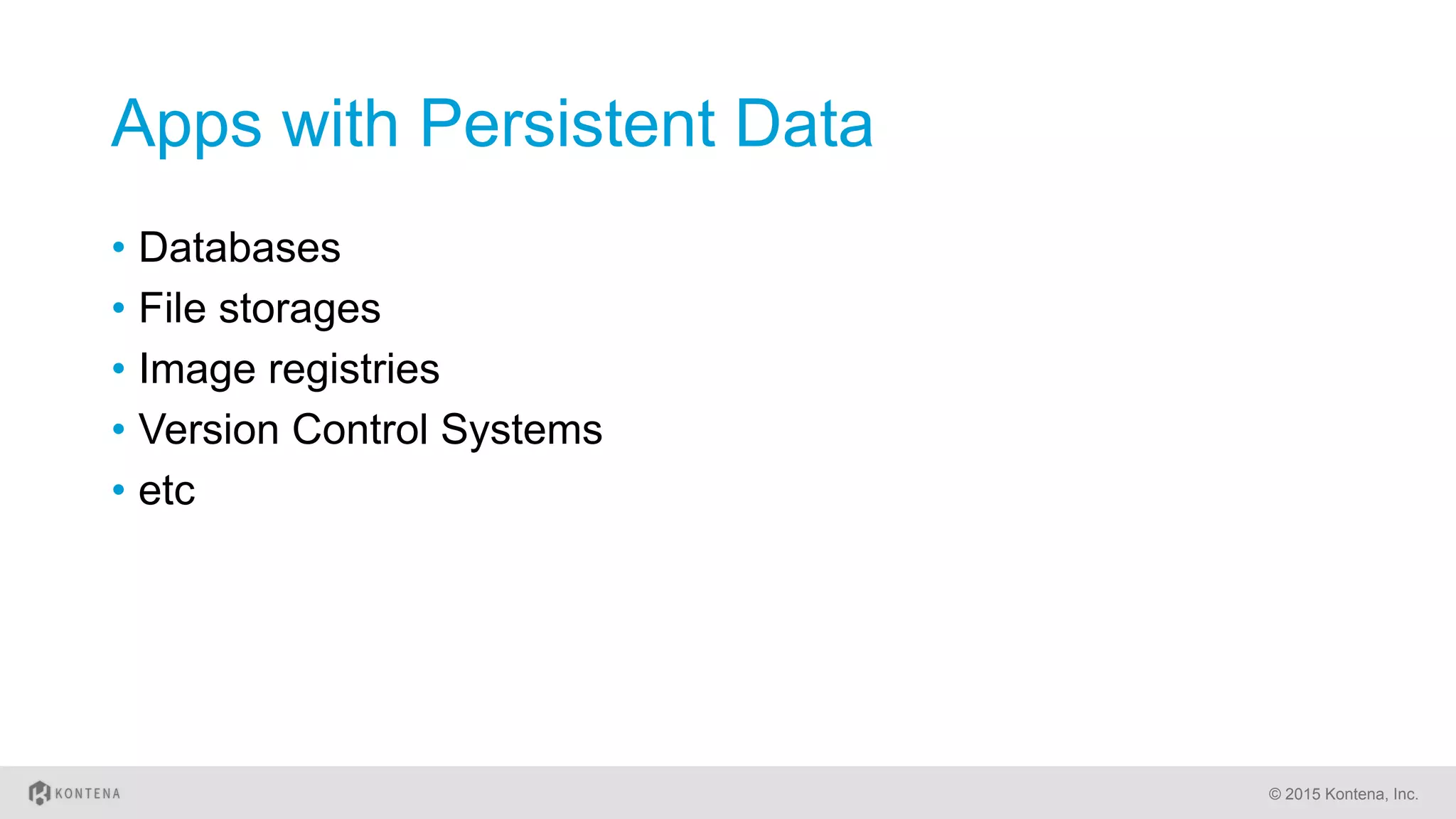
Apps with Persistent Data
•  Databases
•  File storages
•  Image registries
•  Version Control Systems
•  etc
© 2015 Kontena, Inc.
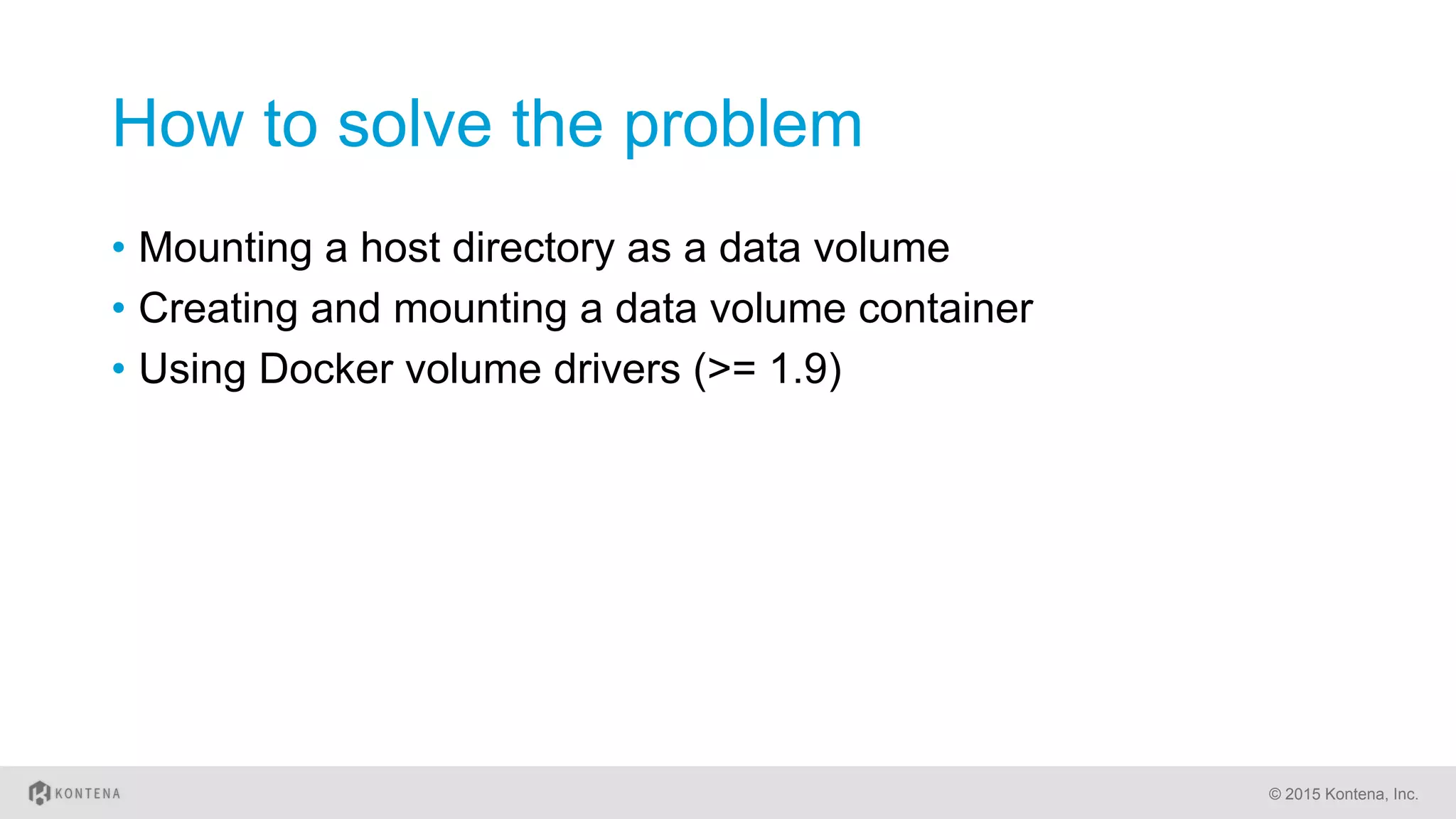
How to solve the problem
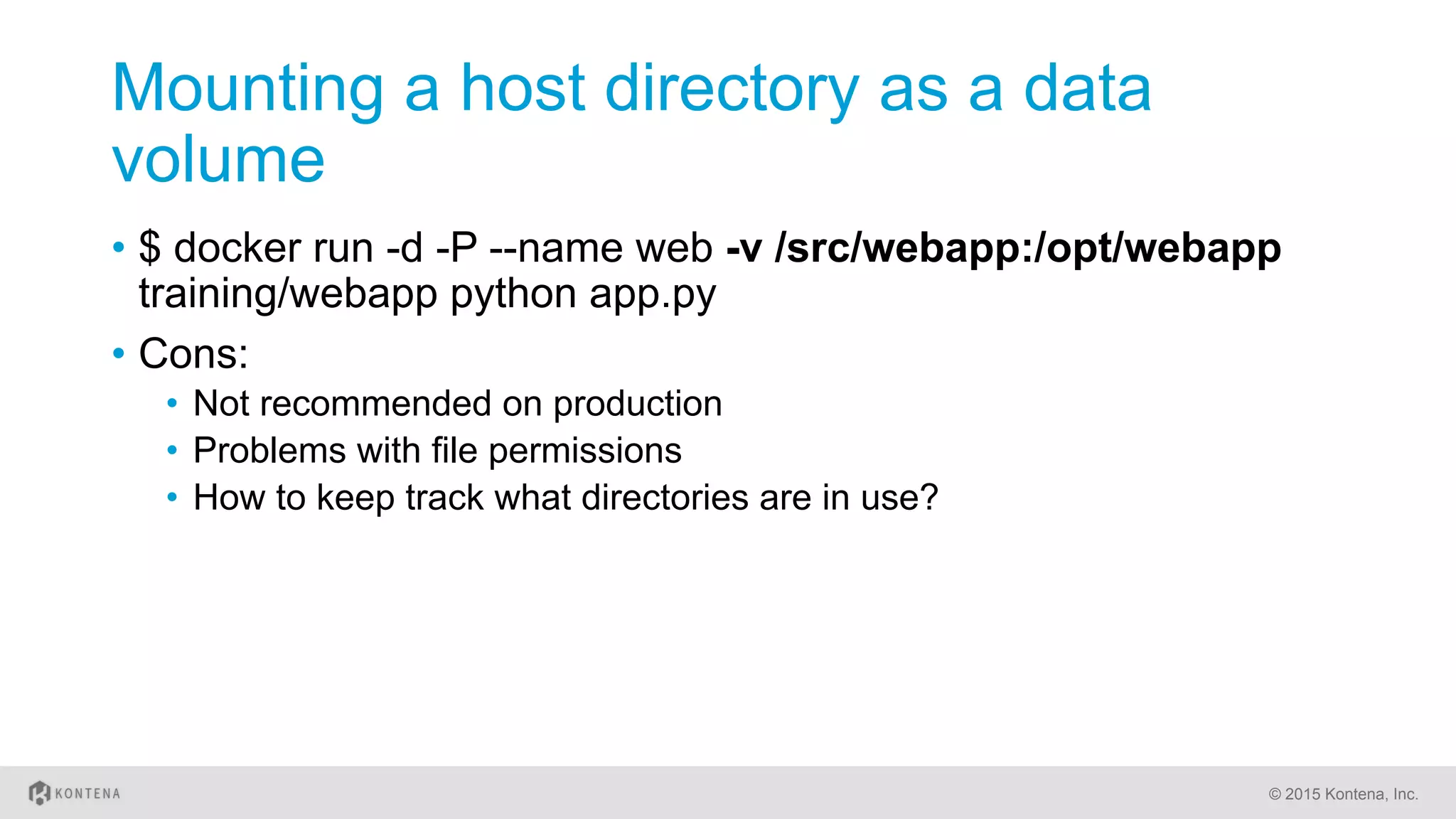
•  Mounting a host directory as a data volume
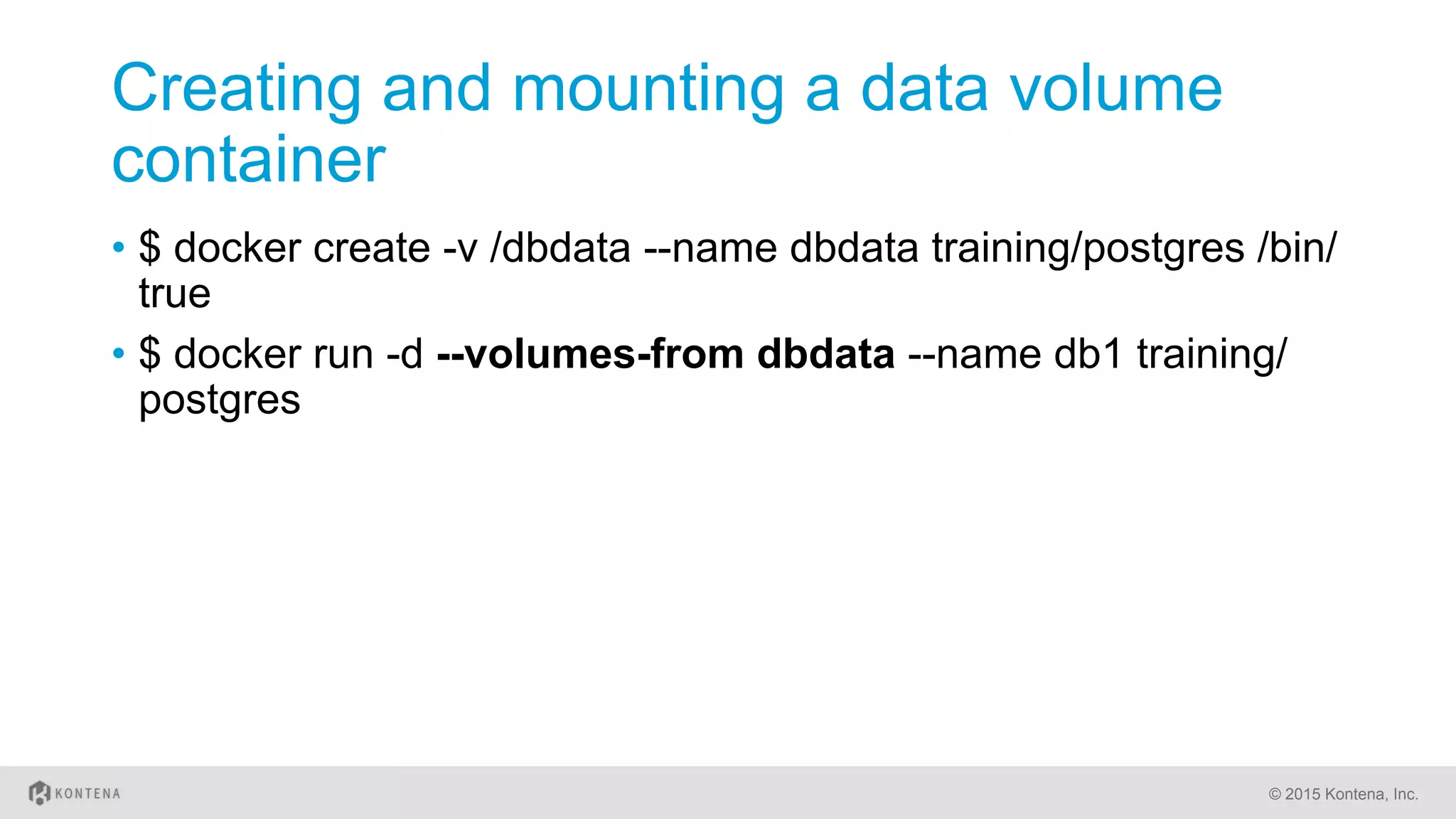
•  Creating and mounting a data volume container
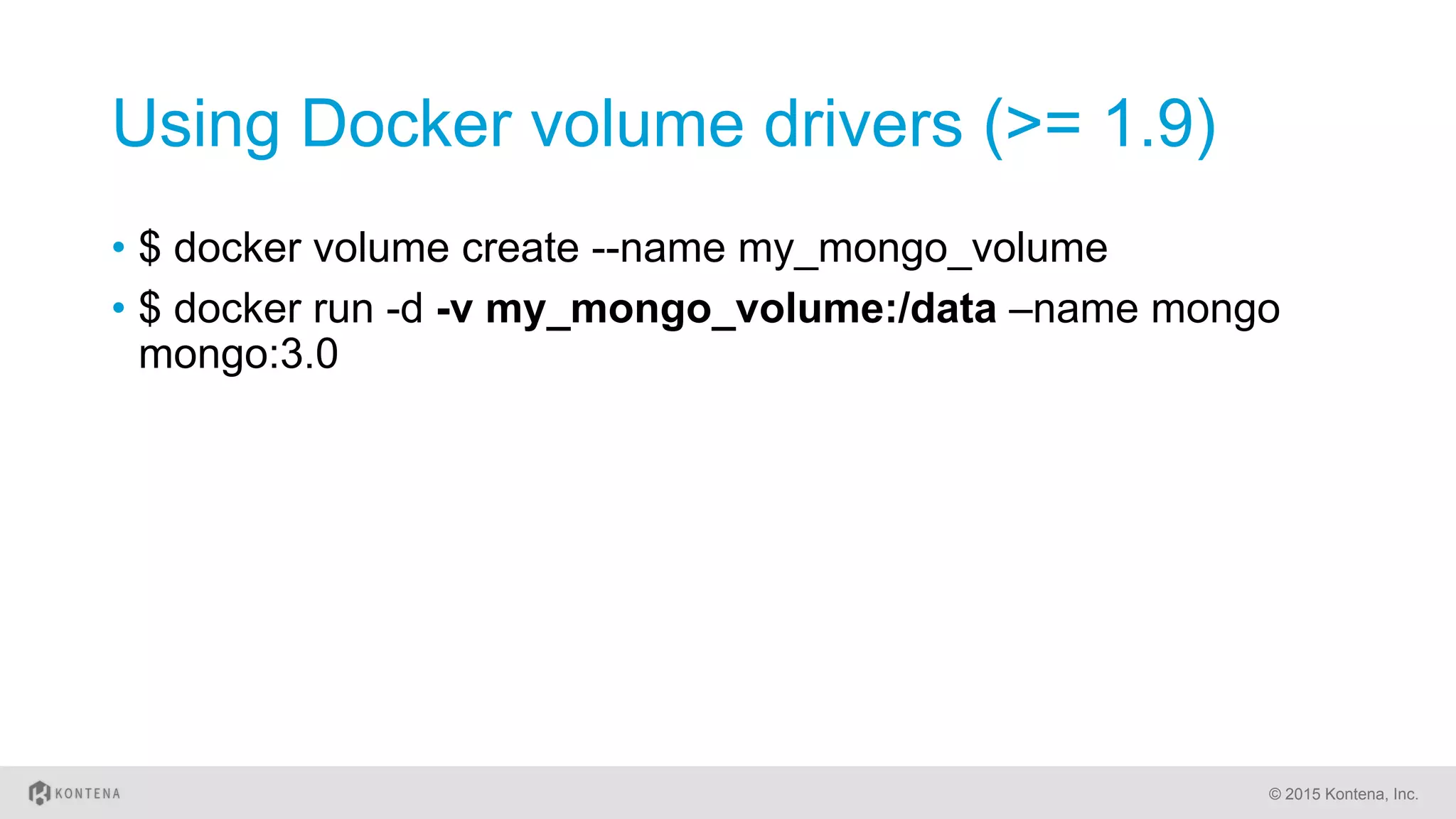
•  Using Docker volume drivers (>= 1.9)
© 2015 Kontena, Inc.
Mounting a host directory as a data
volume
•  $ docker run -d -P --name web -v /src/webapp:/opt/webapp
training/webapp python app.py
•  Cons:
•  Not recommended on production
•  Problems with file permissions
•  How to keep track what directories are in use?
© 2015 Kontena, Inc.
Creating and mounting a data volume
container
•  $ docker create -v /dbdata --name dbdata training/postgres /bin/
true
•  $ docker run -d --volumes-from dbdata --name db1 training/
postgres
© 2015 Kontena, Inc.
Using Docker volume drivers (>= 1.9)
•  $ docker volume create --name my_mongo_volume
•  $ docker run -d -v my_mongo_volume:/data –name mongo
mongo:3.0
© 2015 Kontena, Inc.
Stateful Services
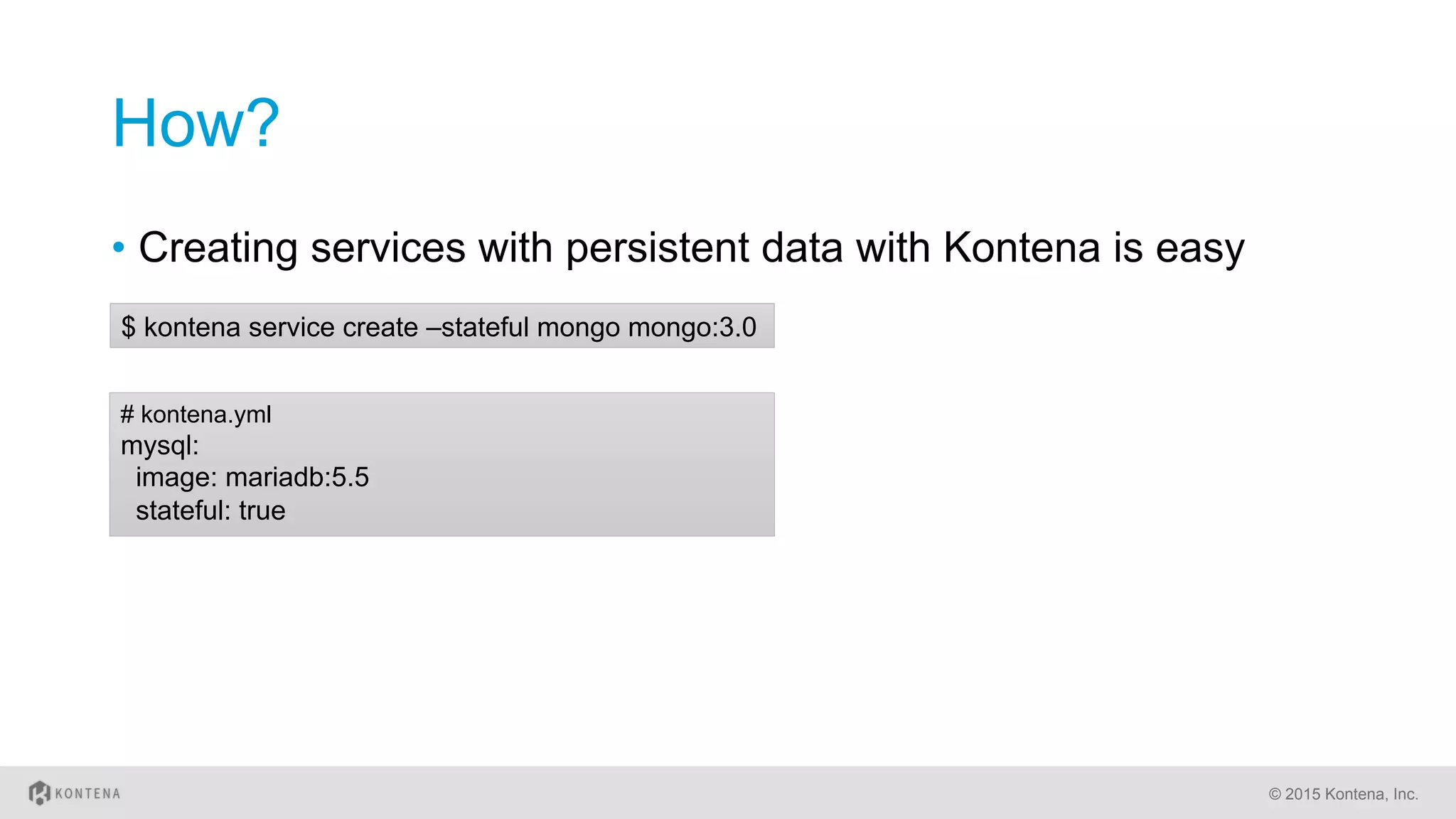
How?
•  Creating services with persistent data with Kontena is easy
© 2015 Kontena, Inc.
# kontena.yml
mysql:
image: mariadb:5.5
stateful: true
$ kontena service create –stateful mongo mongo:3.0
Under the Hood
•  Kontena creates data volume container for stateful service
instances automatically
•  The running container will use volumes from the created data
volume container
•  The same data volume container is used for future containers
as well and the data won’t be lost
© 2015 Kontena, Inc.
Some Words of Caution
•  Stateful services can not be moved to another node
automatically
•  User have to migrate data manually
•  Data is not shared between service instances
•  Each stateful service instance will have an own data volume container
© 2015 Kontena, Inc.
Examples
MongoDB cluster – Pure Docker Way
•  https://medium.com/@gargar454/deploy-a-mongodb-cluster-in-
steps-9-using-docker-49205e231319#.urb900wm8
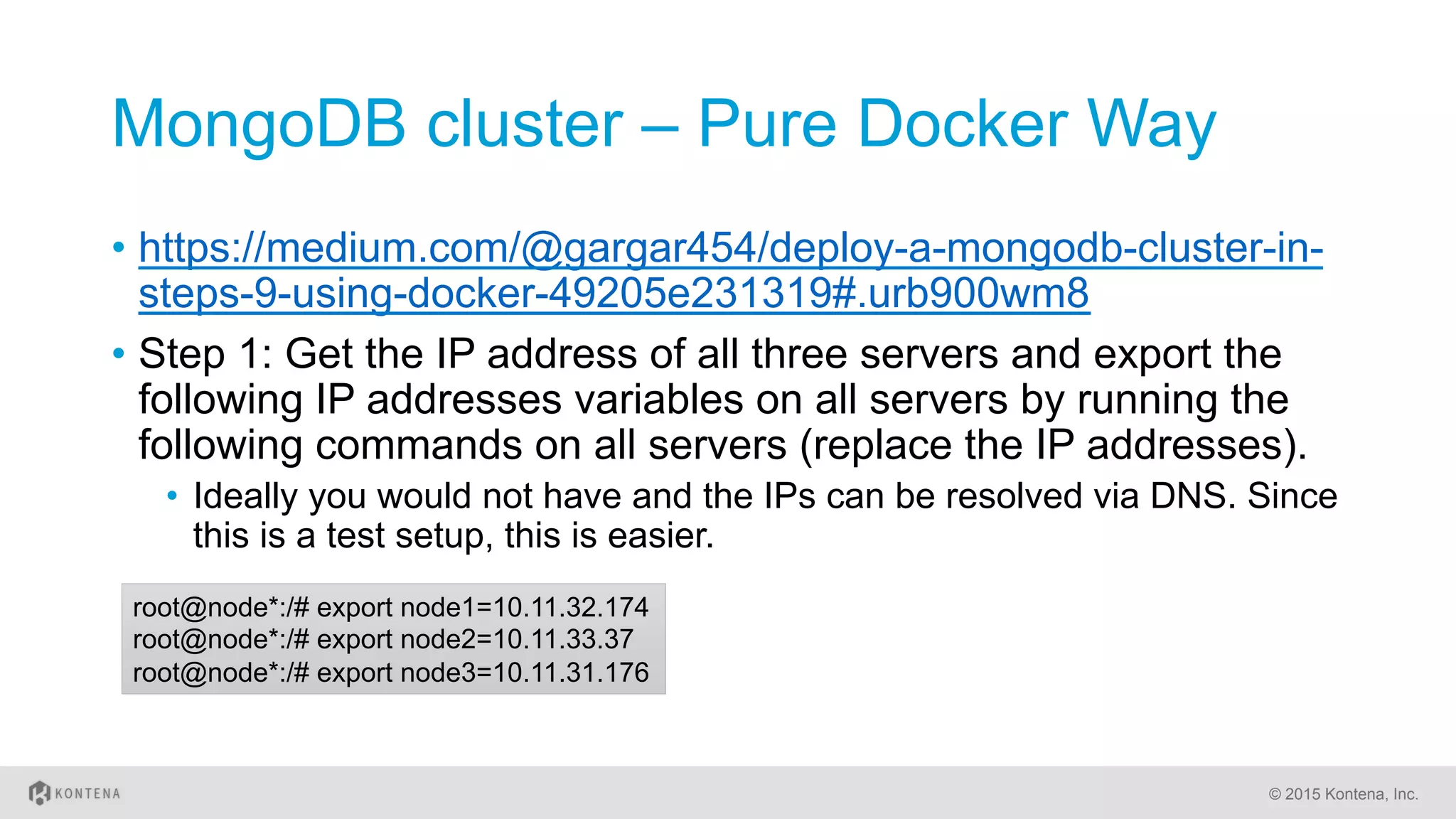
•  Step 1: Get the IP address of all three servers and export the
following IP addresses variables on all servers by running the
following commands on all servers (replace the IP addresses).
•  Ideally you would not have and the IPs can be resolved via DNS. Since
this is a test setup, this is easier.
© 2015 Kontena, Inc.
root@node*:/# export node1=10.11.32.174
root@node*:/# export node2=10.11.33.37
root@node*:/# export node3=10.11.31.176
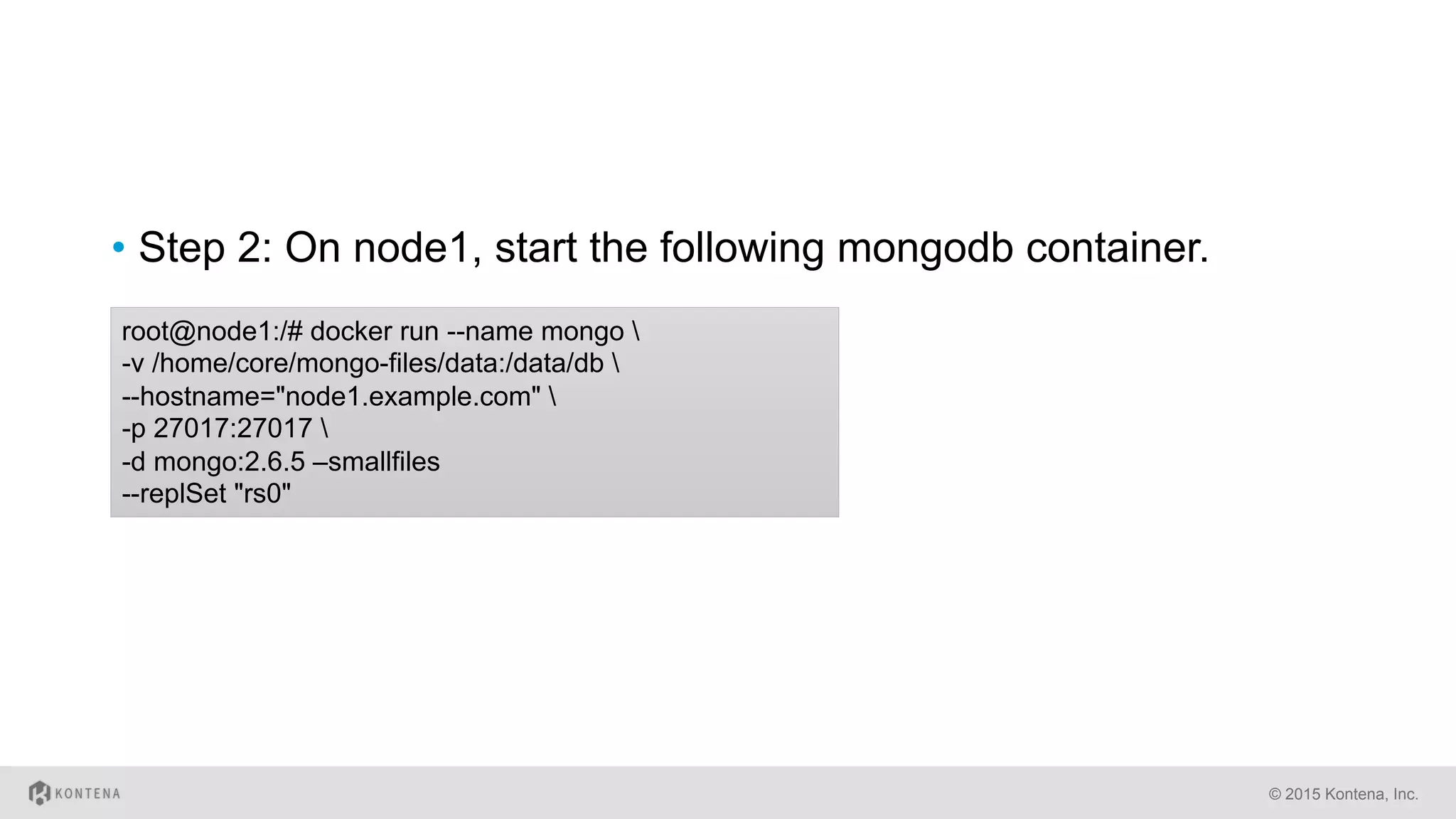
•  Step 2: On node1, start the following mongodb container.
© 2015 Kontena, Inc.
root@node1:/# docker run --name mongo 
-v /home/core/mongo-files/data:/data/db 
--hostname="node1.example.com" 
-p 27017:27017 
-d mongo:2.6.5 –smallfiles
--replSet "rs0"
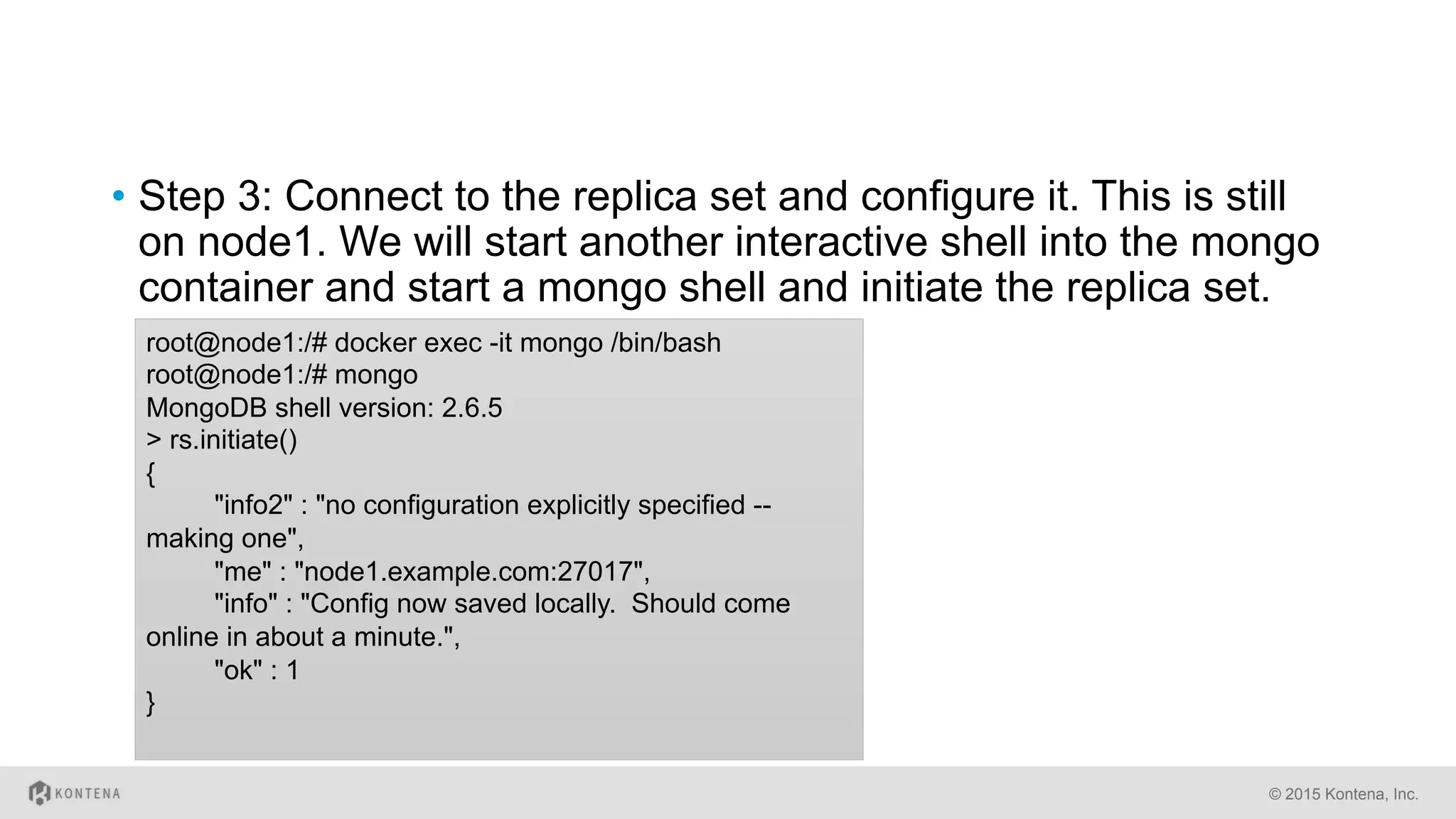
•  Step 3: Connect to the replica set and configure it. This is still
on node1. We will start another interactive shell into the mongo
container and start a mongo shell and initiate the replica set.
© 2015 Kontena, Inc.
root@node1:/# docker exec -it mongo /bin/bash
root@node1:/# mongo
MongoDB shell version: 2.6.5
> rs.initiate()
{
"info2" : "no configuration explicitly specified --
making one",
"me" : "node1.example.com:27017",
"info" : "Config now saved locally. Should come
online in about a minute.",
"ok" : 1
}
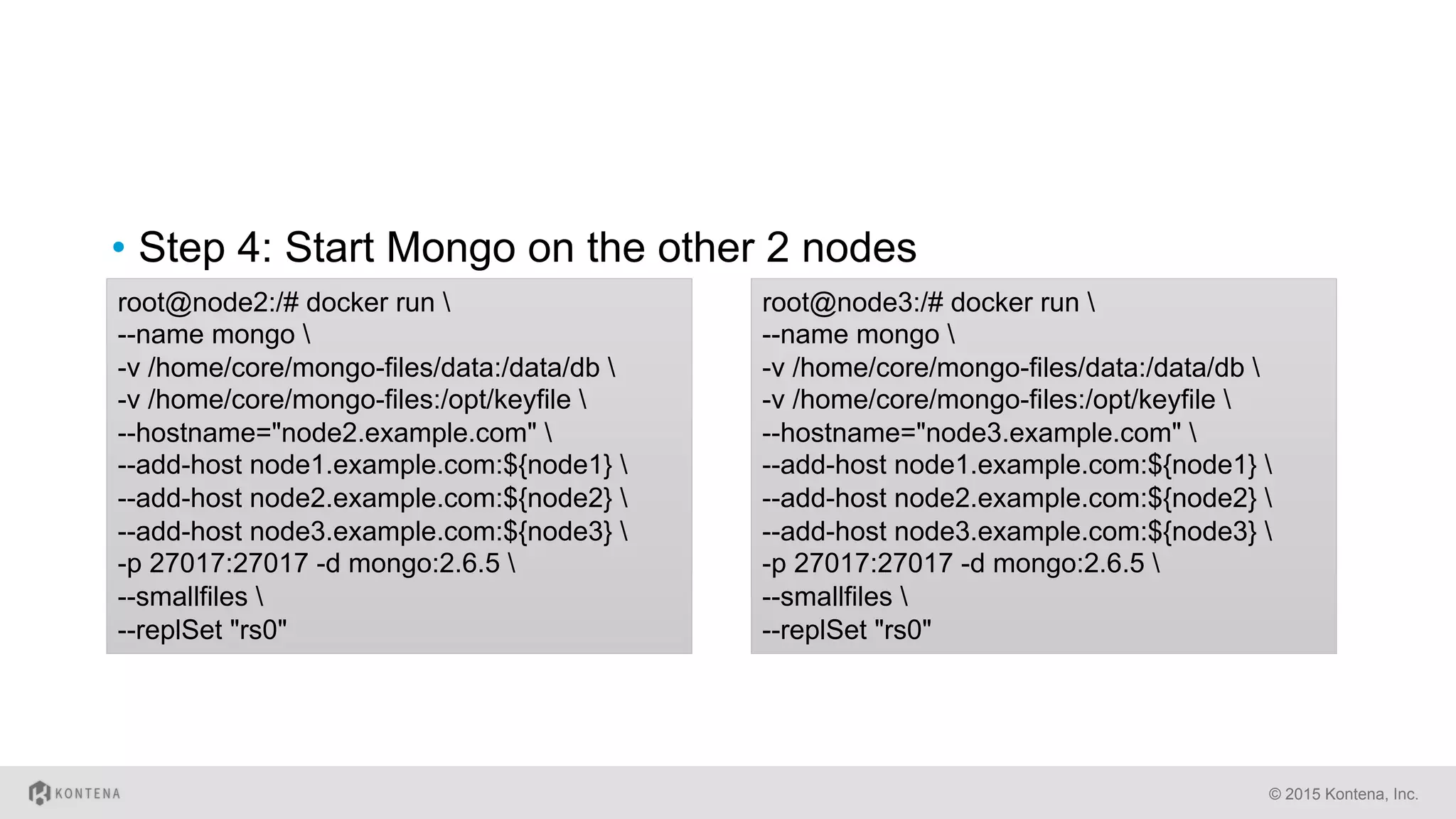
•  Step 4: Start Mongo on the other 2 nodes
© 2015 Kontena, Inc.
root@node2:/# docker run 
--name mongo 
-v /home/core/mongo-files/data:/data/db 
-v /home/core/mongo-files:/opt/keyfile 
--hostname="node2.example.com" 
--add-host node1.example.com:${node1} 
--add-host node2.example.com:${node2} 
--add-host node3.example.com:${node3} 
-p 27017:27017 -d mongo:2.6.5 
--smallfiles 
--replSet "rs0"
root@node3:/# docker run 
--name mongo 
-v /home/core/mongo-files/data:/data/db 
-v /home/core/mongo-files:/opt/keyfile 
--hostname="node3.example.com" 
--add-host node1.example.com:${node1} 
--add-host node2.example.com:${node2} 
--add-host node3.example.com:${node3} 
-p 27017:27017 -d mongo:2.6.5 
--smallfiles 
--replSet "rs0"
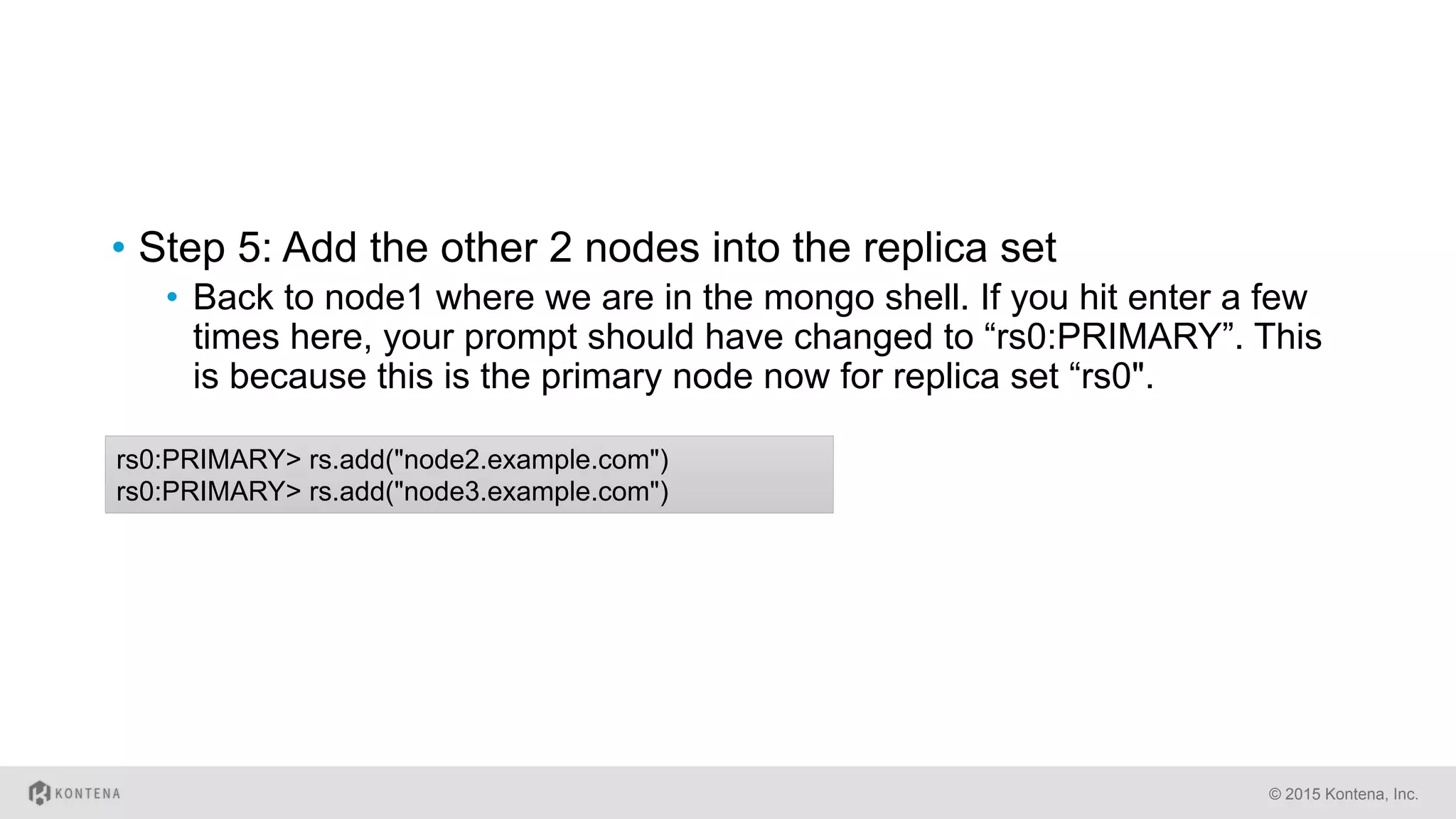
•  Step 5: Add the other 2 nodes into the replica set
•  Back to node1 where we are in the mongo shell. If you hit enter a few
times here, your prompt should have changed to “rs0:PRIMARY”. This
is because this is the primary node now for replica set “rs0".
© 2015 Kontena, Inc.
rs0:PRIMARY> rs.add("node2.example.com")
rs0:PRIMARY> rs.add("node3.example.com")
Let’s try it out
© 2015 Kontena, Inc.
MongoDB cluster – The Kontena Way
•  Step 1: Create / copy kontena.yml
•  https://github.com/kontena/examples/tree/master/mongodb-
cluster
© 2015 Kontena, Inc.
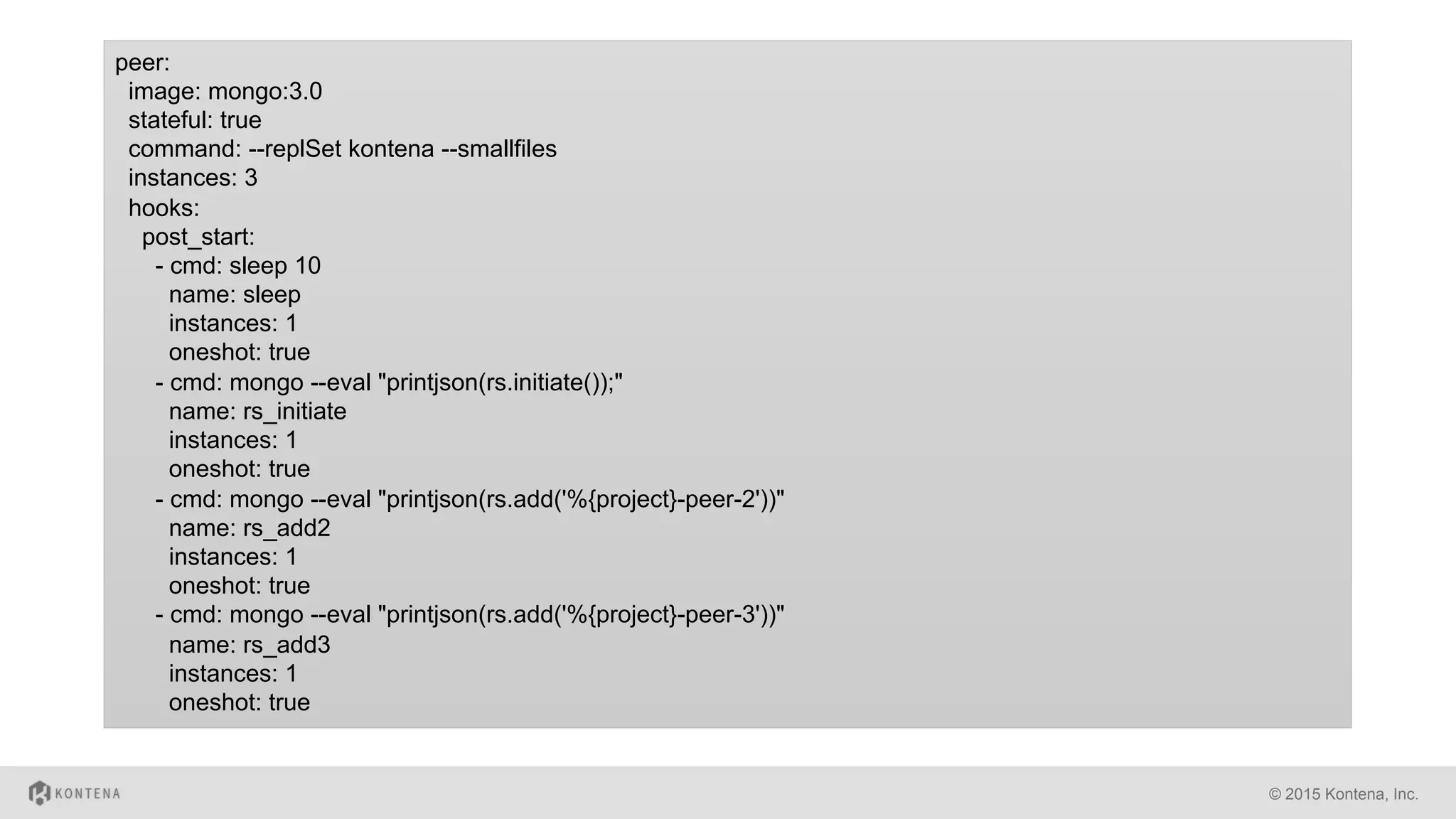
peer:
image: mongo:3.0
stateful: true
command: --replSet kontena --smallfiles
instances: 3
hooks:
post_start:
- cmd: sleep 10
name: sleep
instances: 1
oneshot: true
- cmd: mongo --eval "printjson(rs.initiate());"
name: rs_initiate
instances: 1
oneshot: true
- cmd: mongo --eval "printjson(rs.add('%{project}-peer-2'))"
name: rs_add2
instances: 1
oneshot: true
- cmd: mongo --eval "printjson(rs.add('%{project}-peer-3'))"
name: rs_add3
instances: 1
oneshot: true
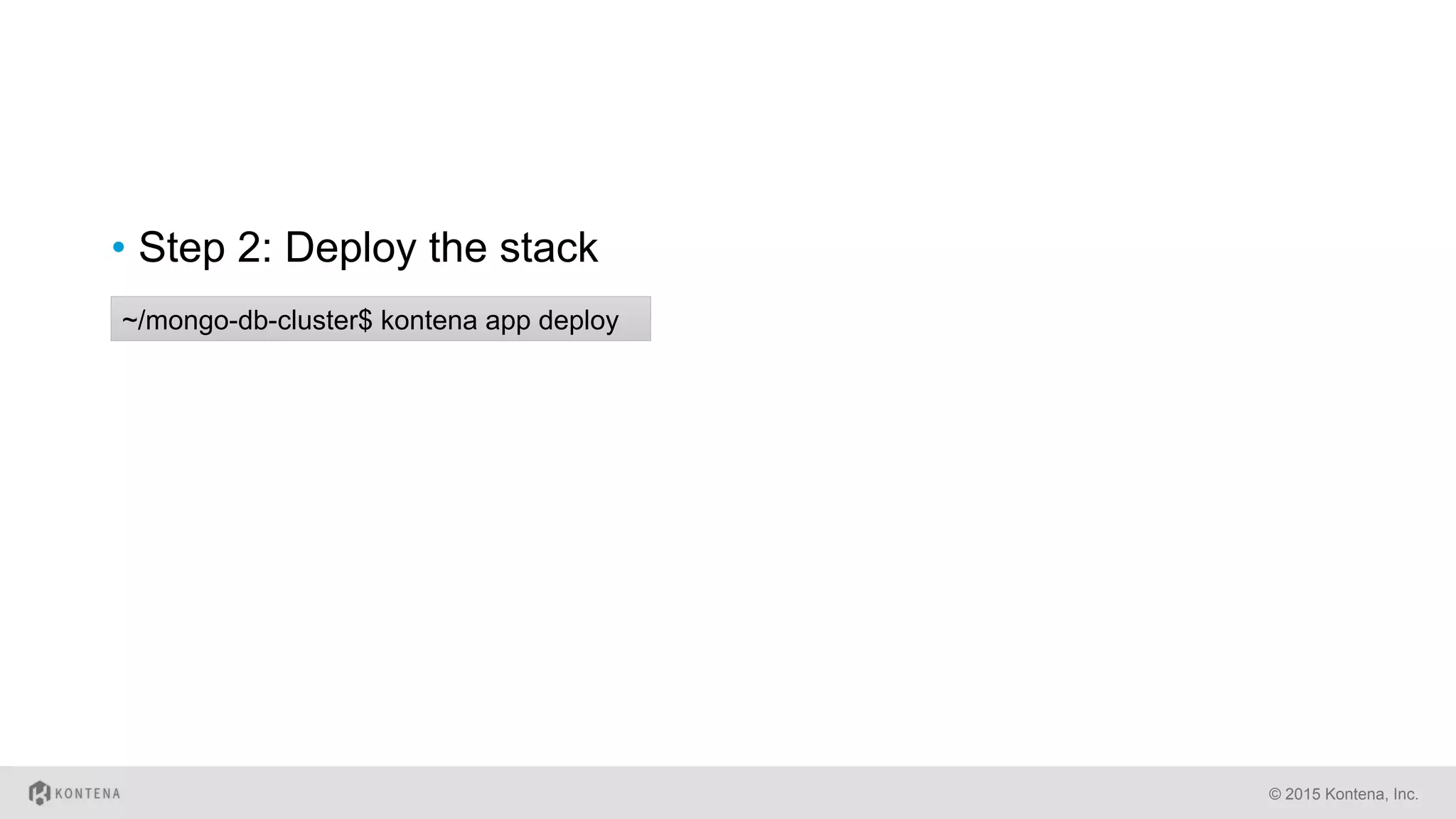
•  Step 2: Deploy the stack
© 2015 Kontena, Inc.
~/mongo-db-cluster$ kontena app deploy
MariaDB Galera Cluster
•  https://github.com/kontena/examples/tree/master/mariadb-
galera
•  Step 1: Write secrets to Kontena Vault
•  Step 2: Create / copy kontena.yml
© 2015 Kontena, Inc.
$ kontena vault write GALERA_XTRABACKUP_PASSWORD "top_secret"
$ kontena vault write GALERA_MYSQL_ROOT_PASSWORD "top_secret"
© 2015 Kontena, Inc.
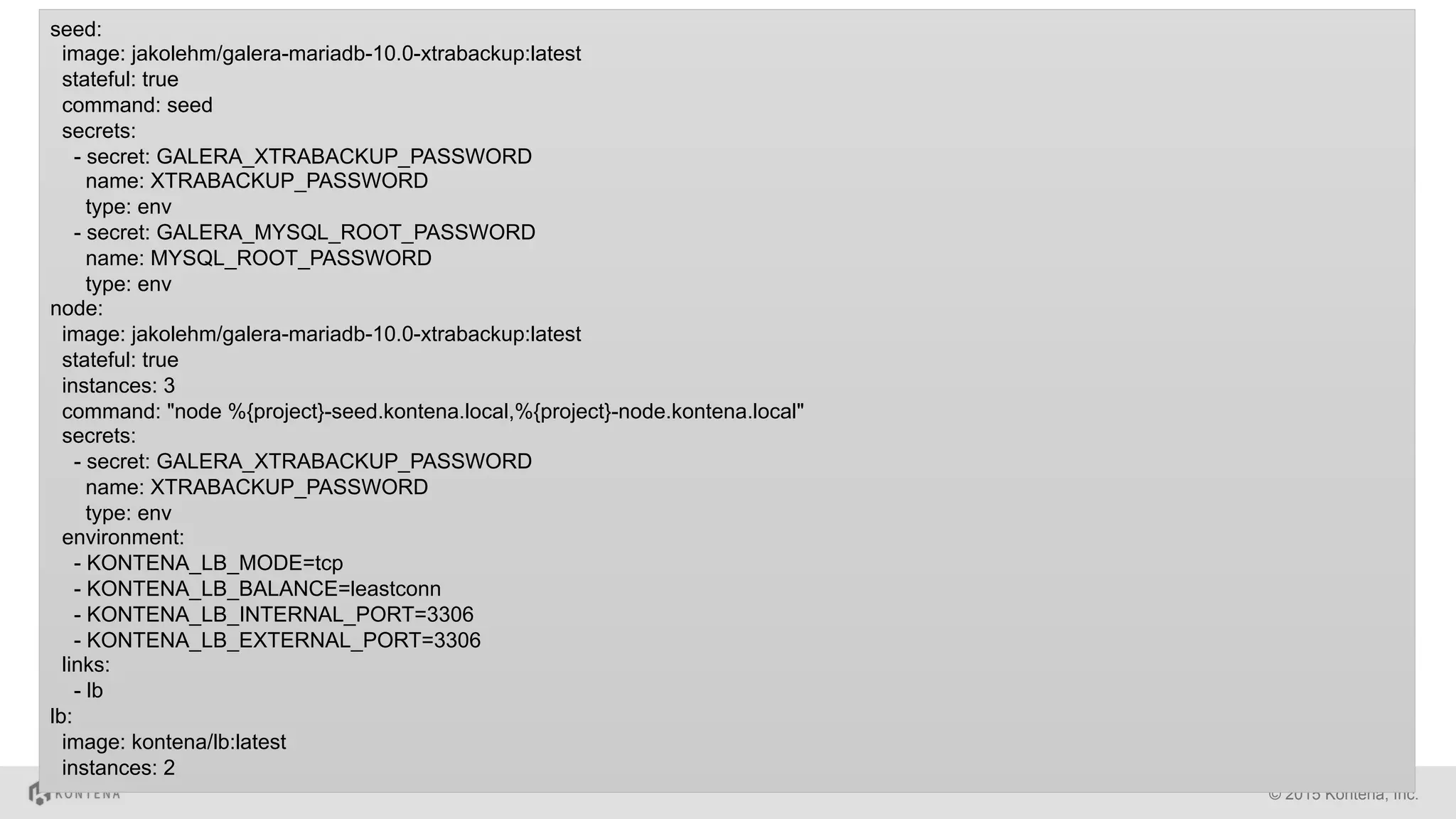
seed:
image: jakolehm/galera-mariadb-10.0-xtrabackup:latest
stateful: true
command: seed
secrets:
- secret: GALERA_XTRABACKUP_PASSWORD
name: XTRABACKUP_PASSWORD
type: env
- secret: GALERA_MYSQL_ROOT_PASSWORD
name: MYSQL_ROOT_PASSWORD
type: env
node:
image: jakolehm/galera-mariadb-10.0-xtrabackup:latest
stateful: true
instances: 3
command: "node %{project}-seed.kontena.local,%{project}-node.kontena.local"
secrets:
- secret: GALERA_XTRABACKUP_PASSWORD
name: XTRABACKUP_PASSWORD
type: env
environment:
- KONTENA_LB_MODE=tcp
- KONTENA_LB_BALANCE=leastconn
- KONTENA_LB_INTERNAL_PORT=3306
- KONTENA_LB_EXTERNAL_PORT=3306
links:
- lb
lb:
image: kontena/lb:latest
instances: 2
© 2015 Kontena, Inc.
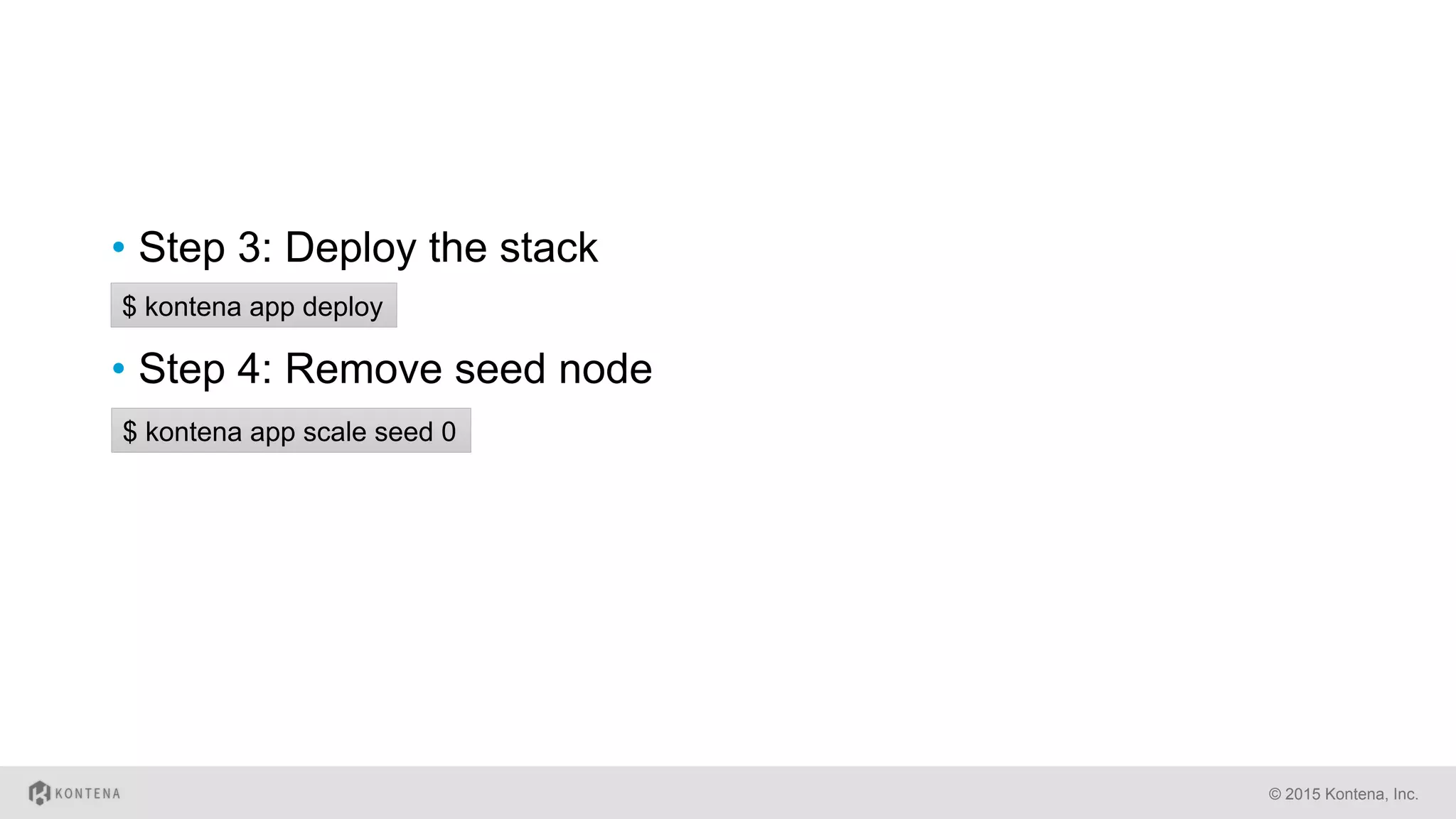
•  Step 3: Deploy the stack
•  Step 4: Remove seed node
$ kontena app deploy
$ kontena app scale seed 0
Thank You!www.kontena.io

Docker in Production - Stateful Services

  • 1.
    Running Docker inProduction Lauri Nevala, Founder Stateful Services
  • 2.
  • 3.
    Containers Do NotPersist the Data! © 2015 Kontena, Inc.
  • 4.
    Apps with PersistentData •  Databases •  File storages •  Image registries •  Version Control Systems •  etc © 2015 Kontena, Inc.
  • 5.
  • 6.
    How to solvethe problem •  Mounting a host directory as a data volume •  Creating and mounting a data volume container •  Using Docker volume drivers (>= 1.9) © 2015 Kontena, Inc.
  • 7.
    Mounting a hostdirectory as a data volume •  $ docker run -d -P --name web -v /src/webapp:/opt/webapp training/webapp python app.py •  Cons: •  Not recommended on production •  Problems with file permissions •  How to keep track what directories are in use? © 2015 Kontena, Inc.
  • 8.
    Creating and mountinga data volume container •  $ docker create -v /dbdata --name dbdata training/postgres /bin/ true •  $ docker run -d --volumes-from dbdata --name db1 training/ postgres © 2015 Kontena, Inc.
  • 9.
    Using Docker volumedrivers (>= 1.9) •  $ docker volume create --name my_mongo_volume •  $ docker run -d -v my_mongo_volume:/data –name mongo mongo:3.0 © 2015 Kontena, Inc.
  • 10.
  • 11.
    How? •  Creating serviceswith persistent data with Kontena is easy © 2015 Kontena, Inc. # kontena.yml mysql: image: mariadb:5.5 stateful: true $ kontena service create –stateful mongo mongo:3.0
  • 12.
    Under the Hood • Kontena creates data volume container for stateful service instances automatically •  The running container will use volumes from the created data volume container •  The same data volume container is used for future containers as well and the data won’t be lost © 2015 Kontena, Inc.
  • 13.
    Some Words ofCaution •  Stateful services can not be moved to another node automatically •  User have to migrate data manually •  Data is not shared between service instances •  Each stateful service instance will have an own data volume container © 2015 Kontena, Inc.
  • 14.
  • 15.
    MongoDB cluster –Pure Docker Way •  https://medium.com/@gargar454/deploy-a-mongodb-cluster-in- steps-9-using-docker-49205e231319#.urb900wm8 •  Step 1: Get the IP address of all three servers and export the following IP addresses variables on all servers by running the following commands on all servers (replace the IP addresses). •  Ideally you would not have and the IPs can be resolved via DNS. Since this is a test setup, this is easier. © 2015 Kontena, Inc. root@node*:/# export node1=10.11.32.174 root@node*:/# export node2=10.11.33.37 root@node*:/# export node3=10.11.31.176
  • 16.
    •  Step 2:On node1, start the following mongodb container. © 2015 Kontena, Inc. root@node1:/# docker run --name mongo -v /home/core/mongo-files/data:/data/db --hostname="node1.example.com" -p 27017:27017 -d mongo:2.6.5 –smallfiles --replSet "rs0"
  • 17.
    •  Step 3:Connect to the replica set and configure it. This is still on node1. We will start another interactive shell into the mongo container and start a mongo shell and initiate the replica set. © 2015 Kontena, Inc. root@node1:/# docker exec -it mongo /bin/bash root@node1:/# mongo MongoDB shell version: 2.6.5 > rs.initiate() { "info2" : "no configuration explicitly specified -- making one", "me" : "node1.example.com:27017", "info" : "Config now saved locally. Should come online in about a minute.", "ok" : 1 }
  • 18.
    •  Step 4:Start Mongo on the other 2 nodes © 2015 Kontena, Inc. root@node2:/# docker run --name mongo -v /home/core/mongo-files/data:/data/db -v /home/core/mongo-files:/opt/keyfile --hostname="node2.example.com" --add-host node1.example.com:${node1} --add-host node2.example.com:${node2} --add-host node3.example.com:${node3} -p 27017:27017 -d mongo:2.6.5 --smallfiles --replSet "rs0" root@node3:/# docker run --name mongo -v /home/core/mongo-files/data:/data/db -v /home/core/mongo-files:/opt/keyfile --hostname="node3.example.com" --add-host node1.example.com:${node1} --add-host node2.example.com:${node2} --add-host node3.example.com:${node3} -p 27017:27017 -d mongo:2.6.5 --smallfiles --replSet "rs0"
  • 19.
    •  Step 5:Add the other 2 nodes into the replica set •  Back to node1 where we are in the mongo shell. If you hit enter a few times here, your prompt should have changed to “rs0:PRIMARY”. This is because this is the primary node now for replica set “rs0". © 2015 Kontena, Inc. rs0:PRIMARY> rs.add("node2.example.com") rs0:PRIMARY> rs.add("node3.example.com")
  • 20.
  • 21.
  • 22.
    MongoDB cluster –The Kontena Way •  Step 1: Create / copy kontena.yml •  https://github.com/kontena/examples/tree/master/mongodb- cluster © 2015 Kontena, Inc.
  • 23.
    © 2015 Kontena,Inc. peer: image: mongo:3.0 stateful: true command: --replSet kontena --smallfiles instances: 3 hooks: post_start: - cmd: sleep 10 name: sleep instances: 1 oneshot: true - cmd: mongo --eval "printjson(rs.initiate());" name: rs_initiate instances: 1 oneshot: true - cmd: mongo --eval "printjson(rs.add('%{project}-peer-2'))" name: rs_add2 instances: 1 oneshot: true - cmd: mongo --eval "printjson(rs.add('%{project}-peer-3'))" name: rs_add3 instances: 1 oneshot: true
  • 24.
    •  Step 2:Deploy the stack © 2015 Kontena, Inc. ~/mongo-db-cluster$ kontena app deploy
  • 25.
    MariaDB Galera Cluster • https://github.com/kontena/examples/tree/master/mariadb- galera •  Step 1: Write secrets to Kontena Vault •  Step 2: Create / copy kontena.yml © 2015 Kontena, Inc. $ kontena vault write GALERA_XTRABACKUP_PASSWORD "top_secret" $ kontena vault write GALERA_MYSQL_ROOT_PASSWORD "top_secret"
  • 26.
    © 2015 Kontena,Inc. seed: image: jakolehm/galera-mariadb-10.0-xtrabackup:latest stateful: true command: seed secrets: - secret: GALERA_XTRABACKUP_PASSWORD name: XTRABACKUP_PASSWORD type: env - secret: GALERA_MYSQL_ROOT_PASSWORD name: MYSQL_ROOT_PASSWORD type: env node: image: jakolehm/galera-mariadb-10.0-xtrabackup:latest stateful: true instances: 3 command: "node %{project}-seed.kontena.local,%{project}-node.kontena.local" secrets: - secret: GALERA_XTRABACKUP_PASSWORD name: XTRABACKUP_PASSWORD type: env environment: - KONTENA_LB_MODE=tcp - KONTENA_LB_BALANCE=leastconn - KONTENA_LB_INTERNAL_PORT=3306 - KONTENA_LB_EXTERNAL_PORT=3306 links: - lb lb: image: kontena/lb:latest instances: 2
  • 27.
    © 2015 Kontena,Inc. •  Step 3: Deploy the stack •  Step 4: Remove seed node $ kontena app deploy $ kontena app scale seed 0
  • 28.