Downloaded 14 times

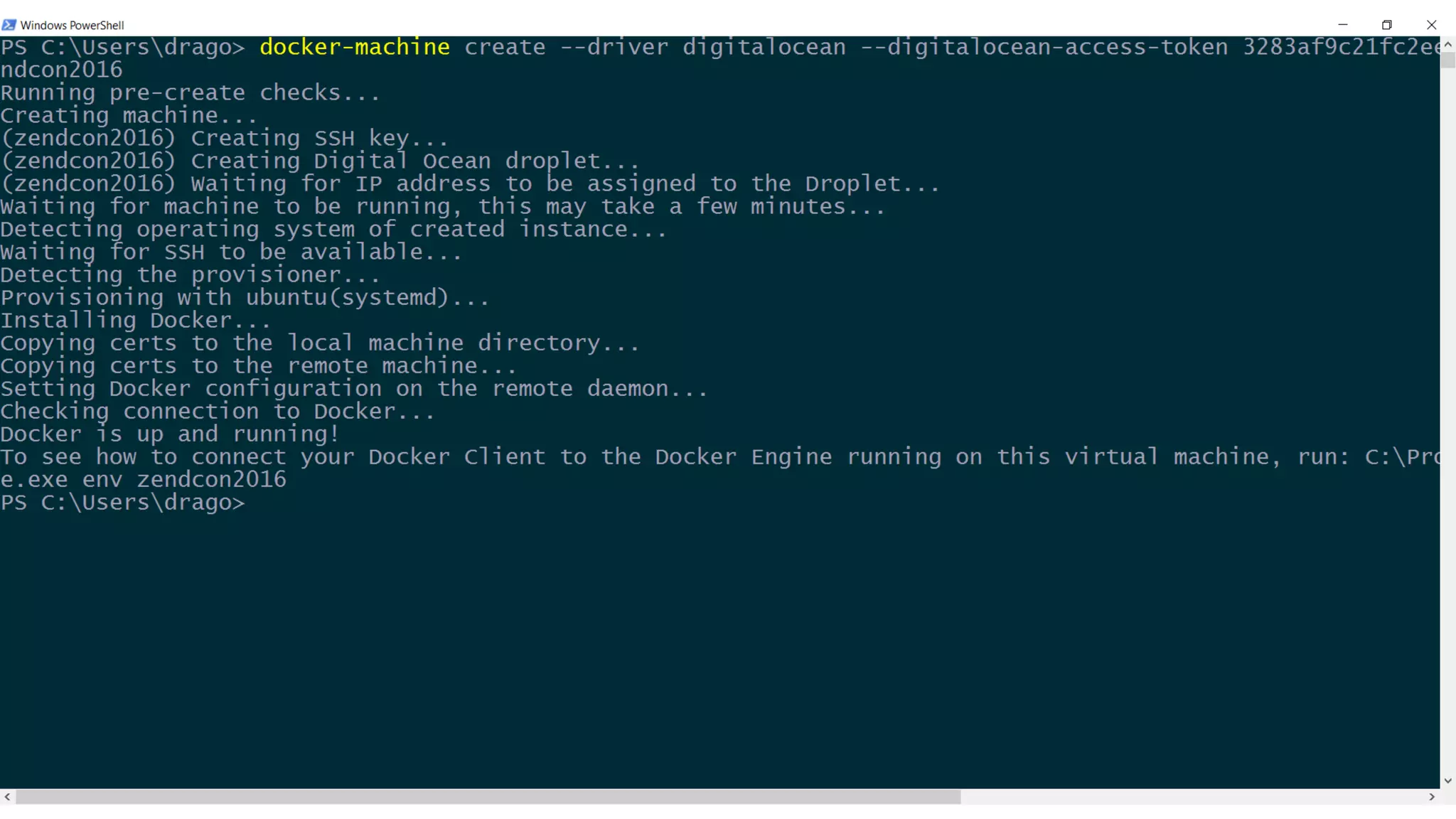
![Create a machine
docker-machine create --driver digitalocean
--digital-ocean-access-token [token]
zendcon2016
ZendCon, October 2016 22](https://image.slidesharecdn.com/fromdockertoproductionzendcon2016-161020160041/75/From-Docker-to-Production-ZendCon-2016-22-2048.jpg)
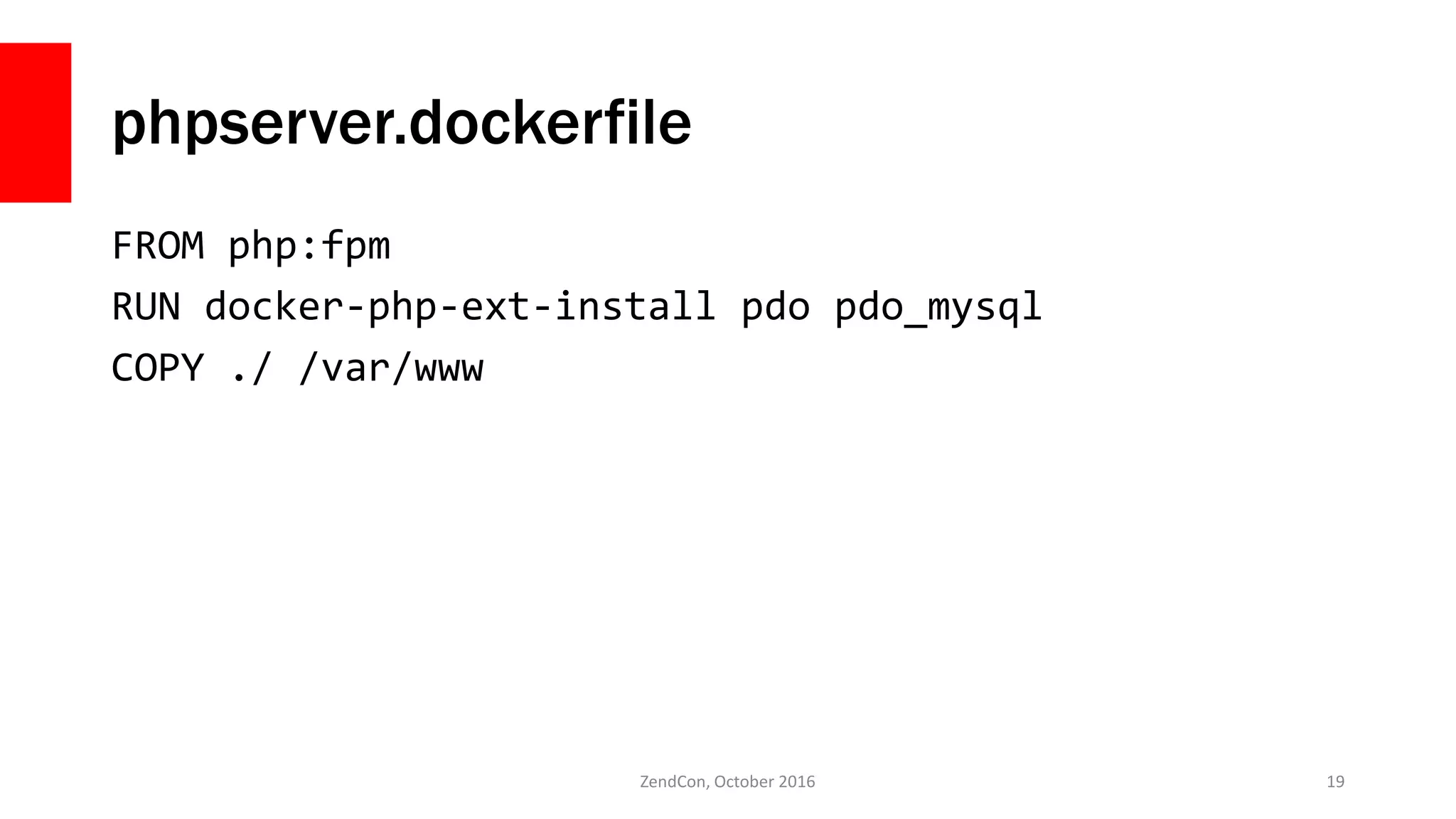
![version: '2'
volumes:
mysqldata:
driver: local
services:
nginx:
build:
context: ./
dockerfile: ./nginx.dockerfile
ports:
- 80:80
- 443:443
phpserver:
build:
context: ./
dockerfile: ./phpserver.dockerfile
working_dir: /var/www/public
mysqlserver:
image: mysql
environment:
[redacted]
volumes:
- mysqldata:/var/lib/mysql
ZendCon, October 2016 26
docker-compose.yml](https://image.slidesharecdn.com/fromdockertoproductionzendcon2016-161020160041/75/From-Docker-to-Production-ZendCon-2016-26-2048.jpg)
![version: '2'
volumes:
mysqldata:
driver: local
services:
nginx:
image: nginx
volumes:
- ./output_dev:/var/www/public:ro
- ./app/nginx/default.conf:/etc/nginx/conf.d/default.conf
- ./ssl:/etc/nginx/ssl/
phpserver:
build:
context: ./
dockerfile: ./phpserver.dockerfile
working_dir: /var/www/public
volumes:
- ./app:/var/www/
- ./vendor:/var/www/vendor
mysqlserver:
image: mysql
environment:
[redacted]
volumes:
- mysqldata:/var/lib/mysql
ZendCon, October 2016 27
docker-compose.dev.yml](https://image.slidesharecdn.com/fromdockertoproductionzendcon2016-161020160041/75/From-Docker-to-Production-ZendCon-2016-27-2048.jpg)
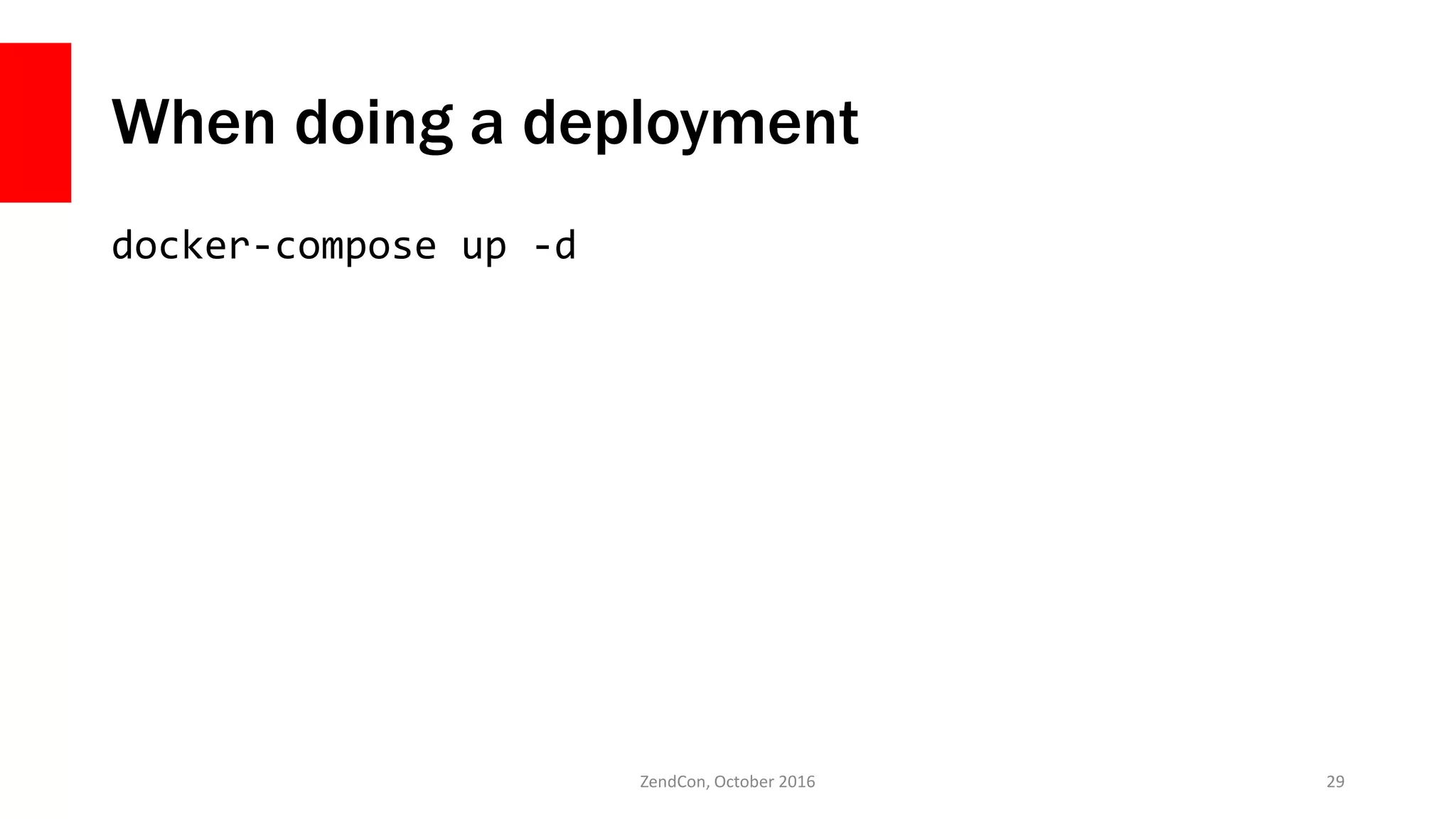
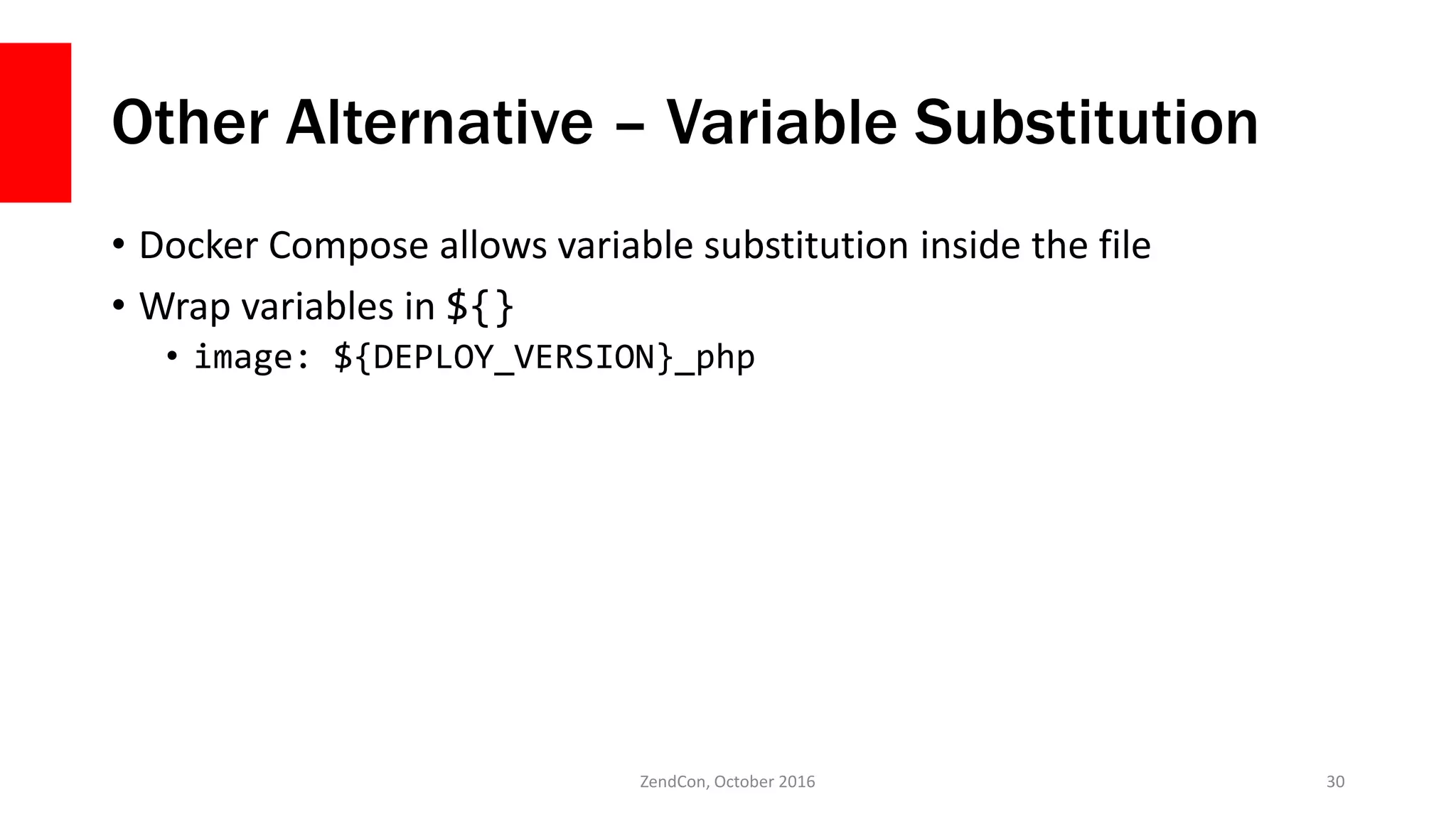
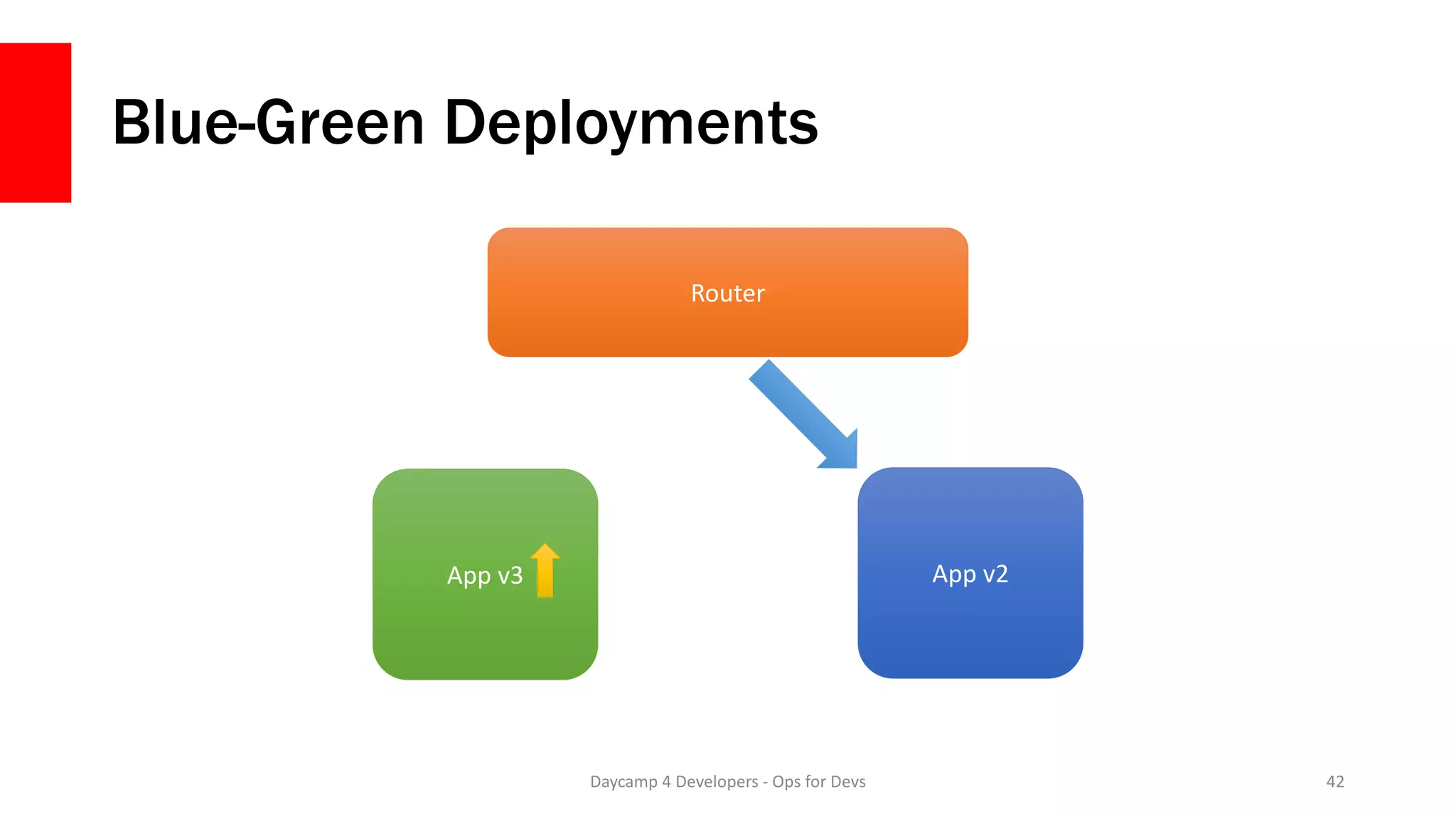
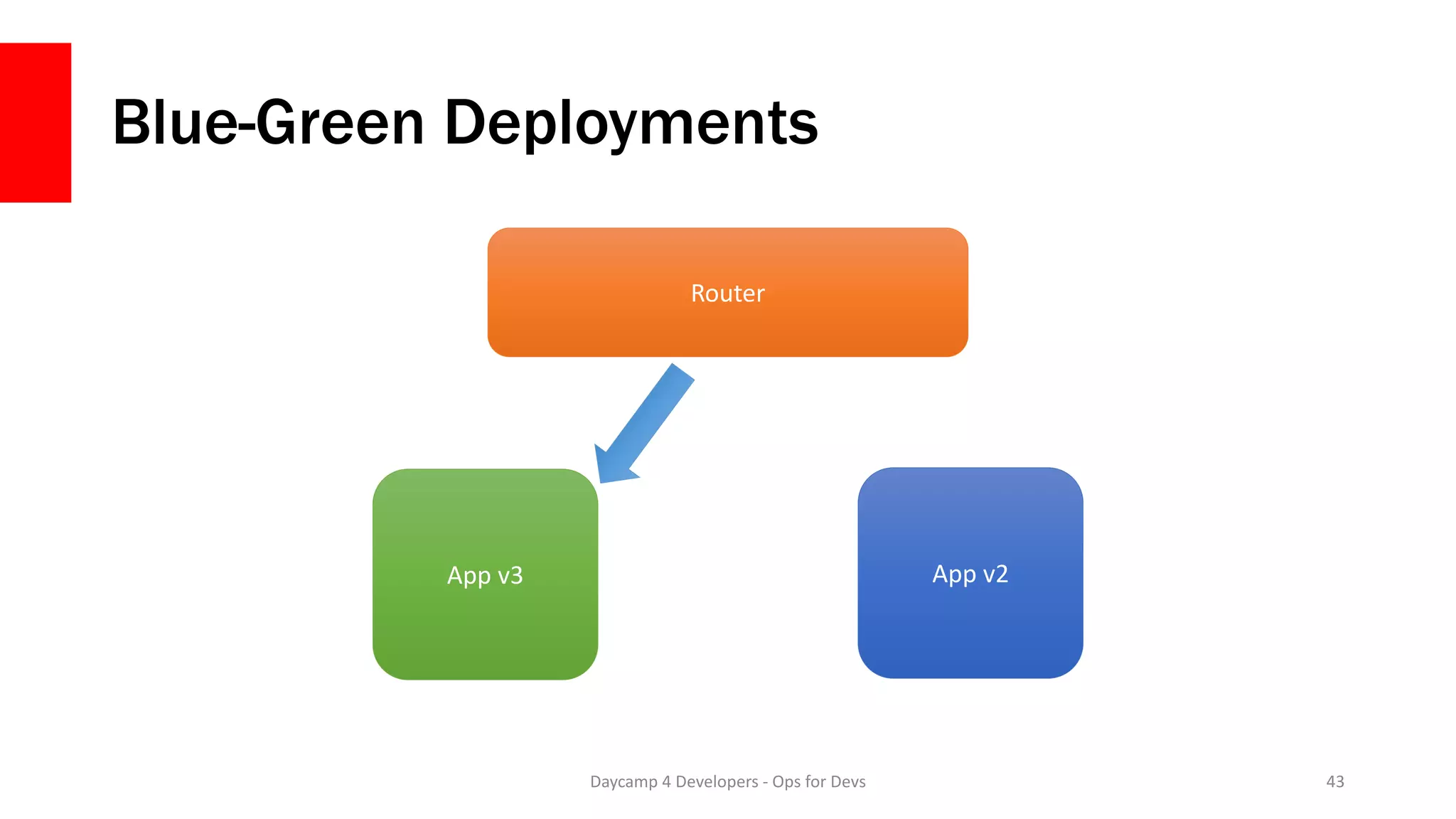
![When doing a deployment
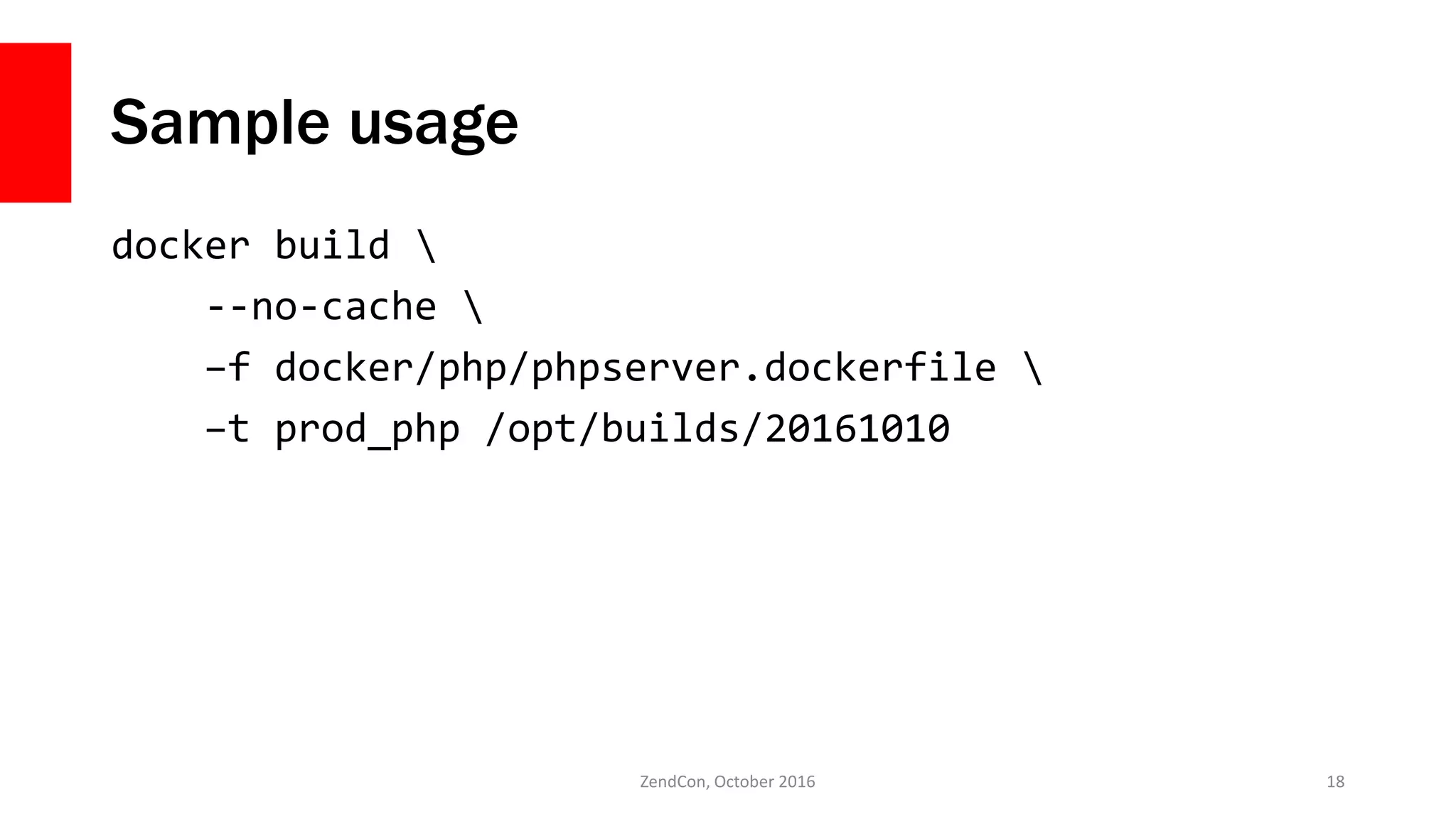
docker build –f […] –t 20161010_php /opt/builds/20161010
DEPLOY_VERSION=20161010 docker-compose up -d
ZendCon, October 2016 31](https://image.slidesharecdn.com/fromdockertoproductionzendcon2016-161020160041/75/From-Docker-to-Production-ZendCon-2016-31-2048.jpg)
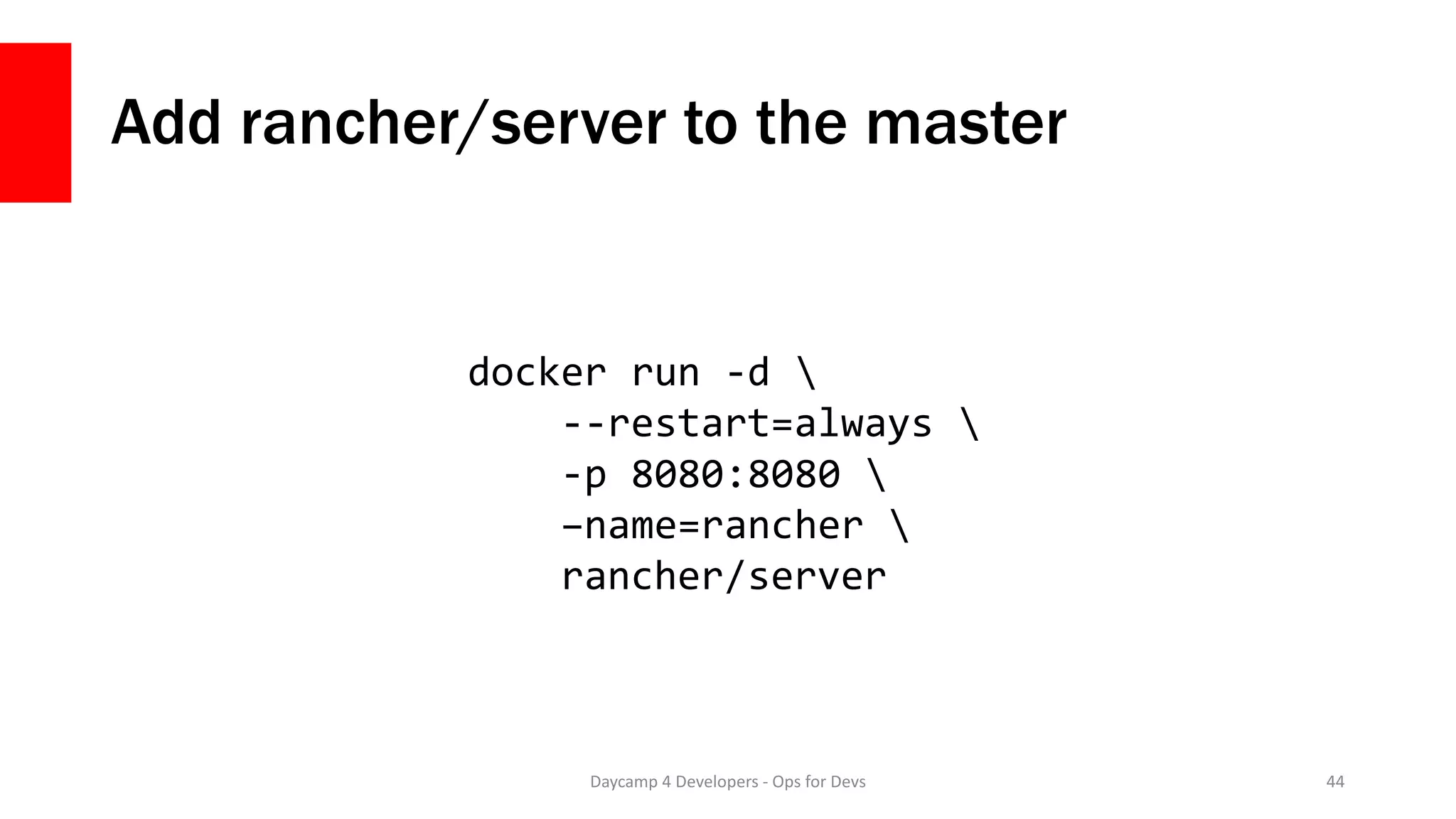
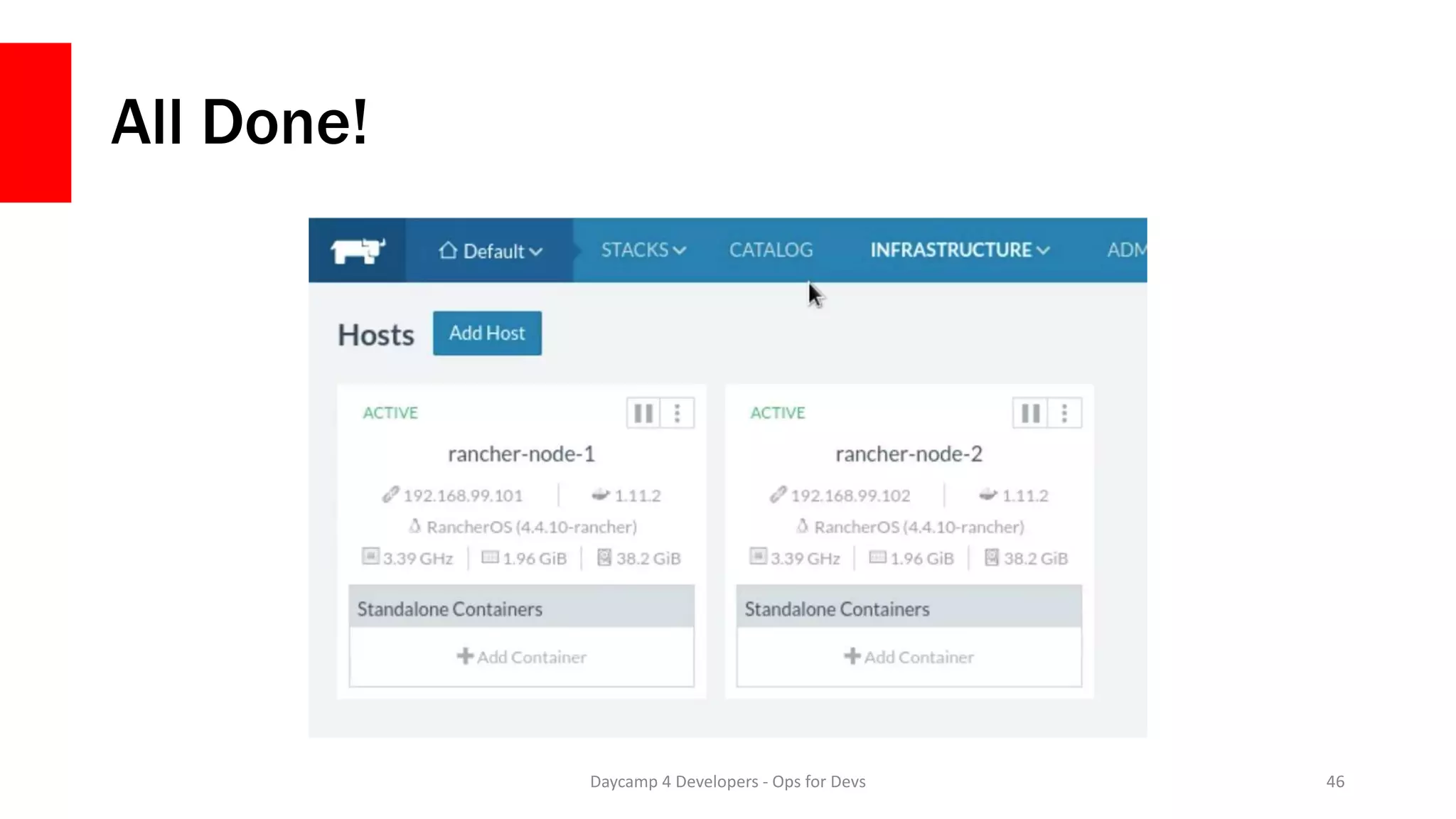
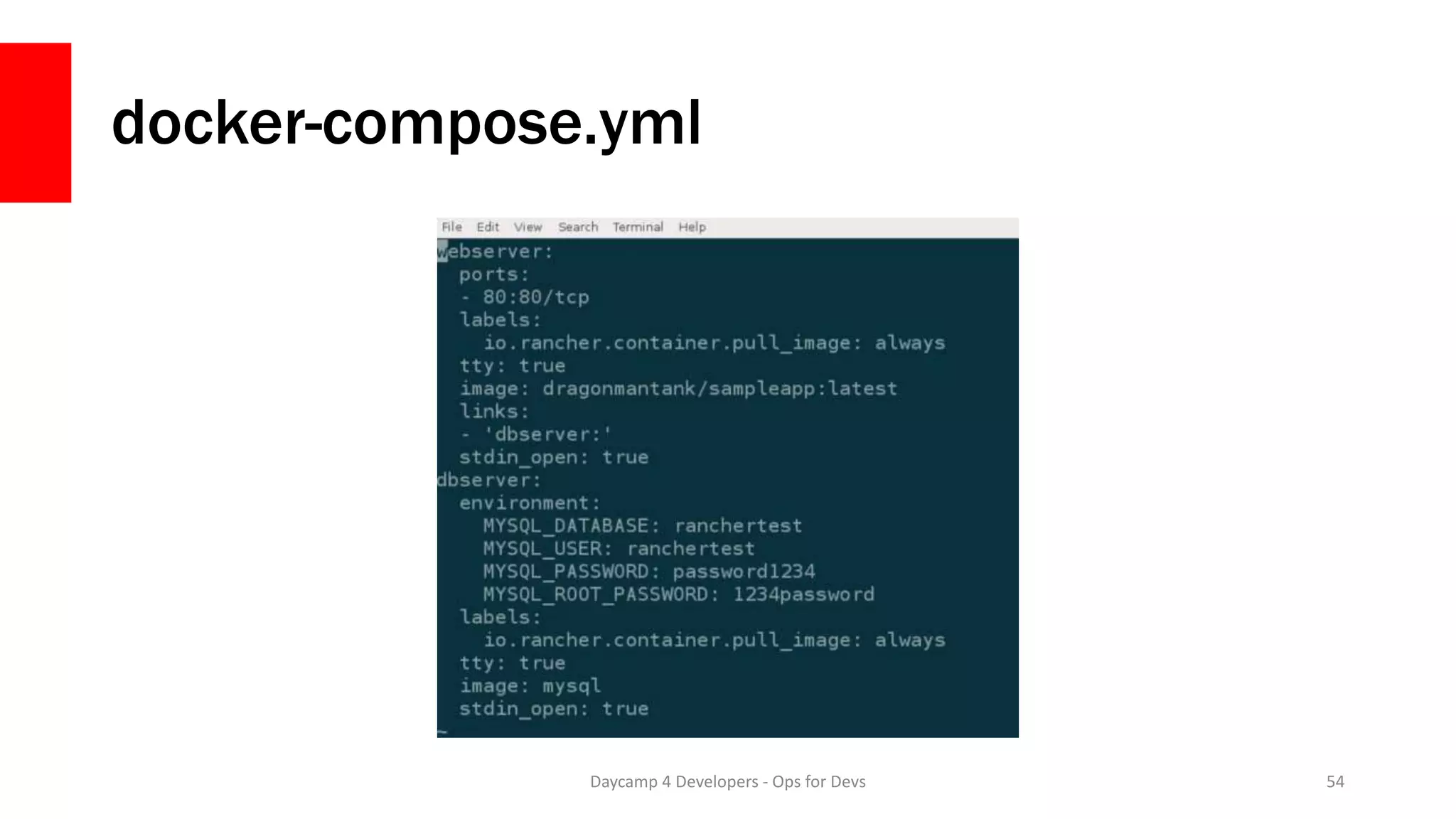
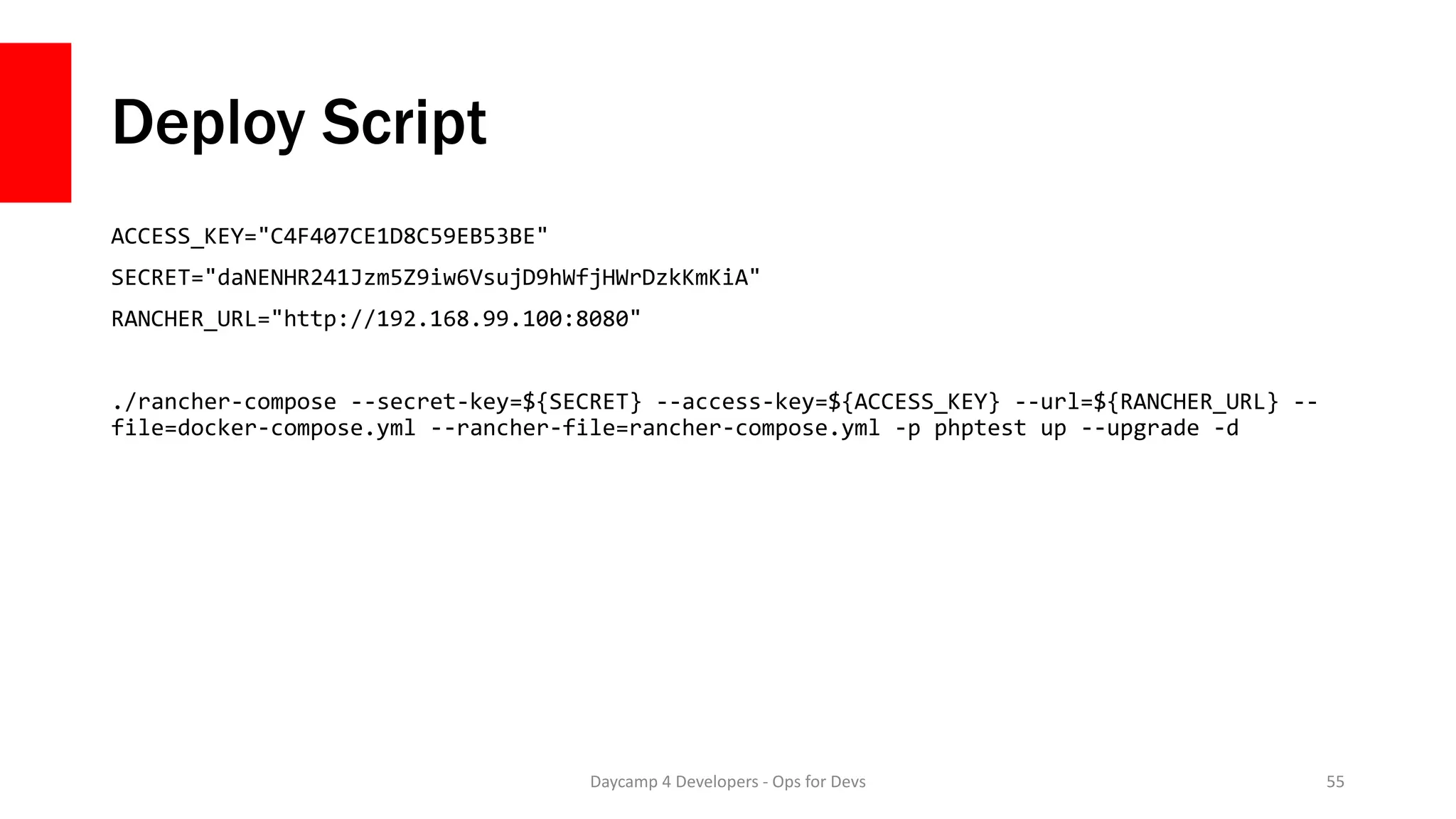
![Add rancher/agent to nodes
Daycamp 4 Developers - Ops for Devs 45
docker run -d
--privileged
-v /var/run/docker.sock:/var/run/docker.sock
rancher/agent:v0.7.9
http://192.168.99.100:8080/v1/scripts/[hash]](https://image.slidesharecdn.com/fromdockertoproductionzendcon2016-161020160041/75/From-Docker-to-Production-ZendCon-2016-45-2048.jpg)
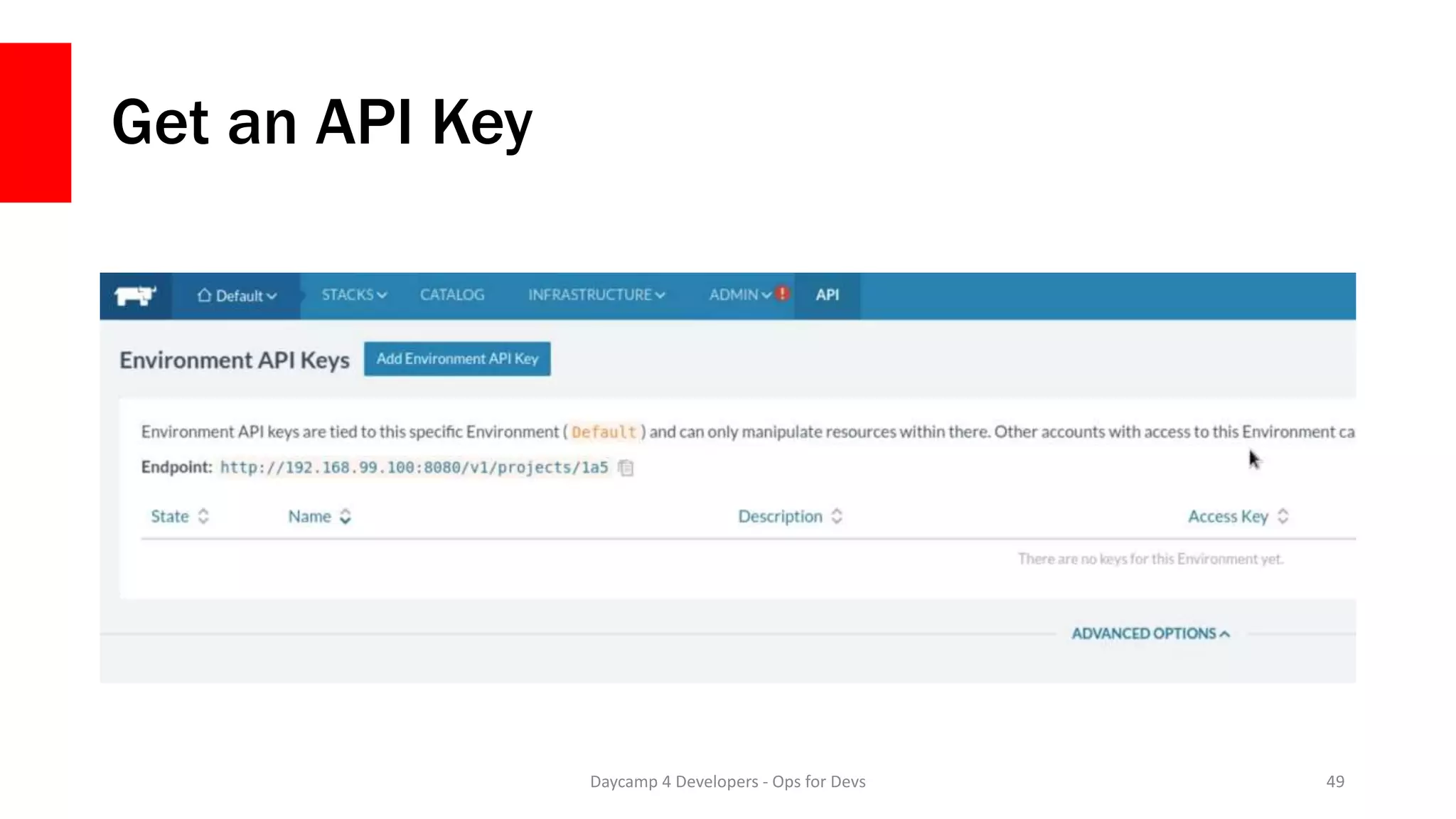
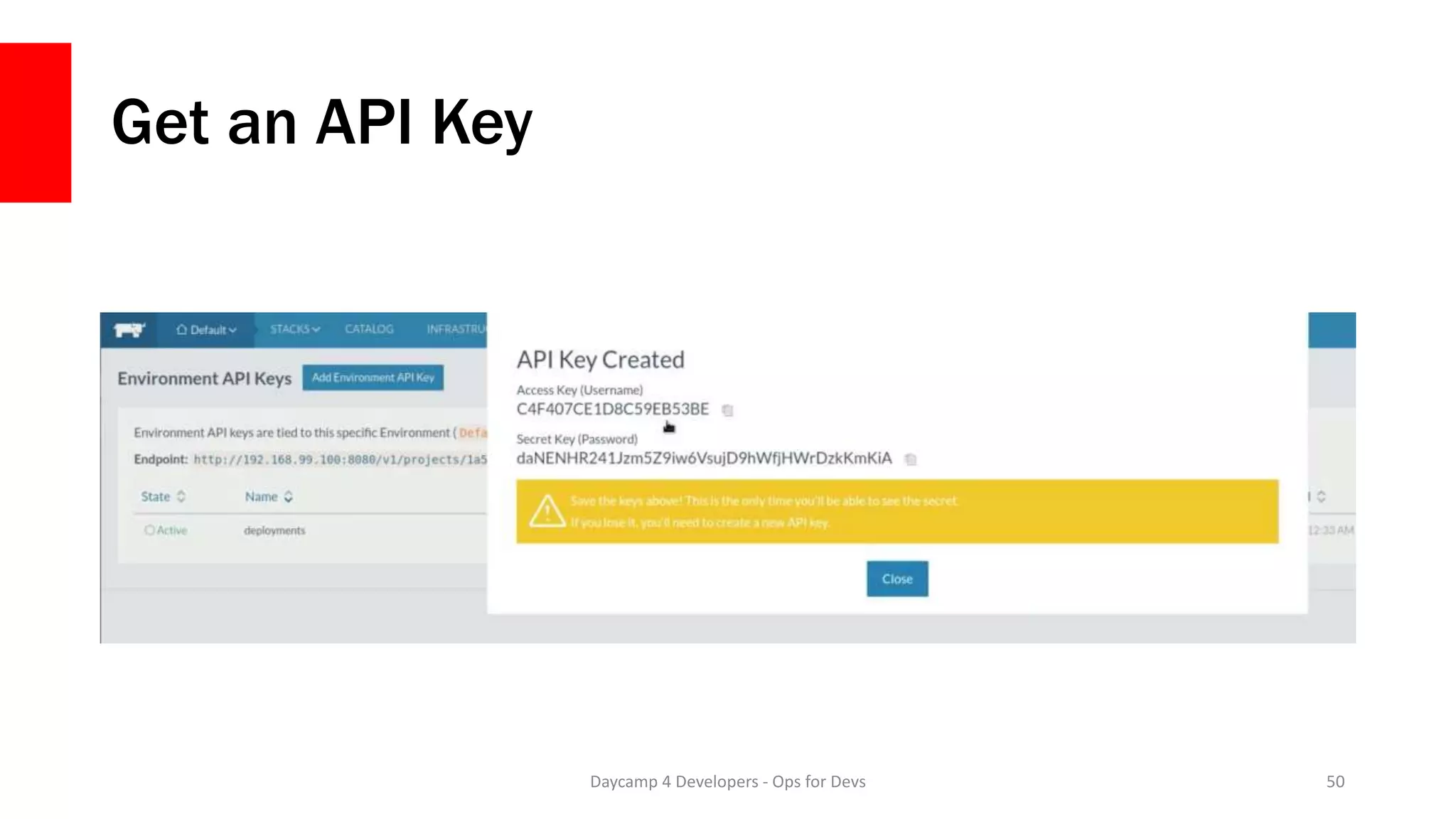
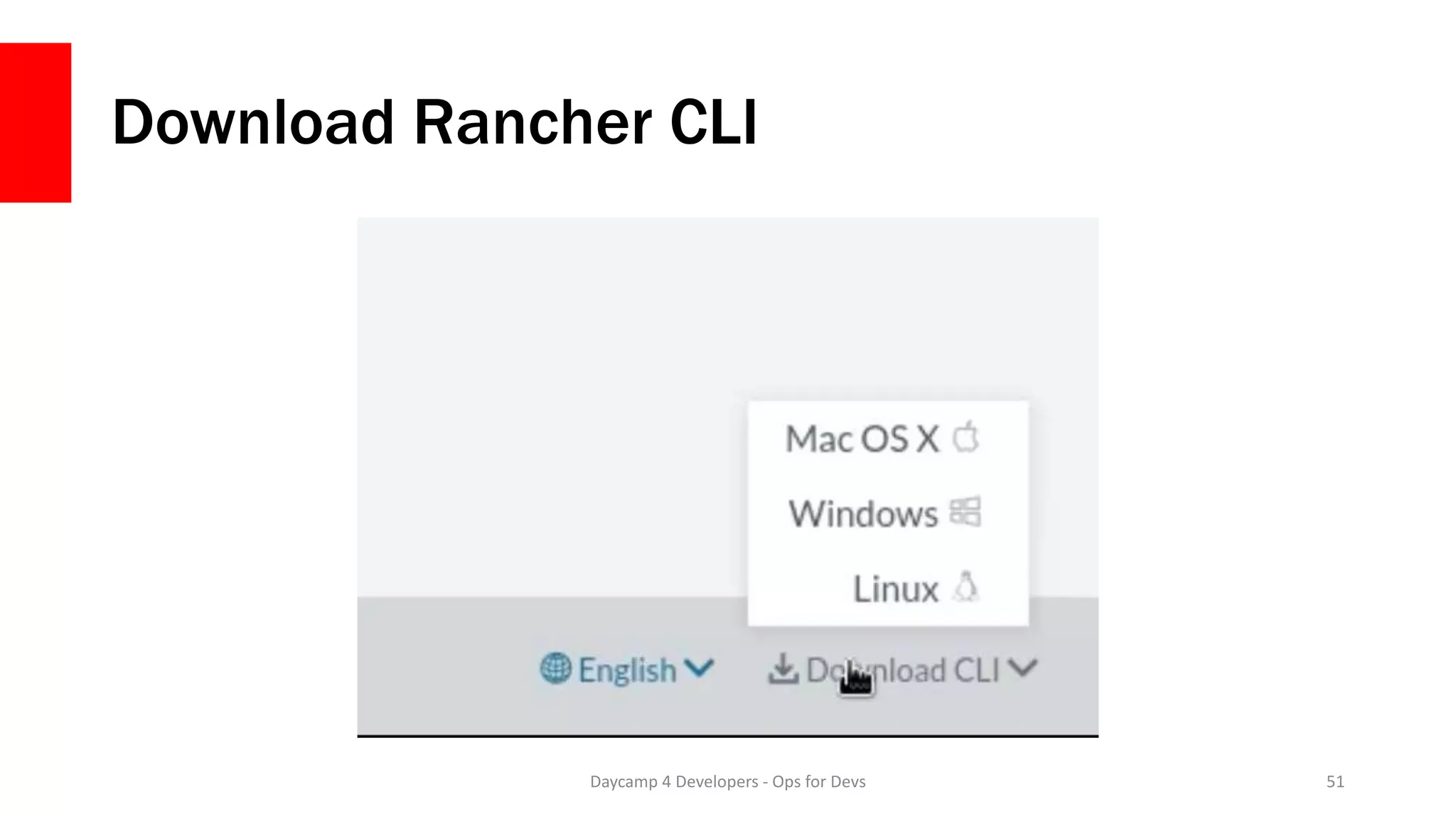
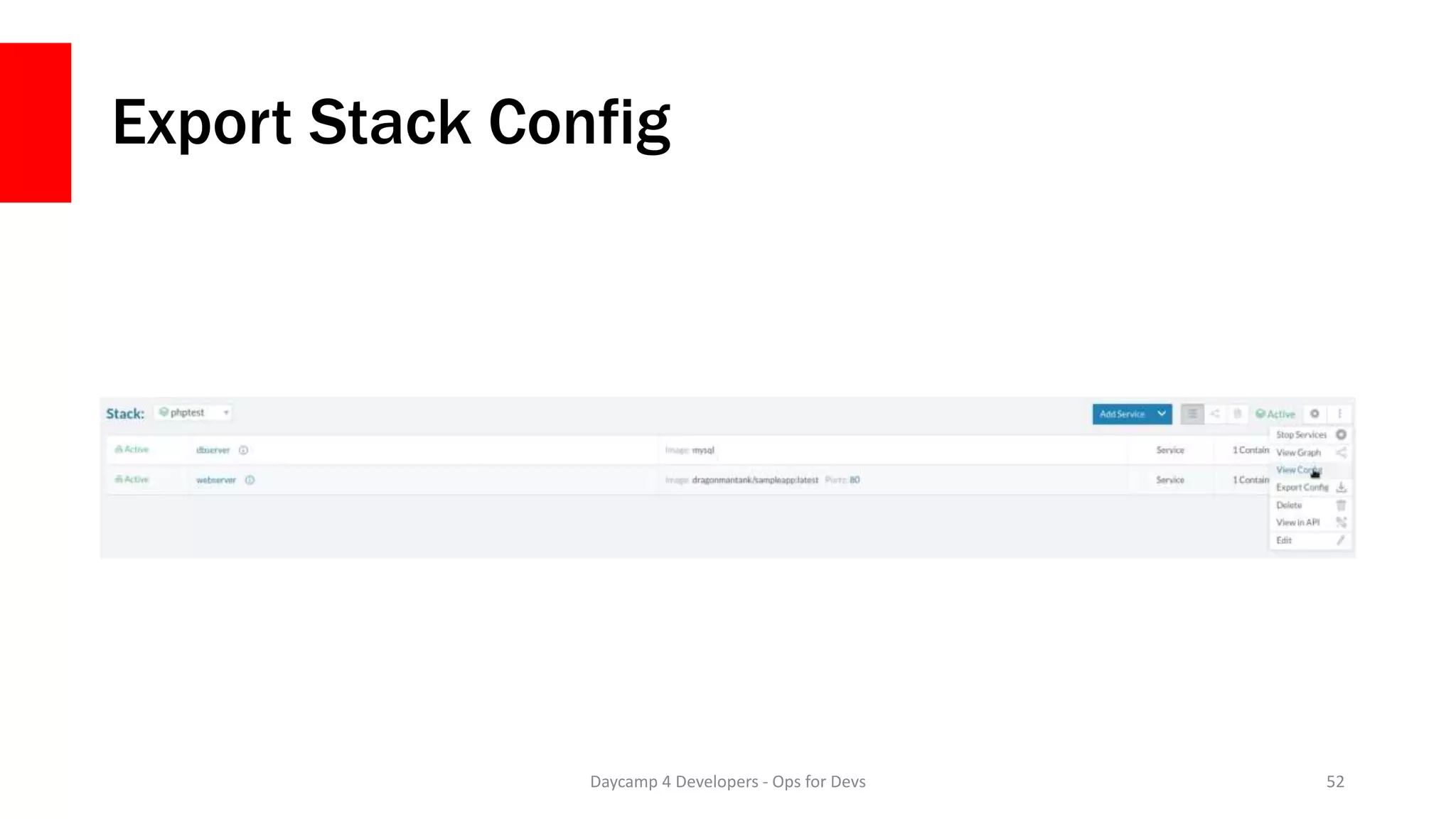
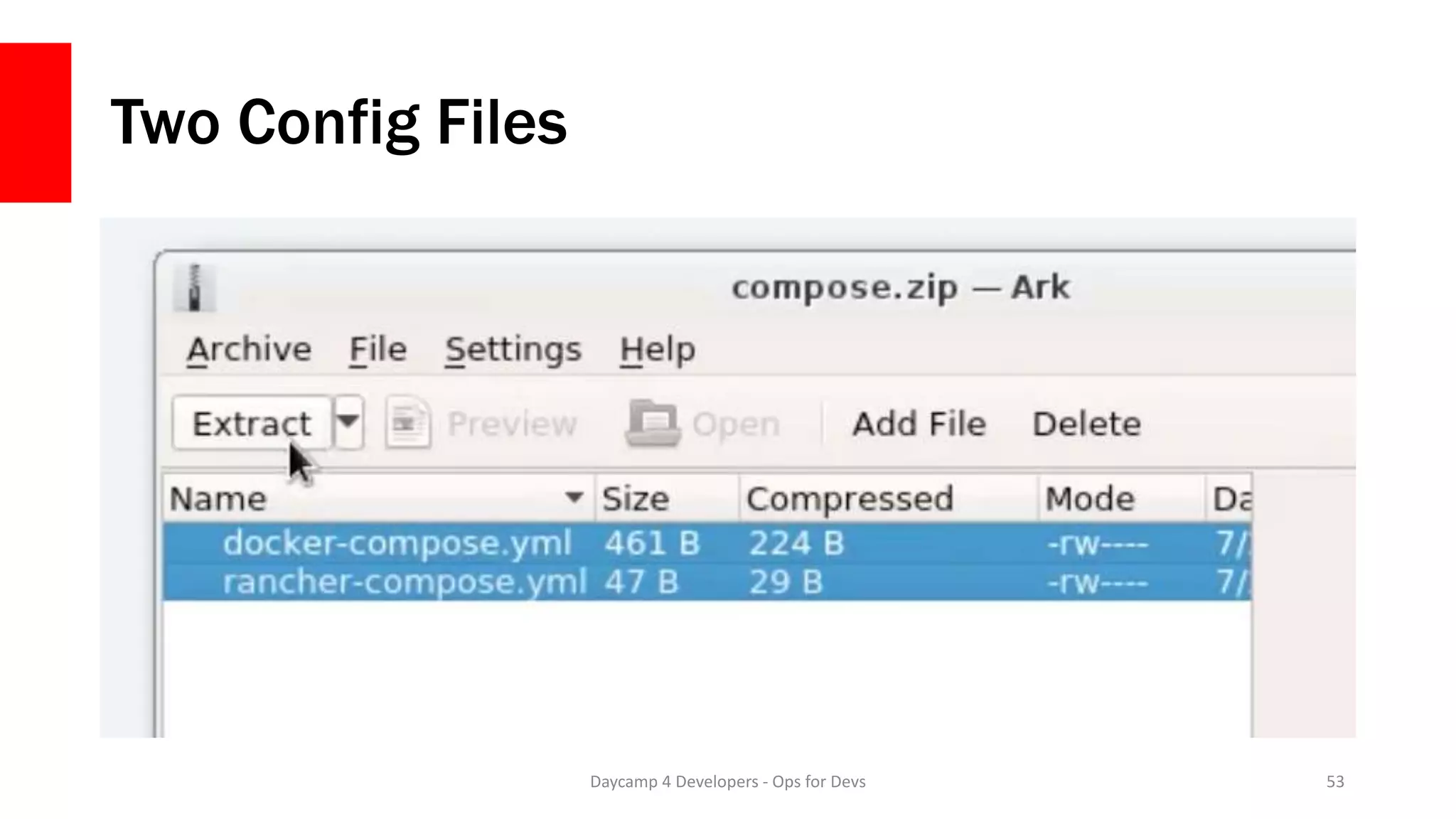
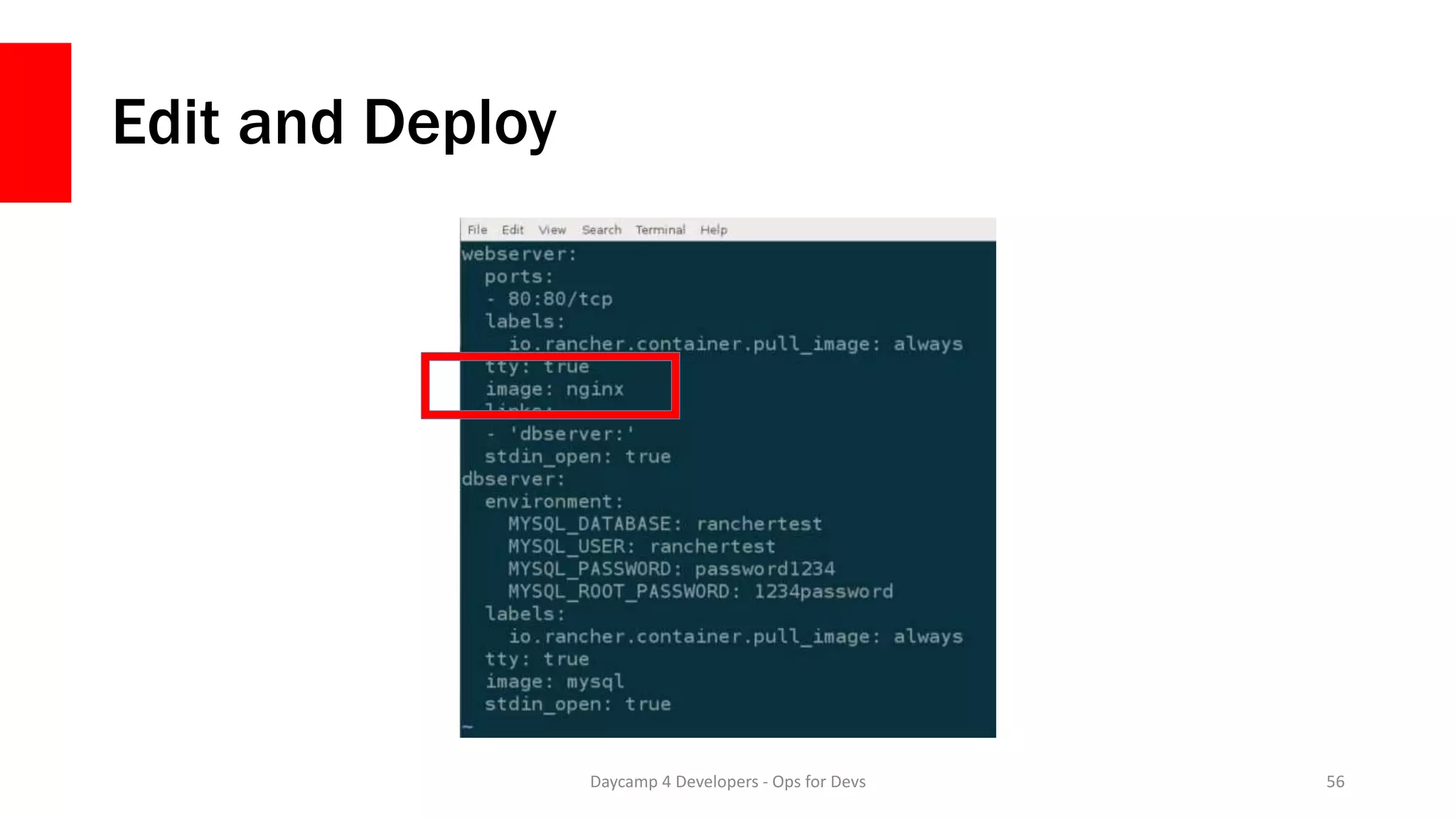
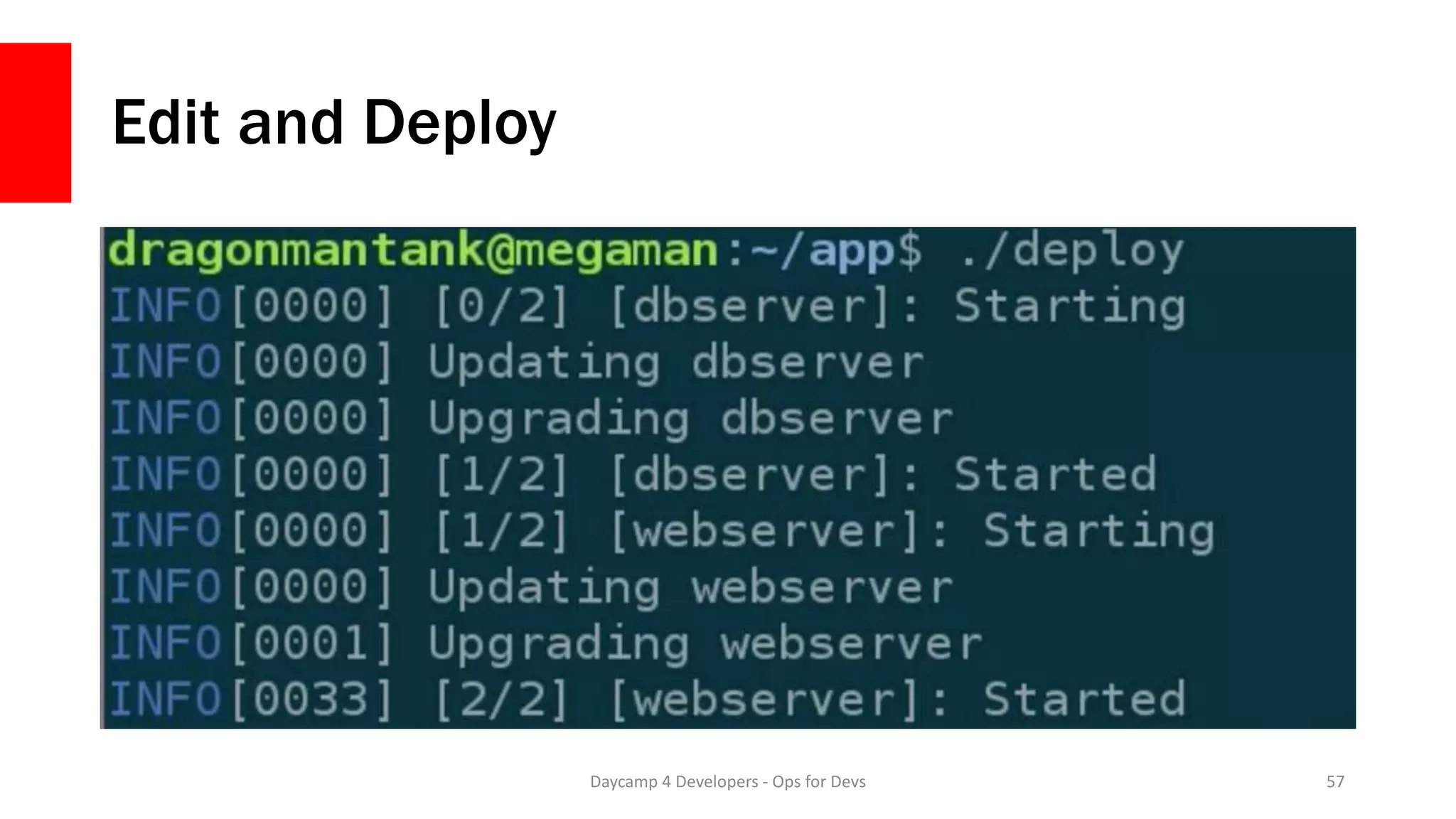

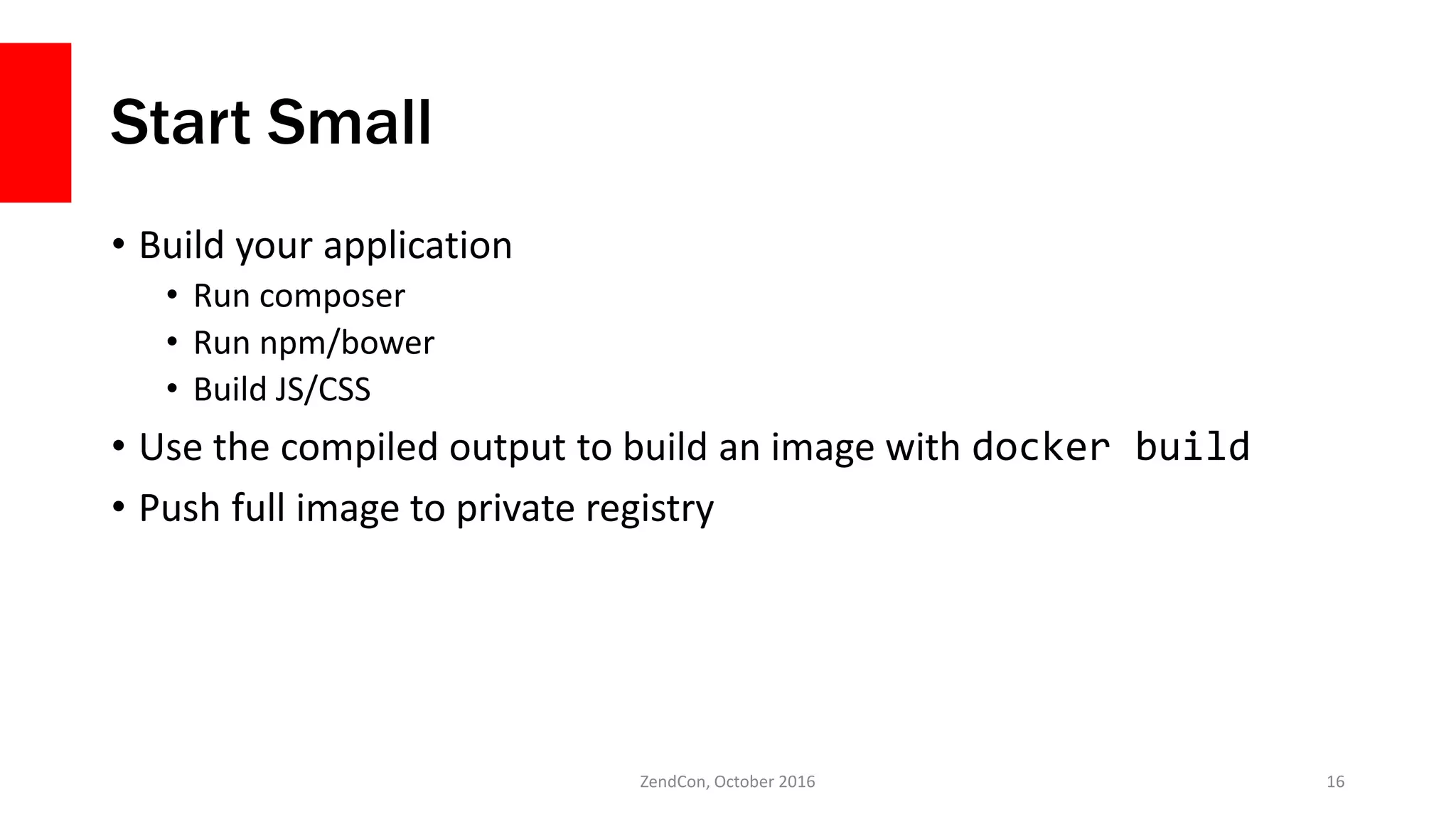
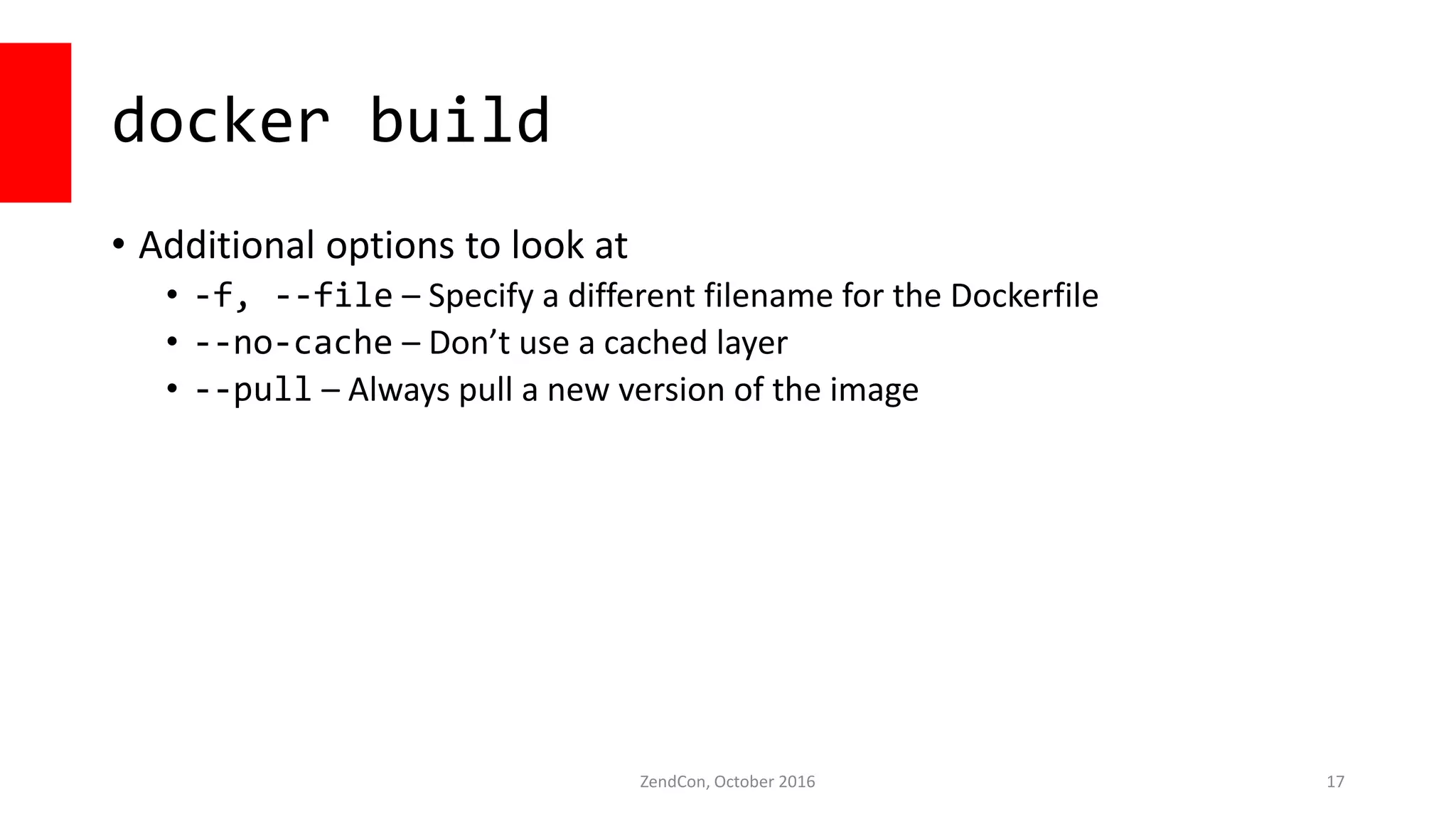
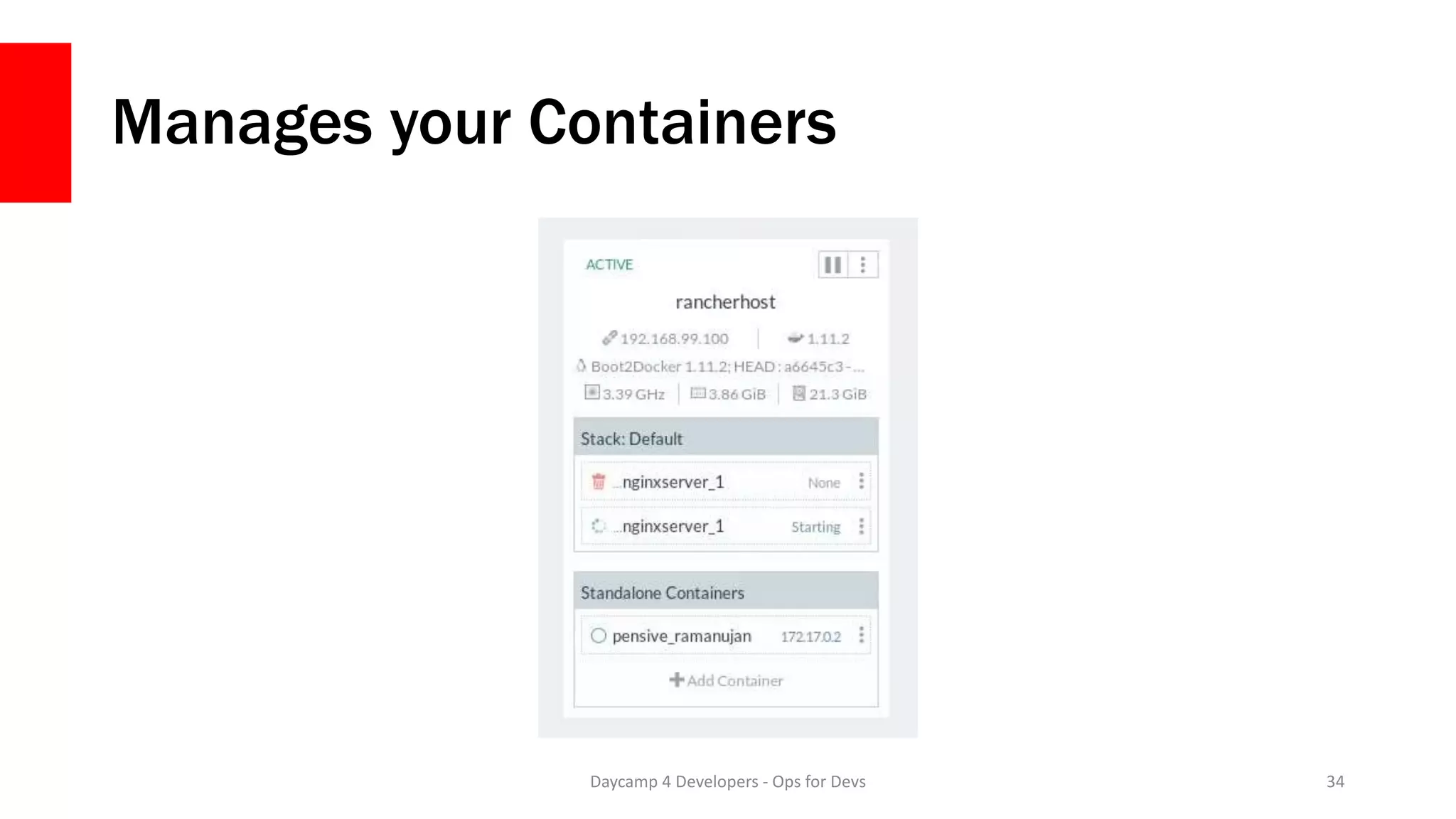
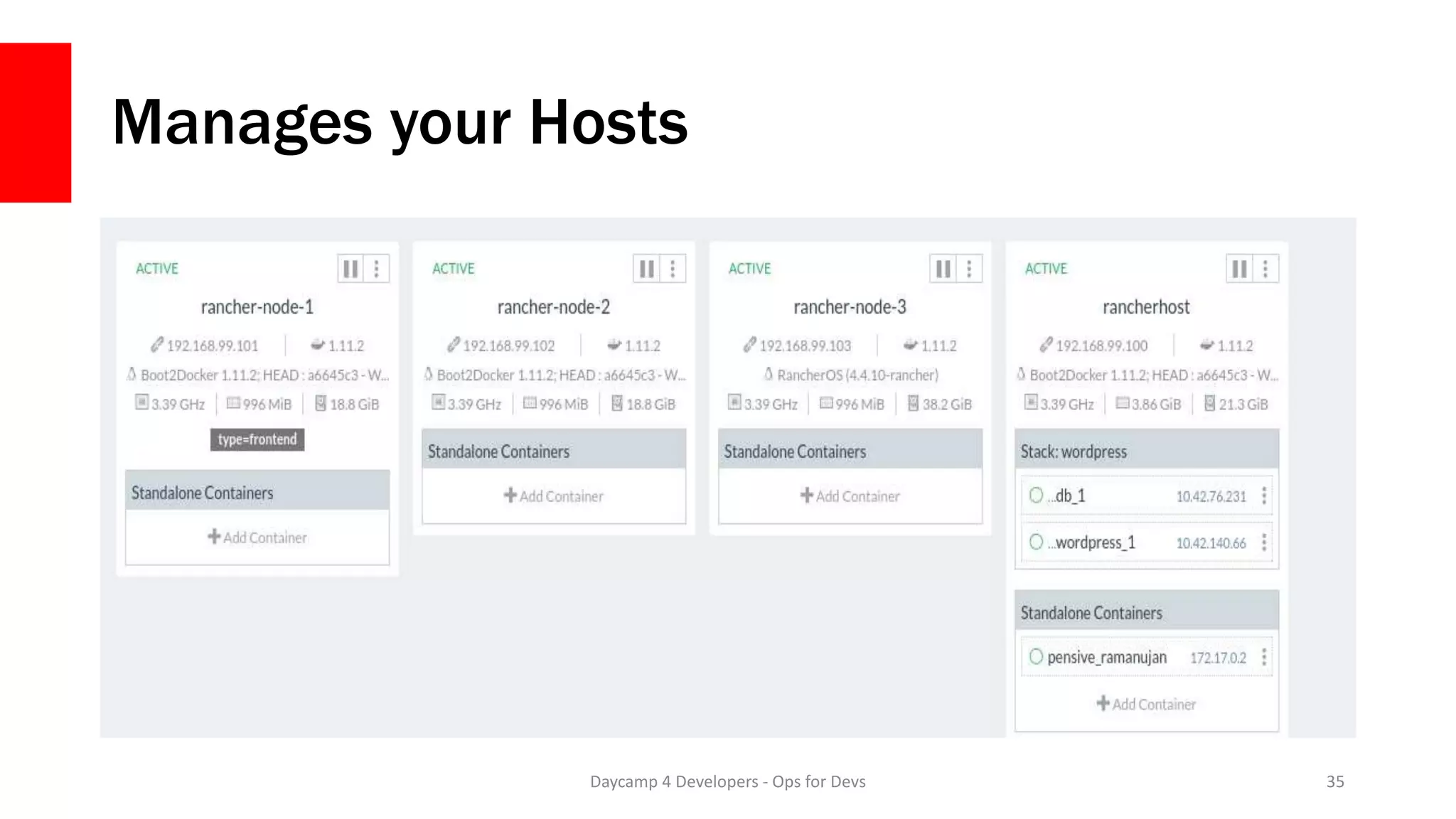
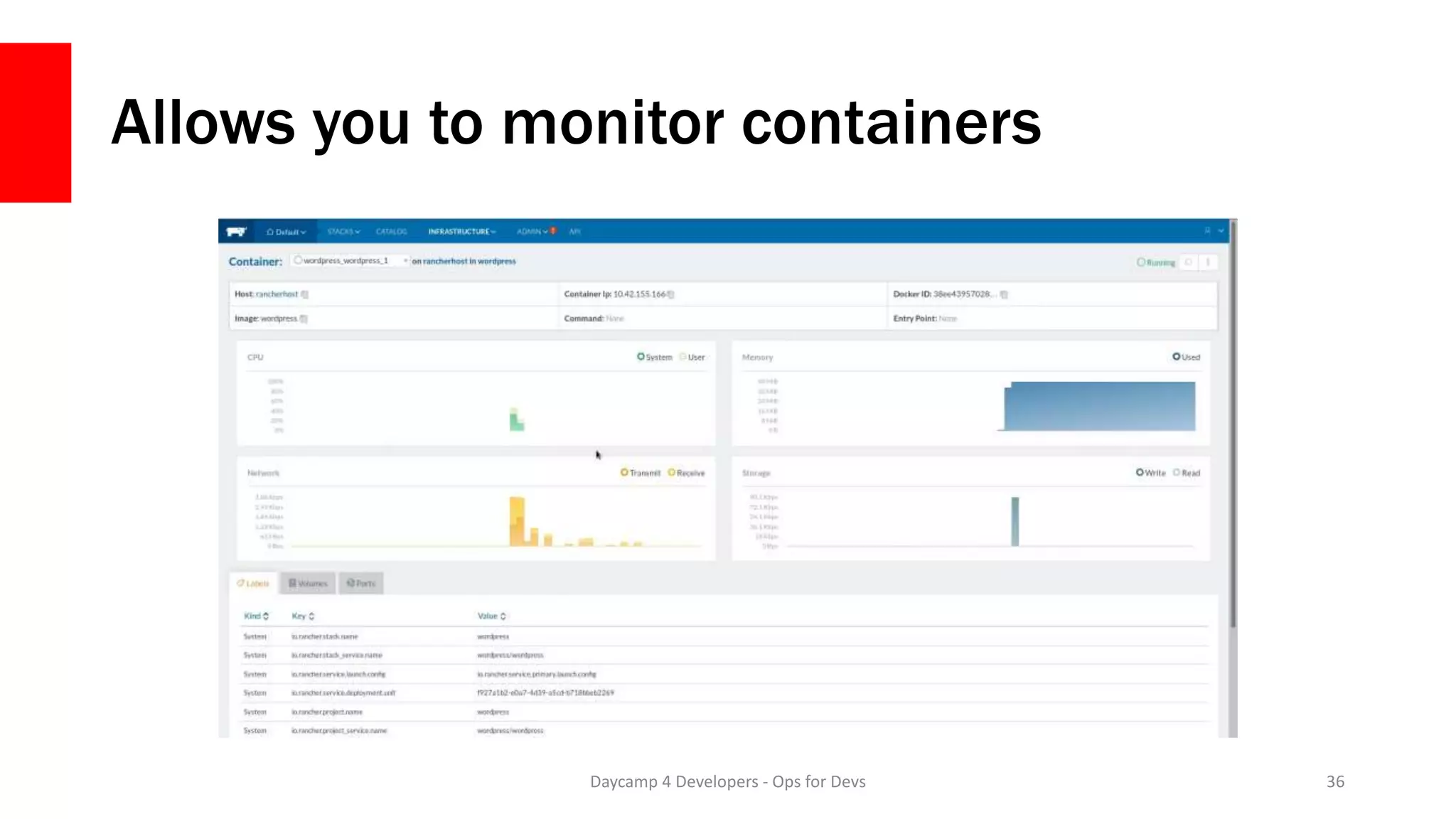
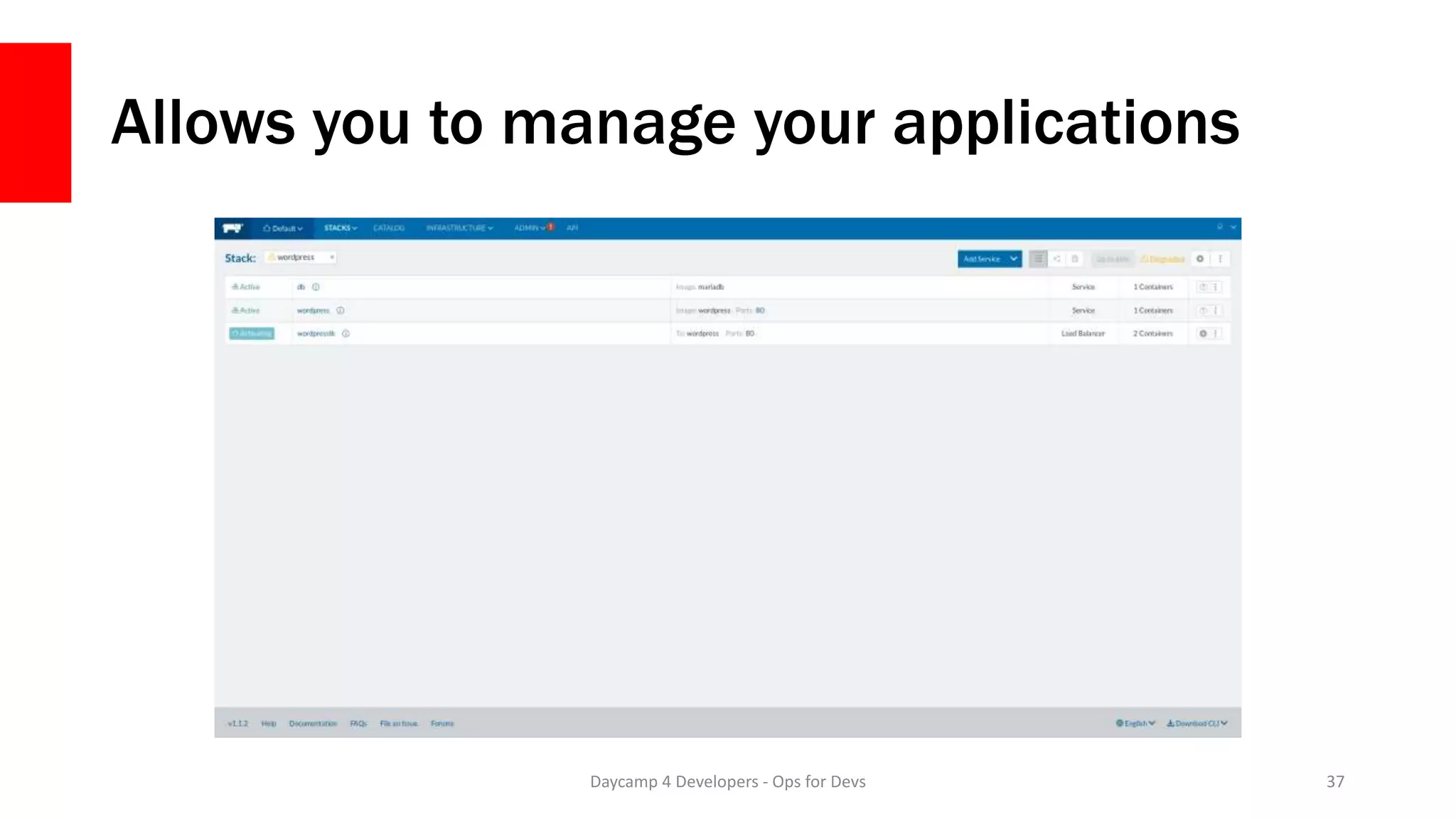
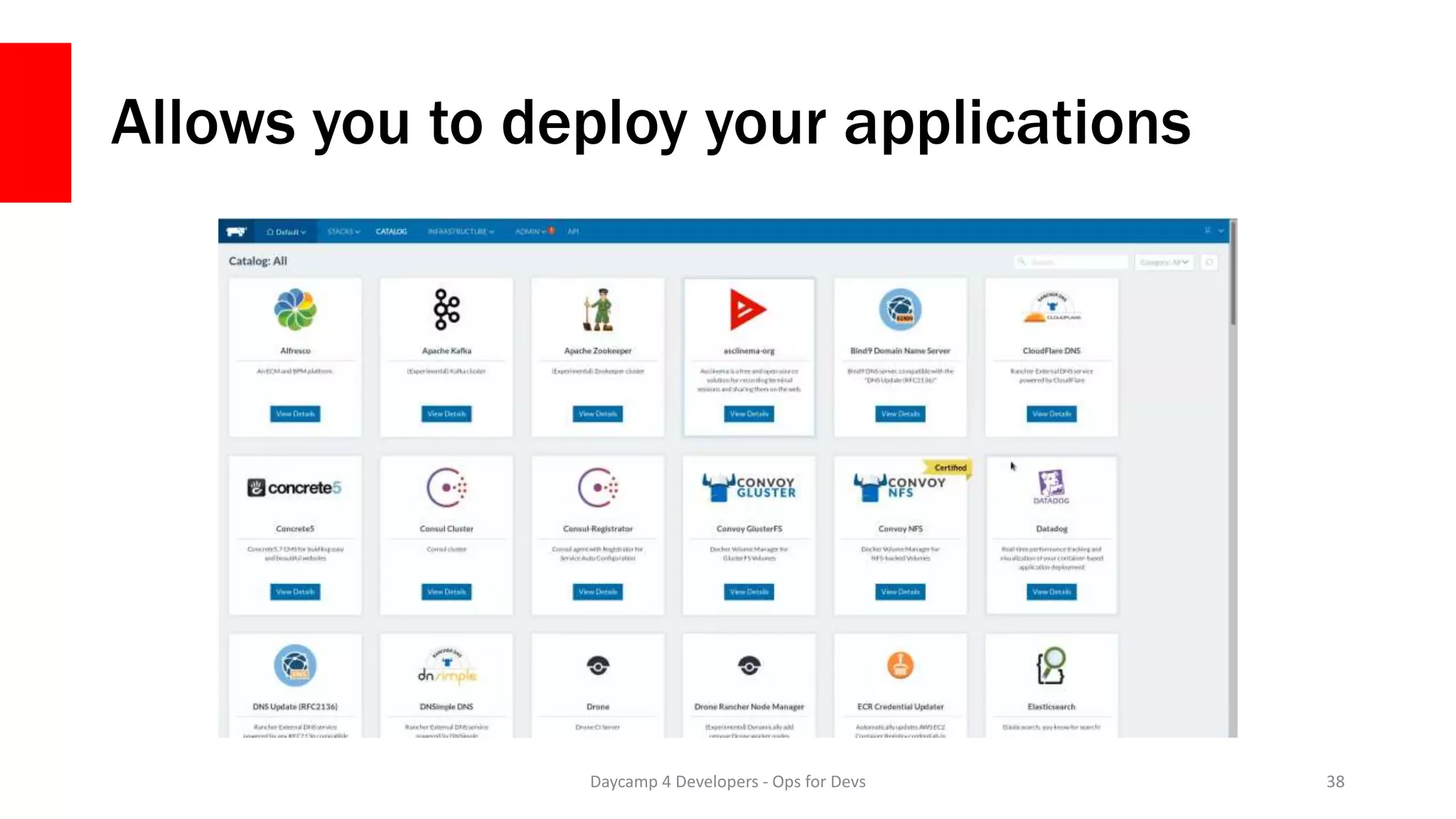
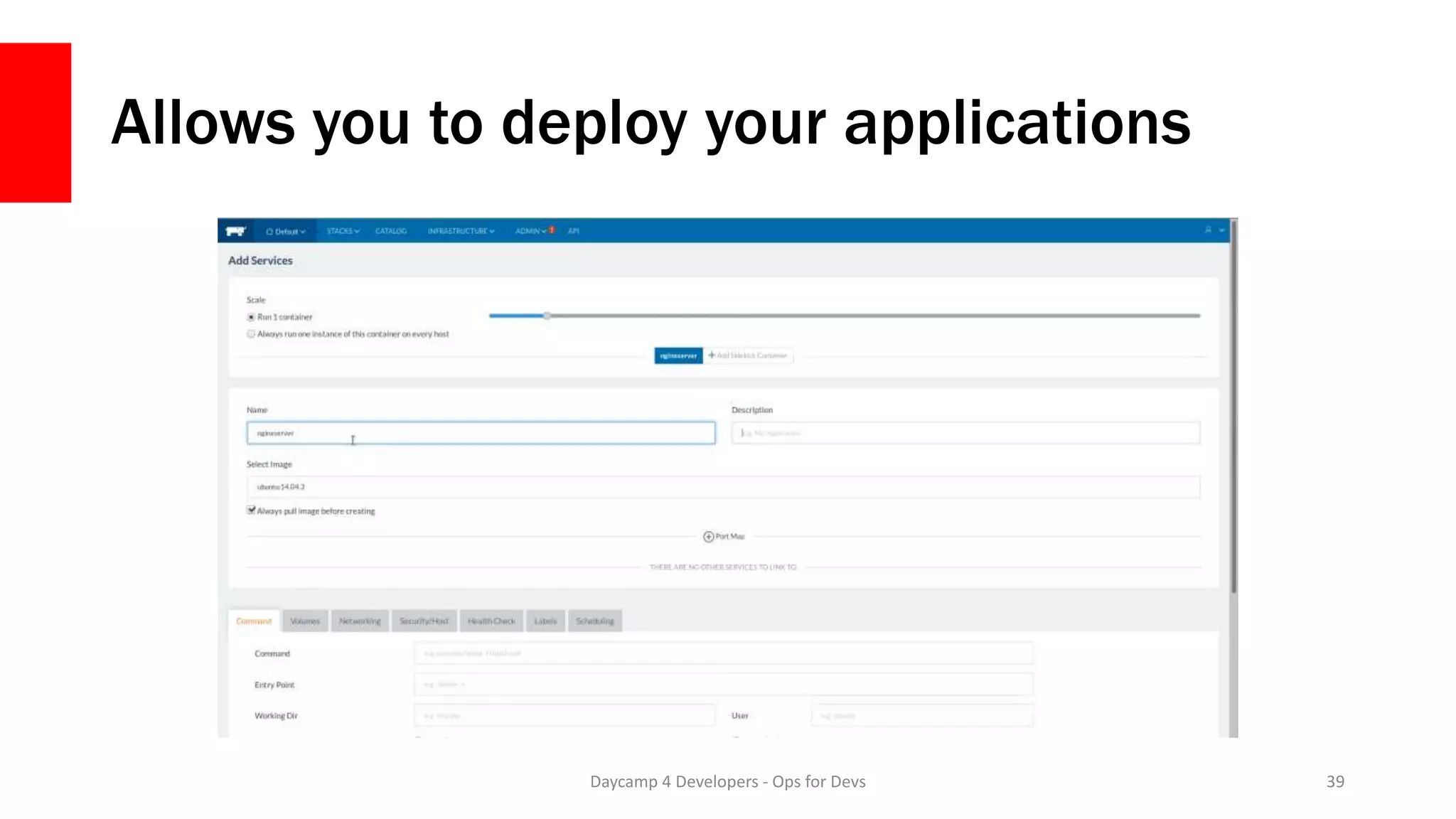
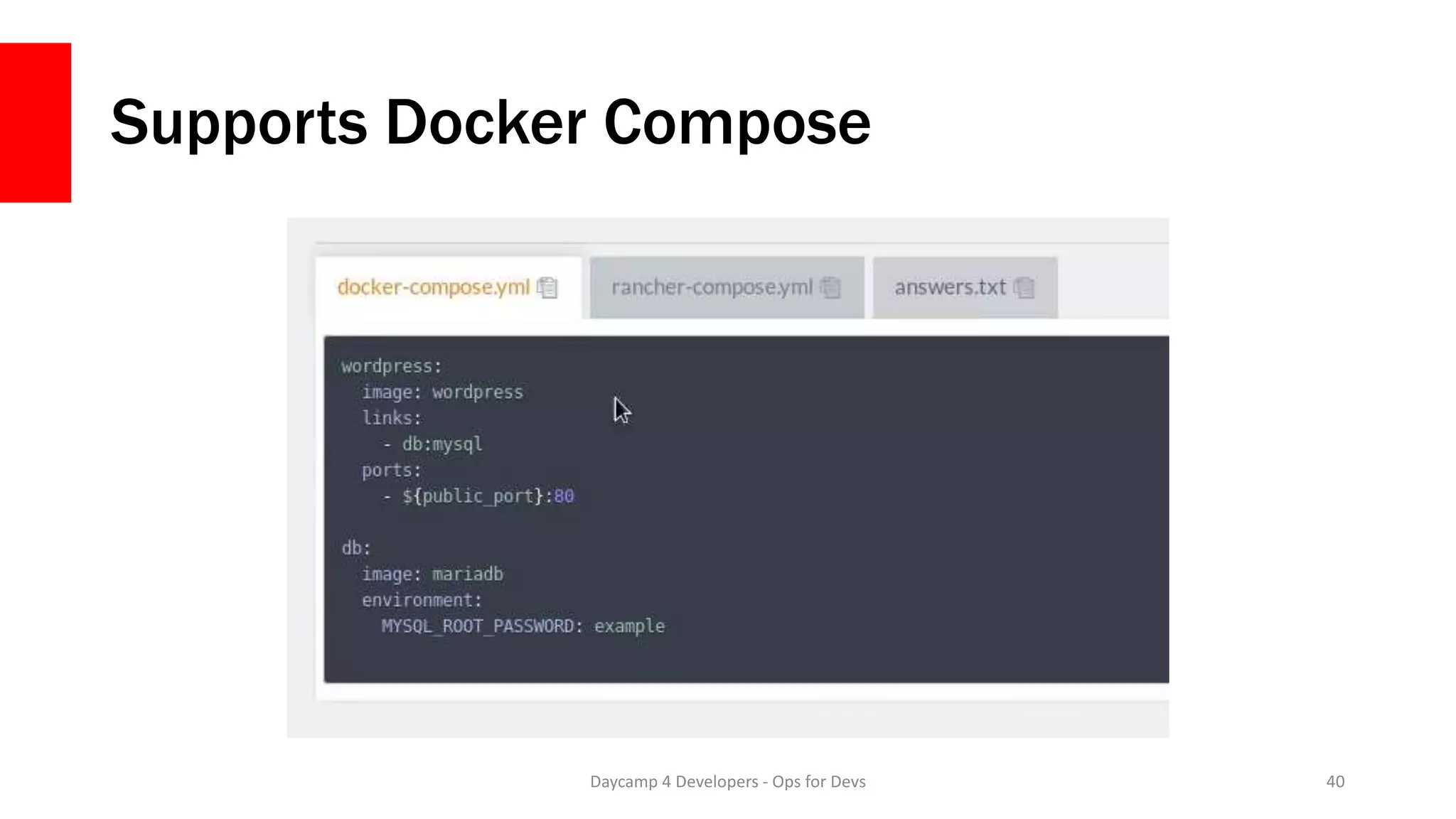
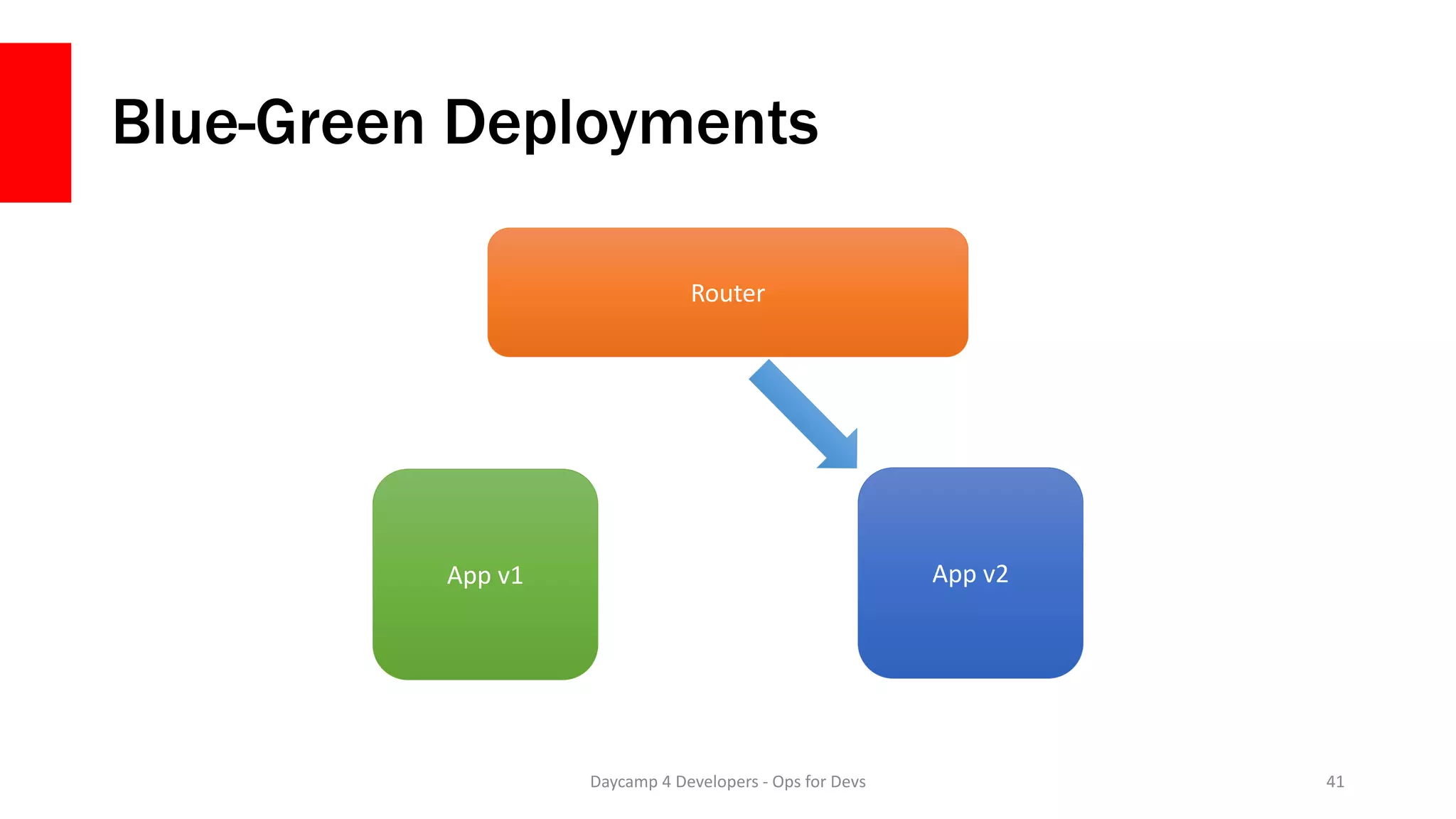
The document outlines the process of deploying applications from Docker to production, emphasizing considerations such as storage, build processes, and scaling. It details the use of Docker commands, Docker Compose configurations, and introduces Rancher for container management and deployment. The presentation concludes with contact information for the author and resources related to Docker for developers.


![Docker for Developers - php[tek] 2017](https://cdn.slidesharecdn.com/ss_thumbnails/dockerfordevelopers-trainingtek2017-170523133513-thumbnail.jpg?width=640&height=640&fit=bounds)


![Coming to Terms with OOP In Drupal - php[world] 2016](https://cdn.slidesharecdn.com/ss_thumbnails/oopindrupal-161118141154-thumbnail.jpg?width=640&height=640&fit=bounds)


![Docker for PHP Developers - php[world] 2017](https://cdn.slidesharecdn.com/ss_thumbnails/dockerfordevelopers-trainingworld2017-171115155942-thumbnail.jpg?width=640&height=640&fit=bounds)


