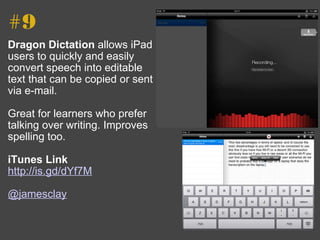
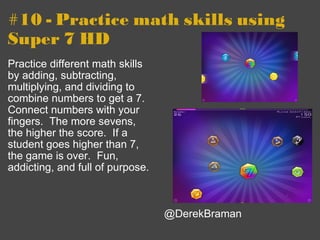
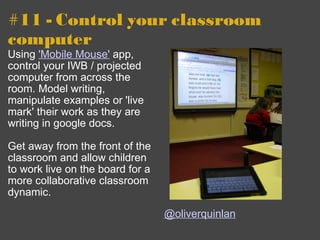
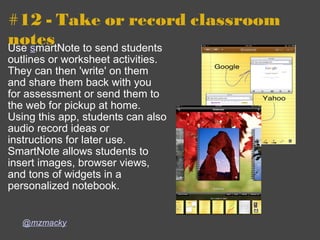
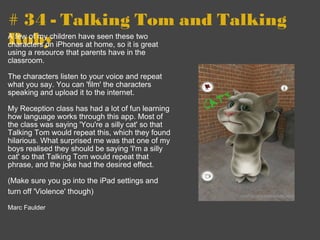
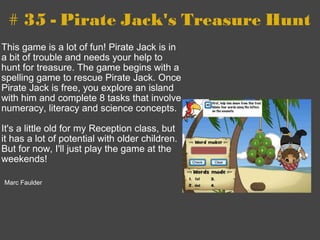
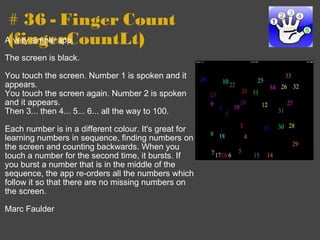
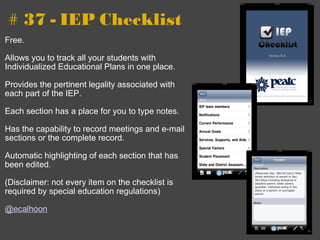
The document provides 27 tips for using an iPad in the classroom:
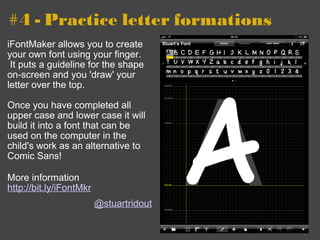
1. Practice letter formations with iFontMaker which allows creating custom fonts.
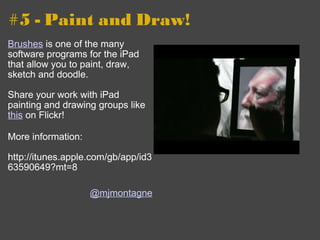
2. Use drawing apps like Brushes to paint, draw, sketch, and doodle.
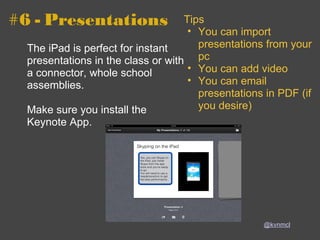
3. Use Keynote for instant presentations in class or with a connector for whole school assemblies.
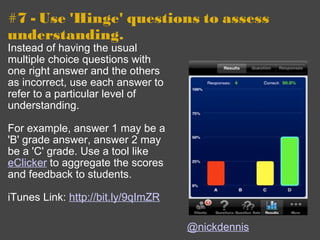
4. Assess understanding with "Hinge" questions that refer to different levels of understanding rather than single right answers.
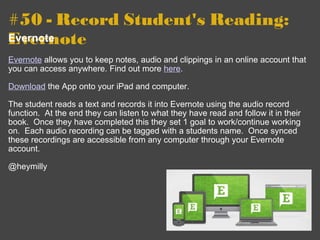
![70 Interesting Ways to use an iPad in the Classroom *and tips This work is licensed under a Creative Commons Attribution Noncommercial Share Alike 3.0 License. 244/365 - one happy geek [explored] by joshfassbind.com](https://image.slidesharecdn.com/70interestingwaystouseanipadintheclas-111130233855-phpapp01/85/70-interesting-ways_to_use_an_i_pad_in_the_clas-1-320.jpg)
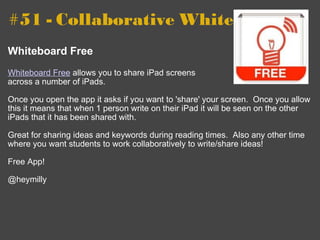
![70 Interesting Ways to use an iPad in the Classroom *and tips This work is licensed under a Creative Commons Attribution Noncommercial Share Alike 3.0 License. 244/365 - one happy geek [explored] by joshfassbind.com](https://image.slidesharecdn.com/70interestingwaystouseanipadintheclas-111130233855-phpapp01/75/70-interesting-ways_to_use_an_i_pad_in_the_clas-1-2048.jpg)
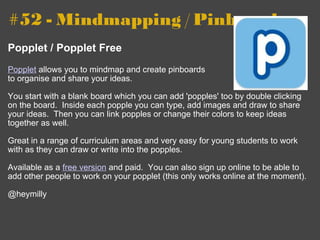
![#8 - Project almost anything for a large group GoodReader is an app for the iPad that allows the viewing of many different file formats on the iPad itself. It will also allow them to be projected over the VGA-out connector. The software does much more (hooks to servers, FTPs up and down, etc.) but I am always on the lookout for apps that project for large group work. If you know of any apps that project, please add them to this Google Form after looking at the ones on this list . Tip submitted by Kathy Schrock ( [email_address] )](https://image.slidesharecdn.com/70interestingwaystouseanipadintheclas-111130233855-phpapp01/85/70-interesting-ways_to_use_an_i_pad_in_the_clas-6-320.jpg)