1


Successful Poster Design
Presented by

Hedren SUM
@ NTU Libraries
18th May 2009
2


My Design Experience…









3


,
4


Large printed picture or notice used for decoration or
advertisement (By Oxford Dictionary)


Displayed sheet or placard giving news or information
(By Oxford Dictionary)


Graphic design as symbols, emblems or words, used
especially for identification or as means of giving
direction or warning (By dictionary.com)
5


    Decoration
  Advertisement
News or information
   Identification
     Direction
     Warning
6


What is a Poster?
7






8


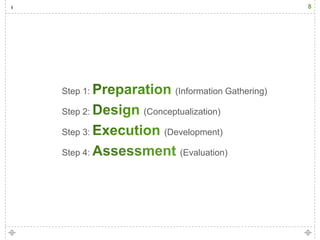
Step 1:          (Information Gathering)

Step 2:   (Conceptualization)

Step 3:        (Development)

Step 4:           (Evaluation)
9


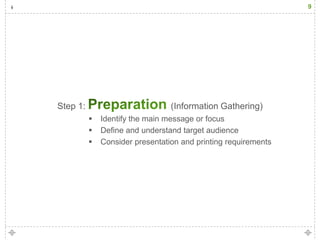
Step 1:                          (Information Gathering)
             Identify the main message or focus
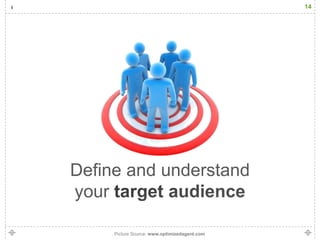
             Define and understand target audience
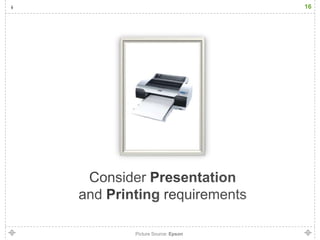
             Consider presentation and printing requirements
10
11


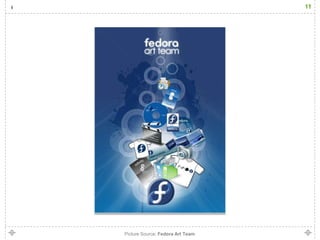
Picture Source: Fedora Art Team
12


What was the
13


 3
SECONDS
          30
          SECONDS
14


Define and understand
your

     Picture Source: www.optimizedagent.com
15


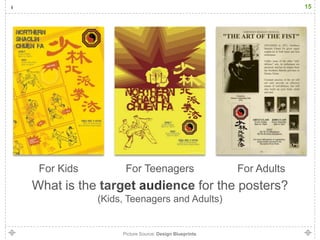
 For Kids           For Teenagers                            For Adults
What is the                                            for the posters?
              (Kids, Teenagers and Adults)


                   Picture Source: Design Blueprints
16


Picture Source: Epson
17


Where are you going
to      the poster?
18


Picture Source: Wikipedia
19






20


Step 2:                (Conceptualization)
             Gathering inspirations
             Choosing elements
             Organize your elements
21


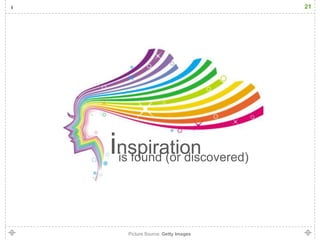
inspiration
 is found (or discovered)


   Picture Source: Getty Images
22


 Think
Out-of-the-box?
23


inspiration can be gathered anywhere…
   Books, designs and journals
   Internet
   Movies and televisions
   Colleagues, friends and family
   Music
   Everyday environment
   etc.
24
25


Picture Source: Design Blueprints
26


 
 
 


Picture Source: www.inmart.com.hk
27


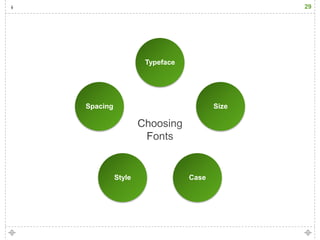
Choosing Fonts
28
29


                  Typeface


Spacing                             Size


          Style              Case
30


 Choose
Typeface
carefully
31


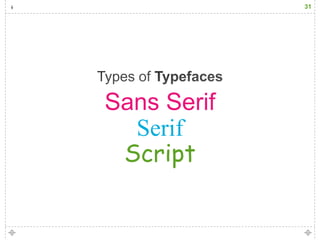
Sans Serif
  Serif
 Script
32


Sans Serif
33
34
35
36
37








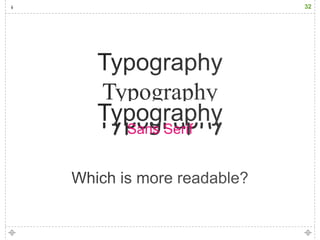
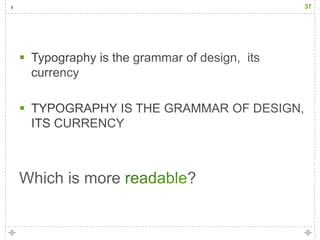
Which is more   ?
38


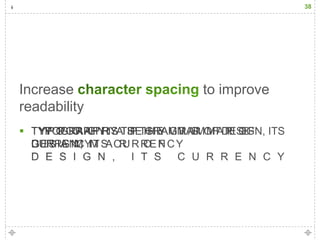
Increase      to improve
readability

39


      using
to add emphasis
40


Types of Font Styles
41
42
43
44
45
46


 Use            to
increase readability
47
48
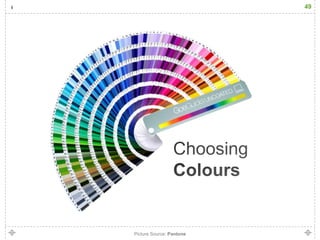
49


Picture Source: Pantone
50


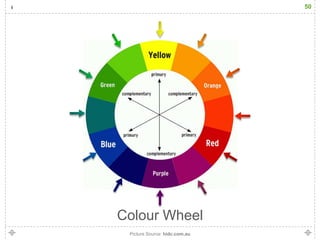
Colour Wheel
 Picture Source: hidc.com.au
51


Colours can be used to:
 convey meanings, moods and symbolisms
 emphasize something
 help readers recall information
52


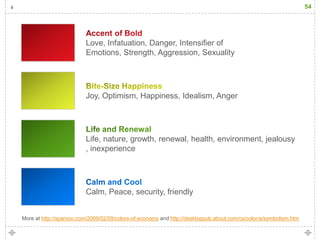
     Colours can
meanings, moods and symbolisms
53


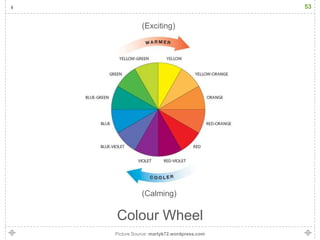
           (Exciting)


           (Calming)

Colour Wheel
Picture Source: martyk72.wordpress.com
54


                         Love, Infatuation, Danger, Intensifier of
                         Emotions, Strength, Aggression, Sexuality


                         Joy, Optimism, Happiness, Idealism, Anger


                         Life, nature, growth, renewal, health, environment, jealousy
                         , inexperience


                         Calm, Peace, security, friendly


More at http://sparxoo.com/2009/02/09/colors-of-economy and http://desktoppub.about.com/cs/color/a/symbolism.htm
55


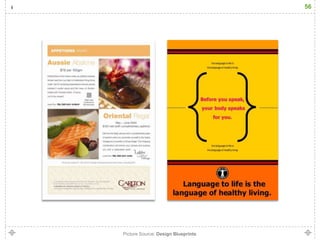
Colours can
        something
56


Picture Source: Design Blueprints
57


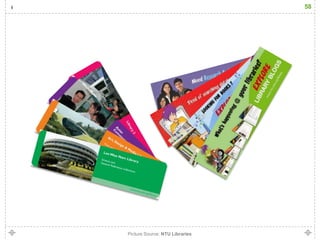
Colours can help readers
          information
58


Picture Source: NTU Libraries
59


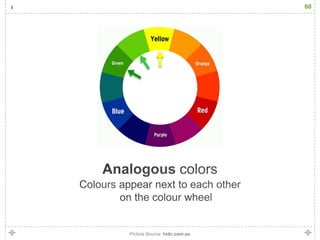
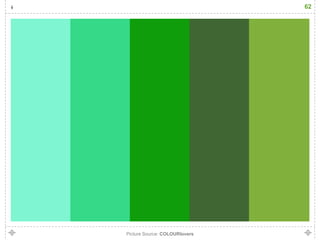
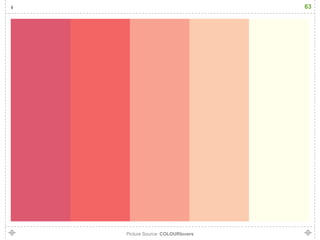
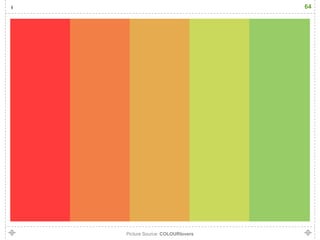
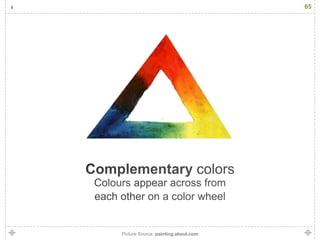
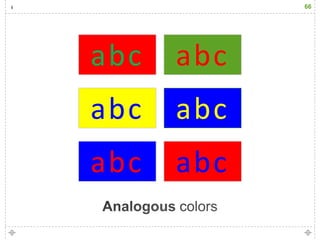
Understand relationship of colours:
 Analogous colours
 Complementary colours
60


Picture Source: hidc.com.au
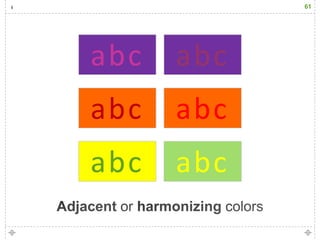
61


abc   abc
abc   abc
abc   abc
62


Picture Source: COLOURlovers
63


Picture Source: COLOURlovers
64


Picture Source: COLOURlovers
65


Picture Source: painting.about.com
66


abc   abc
abc   abc
abc   abc
67


Colour perceptual property corresponding
         in humans to the categories
 called red, yellow, blue and others. Colour
      derives from the spectrum of light
   interacting in the eye with the spectral
      sensitivities of the light receptors.
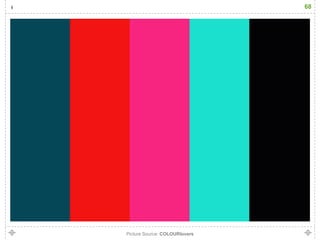
68


Picture Source: COLOURlovers
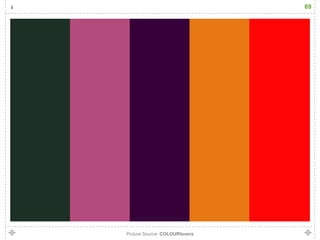
69


Picture Source: COLOURlovers
70


Picture Source: sharris.wordpress.com
71


Consider the following:
   Target audience
   Meaning
   Focus and intention of use
   Resolution and picture quality
   Intellectual Property (IP)
72


Picture Source: What is Graphic Design? poster contest
73






    Picture Source: www.unbsj.ca
74
75


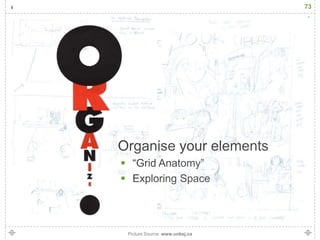
 “     Anatomy”
Exploring
76


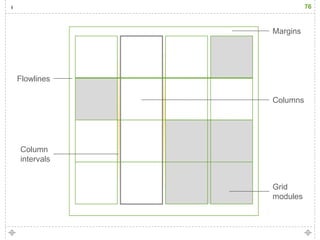
            Margins


Flowlines

            Columns


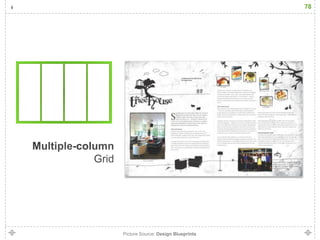
Column
intervals


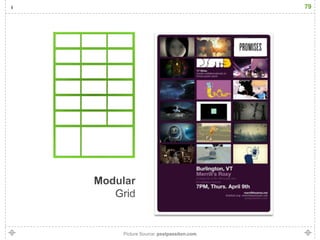
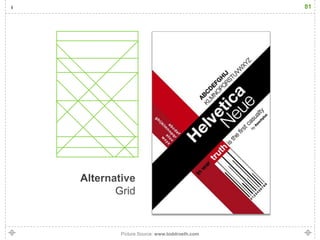
            Grid
            modules
77


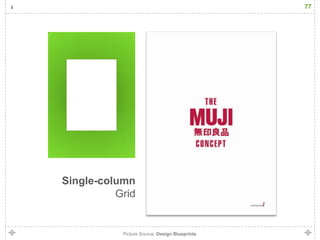
Single-column
          Grid


           Picture Source: Design Blueprints
78


Picture Source: Design Blueprints
79


Picture Source: psstpassiton.com
80


Picture Source: Design Blueprints
81


Picture Source: www.toddroeth.com
82


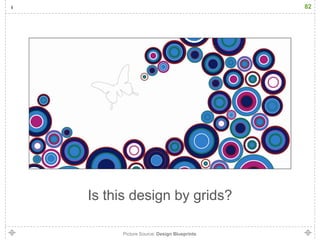
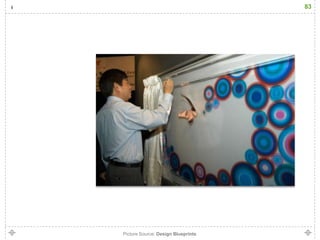
Is this design by grids?

     Picture Source: Design Blueprints
83


Picture Source: Design Blueprints
84
85


    =
=
86


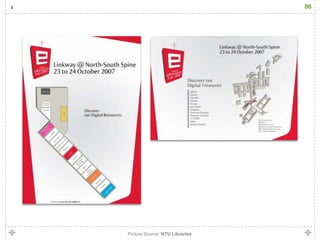
Picture Source: NTU Libraries
87


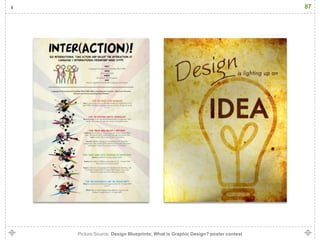
Picture Source: Design Blueprints; What is Graphic Design? poster contest
88


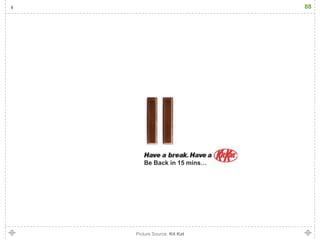
   Be Back in 15 mins…


Picture Source: Kit Kat
89


Step 3:                      (Development)
             Getting Started with Microsoft PowerPoint
             Demonstration on Poster Design
90


Picture Source: Microsoft PowerPoint
91


   Setting Unit Measurement
   Setting the Stage
   Interface
   Text styles, spacing and character spacing
   Handling images
   Grouping and aligning
92


Step 4:                        (Evaluation)
             Thinking back…
93


Picture Source: www.abelramirez.com
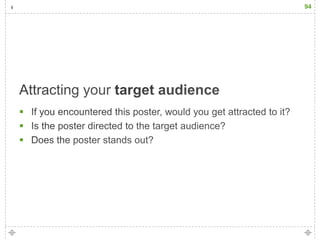
94





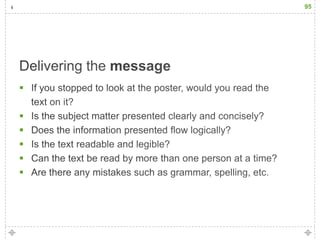
95









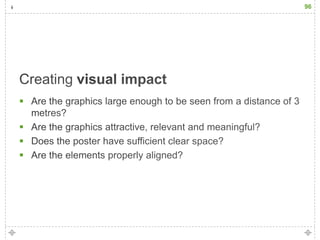
96







97
98


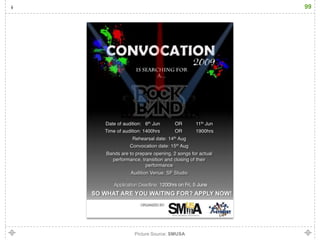
Picture Source: SMUSA
99


Picture Source: SMUSA
100
101


Picture Source: NTU Libraries
102


Picture Source: Design Blueprints
103


Picture Source: NTU Libraries
104
105


Picture Source: NTU Libraries
106


Picture Source: NTU Libraries
107


   Too much text and information
   Missing crucial information
   Incorrect or misleading visuals
   Hard to read text
   Consistency with other peripherals
108


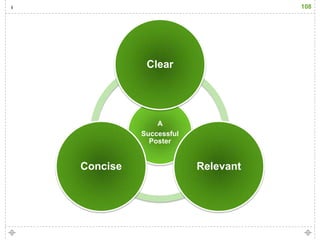
           Clear


              A
          Successful
            Poster


Concise                Relevant
109


“   ”
110


Successful Poster Design
111

Successful Poster Design

Editor's Notes

  • #2 Greetings.I am proud today to present and propose the use of Facebook in NTU Libraries. The concept of the web have changed since it early developments in the 1990s. More commonly known as the transition from Web 1.0 to Web 2.0.
  • #7 “a large printed picture or notice used for decoration or advertisement."
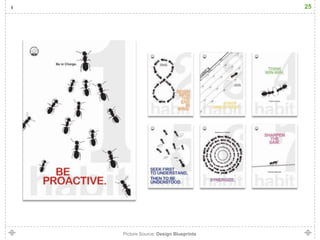
  • #24 Learning to develop the ability to perceive, gather and use inspiration is the responsibility of the designer. It is important to react to the everyday environment with heightened senses, making the most of all experiences. Inspiration provides tremendous insight toward creativity and design. The wellspring of inspiration factors (and knowledge gained from them) shapes and influences the designer and the design process in countless ways. Inspiration is the first step toward the final design.
  • #58 Use nameable colours