Photo Preservation – Digital Formats
John D. Lund, Sept 27, 2012
Preservation
To Digitize or Not to Digitize?
Is the goal access,
making available online?
Is the goal preservation?
 Is digitization the best strategy?
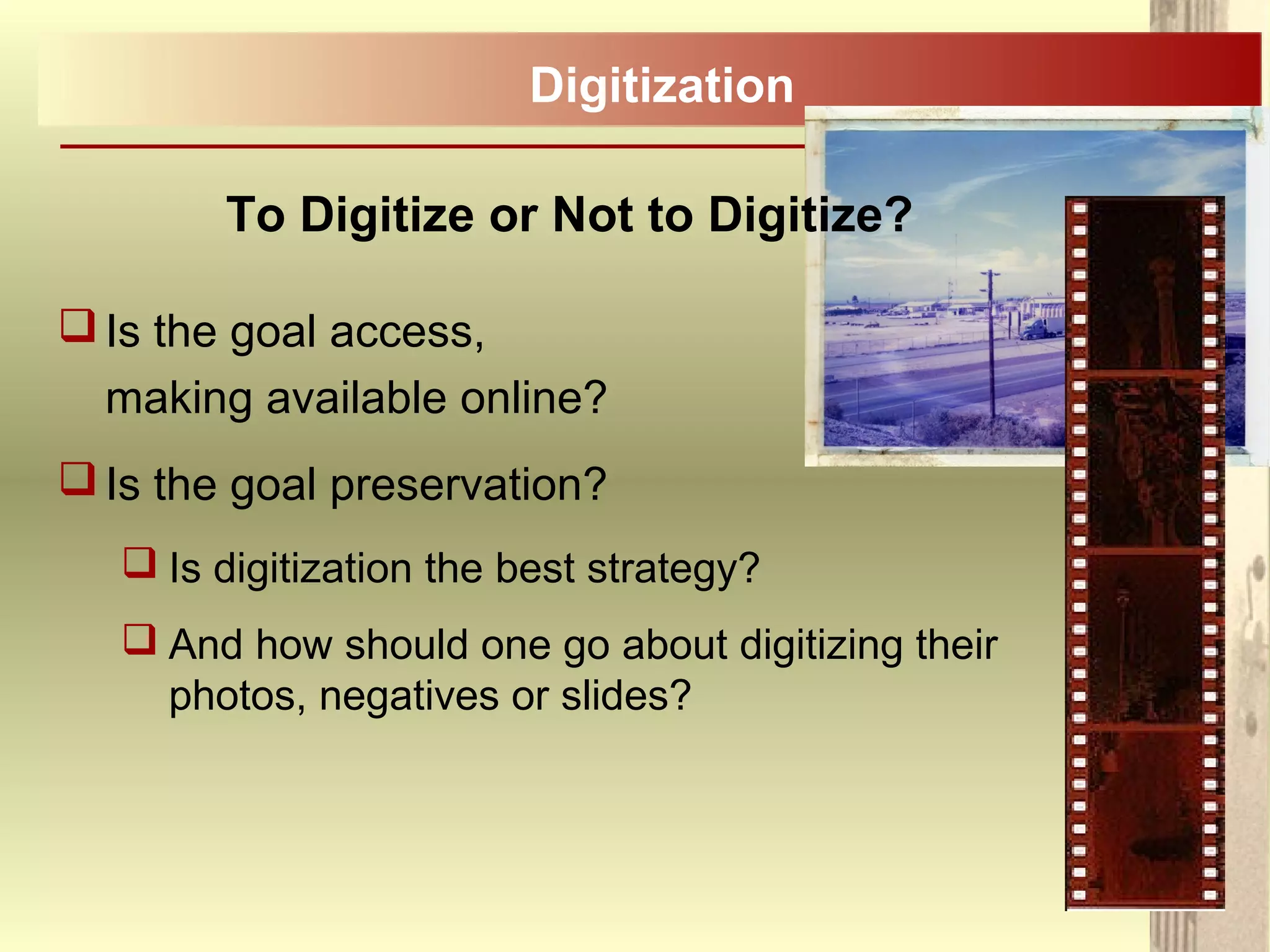
 And how should one go about digitizing their
photos, negatives or slides?
Digitization
To Digitize or Not to Digitize?
Always keep in mind that you can’t simply pick
up a digital image and look at it;
Without a computer, without the correct
software, the technology, the digital image is
inaccessible;
There are many long term preservation
concerns.
Digitization
Problems with Digital
 Short lifespan – under ideal conditions 5 to 20 years.
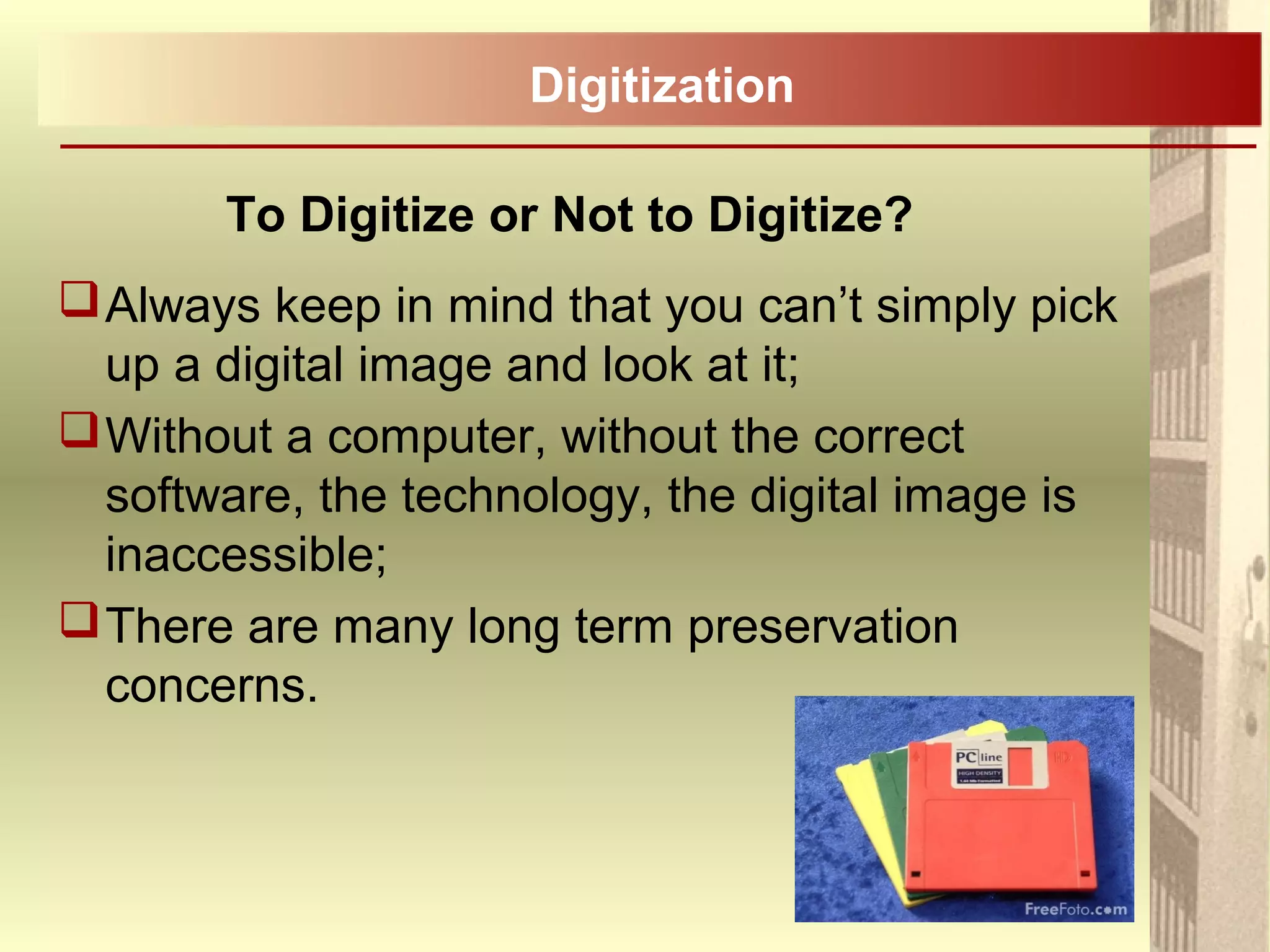
 Rapidly changing and obsolete technology and formats
(5 ¼” floppies, 3 ½” discs, CD-R …) .
 More complete and irreversible loss than non-digital
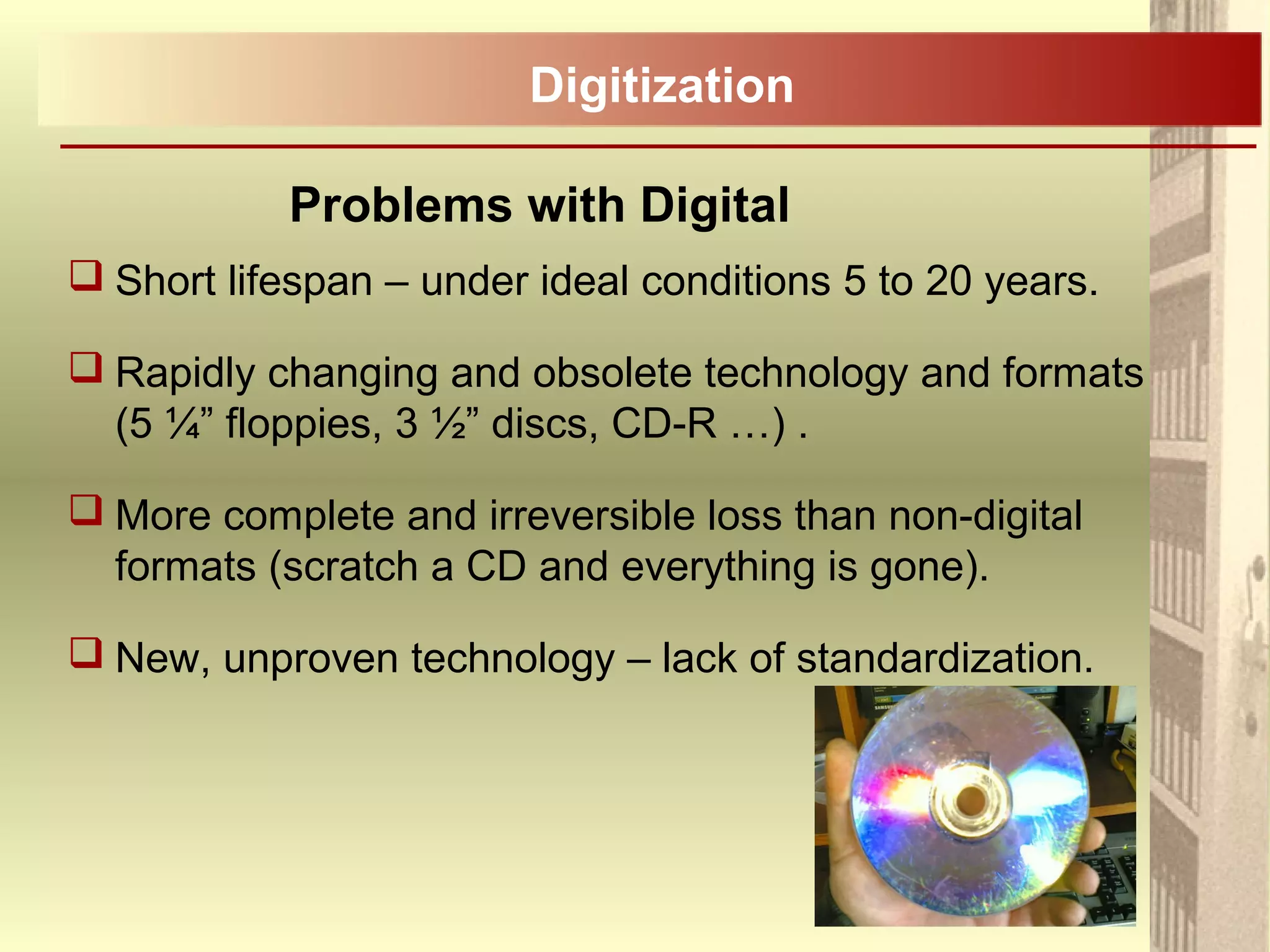
formats (scratch a CD and everything is gone).
 New, unproven technology – lack of standardization.
Digitization
Positive Aspects of Digital
 Potentially searchable by keyword.
 Convenient and inexpensive.
 Plenty of storage space.
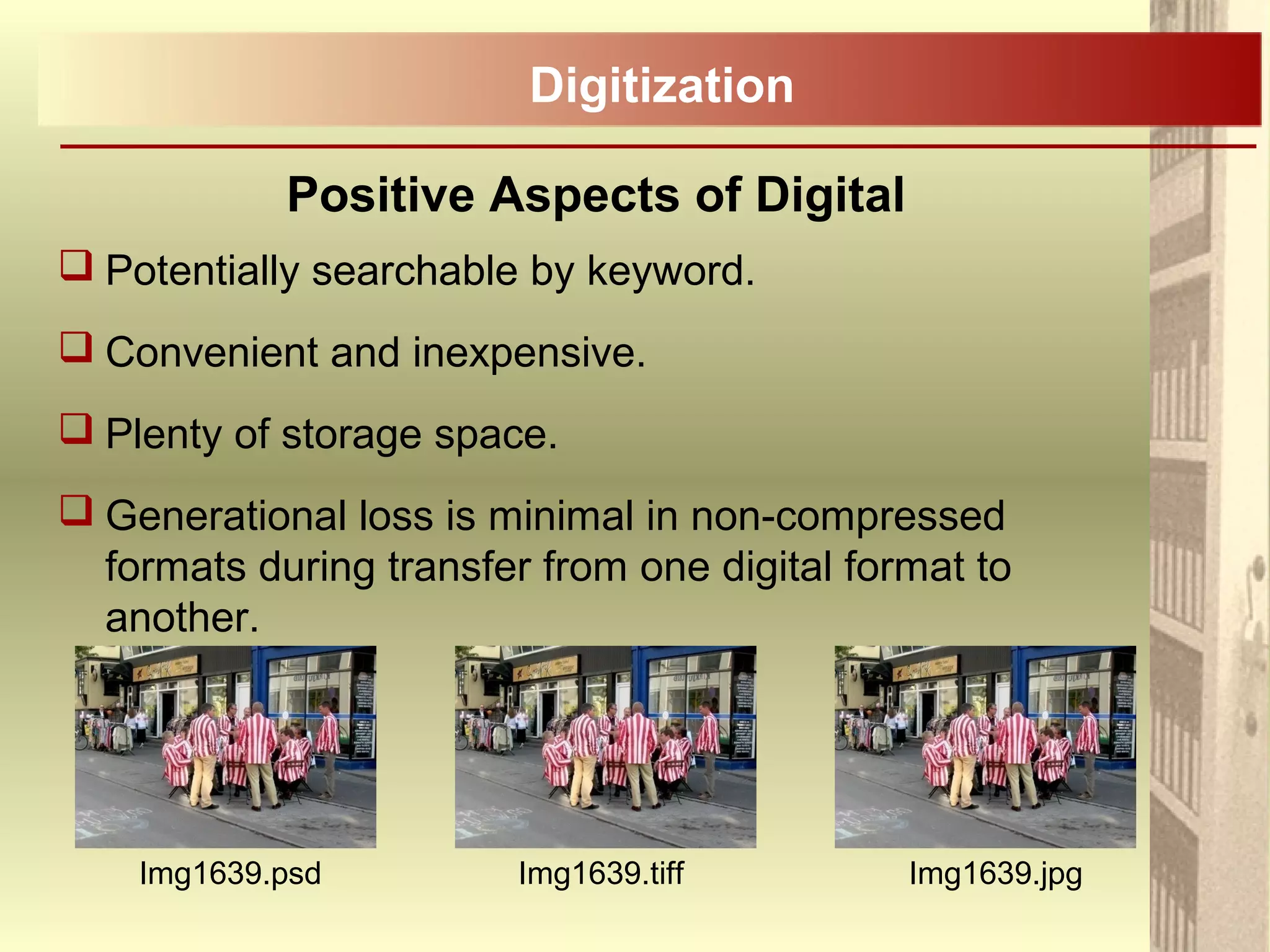
 Generational loss is minimal in non-compressed
formats during transfer from one digital format to
another.
Digitization
Img1639.psd Img1639.tiff Img1639.jpg
Planning on Digitizing?
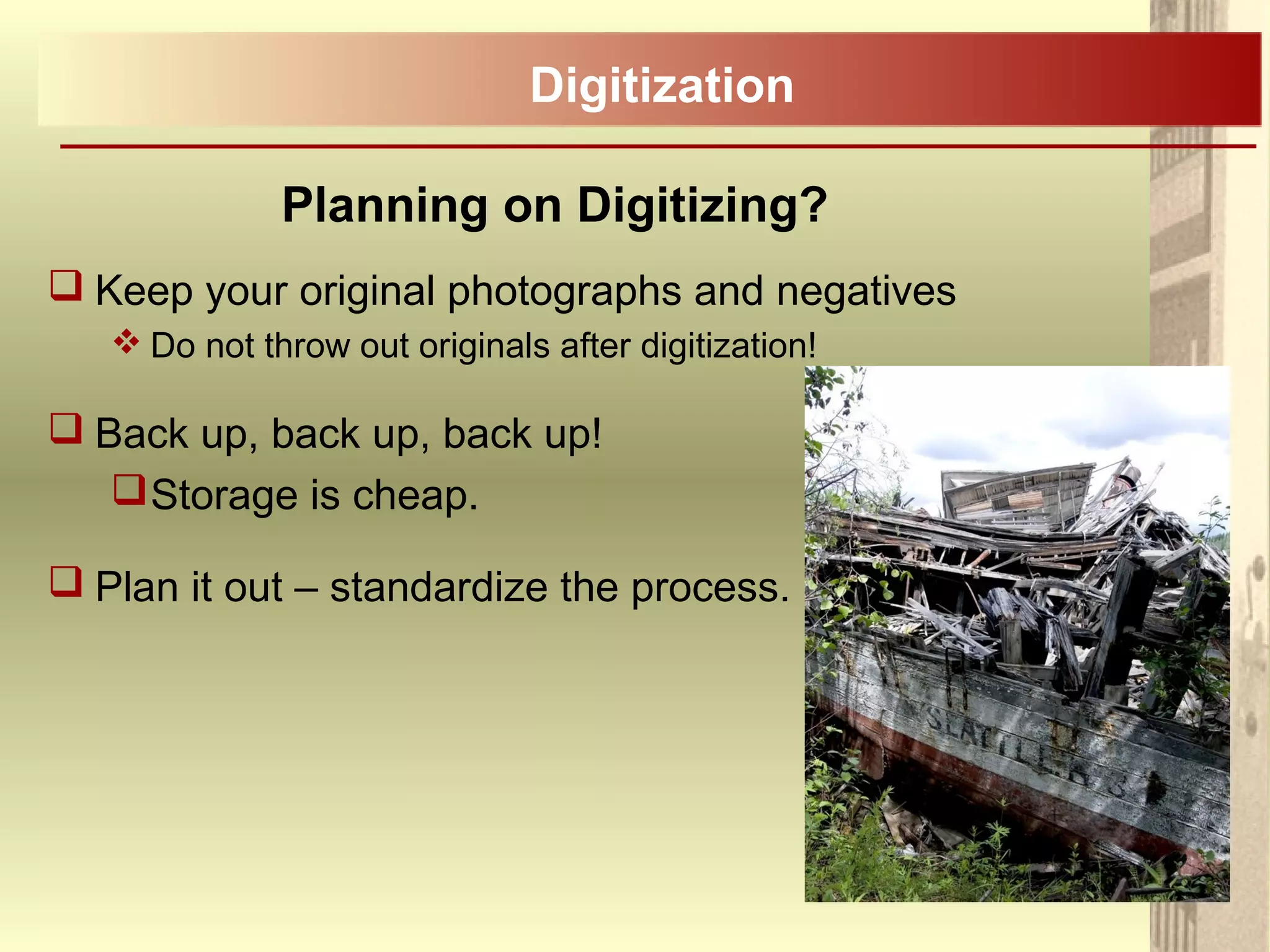
 Keep your original photographs and negatives
 Do not throw out originals after digitization!
 Back up, back up, back up!
Storage is cheap.
 Plan it out – standardize the process.
Digitization
Planning on Digitizing?
 Make at least two copies:
 A high resolution archival copy – minimum 300dpi (ideal
600dpi), preferably in TIFF format;
 A viewing copy – 72 - 96dpi is standard for the internet, jpeg
format;
 Grayscale – 8 bit depth, Colour – 24 bit depth.
 So what the heck does all this mean?
 Don’t take the easy route.
 Plan for obsolescence – keep up to date with the latest
technology:
 How many of you have files on floppy discs that you can’t
access?
Digitization
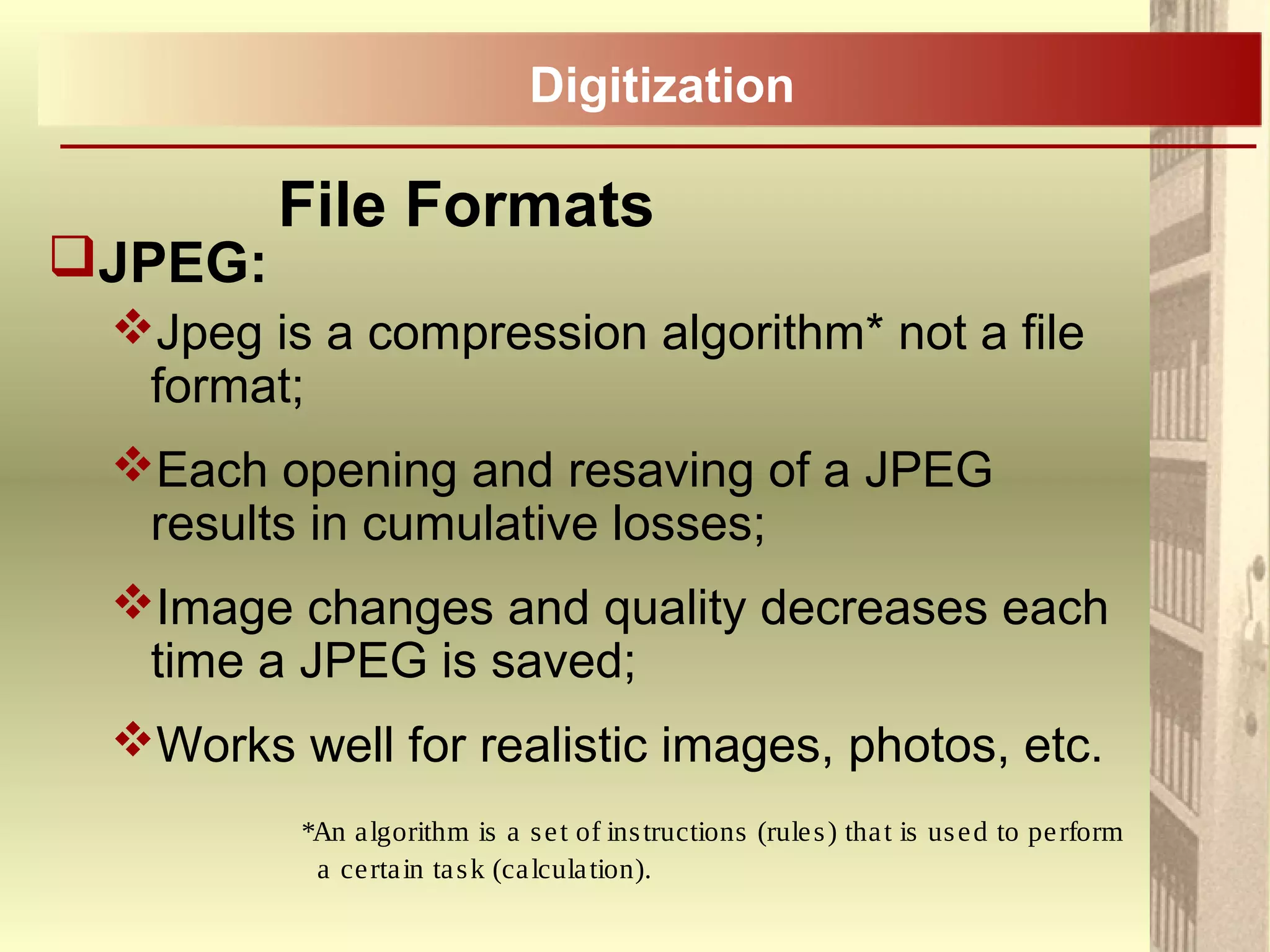
 There are a number of file formats for
images, but we will focus on the two
most common formats:
JPEG .jpeg, .jpg
TIFF .tiff, .tif
File Formats
Digitization
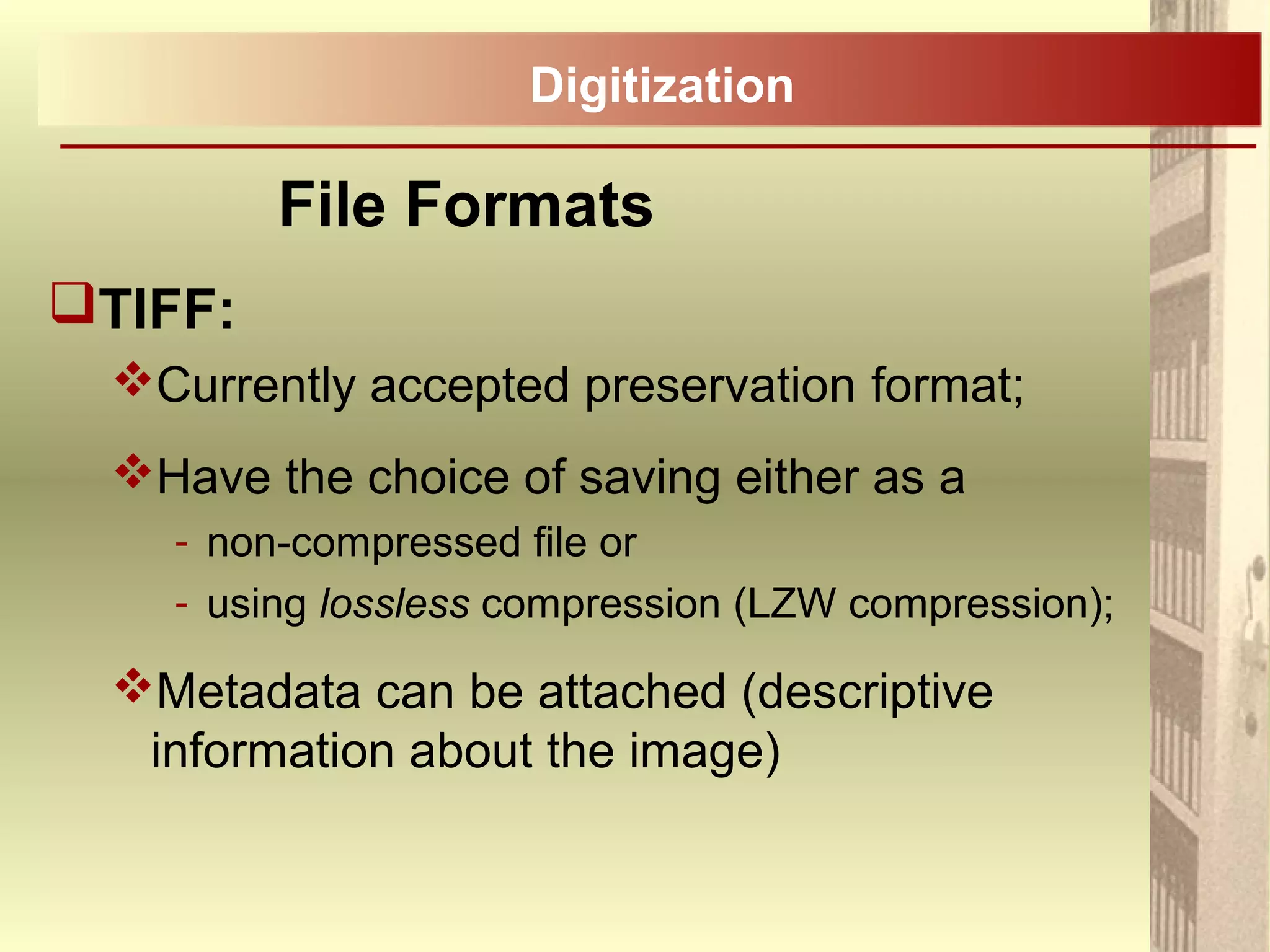
JPEG:
Jpeg is a compression algorithm* not a file
format;
Each opening and resaving of a JPEG
results in cumulative losses;
Image changes and quality decreases each
time a JPEG is saved;
Works well for realistic images, photos, etc.
*An algorithm is a set of instructions (rules) that is used to perform
a certain task (calculation).
File Formats
Digitization
TIFF:
Currently accepted preservation format;
Have the choice of saving either as a
- non-compressed file or
- using lossless compression (LZW compression);
Metadata can be attached (descriptive
information about the image)
File Formats
Digitization
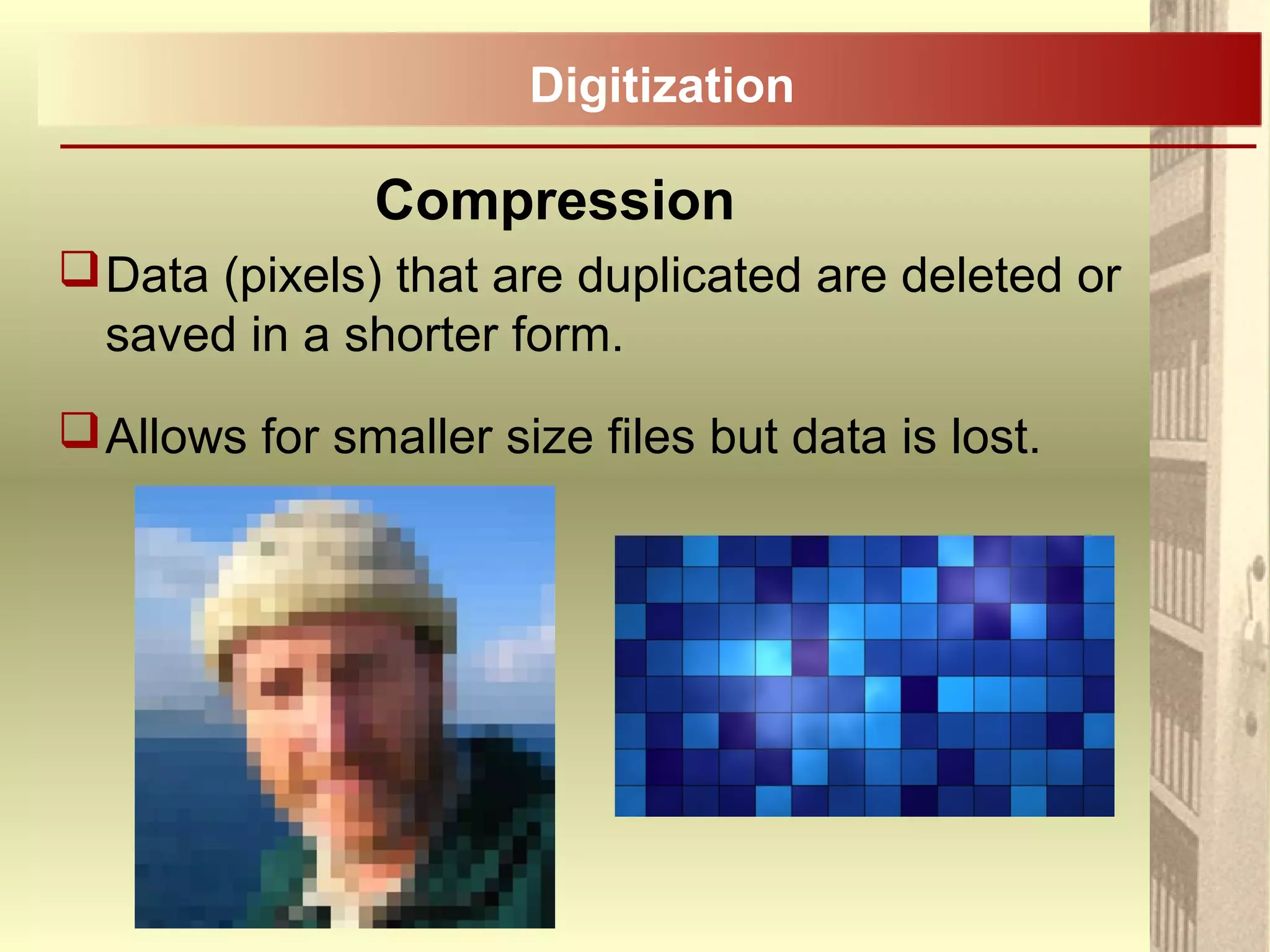
Compression
Data (pixels) that are duplicated are deleted or
saved in a shorter form.
Allows for smaller size files but data is lost.
Digitization
When a lossy compressed image is decompressed,
it is no longer the same as the original image.
Information is eliminated as part of the compression.
When a lossless compressed image is
decompressed, it is identical to the image before it
was decompressed:
For example, TIFF with LZW* lossless
compression.
- *LZW = Lempel–Ziv–Welch (last names of the creators)
Lossy Compression
Digitization
Lossless Compression
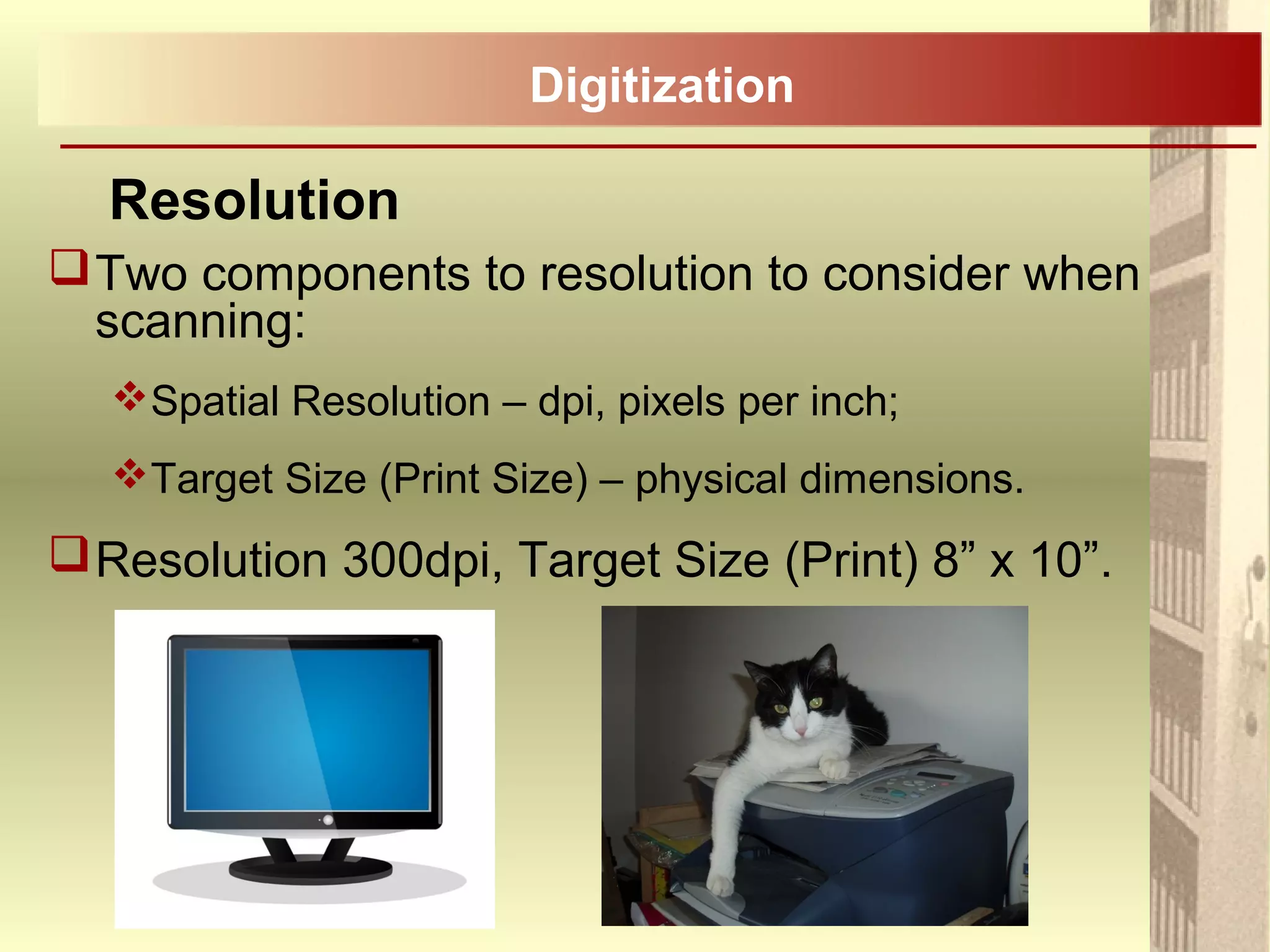
Two components to resolution to consider when
scanning:
Spatial Resolution – dpi, pixels per inch;
Target Size (Print Size) – physical dimensions.
Resolution 300dpi, Target Size (Print) 8” x 10”.
Resolution
Digitization
Digitization
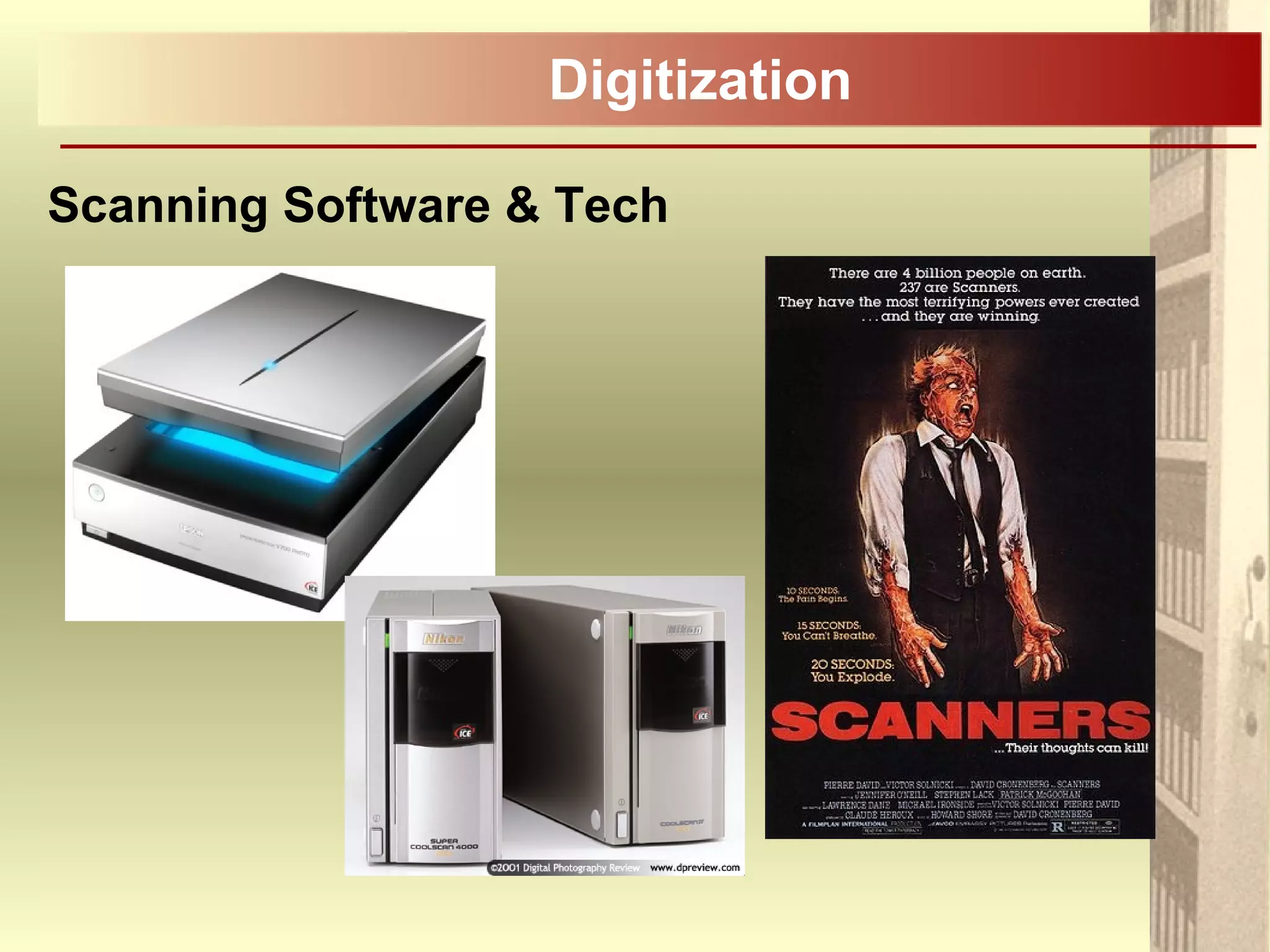
Scanning Software & Tech
Digitization
Scanning Software & Tech
What kind of scanner to use?
Supports both Negatives and Photographs
Supports a variety of negative sizes and formats,
from 35mm to 8”x10”
Adaptable software, custom controls
Higher end, professional scanners will increase
processing speed.
Smart Technologies, such as, ICE?
Many scanners come with software that
automatically detects dirt, dust and scratches &
cleans these imperfections from the image.
Digitization
Scanning Software & Tech
Smart Technologies
Are a nice feature to have but don’t use them:
- They may make unintended changes to the image;
- You want to scan all your photographs or negatives
using the exact same controlled procedures;
- If something does go wrong with a scan then the error
will be traceable if the procedures are standardized;
- The original digitized image file should be preserved for
your archives as is;
- Corrections and cleaning may be done to a copy of the
original scan.
Digitization
Scanning Software & Tech
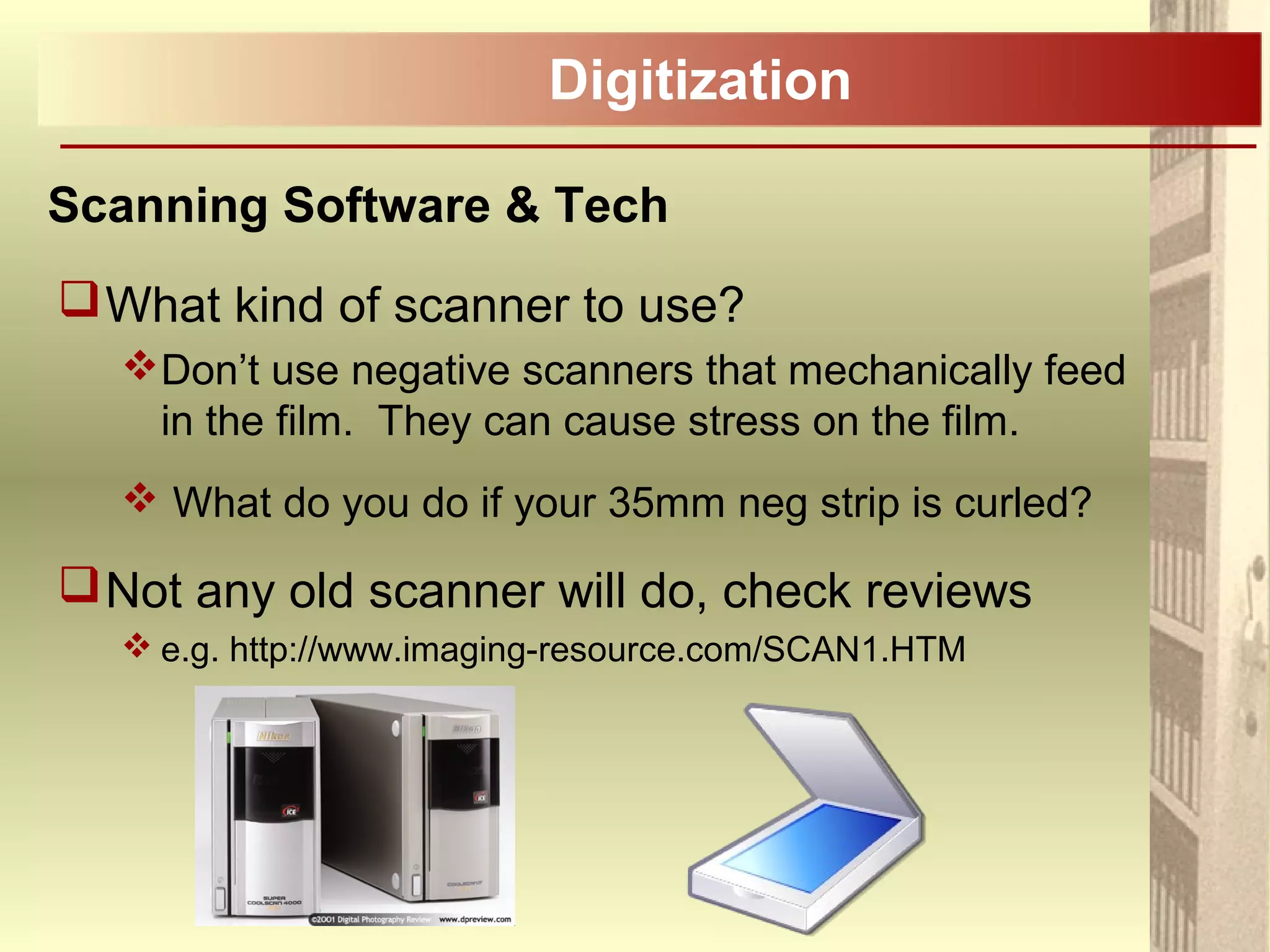
What kind of scanner to use?
Don’t use negative scanners that mechanically feed
in the film. They can cause stress on the film.
 What do you do if your 35mm neg strip is curled?
Not any old scanner will do, check reviews
 e.g. http://www.imaging-resource.com/SCAN1.HTM
Digitization
Scanning Software & Tech
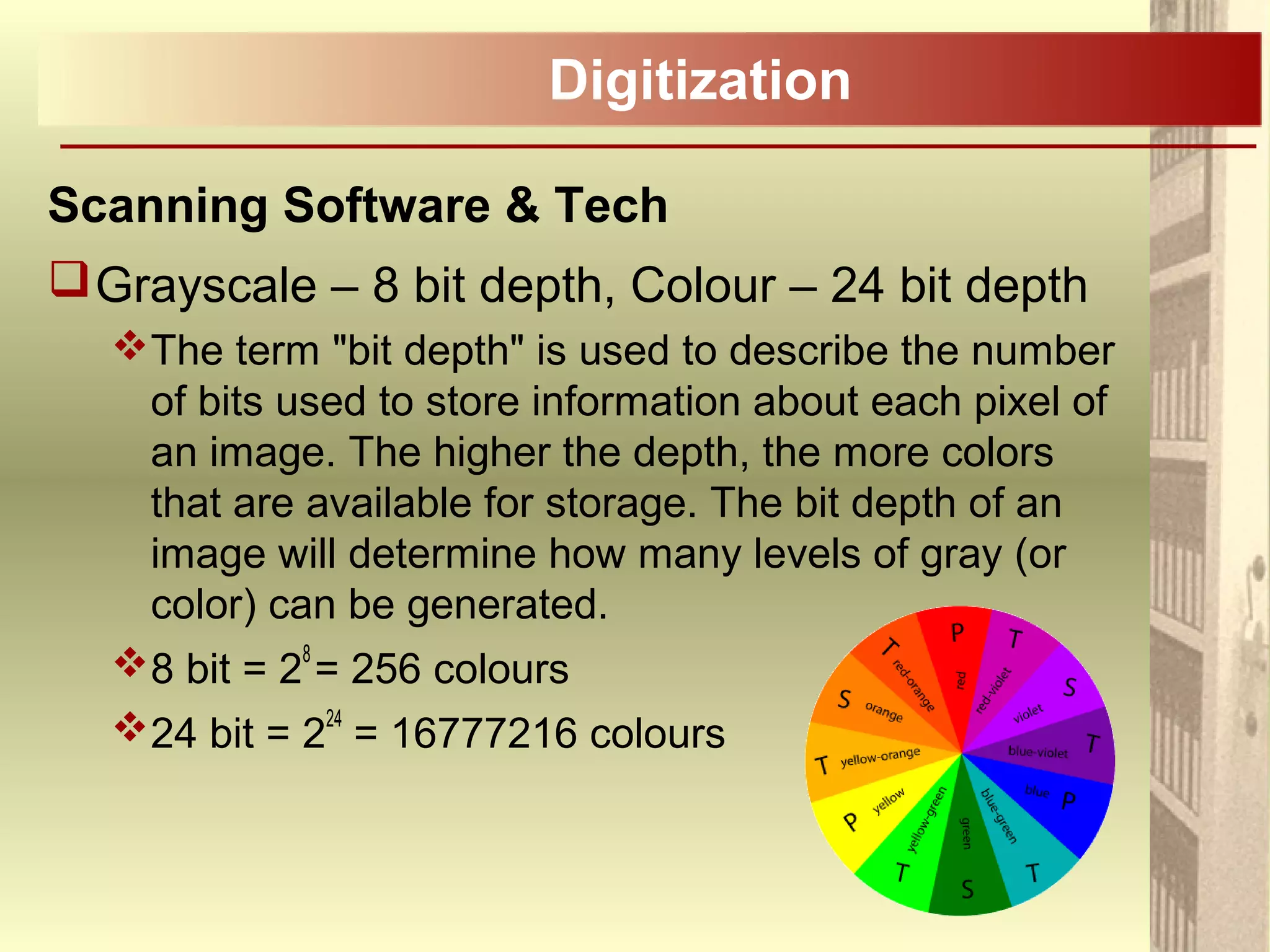
Grayscale – 8 bit depth, Colour – 24 bit depth
The term "bit depth" is used to describe the number
of bits used to store information about each pixel of
an image. The higher the depth, the more colors
that are available for storage. The bit depth of an
image will determine how many levels of gray (or
color) can be generated.
8 bit = 2
8
= 256 colours
24 bit = 224
= 16777216 colours
Digitization
Scanning Software & Tech
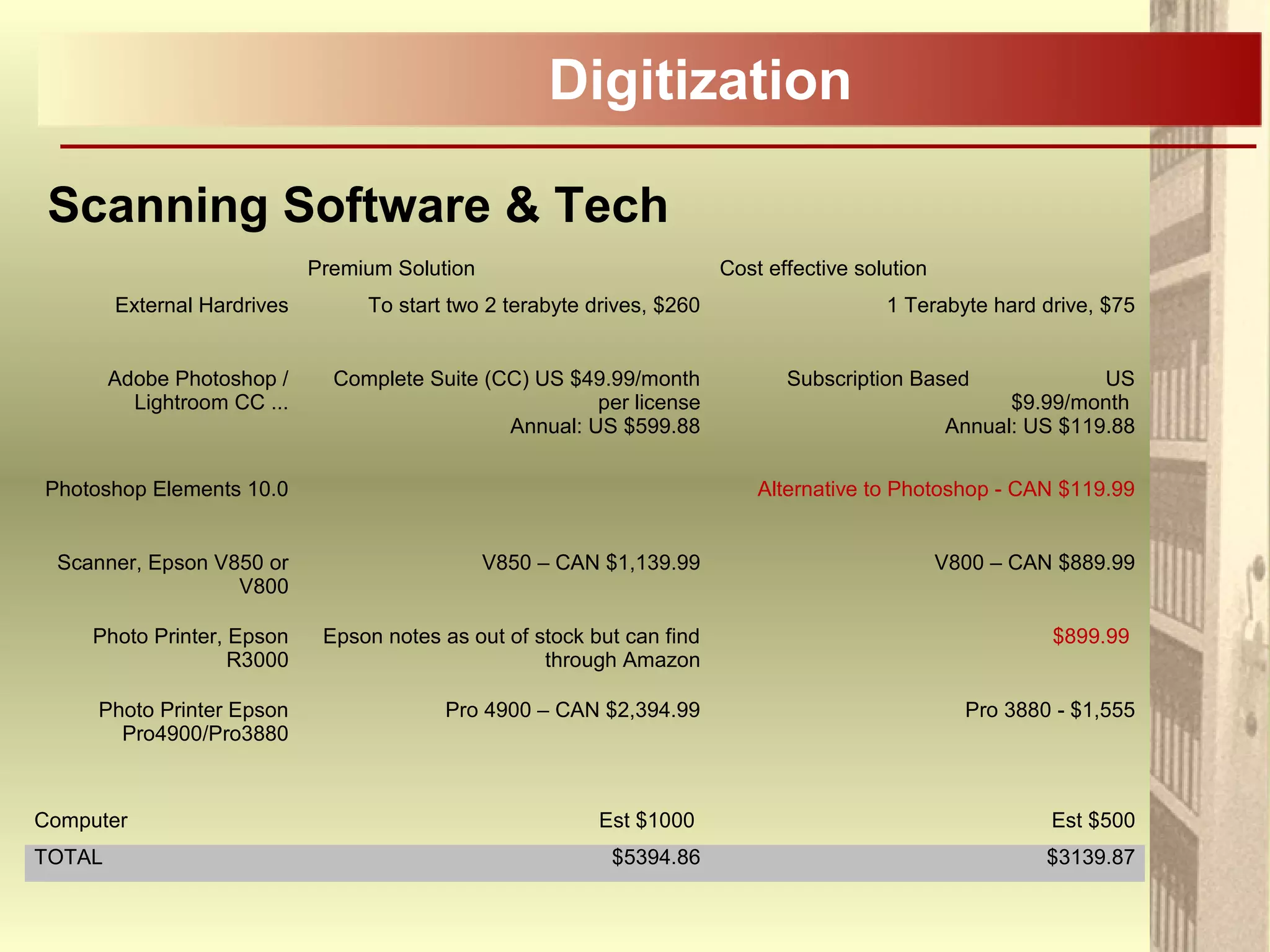
Premium Solution Cost effective solution
External Hardrives To start two 2 terabyte drives, $260 1 Terabyte hard drive, $75
Adobe Photoshop /
Lightroom CC ...
Complete Suite (CC) US $49.99/month
per license
Annual: US $599.88
Subscription Based US
$9.99/month
Annual: US $119.88
Photoshop Elements 10.0 Alternative to Photoshop - CAN $119.99
Scanner, Epson V850 or
V800
V850 – CAN $1,139.99 V800 – CAN $889.99
Photo Printer, Epson
R3000
Epson notes as out of stock but can find
through Amazon
$899.99
Photo Printer Epson
Pro4900/Pro3880
Pro 4900 – CAN $2,394.99 Pro 3880 - $1,555
Computer Est $1000 Est $500
TOTAL $5394.86 $3139.87
Digitization
Scanning Software & Tech
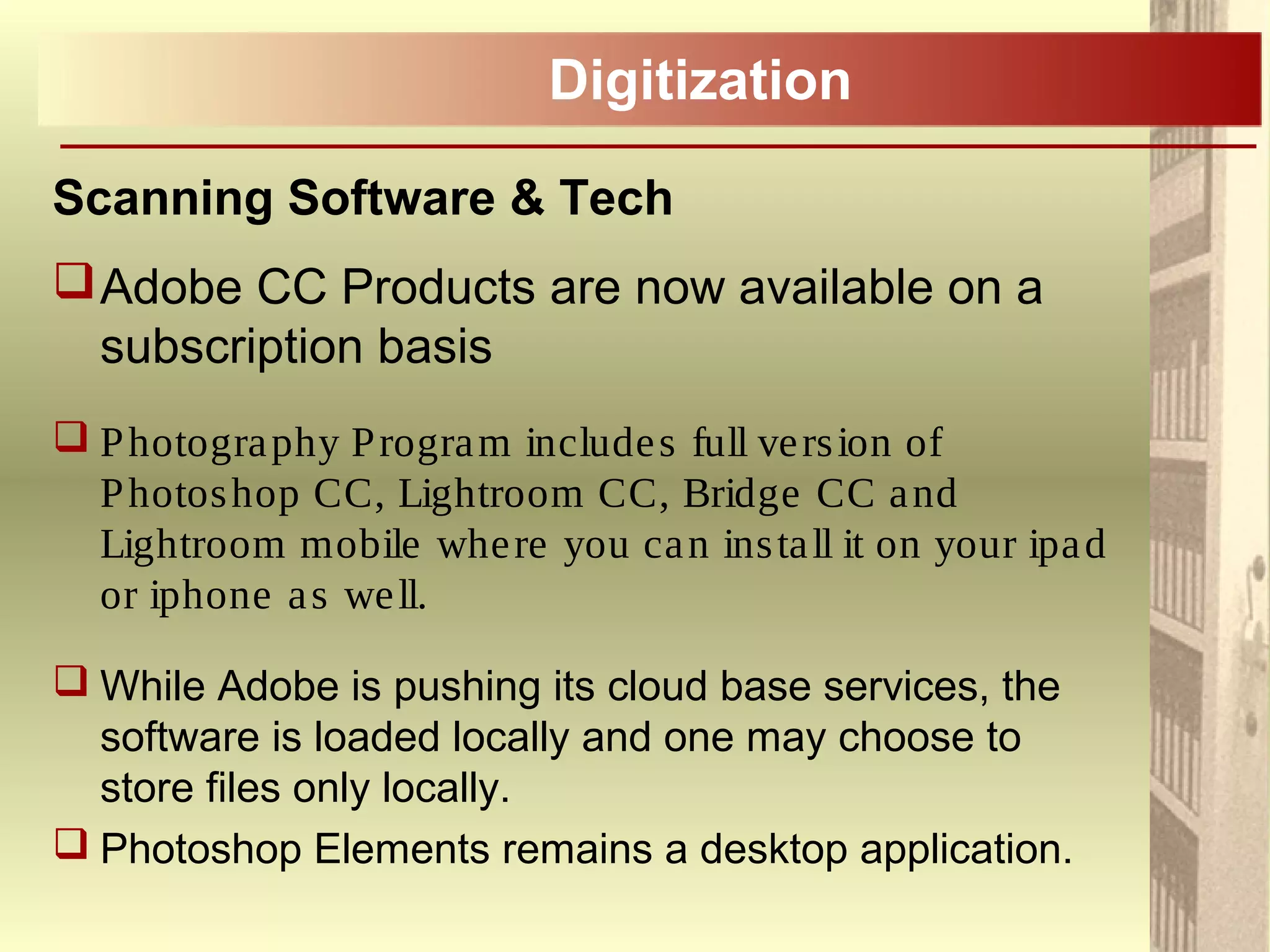
Adobe CC Products are now available on a
subscription basis
 Photography Program includes full version of
Photoshop CC, Lightroom CC, Bridge CC and
Lightroom mobile where you can install it on your ipad
or iphone as well.
 While Adobe is pushing its cloud base services, the
software is loaded locally and one may choose to
store files only locally.
 Photoshop Elements remains a desktop application.
Digitization
Storage
There are no guarantees!
Files stored on brand name CD-Rs have been
found not to open after less than a year.
Despite our digital era the best means of
preserving your most important images is to
print them out!
Digitization
Storage
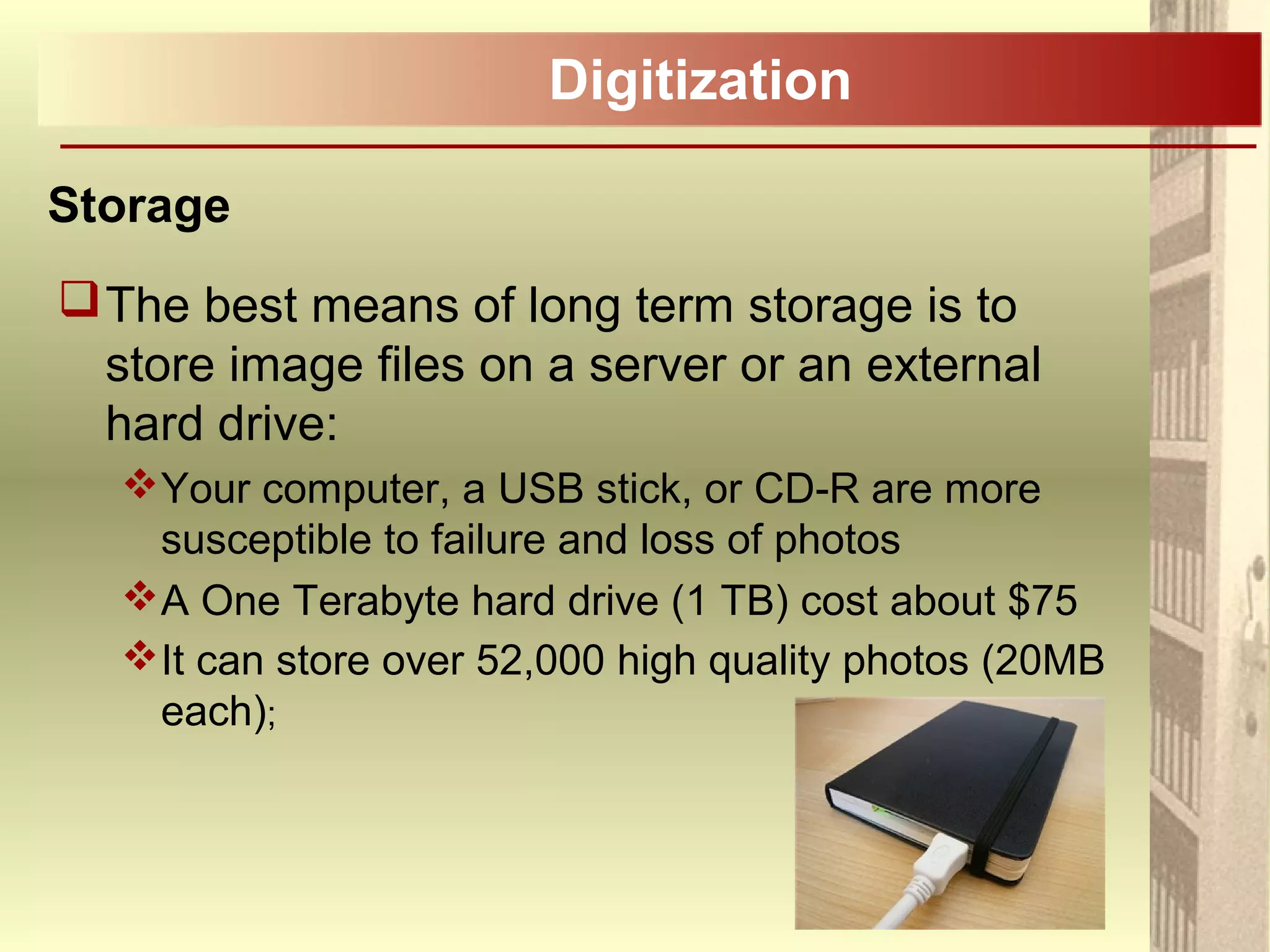
The best means of long term storage is to
store image files on a server or an external
hard drive:
Your computer, a USB stick, or CD-R are more
susceptible to failure and loss of photos
A One Terabyte hard drive (1 TB) cost about $75
It can store over 52,000 high quality photos (20MB
each);
Digitization
Storage
Back up, back up, back up:
Keys to good back up:
- Automatic – whether you do it manually or have
an automated system back ups need to be
second nature;
- Local – first backup is easy and fast to restore,
such as, an external hard drive;
- Remote – in case of disaster, may store at work,
at a relatives or in the cloud (should be secure –
encrypted);
Digitization
Storage
Back up, back up, back up:
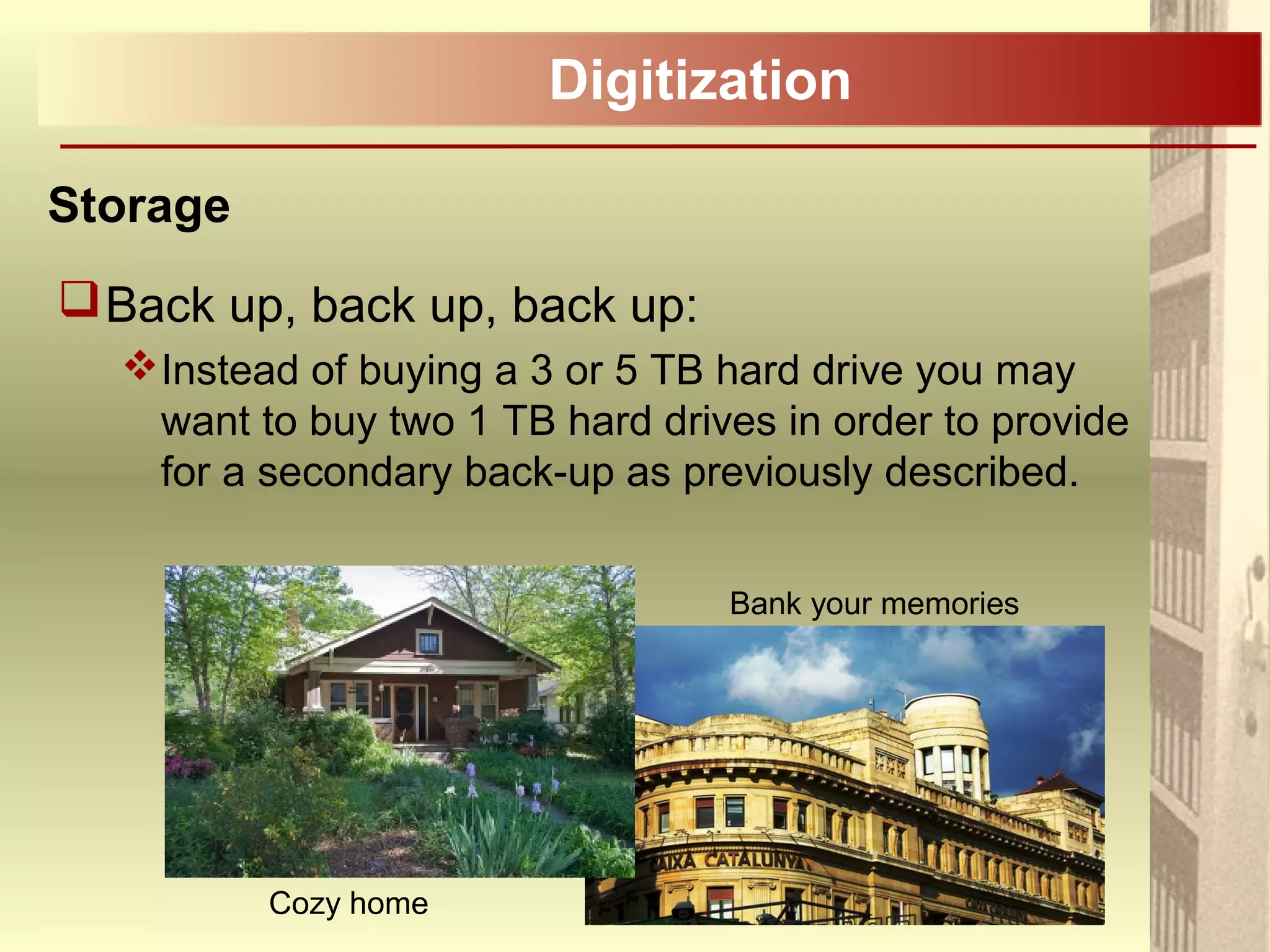
Instead of buying a 3 or 5 TB hard drive you may
want to buy two 1 TB hard drives in order to provide
for a secondary back-up as previously described.
Cozy home
Bank your memories
Digitization
Storage – CD-Rs
While CD-Rs are not recommended for long
term storage, if required Gold CD-Rs are
preferred.*
*See handout
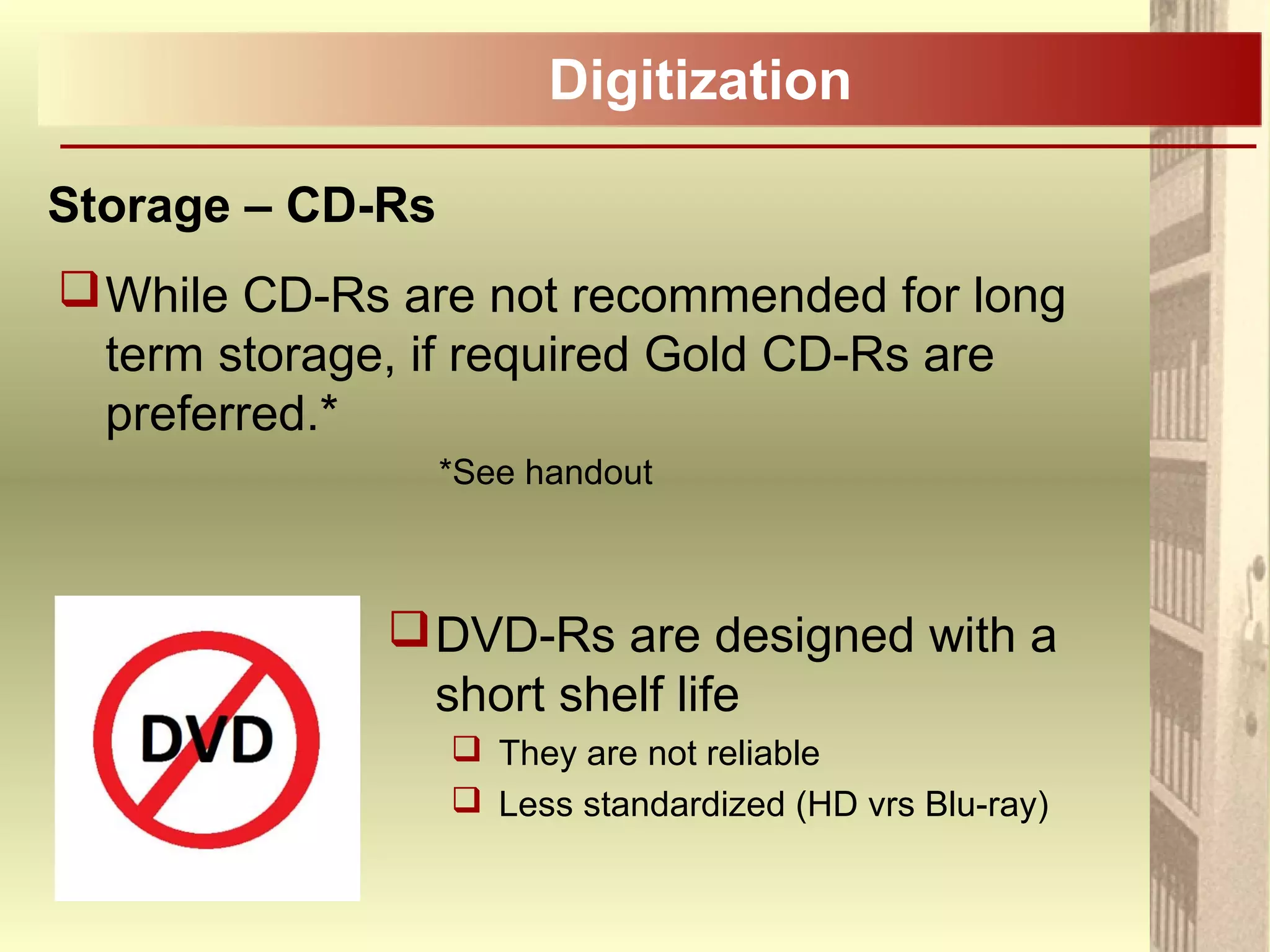
DVD-Rs are designed with a
short shelf life
 They are not reliable
 Less standardized (HD vrs Blu-ray)
CBC Spark Episode 35
- Start at 11:30, End 13:03.
Interlude
Digital Legacy
Digital Camera Photographs
Aka – Born Digital Image Files
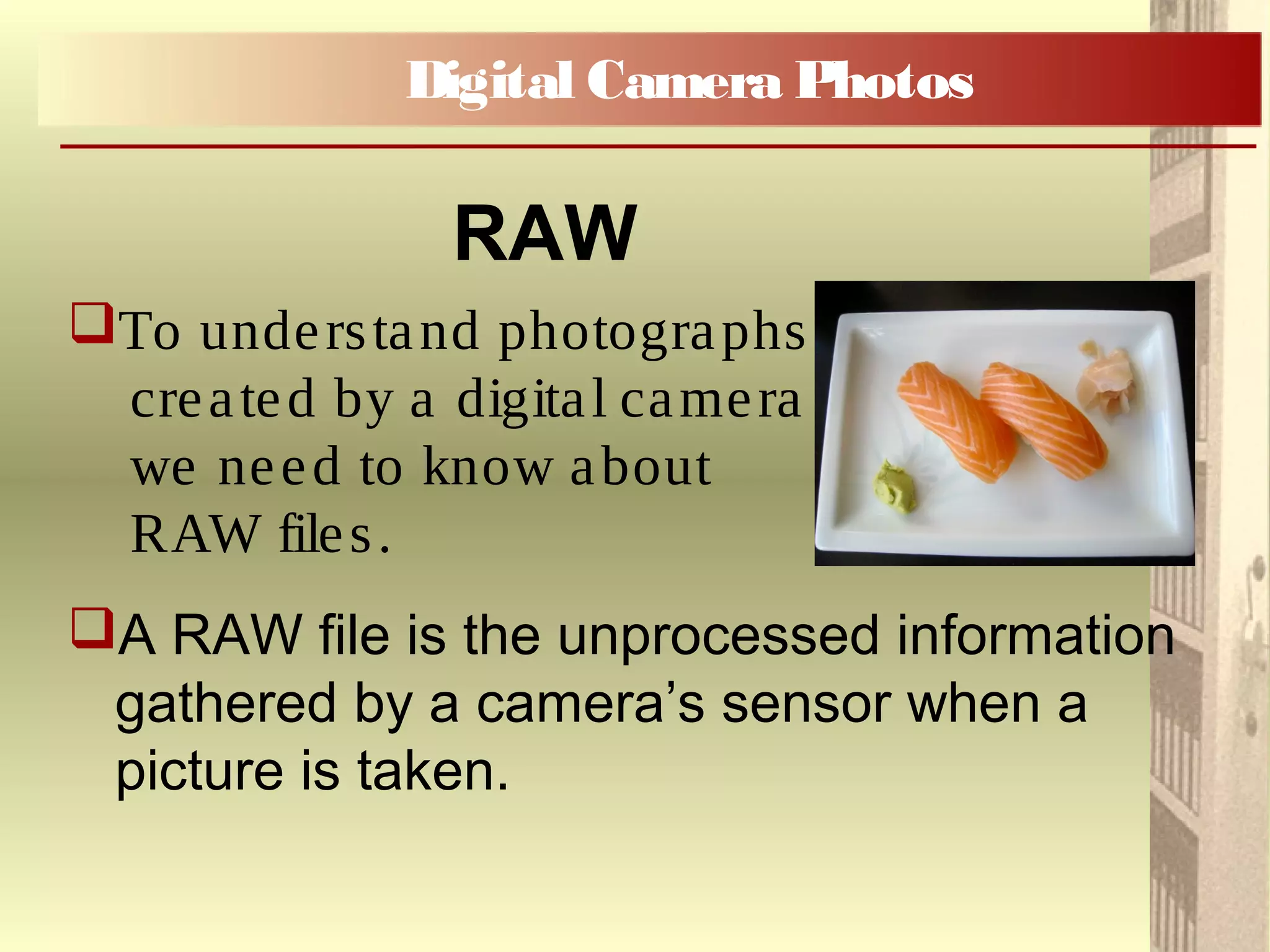
To understand photographs
created by a digital camera
we need to know about
RAW files.
A RAW file is the unprocessed information
gathered by a camera’s sensor when a
picture is taken.
Digital Camera Photos
RAW
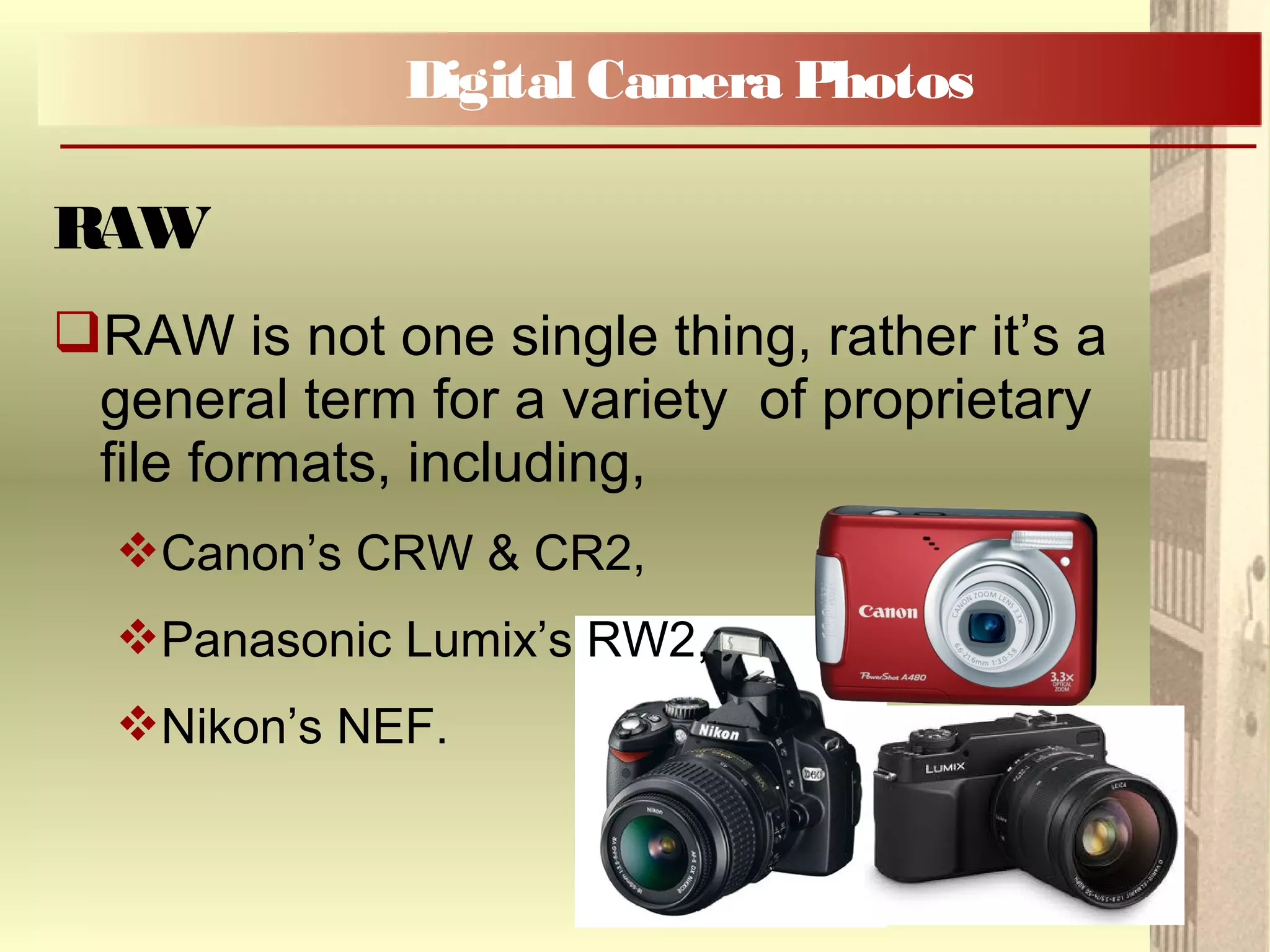
RAW is not one single thing, rather it’s a
general term for a variety of proprietary
file formats, including,
Canon’s CRW & CR2,
Panasonic Lumix’s RW2,
Nikon’s NEF.
Digital Camera Photos
RAW
A RAW file is a record of the data
captured by a camera’s sensor.
The sensors simply count photons – they
produce a charge that is directly
proportional to the amount of light that
strikes them.
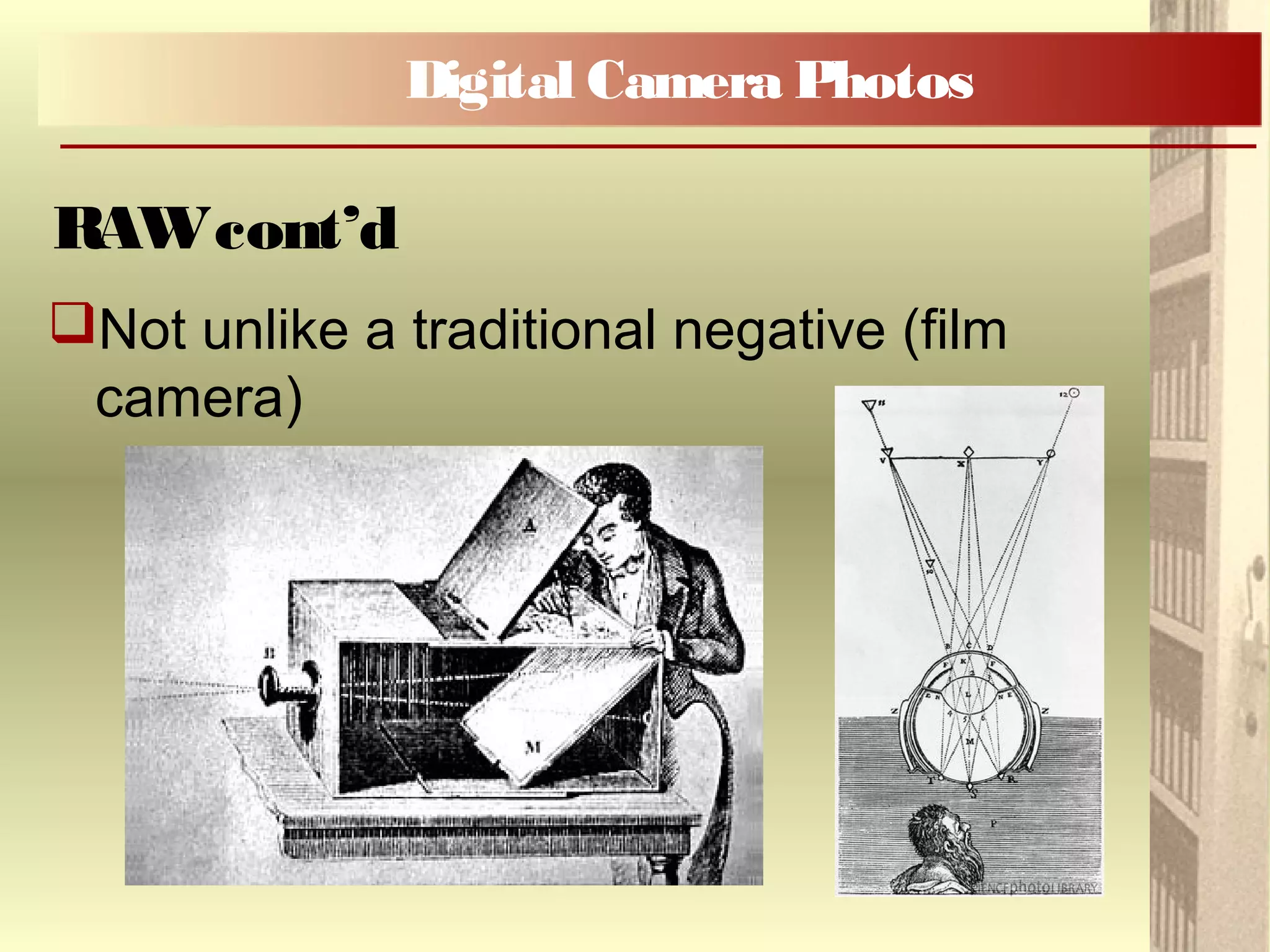
Not unlike a traditional negative (film
camera)
Digital Camera Photos
RAWcont’d
Not unlike a traditional negative (film
camera)
Digital Camera Photos
RAWcont’d
Well it is a little more complicated ... If
you are interested in more detail, please
see the handout, Understanding Digital
Raw Capture.
Digital Camera Photos
RAWcont’d
Metadata is data about data
A tag identifying a person in a photograph is
a form of metadata, it is information about
the content of the photograph.
A caption/description in a family album is a
form of metadata
Digital Camera Photos
Metadata
RAW files not only contain the visual
information (pixels) but also the image
metadata;
For example, both RAW and JPEG captures
contain EXIF (Exchangeable Image Format)
metadata, http://www.exif.org/;
EXIF records shooting data such as camera
model, serial number, shutter speed, aperture
and date.
Digital Camera Photos
RAWcont’d
Descriptive (Technical) metadata describes
technical features, such as, the shutter speed at
which a photograph was shot;
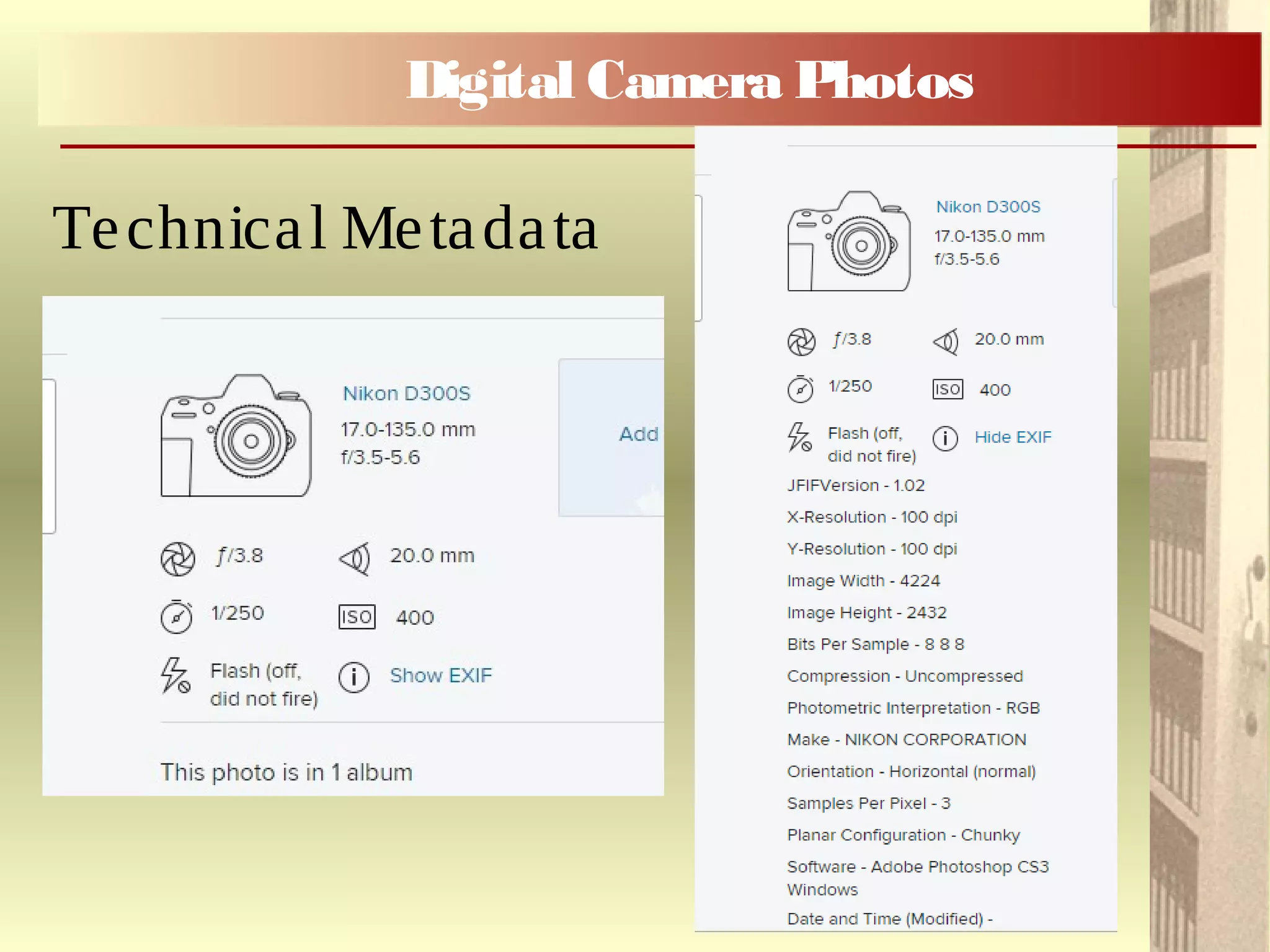
Example of metadata on Flickr
www.flickr.com
Example from flickr
Digital Camera Photos
Technical Metadata
Digital Camera Photos
Technical Metadata
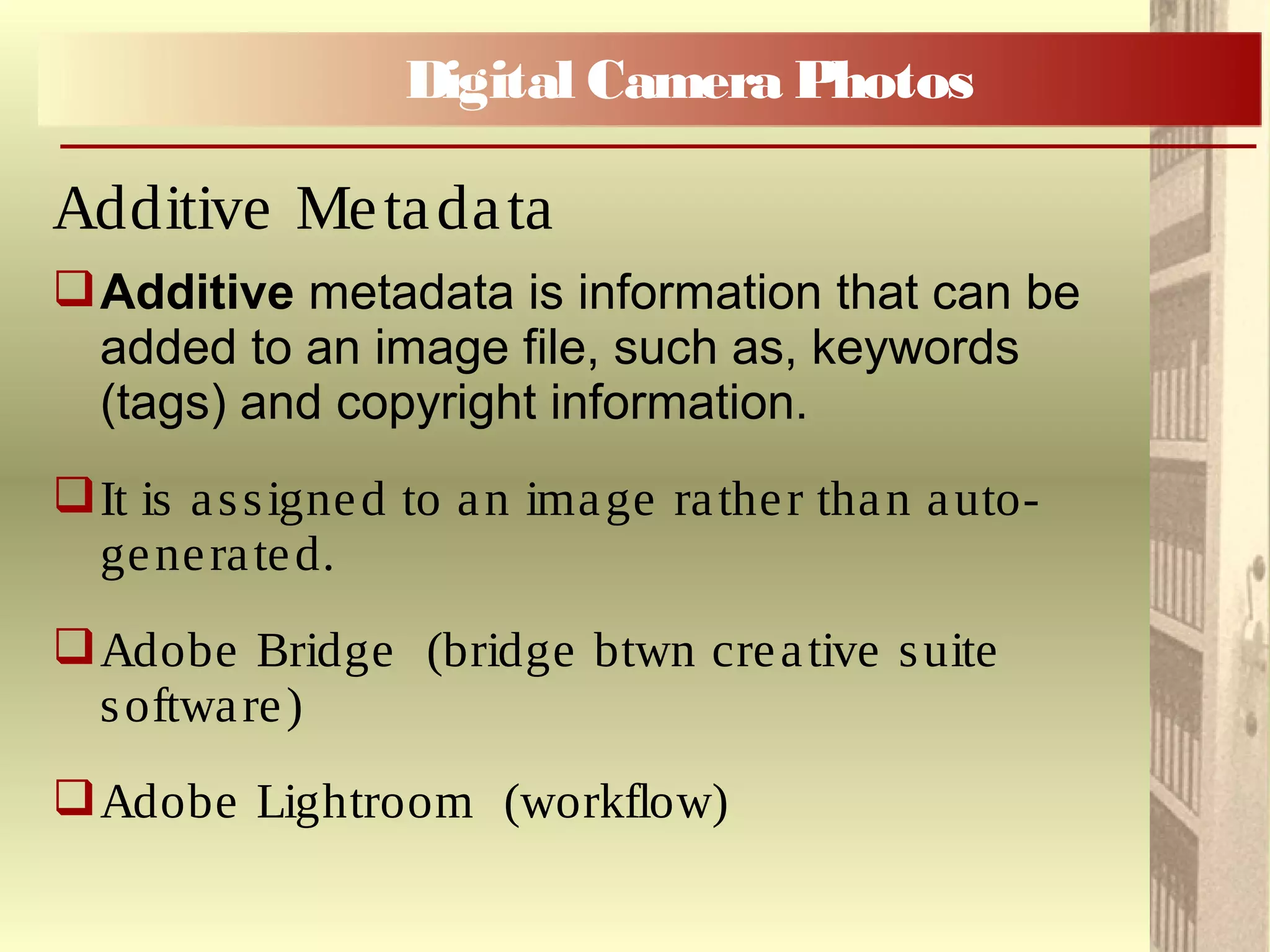
Additive metadata is information that can be
added to an image file, such as, keywords
(tags) and copyright information.
It is assigned to an image rather than auto-
generated.
Adobe Bridge (bridge btwn creative suite
software)
Adobe Lightroom (workflow)
Digital Camera Photos
Additive Metadata
Digital Print Stability
Preservation Considerations
when printing your Digital Photos
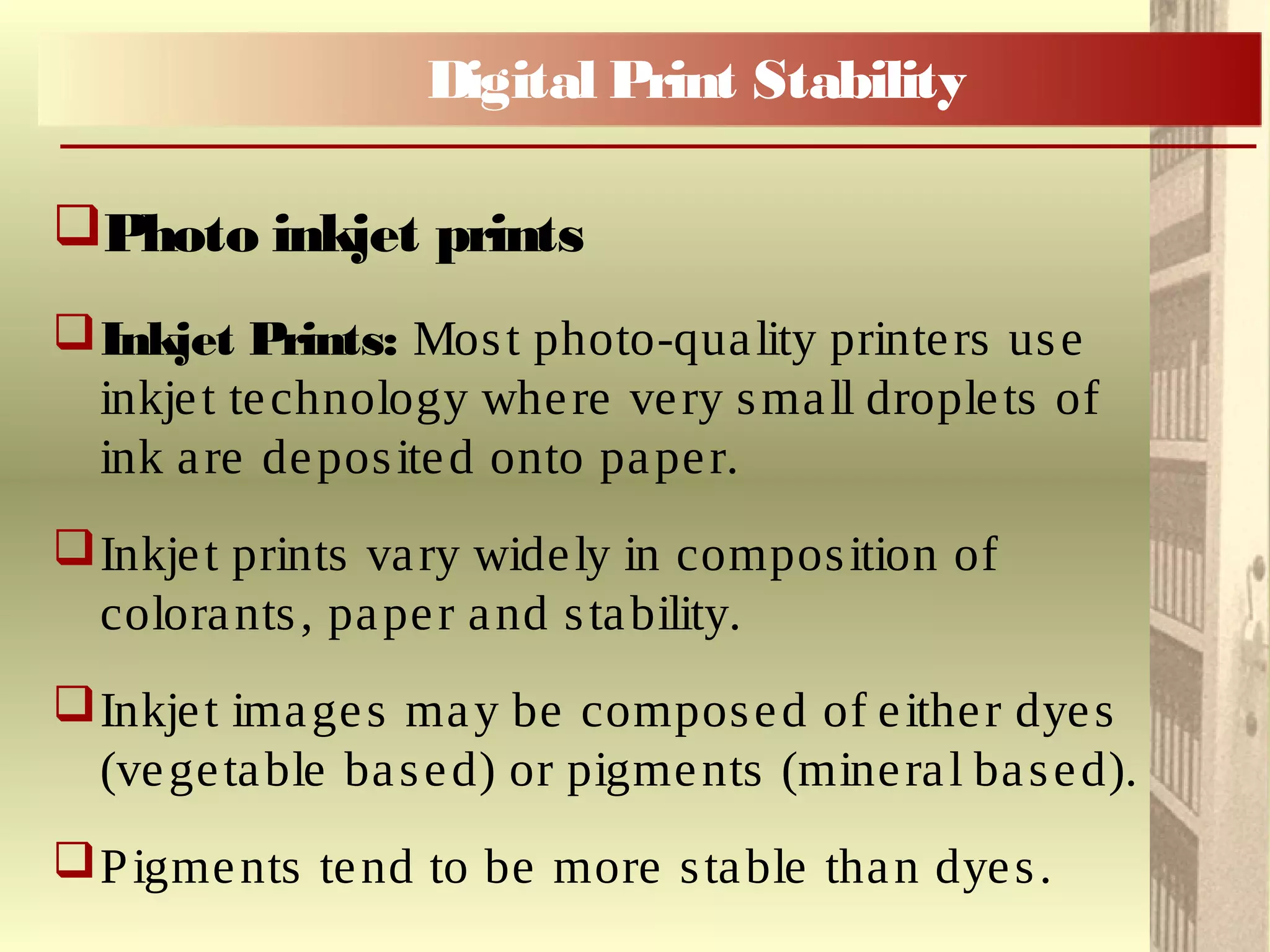
Photo inkjet prints
Inkjet Prints: Most photo-quality printers use
inkjet technology where very small droplets of
ink are deposited onto paper.
Inkjet prints vary widely in composition of
colorants, paper and stability.
Inkjet images may be composed of either dyes
(vegetable based) or pigments (mineral based).
Pigments tend to be more stable than dyes.
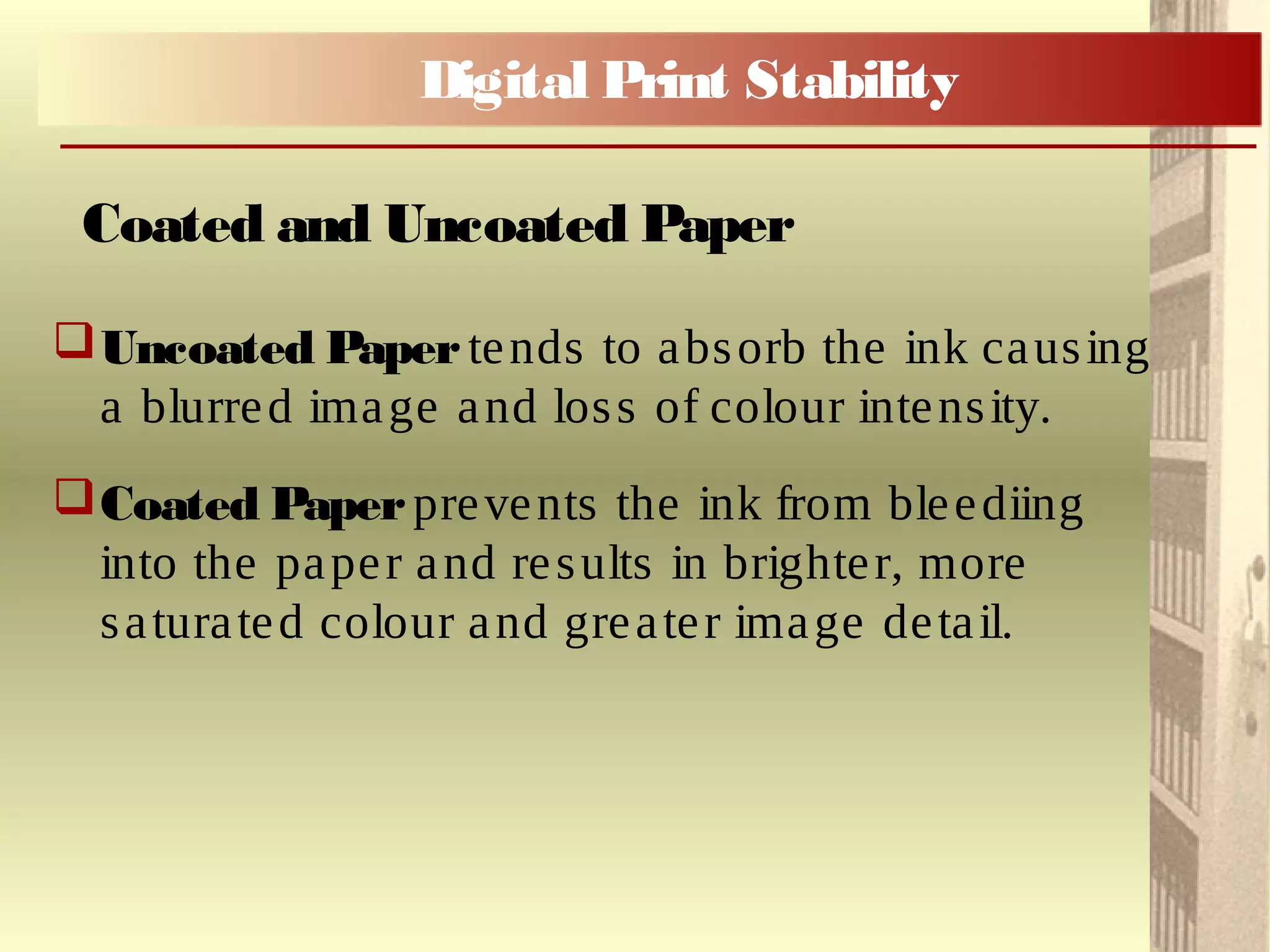
Digital Print Stability
Uncoated Paper tends to absorb the ink causing
a blurred image and loss of colour intensity.
Coated Paperprevents the ink from bleediing
into the paper and results in brighter, more
saturated colour and greater image detail.
Coated and Uncoated Paper
Digital Print Stability
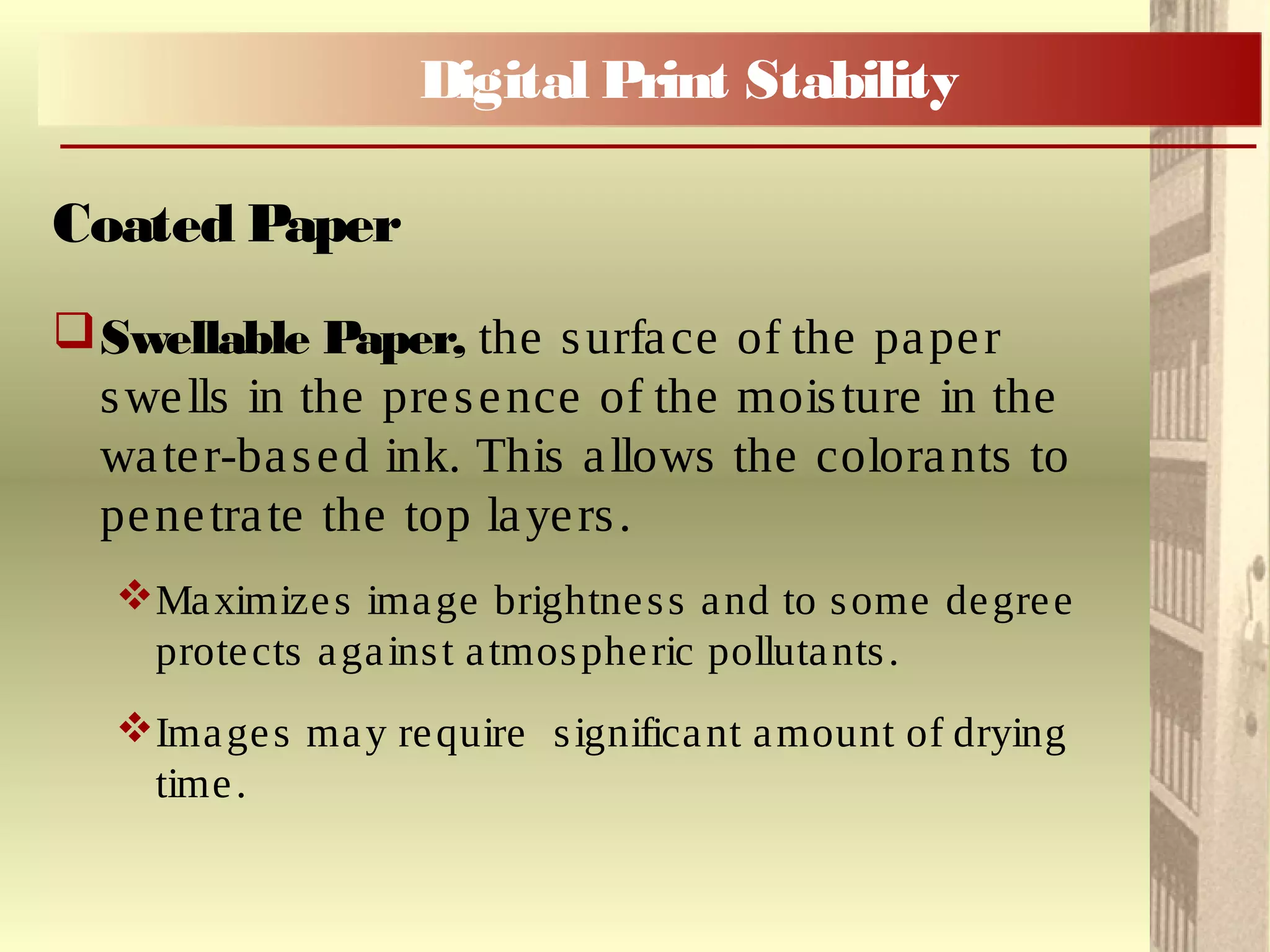
Swellable Paper, the surface of the paper
swells in the presence of the moisture in the
water-based ink. This allows the colorants to
penetrate the top layers.
Maximizes image brightness and to some degree
protects against atmospheric pollutants.
Images may require significant amount of drying
time.
Coated Paper
Digital Print Stability
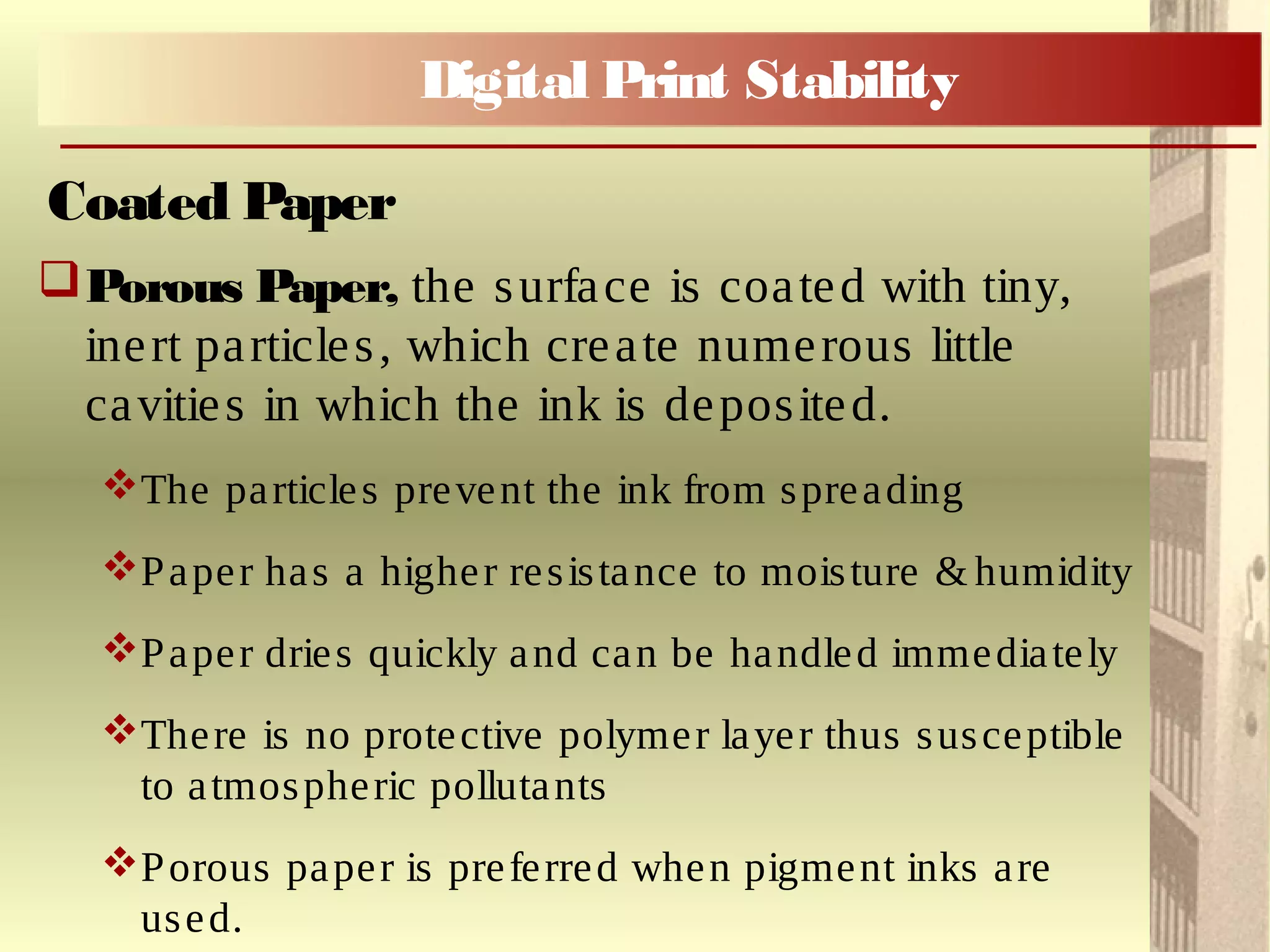
Porous Paper, the surface is coated with tiny,
inert particles, which create numerous little
cavities in which the ink is deposited.
The particles prevent the ink from spreading
Paper has a higher resistance to moisture & humidity
Paper dries quickly and can be handled immediately
There is no protective polymer layer thus susceptible
to atmospheric pollutants
Porous paper is preferred when pigment inks are
used.
Coated Paper
Digital Print Stability
There are a wide range of choices and
manufactures and retailers seldom provide
information on ink type or paper type.
How do you know what you are buying?
Digital Print Stability
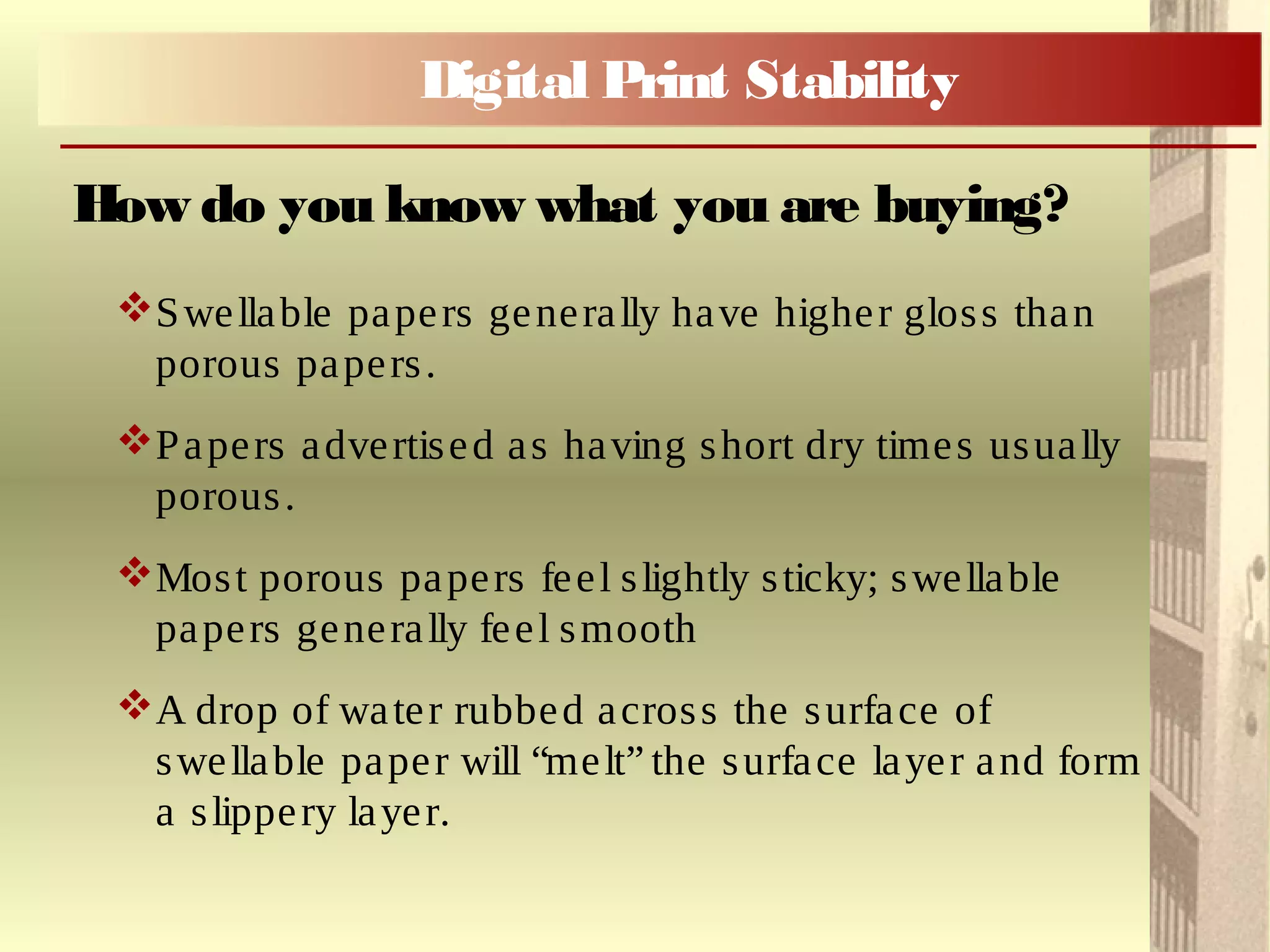
Swellable papers generally have higher gloss than
porous papers.
Papers advertised as having short dry times usually
porous.
Most porous papers feel slightly sticky; swellable
papers generally feel smooth
A drop of water rubbed across the surface of
swellable paper will “melt” the surface layer and form
a slippery layer.
How do you know what you are buying?
Digital Print Stability
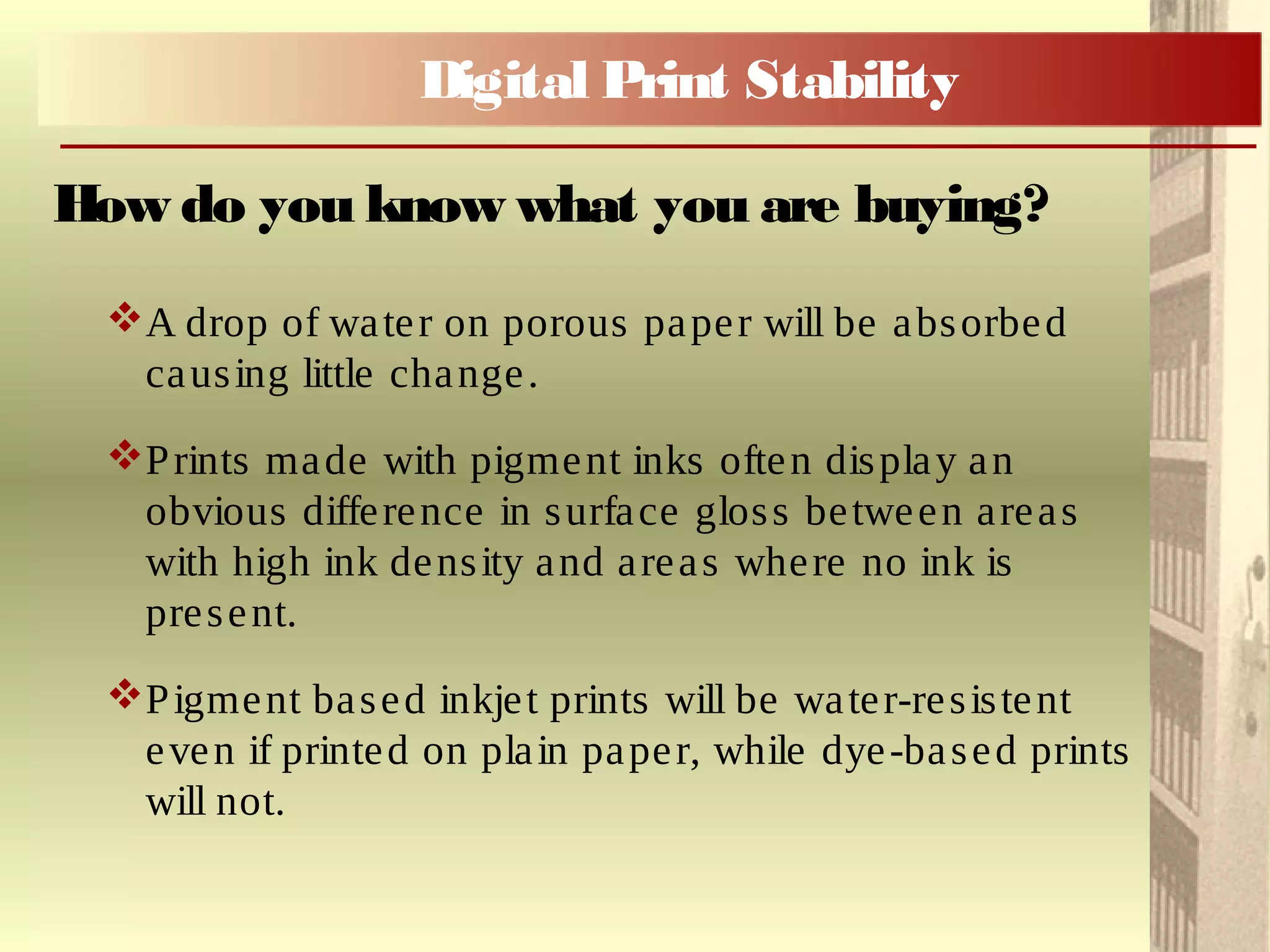
A drop of water on porous paper will be absorbed
causing little change.
Prints made with pigment inks often display an
obvious difference in surface gloss between areas
with high ink density and areas where no ink is
present.
Pigment based inkjet prints will be water-resistent
even if printed on plain paper, while dye-based prints
will not.
How do you know what you are buying?
Digital Print Stability
Take any claims by manufacturers with a
liberal portion of salt.
Image Permanence Institute
http://www.imagepermanenceinstitute.org/sht
ml_sub/consumerguide.pdf
Life Expectancy of Digital Prints
Digital Print Stability
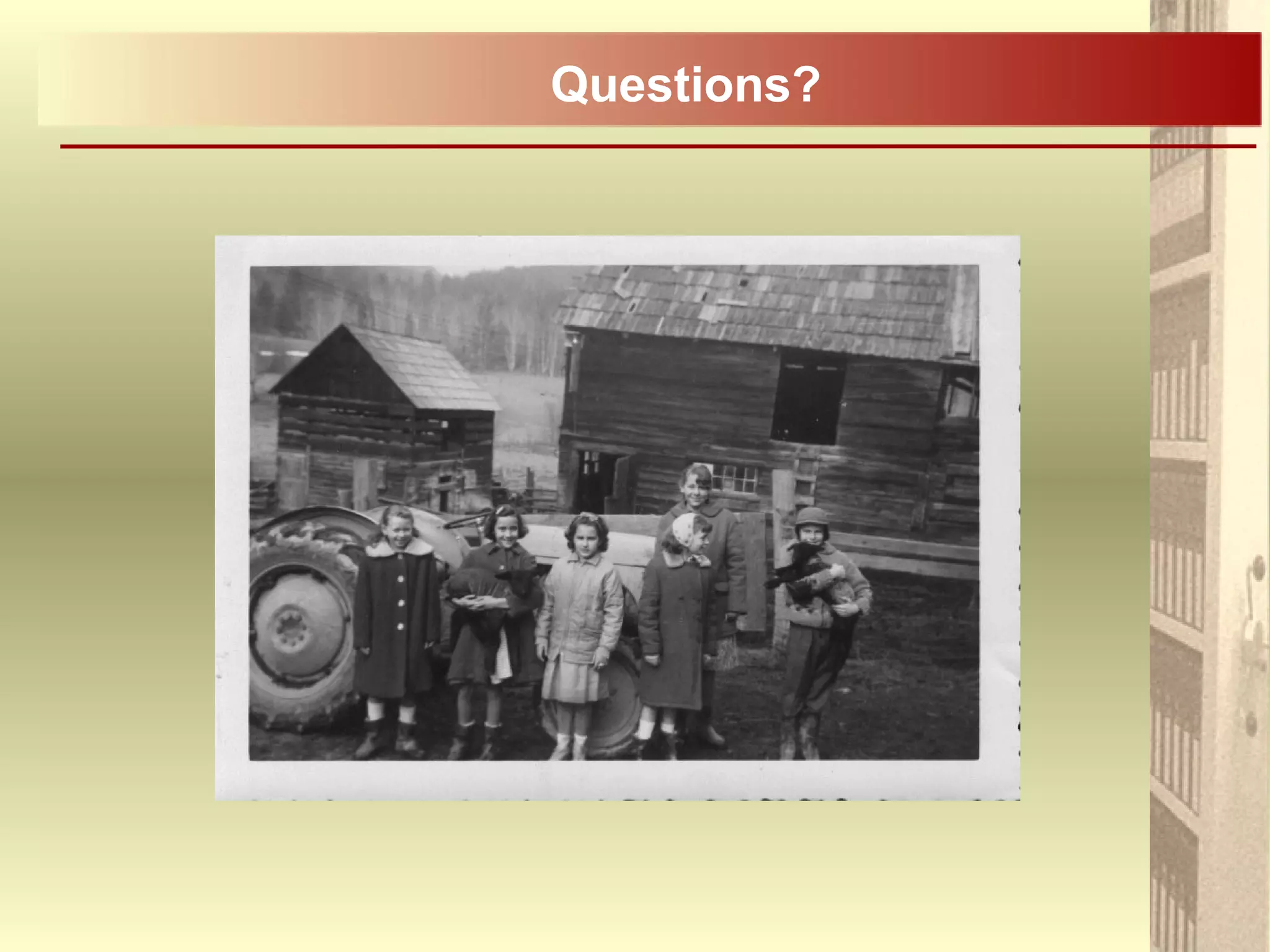
Digital Photography Review
http://www.dpreview.com/
The Cloud
Questions?

Digital photo preservation in brief 20150617

  • 1.
    Photo Preservation –Digital Formats John D. Lund, Sept 27, 2012
  • 2.
  • 3.
    To Digitize orNot to Digitize? Is the goal access, making available online? Is the goal preservation?  Is digitization the best strategy?  And how should one go about digitizing their photos, negatives or slides? Digitization
  • 4.
    To Digitize orNot to Digitize? Always keep in mind that you can’t simply pick up a digital image and look at it; Without a computer, without the correct software, the technology, the digital image is inaccessible; There are many long term preservation concerns. Digitization
  • 5.
    Problems with Digital Short lifespan – under ideal conditions 5 to 20 years.  Rapidly changing and obsolete technology and formats (5 ¼” floppies, 3 ½” discs, CD-R …) .  More complete and irreversible loss than non-digital formats (scratch a CD and everything is gone).  New, unproven technology – lack of standardization. Digitization
  • 6.
    Positive Aspects ofDigital  Potentially searchable by keyword.  Convenient and inexpensive.  Plenty of storage space.  Generational loss is minimal in non-compressed formats during transfer from one digital format to another. Digitization Img1639.psd Img1639.tiff Img1639.jpg
  • 7.
    Planning on Digitizing? Keep your original photographs and negatives  Do not throw out originals after digitization!  Back up, back up, back up! Storage is cheap.  Plan it out – standardize the process. Digitization
  • 8.
    Planning on Digitizing? Make at least two copies:  A high resolution archival copy – minimum 300dpi (ideal 600dpi), preferably in TIFF format;  A viewing copy – 72 - 96dpi is standard for the internet, jpeg format;  Grayscale – 8 bit depth, Colour – 24 bit depth.  So what the heck does all this mean?  Don’t take the easy route.  Plan for obsolescence – keep up to date with the latest technology:  How many of you have files on floppy discs that you can’t access? Digitization
  • 9.
     There area number of file formats for images, but we will focus on the two most common formats: JPEG .jpeg, .jpg TIFF .tiff, .tif File Formats Digitization
  • 10.
    JPEG: Jpeg is acompression algorithm* not a file format; Each opening and resaving of a JPEG results in cumulative losses; Image changes and quality decreases each time a JPEG is saved; Works well for realistic images, photos, etc. *An algorithm is a set of instructions (rules) that is used to perform a certain task (calculation). File Formats Digitization
  • 11.
    TIFF: Currently accepted preservationformat; Have the choice of saving either as a - non-compressed file or - using lossless compression (LZW compression); Metadata can be attached (descriptive information about the image) File Formats Digitization
  • 12.
    Compression Data (pixels) thatare duplicated are deleted or saved in a shorter form. Allows for smaller size files but data is lost. Digitization
  • 13.
    When a lossycompressed image is decompressed, it is no longer the same as the original image. Information is eliminated as part of the compression. When a lossless compressed image is decompressed, it is identical to the image before it was decompressed: For example, TIFF with LZW* lossless compression. - *LZW = Lempel–Ziv–Welch (last names of the creators) Lossy Compression Digitization Lossless Compression
  • 14.
    Two components toresolution to consider when scanning: Spatial Resolution – dpi, pixels per inch; Target Size (Print Size) – physical dimensions. Resolution 300dpi, Target Size (Print) 8” x 10”. Resolution Digitization
  • 15.
  • 16.
    Digitization Scanning Software &Tech What kind of scanner to use? Supports both Negatives and Photographs Supports a variety of negative sizes and formats, from 35mm to 8”x10” Adaptable software, custom controls Higher end, professional scanners will increase processing speed. Smart Technologies, such as, ICE? Many scanners come with software that automatically detects dirt, dust and scratches & cleans these imperfections from the image.
  • 17.
    Digitization Scanning Software &Tech Smart Technologies Are a nice feature to have but don’t use them: - They may make unintended changes to the image; - You want to scan all your photographs or negatives using the exact same controlled procedures; - If something does go wrong with a scan then the error will be traceable if the procedures are standardized; - The original digitized image file should be preserved for your archives as is; - Corrections and cleaning may be done to a copy of the original scan.
  • 18.
    Digitization Scanning Software &Tech What kind of scanner to use? Don’t use negative scanners that mechanically feed in the film. They can cause stress on the film.  What do you do if your 35mm neg strip is curled? Not any old scanner will do, check reviews  e.g. http://www.imaging-resource.com/SCAN1.HTM
  • 19.
    Digitization Scanning Software &Tech Grayscale – 8 bit depth, Colour – 24 bit depth The term "bit depth" is used to describe the number of bits used to store information about each pixel of an image. The higher the depth, the more colors that are available for storage. The bit depth of an image will determine how many levels of gray (or color) can be generated. 8 bit = 2 8 = 256 colours 24 bit = 224 = 16777216 colours
  • 20.
    Digitization Scanning Software &Tech Premium Solution Cost effective solution External Hardrives To start two 2 terabyte drives, $260 1 Terabyte hard drive, $75 Adobe Photoshop / Lightroom CC ... Complete Suite (CC) US $49.99/month per license Annual: US $599.88 Subscription Based US $9.99/month Annual: US $119.88 Photoshop Elements 10.0 Alternative to Photoshop - CAN $119.99 Scanner, Epson V850 or V800 V850 – CAN $1,139.99 V800 – CAN $889.99 Photo Printer, Epson R3000 Epson notes as out of stock but can find through Amazon $899.99 Photo Printer Epson Pro4900/Pro3880 Pro 4900 – CAN $2,394.99 Pro 3880 - $1,555 Computer Est $1000 Est $500 TOTAL $5394.86 $3139.87
  • 21.
    Digitization Scanning Software &Tech Adobe CC Products are now available on a subscription basis  Photography Program includes full version of Photoshop CC, Lightroom CC, Bridge CC and Lightroom mobile where you can install it on your ipad or iphone as well.  While Adobe is pushing its cloud base services, the software is loaded locally and one may choose to store files only locally.  Photoshop Elements remains a desktop application.
  • 22.
    Digitization Storage There are noguarantees! Files stored on brand name CD-Rs have been found not to open after less than a year. Despite our digital era the best means of preserving your most important images is to print them out!
  • 23.
    Digitization Storage The best meansof long term storage is to store image files on a server or an external hard drive: Your computer, a USB stick, or CD-R are more susceptible to failure and loss of photos A One Terabyte hard drive (1 TB) cost about $75 It can store over 52,000 high quality photos (20MB each);
  • 24.
    Digitization Storage Back up, backup, back up: Keys to good back up: - Automatic – whether you do it manually or have an automated system back ups need to be second nature; - Local – first backup is easy and fast to restore, such as, an external hard drive; - Remote – in case of disaster, may store at work, at a relatives or in the cloud (should be secure – encrypted);
  • 25.
    Digitization Storage Back up, backup, back up: Instead of buying a 3 or 5 TB hard drive you may want to buy two 1 TB hard drives in order to provide for a secondary back-up as previously described. Cozy home Bank your memories
  • 26.
    Digitization Storage – CD-Rs WhileCD-Rs are not recommended for long term storage, if required Gold CD-Rs are preferred.* *See handout DVD-Rs are designed with a short shelf life  They are not reliable  Less standardized (HD vrs Blu-ray)
  • 27.
    CBC Spark Episode35 - Start at 11:30, End 13:03. Interlude Digital Legacy
  • 28.
    Digital Camera Photographs Aka– Born Digital Image Files
  • 29.
    To understand photographs createdby a digital camera we need to know about RAW files. A RAW file is the unprocessed information gathered by a camera’s sensor when a picture is taken. Digital Camera Photos RAW
  • 30.
    RAW is notone single thing, rather it’s a general term for a variety of proprietary file formats, including, Canon’s CRW & CR2, Panasonic Lumix’s RW2, Nikon’s NEF. Digital Camera Photos RAW
  • 31.
    A RAW fileis a record of the data captured by a camera’s sensor. The sensors simply count photons – they produce a charge that is directly proportional to the amount of light that strikes them. Not unlike a traditional negative (film camera) Digital Camera Photos RAWcont’d
  • 32.
    Not unlike atraditional negative (film camera) Digital Camera Photos RAWcont’d
  • 33.
    Well it isa little more complicated ... If you are interested in more detail, please see the handout, Understanding Digital Raw Capture. Digital Camera Photos RAWcont’d
  • 34.
    Metadata is dataabout data A tag identifying a person in a photograph is a form of metadata, it is information about the content of the photograph. A caption/description in a family album is a form of metadata Digital Camera Photos Metadata
  • 35.
    RAW files notonly contain the visual information (pixels) but also the image metadata; For example, both RAW and JPEG captures contain EXIF (Exchangeable Image Format) metadata, http://www.exif.org/; EXIF records shooting data such as camera model, serial number, shutter speed, aperture and date. Digital Camera Photos RAWcont’d
  • 36.
    Descriptive (Technical) metadatadescribes technical features, such as, the shutter speed at which a photograph was shot; Example of metadata on Flickr www.flickr.com Example from flickr Digital Camera Photos Technical Metadata
  • 37.
  • 38.
    Additive metadata isinformation that can be added to an image file, such as, keywords (tags) and copyright information. It is assigned to an image rather than auto- generated. Adobe Bridge (bridge btwn creative suite software) Adobe Lightroom (workflow) Digital Camera Photos Additive Metadata
  • 39.
    Digital Print Stability PreservationConsiderations when printing your Digital Photos
  • 40.
    Photo inkjet prints InkjetPrints: Most photo-quality printers use inkjet technology where very small droplets of ink are deposited onto paper. Inkjet prints vary widely in composition of colorants, paper and stability. Inkjet images may be composed of either dyes (vegetable based) or pigments (mineral based). Pigments tend to be more stable than dyes. Digital Print Stability
  • 41.
    Uncoated Paper tendsto absorb the ink causing a blurred image and loss of colour intensity. Coated Paperprevents the ink from bleediing into the paper and results in brighter, more saturated colour and greater image detail. Coated and Uncoated Paper Digital Print Stability
  • 42.
    Swellable Paper, thesurface of the paper swells in the presence of the moisture in the water-based ink. This allows the colorants to penetrate the top layers. Maximizes image brightness and to some degree protects against atmospheric pollutants. Images may require significant amount of drying time. Coated Paper Digital Print Stability
  • 43.
    Porous Paper, thesurface is coated with tiny, inert particles, which create numerous little cavities in which the ink is deposited. The particles prevent the ink from spreading Paper has a higher resistance to moisture & humidity Paper dries quickly and can be handled immediately There is no protective polymer layer thus susceptible to atmospheric pollutants Porous paper is preferred when pigment inks are used. Coated Paper Digital Print Stability
  • 44.
    There are awide range of choices and manufactures and retailers seldom provide information on ink type or paper type. How do you know what you are buying? Digital Print Stability
  • 45.
    Swellable papers generallyhave higher gloss than porous papers. Papers advertised as having short dry times usually porous. Most porous papers feel slightly sticky; swellable papers generally feel smooth A drop of water rubbed across the surface of swellable paper will “melt” the surface layer and form a slippery layer. How do you know what you are buying? Digital Print Stability
  • 46.
    A drop ofwater on porous paper will be absorbed causing little change. Prints made with pigment inks often display an obvious difference in surface gloss between areas with high ink density and areas where no ink is present. Pigment based inkjet prints will be water-resistent even if printed on plain paper, while dye-based prints will not. How do you know what you are buying? Digital Print Stability
  • 47.
    Take any claimsby manufacturers with a liberal portion of salt. Image Permanence Institute http://www.imagepermanenceinstitute.org/sht ml_sub/consumerguide.pdf Life Expectancy of Digital Prints Digital Print Stability
  • 48.
  • 49.

Editor's Notes

  • #22 If CD-Roms are to be used, use high quality or "archival" quality CD-Rs (such as Mitsui Gold Archive CD-Rs). The term "archival" indicates the materials used to manufacture the CD-R (usually the dye layer where the dta is recording, a protective gold layer to prevent pollutants from attacking the dye, or a physically durable top coat to protect the surface of the disk) are reasonably stable and have good durability, but this will not guarantee the longevity of the media itself.... We have found files stored on brand name CD-Rs that we have not been able to open less than a year after they have been written to the media. - Want two or more copies and store one copy off-site/ All copies should periodically checked using a metric such as a CRC (cyclic redundancy checksum) for data integrity For large scale projects DVD-Rs may be considered but DVD formats are not as standardized as the lower-capacity CD-ROM formats, and compatibility and obsolescence in the near future is likely to be a problem. p. 61 Techinical Guidelins for Digitizing Archival Materials for Electronic Access: Creation of Production Master Files - Raster Images, June 2004 Written by Steven Puglia, Jeffrey Reed, and Erin Rhodes http://www.archives.gov/preservation/technical/guidelines.pdf
  • #23 If CD-Roms are to be used, use high quality or "archival" quality CD-Rs (such as Mitsui Gold Archive CD-Rs). The term "archival" indicates the materials used to manufacture the CD-R (usually the dye layer where the dta is recording, a protective gold layer to prevent pollutants from attacking the dye, or a physically durable top coat to protect the surface of the disk) are reasonably stable and have good durability, but this will not guarantee the longevity of the media itself.... We have found files stored on brand name CD-Rs that we have not been able to open less than a year after they have been written to the media. - Want two or more copies and store one copy off-site/ All copies should periodically checked using a metric such as a CRC (cyclic redundancy checksum) for data integrity For large scale projects DVD-Rs may be considered but DVD formats are not as standardized as the lower-capacity CD-ROM formats, and compatibility and obsolescence in the near future is likely to be a problem. p. 61 Techinical Guidelins for Digitizing Archival Materials for Electronic Access: Creation of Production Master Files - Raster Images, June 2004 Written by Steven Puglia, Jeffrey Reed, and Erin Rhodes http://www.archives.gov/preservation/technical/guidelines.pdf
  • #27 If CD-Roms are to be used, use high quality or "archival" quality CD-Rs (such as Mitsui Gold Archive CD-Rs). The term "archival" indicates the materials used to manufacture the CD-R (usually the dye layer where the dta is recording, a protective gold layer to prevent pollutants from attacking the dye, or a physically durable top coat to protect the surface of the disk) are reasonably stable and have good durability, but this will not guarantee the longevity of the media itself.... We have found files stored on brand name CD-Rs that we have not been able to open less than a year after they have been written to the media. - Want two or more copies and store one copy off-site/ All copies should periodically checked using a metric such as a CRC (cyclic redundancy checksum) for data integrity For large scale projects DVD-Rs may be considered but DVD formats are not as standardized as the lower-capacity CD-ROM formats, and compatibility and obsolescence in the near future is likely to be a problem. p. 61 Techinical Guidelins for Digitizing Archival Materials for Electronic Access: Creation of Production Master Files - Raster Images, June 2004 Written by Steven Puglia, Jeffrey Reed, and Erin Rhodes http://www.archives.gov/preservation/technical/guidelines.pdf