JPEG/JPG
JPEG/JPG Short for  J oint  P hotographic  E xperts Group , the original name of the committee that wrote the standard. JPG is one of the image file formats  supported on the Web.  JPG is a lossy compression   technique that is  designed to compress color and grayscale  continuous-tone images.
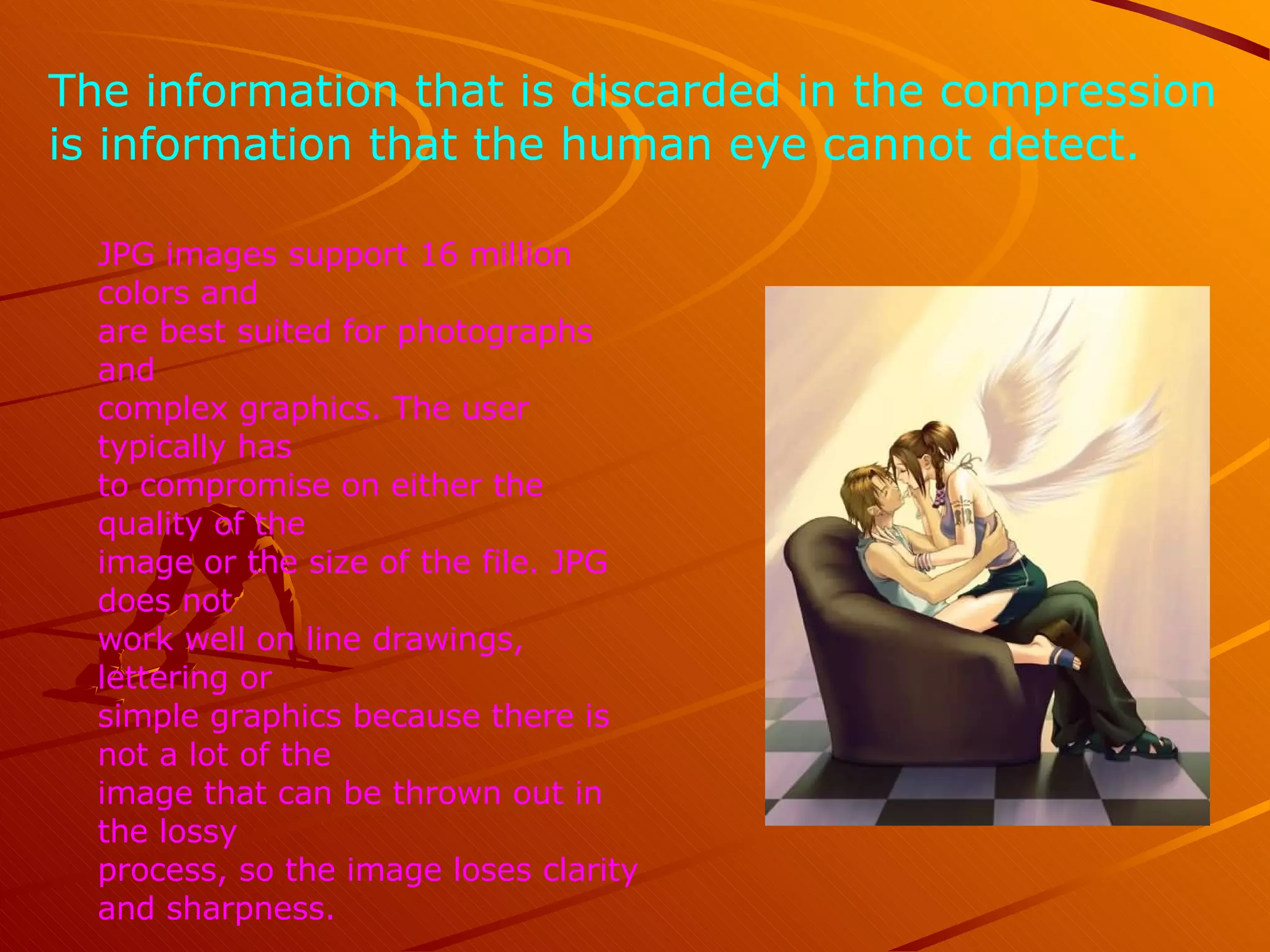
The information that is discarded in the compression  is information that the human eye cannot detect.  JPG images support 16 million colors and  are best suited for photographs and  complex graphics. The user typically has  to compromise on either the quality of the  image or the size of the file. JPG does not  work well on line drawings, lettering or  simple graphics because there is not a lot of the  image that can be thrown out in the lossy  process, so the image loses clarity and sharpness.
GIF
GIF short for Graphics Interchange Format, another of the graphics formats supported by the Web. Unlike JPG, the GIF format is a lossless compression technique and it supports only 256 colors.  GIF is better than JPG for images with only a few  distinct colors, such as line drawings, black and  white images and small text that is only a few  pixels high.
With an animation editor, GIF images can be put together for animated images. GIF also supports  transparency , where the background color can be set to transparent in order to let the color on the underlying Web page   to show through.   The compression algorithm used in the GIF format is owned by Unisys, and companies that use the algorithm are supposed to license the use from Unisys. *
PNG
PNG short for  P ortable  N etwork  G raphics , the third graphics standard supported by the Web (though not supported by all Browser). PNG was developed as a patent-free answer to the GIF format but is also an improvement on the GIF technique.  An image in a lossless PNG file can be 5%-25% more  compressed than a GIF file of the same image.
PNG builds on the idea of transparency in GIF images and allows the control of the degree of transparency, known as  opacity .  Saving, restoring and re-saving a PNG image will not degrade its quality. PNG does not support animation like GIF does.

JPG vs. GIF vs. PNG

  • 1.
  • 2.
    JPEG/JPG Short for J oint P hotographic E xperts Group , the original name of the committee that wrote the standard. JPG is one of the image file formats supported on the Web. JPG is a lossy compression technique that is designed to compress color and grayscale continuous-tone images.
  • 3.
    The information thatis discarded in the compression is information that the human eye cannot detect. JPG images support 16 million colors and are best suited for photographs and complex graphics. The user typically has to compromise on either the quality of the image or the size of the file. JPG does not work well on line drawings, lettering or simple graphics because there is not a lot of the image that can be thrown out in the lossy process, so the image loses clarity and sharpness.
  • 4.
  • 5.
    GIF short forGraphics Interchange Format, another of the graphics formats supported by the Web. Unlike JPG, the GIF format is a lossless compression technique and it supports only 256 colors. GIF is better than JPG for images with only a few distinct colors, such as line drawings, black and white images and small text that is only a few pixels high.
  • 6.
    With an animationeditor, GIF images can be put together for animated images. GIF also supports transparency , where the background color can be set to transparent in order to let the color on the underlying Web page to show through. The compression algorithm used in the GIF format is owned by Unisys, and companies that use the algorithm are supposed to license the use from Unisys. *
  • 7.
  • 8.
    PNG short for P ortable N etwork G raphics , the third graphics standard supported by the Web (though not supported by all Browser). PNG was developed as a patent-free answer to the GIF format but is also an improvement on the GIF technique. An image in a lossless PNG file can be 5%-25% more compressed than a GIF file of the same image.
  • 9.
    PNG builds onthe idea of transparency in GIF images and allows the control of the degree of transparency, known as opacity . Saving, restoring and re-saving a PNG image will not degrade its quality. PNG does not support animation like GIF does.