Digital CitizenshipPresented by:  Mrs. Sandra Miller-IvyOakdale Primary SchoolTuscaloosa, Alabama
Follow the RULES!!!!!!!!
NetiquetteNetiquette  is defined by  (Roller & Doering) as, “guidelines that  govern behavior when communicating on the Internet”. These rules and guidelines help to make internet experiences pleasant  for all users.
Internet CommunicationEmailSocial Networking  (Facebook, Myspace, Twitter, Youtube, etc)Chat RoomsDigital PicturesMessage BoardsBlogsWikiFamily/Business Home PagesInstant Messages
ResourcesVideo Go to Resource page and view the video at the bottom of the page.http://oakdaleprek.wikispaces.com/Websitehttp://www.albion.m/netiquette/
Copyright and Fair UseCopyright is the exclusive right to produce or reproduce someone’s  work .In order to copy someone’s work you must have their permission.If a person wants to use information and work from the internet that’s not your original work you must cite it in your document.You can view section 107 0f the Fair Use Provision of the Copyright Act for details.
Copyright and Fair Use Lawshttp://www.copyright.gov/fls/fl102.html
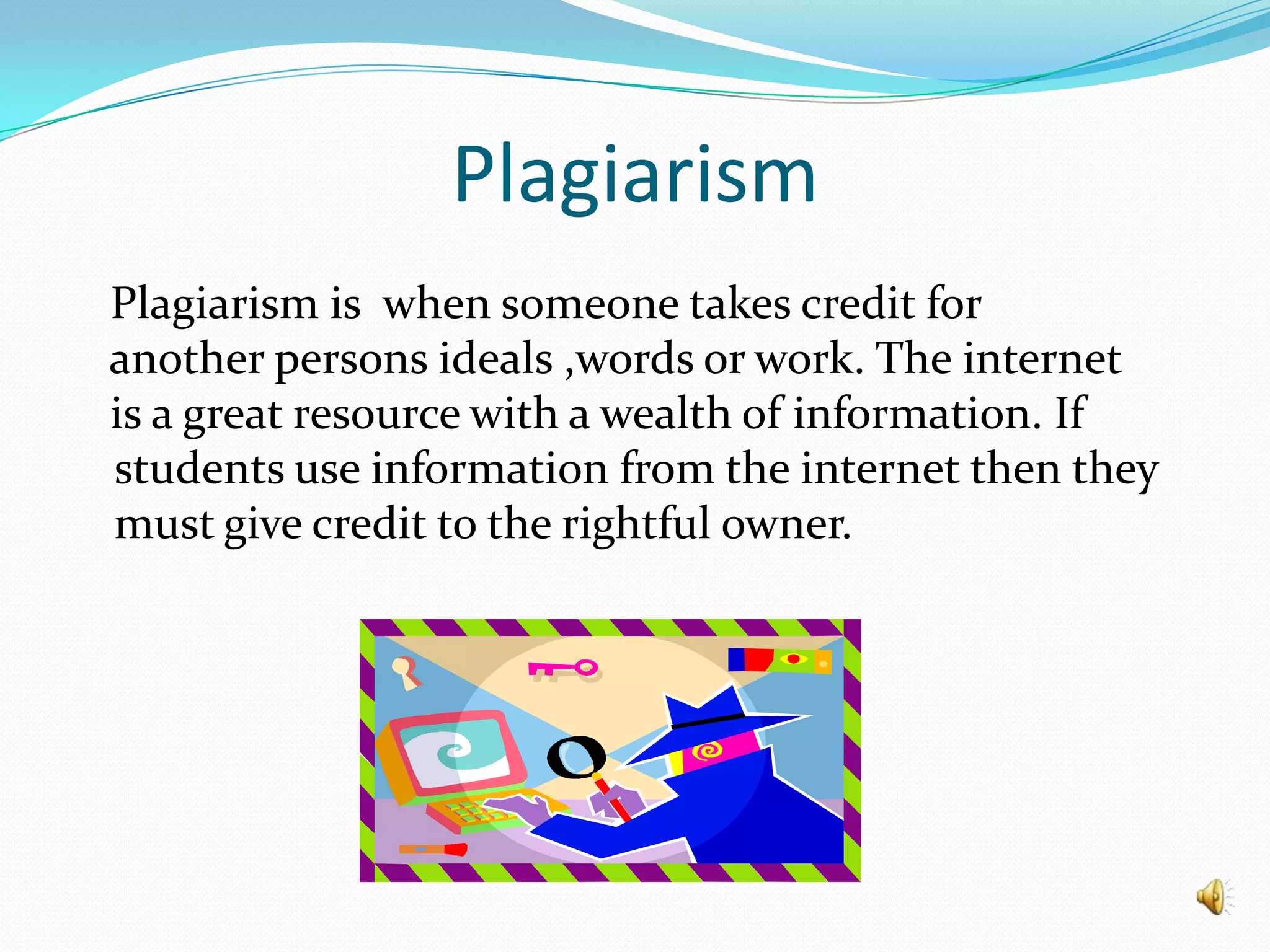
Plagiarism   Plagiarism is  when someone takes credit for   another persons ideals ,words or work. The internet   is a great resource with a wealth of information. If  students use information from the internet then they must give credit to the rightful owner.
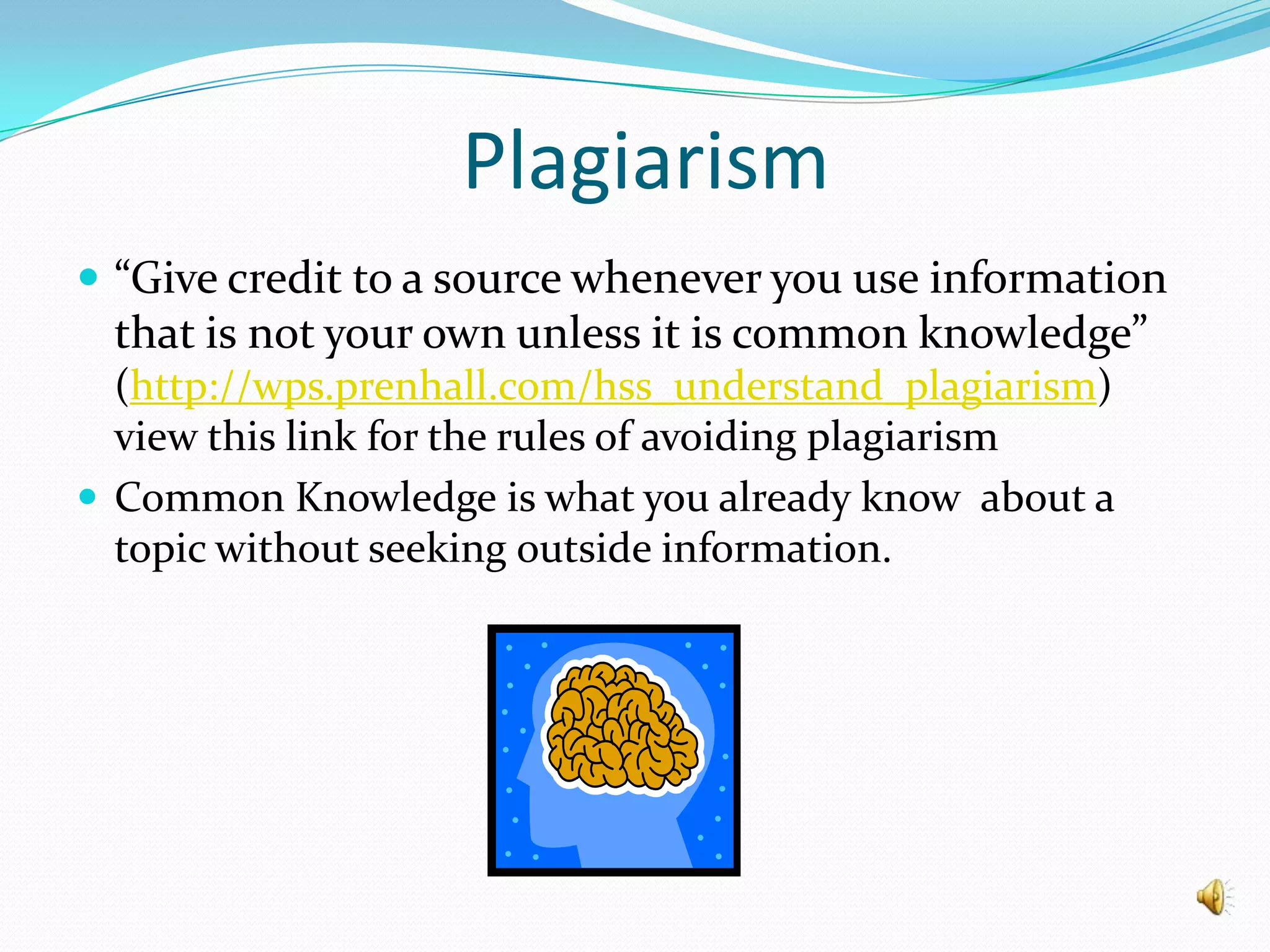
Plagiarism“Give credit to a source whenever you use information that is not your own unless it is common knowledge” (http://wps.prenhall.com/hss_understand_plagiarism)    view this link for the rules of avoiding plagiarismCommon Knowledge is what you already know  about a topic without seeking outside information.
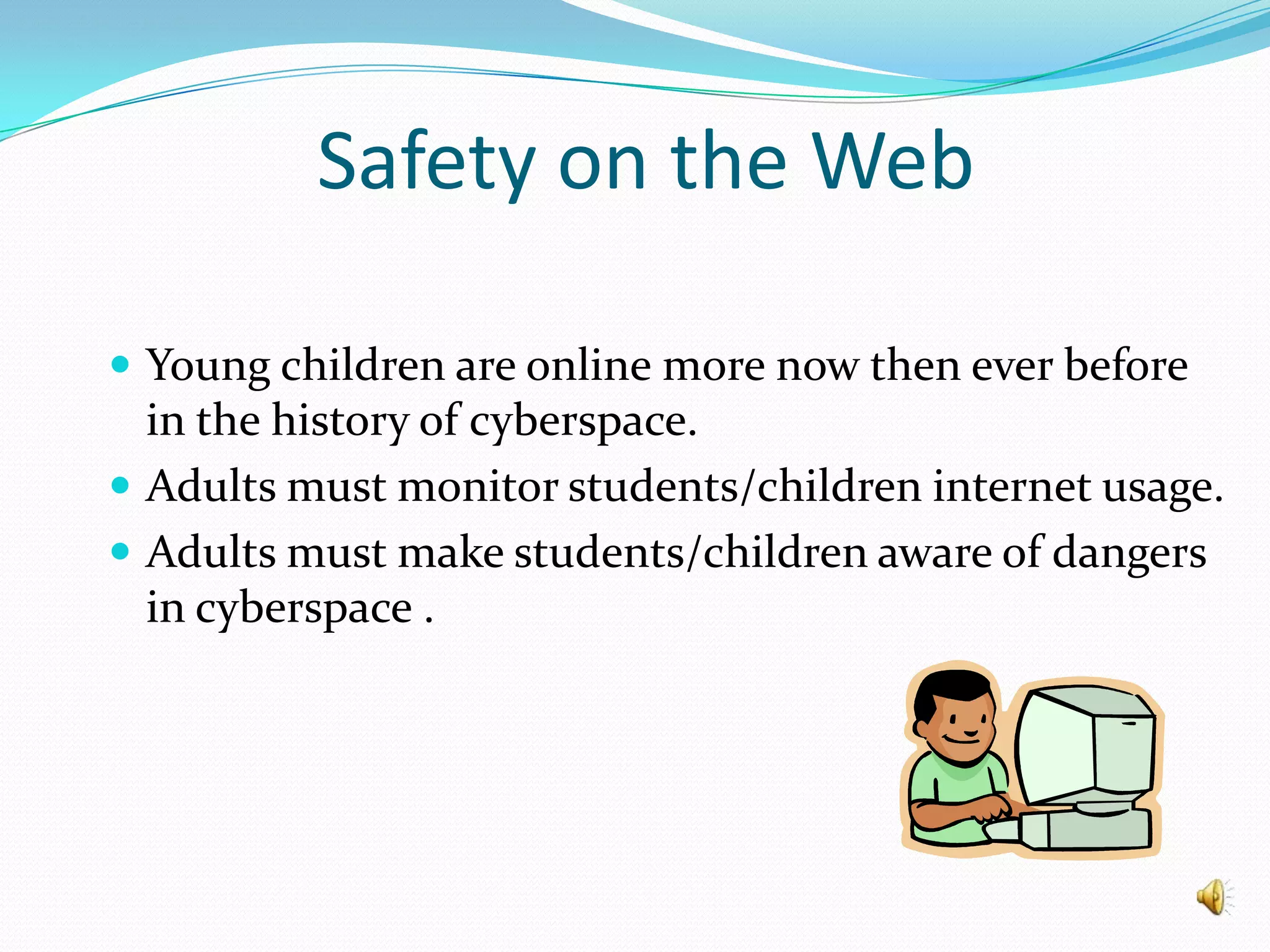
Safety on the WebYoung children are online more now then ever before in the history of cyberspace.Adults must monitor students/children internet usage.Adults must make students/children aware of dangers in cyberspace .
Safety on the Webhttp://www.safekids.com/child-safety-on-the-information-highway/The above website offers the following suggestions: Parents must get to know the internet and internet services your child uses.Tell your child to never give out personal or identifying information on the web without parents permission.Never allow your child to arrange a face to face meeting with anyone they meet over the internet without parents permission and adult supervision.Don’t believe everything you read on the internet.Never open messages from unknown senders.If you receive threatening, sexual or harassing messages tell an adult.Report any problems to www.cybertipline.comView the above website for more information and suggestions.
Safety on your ComputerViruses and Hackers are on the prowl.Protect your computer by downloading an anti-virus  software.See you Internet Provider for more information.
Resourceshttp://oakdaleprek.wikispaces.com/http://www.albion.m/netiquette/http://www.copyright.gov/fls/fl102.htmlhttp://wps.prenhall.com/hss_understand_plagiarismhttp://www.safekids.com/child-safety-on-the-information-highway www.cybertipline.comwww.intel.com/educationwww.mylabeducation.com

Digital citizenship

  • 1.
    Digital CitizenshipPresented by: Mrs. Sandra Miller-IvyOakdale Primary SchoolTuscaloosa, Alabama
  • 2.
  • 3.
    NetiquetteNetiquette isdefined by (Roller & Doering) as, “guidelines that govern behavior when communicating on the Internet”. These rules and guidelines help to make internet experiences pleasant for all users.
  • 4.
    Internet CommunicationEmailSocial Networking (Facebook, Myspace, Twitter, Youtube, etc)Chat RoomsDigital PicturesMessage BoardsBlogsWikiFamily/Business Home PagesInstant Messages
  • 5.
    ResourcesVideo Go toResource page and view the video at the bottom of the page.http://oakdaleprek.wikispaces.com/Websitehttp://www.albion.m/netiquette/
  • 6.
    Copyright and FairUseCopyright is the exclusive right to produce or reproduce someone’s work .In order to copy someone’s work you must have their permission.If a person wants to use information and work from the internet that’s not your original work you must cite it in your document.You can view section 107 0f the Fair Use Provision of the Copyright Act for details.
  • 7.
    Copyright and FairUse Lawshttp://www.copyright.gov/fls/fl102.html
  • 8.
    Plagiarism Plagiarism is when someone takes credit for another persons ideals ,words or work. The internet is a great resource with a wealth of information. If students use information from the internet then they must give credit to the rightful owner.
  • 9.
    Plagiarism“Give credit toa source whenever you use information that is not your own unless it is common knowledge” (http://wps.prenhall.com/hss_understand_plagiarism) view this link for the rules of avoiding plagiarismCommon Knowledge is what you already know about a topic without seeking outside information.
  • 10.
    Safety on theWebYoung children are online more now then ever before in the history of cyberspace.Adults must monitor students/children internet usage.Adults must make students/children aware of dangers in cyberspace .
  • 11.
    Safety on theWebhttp://www.safekids.com/child-safety-on-the-information-highway/The above website offers the following suggestions: Parents must get to know the internet and internet services your child uses.Tell your child to never give out personal or identifying information on the web without parents permission.Never allow your child to arrange a face to face meeting with anyone they meet over the internet without parents permission and adult supervision.Don’t believe everything you read on the internet.Never open messages from unknown senders.If you receive threatening, sexual or harassing messages tell an adult.Report any problems to www.cybertipline.comView the above website for more information and suggestions.
  • 12.
    Safety on yourComputerViruses and Hackers are on the prowl.Protect your computer by downloading an anti-virus software.See you Internet Provider for more information.
  • 13.

Editor's Notes

  • #2 Welcome to the Digital Citizenship. This presentation is designed to discuss internet usage topics. I am Mrs. Sandra Miller-Ivy and I hope you find this information beneficial when you discuss internet usage with your students.
  • #3 If you are driving a car on the highway or using your computer to access the internet there are rules to follow. If rules are not followed than there is a price to pay. If you break the rules of highway you may be fined with a ticket from a highway patrol officer and police offices can charge individuals for breaking internet policies ( posting nude pictures, threaten messages, etc).
  • #4 Internet is used for personal and/or business matters. When communicating over the internet we must teach our students what is appropriate and inappropriate for internet usages.
  • #5 Since Web 2.0 has entered cyberspace the internet has become a communication tool. There are many ways to communicate via the internet. Communication via the internet is very popular among school age children. There are children as young as 2nd and 3rd grade Facebook pages.
  • #6 First we are going to watch a short video about proper Netiquette Rules which is posted on my wikispace. Next we are going to view a website that has lots of good information on Let’s get started!!! (Visit each website, watch and discuss video and discuss netiquette sight.
  • #7 (Read this slid to audience)
  • #8 Please write down this website and view it at a later time. Here you will be able to find all the copyright and fair use laws.
  • #9 (Read slide to audience)