
Information Literacy and Online Safety Donna Murray
Information Literacy What is it?
Information Literacy Information literacy is a set of abilities requiring individuals to " recognize  when information is needed and have the ability to  locate, evaluate,  and  use effectively  the needed information."  American Library Association.  Presidential Committee on Information Literacy. Final  Report .(Chicago: American Library Association, 1989.)
Media Literacy Media literacy is the ability to  access, analyze, evaluate and create information  in a variety of media formats including print and non-print. It is  mindful viewing , and  reflective judgement . It is a new, expanded view of traditional literacy.  David Considine
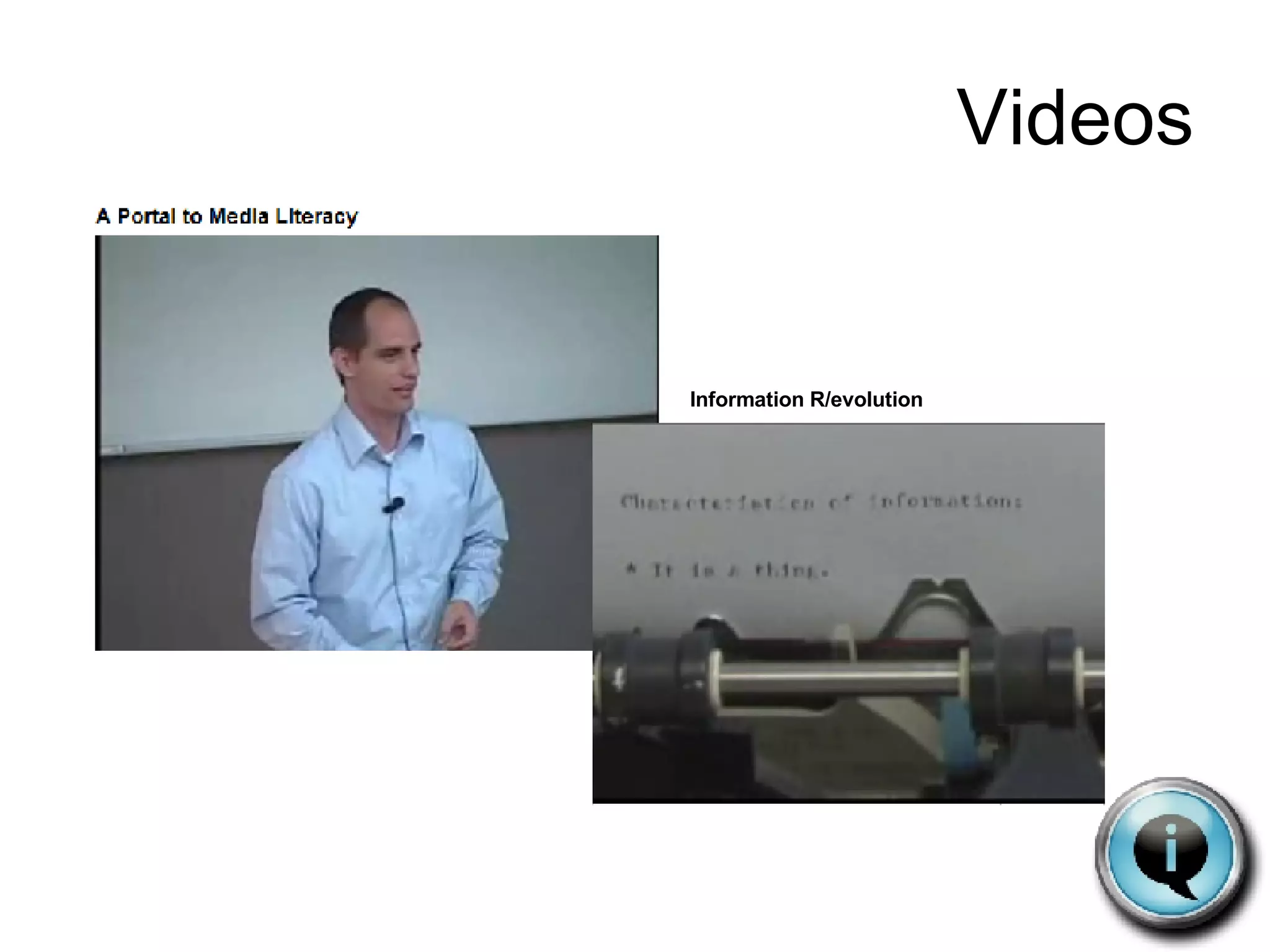
Videos Information R/evolution
Information Literacy This year… 70 exabytes or 70 billions gigabytes of new information online Equivalent to  518,000  Libraries of Congress
Information Literacy Evolution (revolution) of information Digital text Categories Collaboration
Information Literacy Why does it matter?
ISTE NETS-S National Educational Technology Standards and Performance Indicators for Students Creativity and Innovation Communication and Collaboration Research and Information Fluency Critical Thinking, Problem Solving, and Decision Making Digital Citizenship Technology Operations and Concepts
ISTE NETS-T National Educational Technology Standards and Performance Indicators for Teachers Facilitate and Inspire Student Learning and Creativity Design and Develop Digital-Age Learning Experiences and Assessments Model Digital-Age Work and Learning Promote and Model Digital Citizenship and Responsibility Engage in Professional Growth and Leadership
NC DPI Future-Ready Students for the 21 st  Century Goals NC public schools will product globally competitive students. NC public schools will be led by 21 st  Century professionals. NC public school students will be healthy and responsible. Leadership will guide innovation in NC public schools. NC public schools will be governed and supported by 21 st  Century systems.
Information Literacy Information Skills Technology Skills
Web 1.0 and Web 2.0
 
 
Skills Information… Recognize Access Analyze Evaluate Create
In the classroom WE must understand… …the need for this new literacy …the web …that the future is unknown …the skills our students will need in an unknown future
In the classroom Understanding the web 101
In the classroom
In the classroom
In the classroom
In the classroom and the Super Three (for younger students): Plan, Do, Review
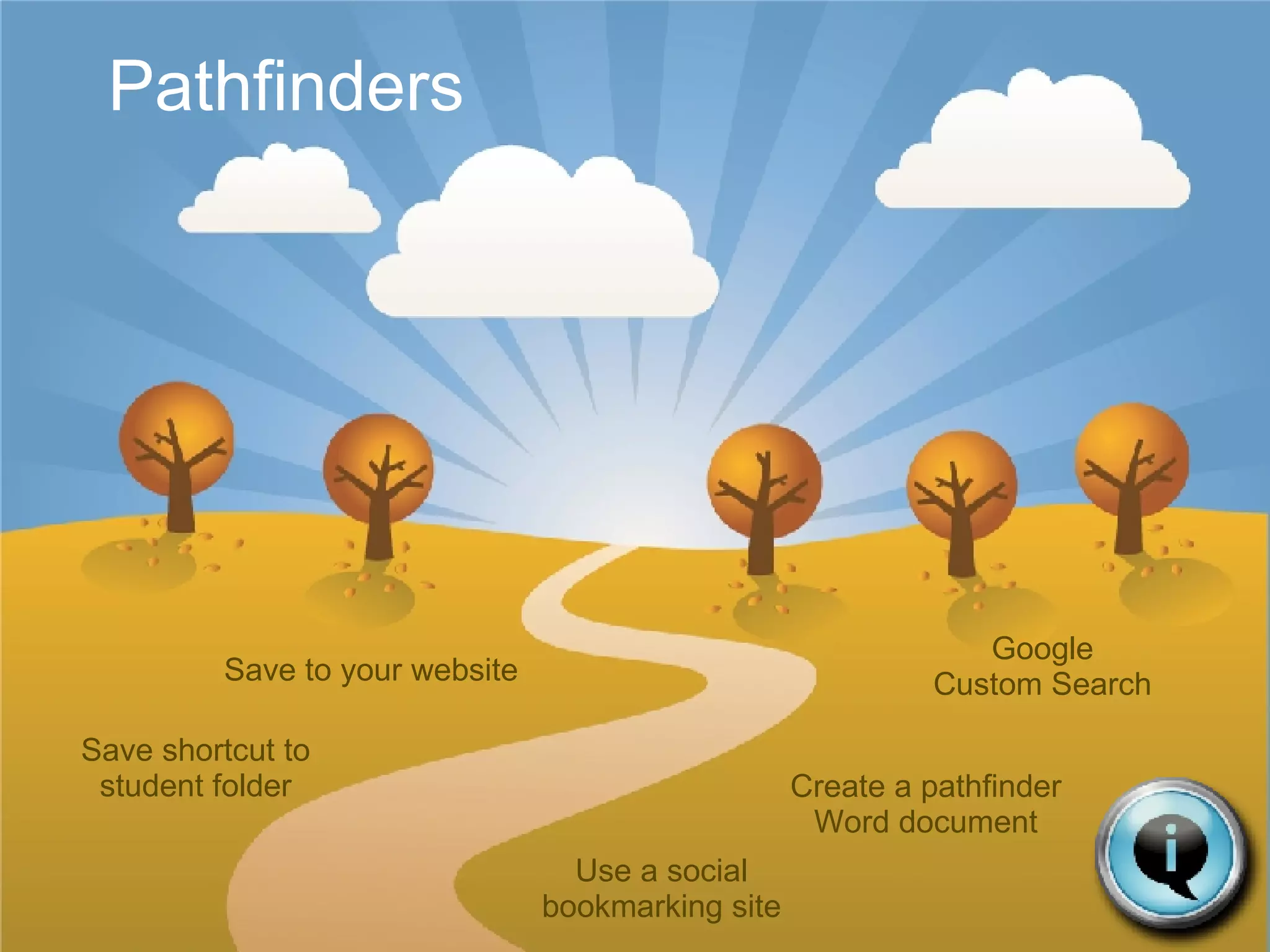
Pathfinders Save to your website Create a pathfinder Word document Use a social bookmarking site Save shortcut to student folder Google Custom Search
In the classroom
In the classroom My delicious links for information literacy http://delicious.com/murraygirl/informationliteracy   Information literacy lessons (by grade level and topic) http://www.kn.pacbell.com/wired/21stcent/gradelevel.html   Lessons and activities http://www.medialit.org/reading_room/casestudy/lessonsactivities.htm   Lesson plan library (elem/middle/high) http://www.medialit.org/reading_room/rr4_lessonplan.php
Donna Murray
Children today are… Digital Natives online growing up in   a world of technology connected 21 st  century learners
Parents today are… Digital Immigrants online learning to adapt to technology
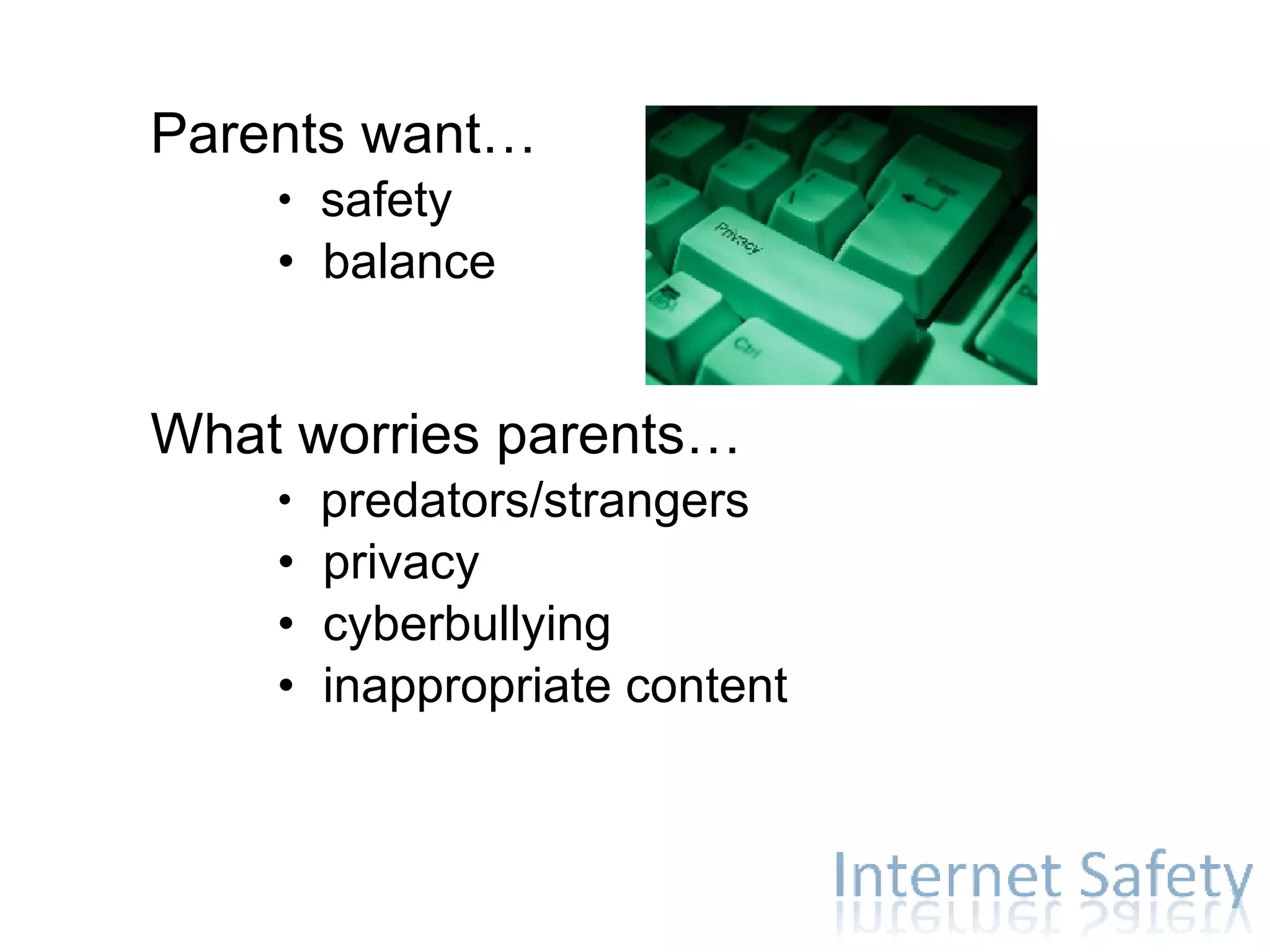
Parents want… safety balance What worries parents… predators/strangers privacy cyberbullying inappropriate content
Cookie cutter safety? There is NO failsafe answer to protecting our children online. Our biggest ally is education .  No one can take the place of the parent.
  Do the possibilities   scare   you? Let’s unplug ‘em! Right?...
Why not just unplug? Interactive Engaging Children are connecting, collaborating, communicating. Find, store, create, critique, and share information Harness, evaluate, and create information effectively 21 st  century literacy and global citizenship skills Tool for learning Daily life of digital natives Network
What are our children doing online? And how do I keep them safe? What (and who) is out there? Why not just unplug? What should I do to keep them safe? Where do I find resources?
What (and who) is out there? What are our children doing online? 93% of all Americans between 12 and 17 years old use the internet 74% of teens now say the computer they use is in a public place in the home A large majority of teens (71%) have established online profiles (including those on social networking sites such as MySpace)
One in ten young people (13%) reports having a handheld device that connects to the Internet   Among the 96% of young people who have ever gone online, 65% say they go online most often from home, 14% from school, 7% from a friend's house, and 2% from a library or other location. 65% of high school students admit to unsafe, inappropriate, or illegal activities online  What (and who) is out there? What are our children doing online?
What (and who) is out there? What are our children doing online?
Chat/Instant messaging One-to-one chat or many participants “talking” at the same time Free and easy to access Feels anonymous What (and who) is out there? What are our children doing online?
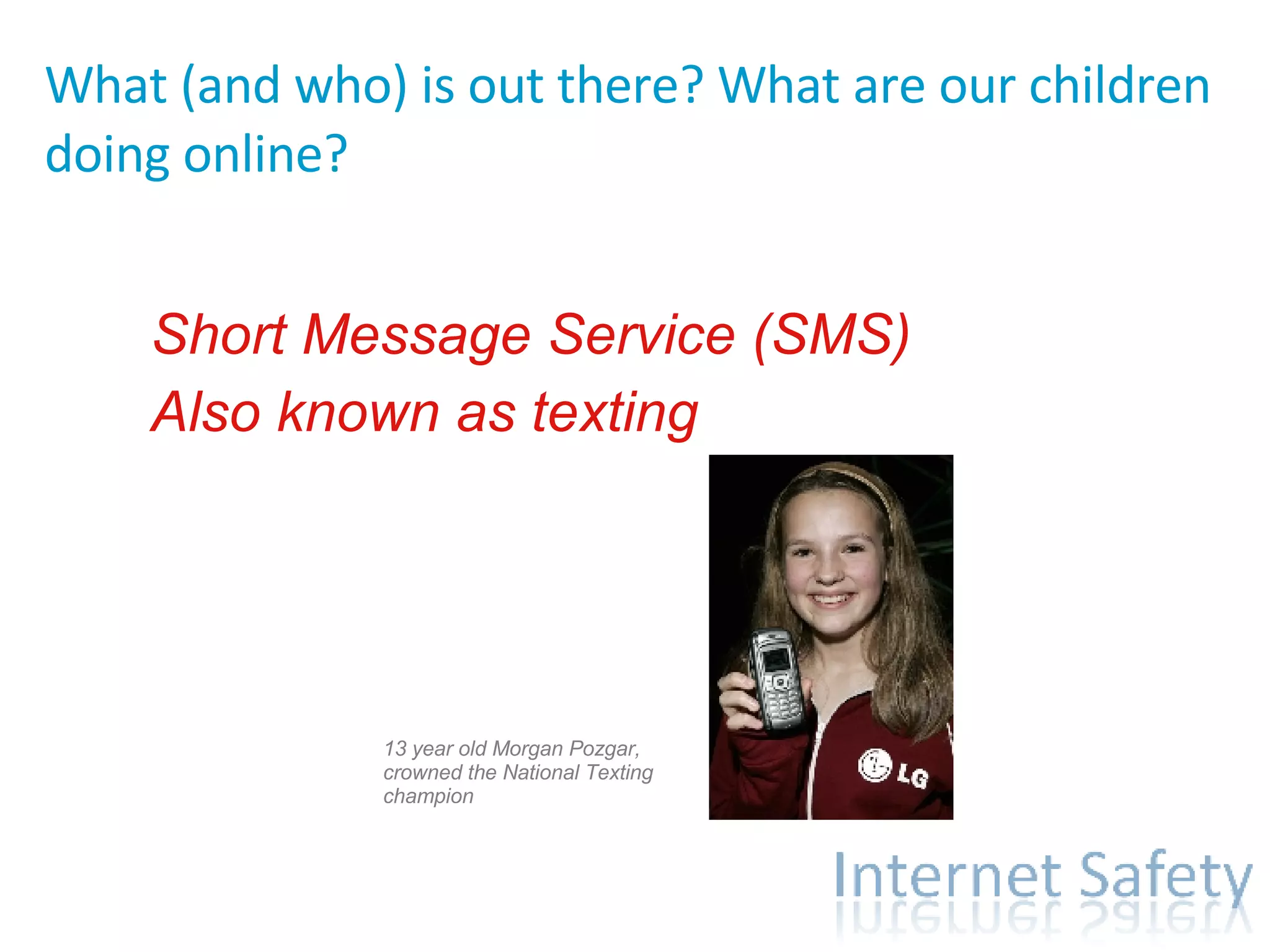
Short Message Service (SMS) Also known as texting What (and who) is out there? What are our children doing online? 13 year old Morgan Pozgar, crowned the National Texting champion
Chat and Instant Messaging Risks Strangers can contact your children It’s hard to monitor Searchable online profiles Cyber-bullying
Chat and Instant Messaging Learn the lingo: What should I do to keep them safe? Check screen names and profile Know your child’s password Use parental controls Stay involved Use log feature with child
Social Networking-   For younger children: For older children: What (and who) is out there? What are our children doing online?
Social Networking Risks World’s largest bulletin board No “take-backs” Must remember to keep personal info private Cyberbullying
Social Networking What should I do to keep them safe? Stress importance of not sharing personal information Real-life lessons apply Keep track of profiles and posts
School work Websites, wikis, search engines What (and who) is out there? What are our children doing online?
School work / Searching Risks Finding inappropriate material Finding inaccurate resources
School work / Searching What should I do to keep them safe? Filter Parental controls Search engine preferences Discuss validity of resources Kid-friendly sites Effective online searching
Games Some single player games, some allow you to interactively play with others around the world. What (and who) is out there? What are our children doing online?
File sharing What (and who) is out there? What are our children doing online?
File Sharing Risks Computer security and privacy Access to inappropriate material Copyright law
Sharing and viewing photos and videos What (and who) is out there? What are our children doing online?
Photo and video sharing Risks No “take-backs” Can be posted anonymously
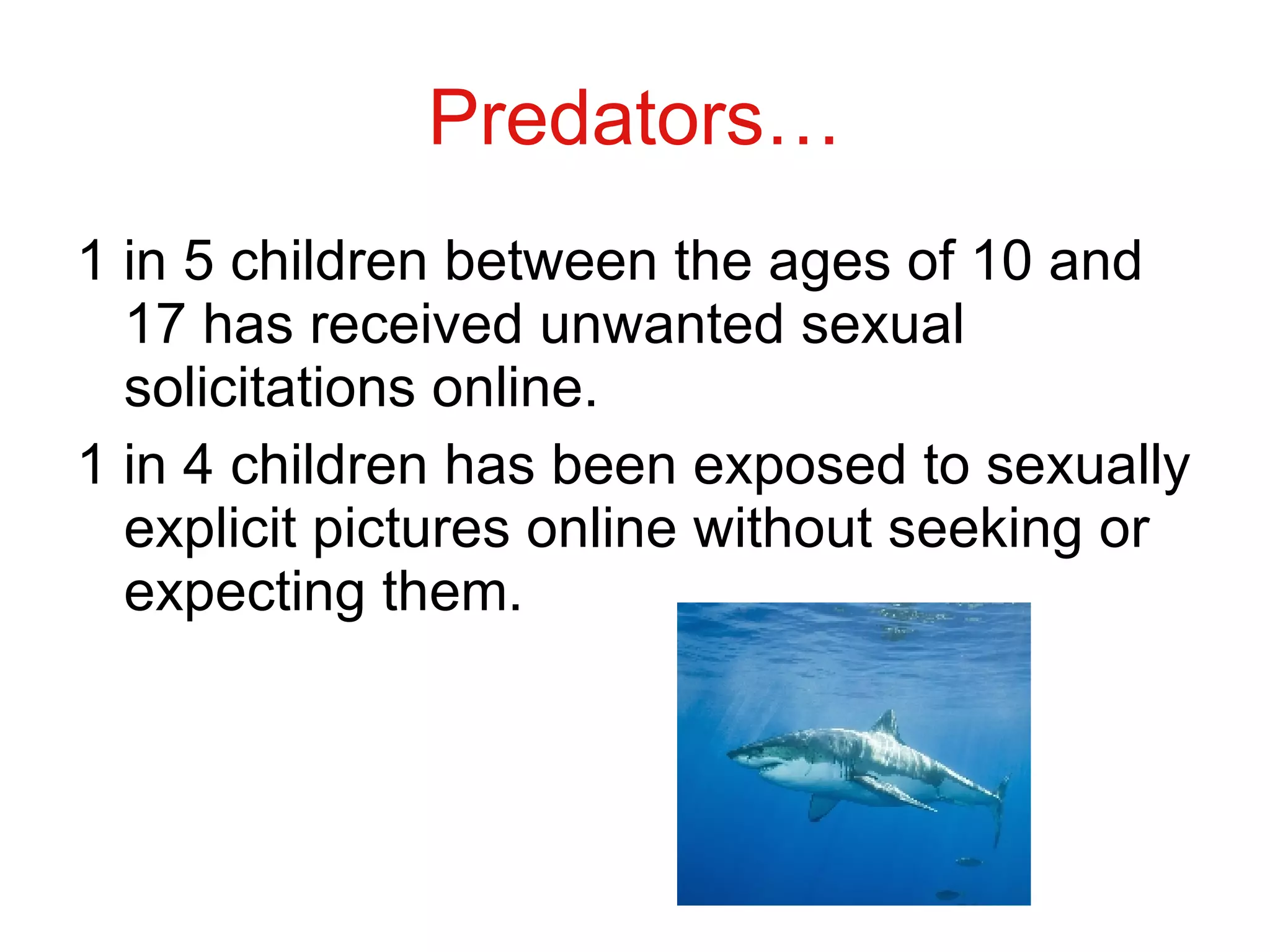
Predators… 1 in 5 children between the ages of 10 and 17 has received unwanted sexual solicitations online. 1 in 4 children has been exposed to sexually explicit pictures online without seeking or expecting them.
Predators… The search frequently begins in a chat room. They find similar interests, build trust, encourage secrecy, gather personal information (fishing), and play back emotionally what they see in the child (mirroring). They groom their victim.
  Predators… Warning signs Time spent online Pornography Phone use Gifts or packages from someone you don’t know. Concealing computer content Unsolicited mail and gifts Behavior change Using different online account
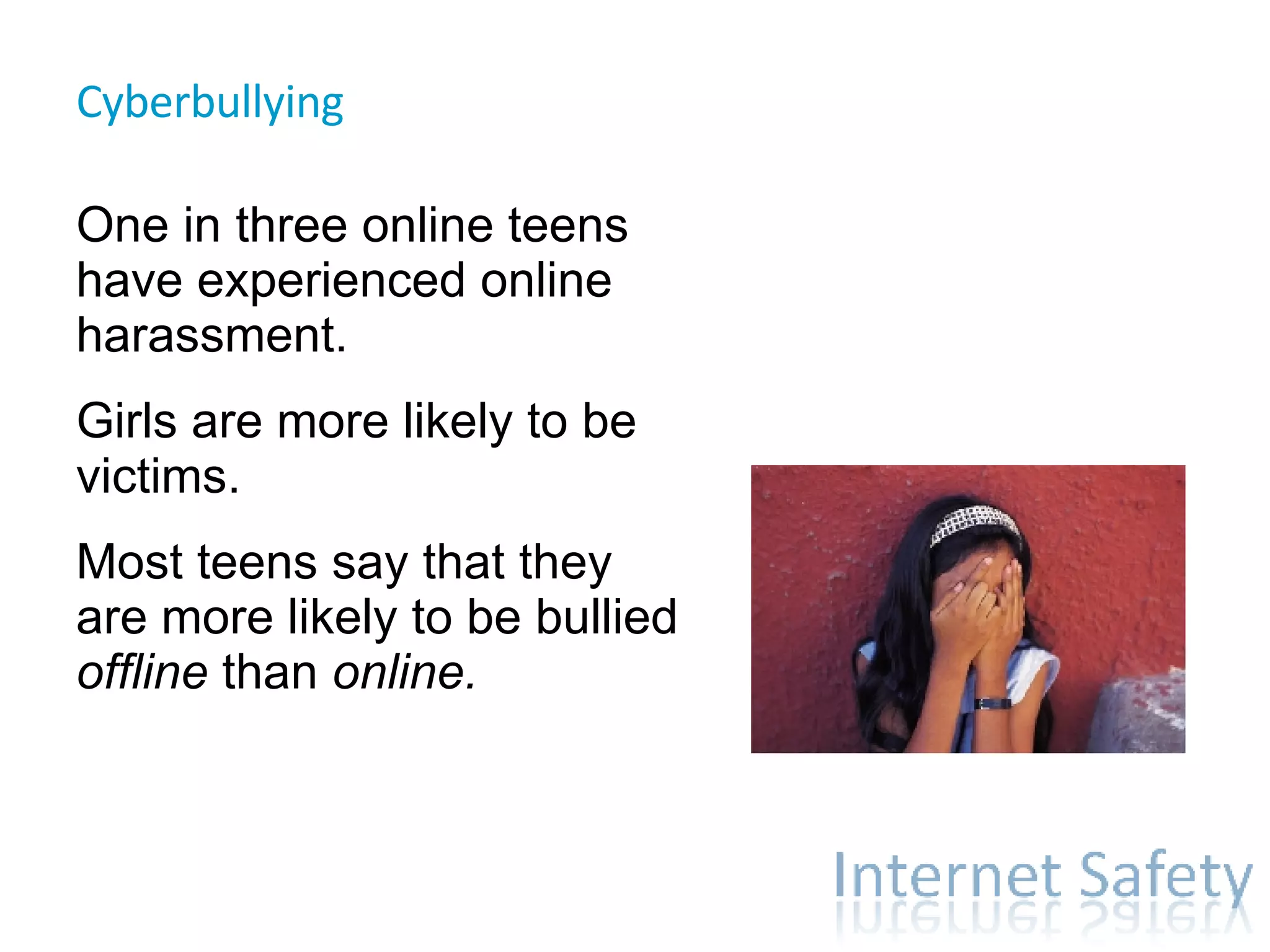
Cyberbullying  One in three online teens have experienced online harassment. Girls are more likely to be victims. Most teens say that they are more likely to be bullied  offline  than  online.
Cyberbullying  Same principle as playground bullying. Wide audience and anonymity. Character education applies here, just as it does offline. Encourage open communication from your child.  If your child is threatened with violence,  contact law enforcement officials, including SRO save the original message ISP settings www.cybertipline.com
Communication is  key "We would never show our parents everything that we do online or with our mobile phones and iPods because it would be too shocking and it would cause them to be . .  afraid  or  enraged  or  saddened  or  disappointed  or  humiliated  or  more distant  or more controlling  or worse , ashamed of me. ...and we're NOT about to start a bloody battle at home or risk having the computer taken away. So, it is safer to remain silent and deceptive. Besides, you would never understand. Most parents are clueless about our world and what we do with computers.“ (June, 2005 - April, 2007) This information was compiled by Donna Sawyer based on feedback from interviews with several hundred children, ages 11-20, in schools, youth groups, and small focus groups in North Carolina. The interviews included students from various cultural backgrounds: India, England, Belgium, South Korea, and Thailand.)
Remember, every child and every family is different. Ages Gender(s) Temperament Maturity Computer skills and comfort level Values
What should I do to keep them safe? Set Rules… Teach your child never to give out personal information Treat others as you would like to be treated. Cheating, stealing, harming others- wrong ON and OFFline Tell parent / other adult if something you see online makes you feel uncomfortable. Think before you post.
What should I do to keep them safe? Use Parental Controls… Computer in central location Consider filtering / monitoring software Implement parental controls (ISP, online) Virus protection and firewall Set guidelines / rules; sign safety agreement Use child friendly search engines  Use the internet WITH your child Know your child’s friends Consider creating separate accounts on your machine Be aware of other computers your child is using Report “stalking” or sexual exploitation or threats to law enforcement
What should I do to keep them safe? Instill Media Literacy Skills… Learn about the internet Talk with your child about how to find, analyze, evaluate, interact with, and create information online. http://www.media-awareness.ca/english/
What should I do to keep them safe? Communicate. Know what your child is doing online and who your child is communicating with online.  Maintain a dialogue with your children about their lives ONLINE and OFFLINE. Keep it positive. Nothing takes the place of the parent.
What should I do to keep them safe?
Where do I find resources? http://murraygirl.wordpress.com/teachers/online-safety/   http:// delicious.com/murraygirl/internetsafety
 
This work is licensed under a  Creative Commons Attribution-Noncommercial-Share Alike 3.0 License. For more information, visit  http://creativecommons.org  . Credit info:  Donna Murray, Instructional Technology Specialist murraydo at hickoryschools.net

Information Literacy and Online Safety

  • 1.
    Information Literacy andOnline Safety Donna Murray
  • 2.
  • 3.
    Information Literacy Informationliteracy is a set of abilities requiring individuals to " recognize when information is needed and have the ability to locate, evaluate, and use effectively the needed information." American Library Association. Presidential Committee on Information Literacy. Final Report .(Chicago: American Library Association, 1989.)
  • 4.
    Media Literacy Medialiteracy is the ability to access, analyze, evaluate and create information in a variety of media formats including print and non-print. It is mindful viewing , and reflective judgement . It is a new, expanded view of traditional literacy. David Considine
  • 5.
  • 6.
    Information Literacy Thisyear… 70 exabytes or 70 billions gigabytes of new information online Equivalent to 518,000 Libraries of Congress
  • 7.
    Information Literacy Evolution(revolution) of information Digital text Categories Collaboration
  • 8.
    Information Literacy Whydoes it matter?
  • 9.
    ISTE NETS-S NationalEducational Technology Standards and Performance Indicators for Students Creativity and Innovation Communication and Collaboration Research and Information Fluency Critical Thinking, Problem Solving, and Decision Making Digital Citizenship Technology Operations and Concepts
  • 10.
    ISTE NETS-T NationalEducational Technology Standards and Performance Indicators for Teachers Facilitate and Inspire Student Learning and Creativity Design and Develop Digital-Age Learning Experiences and Assessments Model Digital-Age Work and Learning Promote and Model Digital Citizenship and Responsibility Engage in Professional Growth and Leadership
  • 11.
    NC DPI Future-ReadyStudents for the 21 st Century Goals NC public schools will product globally competitive students. NC public schools will be led by 21 st Century professionals. NC public school students will be healthy and responsible. Leadership will guide innovation in NC public schools. NC public schools will be governed and supported by 21 st Century systems.
  • 12.
    Information Literacy InformationSkills Technology Skills
  • 13.
    Web 1.0 andWeb 2.0
  • 14.
  • 15.
  • 16.
    Skills Information… RecognizeAccess Analyze Evaluate Create
  • 17.
    In the classroomWE must understand… …the need for this new literacy …the web …that the future is unknown …the skills our students will need in an unknown future
  • 18.
    In the classroomUnderstanding the web 101
  • 19.
  • 20.
  • 21.
  • 22.
    In the classroomand the Super Three (for younger students): Plan, Do, Review
  • 23.
    Pathfinders Save toyour website Create a pathfinder Word document Use a social bookmarking site Save shortcut to student folder Google Custom Search
  • 24.
  • 25.
    In the classroomMy delicious links for information literacy http://delicious.com/murraygirl/informationliteracy Information literacy lessons (by grade level and topic) http://www.kn.pacbell.com/wired/21stcent/gradelevel.html Lessons and activities http://www.medialit.org/reading_room/casestudy/lessonsactivities.htm Lesson plan library (elem/middle/high) http://www.medialit.org/reading_room/rr4_lessonplan.php
  • 26.
  • 27.
    Children today are…Digital Natives online growing up in a world of technology connected 21 st century learners
  • 28.
    Parents today are…Digital Immigrants online learning to adapt to technology
  • 29.
    Parents want… safetybalance What worries parents… predators/strangers privacy cyberbullying inappropriate content
  • 30.
    Cookie cutter safety?There is NO failsafe answer to protecting our children online. Our biggest ally is education . No one can take the place of the parent.
  • 31.
    Dothe possibilities scare you? Let’s unplug ‘em! Right?...
  • 32.
    Why not justunplug? Interactive Engaging Children are connecting, collaborating, communicating. Find, store, create, critique, and share information Harness, evaluate, and create information effectively 21 st century literacy and global citizenship skills Tool for learning Daily life of digital natives Network
  • 33.
    What are ourchildren doing online? And how do I keep them safe? What (and who) is out there? Why not just unplug? What should I do to keep them safe? Where do I find resources?
  • 34.
    What (and who)is out there? What are our children doing online? 93% of all Americans between 12 and 17 years old use the internet 74% of teens now say the computer they use is in a public place in the home A large majority of teens (71%) have established online profiles (including those on social networking sites such as MySpace)
  • 35.
    One in tenyoung people (13%) reports having a handheld device that connects to the Internet Among the 96% of young people who have ever gone online, 65% say they go online most often from home, 14% from school, 7% from a friend's house, and 2% from a library or other location. 65% of high school students admit to unsafe, inappropriate, or illegal activities online What (and who) is out there? What are our children doing online?
  • 36.
    What (and who)is out there? What are our children doing online?
  • 37.
    Chat/Instant messaging One-to-onechat or many participants “talking” at the same time Free and easy to access Feels anonymous What (and who) is out there? What are our children doing online?
  • 38.
    Short Message Service(SMS) Also known as texting What (and who) is out there? What are our children doing online? 13 year old Morgan Pozgar, crowned the National Texting champion
  • 39.
    Chat and InstantMessaging Risks Strangers can contact your children It’s hard to monitor Searchable online profiles Cyber-bullying
  • 40.
    Chat and InstantMessaging Learn the lingo: What should I do to keep them safe? Check screen names and profile Know your child’s password Use parental controls Stay involved Use log feature with child
  • 41.
    Social Networking- For younger children: For older children: What (and who) is out there? What are our children doing online?
  • 42.
    Social Networking RisksWorld’s largest bulletin board No “take-backs” Must remember to keep personal info private Cyberbullying
  • 43.
    Social Networking Whatshould I do to keep them safe? Stress importance of not sharing personal information Real-life lessons apply Keep track of profiles and posts
  • 44.
    School work Websites,wikis, search engines What (and who) is out there? What are our children doing online?
  • 45.
    School work /Searching Risks Finding inappropriate material Finding inaccurate resources
  • 46.
    School work /Searching What should I do to keep them safe? Filter Parental controls Search engine preferences Discuss validity of resources Kid-friendly sites Effective online searching
  • 47.
    Games Some singleplayer games, some allow you to interactively play with others around the world. What (and who) is out there? What are our children doing online?
  • 48.
    File sharing What(and who) is out there? What are our children doing online?
  • 49.
    File Sharing RisksComputer security and privacy Access to inappropriate material Copyright law
  • 50.
    Sharing and viewingphotos and videos What (and who) is out there? What are our children doing online?
  • 51.
    Photo and videosharing Risks No “take-backs” Can be posted anonymously
  • 52.
    Predators… 1 in5 children between the ages of 10 and 17 has received unwanted sexual solicitations online. 1 in 4 children has been exposed to sexually explicit pictures online without seeking or expecting them.
  • 53.
    Predators… The searchfrequently begins in a chat room. They find similar interests, build trust, encourage secrecy, gather personal information (fishing), and play back emotionally what they see in the child (mirroring). They groom their victim.
  • 54.
    Predators…Warning signs Time spent online Pornography Phone use Gifts or packages from someone you don’t know. Concealing computer content Unsolicited mail and gifts Behavior change Using different online account
  • 55.
    Cyberbullying Onein three online teens have experienced online harassment. Girls are more likely to be victims. Most teens say that they are more likely to be bullied offline than online.
  • 56.
    Cyberbullying Sameprinciple as playground bullying. Wide audience and anonymity. Character education applies here, just as it does offline. Encourage open communication from your child. If your child is threatened with violence, contact law enforcement officials, including SRO save the original message ISP settings www.cybertipline.com
  • 57.
    Communication is key "We would never show our parents everything that we do online or with our mobile phones and iPods because it would be too shocking and it would cause them to be . . afraid or enraged or saddened or disappointed or humiliated or more distant or more controlling or worse , ashamed of me. ...and we're NOT about to start a bloody battle at home or risk having the computer taken away. So, it is safer to remain silent and deceptive. Besides, you would never understand. Most parents are clueless about our world and what we do with computers.“ (June, 2005 - April, 2007) This information was compiled by Donna Sawyer based on feedback from interviews with several hundred children, ages 11-20, in schools, youth groups, and small focus groups in North Carolina. The interviews included students from various cultural backgrounds: India, England, Belgium, South Korea, and Thailand.)
  • 58.
    Remember, every childand every family is different. Ages Gender(s) Temperament Maturity Computer skills and comfort level Values
  • 59.
    What should Ido to keep them safe? Set Rules… Teach your child never to give out personal information Treat others as you would like to be treated. Cheating, stealing, harming others- wrong ON and OFFline Tell parent / other adult if something you see online makes you feel uncomfortable. Think before you post.
  • 60.
    What should Ido to keep them safe? Use Parental Controls… Computer in central location Consider filtering / monitoring software Implement parental controls (ISP, online) Virus protection and firewall Set guidelines / rules; sign safety agreement Use child friendly search engines Use the internet WITH your child Know your child’s friends Consider creating separate accounts on your machine Be aware of other computers your child is using Report “stalking” or sexual exploitation or threats to law enforcement
  • 61.
    What should Ido to keep them safe? Instill Media Literacy Skills… Learn about the internet Talk with your child about how to find, analyze, evaluate, interact with, and create information online. http://www.media-awareness.ca/english/
  • 62.
    What should Ido to keep them safe? Communicate. Know what your child is doing online and who your child is communicating with online. Maintain a dialogue with your children about their lives ONLINE and OFFLINE. Keep it positive. Nothing takes the place of the parent.
  • 63.
    What should Ido to keep them safe?
  • 64.
    Where do Ifind resources? http://murraygirl.wordpress.com/teachers/online-safety/ http:// delicious.com/murraygirl/internetsafety
  • 65.
  • 66.
    This work islicensed under a Creative Commons Attribution-Noncommercial-Share Alike 3.0 License. For more information, visit http://creativecommons.org . Credit info: Donna Murray, Instructional Technology Specialist murraydo at hickoryschools.net