Download to read offline
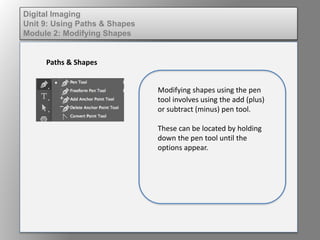
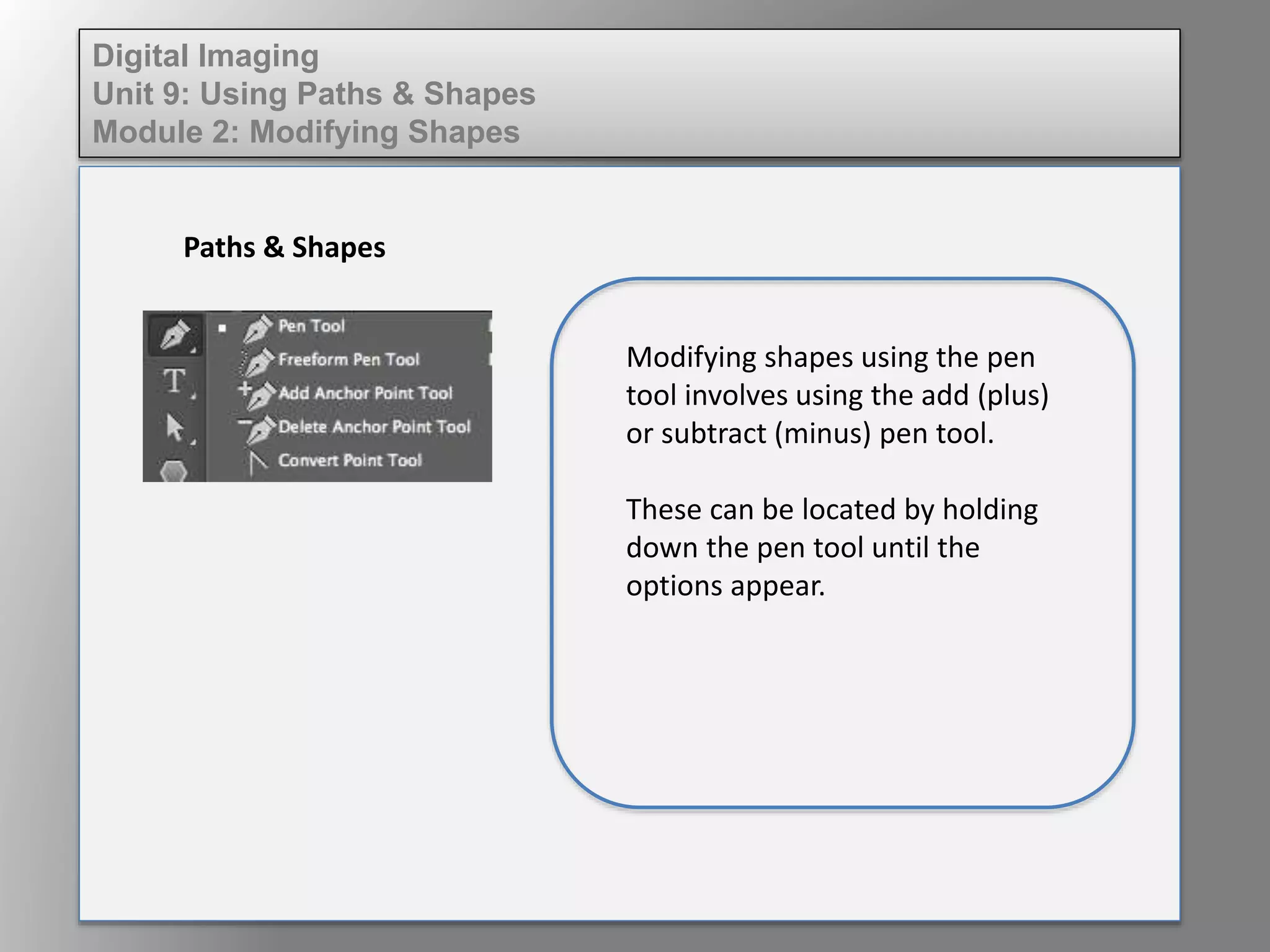
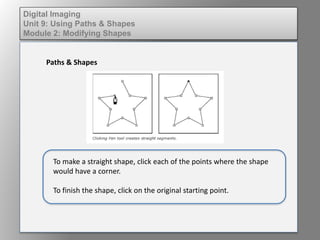
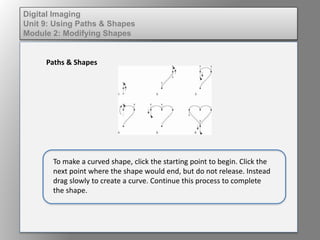
Modifying shapes in digital imaging involves using the add or subtract pen tool, which are accessed by holding down the pen tool. To make a straight shape, click each corner point and then the starting point to finish. To make a curved shape, click to start and drag between points to curve the line, clicking each point to complete the shape.


![Dig imag unit 4 module 1 learning about type fonts and properties[2]](https://cdn.slidesharecdn.com/ss_thumbnails/digimagunit4module1learningabouttypefontsandproperties2-150522194724-lva1-app6892-thumbnail.jpg?width=640&height=640&fit=bounds)
