Digital Imaging
Unit 11: Creating Images for the Web
Module 4: Creating Slices in an Image
Slices
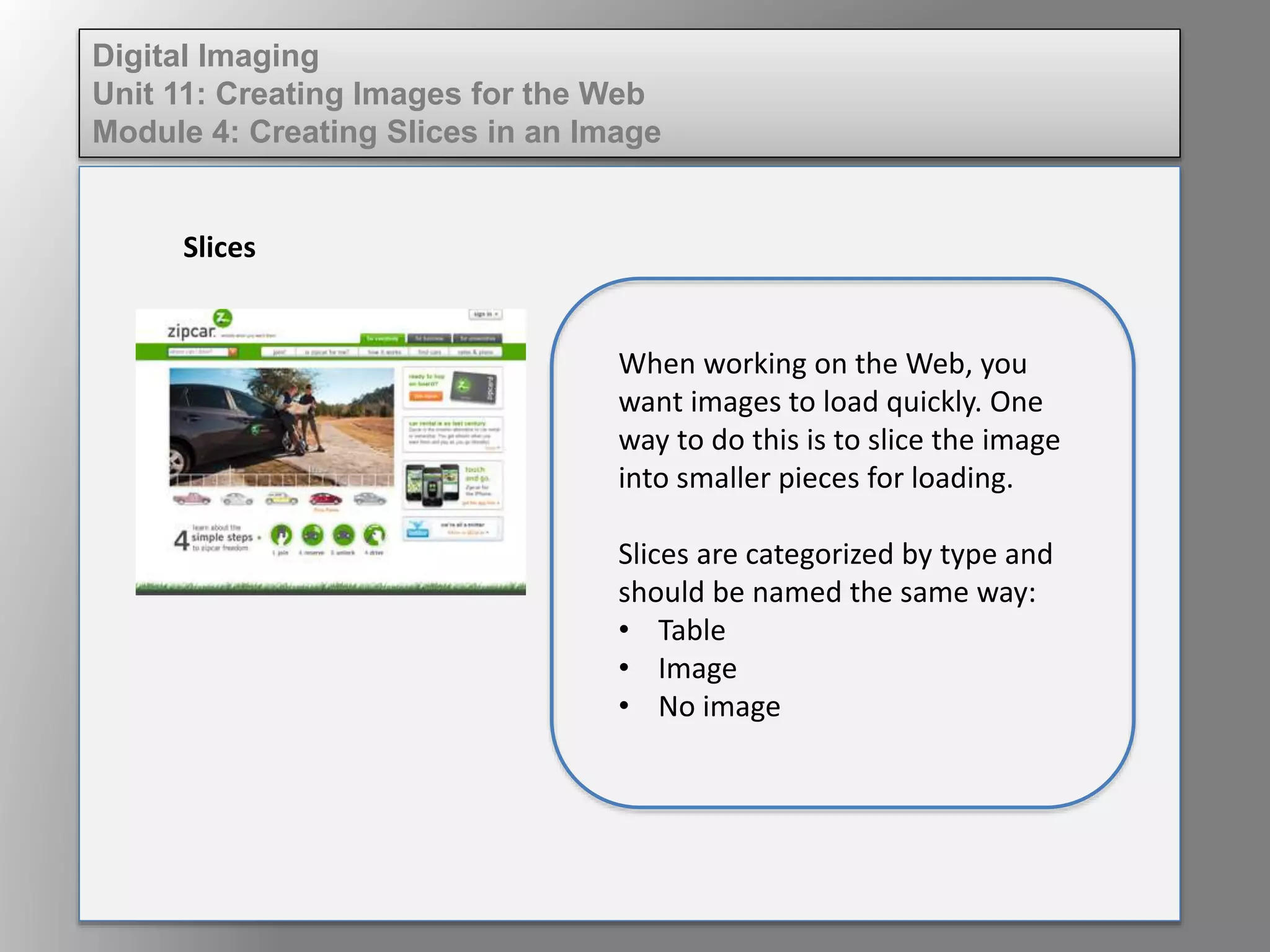
When working on the Web, you
want images to load quickly. One
way to do this is to slice the image
into smaller pieces for loading.
Slices are categorized by type and
should be named the same way:
• Table
• Image
• No image
Digital Imaging
Unit 11: Creating Images for the Web
Module 4: Creating Slices in an Image
Slices
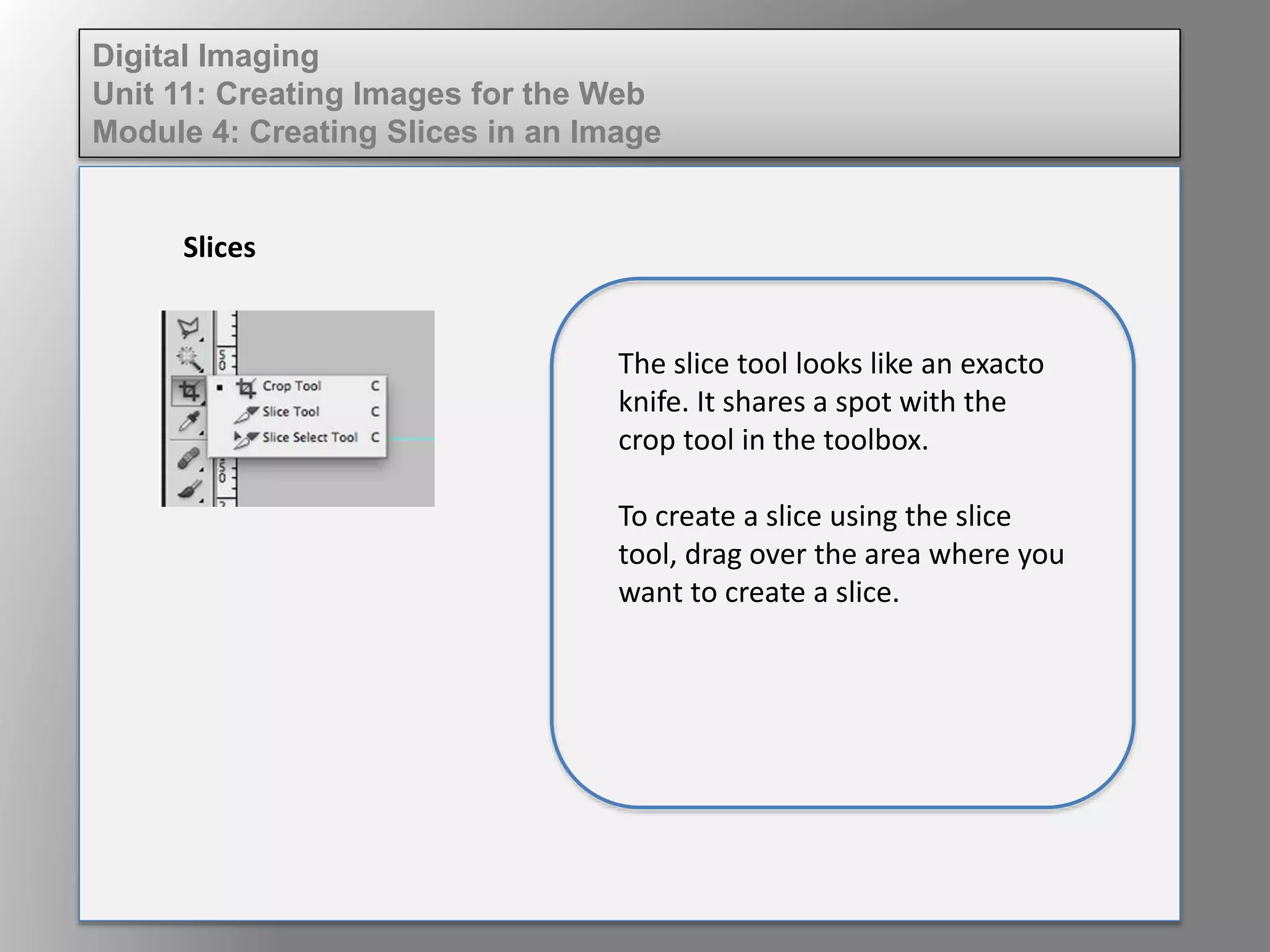
The slice tool looks like an exacto
knife. It shares a spot with the
crop tool in the toolbox.
To create a slice using the slice
tool, drag over the area where you
want to create a slice.
Digital Imaging
Unit 11: Creating Images for the Web
Module 4: Creating Slices in an Image
Slices
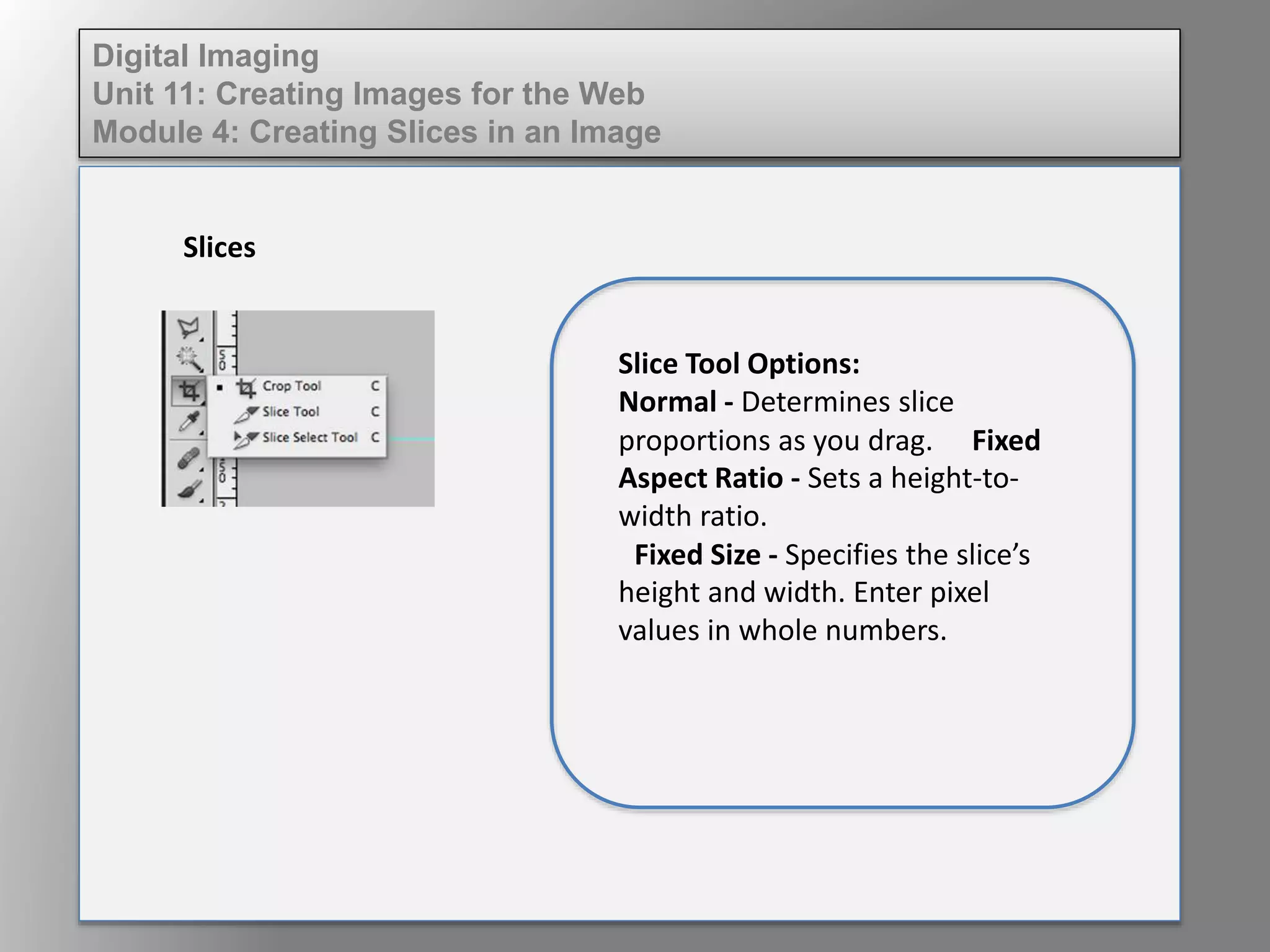
Slice Tool Options:
Normal - Determines slice
proportions as you drag. Fixed
Aspect Ratio - Sets a height-to-
width ratio.
Fixed Size - Specifies the slice’s
height and width. Enter pixel
values in whole numbers.
Digital Imaging
Unit 11: Creating Images for the Web
Module 4: Creating Slices in an Image
Slices
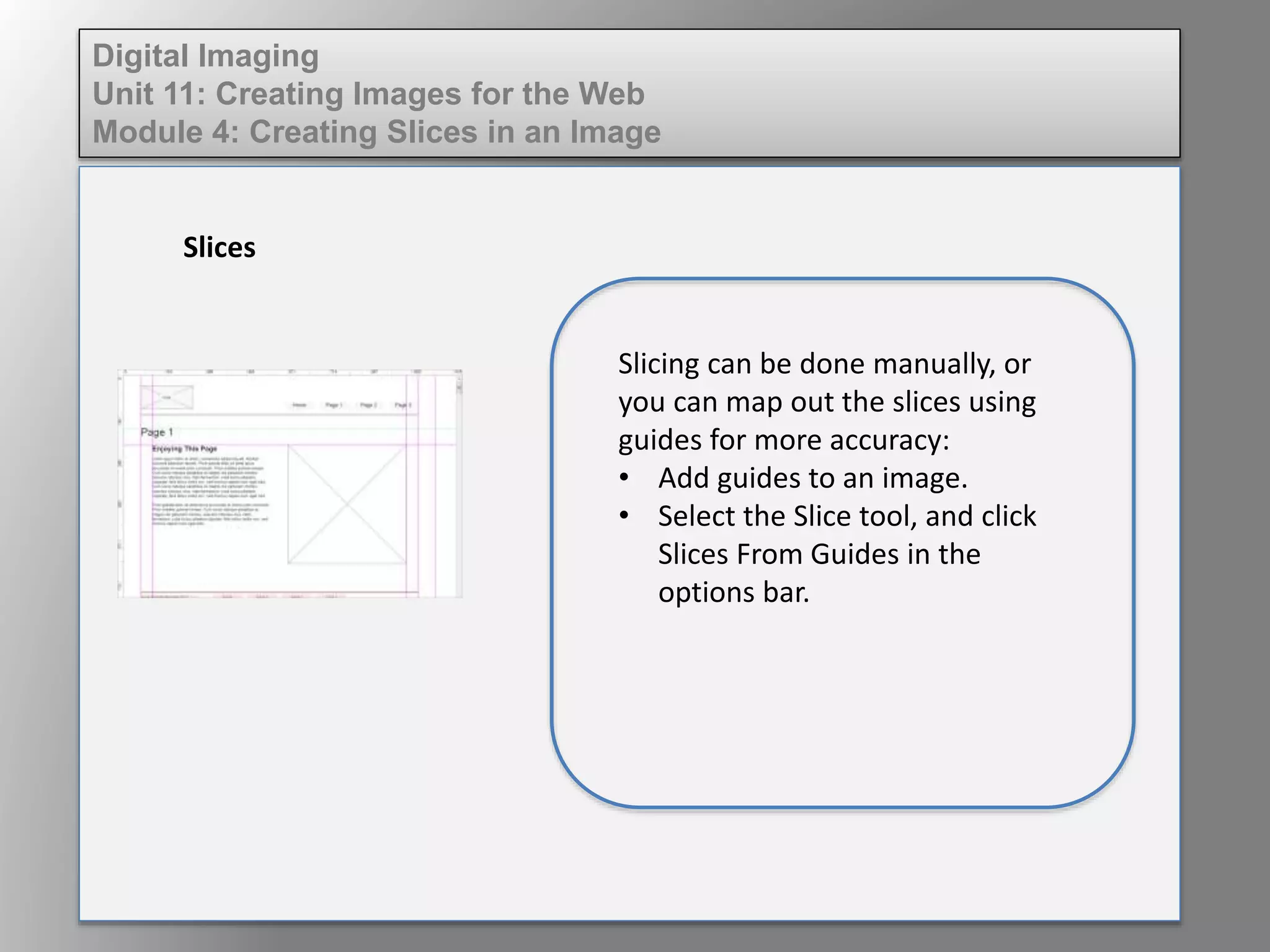
Slicing can be done manually, or
you can map out the slices using
guides for more accuracy:
• Add guides to an image.
• Select the Slice tool, and click
Slices From Guides in the
options bar.

Dig imag unit 11 module 4 creating slices in an image

  • 1.
    Digital Imaging Unit 11:Creating Images for the Web Module 4: Creating Slices in an Image Slices When working on the Web, you want images to load quickly. One way to do this is to slice the image into smaller pieces for loading. Slices are categorized by type and should be named the same way: • Table • Image • No image
  • 2.
    Digital Imaging Unit 11:Creating Images for the Web Module 4: Creating Slices in an Image Slices The slice tool looks like an exacto knife. It shares a spot with the crop tool in the toolbox. To create a slice using the slice tool, drag over the area where you want to create a slice.
  • 3.
    Digital Imaging Unit 11:Creating Images for the Web Module 4: Creating Slices in an Image Slices Slice Tool Options: Normal - Determines slice proportions as you drag. Fixed Aspect Ratio - Sets a height-to- width ratio. Fixed Size - Specifies the slice’s height and width. Enter pixel values in whole numbers.
  • 4.
    Digital Imaging Unit 11:Creating Images for the Web Module 4: Creating Slices in an Image Slices Slicing can be done manually, or you can map out the slices using guides for more accuracy: • Add guides to an image. • Select the Slice tool, and click Slices From Guides in the options bar.