Q4. How did you use
media technologies in the
construction, planning
and evaluation stages?
Callum Shepherd
Facebook
We used Facebook to spread
awareness to the fact that our
film is coming out at some
point in the future. This was a
good way to reach our target
audience, as it allowed us to
gain some feedback from
people that would be most
likely to see our film.
Empressr
We used Empressr to
present most of our
Powerpoints, because it
adds different affects to
the slides and it is
different from many other
mainstream websites that
people use to present. I
discovered this by
searching for different
websites.
Garage Band
We used garage band so
that we could make our
music, which we later put
into the trailer to add a
sense of unknown that
can be associated with
dreary music. We used
Garage band alongside
different technologies to
make our trailer as good
as it can be.
Google
We used Google to search
for anything that we
could not directly access
or we could not find
ourselves. This was things
such as Empressr,
because it is not main
stream we didn’t really
know that it existed.
IMovie
We used Imovie as a base to
make our original draft of a
horror trailer. Unfortunately
it isn't advanced enough to
make a trailer to the quality
that I wanted. The different
tools that you could find on
here were not as easy to use
a the ones on premiere pro
and the results we got from
each place were significantly
different, with Imovie
having a much lower quality.
Powtoon
We used Powtoon during
our research tasks to present
the job roles that people
were given when we
distributed them. It has a
bright colour scheme, no
mater what you want so it
always gives off quite a
happy yet serious feel to it.
It also is quite easy to use
although it does get quite
complicated when you want
to add sound and extra
movements to each slide.
PowerPoint
We used PowerPoint to
make the base of a
presentation before
uploading them to a
different website and
putting different affects
on it. This software is
very easy to use as long as
you don’t want to put any
visual effects or sounds to
it. It is easily
customisable and can be
used to present pretty
much anything you want.
Microsoft Word
We used Microsoft word
to write out most of our
long paragraphs and any
writing that we would
need on our products,
such as the billing block
for our posters. We also
used word to write out
some of the scripts that
we used whilst filming,
although we didn’t end up
using any vocal work in
out trailer.
Premiere Pro
We ued premiere pro as
the mian editing software
for our horror trailer. We
decided on this because it
gave us better tools that
were easier to use than
Imovie. It also gave us the
best finishing product that
we could have possibly
got, because it has a
better rendering process
than other similar
software.
Photoshop
We used Photoshop as the
main editing software for
still images, such as our
poster and magazine. We
chose this specific software
because it allowed us to
create an image by using
different tools to take things
from different places and
merge them together. I was
also able to use this to put
our finished products in
situe to see how it would
look.
Slideboom
We used Slideboom as one
of our many presentation
sharing websites. This is a
relatively basic one that was
used for the shorter
PowerPoint's that we knew
should be don quickly and
easily. It was easy to use
because it puts our
PowerPoint's out into the
public view so that many
people can see it even
without visiting my website.
Slideshare
We used slideshare for
pretty uch the same
reason as we did with
slidboom. They both
perform the same
processes except slightly
different, but no less or
more advanced. They are
very similar websites
being easy to use with all
content accessible to non-
account holders, unless
you specify for your
presentation to be private.
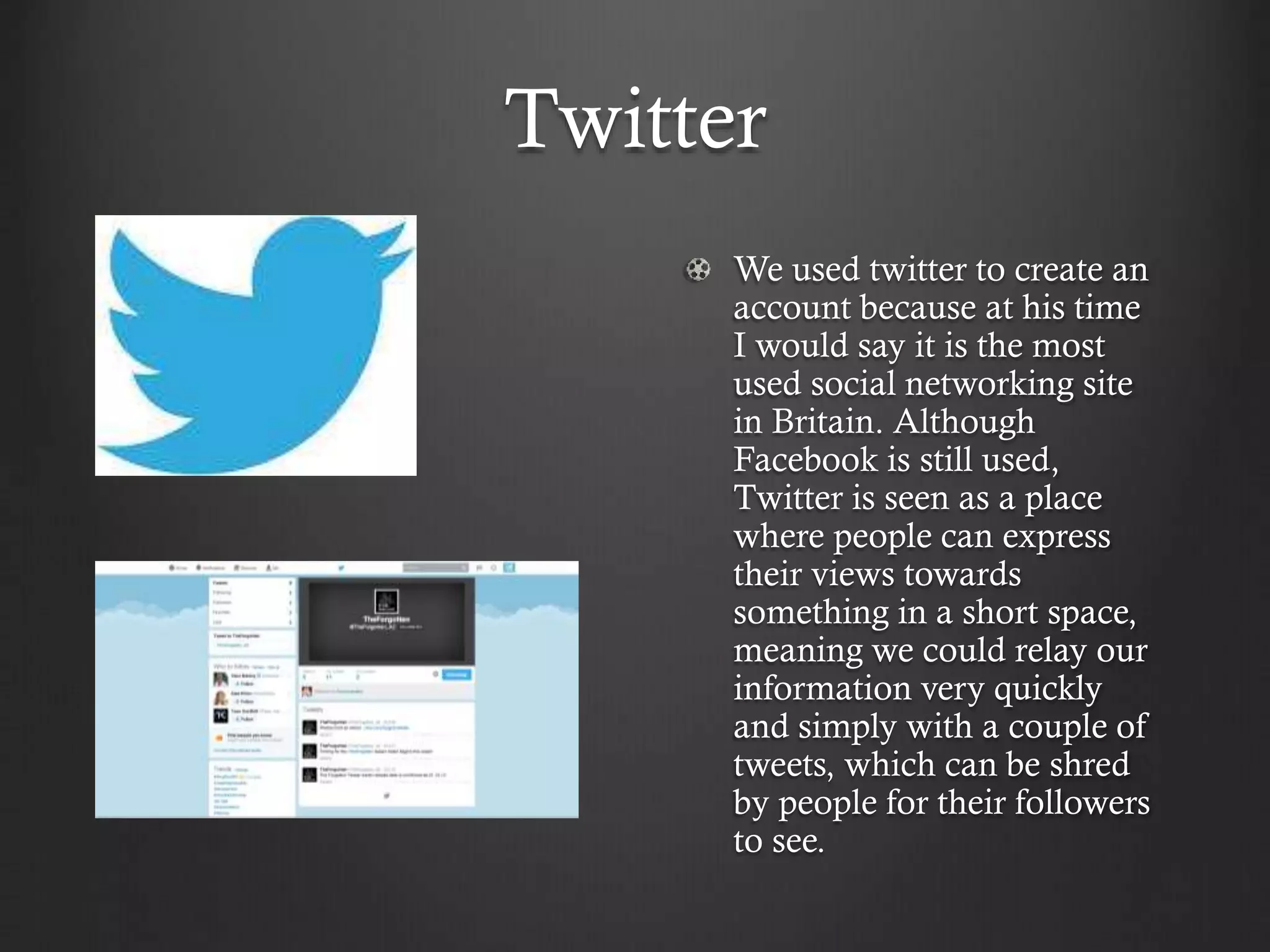
Twitter
We used twitter to create an
account because at his time
I would say it is the most
used social networking site
in Britain. Although
Facebook is still used,
Twitter is seen as a place
where people can express
their views towards
something in a short space,
meaning we could relay our
information very quickly
and simply with a couple of
tweets, which can be shred
by people for their followers
to see.
Scribd.
We used this website
again to publish our
PowerPoint's but this time
there is a slightly different
format. Sribd is also more
well known than some
other file sharing websites
because it now has books
that you can read online,
we took advantage of this
because our PowerPoint's
may come of interest to
some of the people that
use scribd to read.
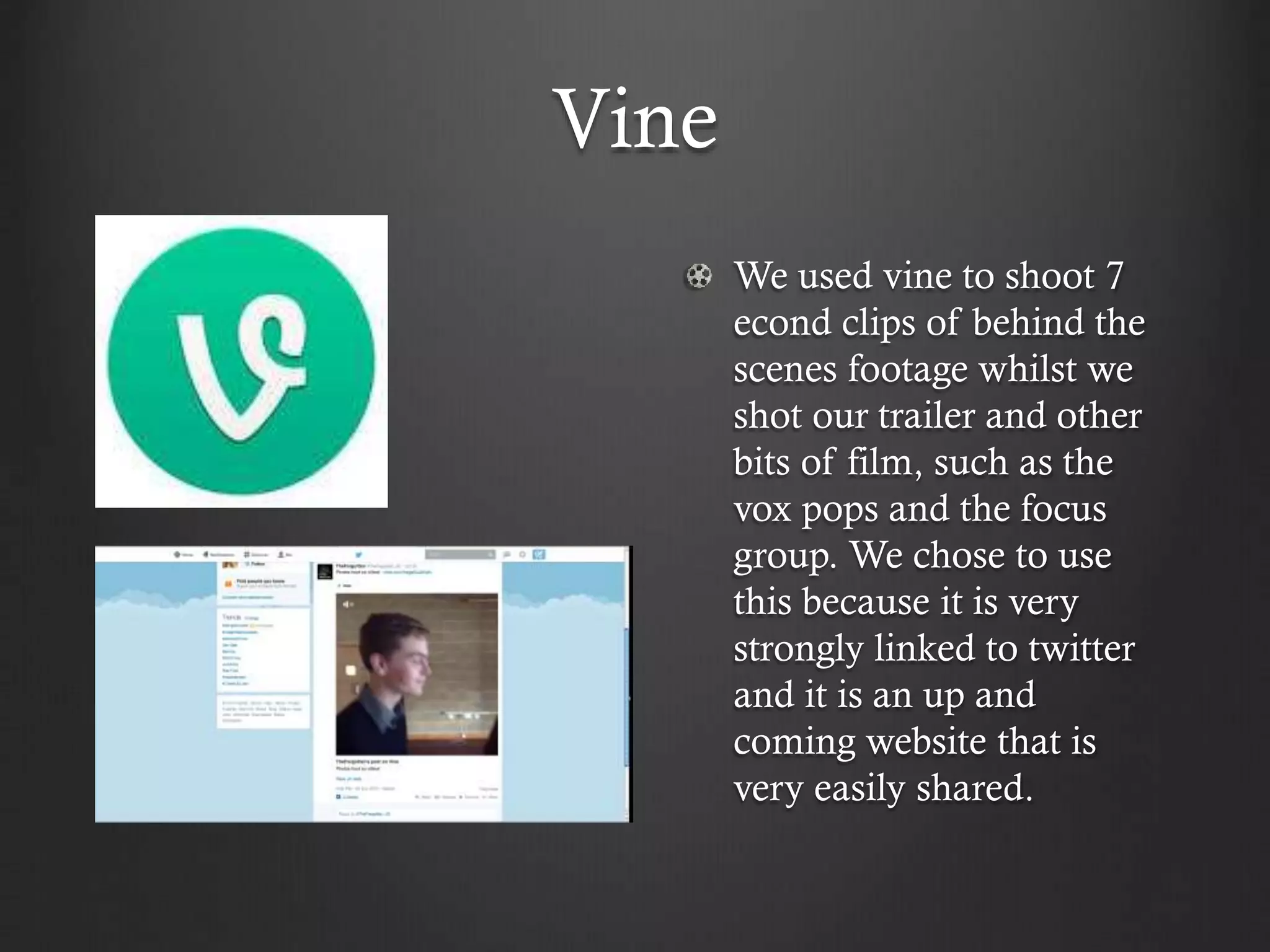
Vine
We used vine to shoot 7
econd clips of behind the
scenes footage whilst we
shot our trailer and other
bits of film, such as the
vox pops and the focus
group. We chose to use
this because it is very
strongly linked to twitter
and it is an up and
coming website that is
very easily shared.
Yola
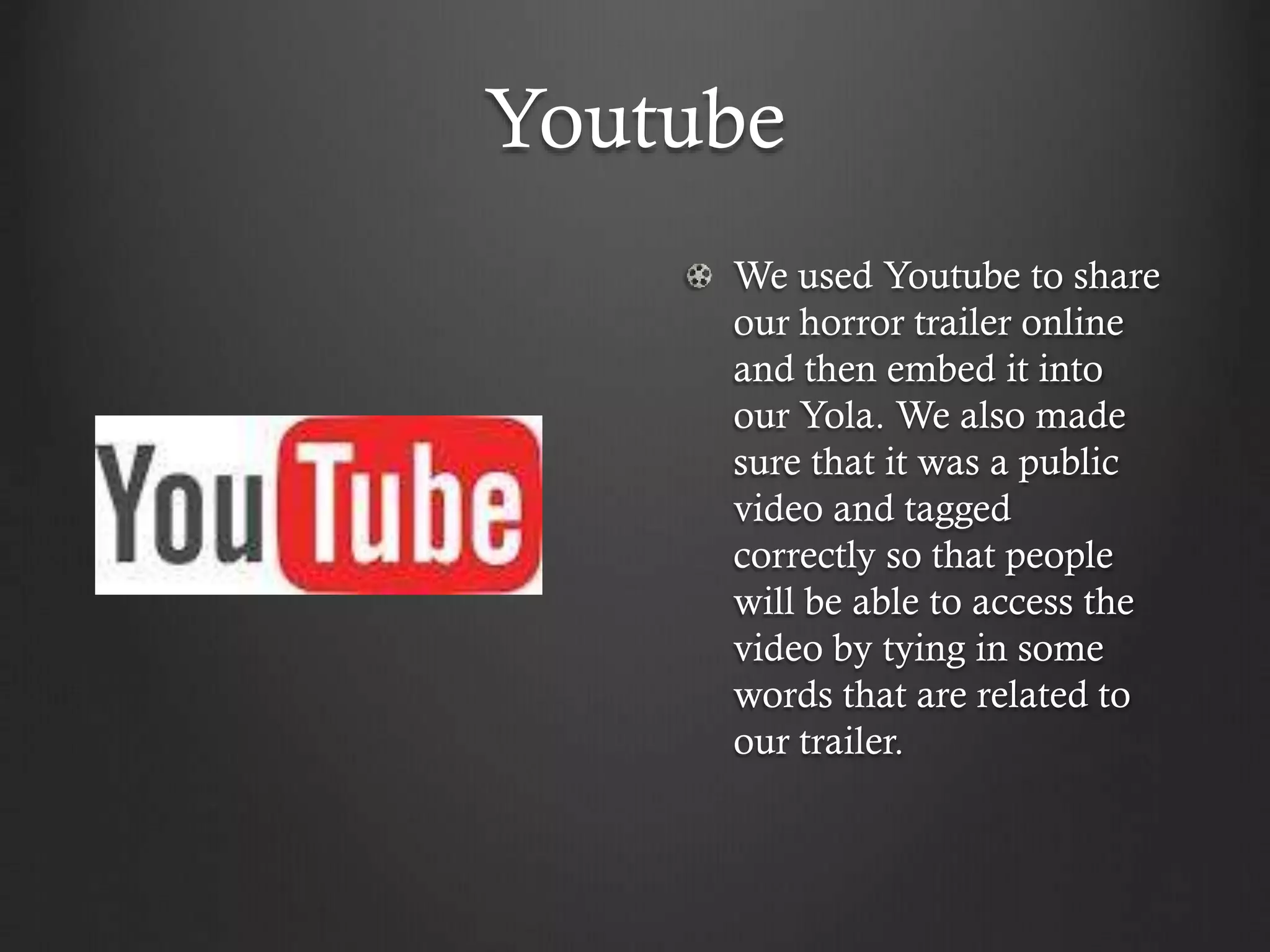
Yola was the main website
hat I used because it is
where I have the work that I
have completed over the
past year. It is a free to use
website that allows you to
create a page for your own
personal use and to share
with other people. It is
accessible by anyone as long
as you know the domain
name and it is free to use
unless you sign up for a
premium account.
Youtube
We used Youtube to share
our horror trailer online
and then embed it into
our Yola. We also made
sure that it was a public
video and tagged
correctly so that people
will be able to access the
video by tying in some
words that are related to
our trailer.
Overall use.
Overall the uses of technology were very necessary to
produce all our work in a professional and influential way.
The different uses of technology were also allowing me to
produce my practical work in the best way possible. The
specific tools that I learnt how to use were also very
important in producing the best possible results.

Different technologies

  • 1.
    Q4. How didyou use media technologies in the construction, planning and evaluation stages? Callum Shepherd
  • 2.
    Facebook We used Facebookto spread awareness to the fact that our film is coming out at some point in the future. This was a good way to reach our target audience, as it allowed us to gain some feedback from people that would be most likely to see our film.
  • 3.
    Empressr We used Empressrto present most of our Powerpoints, because it adds different affects to the slides and it is different from many other mainstream websites that people use to present. I discovered this by searching for different websites.
  • 4.
    Garage Band We usedgarage band so that we could make our music, which we later put into the trailer to add a sense of unknown that can be associated with dreary music. We used Garage band alongside different technologies to make our trailer as good as it can be.
  • 5.
    Google We used Googleto search for anything that we could not directly access or we could not find ourselves. This was things such as Empressr, because it is not main stream we didn’t really know that it existed.
  • 6.
    IMovie We used Imovieas a base to make our original draft of a horror trailer. Unfortunately it isn't advanced enough to make a trailer to the quality that I wanted. The different tools that you could find on here were not as easy to use a the ones on premiere pro and the results we got from each place were significantly different, with Imovie having a much lower quality.
  • 7.
    Powtoon We used Powtoonduring our research tasks to present the job roles that people were given when we distributed them. It has a bright colour scheme, no mater what you want so it always gives off quite a happy yet serious feel to it. It also is quite easy to use although it does get quite complicated when you want to add sound and extra movements to each slide.
  • 8.
    PowerPoint We used PowerPointto make the base of a presentation before uploading them to a different website and putting different affects on it. This software is very easy to use as long as you don’t want to put any visual effects or sounds to it. It is easily customisable and can be used to present pretty much anything you want.
  • 9.
    Microsoft Word We usedMicrosoft word to write out most of our long paragraphs and any writing that we would need on our products, such as the billing block for our posters. We also used word to write out some of the scripts that we used whilst filming, although we didn’t end up using any vocal work in out trailer.
  • 10.
    Premiere Pro We uedpremiere pro as the mian editing software for our horror trailer. We decided on this because it gave us better tools that were easier to use than Imovie. It also gave us the best finishing product that we could have possibly got, because it has a better rendering process than other similar software.
  • 11.
    Photoshop We used Photoshopas the main editing software for still images, such as our poster and magazine. We chose this specific software because it allowed us to create an image by using different tools to take things from different places and merge them together. I was also able to use this to put our finished products in situe to see how it would look.
  • 12.
    Slideboom We used Slideboomas one of our many presentation sharing websites. This is a relatively basic one that was used for the shorter PowerPoint's that we knew should be don quickly and easily. It was easy to use because it puts our PowerPoint's out into the public view so that many people can see it even without visiting my website.
  • 13.
    Slideshare We used slidesharefor pretty uch the same reason as we did with slidboom. They both perform the same processes except slightly different, but no less or more advanced. They are very similar websites being easy to use with all content accessible to non- account holders, unless you specify for your presentation to be private.
  • 14.
    Twitter We used twitterto create an account because at his time I would say it is the most used social networking site in Britain. Although Facebook is still used, Twitter is seen as a place where people can express their views towards something in a short space, meaning we could relay our information very quickly and simply with a couple of tweets, which can be shred by people for their followers to see.
  • 15.
    Scribd. We used thiswebsite again to publish our PowerPoint's but this time there is a slightly different format. Sribd is also more well known than some other file sharing websites because it now has books that you can read online, we took advantage of this because our PowerPoint's may come of interest to some of the people that use scribd to read.
  • 16.
    Vine We used vineto shoot 7 econd clips of behind the scenes footage whilst we shot our trailer and other bits of film, such as the vox pops and the focus group. We chose to use this because it is very strongly linked to twitter and it is an up and coming website that is very easily shared.
  • 17.
    Yola Yola was themain website hat I used because it is where I have the work that I have completed over the past year. It is a free to use website that allows you to create a page for your own personal use and to share with other people. It is accessible by anyone as long as you know the domain name and it is free to use unless you sign up for a premium account.
  • 18.
    Youtube We used Youtubeto share our horror trailer online and then embed it into our Yola. We also made sure that it was a public video and tagged correctly so that people will be able to access the video by tying in some words that are related to our trailer.
  • 19.
    Overall use. Overall theuses of technology were very necessary to produce all our work in a professional and influential way. The different uses of technology were also allowing me to produce my practical work in the best way possible. The specific tools that I learnt how to use were also very important in producing the best possible results.