Evaluation Question 4
How did you use media technologies in the
construction and research, planning and
evaluation stages?
By Sarah Whiley
Research and Planning
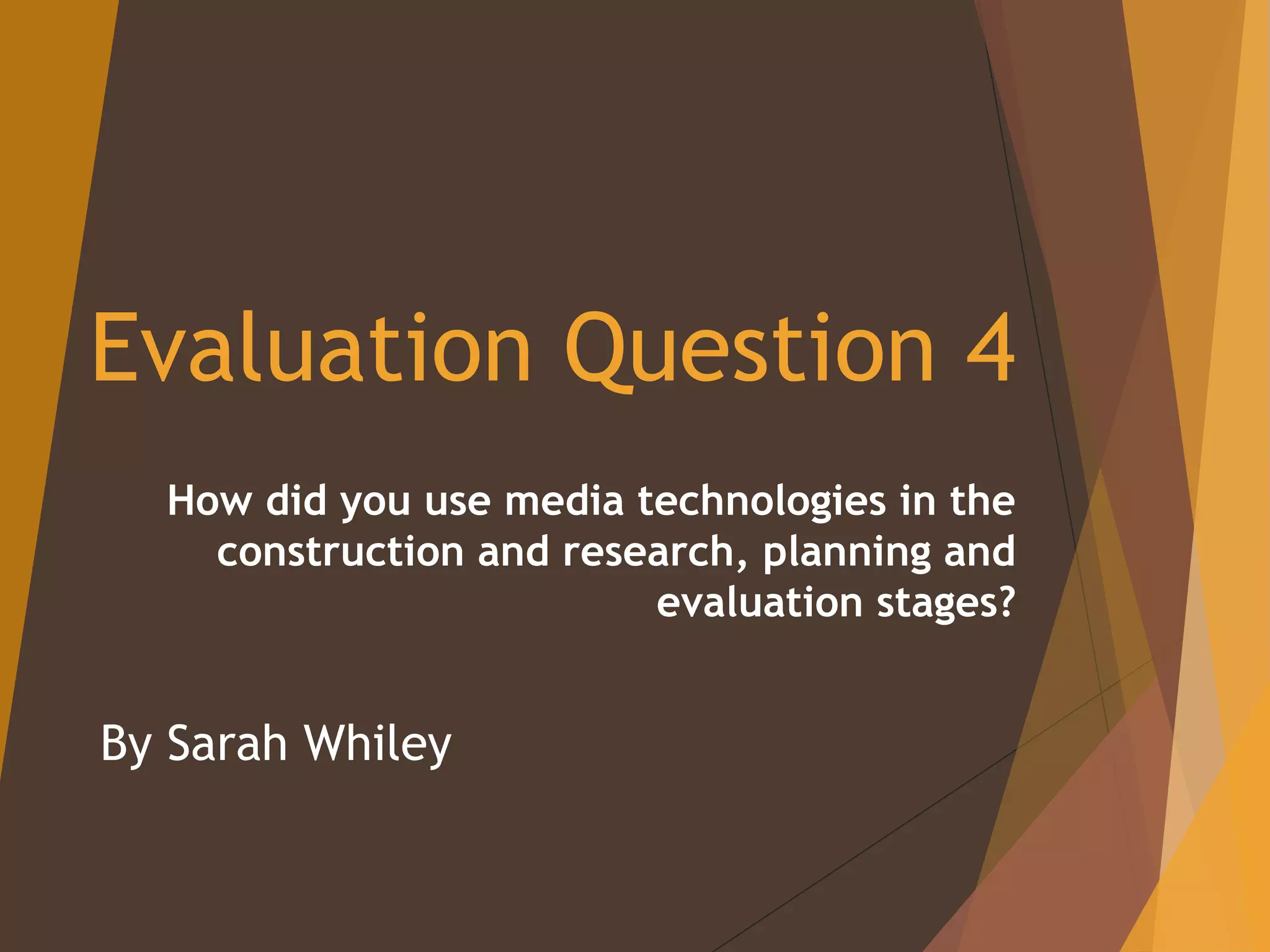
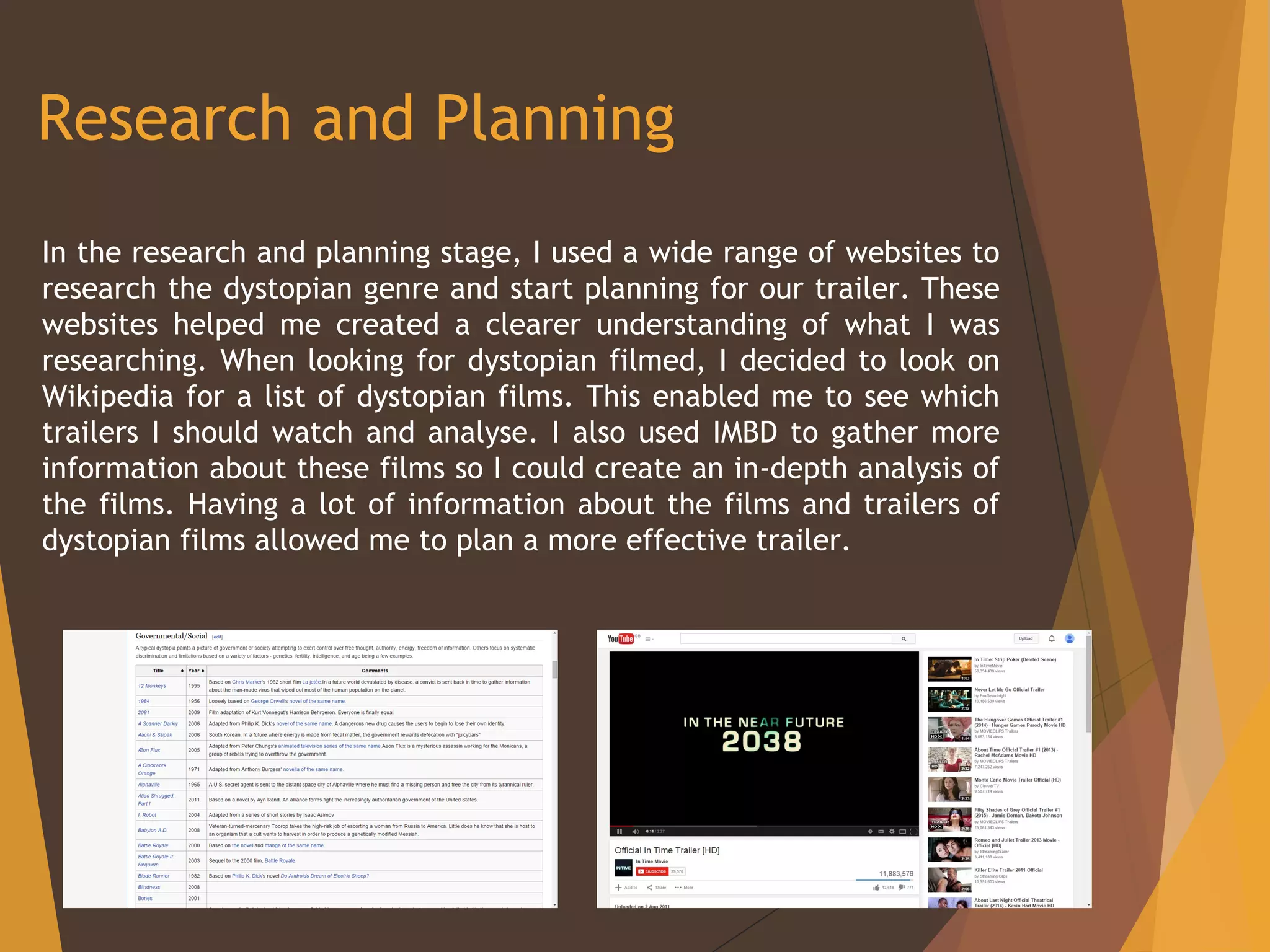
In the research and planning stage, I used a wide range of websites to
research the dystopian genre and start planning for our trailer. These
websites helped me created a clearer understanding of what I was
researching. When looking for dystopian filmed, I decided to look on
Wikipedia for a list of dystopian films. This enabled me to see which
trailers I should watch and analyse. I also used IMBD to gather more
information about these films so I could create an in-depth analysis of
the films. Having a lot of information about the films and trailers of
dystopian films allowed me to plan a more effective trailer.
My Blog
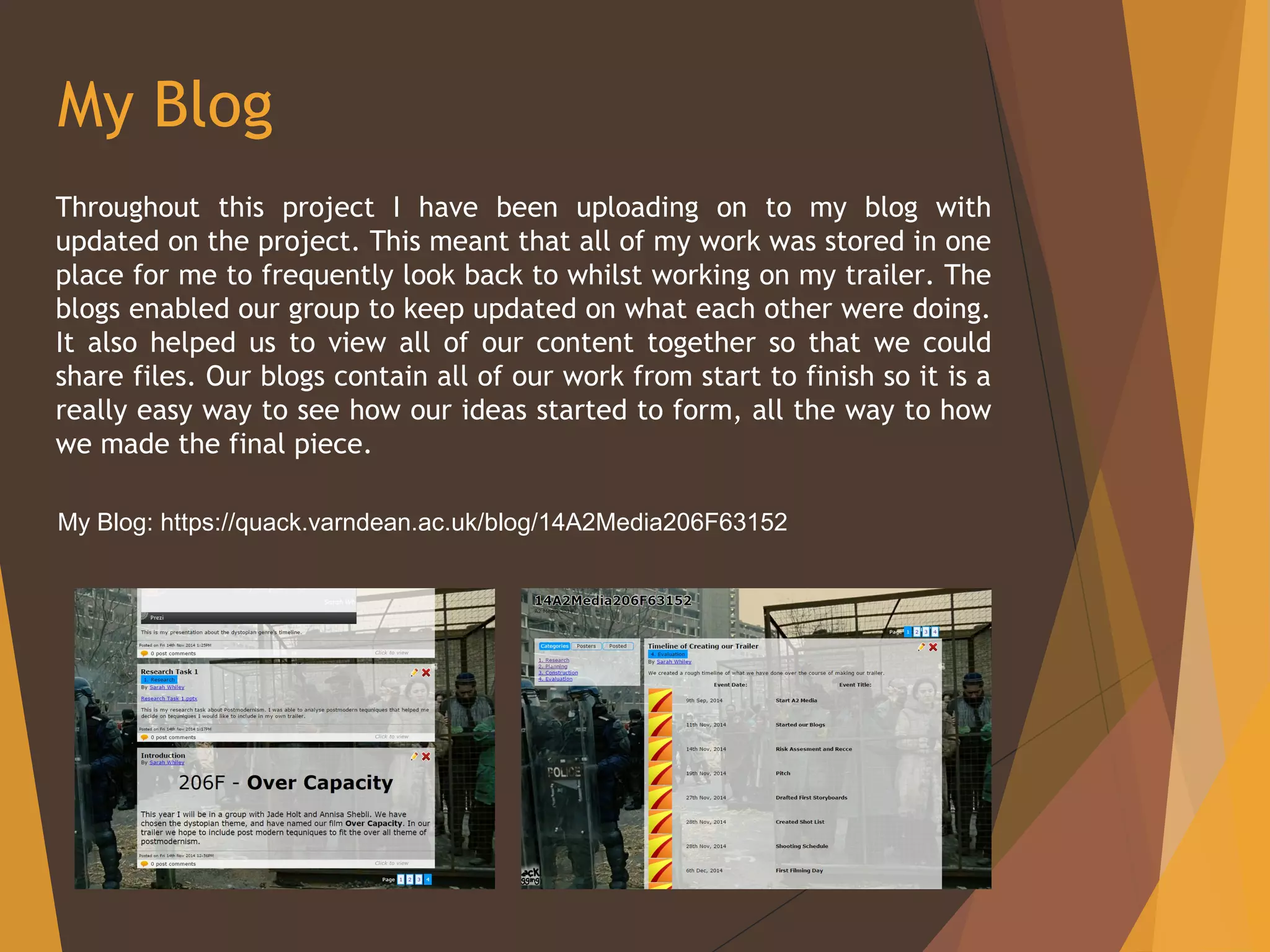
Throughout this project I have been uploading on to my blog with
updated on the project. This meant that all of my work was stored in one
place for me to frequently look back to whilst working on my trailer. The
blogs enabled our group to keep updated on what each other were doing.
It also helped us to view all of our content together so that we could
share files. Our blogs contain all of our work from start to finish so it is a
really easy way to see how our ideas started to form, all the way to how
we made the final piece.
My Blog: https://quack.varndean.ac.uk/blog/14A2Media206F63152
Production
Whilst filming our trailer we tried to use as much specialist equipment
we could, but due to limited funds we were only able to use what the
college could supply us. Although this was amazing quality equipment,
it was not what any high end budget films would use. This did,
however, keep our film as an independent film which was what we had
originally planned on creating. The college allowed us to use a Canon
550D DSLR camera. Other equipment we used included tripod, camera
slide and a tracking device. These pieces of equipment allowed us to
create a more professional piece of work.
Post-Production
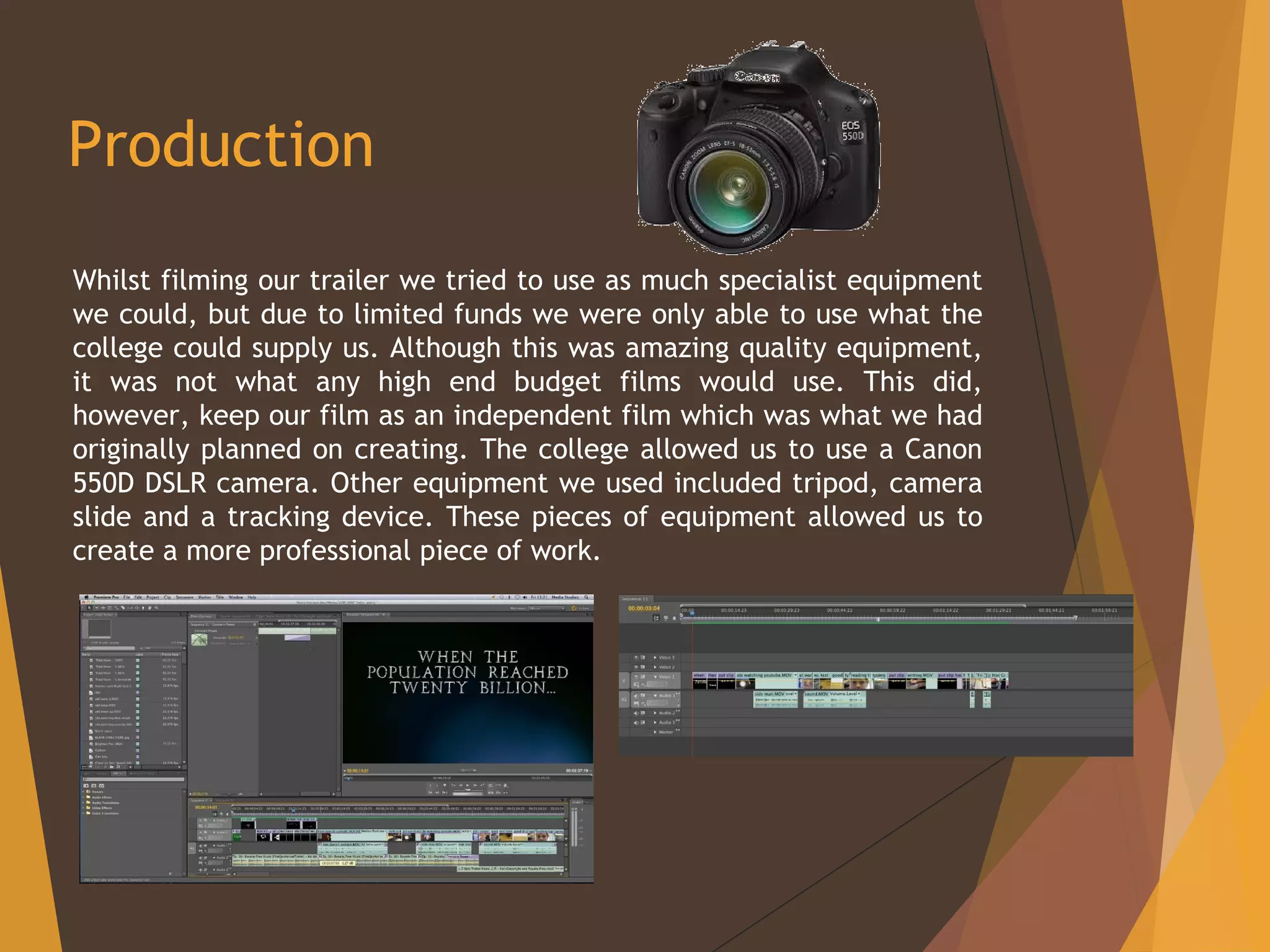
As soon as we had finished filming we uploaded
our footage onto an Apple Mac at college. We
used Adobe Premier to edit our footage.
Premier is a very easy programme to use, and
because we had used it in the first year of our
course, we all felt very comfortable with it. On
this programme we were able to put our images
in order, edit the colour and add music and
effects to create a professional effect. We
were also able to use post-modern effects to fit
with the specification of our project. We were
able to speed up or slow down clips and sounds.
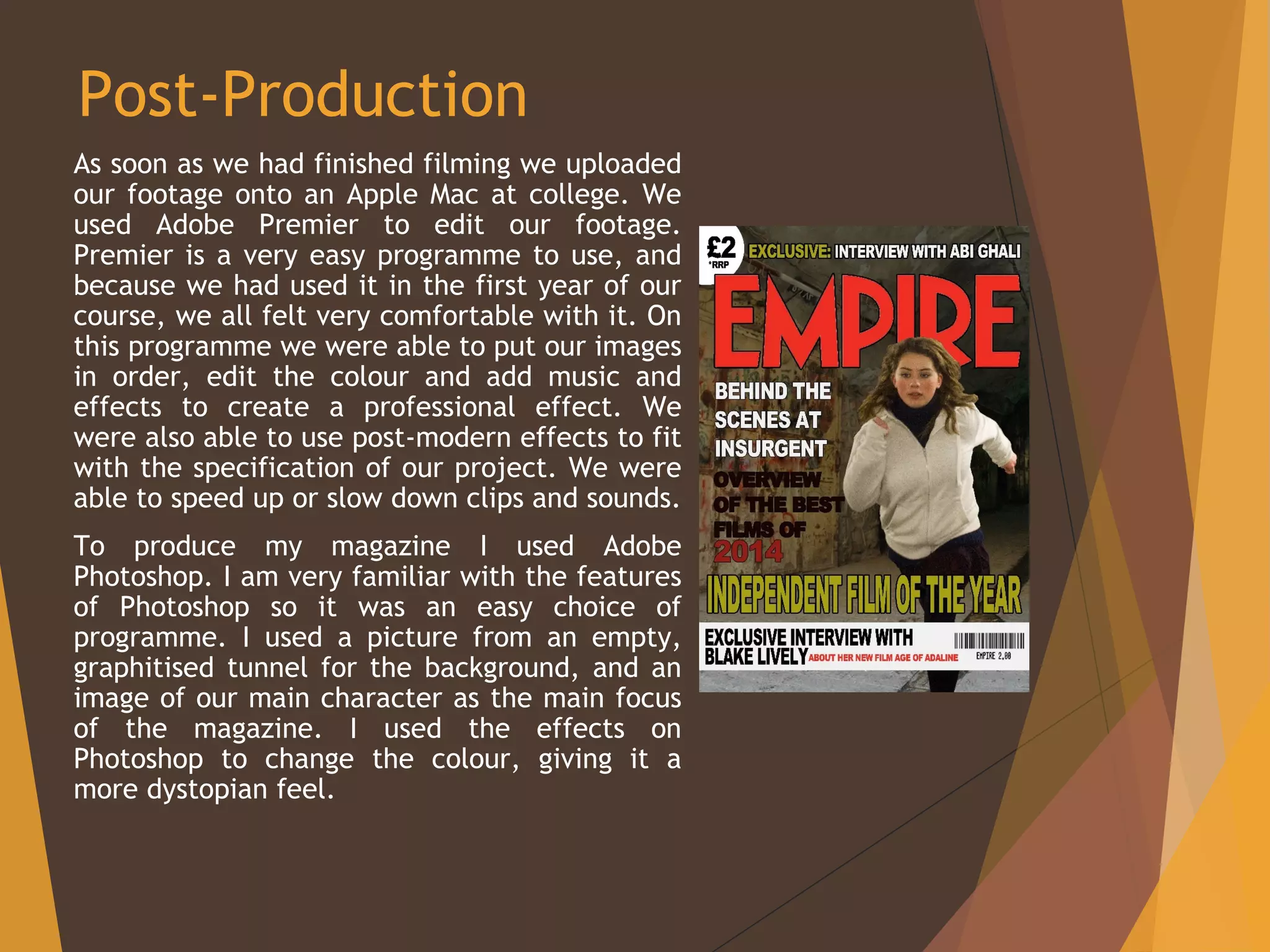
To produce my magazine I used Adobe
Photoshop. I am very familiar with the features
of Photoshop so it was an easy choice of
programme. I used a picture from an empty,
graphitised tunnel for the background, and an
image of our main character as the main focus
of the magazine. I used the effects on
Photoshop to change the colour, giving it a
more dystopian feel.
Evaluation
During the evaluation stage I tried to use a variety of different presentation
programmes. I used PowerPoint and Prezi for most of my presentations as
they are able to produce good quality work that is easy to present. Both
programmes allow personalisation which meant I was able to make it look
professional, as well as designing it to fir with the subject I was writing
about. These programmes were great at presenting, however, I felt that for
question 1 it would be better to do a voiceover commentary that I was then
able to upload to YouTube. A voiceover enabled me to show the listener
what I was talking about, whilst I was saying it. We each allocated a
different part of the question, and recorded ourselves on a computer
talking about our part of the question. This not only made it easier for the
listener to understand what we were talking about, but also made it much
more interesting. We then uploaded our parts onto YouTube. We felt that
this would be the best website as it is the largest platform for sharing
videos and it is relatively easy to upload and view videos that are uploaded.
Our videos can be found on the YouTube channel A2MediaVarndean under
the name of our group’s name: 206F.
Evaluation
During the evaluation stage I tried to use a variety of different presentation
programmes. I used PowerPoint and Prezi for most of my presentations as
they are able to produce good quality work that is easy to present. Both
programmes allow personalisation which meant I was able to make it look
professional, as well as designing it to fir with the subject I was writing
about. These programmes were great at presenting, however, I felt that for
question 1 it would be better to do a voiceover commentary that I was then
able to upload to YouTube. A voiceover enabled me to show the listener
what I was talking about, whilst I was saying it. We each allocated a
different part of the question, and recorded ourselves on a computer
talking about our part of the question. This not only made it easier for the
listener to understand what we were talking about, but also made it much
more interesting. We then uploaded our parts onto YouTube. We felt that
this would be the best website as it is the largest platform for sharing
videos and it is relatively easy to upload and view videos that are uploaded.
Our videos can be found on the YouTube channel A2MediaVarndean under
the name of our group’s name: 206F.

Evaluation question 4

  • 1.
    Evaluation Question 4 Howdid you use media technologies in the construction and research, planning and evaluation stages? By Sarah Whiley
  • 2.
    Research and Planning Inthe research and planning stage, I used a wide range of websites to research the dystopian genre and start planning for our trailer. These websites helped me created a clearer understanding of what I was researching. When looking for dystopian filmed, I decided to look on Wikipedia for a list of dystopian films. This enabled me to see which trailers I should watch and analyse. I also used IMBD to gather more information about these films so I could create an in-depth analysis of the films. Having a lot of information about the films and trailers of dystopian films allowed me to plan a more effective trailer.
  • 3.
    My Blog Throughout thisproject I have been uploading on to my blog with updated on the project. This meant that all of my work was stored in one place for me to frequently look back to whilst working on my trailer. The blogs enabled our group to keep updated on what each other were doing. It also helped us to view all of our content together so that we could share files. Our blogs contain all of our work from start to finish so it is a really easy way to see how our ideas started to form, all the way to how we made the final piece. My Blog: https://quack.varndean.ac.uk/blog/14A2Media206F63152
  • 4.
    Production Whilst filming ourtrailer we tried to use as much specialist equipment we could, but due to limited funds we were only able to use what the college could supply us. Although this was amazing quality equipment, it was not what any high end budget films would use. This did, however, keep our film as an independent film which was what we had originally planned on creating. The college allowed us to use a Canon 550D DSLR camera. Other equipment we used included tripod, camera slide and a tracking device. These pieces of equipment allowed us to create a more professional piece of work.
  • 5.
    Post-Production As soon aswe had finished filming we uploaded our footage onto an Apple Mac at college. We used Adobe Premier to edit our footage. Premier is a very easy programme to use, and because we had used it in the first year of our course, we all felt very comfortable with it. On this programme we were able to put our images in order, edit the colour and add music and effects to create a professional effect. We were also able to use post-modern effects to fit with the specification of our project. We were able to speed up or slow down clips and sounds. To produce my magazine I used Adobe Photoshop. I am very familiar with the features of Photoshop so it was an easy choice of programme. I used a picture from an empty, graphitised tunnel for the background, and an image of our main character as the main focus of the magazine. I used the effects on Photoshop to change the colour, giving it a more dystopian feel.
  • 6.
    Evaluation During the evaluationstage I tried to use a variety of different presentation programmes. I used PowerPoint and Prezi for most of my presentations as they are able to produce good quality work that is easy to present. Both programmes allow personalisation which meant I was able to make it look professional, as well as designing it to fir with the subject I was writing about. These programmes were great at presenting, however, I felt that for question 1 it would be better to do a voiceover commentary that I was then able to upload to YouTube. A voiceover enabled me to show the listener what I was talking about, whilst I was saying it. We each allocated a different part of the question, and recorded ourselves on a computer talking about our part of the question. This not only made it easier for the listener to understand what we were talking about, but also made it much more interesting. We then uploaded our parts onto YouTube. We felt that this would be the best website as it is the largest platform for sharing videos and it is relatively easy to upload and view videos that are uploaded. Our videos can be found on the YouTube channel A2MediaVarndean under the name of our group’s name: 206F.
  • 7.
    Evaluation During the evaluationstage I tried to use a variety of different presentation programmes. I used PowerPoint and Prezi for most of my presentations as they are able to produce good quality work that is easy to present. Both programmes allow personalisation which meant I was able to make it look professional, as well as designing it to fir with the subject I was writing about. These programmes were great at presenting, however, I felt that for question 1 it would be better to do a voiceover commentary that I was then able to upload to YouTube. A voiceover enabled me to show the listener what I was talking about, whilst I was saying it. We each allocated a different part of the question, and recorded ourselves on a computer talking about our part of the question. This not only made it easier for the listener to understand what we were talking about, but also made it much more interesting. We then uploaded our parts onto YouTube. We felt that this would be the best website as it is the largest platform for sharing videos and it is relatively easy to upload and view videos that are uploaded. Our videos can be found on the YouTube channel A2MediaVarndean under the name of our group’s name: 206F.