DEVELOPING WEB APPS
DY'S SPRINKLES
LOCAL DEVELOPMENT
LOCAL DEVELOPMENT
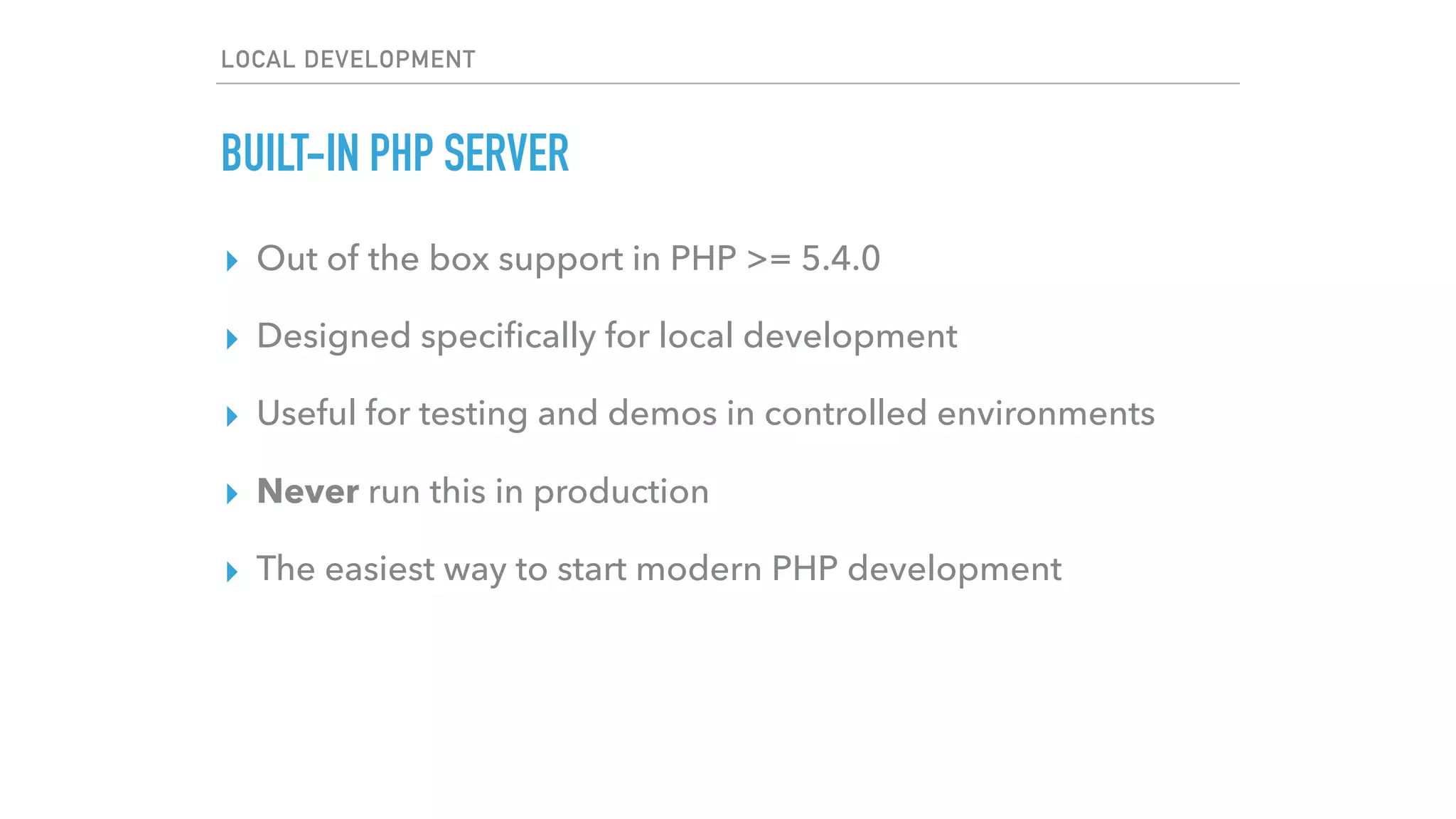
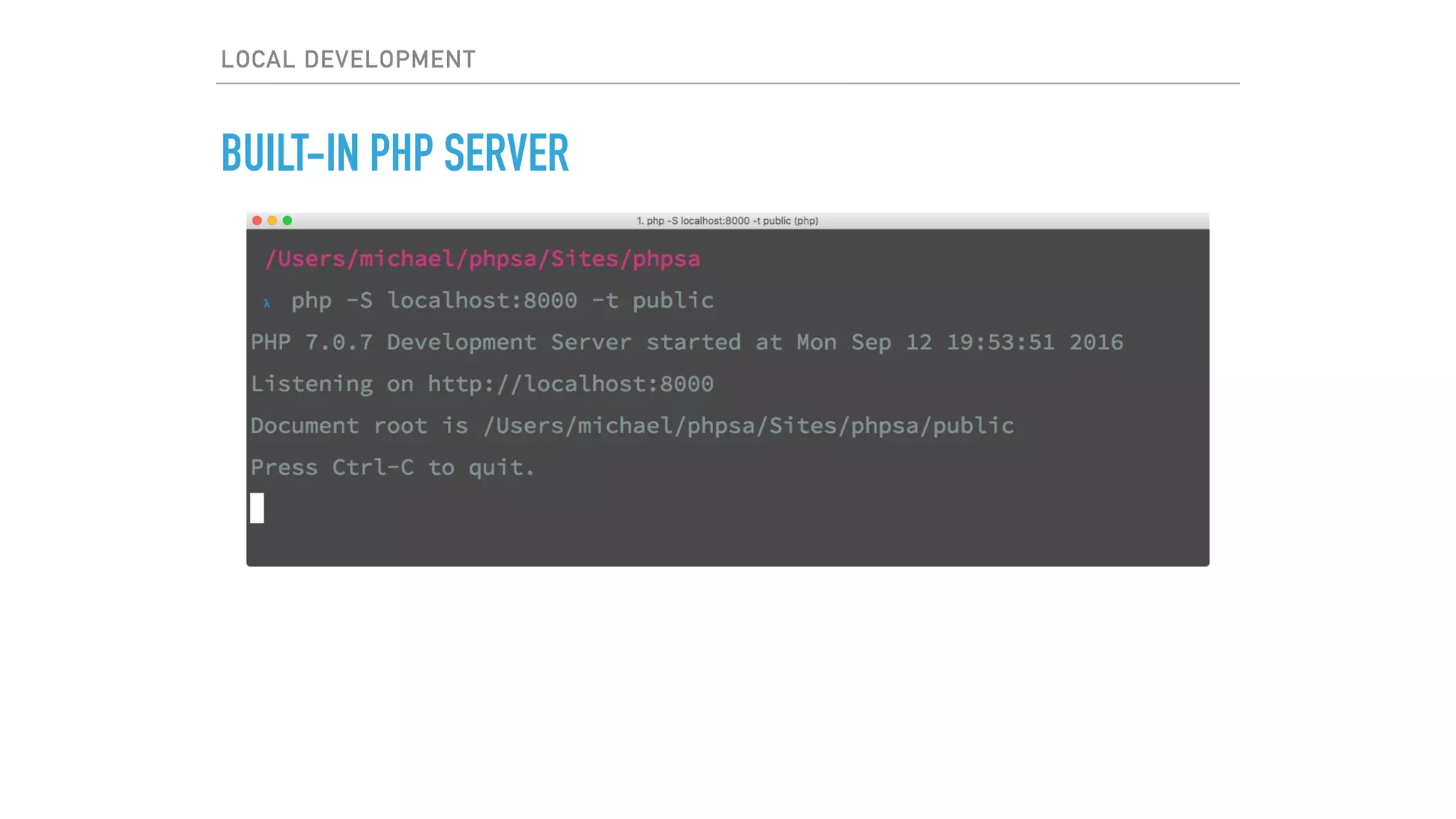
BUILT-IN PHP SERVER
▸ Out of the box support in PHP >= 5.4.0
▸ Designed specifically for local development
▸ Useful for testing and demos in controlled environments
▸ Never run this in production
▸ The easiest way to start modern PHP development
LOCAL DEVELOPMENT
BUILT-IN PHP SERVER
LOCAL DEVELOPMENT
BUILT-IN PHP SERVER
▸ Out of the box support in PHP >= 5.4.0
▸ Designed specifically for local development
▸ Useful for testing and demos in controlled environments
▸ Never run this in production
▸ The easiest way to start modern PHP development
▸ More info - Google “php built in server”
LOCAL DEVELOPMENT
LARAVEL VALET
▸ Mac only
▸ Very easy to get up and running (with Composer)
LOCAL DEVELOPMENT
▸ Composer is a tool for dependency management in PHP. It
allows you to declare the libraries your project depends on
and it will manage (install/update) them for you.
▸ Not a package manager. It manages dependencies on a per-
project basis, installing them in a vendor directory within
your project.
LOCAL DEVELOPMENT
LARAVEL VALET
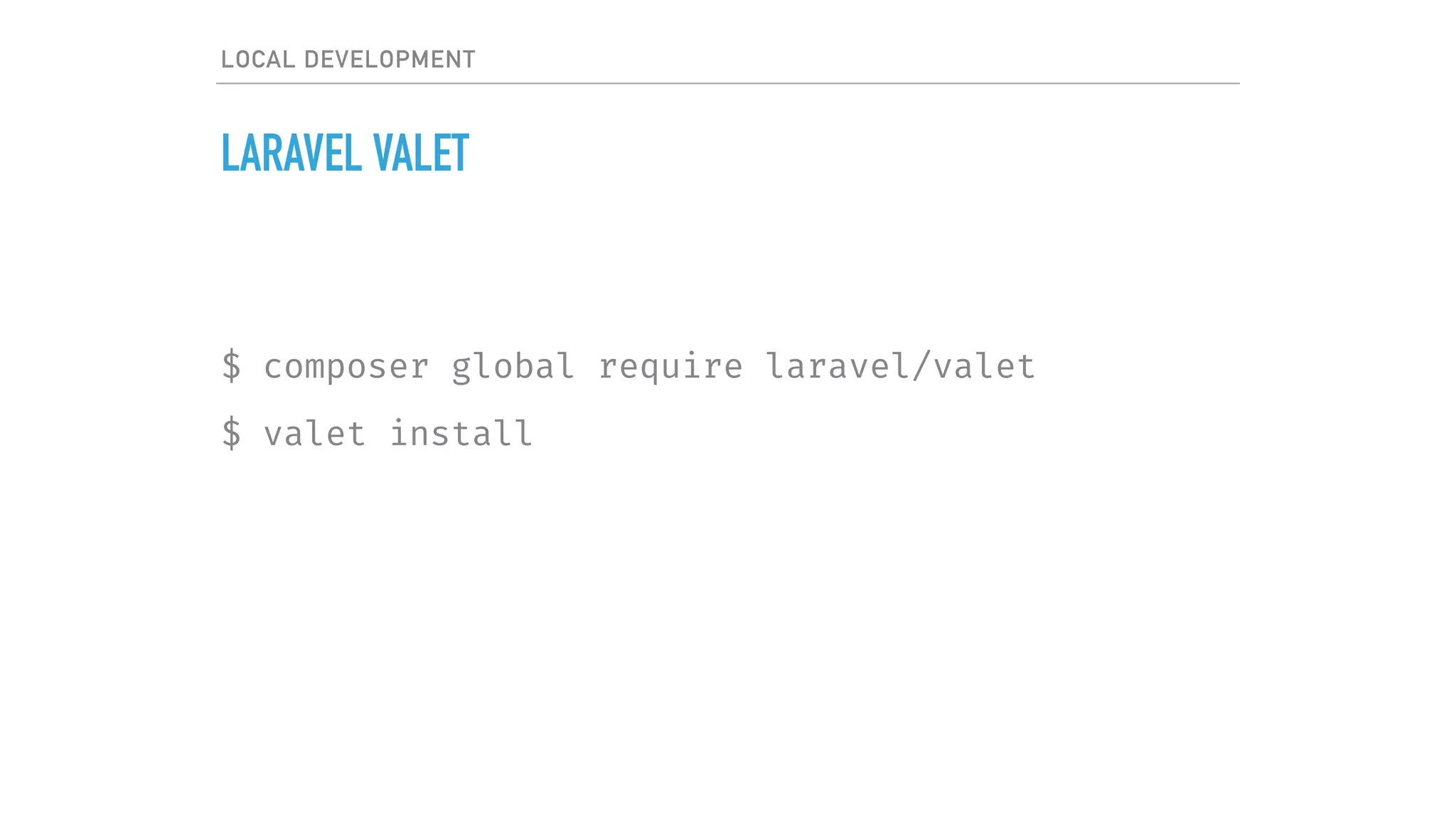
$ composer global require laravel/valet
$ valet install
LOCAL DEVELOPMENT
LARAVEL VALET
▸ Mac only
▸ Very easy to get up and running (with Composer)
▸ Caddy server
▸ dnsmasq
LOCAL DEVELOPMENT
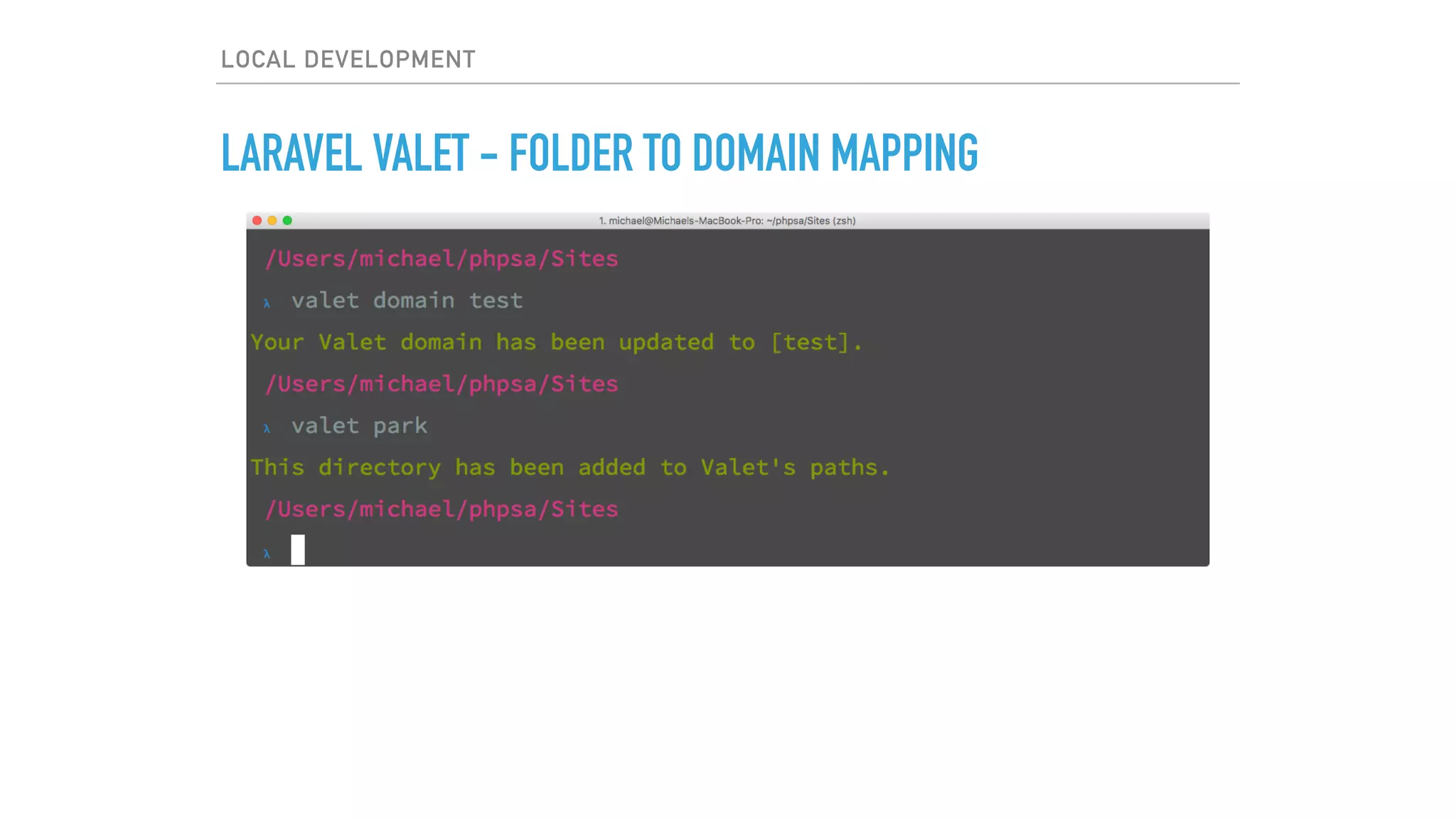
LARAVEL VALET - FOLDER TO DOMAIN MAPPING
LOCAL DEVELOPMENT
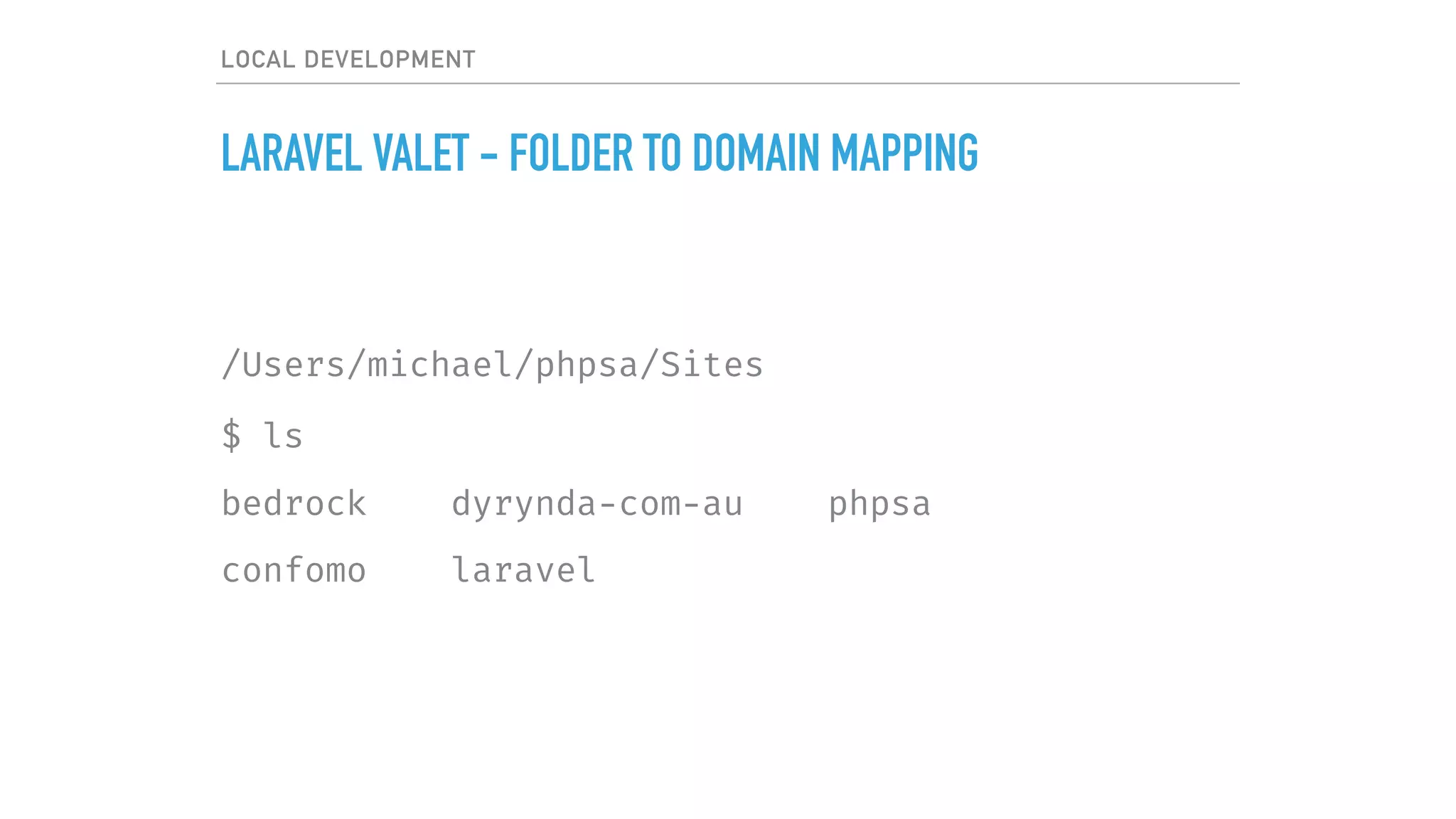
LARAVEL VALET - FOLDER TO DOMAIN MAPPING
/Users/michael/phpsa/Sites
$ ls
bedrock dyrynda-com-au phpsa
confomo laravel
LOCAL DEVELOPMENT
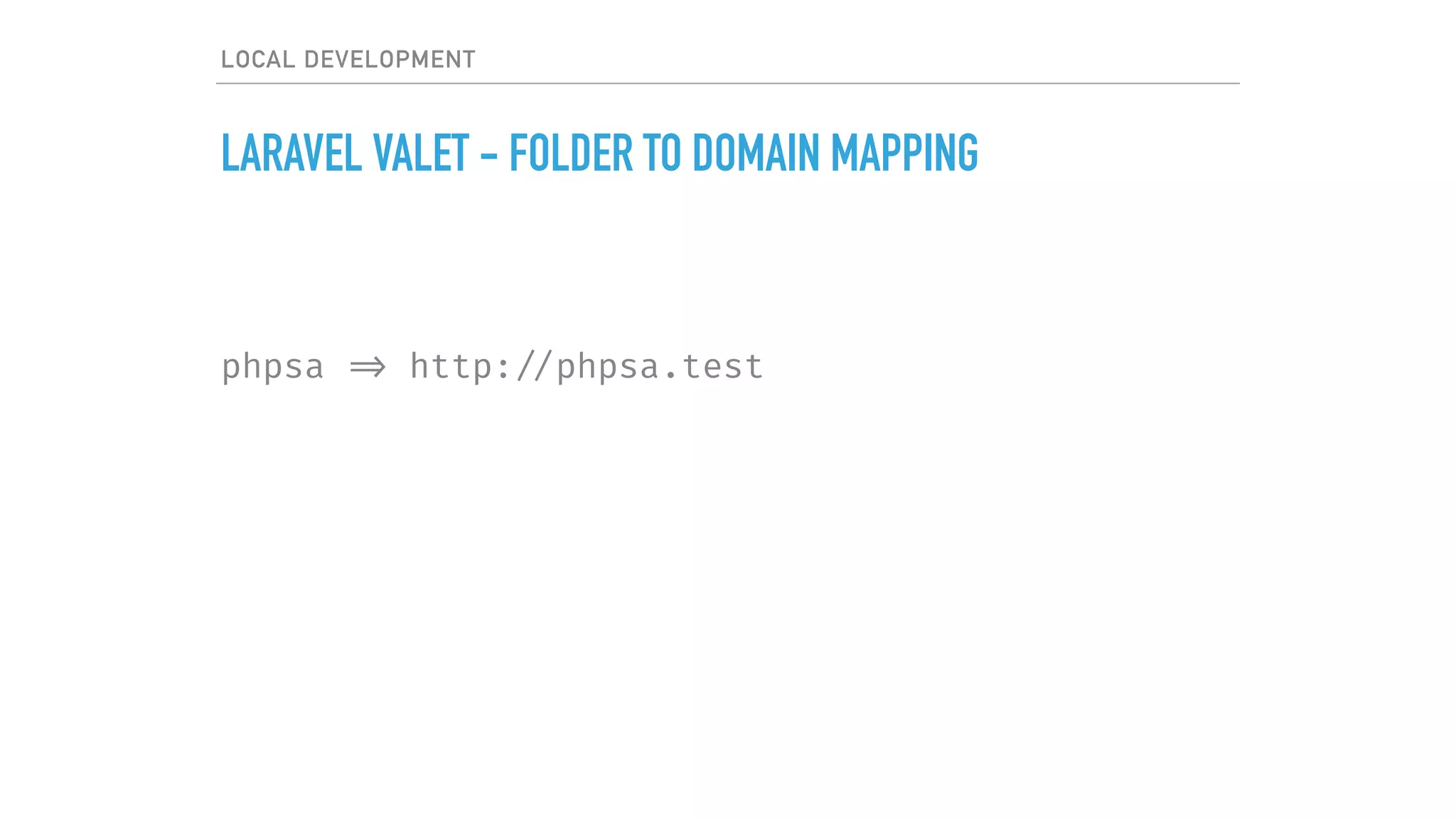
LARAVEL VALET - FOLDER TO DOMAIN MAPPING
phpsa => http: //phpsa.test
LOCAL DEVELOPMENT
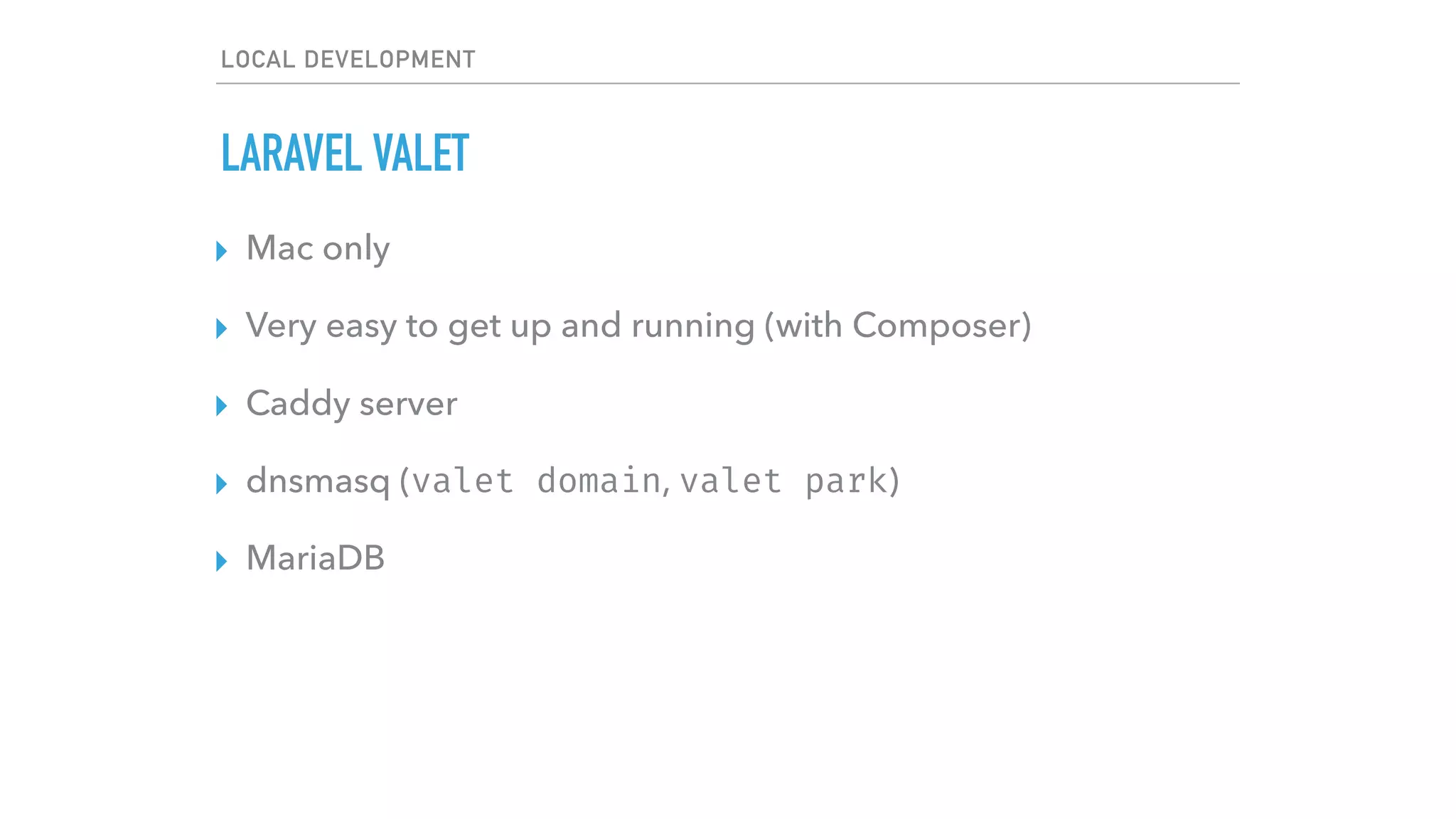
LARAVEL VALET
▸ Mac only
▸ Very easy to get up and running (with Composer)
▸ Caddy server
▸ dnsmasq (valet domain, valet park)
▸ MariaDB
LOCAL DEVELOPMENT
LARAVEL VALET
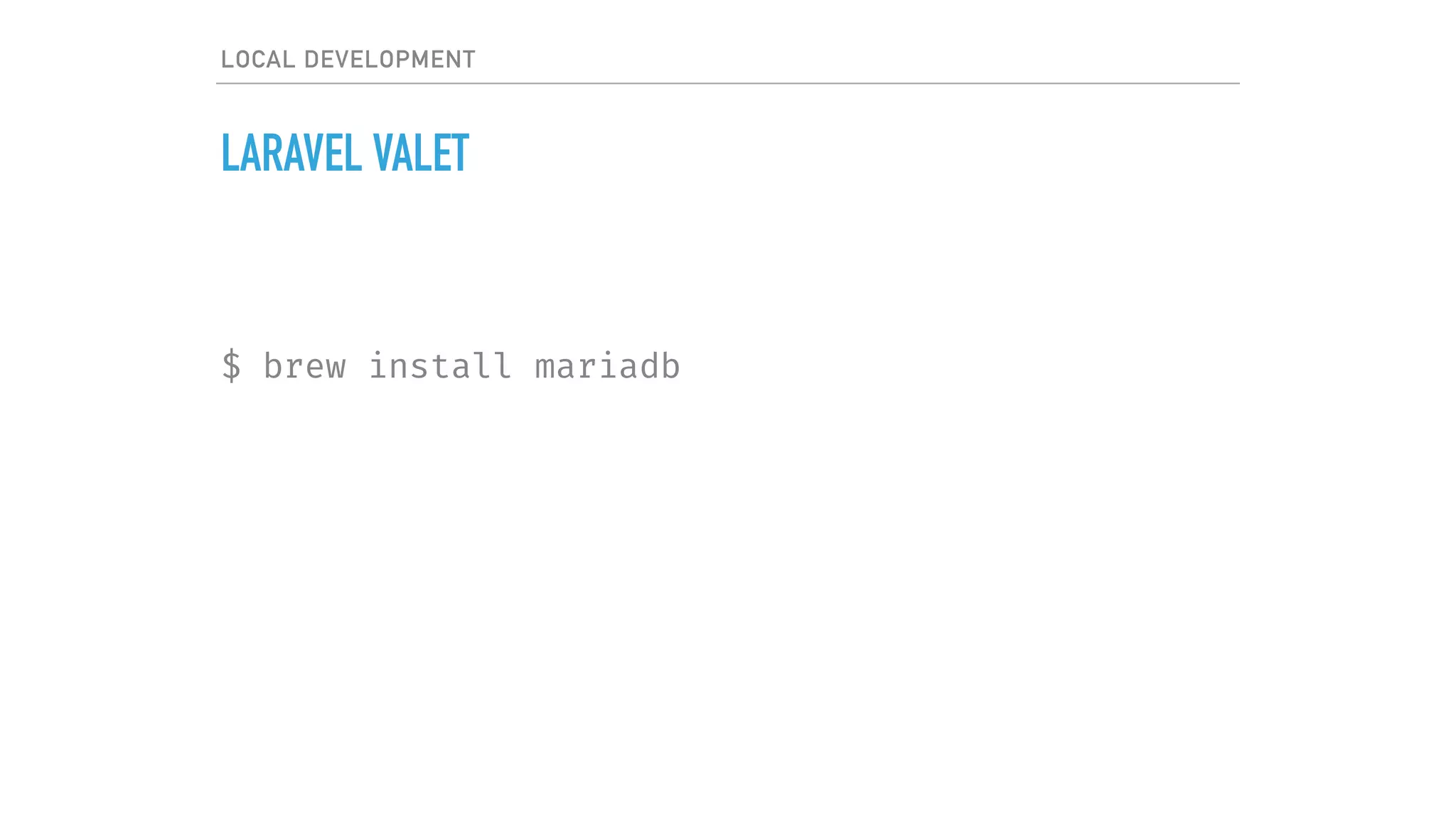
$ brew install mariadb
LOCAL DEVELOPMENT
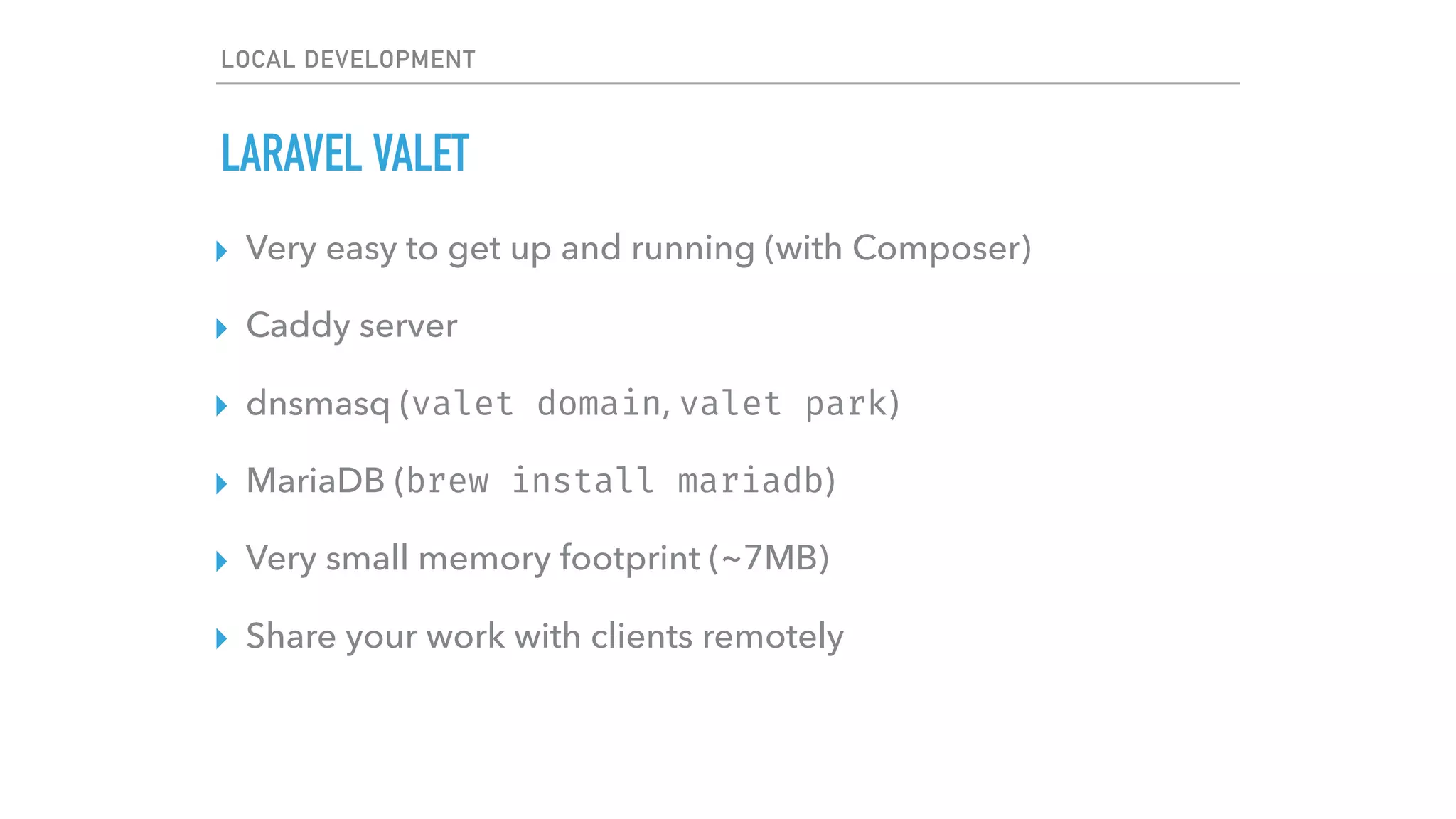
LARAVEL VALET
▸ Very easy to get up and running (with Composer)
▸ Caddy server
▸ dnsmasq (valet domain, valet park)
▸ MariaDB (brew install mariadb)
▸ Very small memory footprint (~7MB)
▸ Share your work with clients remotely
LOCAL DEVELOPMENT
LARAVEL VALET
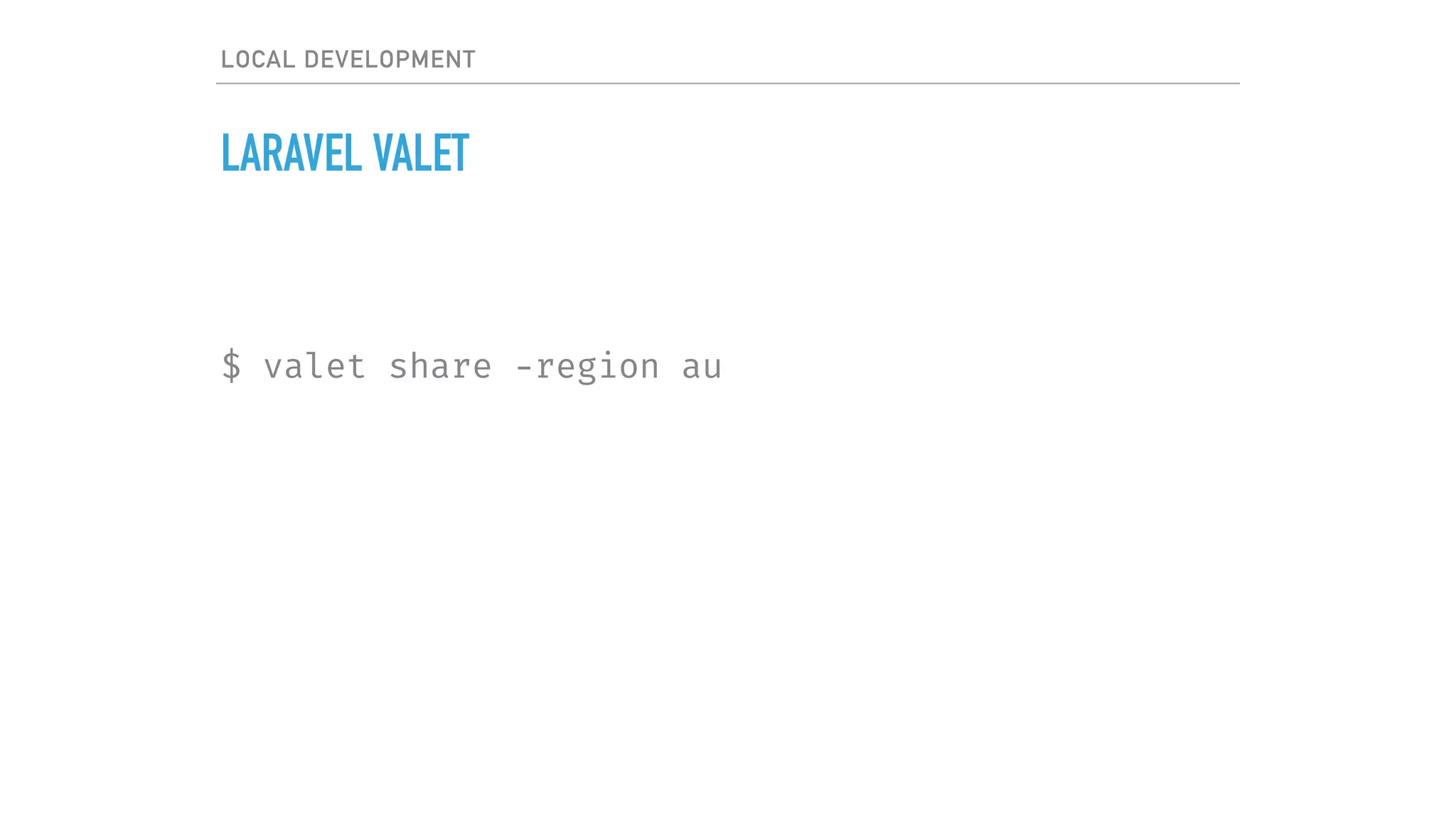
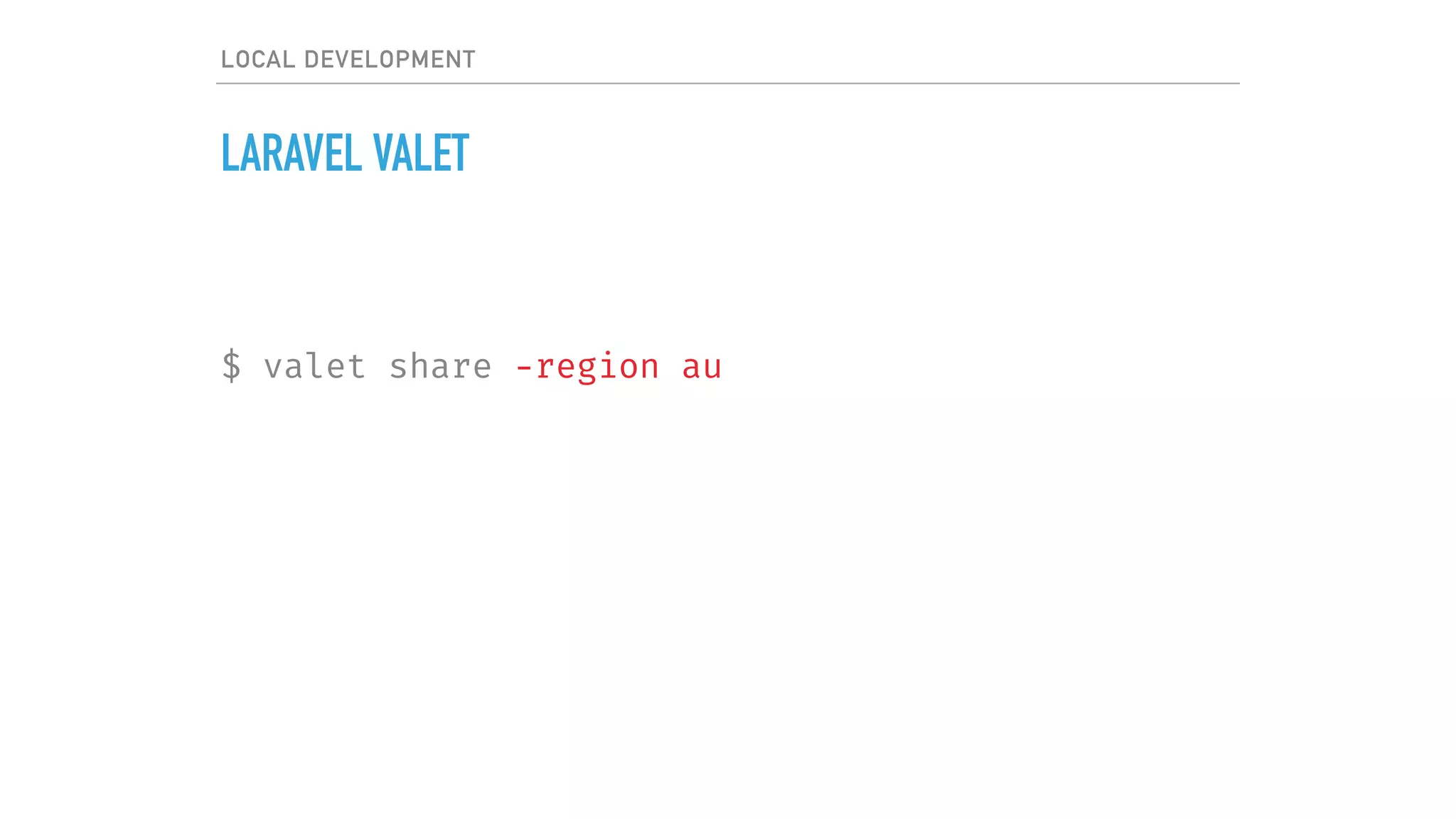
$ valet share -region au
LOCAL DEVELOPMENT
LARAVEL VALET
$ valet share -region au
LOCAL DEVELOPMENT
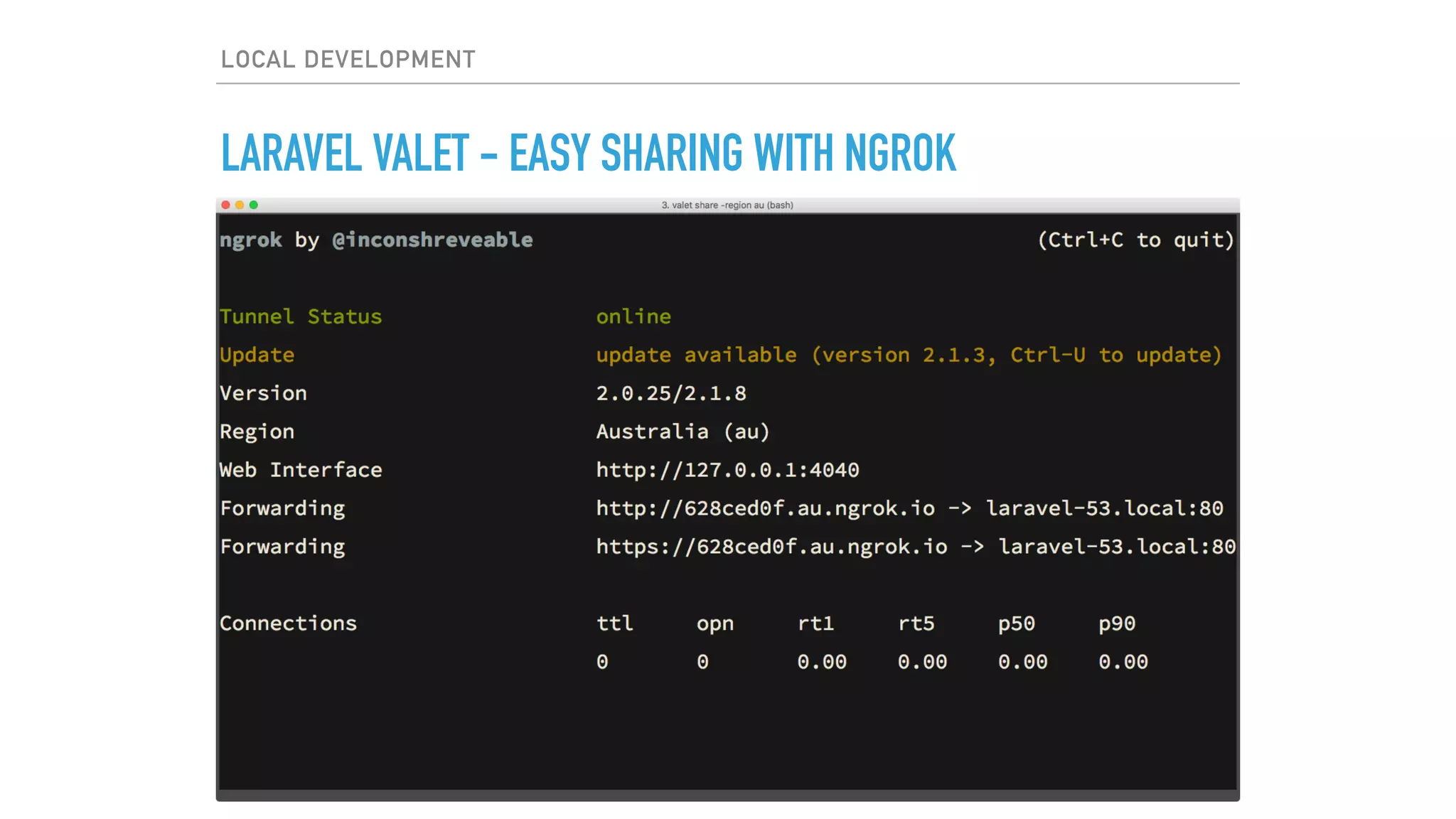
LARAVEL VALET - EASY SHARING WITH NGROK
LOCAL DEVELOPMENT
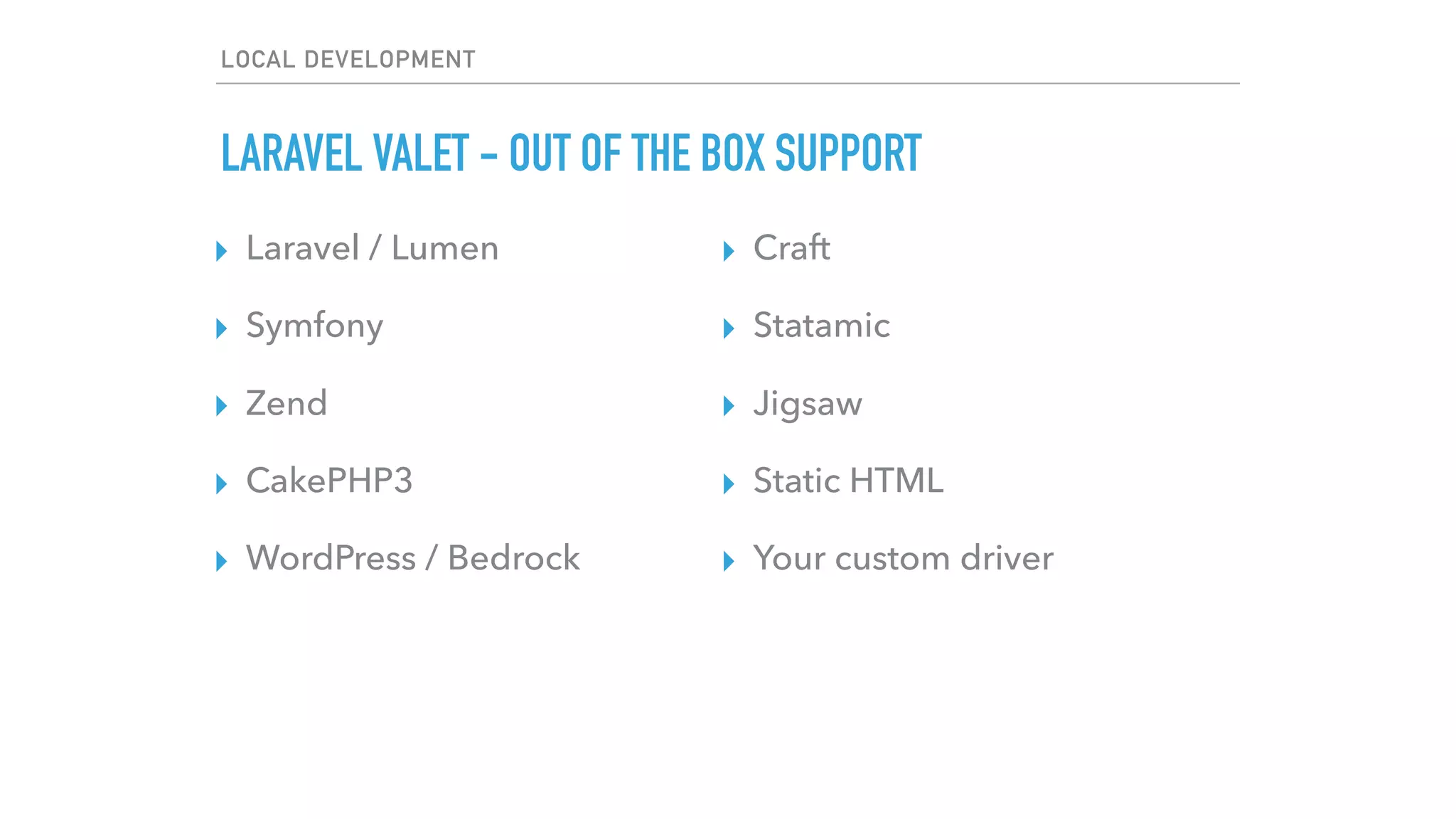
LARAVEL VALET - OUT OF THE BOX SUPPORT
▸ Laravel / Lumen
▸ Symfony
▸ Zend
▸ CakePHP3
▸ WordPress / Bedrock
▸ Craft
▸ Statamic
▸ Jigsaw
▸ Static HTML
▸ Your custom driver
LOCAL DEVELOPMENT
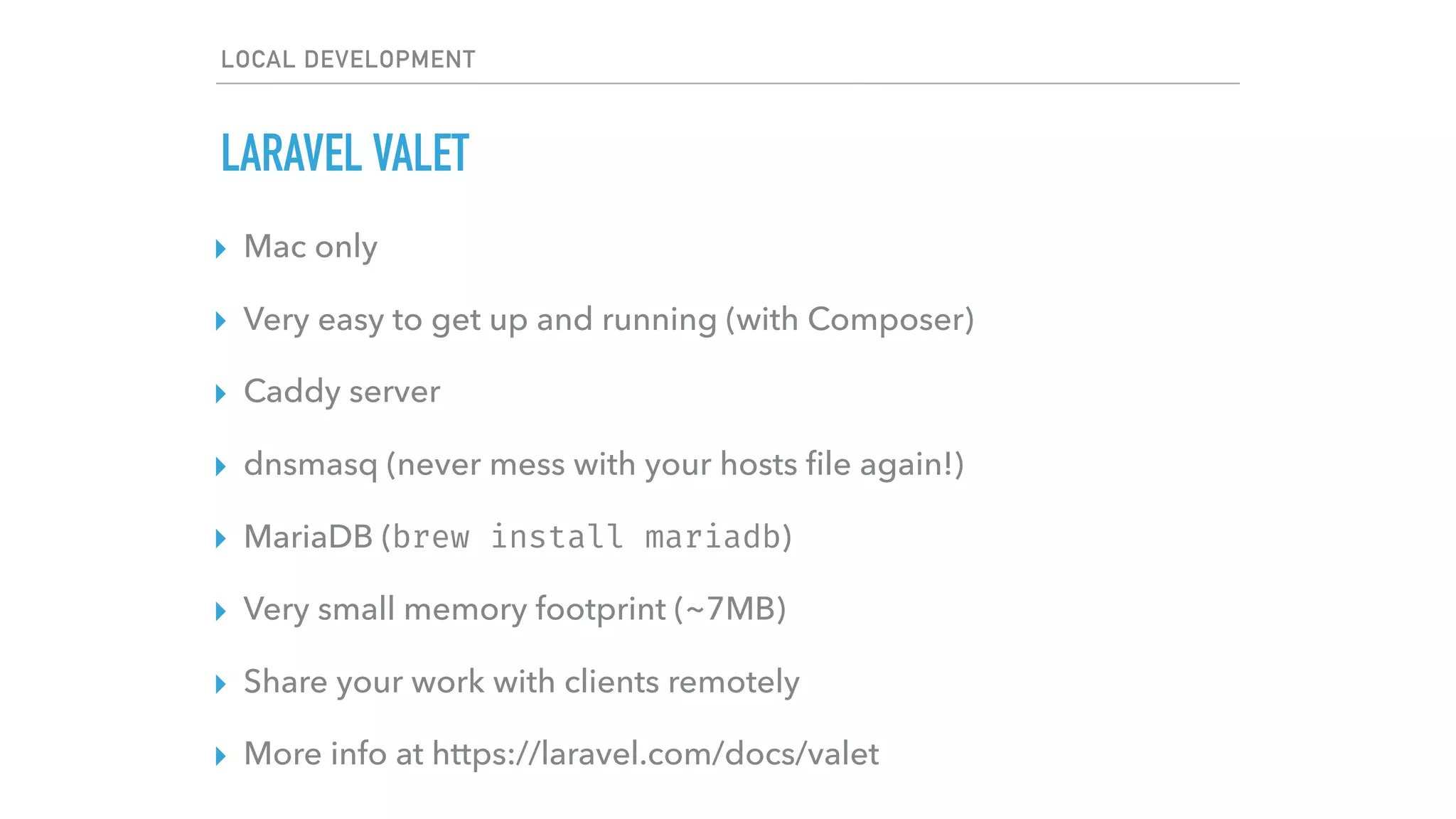
LARAVEL VALET
▸ Mac only
▸ Very easy to get up and running (with Composer)
▸ Caddy server
▸ dnsmasq (never mess with your hosts file again!)
▸ MariaDB (brew install mariadb)
▸ Very small memory footprint (~7MB)
▸ Share your work with clients remotely
▸ More info at https://laravel.com/docs/valet
LOCAL DEVELOPMENT
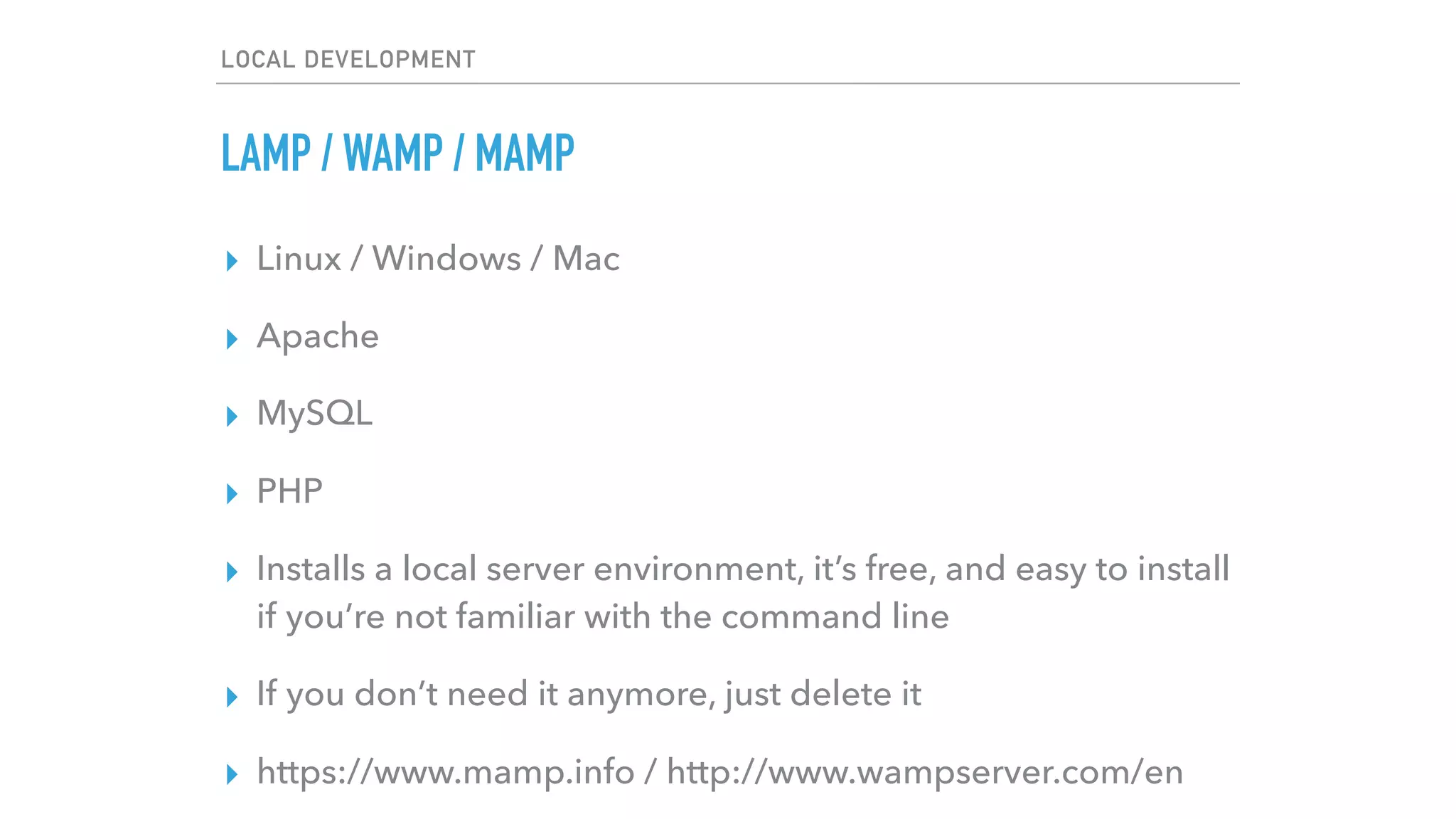
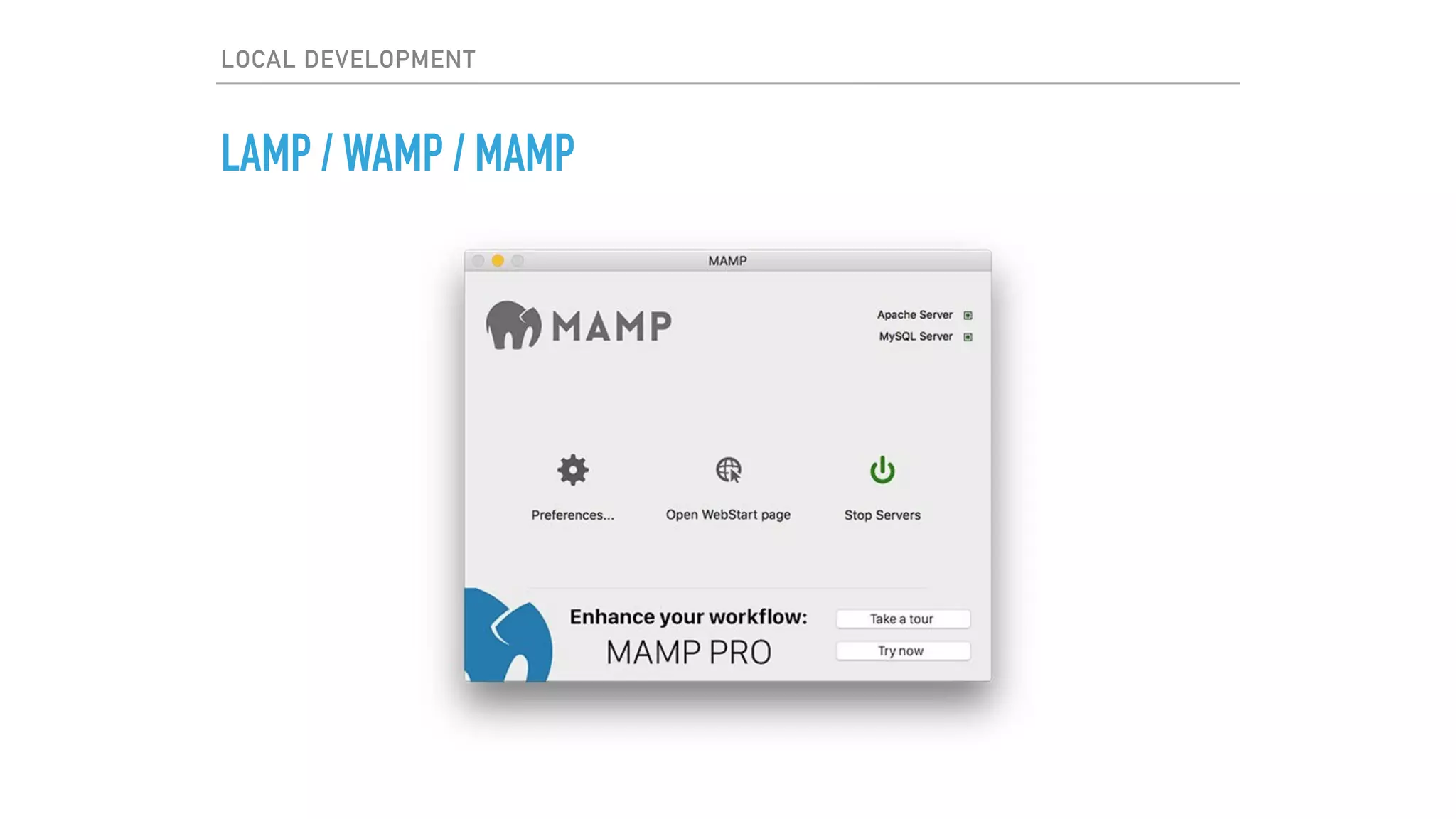
LAMP / WAMP / MAMP
▸ Linux / Windows / Mac
▸ Apache
▸ MySQL
▸ PHP
▸ Installs a local server environment, it’s free, and easy to install
if you’re not familiar with the command line
▸ If you don’t need it anymore, just delete it
▸ https://www.mamp.info / http://www.wampserver.com/en
LOCAL DEVELOPMENT
LAMP / WAMP / MAMP
LOCAL DEVELOPMENT
LAMP / WAMP / MAMP
▸ Linux is a bit trickier as you need to install each component
via your distribution’s package manager
▸ Use aptitude (Debian, Ubuntu), yum (RHEL / CentOS)
LOCAL DEVELOPMENT
LAMP / WAMP / MAMP
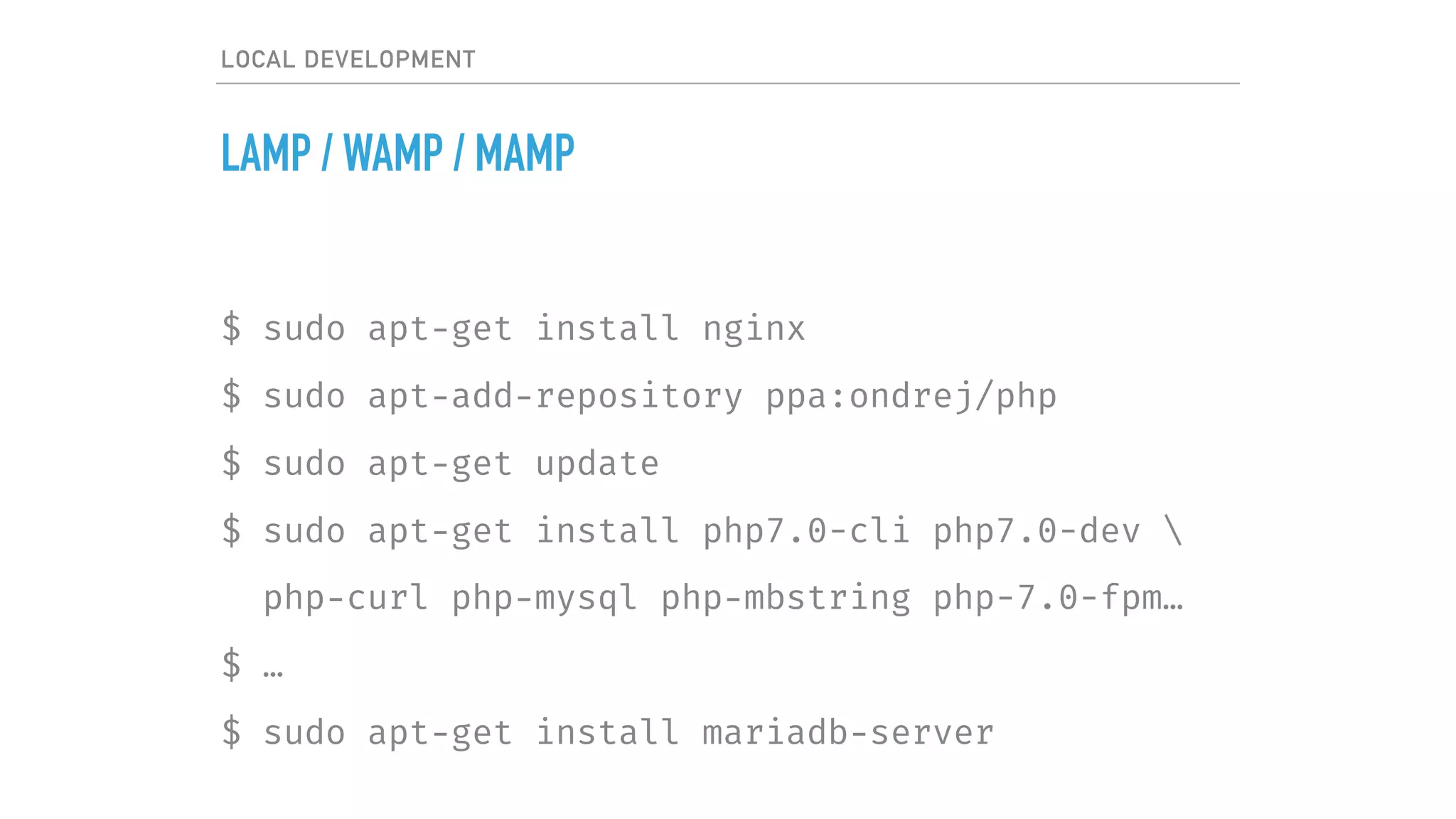
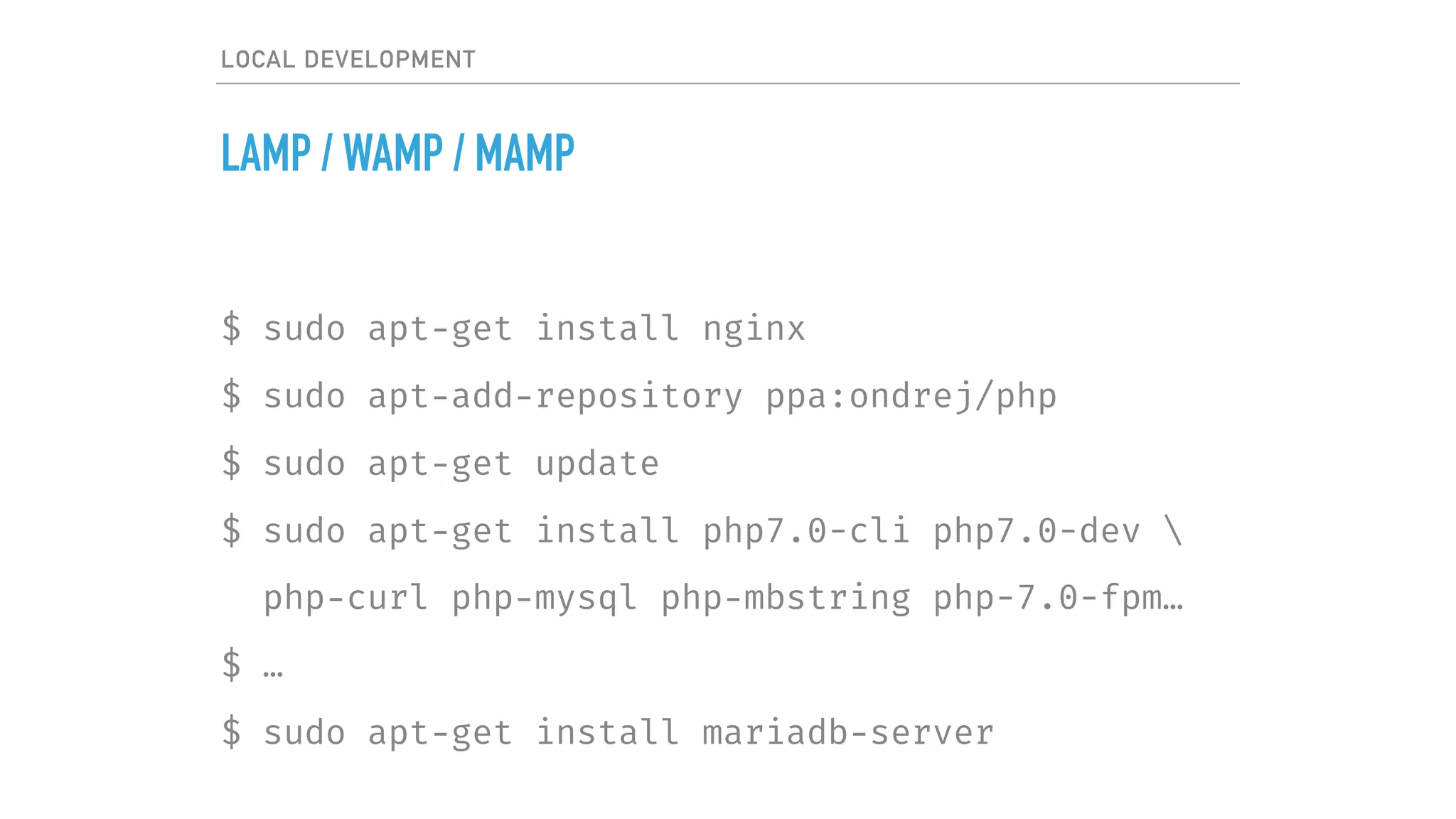
$ sudo apt-get install nginx
$ sudo apt-add-repository ppa:ondrej/php
$ sudo apt-get update
$ sudo apt-get install php7.0-cli php7.0-dev 
php-curl php-mysql php-mbstring php-7.0-fpm…
$ …
$ sudo apt-get install mariadb-server
VIRTUAL MACHINE
LOCAL DEVELOPMENT
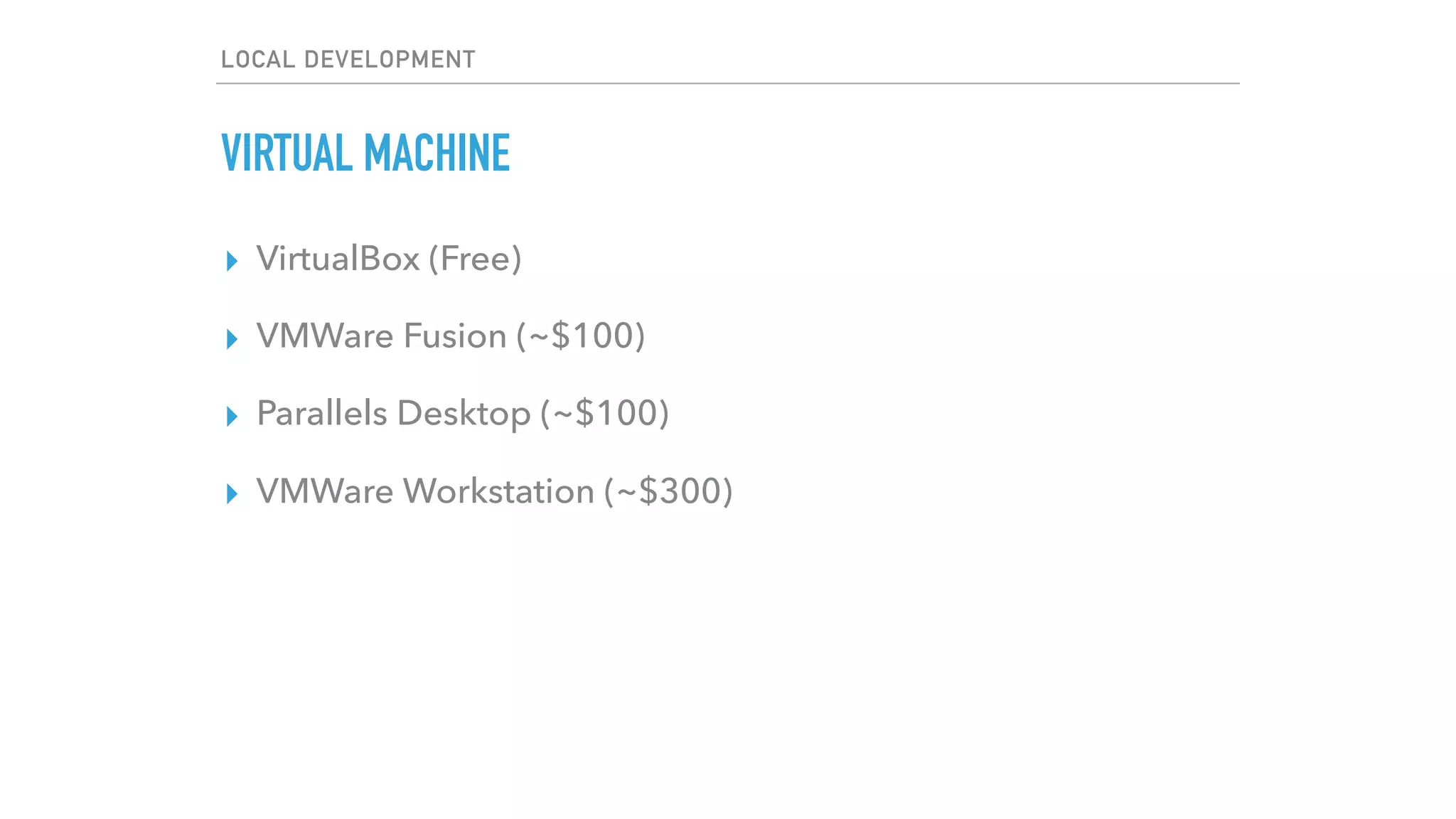
VIRTUAL MACHINE
▸ VirtualBox (Free)
▸ VMWare Fusion (~$100)
▸ Parallels Desktop (~$100)
▸ VMWare Workstation (~$300)
LOCAL DEVELOPMENT
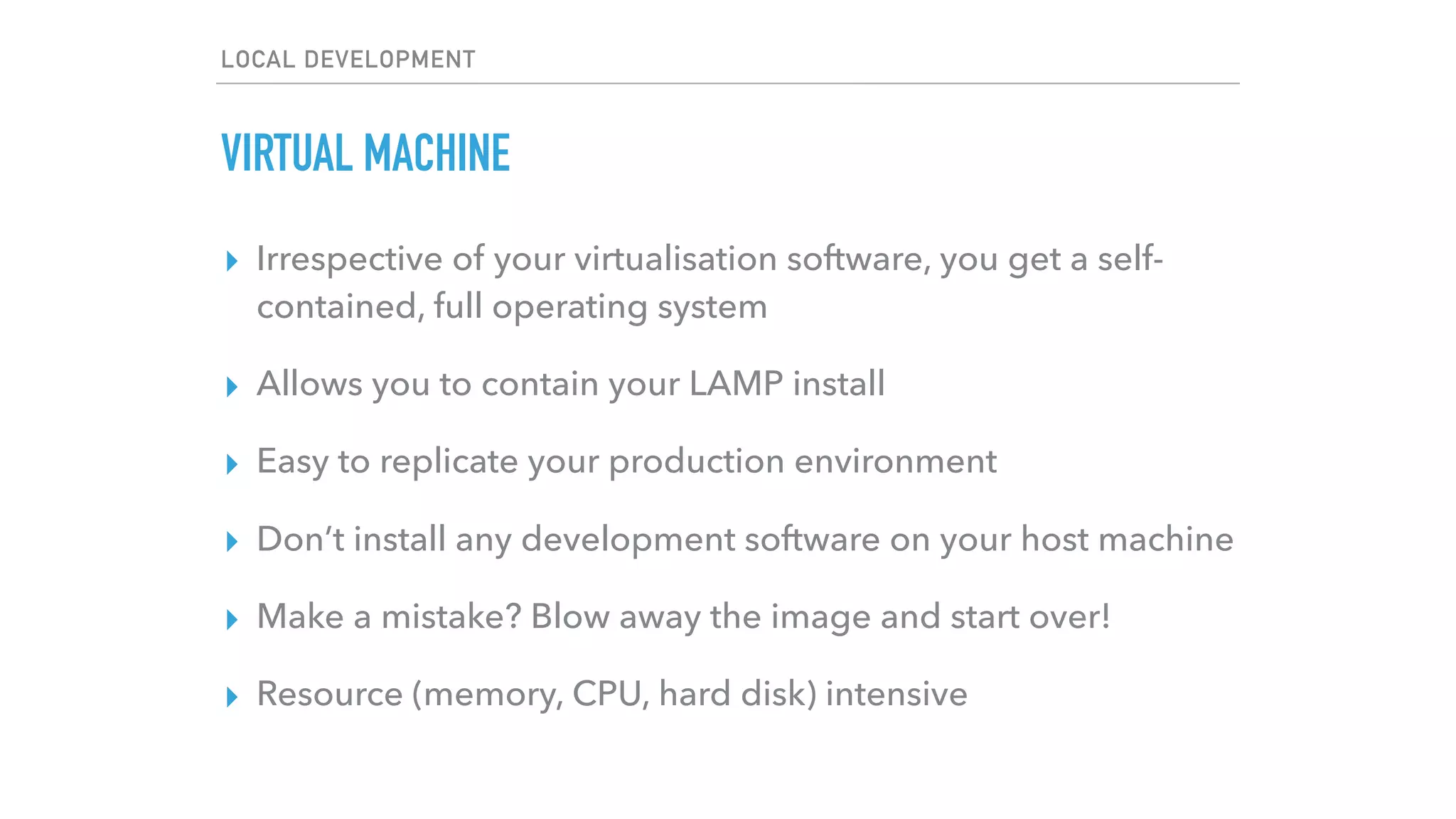
VIRTUAL MACHINE
▸ Irrespective of your virtualisation software, you get a self-
contained, full operating system
▸ Allows you to contain your LAMP install
▸ Easy to replicate your production environment
▸ Don’t install any development software on your host machine
▸ Make a mistake? Blow away the image and start over!
▸ Resource (memory, CPU, hard disk) intensive
LOCAL DEVELOPMENT
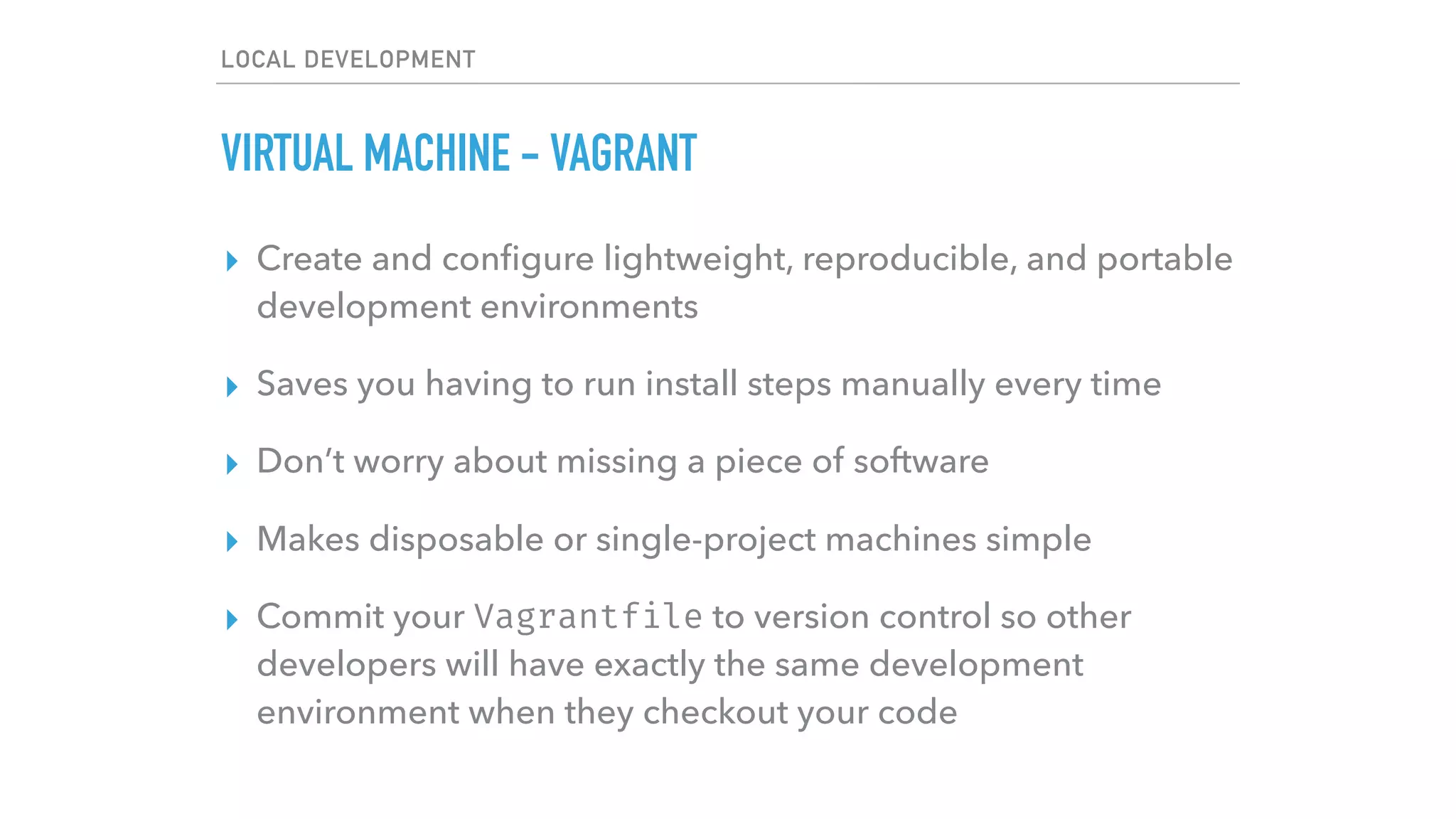
VIRTUAL MACHINE - VAGRANT
▸ Create and configure lightweight, reproducible, and portable
development environments
▸ Saves you having to run install steps manually every time
▸ Don’t worry about missing a piece of software
▸ Makes disposable or single-project machines simple
▸ Commit your Vagrantfile to version control so other
developers will have exactly the same development
environment when they checkout your code
LOCAL DEVELOPMENT
VIRTUAL MACHINE - VAGRANT
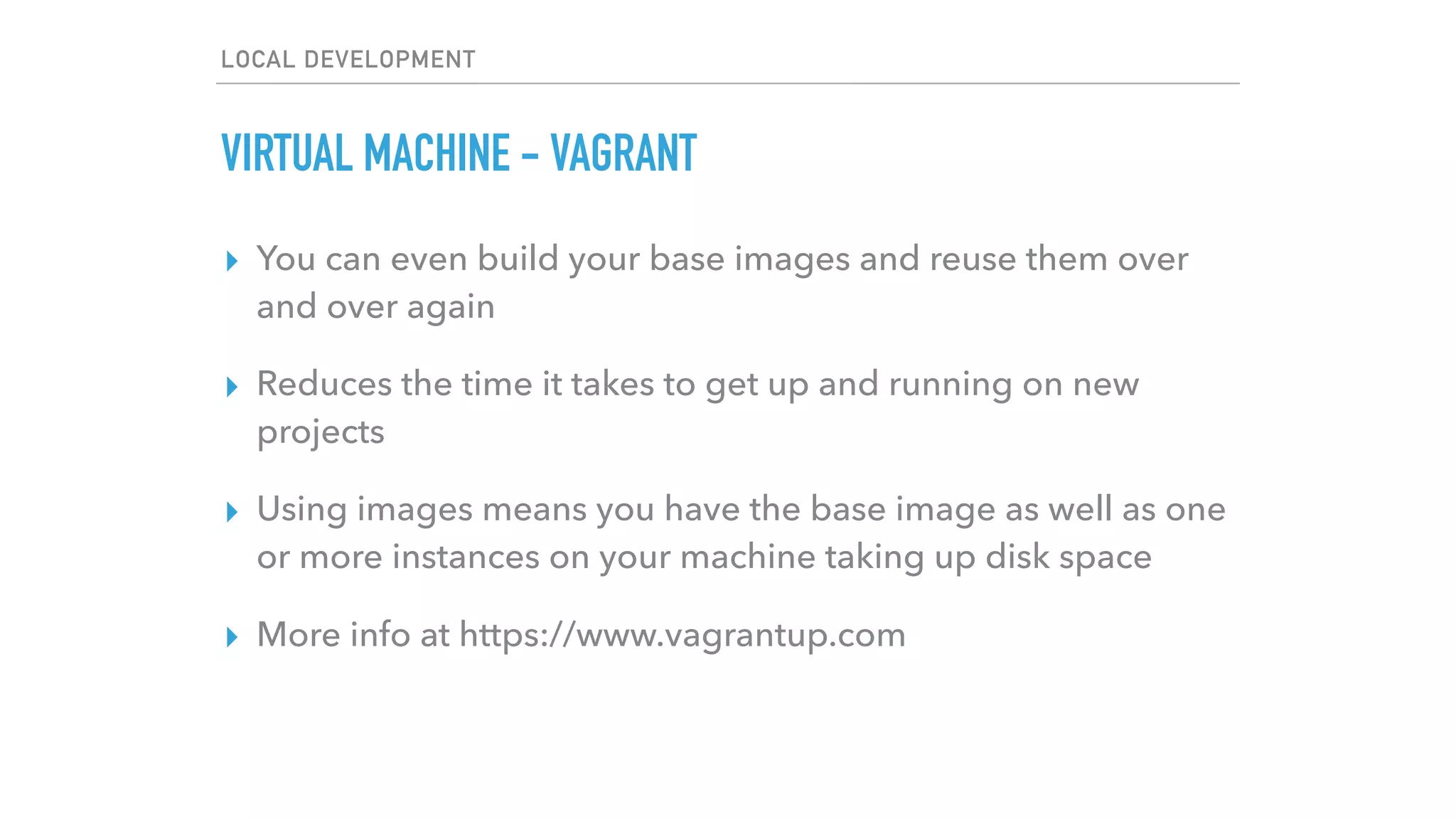
▸ You can even build your base images and reuse them over
and over again
▸ Reduces the time it takes to get up and running on new
projects
▸ Using images means you have the base image as well as one
or more instances on your machine taking up disk space
▸ More info at https://www.vagrantup.com
LOCAL DEVELOPMENT
VIRTUAL MACHINE - HOMESTEAD
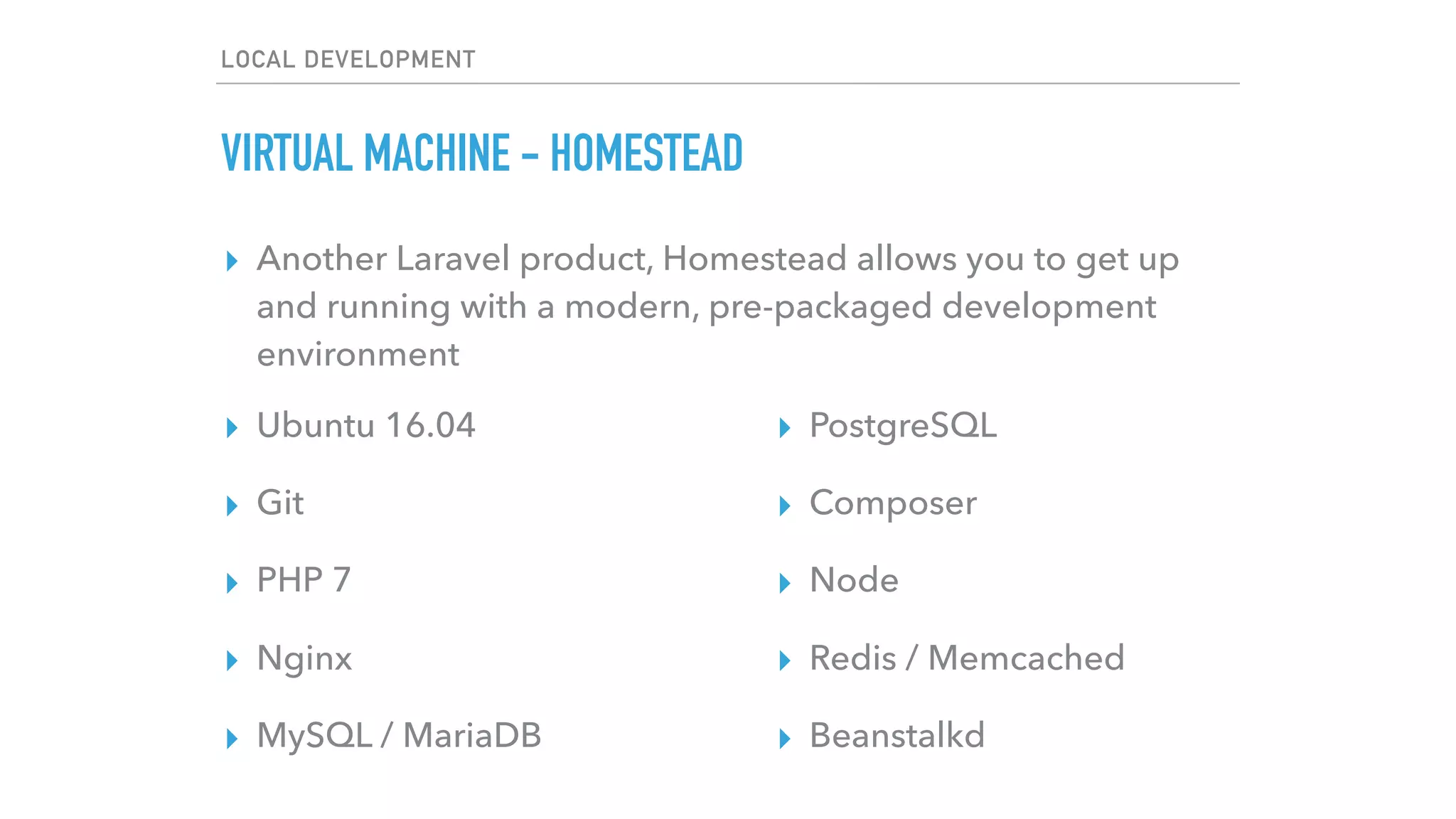
▸ Another Laravel product, Homestead allows you to get up
and running with a modern, pre-packaged development
environment
▸ Ubuntu 16.04
▸ Git
▸ PHP 7
▸ Nginx
▸ MySQL / MariaDB
▸ PostgreSQL
▸ Composer
▸ Node
▸ Redis / Memcached
▸ Beanstalkd
LOCAL DEVELOPMENT
VIRTUAL MACHINE - HOMESTEAD
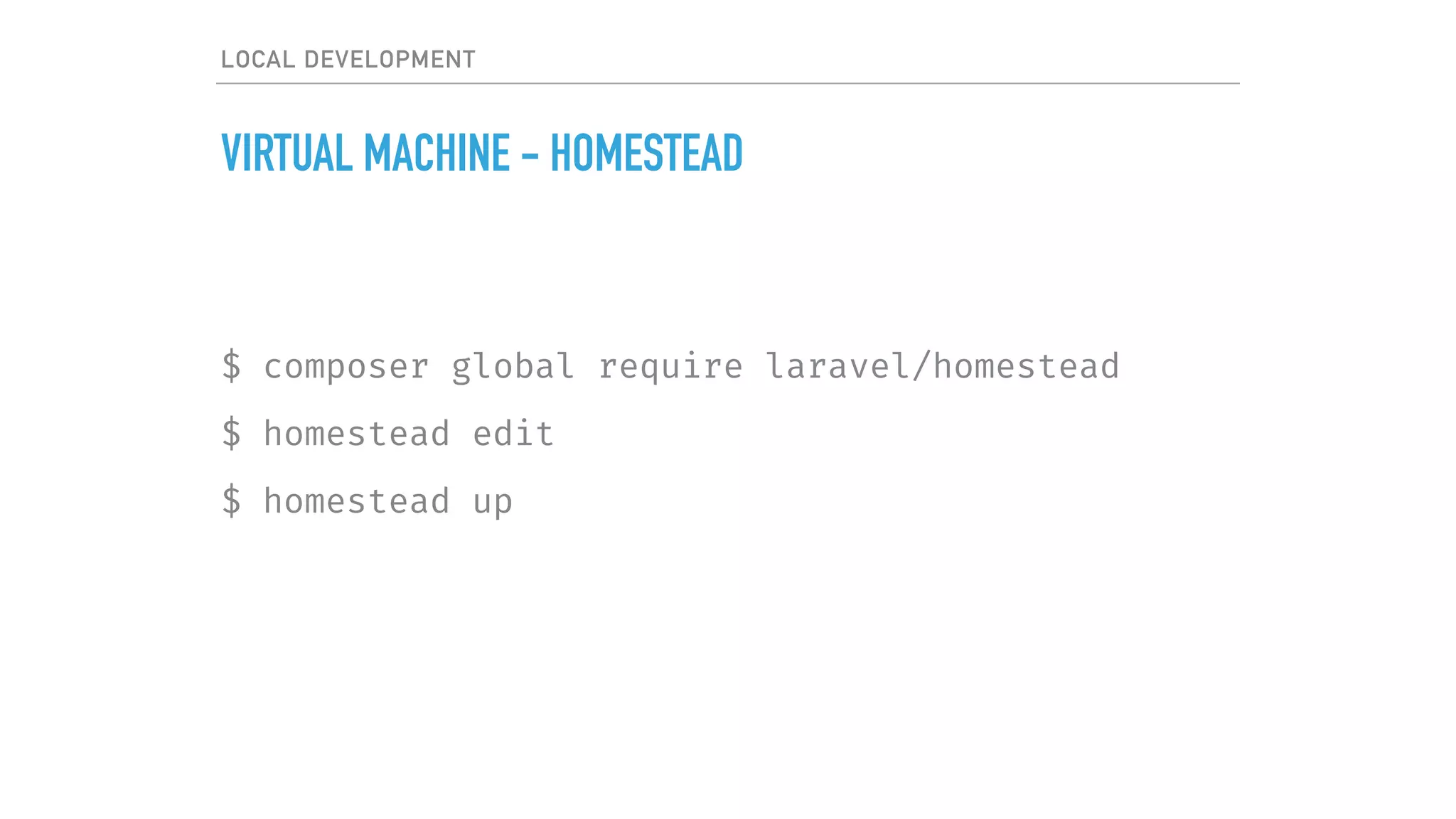
$ composer global require laravel/homestead
$ homestead edit
$ homestead up
LOCAL DEVELOPMENT
LAMP / WAMP / MAMP
$ sudo apt-get install nginx
$ sudo apt-add-repository ppa:ondrej/php
$ sudo apt-get update
$ sudo apt-get install php7.0-cli php7.0-dev 
php-curl php-mysql php-mbstring php-7.0-fpm…
$ …
$ sudo apt-get install mariadb-server
LOCAL DEVELOPMENT
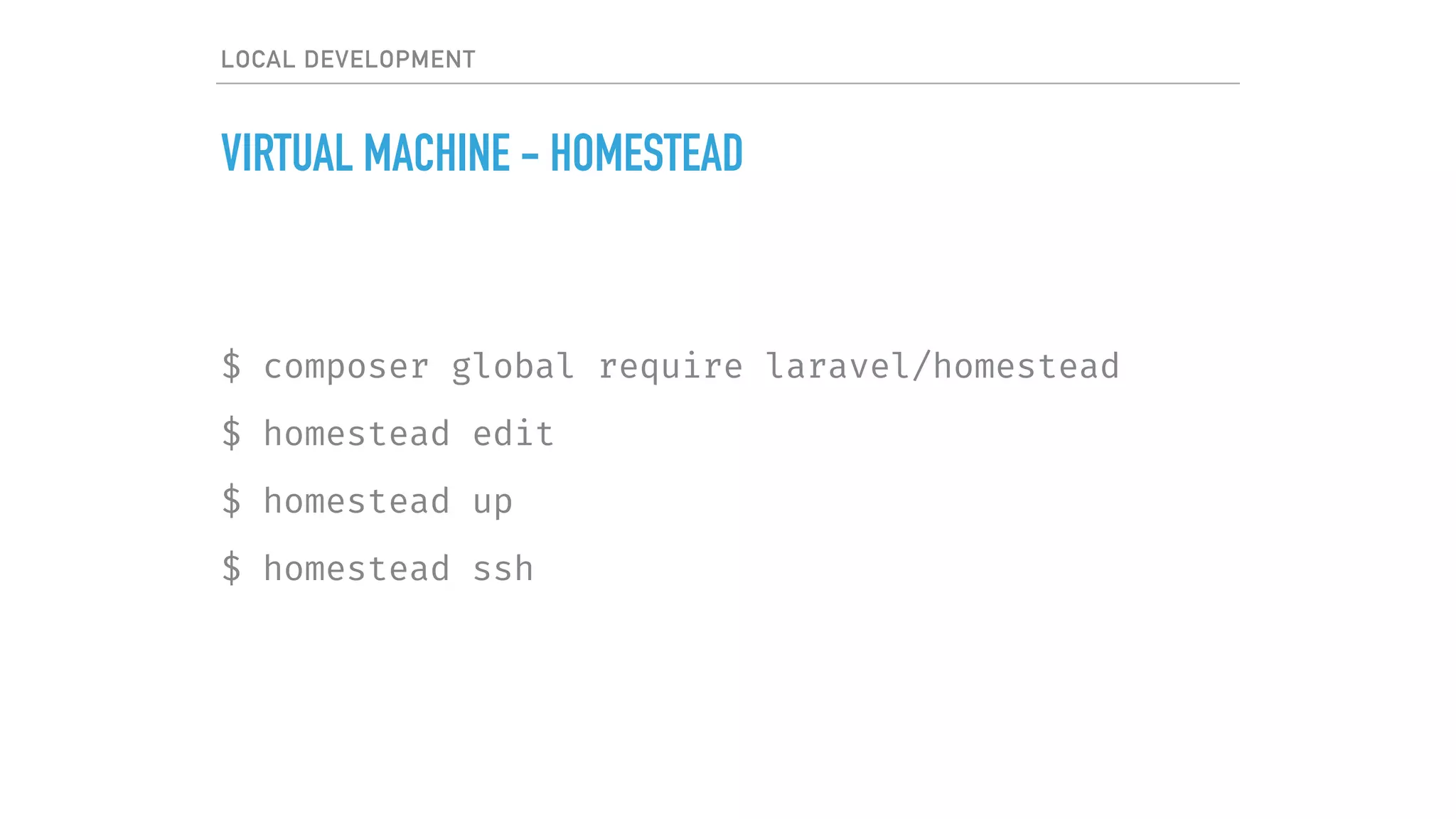
VIRTUAL MACHINE - HOMESTEAD
$ composer global require laravel/homestead
$ homestead edit
$ homestead up
$ homestead ssh
DOCKER
I AM NOT AN EXPERT IN
BUT I’LL TRY ANYWAY
LOCAL DEVELOPMENT
DOCKER - WHY?
▸ Faster delivery of your applications
▸ Deploying and scaling are easier
▸ Achieve higher density and run more workloads
LOCAL DEVELOPMENT
DOCKER - THREE KEY COMPONENTS
▸ Images - the build component
▸ Registries - the distribution component
▸ Containers - the run component
LOCAL DEVELOPMENT
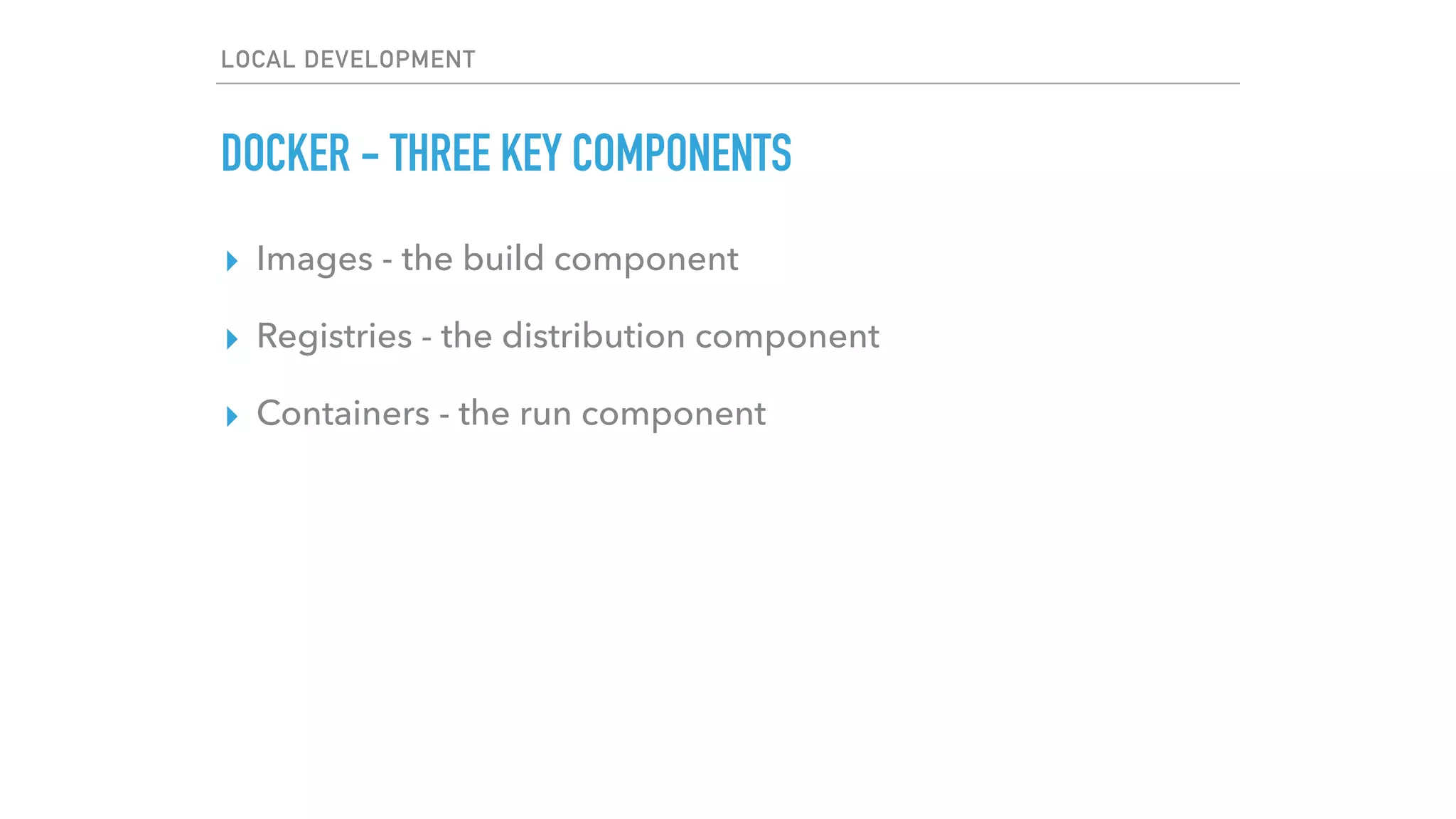
DOCKER - HOW IS IT DIFFERENT TO VIRTUALISATION?
▸ Virtual machines include the application, the necessary
binaries and libraries, and an entire guest OS
Infrastructure
Host Operating System
Hypervisor
Guest OS
Bins / Libs
App 1
Guest OS
Bins / Libs
App 2
Guest OS
Bins / Libs
App 3
LOCAL DEVELOPMENT
DOCKER - HOW IS IT DIFFERENT TO VIRTUALISATION?
▸ Virtual machines include the application, the necessary
binaries and libraries, and an entire guest OS - tens of GBs
▸ With containers, you have a single operating system, and
each container shares the operating system kernel with other
containers
LOCAL DEVELOPMENT
DOCKER - HOW IS IT DIFFERENT TO VIRTUALISATION?
▸ Virtual machines include the application, the necessary
binaries and libraries, and an entire guest OS - tens of GBs
▸ With containers, you have a single operating system, and
each container shares the operating system kernel with other
containers - tens of MBs
▸ Because of this, a single server can host many more
containers than Virtual Machines. VMs can take several
minutes to boot, containerised apps start almost instantly
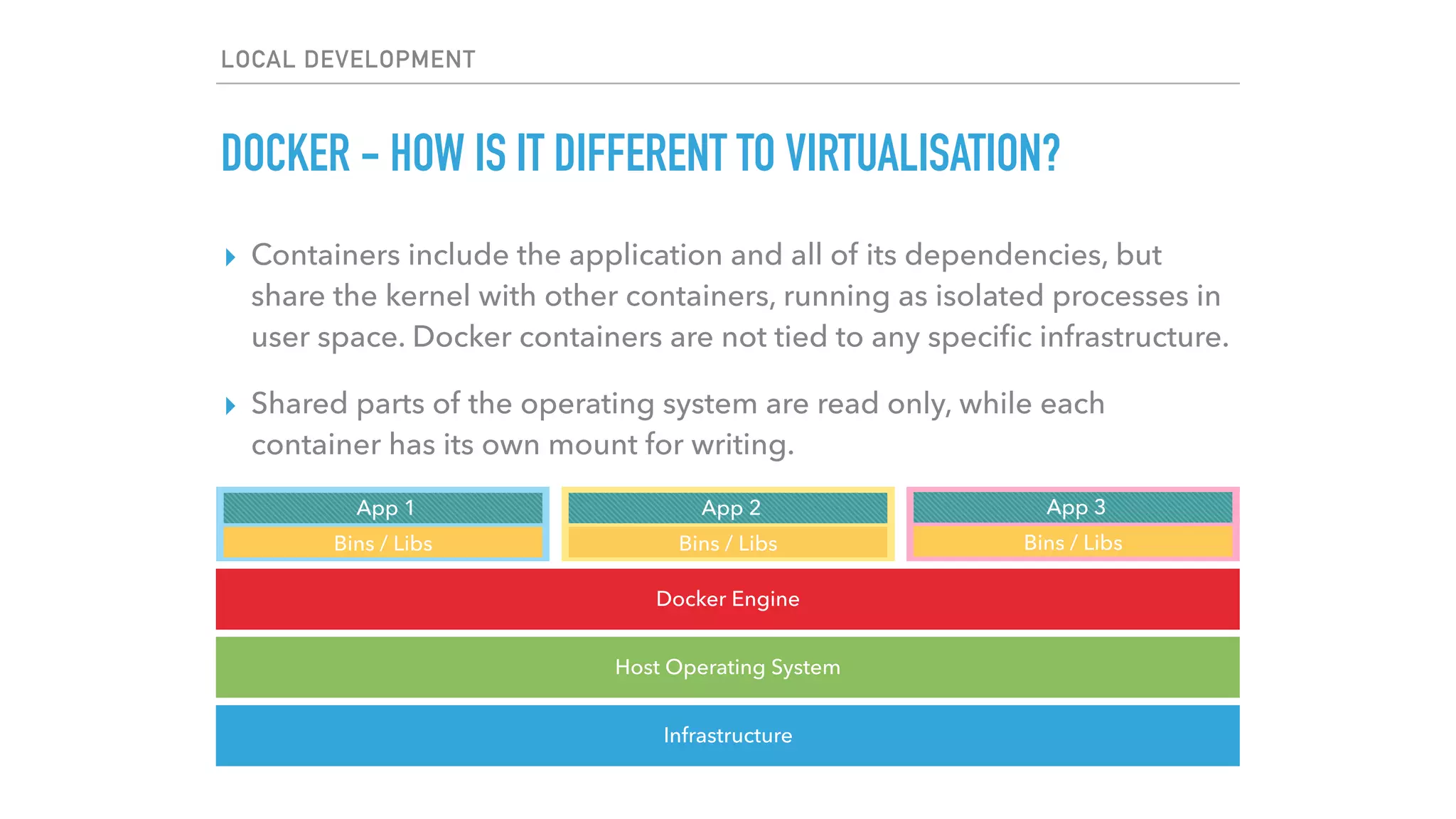
▸ Containers include the application and all of its dependencies, but
share the kernel with other containers, running as isolated processes in
user space. Docker containers are not tied to any specific infrastructure.
▸ Shared parts of the operating system are read only, while each
container has its own mount for writing.
LOCAL DEVELOPMENT
DOCKER - HOW IS IT DIFFERENT TO VIRTUALISATION?
Infrastructure
Host Operating System
Docker Engine
Bins / Libs
App 1
Bins / Libs
App 2
Bins / Libs
App 3
LOCAL DEVELOPMENT
DOCKER - HOW DOES IT WORK?
▸ Docker is written in Go and makes use of several kernel
features to deliver its functionality
▸ Namespaces
▸ Control groups
▸ Union file systems
▸ Container format
LOCAL DEVELOPMENT
DOCKER - SHARING AND COLLABORATION
▸ Storing, distributing, and managing Docker images is easy
with Docker Hub. Any updates and changes are shared with
others. History is automatically tracked.
▸ Collaborate with others simply by shipping your container. If
your frontend team needs to work with the API you’re
building, all they have to do is spin up up the Docker
container.
LOCAL DEVELOPMENT
DOCKER - SCALABILITY
▸ Because containers are lightweight, they take seconds to
spin up and down
▸ This makes it easy to scale out your application during peak
times, and scale down during quiet periods
▸ A lot of this can be automated
▸ More info at https://www.docker.com
▸ Check out my friend Chris’ Shipping Docker course at
https://shippingdocker.com
QUESTIONS?
Michael Dyrynda
@michaeldyrynda
dyrynda.com.au
North Meets South
@northsouthaudio
northmeetssouth.audio
THANK YOU!

Developing web apps

  • 1.
  • 2.
  • 3.
    LOCAL DEVELOPMENT BUILT-IN PHPSERVER ▸ Out of the box support in PHP >= 5.4.0 ▸ Designed specifically for local development ▸ Useful for testing and demos in controlled environments ▸ Never run this in production ▸ The easiest way to start modern PHP development
  • 4.
  • 5.
    LOCAL DEVELOPMENT BUILT-IN PHPSERVER ▸ Out of the box support in PHP >= 5.4.0 ▸ Designed specifically for local development ▸ Useful for testing and demos in controlled environments ▸ Never run this in production ▸ The easiest way to start modern PHP development ▸ More info - Google “php built in server”
  • 6.
    LOCAL DEVELOPMENT LARAVEL VALET ▸Mac only ▸ Very easy to get up and running (with Composer)
  • 7.
    LOCAL DEVELOPMENT ▸ Composeris a tool for dependency management in PHP. It allows you to declare the libraries your project depends on and it will manage (install/update) them for you. ▸ Not a package manager. It manages dependencies on a per- project basis, installing them in a vendor directory within your project.
  • 8.
    LOCAL DEVELOPMENT LARAVEL VALET $composer global require laravel/valet $ valet install
  • 9.
    LOCAL DEVELOPMENT LARAVEL VALET ▸Mac only ▸ Very easy to get up and running (with Composer) ▸ Caddy server ▸ dnsmasq
  • 10.
    LOCAL DEVELOPMENT LARAVEL VALET- FOLDER TO DOMAIN MAPPING
  • 11.
    LOCAL DEVELOPMENT LARAVEL VALET- FOLDER TO DOMAIN MAPPING /Users/michael/phpsa/Sites $ ls bedrock dyrynda-com-au phpsa confomo laravel
  • 12.
    LOCAL DEVELOPMENT LARAVEL VALET- FOLDER TO DOMAIN MAPPING phpsa => http: //phpsa.test
  • 13.
    LOCAL DEVELOPMENT LARAVEL VALET ▸Mac only ▸ Very easy to get up and running (with Composer) ▸ Caddy server ▸ dnsmasq (valet domain, valet park) ▸ MariaDB
  • 14.
  • 15.
    LOCAL DEVELOPMENT LARAVEL VALET ▸Very easy to get up and running (with Composer) ▸ Caddy server ▸ dnsmasq (valet domain, valet park) ▸ MariaDB (brew install mariadb) ▸ Very small memory footprint (~7MB) ▸ Share your work with clients remotely
  • 16.
    LOCAL DEVELOPMENT LARAVEL VALET $valet share -region au
  • 17.
    LOCAL DEVELOPMENT LARAVEL VALET $valet share -region au
  • 18.
    LOCAL DEVELOPMENT LARAVEL VALET- EASY SHARING WITH NGROK
  • 19.
    LOCAL DEVELOPMENT LARAVEL VALET- OUT OF THE BOX SUPPORT ▸ Laravel / Lumen ▸ Symfony ▸ Zend ▸ CakePHP3 ▸ WordPress / Bedrock ▸ Craft ▸ Statamic ▸ Jigsaw ▸ Static HTML ▸ Your custom driver
  • 20.
    LOCAL DEVELOPMENT LARAVEL VALET ▸Mac only ▸ Very easy to get up and running (with Composer) ▸ Caddy server ▸ dnsmasq (never mess with your hosts file again!) ▸ MariaDB (brew install mariadb) ▸ Very small memory footprint (~7MB) ▸ Share your work with clients remotely ▸ More info at https://laravel.com/docs/valet
  • 21.
    LOCAL DEVELOPMENT LAMP /WAMP / MAMP ▸ Linux / Windows / Mac ▸ Apache ▸ MySQL ▸ PHP ▸ Installs a local server environment, it’s free, and easy to install if you’re not familiar with the command line ▸ If you don’t need it anymore, just delete it ▸ https://www.mamp.info / http://www.wampserver.com/en
  • 22.
  • 23.
    LOCAL DEVELOPMENT LAMP /WAMP / MAMP ▸ Linux is a bit trickier as you need to install each component via your distribution’s package manager ▸ Use aptitude (Debian, Ubuntu), yum (RHEL / CentOS)
  • 24.
    LOCAL DEVELOPMENT LAMP /WAMP / MAMP $ sudo apt-get install nginx $ sudo apt-add-repository ppa:ondrej/php $ sudo apt-get update $ sudo apt-get install php7.0-cli php7.0-dev php-curl php-mysql php-mbstring php-7.0-fpm… $ … $ sudo apt-get install mariadb-server
  • 25.
  • 26.
    LOCAL DEVELOPMENT VIRTUAL MACHINE ▸VirtualBox (Free) ▸ VMWare Fusion (~$100) ▸ Parallels Desktop (~$100) ▸ VMWare Workstation (~$300)
  • 27.
    LOCAL DEVELOPMENT VIRTUAL MACHINE ▸Irrespective of your virtualisation software, you get a self- contained, full operating system ▸ Allows you to contain your LAMP install ▸ Easy to replicate your production environment ▸ Don’t install any development software on your host machine ▸ Make a mistake? Blow away the image and start over! ▸ Resource (memory, CPU, hard disk) intensive
  • 28.
    LOCAL DEVELOPMENT VIRTUAL MACHINE- VAGRANT ▸ Create and configure lightweight, reproducible, and portable development environments ▸ Saves you having to run install steps manually every time ▸ Don’t worry about missing a piece of software ▸ Makes disposable or single-project machines simple ▸ Commit your Vagrantfile to version control so other developers will have exactly the same development environment when they checkout your code
  • 29.
    LOCAL DEVELOPMENT VIRTUAL MACHINE- VAGRANT ▸ You can even build your base images and reuse them over and over again ▸ Reduces the time it takes to get up and running on new projects ▸ Using images means you have the base image as well as one or more instances on your machine taking up disk space ▸ More info at https://www.vagrantup.com
  • 30.
    LOCAL DEVELOPMENT VIRTUAL MACHINE- HOMESTEAD ▸ Another Laravel product, Homestead allows you to get up and running with a modern, pre-packaged development environment ▸ Ubuntu 16.04 ▸ Git ▸ PHP 7 ▸ Nginx ▸ MySQL / MariaDB ▸ PostgreSQL ▸ Composer ▸ Node ▸ Redis / Memcached ▸ Beanstalkd
  • 31.
    LOCAL DEVELOPMENT VIRTUAL MACHINE- HOMESTEAD $ composer global require laravel/homestead $ homestead edit $ homestead up
  • 32.
    LOCAL DEVELOPMENT LAMP /WAMP / MAMP $ sudo apt-get install nginx $ sudo apt-add-repository ppa:ondrej/php $ sudo apt-get update $ sudo apt-get install php7.0-cli php7.0-dev php-curl php-mysql php-mbstring php-7.0-fpm… $ … $ sudo apt-get install mariadb-server
  • 33.
    LOCAL DEVELOPMENT VIRTUAL MACHINE- HOMESTEAD $ composer global require laravel/homestead $ homestead edit $ homestead up $ homestead ssh
  • 34.
    DOCKER I AM NOTAN EXPERT IN BUT I’LL TRY ANYWAY
  • 35.
    LOCAL DEVELOPMENT DOCKER -WHY? ▸ Faster delivery of your applications ▸ Deploying and scaling are easier ▸ Achieve higher density and run more workloads
  • 36.
    LOCAL DEVELOPMENT DOCKER -THREE KEY COMPONENTS ▸ Images - the build component ▸ Registries - the distribution component ▸ Containers - the run component
  • 37.
    LOCAL DEVELOPMENT DOCKER -HOW IS IT DIFFERENT TO VIRTUALISATION? ▸ Virtual machines include the application, the necessary binaries and libraries, and an entire guest OS Infrastructure Host Operating System Hypervisor Guest OS Bins / Libs App 1 Guest OS Bins / Libs App 2 Guest OS Bins / Libs App 3
  • 38.
    LOCAL DEVELOPMENT DOCKER -HOW IS IT DIFFERENT TO VIRTUALISATION? ▸ Virtual machines include the application, the necessary binaries and libraries, and an entire guest OS - tens of GBs ▸ With containers, you have a single operating system, and each container shares the operating system kernel with other containers
  • 39.
    LOCAL DEVELOPMENT DOCKER -HOW IS IT DIFFERENT TO VIRTUALISATION? ▸ Virtual machines include the application, the necessary binaries and libraries, and an entire guest OS - tens of GBs ▸ With containers, you have a single operating system, and each container shares the operating system kernel with other containers - tens of MBs ▸ Because of this, a single server can host many more containers than Virtual Machines. VMs can take several minutes to boot, containerised apps start almost instantly
  • 40.
    ▸ Containers includethe application and all of its dependencies, but share the kernel with other containers, running as isolated processes in user space. Docker containers are not tied to any specific infrastructure. ▸ Shared parts of the operating system are read only, while each container has its own mount for writing. LOCAL DEVELOPMENT DOCKER - HOW IS IT DIFFERENT TO VIRTUALISATION? Infrastructure Host Operating System Docker Engine Bins / Libs App 1 Bins / Libs App 2 Bins / Libs App 3
  • 41.
    LOCAL DEVELOPMENT DOCKER -HOW DOES IT WORK? ▸ Docker is written in Go and makes use of several kernel features to deliver its functionality ▸ Namespaces ▸ Control groups ▸ Union file systems ▸ Container format
  • 42.
    LOCAL DEVELOPMENT DOCKER -SHARING AND COLLABORATION ▸ Storing, distributing, and managing Docker images is easy with Docker Hub. Any updates and changes are shared with others. History is automatically tracked. ▸ Collaborate with others simply by shipping your container. If your frontend team needs to work with the API you’re building, all they have to do is spin up up the Docker container.
  • 43.
    LOCAL DEVELOPMENT DOCKER -SCALABILITY ▸ Because containers are lightweight, they take seconds to spin up and down ▸ This makes it easy to scale out your application during peak times, and scale down during quiet periods ▸ A lot of this can be automated ▸ More info at https://www.docker.com ▸ Check out my friend Chris’ Shipping Docker course at https://shippingdocker.com
  • 44.
  • 45.
    Michael Dyrynda @michaeldyrynda dyrynda.com.au North MeetsSouth @northsouthaudio northmeetssouth.audio THANK YOU!