Designing for
Diversity
How to create inclusive mobile
experiences

   Katja Forbes | @inclusiveUX
   1 March 2013
2 things in 10 minutes

People using mobile devices are as
 diverse as the devices themselves

There are easy things you can do to make
 a mobile experience inclusive


                                      @inclusiveUX
“   There is nothing that
    you can do on the
    iPhone or iPad that I
           ”
    can’t do

                        @inclusiveUX
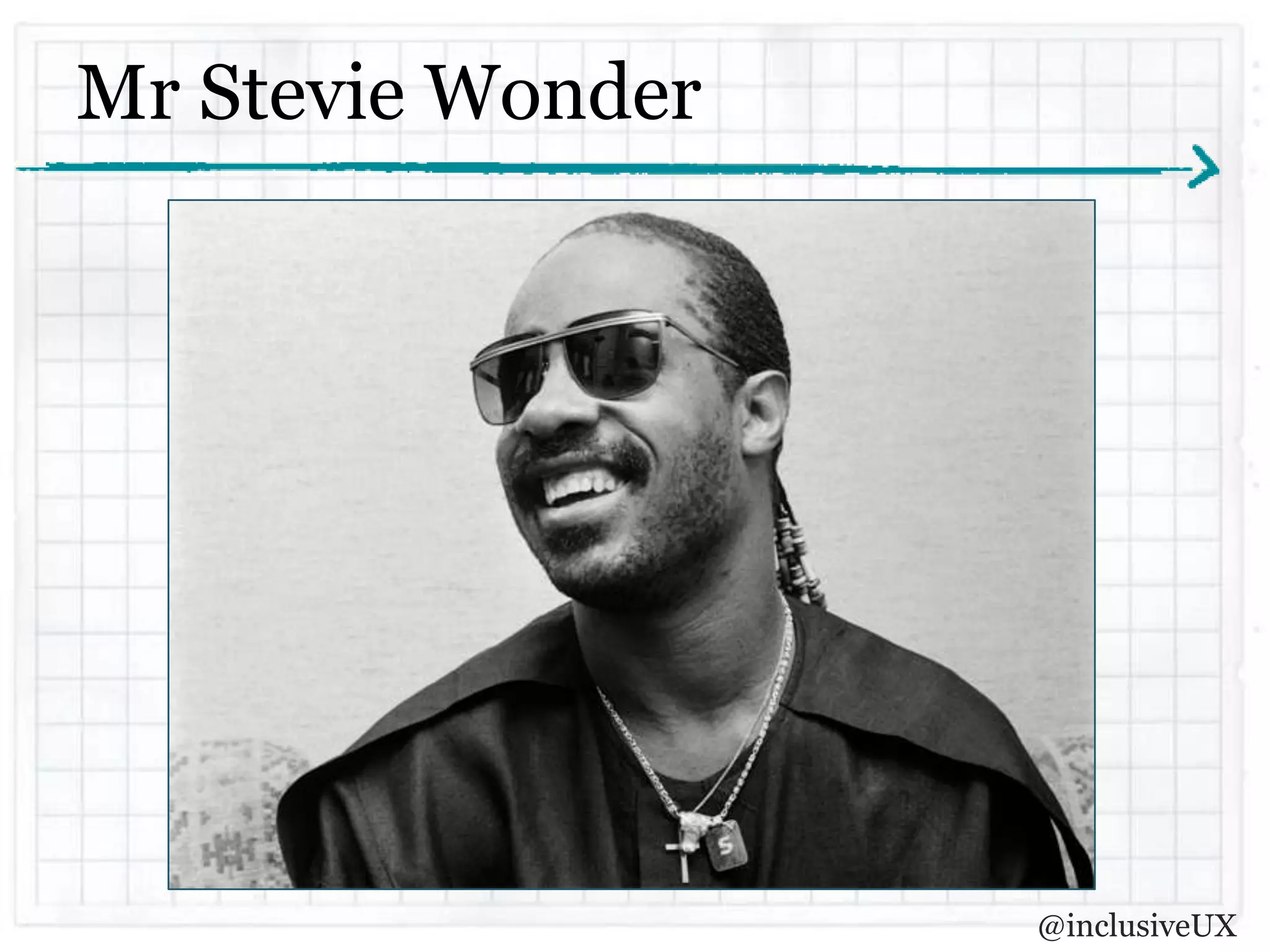
Mr Stevie Wonder


                   @inclusiveUX
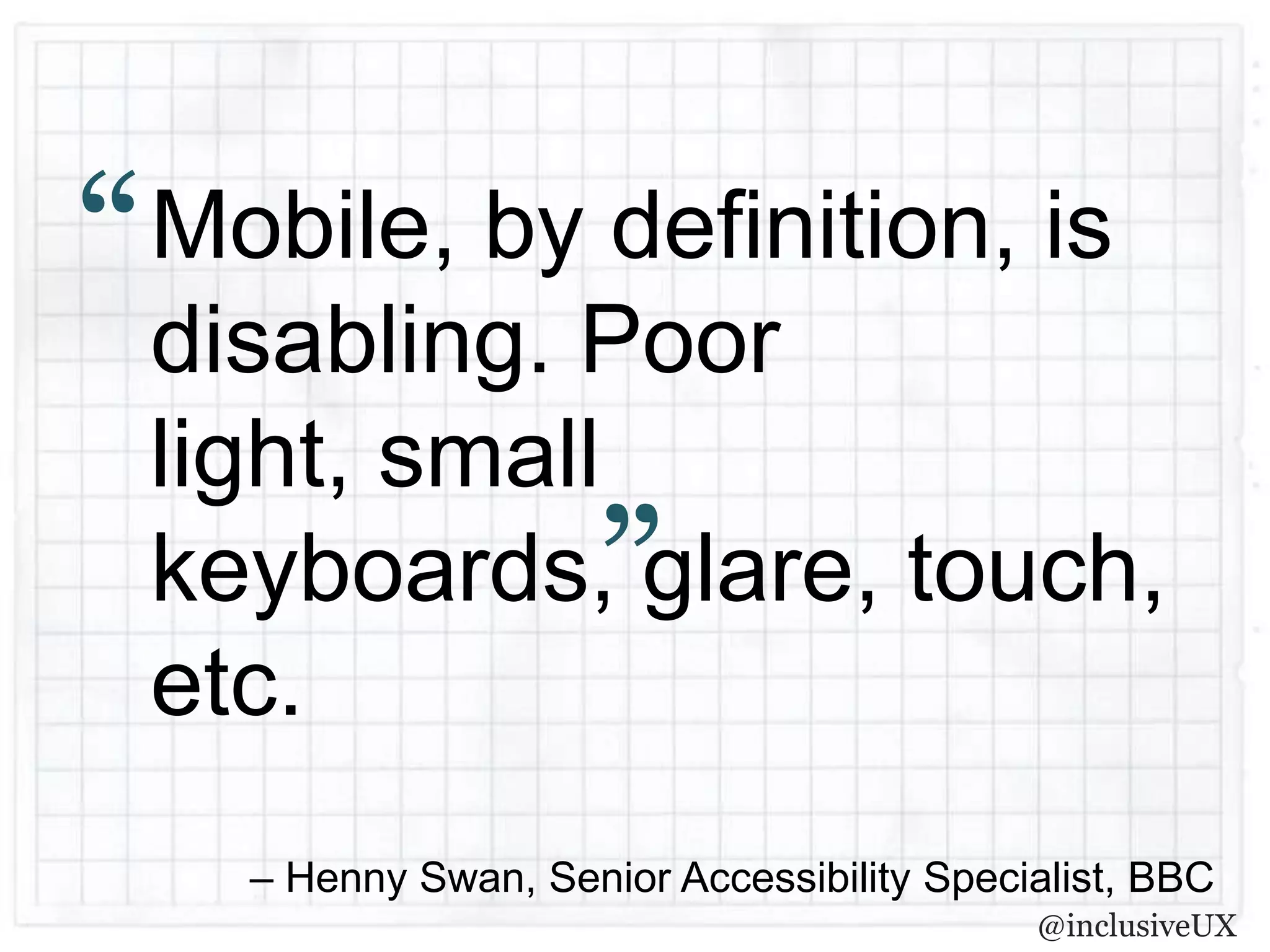
“   Mobile, by definition, is
    disabling. Poor
    light, small
                        ”
    keyboards, glare, touch,
    etc.
      – Henny Swan, Senior Accessibility Specialist, BBC
                                              @inclusiveUX
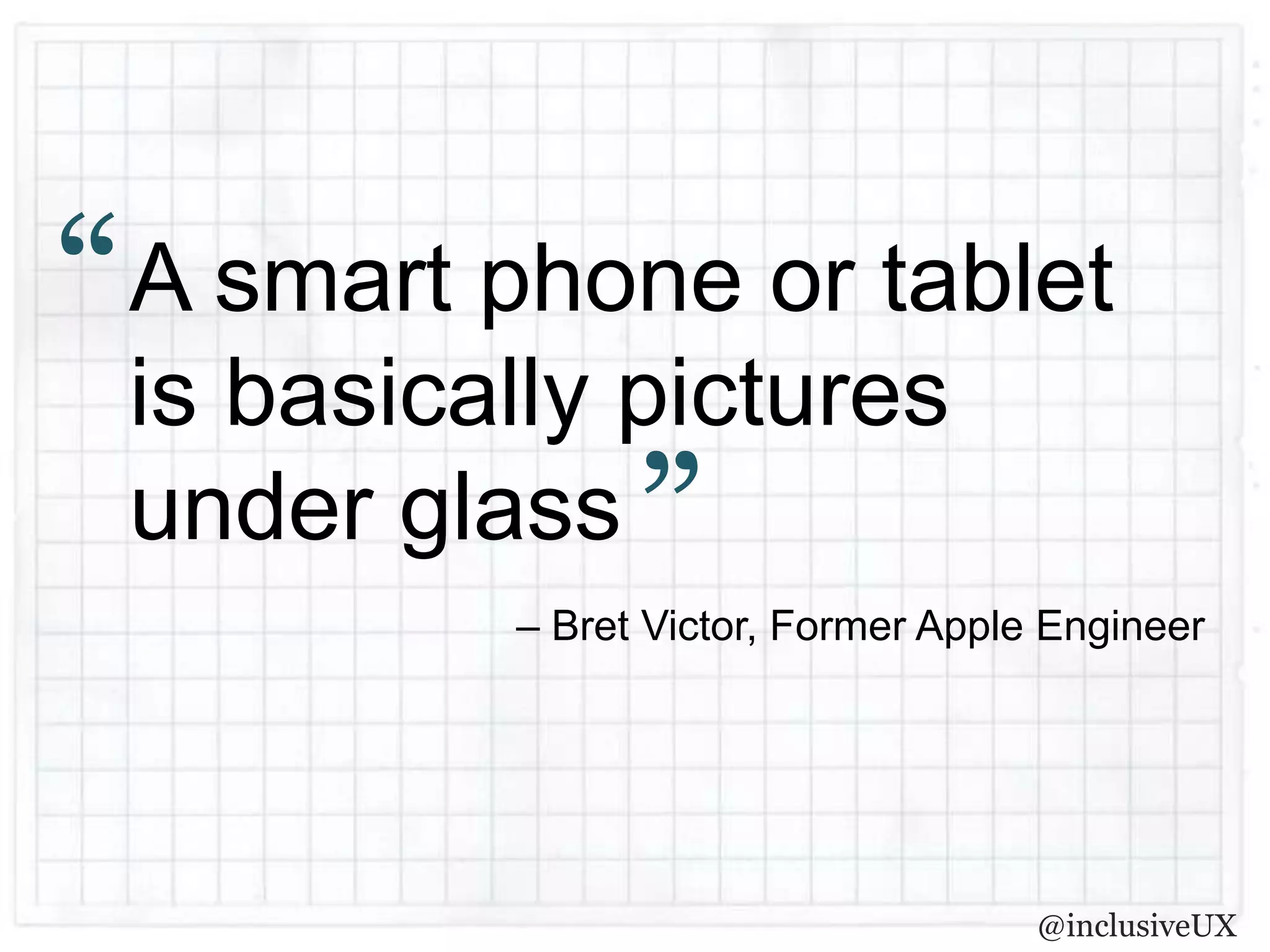
“ A smart phone or tablet
  is basically pictures
  under glass ”
          – Bret Victor, Former Apple Engineer


                                     @inclusiveUX
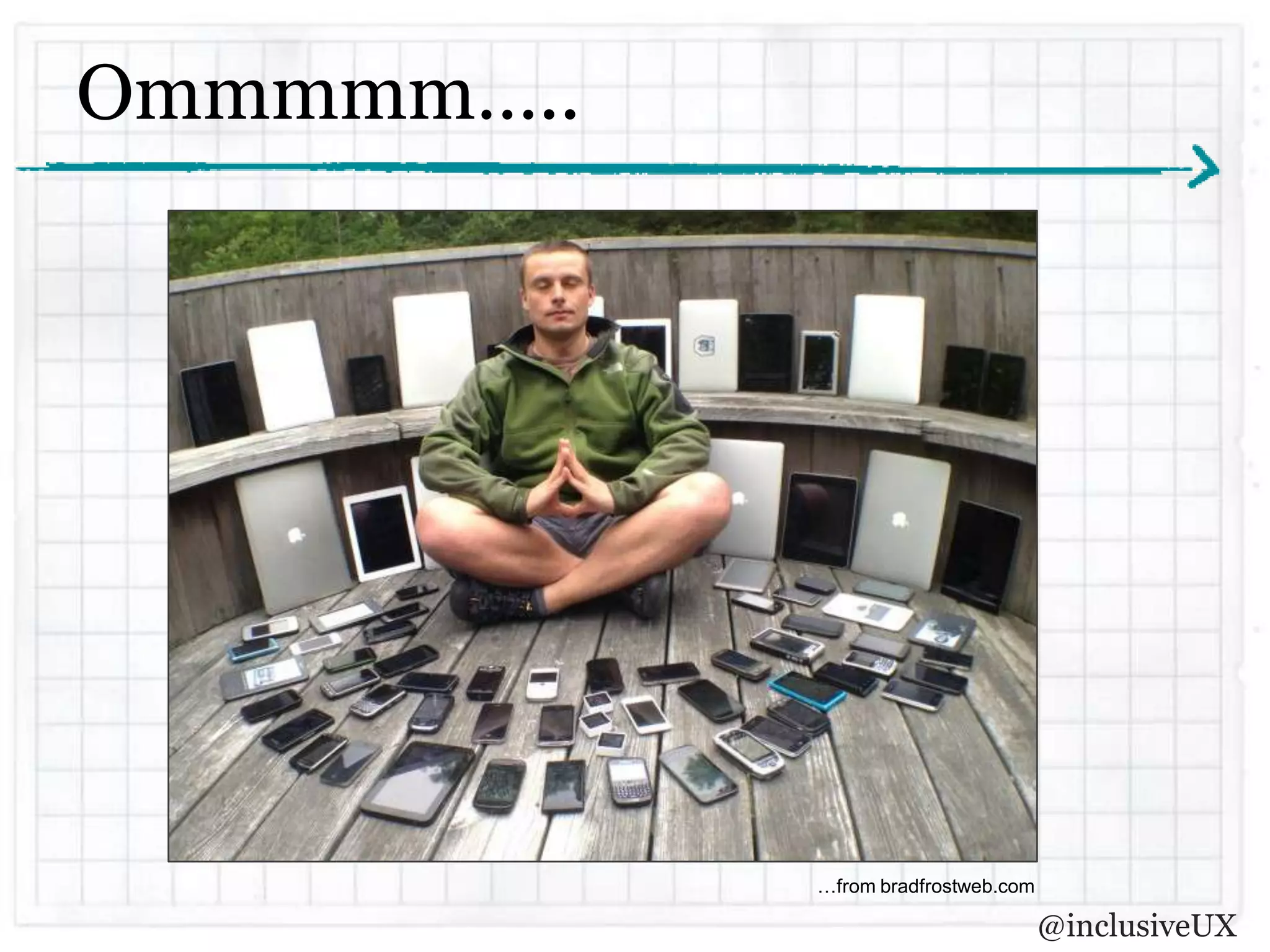
Ommmmm…..


            …from bradfrostweb.com

                                     @inclusiveUX
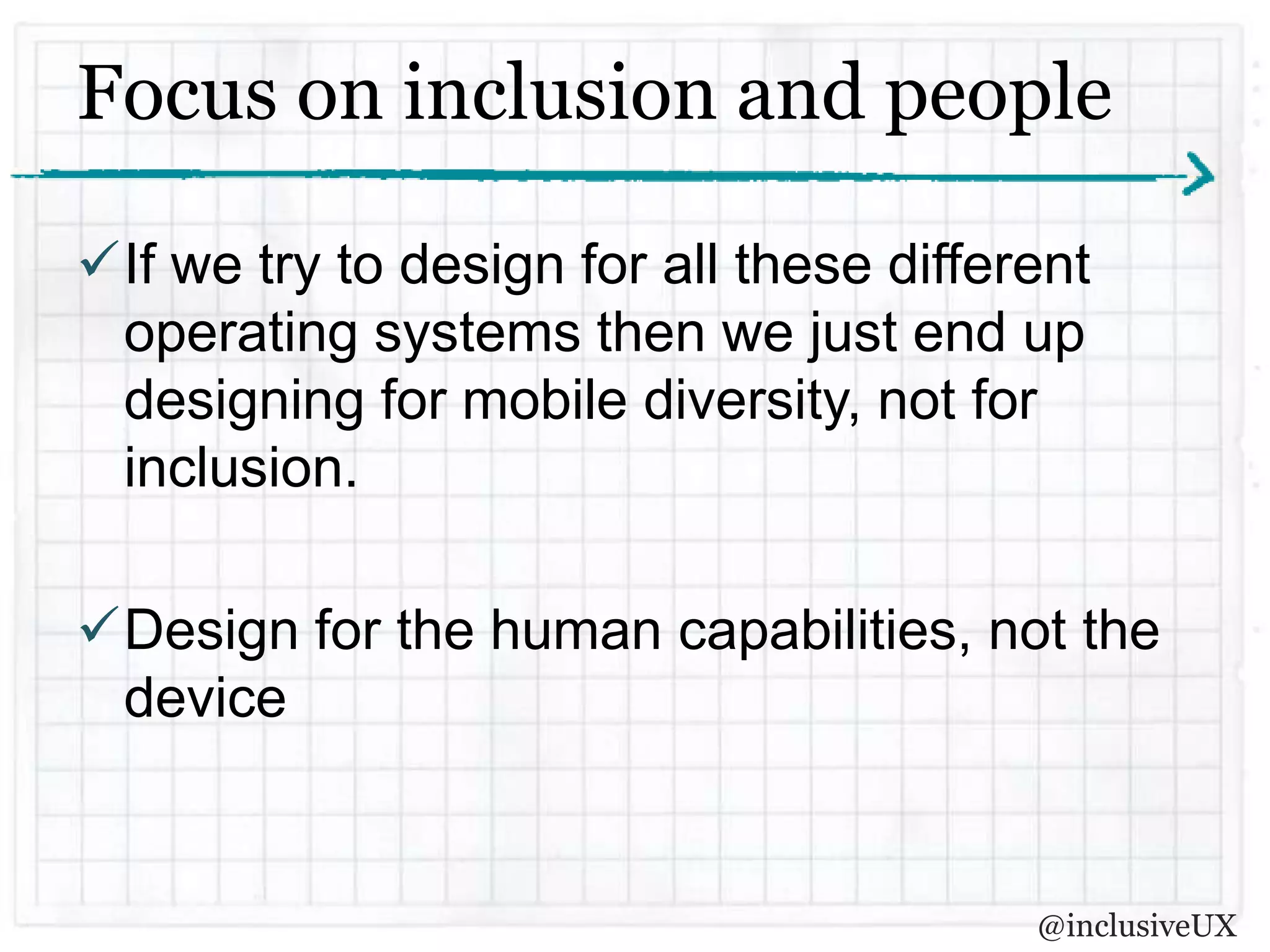
Focus on inclusion and people

If we try to design for all these different
 operating systems then we just end up
 designing for mobile diversity, not for
 inclusion.

Design for the human capabilities, not the
 device


                                         @inclusiveUX
“   There is no Mobile Web.

    There is only The Web, which we view in
    different ways.
    There is also no Desktop Web.

    Or Tablet Web.

    Thank you.
                 ”                  – Stephen Hay


                                         @inclusiveUX
Responsive design is #1

A well-executed responsive design should
 solve a lot of our challenges.

If a website is already inclusive via the
 desktop then it’s most likely to be mobile
 friendly as well.


                                       @inclusiveUX
Lets talk about text to speech
 An app or mobile site is not a book

 People listen to enough to orientate themselves
  and then move on.

 There are different modes

 Text to speech doesn’t just read

 Not just for visually impaired. People with dyslexia
  also use text to speech to read digital written
  content.
                                               @inclusiveUX
Labelling with text to speech in mind

 There are a lot of buttons in apps and sites
  helping to navigate around.

 The language used in labelling is really
  important.

 Don’t be bossy.

 Don’t double up.

                                             @inclusiveUX
There’s more than one way to do things

 Inform events in multiple ways.

 Don’t just have one way of achieving a
  task


                                      @inclusiveUX
Mobile video? Make sure its captioned

 There is a lot of video available on mobile
  and its one of the most consumed types of
  content.

 People who are deaf or have hearing loss
  want to access all this content
  accessibly, which is tough on mobile
  devices.

                                       @inclusiveUX
Supporting dexterity challenges
 Make sure the touch targets are big enough
  for people with dexterity challenges.

 Window 8 ‘metro’ design language has
  something to offer here with its ‘big tile’ user
  interface.

 Choose smart defaults

 Use alternate methods to input information &
  exploit device capabilities           @inclusiveUX
Test, test, test
 If you have a smart phone, you have a screen
  reader. Test your designs. There is no excuse.

 Test with real people who have real impairments

 Iterate and test again!

 Learn from your mistakes and make your next try
  better.


                                             @inclusiveUX
So, to sum up…
 The mobile landscape is extremely diverse and
  complex to navigate

 We have to stay focussed on inclusion, not mobile
  diversity

 Our guiding design principles must be technology
  agnostic

 Let’s use what we already have and adapt as we
  learn more


                                            @inclusiveUX
Thank you
katja@inclusiveux.com.au

     @inclusiveUX

Designing for Diversity - Creating inclusive mobile experiences

  • 1.
    Designing for Diversity How tocreate inclusive mobile experiences Katja Forbes | @inclusiveUX 1 March 2013
  • 2.
    2 things in10 minutes People using mobile devices are as diverse as the devices themselves There are easy things you can do to make a mobile experience inclusive @inclusiveUX
  • 3.
    There is nothing that you can do on the iPhone or iPad that I ” can’t do @inclusiveUX
  • 4.
    Mr Stevie Wonder @inclusiveUX
  • 5.
    Mobile, by definition, is disabling. Poor light, small ” keyboards, glare, touch, etc. – Henny Swan, Senior Accessibility Specialist, BBC @inclusiveUX
  • 6.
    “ A smartphone or tablet is basically pictures under glass ” – Bret Victor, Former Apple Engineer @inclusiveUX
  • 7.
    Ommmmm….. …from bradfrostweb.com @inclusiveUX
  • 8.
    Focus on inclusionand people If we try to design for all these different operating systems then we just end up designing for mobile diversity, not for inclusion. Design for the human capabilities, not the device @inclusiveUX
  • 9.
    There is no Mobile Web. There is only The Web, which we view in different ways. There is also no Desktop Web. Or Tablet Web. Thank you. ” – Stephen Hay @inclusiveUX
  • 10.
    Responsive design is#1 A well-executed responsive design should solve a lot of our challenges. If a website is already inclusive via the desktop then it’s most likely to be mobile friendly as well. @inclusiveUX
  • 11.
    Lets talk abouttext to speech  An app or mobile site is not a book  People listen to enough to orientate themselves and then move on.  There are different modes  Text to speech doesn’t just read  Not just for visually impaired. People with dyslexia also use text to speech to read digital written content. @inclusiveUX
  • 12.
    Labelling with textto speech in mind  There are a lot of buttons in apps and sites helping to navigate around.  The language used in labelling is really important.  Don’t be bossy.  Don’t double up. @inclusiveUX
  • 13.
    There’s more thanone way to do things Inform events in multiple ways. Don’t just have one way of achieving a task @inclusiveUX
  • 14.
    Mobile video? Makesure its captioned There is a lot of video available on mobile and its one of the most consumed types of content. People who are deaf or have hearing loss want to access all this content accessibly, which is tough on mobile devices. @inclusiveUX
  • 15.
    Supporting dexterity challenges Make sure the touch targets are big enough for people with dexterity challenges.  Window 8 ‘metro’ design language has something to offer here with its ‘big tile’ user interface.  Choose smart defaults  Use alternate methods to input information & exploit device capabilities @inclusiveUX
  • 16.
    Test, test, test If you have a smart phone, you have a screen reader. Test your designs. There is no excuse.  Test with real people who have real impairments  Iterate and test again!  Learn from your mistakes and make your next try better. @inclusiveUX
  • 17.
    So, to sumup…  The mobile landscape is extremely diverse and complex to navigate  We have to stay focussed on inclusion, not mobile diversity  Our guiding design principles must be technology agnostic  Let’s use what we already have and adapt as we learn more @inclusiveUX
  • 18.

Editor's Notes

  • #2 Hello, I’m Katja, Principal Consultant at Inclusive UXI’m very pleased to be here to able to share my journey of trying to navigate this challenging landscape of inclusive mobile experience.
  • #3 Now this is a huge topic so, rather than try to cover everything, I’m just going to try and do 2 things in this 10 minutesHelp you all think about who is using mobile devices and how they are as diverse as the devices themselvesGive you some easy ideas about how to design a mobile experience that is inclusive. I’m not going to deep dive into technology.Feel free to ask questions via twitter as I go and if we have time I can answer them or I’ll answer you online afterwards.<ADVANCE SLIDE>
  • #4 First let’s talk about who is using mobile devices. Here’s a quote I’d like to share with you. Some of you may recognise it.<READ QUOTE>So who is this Apple fanboi?<Advance slide>
  • #5 That would be Stevie Wonder and as we know, he can’t see.People who use mobile devices can also be hearing impaired, could have low vision, may have problems with fine motor control or cognitive impairments like dyslexia. They could also be simply from our rapidly aging poulation and having to manage the disabilities that come with just getting older.But let’s think a bit broader.<ADVANCE SLIDE>http://thenextweb.com/apple/2011/09/15/stevie-wonder-sings-steve-jobs-praises-for-ios-accessibility/
  • #6 Mobile causes ability issues for everyone.[READ slide]Even without any visual impairment, think of when you’ve tried to use your device in the sun, and tried to see what was happening through the glare. We become visually impaired. Without any motor impairments, trying to type anything with those tiny touch keypads, anyone with fingers of normal size become motor impaired to some extent. They really are built for pixies! I have little fingers however my typing on my touch device is seriously error prone.We can also all have a temporary disability.This got personal recently when I fell off my bike last month, injured my right arm and started using speech to text to write emails and text messages on my android device. It’s pretty rubbish at it and I had to speak in an american accent to get some words recognised but it was better than trying to use my injured hand.
  • #7 So whats the experience a mobile device offers?<READ SLIDE>Pictures under glass[PAUSE]It would be difficult to be less accessible for someone who is visually impaired. No tactile feedback at all. They also require multi touch gestures from us to manipulate these pictures. This certainly does cause problems for people with motor impairments who may struggle to pinch their fingers accurately or rotate their wrists.[PAUSE]But what makes it evenharder, especially for designers and developers, is the fractured landscape of devices and operating systems and the complete lack of any universally accepted accessibility guidelines for mobile.
  • #8 You’ve all seen this pic right of Luke Wrobelewski in “sleeping mobile guru” pose surrounded by 73 different devices?[PAUSE]I don’t know about you but this picture does not make me feel hindu cow serene but it does encourage me to attempt the most incusive design I can. It also shows me that inclusive design cannot focus on technology. Mobile technology is fractured, incredibly diverse and will always be changing, but our human capabilities, whatever they are, will not. We need to not only accept it, but embrace it!<ADVANCE SLIDE>
  • #9 READ slide title and point 1]Don’t get me wrong, you need to have an understanding of the technology that will deliver the experience but the experience can’t be shaped completely by it. [READ point 2]Feeling a bit calmer? Let move to the second thing then, a little bit of ‘how to’.<advance slide>
  • #10 Stephen Hay, a UX practicioner in the Netherlands, tweeted back in 2011 “There is no Mobile Web. There is only The Web, which we view in different ways. There is also no Desktop Web. Or Tablet Web. Thank you.” basically meaning adjusting the presentation of content or pieces of content on a website does not, in his opinion, constitute a “mobile website”. It’s a website for which the developers have considered the users of mobile devices and adjusted certain things accordingly. [PAUSE]Sounds responsive eh?[PAUSE]So…<ADVANCE Slide>
  • #11 I think Stephen is right and there is no such thing as the mobile web anymore and responsive design is probably the number one way to create an inclusive experience doing things you would do anyway when designing for desktop. More and more mobile luminaries, such as Josh Clark, are telling us we have to be moving away from the “app mentality”[Read point 2]For example, if you make sure you’ve used correct text alternatives for all your images in your design…it will flow on through every time the site changes and images will be available via text to speech no matter what device. Same as if you have the correct colour contrast.
  • #12 [READ point 1 SLOWLY Then] People using text to speech such as voice over on the iPhone or iPad aren’t reading a book. They are trying to use the app or site.They want to listen, figure out where they are, what's going on, what things do and how to use it. It’s entirely possible any cleverly crafted copy will be cut off in mid sentence as it serves no purpose in helping the person do their task.TTS can also be in different modes, set to look specifically for links or headings or words. This is where the well structured page design (and development) comes inAlso remember its not just for people for are VI. Dyslexia affects about 10% of Australians and people with Dyslexia can find TTS really useful as well in reading and understanding digital content. Please try to remember that VoiceOver on the iPhone does not equal a blind person being the only user.[PAUSE]So lets look at an example of an inclusive experience in TTS<advance slide>
  • #13 [READ title][READ point 1] Apps and navigating adapted sites on a mobile device can get a little complex. Complexity doesn’t have to equal confusing though. Will good labels and accessibility hints, you can guide people around with great success..[READ point 2 and point 3]Now this might sound a bit obvious but these are a couple of good ones from Apple that I thought demonstrated this point quite well.. Any hints you put in for TTS to pick up should start with a plural verb such as “Deletes the Event”, not “Delete the event”. Delete the event sounds like a command…see? Easy! This is also really helpful for people with cognitive difficulties who may choose TTS.[READ point 4]Use the labels for things like buttons to describe the purpose, not the function. For example, in labeling a button, there’s no need to call it “OK button” because then Voiceover will read out “OK button, button”.Annoying. <advance slide>
  • #14 [READ title]When designing with people who have sensory impairments in mind you need to make sure you can grab everyone’s attention when you need it. Obviously an audio alert to an event doesn’t get the attention of someone with hearing loss and a blinking light isn’t any good to a blind person. Mobile devices have all sorts of ways to grab attention, visual, audible and haptic (touch), so use them![READ point 1]There is a lot of ‘alerting’ that goes on with mobile devices. To give an example of this experience, a calendar alert can be informed by a sound and a visual cue to make sure everyone is catered for. Again, very easy, makes a big difference.[READ point 2]‘BUMP’, transferring data between phones by tapping them together (or in some cases bashing them together in a frustrated fashion), is great but not much good to you if you can’t grip your phone in the way you need to. So make sure your experience is accessible by being able to do the same thing another way as well. Paypal can transfer money by bump but you also do exactly the same thing via the touch screen. No-one is excluded.<advance slide>
  • #15 [READ title] [READ point 1 & point 2]According to my conversations with the super helpful and, in his own words, profoundly deaf, Michael Lockrey, who runs Accessible Seinfeld.com and Youtopia captioning, it is very, very, very rare to see audio visual content which is captioned for mobile devices![PAUSE]When you consider that the devices (such as tablets and iPhones) are perfect for consuming content, it's really frustrating to be unable to use these devices if you have a hearing loss and need closed captions.[PAUSE]Just to quickly clarify, closed captions are only seen by those who choose to decode or activate them. Open captions are visible to all viewers. ABC iView player do a great job of captioning their videos if anyone is interested in checking out an example of how to do it well.
  • #16 [READ title][READ point 1] If you have a mild palsy and your hand shakes, trying to hit a 20 by 20 pixel icon, which apple defines as one of its quite acceptable icon sizes, isn’t going to be easy.[READ point 2]Metro does have some nice aspects to their interface which would suit people who are motor impaired. The ‘tile’ design is easy to interact with with nice big touch targets for all the main functionality. [READ point 3] You can reduce the number of decisions that a person has to make by choosing to use smart defaults in your design. The less choices, the less movements required to make them. This also really helps people with cognitive impairments as well. Remember choices the person has made before.[READ point 4]What does this mean? Don’t always use the obvious means of entering information such as the keyboard. For example, in a notes app, use the camera or voice recognition as a means to add information as a memory note rather than having to type anything in. Or geo-location information serving as input to a form that a person might be filling out on the mobile device. Be creative with the sources of information to minimise physical effort to get the info into the device! Another example, shopping online on your couch with your iPad and instead of having to type in your address you can just press a button that lets the site know the place you’re currently in is where you want it shipped it.[PAUSE]Hmm…never mind dexterity challenges…that sounds useful for me. Which is one of the fundamental truths of accessibility. If you design an inclusive experience, you’ve most like already designed a usable one as well.<advance slide>
  • #17 The last piece of advice I wanted to leave you with is to TEST TEST TEST[READ point 1 slowly]It is completely possible for you to figure out if your design simply works or doesn’t work simply by enabling the accessibility functionality on your device and having a go. A quick Google search should provide you will whatever you need to get you started.With iOS, you have VoiceOver and Assistive Touch built in. For Android try Talkback with the IDEAL web browser. [PAUSE]But there is no substitute for the real thing. Mobile simulators can be useful during development but nothing beats testing on actual devices that people are using. Test your mobile app or site with real people who have real impairments. Not only will you find out if it works on the device when someone is actually trying to use it, but you can also see if they are able to use it at all![PAUSE]Don’t just test it once, make your changes and test again. This is user experience 101 never mind inclusive design. Learn from your mistakes and make it better.<advance slide>
  • #18 [READ title]So I think it’s pretty clear[READ point 1]And its not going to get any easier as more and more devices become available and technology develops.[READ point 2]If we lose sight of the original goal of creating an inclusive mobile experience and get caught up in the whirlwind of designing for every type of mobile device, we can never succeed[READ point 3]Mobile Technology is developing at flying speed faster than we can possibly imagine. Our guiding principles for inclusive mobile experience design must not have technology as a dominant driver. The tech is the facilitator of the experience. The guideline tells us what the experience has to live up to.[READ point 4]There is already a lot of good work done on on making desktop experiences inclusive which we can use and incorporate in responsive design. Use what you know and if you figure out something new that works, shout it to the rooftops so you can help the rest of us!<ADVANCE SLIDE>
  • #19 This is a tiny snapshot and there’s loads more to this topic so feel free to find me during the break or tweet or email me if you want to chat further.Thank you