Accessibility Experience

    How to tackle accessibility in your app


1
                  –
Hello!

                                             • @ladymoonan
                                             • Accessibility Lead,
                                               Vodafone Group UE
                                             • 10 years experience
                                             • Senior consultant at
                                               AbilityNet
                                             • UPA UK accessibility chair
                                             • User centered design
                                               approach


2   Designing an accessible mobile app
                                         –
Smart access #vsa2011
    Accessibility #a11y


3   Designing an accessible mobile app
                                         –
How to tackle accessibility in your own app

1. Talk to people with access needs
2. Plan from the beginning
3. Follow guidelines
4. Accessibility isn’t just about screen reader users!
5. Test with people with access needs
6. V1.0 may be a work in progress
7. You don’t have to be perfect to be accessible


4   Designing an accessible mobile app
                                         –
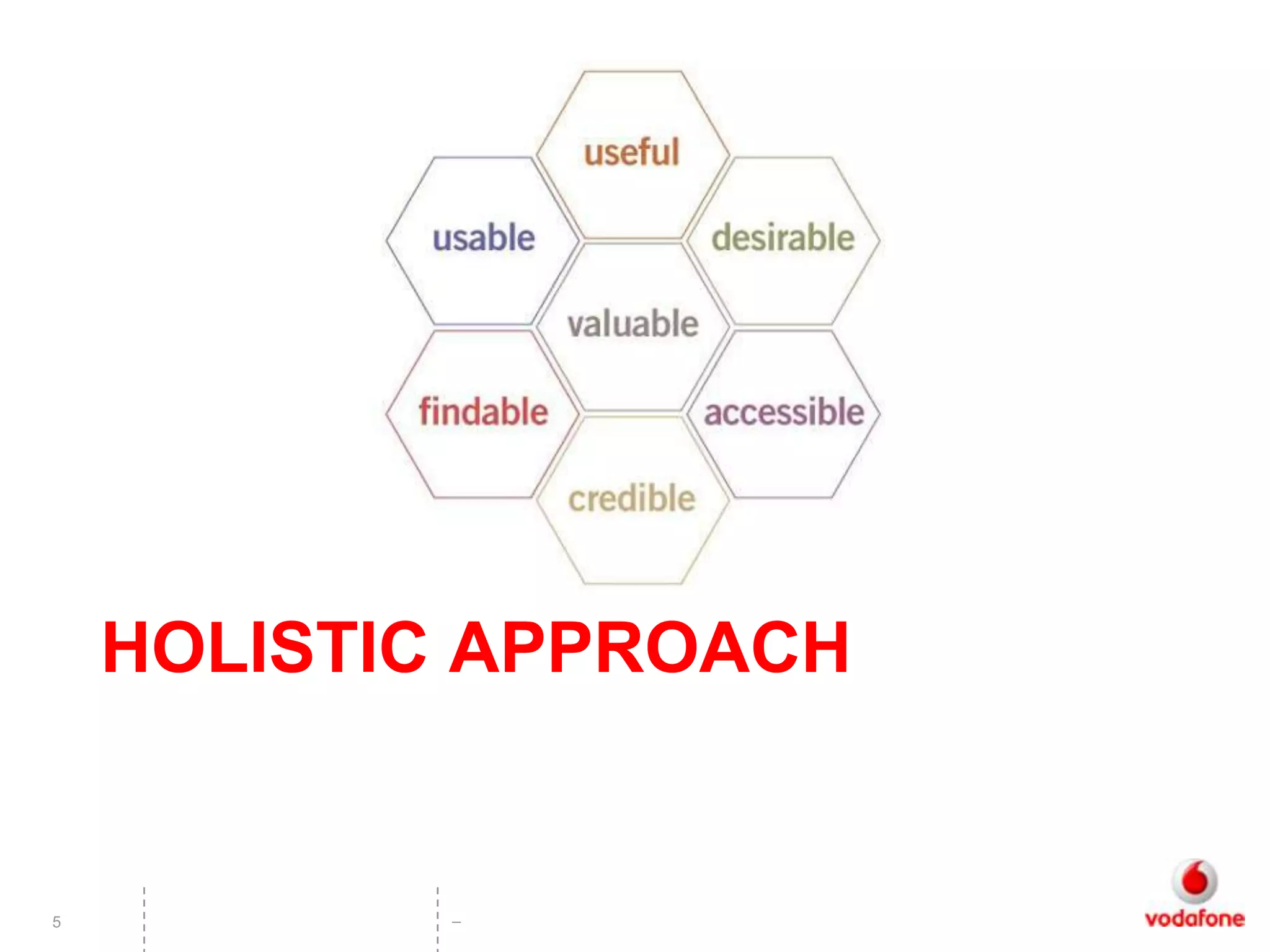
HOLISTIC APPROACH


5          –
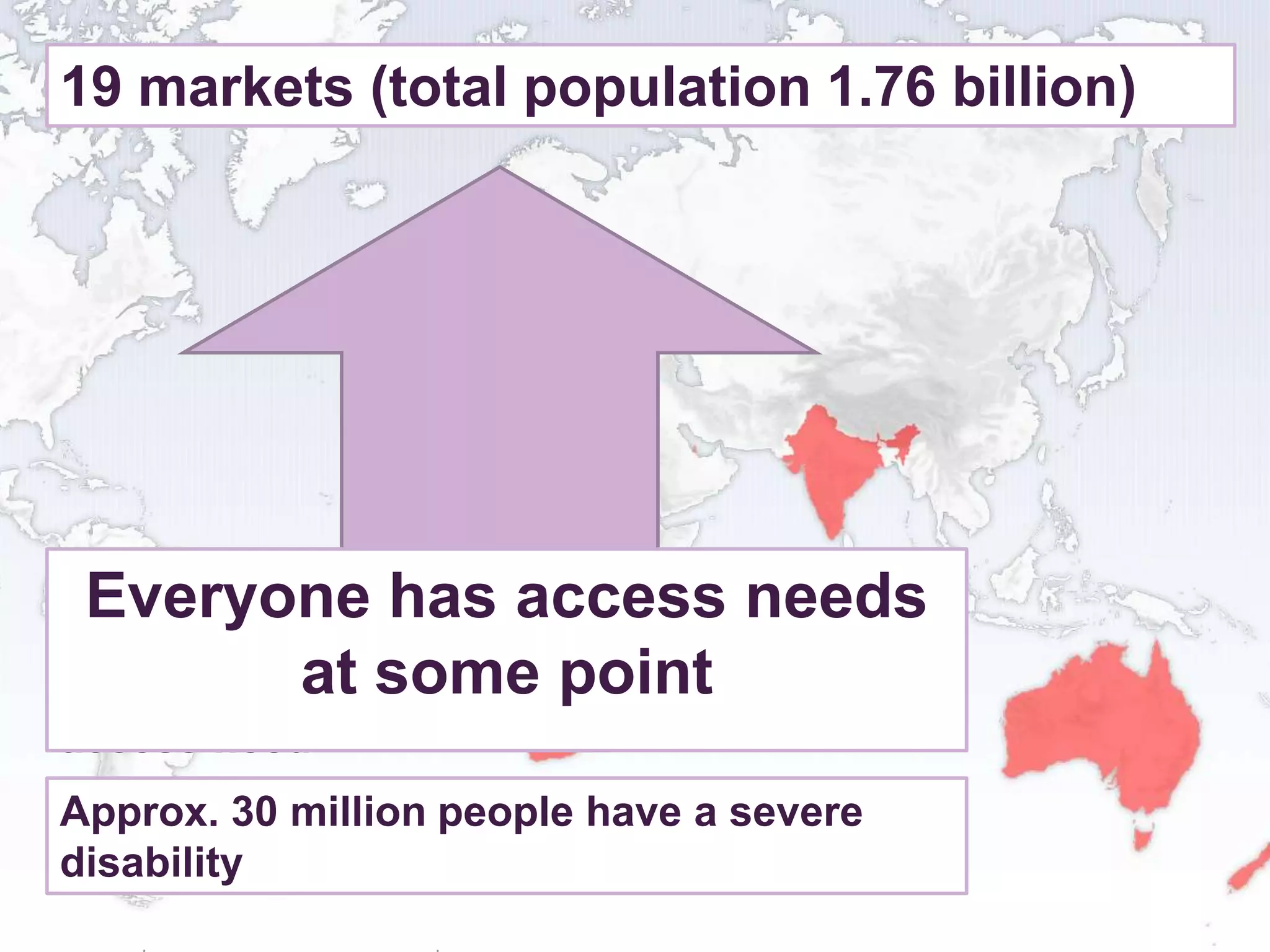
19 markets (total population 1.76 billion)


Approximately 136 million people needs
 Everyone has access
experience
moderate orat some point
            minor disability or have an
access need
Approx. 30 million people have a severe
disability
    6
                   –
1. Talk to smartphone users with access needs

• If you’re talking to people you are probably doing this
    – Mild vision impairment, dyslexia, colour blindness, older users

• Contact disability organisations / adult groups / charities
    – Self organised, grass roots groups as well as charities
    – Ensure the people with access needs are from your target
      audiences!

• Interest groups:
    – www.blindtechsupport.net
    – http://www.nida.org.uk/ (Northern Ireland Dyslexia assoc.)

• Use social media #disability #dyslexia


7      Designing an accessible mobile app
                                            –
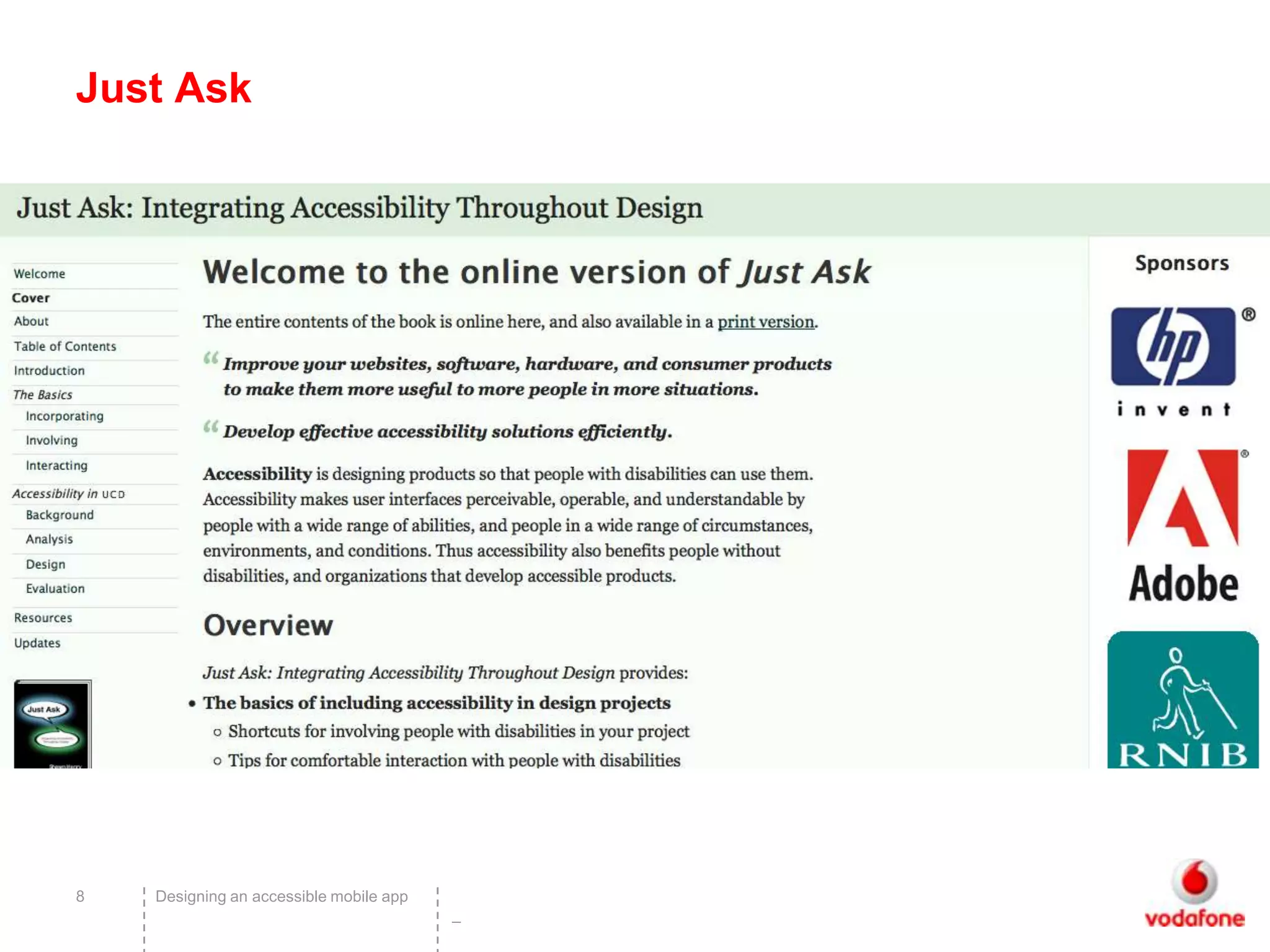
Just Ask


8   Designing an accessible mobile app
                                         –
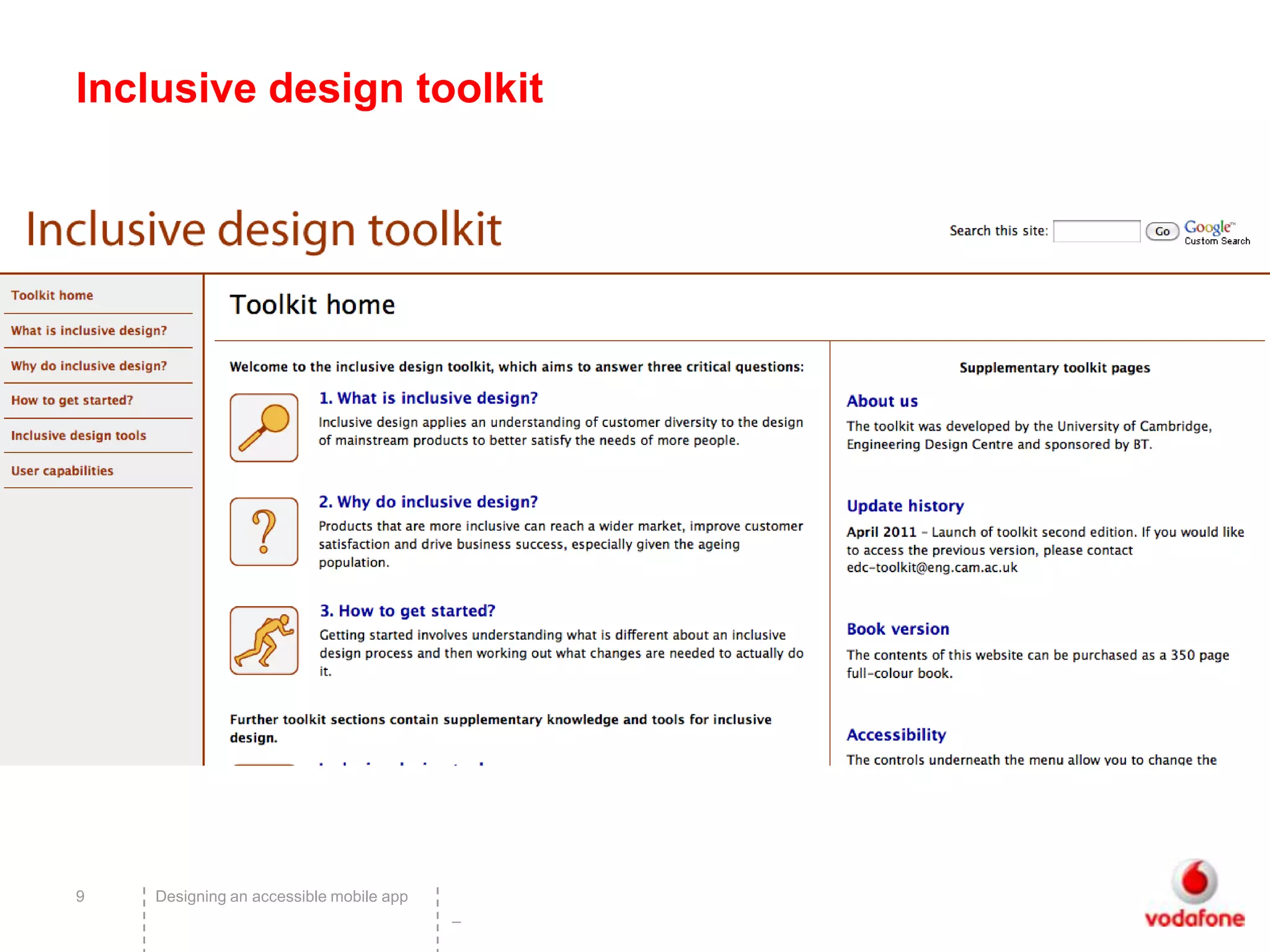
Inclusive design toolkit


9   Designing an accessible mobile app
                                         –
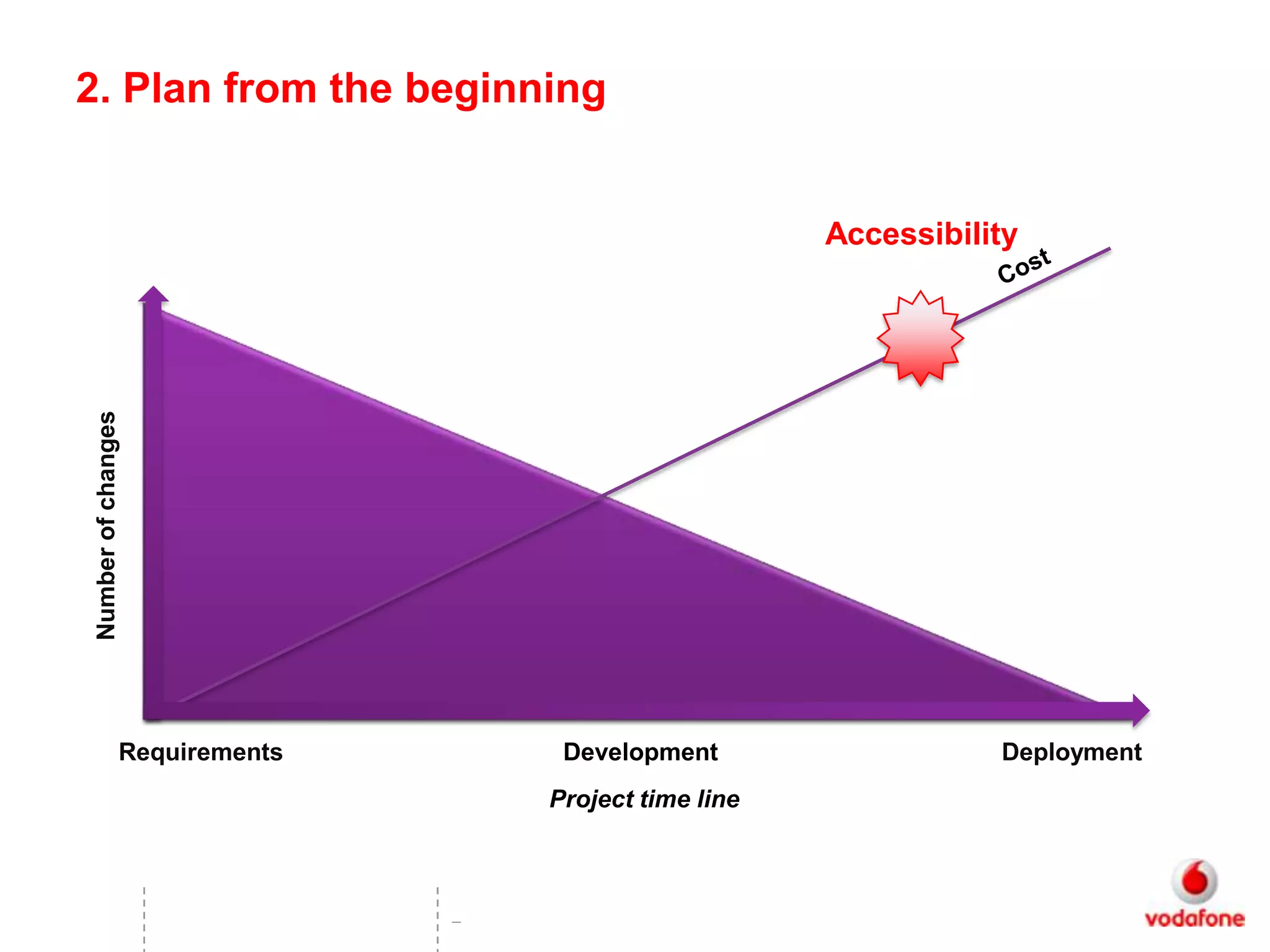
2. Plan from the beginning


                                                        Accessibility
 Number of changes


                 Requirements        Development                   Deployment
                                    Project time line


                                –
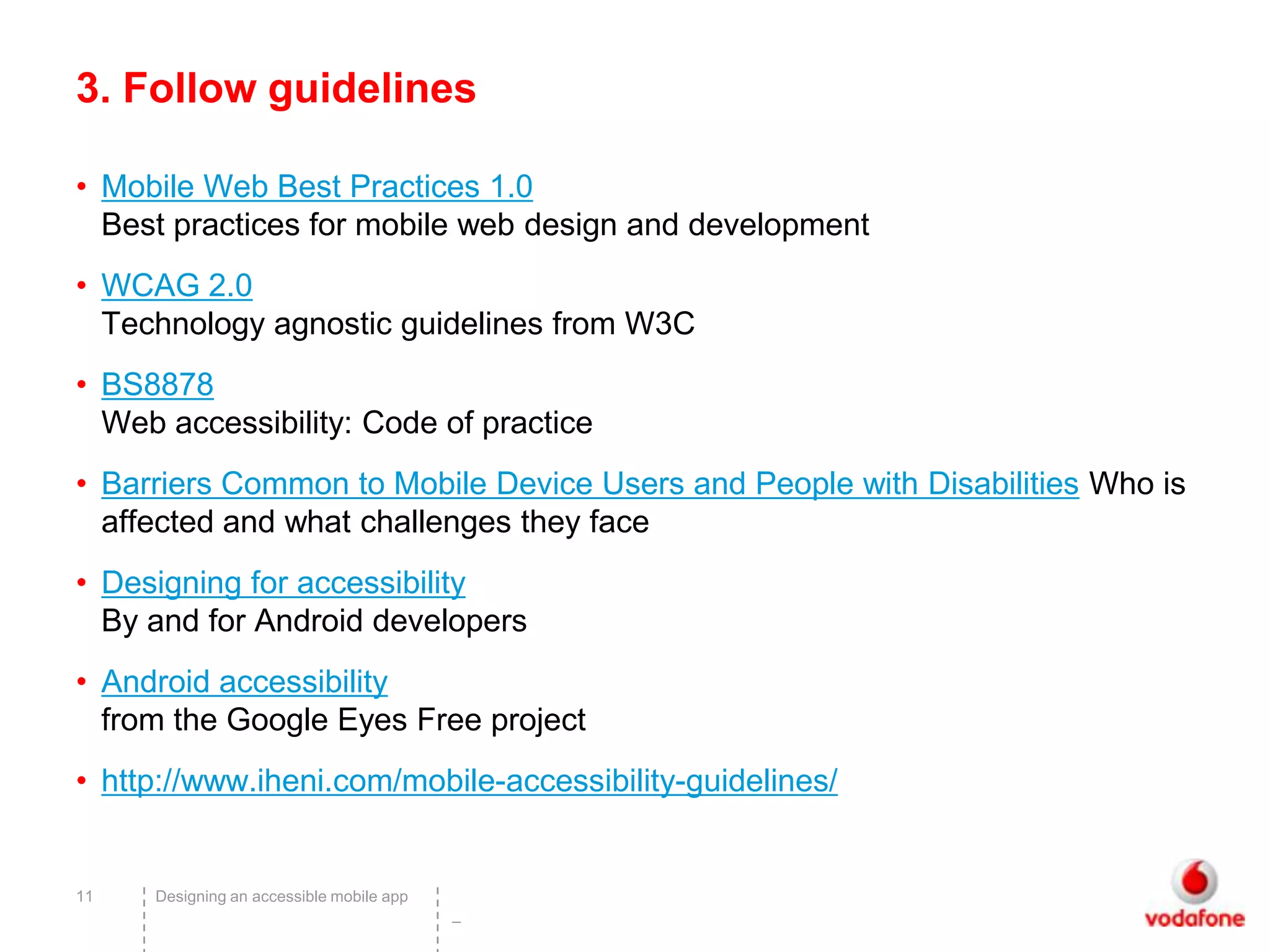
3. Follow guidelines

• Mobile Web Best Practices 1.0
  Best practices for mobile web design and development
• WCAG 2.0
  Technology agnostic guidelines from W3C
• BS8878
  Web accessibility: Code of practice
• Barriers Common to Mobile Device Users and People with Disabilities Who is
  affected and what challenges they face
• Designing for accessibility
  By and for Android developers
• Android accessibility
  from the Google Eyes Free project
• http://www.iheni.com/mobile-accessibility-guidelines/


11   Designing an accessible mobile app
                                          –
Key points

• Follow common design patterns
• Don’t break built in accessibility
• Simplicity is accessibility
• Reduced functionality helps
• Android: Poor access for partially sighted / low vision
     – Provide display options – text size, colour

• Follow web standards


12      Designing an accessible mobile app
                                             –
4. Accessibility isn’t just about blind people!

• Arthritis is the most common condition for which people
  receive Disability Living Allowance (DLA)1
• 1in 30 people in the UK experience sight loss2
     – The majority of vision impaired people are partially sighted

• 1 in 7 people in the UK with a hearing impairment3
• 1 in 10 are affected by dyslexia4
• 974,000 people with a learning disability in England5


13      Designing an accessible mobile app
                                             –
Key points on mobile usage

• “If I can do it on my phone I will” (Partially sighted user)
• Users may have a limited amount of time using phone /
  app
• Users don’t know how to use their device
• May be using older versions
• Users don’t want different products – mainstream
  accessibility


14   Designing an accessible mobile app
                                          –
5. Test with people with access needs

• See step 1!
• Include a percentage of users with access needs in every
  sample
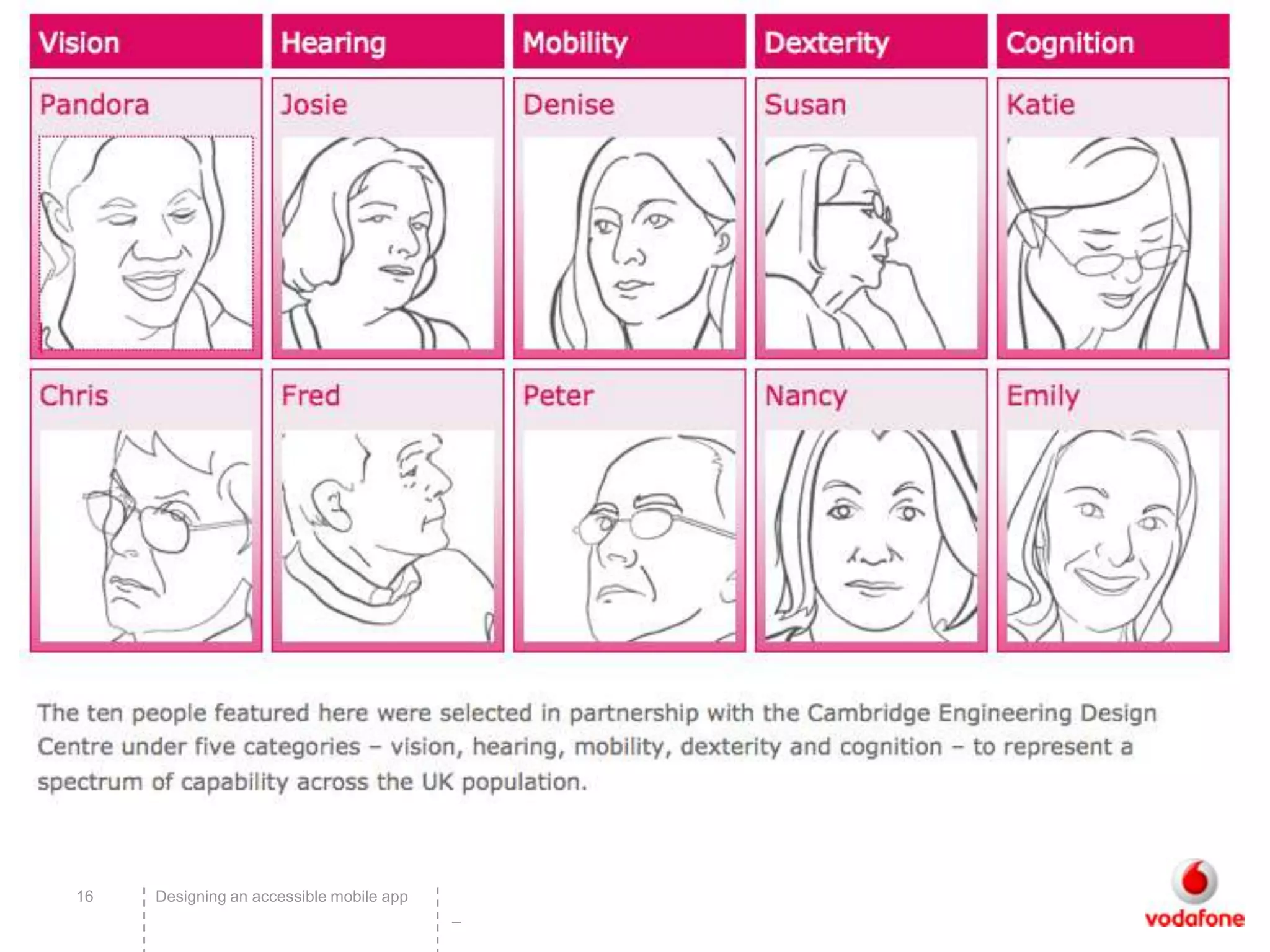
• Use personas and walkthroughs
• Use simulators (with caution)


15   Designing an accessible mobile app
                                          –
16   Designing an accessible mobile app
                                          –
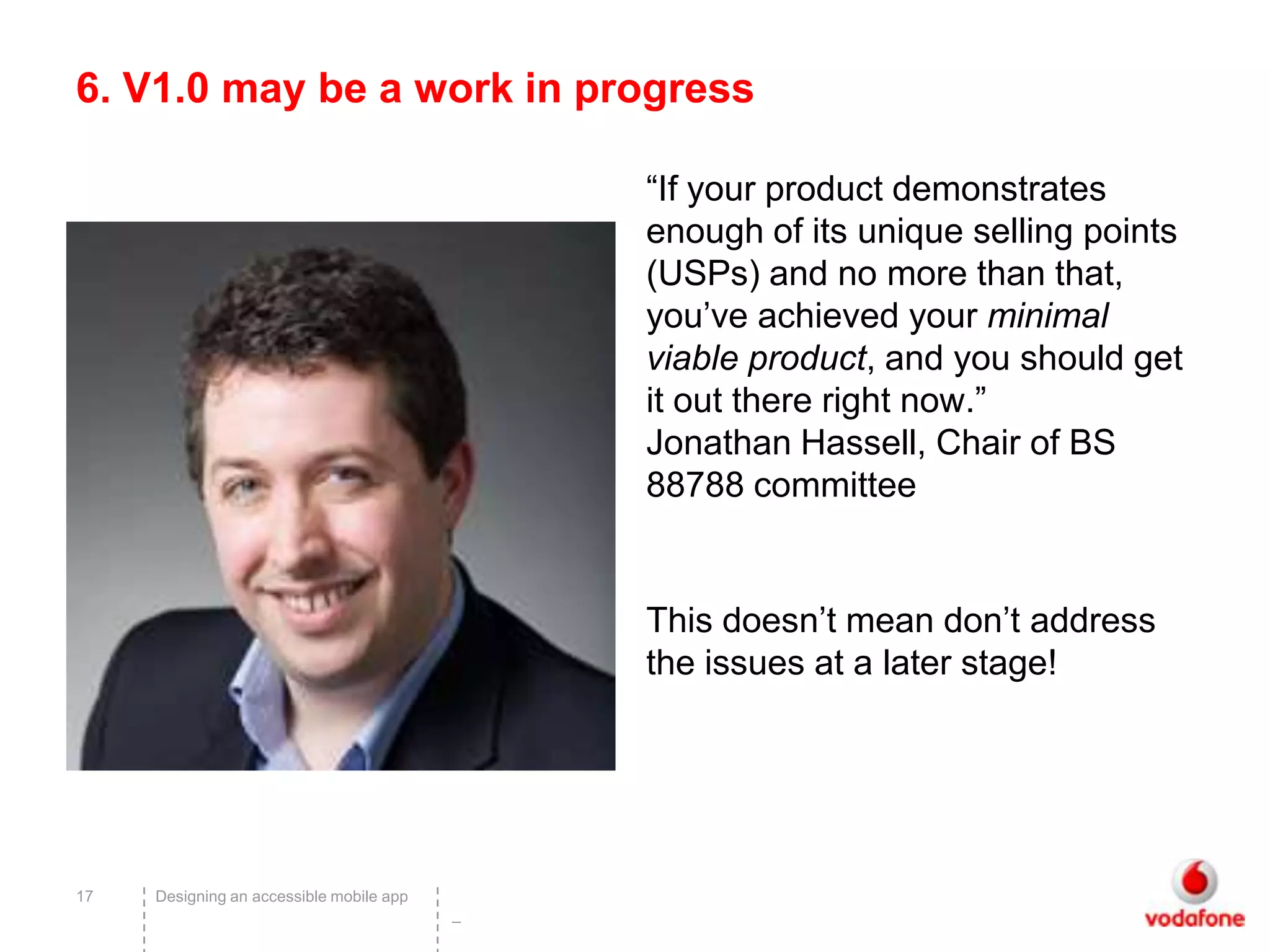
6. V1.0 may be a work in progress

                                              “If your product demonstrates
                                              enough of its unique selling points
                                              (USPs) and no more than that,
                                              you’ve achieved your minimal
                                              viable product, and you should get
                                              it out there right now.”
                                              Jonathan Hassell, Chair of BS
                                              88788 committee


                                              This doesn’t mean don’t address
                                              the issues at a later stage!


17   Designing an accessible mobile app
                                          –
Upgrades

• Be careful not to degrade accessibility during upgrades
• Don’t keep changing the UI and not informing users
  (Facebook)
• Tell users about accessibility features


18   Designing an accessible mobile app
                                          –
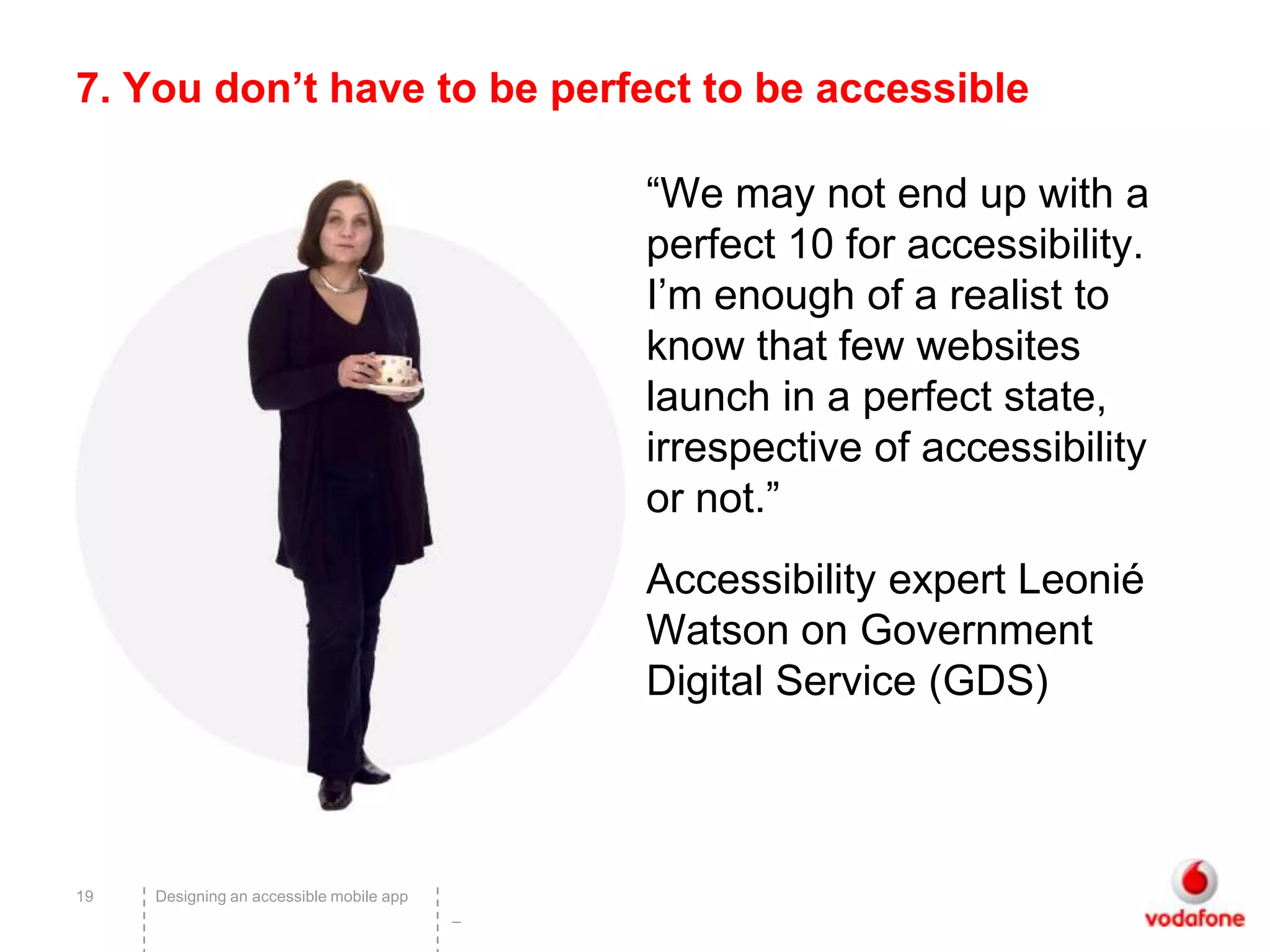
7. You don’t have to be perfect to be accessible

                                              “We may not end up with a
                                              perfect 10 for accessibility.
                                              I’m enough of a realist to
                                              know that few websites
                                              launch in a perfect state,
                                              irrespective of accessibility
                                              or not.”
                                              Accessibility expert Leonié
                                              Watson on Government
                                              Digital Service (GDS)


19   Designing an accessible mobile app
                                          –
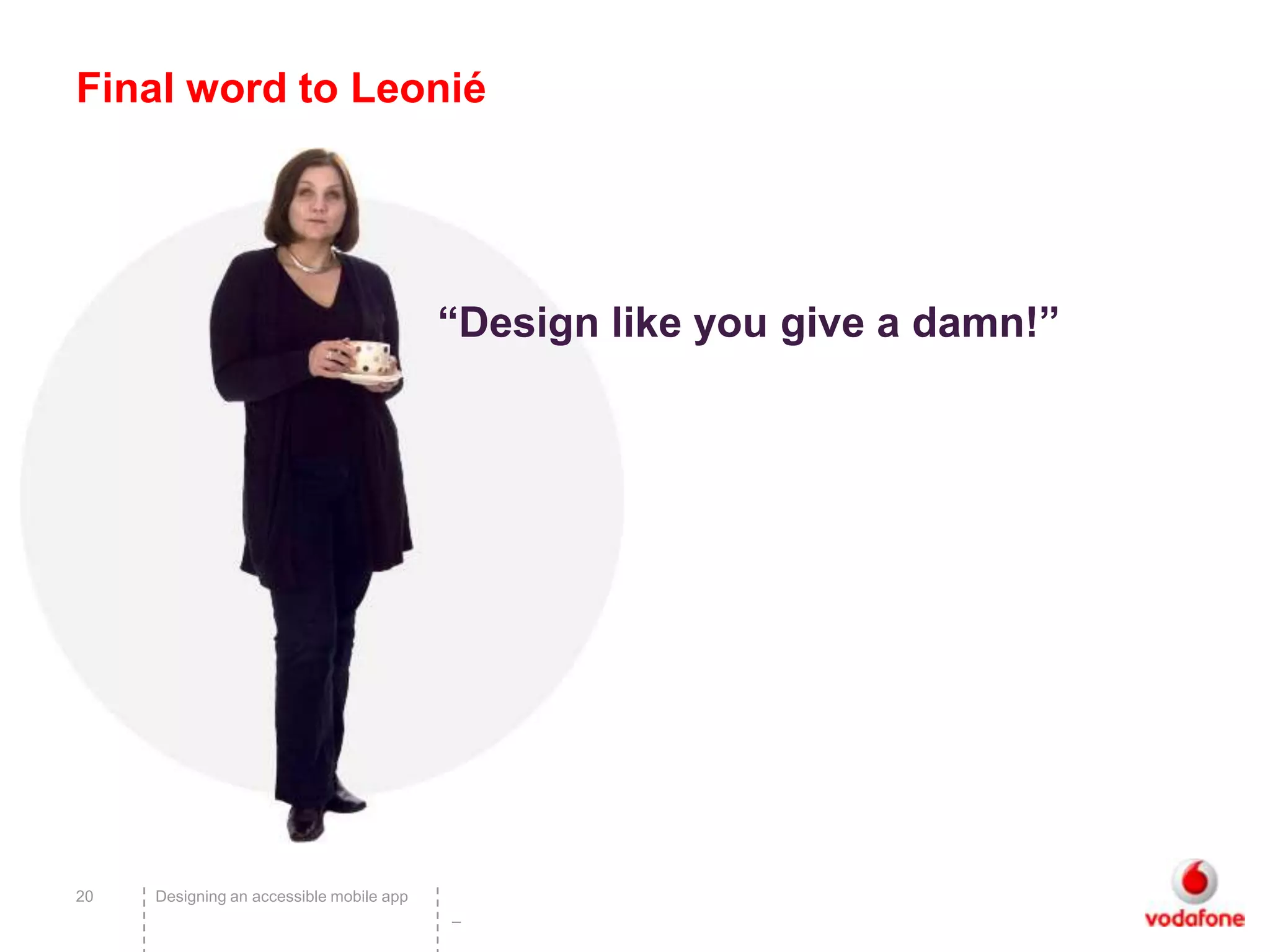
Final word to Leonié


                                          “Design like you give a damn!”


20   Designing an accessible mobile app
                                          –
Thanks

                                              @ladymoonan
                                              Kath.moonan@gmail.com


21   Designing an accessible mobile app
                                          –

How to make your mobile app accessible by Kath Moonan

  • 1.
    Accessibility Experience How to tackle accessibility in your app 1 –
  • 2.
    Hello! • @ladymoonan • Accessibility Lead, Vodafone Group UE • 10 years experience • Senior consultant at AbilityNet • UPA UK accessibility chair • User centered design approach 2 Designing an accessible mobile app –
  • 3.
    Smart access #vsa2011 Accessibility #a11y 3 Designing an accessible mobile app –
  • 4.
    How to tackleaccessibility in your own app 1. Talk to people with access needs 2. Plan from the beginning 3. Follow guidelines 4. Accessibility isn’t just about screen reader users! 5. Test with people with access needs 6. V1.0 may be a work in progress 7. You don’t have to be perfect to be accessible 4 Designing an accessible mobile app –
  • 5.
  • 6.
    19 markets (totalpopulation 1.76 billion) Approximately 136 million people needs Everyone has access experience moderate orat some point minor disability or have an access need Approx. 30 million people have a severe disability 6 –
  • 7.
    1. Talk tosmartphone users with access needs • If you’re talking to people you are probably doing this – Mild vision impairment, dyslexia, colour blindness, older users • Contact disability organisations / adult groups / charities – Self organised, grass roots groups as well as charities – Ensure the people with access needs are from your target audiences! • Interest groups: – www.blindtechsupport.net – http://www.nida.org.uk/ (Northern Ireland Dyslexia assoc.) • Use social media #disability #dyslexia 7 Designing an accessible mobile app –
  • 8.
    Just Ask 8 Designing an accessible mobile app –
  • 9.
    Inclusive design toolkit 9 Designing an accessible mobile app –
  • 10.
    2. Plan fromthe beginning Accessibility Number of changes Requirements Development Deployment Project time line –
  • 11.
    3. Follow guidelines •Mobile Web Best Practices 1.0 Best practices for mobile web design and development • WCAG 2.0 Technology agnostic guidelines from W3C • BS8878 Web accessibility: Code of practice • Barriers Common to Mobile Device Users and People with Disabilities Who is affected and what challenges they face • Designing for accessibility By and for Android developers • Android accessibility from the Google Eyes Free project • http://www.iheni.com/mobile-accessibility-guidelines/ 11 Designing an accessible mobile app –
  • 12.
    Key points • Followcommon design patterns • Don’t break built in accessibility • Simplicity is accessibility • Reduced functionality helps • Android: Poor access for partially sighted / low vision – Provide display options – text size, colour • Follow web standards 12 Designing an accessible mobile app –
  • 13.
    4. Accessibility isn’tjust about blind people! • Arthritis is the most common condition for which people receive Disability Living Allowance (DLA)1 • 1in 30 people in the UK experience sight loss2 – The majority of vision impaired people are partially sighted • 1 in 7 people in the UK with a hearing impairment3 • 1 in 10 are affected by dyslexia4 • 974,000 people with a learning disability in England5 13 Designing an accessible mobile app –
  • 14.
    Key points onmobile usage • “If I can do it on my phone I will” (Partially sighted user) • Users may have a limited amount of time using phone / app • Users don’t know how to use their device • May be using older versions • Users don’t want different products – mainstream accessibility 14 Designing an accessible mobile app –
  • 15.
    5. Test withpeople with access needs • See step 1! • Include a percentage of users with access needs in every sample • Use personas and walkthroughs • Use simulators (with caution) 15 Designing an accessible mobile app –
  • 16.
    16 Designing an accessible mobile app –
  • 17.
    6. V1.0 maybe a work in progress “If your product demonstrates enough of its unique selling points (USPs) and no more than that, you’ve achieved your minimal viable product, and you should get it out there right now.” Jonathan Hassell, Chair of BS 88788 committee This doesn’t mean don’t address the issues at a later stage! 17 Designing an accessible mobile app –
  • 18.
    Upgrades • Be carefulnot to degrade accessibility during upgrades • Don’t keep changing the UI and not informing users (Facebook) • Tell users about accessibility features 18 Designing an accessible mobile app –
  • 19.
    7. You don’thave to be perfect to be accessible “We may not end up with a perfect 10 for accessibility. I’m enough of a realist to know that few websites launch in a perfect state, irrespective of accessibility or not.” Accessibility expert Leonié Watson on Government Digital Service (GDS) 19 Designing an accessible mobile app –
  • 20.
    Final word toLeonié “Design like you give a damn!” 20 Designing an accessible mobile app –
  • 21.
    Thanks @ladymoonan Kath.moonan@gmail.com 21 Designing an accessible mobile app –

Editor's Notes

  • #6 Peter Morville: Semantic Studios
  • #7 Vodafone has 19 markets (total population 1.76 billion)Approximately 136 million people experience moderate or minor disability or have an access needApprox. 30 million people have a severe disabilityHowever, everyone has an access need at some point.Natalie Scott, Professor John Clarkson, Ian HoskingSagentia, 2009
  • #9 Just Ask has lots of practical information on how to involve users with access needs in your research and testing.http://www.uiaccess.com/accessucd/
  • #10 The inclusive design toolkit – how to implement on any designhttp://www.inclusivedesigntoolkit.com
  • #11 Accessibility testing often happens at the end of a project when it’s expensive and difficult to implement changes.Include accessibility at the beginning of a project and throughout the process for maximum benefit to users and your business.
  • #12 There are no defacto guidelines on mobile design. These are good starting points.
  • #14 Arthritis CareRNIBAction on hearing loss (RNID)British Dyslexia AssociationLearning disability coalition
  • #15 These comments and observations are gathered from users we’ve spoken to in our research and testing.
  • #16 Simulators will not provide insight into what it’s like to live with a particular condition or access need.They can be used to test hygiene factors such as text size but not user experience.http://www.inclusivedesigntoolkit.com/betterdesign2/csg/csg.html
  • #17 Helpful insights into real peoplehttp://designingwithpeople.rca.ac.uk/people
  • #20 Most of us give affordance to products and services that are easy to use and usefulIPhone battery
  • #21 tink.co.uk/2011/09/design-like-you-give-a-damn/