DATA TYPES AND OPERATORS
AND STATEMENTS
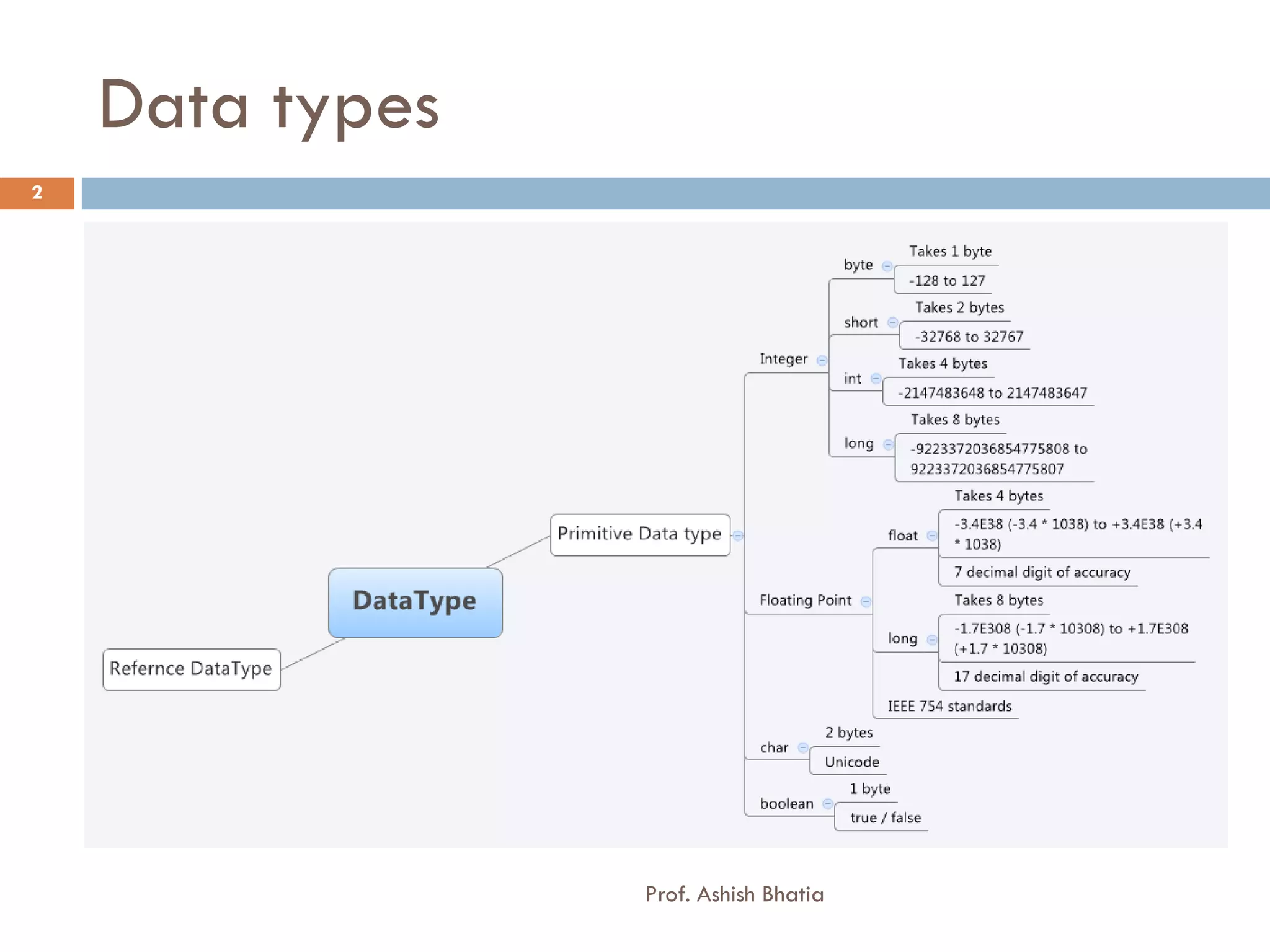
Data types
2


                 Prof. Ashish Bhatia
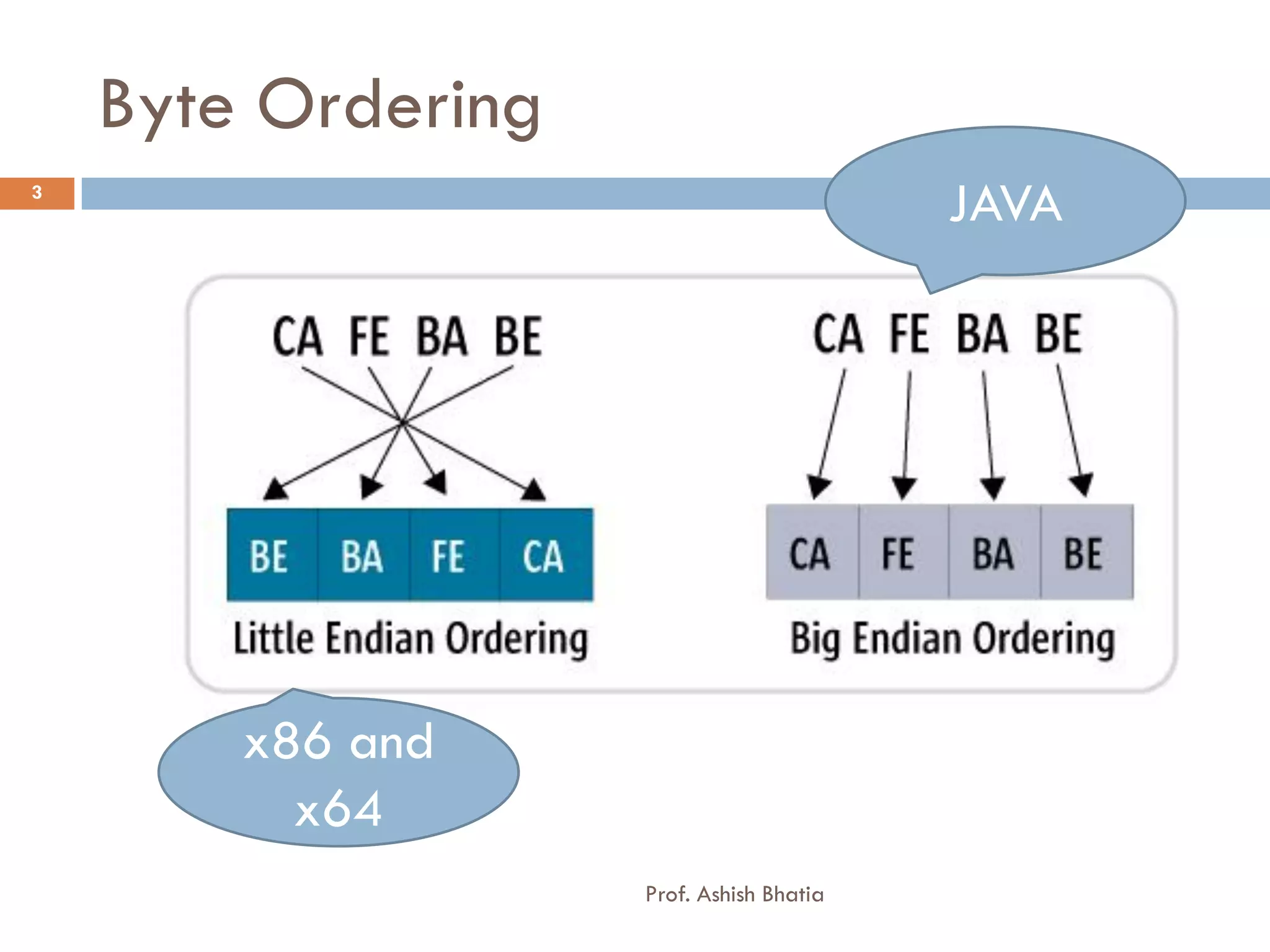
Byte Ordering
3
                                          JAVA


        x86 and
          x64
                    Prof. Ashish Bhatia
Floating Points - float
4


       Float [ 8byte = 64 bits]
       123.45 ? What is exponent and Significand
         31 – Sign Bit [ 1 bit ]
         23-30 – Exponent Field [ 8 bit ]

         0-22 - Significand [23 bit]


                                   Prof. Ashish Bhatia
Floating Points
5


       Float [ 4byte = 32 bits]
           Bits 30-23                 Bits 0-22 Significand
           Exponent

    0 1 1 1 1 1 1 1 1 0 0 0 0 0 0 0 0 0 0 0 0 0 0 0 0 0 0 0 0 0 0 0


           Bits 30-23                 Bits 0-22 Significand
           Exponent

    1 1 1 1 1 1 1 1 1 0 0 0 0 0 0 0 0 0 0 0 0 0 0 0 0 0 0 0 0 0 0 0


           Bits 30-23                 Bits 0-22 Significand
           Exponent

    1 1 1 1 1 1 1 1 1                 Any Non – zero value
                                   Prof. Ashish Bhatia
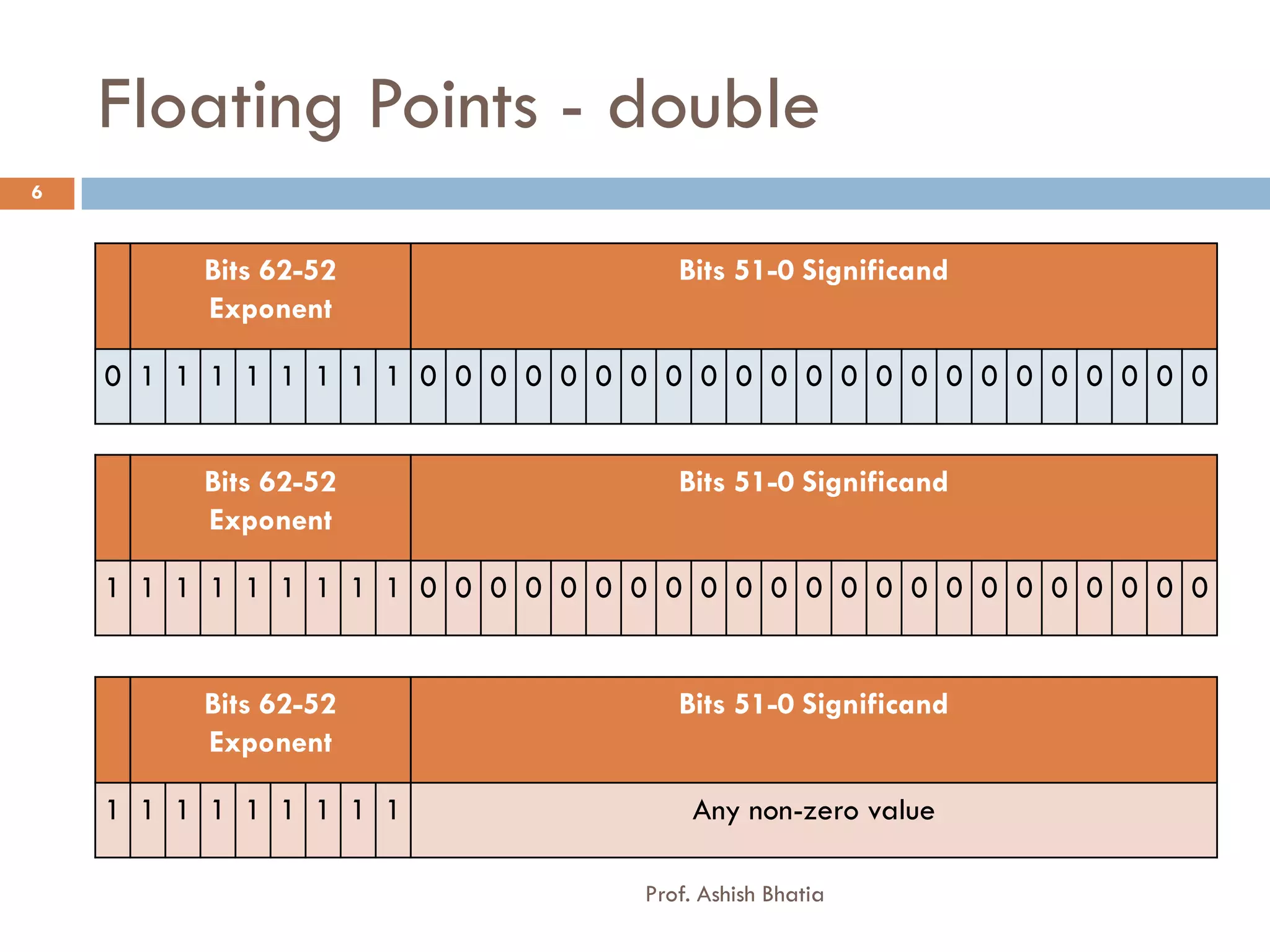
Floating Points - double
6


         Bits 62-52                  Bits 51-0 Significand
         Exponent

    0 1 1 1 1 1 1 1 1 0 0 0 0 0 0 0 0 0 0 0 0 0 0 0 0 0 0 0 0 0 0 0


         Bits 62-52                  Bits 51-0 Significand
         Exponent

    1 1 1 1 1 1 1 1 1 0 0 0 0 0 0 0 0 0 0 0 0 0 0 0 0 0 0 0 0 0 0 0


         Bits 62-52                  Bits 51-0 Significand
         Exponent

    1 1 1 1 1 1 1 1 1                  Any non-zero value

                                  Prof. Ashish Bhatia
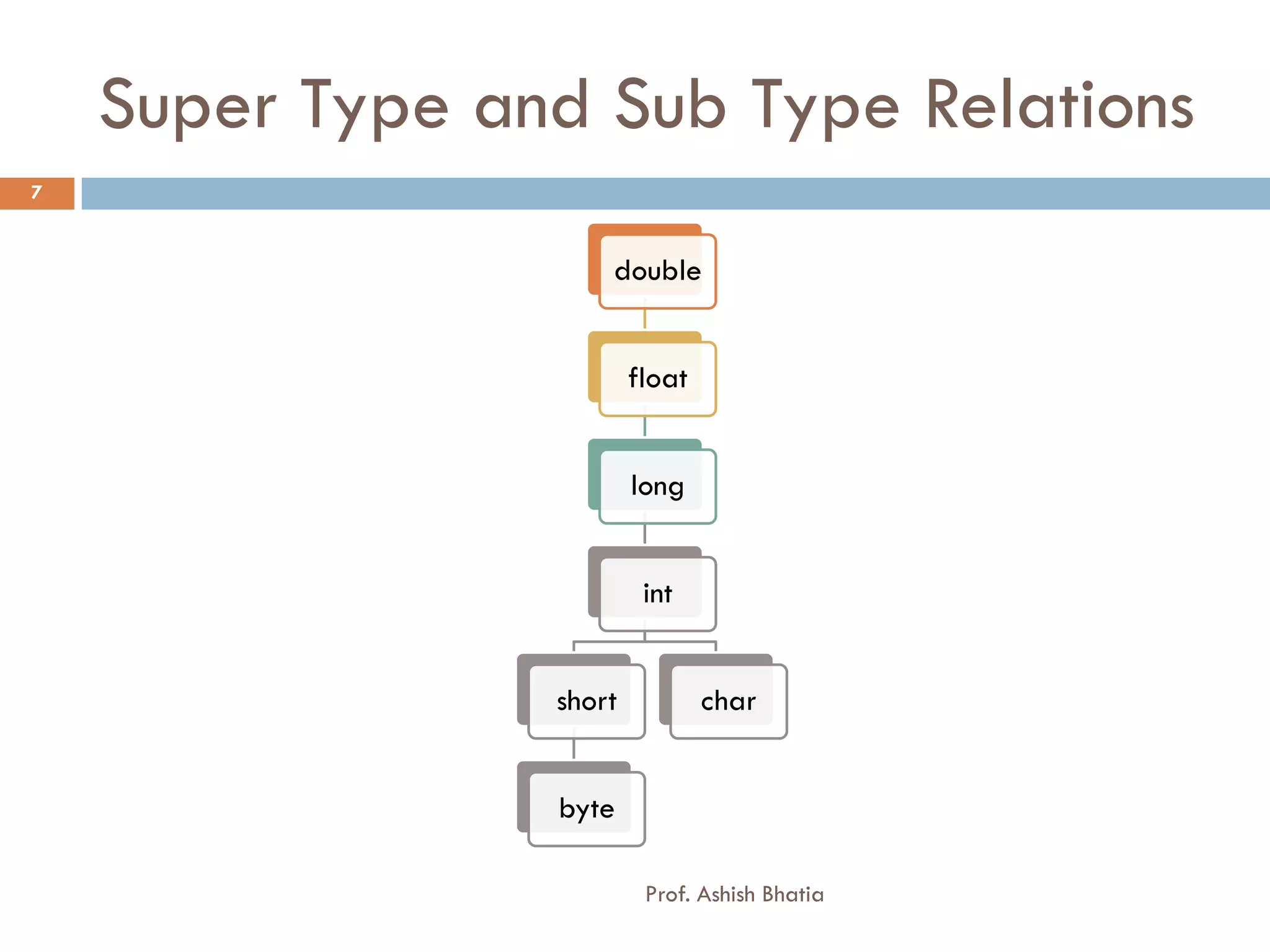
Super Type and Sub Type Relations
7


                     double


                         float


                         long


                          int


                 short           char


                 byte

                          Prof. Ashish Bhatia
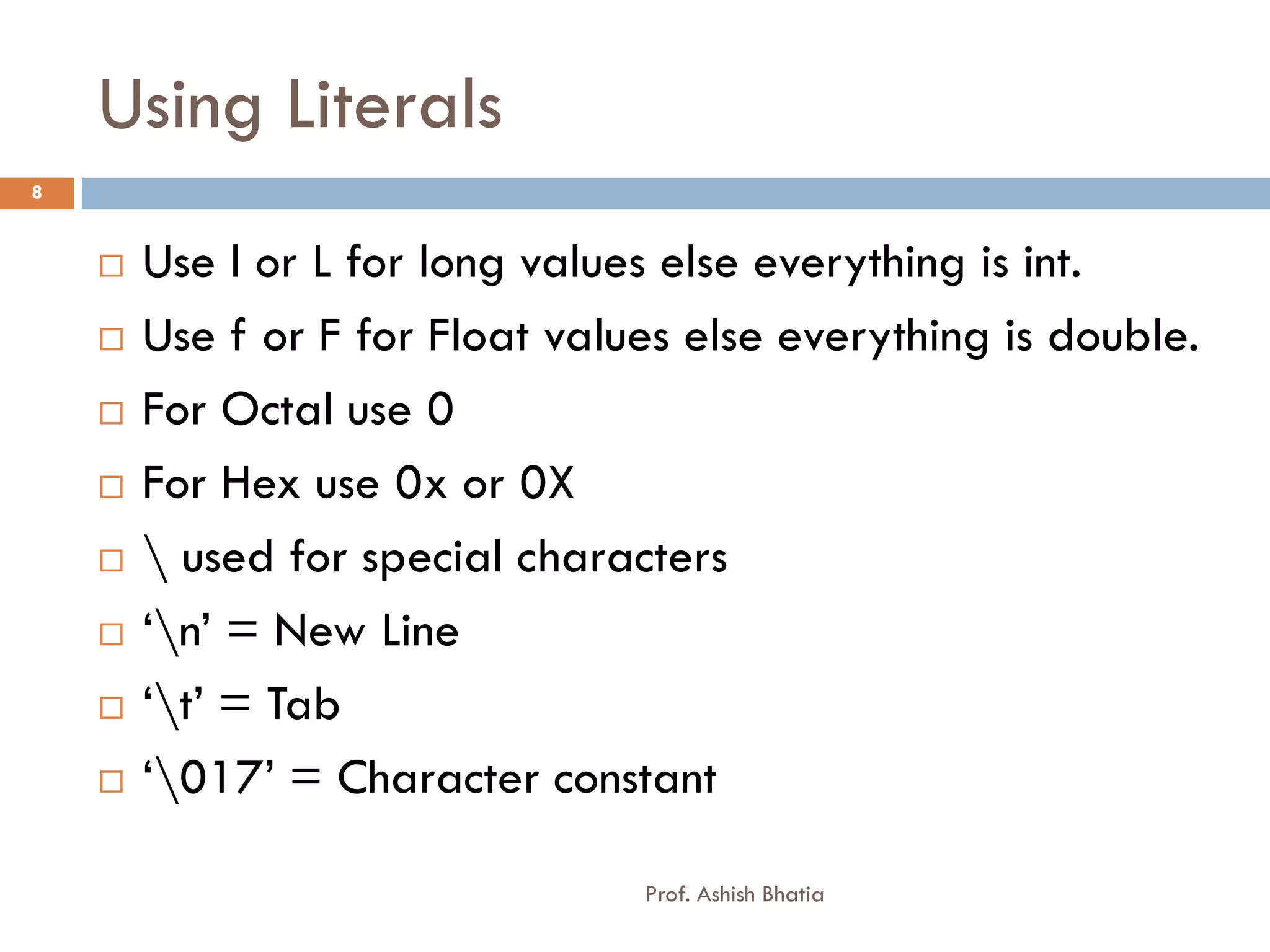
Using Literals
8


       Use l or L for long values else everything is int.
       Use f or F for Float values else everything is double.
       For Octal use 0
       For Hex use 0x or 0X
        used for special characters
       ‘n’ = New Line
       ‘t’ = Tab
       ‘017’ = Character constant

                                 Prof. Ashish Bhatia
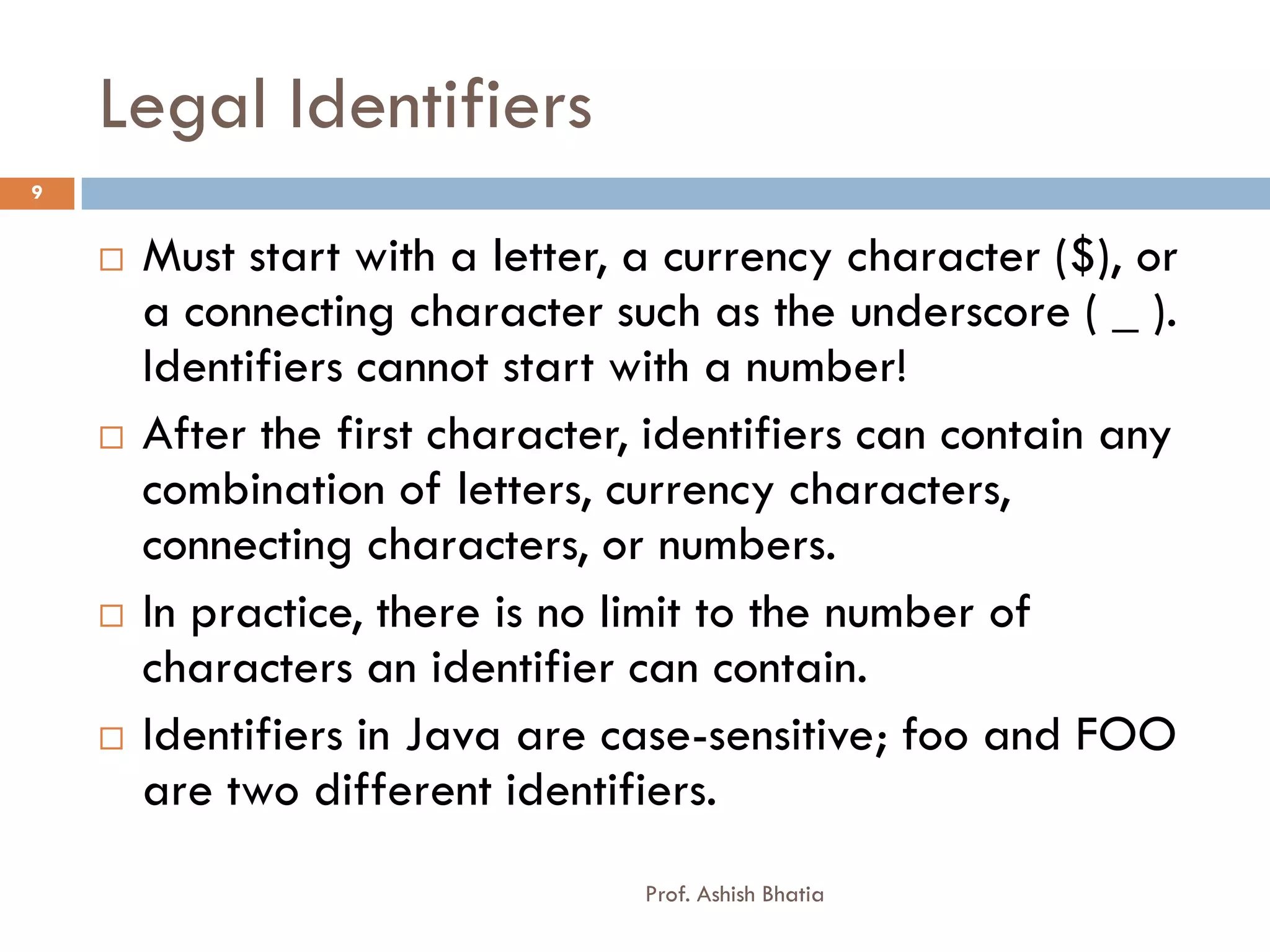
Legal Identifiers
9


       Must start with a letter, a currency character ($), or
        a connecting character such as the underscore ( _ ).
        Identifiers cannot start with a number!
       After the first character, identifiers can contain any
        combination of letters, currency characters,
        connecting characters, or numbers.
       In practice, there is no limit to the number of
        characters an identifier can contain.
       Identifiers in Java are case-sensitive; foo and FOO
        are two different identifiers.
                                  Prof. Ashish Bhatia
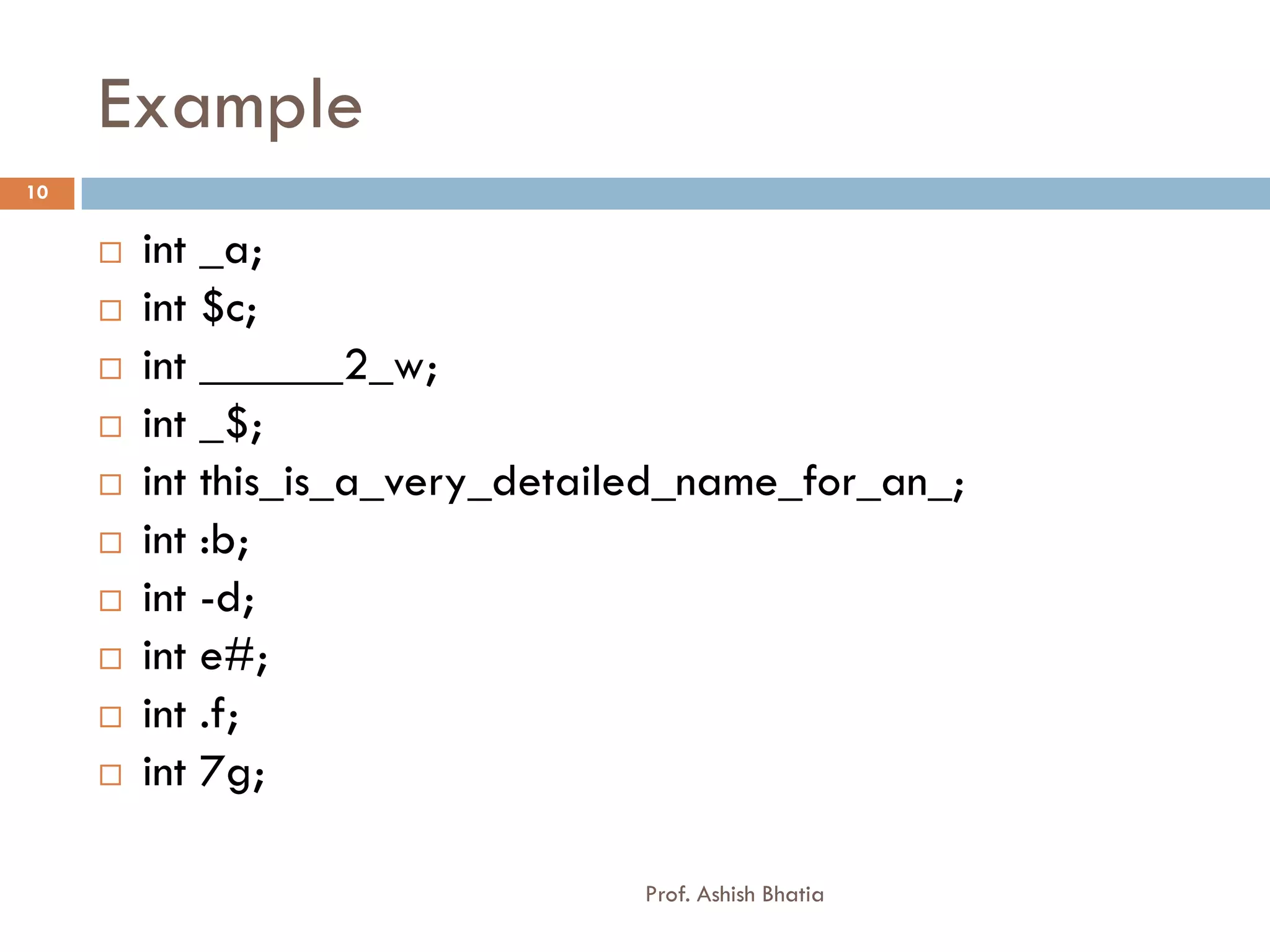
Example
10


        int _a;
        int $c;
        int ______2_w;
        int _$;
        int this_is_a_very_detailed_name_for_an_;
        int :b;
        int -d;
        int e#;
        int .f;
        int 7g;

                                  Prof. Ashish Bhatia
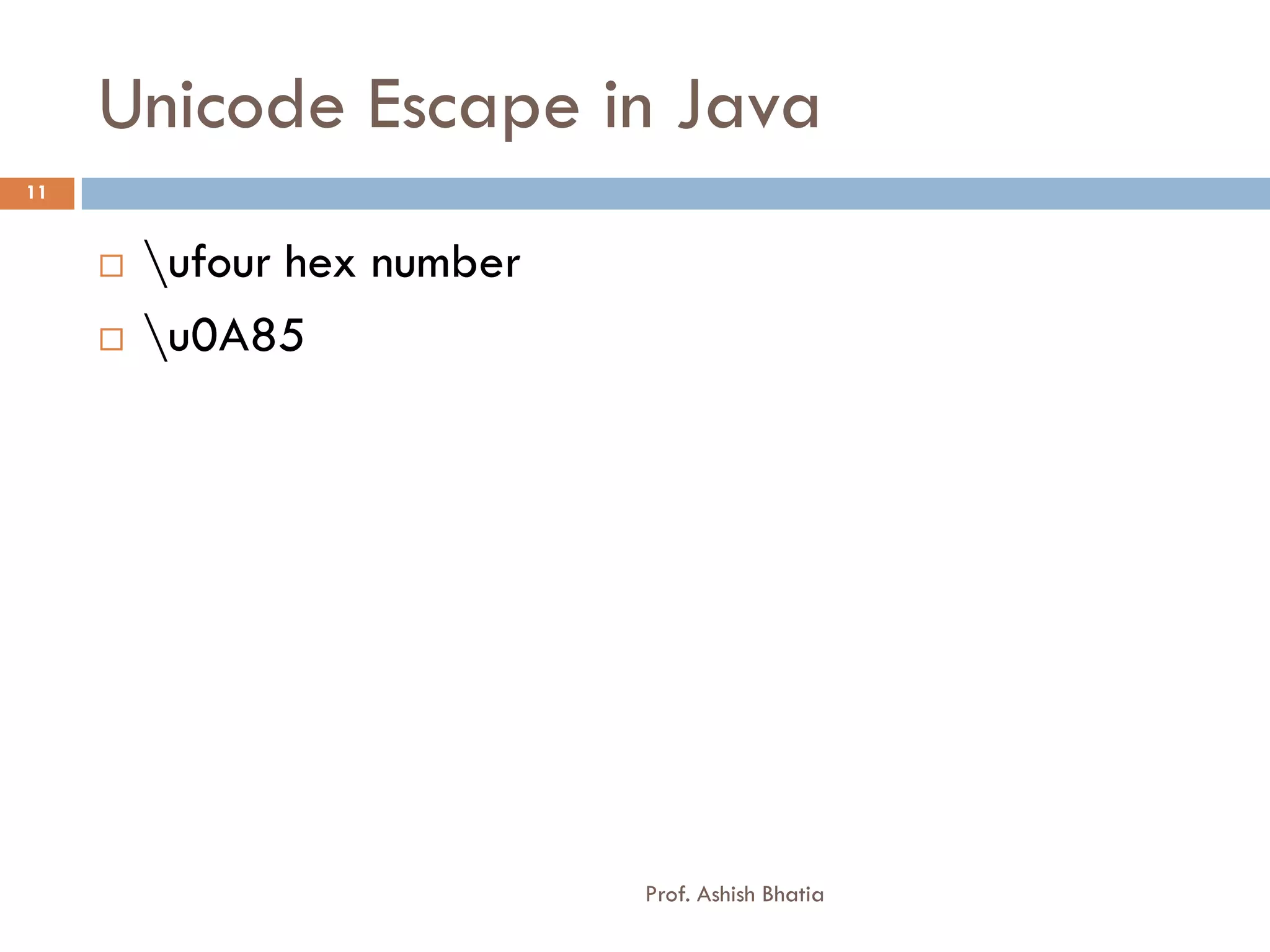
Unicode Escape in Java
11


        ufour hex number
        u0A85


                             Prof. Ashish Bhatia
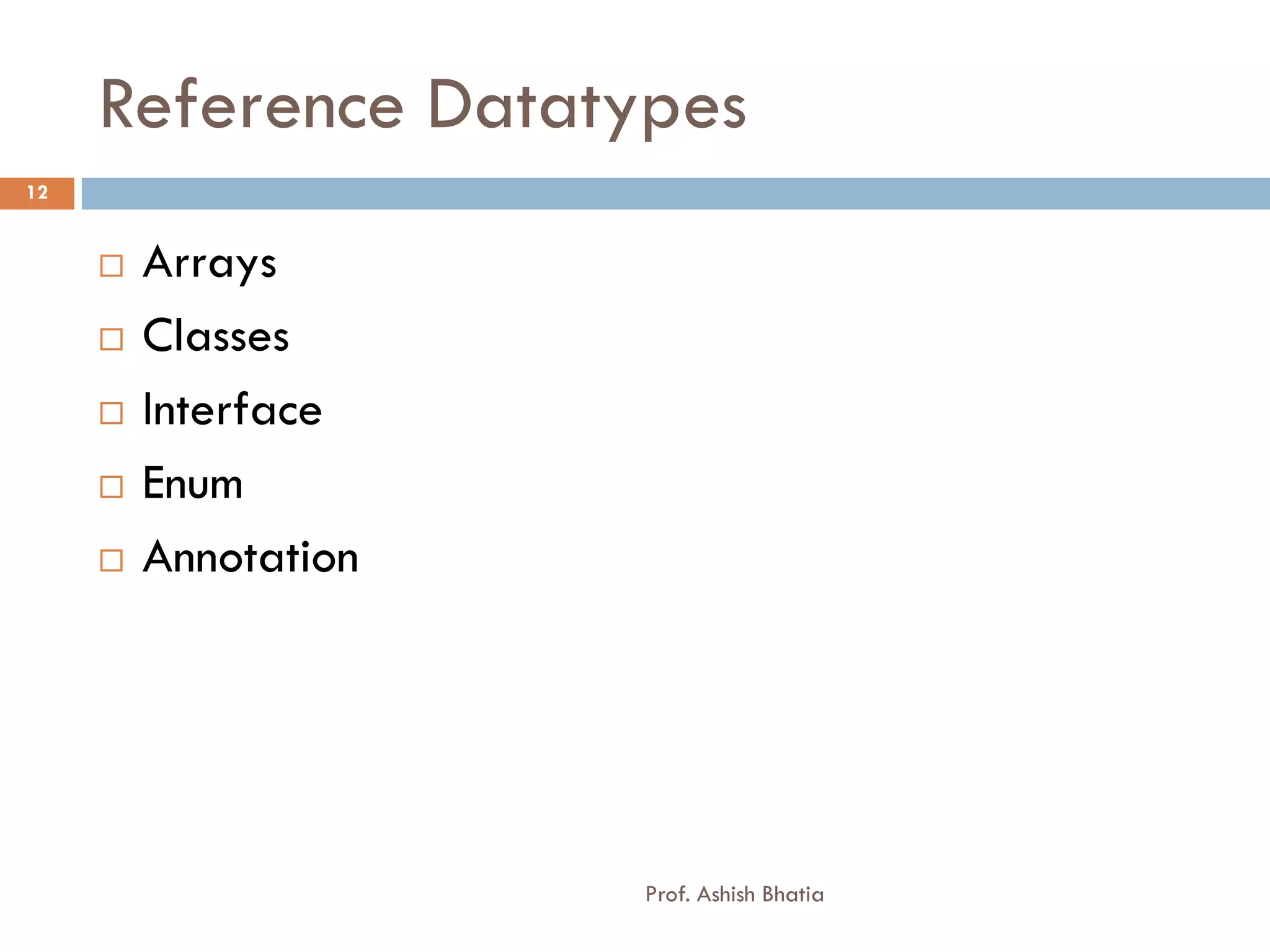
Reference Datatypes
12


        Arrays
        Classes
        Interface
        Enum
        Annotation


                      Prof. Ashish Bhatia
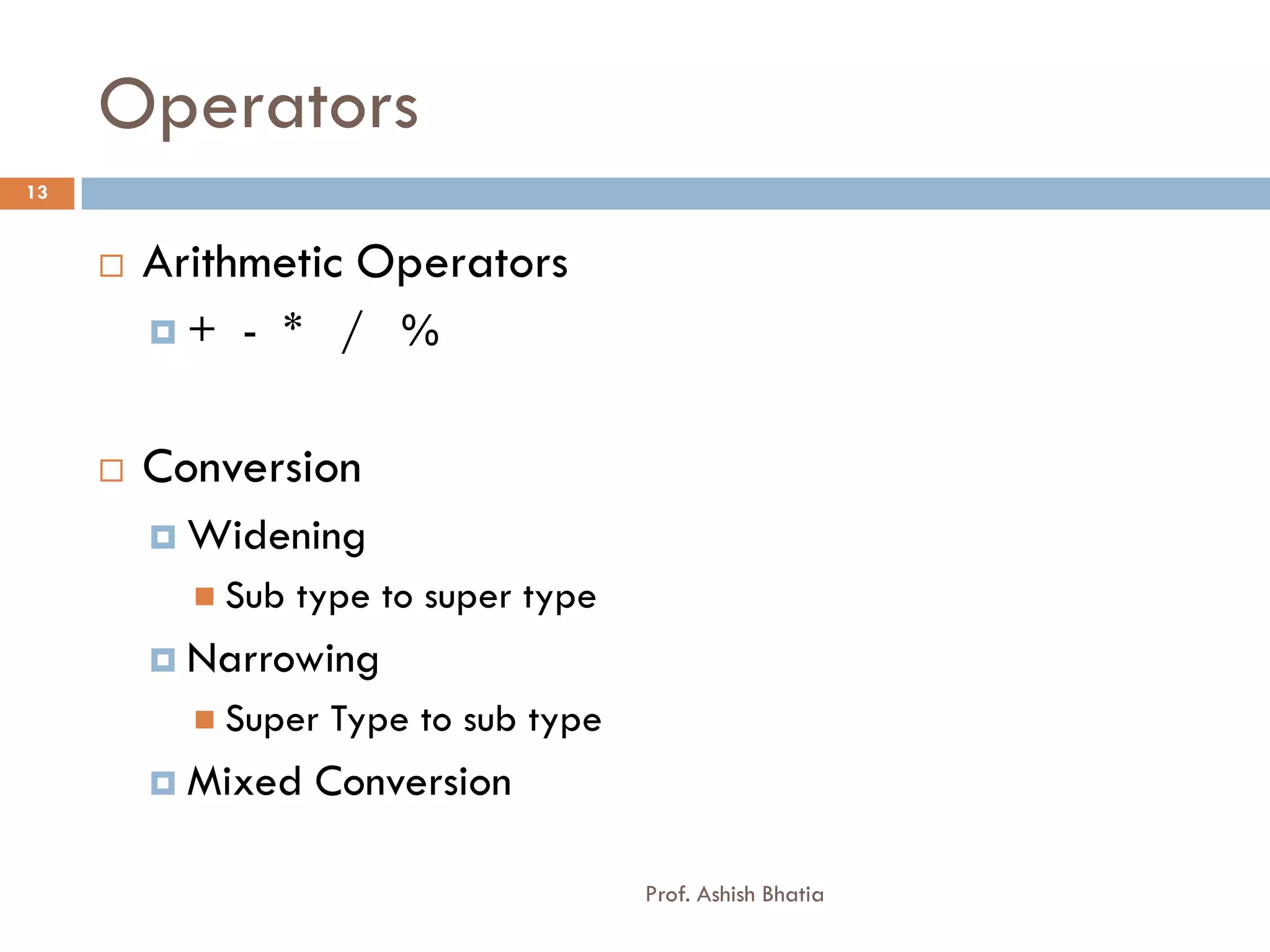
Operators
13


        Arithmetic Operators
         +   - * / %


        Conversion
          Widening
            Sub   type to super type
          Narrowing
            Super   Type to sub type
          Mixed    Conversion

                                        Prof. Ashish Bhatia
Operators
14


        Unary + and –
        String Concatenation


                                Prof. Ashish Bhatia
Operator
15


        Relational Operator
            < > <= >= ==      !=
        Logical Operator
            & | ^ !   && ||
        Bitwise Operator
            & | ^ ~   << >> >>>
        Increment and Decrement Operator [ ++ , -- ]
        Conditional Operator (? : )
        Assignment Operator
        instanceof
        new
                                    Prof. Ashish Bhatia
Example
16


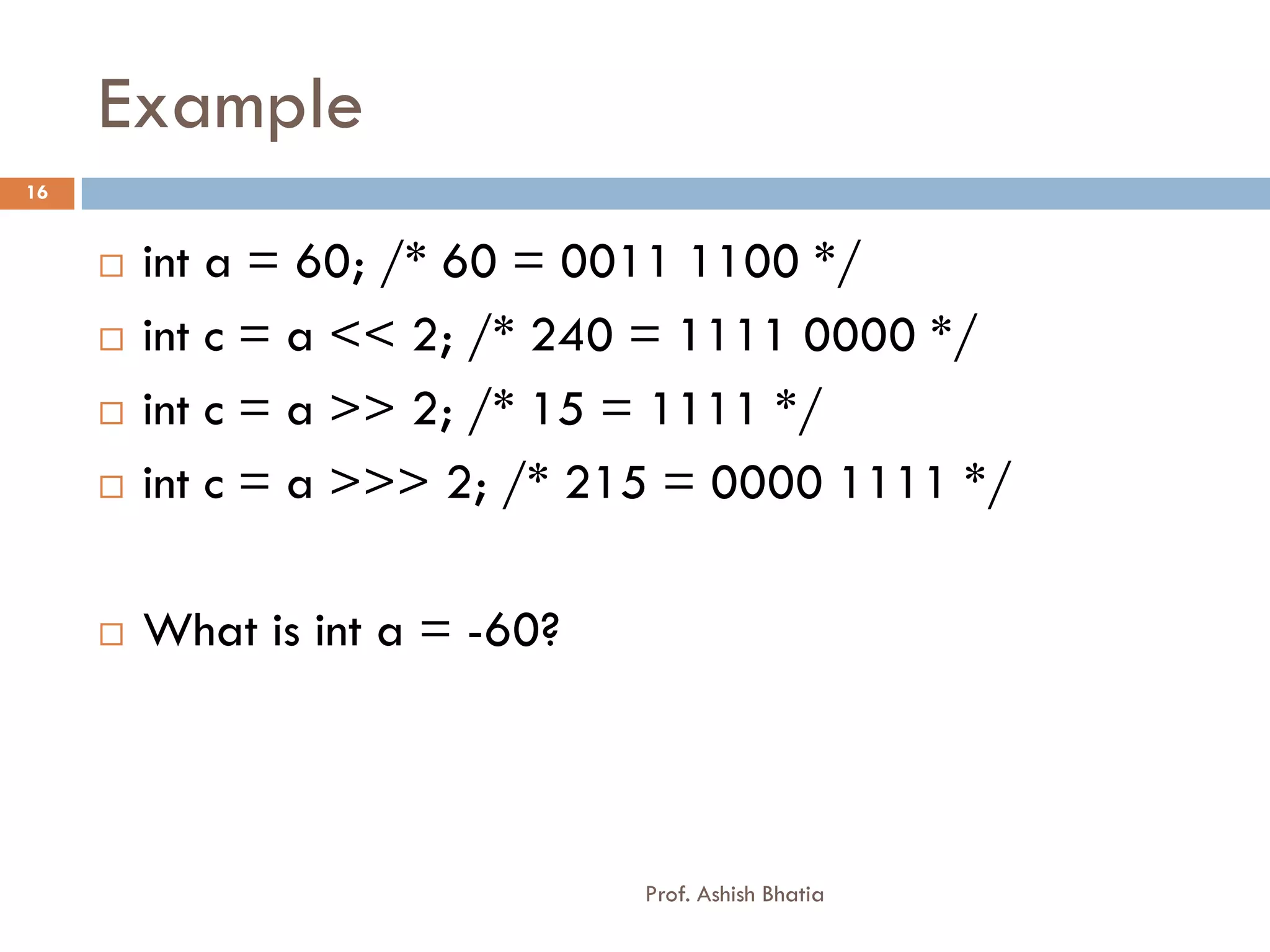
        int a = 60; /* 60 = 0011 1100 */
        int c = a << 2; /* 240 = 1111 0000 */
        int c = a >> 2; /* 15 = 1111 */
        int c = a >>> 2; /* 215 = 0000 1111 */

        What is int a = -60?


                                Prof. Ashish Bhatia
Statements
17


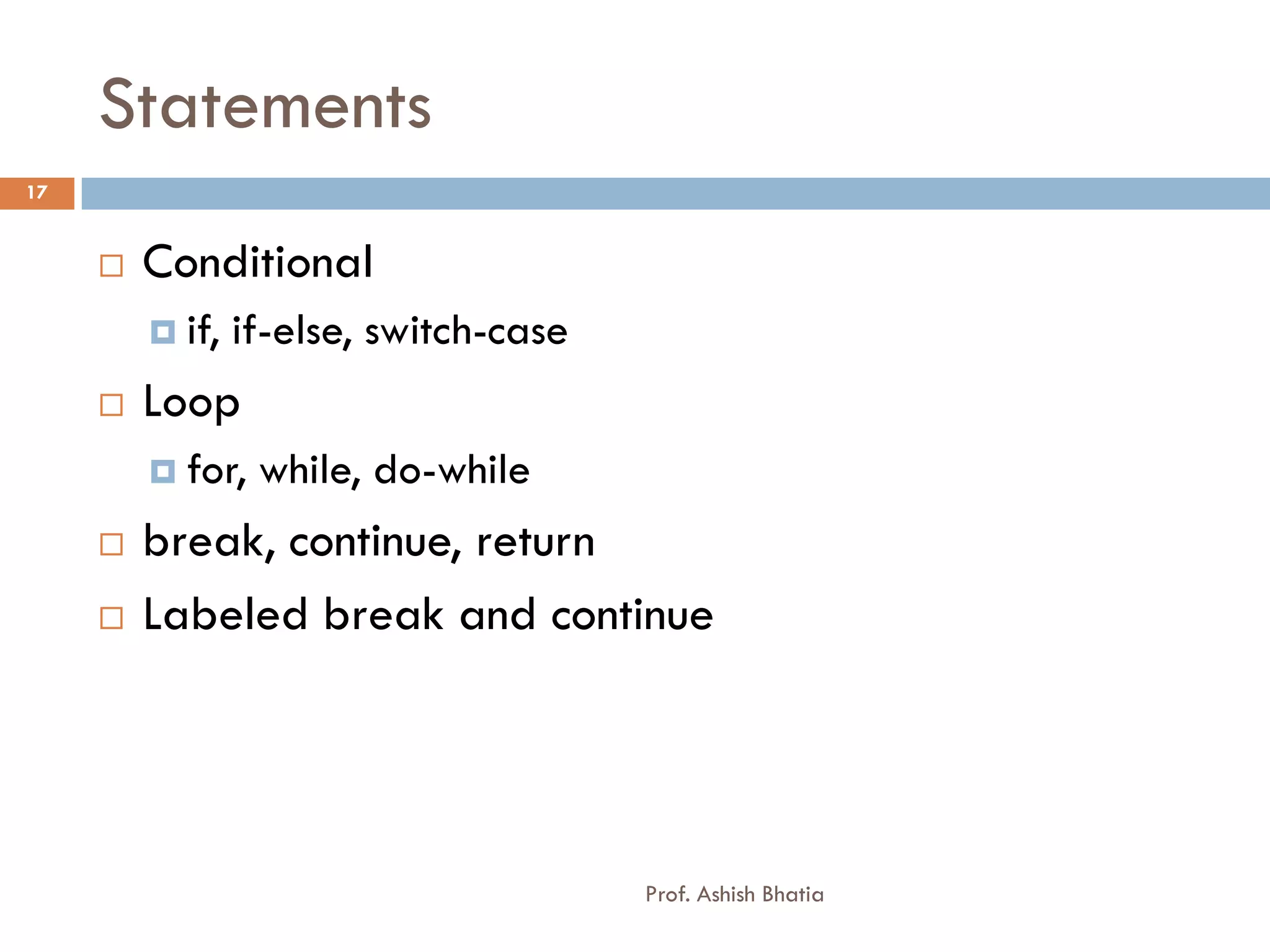
        Conditional
          if,   if-else, switch-case
        Loop
          for,   while, do-while
        break, continue, return
        Labeled break and continue


                                        Prof. Ashish Bhatia
Brain Teasing Exercise
18


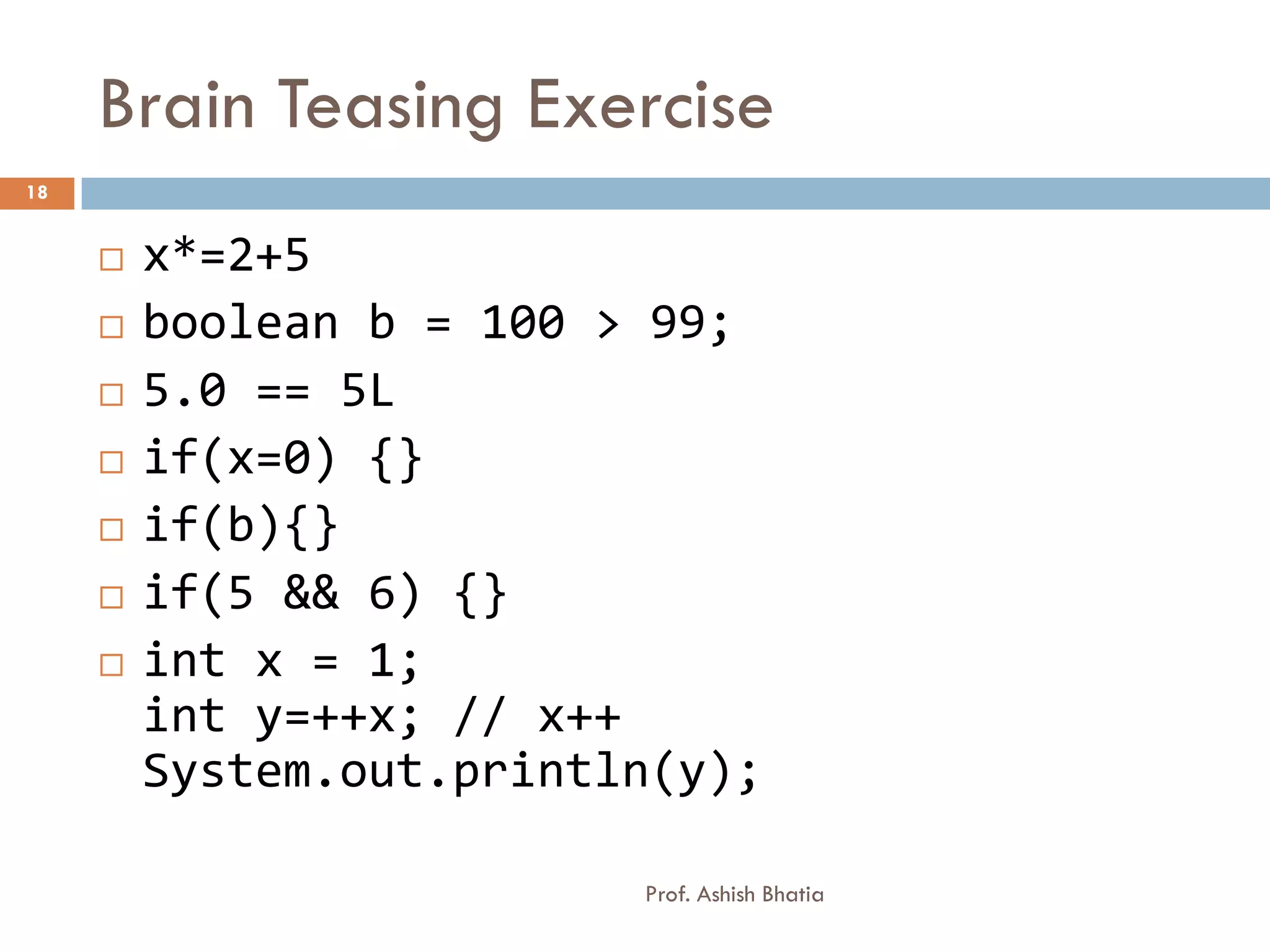
        x*=2+5
        boolean b = 100 > 99;
        5.0 == 5L
        if(x=0) {}
        if(b){}
        if(5 && 6) {}
        int x = 1;
         int y=++x; // x++
         System.out.println(y);

                          Prof. Ashish Bhatia
Output
19


        class Test{
         public static void main(String[] args) {
         int i = 42;
         String s =
         (i<40)?"life":(i>50)?"universe":"everyth
         ing";
         System.out.println(s);
         }
     }

                            Prof. Ashish Bhatia
Output
20


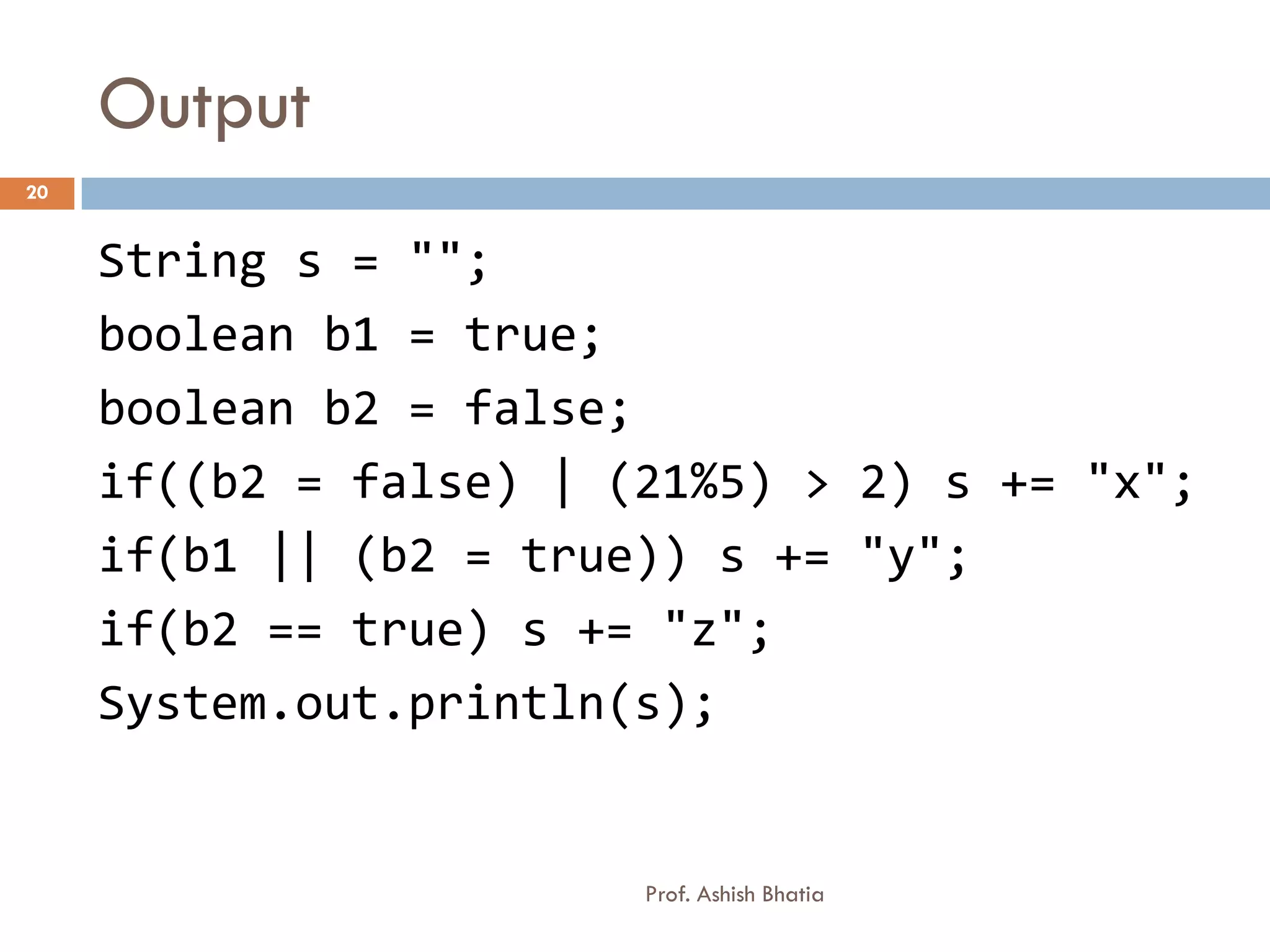
     String s = "";
     boolean b1 = true;
     boolean b2 = false;
     if((b2 = false) | (21%5) > 2) s += "x";
     if(b1 || (b2 = true)) s += "y";
     if(b2 == true) s += "z";
     System.out.println(s);


                        Prof. Ashish Bhatia
More on Arrays
21


        int [] array; // recommended
        int array[];
        int [5] array; // ERROR
        Declaring an Array
        Constructing an Array
        int array[] = new Array[]
        int array[] = {1,2,3}
        int z[] = new int[] {1,2,3}
        int z[] = new int[3] {1,2,3}
                          Prof. Ashish Bhatia
Getting user input
22

     import java.util.Scanner;
     class Scan
     {
       public static void main(String args[])
       {
           Scanner s = new Scanner(System.in);
           int x = s.nextInt();
           System.out.println(x);
           x = s.nextInt();
           System.out.println(x);
       }
     }

                              Prof. Ashish Bhatia

Data types and operators and statements

  • 1.
    DATA TYPES ANDOPERATORS AND STATEMENTS
  • 2.
    Data types 2 Prof. Ashish Bhatia
  • 3.
    Byte Ordering 3 JAVA x86 and x64 Prof. Ashish Bhatia
  • 4.
    Floating Points -float 4  Float [ 8byte = 64 bits]  123.45 ? What is exponent and Significand  31 – Sign Bit [ 1 bit ]  23-30 – Exponent Field [ 8 bit ]  0-22 - Significand [23 bit] Prof. Ashish Bhatia
  • 5.
    Floating Points 5  Float [ 4byte = 32 bits] Bits 30-23 Bits 0-22 Significand Exponent 0 1 1 1 1 1 1 1 1 0 0 0 0 0 0 0 0 0 0 0 0 0 0 0 0 0 0 0 0 0 0 0 Bits 30-23 Bits 0-22 Significand Exponent 1 1 1 1 1 1 1 1 1 0 0 0 0 0 0 0 0 0 0 0 0 0 0 0 0 0 0 0 0 0 0 0 Bits 30-23 Bits 0-22 Significand Exponent 1 1 1 1 1 1 1 1 1 Any Non – zero value Prof. Ashish Bhatia
  • 6.
    Floating Points -double 6 Bits 62-52 Bits 51-0 Significand Exponent 0 1 1 1 1 1 1 1 1 0 0 0 0 0 0 0 0 0 0 0 0 0 0 0 0 0 0 0 0 0 0 0 Bits 62-52 Bits 51-0 Significand Exponent 1 1 1 1 1 1 1 1 1 0 0 0 0 0 0 0 0 0 0 0 0 0 0 0 0 0 0 0 0 0 0 0 Bits 62-52 Bits 51-0 Significand Exponent 1 1 1 1 1 1 1 1 1 Any non-zero value Prof. Ashish Bhatia
  • 7.
    Super Type andSub Type Relations 7 double float long int short char byte Prof. Ashish Bhatia
  • 8.
    Using Literals 8  Use l or L for long values else everything is int.  Use f or F for Float values else everything is double.  For Octal use 0  For Hex use 0x or 0X  used for special characters  ‘n’ = New Line  ‘t’ = Tab  ‘017’ = Character constant Prof. Ashish Bhatia
  • 9.
    Legal Identifiers 9  Must start with a letter, a currency character ($), or a connecting character such as the underscore ( _ ). Identifiers cannot start with a number!  After the first character, identifiers can contain any combination of letters, currency characters, connecting characters, or numbers.  In practice, there is no limit to the number of characters an identifier can contain.  Identifiers in Java are case-sensitive; foo and FOO are two different identifiers. Prof. Ashish Bhatia
  • 10.
    Example 10  int _a;  int $c;  int ______2_w;  int _$;  int this_is_a_very_detailed_name_for_an_;  int :b;  int -d;  int e#;  int .f;  int 7g; Prof. Ashish Bhatia
  • 11.
    Unicode Escape inJava 11  ufour hex number  u0A85 Prof. Ashish Bhatia
  • 12.
    Reference Datatypes 12  Arrays  Classes  Interface  Enum  Annotation Prof. Ashish Bhatia
  • 13.
    Operators 13  Arithmetic Operators + - * / %  Conversion  Widening  Sub type to super type  Narrowing  Super Type to sub type  Mixed Conversion Prof. Ashish Bhatia
  • 14.
    Operators 14  Unary + and –  String Concatenation Prof. Ashish Bhatia
  • 15.
    Operator 15  Relational Operator  < > <= >= == !=  Logical Operator  & | ^ ! && ||  Bitwise Operator  & | ^ ~ << >> >>>  Increment and Decrement Operator [ ++ , -- ]  Conditional Operator (? : )  Assignment Operator  instanceof  new Prof. Ashish Bhatia
  • 16.
    Example 16  int a = 60; /* 60 = 0011 1100 */  int c = a << 2; /* 240 = 1111 0000 */  int c = a >> 2; /* 15 = 1111 */  int c = a >>> 2; /* 215 = 0000 1111 */  What is int a = -60? Prof. Ashish Bhatia
  • 17.
    Statements 17  Conditional  if, if-else, switch-case  Loop  for, while, do-while  break, continue, return  Labeled break and continue Prof. Ashish Bhatia
  • 18.
    Brain Teasing Exercise 18  x*=2+5  boolean b = 100 > 99;  5.0 == 5L  if(x=0) {}  if(b){}  if(5 && 6) {}  int x = 1; int y=++x; // x++ System.out.println(y); Prof. Ashish Bhatia
  • 19.
    Output 19  class Test{ public static void main(String[] args) { int i = 42; String s = (i<40)?"life":(i>50)?"universe":"everyth ing"; System.out.println(s); } } Prof. Ashish Bhatia
  • 20.
    Output 20 String s = ""; boolean b1 = true; boolean b2 = false; if((b2 = false) | (21%5) > 2) s += "x"; if(b1 || (b2 = true)) s += "y"; if(b2 == true) s += "z"; System.out.println(s); Prof. Ashish Bhatia
  • 21.
    More on Arrays 21  int [] array; // recommended  int array[];  int [5] array; // ERROR  Declaring an Array  Constructing an Array  int array[] = new Array[]  int array[] = {1,2,3}  int z[] = new int[] {1,2,3}  int z[] = new int[3] {1,2,3} Prof. Ashish Bhatia
  • 22.
    Getting user input 22 import java.util.Scanner; class Scan { public static void main(String args[]) { Scanner s = new Scanner(System.in); int x = s.nextInt(); System.out.println(x); x = s.nextInt(); System.out.println(x); } } Prof. Ashish Bhatia