By
Salamudeen Alhassan
 Introduce Programming with an Example
 Identifiers, Variables, and Constants
 Primitive Data Types
◦ byte, short, int, long, float, double, char, boolean
 Expressions
 Operators, Precedence, Associativity, Operand Evaluation
Order: ++, --, *, /, %, +=, -=, *=, /=, %=, ^, &, |, +, -,
 Getting Input from Input Dialog Boxes
 Case Studies (Computing Mortgage, and Computing
Changes)
 Style and Documentation Guidelines
 Syntax Errors, Runtime Errors, and Logic Errors
 An identifier is a sequence of characters that consist of
letters, digits, underscores (_), and dollar signs ($).
 An identifier must start with a letter, an underscore (_),
or a dollar sign ($). It cannot start with a digit.
 An identifier cannot be a reserved word. (See Appendix
A, “Java Keywords,” for a list of reserved words).
 An identifier cannot be true, false, or
null.
 An identifier can be of any length.
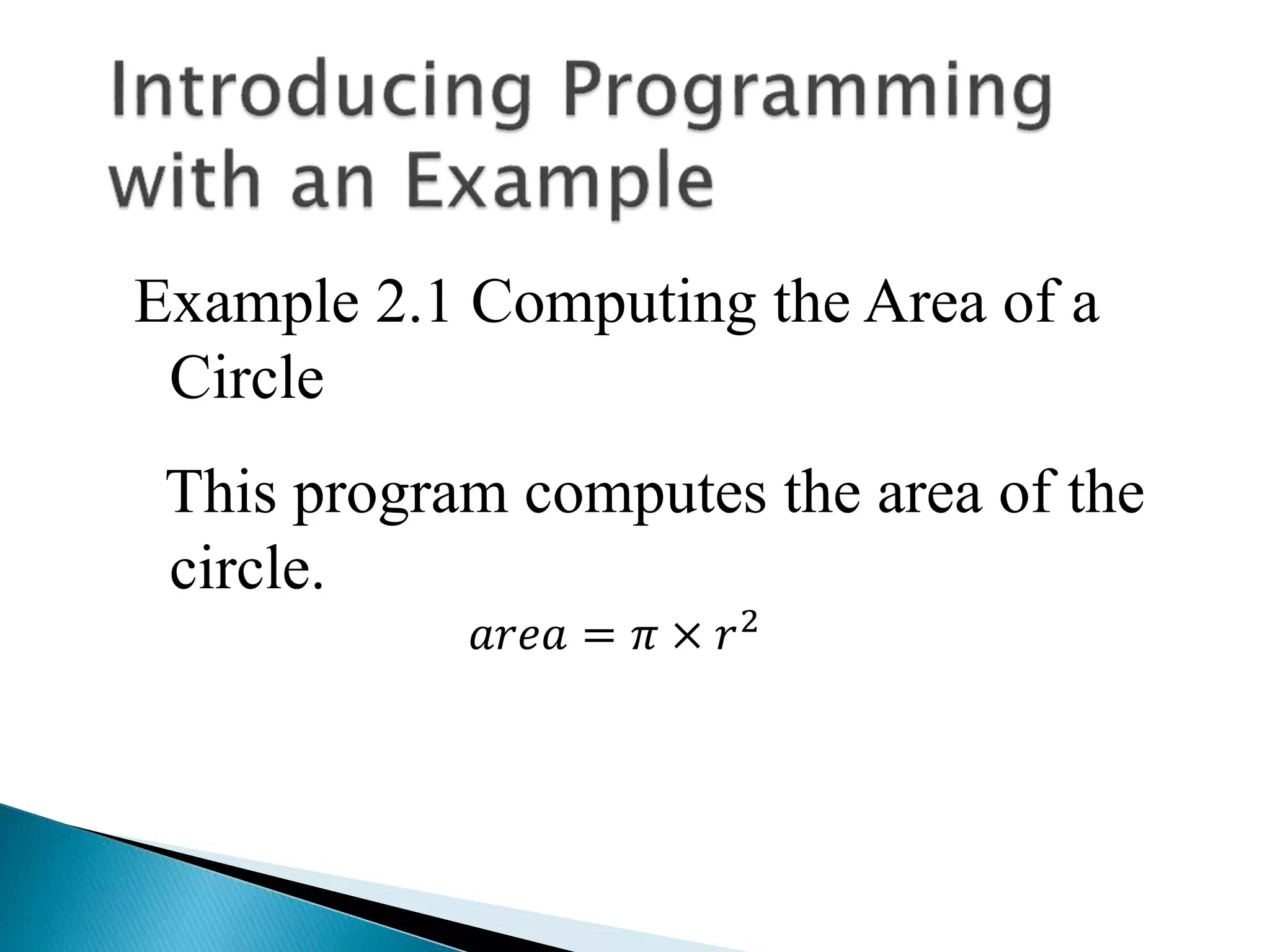
Example 2.1 Computing the Area of a
Circle
This program computes the area of the
circle.
𝑎𝑟𝑒𝑎 = 𝜋 × 𝑟2
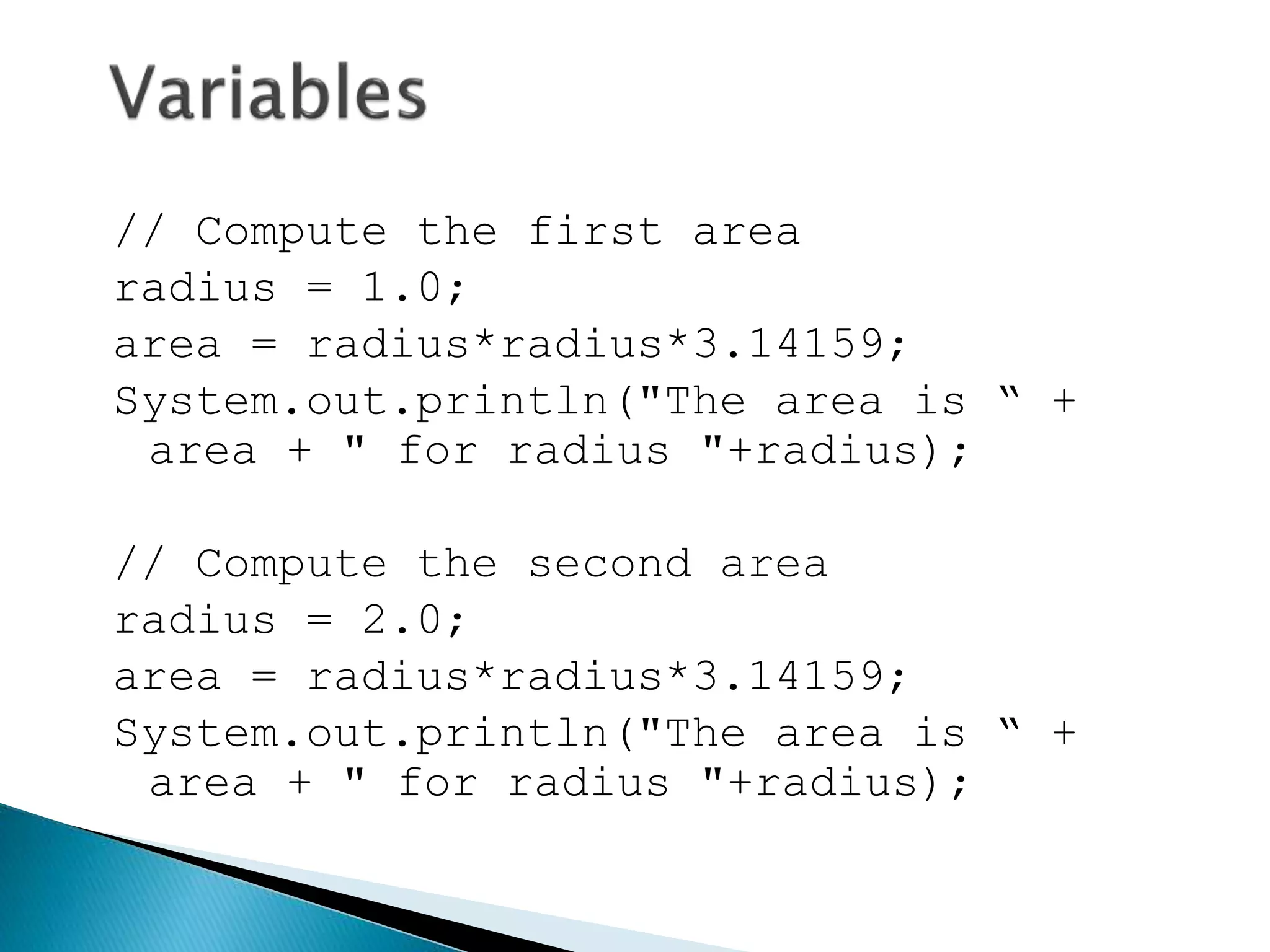
// Compute the first area
radius = 1.0;
area = radius*radius*3.14159;
System.out.println("The area is “ +
area + " for radius "+radius);
// Compute the second area
radius = 2.0;
area = radius*radius*3.14159;
System.out.println("The area is “ +
area + " for radius "+radius);
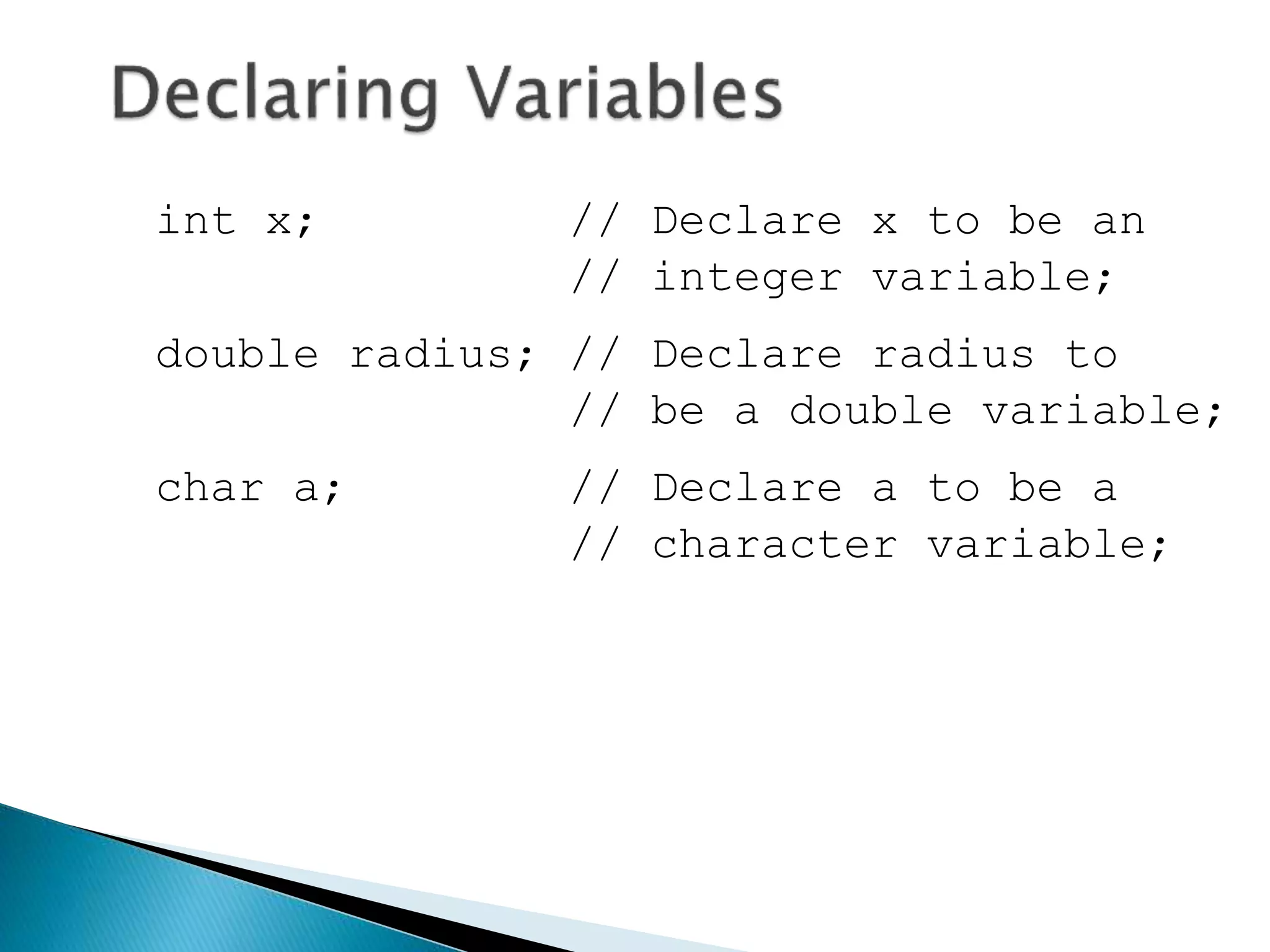
int x; // Declare x to be an
// integer variable;
double radius; // Declare radius to
// be a double variable;
char a; // Declare a to be a
// character variable;
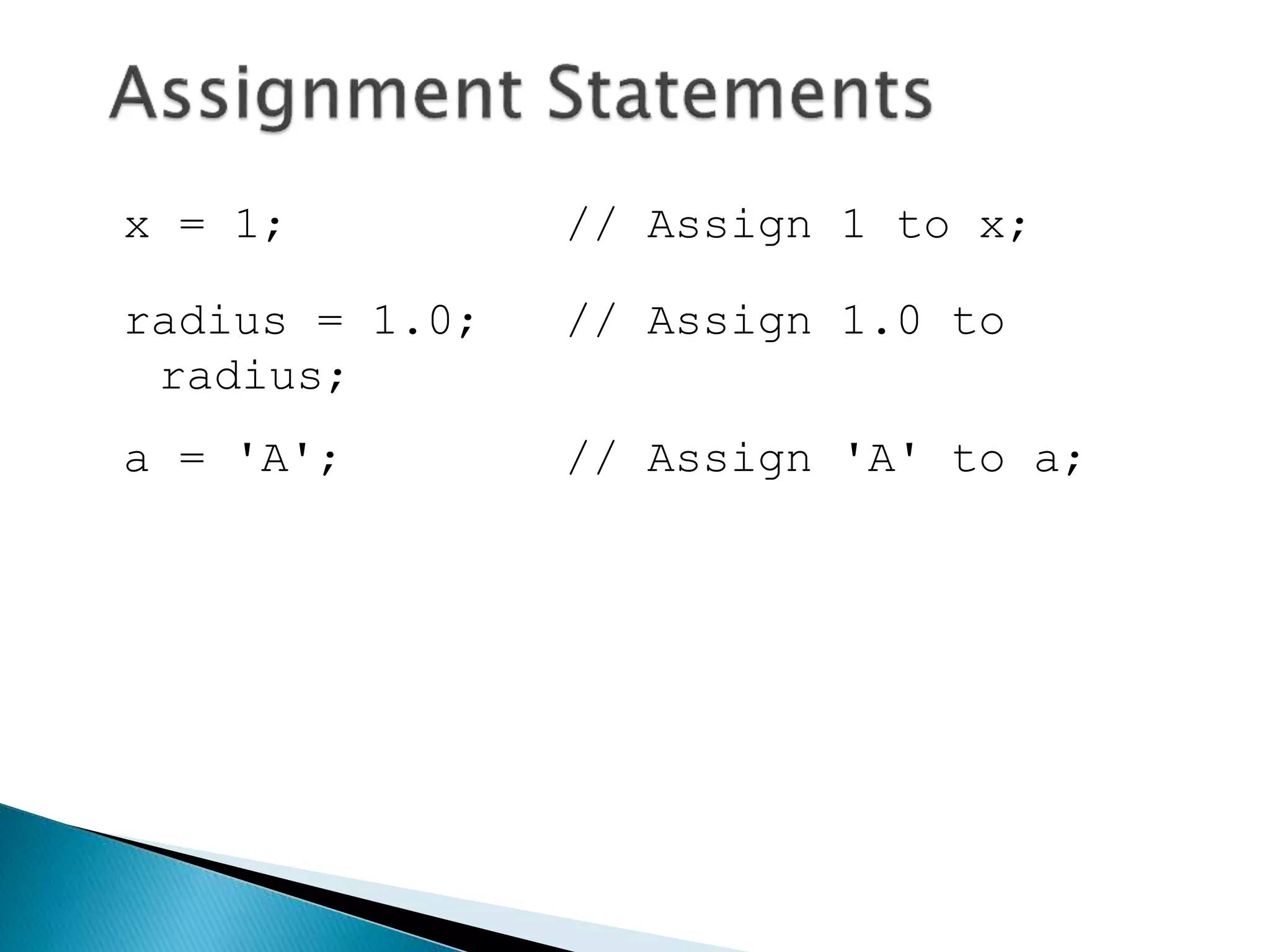
x = 1; // Assign 1 to x;
radius = 1.0; // Assign 1.0 to
radius;
a = 'A'; // Assign 'A' to a;
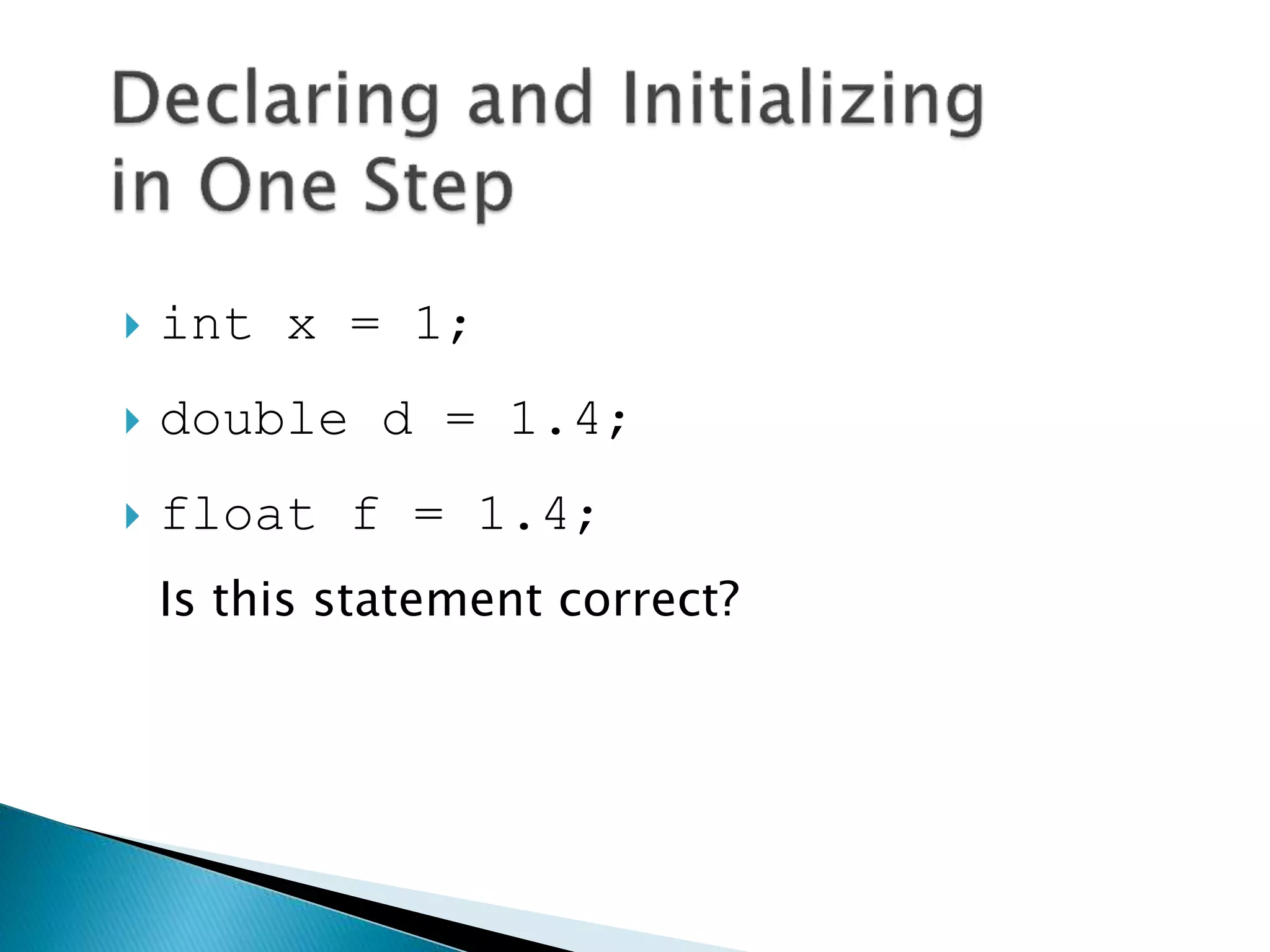
 int x = 1;
 double d = 1.4;
 float f = 1.4;
Is this statement correct?
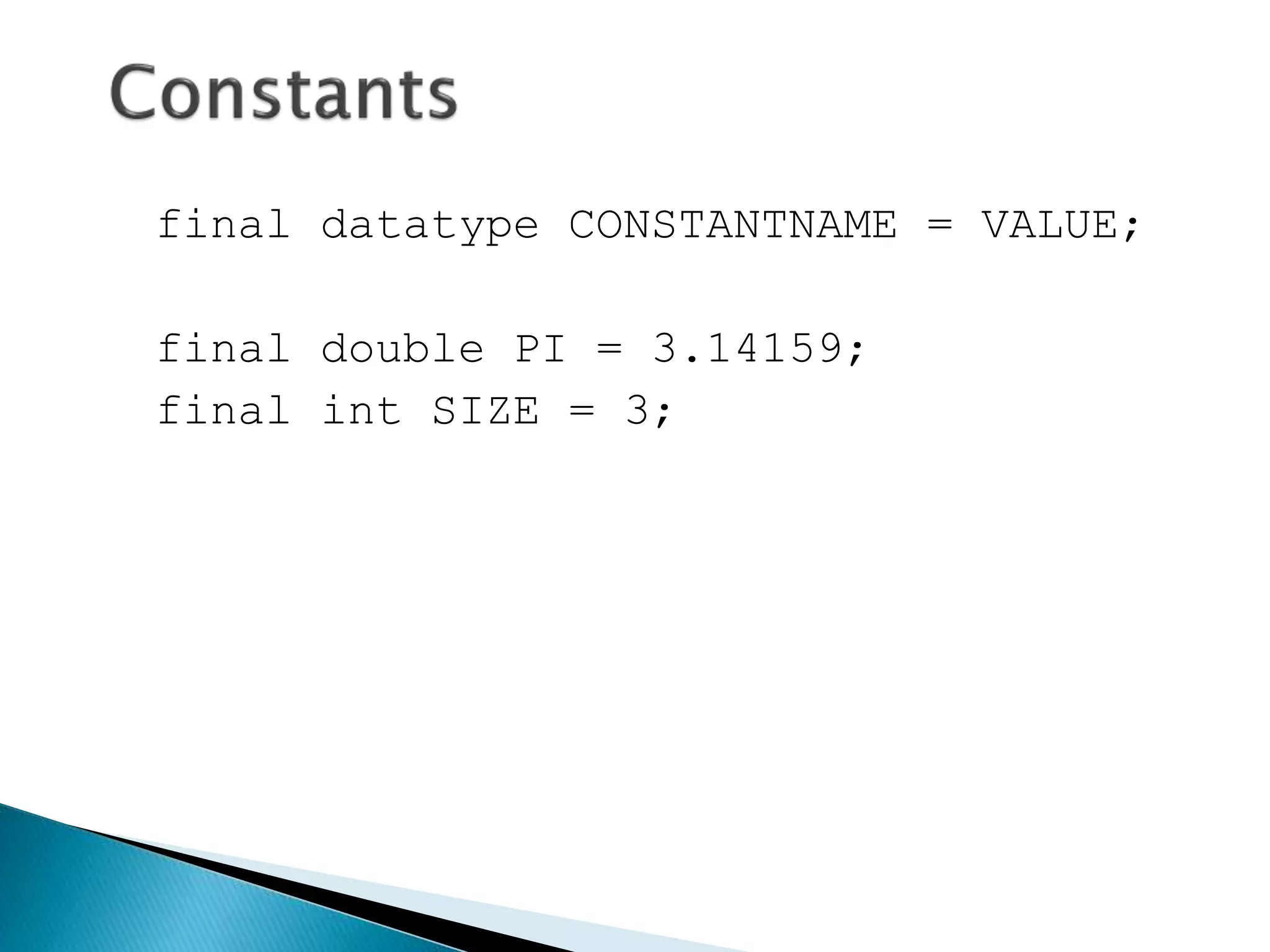
final datatype CONSTANTNAME = VALUE;
final double PI = 3.14159;
final int SIZE = 3;
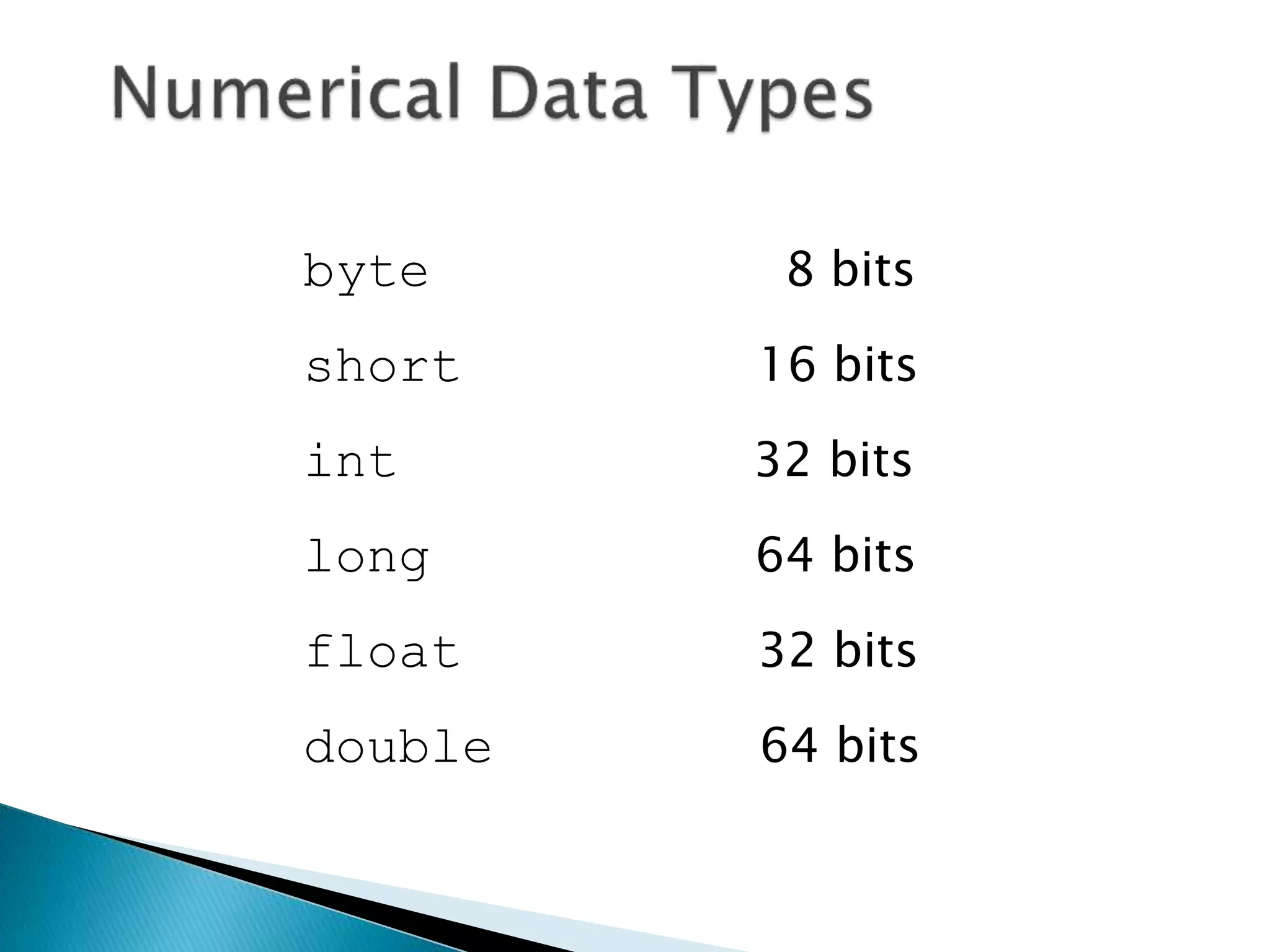
byte 8 bits
short 16 bits
int 32 bits
long 64 bits
float 32 bits
double 64 bits
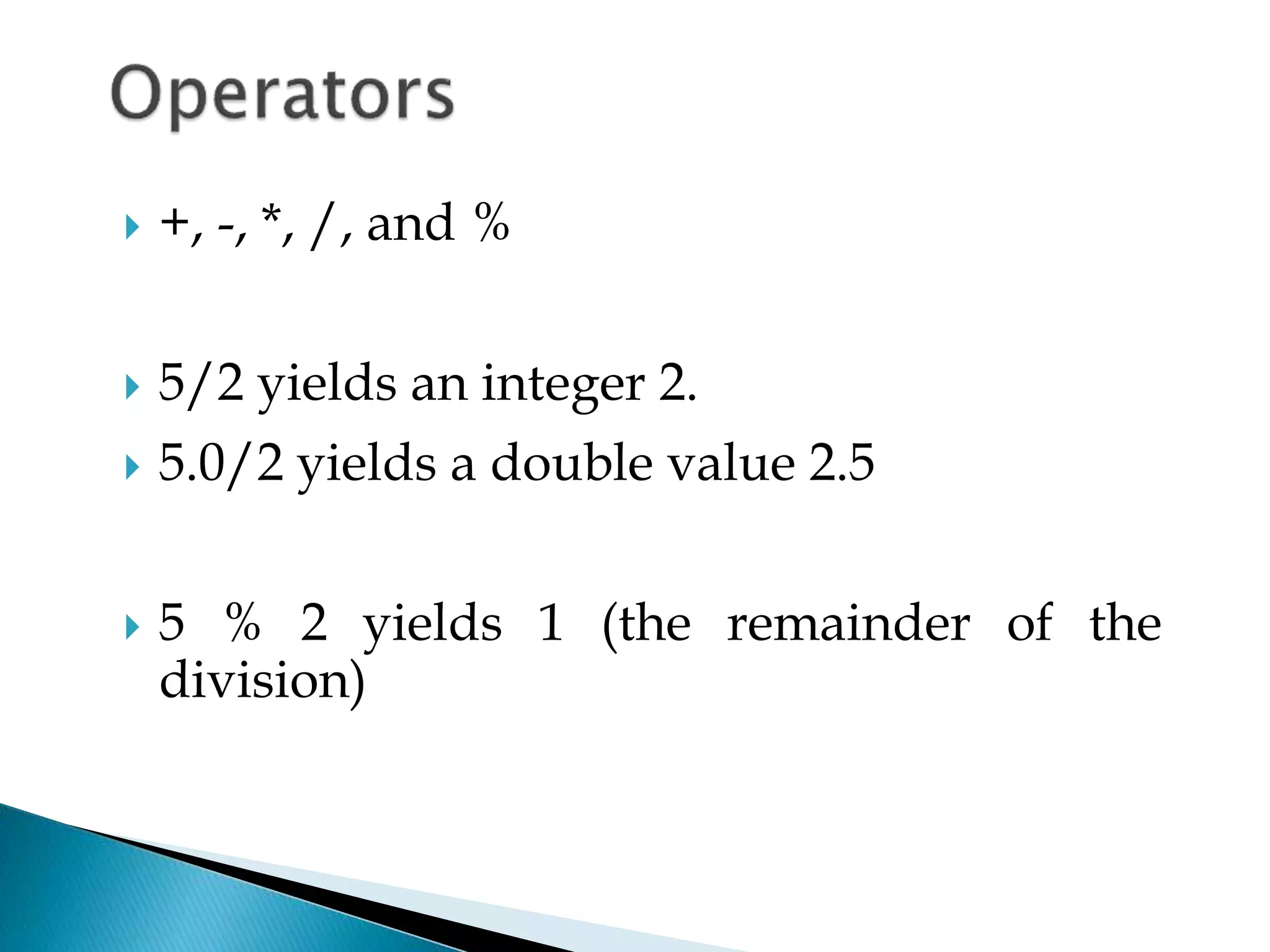
 +, -, *, /, and %
 5/2 yields an integer 2.
 5.0/2 yields a double value 2.5
 5 % 2 yields 1 (the remainder of the
division)
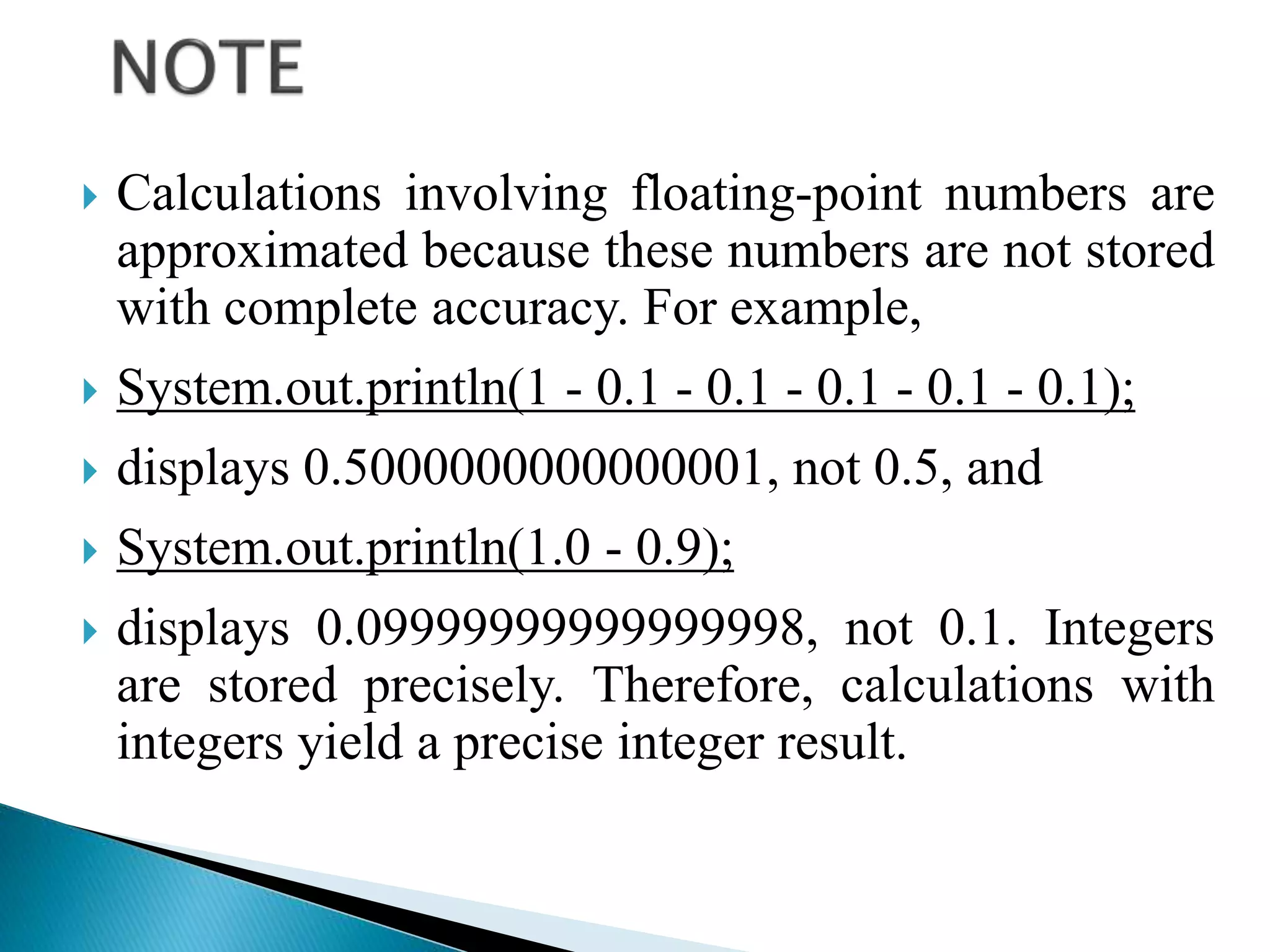
 Calculations involving floating-point numbers are
approximated because these numbers are not stored
with complete accuracy. For example,
 System.out.println(1 - 0.1 - 0.1 - 0.1 - 0.1 - 0.1);
 displays 0.5000000000000001, not 0.5, and
 System.out.println(1.0 - 0.9);
 displays 0.09999999999999998, not 0.1. Integers
are stored precisely. Therefore, calculations with
integers yield a precise integer result.
 A literal is a constant value that appears
directly in the program. For example, 34,
1,000,000, and 5.0 are literals in the
following statements:
int i = 34;
long l = 1000000;
double d = 5.0;
 An integer literal can be assigned to an integer variable
as long as it can fit into the variable. A compilation error
would occur if the literal were too large for the variable
to hold. For example, the statement byte b = 1000 would
cause a compilation error, because 1000 cannot be
stored in a variable of the byte type.
 An integer literal is assumed to be of the int type, whose
value is between -231 (-2147483648) to 231–1
(2147483647). To denote an integer literal of the long
type, append it with the letter L or l. L is preferred
because l (lowercase L) can easily be confused with 1
(the digit one).
 Floating-point literals are written with a decimal point.
By default, a floating-point literal is treated as a double
type value. For example, 5.0 is considered a double
value, not a float value. You can make a number a float
by appending the letter f or F, and make a number a
double by appending the letter d or D. For example, you
can use 100.2f or 100.2F for a float number, and 100.2d
or 100.2D for a double number.
 Floating-point literals can also be specified
in scientific notation, for example,
1.23456e+2, same as 1.23456e2, is
equivalent to 123.456, and 1.23456e-2 is
equivalent to 0.0123456. E (or e) represents
an exponent and it can be either in
lowercase or uppercase.
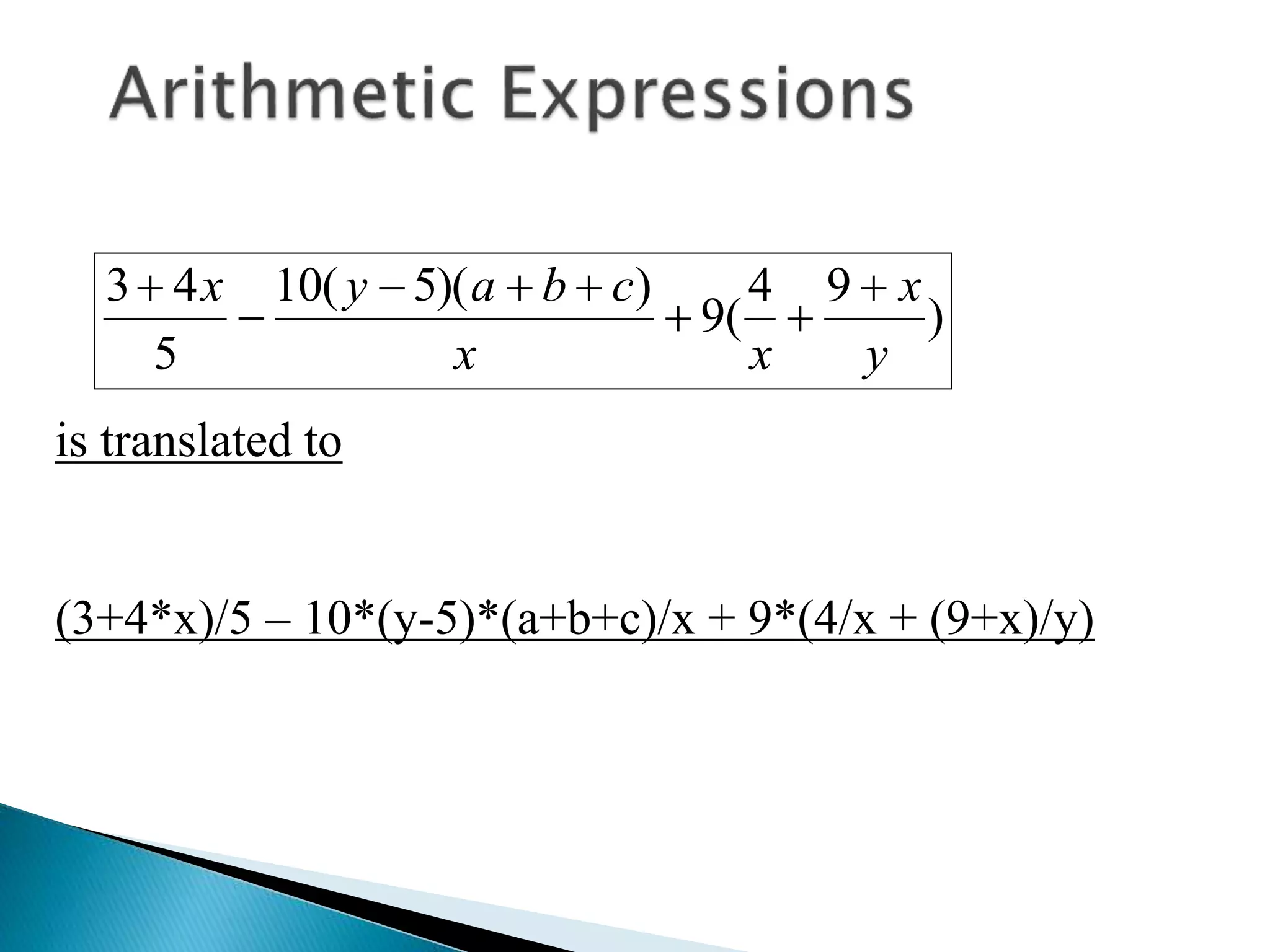
)
9
4
(
9
)
)(
5
(
10
5
4
3
y
x
x
x
c
b
a
y
x 







is translated to
(3+4*x)/5 – 10*(y-5)*(a+b+c)/x + 9*(4/x + (9+x)/y)
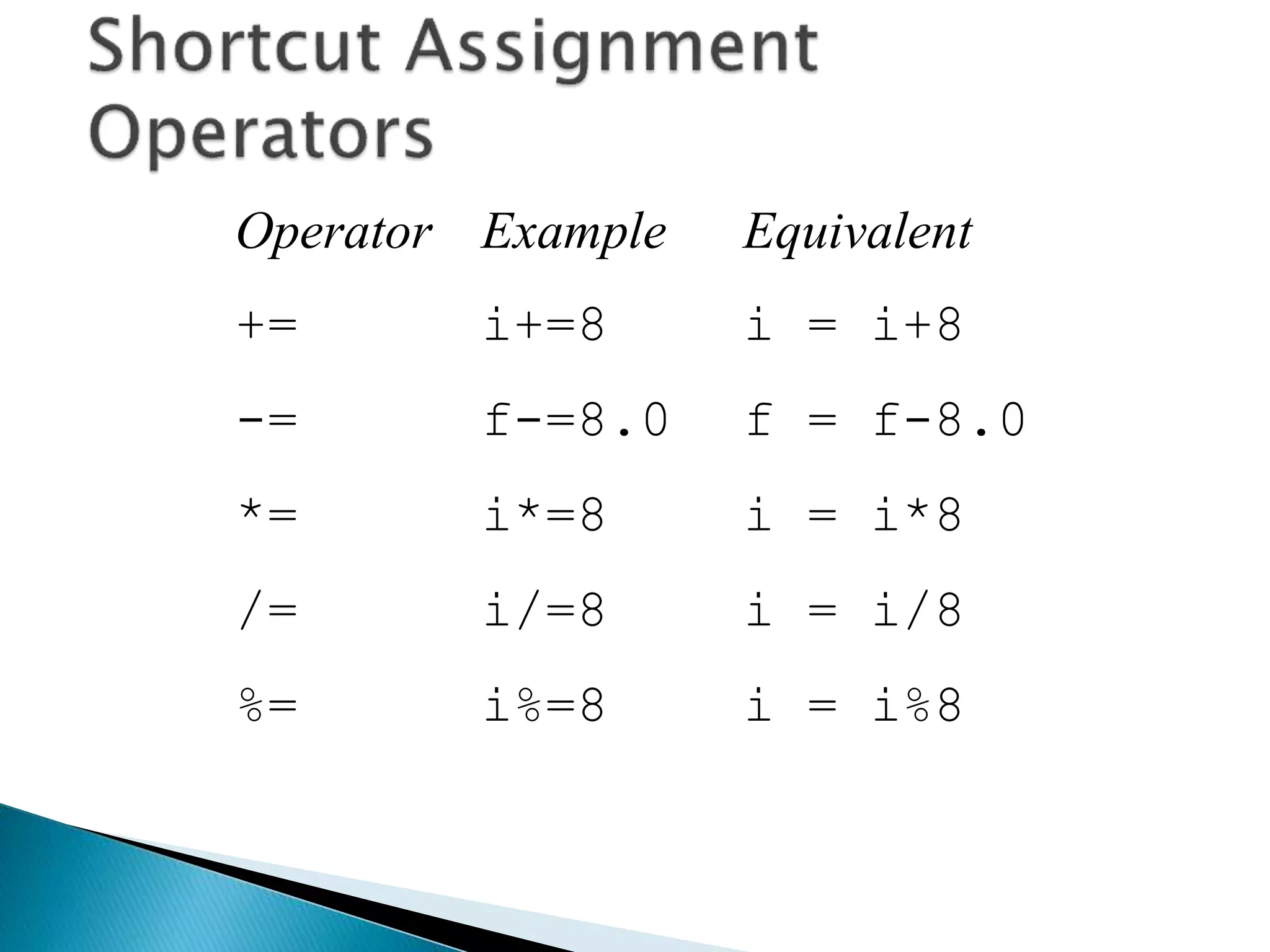
Operator Example Equivalent
+= i+=8 i = i+8
-= f-=8.0 f = f-8.0
*= i*=8 i = i*8
/= i/=8 i = i/8
%= i%=8 i = i%8
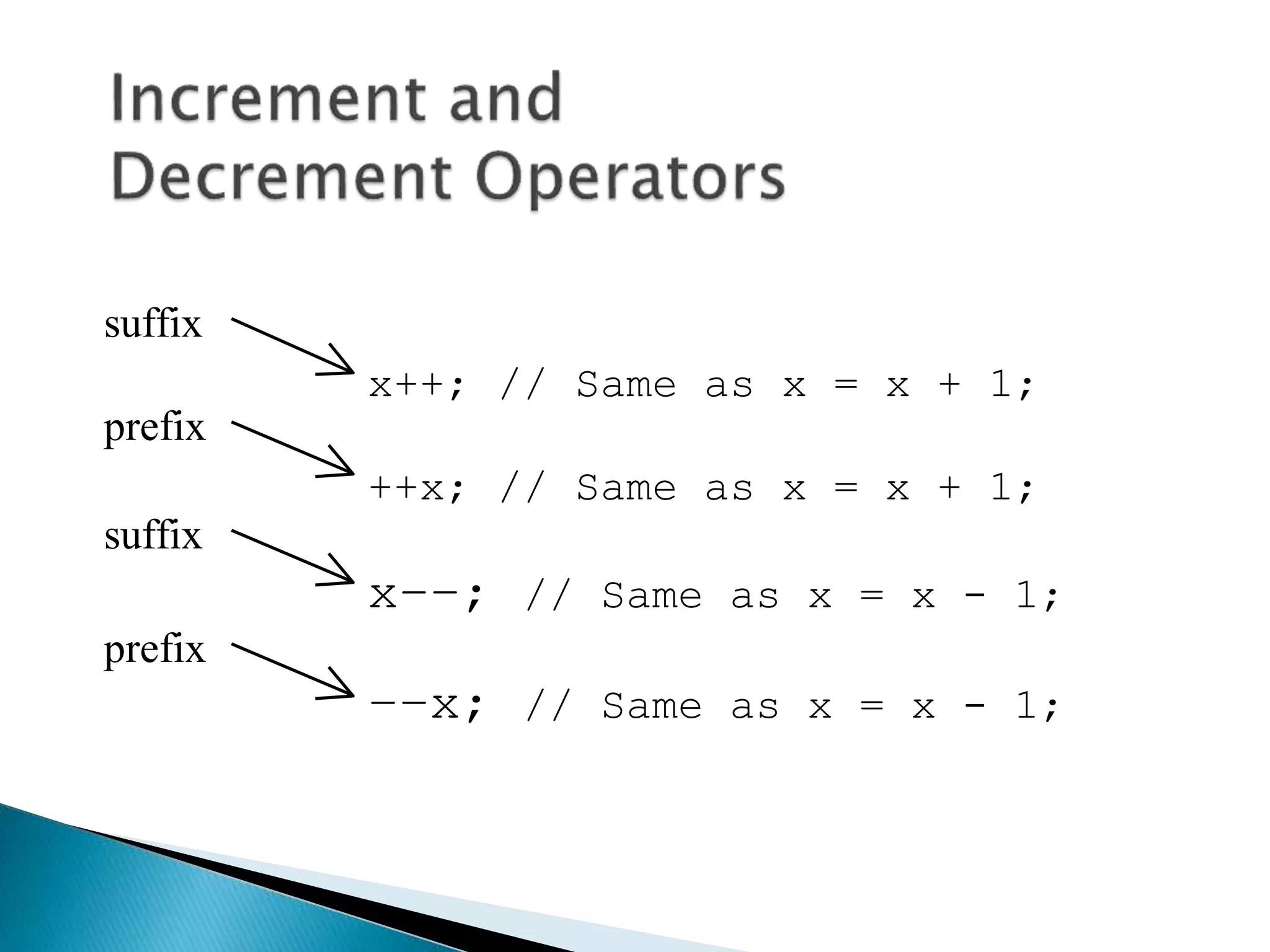
x++; // Same as x = x + 1;
++x; // Same as x = x + 1;
x––; // Same as x = x - 1;
––x; // Same as x = x - 1;
suffix
prefix
suffix
prefix
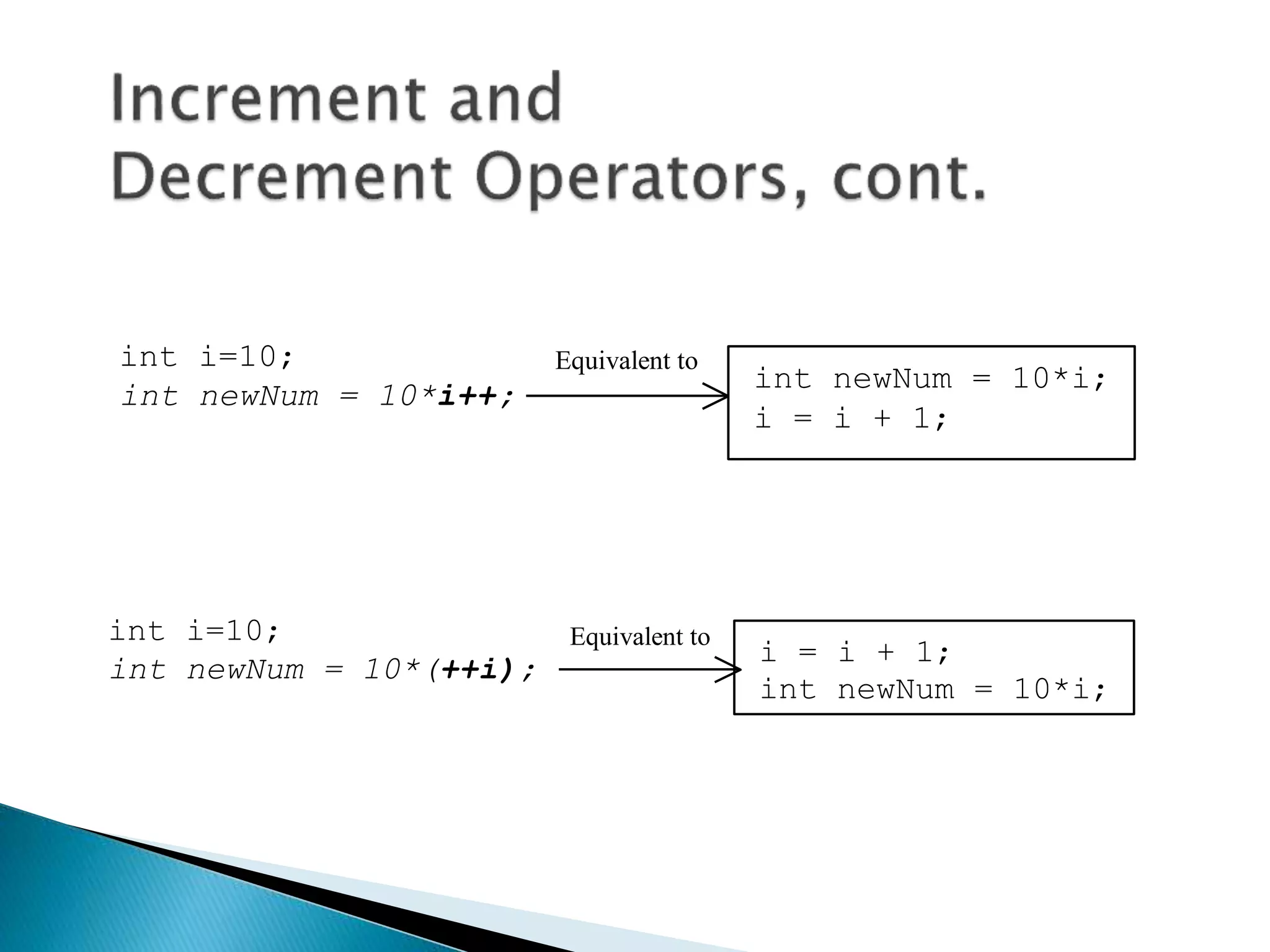
int i=10;
int newNum = 10*i++;
int newNum = 10*i;
i = i + 1;
Equivalent to
int i=10;
int newNum = 10*(++i);
i = i + 1;
int newNum = 10*i;
Equivalent to
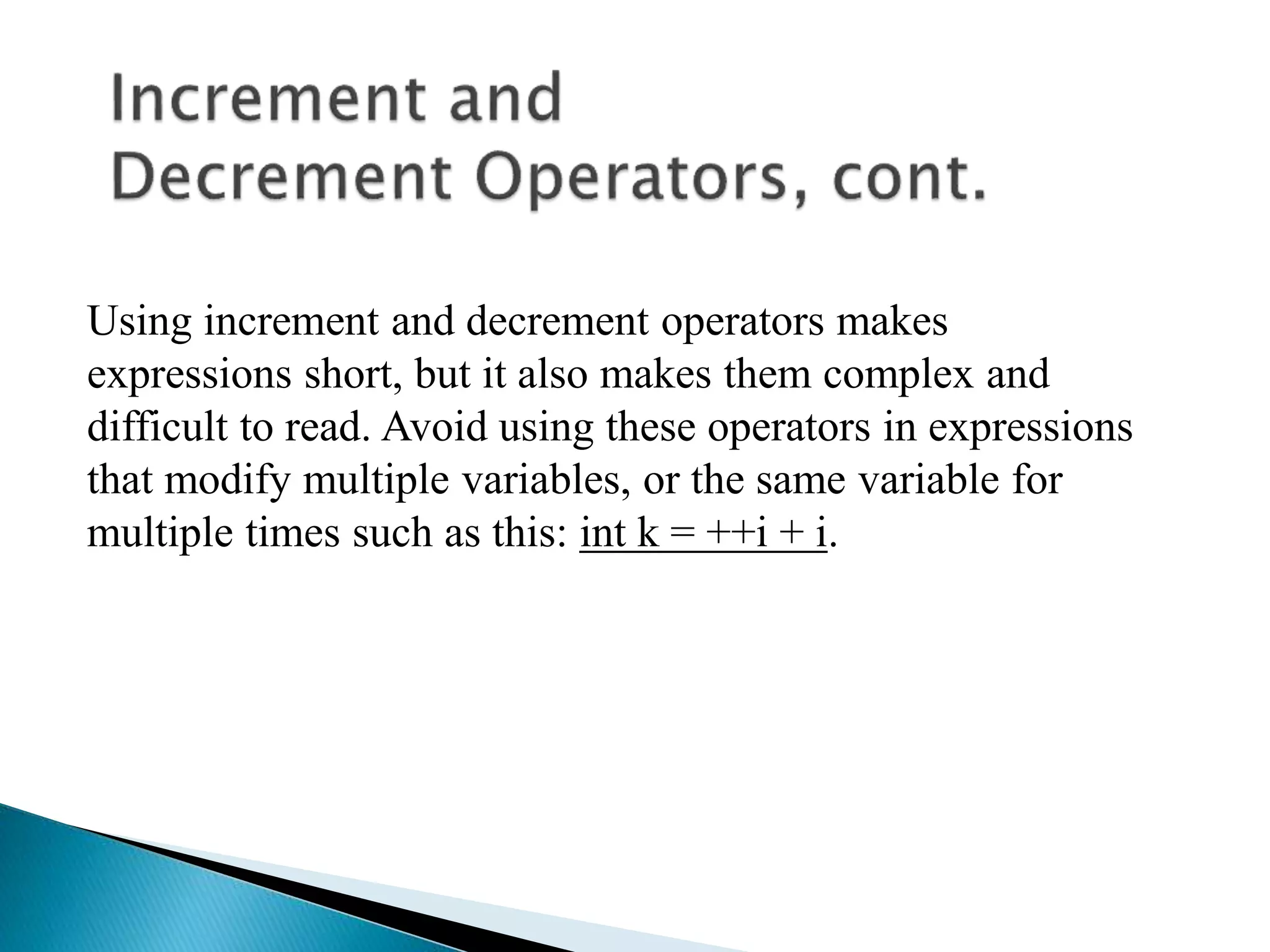
Using increment and decrement operators makes
expressions short, but it also makes them complex and
difficult to read. Avoid using these operators in expressions
that modify multiple variables, or the same variable for
multiple times such as this: int k = ++i + i.
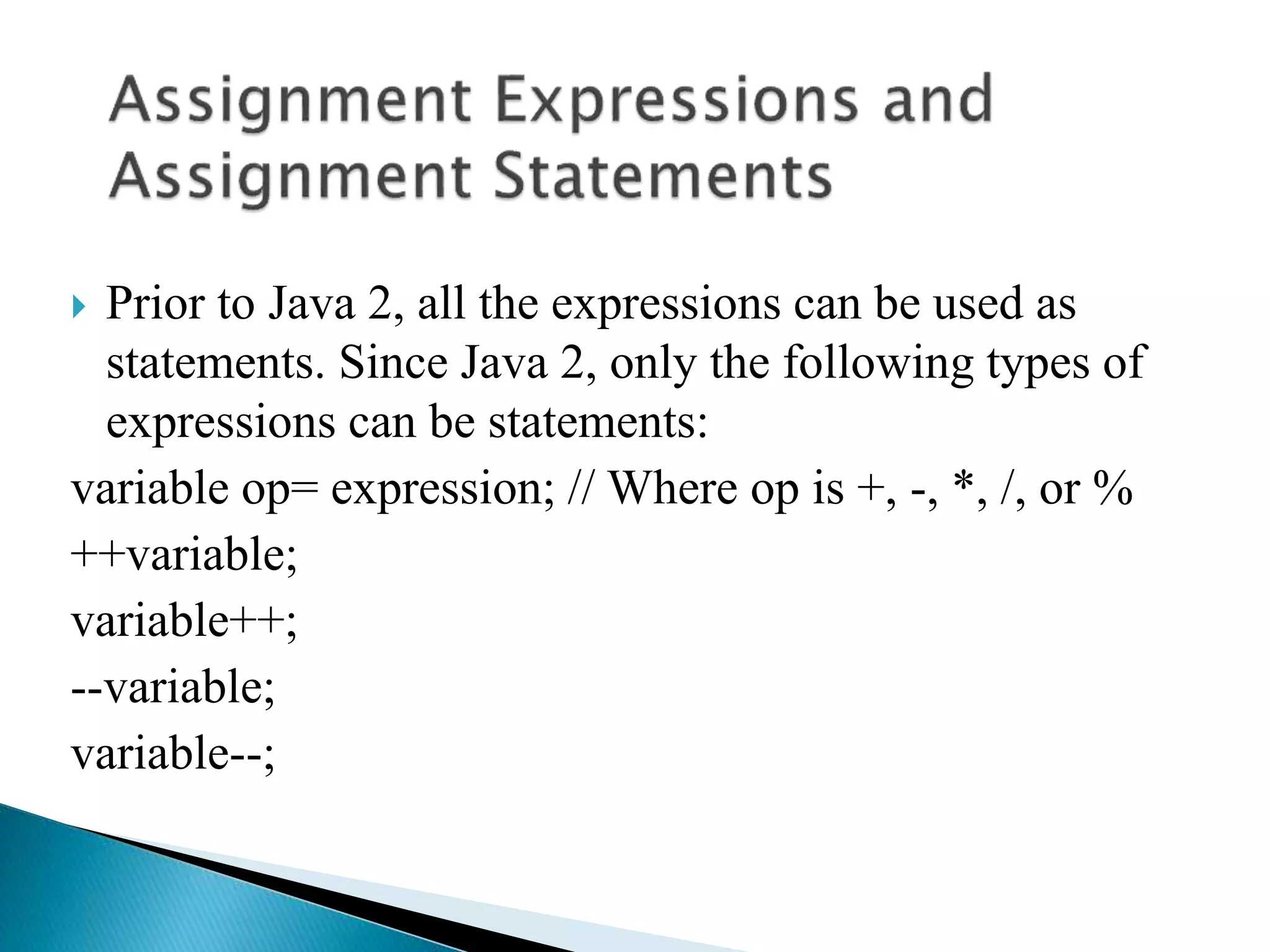
 Prior to Java 2, all the expressions can be used as
statements. Since Java 2, only the following types of
expressions can be statements:
variable op= expression; // Where op is +, -, *, /, or %
++variable;
variable++;
--variable;
variable--;
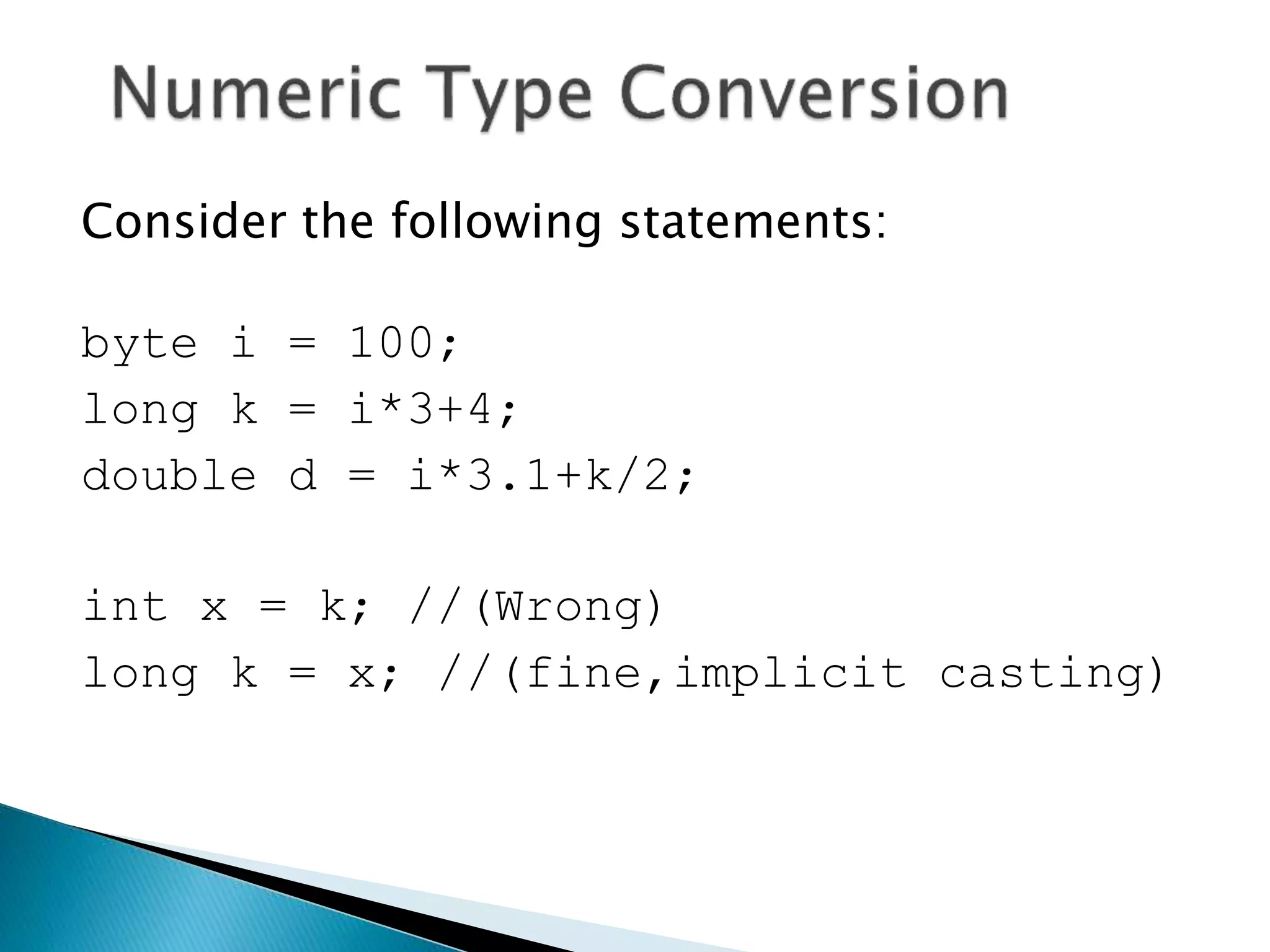
Consider the following statements:
byte i = 100;
long k = i*3+4;
double d = i*3.1+k/2;
int x = k; //(Wrong)
long k = x; //(fine,implicit casting)
 double
 float
 long
 int
 short
 byte
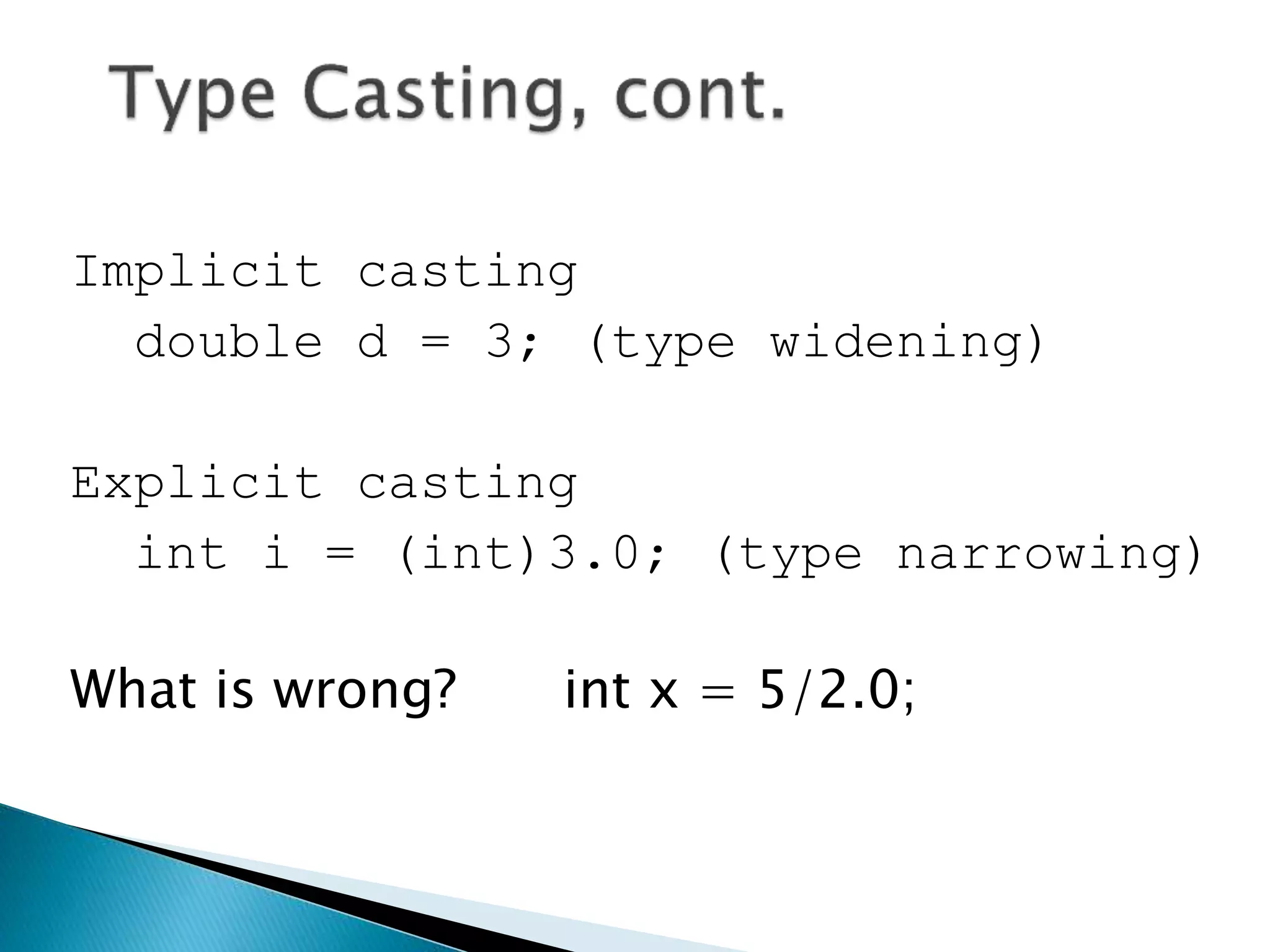
Implicit casting
double d = 3; (type widening)
Explicit casting
int i = (int)3.0; (type narrowing)
What is wrong? int x = 5/2.0;
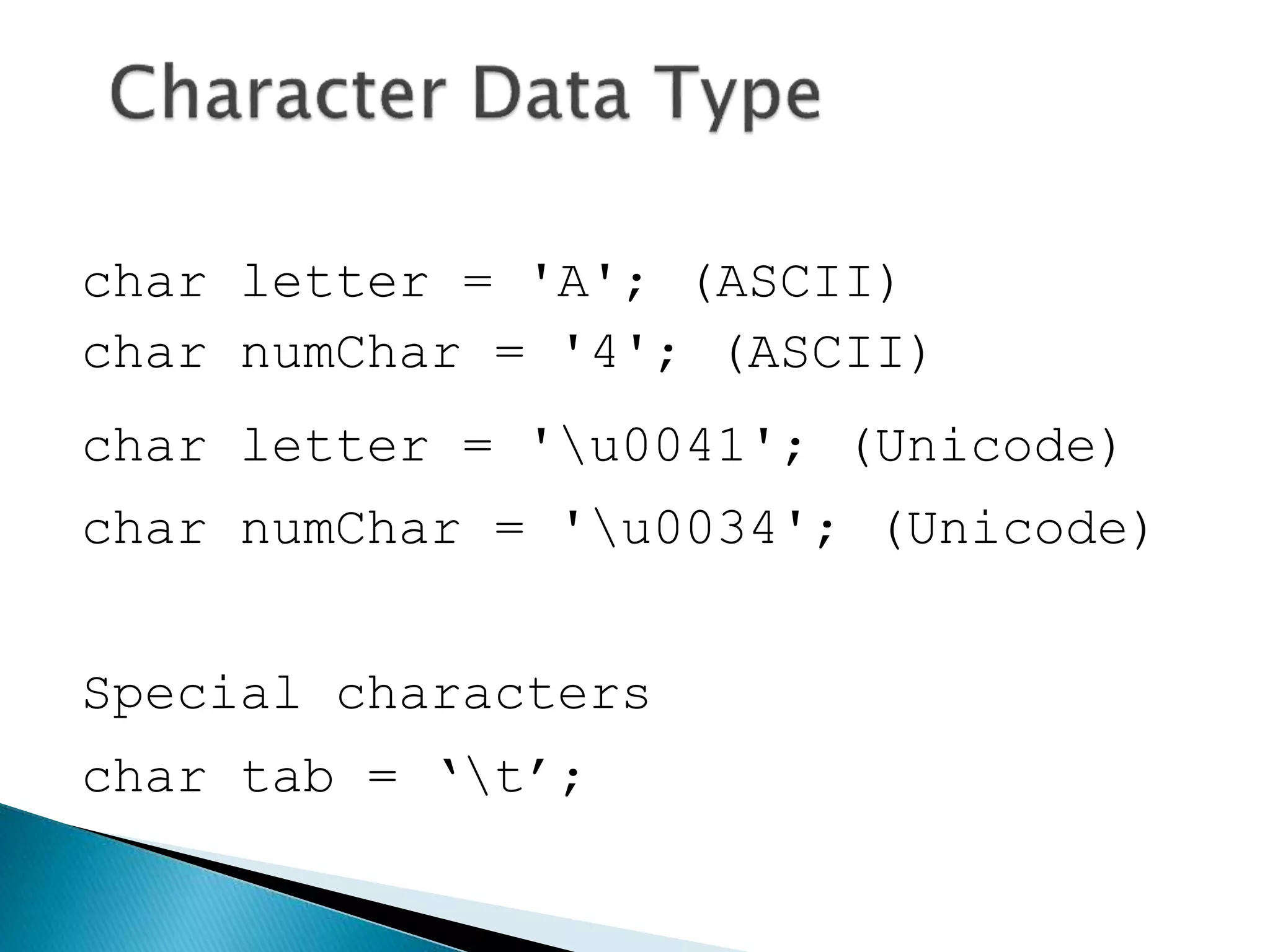
char letter = 'A'; (ASCII)
char numChar = '4'; (ASCII)
char letter = 'u0041'; (Unicode)
char numChar = 'u0034'; (Unicode)
Special characters
char tab = ‘t’;
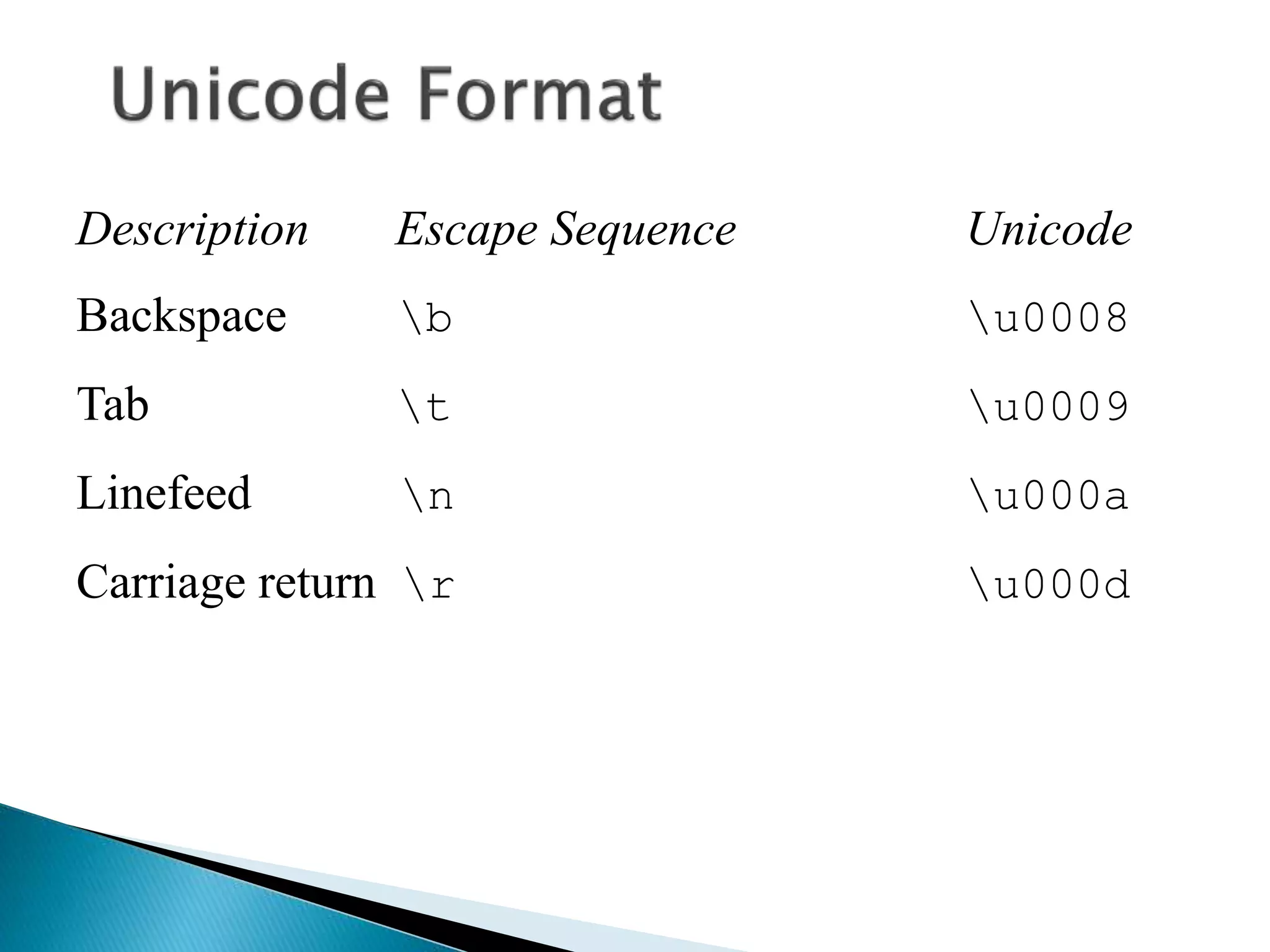
Description Escape Sequence Unicode
Backspace b u0008
Tab t u0009
Linefeed n u000a
Carriage return r u000d
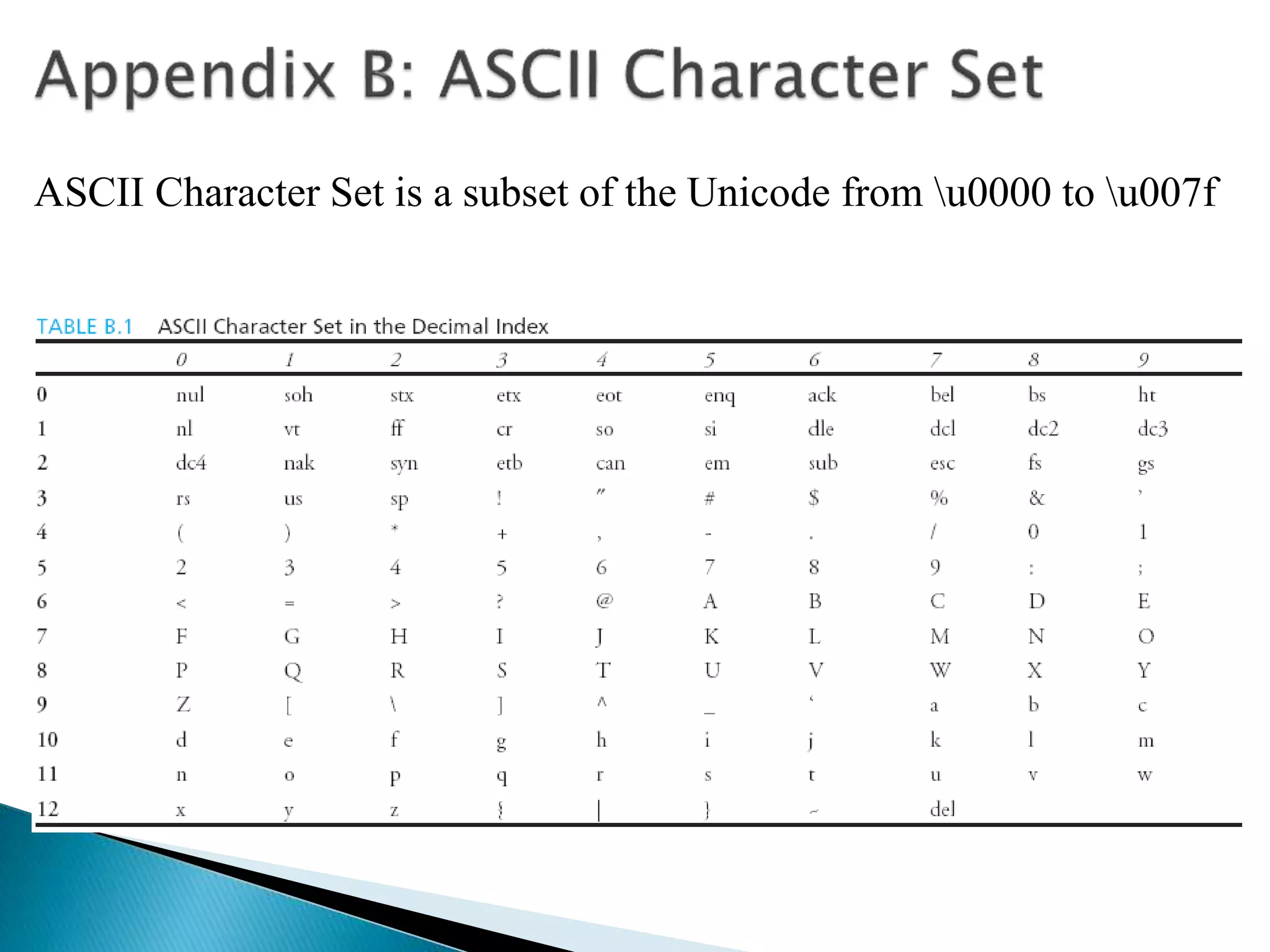
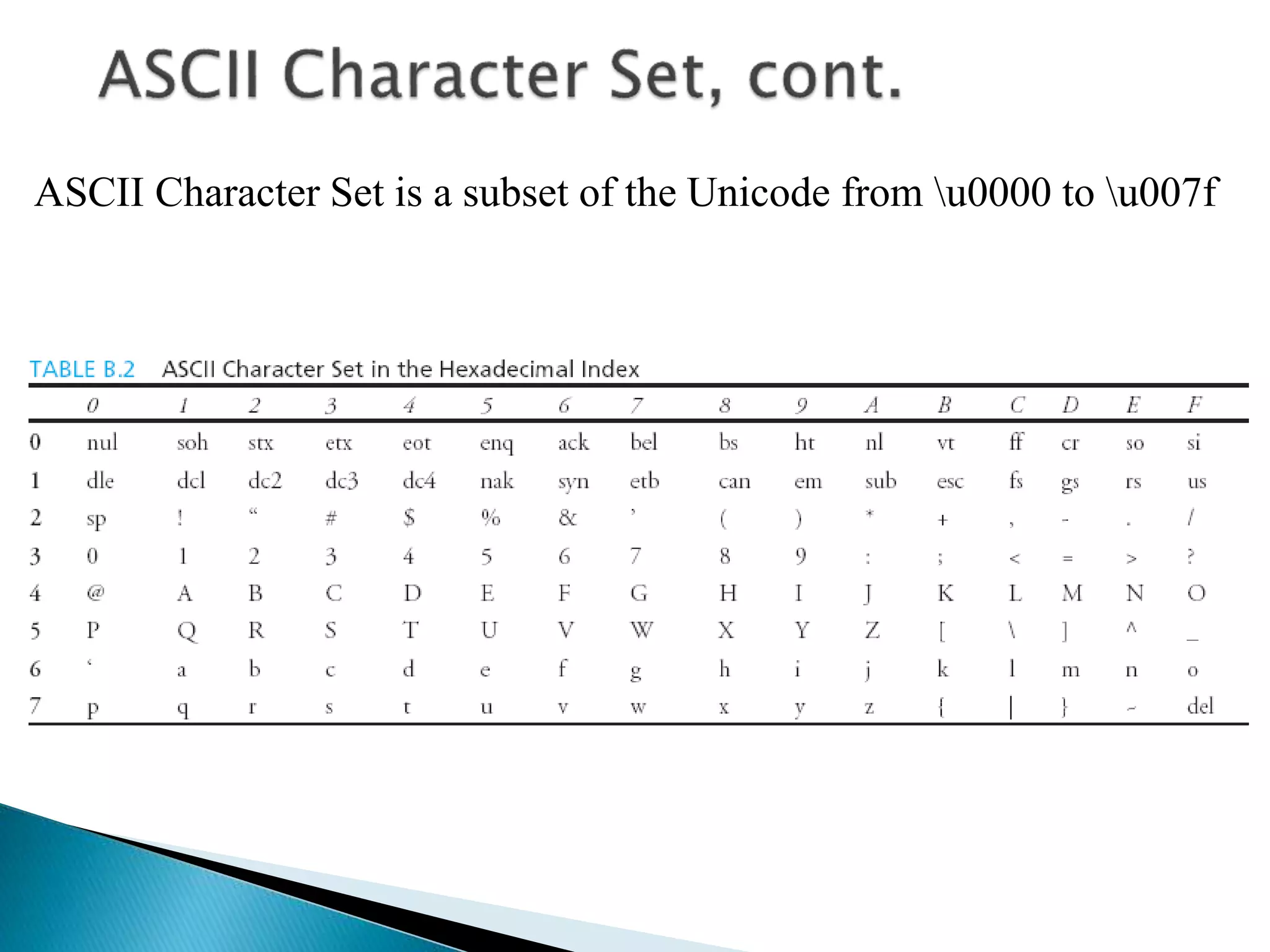
ASCII Character Set is a subset of the Unicode from u0000 to u007f
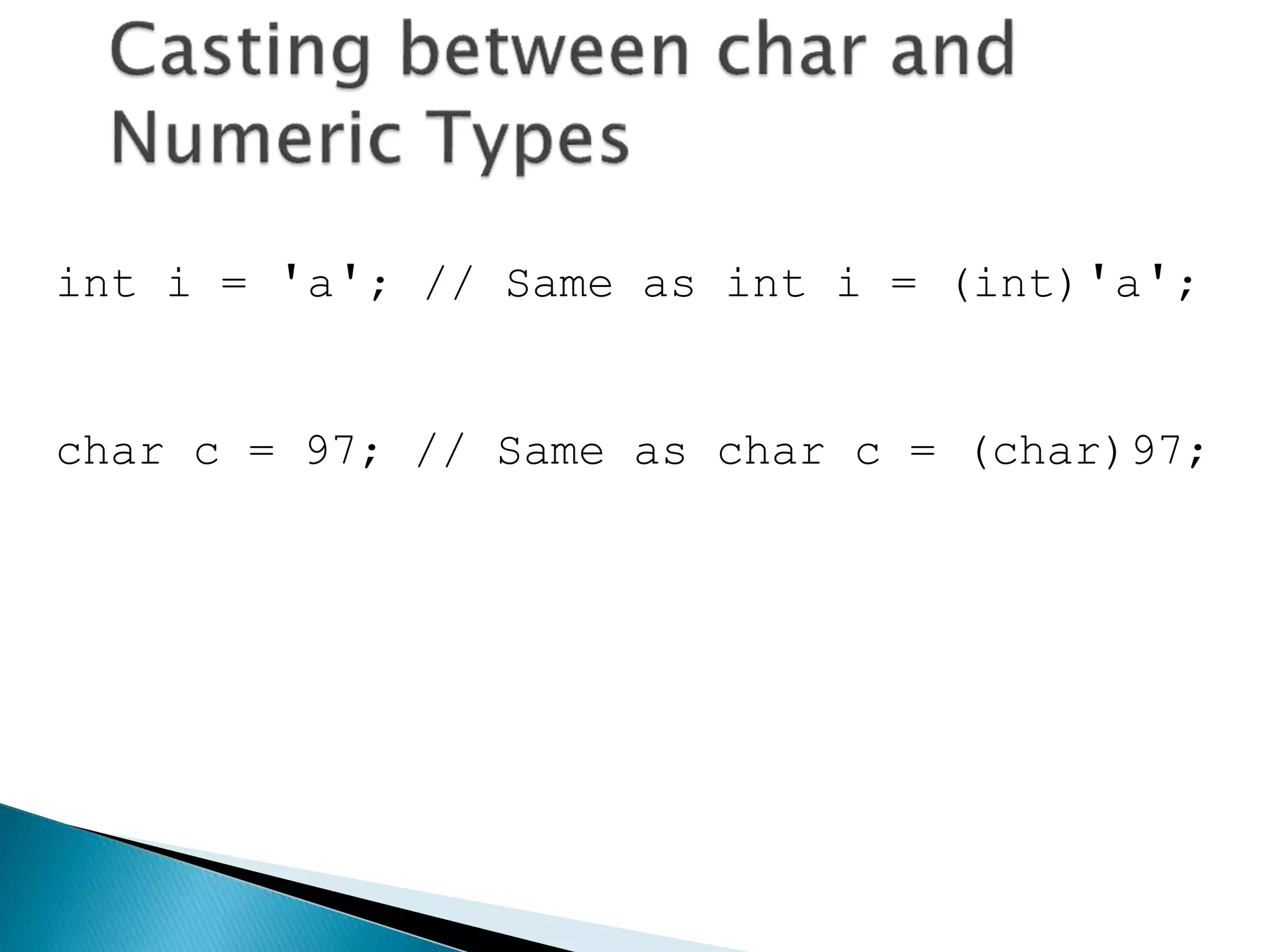
int i = 'a'; // Same as int i = (int)'a';
char c = 97; // Same as char c = (char)97;
// Demonstrate casts.
class Conversion {
public static void main(String args[]) {
byte b;
int i = 257;
double d = 323.142;
System.out.println("nConversion of int to byte.");
b = (byte) i;
System.out.println("i and b " + i + " " + b);
System.out.println("nConversion of double to int.");
i = (int) d;
System.out.println("d and i " + d + " " + i);
System.out.println("nConversion of double to byte.");
b = (byte) d;
System.out.println("d and b " + d + " " + b);
}
}
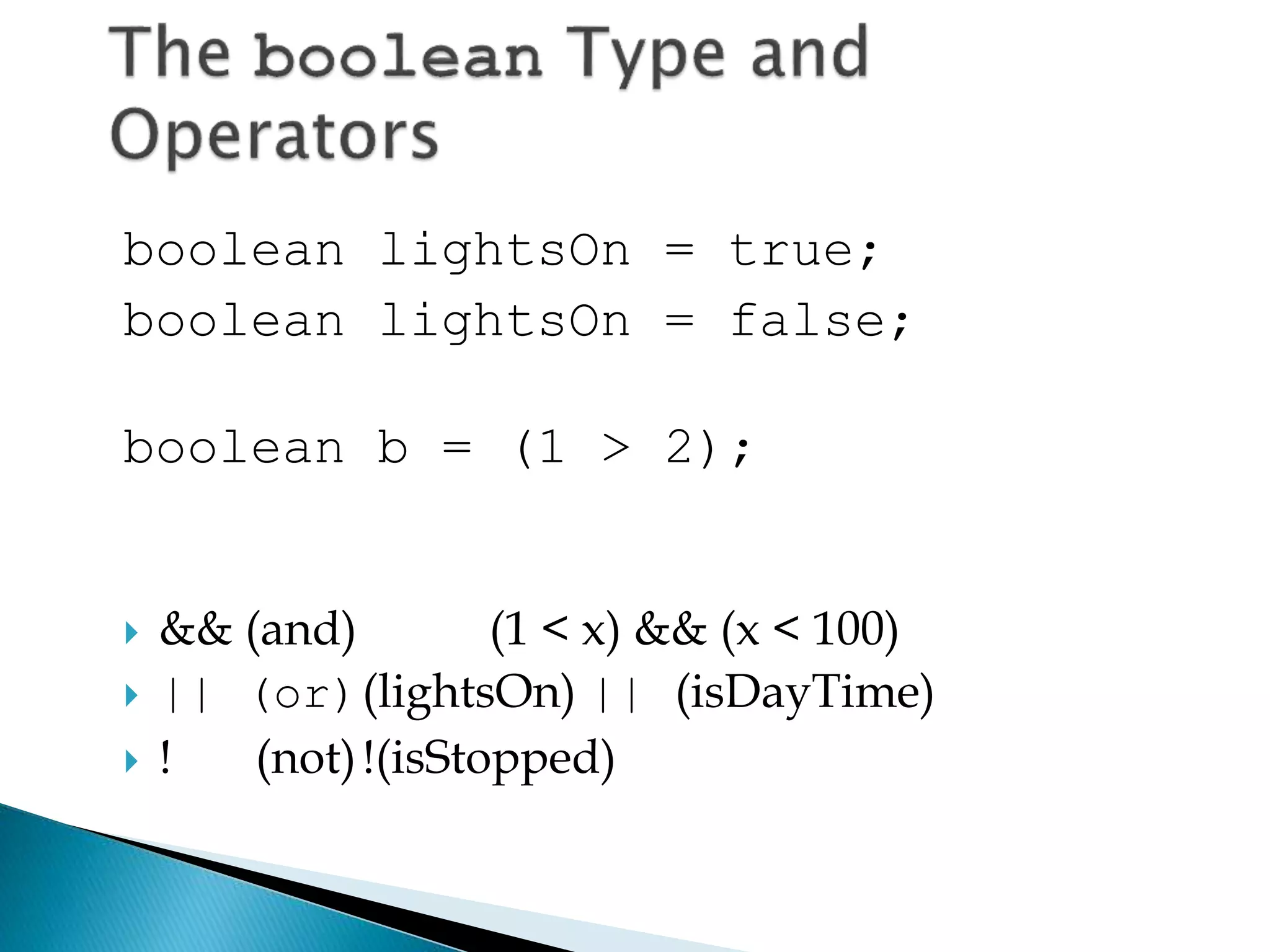
boolean lightsOn = true;
boolean lightsOn = false;
boolean b = (1 > 2);
 && (and) (1 < x) && (x < 100)
 || (or)(lightsOn) || (isDayTime)
 ! (not)!(isStopped)
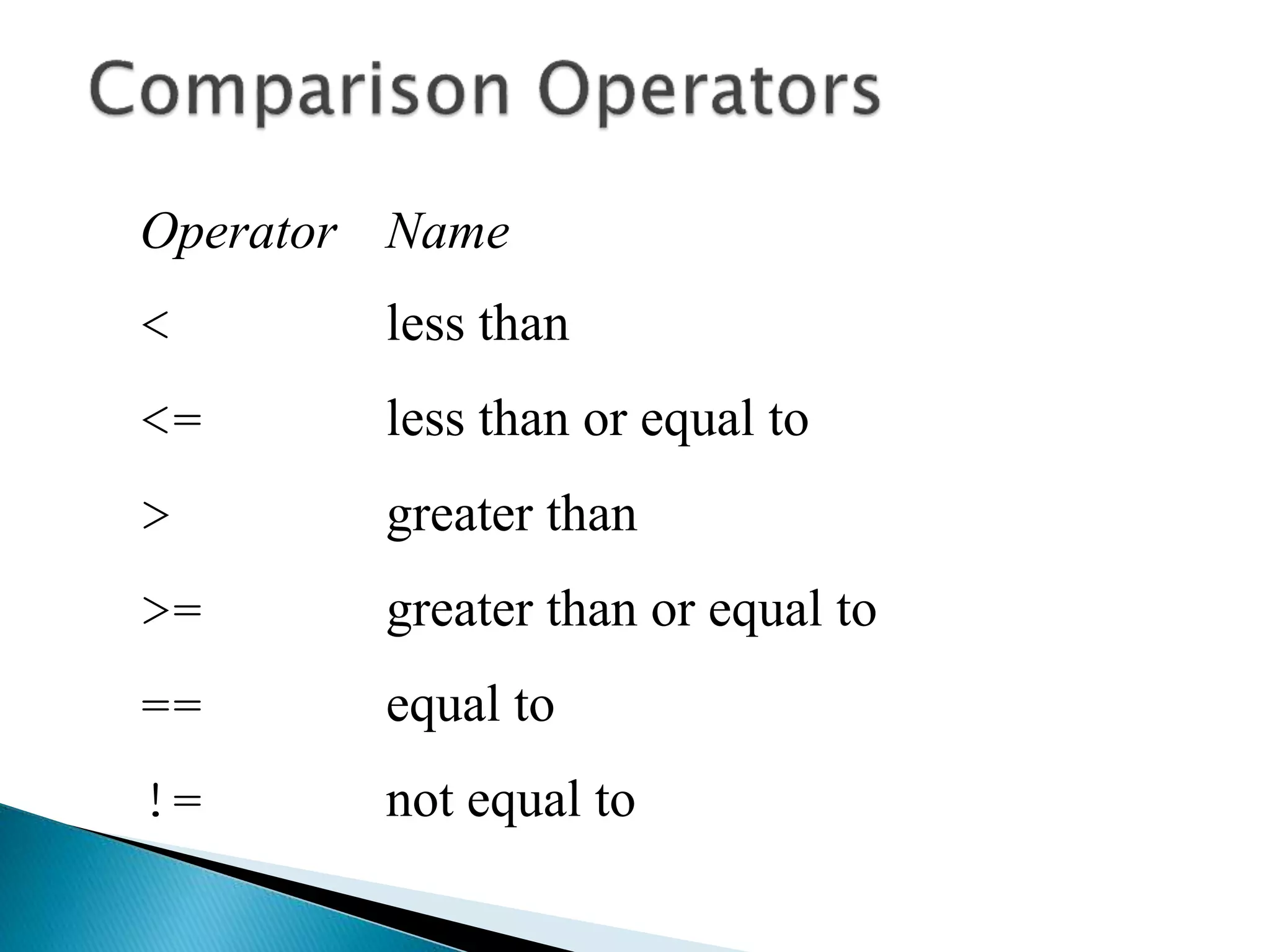
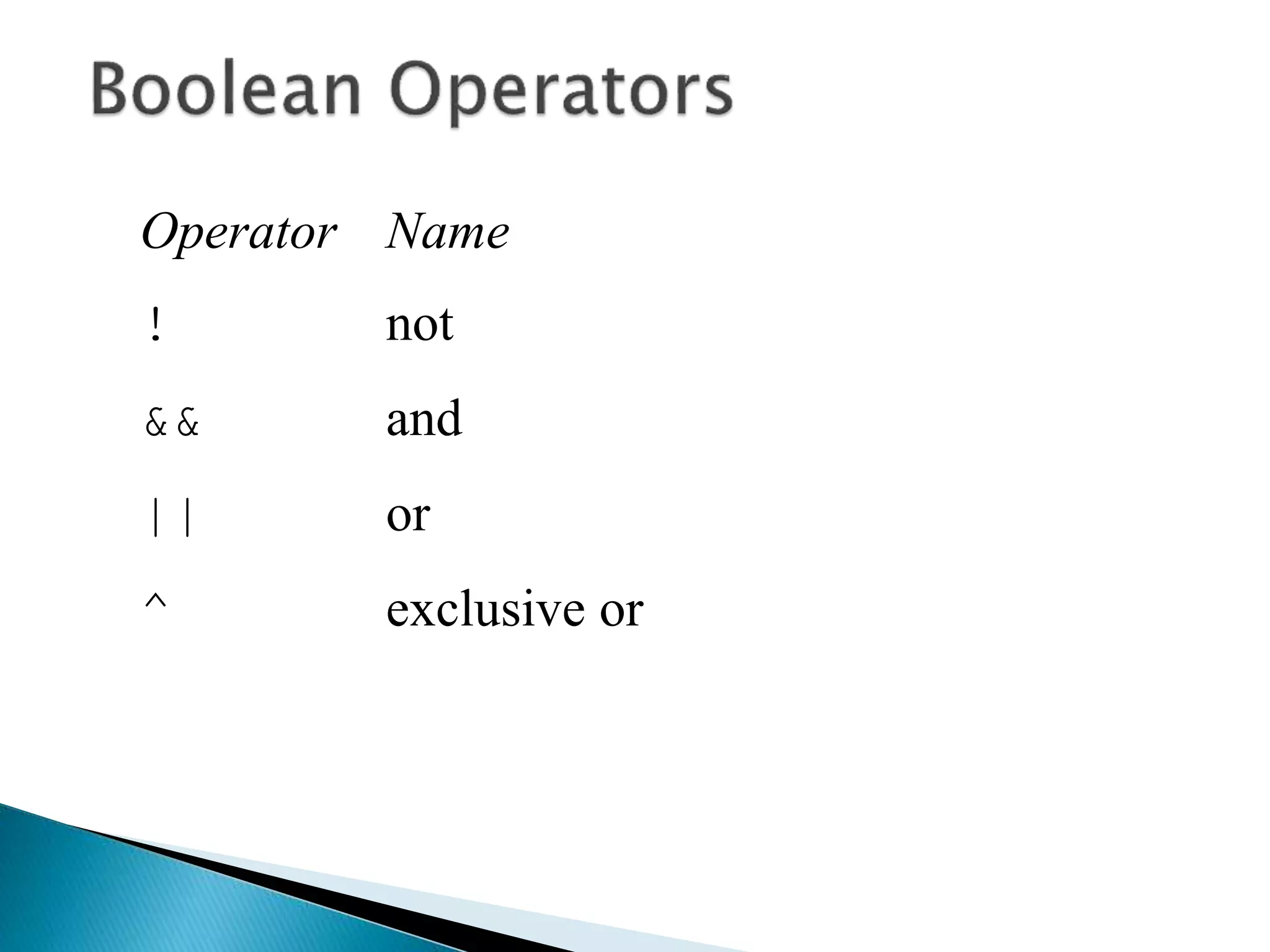
Operator Name
< less than
<= less than or equal to
> greater than
>= greater than or equal to
== equal to
!= not equal to
Operator Name
! not
&& and
|| or
^ exclusive or
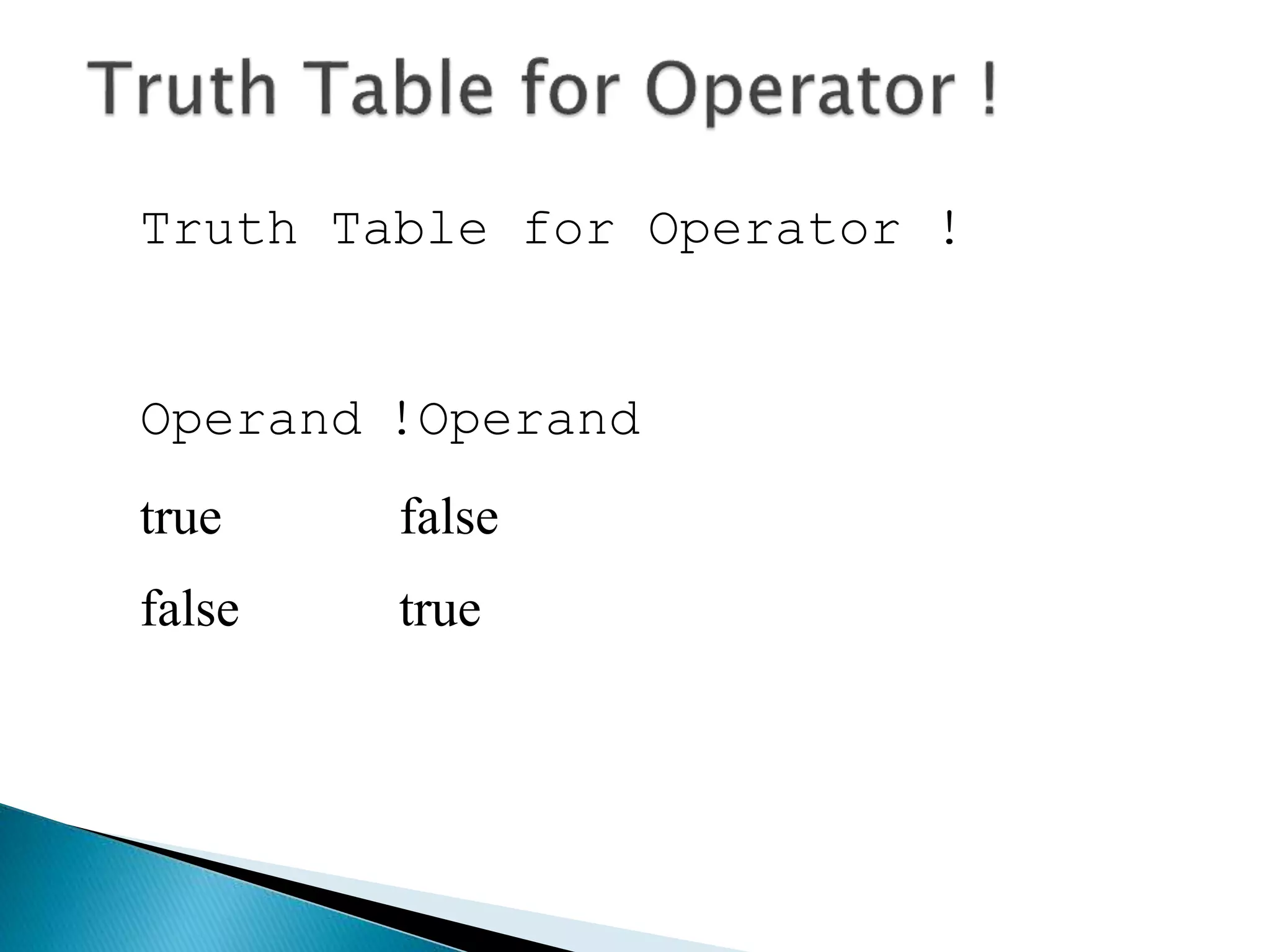
Truth Table for Operator !
Operand !Operand
true false
false true
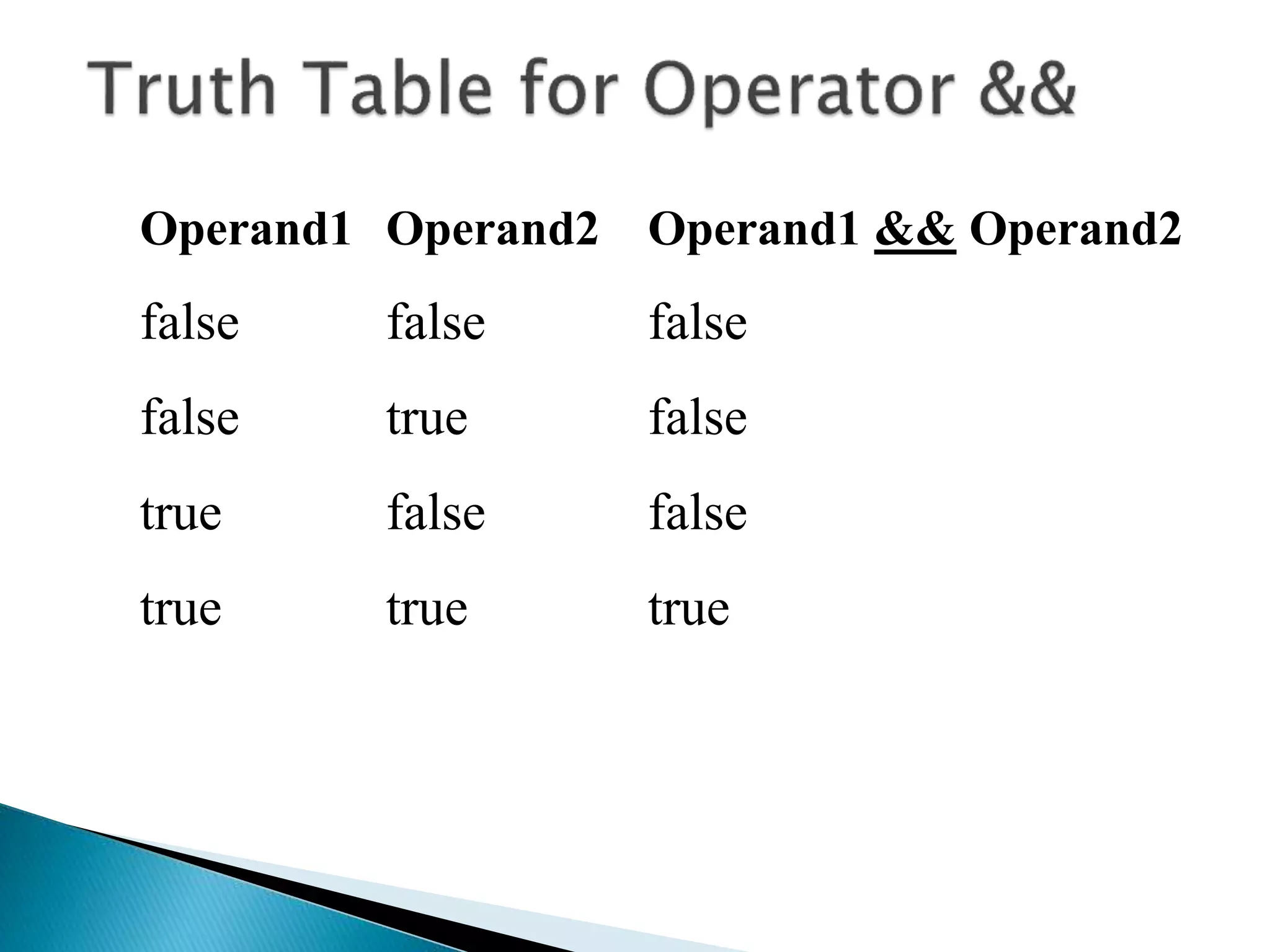
Operand1 Operand2 Operand1 && Operand2
false false false
false true false
true false false
true true true
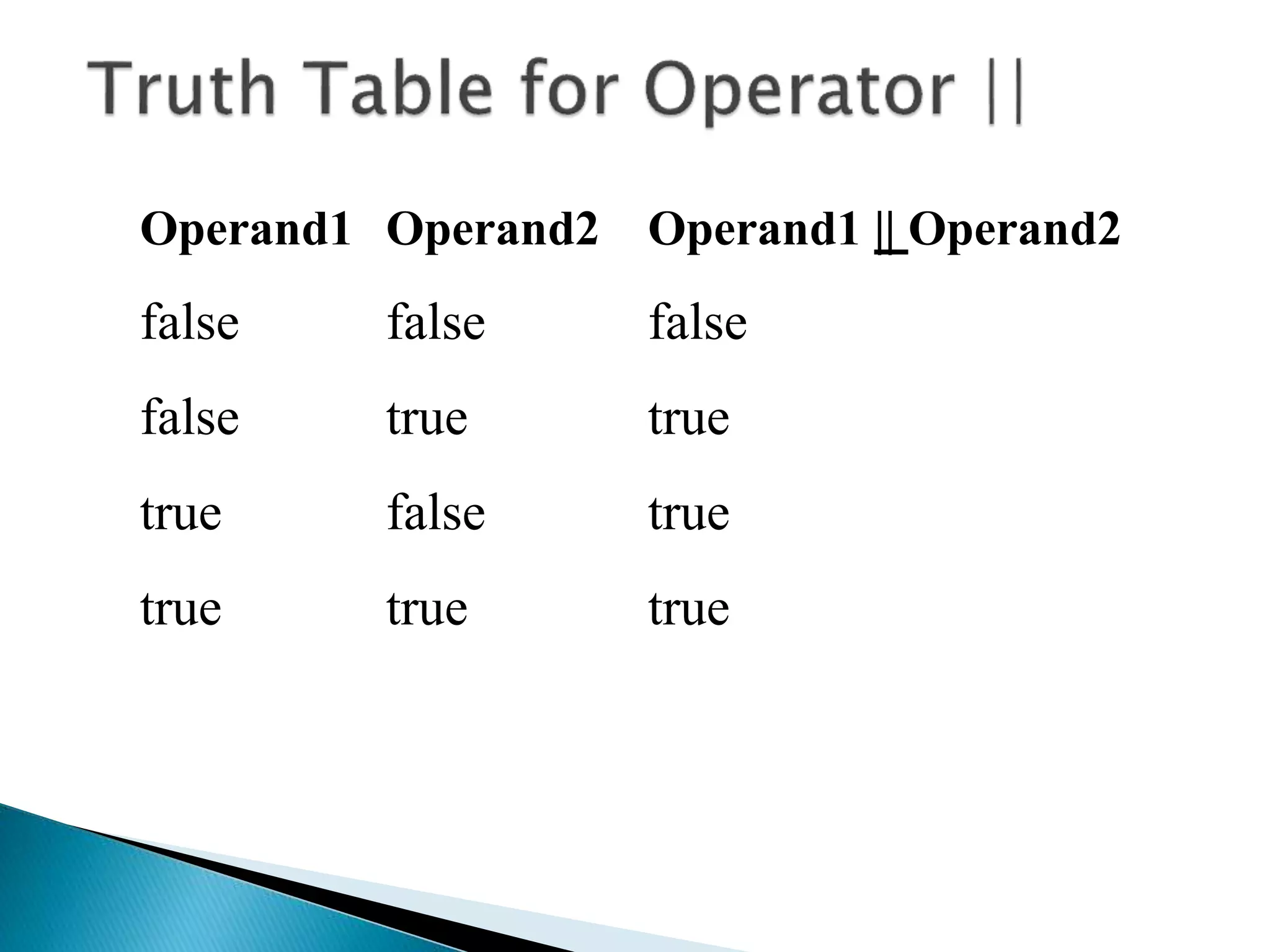
Operand1 Operand2 Operand1 || Operand2
false false false
false true true
true false true
true true true
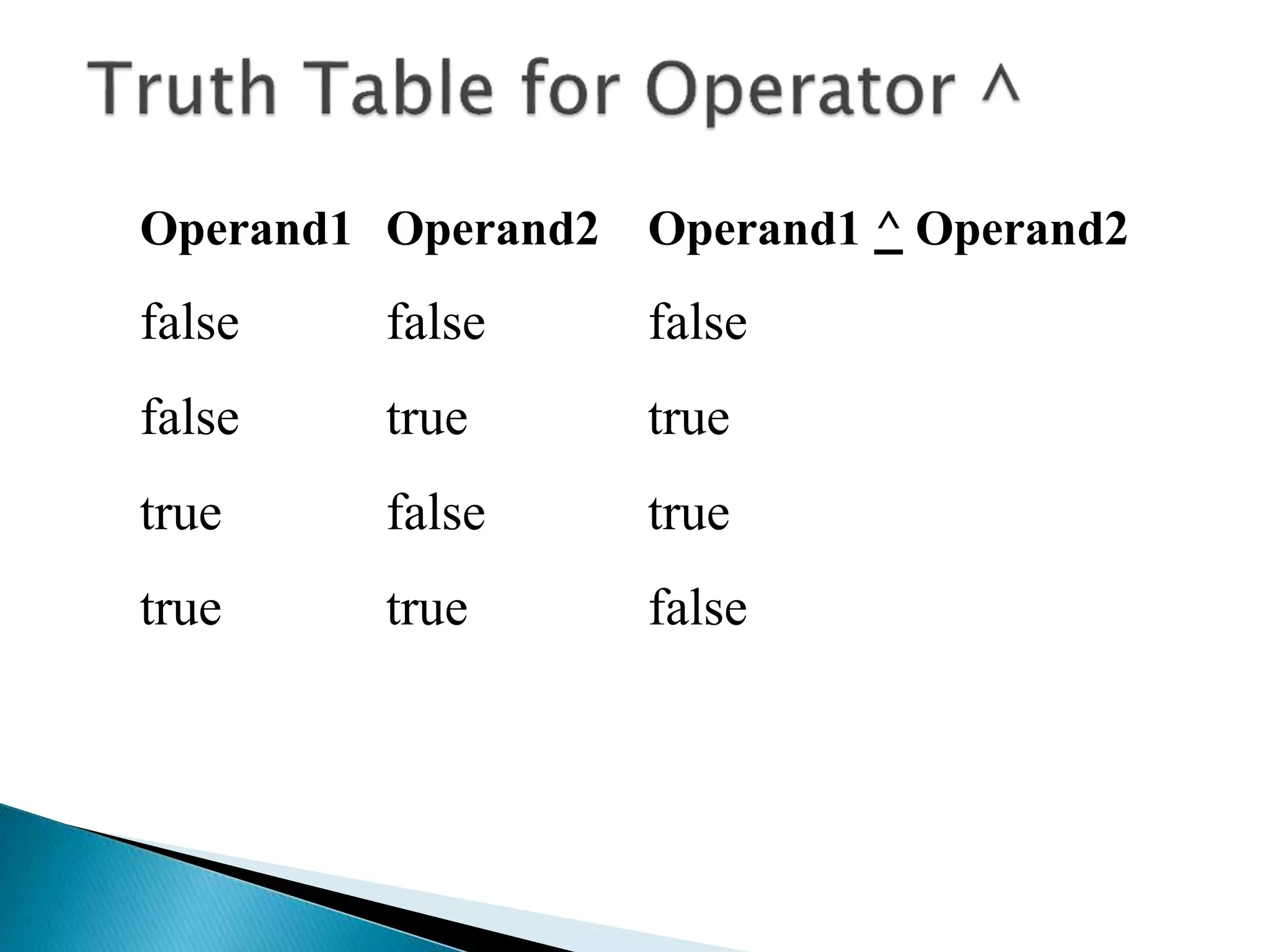
Operand1 Operand2 Operand1 ^ Operand2
false false false
false true true
true false true
true true false
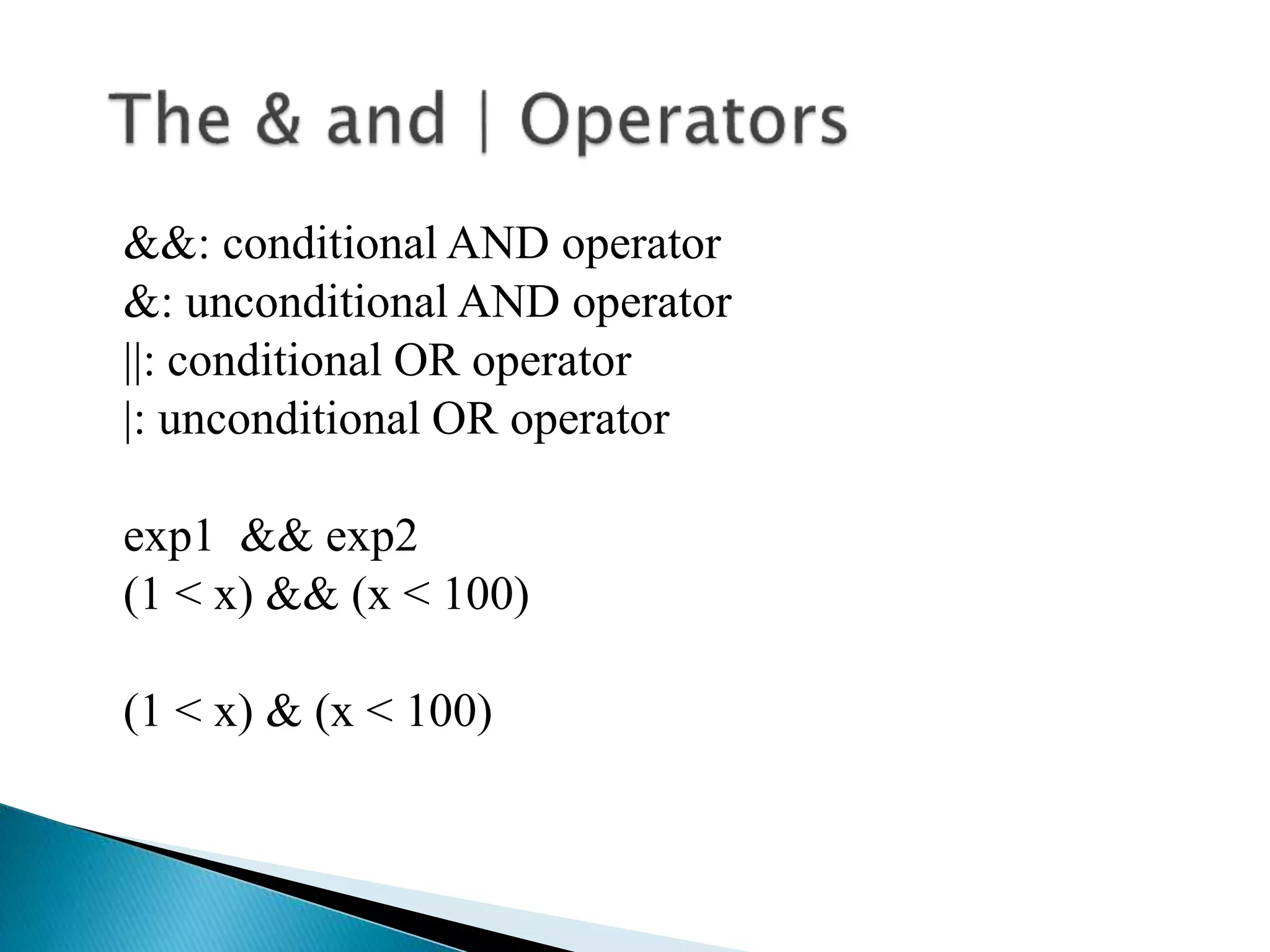
&&: conditional AND operator
&: unconditional AND operator
||: conditional OR operator
|: unconditional OR operator
exp1 && exp2
(1 < x) && (x < 100)
(1 < x) & (x < 100)
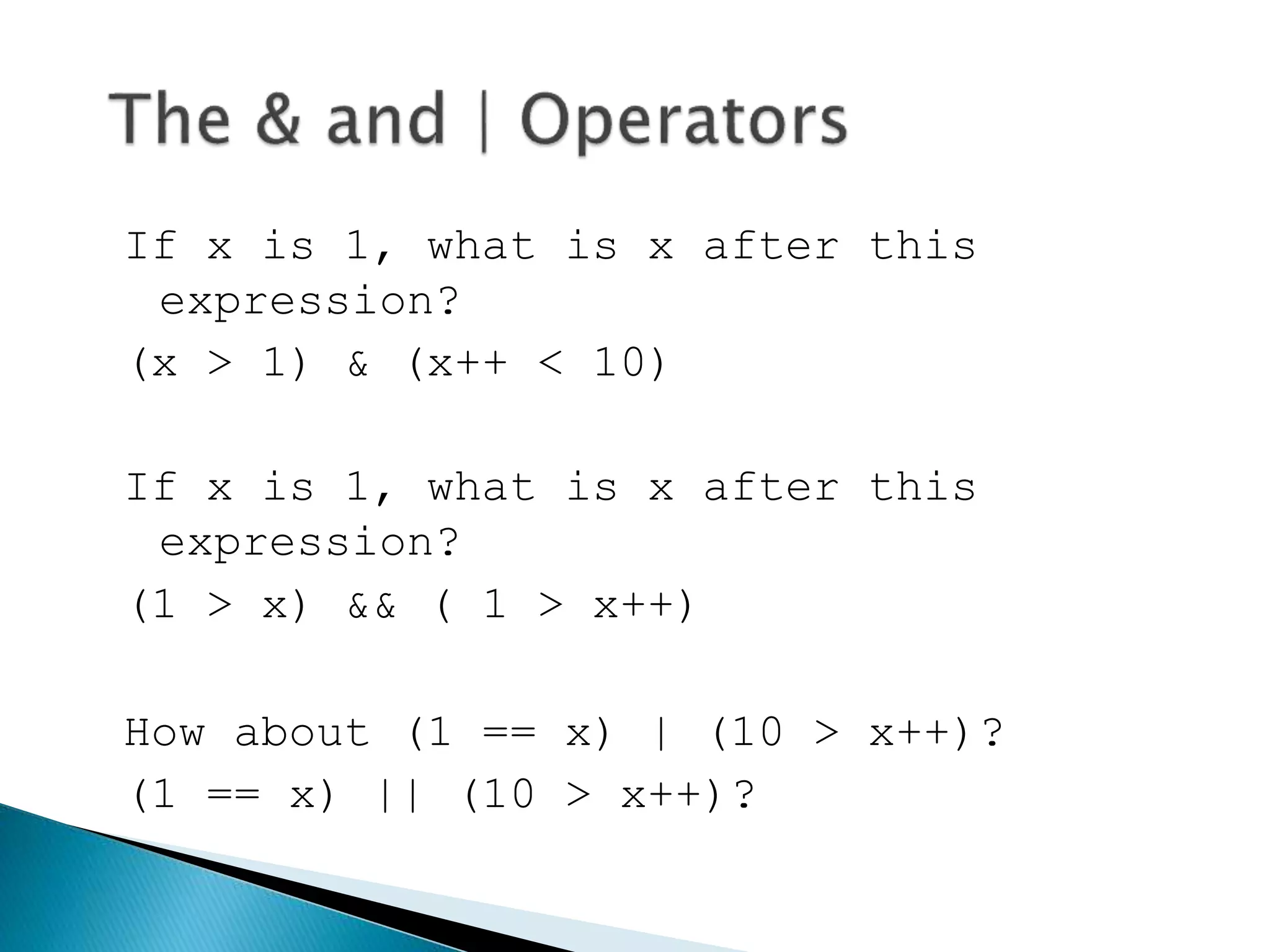
If x is 1, what is x after this
expression?
(x > 1) & (x++ < 10)
If x is 1, what is x after this
expression?
(1 > x) && ( 1 > x++)
How about (1 == x) | (10 > x++)?
(1 == x) || (10 > x++)?
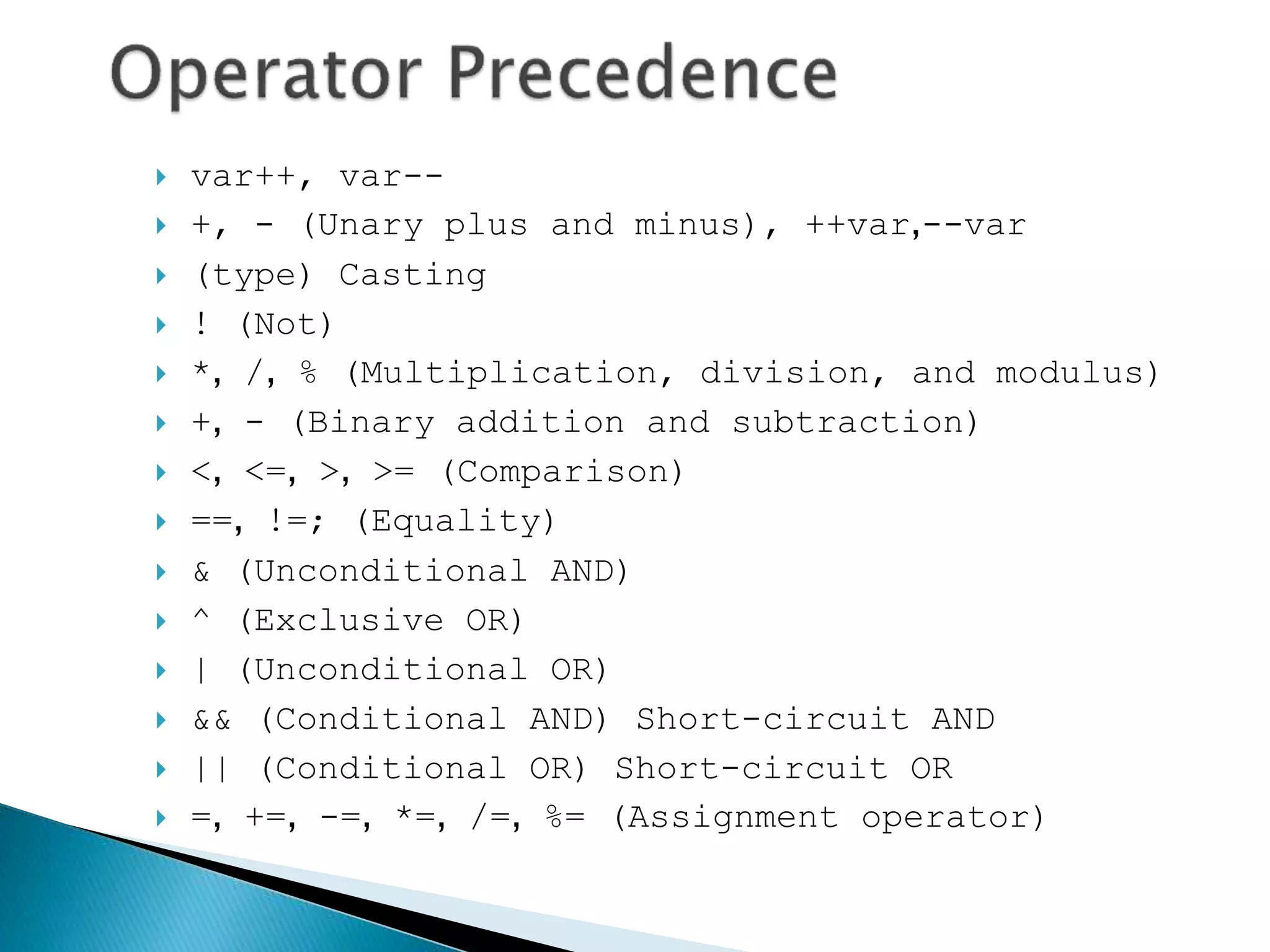
 var++, var--
 +, - (Unary plus and minus), ++var,--var
 (type) Casting
 ! (Not)
 *, /, % (Multiplication, division, and modulus)
 +, - (Binary addition and subtraction)
 <, <=, >, >= (Comparison)
 ==, !=; (Equality)
 & (Unconditional AND)
 ^ (Exclusive OR)
 | (Unconditional OR)
 && (Conditional AND) Short-circuit AND
 || (Conditional OR) Short-circuit OR
 =, +=, -=, *=, /=, %= (Assignment operator)
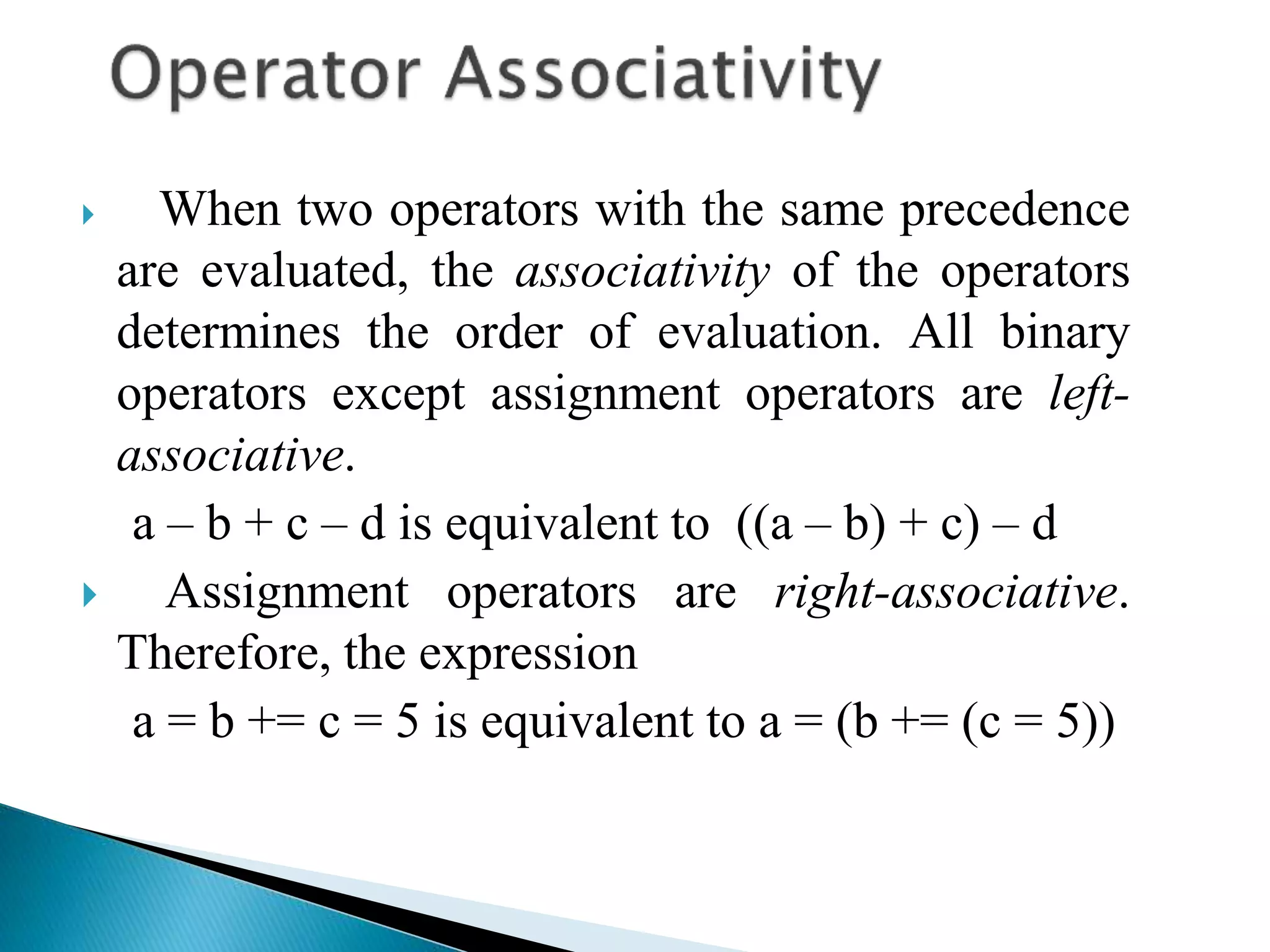
 When two operators with the same precedence
are evaluated, the associativity of the operators
determines the order of evaluation. All binary
operators except assignment operators are left-
associative.
a – b + c – d is equivalent to ((a – b) + c) – d
 Assignment operators are right-associative.
Therefore, the expression
a = b += c = 5 is equivalent to a = (b += (c = 5))
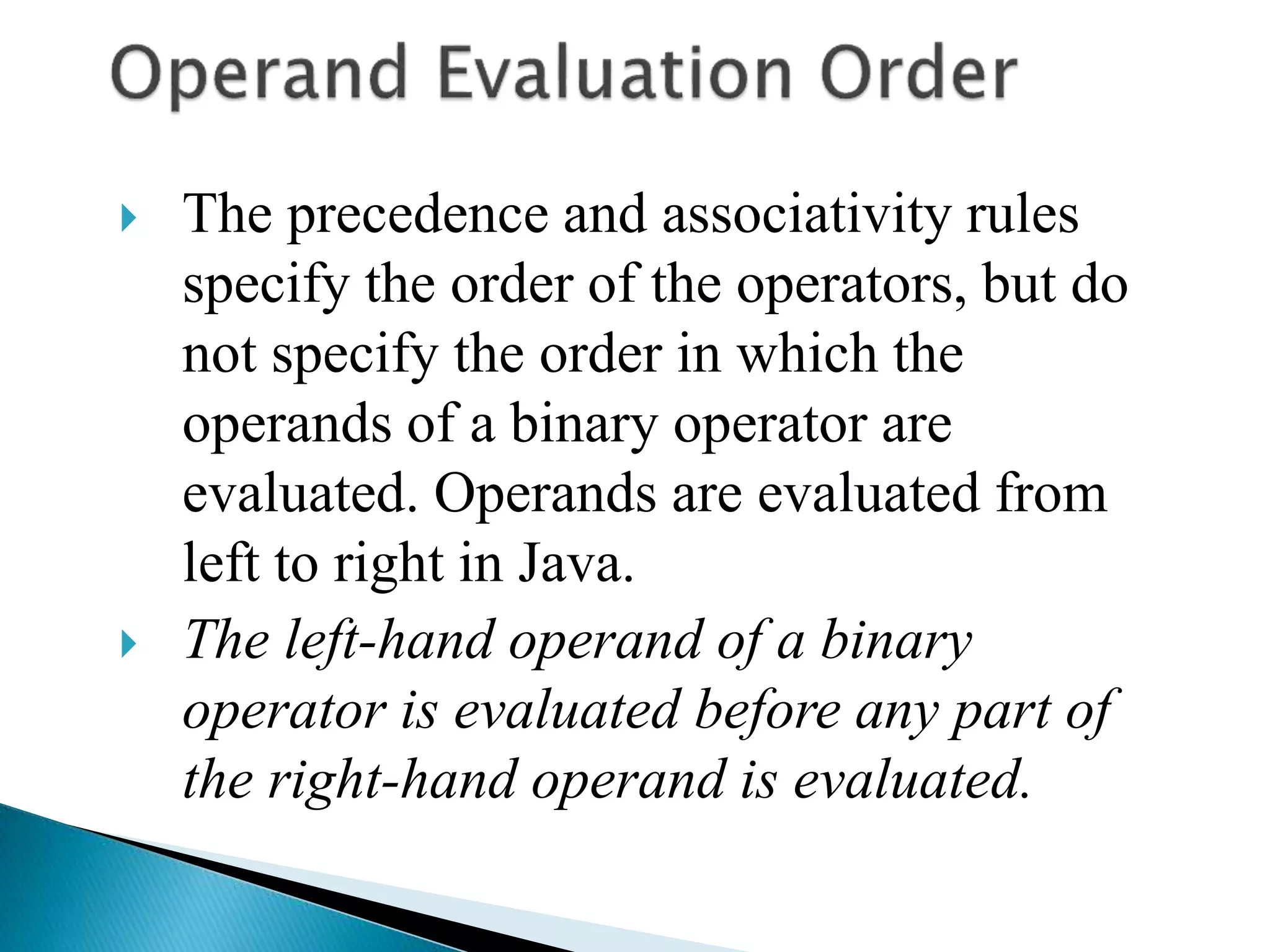
 The precedence and associativity rules
specify the order of the operators, but do
not specify the order in which the
operands of a binary operator are
evaluated. Operands are evaluated from
left to right in Java.
 The left-hand operand of a binary
operator is evaluated before any part of
the right-hand operand is evaluated.
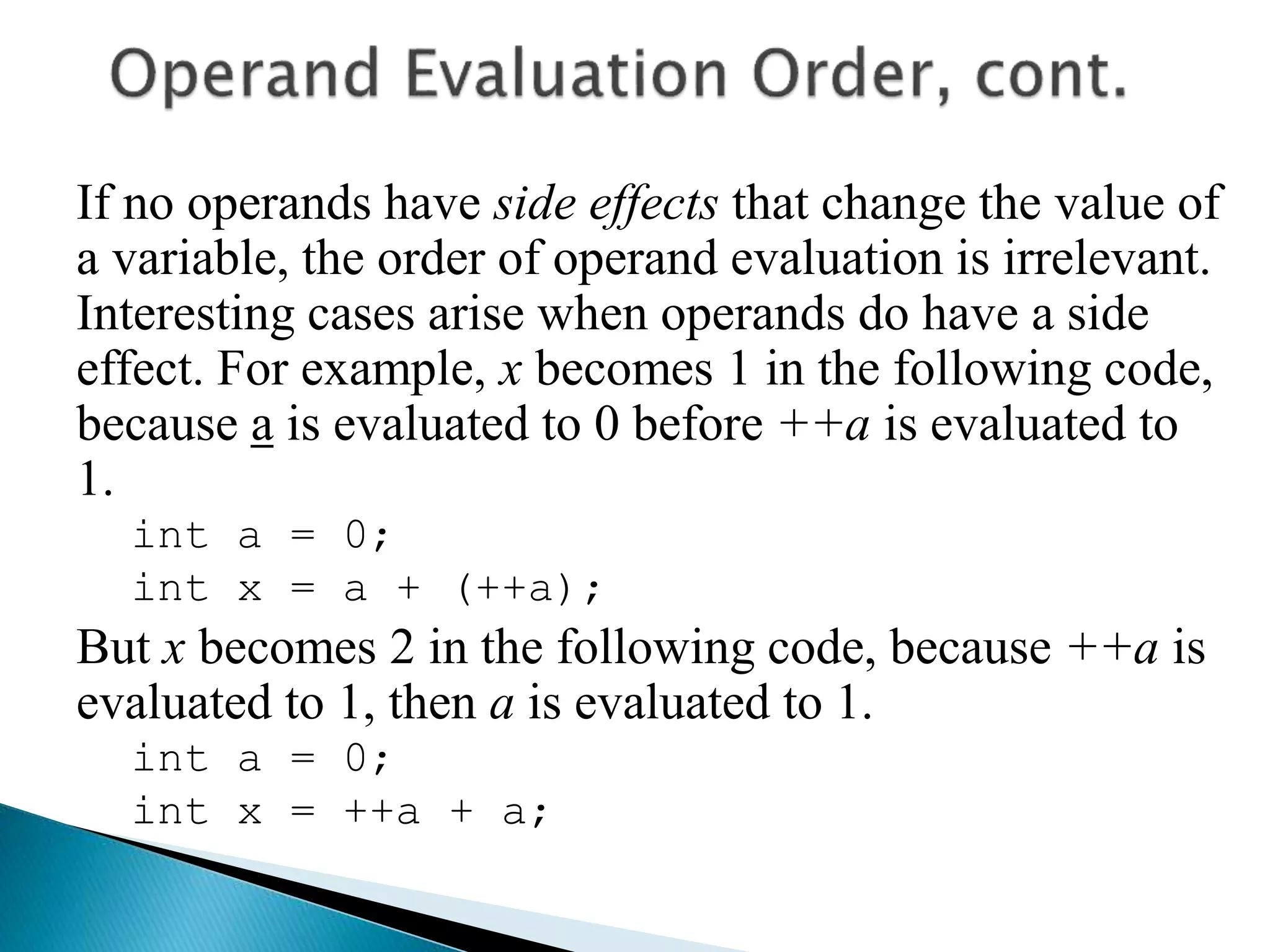
If no operands have side effects that change the value of
a variable, the order of operand evaluation is irrelevant.
Interesting cases arise when operands do have a side
effect. For example, x becomes 1 in the following code,
because a is evaluated to 0 before ++a is evaluated to
1.
int a = 0;
int x = a + (++a);
But x becomes 2 in the following code, because ++a is
evaluated to 1, then a is evaluated to 1.
int a = 0;
int x = ++a + a;
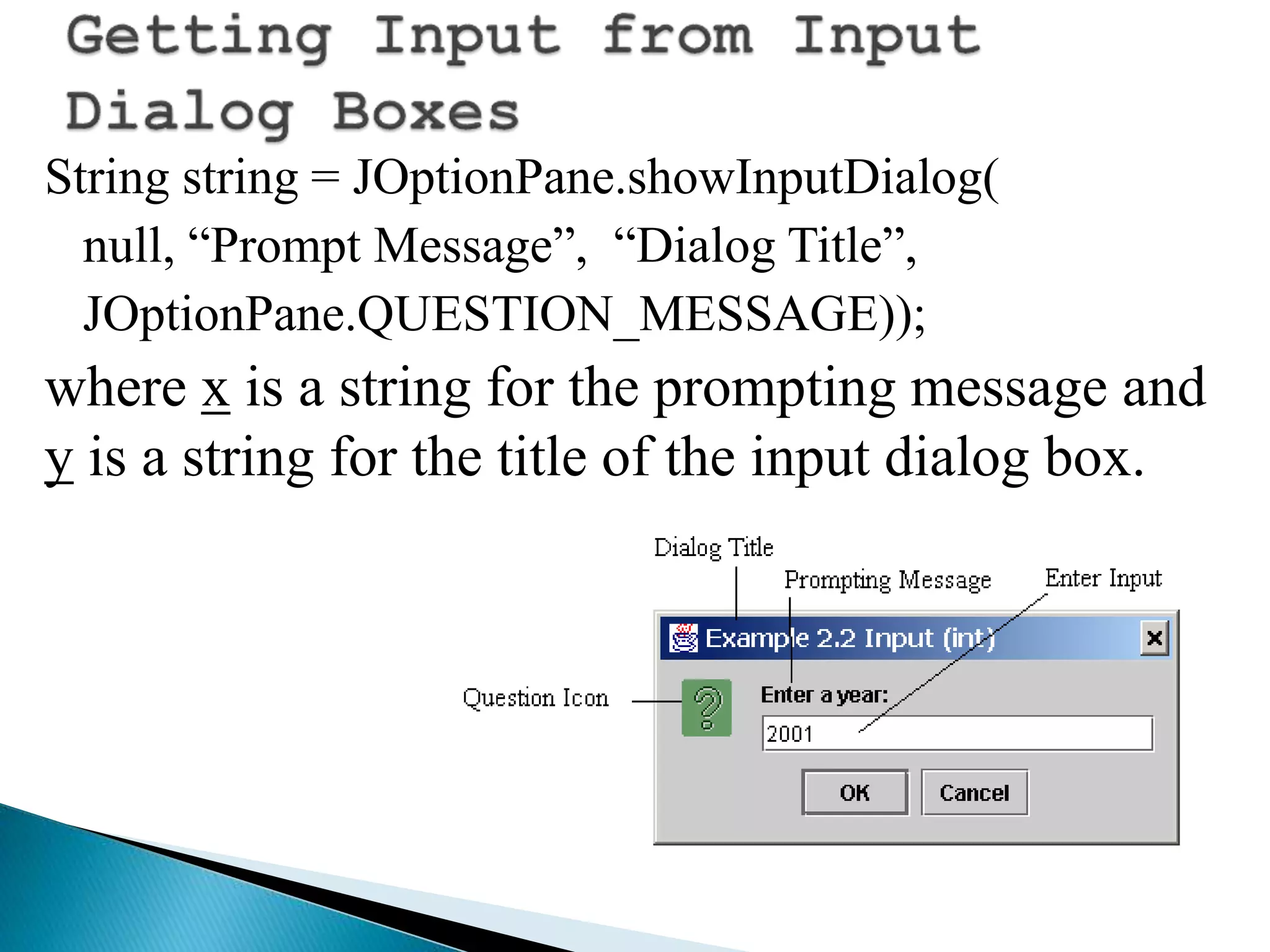
String string = JOptionPane.showInputDialog(
null, “Prompt Message”, “Dialog Title”,
JOptionPane.QUESTION_MESSAGE));
where x is a string for the prompting message and
y is a string for the title of the input dialog box.
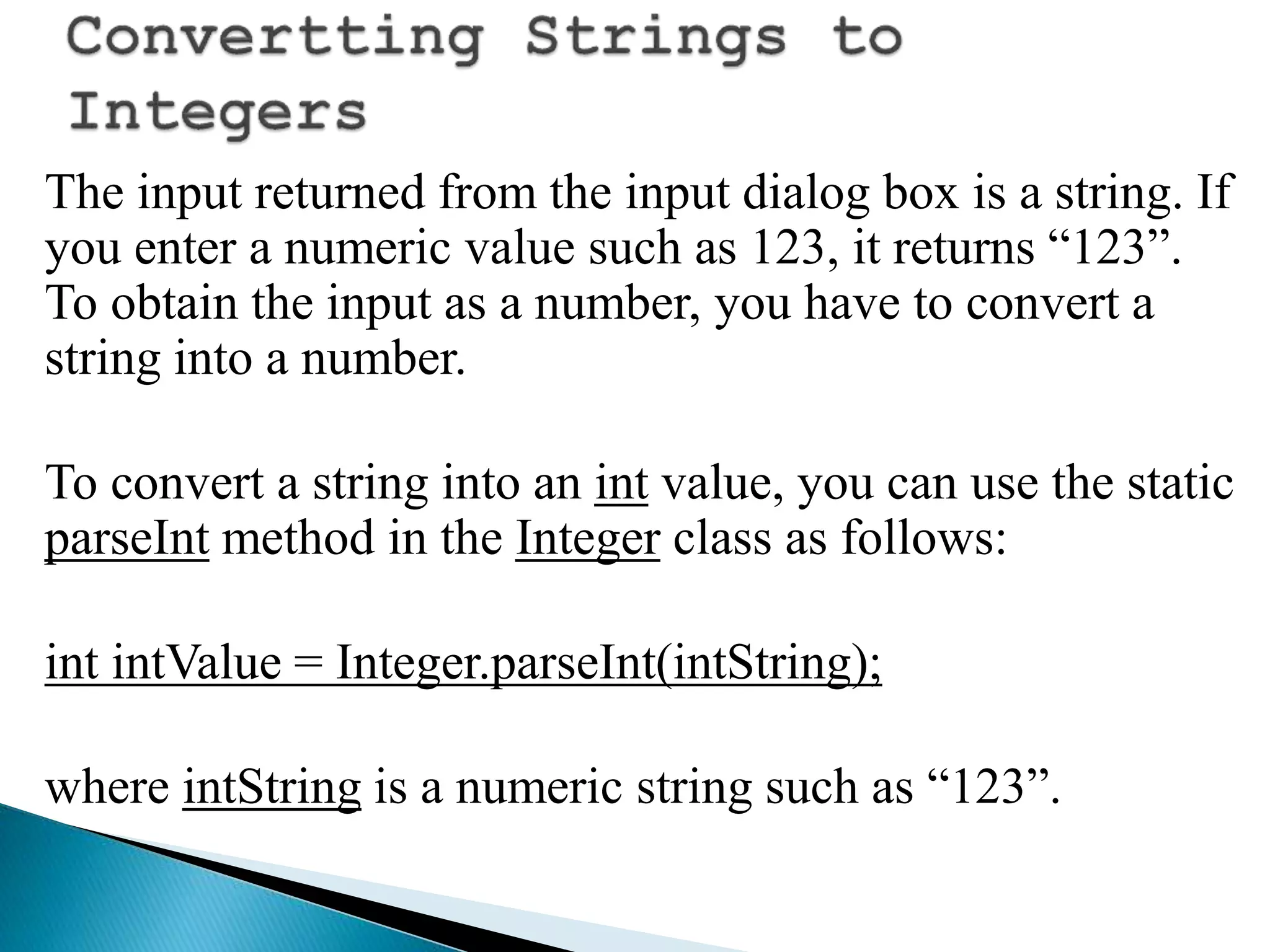
The input returned from the input dialog box is a string. If
you enter a numeric value such as 123, it returns “123”.
To obtain the input as a number, you have to convert a
string into a number.
To convert a string into an int value, you can use the static
parseInt method in the Integer class as follows:
int intValue = Integer.parseInt(intString);
where intString is a numeric string such as “123”.
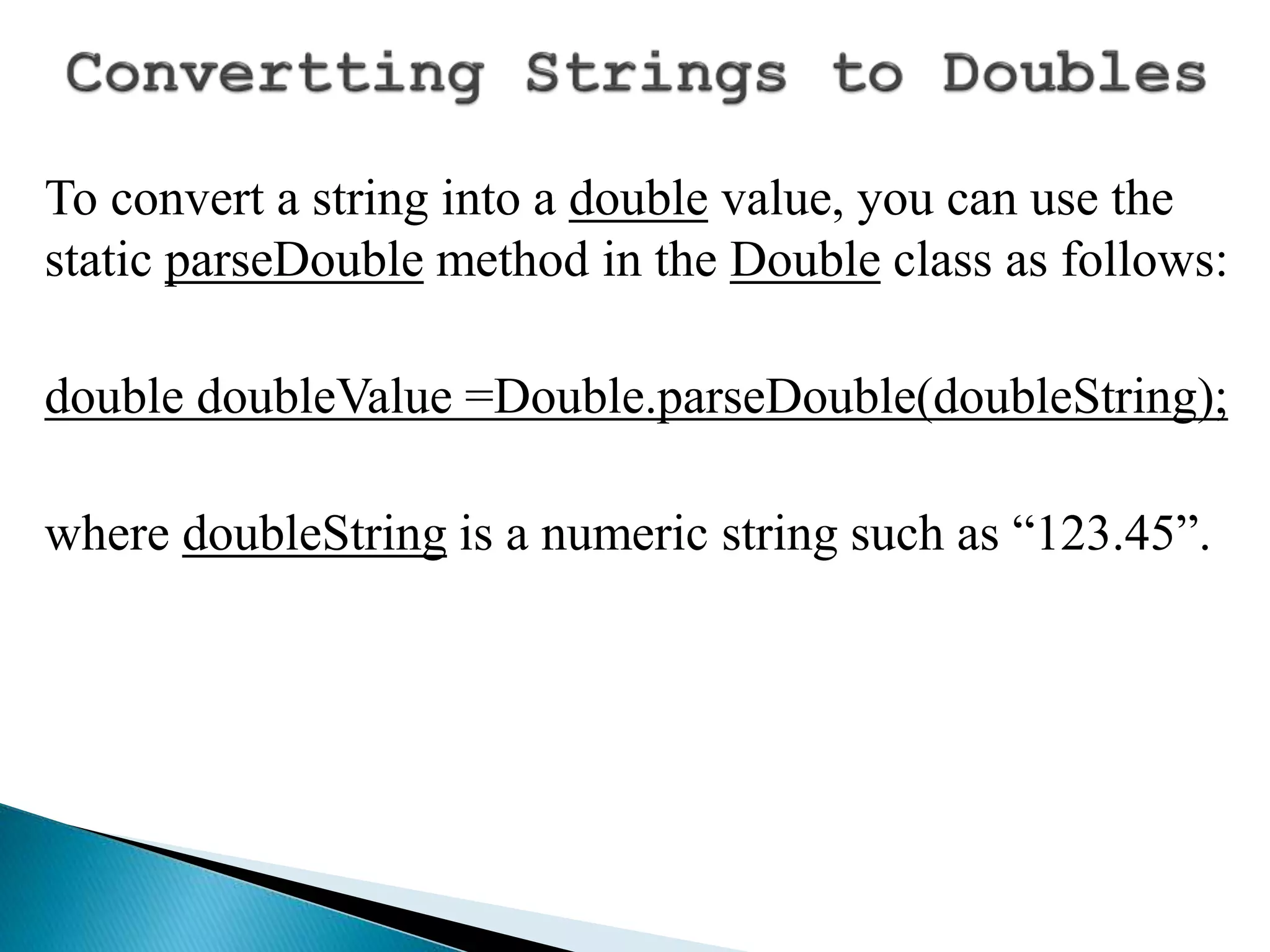
To convert a string into a double value, you can use the
static parseDouble method in the Double class as follows:
double doubleValue =Double.parseDouble(doubleString);
where doubleString is a numeric string such as “123.45”.
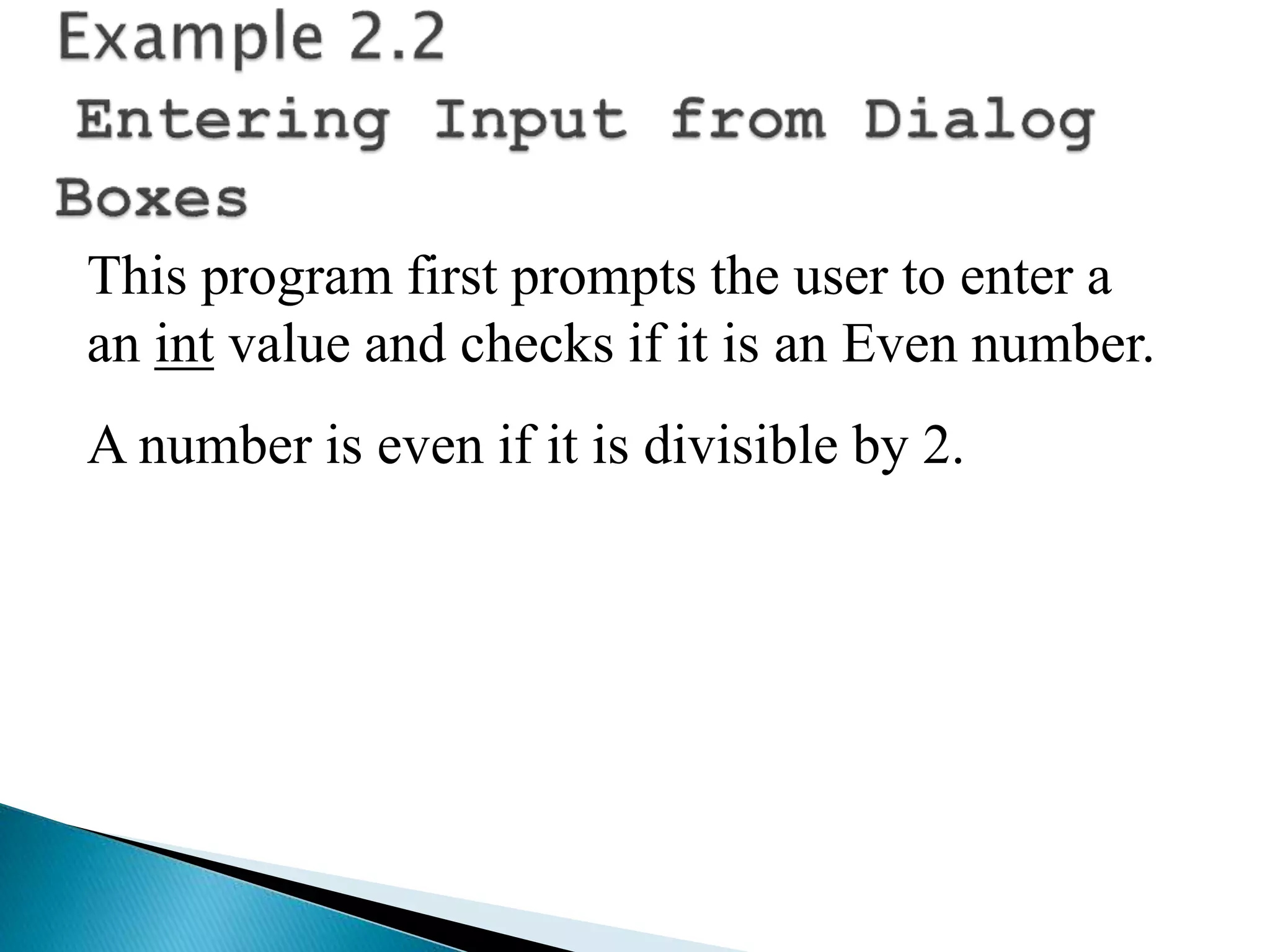
This program first prompts the user to enter a
an int value and checks if it is an Even number.
A number is even if it is divisible by 2.
import java.util.*;
class EvenNumber{
public static void main(String[] args){
System.out.println("Enter an integer value");
Scanner sinput = new Scanner(System.in);
int nValue = sinput.nextInt();
if (nValue % 2 ==0){
System.out.println(nValue + " is even");
}
else{
System.out.println(nValue + " is NOT even");
}
}
}
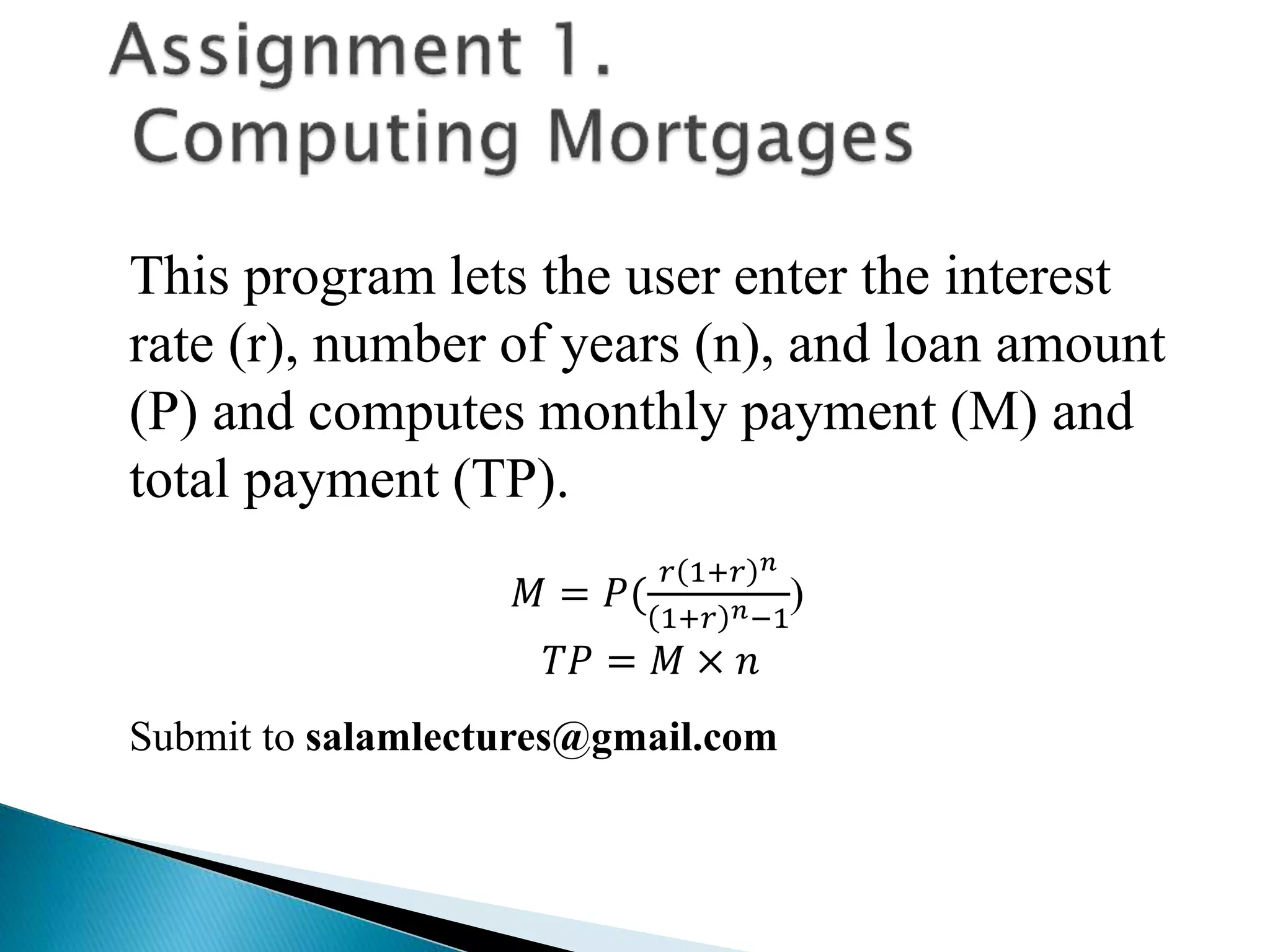
This program lets the user enter the interest
rate (r), number of years (n), and loan amount
(P) and computes monthly payment (M) and
total payment (TP).
𝑀 = 𝑃(
𝑟 1+𝑟 𝑛
1+𝑟 𝑛−1
)
𝑇𝑃 = 𝑀 × 𝑛
Submit to salamlectures@gmail.com
 Appropriate Comments
 Naming Conventions
 Proper Indentation and Spacing
Lines
 Block Styles
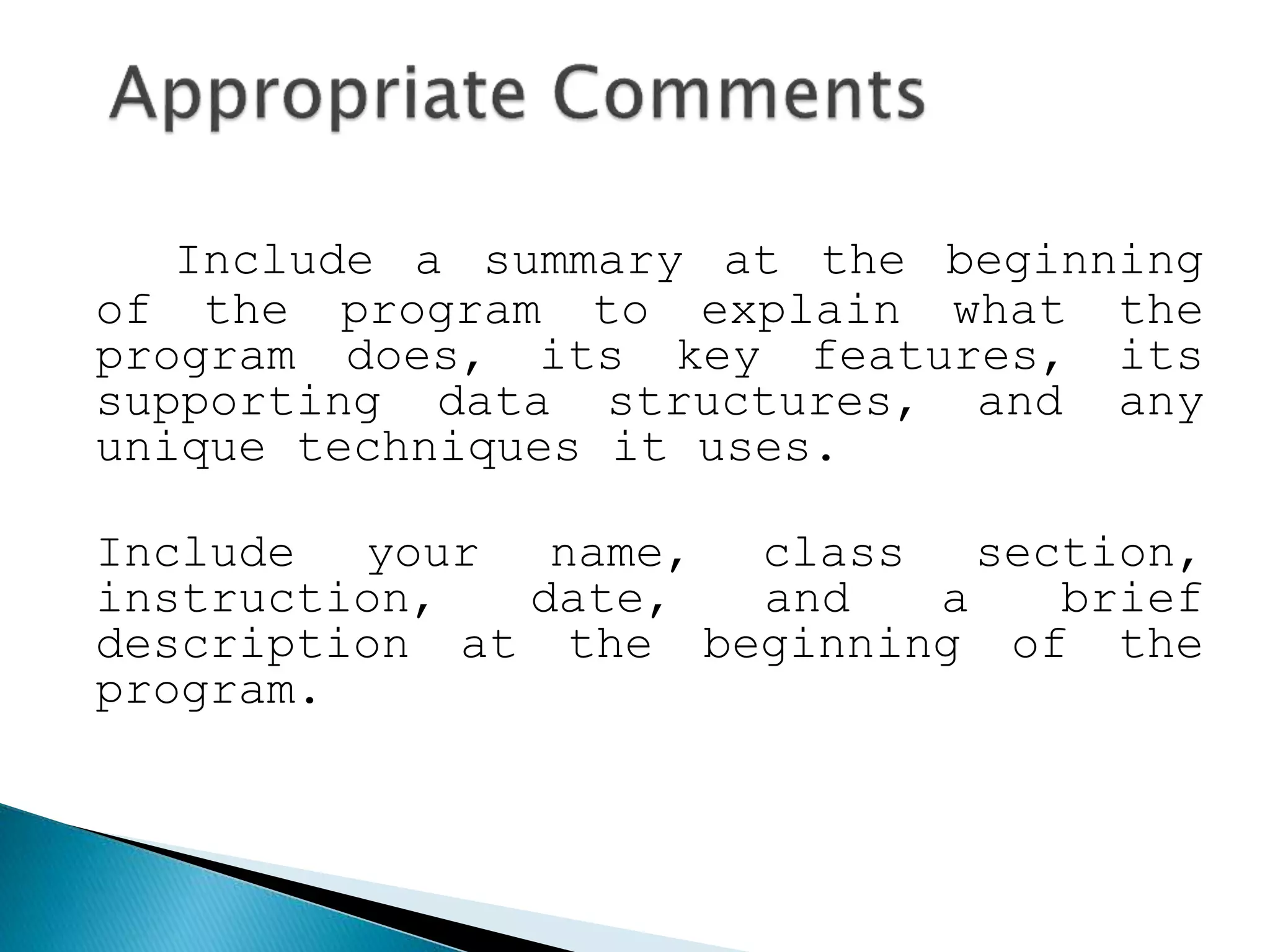
Include a summary at the beginning
of the program to explain what the
program does, its key features, its
supporting data structures, and any
unique techniques it uses.
Include your name, class section,
instruction, date, and a brief
description at the beginning of the
program.
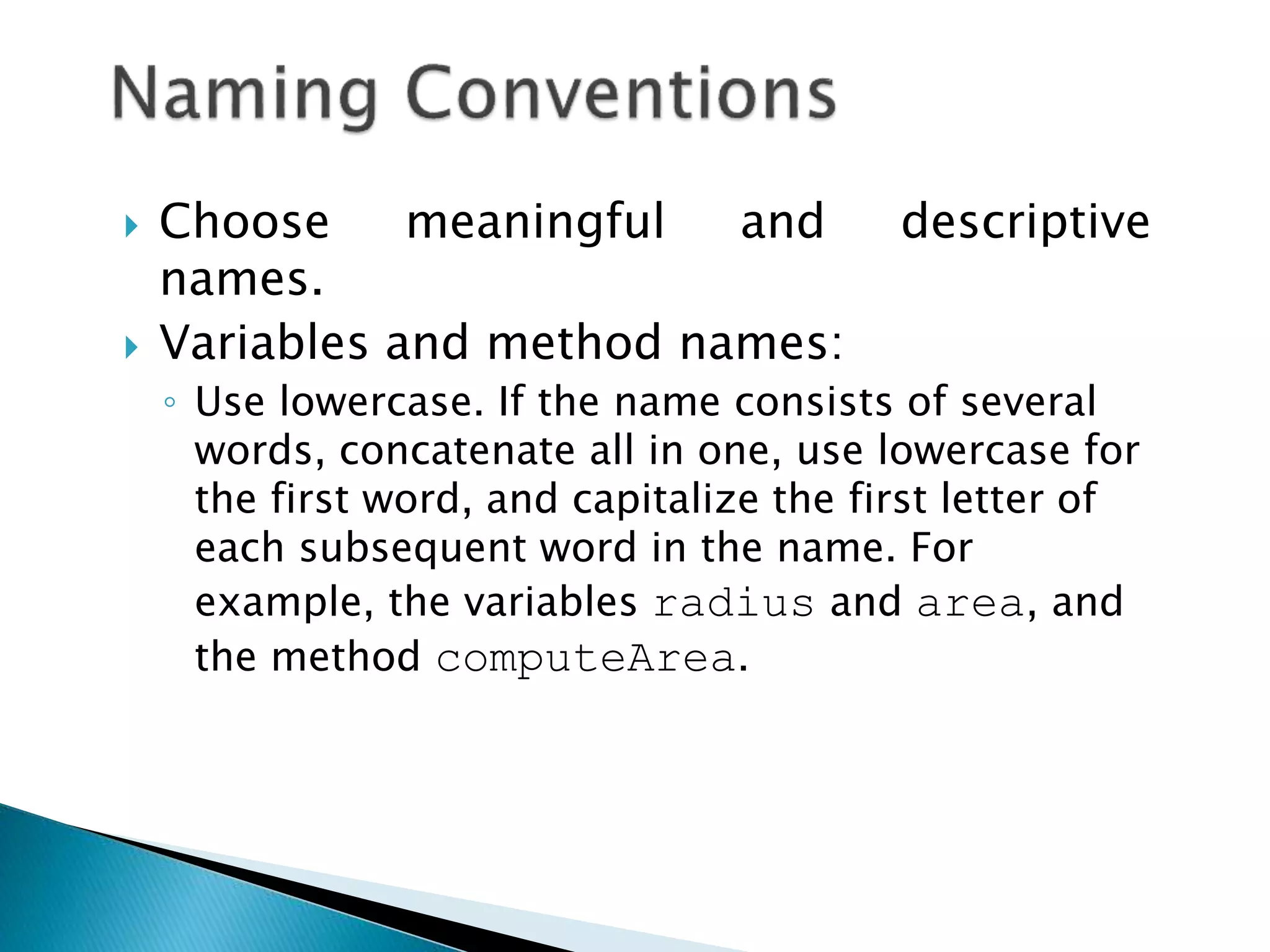
 Choose meaningful and descriptive
names.
 Variables and method names:
◦ Use lowercase. If the name consists of several
words, concatenate all in one, use lowercase for
the first word, and capitalize the first letter of
each subsequent word in the name. For
example, the variables radius and area, and
the method computeArea.
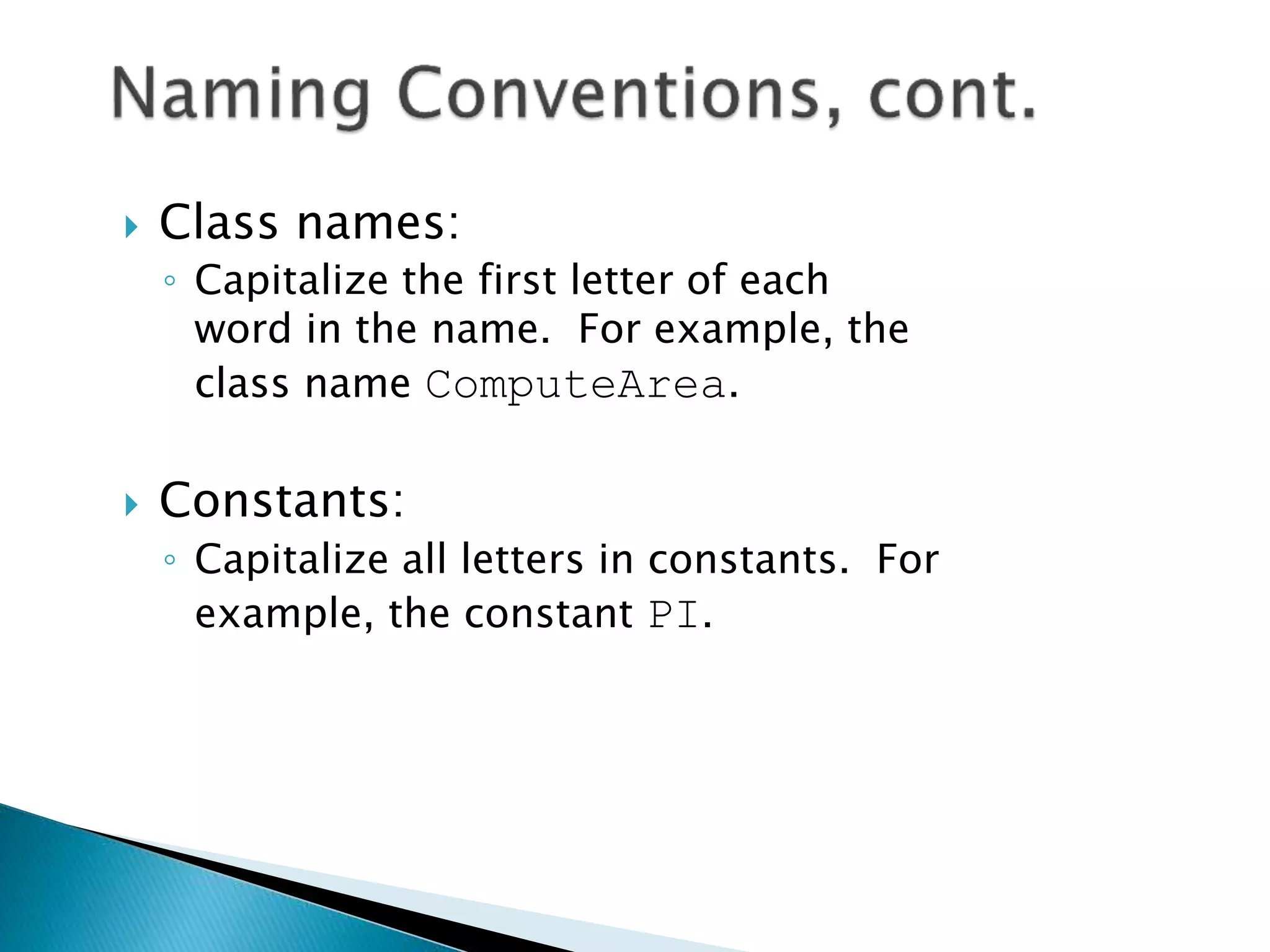
 Class names:
◦ Capitalize the first letter of each
word in the name. For example, the
class name ComputeArea.
 Constants:
◦ Capitalize all letters in constants. For
example, the constant PI.
 Indentation
◦ Indent two spaces.
 Spacing
◦ Use blank line to separate segments of the code.
Use end-of-line style for braces.
public class Test
{
public static void main(String[] args)
{
System.out.println("Block Styles");
}
}
public class Test {
public static void main(String[] args) {
System.out.println("Block Styles");
}
}
End-of-line
style
Next-line
style
 Syntax Errors
◦ Detected by the compiler
 Runtime Errors
◦ Causes the program to abort
 Logic Errors
◦ Produces incorrect result
public class ShowSyntaxErrors {
public static void main(String[]
args) {
i = 30;
System.out.println(i+4);
}
}
public class ShowRuntimeErrors {
public static void main(String[]
args) {
int i = 1 / 0;
}
}
public class ShowLogicErrors {
// Determine if a number is between 1 and 100
inclusively
public static void main(String[] args) {
// Prompt the user to enter a number
String input =
JOptionPane.showInputDialog(null,
"Please enter an integer:",
"ShowLogicErrors",
JOptionPane.QUESTION_MESSAGE);
int number = Integer.parseInt(input);
// Display the result
System.out.println("The number is between 1
and 100, " +
"inclusively? " + ((1 < number) && (number <
100)));
System.exit(0);
}
}

Lecture 3 and 4.pptx

  • 1.
  • 2.
     Introduce Programmingwith an Example  Identifiers, Variables, and Constants  Primitive Data Types ◦ byte, short, int, long, float, double, char, boolean  Expressions  Operators, Precedence, Associativity, Operand Evaluation Order: ++, --, *, /, %, +=, -=, *=, /=, %=, ^, &, |, +, -,  Getting Input from Input Dialog Boxes  Case Studies (Computing Mortgage, and Computing Changes)  Style and Documentation Guidelines  Syntax Errors, Runtime Errors, and Logic Errors
  • 3.
     An identifieris a sequence of characters that consist of letters, digits, underscores (_), and dollar signs ($).  An identifier must start with a letter, an underscore (_), or a dollar sign ($). It cannot start with a digit.  An identifier cannot be a reserved word. (See Appendix A, “Java Keywords,” for a list of reserved words).  An identifier cannot be true, false, or null.  An identifier can be of any length.
  • 4.
    Example 2.1 Computingthe Area of a Circle This program computes the area of the circle. 𝑎𝑟𝑒𝑎 = 𝜋 × 𝑟2
  • 5.
    // Compute thefirst area radius = 1.0; area = radius*radius*3.14159; System.out.println("The area is “ + area + " for radius "+radius); // Compute the second area radius = 2.0; area = radius*radius*3.14159; System.out.println("The area is “ + area + " for radius "+radius);
  • 6.
    int x; //Declare x to be an // integer variable; double radius; // Declare radius to // be a double variable; char a; // Declare a to be a // character variable;
  • 7.
    x = 1;// Assign 1 to x; radius = 1.0; // Assign 1.0 to radius; a = 'A'; // Assign 'A' to a;
  • 8.
     int x= 1;  double d = 1.4;  float f = 1.4; Is this statement correct?
  • 9.
    final datatype CONSTANTNAME= VALUE; final double PI = 3.14159; final int SIZE = 3;
  • 10.
    byte 8 bits short16 bits int 32 bits long 64 bits float 32 bits double 64 bits
  • 11.
     +, -,*, /, and %  5/2 yields an integer 2.  5.0/2 yields a double value 2.5  5 % 2 yields 1 (the remainder of the division)
  • 12.
     Calculations involvingfloating-point numbers are approximated because these numbers are not stored with complete accuracy. For example,  System.out.println(1 - 0.1 - 0.1 - 0.1 - 0.1 - 0.1);  displays 0.5000000000000001, not 0.5, and  System.out.println(1.0 - 0.9);  displays 0.09999999999999998, not 0.1. Integers are stored precisely. Therefore, calculations with integers yield a precise integer result.
  • 13.
     A literalis a constant value that appears directly in the program. For example, 34, 1,000,000, and 5.0 are literals in the following statements: int i = 34; long l = 1000000; double d = 5.0;
  • 14.
     An integerliteral can be assigned to an integer variable as long as it can fit into the variable. A compilation error would occur if the literal were too large for the variable to hold. For example, the statement byte b = 1000 would cause a compilation error, because 1000 cannot be stored in a variable of the byte type.  An integer literal is assumed to be of the int type, whose value is between -231 (-2147483648) to 231–1 (2147483647). To denote an integer literal of the long type, append it with the letter L or l. L is preferred because l (lowercase L) can easily be confused with 1 (the digit one).
  • 15.
     Floating-point literalsare written with a decimal point. By default, a floating-point literal is treated as a double type value. For example, 5.0 is considered a double value, not a float value. You can make a number a float by appending the letter f or F, and make a number a double by appending the letter d or D. For example, you can use 100.2f or 100.2F for a float number, and 100.2d or 100.2D for a double number.
  • 16.
     Floating-point literalscan also be specified in scientific notation, for example, 1.23456e+2, same as 1.23456e2, is equivalent to 123.456, and 1.23456e-2 is equivalent to 0.0123456. E (or e) represents an exponent and it can be either in lowercase or uppercase.
  • 17.
  • 18.
    Operator Example Equivalent +=i+=8 i = i+8 -= f-=8.0 f = f-8.0 *= i*=8 i = i*8 /= i/=8 i = i/8 %= i%=8 i = i%8
  • 19.
    x++; // Sameas x = x + 1; ++x; // Same as x = x + 1; x––; // Same as x = x - 1; ––x; // Same as x = x - 1; suffix prefix suffix prefix
  • 20.
    int i=10; int newNum= 10*i++; int newNum = 10*i; i = i + 1; Equivalent to int i=10; int newNum = 10*(++i); i = i + 1; int newNum = 10*i; Equivalent to
  • 21.
    Using increment anddecrement operators makes expressions short, but it also makes them complex and difficult to read. Avoid using these operators in expressions that modify multiple variables, or the same variable for multiple times such as this: int k = ++i + i.
  • 22.
     Prior toJava 2, all the expressions can be used as statements. Since Java 2, only the following types of expressions can be statements: variable op= expression; // Where op is +, -, *, /, or % ++variable; variable++; --variable; variable--;
  • 23.
    Consider the followingstatements: byte i = 100; long k = i*3+4; double d = i*3.1+k/2; int x = k; //(Wrong) long k = x; //(fine,implicit casting)
  • 24.
     double  float long  int  short  byte
  • 25.
    Implicit casting double d= 3; (type widening) Explicit casting int i = (int)3.0; (type narrowing) What is wrong? int x = 5/2.0;
  • 26.
    char letter ='A'; (ASCII) char numChar = '4'; (ASCII) char letter = 'u0041'; (Unicode) char numChar = 'u0034'; (Unicode) Special characters char tab = ‘t’;
  • 27.
    Description Escape SequenceUnicode Backspace b u0008 Tab t u0009 Linefeed n u000a Carriage return r u000d
  • 28.
    ASCII Character Setis a subset of the Unicode from u0000 to u007f
  • 29.
    ASCII Character Setis a subset of the Unicode from u0000 to u007f
  • 30.
    int i ='a'; // Same as int i = (int)'a'; char c = 97; // Same as char c = (char)97;
  • 31.
    // Demonstrate casts. classConversion { public static void main(String args[]) { byte b; int i = 257; double d = 323.142; System.out.println("nConversion of int to byte."); b = (byte) i; System.out.println("i and b " + i + " " + b); System.out.println("nConversion of double to int."); i = (int) d; System.out.println("d and i " + d + " " + i); System.out.println("nConversion of double to byte."); b = (byte) d; System.out.println("d and b " + d + " " + b); } }
  • 32.
    boolean lightsOn =true; boolean lightsOn = false; boolean b = (1 > 2);  && (and) (1 < x) && (x < 100)  || (or)(lightsOn) || (isDayTime)  ! (not)!(isStopped)
  • 33.
    Operator Name < lessthan <= less than or equal to > greater than >= greater than or equal to == equal to != not equal to
  • 34.
    Operator Name ! not &&and || or ^ exclusive or
  • 35.
    Truth Table forOperator ! Operand !Operand true false false true
  • 36.
    Operand1 Operand2 Operand1&& Operand2 false false false false true false true false false true true true
  • 37.
    Operand1 Operand2 Operand1|| Operand2 false false false false true true true false true true true true
  • 38.
    Operand1 Operand2 Operand1^ Operand2 false false false false true true true false true true true false
  • 39.
    &&: conditional ANDoperator &: unconditional AND operator ||: conditional OR operator |: unconditional OR operator exp1 && exp2 (1 < x) && (x < 100) (1 < x) & (x < 100)
  • 40.
    If x is1, what is x after this expression? (x > 1) & (x++ < 10) If x is 1, what is x after this expression? (1 > x) && ( 1 > x++) How about (1 == x) | (10 > x++)? (1 == x) || (10 > x++)?
  • 41.
     var++, var-- +, - (Unary plus and minus), ++var,--var  (type) Casting  ! (Not)  *, /, % (Multiplication, division, and modulus)  +, - (Binary addition and subtraction)  <, <=, >, >= (Comparison)  ==, !=; (Equality)  & (Unconditional AND)  ^ (Exclusive OR)  | (Unconditional OR)  && (Conditional AND) Short-circuit AND  || (Conditional OR) Short-circuit OR  =, +=, -=, *=, /=, %= (Assignment operator)
  • 42.
     When twooperators with the same precedence are evaluated, the associativity of the operators determines the order of evaluation. All binary operators except assignment operators are left- associative. a – b + c – d is equivalent to ((a – b) + c) – d  Assignment operators are right-associative. Therefore, the expression a = b += c = 5 is equivalent to a = (b += (c = 5))
  • 43.
     The precedenceand associativity rules specify the order of the operators, but do not specify the order in which the operands of a binary operator are evaluated. Operands are evaluated from left to right in Java.  The left-hand operand of a binary operator is evaluated before any part of the right-hand operand is evaluated.
  • 44.
    If no operandshave side effects that change the value of a variable, the order of operand evaluation is irrelevant. Interesting cases arise when operands do have a side effect. For example, x becomes 1 in the following code, because a is evaluated to 0 before ++a is evaluated to 1. int a = 0; int x = a + (++a); But x becomes 2 in the following code, because ++a is evaluated to 1, then a is evaluated to 1. int a = 0; int x = ++a + a;
  • 45.
    String string =JOptionPane.showInputDialog( null, “Prompt Message”, “Dialog Title”, JOptionPane.QUESTION_MESSAGE)); where x is a string for the prompting message and y is a string for the title of the input dialog box.
  • 46.
    The input returnedfrom the input dialog box is a string. If you enter a numeric value such as 123, it returns “123”. To obtain the input as a number, you have to convert a string into a number. To convert a string into an int value, you can use the static parseInt method in the Integer class as follows: int intValue = Integer.parseInt(intString); where intString is a numeric string such as “123”.
  • 47.
    To convert astring into a double value, you can use the static parseDouble method in the Double class as follows: double doubleValue =Double.parseDouble(doubleString); where doubleString is a numeric string such as “123.45”.
  • 48.
    This program firstprompts the user to enter a an int value and checks if it is an Even number. A number is even if it is divisible by 2.
  • 49.
    import java.util.*; class EvenNumber{ publicstatic void main(String[] args){ System.out.println("Enter an integer value"); Scanner sinput = new Scanner(System.in); int nValue = sinput.nextInt(); if (nValue % 2 ==0){ System.out.println(nValue + " is even"); } else{ System.out.println(nValue + " is NOT even"); } } }
  • 50.
    This program letsthe user enter the interest rate (r), number of years (n), and loan amount (P) and computes monthly payment (M) and total payment (TP). 𝑀 = 𝑃( 𝑟 1+𝑟 𝑛 1+𝑟 𝑛−1 ) 𝑇𝑃 = 𝑀 × 𝑛 Submit to salamlectures@gmail.com
  • 51.
     Appropriate Comments Naming Conventions  Proper Indentation and Spacing Lines  Block Styles
  • 52.
    Include a summaryat the beginning of the program to explain what the program does, its key features, its supporting data structures, and any unique techniques it uses. Include your name, class section, instruction, date, and a brief description at the beginning of the program.
  • 53.
     Choose meaningfuland descriptive names.  Variables and method names: ◦ Use lowercase. If the name consists of several words, concatenate all in one, use lowercase for the first word, and capitalize the first letter of each subsequent word in the name. For example, the variables radius and area, and the method computeArea.
  • 54.
     Class names: ◦Capitalize the first letter of each word in the name. For example, the class name ComputeArea.  Constants: ◦ Capitalize all letters in constants. For example, the constant PI.
  • 55.
     Indentation ◦ Indenttwo spaces.  Spacing ◦ Use blank line to separate segments of the code.
  • 56.
    Use end-of-line stylefor braces. public class Test { public static void main(String[] args) { System.out.println("Block Styles"); } } public class Test { public static void main(String[] args) { System.out.println("Block Styles"); } } End-of-line style Next-line style
  • 57.
     Syntax Errors ◦Detected by the compiler  Runtime Errors ◦ Causes the program to abort  Logic Errors ◦ Produces incorrect result
  • 58.
    public class ShowSyntaxErrors{ public static void main(String[] args) { i = 30; System.out.println(i+4); } }
  • 59.
    public class ShowRuntimeErrors{ public static void main(String[] args) { int i = 1 / 0; } }
  • 60.
    public class ShowLogicErrors{ // Determine if a number is between 1 and 100 inclusively public static void main(String[] args) { // Prompt the user to enter a number String input = JOptionPane.showInputDialog(null, "Please enter an integer:", "ShowLogicErrors", JOptionPane.QUESTION_MESSAGE); int number = Integer.parseInt(input); // Display the result System.out.println("The number is between 1 and 100, " + "inclusively? " + ((1 < number) && (number < 100))); System.exit(0); } }