CSS REFRESHER
Styling HTML elements
what is css?
• Cascading Style Sheets
• A set of rules on how to display your
  HTML elements
• Internal documents: embedded in the
  head part of the HTML file
• External documents: something.css
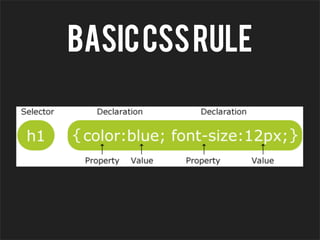
Basic CSS RULE
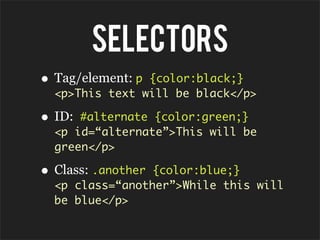
SELECTORS
• Tag/element: p{color:black;}
  <p>This text will be black</p>

• ID: #alternate {color:green;}
  <p id=“alternate”>This will be
  green</p>

• Class: .another{color:blue;}
  <p class=“another”>While this will
  be blue</p>
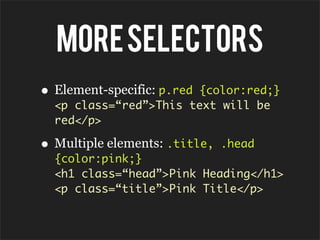
MORE SELECTORS
• Element-specific: p.red
                       {color:red;}
  <p class=“red”>This text will be
  red</p>

• Multiple elements: .title,   .head
  {color:pink;}
  <h1 class=“head”>Pink Heading</h1>
  <p class=“title”>Pink Title</p>
HOW to apply CSS

• Internal stylesheet
• External stylesheet
• Inline stylesheet
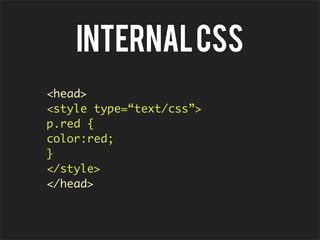
INTERNAL CSS
<head>
<style type=“text/css”>
p.red {
color:red;
}
</style>
</head>
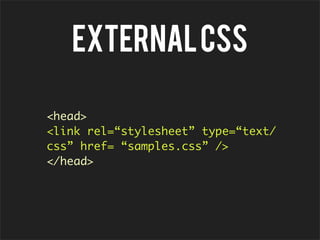
EXTERNAL CSS

<head>
<link rel=“stylesheet” type=“text/
css” href= “samples.css” />
</head>
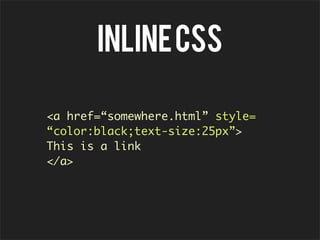
INLINE CSS

<a href=“somewhere.html” style=
“color:black;text-size:25px”>
This is a link
</a>
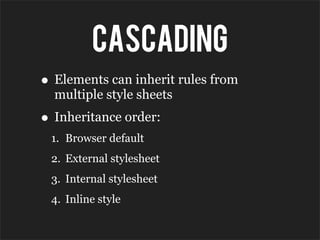
CASCADING
• Elements can inherit rules from
  multiple style sheets
• Inheritance order:
 1. Browser default
 2. External stylesheet
 3. Internal stylesheet
 4. Inline style
Exception!
<head>
<style type=“text/css”>
p.red {
color:red;
}
</style>
<link rel=“stylesheet” type=“text/
css” href= “samples.css” />
</head>
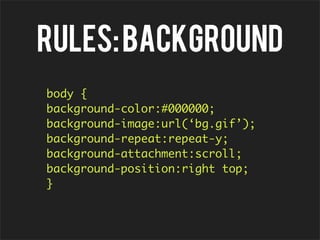
RULES: BACKGROUND
body {
background-color:#000000;
background-image:url(‘bg.gif’);
background-repeat:repeat-y;
background-attachment:scroll;
background-position:right top;
}
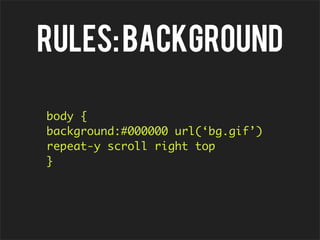
RULES: BACKGROUND

body {
background:#000000 url(‘bg.gif’)
repeat-y scroll right top
}
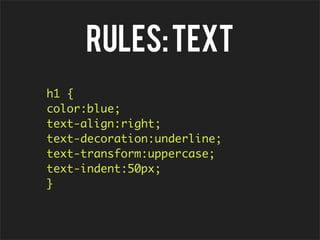
RULES: TEXT
h1 {
color:blue;
text-align:right;
text-decoration:underline;
text-transform:uppercase;
text-indent:50px;
}
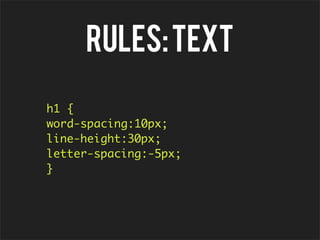
RULES: TEXT

h1 {
word-spacing:10px;
line-height:30px;
letter-spacing:-5px;
}
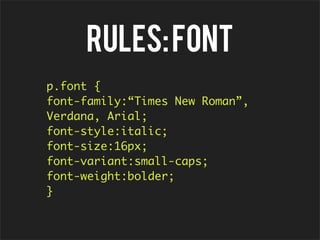
RULES: FONT
p.font {
font-family:“Times New Roman”,
Verdana, Arial;
font-style:italic;
font-size:16px;
font-variant:small-caps;
font-weight:bolder;
}
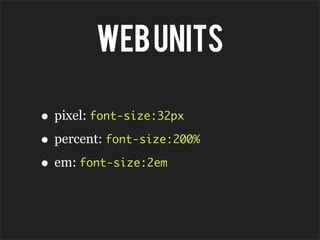
Web units

• pixel: font-size:32px
• percent: font-size:200%
• em: font-size:2em
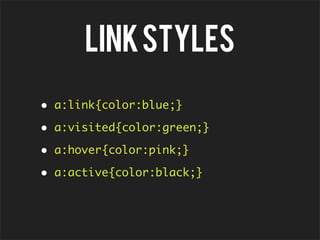
LINK STYLES
•   a:link{color:blue;}

•   a:visited{color:green;}

•   a:hover{color:pink;}

•   a:active{color:black;}

CSS Refresher