CSS-Web Design
HTML Styles - CSS
• CSS stands for Cascading Style Sheets.
• CSS saves a lot of work. It can control the layout of
multiple web pages all at once.
What is CSS?
• Cascading Style Sheets (CSS) is used to format the
layout of a webpage.
Using CSS
• CSS can be added to HTML documents in 3 ways:
Inline - by using the style attribute inside HTML elements
Internal - by using a <style> element in the <head> section
External - by using a <link> element to link to an external CSS file
Inline CSS
• An inline CSS is used to apply a unique style to a single HTML
element.
• An inline CSS uses the style attribute of an HTML element.
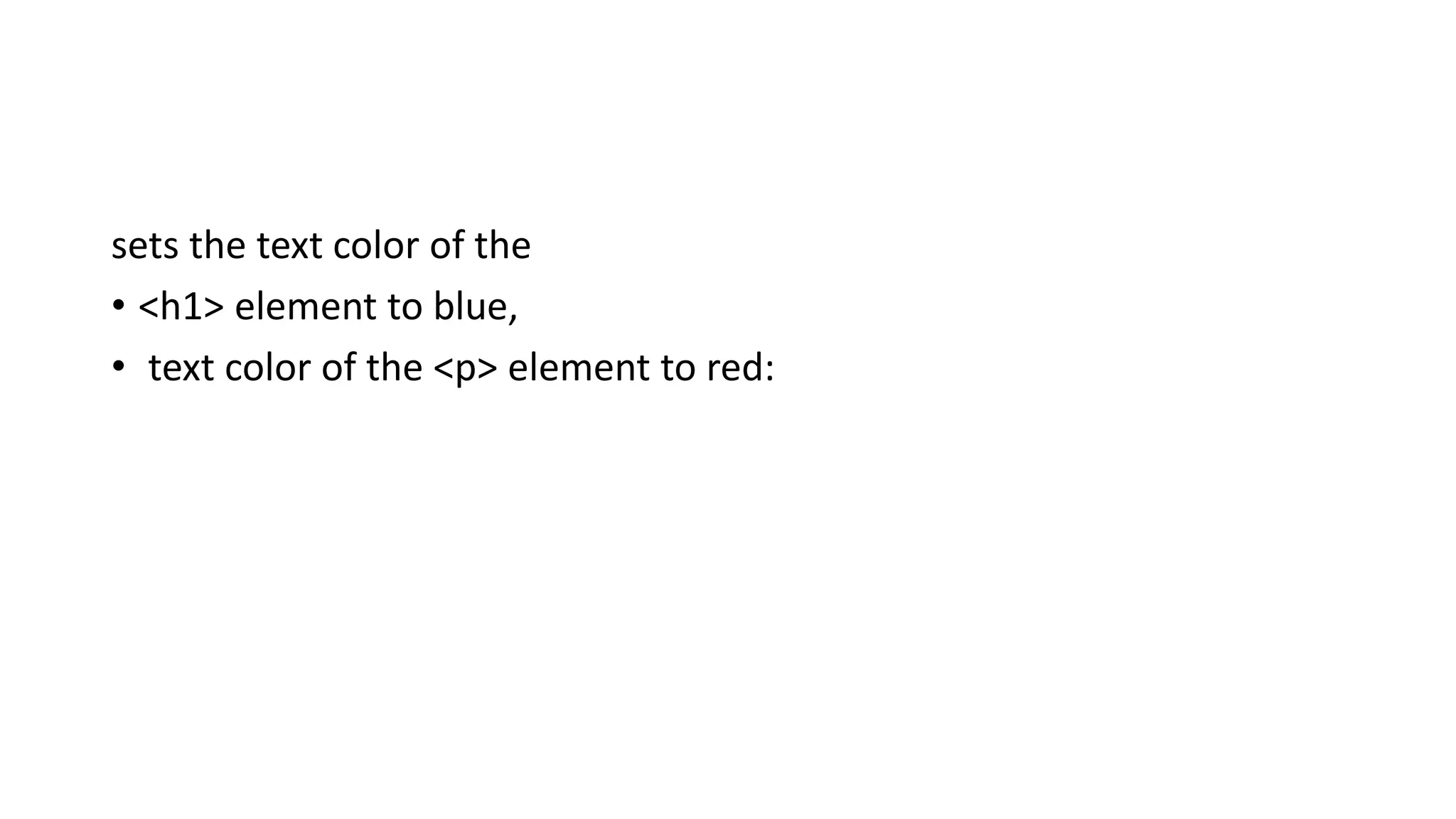
sets the text color of the
• <h1> element to blue,
• text color of the <p> element to red:
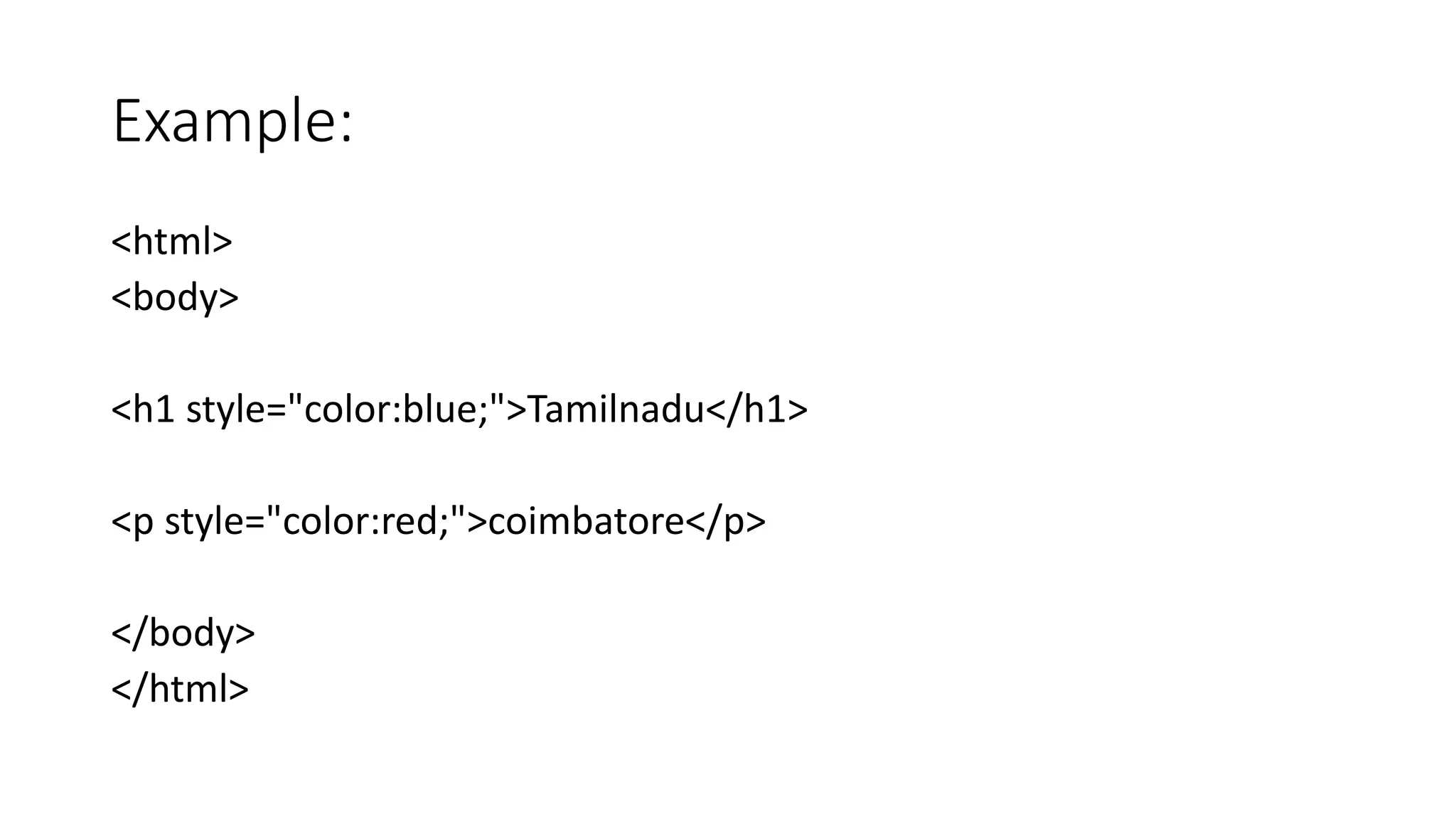
Example:
<html>
<body>
<h1 style="color:blue;">Tamilnadu</h1>
<p style="color:red;">coimbatore</p>
</body>
</html>
Output:
Tamilnadu
coimbatore
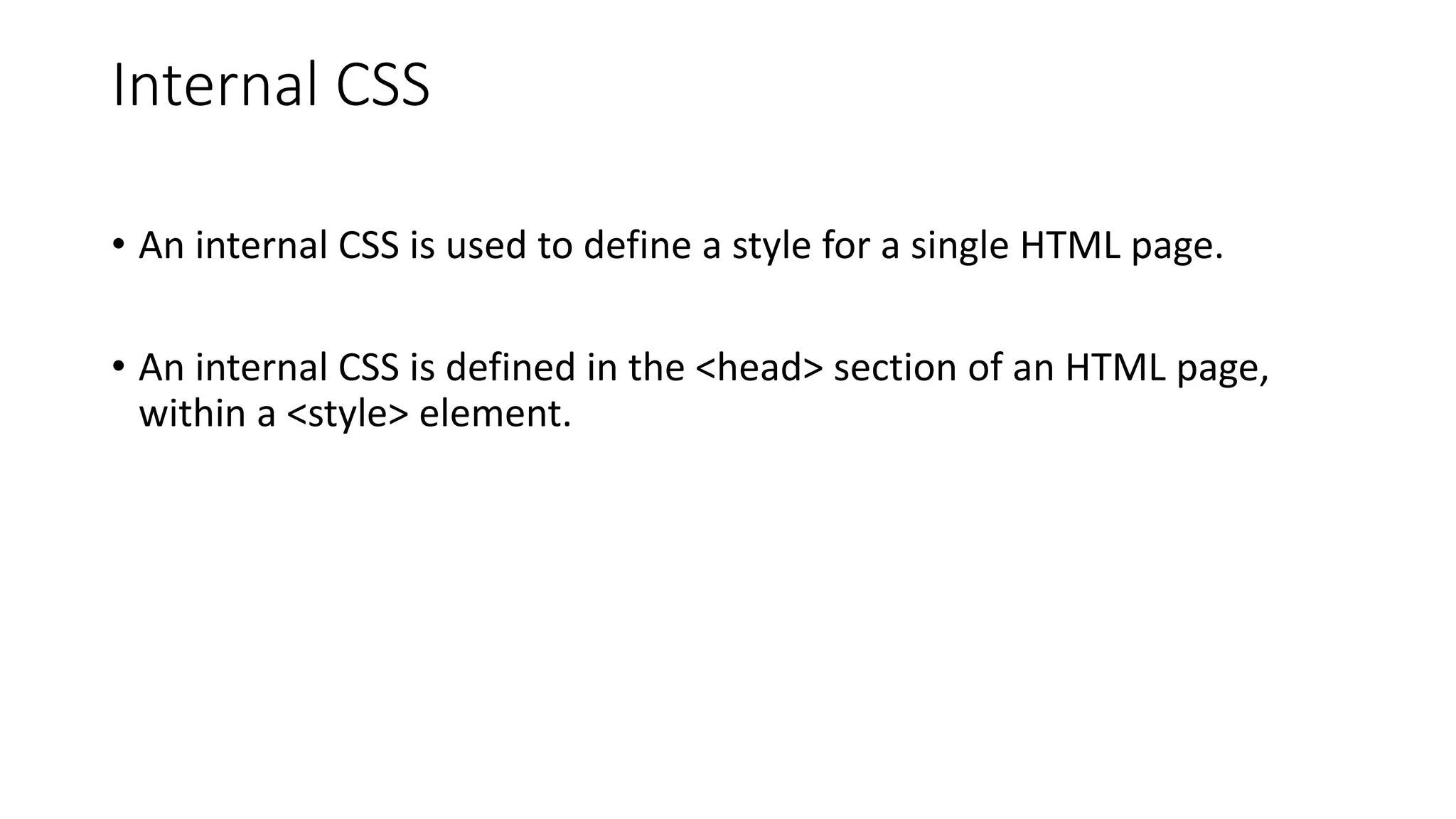
Internal CSS
• An internal CSS is used to define a style for a single HTML page.
• An internal CSS is defined in the <head> section of an HTML page,
within a <style> element.
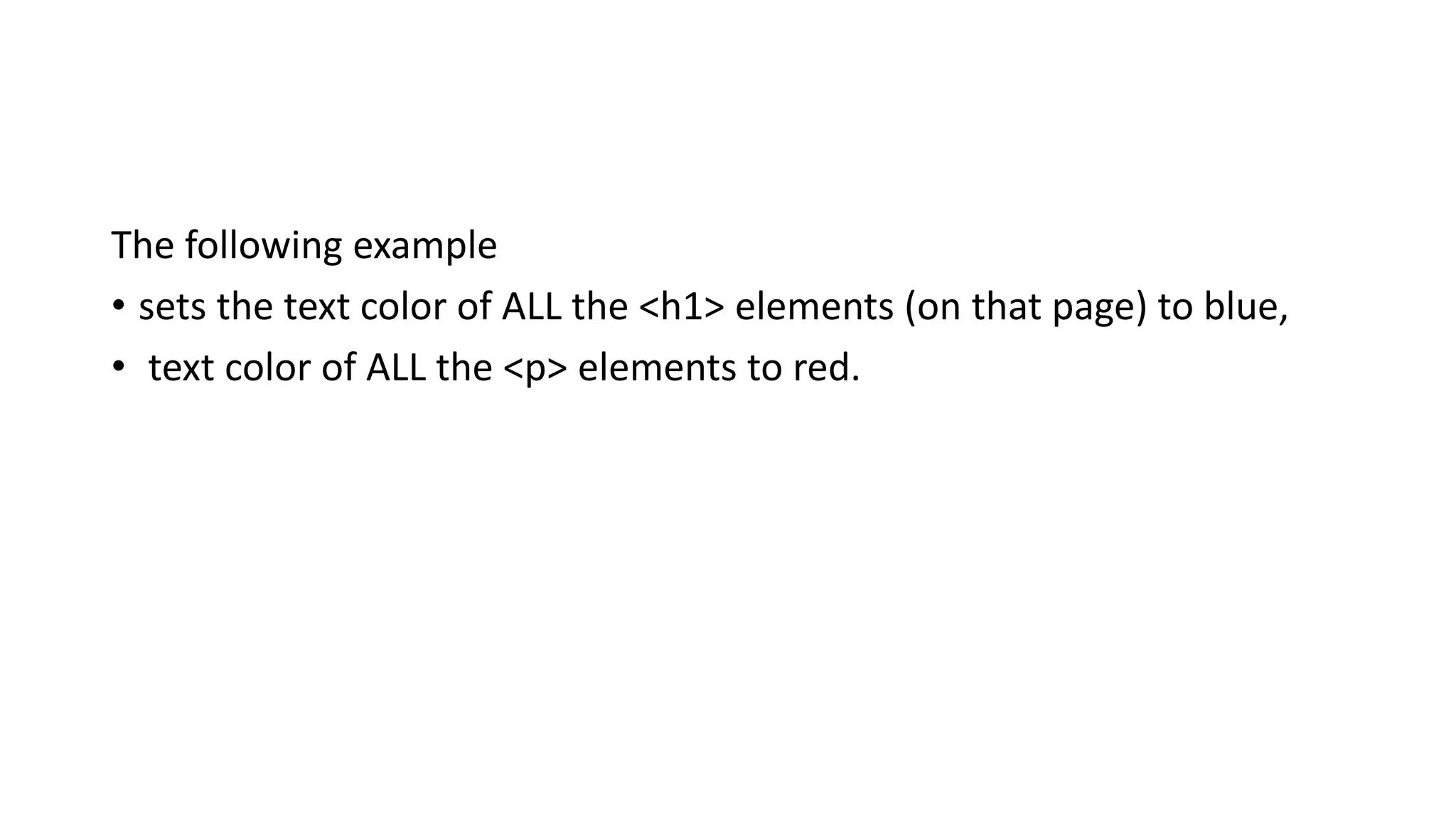
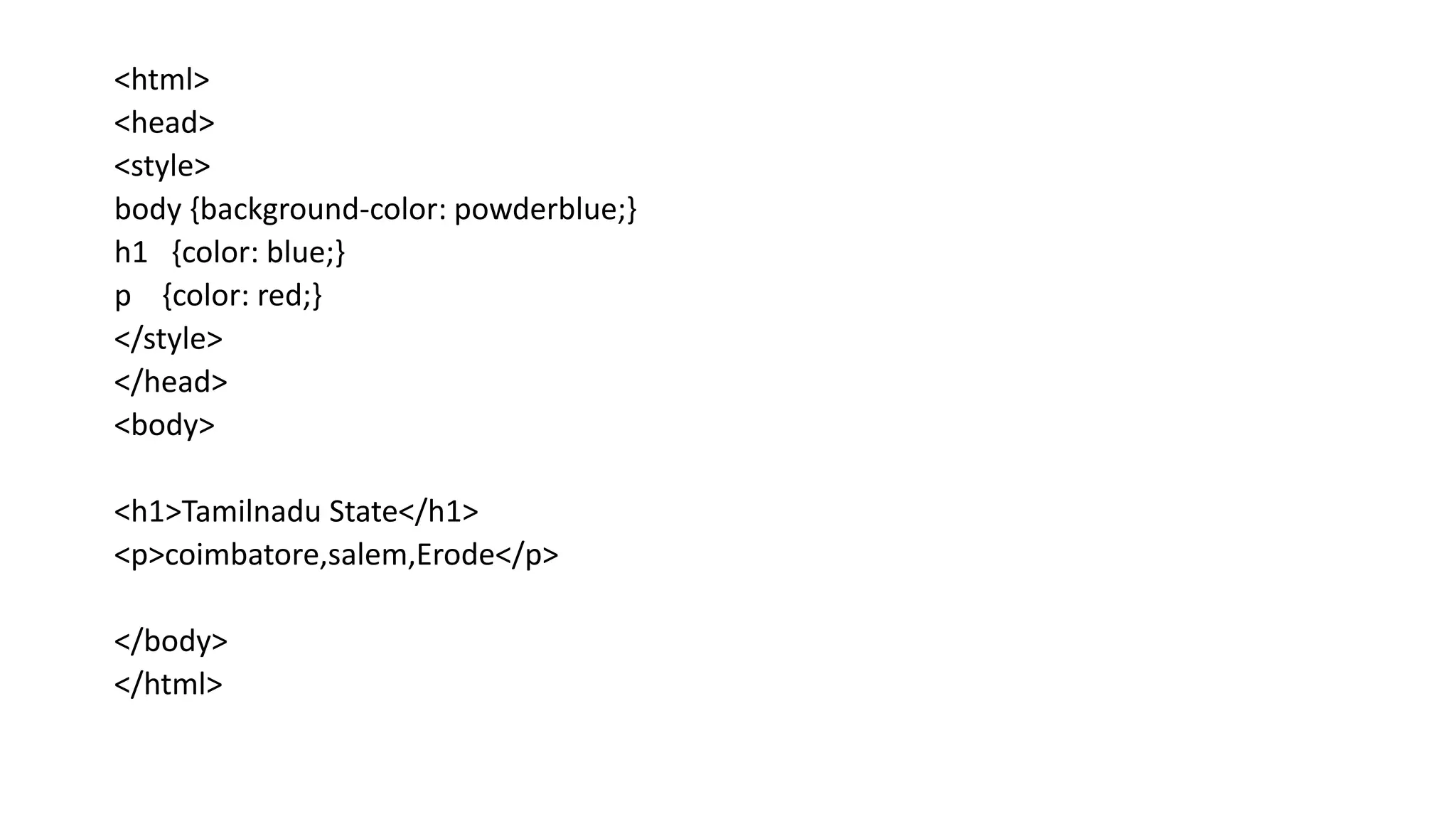
The following example
• sets the text color of ALL the <h1> elements (on that page) to blue,
• text color of ALL the <p> elements to red.
<html>
<head>
<style>
body {background-color: powderblue;}
h1 {color: blue;}
p {color: red;}
</style>
</head>
<body>
<h1>Tamilnadu State</h1>
<p>coimbatore,salem,Erode</p>
</body>
</html>
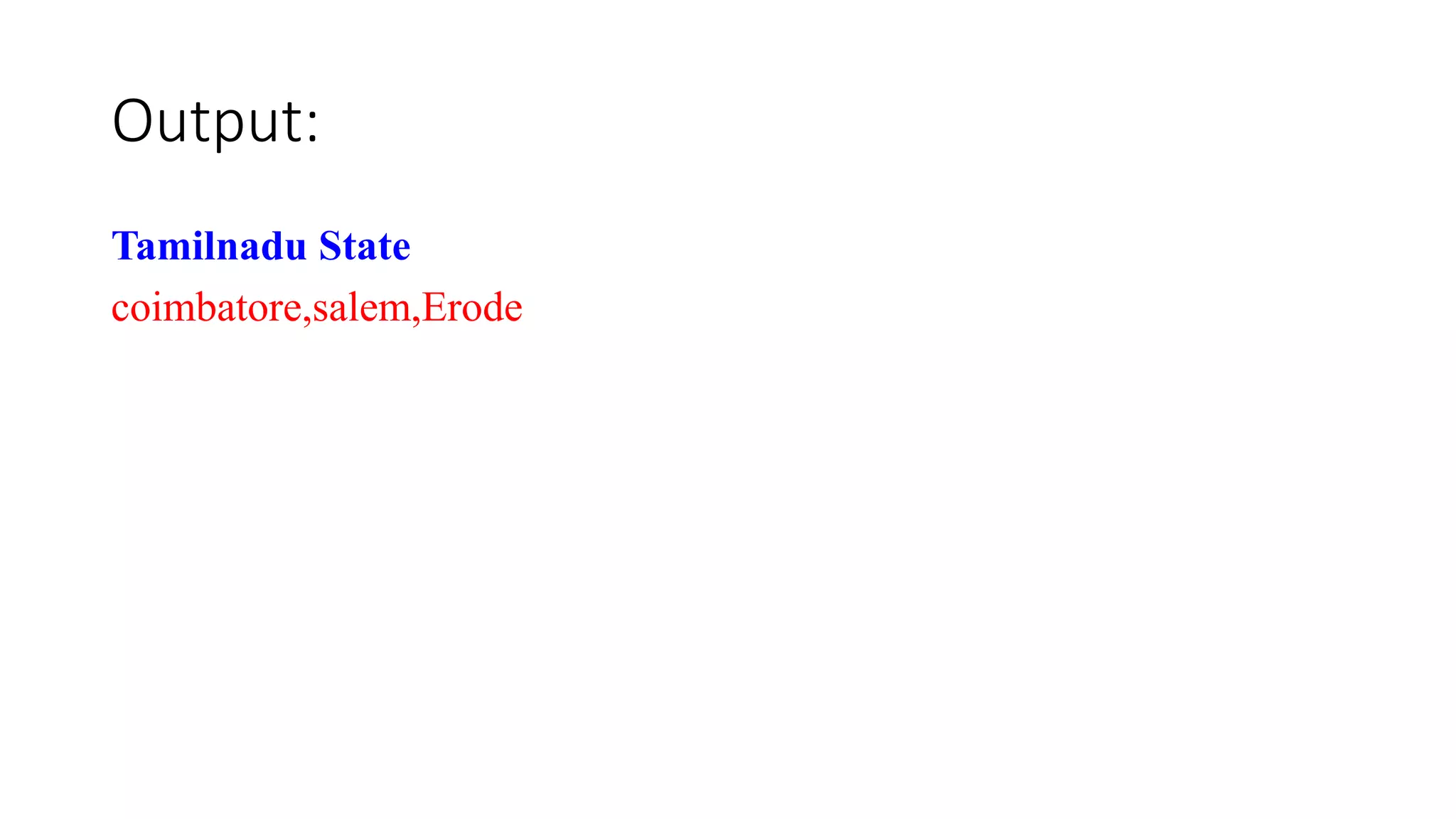
Output:
Tamilnadu State
coimbatore,salem,Erode
External CSS
• An external style sheet is used to define the style for many HTML
pages.
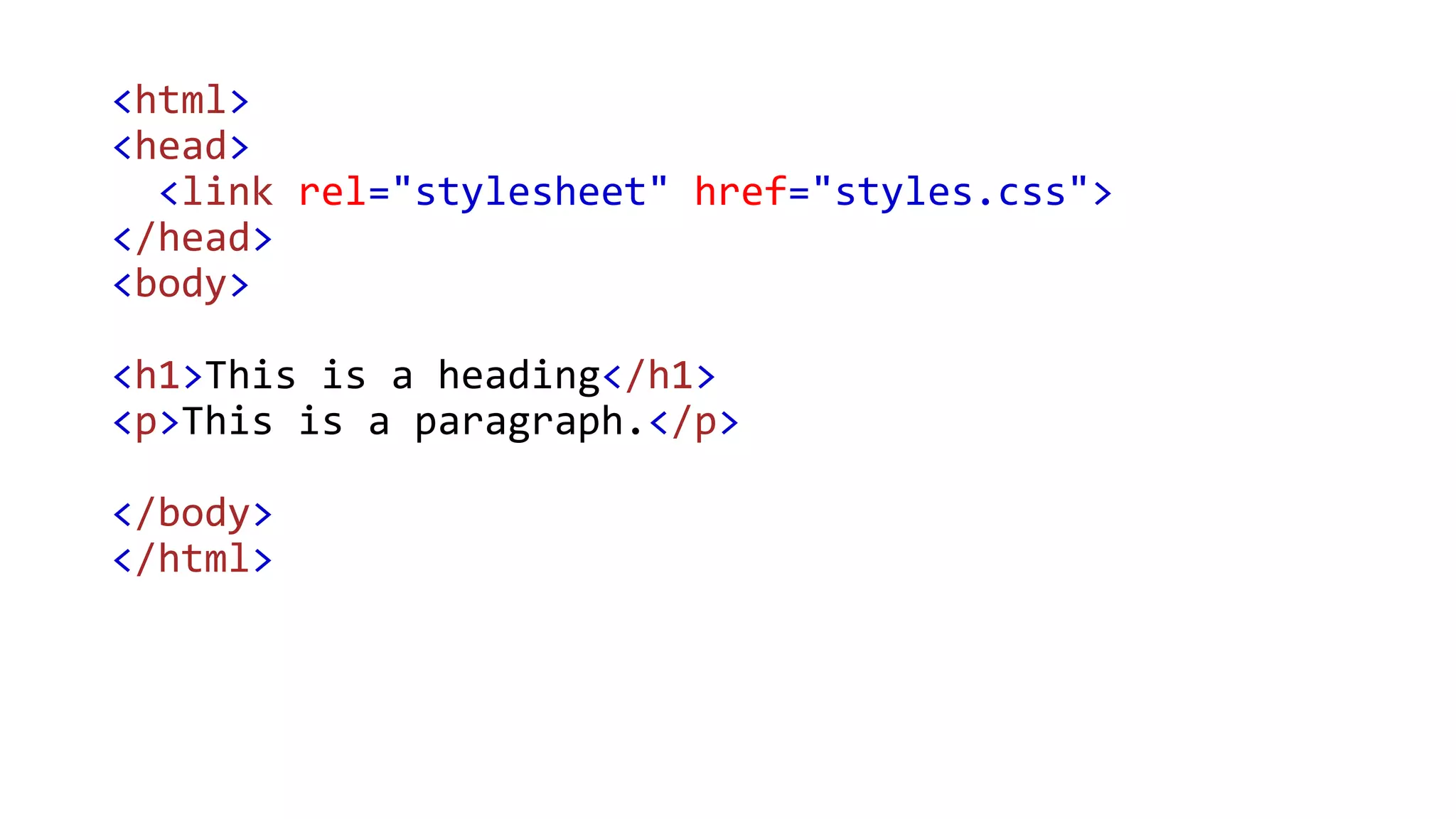
• To use an external style sheet, add a link to it in the <head> section of
each HTML page:
<html>
<head>
<link rel="stylesheet" href="styles.css">
</head>
<body>
<h1>This is a heading</h1>
<p>This is a paragraph.</p>
</body>
</html>
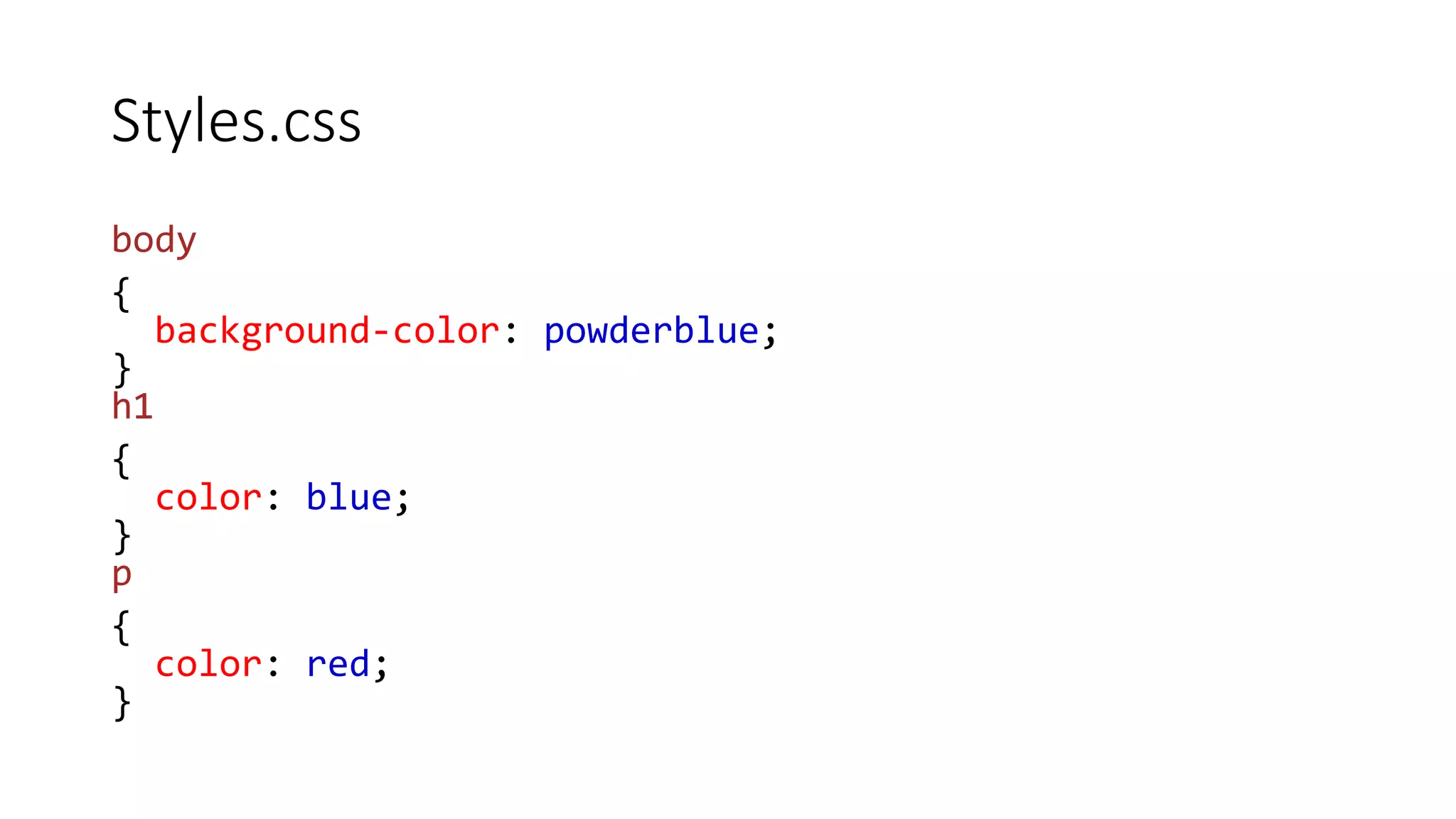
Styles.css
body
{
background-color: powderblue;
}
h1
{
color: blue;
}
p
{
color: red;
}
Problem:
• Q1:
I have two files, both in the same folder.
• home.html
• styles.css
The external css is not working.
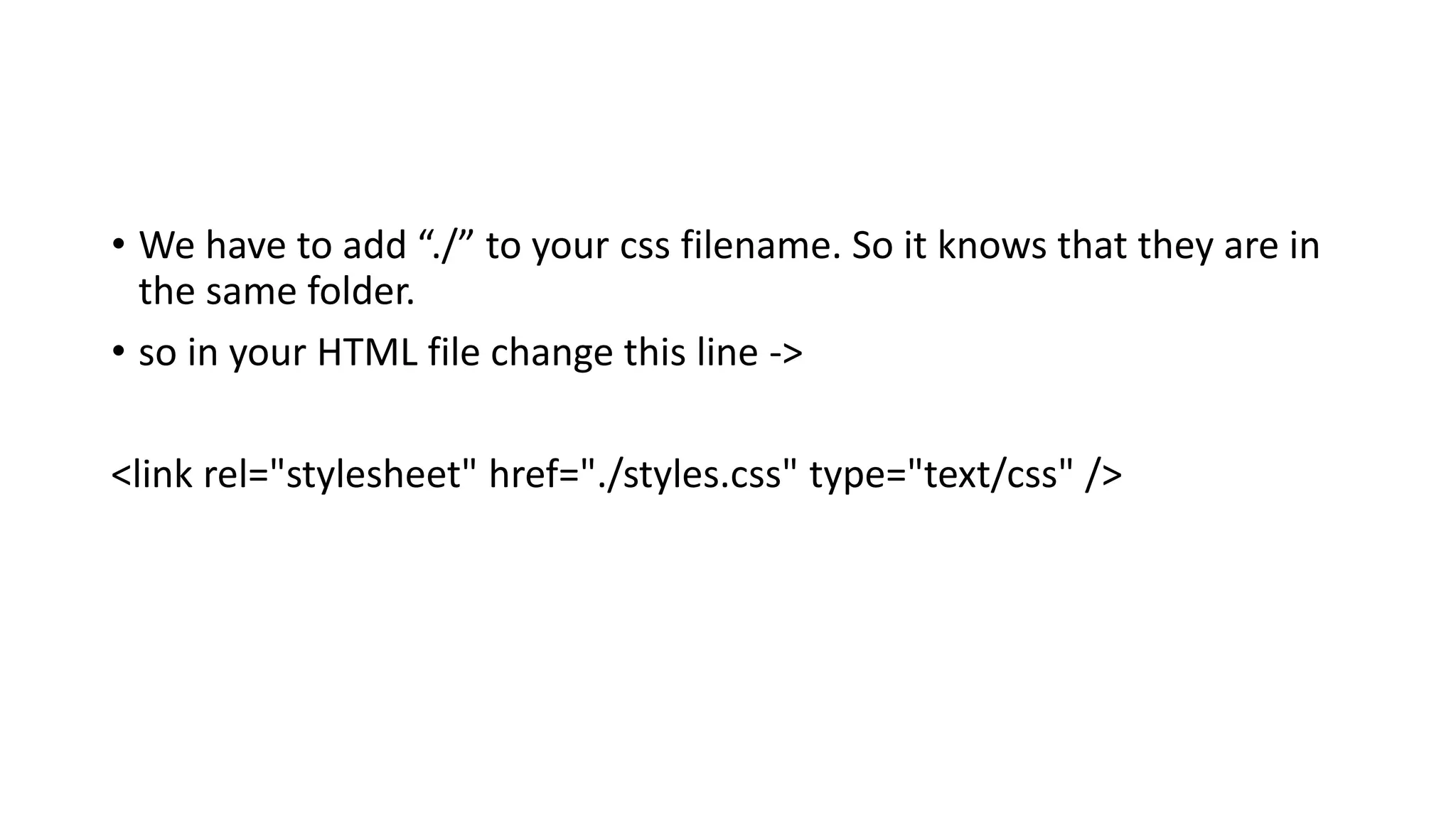
• We have to add “./” to your css filename. So it knows that they are in
the same folder.
• so in your HTML file change this line ->
<link rel="stylesheet" href="./styles.css" type="text/css" />
CSS Colors, Fonts and Sizes
• CSS properties
• The CSS color property defines the text color to be used.
• The CSS font-family property defines the font to be used.
• The CSS font-size property defines the text size to be used.
Example
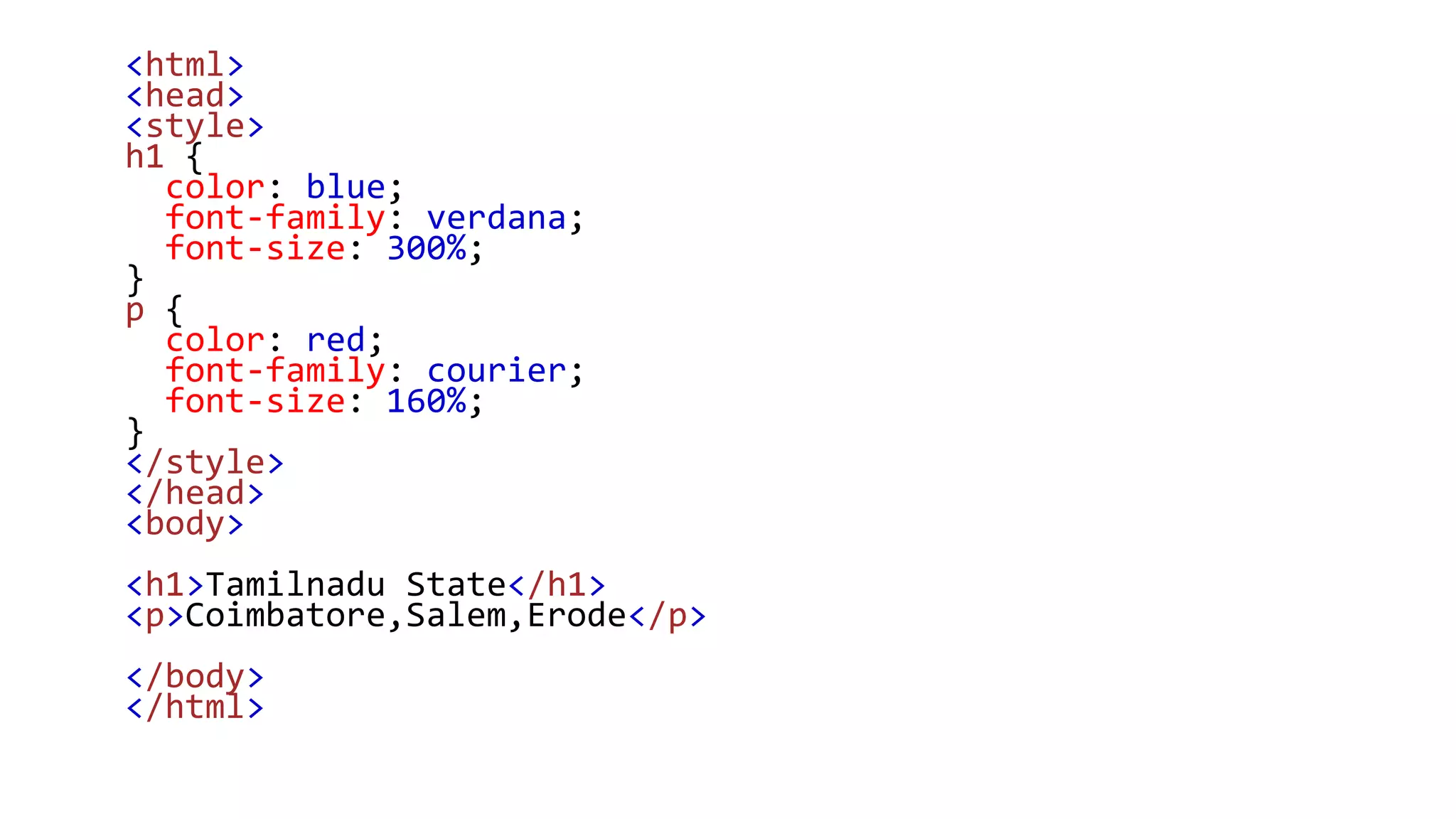
• Use of CSS color, font-family and font-size properties:
<html>
<head>
<style>
h1 {
color: blue;
font-family: verdana;
font-size: 300%;
}
p {
color: red;
font-family: courier;
font-size: 160%;
}
</style>
</head>
<body>
<h1>Tamilnadu State</h1>
<p>Coimbatore,Salem,Erode</p>
</body>
</html>
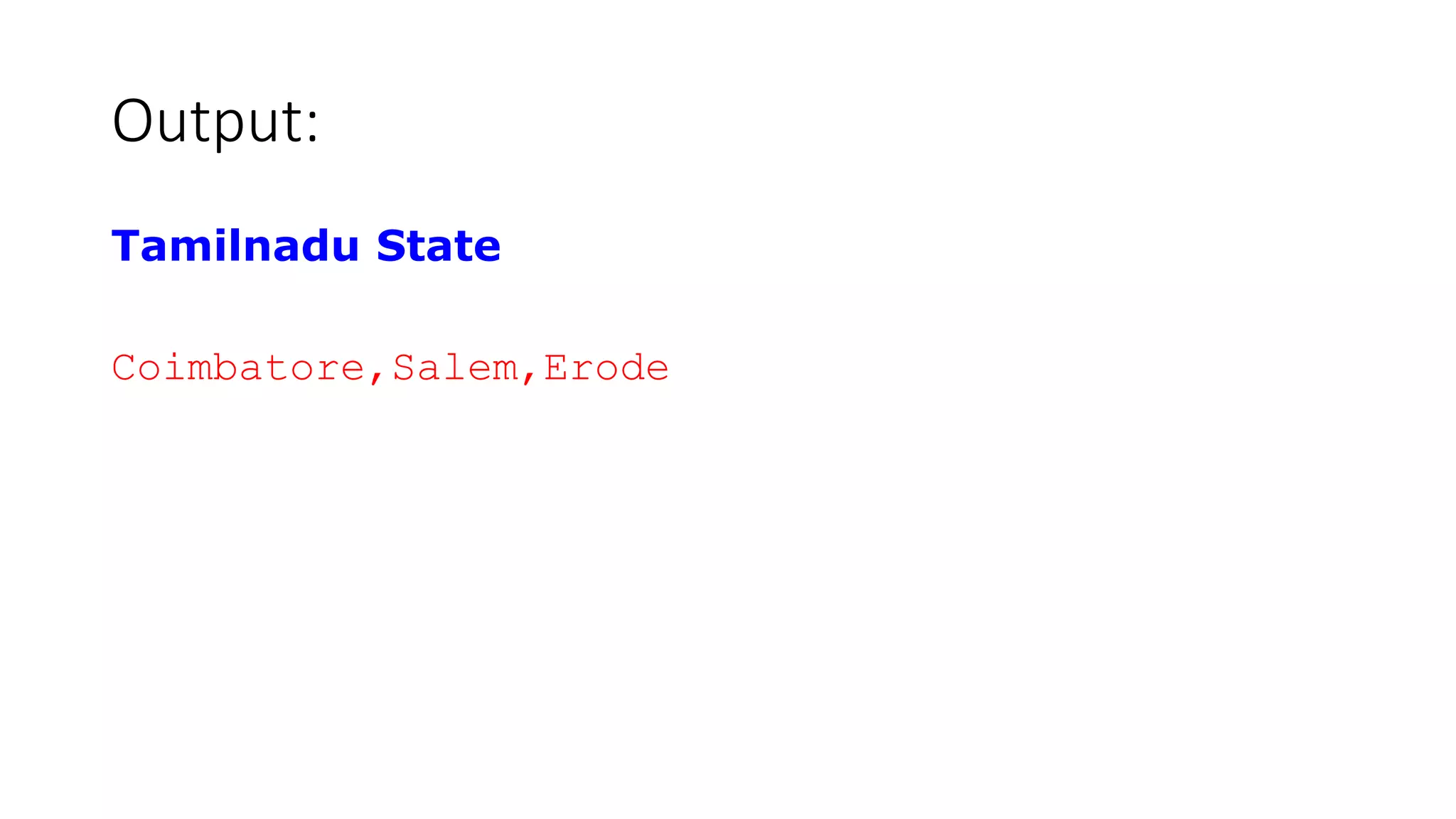
Output:
Tamilnadu State
Coimbatore,Salem,Erode
CSS Border
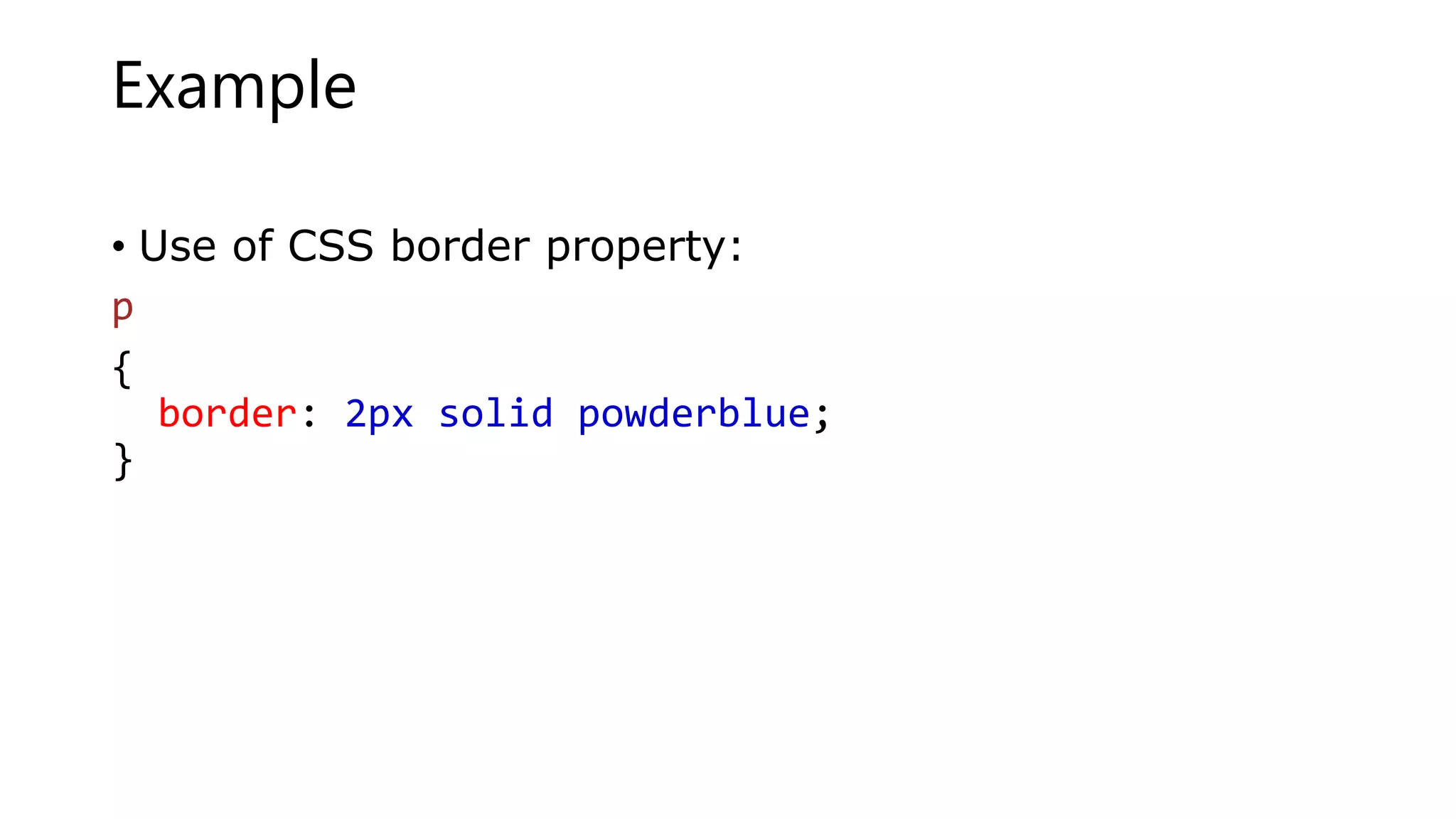
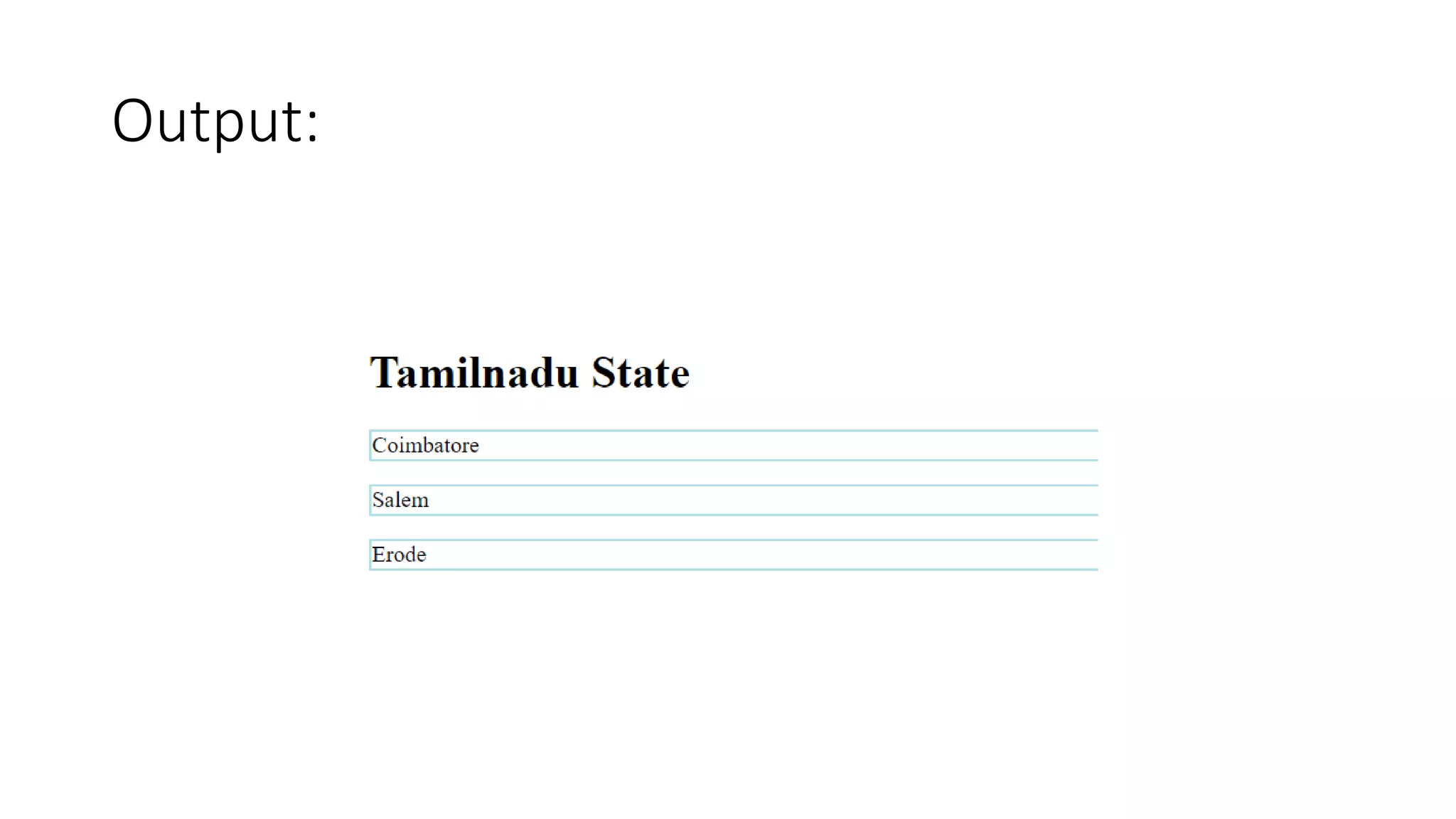
• The CSS border property defines a border around an HTML element.
Example
• Use of CSS border property:
p
{
border: 2px solid powderblue;
}
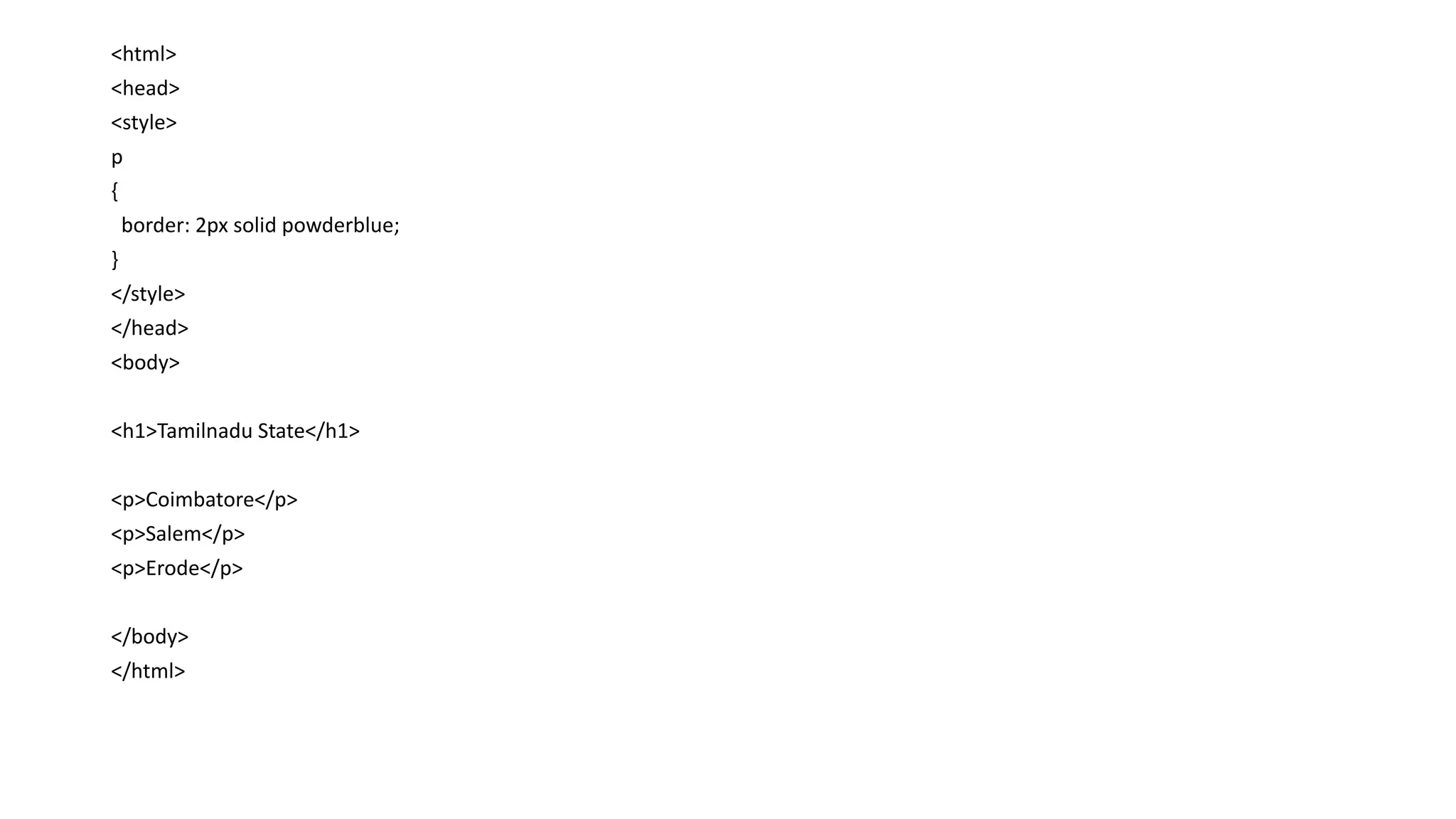
<html>
<head>
<style>
p
{
border: 2px solid powderblue;
}
</style>
</head>
<body>
<h1>Tamilnadu State</h1>
<p>Coimbatore</p>
<p>Salem</p>
<p>Erode</p>
</body>
</html>
Output:
CSS Padding
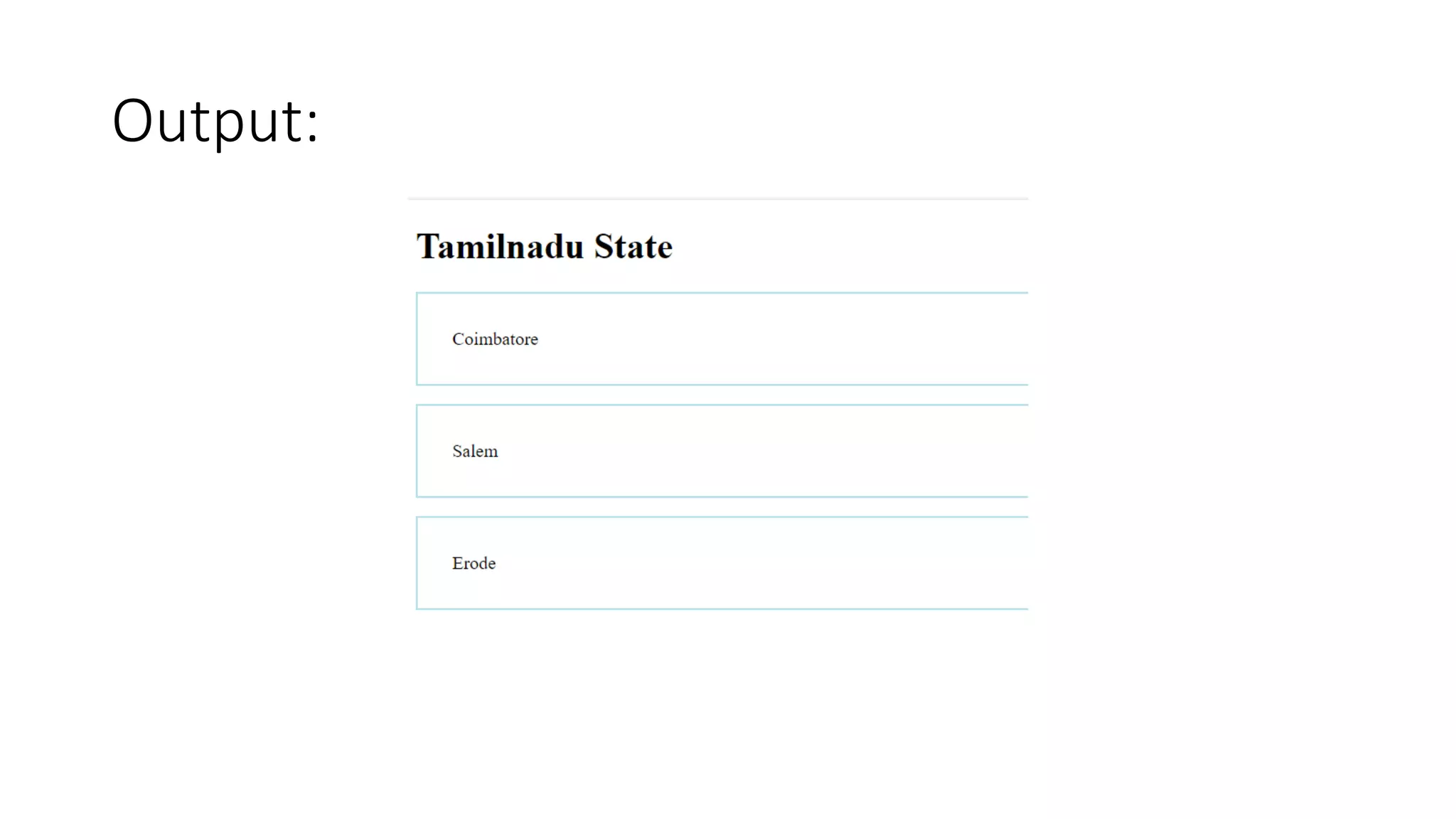
• The CSS padding property defines a padding (space) between the text
and the border.
Example
• Use of CSS border and padding properties:
<html>
<head>
<style>
P
{
border: 2px solid powderblue;
padding: 30px;
}
</style>
</head>
<body>
<h1>Tamilnadu State</h1>
<p>Coimbatore</p>
<p>Salem</p>
<p>Erode</p>
</body>
</html>
Output:
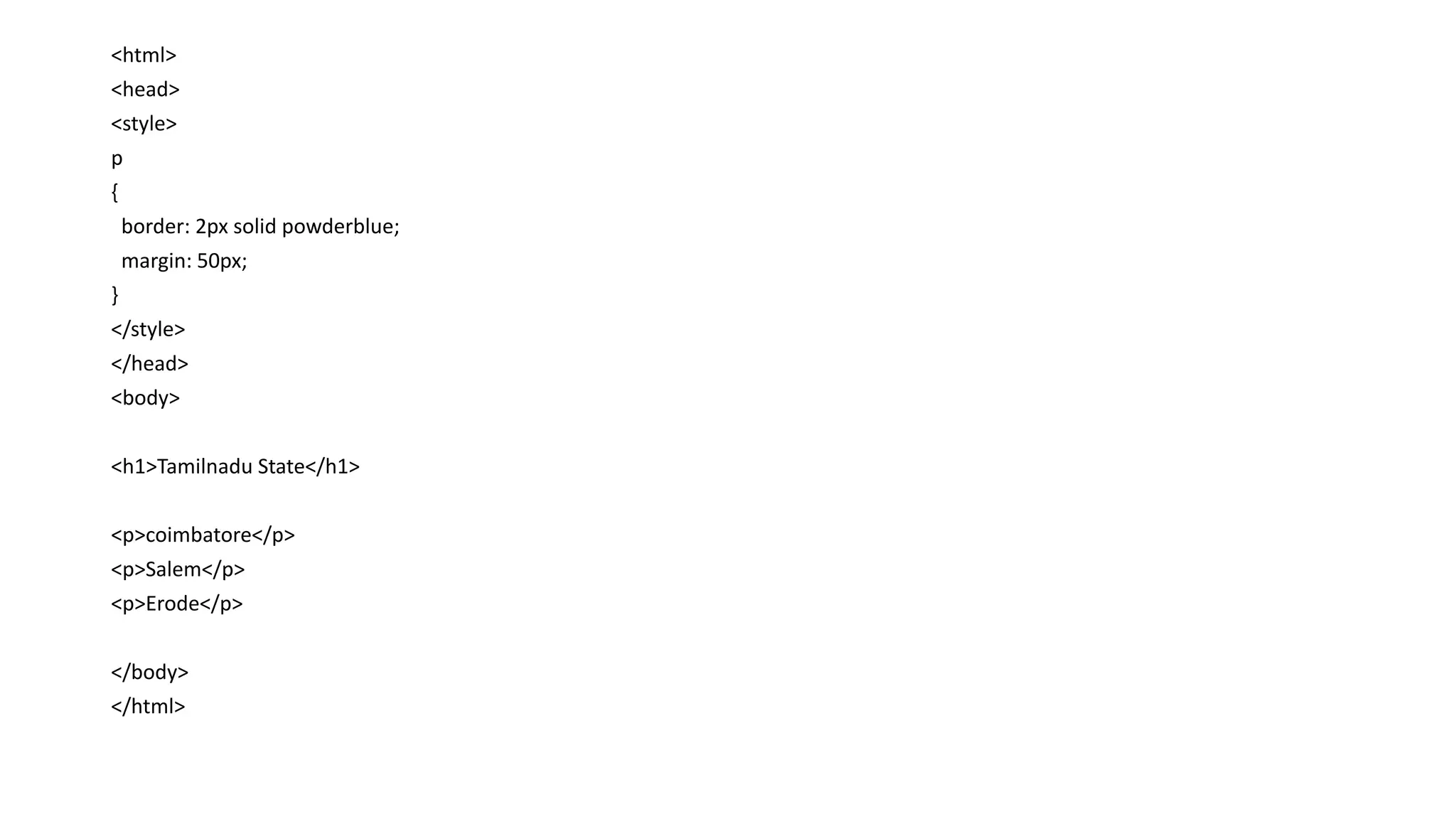
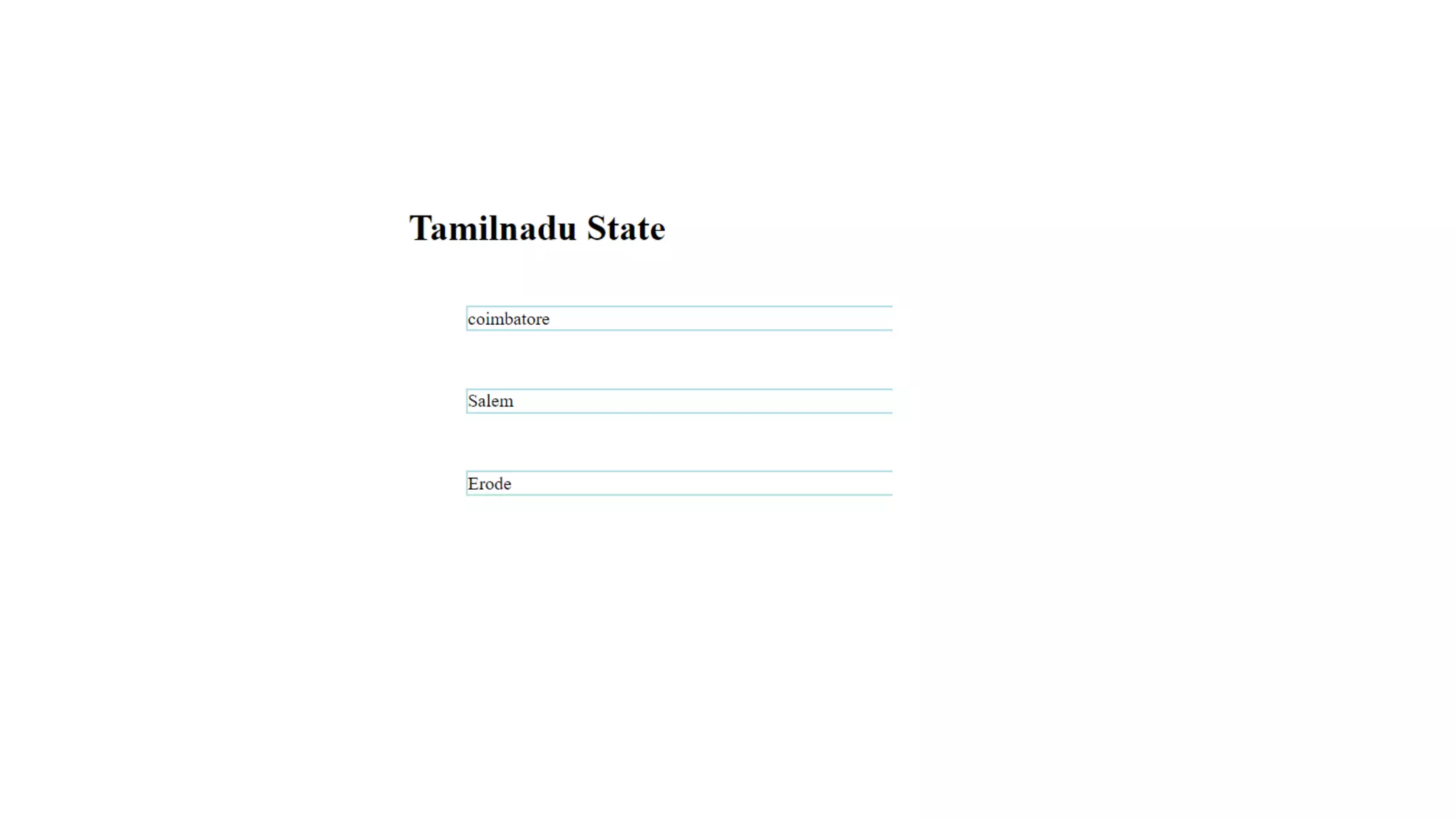
CSS Margin
• The CSS margin property defines a margin (space) outside the border.
Example
• Use of CSS border and margin properties:
<html>
<head>
<style>
p
{
border: 2px solid powderblue;
margin: 50px;
}
</style>
</head>
<body>
<h1>Tamilnadu State</h1>
<p>coimbatore</p>
<p>Salem</p>
<p>Erode</p>
</body>
</html>
Important Point:
• Use the HTML style attribute for inline styling
• Use the HTML <style> element to define internal CSS
• Use the HTML <link> element to refer to an external CSS file
• Use the HTML <head> element to store <style> and <link> elements
• Use the CSS color property for text colors
• Use the CSS font-family property for text fonts
• Use the CSS font-size property for text sizes
• Use the CSS border property for borders
• Use the CSS padding property for space inside the border
• Use the CSS margin property for space outside the border

CSS (Cascading Style Sheet)